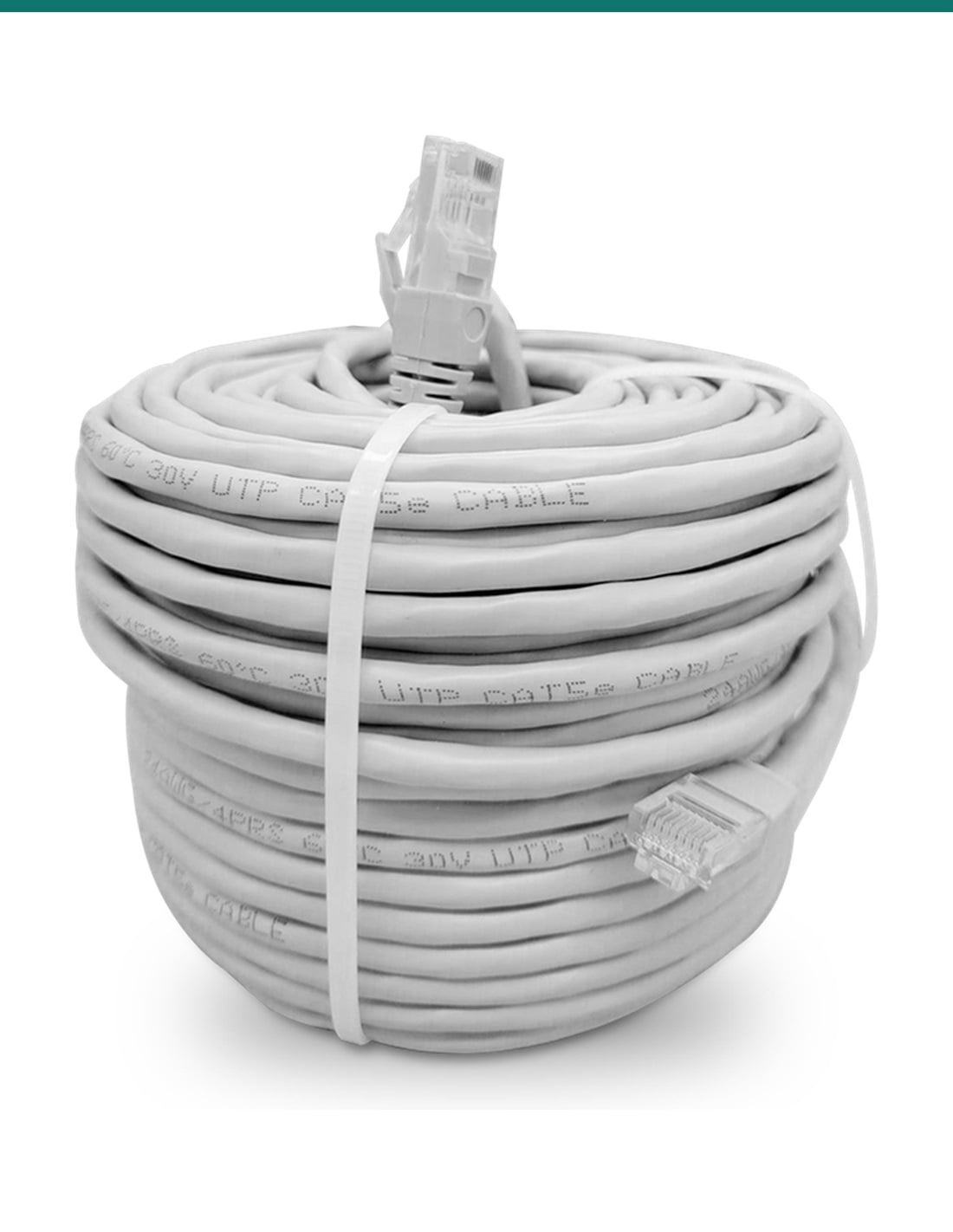
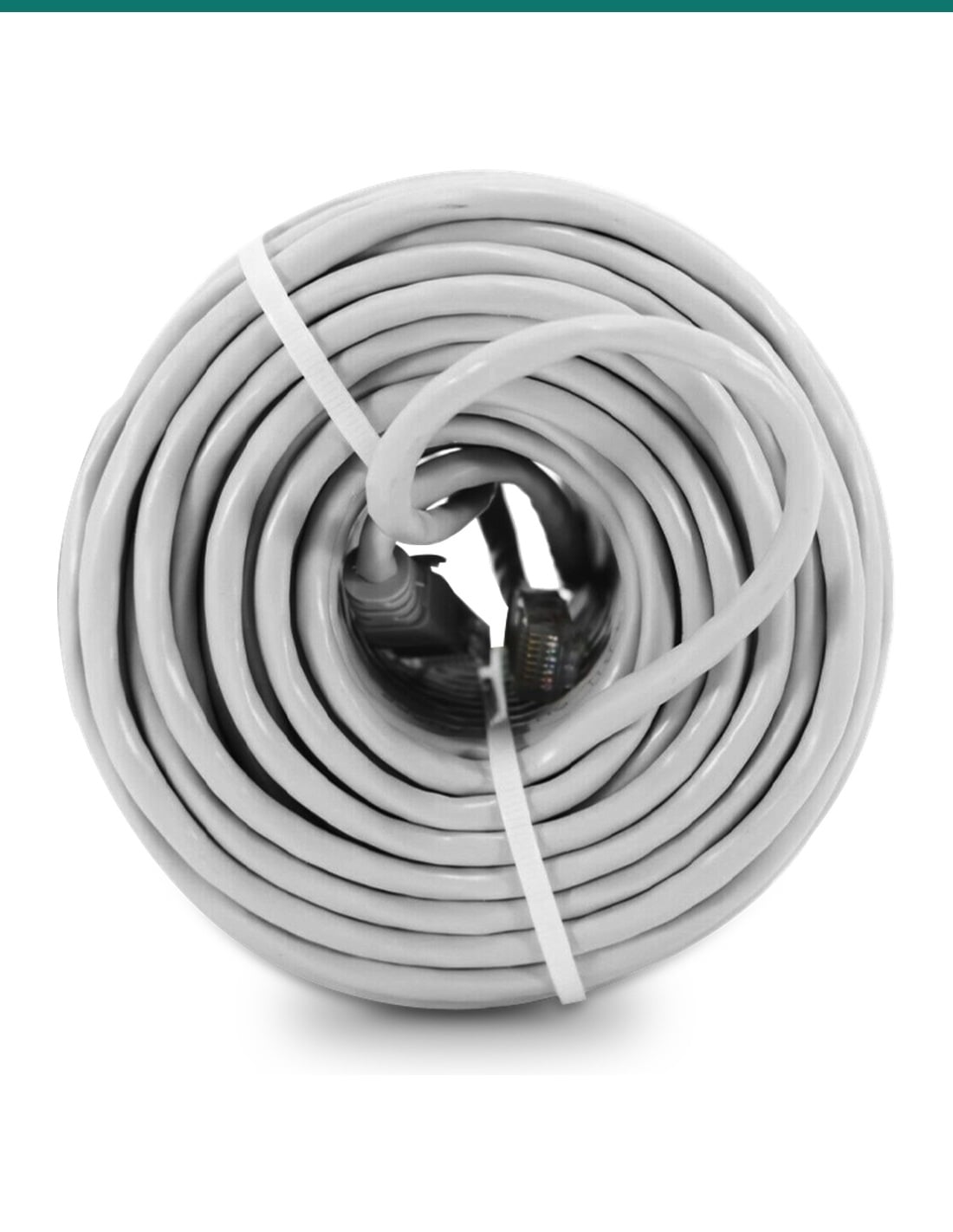
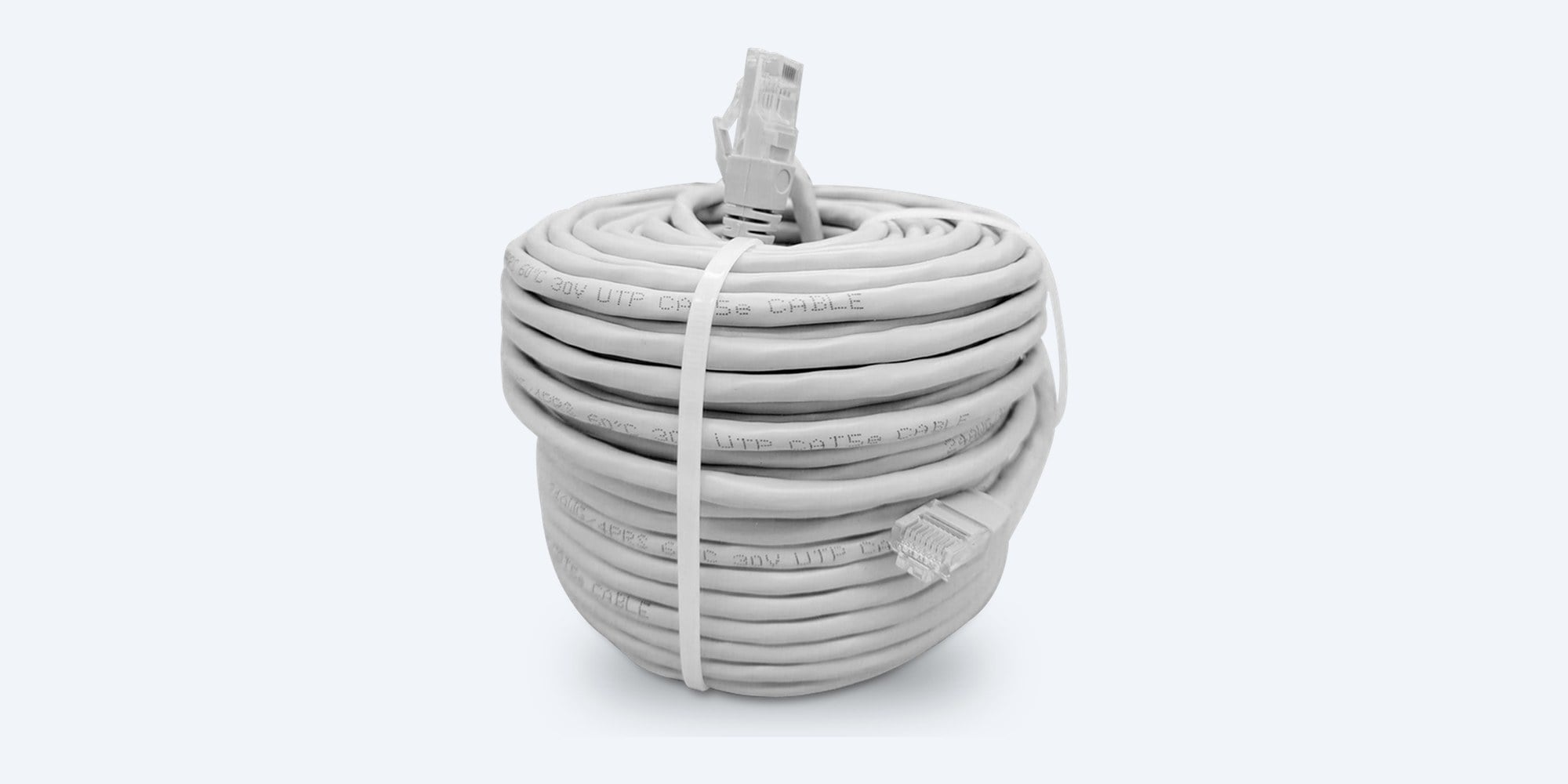
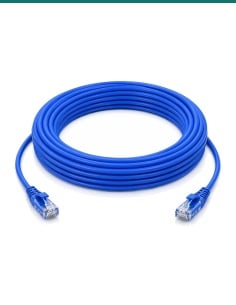
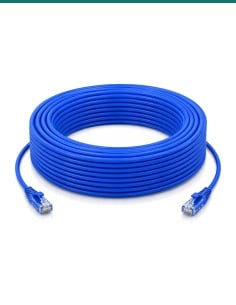
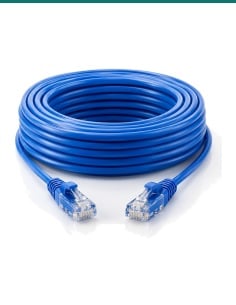
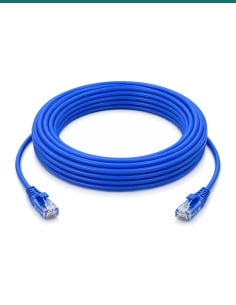
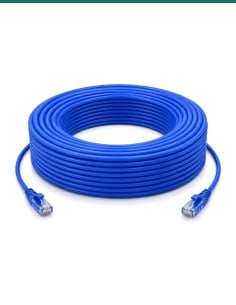
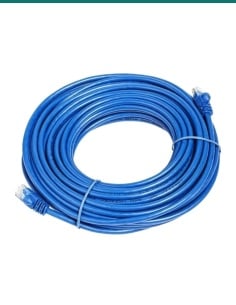
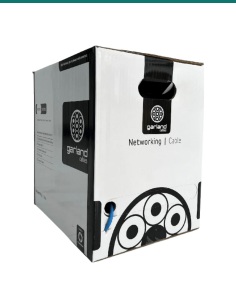
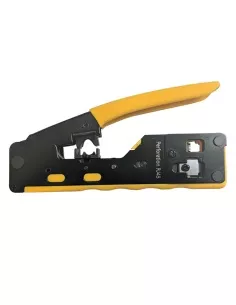
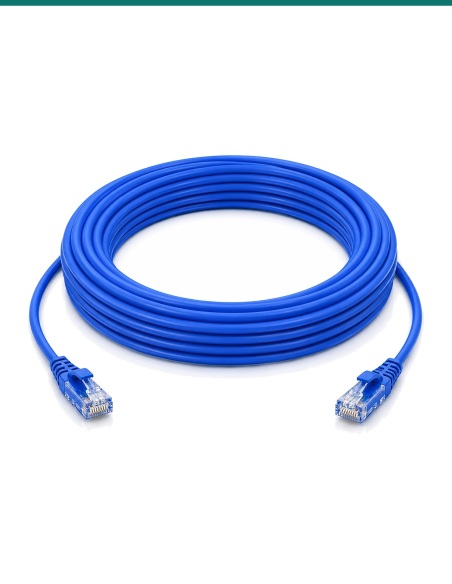
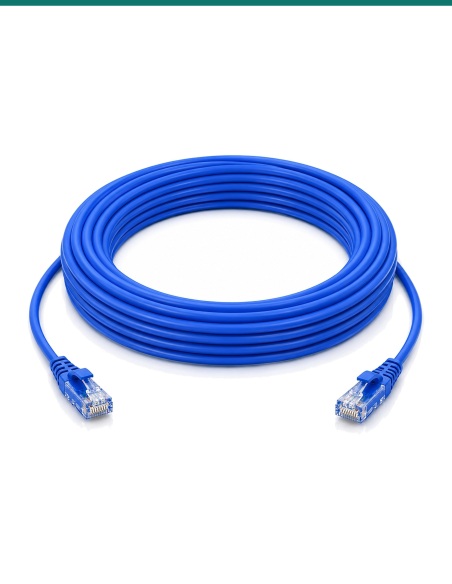
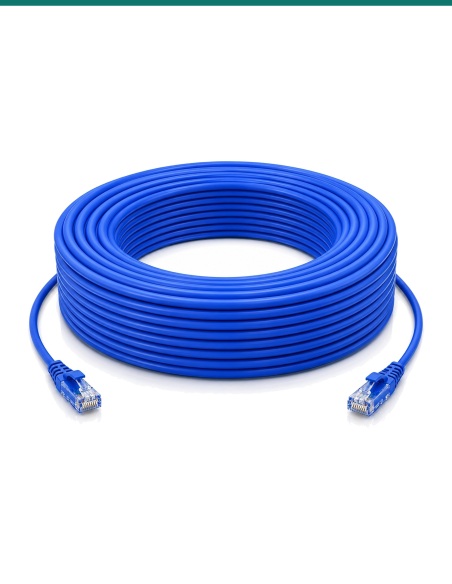
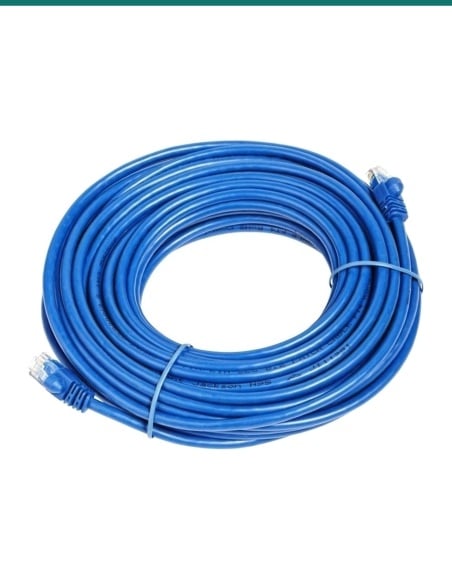
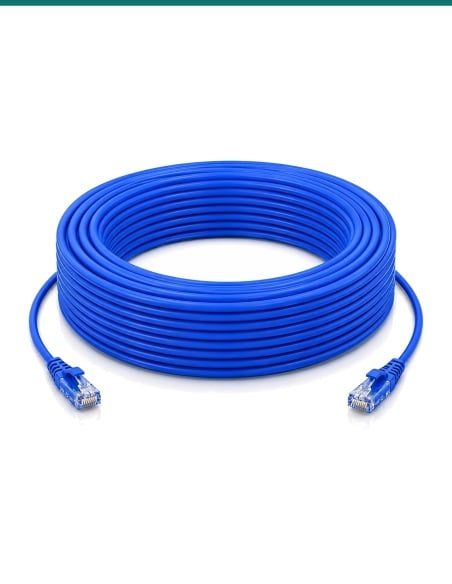
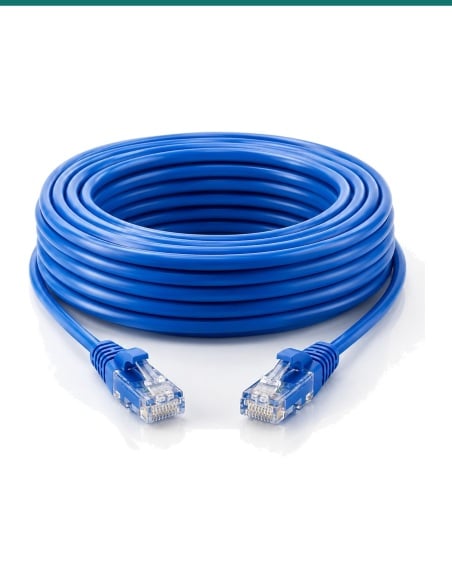
LNR-18M-Eth: original Lorex 18 m (60 ft) grey Cat5e network camera cable, 8 core, UL tested and CM rated, with an RJ45 plug at each end. Also works with Dahua cameras.
- ✓Cat5e U/UTP, 4 pairs, solid bare copper conductors
- ✓Up to 1 Gbps (10/100/1000), 100 MHz
- ✓RJ45 male to male, UL tested and certified, CM rated
- ✓Original Lorex; also works with Dahua IP cameras
- ✓18 m (60 ft), grey; carries PoE; runs up to 100 m in total
- ✓1-year warranty; Australian support; bulk quantities on request
Description

18 m of Cat5e, plugs fitted.
Gigabit and PoE, ready to clip in.
Original Lorex 18 m (60 ft) grey Cat5e network camera cable, UL CM rated, with an RJ45 plug at each end and solid bare copper conductors. It powers and connects IP cameras over PoE, and suits NVRs, switches, routers, PCs and laptops.
In one sentence: the LNR-18M-Eth is an 18 m grey Cat5e U/UTP network cable with an RJ45 plug at each end and solid bare copper conductors, carrying gigabit Ethernet and PoE for IP cameras, recorders and network gear.
Plugs fitted at both ends.
Clip one end into the camera, recorder or switch and the other into the device. A network run can be up to 100 m in total.
- 1 × 18 m grey Cat5e cable
- A PoE recorder, switch or injector to power a camera
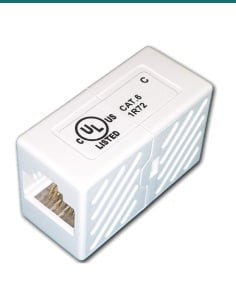
- An inline joiner if you are adding it to an existing lead
- A licensed cabler for runs inside walls or ceilings
The cable is the part you only want to run once.
Pure copper conductors carry PoE without the voltage drop of cheaper copper-clad aluminium cable, and the RJ45 plugs are fitted at the factory. Cat5e carries gigabit to 100 m.

The plugs
RJ45 at both ends.
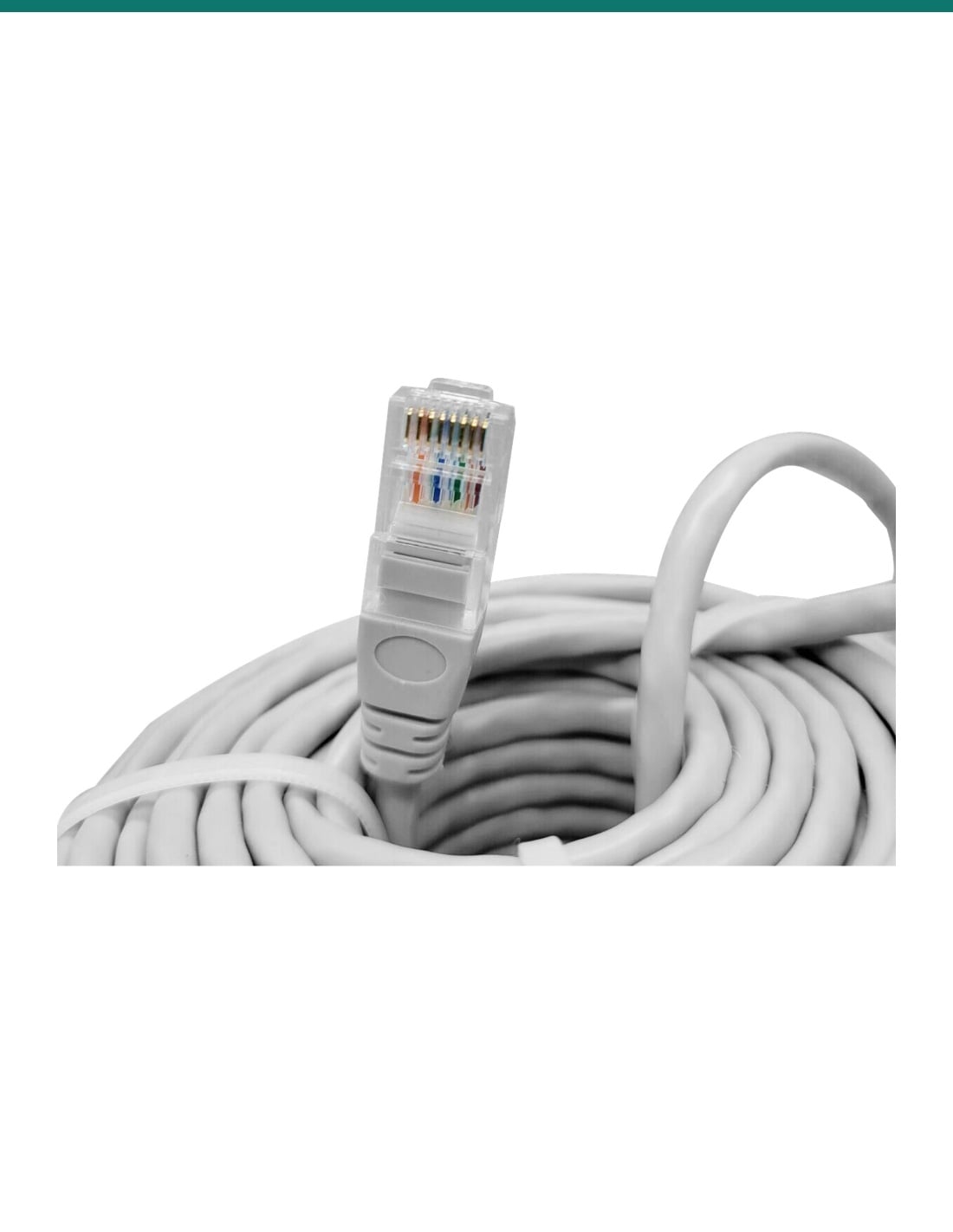
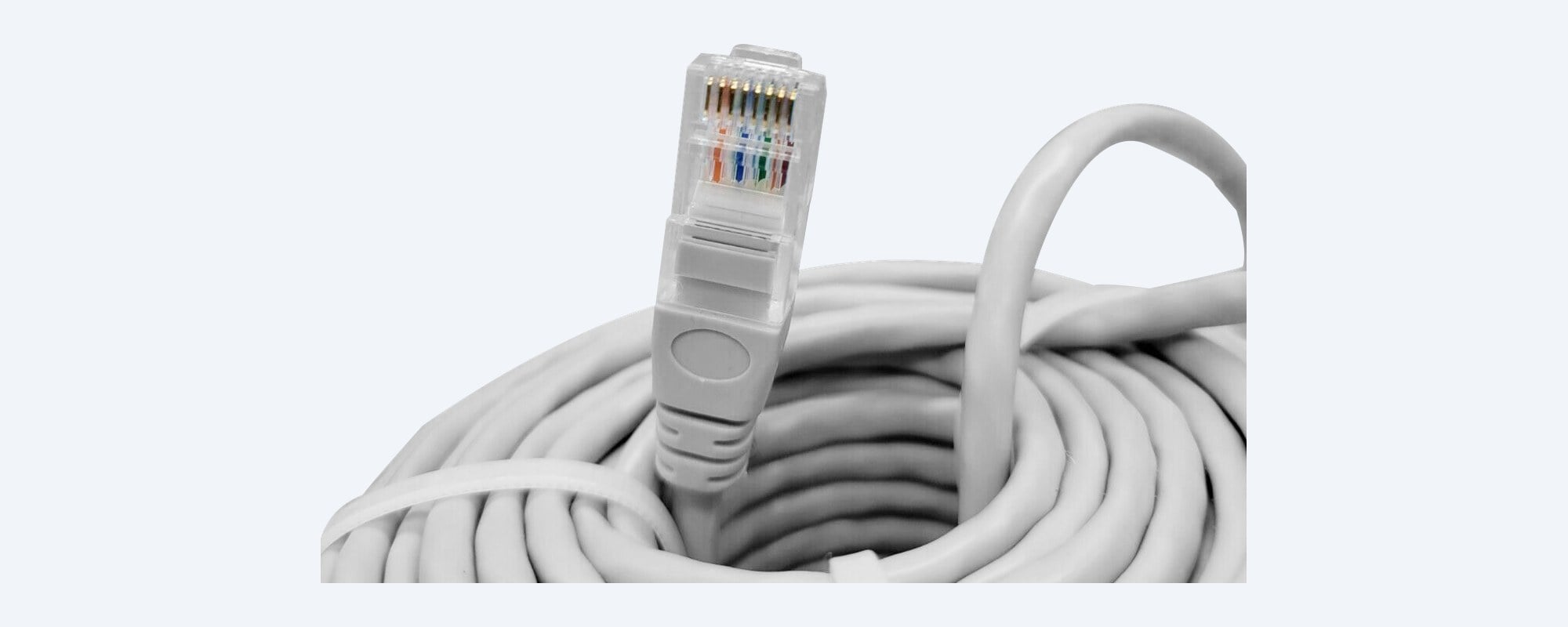
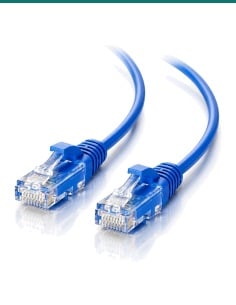
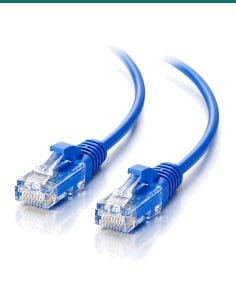
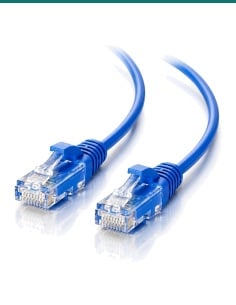
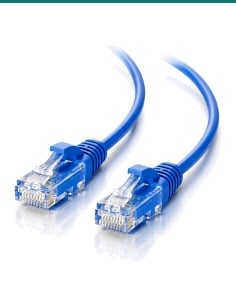
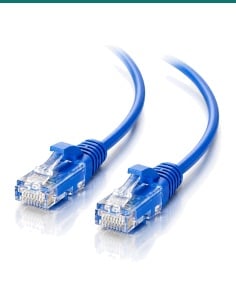
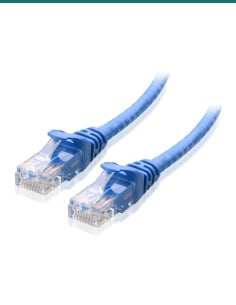
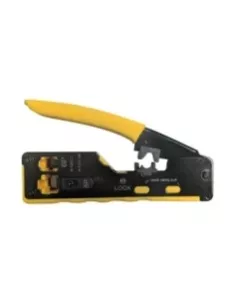
Male RJ45 (8P8C) plugs are fitted at the factory, so there is nothing to crimp. Plug in until it clicks.

Close up
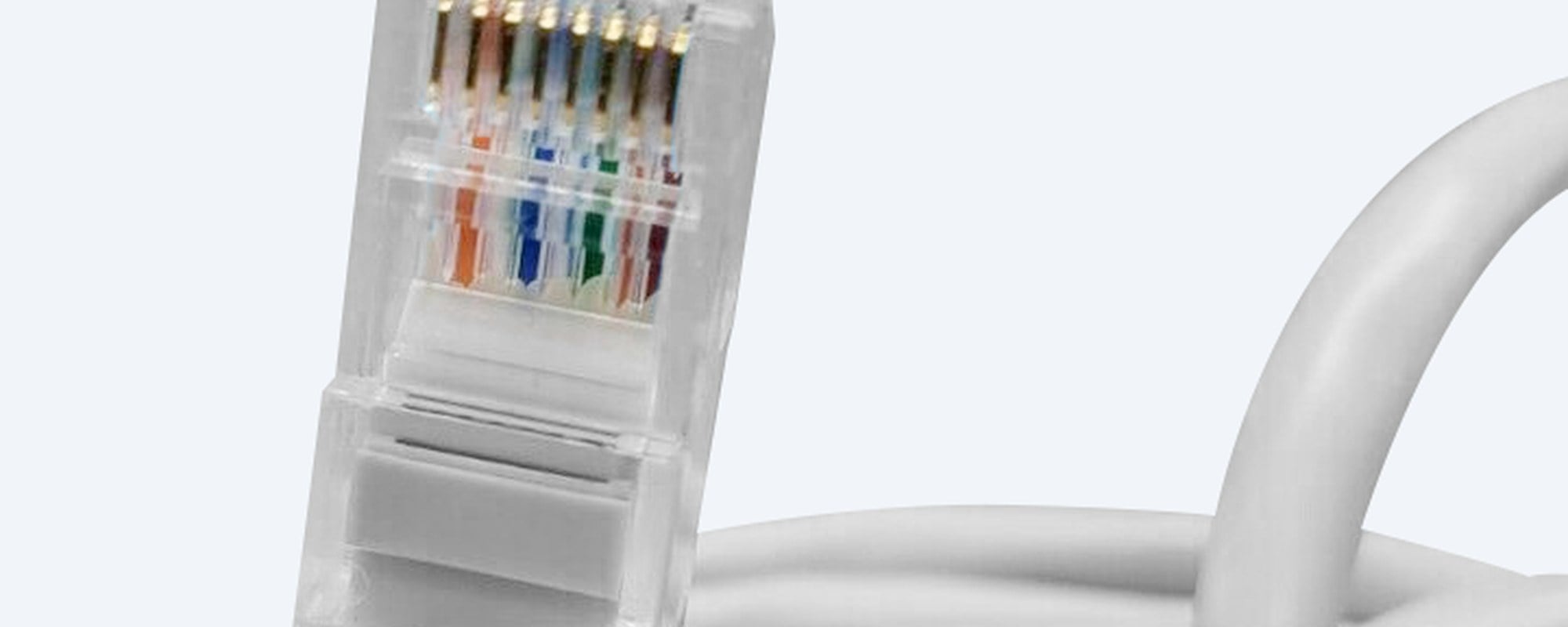
A latch that stays put.
Eight contacts, wired straight-through, the same as every standard Ethernet port.
How it goes in
Measure, run, clip in.
01
Measure the route
Horizontal distance, plus the vertical runs up walls and through the ceiling, plus a few metres spare.
02
Run the cable
Pull it plug first, without kinking or crushing it, and keep it clear of mains power cables.
03
Clip in both ends
Push each RJ45 plug into its port until it clicks: camera or device at one end, recorder, switch or router at the other.
04
Check the link
The port lights come on and a PoE camera powers up and appears on the recorder.
At a glance
LNR-18M-Eth
Show specs
Model
LNR-18M-Eth
Category
Cat5e, U/UTP (unshielded)
Rating
UL tested and certified, CM type
Length
18 m (60 ft)
Colour
Grey
Conductors
4 twisted pairs, 8 solid bare copper conductors
Bandwidth
100 MHz
Speed
10/100/1000 Mbps (gigabit) up to 100 m
Plugs
RJ45 (8P8C) male at each end
Wiring
Straight-through
PoE
Yes: 802.3af, 802.3at and 802.3bt
Maximum run
100 m in total per network link
Use
Indoor; outdoors in conduit
Warranty
1 year

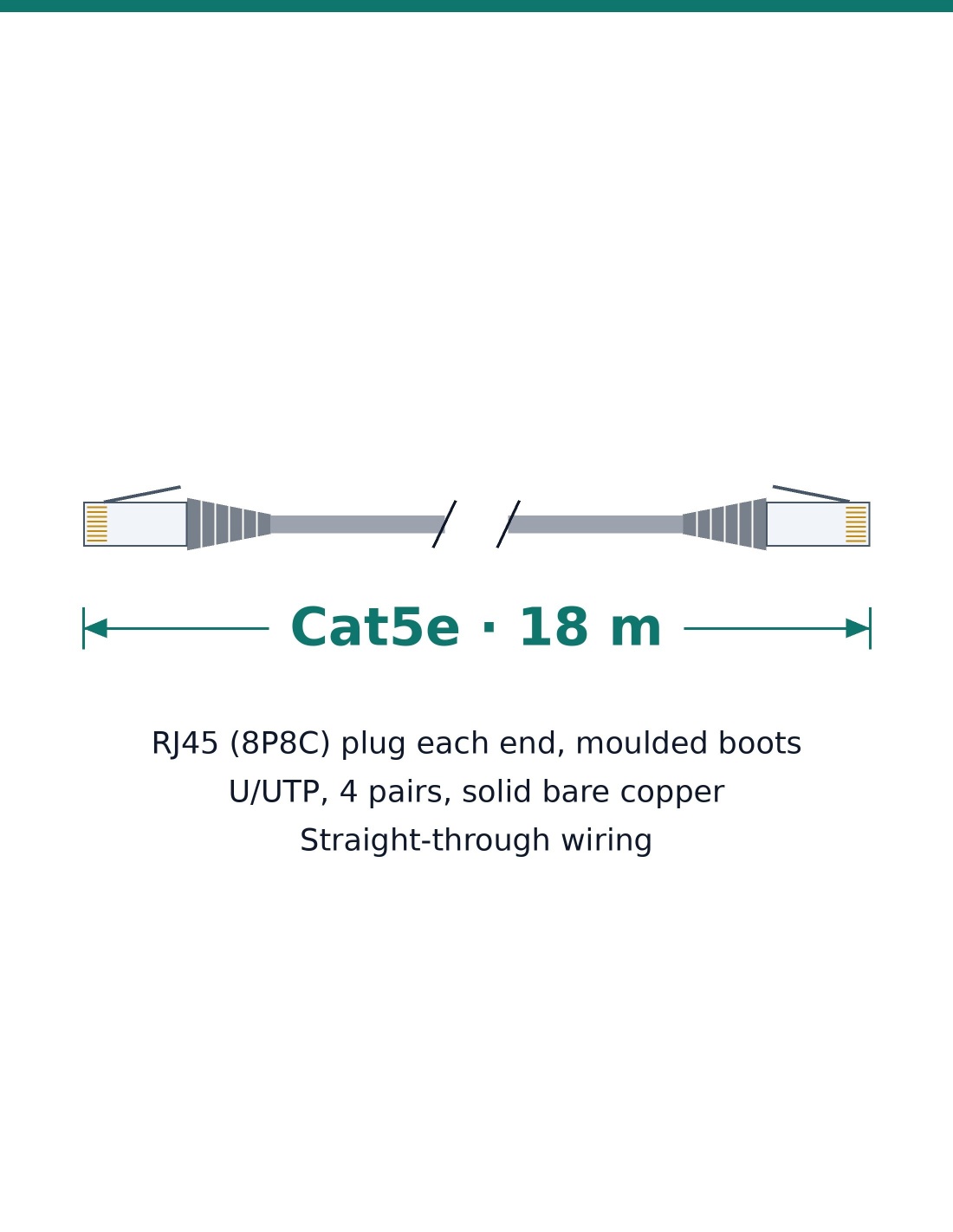
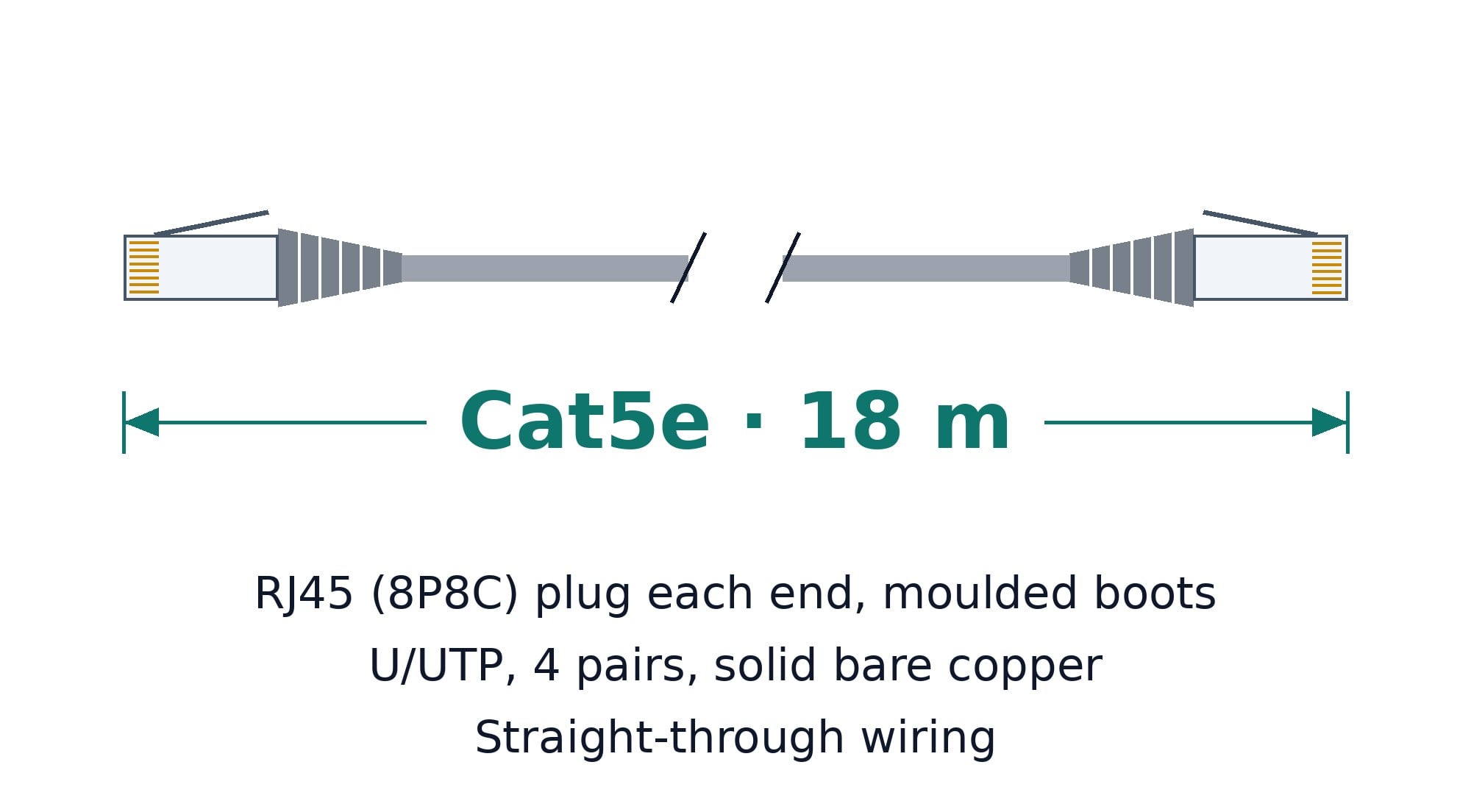
18 m plug to plug. Drawing not to scale.
Pair it with
Good to add
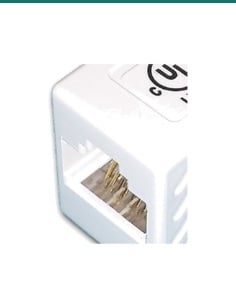
Join two leads
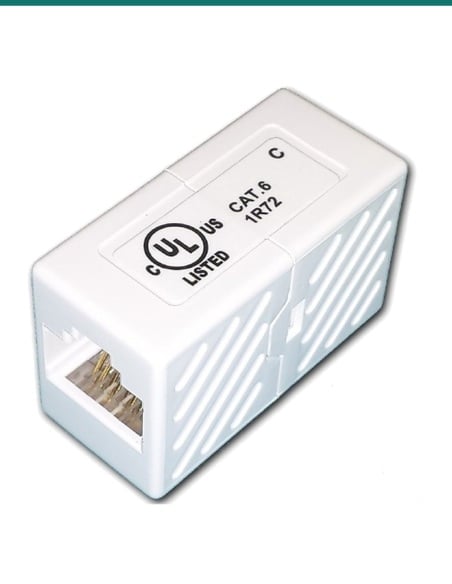
CAB-CAT6-JOINER
A female-to-female inline joiner extends a Cat5e or Cat6 lead; keep the total run under 100 m.
Re-terminate
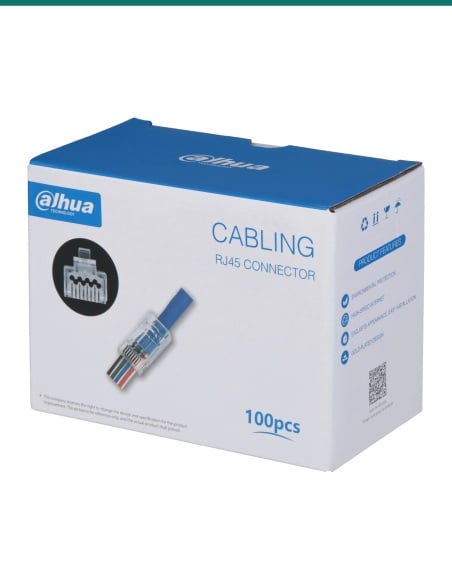
RJ45 pass-through plugs
RJ45-AC5P for Cat5e or RJ45-AC6P for Cat6, when you need to cut the cable to fit a small hole.
Custom runs
Cat6 305 m box
CABLE-CAT6-BU solid copper Cat6 for runs you terminate yourself or with your cabler.
Power
A PoE switch or injector
Powers cameras and access points over this cable when the recorder has no free PoE port.
Where it is used
Where an 18 m Cat5e cable fits.
IP cameras
From a camera on the eave back to the NVR or PoE switch.
Recorder to router
An NVR in a cupboard or study, to the modem in another room.
Wi-Fi access points
A ceiling or wall access point powered by PoE.
PCs and TVs
A wired, stable link for the computer, smart TV or game console.
Extending a camera lead
Join to an existing lead with an inline joiner when a camera moves.
Lorex IP cameras
Original Lorex lead for Lorex NVR systems, and Dahua IP cameras too.
LNR-18M-Eth or CAB-CAT5E-20BLU
| LNR-18M-Eth (this cable) | CAB-CAT5E-20BLU | |
|---|---|---|
| Category | Cat5e | Cat5e |
| Length and colour | 18 m, grey | 20 m, blue |
| Bandwidth | 100 MHz | 100 MHz |
| Speed | Gigabit | Gigabit |
| PoE | Yes | Yes |
The same cable in another length. Measure the route, then allow a few metres extra.
Common questions
Cat5e or Cat6: which do I need?
Both carry gigabit Ethernet and PoE up to 100 m, which covers every IP camera. Cat6 is rated to 250 MHz (Cat5e 100 MHz), with tighter twists that resist interference, so it gives more headroom on long runs and can carry 10 Gbps up to about 55 m. For CCTV, Cat5e is fine for shorter runs; over about 30 m we suggest Cat6.
Will it carry PoE to my camera?
Yes. The pure copper conductors carry Power over Ethernet (802.3af, 802.3at and 802.3bt) from the NVR, PoE switch or injector, so the camera needs no power point.
Is it pure copper?
Yes. Lorex states the cable uses solid insulated bare copper conductors.
How long can a network run be?
100 m in total from the recorder or switch to the camera. Past that, put a PoE extender or switch in the middle. Joining two leads with an inline joiner is fine as long as the total stays under 100 m.
How do I work out the length I need?
Measure the horizontal distance from the camera to the recorder, add the vertical runs up walls and through ceilings, and allow a few metres extra for twists and turns you can't see. It is always better to have a cable a little longer than too short.
Are the plugs fitted?
Yes. It has an RJ45 plug at each end (male to male) and simply clips into the camera and recorder.
Will it fit through a small hole?
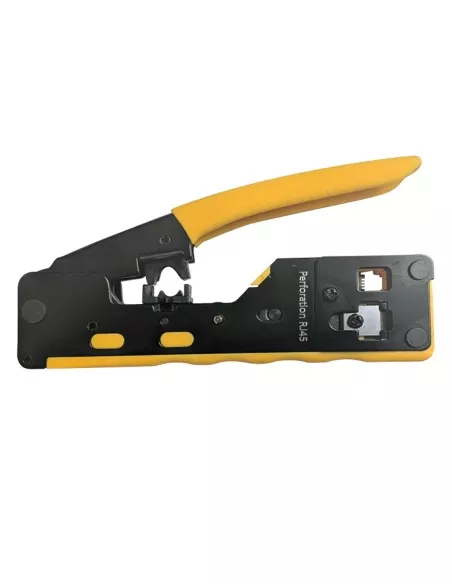
The plug and boot need a hole a little bigger than the plug. For a smaller hole, cut the plug off, pull the cable through and fit a new RJ45 plug with a crimp tool; pass-through plugs make this easier.
Can I use it outside?
It is made for indoor use. Outdoors, run it in conduit out of the sun and keep the plugs dry inside a junction box or the camera's cable cover. It is not rated for direct burial.
Will it work with Dahua cameras?
Yes. It is a standard Cat5e lead with RJ45 plugs, so it works with Dahua IP cameras and recorders too.
What does UL CM rated mean?
The cable is UL tested and certified to the CM communications cable standard, which covers its fire resistance for general use inside a building.
Is it a straight-through or crossover cable?
Straight-through: both ends are wired the same, which is what cameras, recorders, switches, routers and PCs use.
What warranty does it have?
1 year. InFront Technologies handles warranty and support in Australia on 1300 736 970. For bulk quantities of Cat5e or Cat6 leads, call us.
Supported by InFront Technologies.
Australian-based support. Not sure which length or type you need, or after bulk quantities? Call 1300 736 970 or email [email protected].
Installation and safety
Cabling. Plugging leads into equipment is fine to do yourself. Cable fixed inside walls or ceilings is customer cabling under AS/CA S009 and needs an ACMA-registered cabler.
Power. PoE is extra-low voltage. Keep network cable apart from mains power cables, and never run it in the same conduit.
What it does not do. It is not shielded, not a crossover cable and not rated for direct burial.
Figures. Bandwidth and speed are the TIA-568 ratings for the category. UL CM rating and conductors from Lorex.