There are no more items in your cart
In stock
Uniview Mounts & Accessories


An OmniView bullet with two F1.0 lenses stitched into one 180° picture, colour night video, a red and blue warning light with speaker, two-way audio, people counting and smart intrusion prevention.
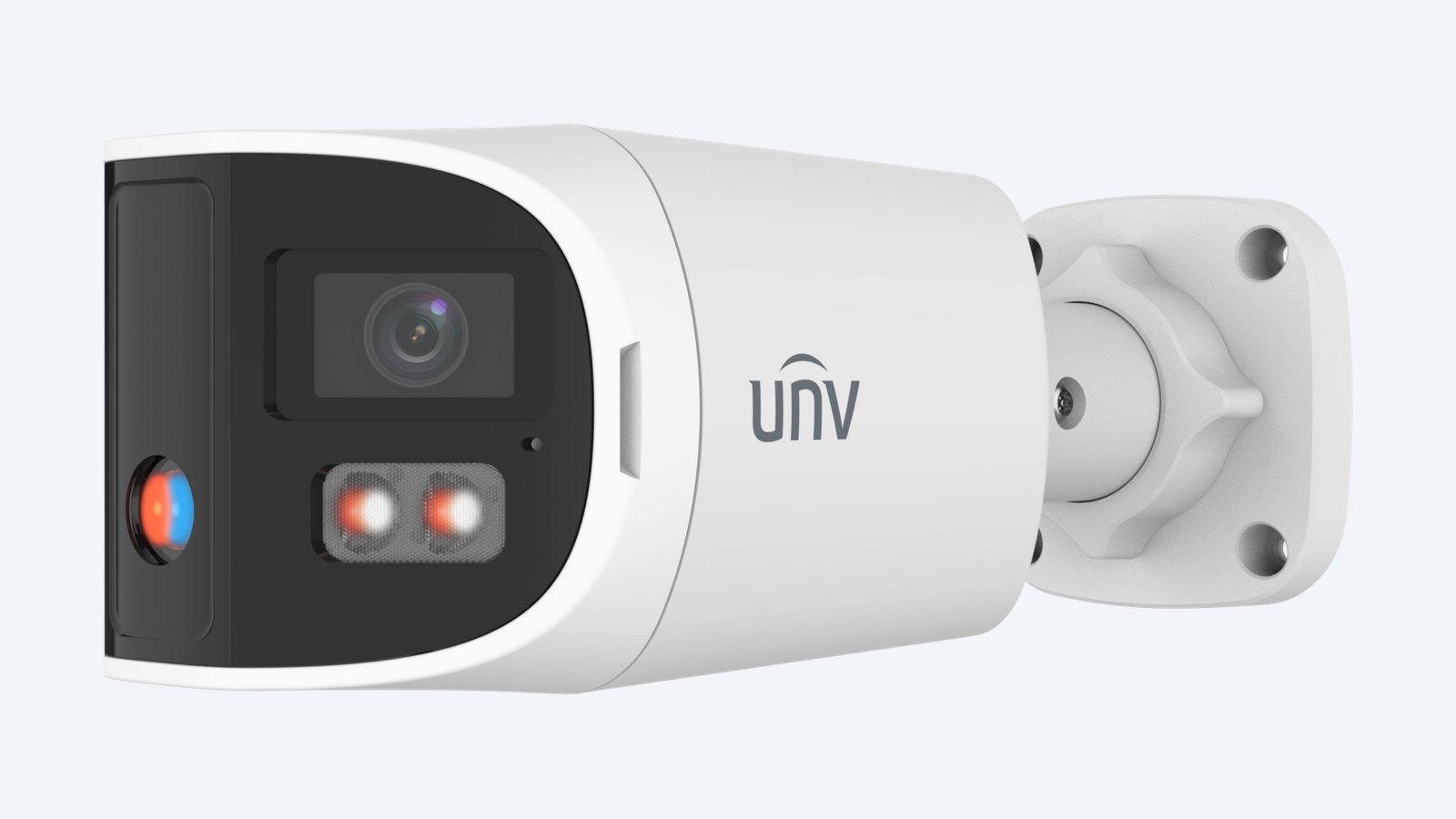
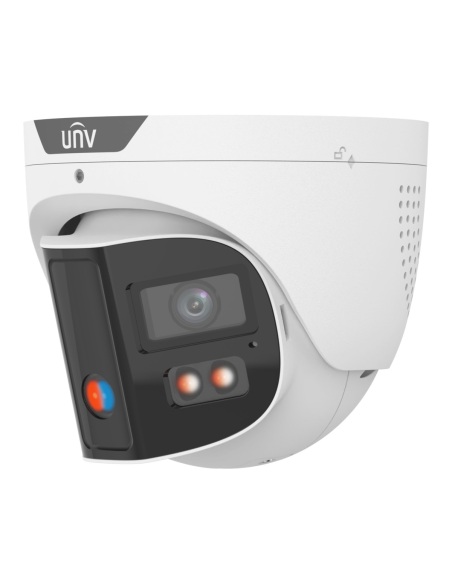
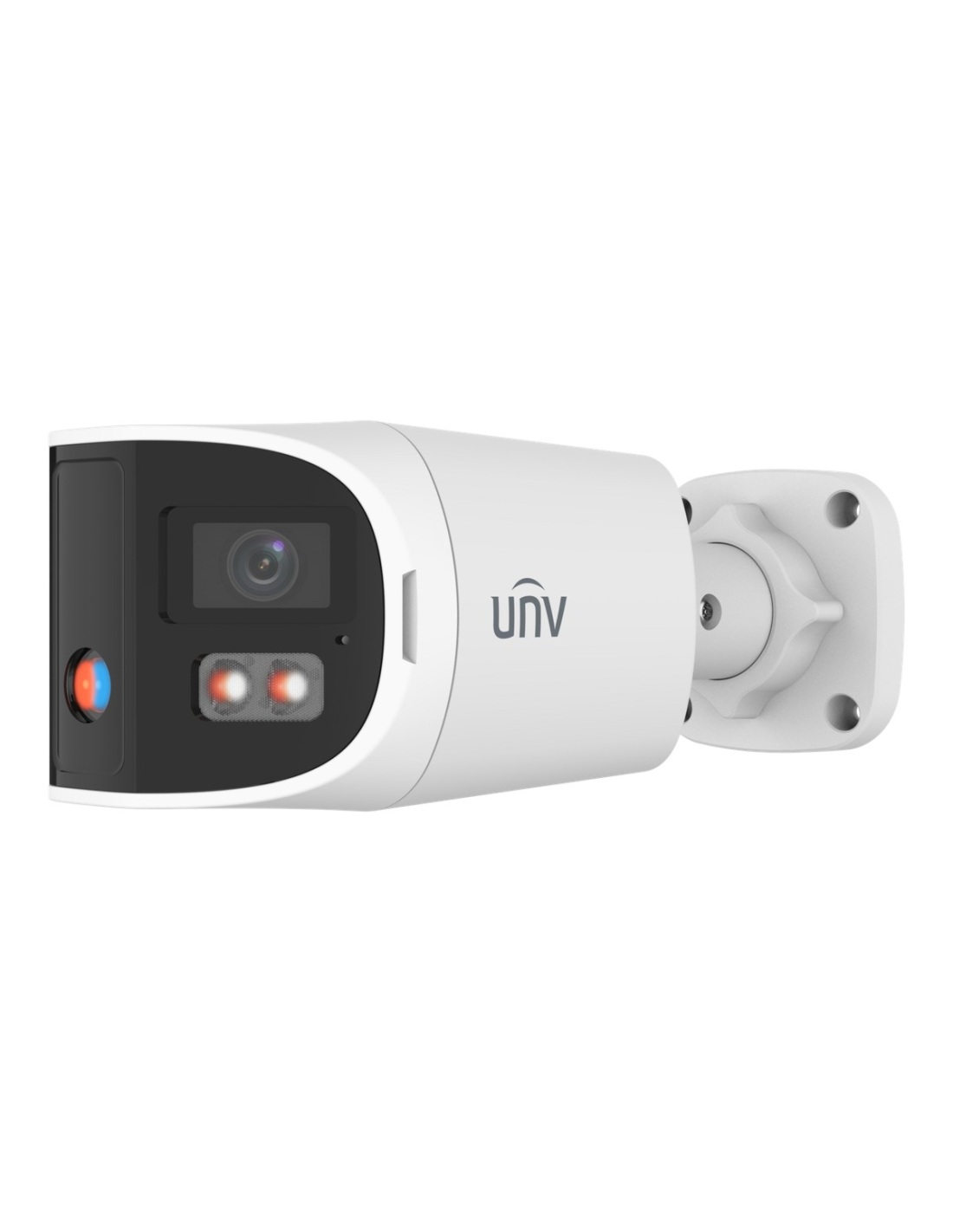
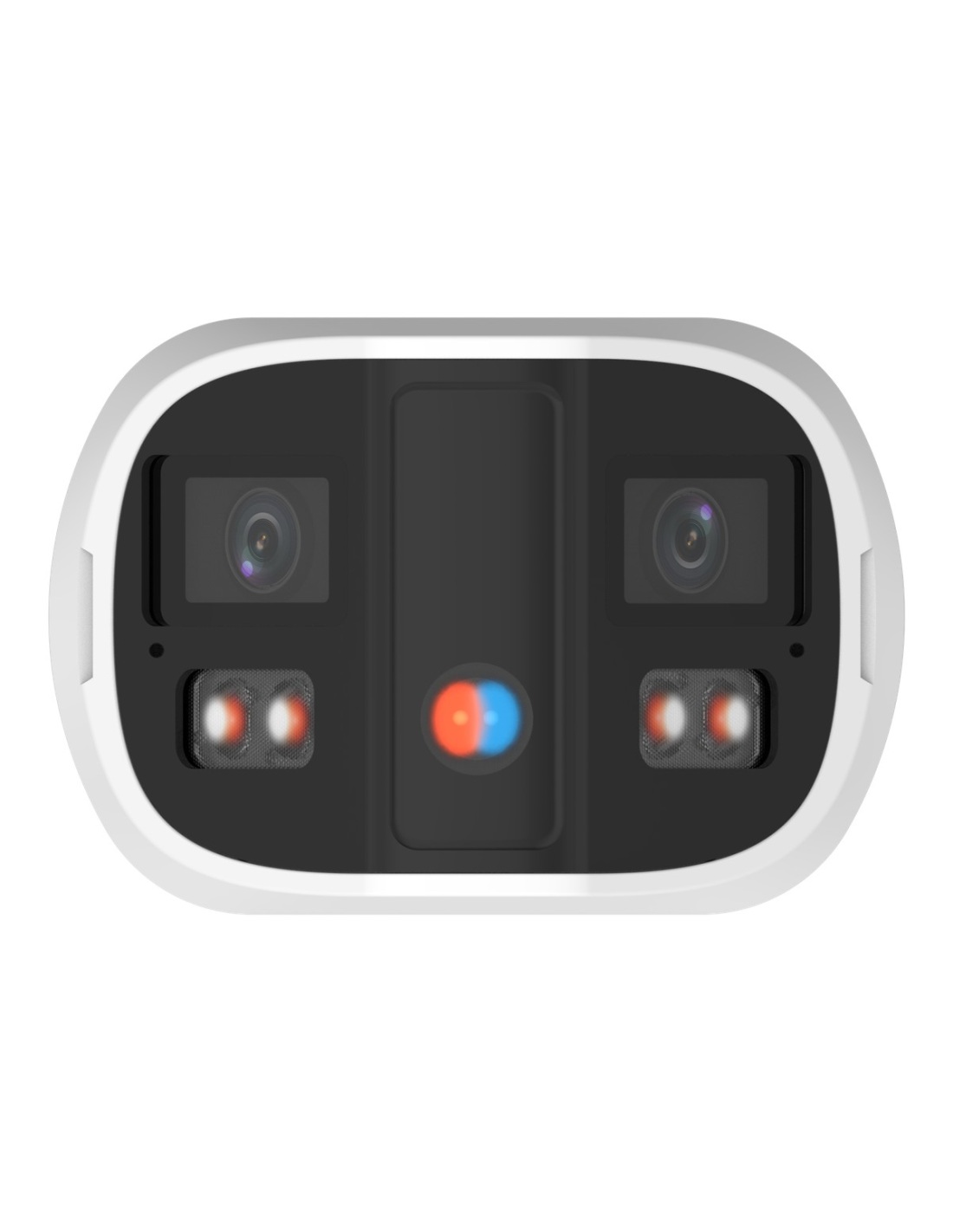
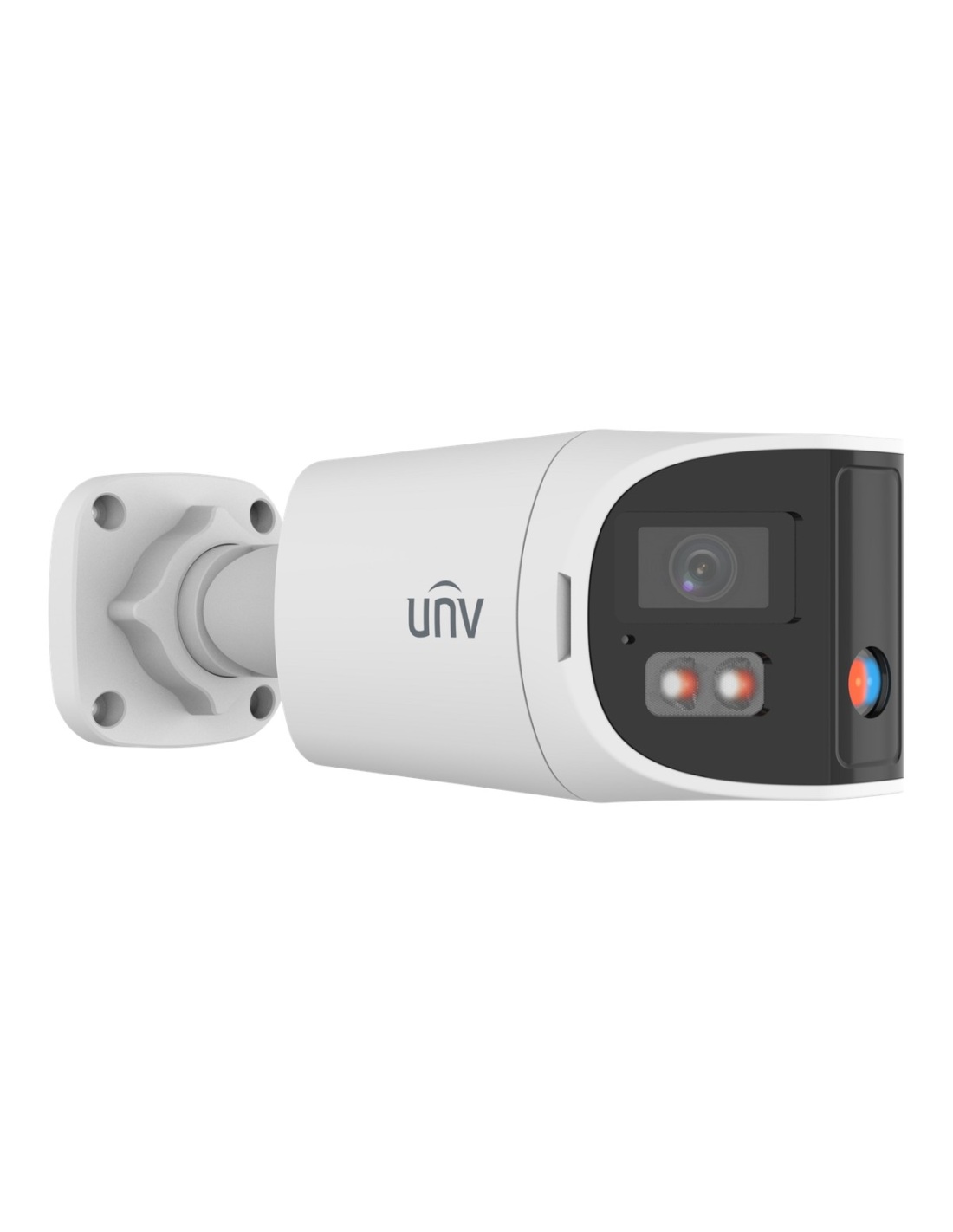
This is the Uniview IPC2K28SE-ADF28KMC-DL-I0. Two 2.8 mm F1.0 lenses stitched into a single 180° picture, in a bullet that is easy to see from the street. Warm light keeps the night footage in colour, and the red and blue light and speaker warn intruders off.
In one sentence: the IPC2K28SE-ADF28KMC-DL-I0 is an 8MP-class (4096 × 1860) dual-lens OmniView bullet with two 2.8 mm F1.0 lenses stitched to 180° × 65°, ColorHunter, 30 m IR and 30 m warm light, red and blue warning light, dual mic and speaker, people counting, IP67 and IK10, powered by PoE.
One camera, one Cat6 cable.
Video and power share a single Cat6 run from a PoE recorder or switch. A junction box or wall mount is only needed if the site calls for it.
The bullet shape tells people the area is watched, and the stitched 180° × 65° picture means nothing slips past at the edges. People counting and crowd density detection come built in, along with object left and object removed alerts.
Design
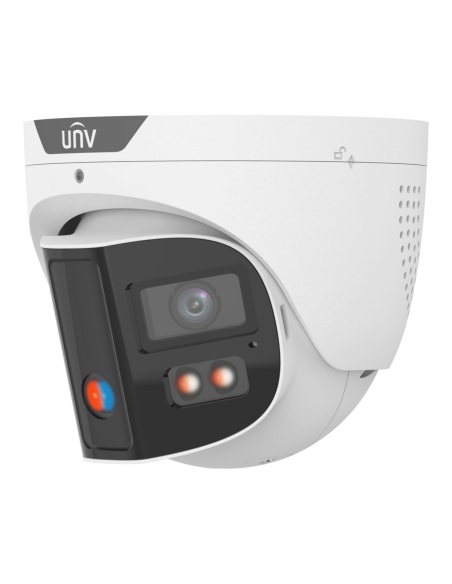
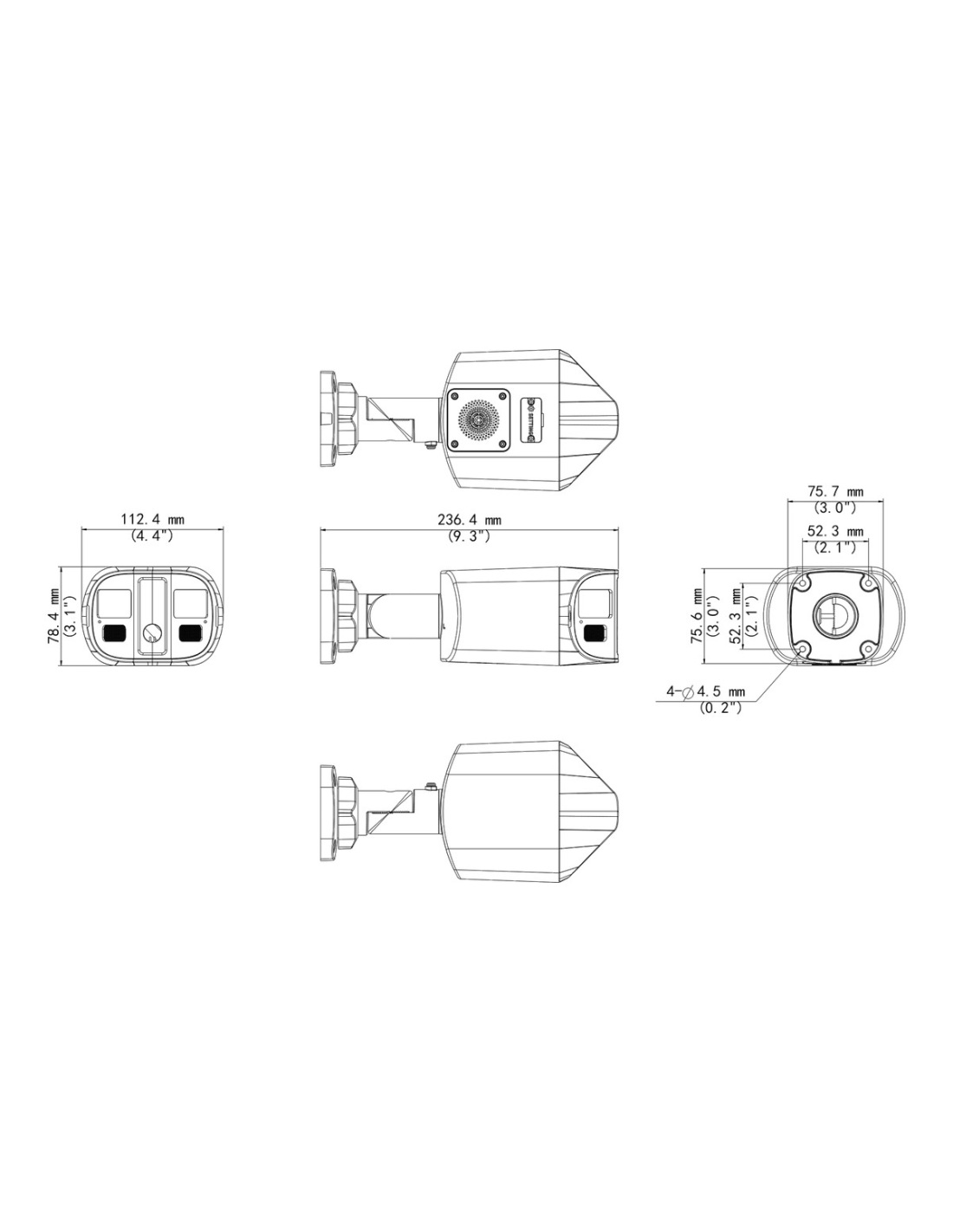
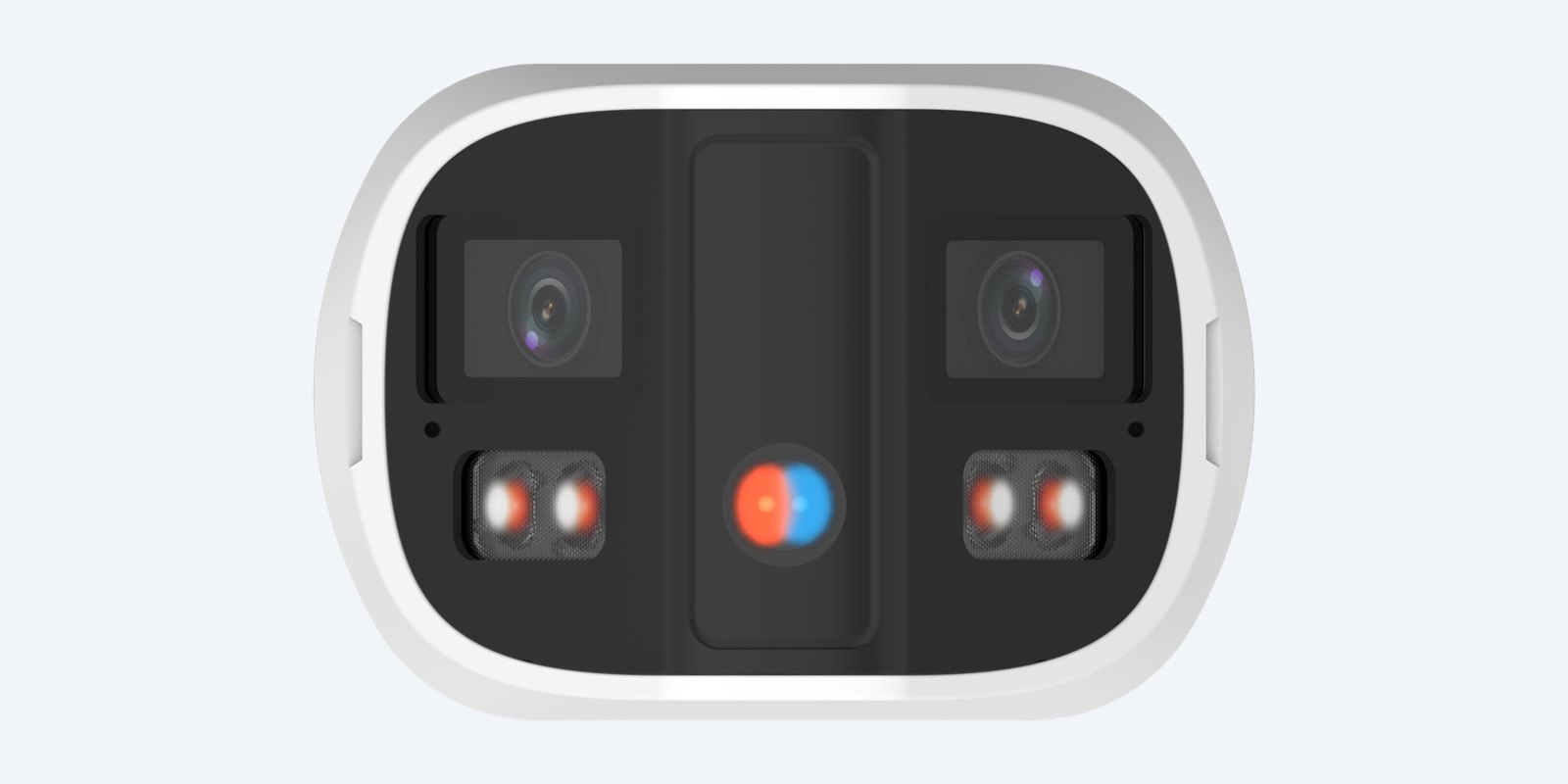
Warm lights sit beside each lens with the red and blue warning light between them. The bracket tilts 0–90°.
Build
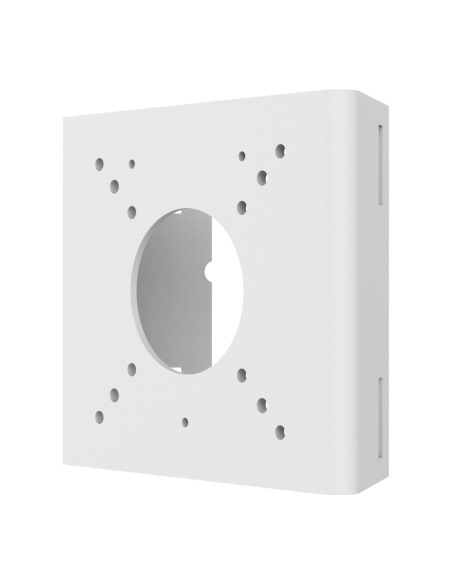
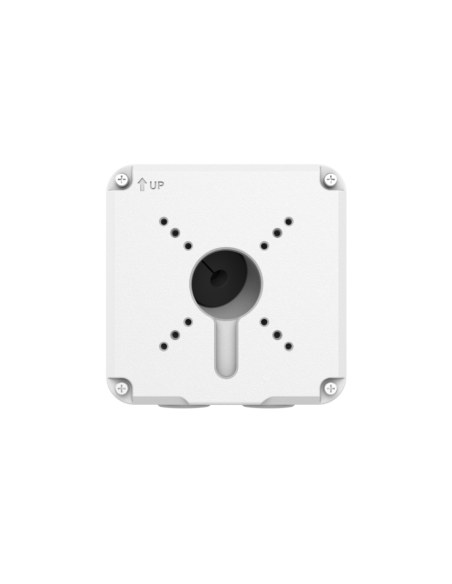
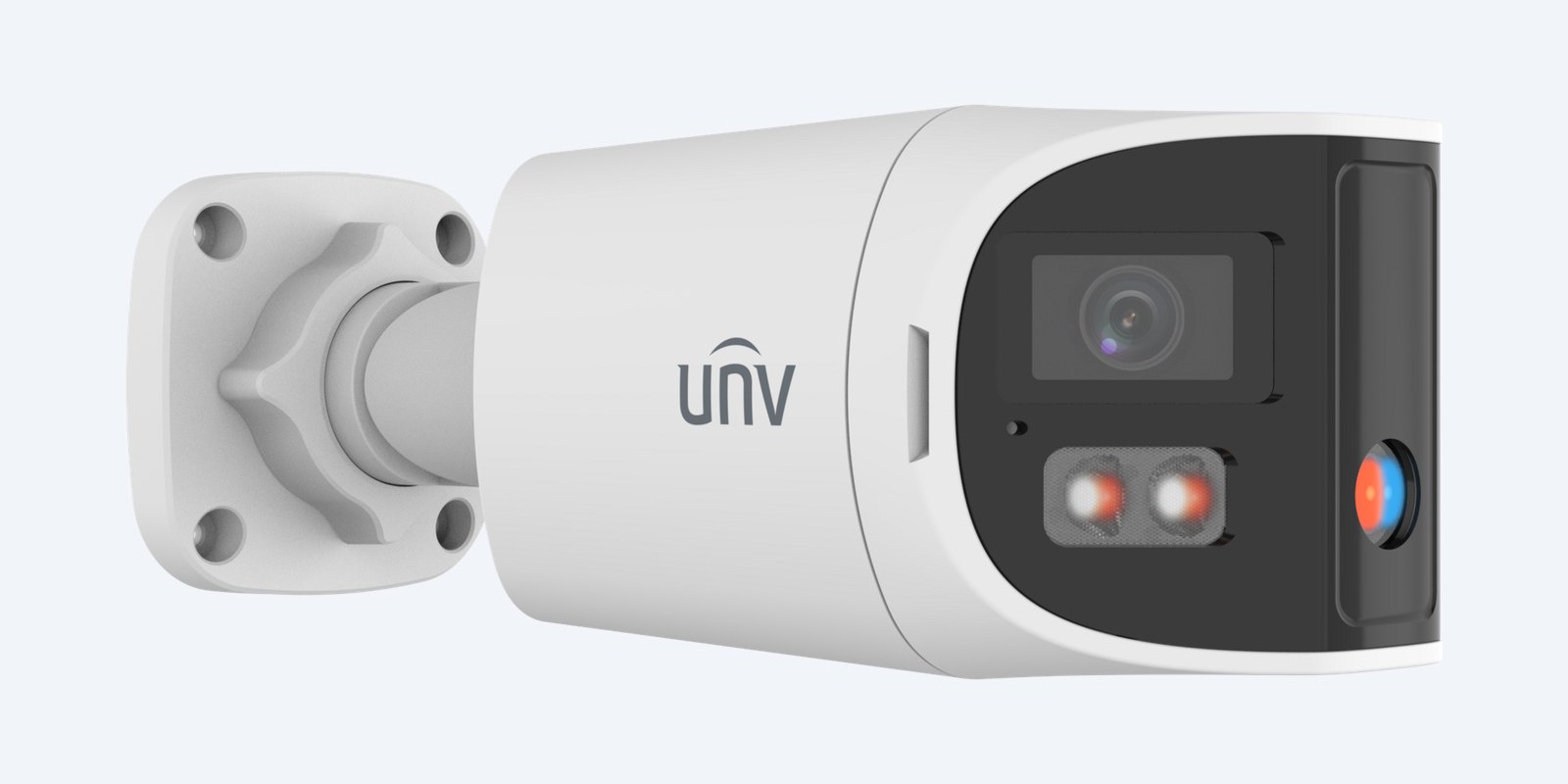
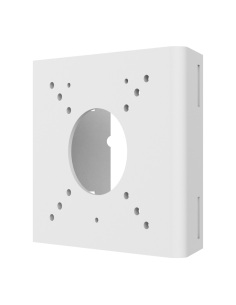
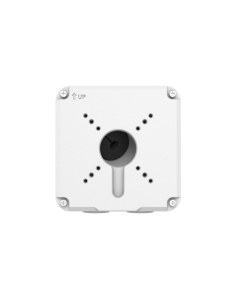
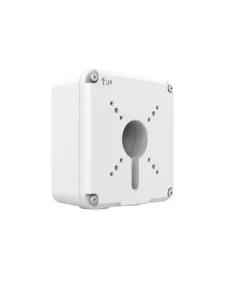
The bracket screws straight to a wall, or to the TR-JB07-D-IN junction box Uniview lists for it.
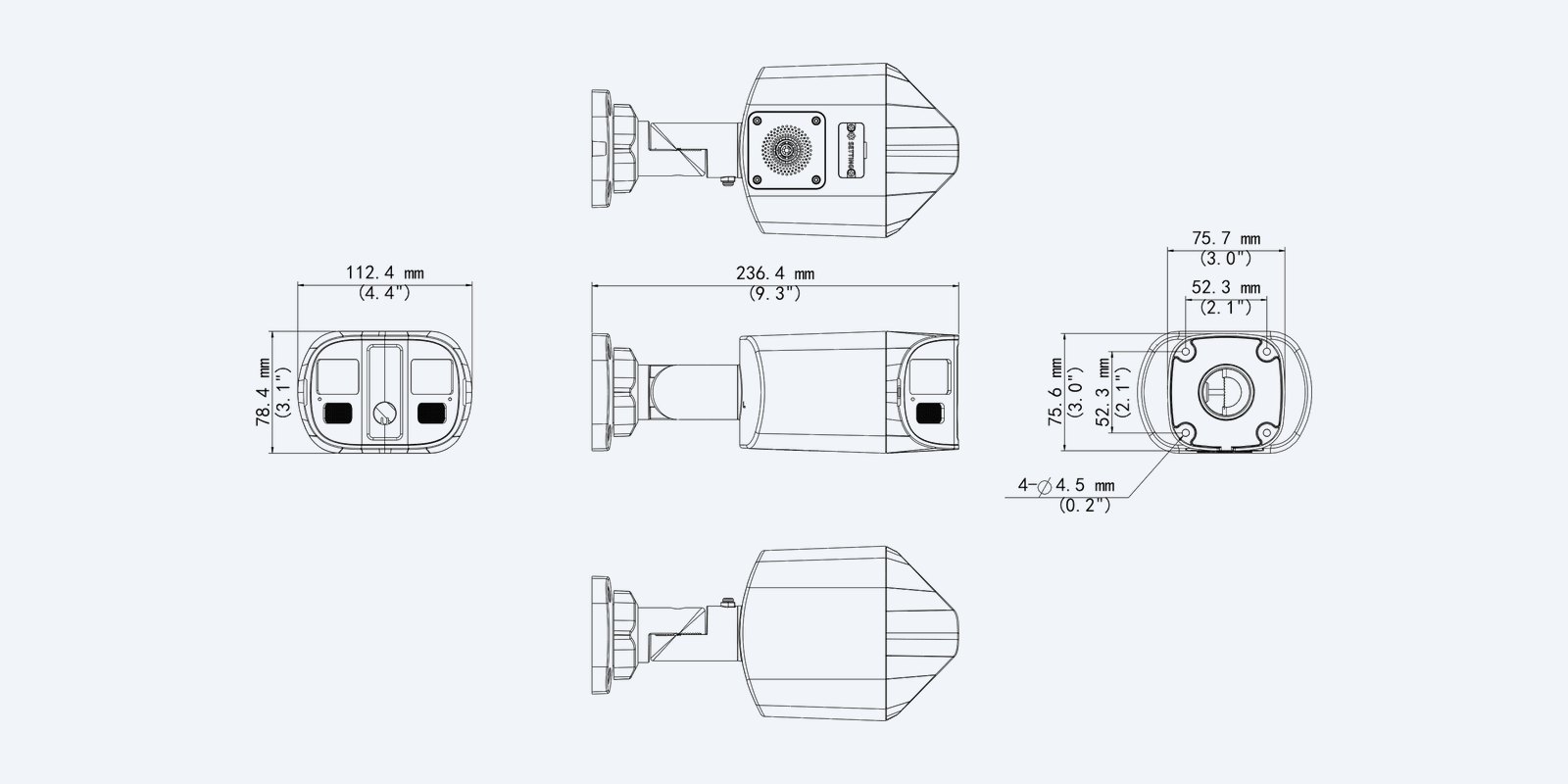
Dimensions
IP67 and IK10, working from −30 °C to 60 °C.
How it goes in
01
The middle of the wall or a pole facing the area, 2.5–3.5 m up, with a route for one Cat6 cable.
02
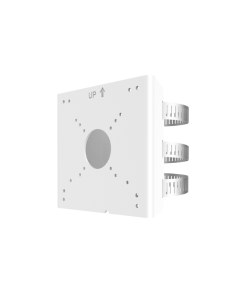
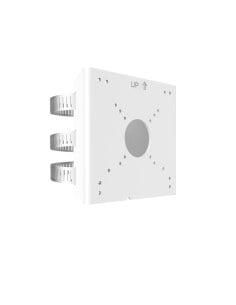
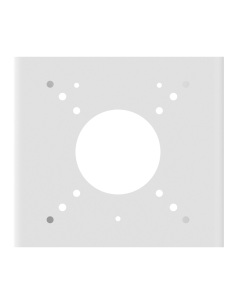
Screw the bracket to the wall, onto a TR-JB07-D-IN junction box, or to a pole with a TR-UP06 adapter.
03
Run Cat6 to a PoE port on the NVR or a PoE switch. The camera powers up from the cable.
04
Tilt the bracket to frame the area, add it to the NVR or the EZView app, then draw the lines and zones that should set off the light and sound.
At a glance
Show specs
Resolution
4096 × 1860, stitched from two lenses
Sensor
1/2.5" CMOS
Lens
2 × 2.8 mm fixed, F1.0
View
180° across, 65° high
Identify / recognise / detect
6.3 / 12.6 / 63.1 m
Low light
0.002 lux colour, 0 lux with IR
WDR
130 dB true WDR
Night vision
IR up to 30 m, or warm light up to 30 m for colour at night (ColorHunter)
Deterrence
Red and blue warning light and audible warning through the built-in speaker, linked to smart events
Frame rate
20 fps at 4096 × 1860
Compression
Ultra 265, H.265, H.264, MJPEG
Smart detection
Line crossing, intrusion, region entrance and exit with human and vehicle filtering; people counting and crowd density; objects left and removed; motion, tampering
Audio
Built-in dual mic and speaker, two-way audio; 1 audio in, 1 out
Other connections
Alarm 1 in, 1 out
On-camera storage
microSD up to 512GB; ANR
ONVIF
Profile S, G, T, M
Network
1 × RJ45 10/100
Power
PoE (802.3af) or 12 V DC, max 11.2 W
Weather and impact
IP67, IK10
Operating
−30 °C to 60 °C, ≤95% RH
Size and weight
236.4 × 112.4 × 78.4 mm, 1.05 kg
Pair it with
Recorder
Uniview recorders add the camera over one Cat6 cable, bring in its smart events and keep weeks of footage on their hard drives.
Mounting
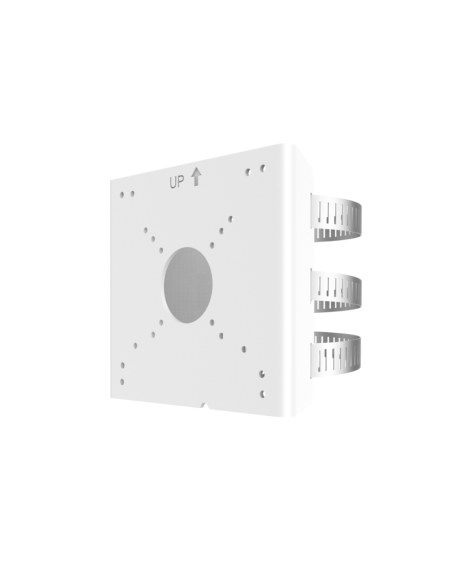
Listed by Uniview for this camera. Encloses the cable joint behind the bracket.
Poles
Listed by Uniview for mounting this camera on a pole.
Cabling
Solid copper Cat6 for PoE runs up to 100 m from the switch or recorder.
Where it is used
One visible camera across the whole area.
Count people walking in and see the full footpath.
Light and sound warnings after hours.
Colour footage of trucks and gates at night.
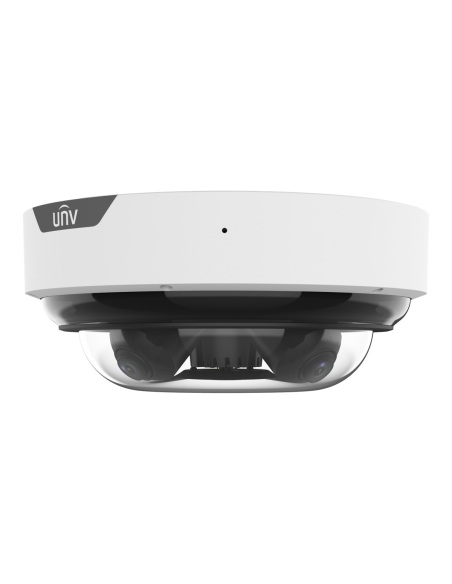
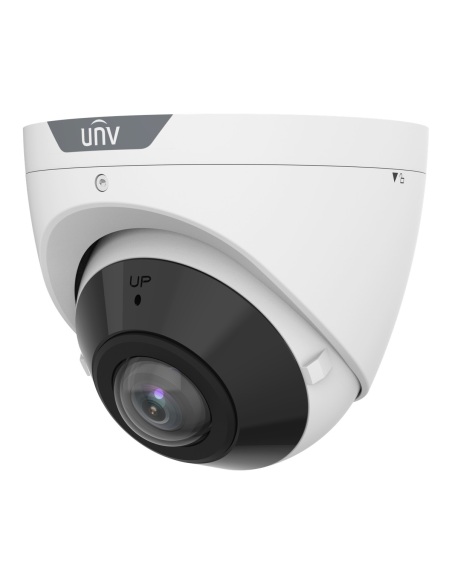
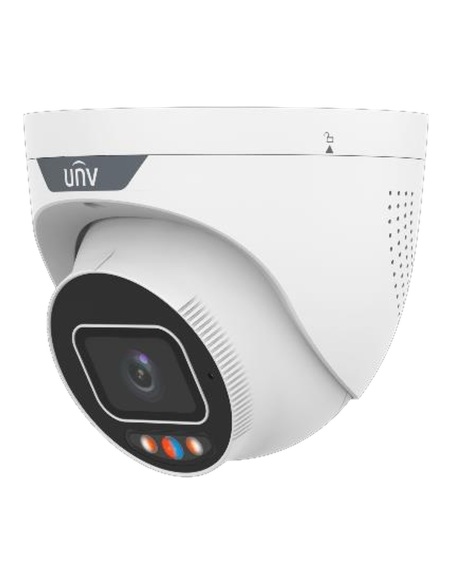
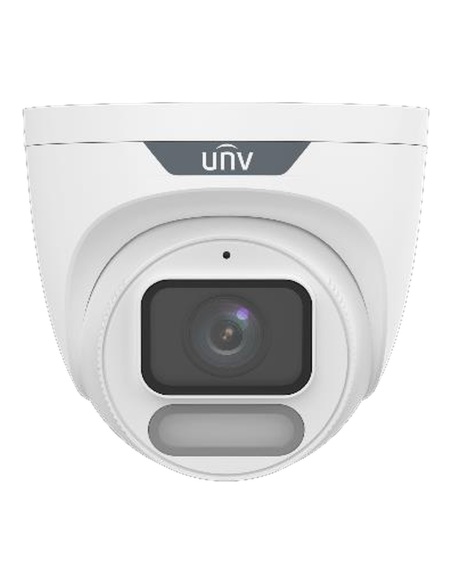
| IPC3608SB | IPC3K28SE (-BK) | IPC2K28SE | IPC3224SS | |
|---|---|---|---|---|
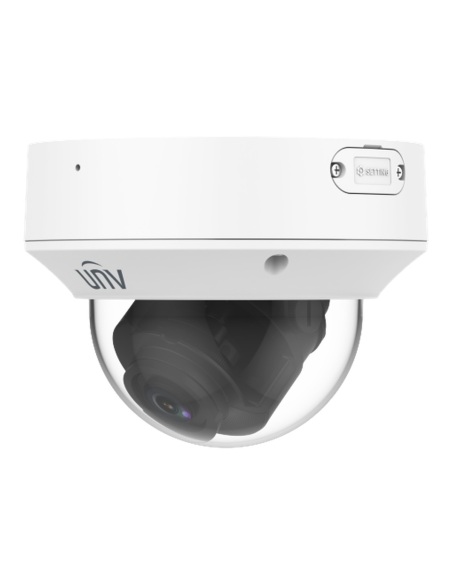
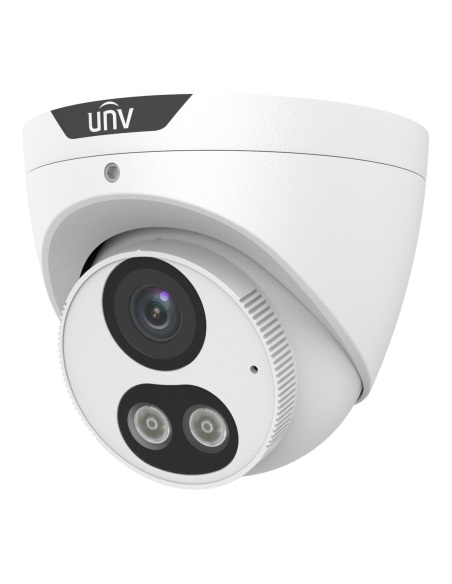
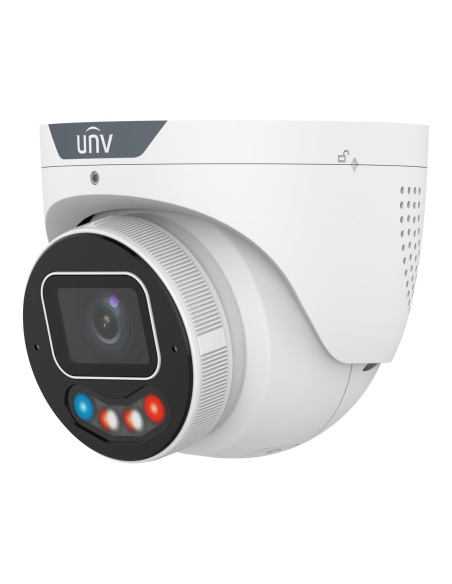
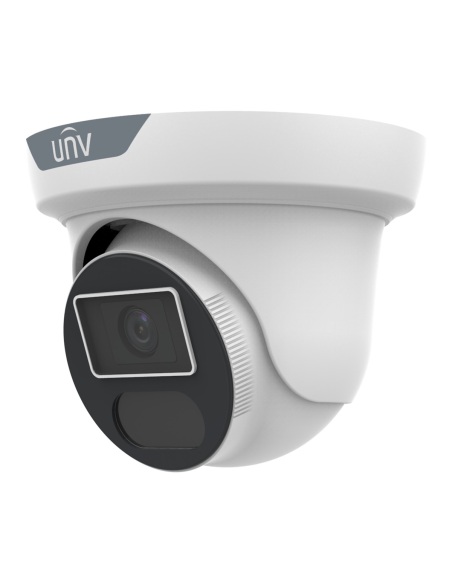
| Type | Turret | Turret, white or black | Bullet | Dual-lens dome |
| Picture | One 8MP 4K image | One 4096 × 1860 image stitched from two lenses | One 4096 × 1860 image stitched from two lenses | Two separate 4MP images |
| View across | 180° | 180° | 180° | 97.68° per lens, each aimed on its own |
| Lens | 1.68 mm F2.0 | 2 × 2.8 mm F1.0 | 2 × 2.8 mm F1.0 | 2 × 2.8 mm F1.6 |
| Night vision | 20 m IR | 30 m IR or 30 m warm light | 30 m IR or 30 m warm light | 30 m IR |
| Warning light and sound | — | Red and blue light, speaker | Red and blue light, speaker | — |
| Audio | Built-in mic | Dual mic and speaker | Dual mic and speaker | Dual mic; audio in and out |
| Max power (PoE 802.3af) | 5.5 W | 12.6 W | 11.2 W | 9.1 W |
| Size and weight | Ø111 × 93 mm, 0.48 kg | Ø128.7 × 109.9 mm, 0.86 kg | 236.4 × 112.4 × 78.4 mm, 1.05 kg | 176 × 104 × 72 mm, 0.62 kg |
Model codes shortened. All four are IP67 and IK10, record to microSD up to 512GB and run on PoE (802.3af) or 12 V DC. — means not fitted. Figures from the Uniview datasheets.
When someone crosses a line or walks into a zone you have drawn, the camera can flash its red and blue light and play a warning through its speaker. You choose which events set it off, and when.
Yes. People counting and crowd density detection are built in. Results show on Uniview NVRs and platforms.
Your choice. With the warm light on it records in colour (ColorHunter), up to 30 m. With IR it records in black and white, also to 30 m.
Yes. Dual microphones and a speaker give two-way audio from the app or the NVR.
Yes. The camera joins the two lenses into one 4096 × 1860 picture on one recorder channel.
Often, yes. Mounted in the middle of a wall it covers from one side of the area to the other, where a standard 2.8 mm camera sees about 100°. That means one cable, one licence on the recorder and no blind spot between two cameras. For faces at a distance, a second camera aimed at the door is still worth adding.
Uniview NVRs find it on their PoE ports and add it automatically, along with its smart events. Other recorders that support ONVIF (Profile S, G, T, M) can add it too, although smart events and the special views may only come through fully on Uniview.
Yes. Watch it through your Uniview NVR in the Uniview EZView app, or add the camera to the app on its own. Live view also works in a web browser.
Yes. Fit a microSD card of up to 512GB and it records on the camera itself. With an NVR, the card also covers network drop-outs: ANR sends the missed footage to the recorder when the link returns.
By PoE (IEEE 802.3af) over the same Cat6 cable as the video, from a PoE NVR or switch. Without PoE, it runs on a 12 V DC supply. It draws 11.2 W at most.
Uniview’s video compression. It keeps the same picture as H.265 in less space, so the recorder holds more days of footage. H.265, H.264 and MJPEG are there too.
Uniview 3-year manufacturer warranty, handled in Australia through InFront. Contact us first and we will organise any claim.
Planning a site with panoramic, PTZ or plate cameras? Call 1300 736 970 or email [email protected] with a floor plan or photos and we will suggest the models, mounts and recorder.
Power. Use a PoE (802.3af) port or a regulated 12 V DC supply. The alarm input and output are for dry contacts only.
Weather. IP67 and IK10, rated from −30 °C to 60 °C.
Figures. From the Uniview IPC2K28SE-ADF28KMC-DL-I0 datasheet. Uniview 3-year manufacturer warranty, handled in Australia through InFront.


Need help choosing?
Tell us about your property and we'll recommend the right cameras and recorder.
07 5609 4910Sydney 02 8814 6008
[email protected]
Mon–Fri, 9am–5pm AEST
20 related items