There are no more items in your cart
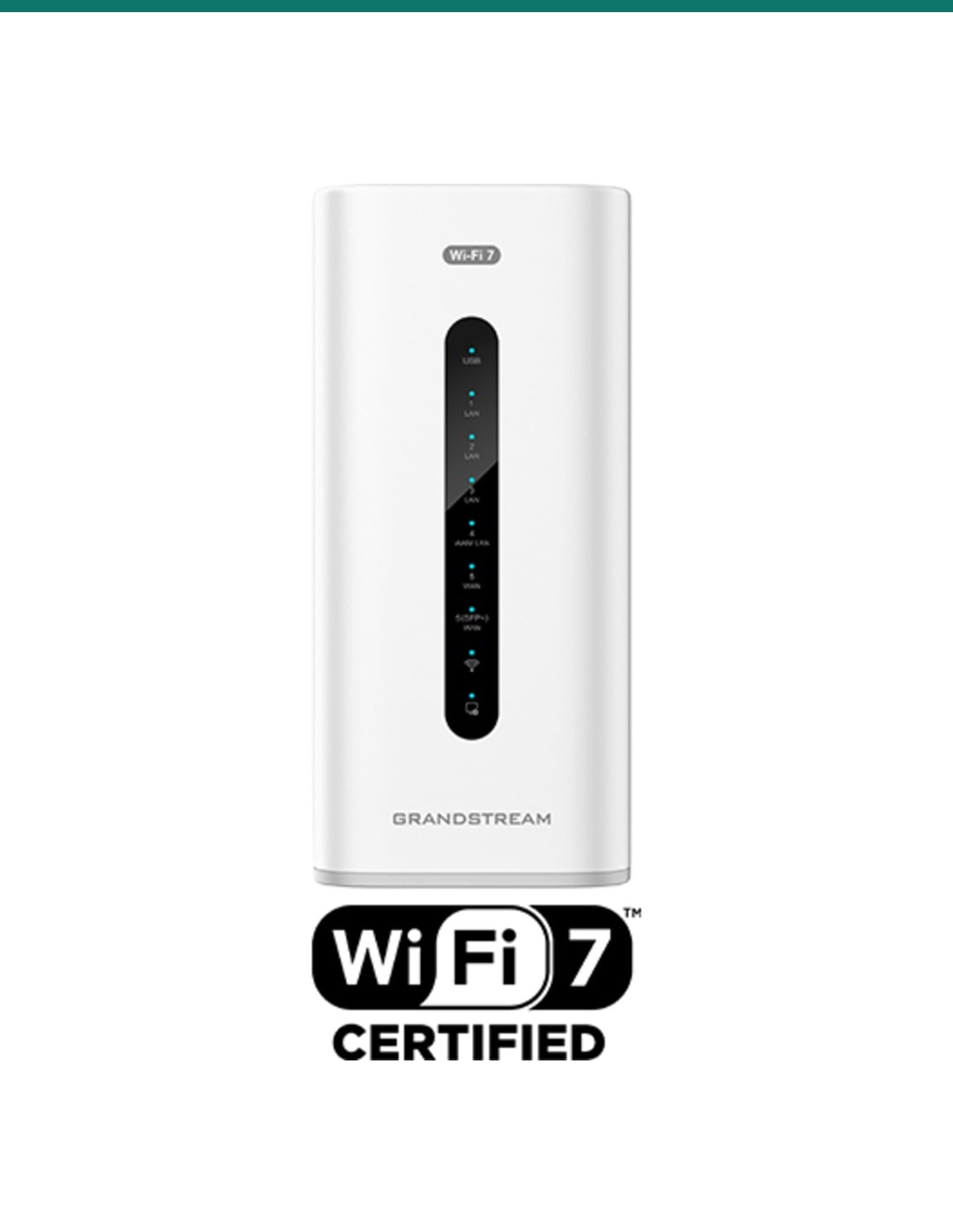
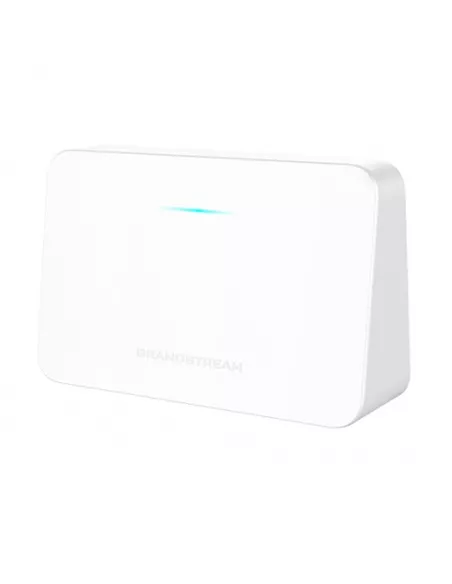


BE11000 WiFi 7 Router 1x10GigE/1x10G SFP combo 4x2.5GigE LAN/WAN 1x2.5
Grandstream GWN7072 — SIP / UC hardware for enterprise and hospitality deployments.
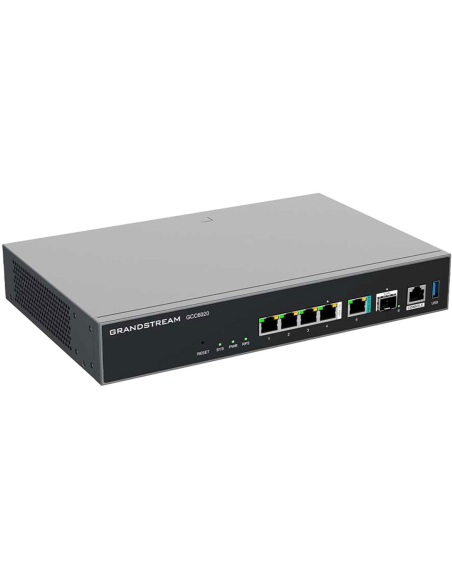
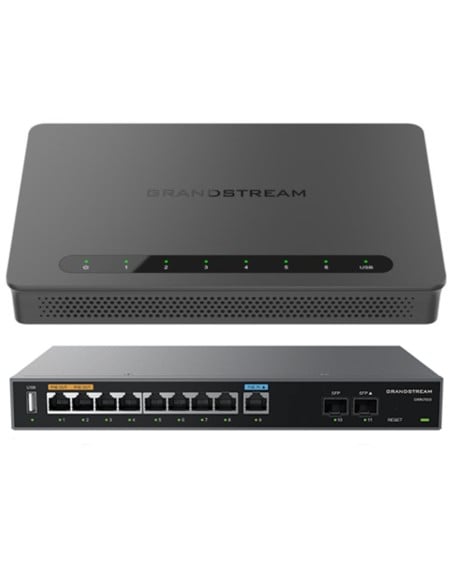
The Grandstream GWN7072 is a business-class Wi‑Fi 7 router built for high-throughput office, retail, education and multi-user environments that need fast wireless, multi-gig copper switching, and flexible high-speed uplink options. With a 10GbE / 10G SFP combo interface, four 2.5GbE LAN/WAN ports and an additional 2.5GbE port, it is suited to modern fibre services, high-density access point backhaul, and internal networks that have moved beyond 1GbE bottlenecks.
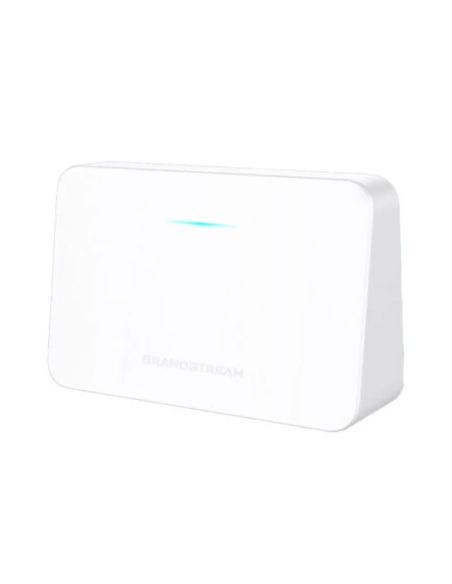
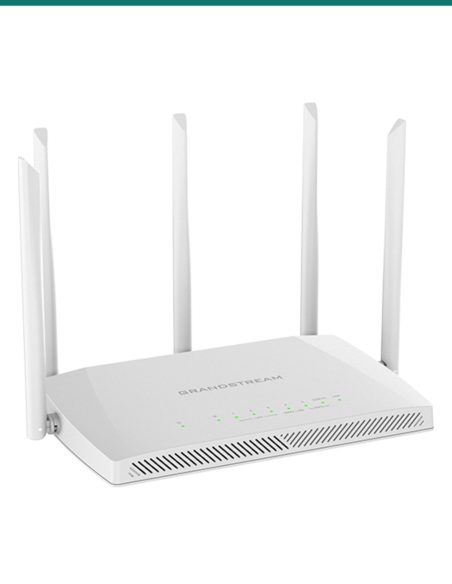
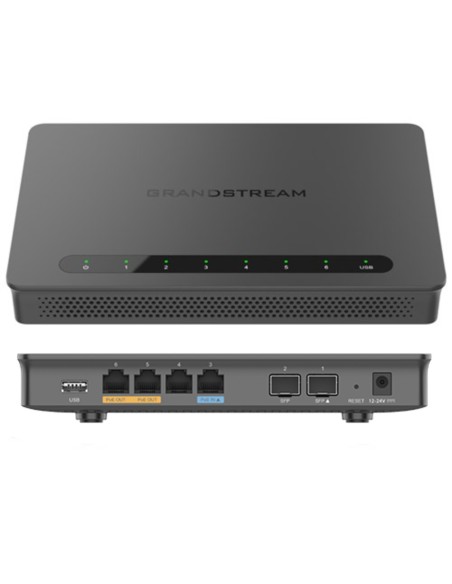
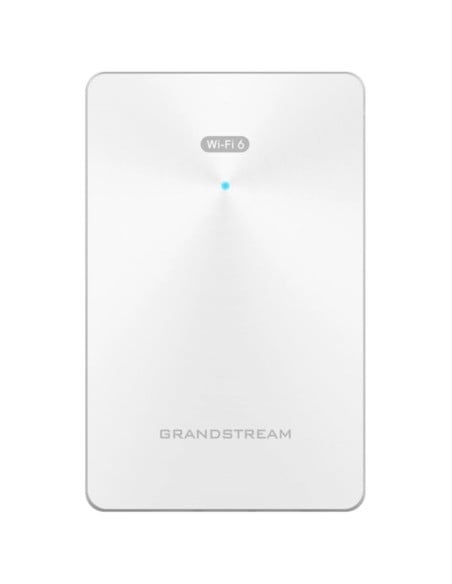
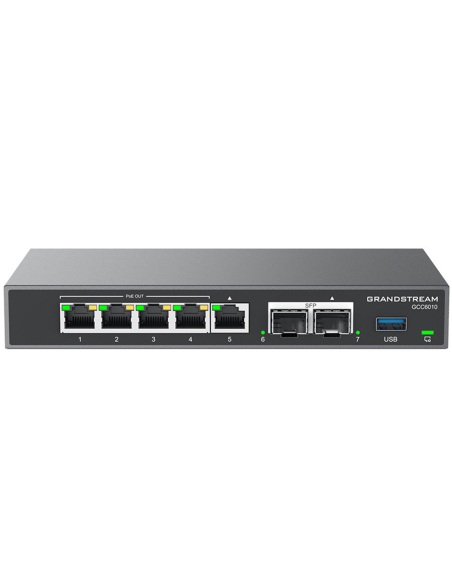
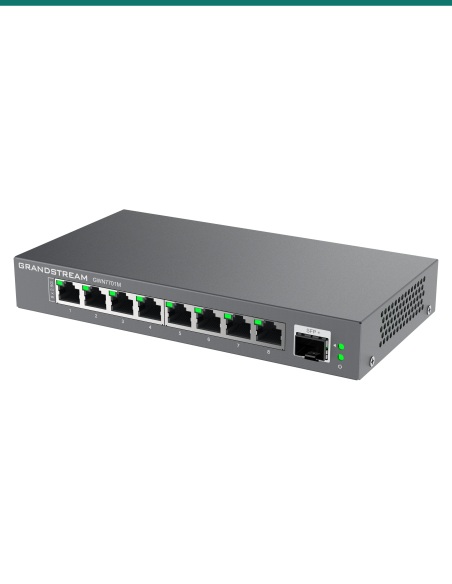
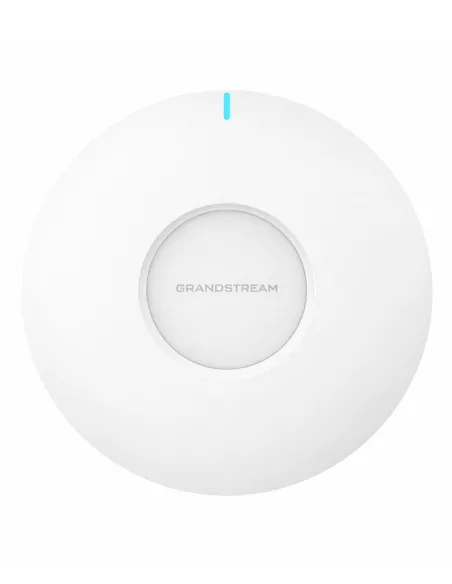
Product shot may differ from supplied regional hardware revision and port labelling.
For installers moving clients to faster fibre tails, multi-gig switching and Wi‑Fi 7 access, the GWN7072 closes the gap between consumer-grade all-in-one routers and proper business infrastructure. The key advantage is port flexibility: a high-speed 10GbE / 10G SFP combo uplink for copper or fibre handoff, plus multiple 2.5GbE interfaces that can be assigned for LAN or WAN roles depending on topology. That makes it practical for branch offices, premium retail, hospitality, consulting suites and SME sites where throughput, segmentation and headroom matter more than marketing bandwidth figures.
Infront Technologies Australia supplies business networking hardware for real deployments, with product guidance for compatibility, access layer planning and edge design. Where you are standardising Grandstream infrastructure or integrating this router into a mixed-vendor network, the emphasis is on verified interface capability, sensible pairings and fit-for-purpose deployment rather than generic claims.
The standout hardware point is the high-speed combo uplink arrangement: one 10GbE electrical interface paired with one 10G SFP combo option. For Australian installations this matters because service handoff is not always predictable. Some deployments terminate on copper Ethernet from an NTD, managed switch or upstream router; others are cleaner with fibre patching through an SFP path. A combo-style design allows the installer to align the physical interface with the site handoff while preserving a 10G-class ceiling for the edge.
Below that, the GWN7072 exposes four 2.5GbE LAN/WAN ports plus one additional 2.5GbE port, giving useful freedom for dual-WAN planning, downstream switching, direct attachment to multi-gig access points, or high-speed links to workstations, NAS appliances and compact servers. Instead of forcing a 1GbE choke point between wireless and wired segments, the router can sit properly inside a multi-gig topology.
A Wi‑Fi 7 router only makes sense when the wired side is equally capable. The GWN7072 avoids the common mismatch where new-generation wireless radios are tied back to gigabit-only uplinks. With 2.5GbE user-side connectivity and a 10G-class uplink option, it is better suited to environments with dense concurrent traffic, cloud application use, video collaboration, media transfer, backup traffic or multiple downstream wireless cells feeding into the same edge.
For branch and SME networks, this hardware profile also helps future-proof upgrades. Clients may start with a single fibre service and one stack switch, then later add higher speed internet, segmented guest networks, additional APs or a local server. The router has enough interface headroom to support that progression without forcing an immediate redesign around 1GbE limitations.
One practical advantage of the specified interface mix is role flexibility. Ports described as LAN/WAN can support different service designs: primary WAN with a secondary internet path, multiple internal segments, handoff to a managed switch, or direct connection to high-demand endpoints. That is especially useful in fit-outs where the network is staged in phases and the final internet service or switching topology may change after first install.
For installers and IT teams, this reduces stranded hardware. Instead of replacing the router when a client upgrades from gigabit access to multi-gig fibre or from copper uplink to fibre presentation, the same unit can remain in service and be re-patched around a faster edge. The result is a tidier migration path and better return on infrastructure spend.
Use the 10GbE electrical side or the 10G SFP combo path, depending on whether the upstream handoff is copper Ethernet or fibre.
Map the 2.5GbE LAN/WAN interfaces to internal switching, secondary WAN, access points or high-traffic endpoints as required by the site design.
Wireless users connect through the router’s Wi‑Fi 7 platform while the wired side preserves higher aggregate throughput than legacy gigabit-only designs.
As the client upgrades internet speed, adds APs or expands switching, the existing 10G and 2.5G interfaces provide room for cleaner growth.
Verified details based on supplied product context.
Quick definitions for installers and buyers comparing business networking hardware.
Physical dimensions were not verified in the supplied source context, so they are not listed here. For rack shelf planning, cabinet airflow and patch lead management, confirm the exact enclosure width, depth, height and power connector orientation against the current manufacturer documentation before deployment.
If you are integrating the router into a compact comms cabinet, also confirm bend radius and clearance for RJ45 and any fitted 10G SFP module or fibre patch lead.
Pair with access points that can benefit from 2.5GbE backhaul so the wireless side is not constrained by 1GbE uplinks.
Ideal where multiple APs, workstations, VoIP segments or VLAN-aware distribution need to hang off the router cleanly.
Use when the upstream handoff or backbone path is fibre rather than copper, subject to supported optics and distance requirements.
Useful for sites with local backup, media editing, design files or other east-west traffic that benefits from multi-gig edge connectivity.
For commercial deployment, confirm current AU power compatibility, environmental conditions, supported transceivers, firmware features and regulatory requirements before installation.


Need help choosing?
Tell us about your property and we'll recommend the right cameras and recorder.
07 5609 4910Sydney 02 8814 6008
[email protected]
Mon–Fri, 9am–5pm AEST
20 related items