There are no more items in your cart
In Stock - Ready to Ship


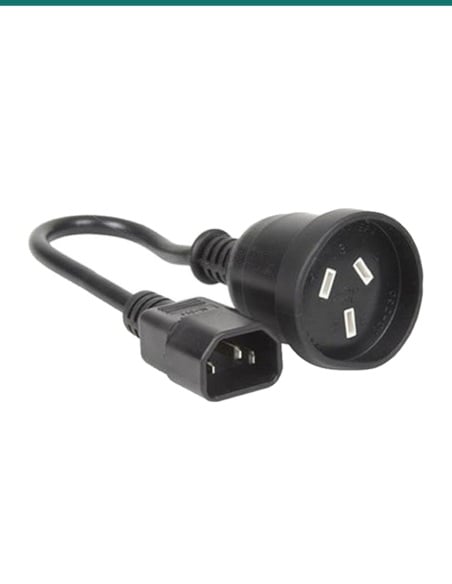
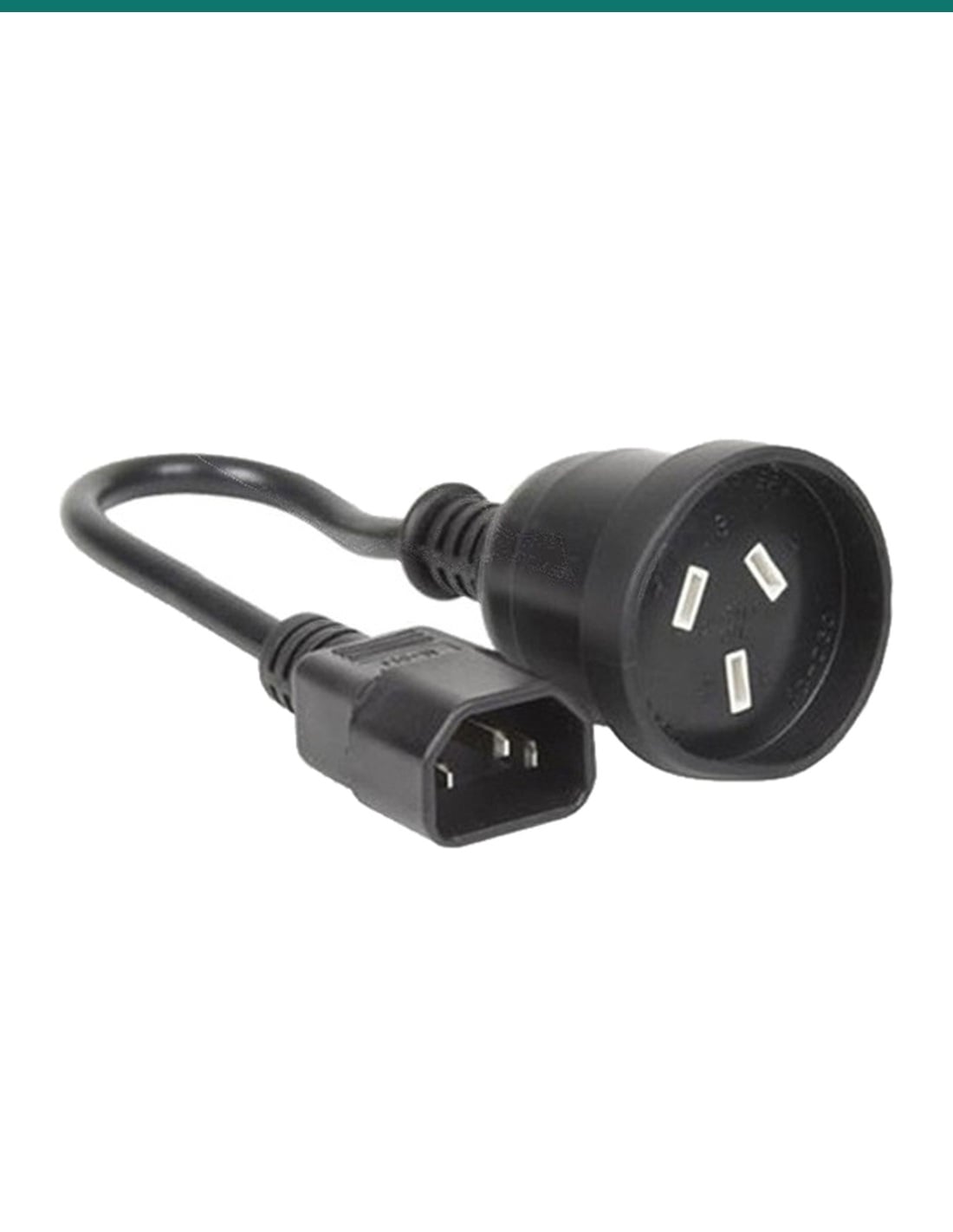
Short 30 cm power lead with an IEC C14 plug on one end and an Australian 3-pin socket on the other. Runs a device with an Australian plug from a UPS or power rail's IEC C13 outlet.
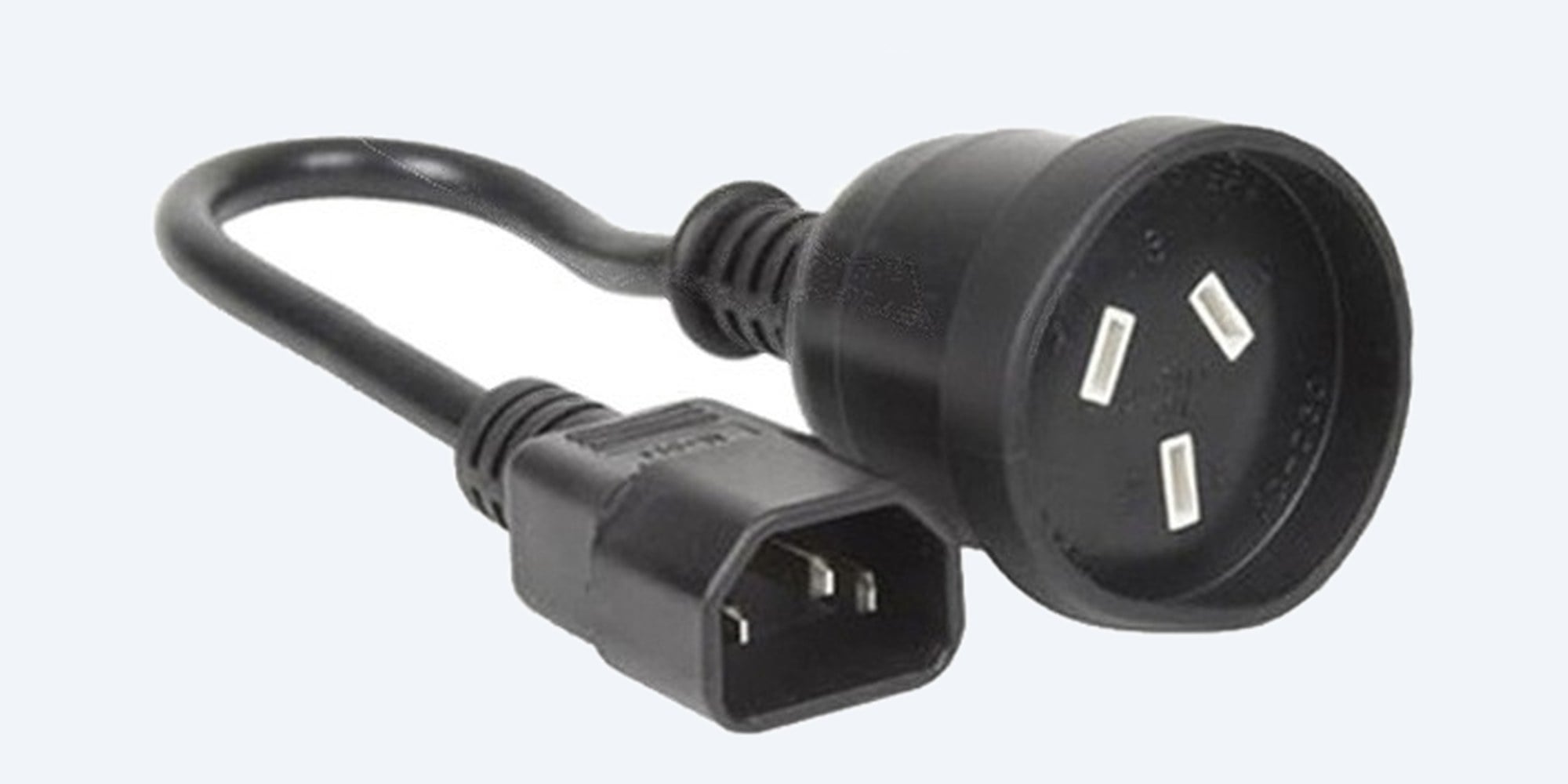
The CAB-UPS-6090 has an IEC C14 plug on one end and an Australian 3-pin socket on the other. Plug the C14 end into the IEC outlet on a UPS or rack power rail, then plug your device's normal Australian plug into the socket. 30 cm long overall.
In one sentence: the CAB-UPS-6090 is a short 30 cm power lead with an IEC C14 plug at one end and an Australian 3-pin socket at the other, rated 250V 10A, for running a device with an Australian plug from a UPS or power rail's IEC C13 outlet.
Check which end you need before you order.
The IEC end is a C14 plug (pins), so it plugs into an IEC C13 outlet on a UPS or power rail. The Australian end is a socket, so your device's plug goes into it. It does not plug into a wall power point. To power a PC or monitor from the wall, you need the reverse lead, CAB-PWR-3P-IEC.
Rack-mount and larger UPS units, and the power rails in comms racks, often have IEC C13 outlets on the back. An NVR's plug pack, a modem, a PoE switch's power supply or a monitor with an Australian plug will not go straight in. This short lead sits in between, with no spare cable to coil up in the rack.
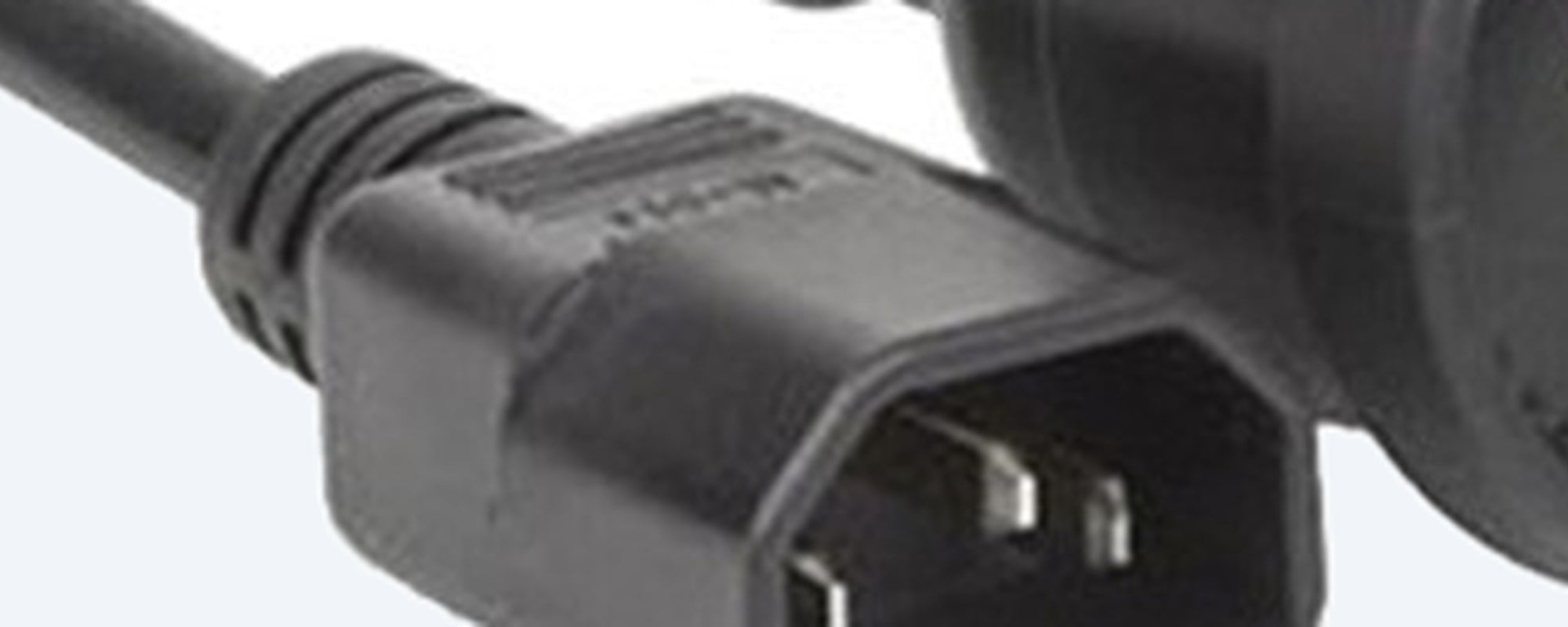
UPS end
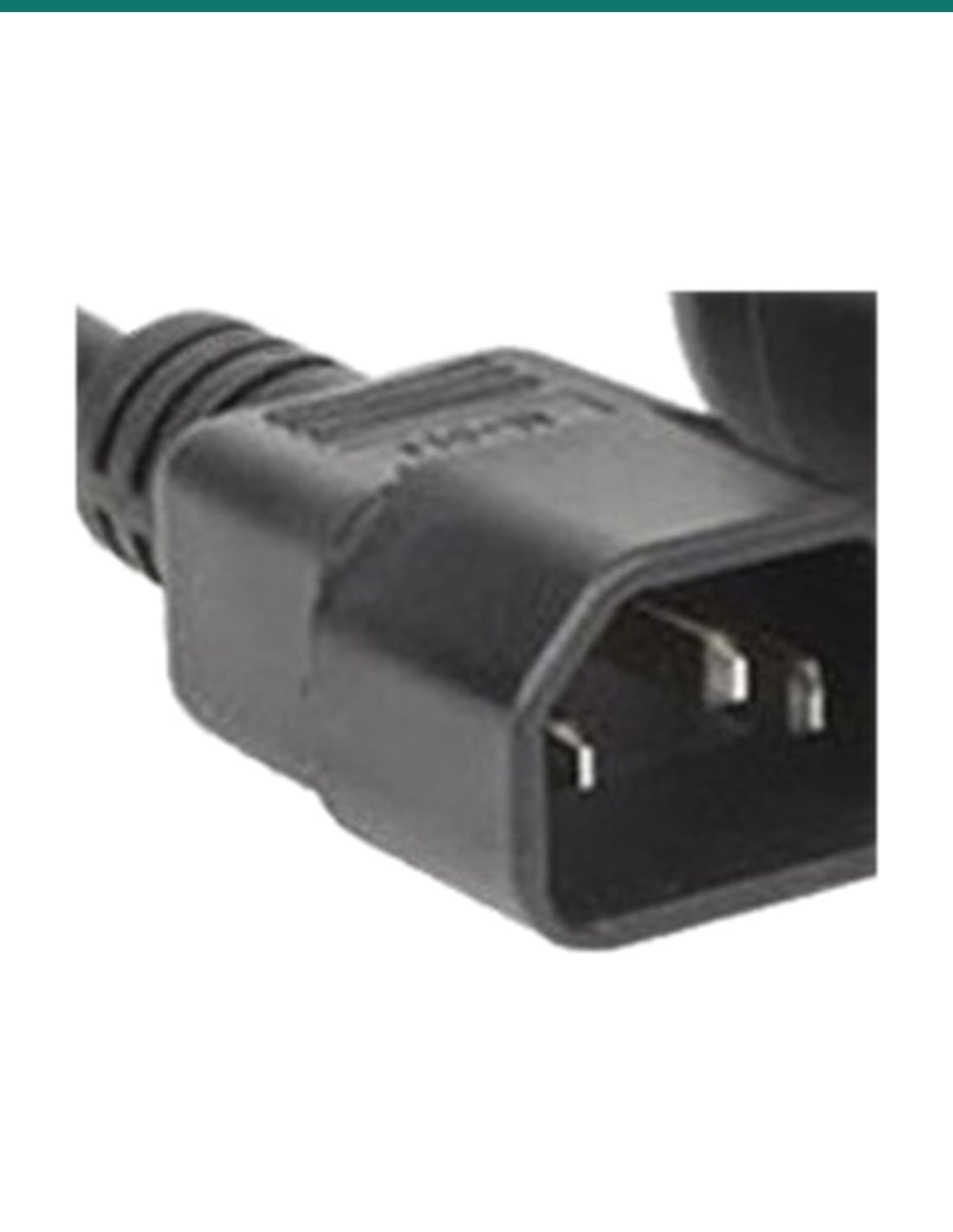
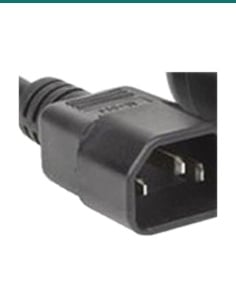
Three flat pins inside a shroud. It pushes into an IEC C13 outlet, the common 10A IEC outlet on UPS units and rack power rails. It does not fit the larger C19 outlets.
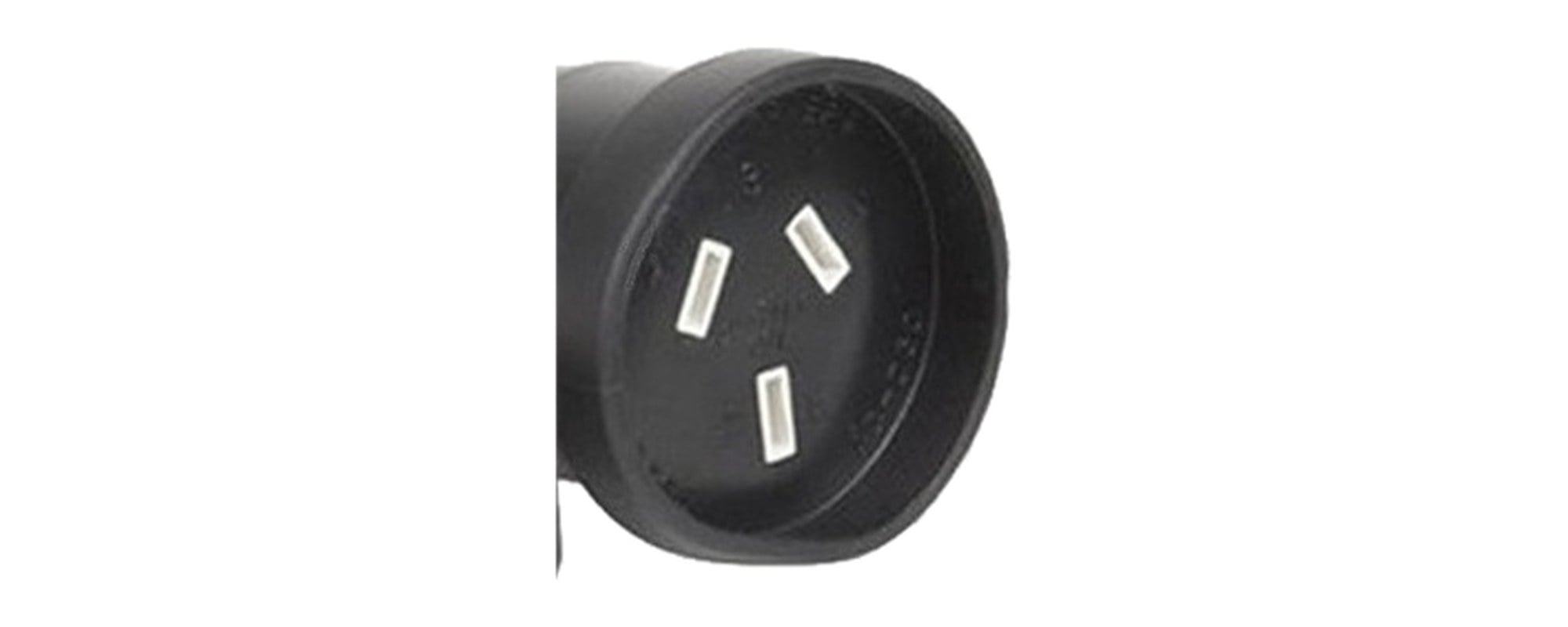
Device end
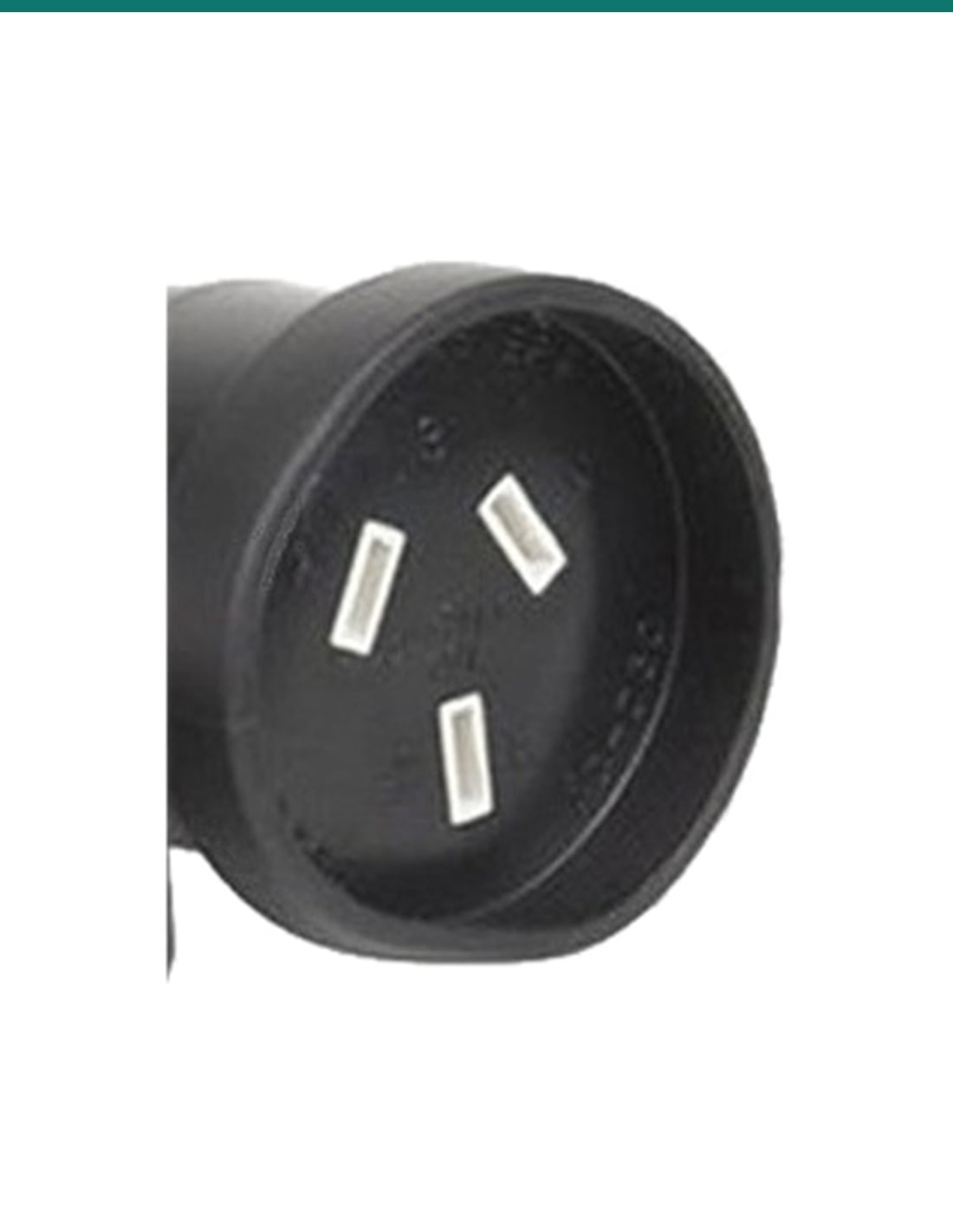
A round cord-end socket with three slots, like the end of an extension lead. Any device with a normal Australian 3-pin or 2-pin plug plugs in here. This lead is 30 cm long overall, with 17 cm of cable between the two ends.
How it is used
01
Add up what the device draws. It must be within 10A and within what the UPS outlet and the UPS can supply.
02
Push the C14 plug firmly into an IEC C13 outlet on the UPS or power rail.
03
Push your device's Australian plug fully into the socket end of the lead.
04
Turn on the UPS outlet and check the device powers up. Keep the socket end off the floor and away from water.
At a glance
Show specs
Type
Power adaptor lead
End 1
IEC C14 plug (male), plugs into an IEC C13 outlet
End 2
Australian 3-pin socket (female), takes an Australian plug
Length
30 cm total, connectors included; 17 cm of cable
Rating
250V, 10A
Approval
Listed as SAA approved for Australia
Colour
Black
Suits
UPS units and rack power rails with IEC C13 outlets
Does not suit
Wall power points, IEC C19 outlets
Warranty
Lifetime replacement, from InFront Technologies
Brand
InFront Technologies
Pair it with
Longer
The same IEC C14 plug to Australian socket lead, 1.5 m overall, when the device sits further from the UPS. Also listed in packs of 2 to 50.
The reverse
Australian 3-pin plug to IEC C13 socket, 1.5 m. Powers a PC, monitor, NVR or UPS input from a wall power point.
Check first
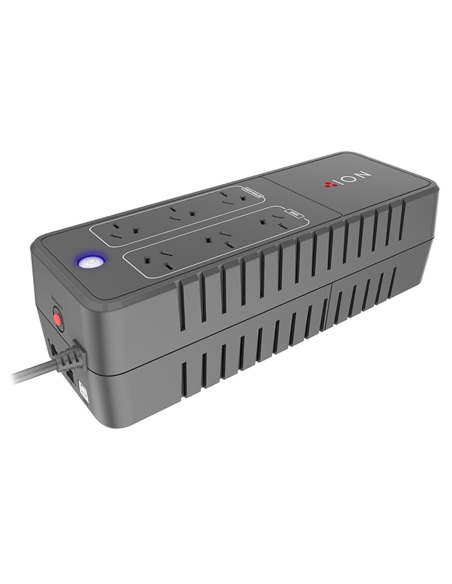
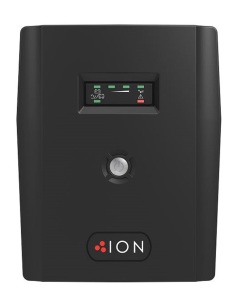
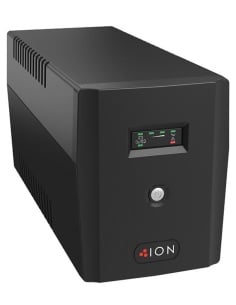
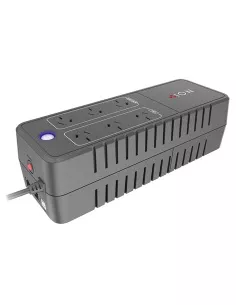
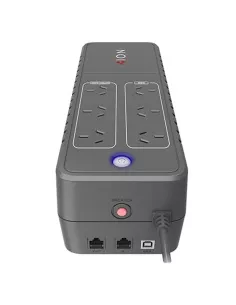
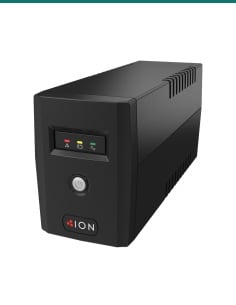
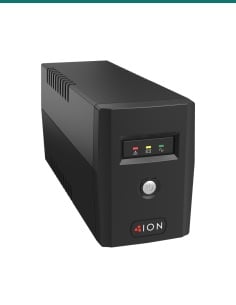
The ION and Avol UPS units we sell have Australian outlets and do not need this lead. It is for UPS units and rails with IEC C13 outlets.
Where it is used
Power gear with Australian plugs from a UPS that only has IEC C13 outlets.
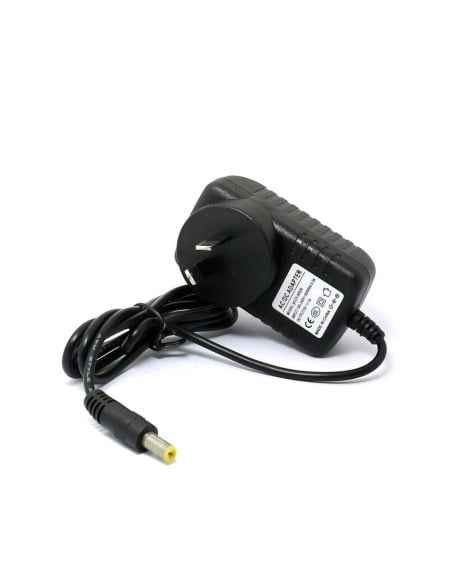
Take a modem, router or plug pack off a rack power rail with IEC outlets.
Run an NVR or DVR plug pack from the UPS that backs up the recorder.
Keep a PoE switch with an external supply on battery backup, so cameras stay up.
Power a monitor or small appliance with an Australian plug from IEC outlets.
Connect a desk UPS with IEC outlets to a device with an Australian plug.
| CAB-UPS-6090 (this lead) | CAB-UPS-6091 | |
|---|---|---|
| Total length | 30 cm | 1.5 m |
| Cable between the ends | 17 cm | Confirm with us |
| IEC end | C14 plug | C14 plug |
| Australian end | 3-pin socket | 3-pin socket |
| Rating | 250V, 10A | 250V, 10A |
| Best for | A plug pack right beside the UPS or rail | A device further from the UPS |
Same ends, different length. Lengths are total, connectors included. For the reverse job, a wall power point to a PC or monitor, use CAB-PWR-3P-IEC.
The IEC C14 end. It has three flat pins and pushes into an IEC C13 outlet on the UPS or power rail.
The Australian 3-pin socket end. Your device's normal Australian plug goes into it, like an extension lead.
No. Neither end fits a wall power point. For that, use the reverse lead, CAB-PWR-3P-IEC.
No. A PC takes power through an IEC inlet. Use CAB-PWR-3P-IEC, Australian plug to IEC C13 socket, for that.
Many UPS units have IEC C13 outlets instead of power points. This lead lets a device with an Australian plug run from one of them.
30 cm in total, connectors included, with 17 cm of cable between the ends. The 1.5 m CAB-UPS-6091 is the longer version.
250V and 10A. Keep the device's load within 10A and within what the UPS outlet can supply.
Yes, it is listed as SAA approved for use in Australia.
No. It fits IEC C13 outlets only, not the larger C19 outlets.
No. The ION and Avol UPS units on our site have Australian outlets. This lead is for UPS units and rails with IEC outlets.
Check the UPS manual first. Many UPS makers say not to plug a power board or surge protector into a UPS, and the total load must stay within 10A.
Yes. Order the quantity you need. The 1.5 m CAB-UPS-6091 is also listed in multi-packs of 2 to 50.
Not sure which lead you need? Email a photo of the outlet and the plug to [email protected] or call 1300 736 970.
Mains voltage. This lead carries 230V mains. Do not use it if the cable or either end is damaged, and keep it away from water.
Load. Rated 250V, 10A. Keep the total load within 10A and within the UPS outlet's and the UPS's rating.
Power boards. Check the UPS manual before plugging a power board or surge protector into the socket end.
What it does not do. It does not plug into a wall power point and does not fit IEC C19 outlets. It does not change the voltage or protect against surges.
Figures. From our listing for this lead. It is an InFront Technologies house-brand lead with no manufacturer datasheet.


Need help choosing?
Tell us about your property and we'll recommend the right cameras and recorder.
07 5609 4910Sydney 02 8814 6008
[email protected]
Mon–Fri, 9am–5pm AEST
20 related items