VIP Vision · Camera mounting · Junction box, black
The connectors, out of sight.
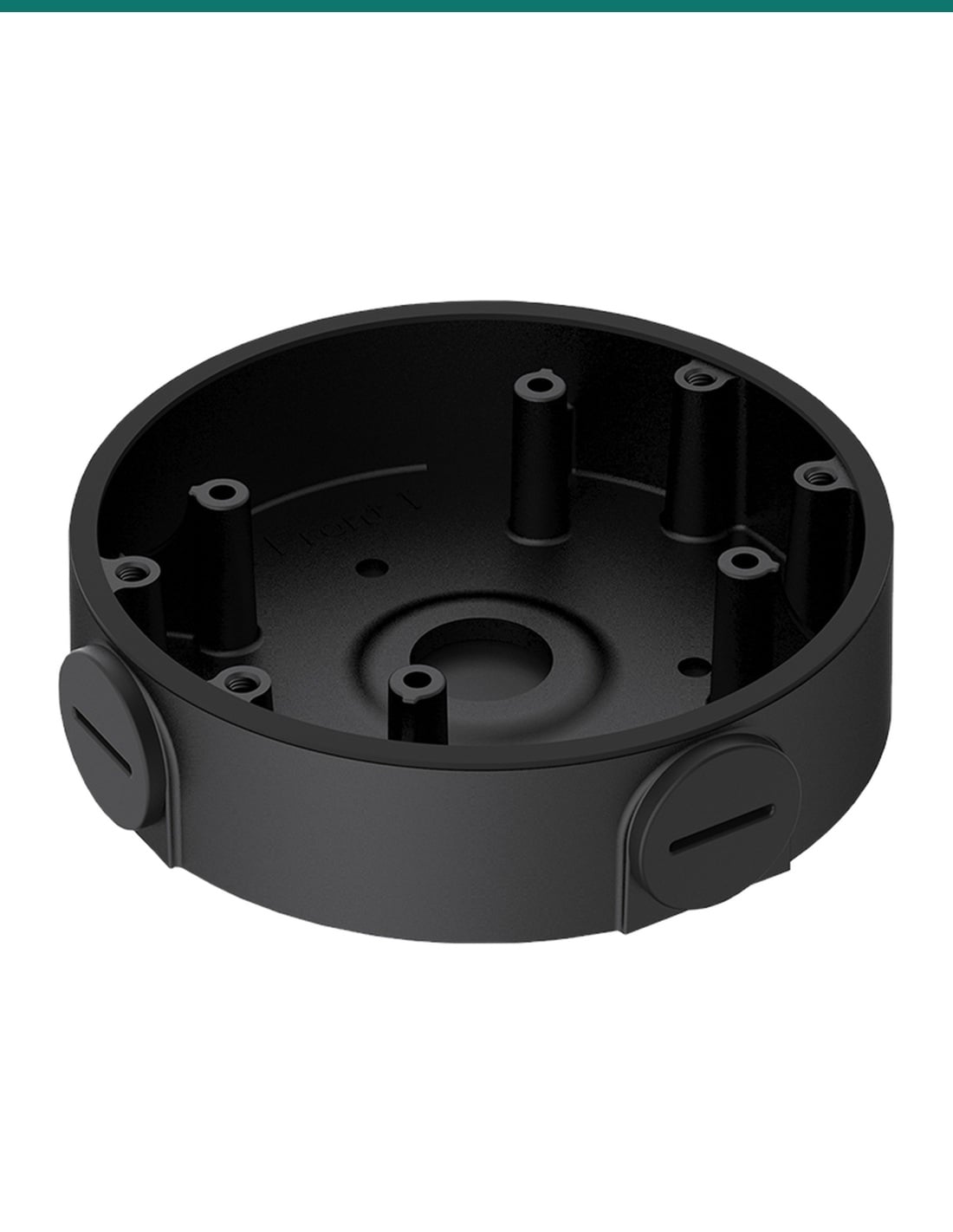
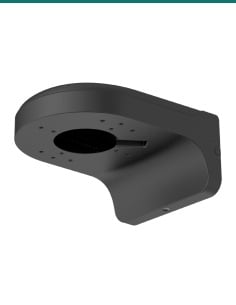
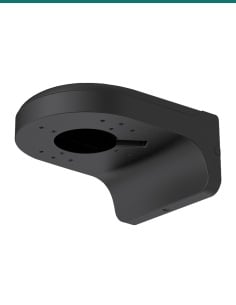
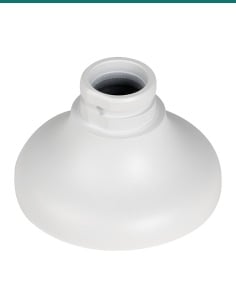
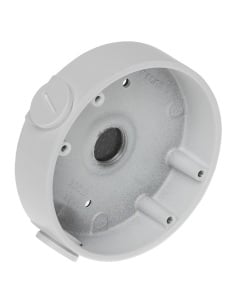
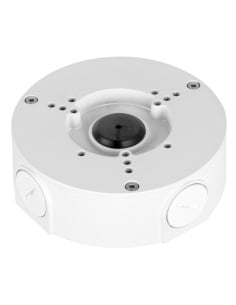
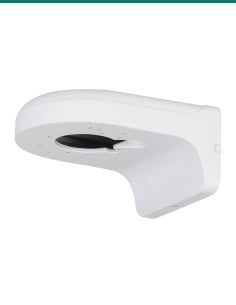
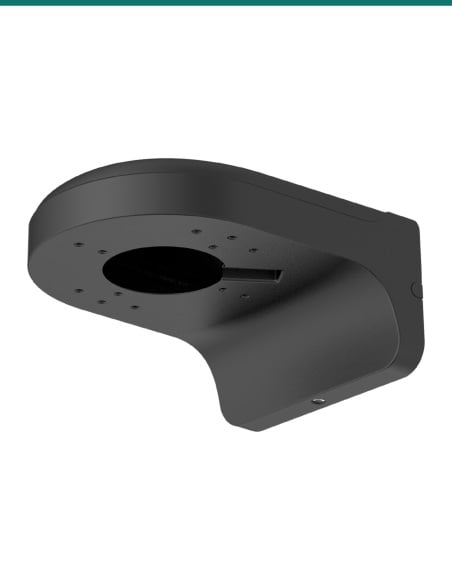
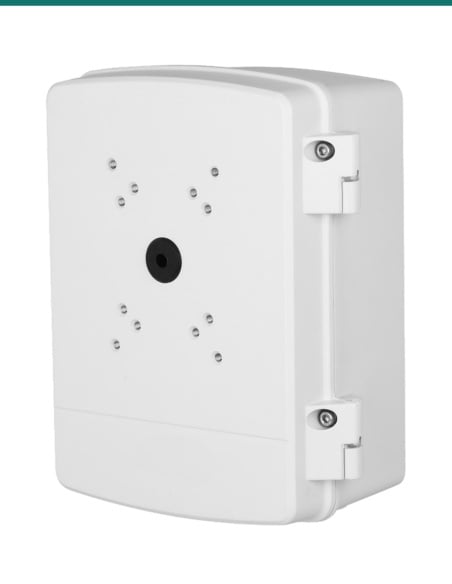
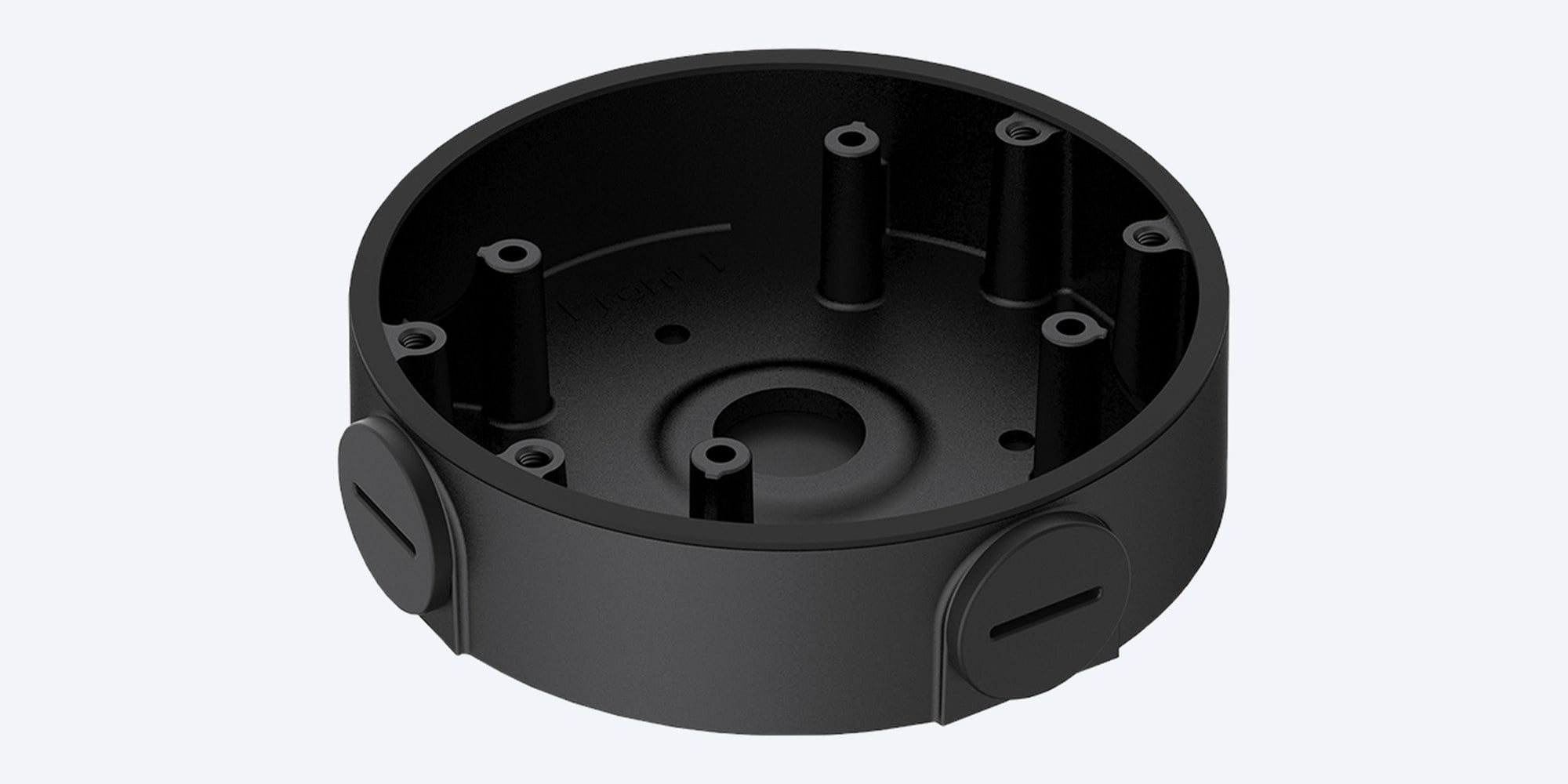
A black junction box for VIP Vision turrets.
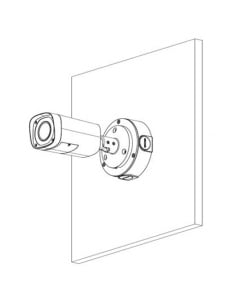
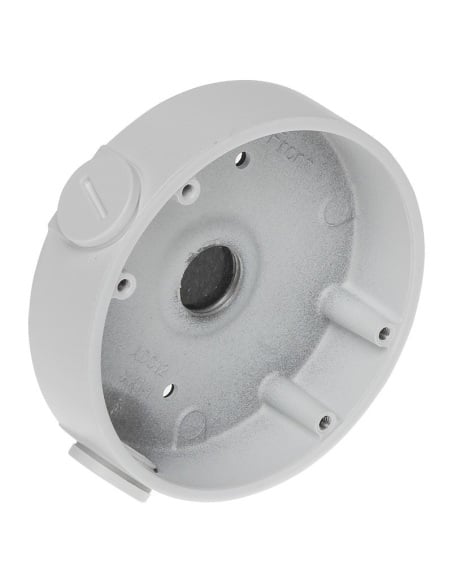
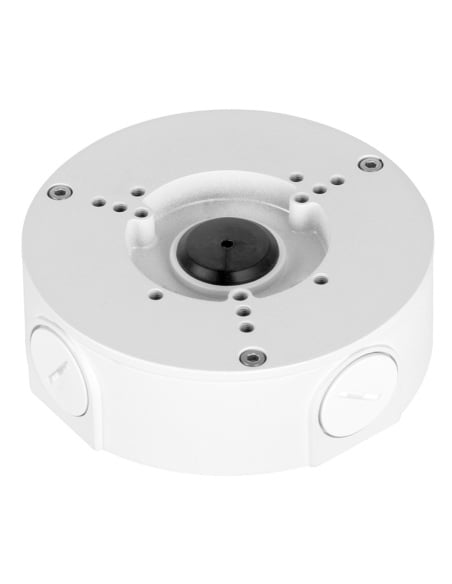
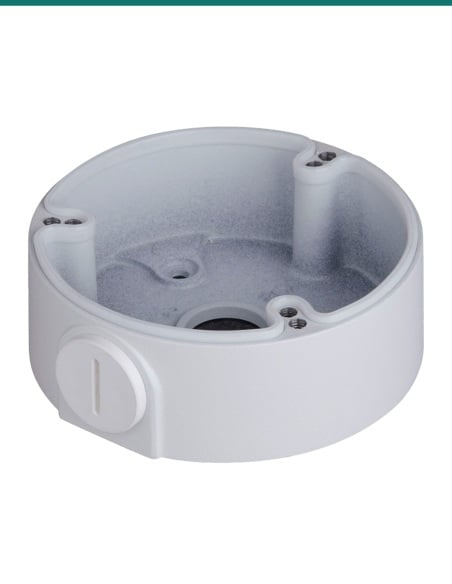
The VIP Vision VSBKTA139-B is a shallow round aluminium box that sits between the wall and a turret camera, hiding the cable joins inside. It also lets the camera go on a corner or pole mount.
In one sentence: the VIP Vision VSBKTA139-B is a black IP67 aluminium junction box, Ø108 × 28.5 mm and rated to 1 kg, with G1/2 cable entries, listed by VIP Vision for its DIRG series turret cameras.
Junction box only. The camera and fixings are separate.
This listing is one black VSBKTA139-B box. VIP Vision does not list screws, plugs or conduit fittings in the box, so plan on fixings to suit the surface, or ask us.
In the box- VSBKTA139-B junction box (black)
You also need- A compatible VIP Vision turret camera (list below)
- Screws and plugs to fix the box to the wall or mount
- A G1/2 (M20) conduit fitting if the cable runs in conduit
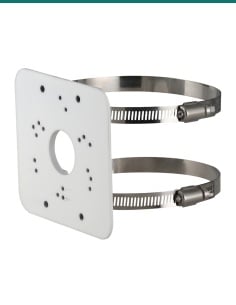
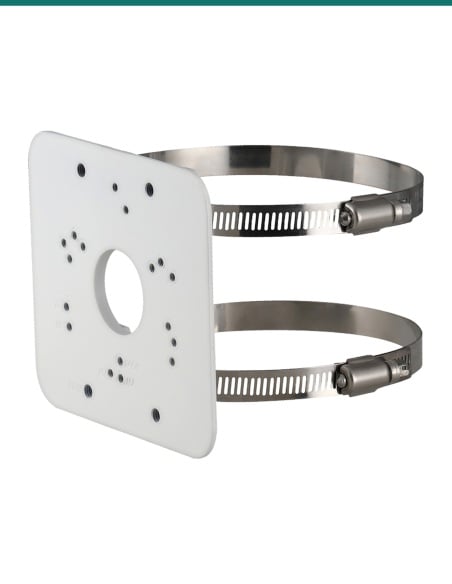
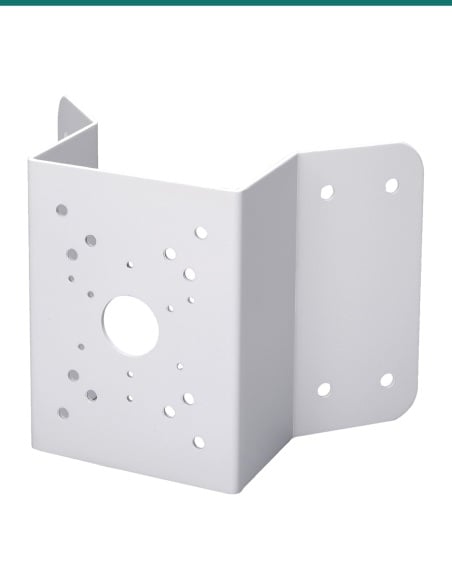
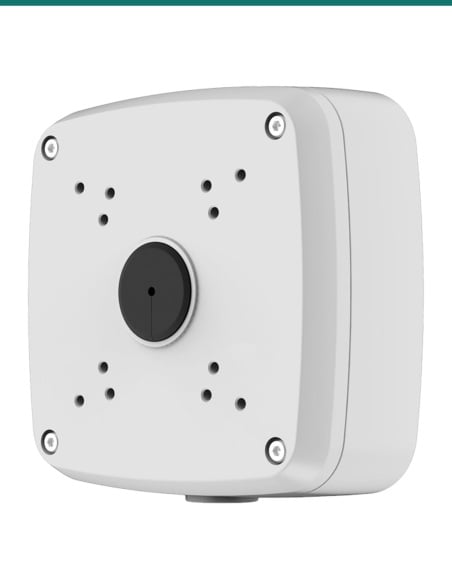
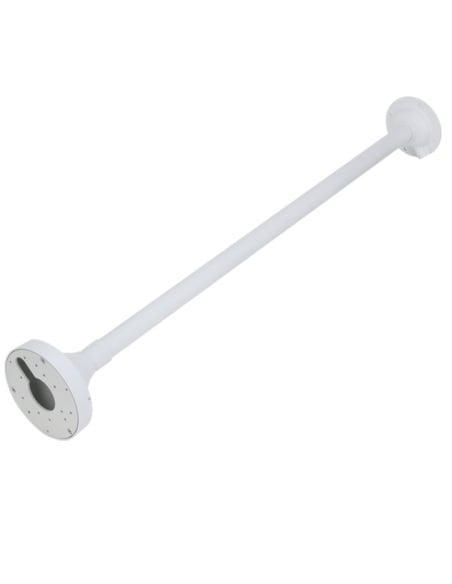
- VSBKTA151 corner mount or VSBKTA152E pole mount for corners and poles
A tidy base for a turret.
Turret cameras come with a short cable tail and plugs that need somewhere dry to live. The VSBKTA139-B fixes to the wall, takes the cable in from behind or through a side entry, and gives the camera a flat face to screw onto, so the joins sit inside the box instead of in the wall cavity or out in the weather.
Inside
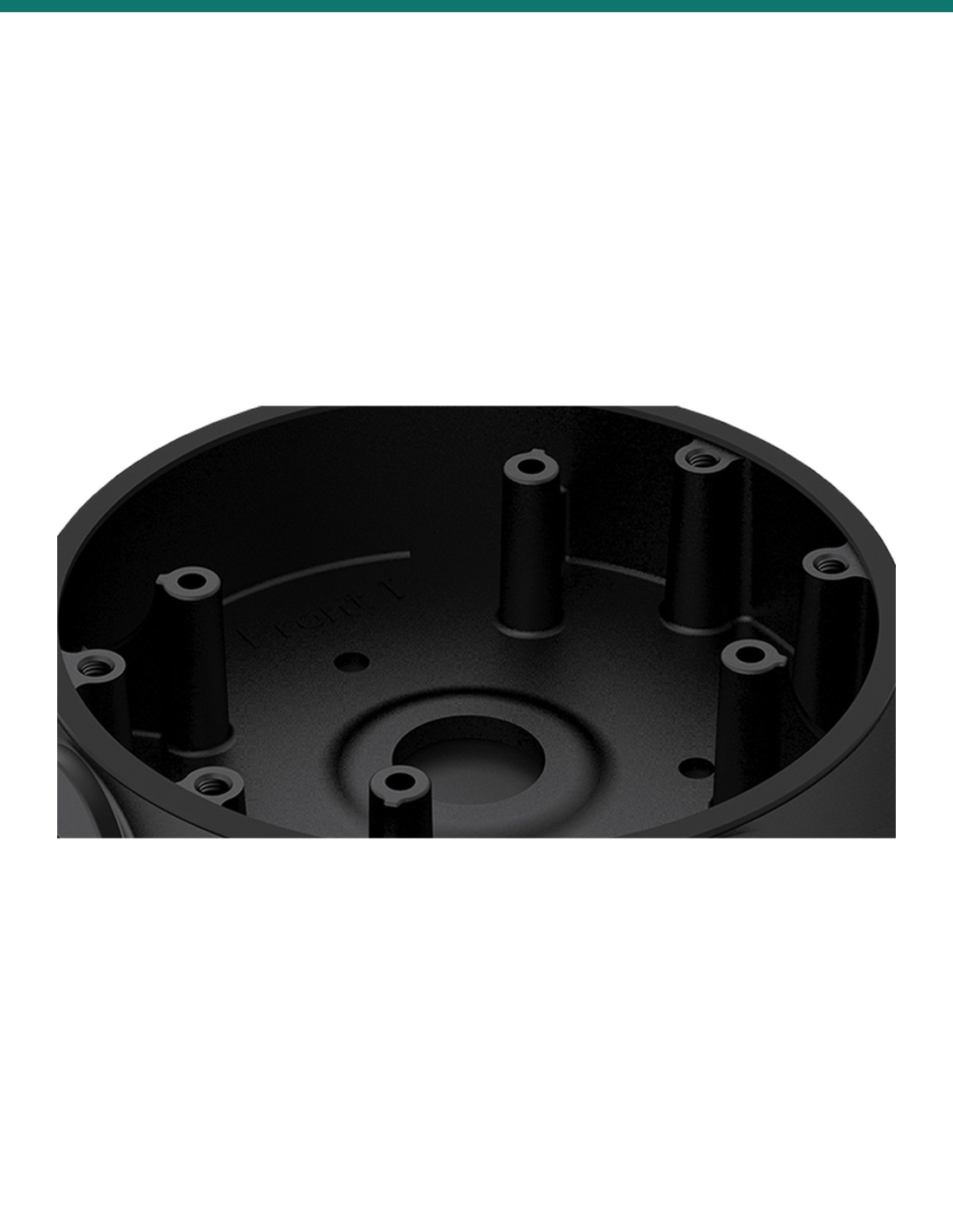
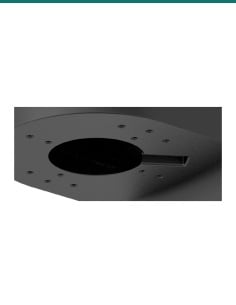
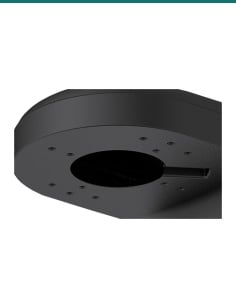
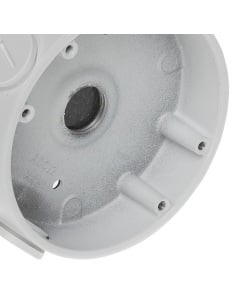
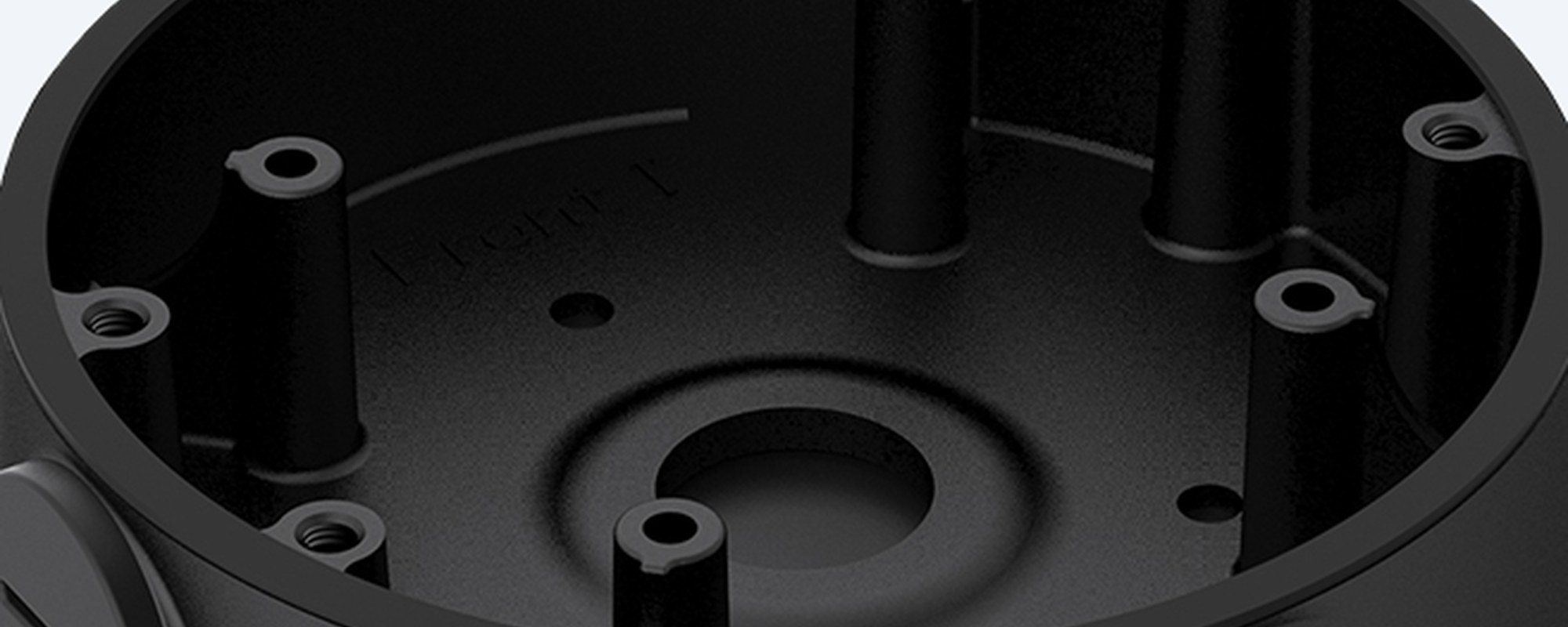
Threaded bosses around a cable opening.
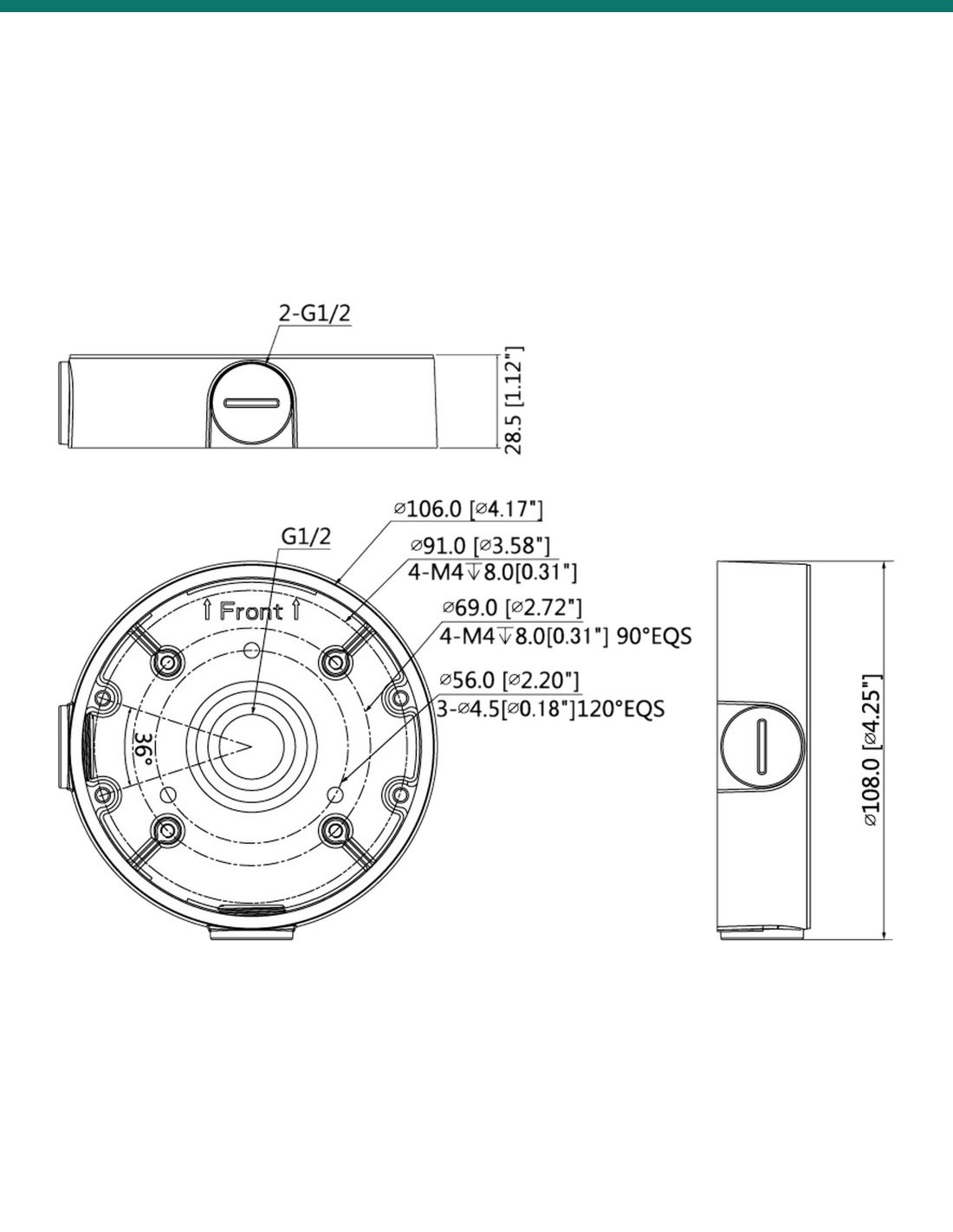
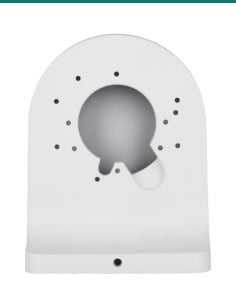
VIP Vision's drawing shows four M4 holes on a 91 mm circle and four on a 69 mm circle, each 8 mm deep, plus three 4.5 mm holes on a 56 mm circle and a G1/2 opening in the base. Close-up from VIP Vision's product photo.
Side entry
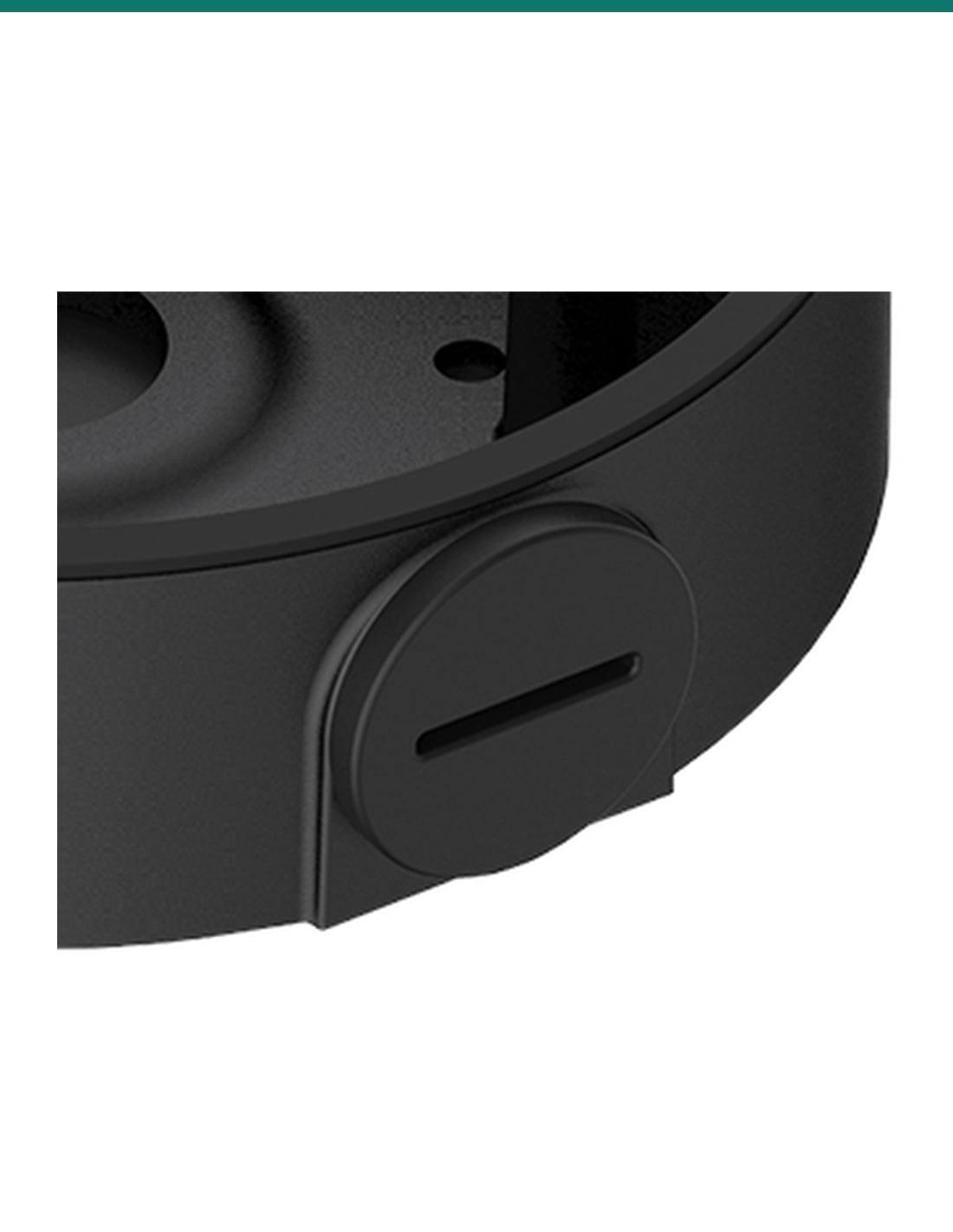
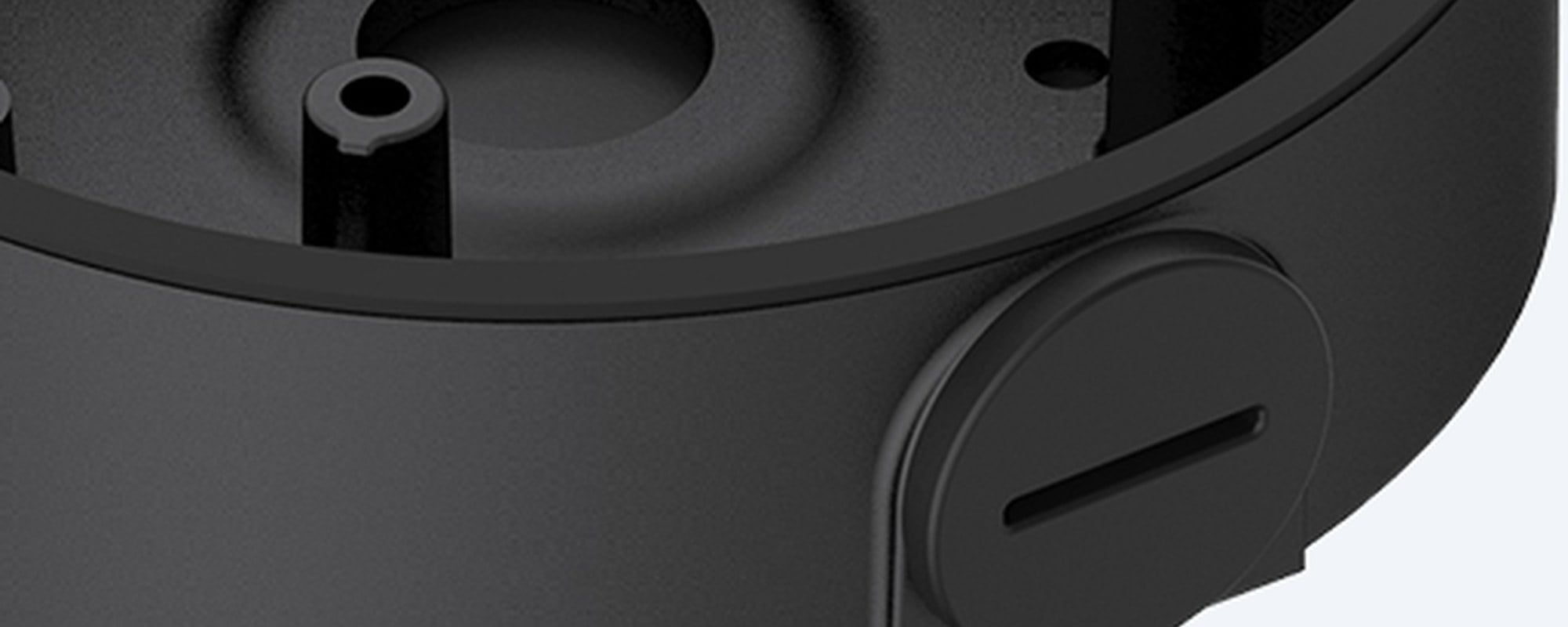
Two capped side entries.
Two G1/2 side entries with screw-in caps let the cable come in along the wall or from conduit when it can't come from behind. The box is rated IP67. Close-up from VIP Vision's product photo.
How it goes in
From cable to mounted turret.
01
Plan the cable entry
Decide whether the cable comes from behind through the base or along the wall through a G1/2 side entry, and open only that entry.
02
Fix the box
Fix the box to the wall, or to a VSBKTA151 corner or VSBKTA152E pole mount, with screws that suit the surface.
03
Join the cable
Bring the network cable into the box, connect the camera's cable tail, and tuck the joins and spare cable inside.
04
Mount the camera
Screw the turret's base onto the box with M4 screws, check the side caps are tight, and aim the camera.
At a glance
VSBKTA139-B
Show specs
Type
Round junction box and adapter
Cable entries
G1/2 in the base and 2 × G1/2 side entries with caps; spec table lists M20 (G1/2)
Camera holes
4 × M4 on Ø91 mm and 4 × M4 on Ø69 mm, 8 mm deep (drawing)
Base holes
3 × Ø4.5 mm on a 56 mm circle (drawing)
Operating range
−40 °C to 60 °C, humidity 90% or less
Listed cameras
VIP Vision DIRG turrets, see the list below
Next mount
VSBKTA151 corner mount or VSBKTA152E pole mount
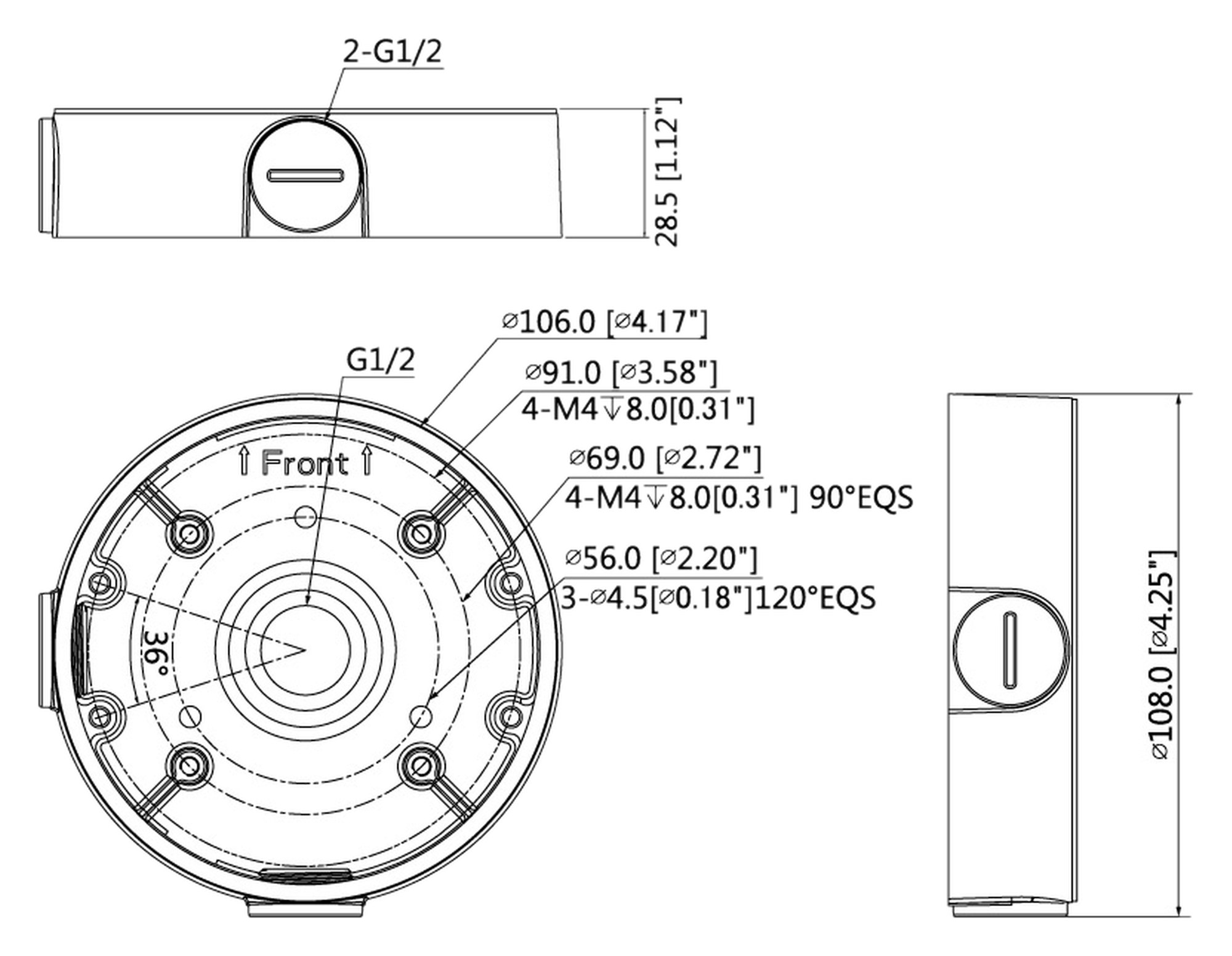
VIP Vision dimension drawing, measurements in mm and inches.
Works with
Cameras VIP Vision lists for this junction box
VIP Vision's compatibility guides (2021, 2023 and 2025) list the VSBKTA139, which is this box in white, for these cameras. Some are older models we no longer sell. Not on the list? Send us your camera model and we will confirm the fit.
Model numbers
VSIPP-6DIRG-I3-B
6MP turret, black (2025 guide)
VSIPP-8DIRG-I3-B
8MP turret, black (2025 guide)
VSIPP-6DIRG-I3
6MP turret (2025 guide)
VSIPP-8DIRG-I3
8MP turret (2025 guide)
VSIPP-4DIRG-I3
4MP turret (2025 guide)
VSIPP-5DIRG-I2-P
5MP turret (2025 guide)
VSIPL-6DIRG-I
6MP turret (2025 guide)
VSIPP-4DIRG-I2, VSIPP-6DIRG-I2, VSIPP-8DIRG-I2
Turrets (2023 guide)
VSIPP-4DIRF-I
4MP wedge dome (2021 and 2023 guides)
VSIPP-6DIRG-I, VSIPP-6DIRG-I-B, VSIPP-8DIRG-I
Turrets (2021 guide)
VSCVI1MPDIRV4, VSCVI2MPDIRV5, VSCVI-2DFCG, VSCVI-5DIR2.8G, VSCVI-8DIRG
HD over coax turrets (2021 guide)
Pair it with
What goes with it
Camera
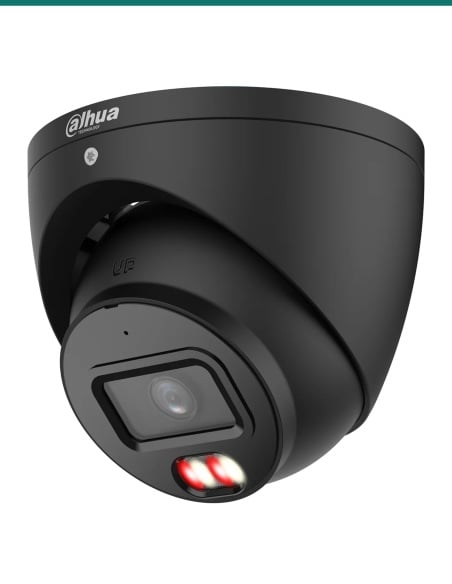
A black VIP Vision turret
The VSIPP-6DIRG-I3-B or VSIPP-8DIRG-I3-B, both listed by VIP Vision for this box, match its black finish.
Corners
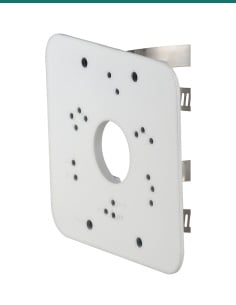
VSBKTA151 corner mount
VIP Vision's guide pairs this box with the VSBKTA151 to put the camera on an outside corner of a building.
Poles
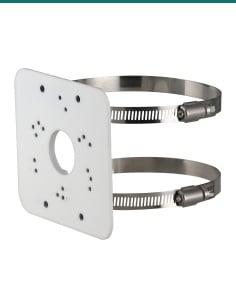
VSBKTA152E pole mount
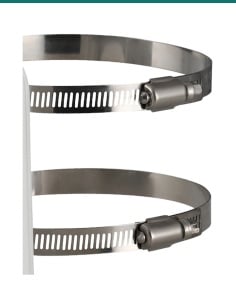
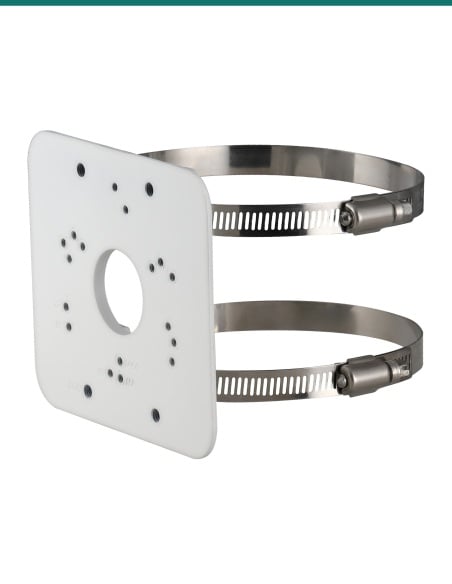
Dual clamp pole mount for poles 80 to 150 mm across, listed with this box in VIP Vision's guides.
Wall arm instead
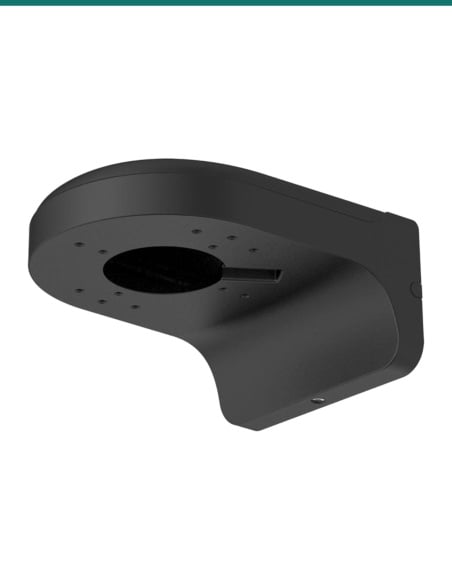
VSBKTB204W-B wall mount
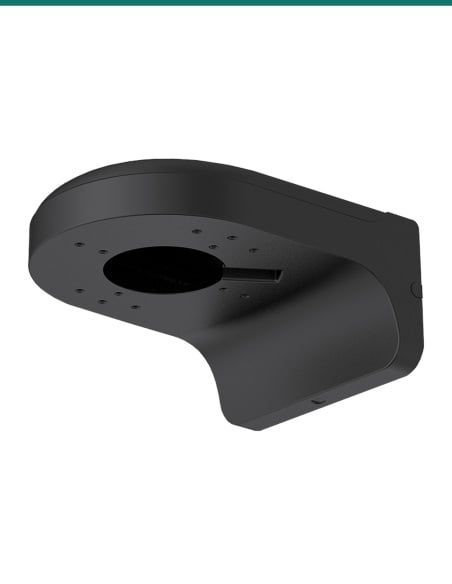
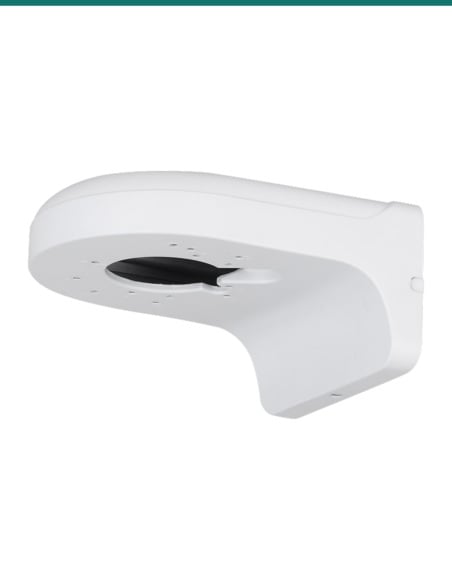
A black right angle wall mount for the same turrets, when the camera needs to stand off the wall.
Where it is used
Where a turret junction box helps.
Brick and block walls
Where the cable can't be hidden in the wall cavity behind the camera.
Eaves and soffits
Gives the cable joins a dry home when there is no roof space above.
Building corners
With the VSBKTA151 corner mount, watching two walls from one spot.
Poles and posts
With the VSBKTA152E pole mount on car park, yard and fence poles.
Surface conduit runs
The G1/2 side entries take the cable in along the wall.
Dark facades
A black box and black turret that blend into dark cladding or trim.
VSBKTA139-B or VSBKTA135
| VSBKTA139-B (this box) | VSBKTA135 |
|---|
| Colour | Black | White |
| Size | Ø108 × 28.5 mm | Ø90 × 34 mm |
| Weight | 0.16 kg | 0.14 kg |
| Load rating | 1.0 kg | 1.0 kg |
| Weather rating | IP67 | Listed as weather resistant, no IP figure |
| Cable entries | G1/2 | G1/2 (drawing) |
| Listed for | DIRG turrets | BIRMG-I3 bullets and VSIPP-4BIRW-I |
| Warranty | 1 year | 2 years |
Figures from VIP Vision's VSBKTA139-B product information and drawing, VSBKTA135 datasheet, and VIP Vision's 2025 Accessory Compatibility Guide.
Common questions
Which cameras fit the VSBKTA139-B?
VIP Vision lists this box (as the white VSBKTA139) for its DIRG turrets, including the VSIPP-6DIRG-I3-B, VSIPP-8DIRG-I3-B, VSIPP-6DIRG-I3, VSIPP-8DIRG-I3, VSIPP-5DIRG-I2-P and VSIPL-6DIRG-I. The full list is above; for any other camera, ask us.
What does a junction box do?
It gives the camera's cable joins a sealed space between the wall and the camera, and a flat base to screw the camera to.
Is a camera included?
No. This listing is the junction box only. The camera is sold separately.
Are screws included?
VIP Vision does not list fixings, so confirm with us or use screws and plugs that suit your surface. Turret cameras usually come with their own mounting screws.
Is it weatherproof?
Yes. VIP Vision rates it IP67 and for −40 °C to 60 °C with humidity up to 90%.
How big is it?
Ø108 mm across and 28.5 mm deep, and it weighs 0.16 kg.
How much weight will it hold?
1.0 kg, according to VIP Vision. Check your camera's weight on its datasheet.
Can I run conduit to it?
Yes. It has a G1/2 opening in the base and two G1/2 side entries with caps. VIP Vision's spec table lists the thread as M20 (G1/2).
Can I put it on a pole or corner?
Yes. VIP Vision pairs it with the VSBKTA152E pole mount (80 to 150 mm poles) and the VSBKTA151 corner mount.
Is it the same as the white VSBKTA139?
Yes, in black. VIP Vision lists the same size, weight, load and IP67 rating for both.
Is there a datasheet?
VIP Vision publishes no separate datasheet for this box; its figures come from VIP Vision's product information, drawing and compatibility guides. Ask us if you need more detail.
What warranty does it have?
1 year, according to VIP Vision, with warranty service through InFront Technologies.
Supported by InFront Technologies.
Not sure this box suits your camera? Call 1300 736 970 or email [email protected] with the camera model and we will confirm the fit.
Installation and safety
Mechanical part only. The VSBKTA139-B houses cable joins and holds the camera. It carries no power or data of its own.
Load. Rated for 1.0 kg. Check the camera weight on its own datasheet before you mount it.
Sealing. Keep the side caps fitted on entries you don't use so the IP67 rating holds.
Working at height. Use a stable ladder or platform and fixings rated for the surface.
Cabling. Concealed data cabling to the camera is customer cabling under AS/CA S009 and needs an ACMA-registered cabler. A new power point needs a licensed electrician.
Figures. From VIP Vision's VSBKTA139-B product information and drawing and the 2021, 2023 and 2025 Accessory Compatibility Guides.