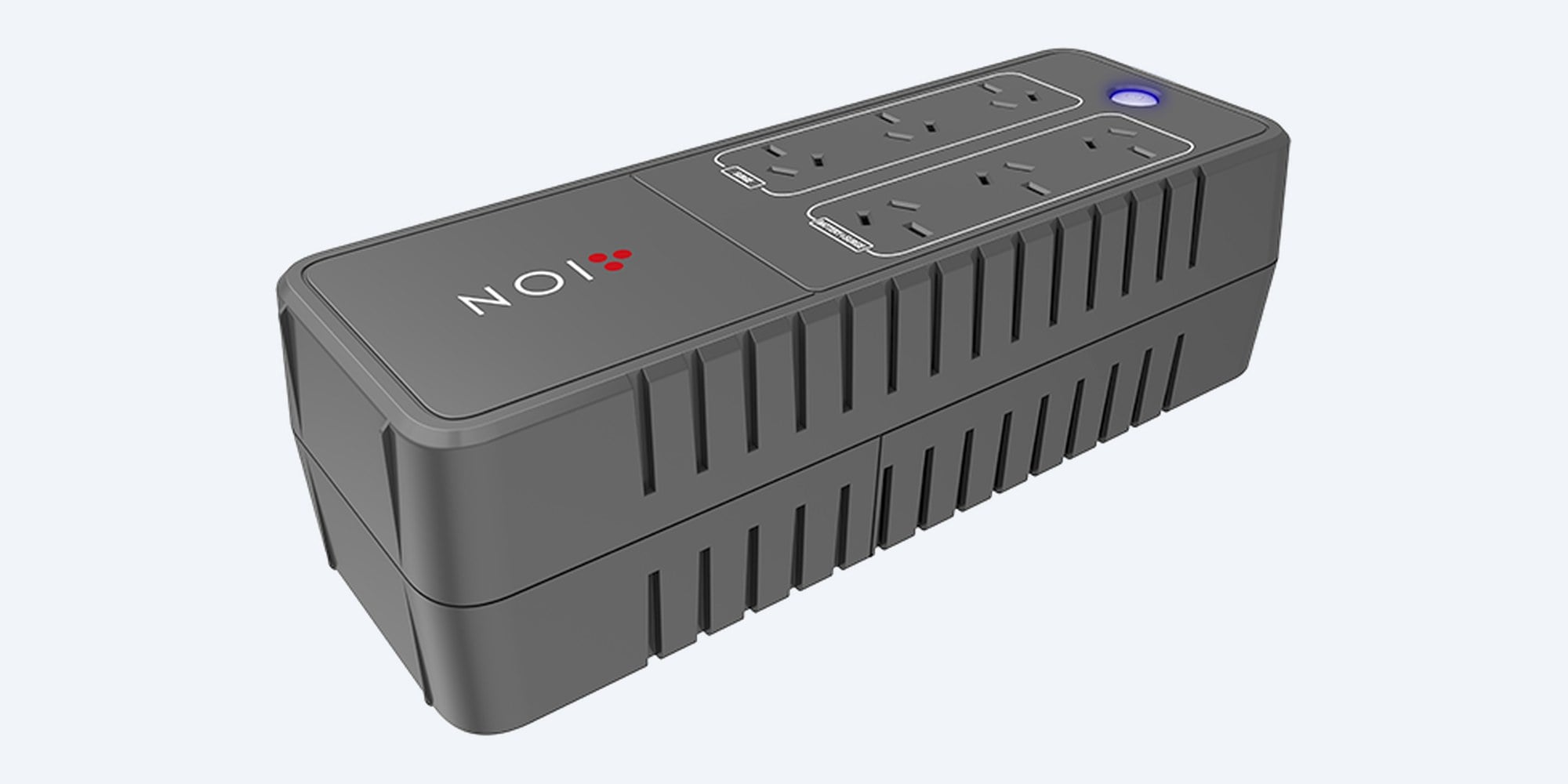
ION · F10 · Power board UPS
A power board with a battery.
850 VA, 490 W, six outlets.
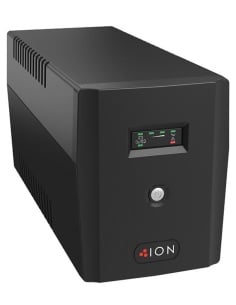
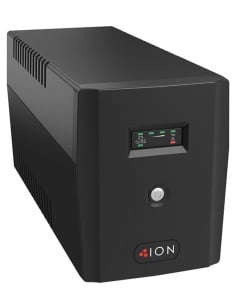
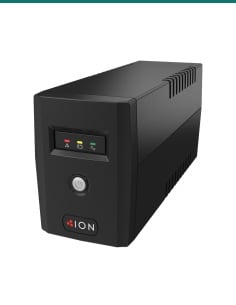
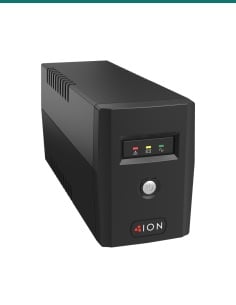
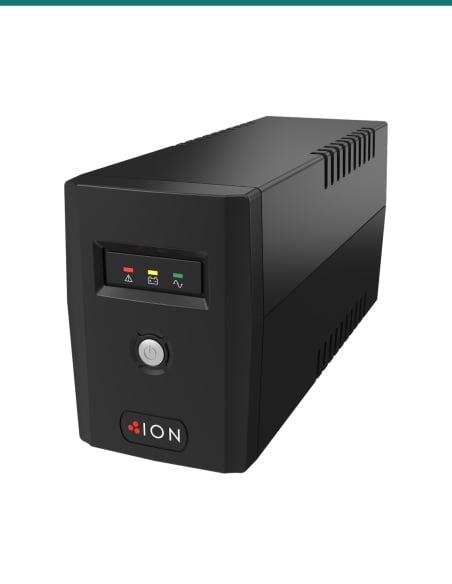
This is the ION F10 850 VA power board UPS: six Australian outlets in a flat case, three with battery backup and surge protection and three with surge protection only, plus phone and network line protection and a USB port.
In one sentence: the ION F10 is an 850 VA, 490 W power board UPS with six Australian 3-pin outlets (three battery backup and surge, three surge only), a 12 V 5.6 Ah battery, RJ11/RJ45 line protection, USB and a fanless, wall-mountable case.
UPS and manual in the box. Battery gear on the battery side.
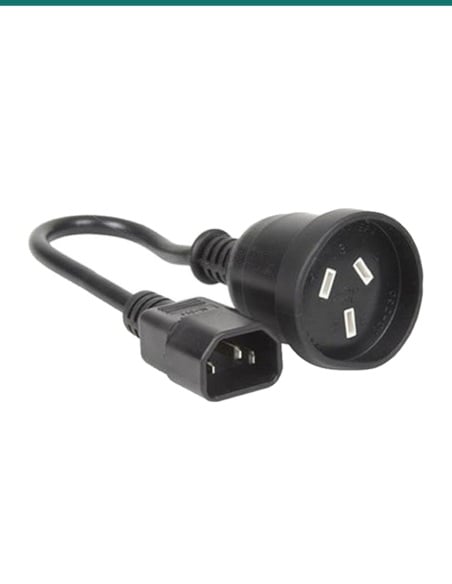
ION's user guide lists the box contents as the UPS unit and the user manual; the input power cord is fixed to the UPS. Only the three battery backup outlets stay on in a blackout, so plug the recorder, modem and switch into those.
In the box- ION F10 850VA UPS (input power cord attached)
- User manual
You also need- A wall power point for the UPS
- A USB cable to the computer if you want automatic shutdown (confirm with us)
- Short network or phone leads if you want to run a line through the RJ45/RJ11 protection ports
Three outlets that ride through a blackout.
When the mains fails, the battery side changes over in a typical 4 ms and keeps the recorder, modem and switch running on a simulated sine wave. The other three outlets keep surge protection only, for gear that can lose power.
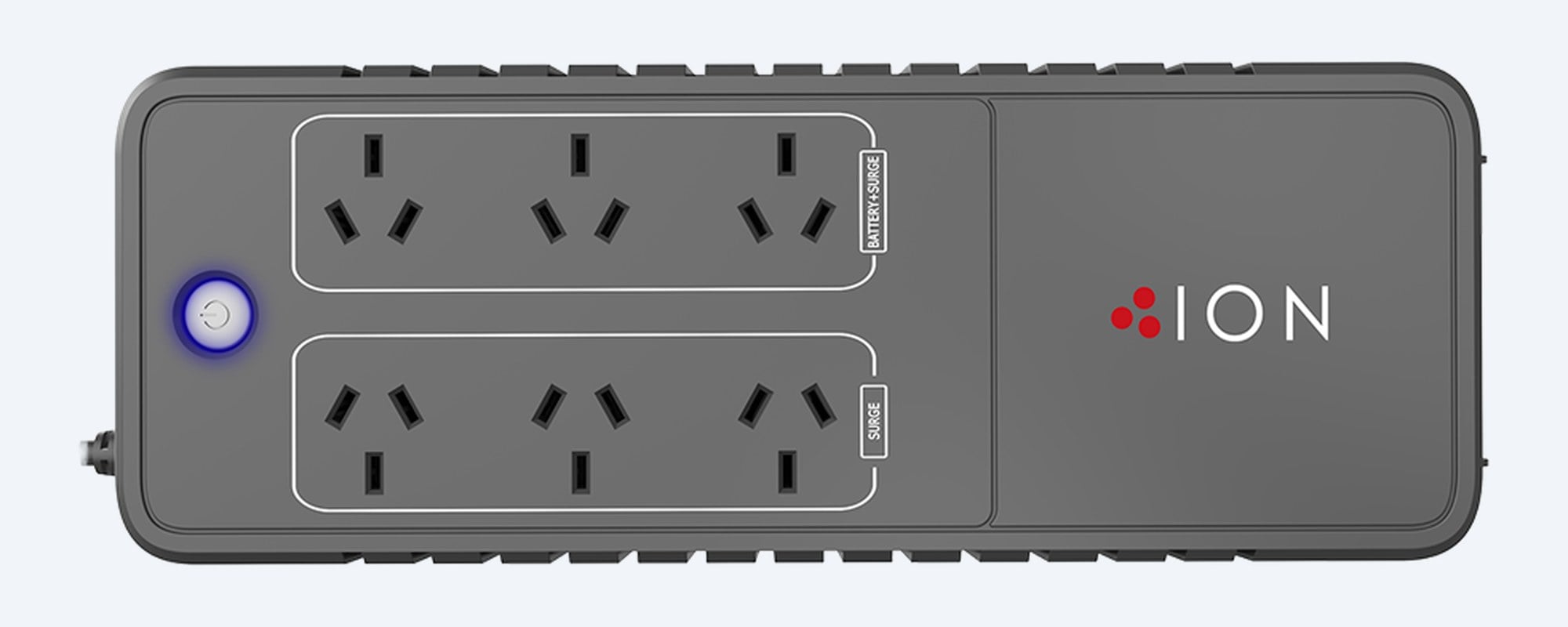
Outlets
Two groups of three.
One group of three Australian 3-pin outlets gives battery backup and surge protection, the other gives surge protection only. The power button with its LED sits at one end.

End panel
Breaker, line protection, USB.
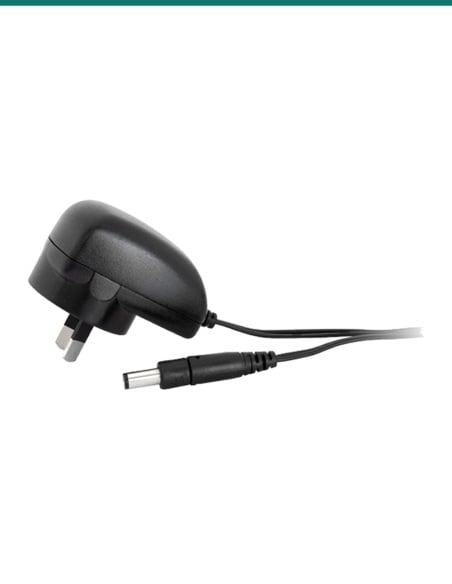
The end panel has the circuit breaker reset button, RJ45/RJ11 communication protection ports for a modem, phone line or network cable, the USB port for ION's Power Master software and the fixed input cord.
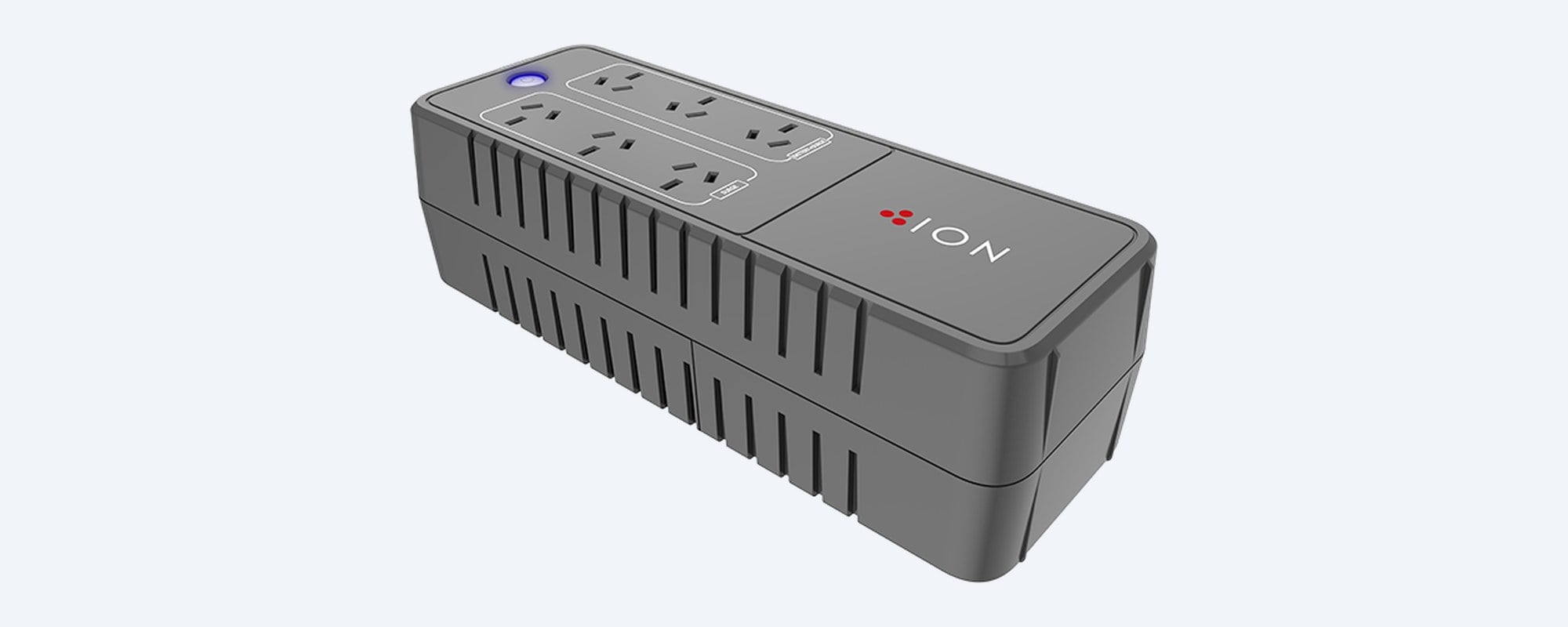
Case
90 × 110 × 309 mm, 3 kg.
A fanless case that lies flat on a desk, a shelf or the floor, or mounts on a wall, as ION lists it. With no fan, it suits an office or lounge.
How it goes in
From box to protected.
01
Charge it first
Plug the UPS into an earthed wall power point and leave it for at least 8 hours, as ION recommends. It charges whether it is switched on or off.
02
Add up the load
Total the maximum watts of the recorder, PoE switch and modem from their labels or datasheets. Keep the battery side under 490 W.
03
Plug the gear in
With the UPS off, plug the recorder, modem and switch into the battery backup outlets and other gear into the surge-only outlets. Then press the power button; it lights and beeps.
04
Connect USB and test
Run USB to the PC and install ION's Power Master software for monitoring and shutdown. Then switch off the wall power point to check the change to battery.
At a glance
UPS-F10-850
Show specs
Outlets
6 × Australian 3-pin: 3 battery backup and surge, 3 surge only
Output (battery mode)
220 to 240 VAC, 50/60 Hz ±1%, simulated sine wave
Distortion (THDv)
3% or less on a linear load, 5% or less on a non-linear load
Transfer time
4 ms typical
Input
220 to 240 VAC nominal, 180 to 270 VAC range, 50/60 Hz auto sensing, fixed input cord
Battery
1 × 12 V 5.6 Ah; ION's guide says there are no user-serviceable parts inside
Recharge time
8 hours to 90%, 0.7 A charger
Runtime
Not printed in ION's F10 datasheet or user guide; we check your load on request
Overload protection
Circuit breaker or internal firmware protection, resettable breaker button
Surge rating
Surge protection on all six outlets; ION does not publish a joule rating
Line protection
RJ11/RJ45 communication protection ports for a modem, phone line or network cable
Interface
USB, with ION's Power Master management software
Display and alarm
LED for AC, battery, low battery, overload and fault, with beeps for battery mode, low battery and overload
Other features
Fanless, supports APFC power supplies, cold start on battery, auto charge and auto restart, wall mountable
Size and weight
90 × 110 × 309 mm (H × W × D), 3 kg
Environment
0 to 40 °C, 0 to 90% humidity non-condensing, indoor
Warranty
2 year advanced replacement on the UPS electronics and batteries (ION)
Pair it with
What it protects
Small recorders
8-channel PoE recorders
A Dahua DHI-NVR4108HS-8P-AI/ANZ or Uniview NVR501-08B-P8-IQ powers its cameras over PoE, so one battery outlet keeps the recorder and the cameras running. Check the recorder's maximum watts on its datasheet.
IVSEC
IVSEC NVR 8000 and 850 kits
The IVNR8-8000-2T recorder in the IVK8L-8504B and IVK8L-12504D kits on a battery outlet, with the modem on another, so the cameras and remote viewing stay up. Check the recorder's maximum watts first.
Cabinet
Datatek 24SECCAB security cabinet
Lock the recorder in a 24SECCAB and plug the cabinet's PDU into a battery outlet. Keep everything on that PDU under 490 W.
Where it is used
Where it is used
CCTV recorders
A small NVR or DVR on battery, so a blip does not reboot the system or cut the recording.
Internet and phone
Modem and router on battery, with the phone or network line run through the RJ11/RJ45 protection ports.
Shop counters
POS terminal and EFTPOS router on the battery side, receipt printer on the surge side.
Home offices
PC and monitor on battery with Power Master to save and shut down, chargers and a lamp on the surge side.
Home theatre and gaming
Fanless, so it can sit in a lounge cabinet with the console, modem and TV box.
Tight spaces
Flat and 110 mm wide, or on the wall, where a tower UPS will not fit.
F10 850VA or F11-LE-650
| F10 850VA (this UPS) | F11-LE-650 |
|---|
| Capacity | 850 VA / 490 W | 650 VA / 360 W |
| Outlets | 6: 3 battery and surge, 3 surge only | 2, both battery backup |
| Battery | 1 × 12 V 5.6 Ah | 1 × 12 V 7 Ah, user replaceable |
| Recharge to 90% | 8 hours | 4 to 6 hours |
| Voltage regulation | Not listed on ION's F10 sheet; input 180 to 270 VAC | AVR, input 162 to 290 VAC |
| Line protection | RJ11/RJ45 ports | Not shown in ION's F11-LE manual |
| Shape | Power board, 90 × 110 × 309 mm, 3 kg, wall mountable | Tower, 142 × 101 × 298 mm, 4.3 kg |
| Warranty | 2 year advanced replacement | 3 year advanced replacement |
Figures from ION's F10 datasheet and ION's F11-LE datasheet. Choose the F10 for more outlets, line protection and a flat case; the F11-LE-650 for voltage regulation, a user-replaceable battery and the longer warranty.
Common questions
How long will it run my recorder?
ION does not print a runtime in the F10 datasheet or user guide, so we do not quote one for a particular recorder. Send us your total watts and we will check it for you.
What is the most I can plug in?
850 VA or 490 W in total on the battery backup outlets, whichever you reach first. Add up the maximum watts on each device's label or datasheet.
Which outlets stay on in a blackout?
The three battery backup and surge outlets. The other three give surge protection only and turn off when the mains fails.
Is the output pure sine wave?
No. ION lists a simulated sine wave in battery mode, with distortion of 3% or less on a linear load.
Does it work with active PFC power supplies?
Yes. ION lists support for APFC equipment, the active power factor correction supplies used in many modern PCs.
Can I replace the battery myself?
ION's user guide says there are no user-serviceable parts inside, and to contact technical support when the battery wears. Call us and we will arrange it with ION.
Will it shut my computer down?
Yes, over USB with ION's Power Master management software, which monitors the UPS and shuts the computer down when the battery runs low.
What are the RJ11 and RJ45 ports for?
ION calls them communication protection ports. Run a modem, fax, phone line or network cable in and out through them for surge protection on that line.
Can it be mounted on a wall?
ION lists the F10 as wall mountable. Ask us about the fixing before you drill, and keep the vents clear.
What does cold start mean?
You can turn the UPS on from its battery when there is no mains power, to run the battery outlets during an outage.
What warranty does ION give?
ION states a 2 year advanced replacement warranty on the UPS electronics and batteries.
Should I choose the F10 or the F11-LE-650?
The F10 gives 490 W, six outlets, line protection and a flat, fanless case. The F11-LE-650 is a small tower with voltage regulation, a user-replaceable battery and a 3 year warranty, at 360 W.
Supported by InFront Technologies.
Help sizing a UPS for your recorder, modem and switch: call 1300 736 970 or email [email protected] with the model numbers. The ION F10 datasheet is on the Attachments tab.
Installation and safety
Mains equipment. Plug the UPS into an earthed wall power point protected by a fuse or circuit breaker, not an extension cord. A new power point needs a licensed electrician. Do not open the case.
Load. Stay under 490 W. ION says not to plug in laser printers, copiers, heaters, vacuums or paper shredders.
Cabling. Concealed data cabling to cameras and network points is customer cabling under AS/CA S009 and needs an ACMA-registered cabler.
Where to put it. Indoors, 0 to 40 °C, non-condensing, out of direct sun and away from water, with the vents clear.
Storage. ION advises storing it fully charged and recharging every three months.
Figures. From ION's F10 datasheet and ION's F10 850VA user guide.