- New
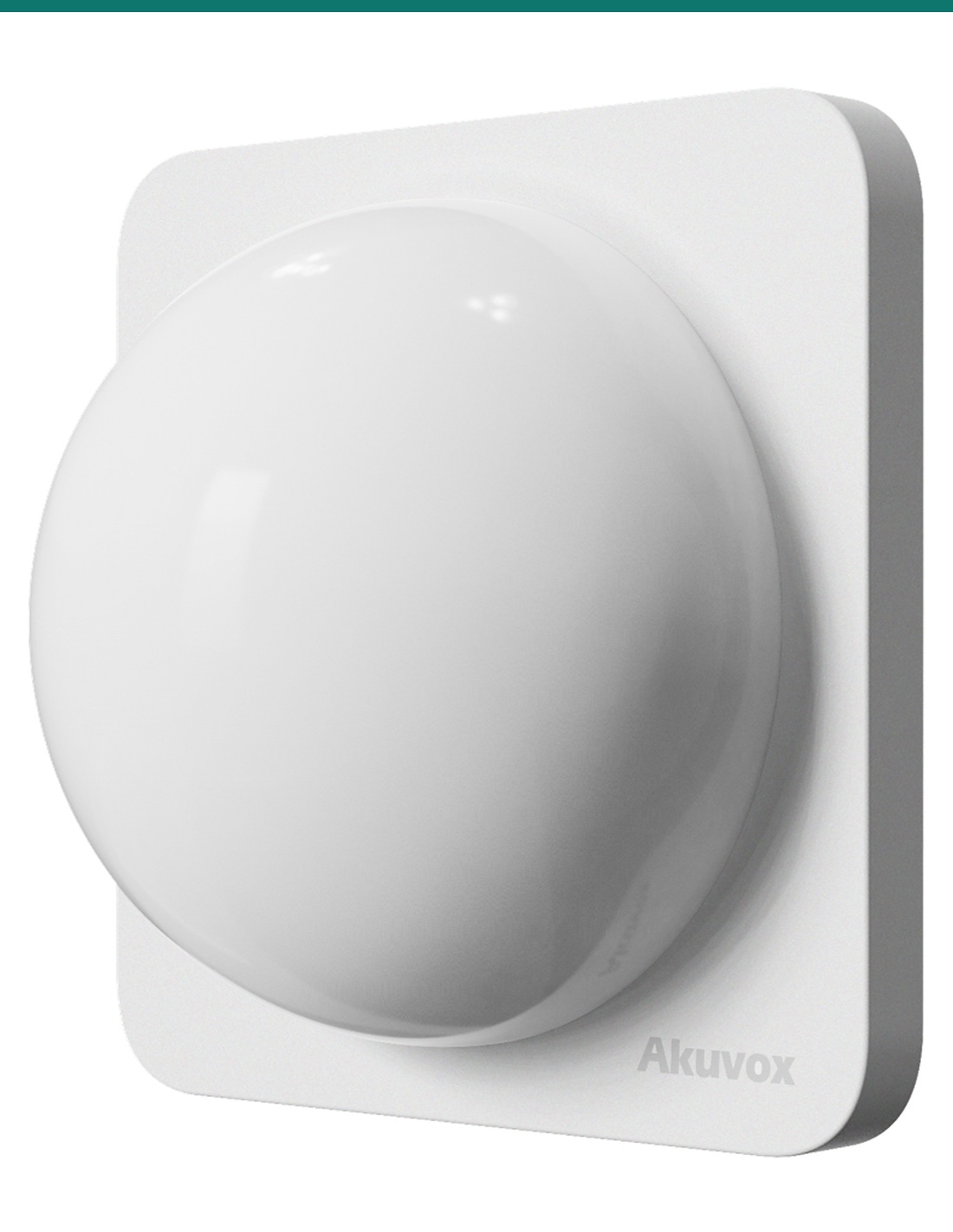
Akuvox LED11 is a wall-mounted light and buzzer that shows the alarm status of an Akuvox indoor monitor where people can see it. It connects to the monitor’s RS485 port, lights red, green, blue or yellow, steady or blinking, and can be driven by the monitor’s HTTP API.
- ✓Shows Alarm Triggered and System Disarmed states from an Akuvox indoor monitor
- ✓Four LED colours, steady or blink, with a configurable buzzer
- ✓RS485 connection to C316, IT88, S562, S563 and X937 monitors (minimum firmware applies)
- ✓Remote control through the monitor’s HTTP API · 12 V DC supply
Alarm status you can see.
And hear.
The AK-LED11 is Akuvox’s LED11, an external light and buzzer for Akuvox indoor monitors. Mount it at an entry, hallway or guard desk and it shows at a glance when the monitor’s alarm has been triggered or the system disarmed.
This SKU is the LED11 indicator only.
You receive the LED11. The Akuvox indoor monitor, the regulated 12 V DC power supply and the cabling are sold separately.
- Akuvox LED11 indicator light
- Compatible Akuvox indoor monitor with RS485 (C316, IT88, S562, S563 or X937) on minimum firmware
- Regulated 12 V DC power supply
- Four-core cable for RS485 and power
A status light beside the monitor.
The indoor monitor already knows when an alarm zone trips or the system is disarmed. The LED11 puts that status on the wall in colour and sound, so staff and residents don’t need to look at the screen.

Indicator
Colour, pattern and sound.
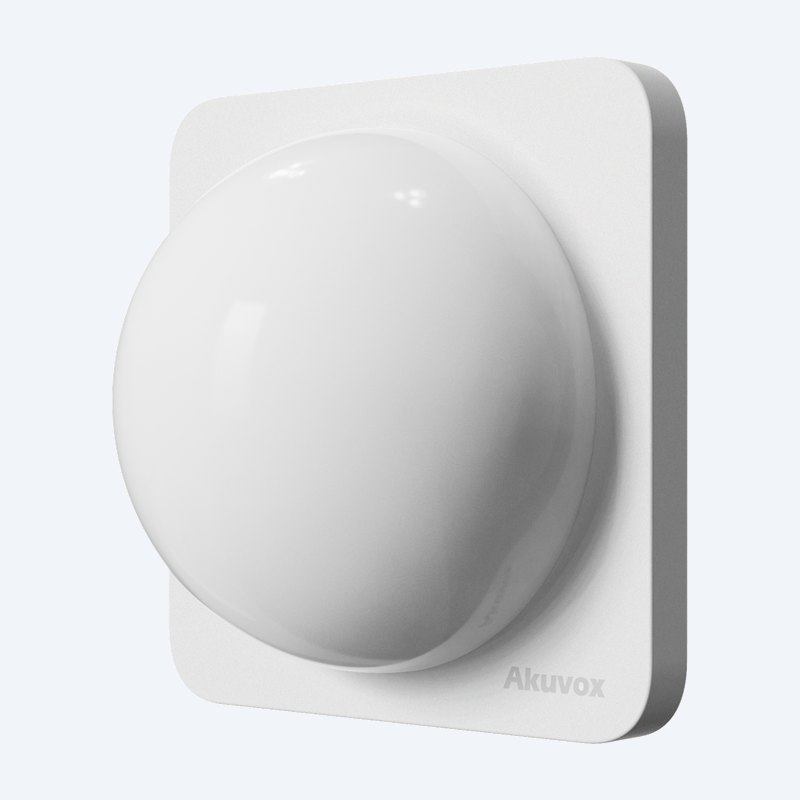
A white dome light on a square wall plate. It shows red, green, blue or yellow, either steady or blinking, with a buzzer that can sound with the light.
Set a different look for each event, such as red blinking with the buzzer for Alarm Triggered and steady green for System Disarmed.
Setup
Configured on the indoor monitor.
In the monitor’s web page, go to Device > External Relay, set Type to LED11, and enable the Alarm Triggered and System Disarmed events.
For each event choose the light, colour, light mode and buzzer, then submit. No app or software is needed on the LED11 itself.
Integration
Control it from other systems.
With the API enabled under Security > API, a third-party system can set the LED11 colour, mode and buzzer with an HTTP request to the indoor monitor.
Blink and buzzer on/off times are set in milliseconds, so the LED11 can also show building or access events.
How it works
Wiring and setup
01
Power off
Switch off the indoor monitor and the 12 V DC supply before wiring.
02
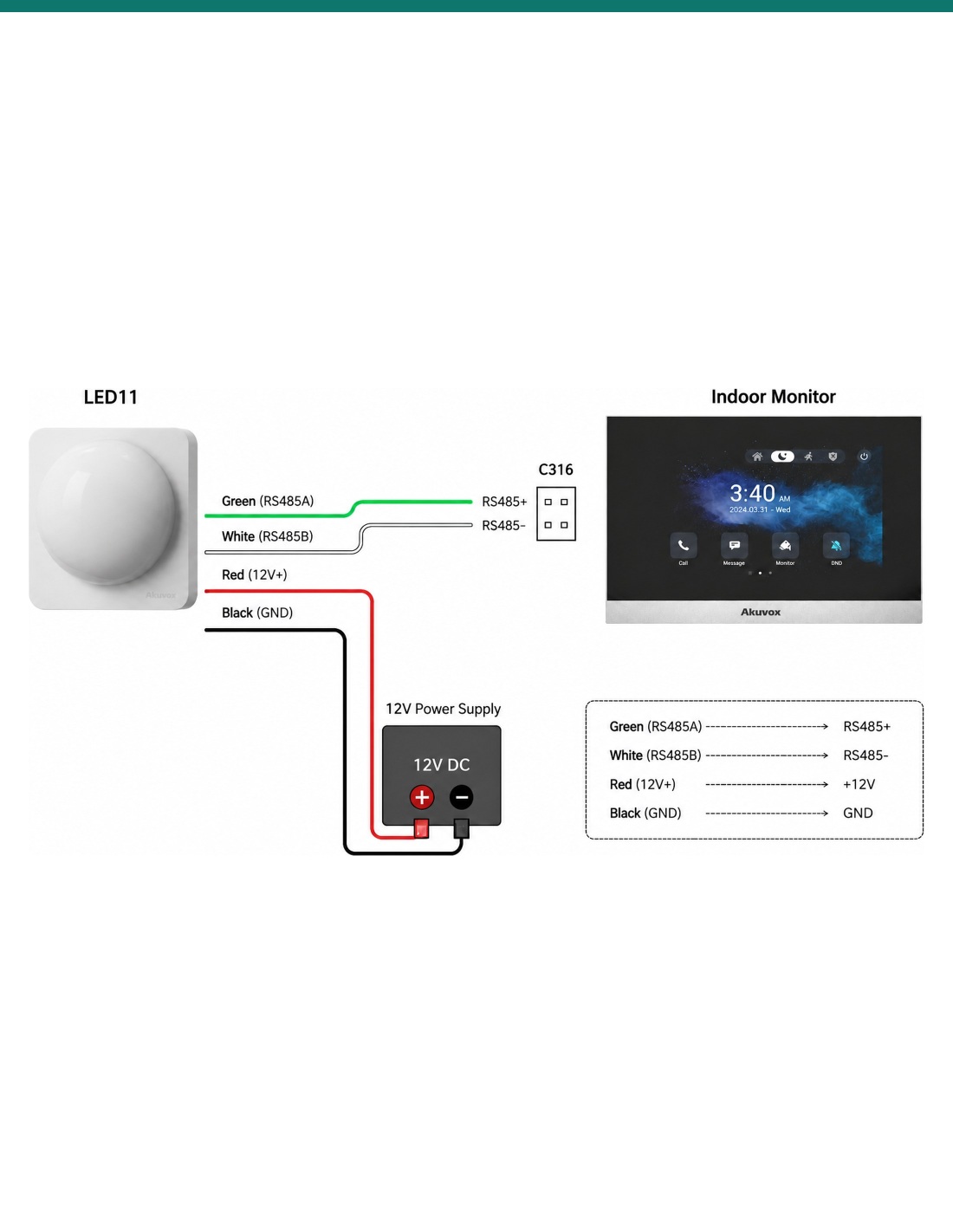
Wire RS485
Green (RS485A) to the monitor’s RS485+ and white (RS485B) to RS485−. Keep the A/B polarity correct.
03
Wire power
Red to +12 V and black to GND on a regulated 12 V DC supply. Never connect the LED11 to AC power.
04
Configure
In the monitor’s web page set Device > External Relay > Type to LED11, choose the events and light settings, and submit.
At a glance
Key specs — AK-LED11
Show all specifications
- Function
- External visual and audible status indicator
- Events
- Alarm Triggered, System Disarmed
- Light colours
- Red, green, blue, yellow
- Light modes
- Off, steady, blink
- Buzzer
- Configurable on/off and timing
- Interface
- RS485 to Akuvox indoor monitor
- Power
- Regulated 12 V DC
- Colour
- White
- Warranty
- Australian warranty
- Brand
- Akuvox
- Reference
- AK-LED11
Indicator
- Function
- External visual and audible status indicator
- Light colours
- Red, green, blue, yellow
- Light modes
- Off, steady, blink (on/off times in ms)
- Buzzer
- On/off, with buzzer on/off times in ms
- Events (monitor settings)
- Alarm Triggered, System Disarmed
- Colour
- White
Connection and power
- Interface
- RS485 to Akuvox indoor monitor
- Green wire
- RS485A, to monitor RS485+
- White wire
- RS485B, to monitor RS485−
- Red wire
- +12 V
- Black wire
- GND
- Power
- Regulated 12 V DC only, no AC
Compatible monitors (minimum firmware)
- C316
- 316.30.15.203
- IT88
- 88.30.15.201
- S562
- 562.30.16.144
- S563
- 563.30.15.207
- X937
- 937.30.15.501
Configuration
- Local setting
- Device > External Relay > Type: LED11
- API setting
- Security > API (enable, choose authentication, set user and password)
- API endpoint
- /api/thirdpart/led11_control on the indoor monitor
- API parameters
- color, mode, onMs, offMs, buzzerMode, buzzerOnMs, buzzerOffMs
Pair it with
Works with these Akuvox indoor monitors
Monitor
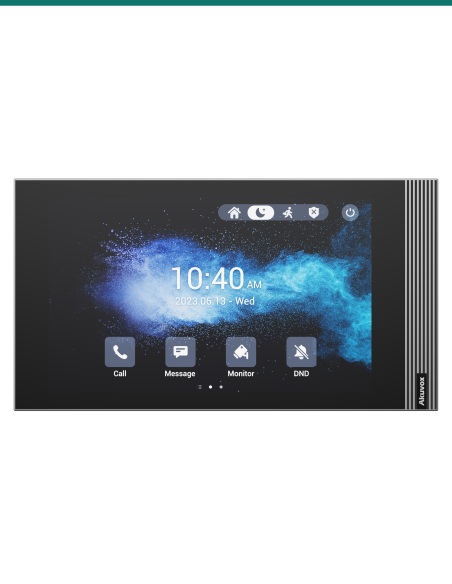
Akuvox S562
7-inch indoor monitor, LED11 support from firmware 562.30.16.144.
Monitor
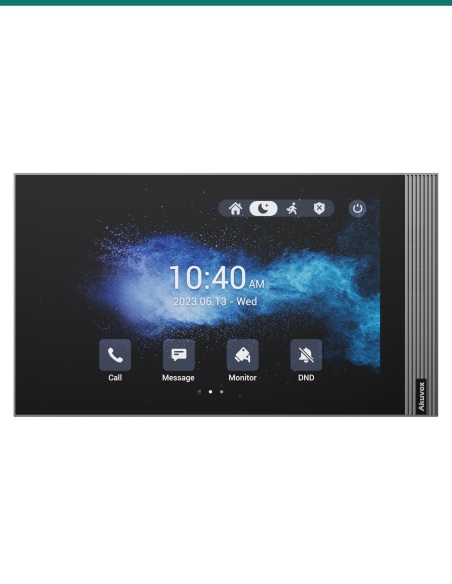
Akuvox S563
8-inch Android indoor monitor, LED11 support from firmware 563.30.15.207.
Monitor
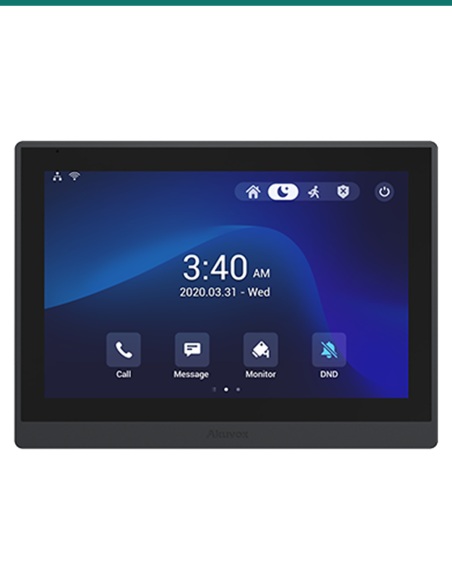
Akuvox IT88
10-inch Android indoor monitor, LED11 support from firmware 88.30.15.201.
Works with
Platforms and integrations
Akuvox indoor monitors
Driven over RS485 by the C316, IT88, S562, S563 and X937 monitors.
HTTP API
Third-party systems can set colour, mode and buzzer through the indoor monitor’s API.
Downloads
Datasheets and guides
Compliance certificates and technical documents are available on request for tenders and installers — send an enquiry.
Answers
Common questions
Which Akuvox indoor monitors work with it?
C316 (from firmware 316.30.15.203), IT88 (88.30.15.201), S562 (562.30.16.144), S563 (563.30.15.207) and X937 (937.30.15.501). The monitor must support the LED11 external relay function over RS485.
How is it powered?
From a regulated 12 V DC supply on the red (+12 V) and black (GND) wires. It must never be connected to AC power.
Does it have a buzzer?
Yes. The buzzer can be switched on or off for each event and given on/off times.
Which events can it show?
Alarm Triggered and System Disarmed from the indoor monitor’s settings. Through the HTTP API, other systems can also set any colour, mode and buzzer pattern.
Can I control it from a third-party system?
Yes. Enable the API on the indoor monitor (Security > API) and send an HTTP request to /api/thirdpart/led11_control with the colour, mode and buzzer settings.
It doesn’t respond. What should I check?
Check the RS485 A/B polarity and connections, that LED11 is selected under Device > External Relay, and that the monitor firmware meets the minimum version.
Make the alarm state obvious.
Add an LED11 beside an Akuvox indoor monitor at the front door, nurse station or guard desk so everyone can see whether the system is armed or in alarm.
Installation & safety notice
Low-voltage product (SELV). Powered from a regulated 12 V DC supply only; never connect it to AC. Treat as SELV low-voltage equipment.
When a licensed tradesperson is required. Concealed data and intercom cabling is customer cabling under AS/CA S009 and must be installed by an ACMA-registered cabler. Electric locks, maglocks and lock power supplies may require a licensed electrician or security installer.
- Power
- 12 V DC regulated supply
- Colour
- White
- Interface
- RS485 to Akuvox indoor monitor
- Brand
- Akuvox
- Warranty
- Australian warranty
- Product Type
- Alarm status indicator light
- Model
- LED11
- Buzzer
- Yes, configurable
- Light Colours
- Red, green, blue, yellow
- Light Modes
- Off, steady, blink
- Compatible Monitors
- C316, IT88, S562, S563, X937