• New
1 / 3

Akuvox C-Clip Black Steel Mounting Bracket for S562, S563 and S567 — AK-S562CCLIP

SKU AK-S562CCLIP In Stock - Ready to Ship
$30.90 inc GST

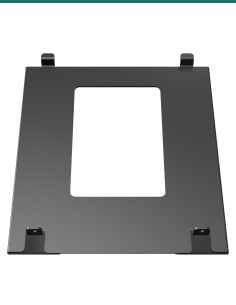
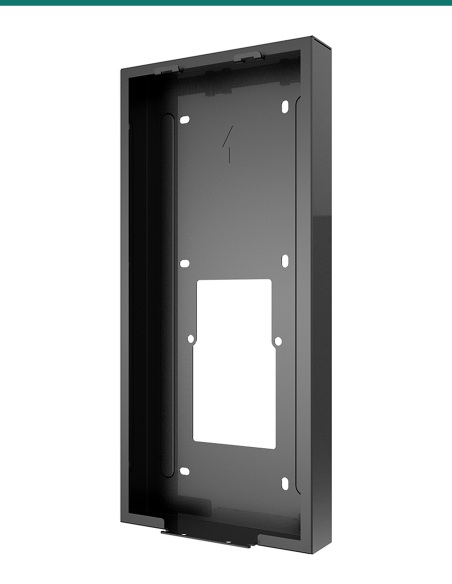
Akuvox AK-S562CCLIP: Akuvox's black C-clip installation bracket for S562, S563 and S567 indoor monitors in walls with no 86 box.
  • ✓For Akuvox S562, S563 and S567 indoor monitors
  • ✓Also listed for C313, C315, C316, C319, IT88 and X933
  • ✓80 × 52 mm plate, 1 mm thick, black
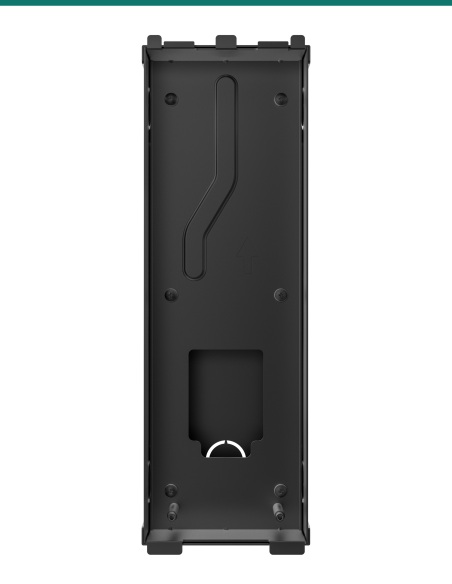
  • ✓Two M4 holes at 60 mm, the 86 box spacing
  • ✓Monitor and its wall bracket sold separately


Description

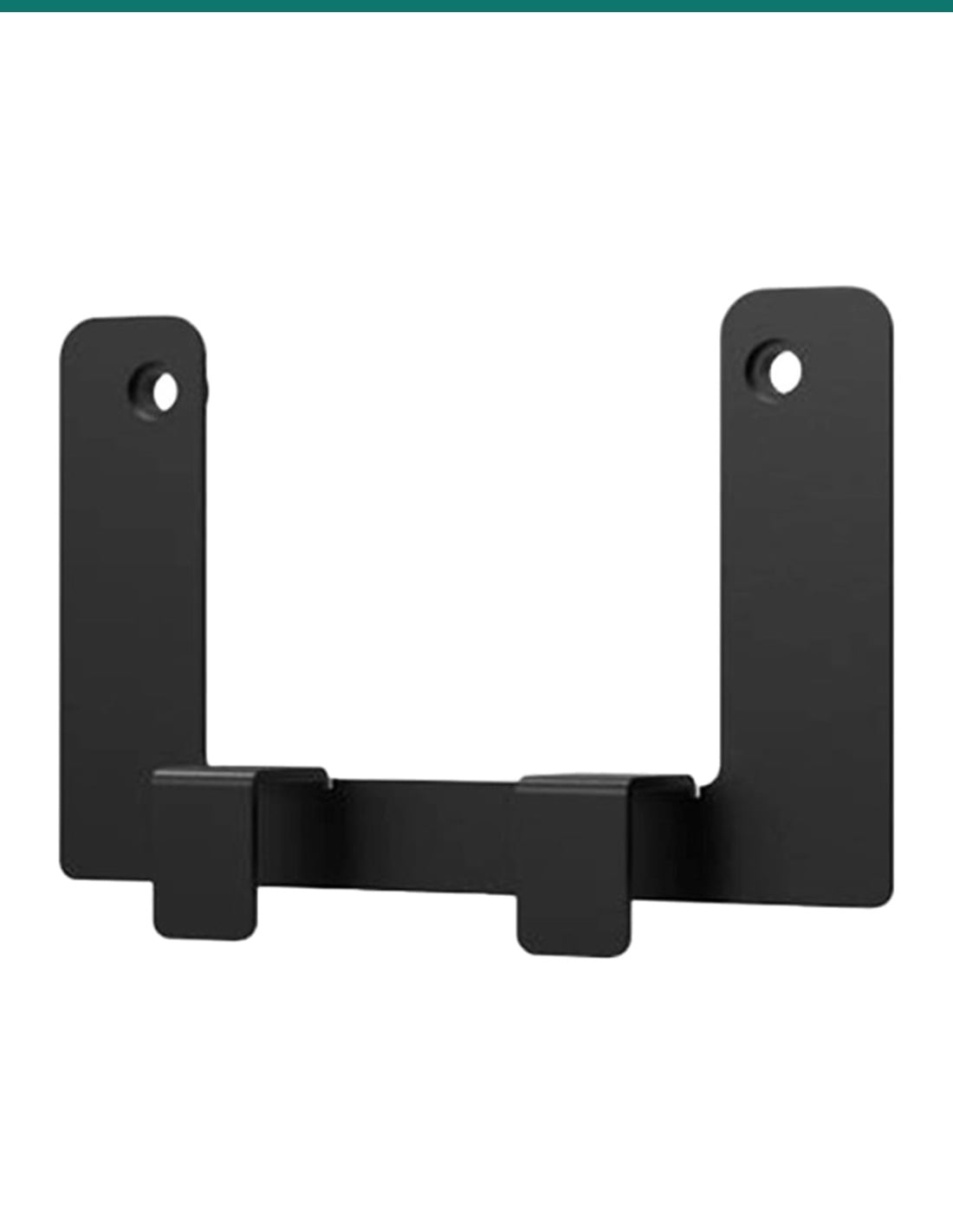
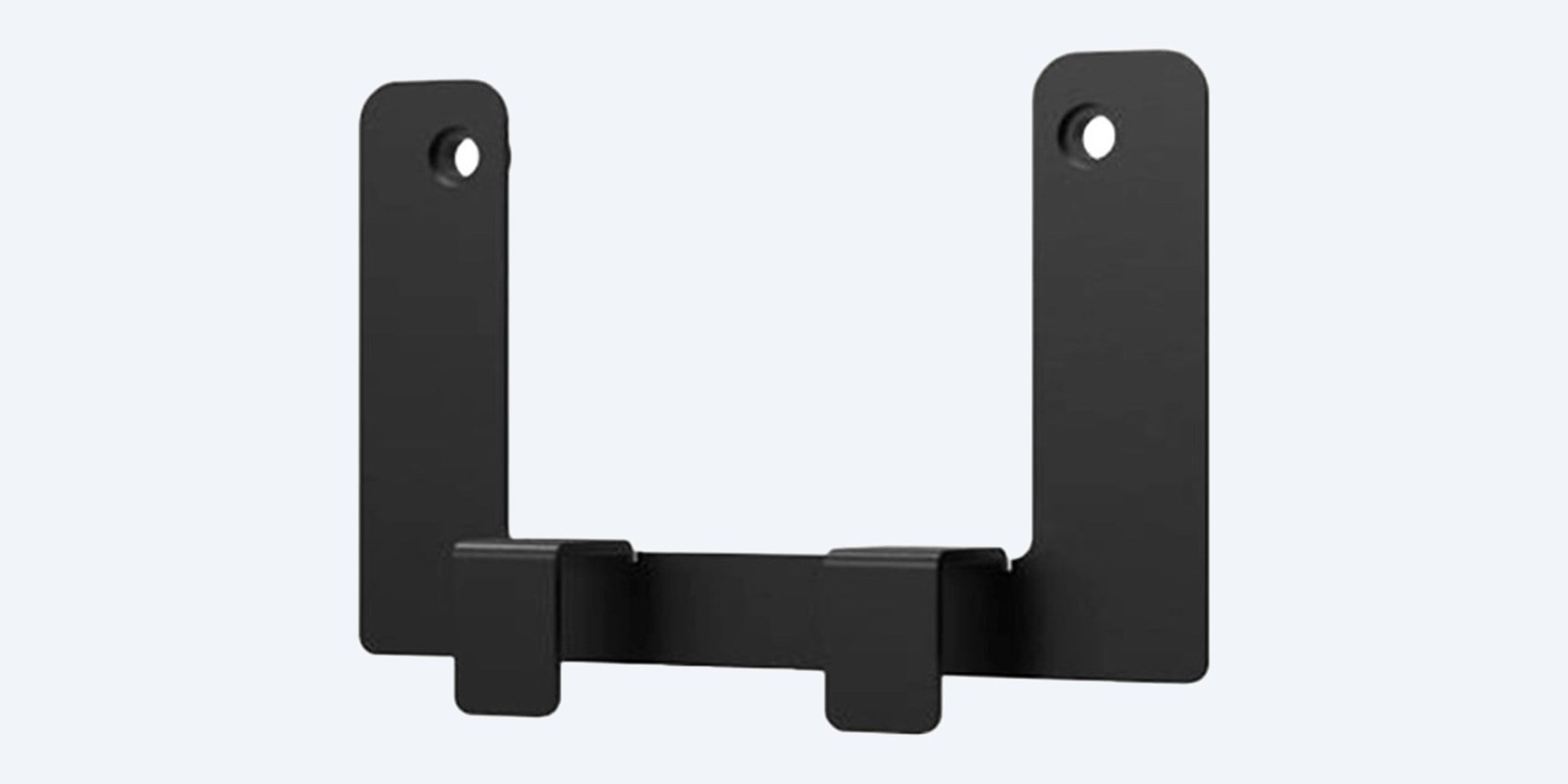
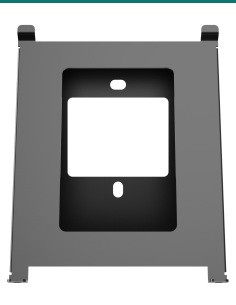
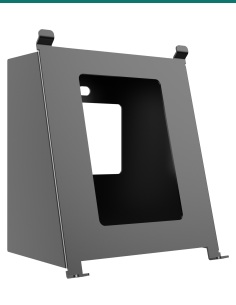
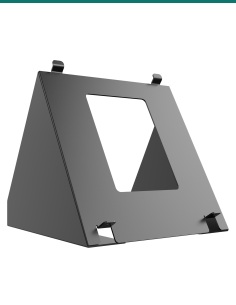
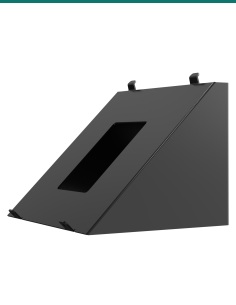
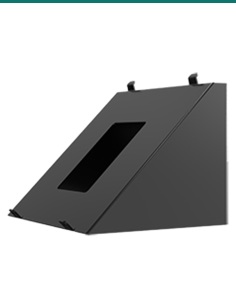
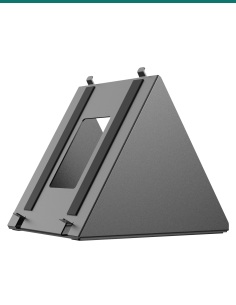
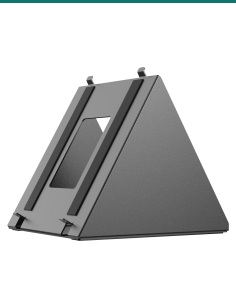
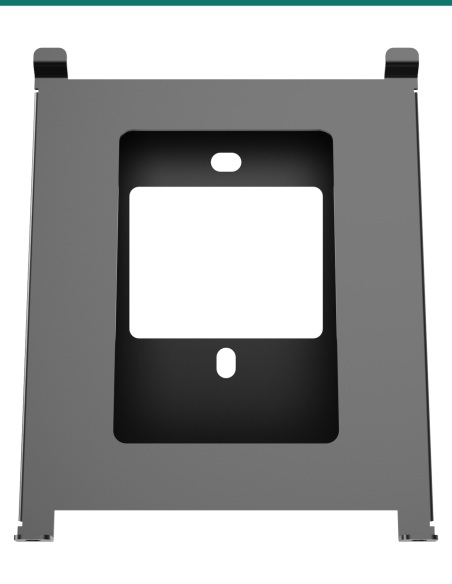
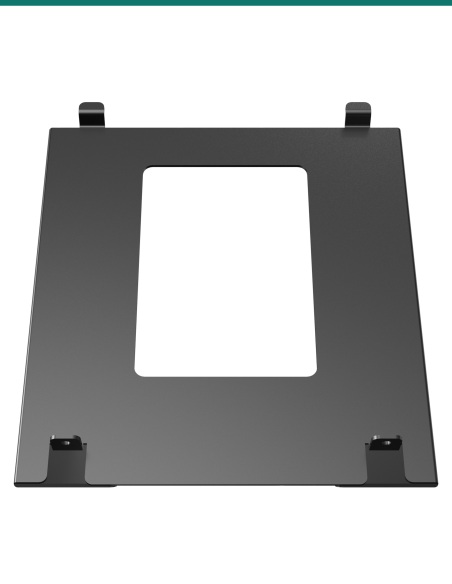
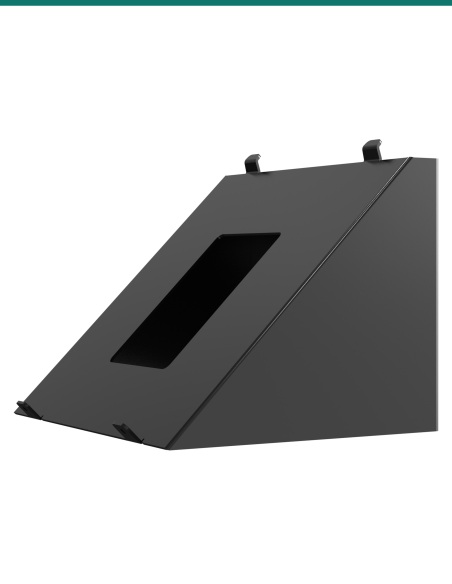
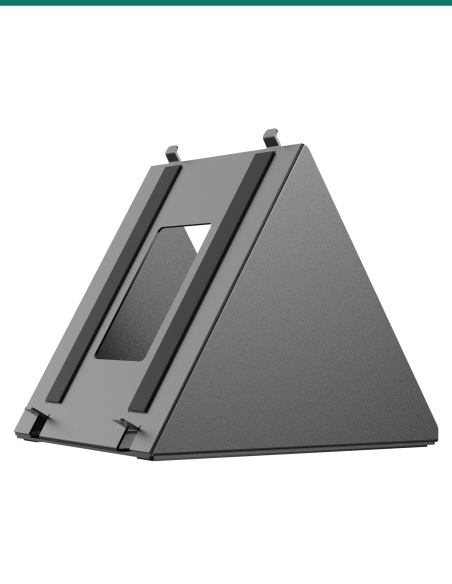
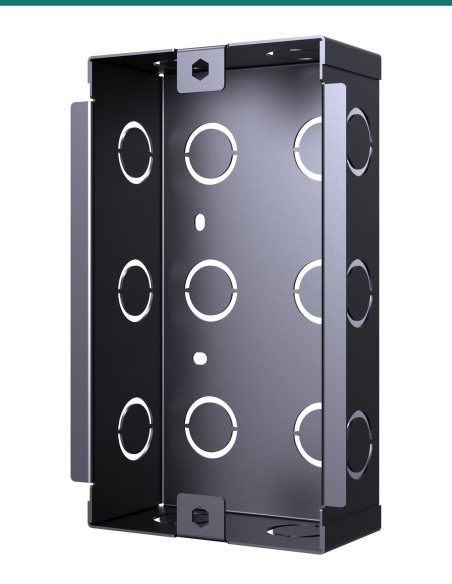
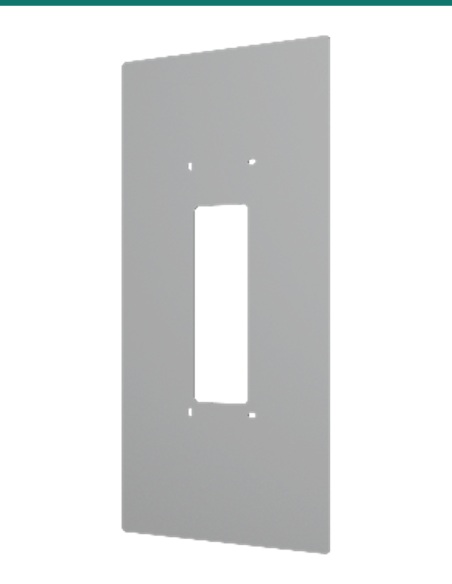
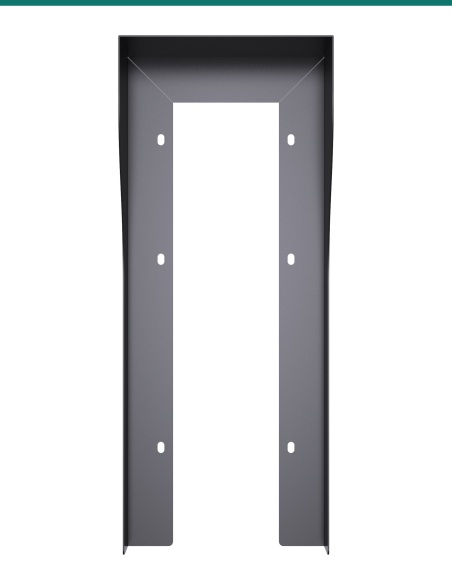
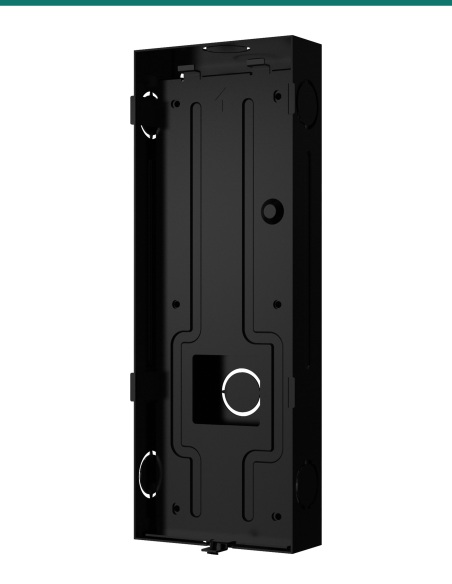
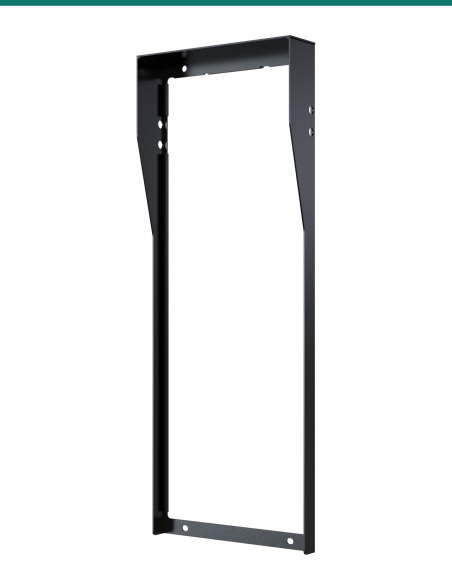
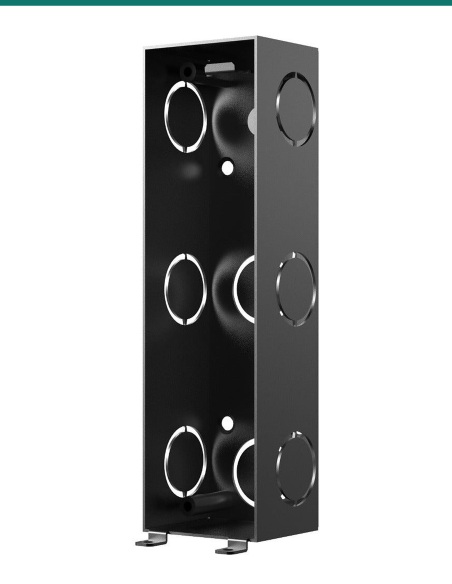
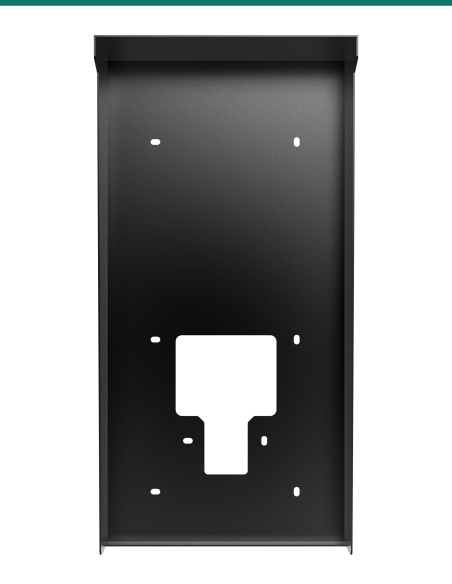
Akuvox black C-clip installation bracket for S562, S563 and S567 indoor monitors, three-quarter view
Akuvox · Indoor monitors · C-clip bracket

Mount the indoor monitor without a wall box.
Akuvox's Australian installation bracket.

The Akuvox AK-S562CCLIP is the bracket Akuvox calls its Australia Installation Bracket. It gives the indoor monitor's wall bracket two M4 fixing points 60 mm apart, the same spacing as the 86 junction box Akuvox's monitor guides use, for walls in Australia that have no 86 box.

In one sentence: the AK-S562CCLIP is Akuvox's black C-clip installation bracket for its S562, S563 and S567 indoor monitors (and C313, C315, C316, C319, IT88 and X933): an 80 × 52 mm plate with two M4 holes 60 mm apart and two hooks along the bottom.

Bracket only. The indoor monitor is separate.

One C-clip bracket. The monitor, its own wall bracket and its screws come with the monitor. Akuvox doesn't publish a fitting guide for the C-clip, so call us for the fitting method on your wall.

In the box
  • Akuvox C-clip installation bracket
You also need
  • An Akuvox S562, S563 or S567 indoor monitor (or another model listed below)
  • The monitor's own wall bracket
  • M4 screws to fix the monitor's bracket to the C-clip
  • A cable to the monitor (network, or 2-wire on -2 models)

For walls with no 86 box.

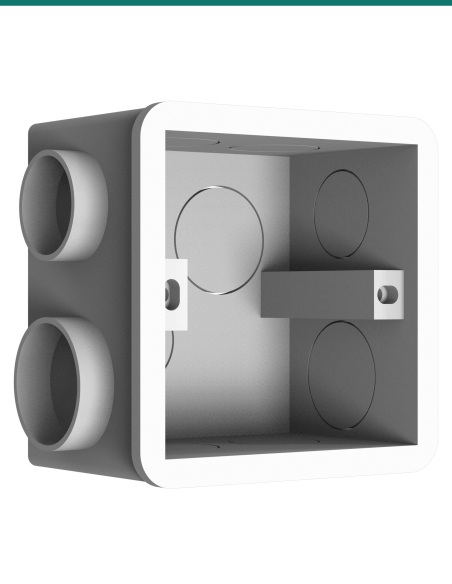
Akuvox's indoor monitors are designed to screw their wall bracket onto an 86 junction box, which is common overseas but not in Australian walls. Akuvox made this bracket for the Australian market: it supplies the two M4 fixing points at 60 mm centres that the monitor's wall bracket expects.

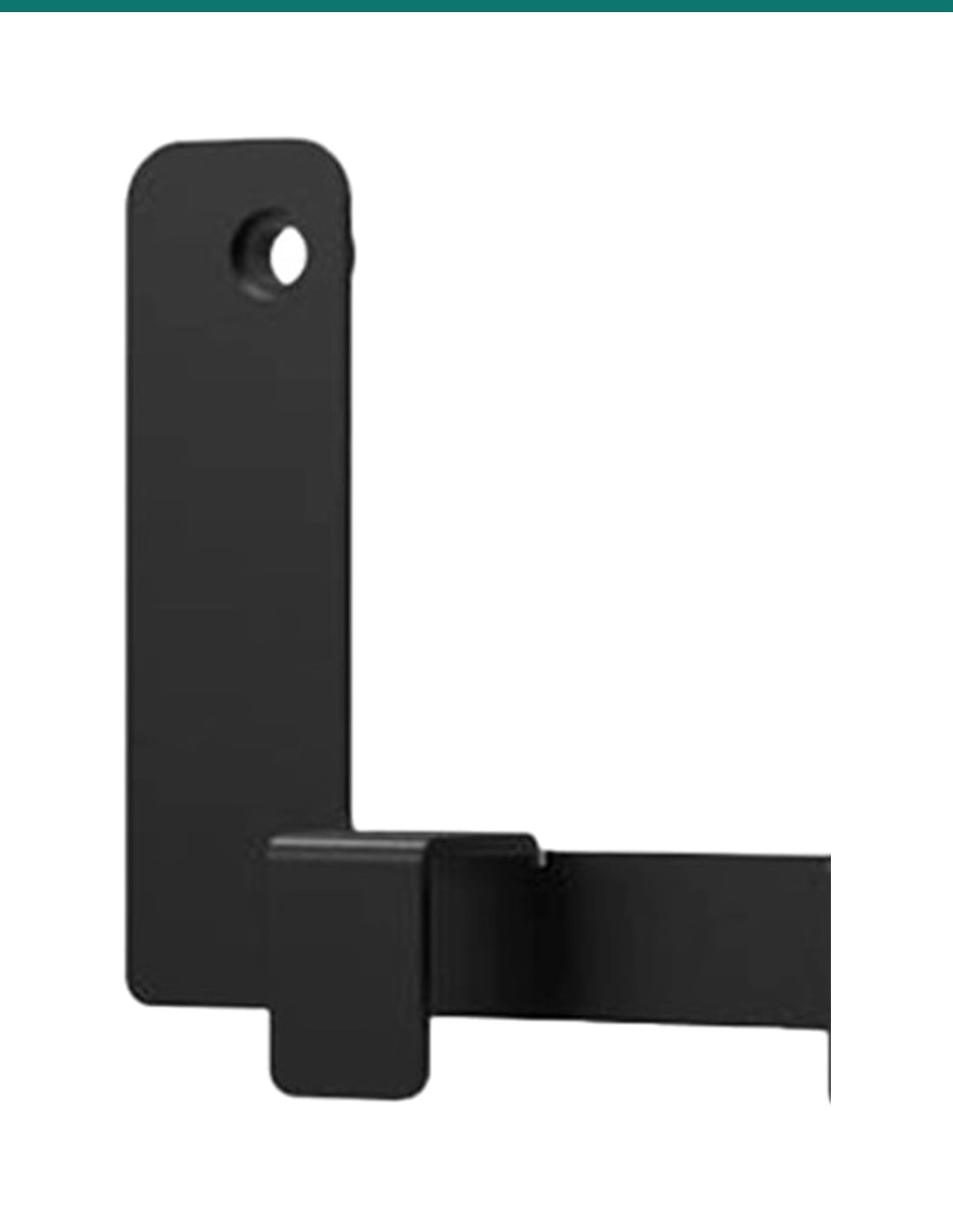
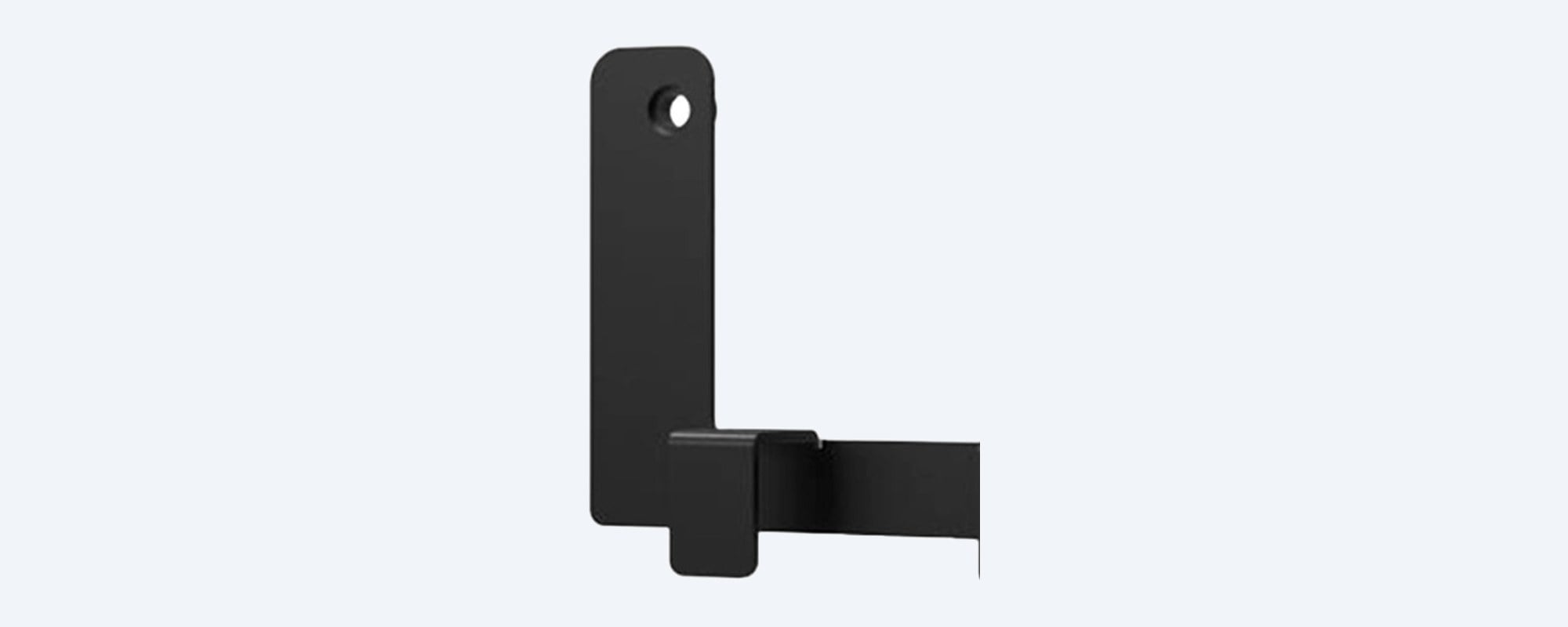
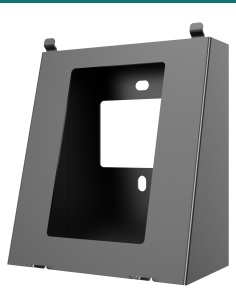
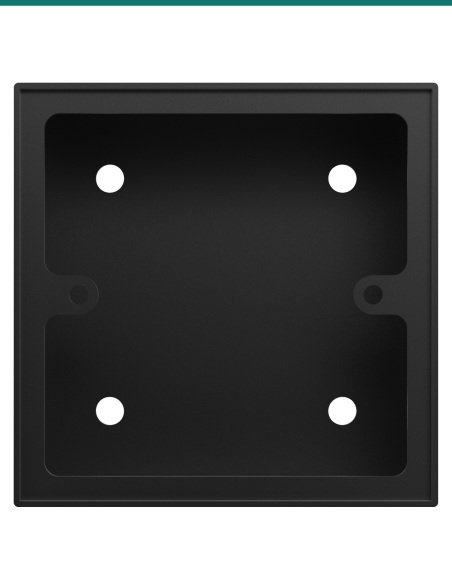
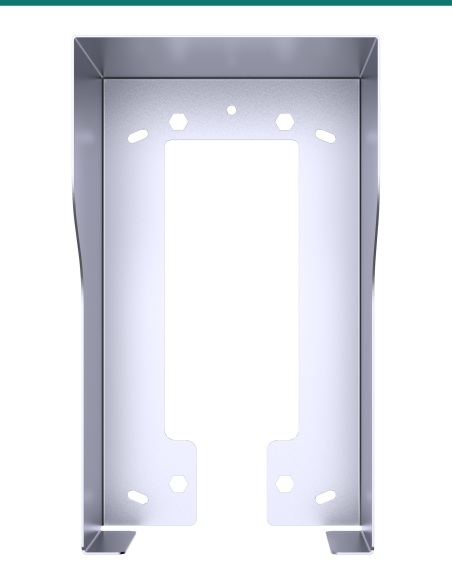
Close-up of one fixing tab on the Akuvox C-clip bracket with its M4 hole

Fixing points

Two M4 holes, 60 mm apart.

The holes sit in the two upright tabs, 35 mm above the bottom edge. Between the tabs is a 50 mm wide opening.

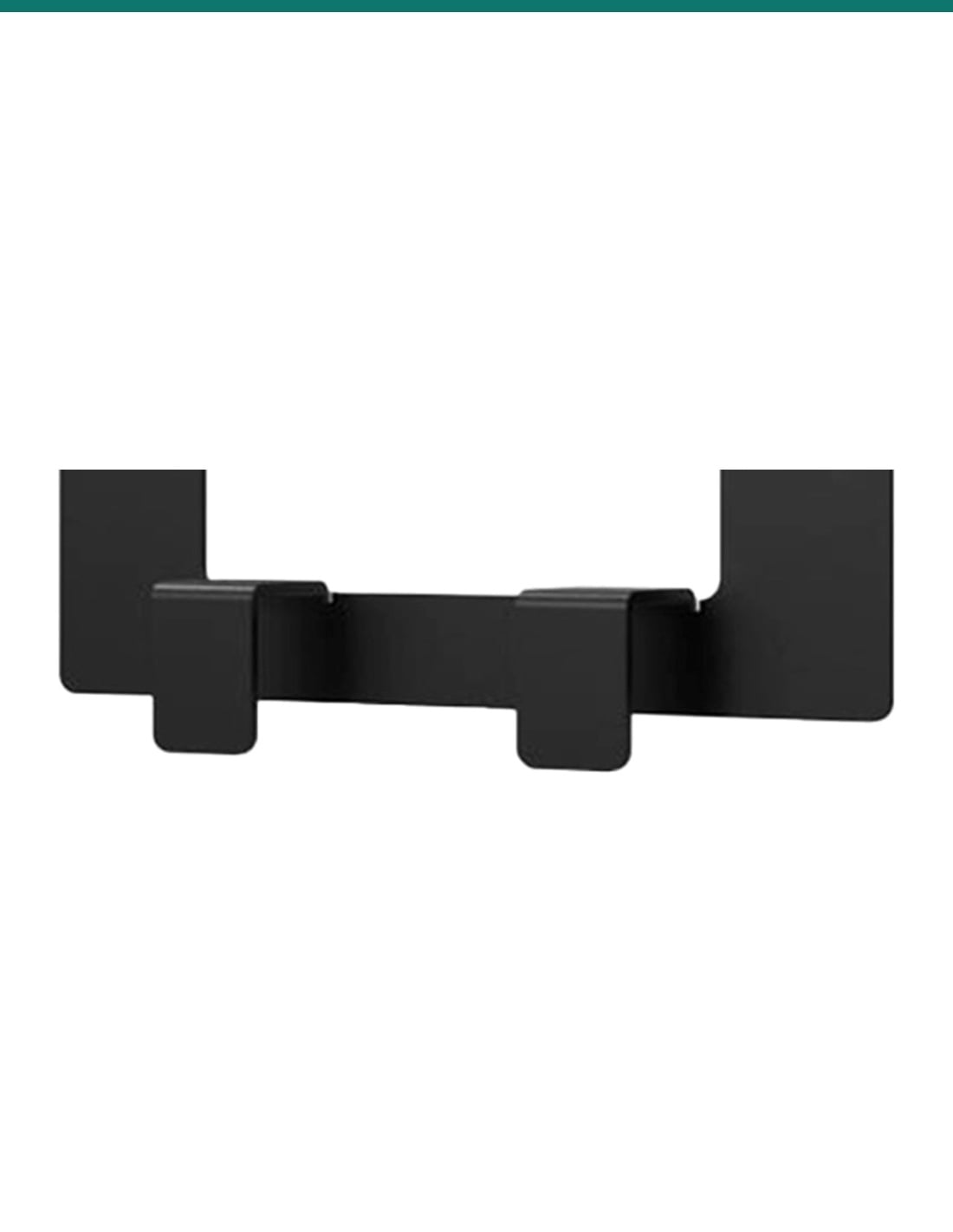
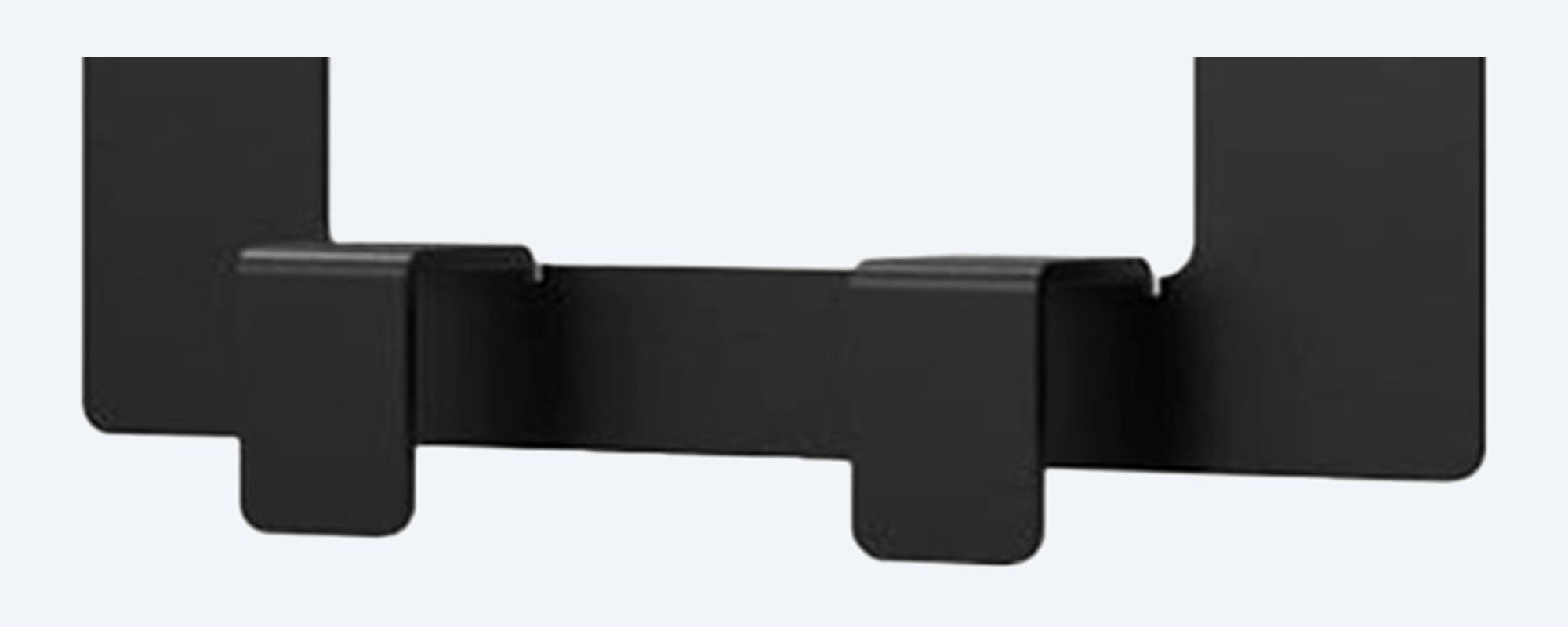
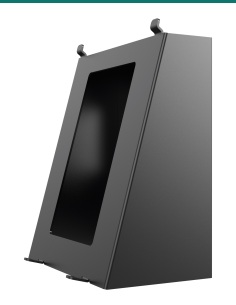
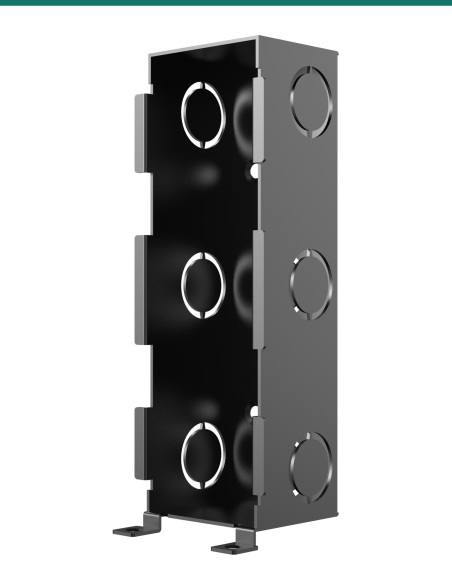
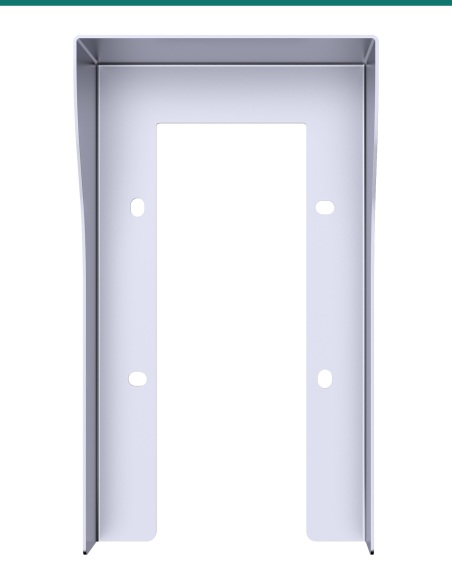
The two hooks along the lower edge of the Akuvox C-clip bracket

Hooks

Two hooks along the bottom.

Each hook is 11 mm tall and stands 10.5 mm off the plate. The plate itself is 1 mm thick, so it sits almost flat behind the monitor's bracket.

How it is used

From wall to mounted monitor.

01

Check the model

Make sure your monitor is one Akuvox lists for the bracket: S562, S563, S567, C313, C315, C316, C319, IT88 or X933.

02

Plan the wall opening

Bring the monitor's cable out of the wall where the monitor will hang. Call us for the fitting method on your wall type.

03

Fix the wall bracket

Fit the C-clip and screw the monitor's wall bracket to its two M4 holes, 60 mm apart, as you would to an 86 box.

04

Hang the monitor

Connect the cable and hang the monitor on its wall bracket as shown in the monitor's quick guide.

Pair it with

What goes with the bracket

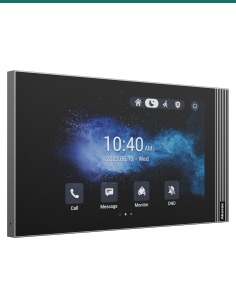
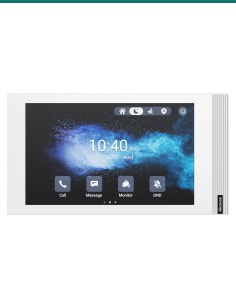
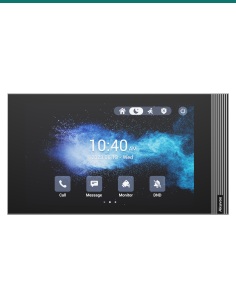
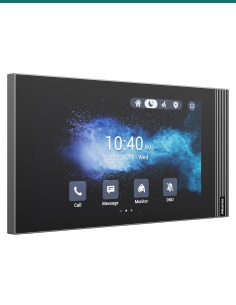
7-inch monitor

Akuvox S562

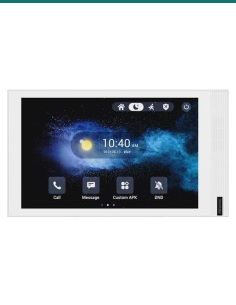
Linux indoor monitor in white or grey, with network, Wi-Fi and 2-wire versions.

8-inch monitor

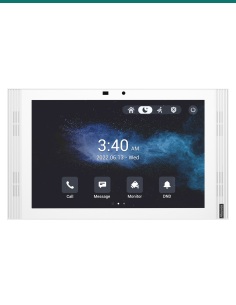
Akuvox S563

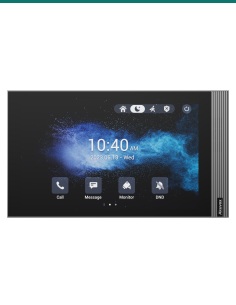
Android indoor monitor with an 8-inch touch screen.

10.1-inch monitor

Akuvox S567

Android indoor monitor with a 10.1-inch screen, in A, G and W versions.

7-inch monitor

Akuvox C313

Linux indoor monitor, also on Akuvox's list for this bracket.

Where it is used

Where the C-clip is used.

Australian homes

Hallways and kitchens with no 86 junction box in the wall.

Apartments

Indoor monitors in each unit of a block.

Renovations

Replacing an old intercom handset with an Akuvox monitor.

Offices

Reception desks and staff areas answering the door.

Mixed installs

One bracket type across S56x and C31x monitors on the same job.

Spare parts

A replacement bracket for an existing install.

C-clip or 86 junction box

AK-S562CCLIP C-clip86 junction box
Gives the monitor bracket2 × M4 holes at 60 mm2 screw lugs at 60 mm
Size80 × 52 mm plate, 1 mm thick86 × 86 mm box set into the wall
Common inAustralian wallsOverseas walls
Monitor's wall bracketStill neededStill needed

C-clip figures from Akuvox's Australia Installation Bracket drawing. Akuvox's monitor guides also show the wall bracket on a 120 box, a round box or straight onto the wall.

Common questions

Which monitors does it fit?

Akuvox lists the S562, S563, S567, C313, C315, C316, C319, IT88 and X933 for this bracket.

What is it for?

It gives the monitor's wall bracket two M4 fixing points 60 mm apart, the spacing of an 86 junction box, for Australian walls that don't have one. Akuvox calls it the Australia Installation Bracket.

How big is it?

80 × 52 mm and 1 mm thick, with a 50 mm wide opening in the middle.

Do I still need the monitor's wall bracket?

Yes. The C-clip goes behind the monitor's own wall bracket, which comes with the monitor.

Is a monitor included?

No. This listing is the C-clip bracket only.

Are screws included?

No screws are listed for the C-clip. Use M4 screws to fix the monitor's bracket to it.

Is there an installation guide?

Akuvox doesn't publish one for the C-clip. Our spec sheet on the Attachments tab has its measurements, and we can talk you through fitting it on your wall.

What are the hooks for?

The two hooks along the bottom stand 10.5 mm off the plate and are 11 mm tall. Call us for how they sit on your wall type.

What colour is it?

Black.

Does it need power?

No. It is a passive bracket. The monitor is powered as usual.

Does it fit the 2-wire monitors?

Akuvox lists model families (S562, C313) rather than each version. The 2-wire S562W-2 and C313W-2 belong to those families; ask us if you want it confirmed for your monitor.

Can I mount the monitor without it?

Yes. Akuvox's monitor guides also show the wall bracket screwed straight onto the wall with anchors. The C-clip is the option Akuvox made for Australian installs.

Supported by InFront Technologies.

Not sure how to mount your monitor? Call 1300 736 970 or email [email protected] with your monitor model and wall type. Our C-clip spec sheet is on the Attachments tab.

Installation and safety

Cutting walls. Check for cables, pipes and studs before you cut or drill.

Cabling. Concealed data cabling to the monitor is customer cabling under AS/CA S009 and needs an ACMA-registered cabler. Mains wiring, including a power point for a PoE switch, needs a licensed electrician.

What it does not do. It is a passive bracket: no power and no wiring.

Figures. From Akuvox's Australia Installation Bracket drawing and Akuvox's indoor monitor quick guides.

Material
Steel
Colour
Black
Brand
Akuvox
Warranty
Australian warranty
Product Type
Mounting bracket (C-clip)
Model
S562 C-Clip
Compatible with
Akuvox S562, S563 and S567 indoor monitors
Fixing
Two screw holes at the top, hooks along the lower edge
Electrical
Passive bracket, no wiring
INFRONTTECH Promotional Banner INFRONTTECH Promotional Banner INFRONTTECH Promotional Banner

Need help choosing?

Tell us about your property and we'll recommend the right cameras and recorder.

07 5609 4910

Sydney 02 8814 6008
[email protected]

Mon–Fri, 9am–5pm AEST

Saved to your wishlist Find it any time in your account. View list