1 / 4

Dahua 4-Channel WizSense AI NVR with 4 PoE Ports, 16MP, H.265 – DHI-NVR4104HS-P-AI/ANZ

SKU DHI-NVR4104HS-P-AI/ANZ In Stock - Ready to Ship
$230.00 inc GST

Dahua DHI-NVR4104HS-P-AI/ANZ 4-channel WizSense network video recorder with 4 built-in PoE ports. Records cameras up to 16MP, outputs 4K on HDMI and takes one drive. No HDD, or 2–14TB fitted.

  • ✓4 PoE ports, 45 W total
  • ✓Records cameras up to 16MP, 4K HDMI
  • ✓1 SATA bay, drive optional
  • ✓Face recognition and SMD Plus on the NVR
  • ✓Smart H.265+ saves storage
  • ✓Dahua DMSS app for iOS and Android
Hard Disk Options


Description

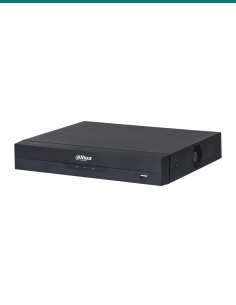
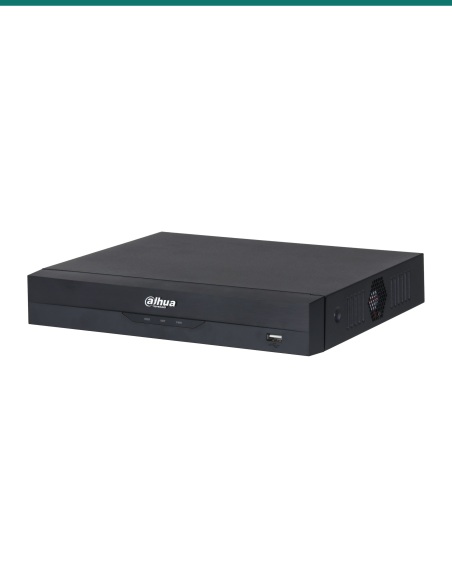
Dahua DHI-NVR4104HS-P-AI/ANZ 4-channel WizSense PoE network video recorder
Dahua · WizSense · 4 channels · 4 PoE

Four cameras, one cable each.
Alerts for people and vehicles.

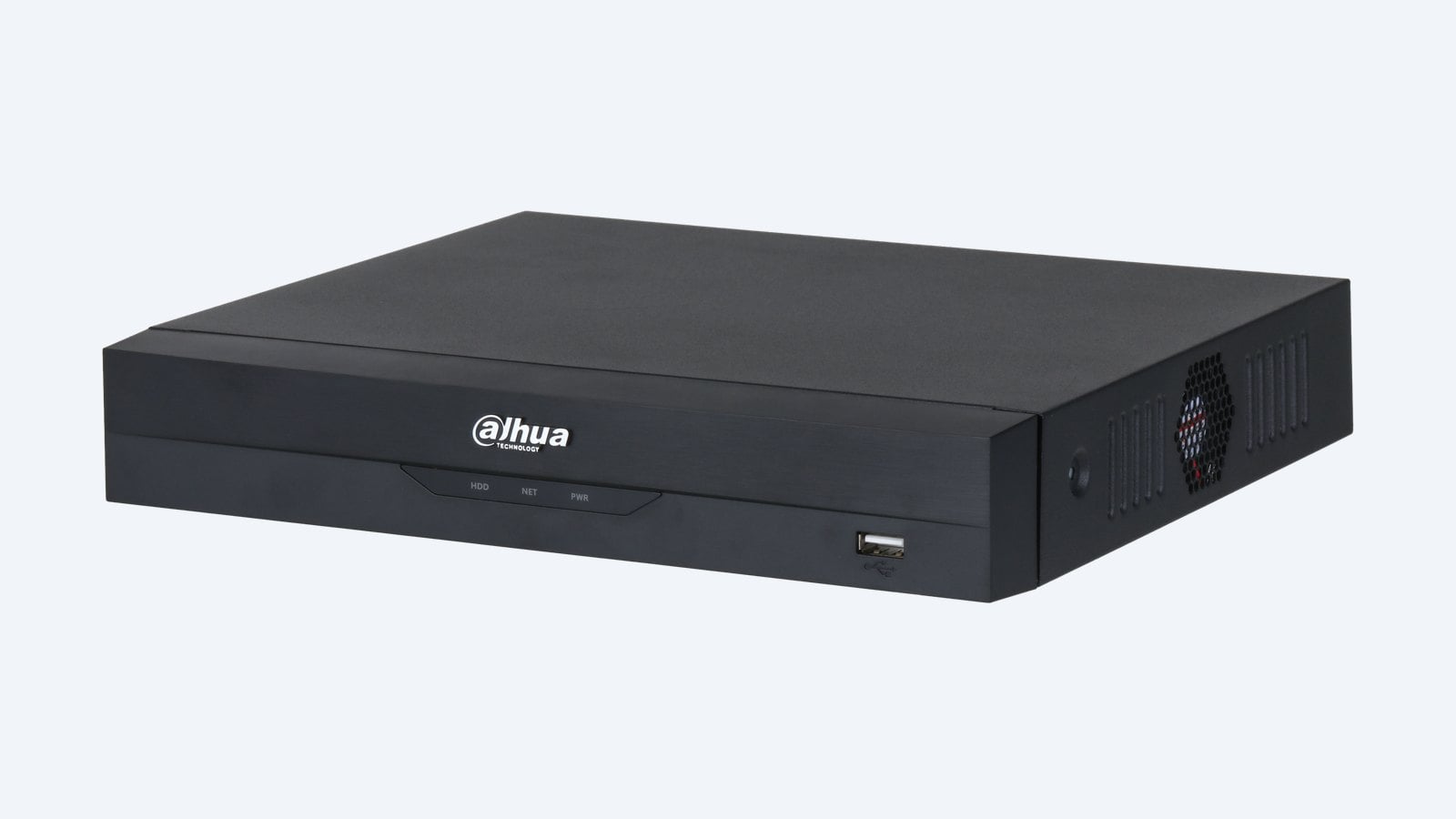
This is the Dahua DHI-NVR4104HS-P-AI/ANZ. A compact WizSense recorder with four PoE ports, so each camera needs one Cat6 cable and no power pack. It records cameras up to 16MP, shows 4K on HDMI and takes one hard drive.

In one sentence: the DHI-NVR4104HS-P-AI/ANZ is a 4-channel Dahua WizSense NVR with 4 PoE ports (45 W in total), one SATA bay up to 20TB, 80 Mbps incoming bandwidth, face recognition and SMD Plus on the recorder, and 4K HDMI output.

Order it without a drive, or with a 2, 4, 6, 8, 10, 12 or 14TB drive fitted.

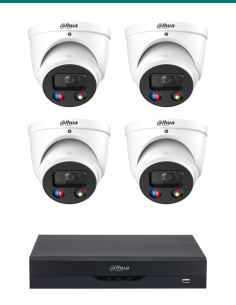
The DHI-NVR4104HS-P-AI/ANZ comes without cameras or a screen, and without a hard drive unless you choose one above. Add the cameras and a monitor; the recorder powers the cameras itself through its four PoE ports.

In the box
  • DHI-NVR4104HS-P-AI/ANZ recorder
  • 53 V DC power adapter
  • Quick start guide
You also need
  • A hard drive, if you did not choose one fitted
  • Up to 4 IP cameras
  • Cat6 cable to each camera
  • A monitor or TV with HDMI or VGA
  • Your router, for the phone app

A 260 mm box that runs four cameras.

At 260 × 233 × 48 mm and 0.86 kg it sits in a cupboard or on a comms shelf. Its four PoE ports supply up to 25.5 W each and 45 W across all four, which covers most fixed turrets, bullets and domes.

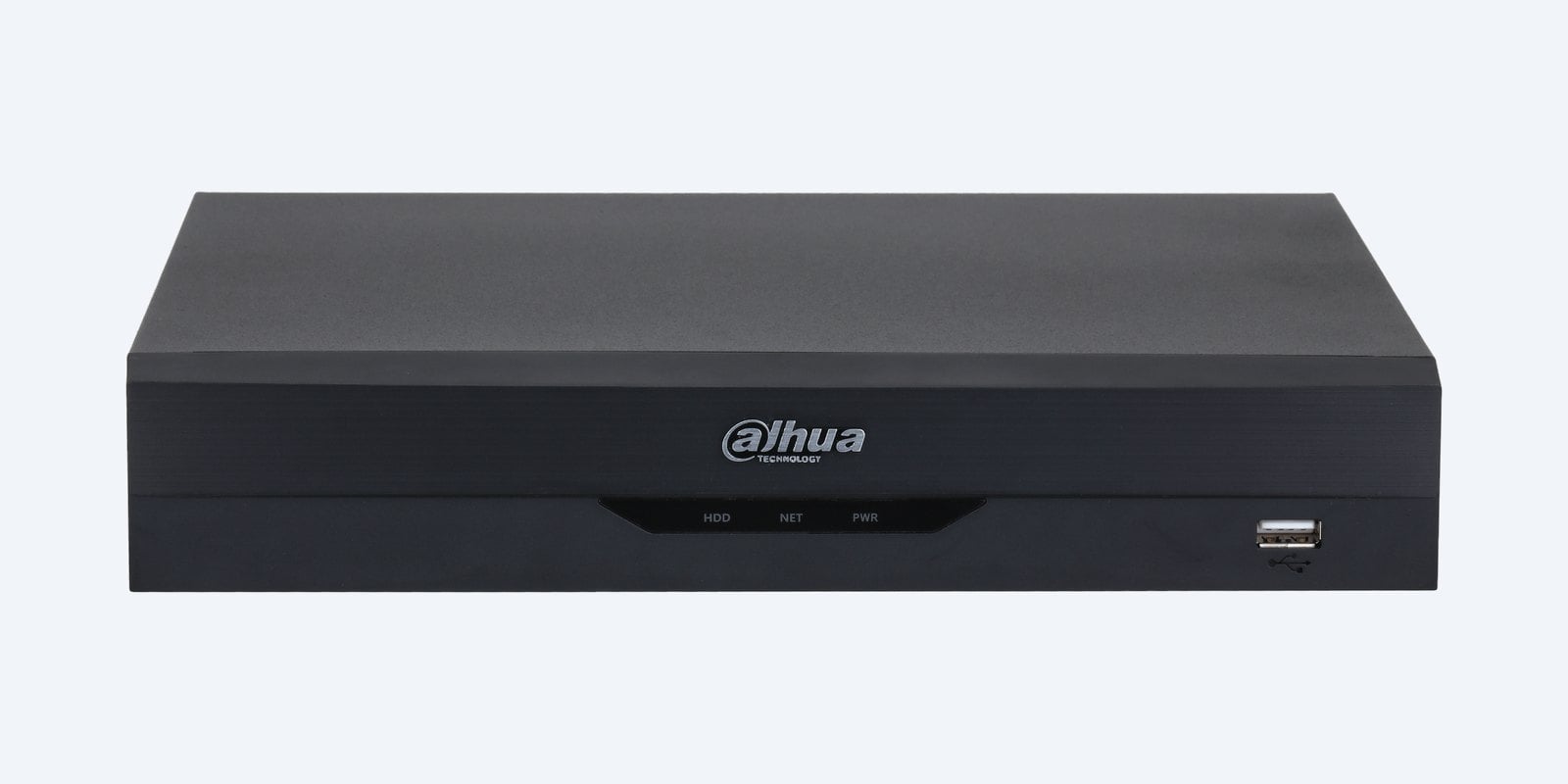
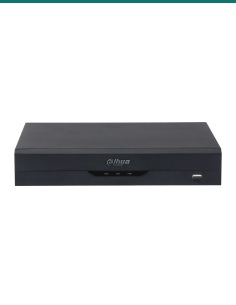
Dahua DHI-NVR4104HS-P-AI/ANZ front panel

Front panel

A plain front with status lights.

HDD, network and power lights and a USB 2.0 port for a mouse or quick backups are on the front. Everything else connects at the back.

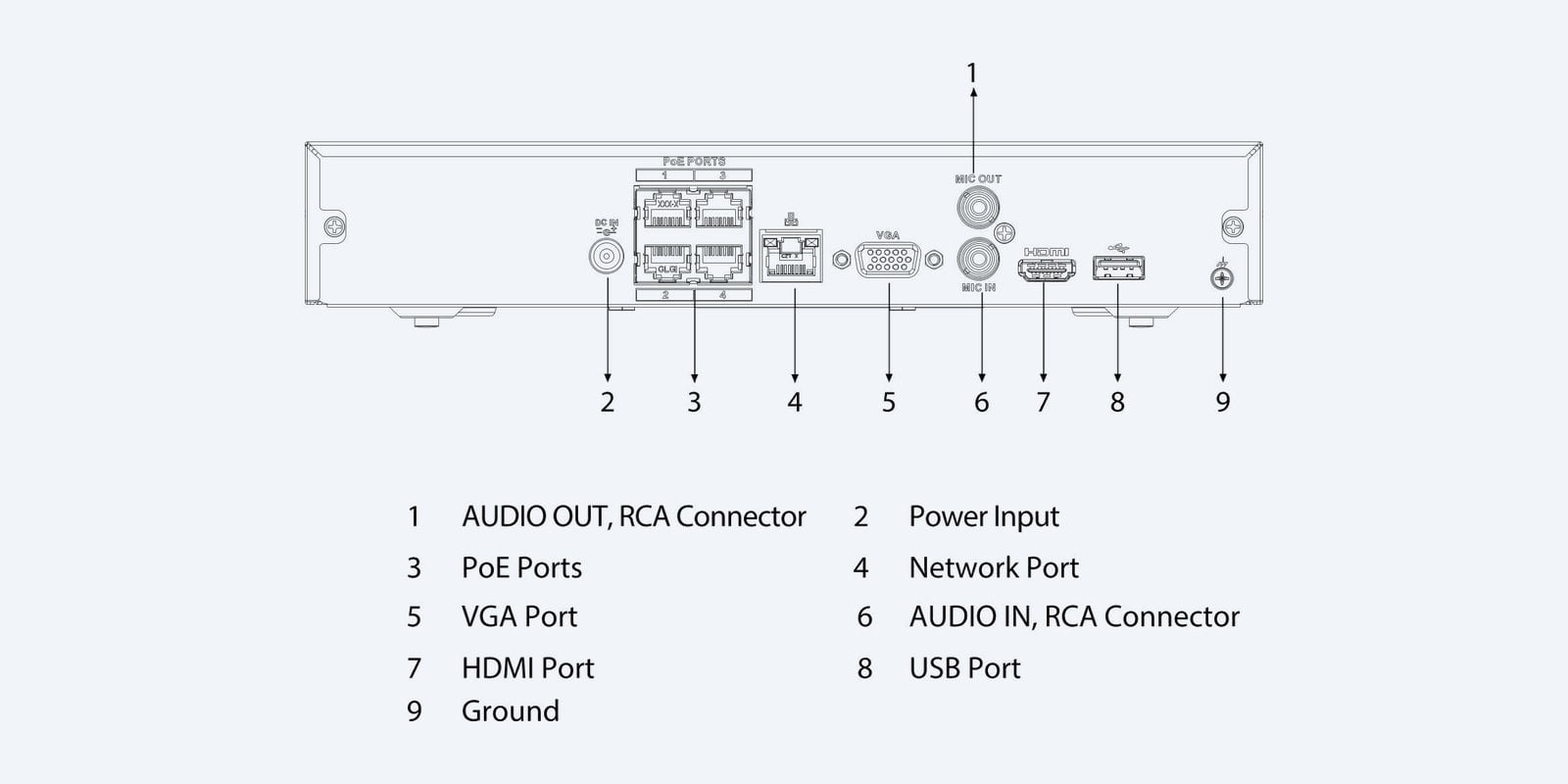
Dahua DHI-NVR4104HS-P-AI/ANZ rear panel connections

Rear panel

Four PoE ports and the essentials.

At the back: four PoE ports, the 10/100 network port, VGA, HDMI, RCA audio in and out, a second USB 2.0 port, the 53 V DC input and an earth terminal.

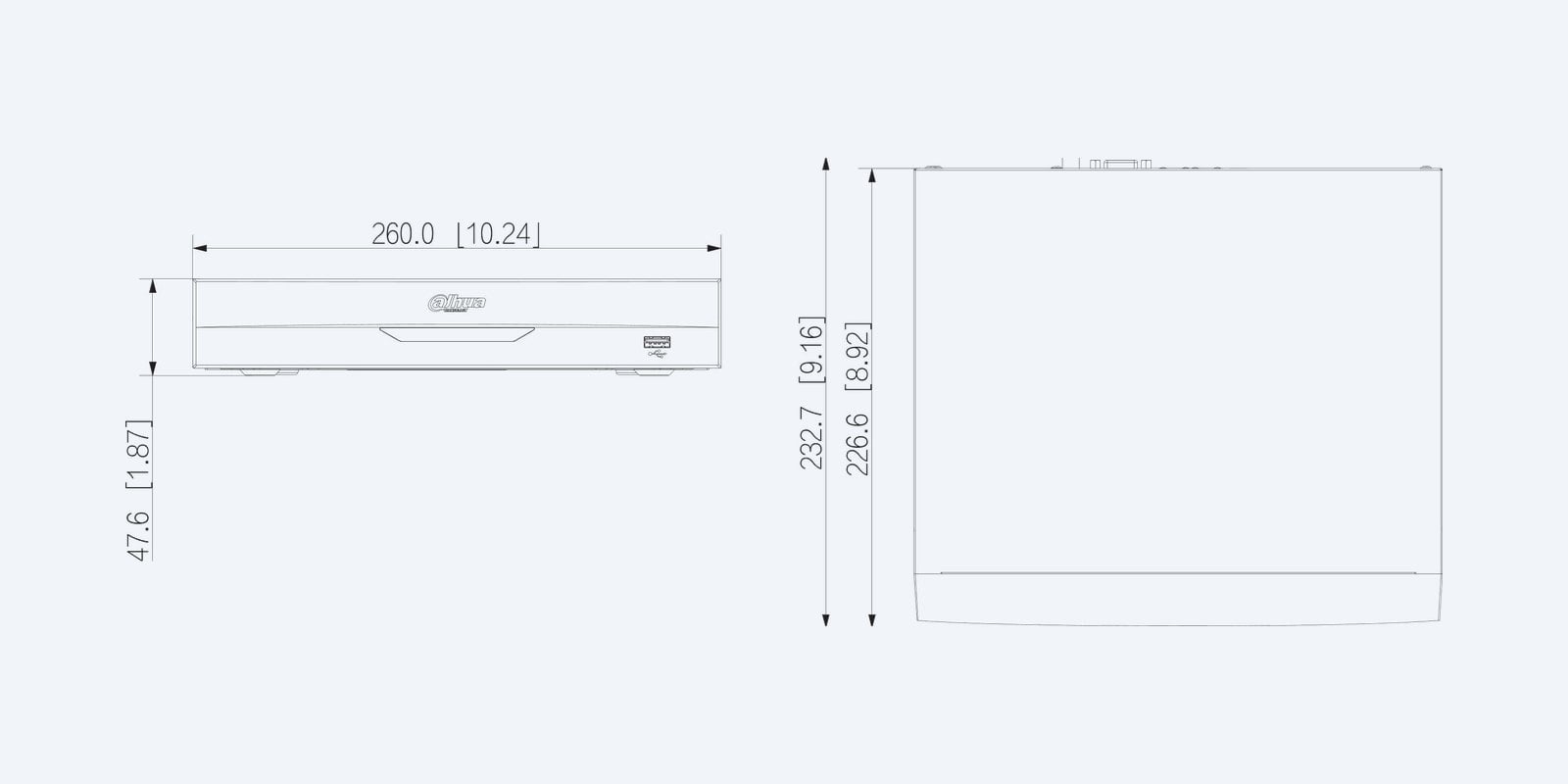
Dahua DHI-NVR4104HS-P-AI/ANZ dimension drawing

Size

260 × 232.7 × 47.6 mm.

It weighs 0.86 kg without a drive, and the recorder itself draws under 10 W before the drive and cameras.

How it goes in

From the box to recording.

01

Fit the hard drive

If you did not order one fitted: with the power off, open the lid and fit a SATA surveillance drive, then format it from the startup wizard.

02

Plug in the cameras

Run Cat6 from each camera to a PoE port on the back. The port powers the camera, so no power pack is needed at the camera end.

03

Connect screen and network

HDMI or VGA to the monitor, the network port to your router, then plug in the power adapter and follow the startup wizard.

04

Add it to the app

Turn on P2P in the network menu and scan the QR code with Dahua’s DMSS app for live view, playback and alerts on your phone.

Pair it with

What goes with it

Storage

Seagate SkyHawk drive

Surveillance-rated 2, 4 or 6TB drives built for 24/7 recording. A 2TB drive suits four cameras on motion recording.

Cameras

Dahua WizSense cameras

Dahua WizSense turrets and bullets add Quick Pick searches and camera-side people and vehicle detection to this recorder.

Cabling

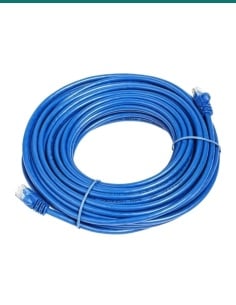
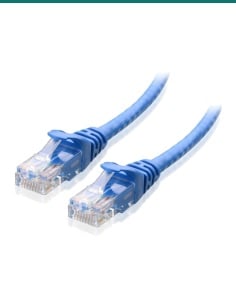
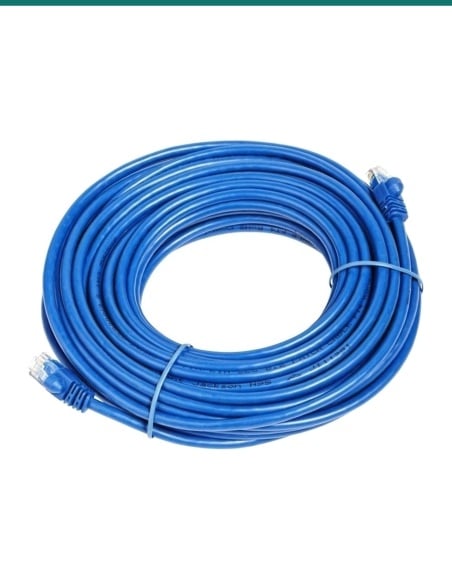
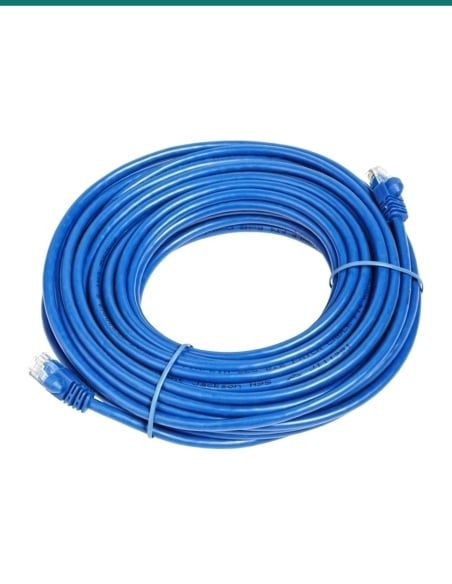
Cat6 cable

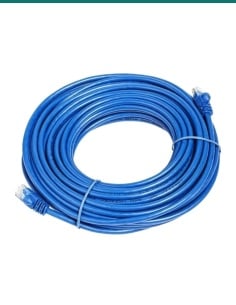
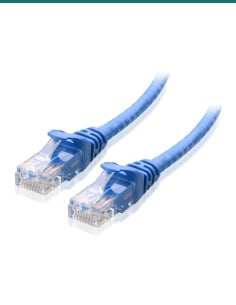
Solid-copper Cat6 for PoE runs of up to 100 m from each port to each camera.

Security

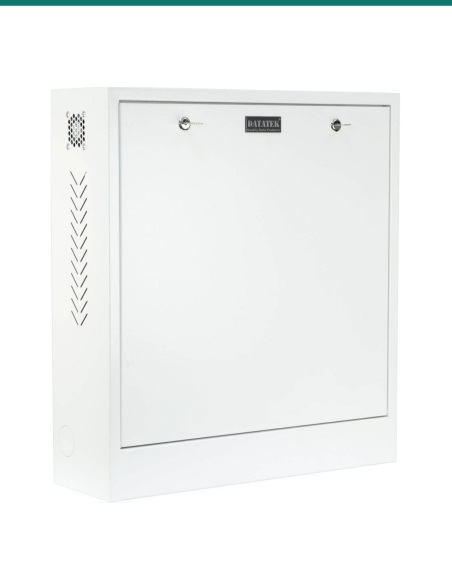
Datatek 24SECCAB cabinet

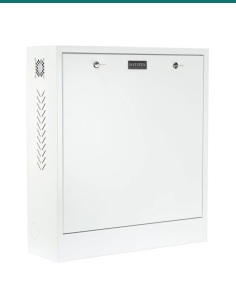
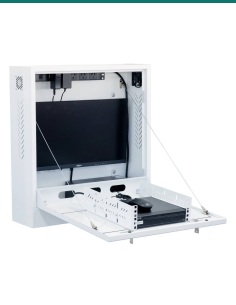
Locks the recorder and a monitor up to 24″ in a steel wall cabinet, so an intruder can’t walk off with the footage.

Where it is used

Where a 4-channel recorder fits

Houses

Front door, driveway, side gate and backyard on one recorder.

Small shops

Counter, entry and stock room, with footage kept on site.

Granny flats and units

A separate small system with its own phone access.

Sheds and workshops

Watch tools and vehicles with one cable per camera.

Dahua WizSense compact PoE recorders side by side

NVR4104HS-P-AI/ANZNVR4108HS-8P-AI/ANZNVR4208-8P-AI/ANZ
Camera channels488
PoE ports (total budget)4 (45 W)8 (78 W)8 (130 W)
Max camera resolution16MP16MP16MP
Incoming bandwidth80 Mbps256 Mbps (180 Mbps with AI on)256 Mbps (180 Mbps with AI on)
Hard drive bays1, up to 20TB1, up to 20TB2 (20TB listed by Dahua)
Network port10/100GigabitGigabit
Channels played back at once488
Alarm in / out——4 / 2
Power53 V DC adapter53 V DC adapter100–240 V AC, built in
Case (W × D × H)260 × 233 × 48 mm260 × 233 × 48 mm375 × 329 × 53 mm

All three record Smart H.265+, H.265 and H.264, show 4K on HDMI plus 1080p on VGA, run face recognition on 1 channel, perimeter protection on 2 channels and SMD Plus on 4 channels themselves, and give up to 25.5 W per PoE port (802.3af/at). — means not fitted. Figures from the Dahua datasheets.

Common questions

How many cameras does the DHI-NVR4104HS-P-AI/ANZ take?

Four IP cameras, each on its own PoE port. For eight, the DHI-NVR4108HS-8P-AI/ANZ is the same size case with eight PoE ports.

Can the PoE ports power every camera at once?

Yes for typical cameras. Each port gives up to 25.5 W and the four share 45 W. Add up the cameras’ maximum draw before using PTZ or heated cameras.

Does it record cameras higher than 4K?

Yes, it records cameras up to 16MP. The incoming limit is 80 Mbps across all four channels, and it can play back four 8MP (4K) channels at once.

Is a hard drive included?

Not as standard. The DHI-NVR4104HS-P-AI/ANZ is sold without a drive, or with a 2, 4, 6, 8, 10, 12 or 14TB surveillance drive fitted — choose the option above. Its single SATA bay takes up to 20TB, depending on room temperature.

Will it work with cameras that are not Dahua?

Yes. It takes ONVIF cameras (Profile S, T and G) as well as Dahua cameras, and Dahua lists several other major brands. The recorder’s own face recognition, perimeter protection and SMD Plus can run on those channels too. Quick Pick and camera-side AI need Dahua WizSense cameras. Send us the camera model and we will check it.

Can I watch the cameras on my phone?

Yes. Turn on P2P in the recorder’s network menu, connect it to your router and scan its QR code with Dahua’s DMSS app on iPhone or Android for live view, playback and alerts. On a PC, the recorder’s web page works in Chrome or Firefox.

What screen can I plug in?

Any monitor or TV with HDMI or VGA. HDMI runs up to 4K (3840 × 2160) and VGA up to 1920 × 1080. The two outputs can show the same picture or different camera layouts.

What is Smart H.265+?

Dahua’s compression. It stores the same picture as plain H.265 in less space, especially when the scene is still, so the drive holds more days of footage. H.265, Smart H.264+, H.264 and MJPEG are supported too.

What does WizSense AI do on this recorder?

It sorts people and vehicles from everything else. SMD Plus filters motion alerts on 4 channels so leaves, rain and light changes do not wake you up. Perimeter protection (tripwire and intrusion, 10 rules per channel) runs on 2 channels, and face recognition on 1 channel, matched against up to 10 face databases holding 20,000 images. With Dahua face-detection cameras, recognition extends to 4 channels.

How far can the cameras be from the recorder?

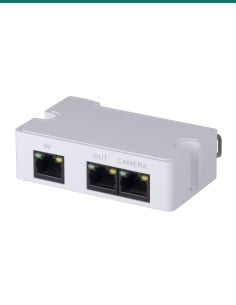
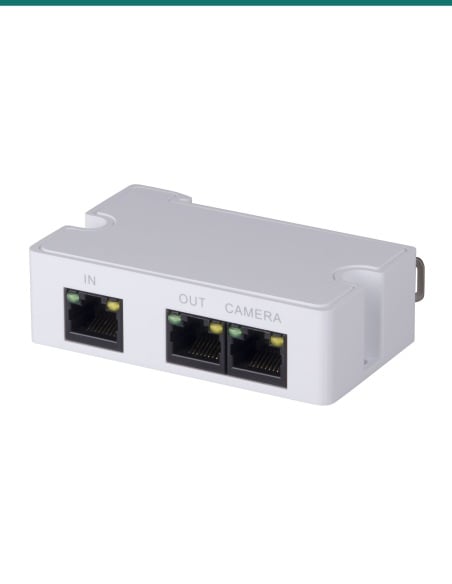
Up to 100 m of Cat6 per PoE port, which is the Ethernet limit. Beyond that, add a PoE switch or extender part way.

Can I search the recordings for people and vehicles?

Yes. AI search finds footage by the type of target and the event, so you can see when and where a person or vehicle appeared instead of scrolling through hours of video. With select Dahua WizSense cameras, Quick Pick picks people and vehicles out of the motion events, and up to 4 channels play back at once.

What is the warranty?

Dahua 3-year manufacturer warranty, handled in Australia through InFront. Contact us first and we will organise any claim.

Supported by Infront Technologies.
Not sure how many channels or how much storage you need? Call 1300 736 970 or email [email protected] with the number of cameras and how many days you want to keep, and we will size the drive.

Installation and safety

Power. Use the 53 V DC adapter supplied with the recorder. Power off before fitting or removing the hard drive.

Placement. Use indoors between −10 °C and +55 °C and 10–93% humidity (non-condensing), with space around the vents. Dahua notes the largest usable drive depends on the room temperature. Keep it somewhere secure so a thief cannot take the footage with it.

Figures. From the Dahua DHI-NVR4104HS-P-AI/ANZ datasheet. Dahua 3-year manufacturer warranty, handled in Australia through InFront.

Dimensions
260 × 232.7 × 47.6 mm
Power Supply
53 V DC, 1.226 A
Audio
1 in, 1 out (RCA)
Operating Environment
−10 °C to +55 °C, 10–93% RH
Weight
0.86 kg without HDD
Power Consumption
Under 10 W without HDD
Video Compression
Smart H.265+, H.265, Smart H.264+, H.264, MJPEG
Video Input
4 IP channels (Dahua and ONVIF cameras)
Brand
Dahua
USB
2 × USB 2.0
Incoming Bandwidth
80 Mbps
Recording Resolution
Up to 16MP
Display Output
HDMI up to 4K, VGA up to 1080p
Network Interface
1 × RJ45 10/100
Smart Search
AI search by person and vehicle; Quick Pick with select Dahua cameras; face search
Warranty
3 years
Product Type
PoE Network Video Recorder
Model
DHI-NVR4104HS-P-AI/ANZ
HDD Bays
1 SATA
PoE Ports
4 × 10/100, IEEE 802.3af/at
PoE Budget
25.5 W per port, 45 W total
Max HDD Capacity
20TB
Hard Drive
Optional 2, 4, 6, 8, 10, 12 or 14TB fitted (standard: no drive)
Playback Decoding
2 × 16MP, 2 × 12MP or 4 × 8MP @30
6923172585103
DHI-NVR4104HS-P-AIANZ

Video

Click on a thumbnail to load the video

  •  video
  •  video
INFRONTTECH Promotional Banner INFRONTTECH Promotional Banner INFRONTTECH Promotional Banner

Need help choosing?

Tell us about your property and we'll recommend the right cameras and recorder.

07 5609 4910

Sydney 02 8814 6008
[email protected]

Mon–Fri, 9am–5pm AEST

Saved to your wishlist Find it any time in your account. View list