There are no more items in your cart

In Stock - Ready to Ship


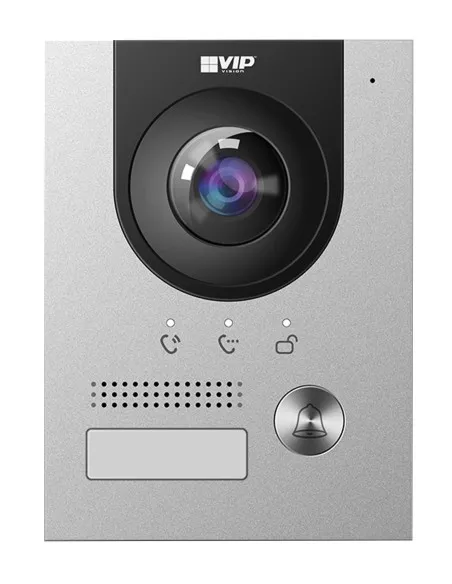
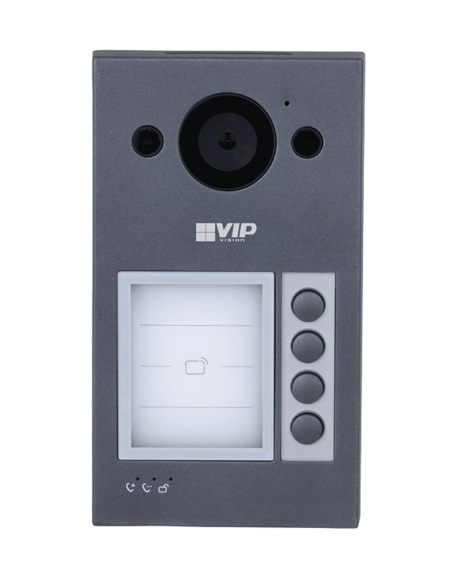
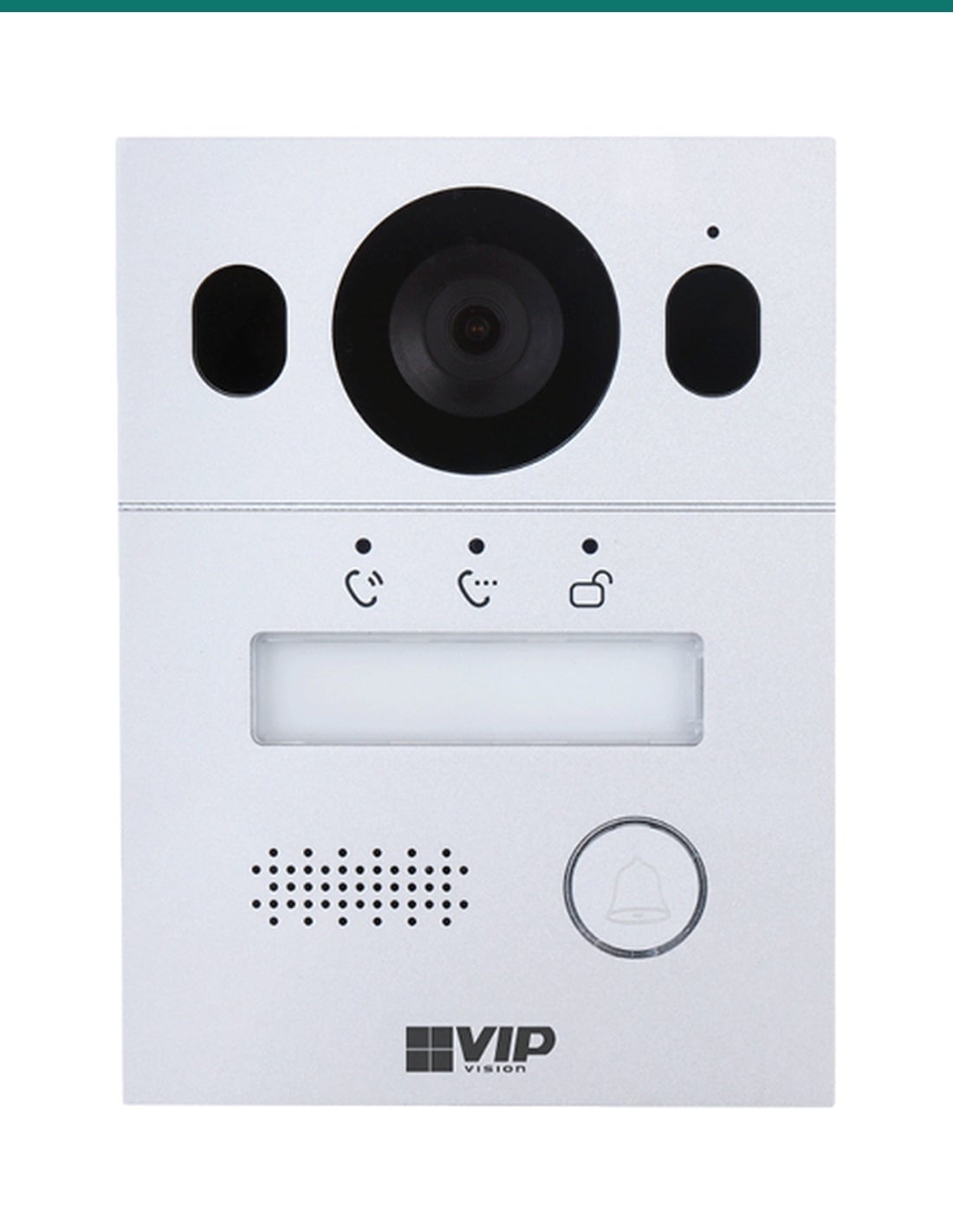
VIP Vision INTRDS-H: the 2MP door station for the 2-Wire H-Series intercom. Reuses existing 2-wire cable. Needs the INTMON-H and INTCON-H.
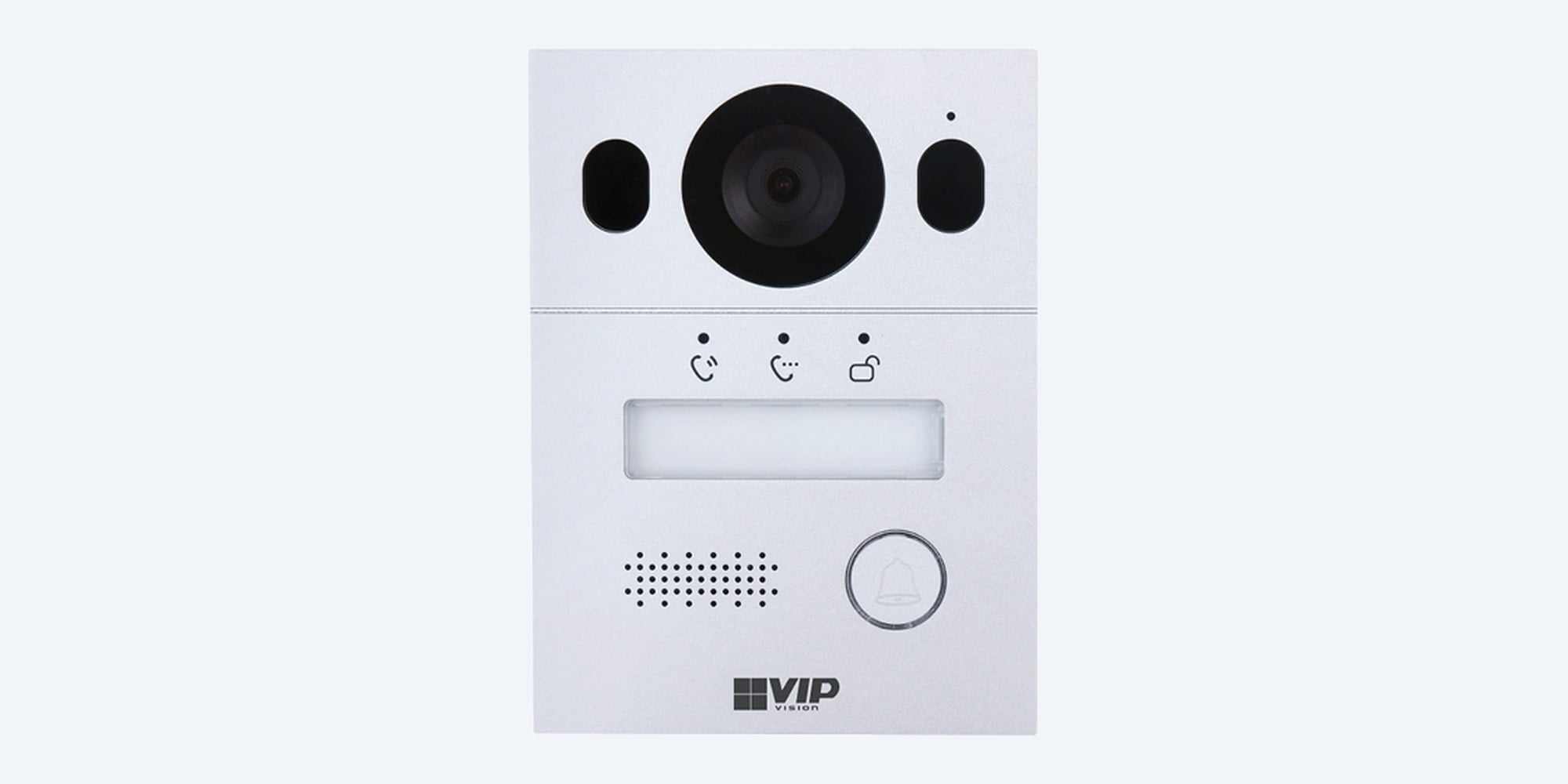
The VIP Vision INTRDS-H is the outdoor door station for VIP Vision's 2-Wire H-Series intercom. It runs on an existing 2-core doorbell or intercom cable, rings the INTMON-H monitors inside and releases the door lock.
In one sentence: the VIP Vision INTRDS-H is a 2-wire video intercom door station with a 2MP 110° camera, IR night light, IP65 and IK07 front panel and a lock relay, powered at 48 VDC through the INTCON-H controller and paired with the INTMON-H monitor.
Door station only. It needs the H-Series monitor and controller.
This listing is one door station. It only works with VIP Vision's INTMON-H monitor and INTCON-H controller module on a 2-wire run, and the controller needs a 48 VDC supply. VIP Vision states the H-Series does not work with its analogue intercoms. Starting from scratch? The INTKIT-H kit has the lot.
The INTRDS-H sends video, audio and its power down two wires, so an old 2-wire doorbell or intercom run can usually be reused. A visitor presses the button, every programmed monitor rings, and you see them on the INTMON-H, talk, and release the lock. Put the INTMON-H on your Wi-Fi and VIP Vision's app shows the door on your phone too.
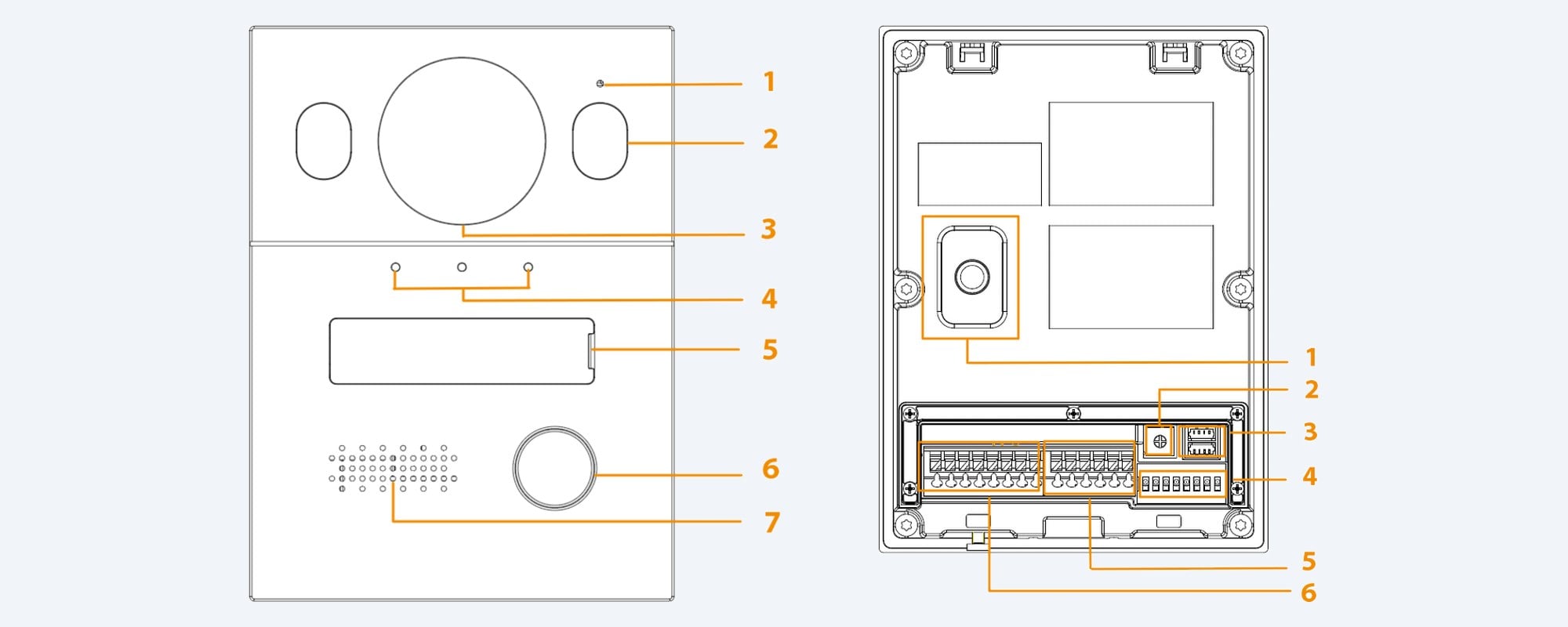
Front and rear
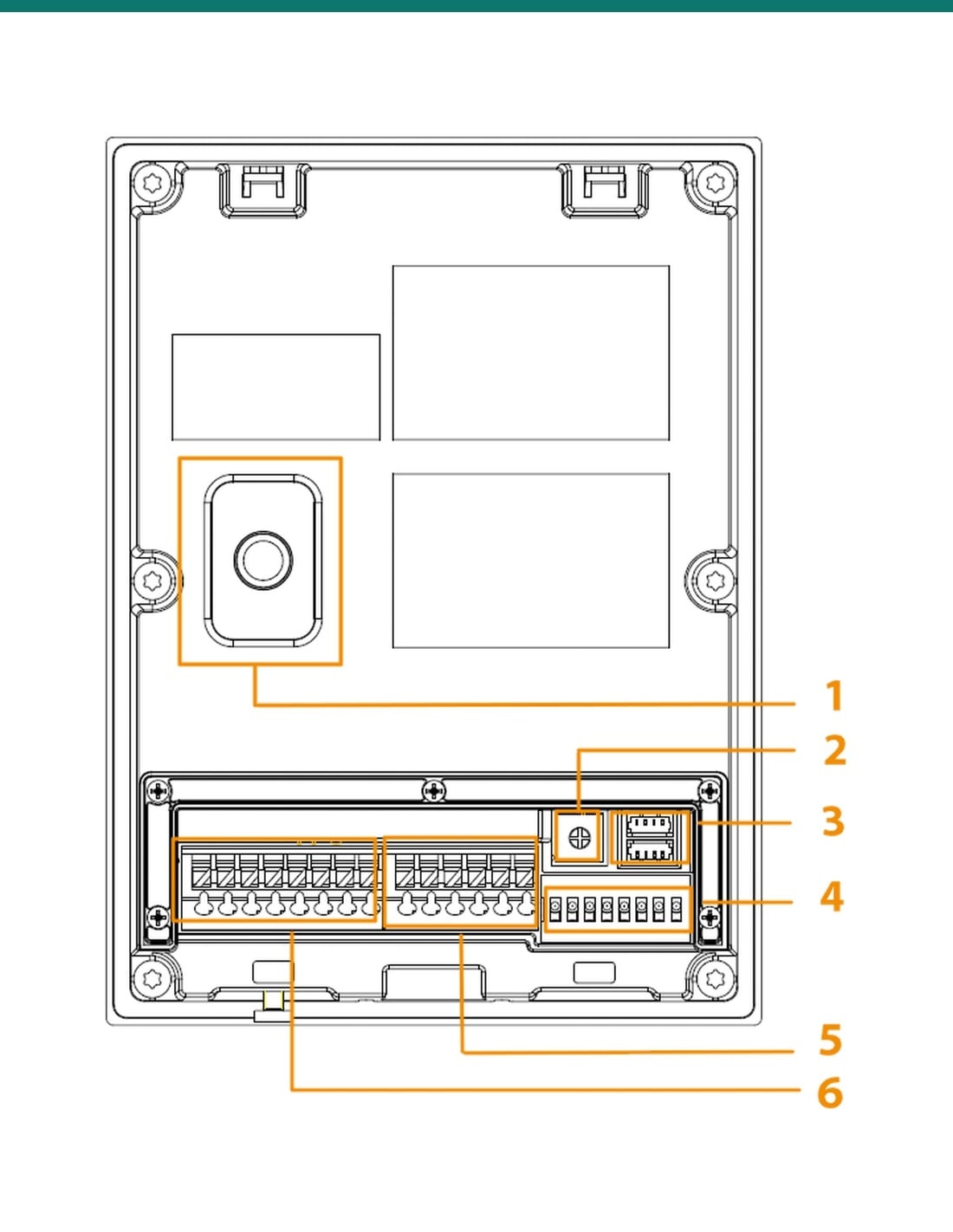
Front (left): 1 microphone, 2 IR illuminator, 3 camera, 4 status lights (call not answered, answered, door open), 5 nameplate, 6 call button, 7 speaker. Rear (right): 1 tamper button, 2 talk volume, 3 upgrade ports, 4 DIP switch, 5 door lock terminals, 6 power output, RS-485 and alarm output.
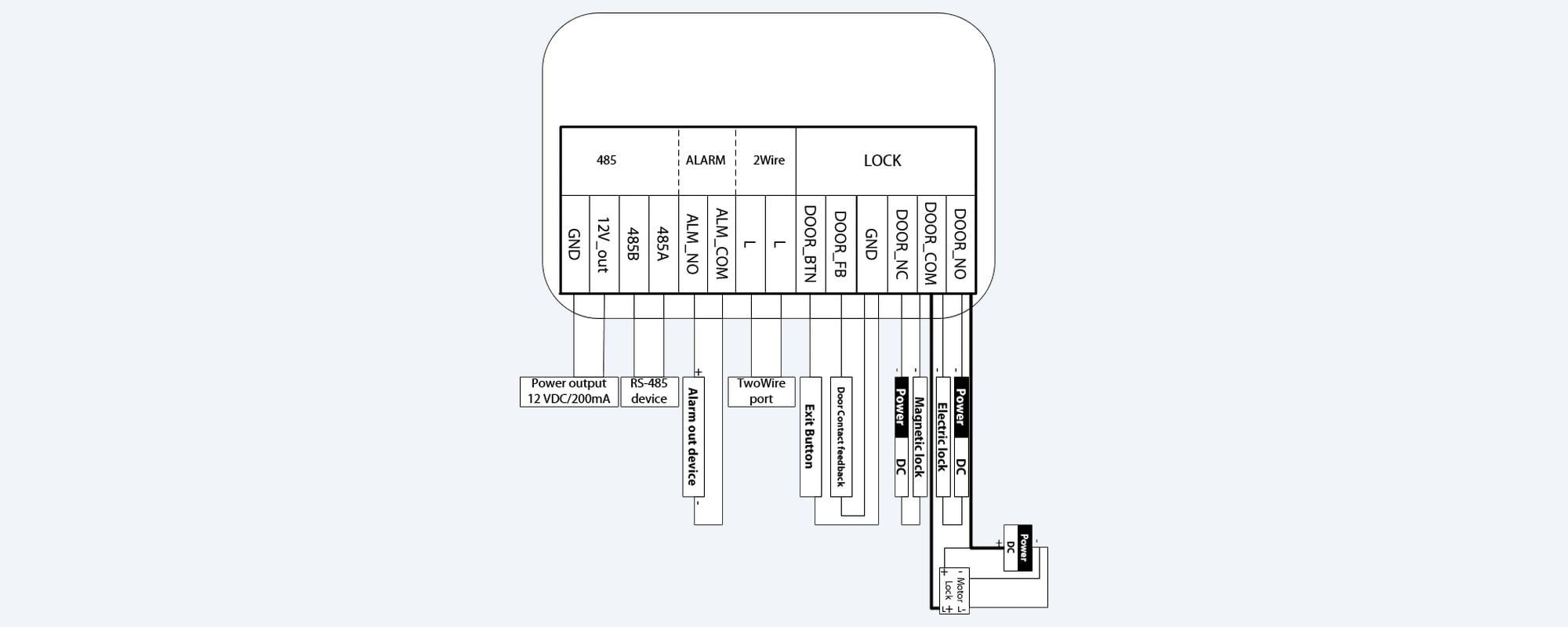
Wiring
VIP Vision's wiring diagram. Two terminals take the 2-wire run. The lock relay (DOOR_NO, DOOR_COM, DOOR_NC) switches an electric strike, magnetic lock or motor lock on its own DC supply. There are inputs for an exit button and door feedback, an alarm output, RS-485, and a 12 V 200 mA output.
The system
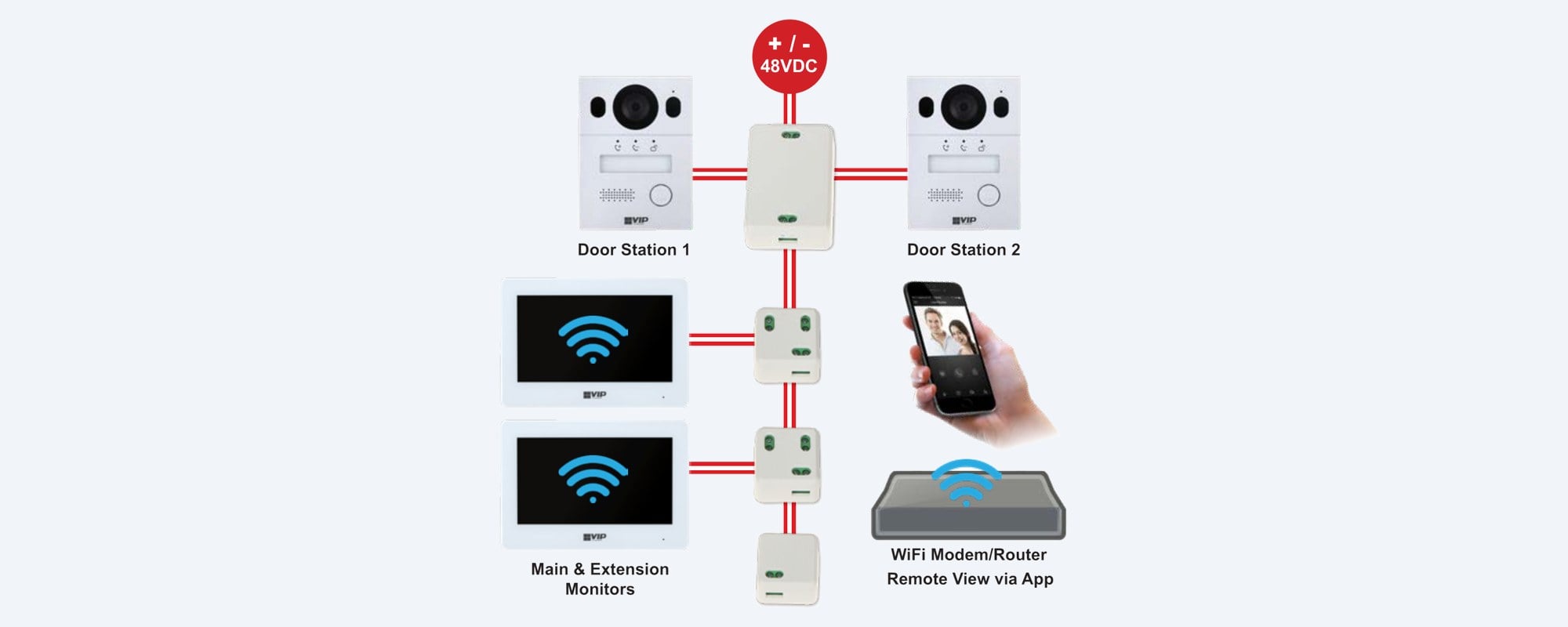
VIP Vision's system drawing: the 48 VDC supply feeds the INTCON-H input module, which carries two door stations. Extender modules branch to the main and extension INTMON-H monitors, with a terminating module at the end, and the monitor's Wi-Fi brings the app.
How it goes in
01
Give each door station its own address (DIP 1 to 4), then set the unlock time (2, 4, 6 or 8 s), PAL and the nameplate light.
02
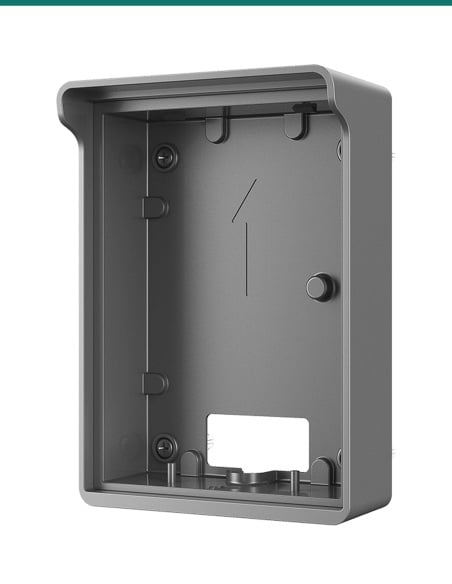
Fit a surface or flush box no higher than 2 m, out of direct sun and condensation where you can.
03
Connect the 2-wire run from the INTCON-H, then the lock relay, the lock's own DC supply and an exit button if used.
04
Power the controller from 48 VDC, press the call button and check each INTMON-H rings, talks and unlocks.
At a glance
Show specs
Type
2-wire video intercom door station, single call button
Camera
1/2.8" 2.0 MP CMOS, HDR
Field of view
110° horizontal, 60° vertical
Video
960 × 576 at 25 fps
Night
Automatic IR illumination
Audio
Microphone and built-in speaker, two-way talk
Wiring
2 wires to the INTCON-H controller module
Power
48 VDC through the INTCON-H; up to 1.5 W standby, 10 W working
Lock
Relay NO / COM / NC for a lock on its own DC supply; exit button and door feedback inputs
Unlock time
2, 4, 6 or 8 s (DIP switch)
Other I/O
Alarm output, RS-485, 12 V 200 mA power output
Addresses
Up to 14 door stations (DIP switch)
Protection
IP65 and IK07 front panel, tamper switch
Mounting
Flush or surface, box sold separately
Size and weight
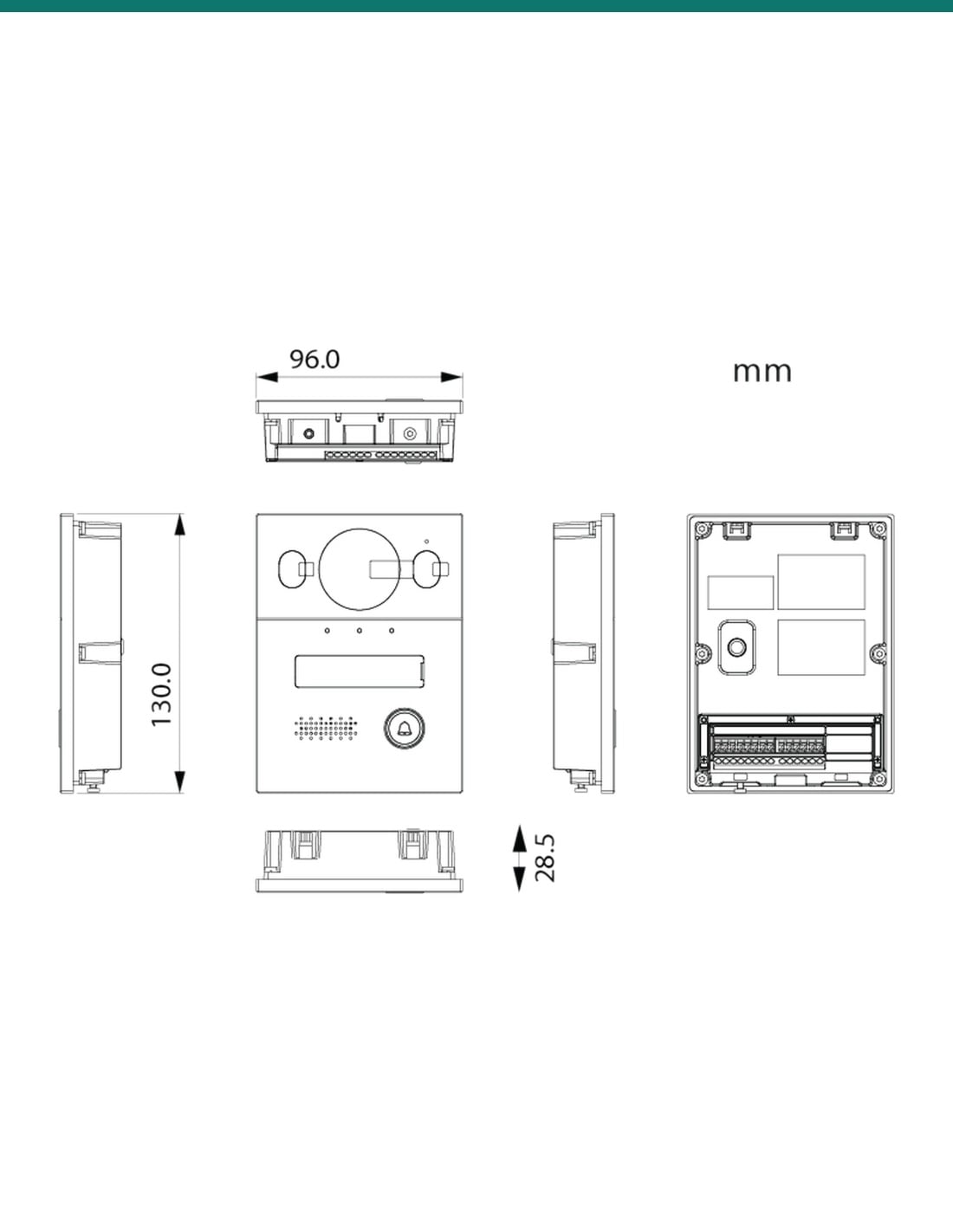
130 × 96 × 28.5 mm, 0.502 kg
Works with
INTMON-H monitor and INTCON-H controller only
Warranty
4 years (VIP Vision)
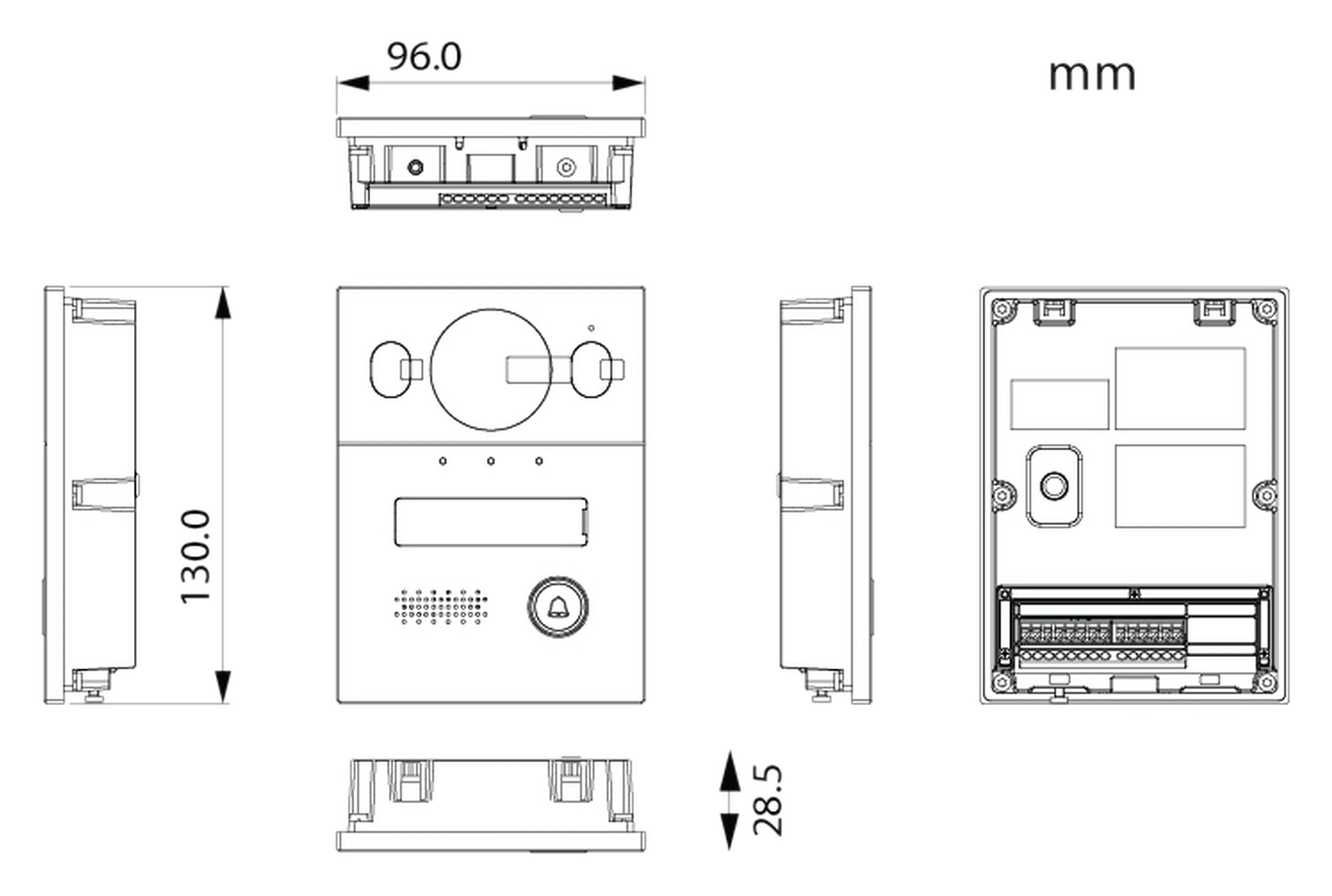
VIP Vision dimension drawing, mm: 130 × 96 mm front, 28.5 mm deep.
Pair it with
Monitor
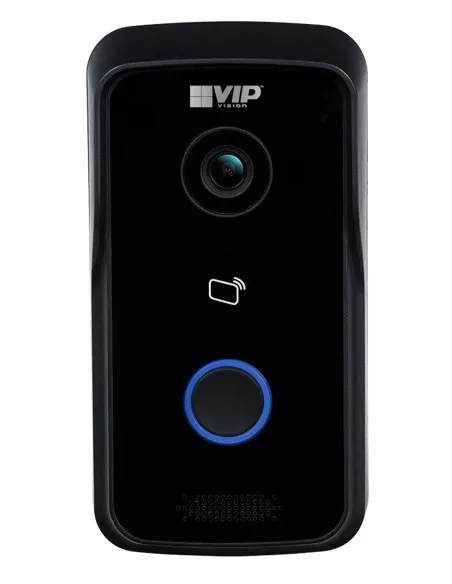
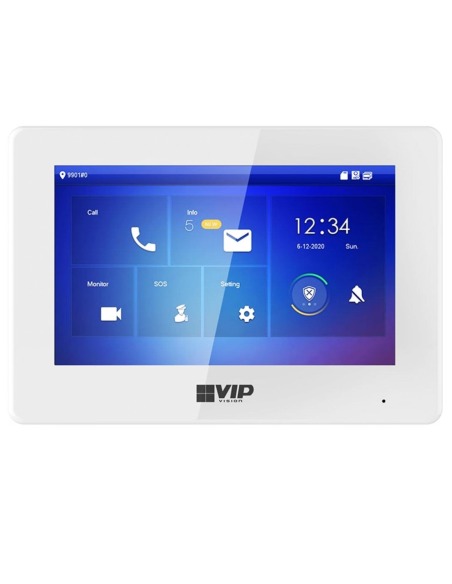
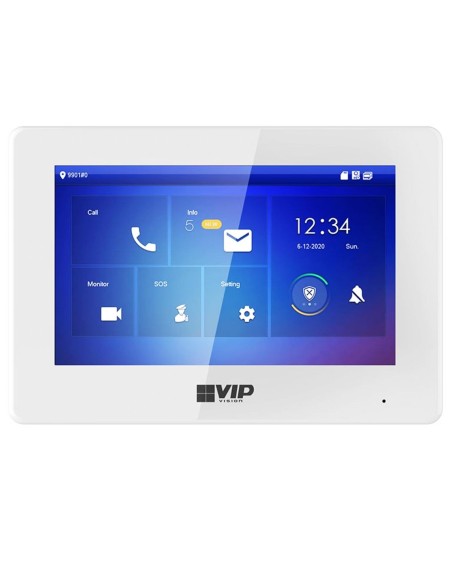
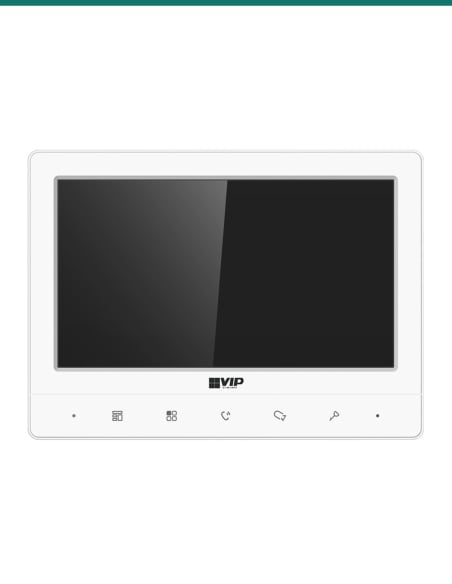
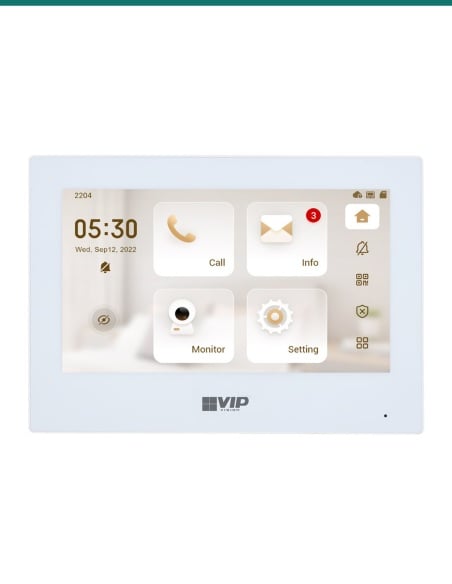
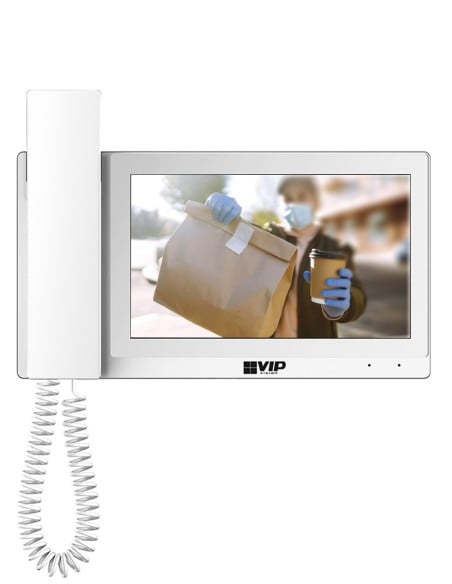
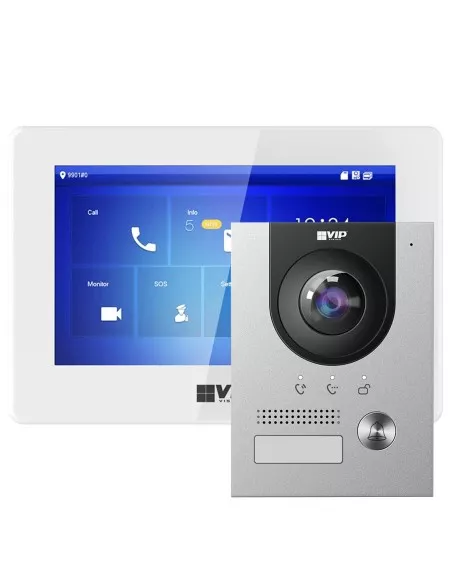
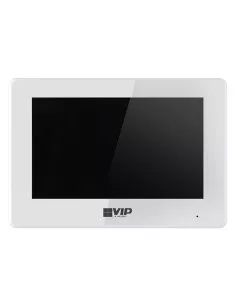
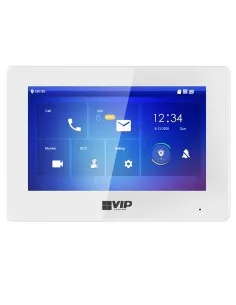
VIP Vision's 7 inch 2-wire touchscreen. Answer, unlock, record with a microSD card, and Wi-Fi for the app.
Controller
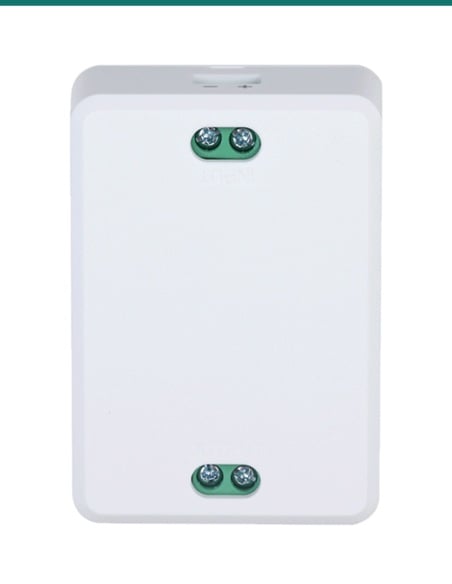
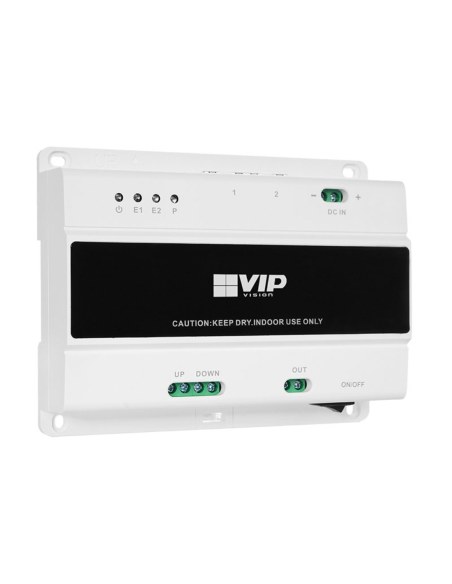
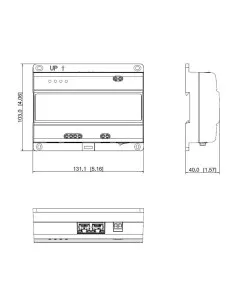
Takes the 48 VDC supply and puts power and signal on the 2-wire run. Every H-Series system needs one.
Whole system
One INTRDS-H, one INTMON-H, the INTCON-H modules, a surface box and the 48 VDC supply. Add this door station for a second entry.
Door
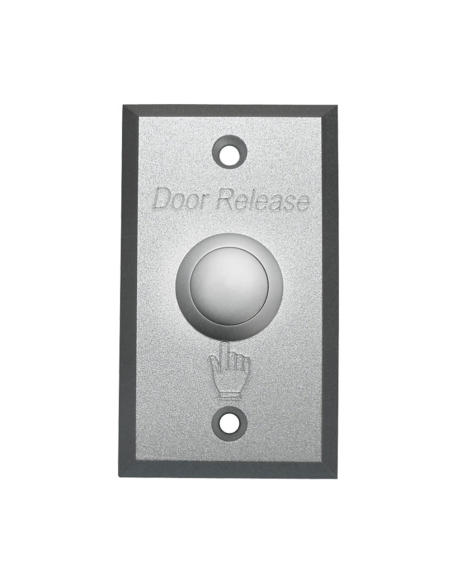
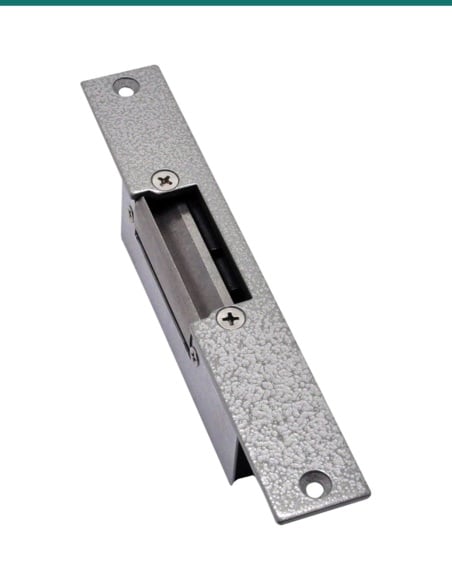
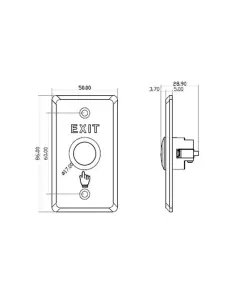
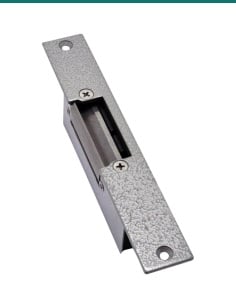
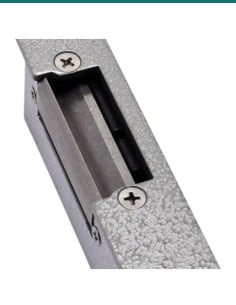
An electric strike or magnetic lock with its own DC supply, and an exit button, wired to the lock terminals.
Where it is used
Replace a 2-wire doorbell with a camera.
Reuse a 2-wire audio intercom cable.
No new cable through finished walls.
Up to 180 m on 2 × 0.5 mm² cable.
Add a side or back door station.
Ring a monitor in each dwelling.
| INTRDS-H (this listing) | INTIPRDSG3 (IP) | |
|---|---|---|
| Cable | 2 wires (existing bell wire, 2-core, Cat5e pair) | Cat5e/Cat6 network cable |
| Power | 48 VDC through the INTCON-H | 48 VDC 1 A or PoE (802.3af) |
| Camera | 2 MP 1/2.8", 110° H, 960 × 576 video | 2 MP 1/2.5", 169° H |
| Monitors | INTMON-H (2-wire) | VIP Vision Residential Series IP monitors, up to 10 |
| Front panel | IP65, IK07 | IP55, IK07, aluminium |
| Size | 130 × 96 × 28.5 mm | 130 × 96 × 29 mm |
| Warranty | 4 years | 4 years |
From VIP Vision's 2-Wire Series datasheet and product pages. The two systems do not mix: pick 2-wire when reusing old cable, IP for new network cabling.
No. It is the door station only. You also need an INTMON-H monitor, an INTCON-H controller and a 48 VDC supply. VIP Vision's INTKIT-H has all of them.
Usually yes, that is what it's for. VIP Vision rates 2 × 0.5 mm² cable to 180 m between door station and monitor, a Cat5e pair to 100 m, but telephone wire only to 20 m.
No. VIP Vision lists it only with the INTMON-H and INTCON-H, and says the H-Series does not work with its analogue intercoms.
The DIP switch gives up to 14 addresses. VIP Vision's cable table allows 6 devices on one run, and its diagrams show up to 2 door stations and 4 monitors.
The camera sensor is 2 MP. VIP Vision's spec table gives the video sent over the 2 wires as 960 × 576 at 25 fps.
Yes. It has an IR illuminator that switches on automatically in the dark.
Yes. Its lock relay (NO, COM, NC) switches an electric strike, magnetic lock or motor lock for 2, 4, 6 or 8 seconds. The lock needs its own DC supply.
No. It gives only 200 mA. VIP Vision's wiring diagram puts the lock on its own DC power supply.
The front panel is IP65 and IK07, with a tamper switch. VIP Vision advises a spot out of direct sun and condensation.
Yes, through the INTMON-H. Its Wi-Fi links the system to VIP Vision's DMSS app. The door station itself has no network port.
A flush or surface box is sold separately. VIP Vision's INTKIT-H includes the INTIPRDSGSB surface box. Ask us for a flush mount.
VIP Vision lists a 4 year warranty for the INTRDS-H, handled through InFront Technologies.
Upgrading a 2-wire doorbell or intercom? Call 1300 736 970 or email [email protected] with your cable type and run length. VIP Vision's 2-Wire Series datasheet is on the Attachments tab.
Power. The door station runs at 48 VDC from the INTCON-H, using the plug-in supply VIP Vision provides or approves. A new power point, or any mains wiring for a lock supply, needs a licensed electrician.
Cabling. Concealed intercom cabling in a building, including reused bell wire, is customer cabling under AS/CA S009 and should be run by an ACMA-registered cabler. Never short the two controller output wires.
Locks. Wire the lock on its own DC supply, rated for the door. Check fire and egress rules before fitting a fail-secure strike on an exit door, and keep a manual exit.
Mounting. VIP Vision recommends mounting no higher than 2 m, away from direct sun, heat, dust and condensation.
What it does not do. No network port, keypad or card reader, and no recording at the door station. Recording, snapshots and the app come from the INTMON-H.
Figures. From VIP Vision's 2-Wire Series datasheet, the 2-Wire H-Series door station manual and VIP Vision's INTRDS-H and INTKIT-H product pages.






Need help choosing?
Tell us about your property and we'll recommend the right cameras and recorder.
07 5609 4910Sydney 02 8814 6008
[email protected]
Mon–Fri, 9am–5pm AEST
20 related items