There are no more items in your cart

In Stock - Ready to Ship


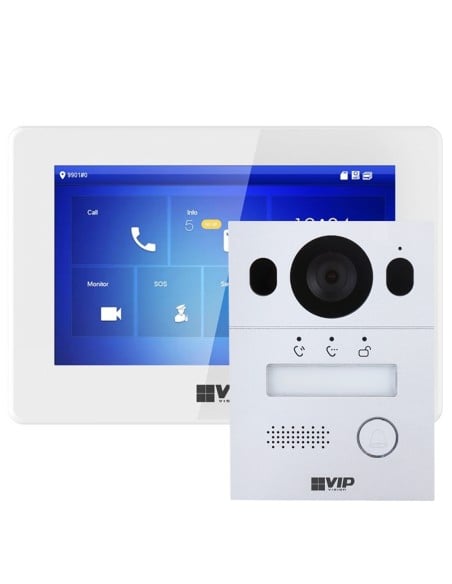
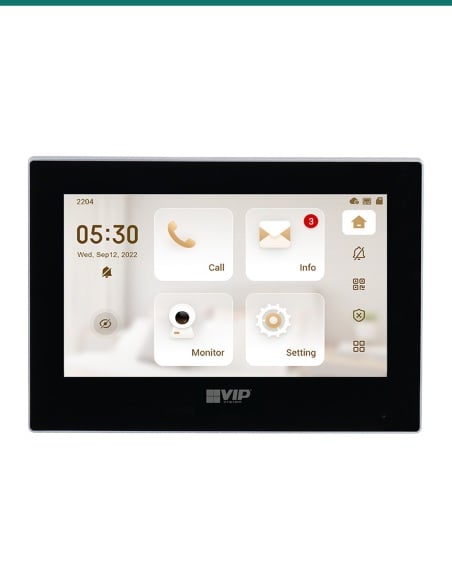
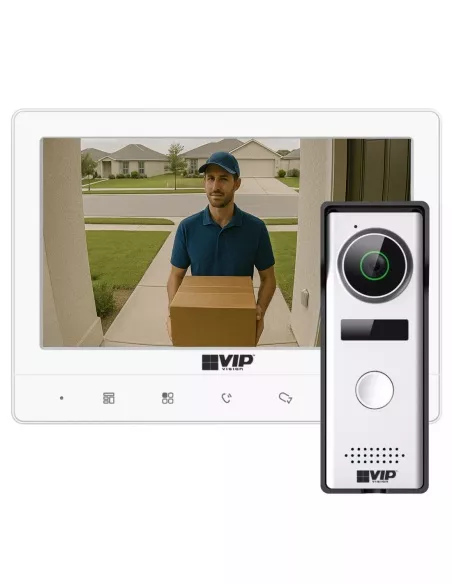
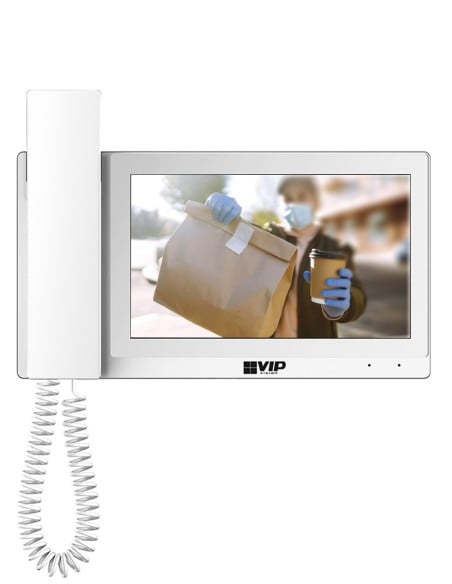
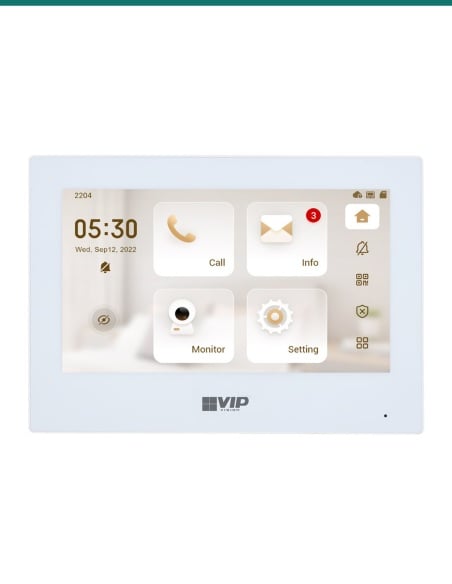
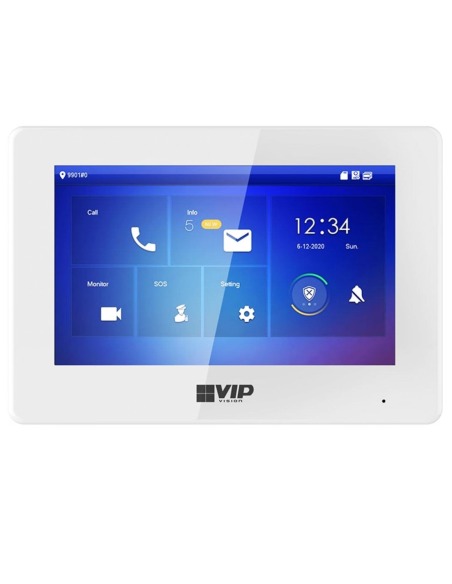
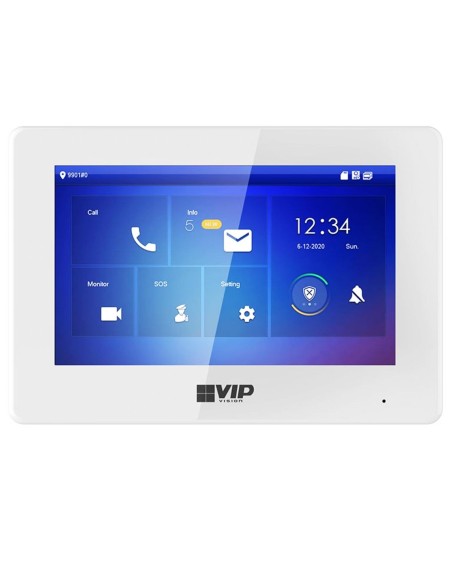
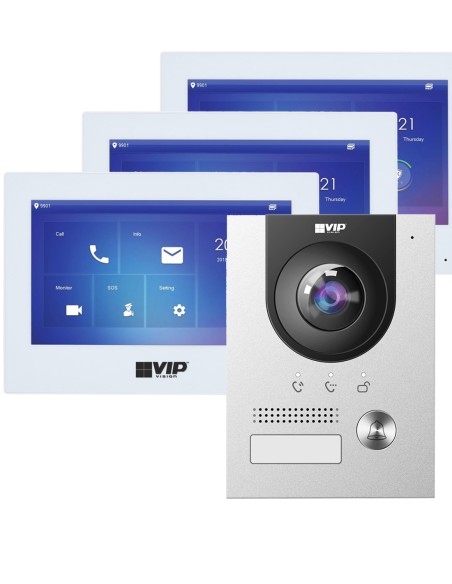
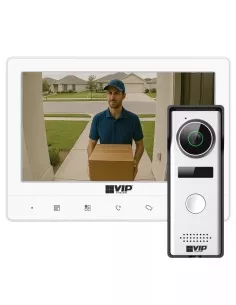
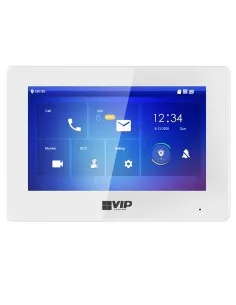
VIP Vision INTKIT-A1-MON: the add-on 7 inch analogue indoor monitor for the INTKIT-A1 intercom. Door station not included.
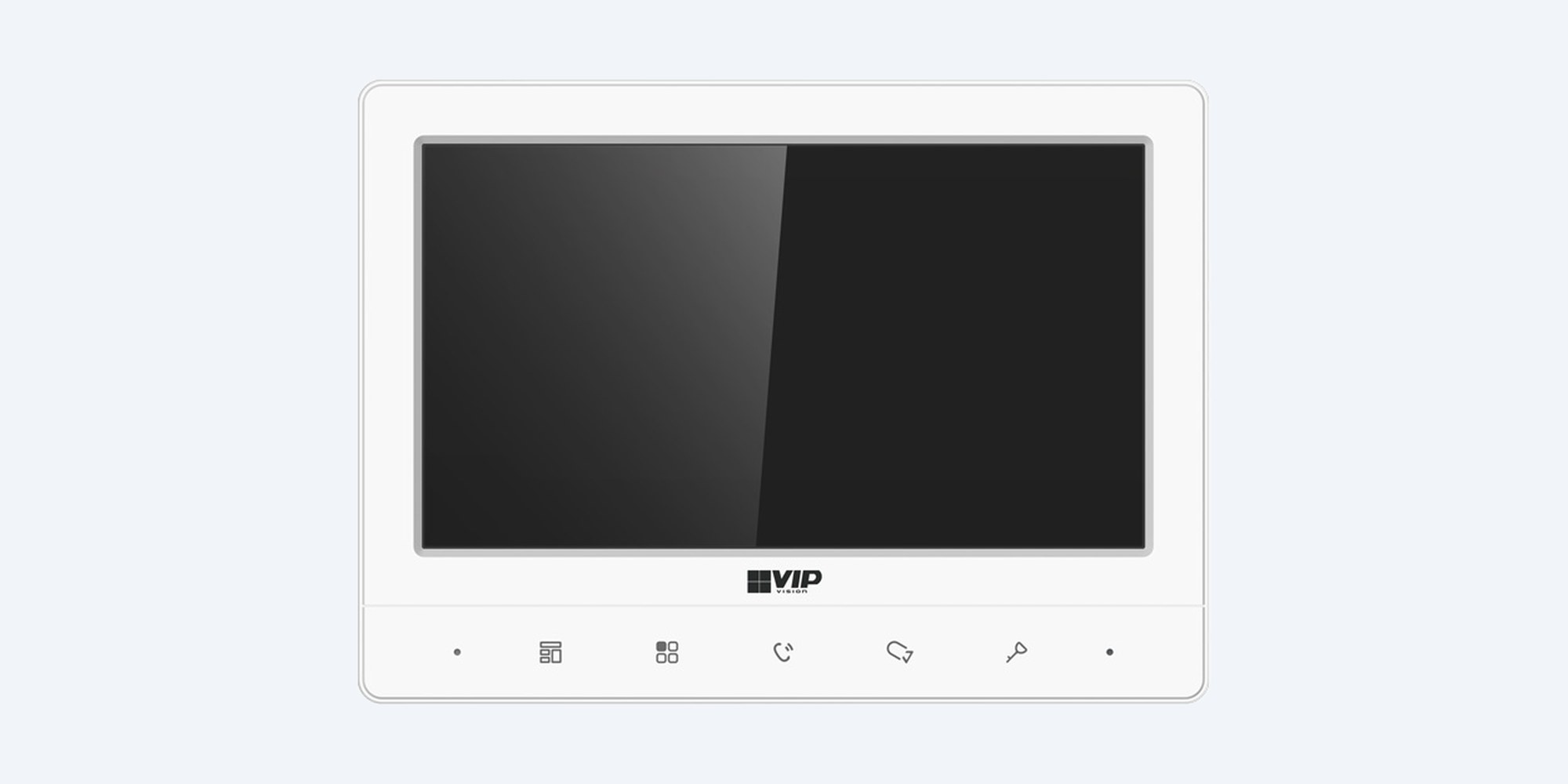
The VIP Vision INTKIT-A1-MON is the extra 7 inch indoor monitor for VIP Vision's INTKIT-A1 analogue intercom. Add it to another room so the door station rings both, and talk, view and unlock from either.
In one sentence: the VIP Vision INTKIT-A1-MON is a white 7 inch 1024 × 600 analogue indoor monitor that adds a second or third screen to the INTKIT-A1 intercom over 4-core cable, running on 12 VDC.
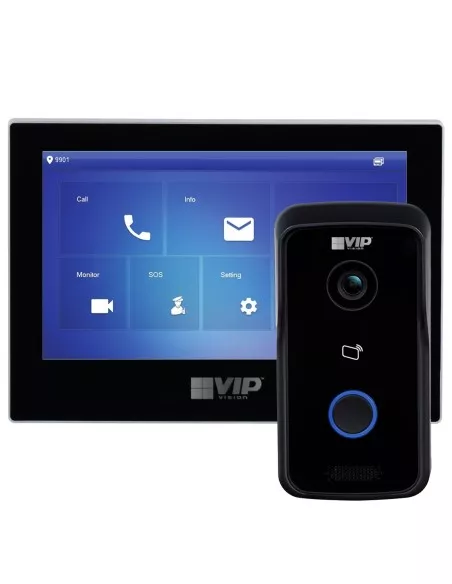
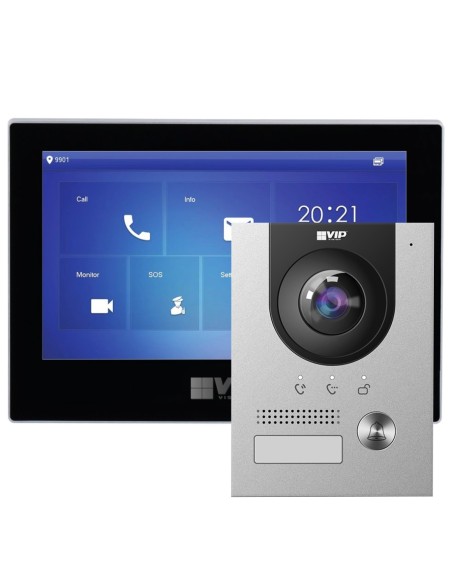
Add-on monitor only. Not a complete intercom.
This listing is one extra indoor monitor for an INTKIT-A1 system. The door station, power supply and lock are not included. VIP Vision allows up to 3 monitors in one system, so you can add up to 2 of these to an INTKIT-A1. It is analogue only: no app, no phone viewing and no network port.
With a second monitor, a visitor pressing the INTKIT-A1 door station button rings every connected monitor. Answer from the nearest one, talk both ways, view the door station or an analogue camera, and release the door lock. It wires to a monitor port on the first monitor, so it suits homes already cabled for an older 4 or 6-core intercom.
Controls
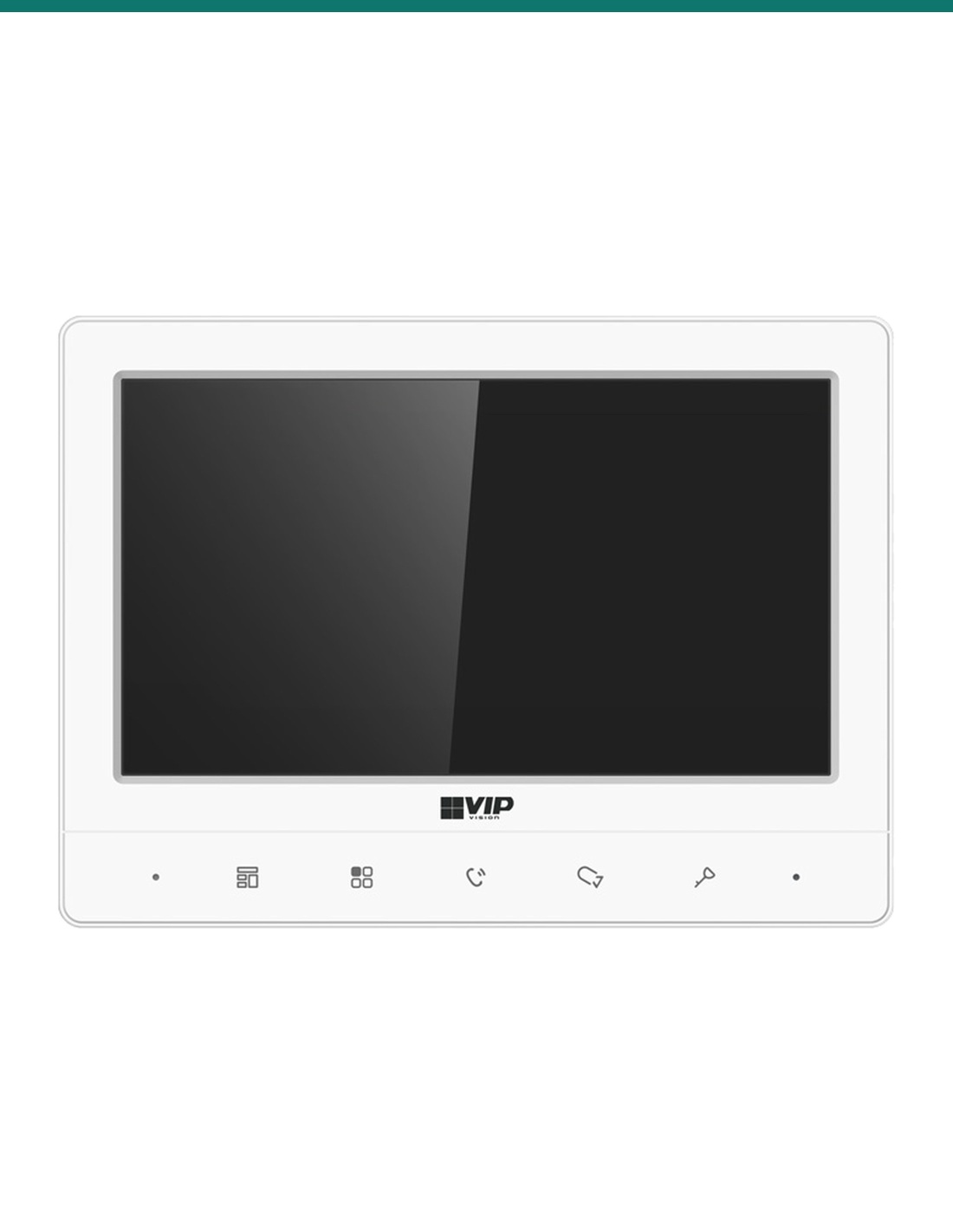
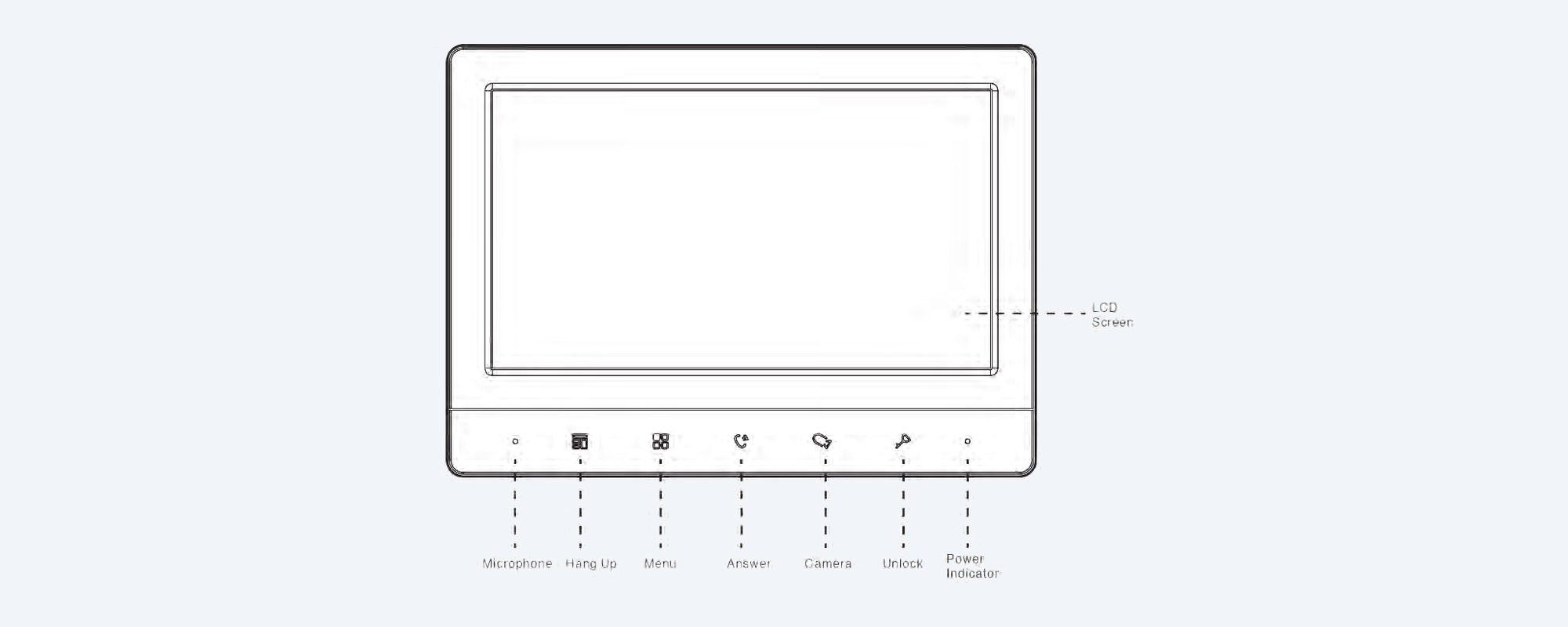
VIP Vision's drawing of the front. Along the bottom: microphone, hang up, menu, answer, camera (cycles door station 1, door station 2, camera 1 and camera 2), unlock, and the power light.
Rear
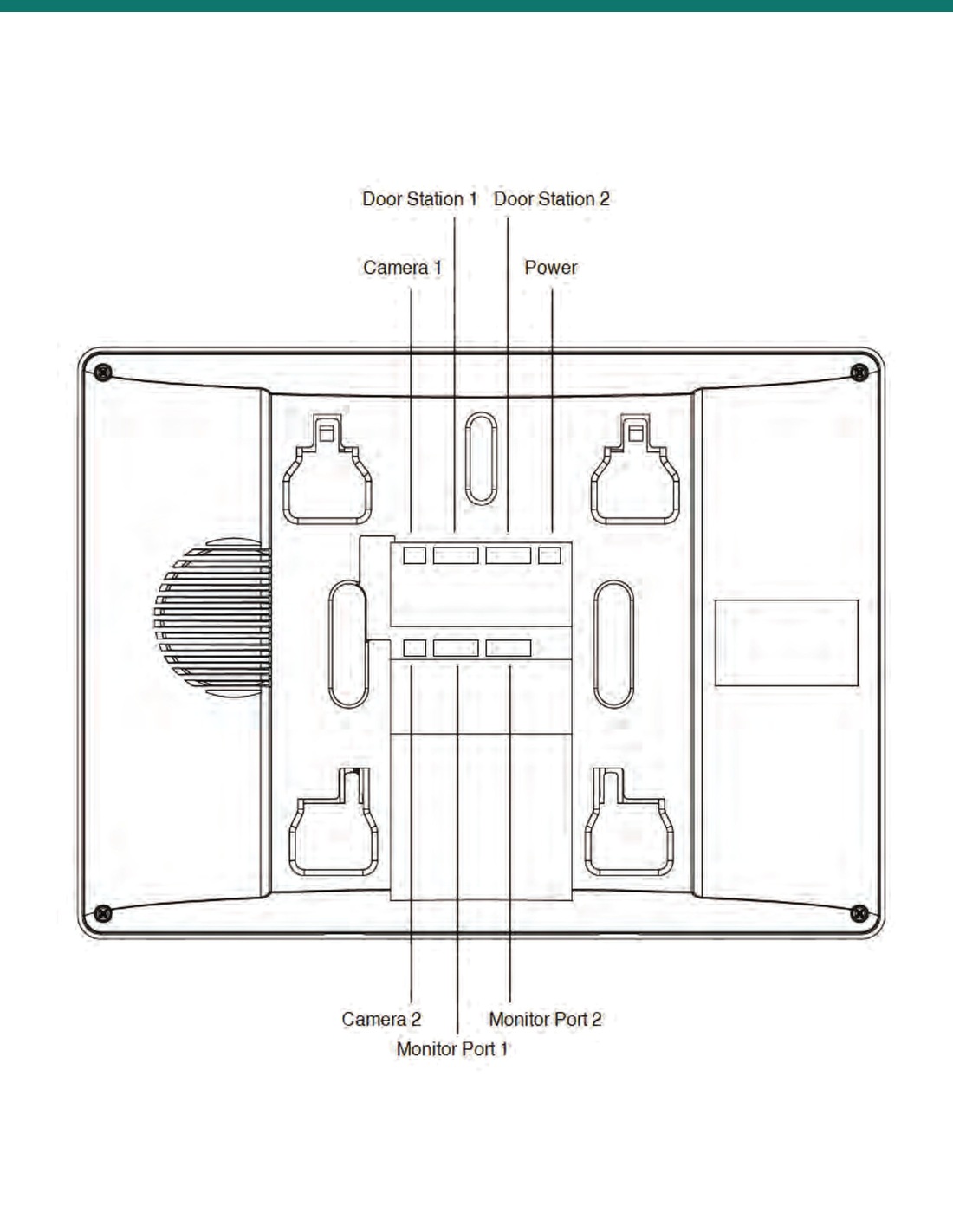
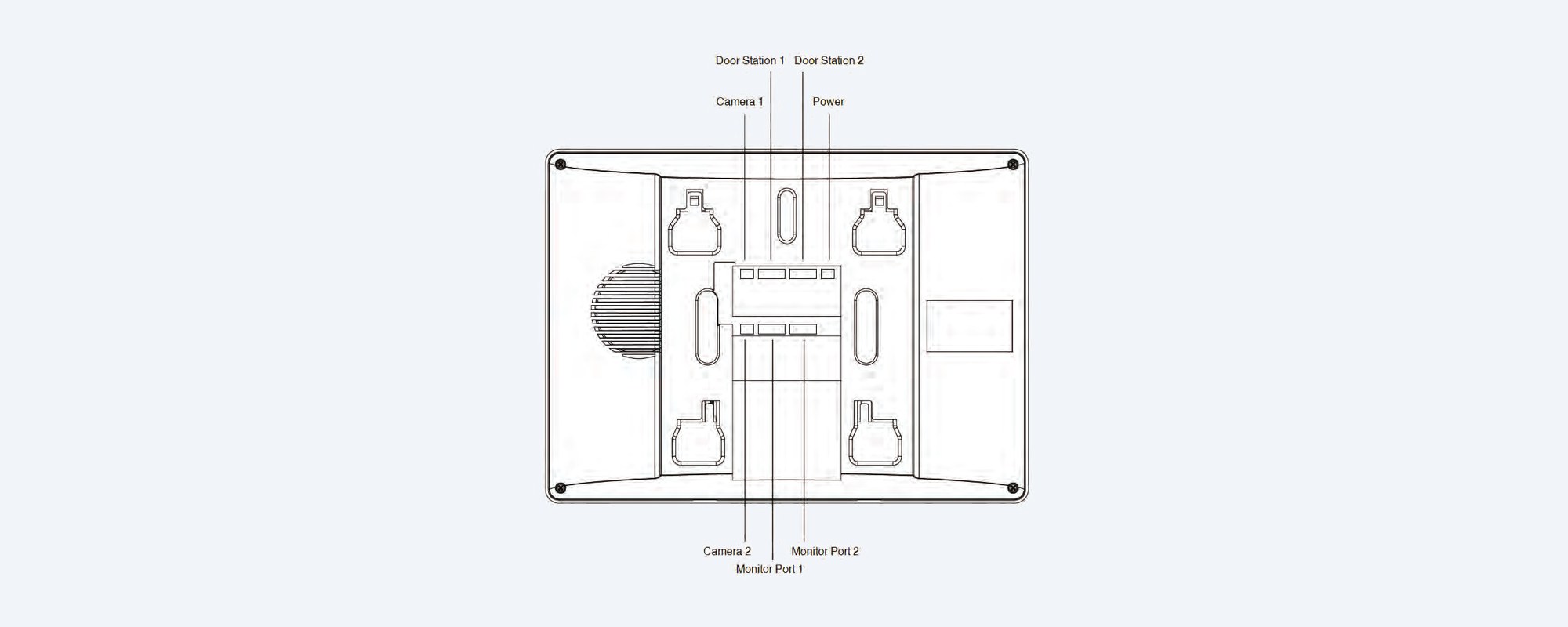
The back has door station ports 1 and 2, camera inputs 1 and 2 (analogue CVBS), a 12 VDC power input, and monitor ports 1 and 2 for linking monitors together.
How it goes in
01
Run 0.75 mm² 4-core cable from a monitor port on the existing monitor to the new spot. Over 50 m, VIP Vision says use coaxial cable.
02
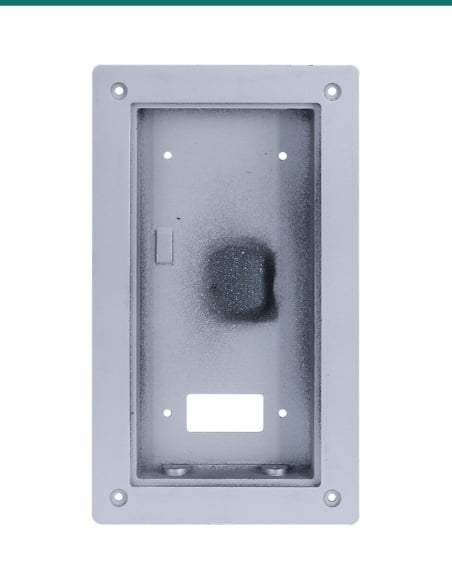
Fix the surface mount bracket indoors and hang the monitor on it.
03
Connect power, video, audio and ground between the monitor ports as the wiring examples in VIP Vision's quick start guide show.
04
Feed each monitor from a 12 VDC supply sized at 1 A per device, then press the door station button and check every monitor rings.
At a glance
Show specs
Type
Analogue 7 inch indoor intercom monitor, add-on for the INTKIT-A1
Datasheet model
INTIPMON-A1 (VIP Vision Entry Series datasheet)
Screen
7" colour TFT LCD, 1024 × 600, capacitive touch
Controls
Hang up, menu, answer, live view, unlock
Audio
Omni-directional microphone and built-in speaker for two-way talk
Connections
Door station 1 and 2, camera 1 and 2 (CVBS), monitor port 1 and 2, 12 VDC in
Monitors per system
Up to 3
Cable
4-core 0.75 mm² up to 50 m; coaxial cable over 50 m
Power
12 VDC (1 A per device); under 2 W standby, under 5 W working
Communication
Analogue (no network, app or phone viewing)
Alarm and storage
None
Mounting
Surface mount, bracket included
Material
PC and ABS plastic
Operating range
-10 °C to +55 °C, 10 to 95% RH
Size and weight
183 × 134 × 18 mm, 0.25 kg
Warranty
3 years (VIP Vision)
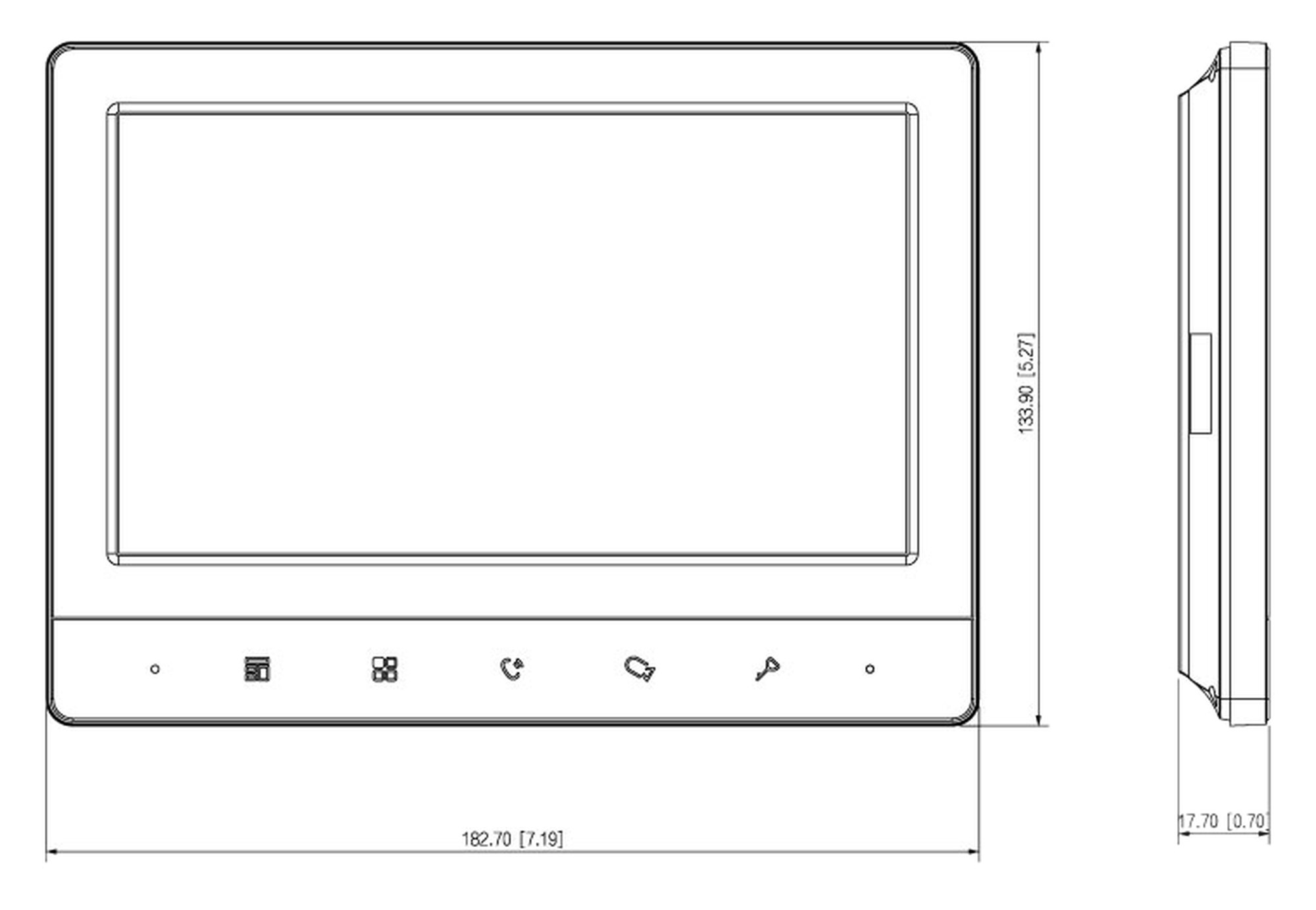
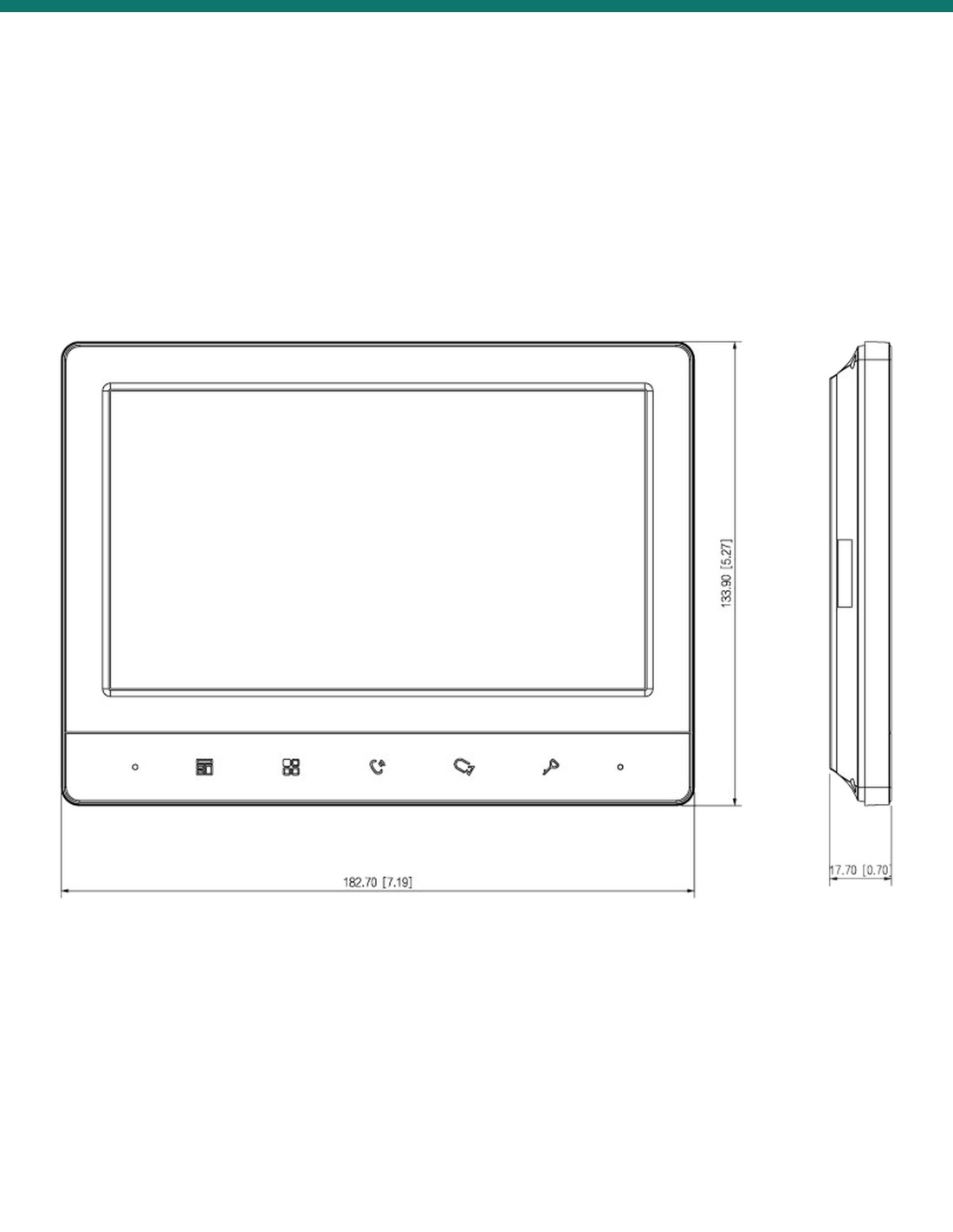
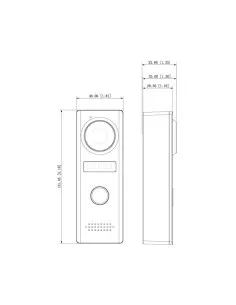
VIP Vision dimension drawing, mm [inch]: 182.70 × 133.90 mm, 17.70 mm deep.
Pair it with
The system
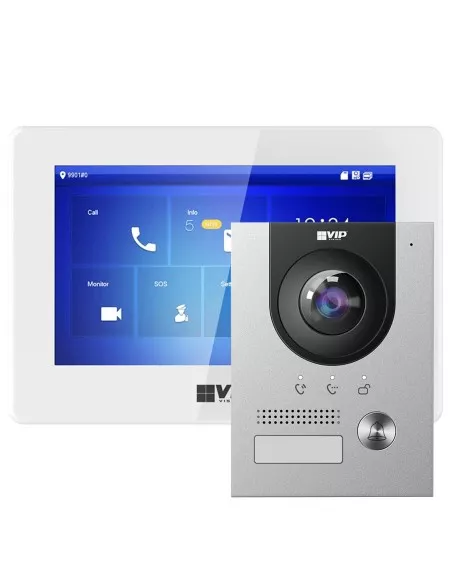
VIP Vision's kit with the door station, first monitor and a 12 VDC 2 A supply. This monitor is made to extend it.
Power
The kit's 2 A supply suits one door station and one monitor. VIP Vision says use 3 A for three devices, 4 A for four, 5 A for five.
Camera
Each monitor has two camera inputs for live view. CVBS only, not HD analogue or IP cameras.
Door
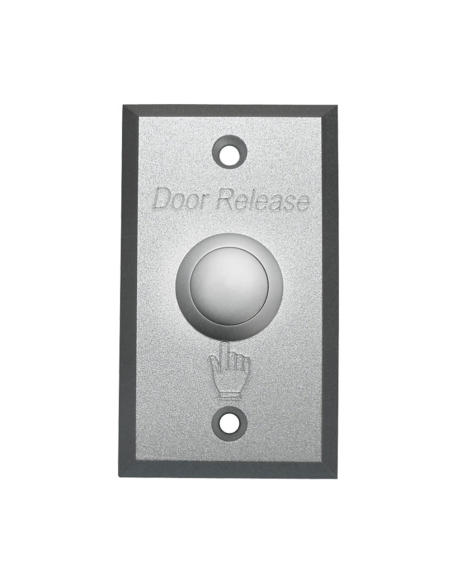
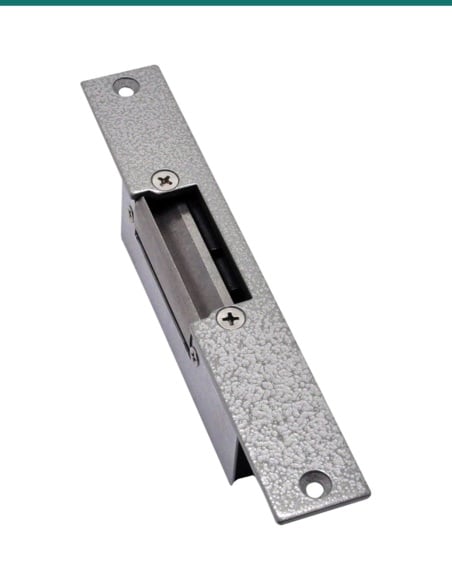
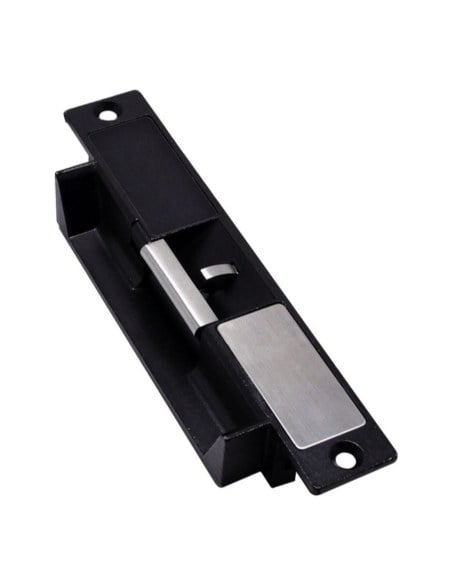
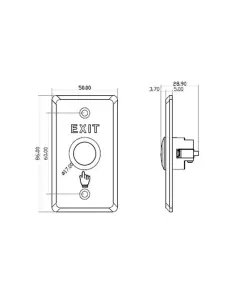
An electric strike or magnetic lock with its own 12 VDC supply, and a normally open exit button, wired to the door station.
Where it is used
One monitor downstairs, one upstairs.
Answer the front door without walking through the house.
A screen at the desk for deliveries.
A monitor in the back dwelling on the same door station.
Reuse 4 or 6-core cable from a retired intercom.
A monitor at the counter and one out the back.
| INTKIT-A1-MON (this listing) | INTKIT-A1 kit | |
|---|---|---|
| Monitor | 1 × 7" analogue monitor | 1 × 7" analogue monitor |
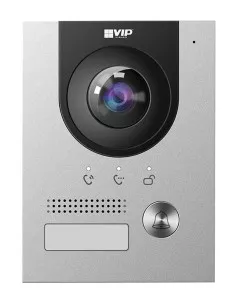
| Door station | Not included | 1 × 1.3 MP single-button door station |
| Power supply | Not listed, confirm with us | 12 VDC 2 A |
| Door station bracket | Not included | Included |
| Use it for | Adding a 2nd or 3rd monitor | Starting a new system |
| Warranty | 3 years | 3 years |
From VIP Vision's INTKIT-A1 and INTKIT-A1-MON product pages and the Entry Series datasheet. Start with the kit, then add monitors.
No. It is one extra indoor monitor for VIP Vision's INTKIT-A1. The door station, power supply and lock are not included.
Up to 2. VIP Vision's datasheet allows 3 monitors per system, and the INTKIT-A1 already has one. VIP's product page says 3 additional monitors, but its datasheet and wiring guide show 3 in total.
That is the monitor's model name on VIP Vision's Entry Series datasheet. The INTKIT-A1-MON is that monitor sold on its own.
No. It is made for VIP Vision's INTKIT-A1 door station. Ask us before connecting it to anything else.
4-core 0.75 mm² cable for runs up to 50 m. VIP Vision says use coaxial cable for runs over 50 m.
Usually yes. Each device needs 12 VDC 1 A. The kit's 2 A supply suits one door station and one monitor, so three devices need 3 A and four need 4 A.
No. VIP Vision states the INTKIT-A1 system has no remote viewing or smartphone connection.
Yes, with the unlock button, through the door station's lock output. The lock needs its own power supply, wired at the door station.
Yes. Each monitor has two analogue camera inputs for live view. They take CVBS cameras only.
No. VIP Vision's datasheet lists no internal storage and no alarm support.
183 × 134 × 18 mm and 0.25 kg, surface mounted on its bracket.
VIP Vision lists a 3 year warranty for the INTKIT-A1-MON, handled through InFront Technologies.
Adding a monitor to an INTKIT-A1? Call 1300 736 970 or email [email protected] with your cable run and how many monitors you need. VIP Vision's datasheet and quick start guide are on the Attachments tab.
Power. 12 VDC only, sized at 1 A per device. Use a plug-in supply; a new power point needs a licensed electrician.
Cabling. Concealed intercom cabling in a building is customer cabling under AS/CA S009 and should be run by an ACMA-registered cabler.
Locks. The lock is wired to the door station with its own 12 VDC supply. Use a lock rated for the door, and check fire and egress rules before fitting a fail-secure strike on an exit door.
Indoor use. Rated -10 °C to +55 °C and up to 95% humidity. Mount it indoors, away from wet areas.
What it does not do. No network, Wi-Fi, app or phone viewing, no recording, no alarm inputs, and no door station in the box.
Figures. From VIP Vision's Entry Series datasheet (INTIPMON-A1 column), the INTKIT-A1 quick start guide and the INTKIT-A1 and INTKIT-A1-MON product pages.




Need help choosing?
Tell us about your property and we'll recommend the right cameras and recorder.
07 5609 4910Sydney 02 8814 6008
[email protected]
Mon–Fri, 9am–5pm AEST
20 related items