1 / 4

Dahua Coax Extender - KIT-DH-LR1002-1ET/LR1002-1EC

SKU KIT-DH-LR1002-1ET/LR1002-1EC In Stock - Ready to Ship
$84.90 inc GST

Dahua LR1002-1ET and LR1002-1EC kit: run Ethernet and PoE power to an IP camera over existing RG59 coax, powered from the PoE switch or NVR.

  • ✓400 m at 100 Mbps, 1000 m at 10 Mbps on RG59
  • ✓Camera powered from the switch over the coax
  • ✓Up to 21 W at 100 m on a 48 V supply
  • ✓1 × RJ45 and 1 × BNC per unit
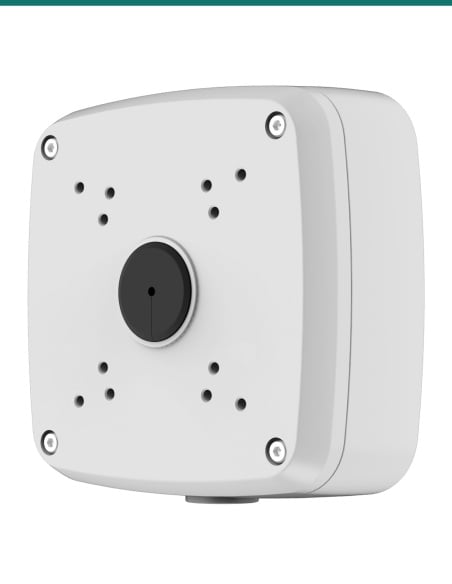
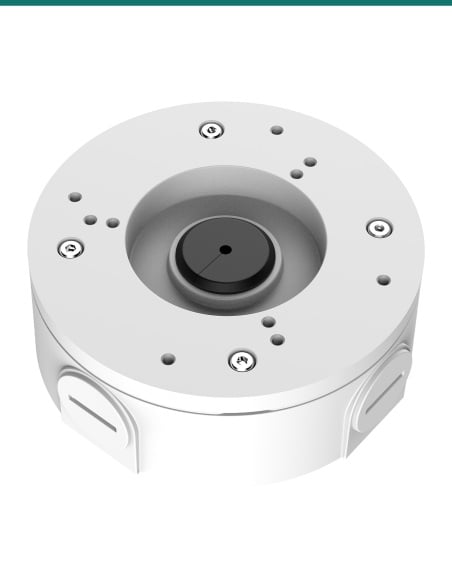
  • ✓Junction box or DIN rail mounting
  • ✓Dahua 5-year warranty


This is heading element

Description

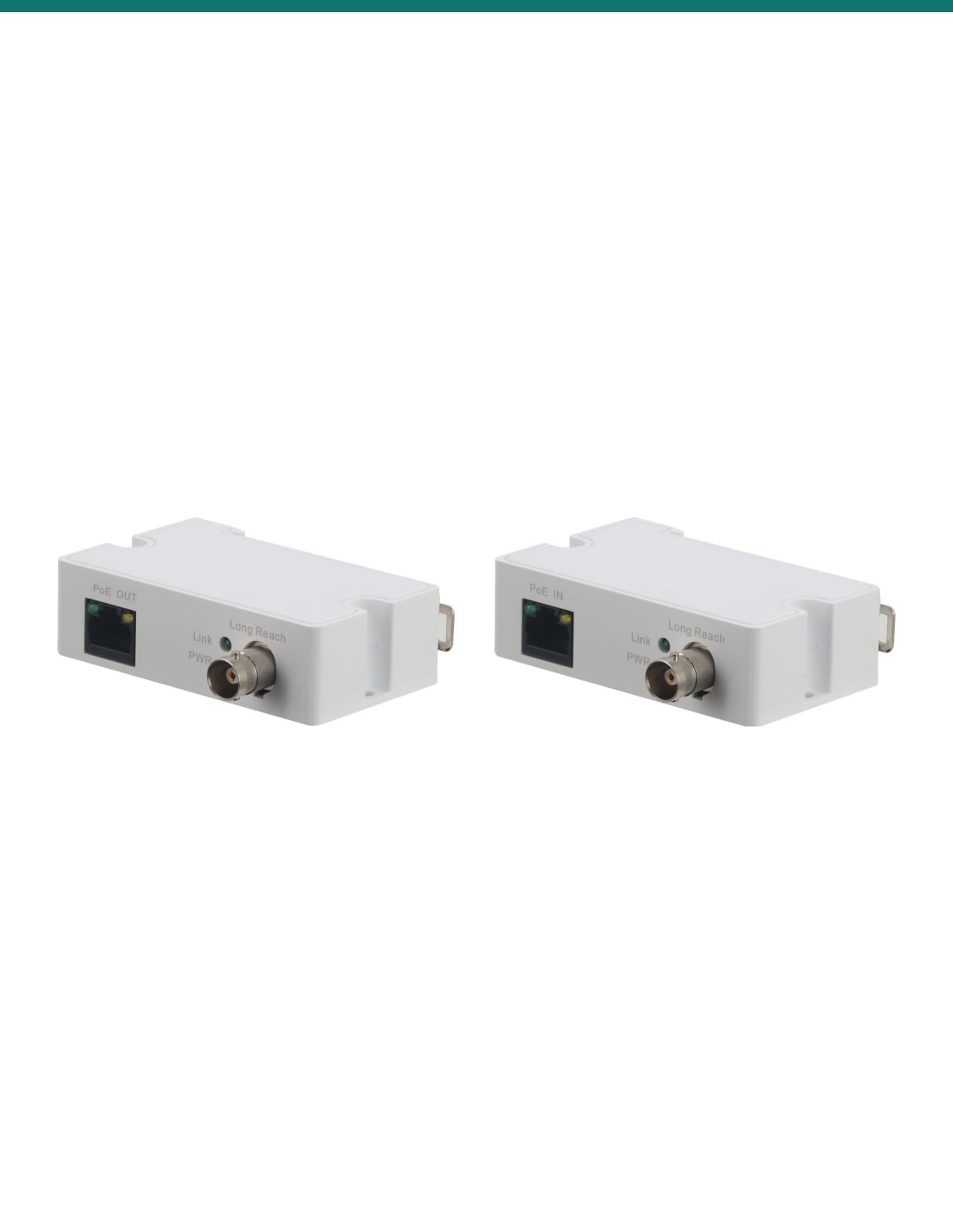
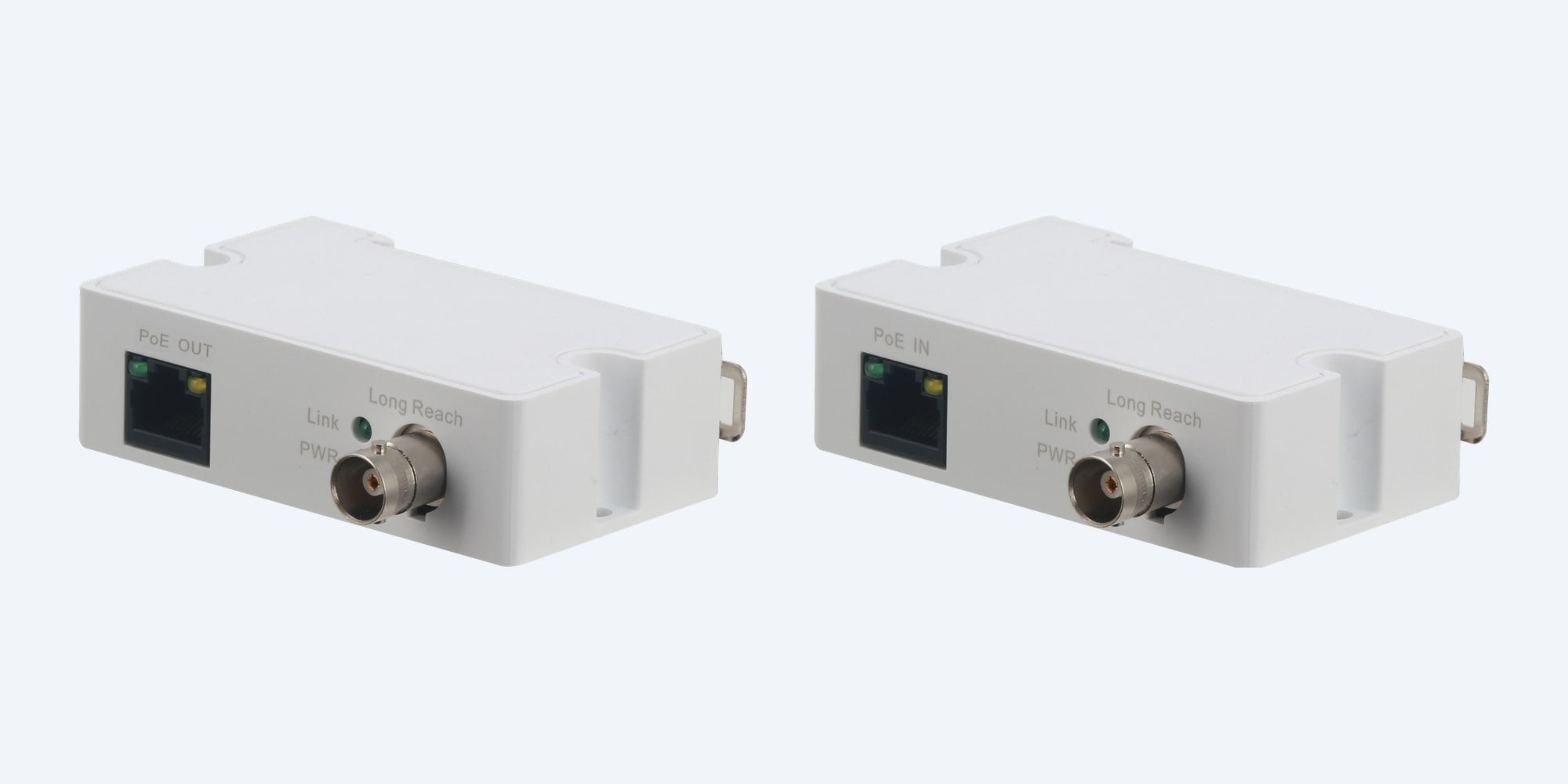
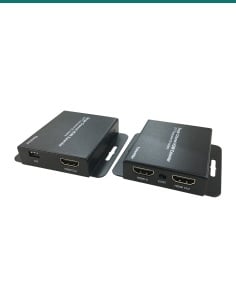
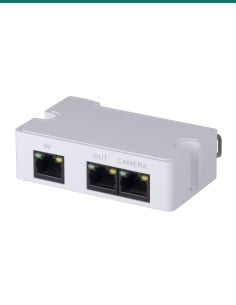
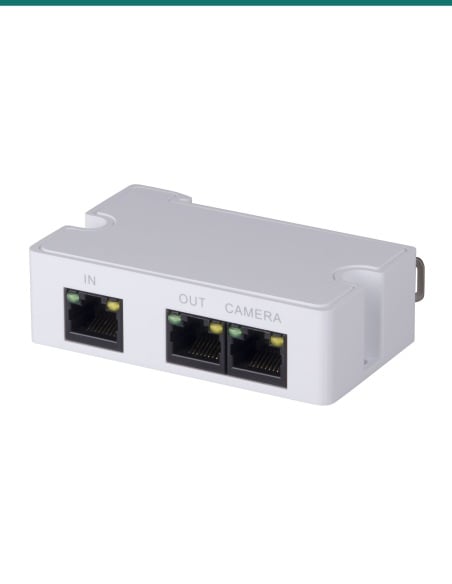
Dahua LR1002-1ET and LR1002-1EC white Ethernet over coax units, each with an RJ45 port and a BNC socket
Dahua · Ethernet over Coax · Long Reach

Reuse the old coax for an IP camera.
Network and PoE over RG59, 400 m at 100 Mbps.

This kit is one Dahua LR1002-1EC for the switch end and one LR1002-1ET for the camera end. Together they carry Ethernet and PoE power down an existing RG59 coax run to an IP camera.

In one sentence: the Dahua KIT-DH-LR1002-1ET/LR1002-1EC is a pair of single-port Ethernet over coax extenders that carry 10/100 Ethernet and PoE power over RG59, 400 m at 100 Mbps or 1000 m at 10 Mbps, powering the far camera from the PoE switch.

Two units: one for the switch end, one for the camera end.

The camera end needs no power point: the LR1002-1EC takes PoE from the switch or NVR and sends it down the coax. Dahua's datasheet does not list any other box contents.

In the box
  • LR1002-1EC (switch end, PoE IN) × 1
  • LR1002-1ET (camera end, PoE OUT) × 1
You also need
  • A PoE switch or PoE NVR port
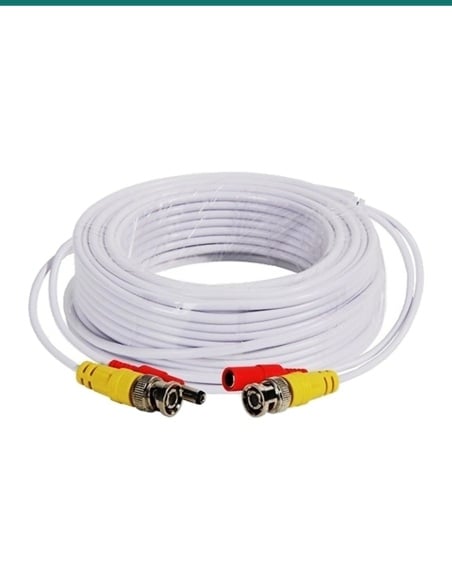
  • RG59 coax with a BNC plug at each end (under 5 Ω per 100 m)
  • A network lead at each end (2 m or less at the camera)
  • A PoE IP camera within the power budget below

No new cable to the camera.

Where an old analogue camera ran on RG59, the coax can now carry the network. Up to 400 m the link runs at 100 Mbps, and out to 1000 m at 10 Mbps. The PoE switch powers the whole run, so the camera end needs no power supply.

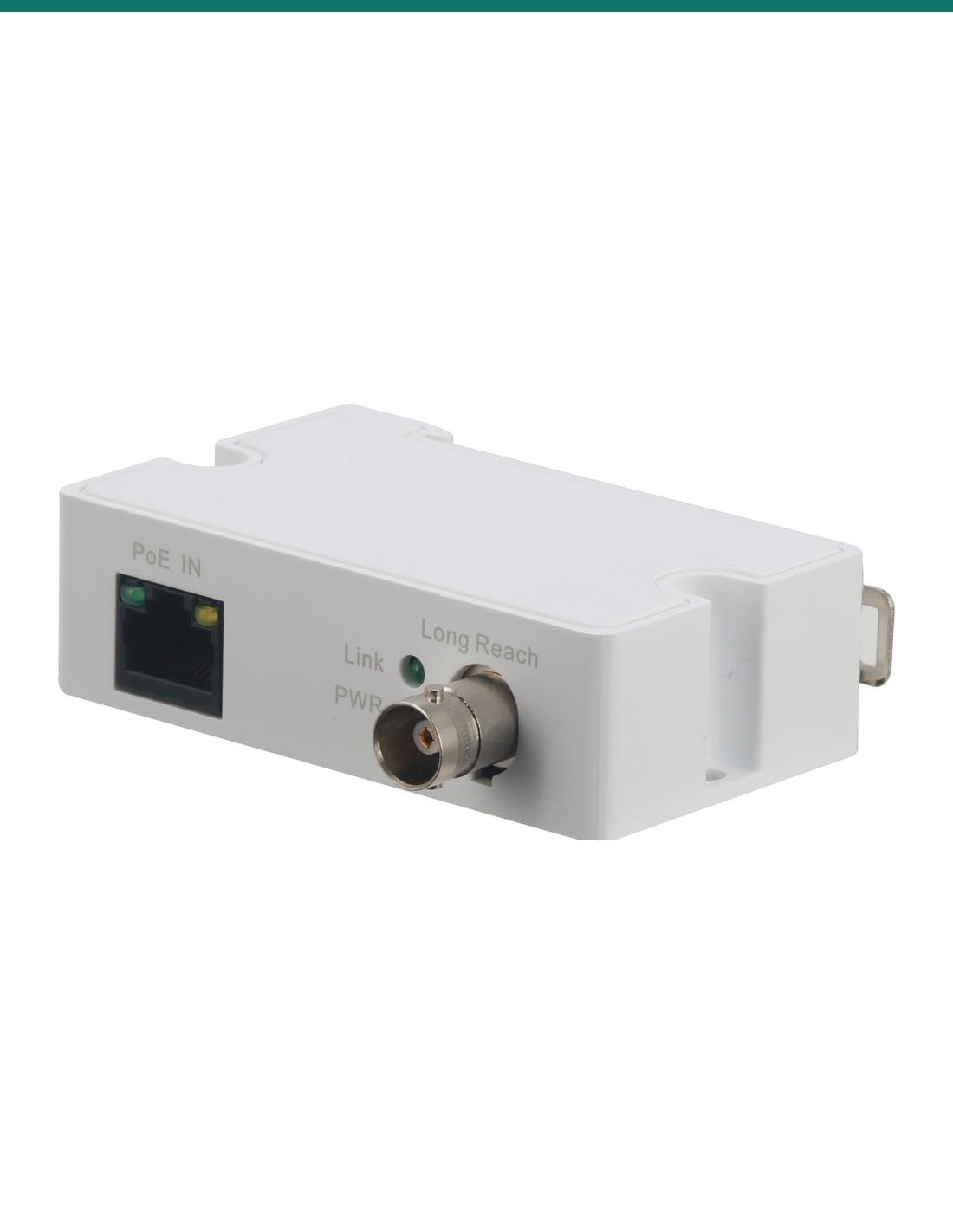
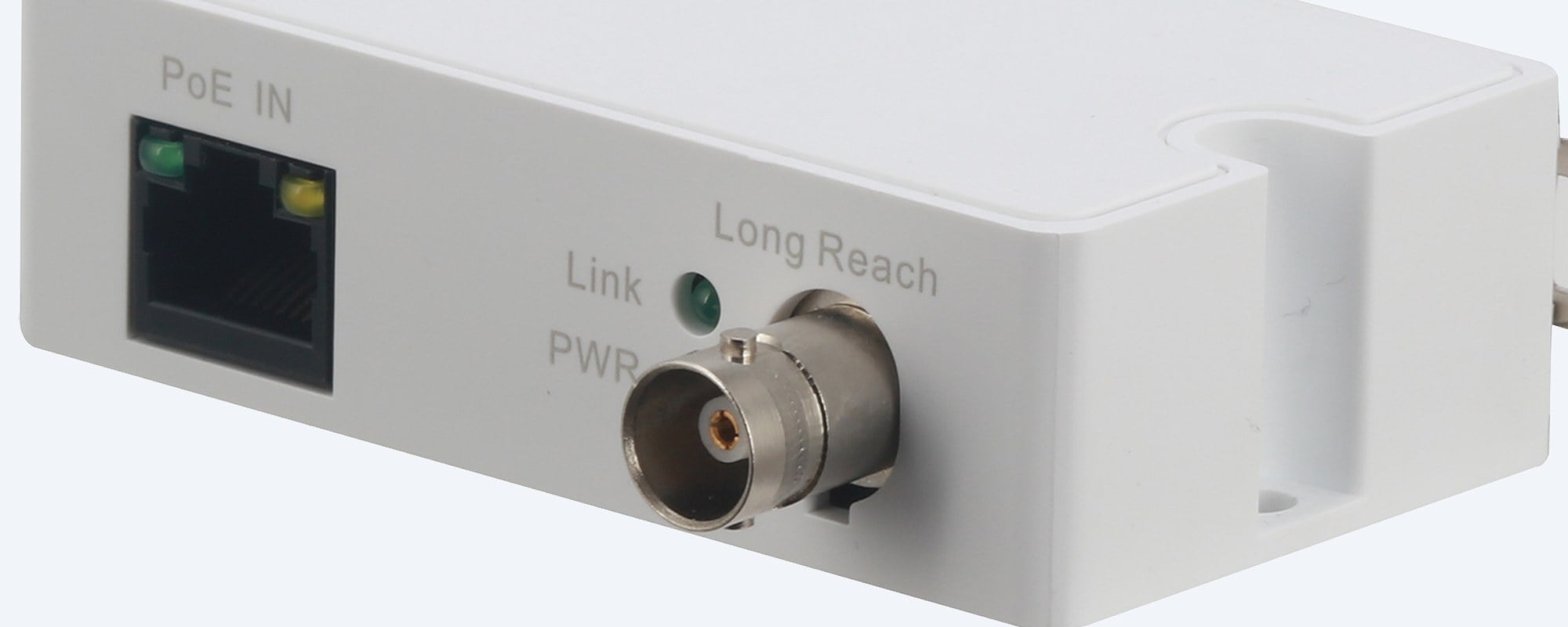
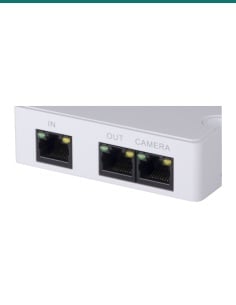
Dahua LR1002-1EC close-up showing the PoE IN RJ45 port, Link and PWR lights and Long Reach BNC socket

Switch end

LR1002-1EC: PoE in, coax out.

A network lead from the PoE switch or NVR goes into PoE IN, and the coax goes onto the Long Reach BNC. Dahua allows up to 8 LR1002-1EC units on one PoE switch or PoE NVR. Close-up from Dahua's product photo.

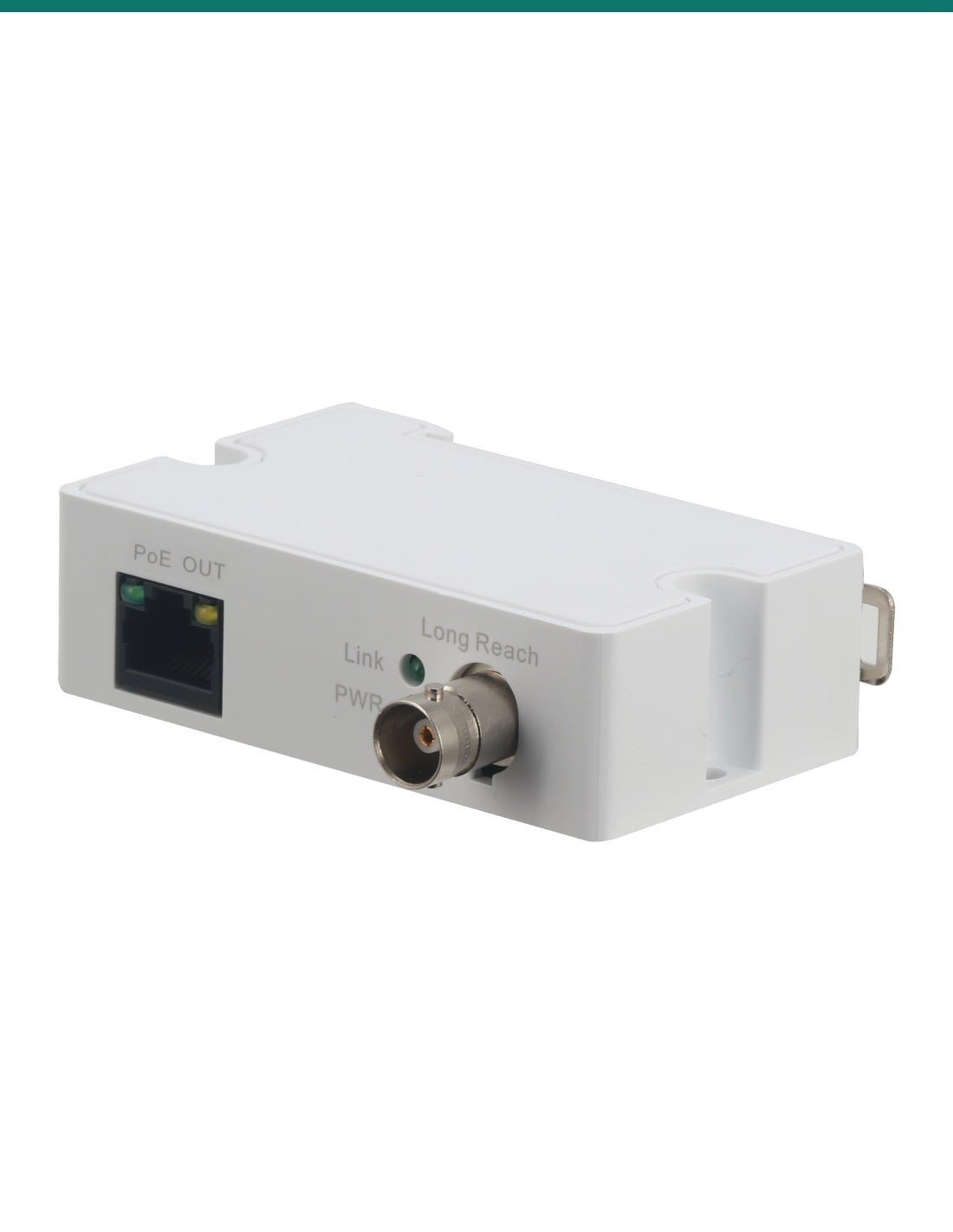
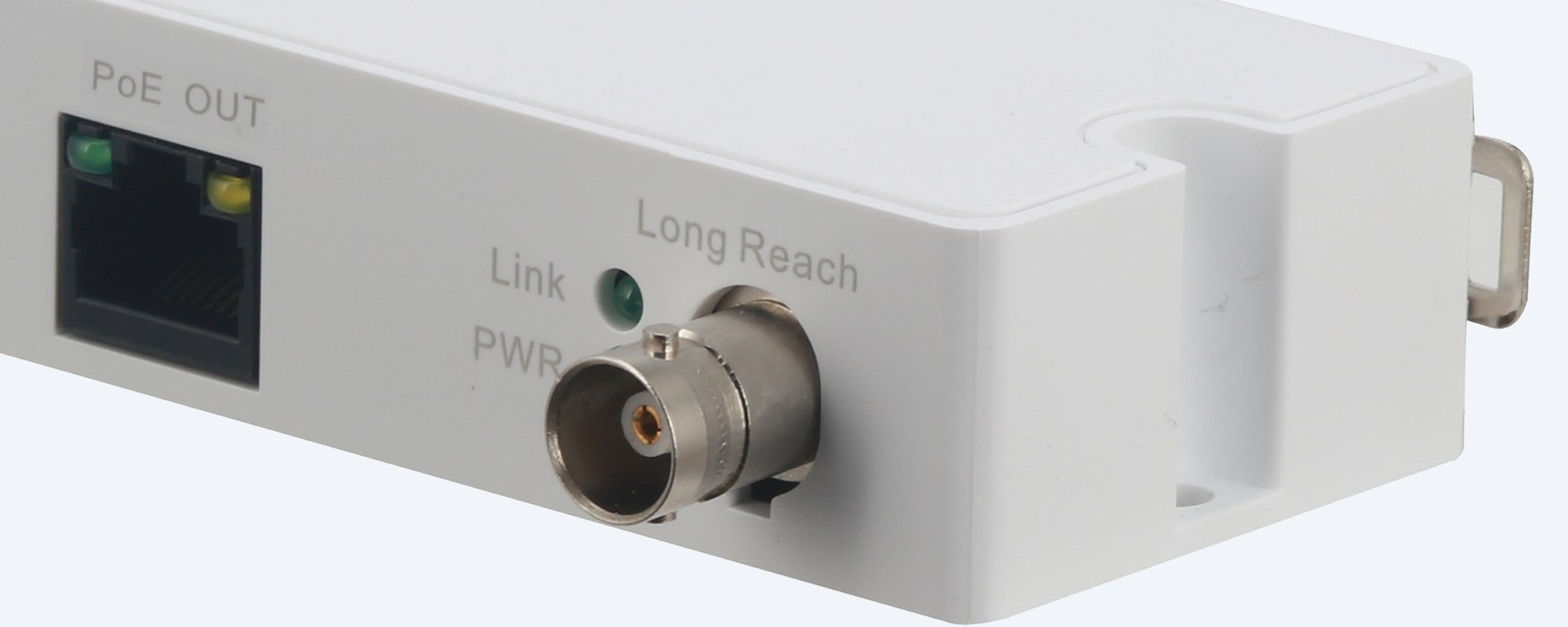
Dahua LR1002-1ET close-up showing the PoE OUT RJ45 port, Link and PWR lights and Long Reach BNC socket

Camera end

LR1002-1ET: coax in, PoE out to the camera.

The coax arrives on the BNC and a short network lead, 2 m or less, runs from PoE OUT to the camera. The Link light shows the speed: on 3 seconds and off 1 second at 100 Mbps, on and off every second at 10 Mbps. Close-up from Dahua's product photo.

How it goes in

From PoE switch to camera over coax.

01

Check the run

Measure the total run and check the camera's maximum draw against Dahua's load table for that length.

02

Switch end

Connect a PoE switch or PoE NVR port to PoE IN on the LR1002-1EC, then fit the coax to its BNC socket.

03

Camera end

Fit the coax to the LR1002-1ET's BNC socket and run a network lead of 2 m or less from PoE OUT to the camera.

04

Mount and test

Fix each unit inside a junction box or on DIN rail, then check the PWR light and the Link flash pattern.

Pair it with

What goes with it

PoE recorder

Dahua DHI-NVR4108HS-8P-AI/ANZ

8-channel WizSense NVR with 8 PoE ports. Dahua allows up to 8 LR1002-1EC units on one PoE NVR.

Camera

Dahua DH-IPC-HDBW3866EP-AS-AUS

8MP WizSense PoE dome. Check its maximum draw against the load table for your run length.

Spare unit

DH-LR1002-1EC switch-end unit

The switch-end unit on its own, sold separately.

Where it is used

Where Ethernet over coax earns its place.

Analogue to IP upgrades

Keep the RG59 already in the walls and change the camera to IP.

Long runs

Reach a camera up to 400 m away at 100 Mbps, or 1000 m at 10 Mbps.

Car parks and yards

Power and connect a far camera where no power point exists.

Heritage buildings

Avoid chasing new cable through walls you cannot touch.

Schools and campuses

Reuse coax left from an older CCTV system inside each building.

Warehouses

Cover the far end of a long building from the comms rack.

Power at the camera: 48 V or 53 V PoE supply

48 V PoE supply53 V PoE supply
100 m, 100 Mbps21 W25.5 W
200 m, 100 Mbps15 W24 W
300 m, 100 Mbps11 W19 W
400 m, 100 Mbps9 W16 W
500 m, 10 Mbps7 W13 W
800 m, 10 Mbps5 W8 W
1000 m, 10 Mbps4 W6 W

Both columns are Dahua's load table for this kit on RG59 (DC resistance under 5 Ω per 100 m). Length is the whole run from the switch to the LR1002-1ET, network cable included.

Common questions

How far does it reach?

400 m at 100 Mbps or 1000 m at 10 Mbps on RG59 coax, according to Dahua. The length counts the whole run from the switch to the camera-end unit.

Does the camera end need a power point?

No. The LR1002-1EC takes PoE from the switch or NVR and sends power down the coax, and the LR1002-1ET passes it to the camera.

How much power reaches the camera?

It depends on length and the switch voltage. On a 48 V supply Dahua lists 21 W at 100 m, 9 W at 400 m and 4 W at 1000 m. The full table is on this page.

Which PoE standard does it use?

Dahua's March 2026 datasheet lists IEEE 802.3af and 802.3at. Its product web page lists 48 V passive PoE on pairs 1, 2 and 3, 6. Ask us to check your switch before you buy.

Which unit goes where?

The LR1002-1EC, marked PoE IN, goes at the switch or NVR. The LR1002-1ET, marked PoE OUT, goes at the camera.

How many can run from one switch?

Up to 8 LR1002-1EC units on one PoE switch or PoE NVR, according to Dahua.

What coax can I use?

Dahua rates it on RG59 with a DC resistance under 5 Ω per 100 m. Older or thinner cable may not reach the full distance.

How long can the camera lead be?

2 m or less of network cable from the LR1002-1ET to the camera, according to Dahua's manual.

Will it work with other brands of camera?

Dahua says the accessory might not be compatible with other brands and recommends Dahua products. Confirm fit with us for a non-Dahua camera.

How are the units mounted?

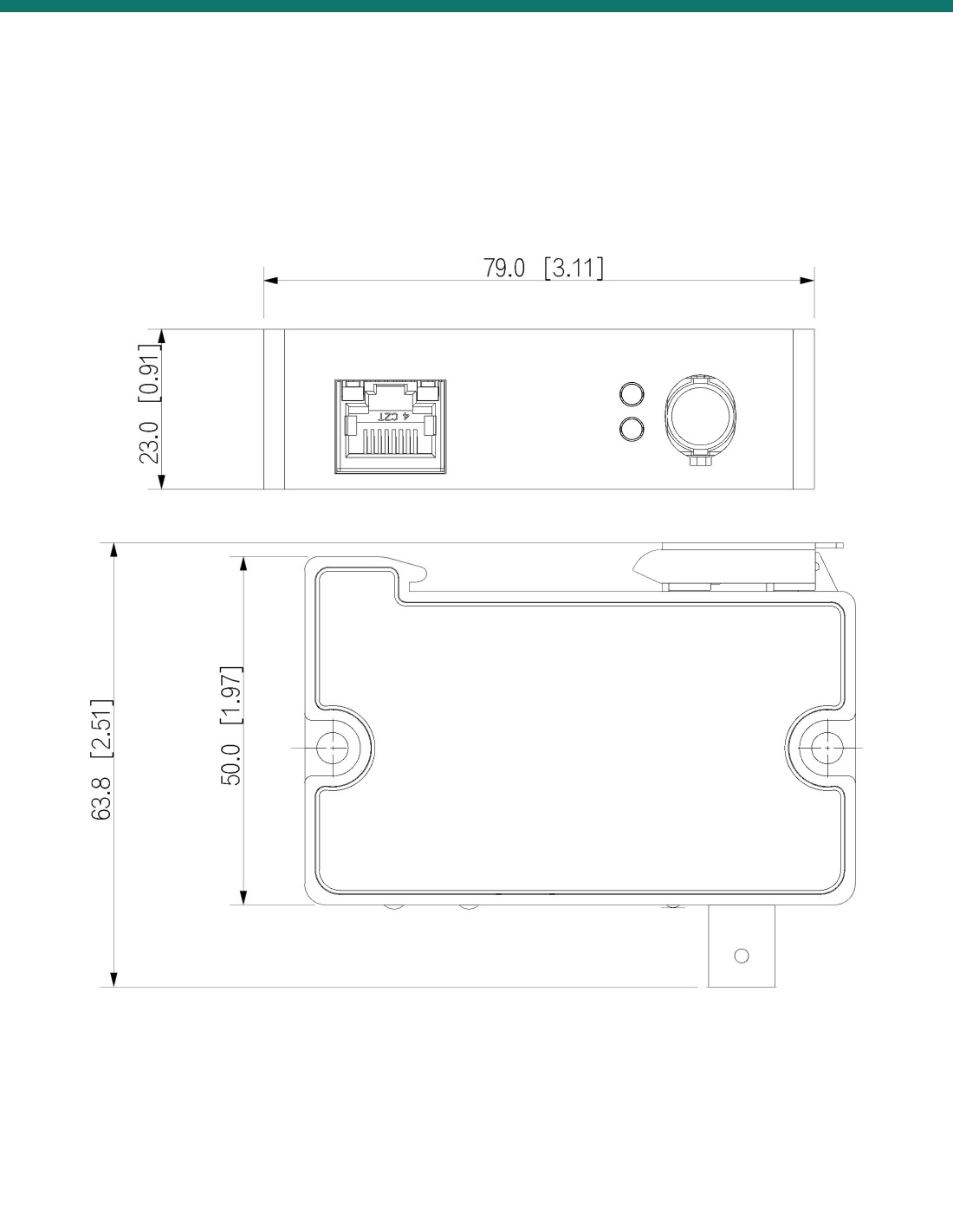
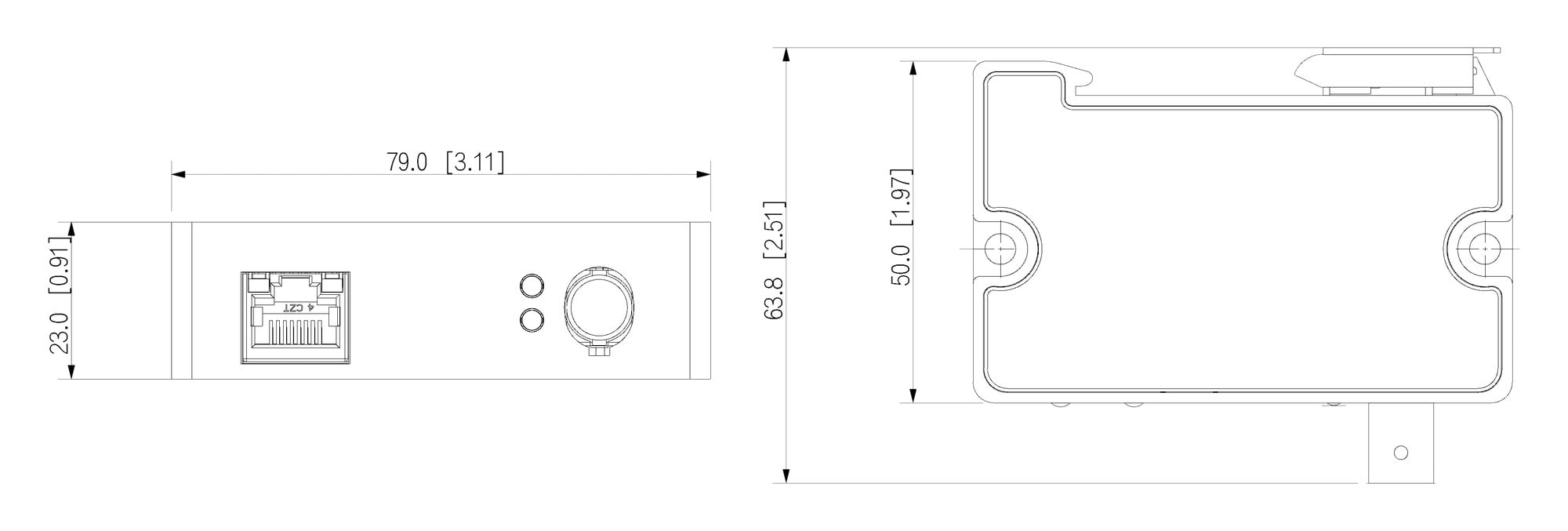
Inside a junction box or on DIN rail. Each unit is 79 × 52 × 23 mm and weighs 61 g.

What warranty does it have?

Dahua's Australian policy gives Ethernet over Coax products a 5-year manufacturer warranty, handled in Australia through InFront.

Who should install it?

Concealed coax and data cabling is customer cabling under AS/CA S009 and needs an ACMA-registered cabler.

Supported by InFront Technologies.

Want us to check your coax run, switch and camera draw? Call 1300 736 970 or email [email protected]. The Dahua datasheet and manuals are on the Attachments tab.

Installation and safety

Low-voltage product. Both units run from the PoE switch or NVR. There is no mains connection on either unit.

Indoor network only. Dahua says the units must only connect to PoE networks that are not routed to the outside plant.

Cabling. Concealed coax and data cabling is customer cabling under AS/CA S009 and needs an ACMA-registered cabler.

What it does not do. No Gigabit speed, no analogue video and no power over the coax without a PoE switch or PoE NVR at the LR1002-1EC end.

Figures. From Dahua's LR1002-1ET/LR1002-1EC datasheet (Rev 002.000, March 2026), its product web page, its user's manual V1.0.6 and Dahua Australia's warranty policy (August 2026).

This is heading element

INFRONTTECH Promotional Banner INFRONTTECH Promotional Banner INFRONTTECH Promotional Banner

Need help choosing?

Tell us about your property and we'll recommend the right cameras and recorder.

07 5609 4910

Sydney 02 8814 6008
[email protected]

Mon–Fri, 9am–5pm AEST

Saved to your wishlist Find it any time in your account. View list