Dahua · Video intercom · 2-wire controller
Four 2-wire intercom devices, one network.
Power and signal down the existing pair.
The DHI-VTNC3000A joins Dahua 2-wire door stations and indoor monitors to your network. Each of its four 2-wire ports carries power and signal down a single pair of wires, and its RJ45 port connects the system to the LAN.
In one sentence: the DHI-VTNC3000A is a Dahua 2-wire network controller with four 2-wire ports that power and connect Dahua 2-wire door stations and indoor monitors, and one RJ45 port that links them to the LAN, powered by a separate 24 V DC supply.
For Dahua's 2-wire villa system. It needs its own 24 V DC supply.
Dahua lists it for the DHI-VTO2000A-2 door station and DHI-VTH1550CHW-2 monitor. Dahua's newer hybrid 2-wire kit (KTX01, VTO2003F, VTH5123H-W) uses a different controller, the VTNC1003C, so check your system with us before you order.
In the box- DHI-VTNC3000A 2-wire network controller
You also need- A 24 V DC power supply (Dahua specifies a separate 24 V DC, 3 A supply)
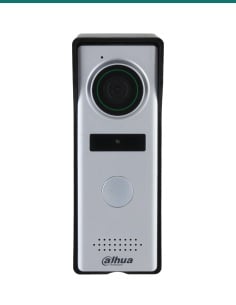
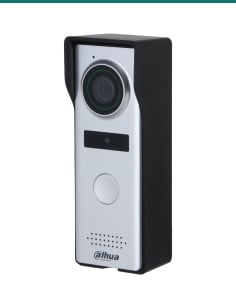
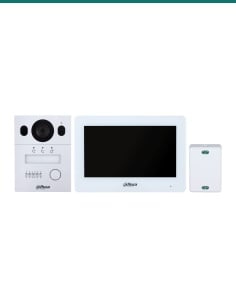
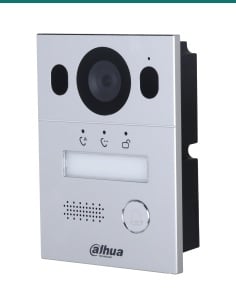
- Dahua 2-wire intercom devices: DHI-VTO2000A-2 door station, DHI-VTH1550CHW-2 monitors
- A network cable to your router or switch
- A DIN rail, or four screws and wall plugs for wall mounting
Keep the old intercom wiring.
Many houses already have a 2-core cable from the gate to the house. A 2-wire intercom reuses that pair: the controller sends power and signal down it to each device, so there is no new data cable to pull. Up to four 2-wire devices connect to the VTNC3000A, one per port, and its LAN port puts the system on your network. Dahua's catalogue lists the VTNC3000A as the part that adds mobile-app intercom to its VTO2000A-2 2-wire villa system.
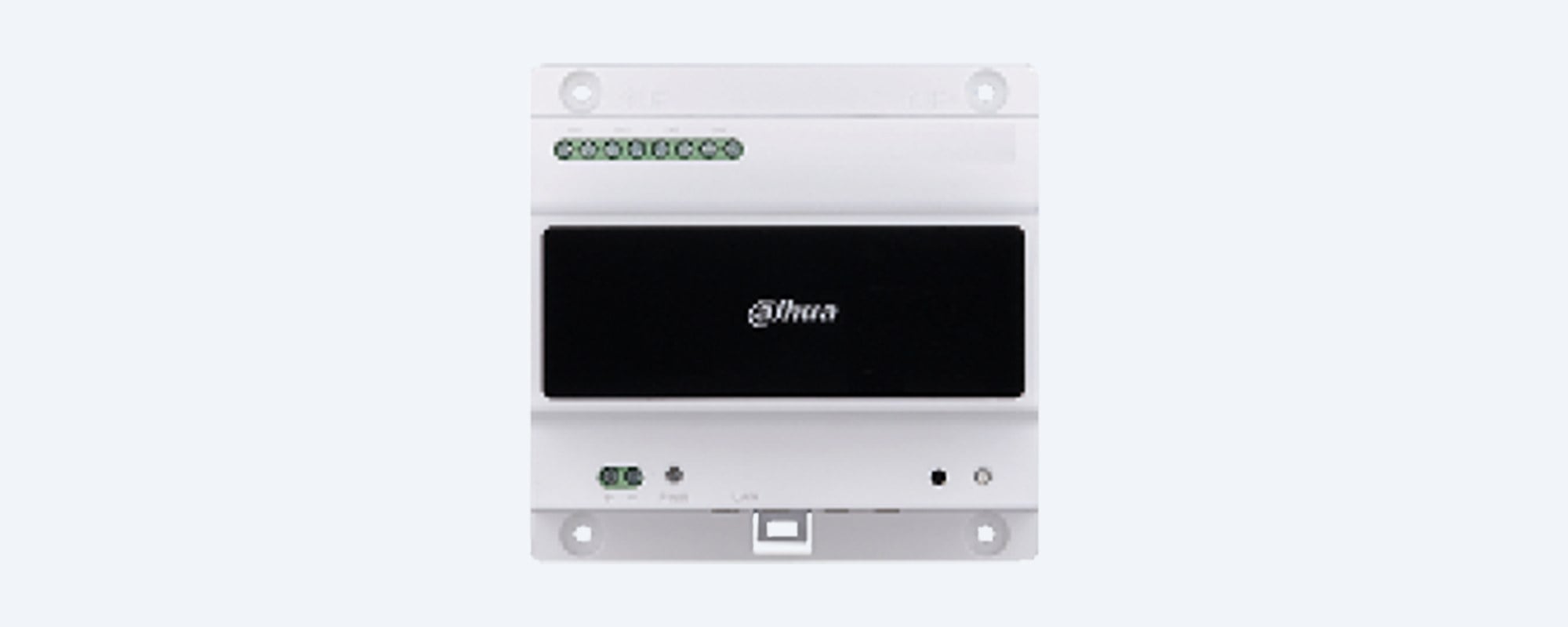
Front panel
Four 2-wire ports along the top.
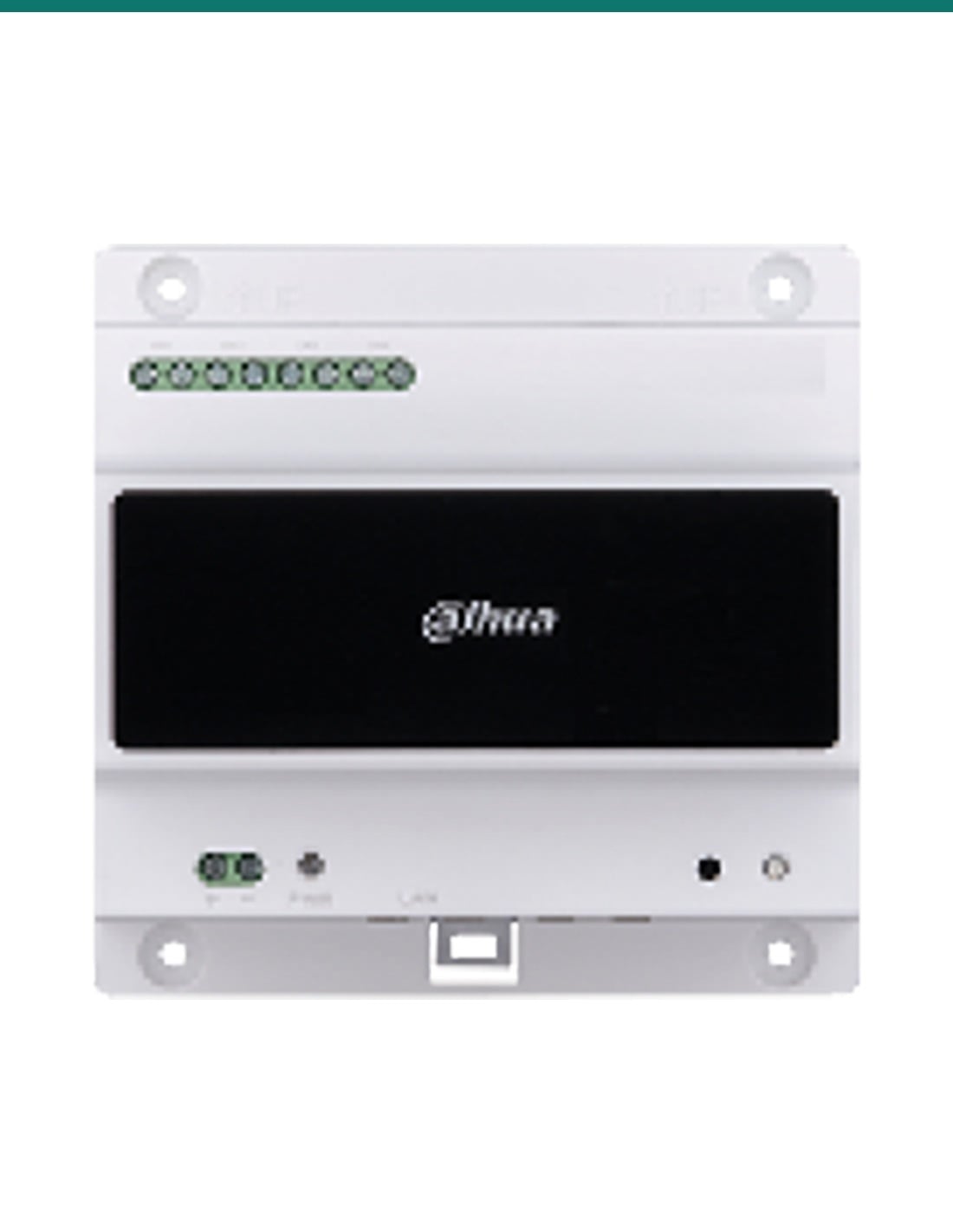
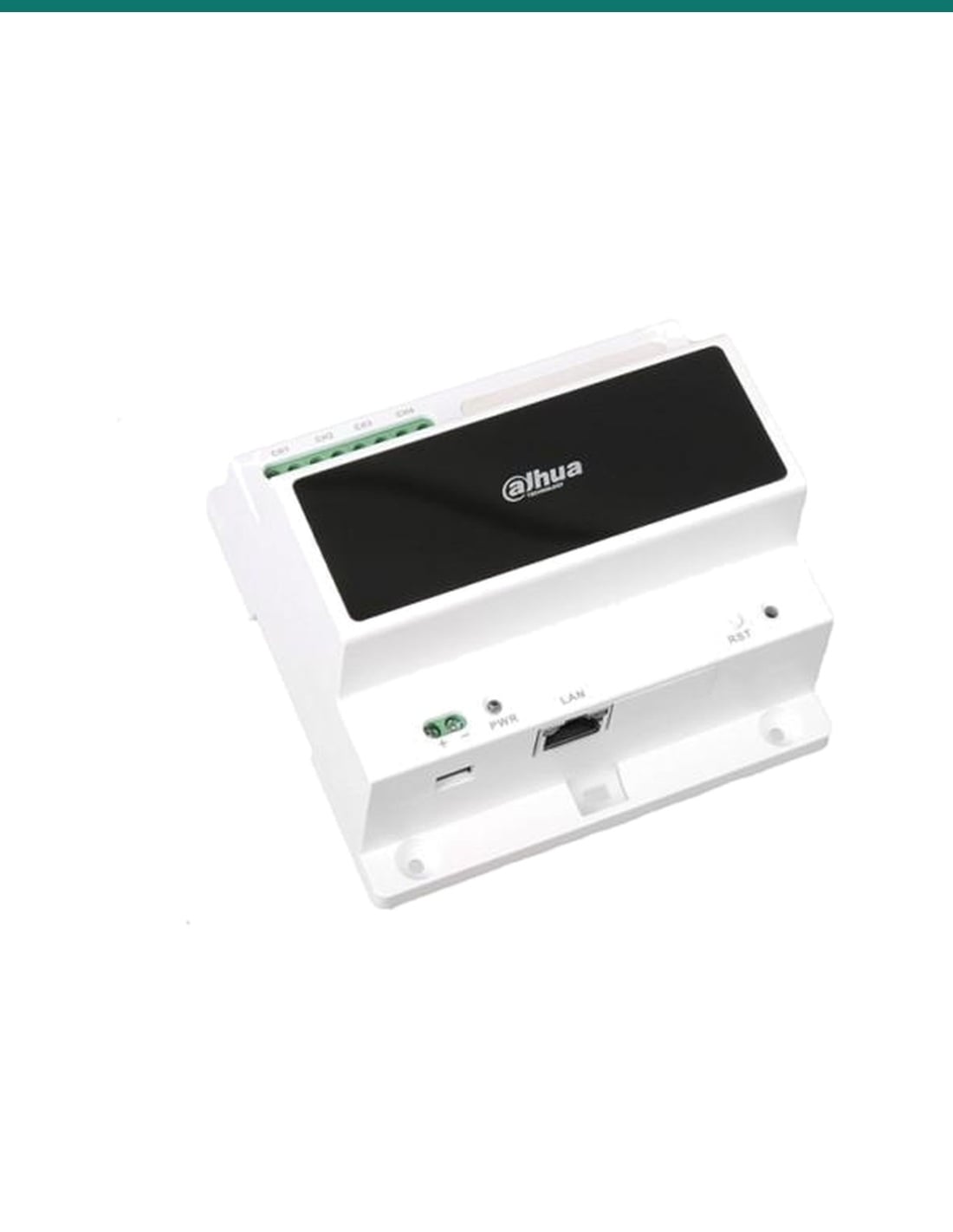
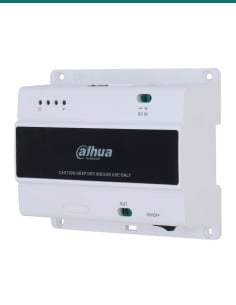
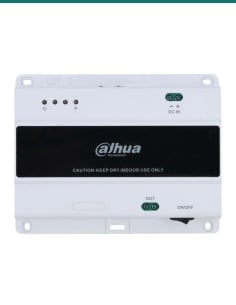
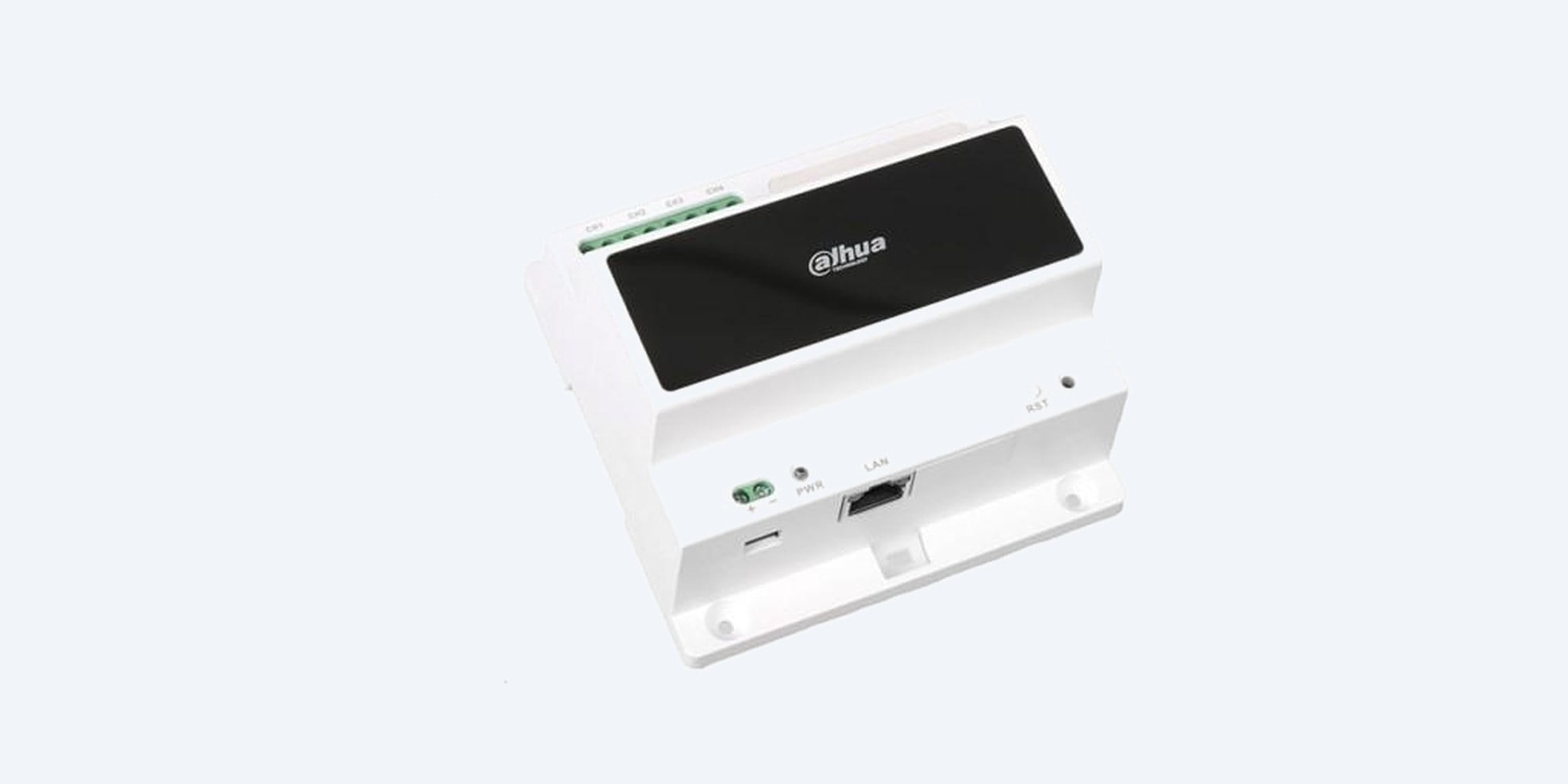
The green terminal block across the top has four pairs, CH1 to CH4. Each pair takes one 2-wire device and carries its power and signal. The power terminal, power LED, LAN port and reset button sit along the bottom edge.
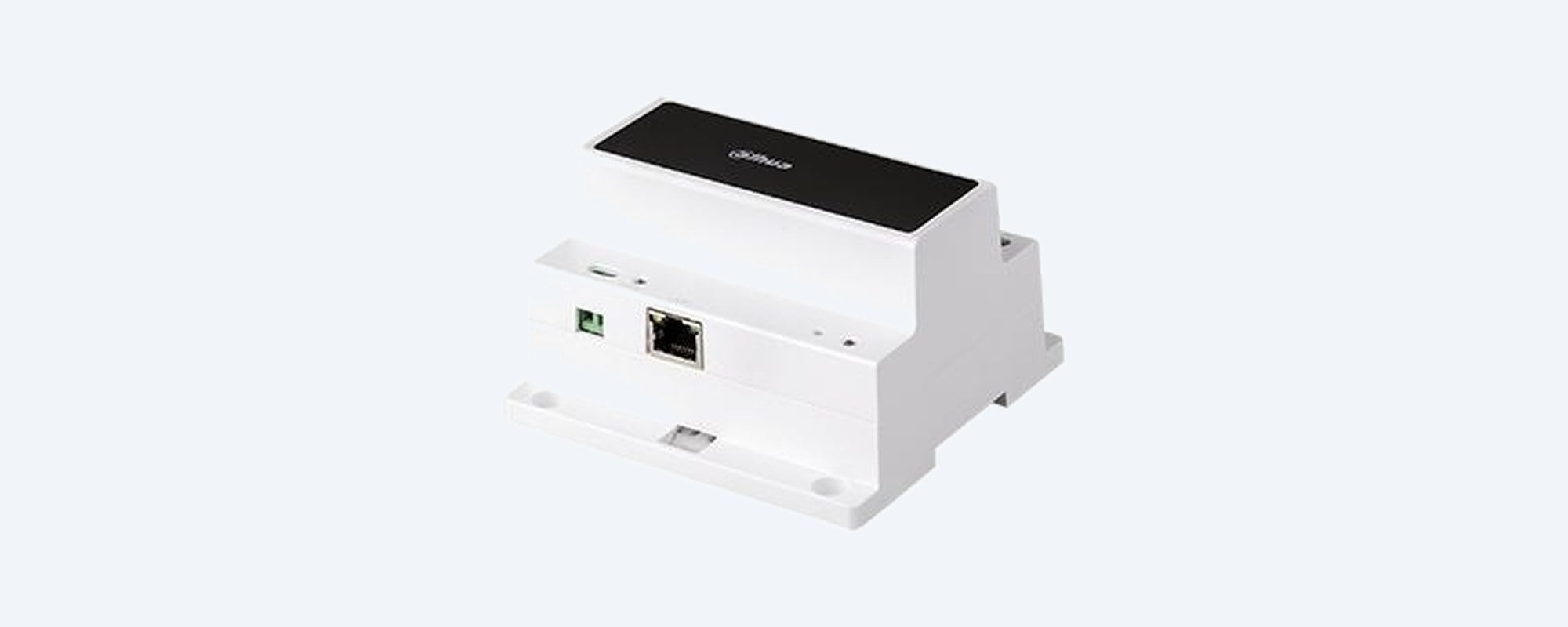
Power and network
24 V DC in, LAN out.
A 2-pin screw terminal takes 24 V DC (±10%) from a separate supply. The RJ45 port connects to your router or switch. The PWR light stays on while the controller has power, and the reset button reboots it.
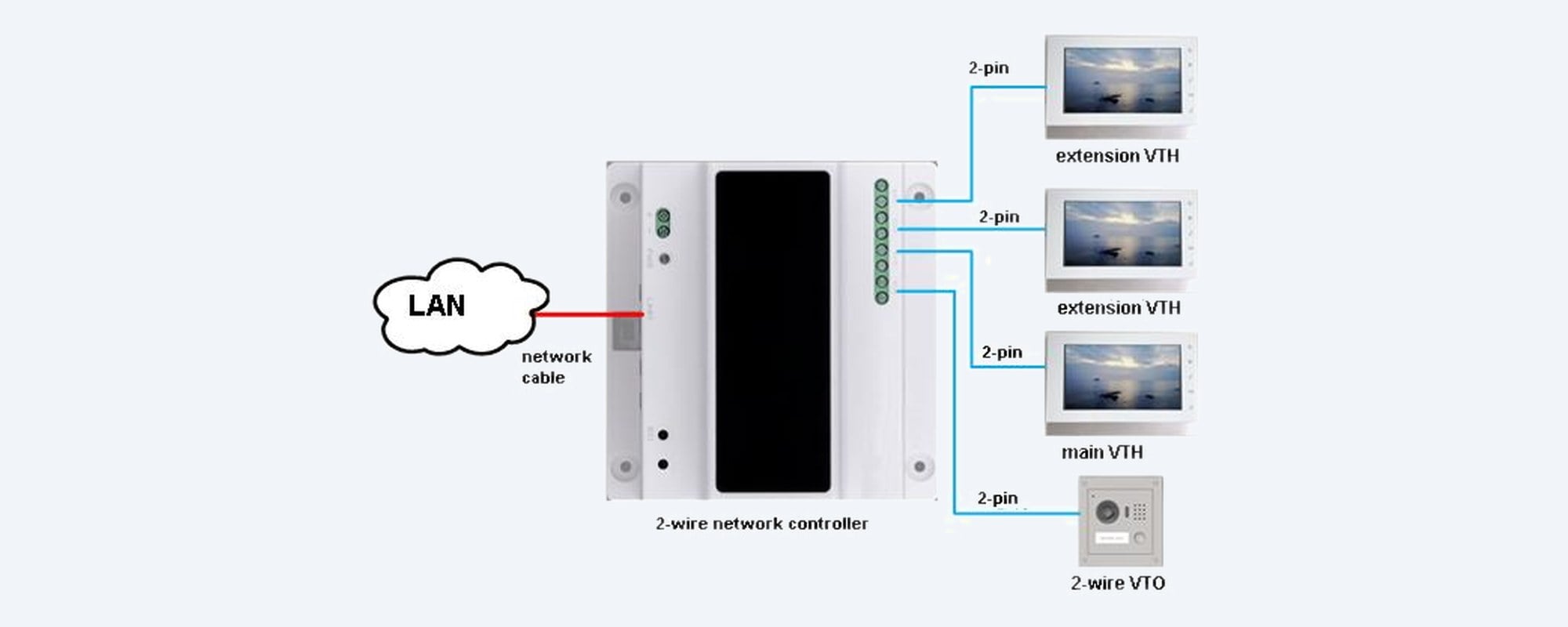
How it connects
Door station and monitors on 2-pin cable.
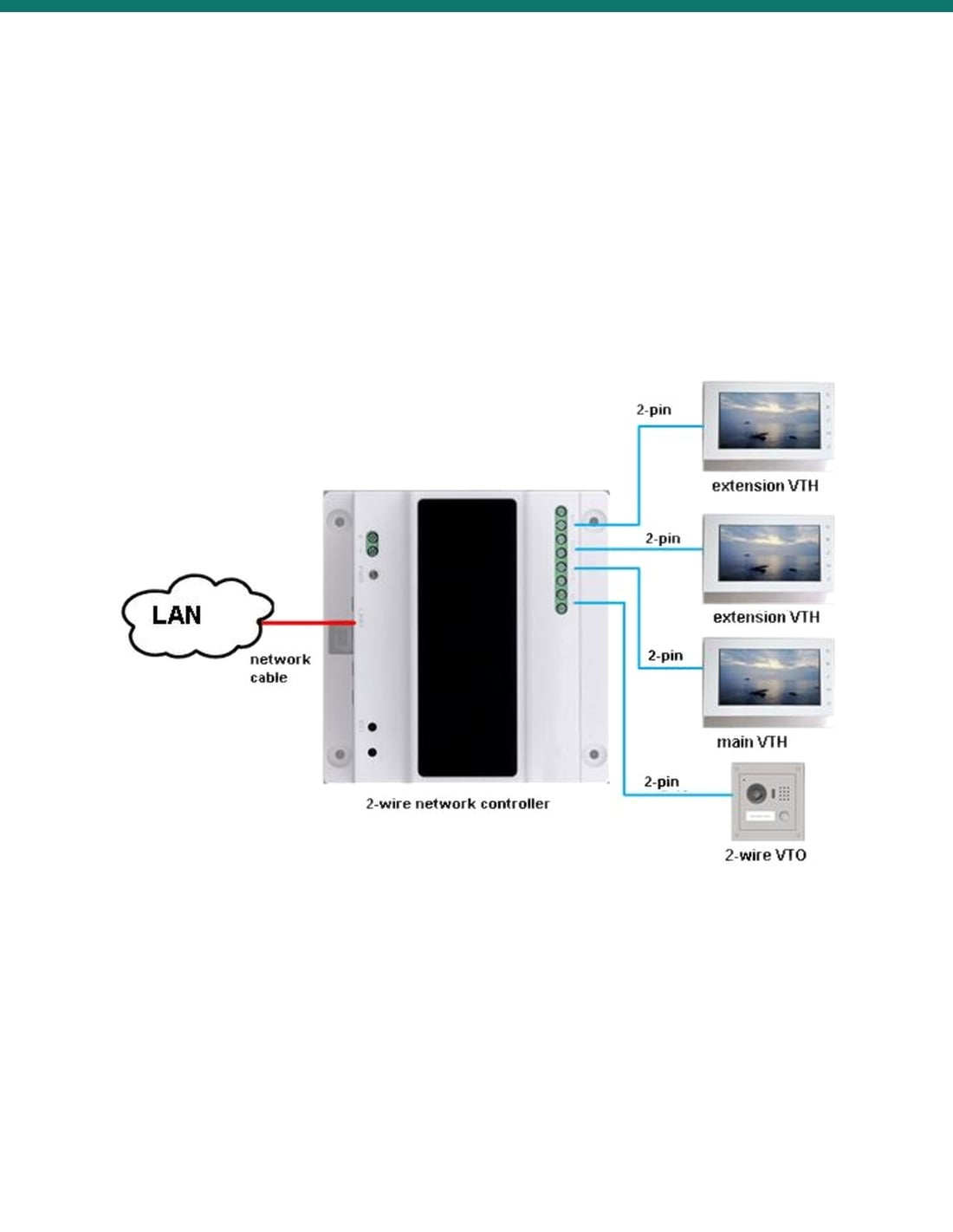
Dahua's diagram: one network cable from the LAN to the controller, then a 2-pin cable from the controller to each device, here one 2-wire door station and three indoor monitors (a main monitor and two extensions).
How it goes in
Mount, wire, power, connect.
01
Mount the controller
Clip it onto a DIN rail (open the lower buckle first), or fix it to a flat wall with four screws and wall plugs. Keep it indoors and away from heat, steam and dust.
02
Wire the 2-wire devices
Connect each door station or monitor to its own 2-wire port, CH1 to CH4, using one pair of wires per device.
03
Connect the network
Run a network cable from the LAN port to your router or switch.
04
Power it up
Connect a 24 V DC supply to the power terminal, observing + and −. The PWR light comes on when it is powered.
At a glance
DHI-VTNC3000A
Show specs
Type
2-wire network controller for Dahua 2-wire video intercoms
2-wire ports
4 (CH1 to CH4), each supplies power and signal to one 2-wire device
Works with
DHI-VTO2000A-2 2-wire door station, DHI-VTH1550CHW-2 2-wire indoor monitor (Dahua's compatibility list)
Power input
24 V DC ±10%, screw terminal; separate 24 V DC, 3 A supply required
Power consumption
30 W maximum, all four channels at full load
Indicator and buttons
Power LED, reset button
Mounting
DIN rail or surface (wall) mount
Operating temperature
−10 °C to 55 °C
Size
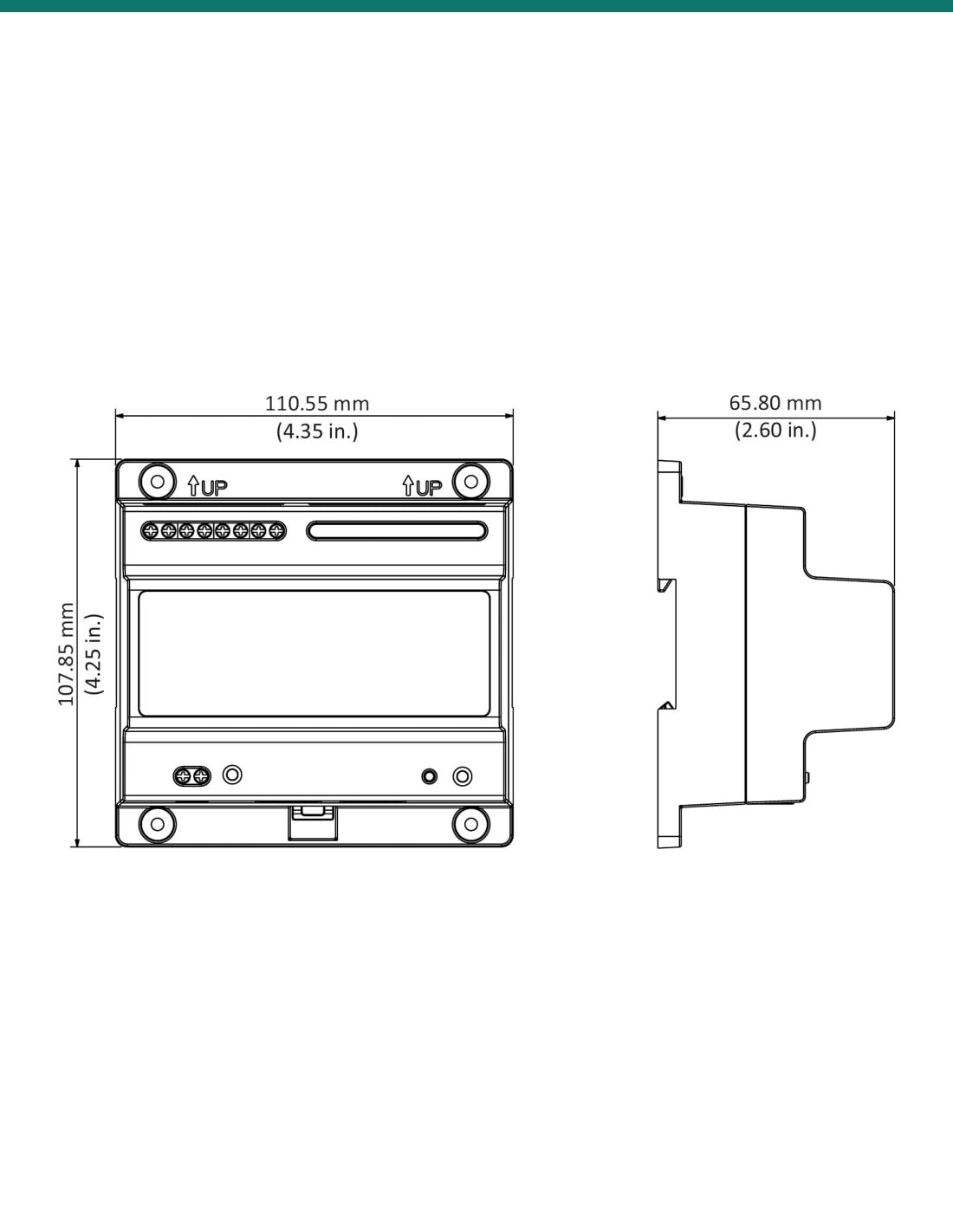
108 × 108 × 64 mm (drawing: 110.55 × 107.85 × 65.80 mm)
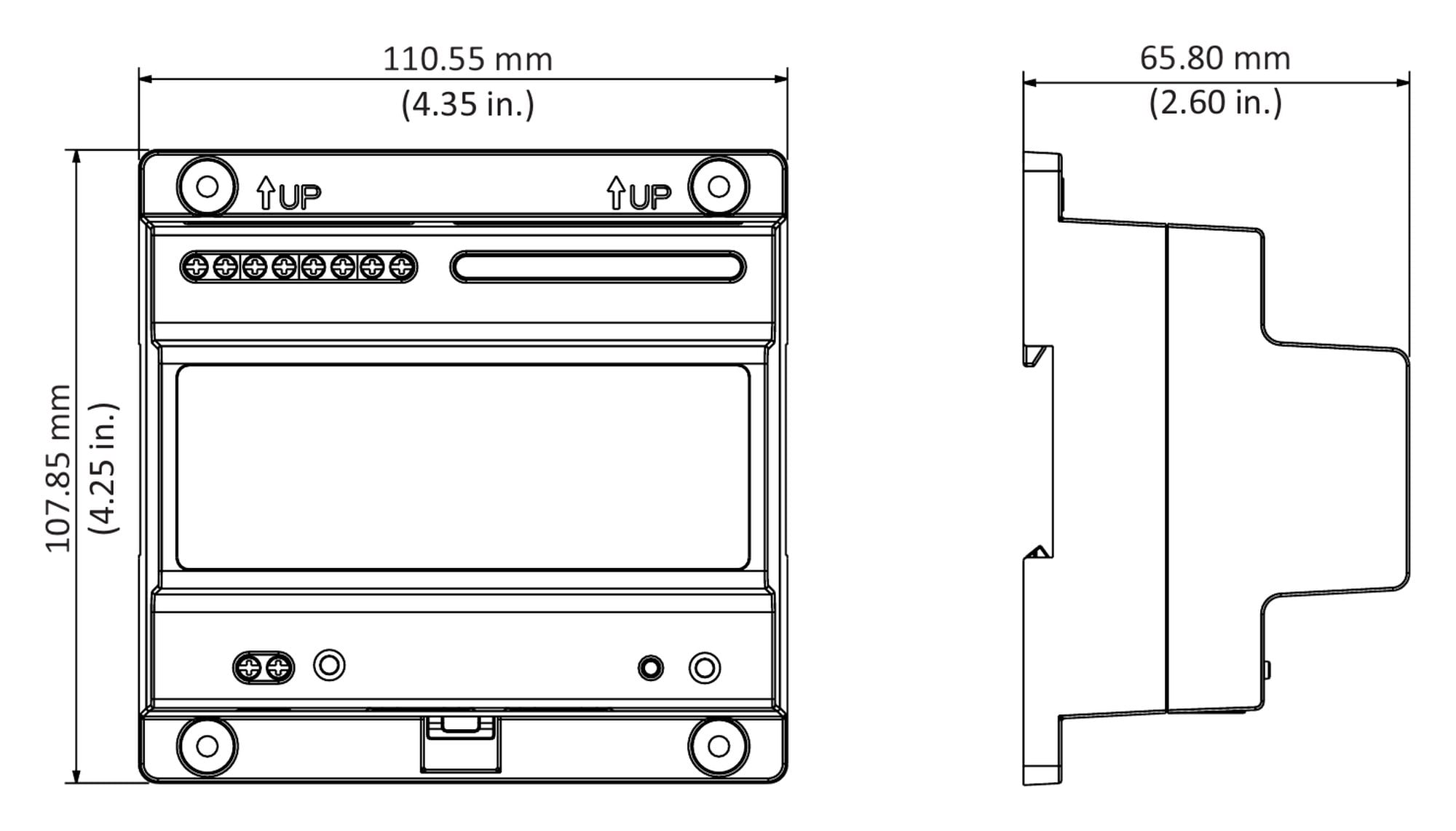
110.55 × 107.85 × 65.80 mm. Drawing from Dahua's DHI-VTNC3000A datasheet.
Pair it with
What it works with
Door station
Dahua DHI-VTO2000A-2
Dahua's 2-wire villa door station, listed on the VTNC3000A datasheet. Ask us about current availability.
Indoor monitor
Dahua DHI-VTH1550CHW-2
Dahua's 2-wire indoor monitor, also on the compatibility list. Up to four 2-wire devices in total, one per port.
Power
A 24 V DC, 3 A supply
The controller has no built-in supply. Dahua specifies a separate 24 V DC, 3 A supply wired to its power terminal.
Not this one
Dahua hybrid 2-wire kits
Dahua's datasheets for the KTX01 kit, VTO2003F and VTH5123H-W list the VTNC1003C controller instead. Ask us which one your system needs.
Where it is used
Where a 2-wire controller is used.
Older homes
Upgrade an old intercom while keeping the 2-core cable already in the walls.
Gate stations
A door station at the front gate on the existing pair of wires.
Granny flats
An extra indoor monitor in a second dwelling on the same block.
Small offices
Reception door station with monitors in two or three rooms.
Renovations
Replace the intercom without chasing new data cable through finished walls.
Sheds and workshops
A monitor in the shed or workshop as well as the house.
2-wire with the VTNC3000A, or a PoE IP intercom
| 2-wire system (this controller) | IP intercom on a PoE switch |
|---|
| Cable to each device | One pair of wires, often the existing intercom cable | Cat5e or Cat6 network cable |
| Power to each device | From the controller, down the same pair | PoE from the switch |
| Devices per controller | 4, one per 2-wire port | One per PoE switch port |
| Link to the network | RJ45 port on the controller | Every device is on the network |
| Best for | Upgrades where new cable is hard to run | New builds and renovations with data cabling |
2-wire figures from Dahua's DHI-VTNC3000A datasheet and manual. Which suits your home depends on the cable you already have; ask us if you're not sure.
Common questions
What does the VTNC3000A do?
It powers and connects up to four Dahua 2-wire intercom devices over a single pair of wires each, and links the system to your network through its RJ45 port.
Which intercoms does it work with?
Dahua lists the DHI-VTO2000A-2 2-wire door station and the DHI-VTH1550CHW-2 2-wire indoor monitor. It is not the controller for Dahua's hybrid 2-wire kit (KTX01, VTO2003F, VTH5123H-W); that uses the VTNC1003C.
How many devices can I connect?
Four: one 2-wire device on each of the CH1 to CH4 ports, for example one door station and three monitors.
Does it come with a power supply?
Dahua does not list one in the box and specifies a separate 24 V DC, 3 A supply. Ask us and we will confirm what you need.
How much power does it use?
Up to 30 W with all four channels at full load. It runs from 24 V DC ±10%.
Can I use the intercom from my phone?
Dahua's catalogue lists the VTNC3000A as the part needed for mobile-app intercom on its VTO2000A-2 2-wire villa system. Talk to us about your system before you rely on app calls.
Can I reuse my old intercom cable?
That is the idea of a 2-wire system: each device needs one pair of wires. The cable must be in good condition, so we suggest testing it first.
How is it mounted?
On a standard DIN rail, or screwed to a flat wall with four screws and wall plugs.
Can it go outdoors?
No. Install it indoors, out of sunlight, steam, dust and damp, with its vents clear. It works from −10 °C to 55 °C.
What are the lights and buttons?
A power LED that stays on while it has power, and a reset button that reboots the controller.
How big is it?
108 × 108 × 64 mm and 0.5 kg, a standard DIN-rail module size.
Who can install it?
It is low voltage. A licensed electrician must install any new power point for the 24 V supply, and concealed data cabling needs an ACMA-registered cabler.
Supported by InFront Technologies.
Not sure which Dahua 2-wire controller your intercom needs? Send us the model numbers on your door station and monitors. Call 1300 736 970 or email [email protected]. The datasheet and user's manual are on the Attachments tab.
Installation and safety
Low voltage. The controller runs on 24 V DC from a separate supply. That supply plugs into a power point; a new power point needs a licensed electrician.
Polarity. Wire the 24 V DC supply to the + and − terminals the right way round.
Indoors only. Keep it away from sunlight, heat, steam, dust and damp, and don't block its vents.
Compatibility. It is for Dahua 2-wire devices on its compatibility list. It does not convert other brands' intercoms.
Figures. From Dahua's DHI-VTNC3000A datasheets (Rev 001.001 and Rev 001.006) and the 2-Wire Network Controller user's manual V1.0.0.