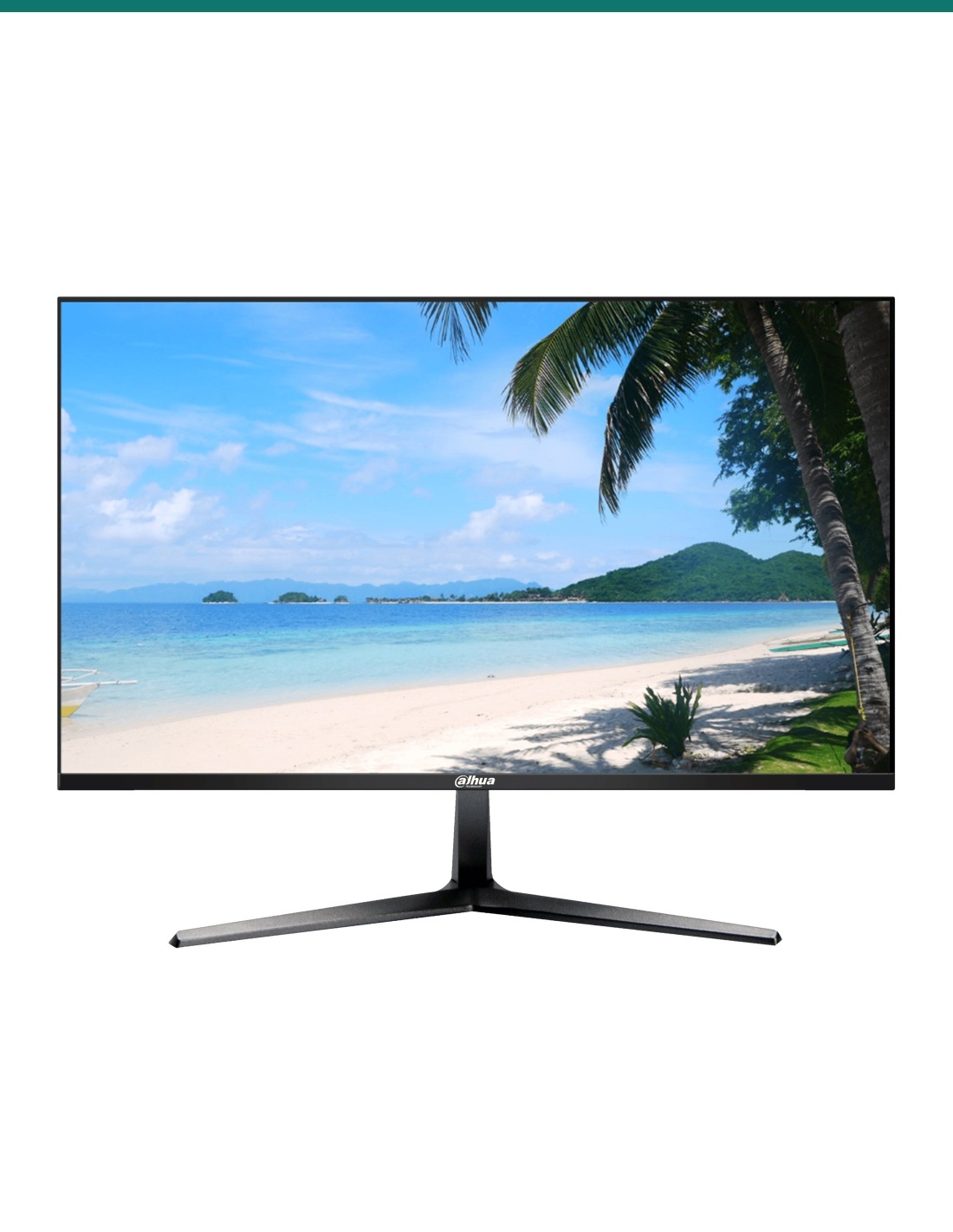
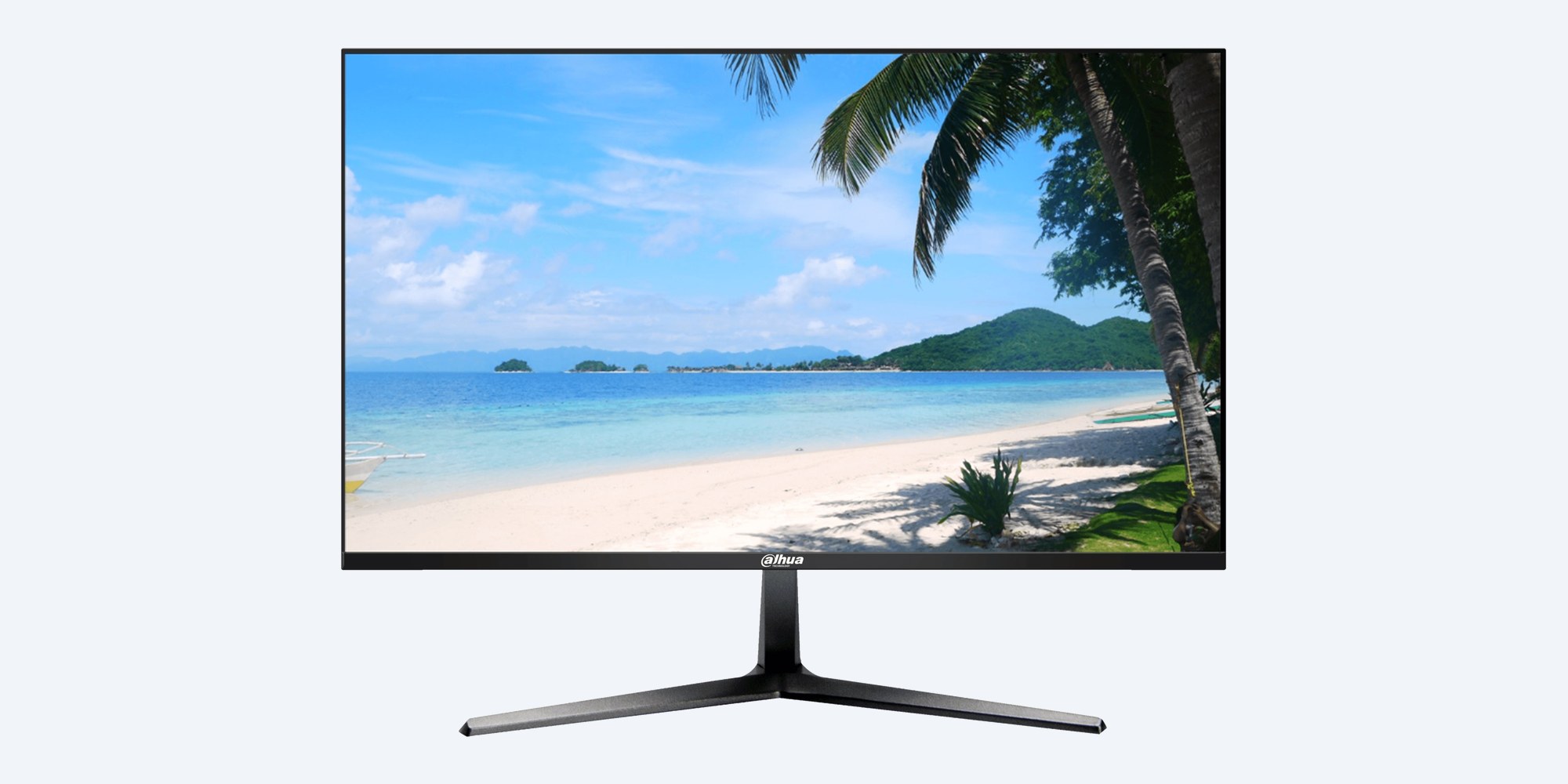
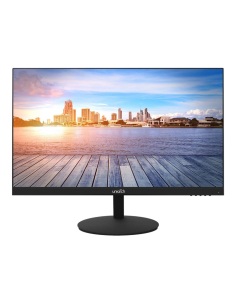
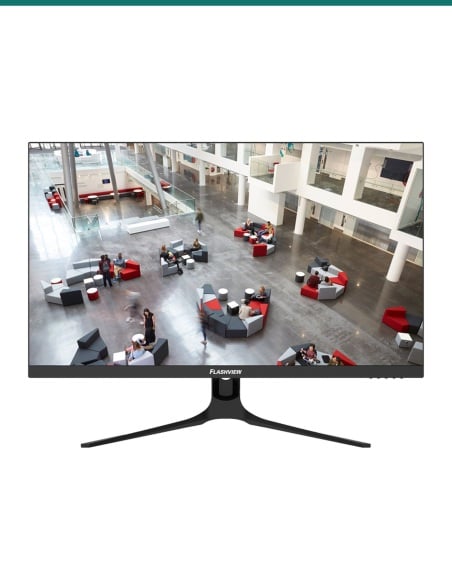
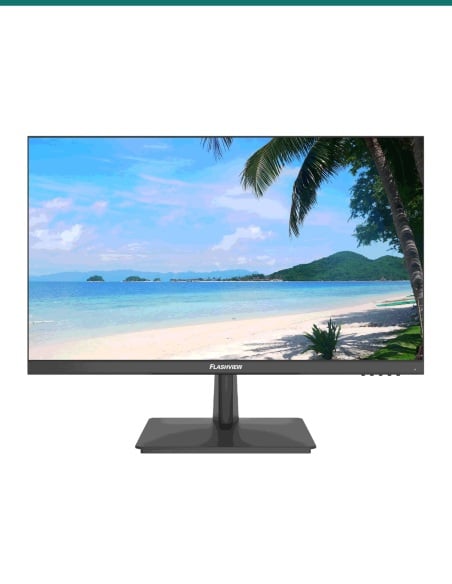
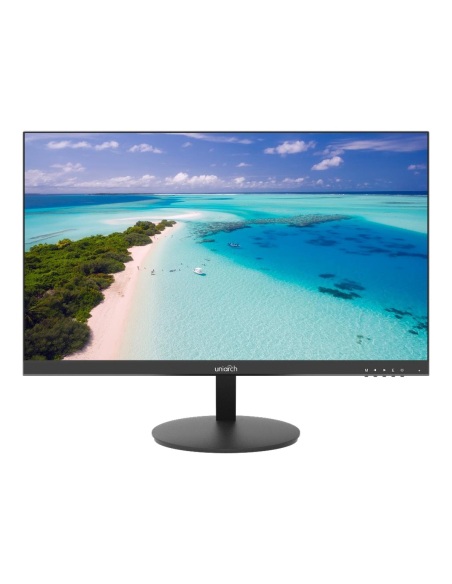
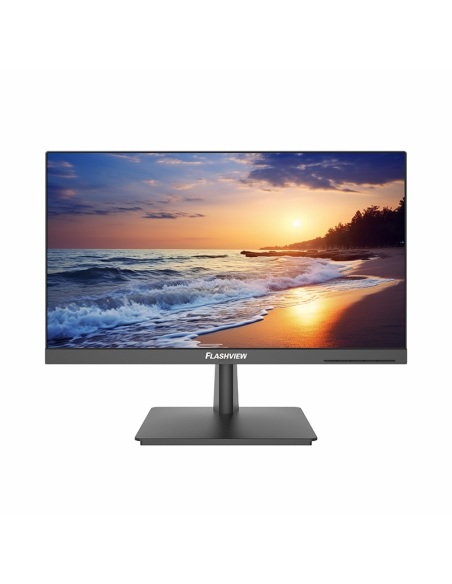
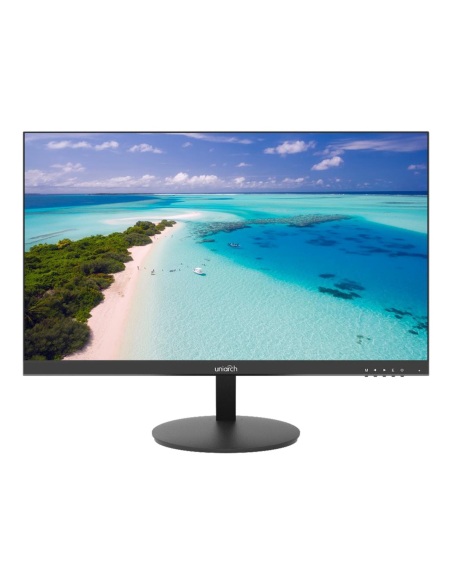
Dahua DHI-LM27-B200S: a 27 inch Full HD monitor for CCTV recorders, with HDMI and VGA inputs, two built-in speakers and a 75 × 75 mm VESA mount. HDMI cable, stand and power adapter included.
- ✓27 inch 1920 × 1080 VA panel, up to 100 Hz
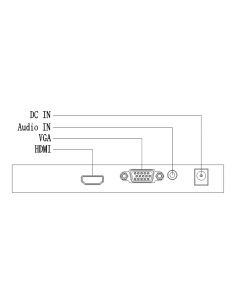
- ✓HDMI and VGA inputs, HDMI cable included
- ✓2 × 1 W built-in speakers
- ✓178° viewing angle, 3000:1 contrast
- ✓VESA 75 × 75 mm wall or arm mount
- ✓12 V DC adapter, 36 W standard
Description

A 27 inch screen for your recorder.
Full HD. HDMI and VGA. Built-in speakers.
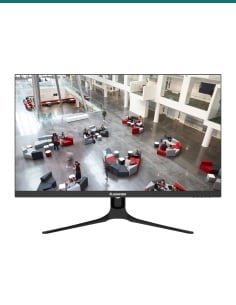
The DHI-LM27-B200S is Dahua's 27 inch Full HD monitor for CCTV recorders and desks. A VA panel, 1920 × 1080 at up to 100 Hz, HDMI and VGA inputs, two 1 W speakers and a 75 × 75 mm VESA mount.
In one sentence: the Dahua DHI-LM27-B200S is a 27 inch 1920 × 1080 VA monitor with HDMI and VGA inputs, two 1 W speakers, a 12 V DC adapter and a 75 × 75 mm VESA mount, made for viewing a CCTV recorder.
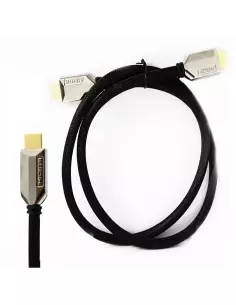
HDMI cable, stand and power adapter are in the box.
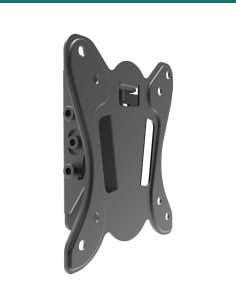
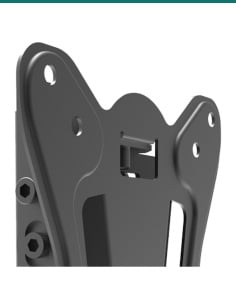
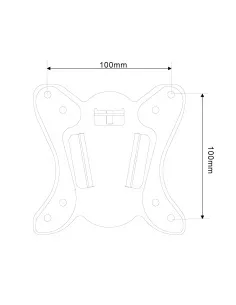
Plug it straight into your recorder's HDMI or VGA output. To hang it on a wall or an arm you need a 75 × 75 mm VESA bracket, sold separately.
- DHI-LM27-B200S 27 inch monitor
- Stand base
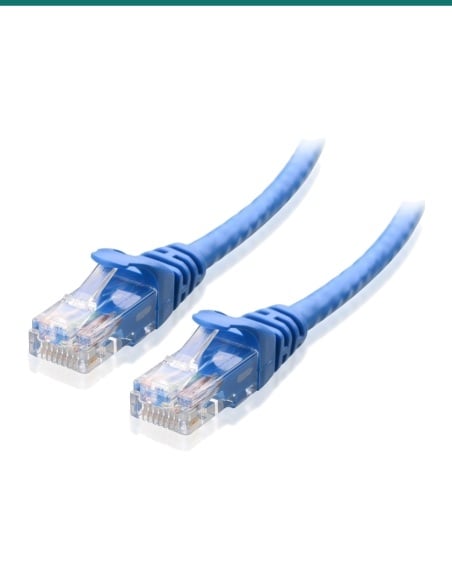
- HDMI cable
- 12 V DC power adapter
- A recorder or PC with HDMI or VGA output
- A 75 × 75 mm VESA bracket if wall or arm mounting
Big enough to see every camera.
A recorder's split screen puts 4, 8 or 16 cameras on one display. On a 27 inch Full HD panel each tile is large enough to tell who is at the counter or the gate. The wide 178° viewing angle keeps the picture clear from the side of a desk or a shop counter.

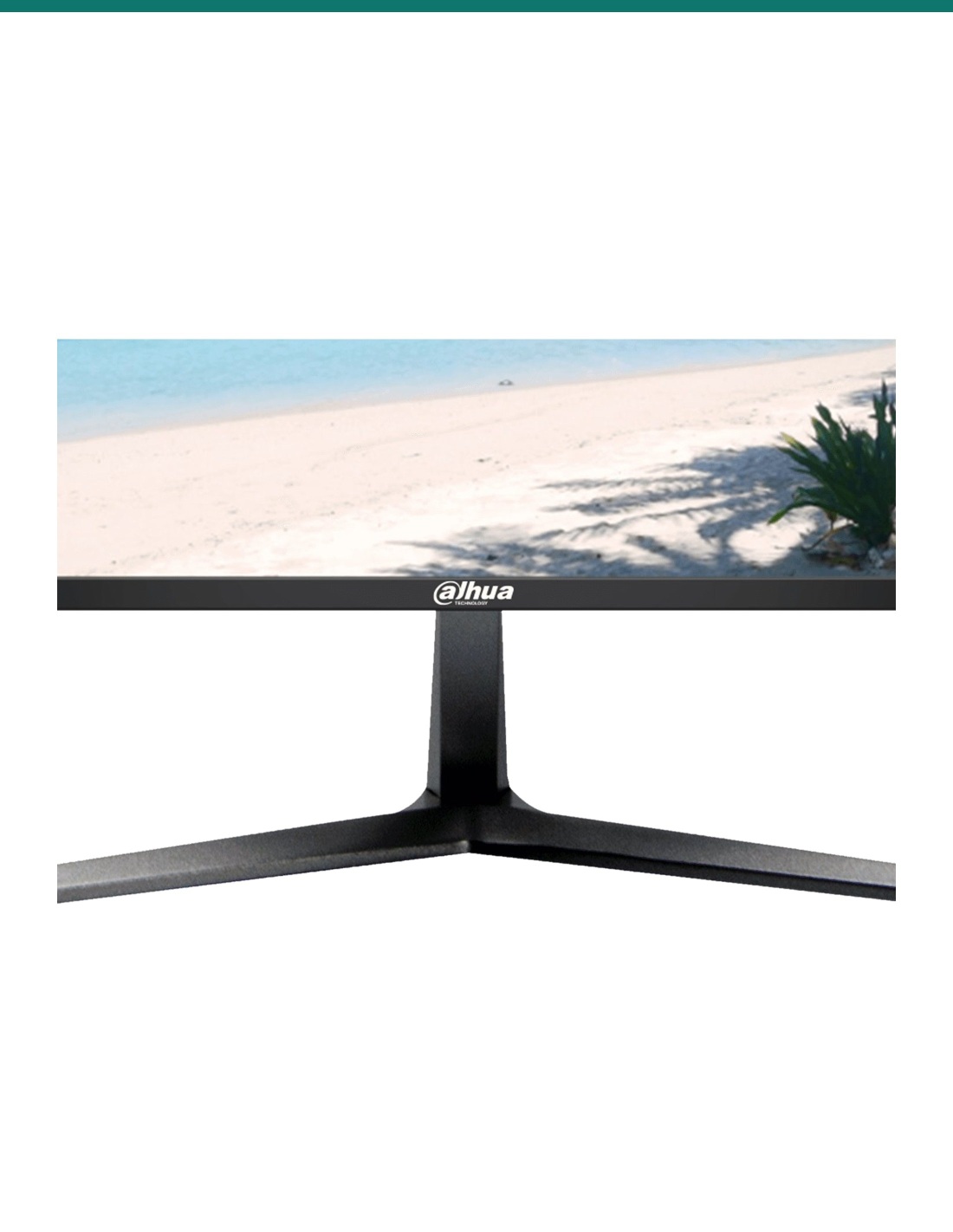
The stand
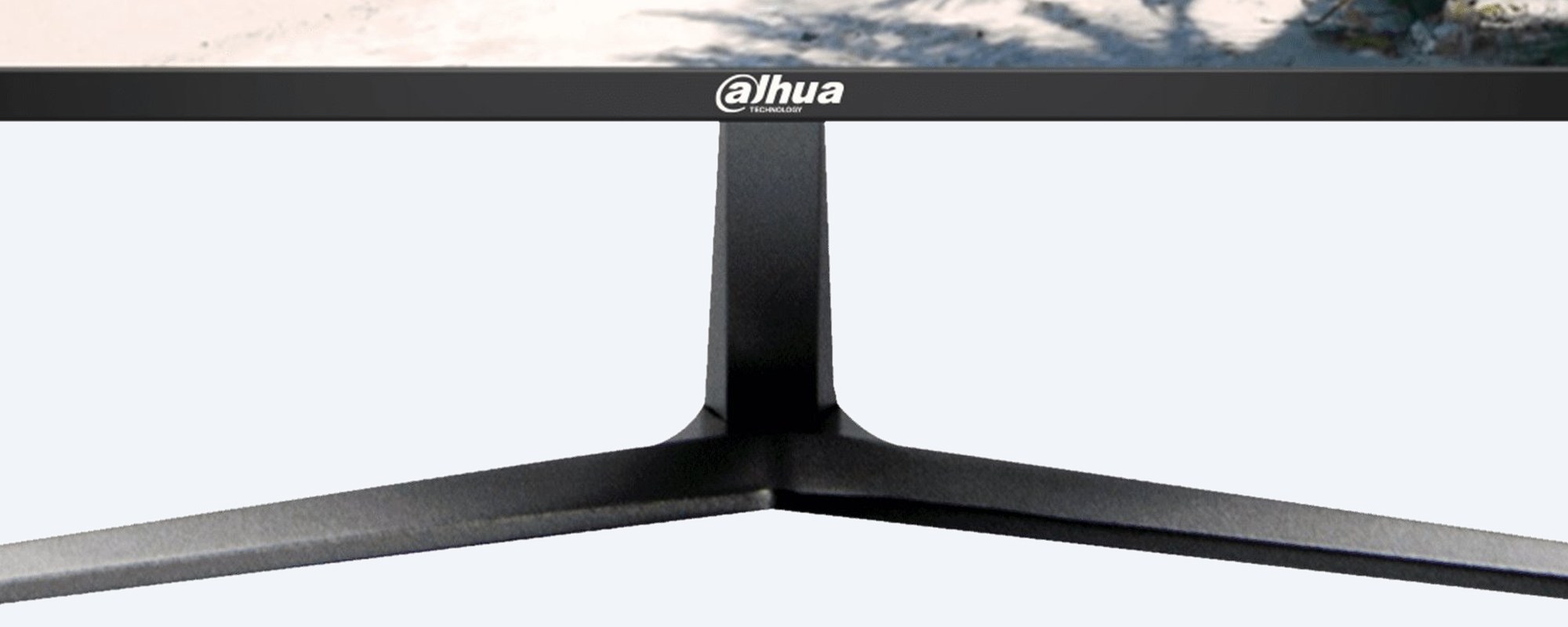
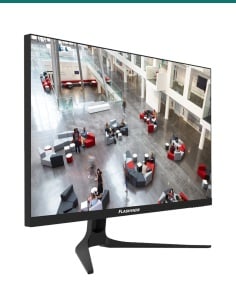
A low V-shaped base.
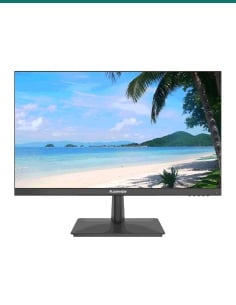
The base fits in the box and screws to the neck. Dahua lists a metal base and a plastic housing, with a narrow bezel on the top and sides and a 16.1 mm lower edge.

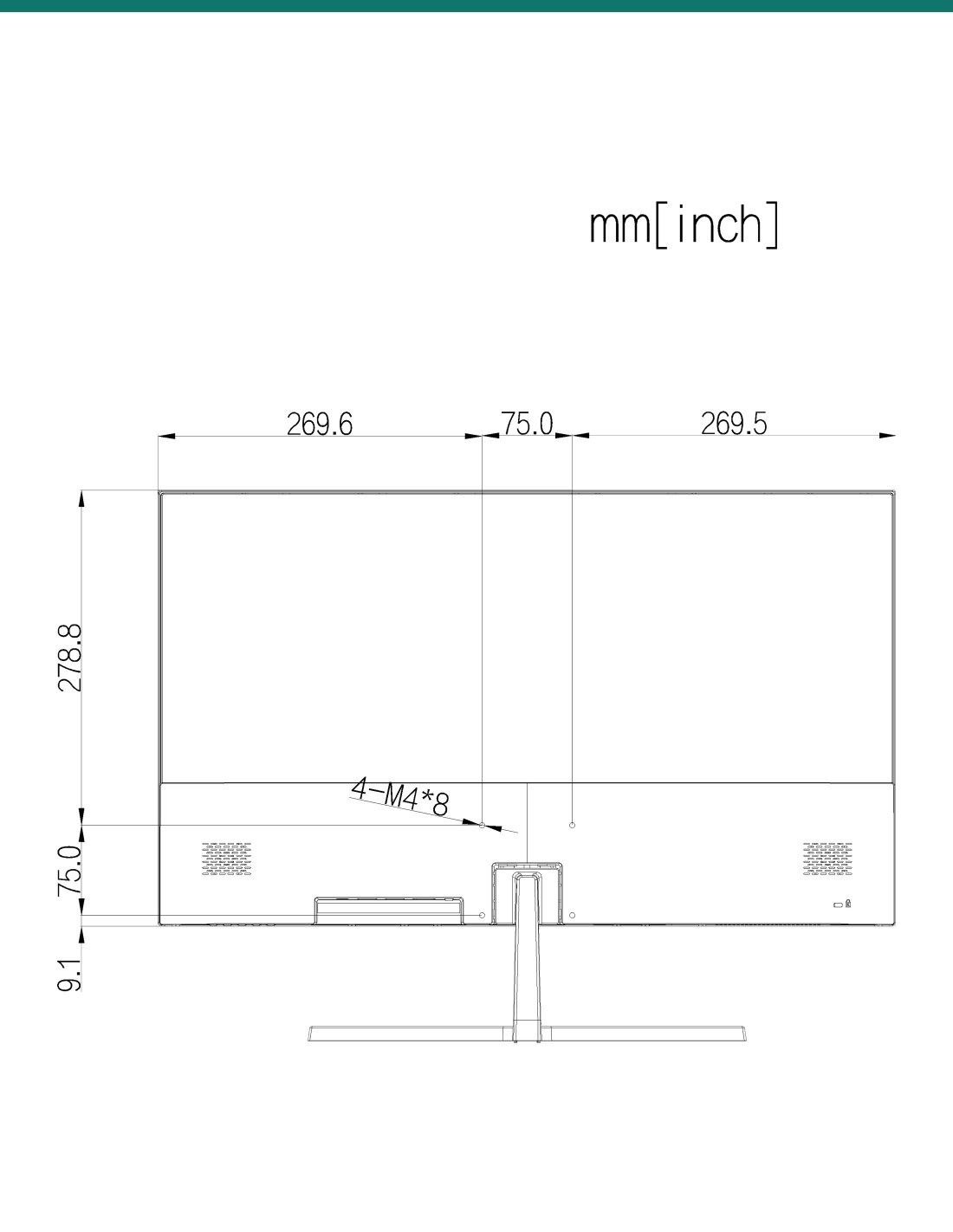
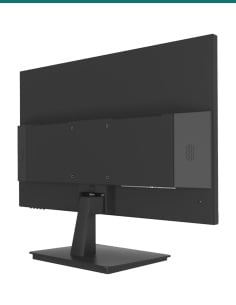
The back
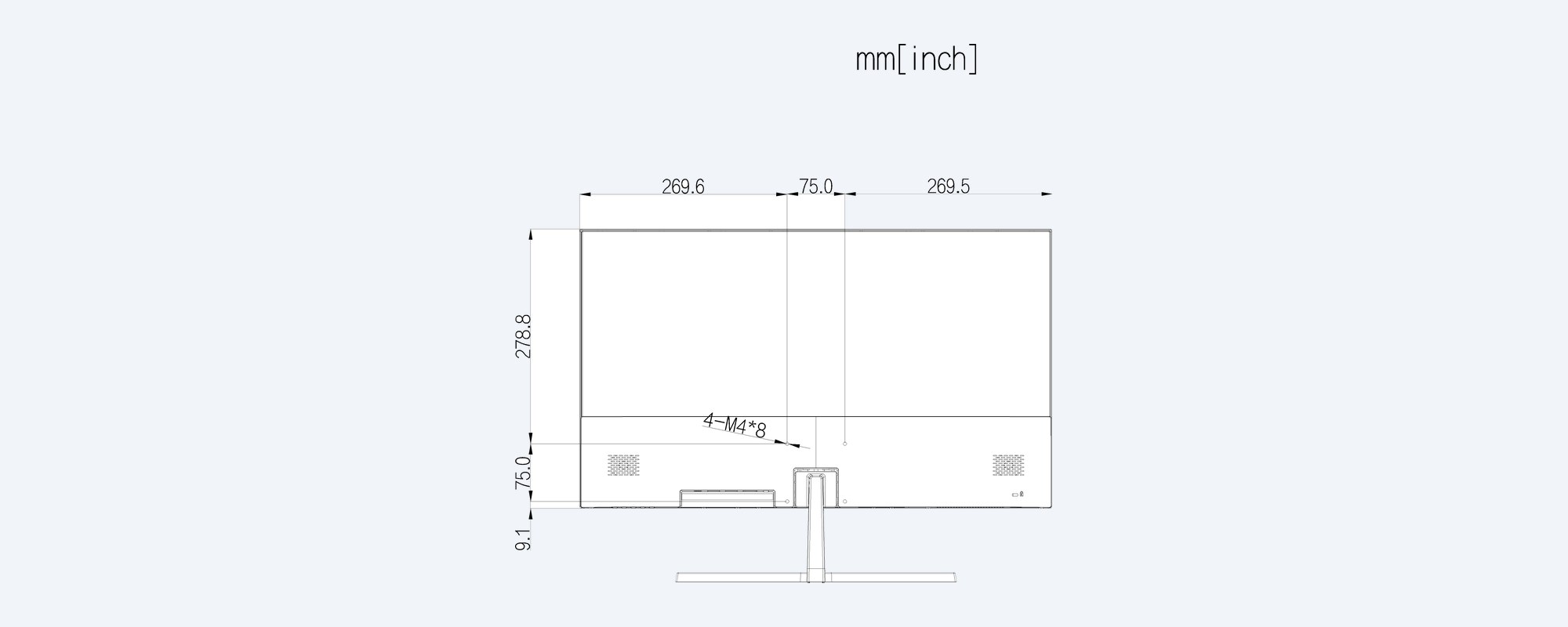
75 × 75 mm VESA, four M4 screws.
Take the stand off and the back takes a 75 × 75 mm VESA wall bracket or desk arm with four M4 × 8 screws. Dahua's drawing shows the mount centred, so the screen hangs level.
How it goes in
Up and running in minutes.
01
Fit the stand or bracket
Screw the base onto the stand neck, or take the stand off and fit a 75 × 75 mm VESA bracket with four M4 × 8 screws.
02
Connect the recorder
Run the supplied HDMI cable from the recorder's HDMI output to the monitor. Older recorders can use the VGA input instead.
03
Plug in the power
Connect the 12 V DC adapter to the monitor, plug it into a power point, then switch the monitor on with its buttons.
04
Set the recorder output
In the recorder's display menu set the output to 1920 × 1080, choose the camera split you want, and set the volume with the monitor buttons.
At a glance
DHI-LM27-B200S
Show specs
Screen
27 inch, 16:9, LED backlit
Panel
VA
Resolution
1920 × 1080 (Full HD)
Refresh rate
Up to 100 Hz
Brightness
250 cd/m² max
Contrast
3000:1
Colours
16.7 million (8 bit)
Viewing angle
178° horizontal, 178° vertical
Response time
5 ms
Inputs
1 × HDMI, 1 × VGA
Speakers
2 × 1 W built in
Power
12 V DC adapter, 36 W standard, 0.5 W or less on standby
Bezel
4.0 mm top and sides, 16.1 mm bottom
Wall mount
VESA 75 × 75 mm, 4 × M4 × 8 screws
Size
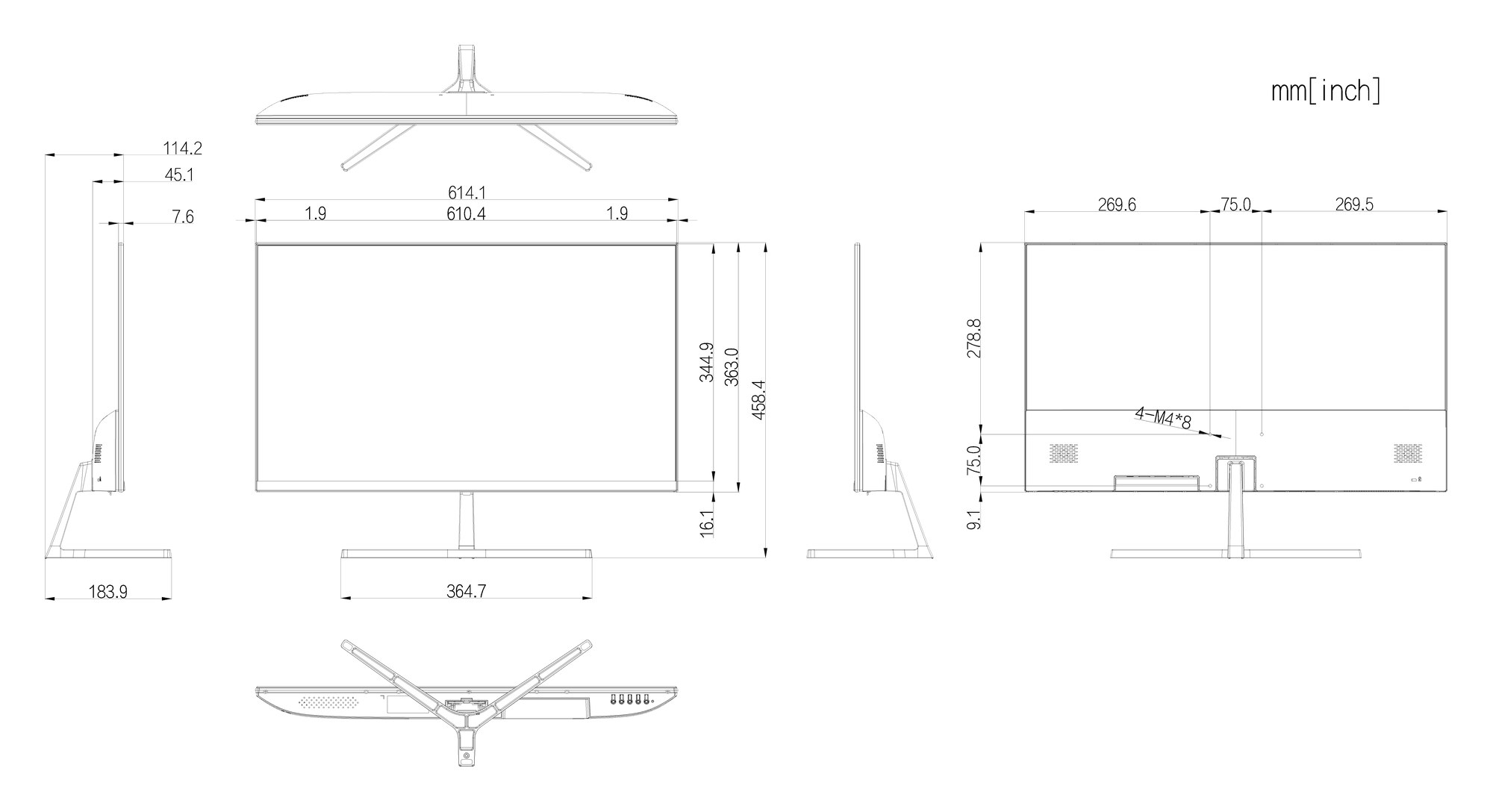
614.1 × 363 × 45.1 mm; 456.4 mm high and 183.9 mm deep on the stand
Weight
3.84 kg net, 5.25 kg packed
Package
694 × 114 × 458 mm
Operating conditions
0 to 40 °C, 10 to 85% humidity
In the box
HDMI cable, power adapter, stand base
Certifications
CE, FCC

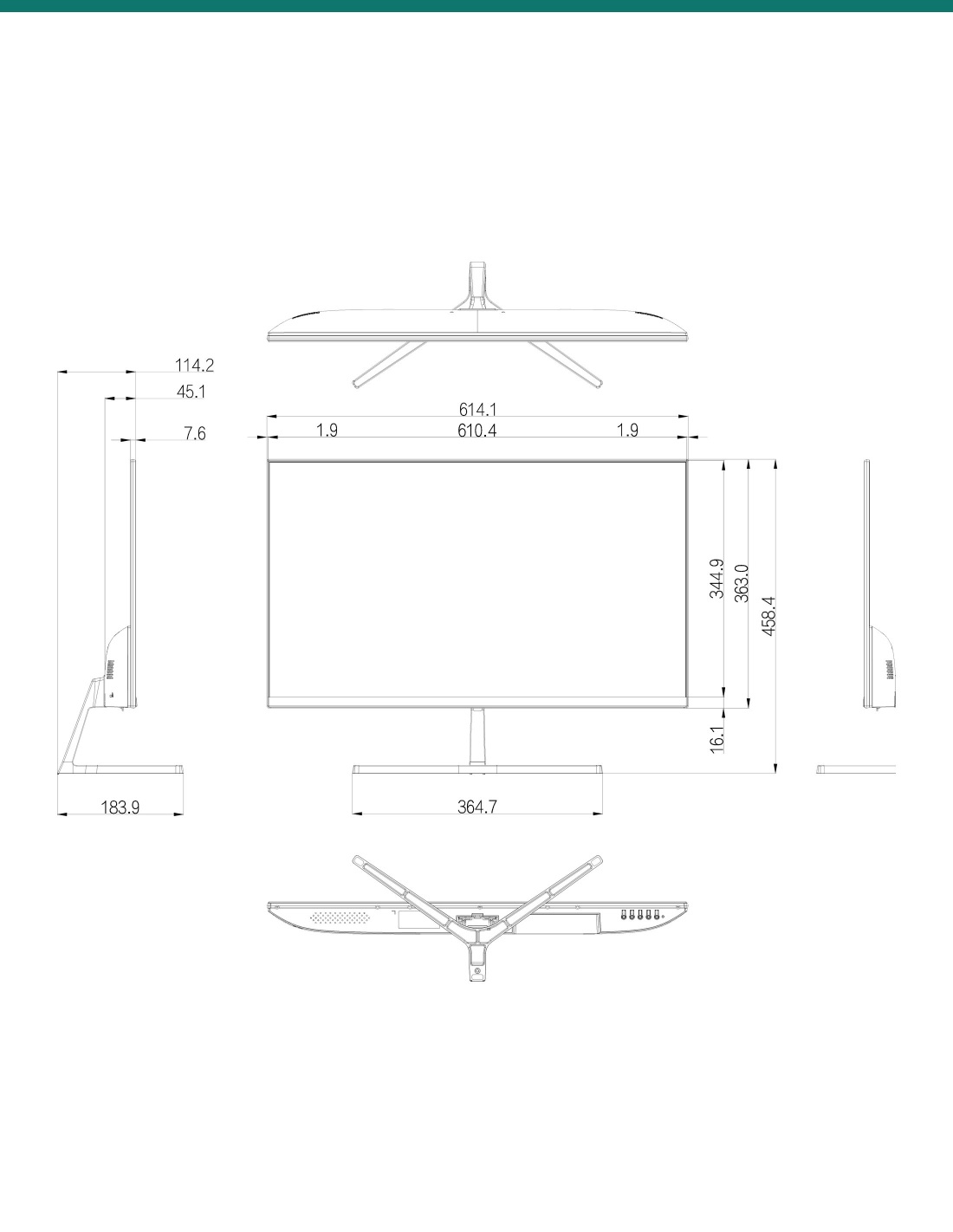
614.1 mm wide and 363 mm high, 456.4 mm tall on the stand with a 183.9 mm deep base. VESA 75 mm. Units mm, from Dahua's drawing.
Pair it with
Pair it with
Wall mount
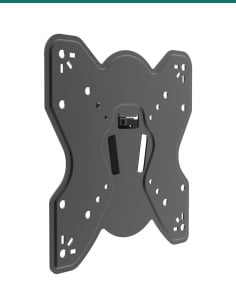
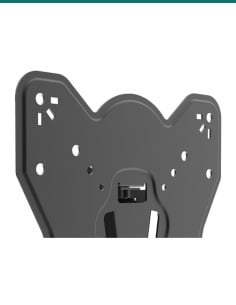
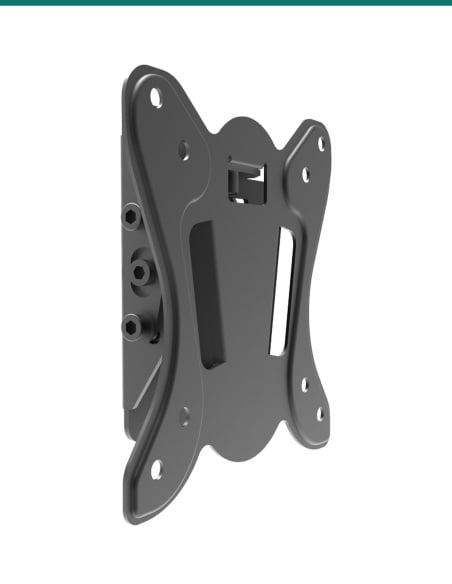
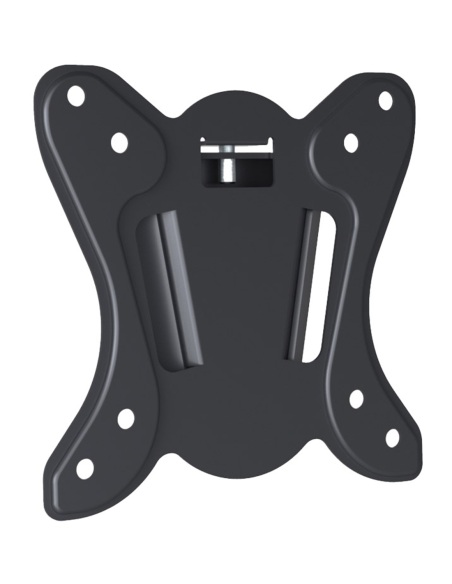
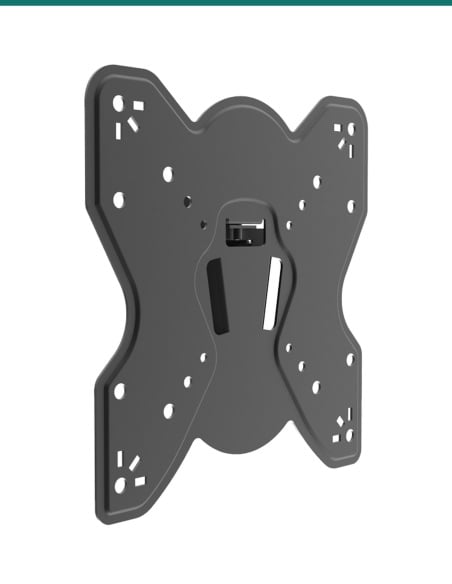
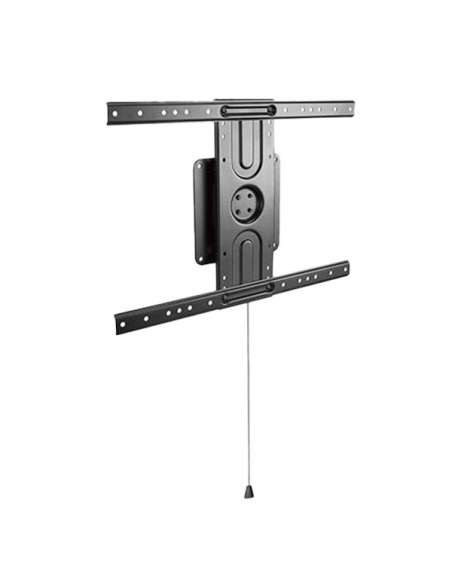
A tilting VESA wall bracket
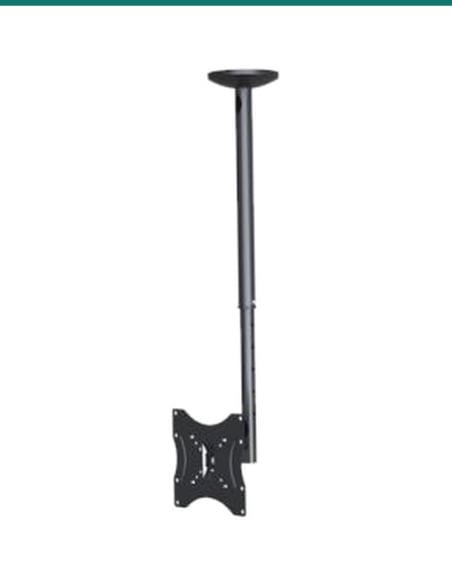
A 75 × 75 mm VESA bracket puts the screen up on the wall of a shop, office or comms room.
Desk
A VESA monitor arm
Clamp an arm to the desk and swing the screen where staff can see it.
Longer runs
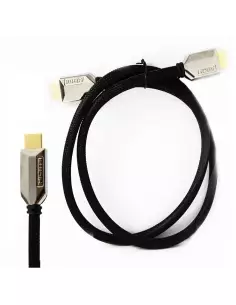
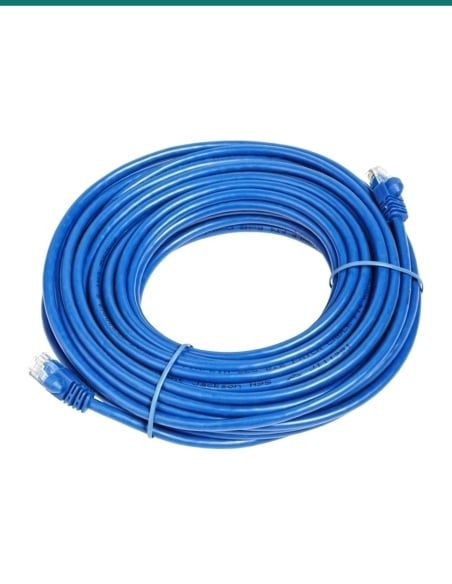
A longer HDMI cable
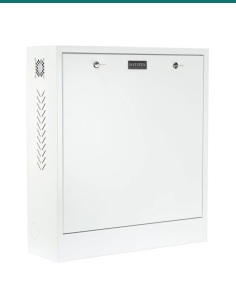
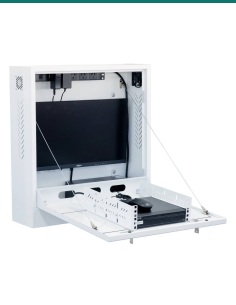
When the recorder sits in a cabinet away from the screen, a 10 m HDMI cable covers the gap.
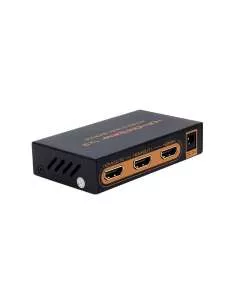
Two screens
An HDMI splitter
Show the same recorder on two monitors, such as the office and the front counter.
Where it is used
Where the DHI-LM27-B200S is used.
Shops and cafes
A screen at the counter so staff can see the floor, the till and the back door.
Offices
Watch the reception and car park cameras from the manager's desk.
Homes
Check the driveway and front door from the study, with sound from the recorder.
Warehouses
A wall-mounted screen showing the loading dock and the yard.
Strata and buildings
A monitor in the building manager's office or the comms cupboard.
Installers
A standard 27 inch screen to hand over with a recorder on every job.
DHI-LM27-B200S or the older DHI-LM27-B200
| DHI-LM27-B200S (this monitor) | DHI-LM27-B200 | |
|---|---|---|
| Resolution | 1920 × 1080 | 1920 × 1080 |
| Refresh rate | Up to 100 Hz | 60 Hz |
| Contrast | 3000:1 | 1000:1 |
| Response time | 5 ms | 6.5 ms |
| Speakers | 2 × 1 W built in | None, audio out jack |
| Power | 12 V DC external adapter | 100–240 V AC built-in supply |
| Net weight | 3.84 kg | 4.5 kg |
| Inputs | HDMI, VGA | HDMI, VGA |
| Wall mount | VESA 75 × 75 mm | VESA 75 × 75 mm |
Both from Dahua's datasheets. The B200S adds the speakers, a higher contrast and refresh rate, and weighs less.
Common questions
Will it work with my Dahua recorder?
Yes. Dahua NVRs and XVRs have an HDMI output, and most also have VGA. Connect either one and set the recorder output to 1920 × 1080.
Does it work with other brands of recorder?
Yes. Any recorder, PC or laptop with an HDMI or VGA output will display on it. It is a standard Full HD monitor.
Does it have speakers?
Yes. Dahua lists two 1 W speakers. Sound comes in over the HDMI cable, so you hear camera audio or alerts from a recorder that sends sound over HDMI.
Is an HDMI cable included?
Yes. Dahua lists an HDMI cable, the power adapter and the stand base as standard accessories.
Can I mount it on a wall?
Yes. Take the stand off and fit any 75 × 75 mm VESA wall bracket or arm with four M4 × 8 screws.
What resolution is it?
1920 × 1080 Full HD, on a 27 inch 16:9 VA panel. A 4K recorder will show its picture scaled to Full HD.
Can it run 24 hours a day?
It is made for CCTV viewing. To make it last, let the recorder's screen saver or the monitor's standby switch it off when nobody is watching.
How much power does it use?
Dahua lists 36 W standard and 0.5 W or less on standby. It runs from the 12 V DC adapter in the box.
What is the viewing angle?
178° horizontally and vertically, so the picture stays clear when you look from the side of a desk or counter.
Does it have a touch screen?
No. Use the recorder's mouse to control the recorder. The monitor's own settings are on physical buttons.
How big is it on a desk?
Dahua's drawing shows 614.1 mm wide and 456.4 mm high on the stand, with a 183.9 mm deep base. It weighs 3.84 kg.
How fast can I get it?
Choose Express Post at checkout for faster delivery across Australia. Call 1300 736 970 if you want help choosing a screen size or bracket.
Need help choosing a screen?
Email [email protected] or call 1300 736 970 and the InFront Technologies team will help match a monitor, bracket and cables to your recorder.
Installation and safety
Mains powered. The 12 V DC adapter plugs into a standard power point. Do not open the monitor or the adapter.
Wall mounting. Use a bracket rated for at least 3.84 kg, fixed into studs or solid masonry, with M4 × 8 screws in the VESA holes.
Indoors only. Dahua rates it for 0 to 40 °C and 10 to 85% humidity. Keep it out of direct sun and rain.
Ventilation. Leave space around the back so the monitor can cool, especially inside a cabinet.
What it does not do. It is a display only. It does not record, and it has no touch screen or 4K input.
Figures. From Dahua's DHI-LM27-B200S datasheet (Rev 002, 2022) and dimension drawing, and Dahua's DHI-LM27-B200 datasheet for the comparison.