Ubiquiti UniFi · PoE adapter · 15 W
Power one UniFi device from a power point.
48 V, up to 15 W, Gigabit data through.
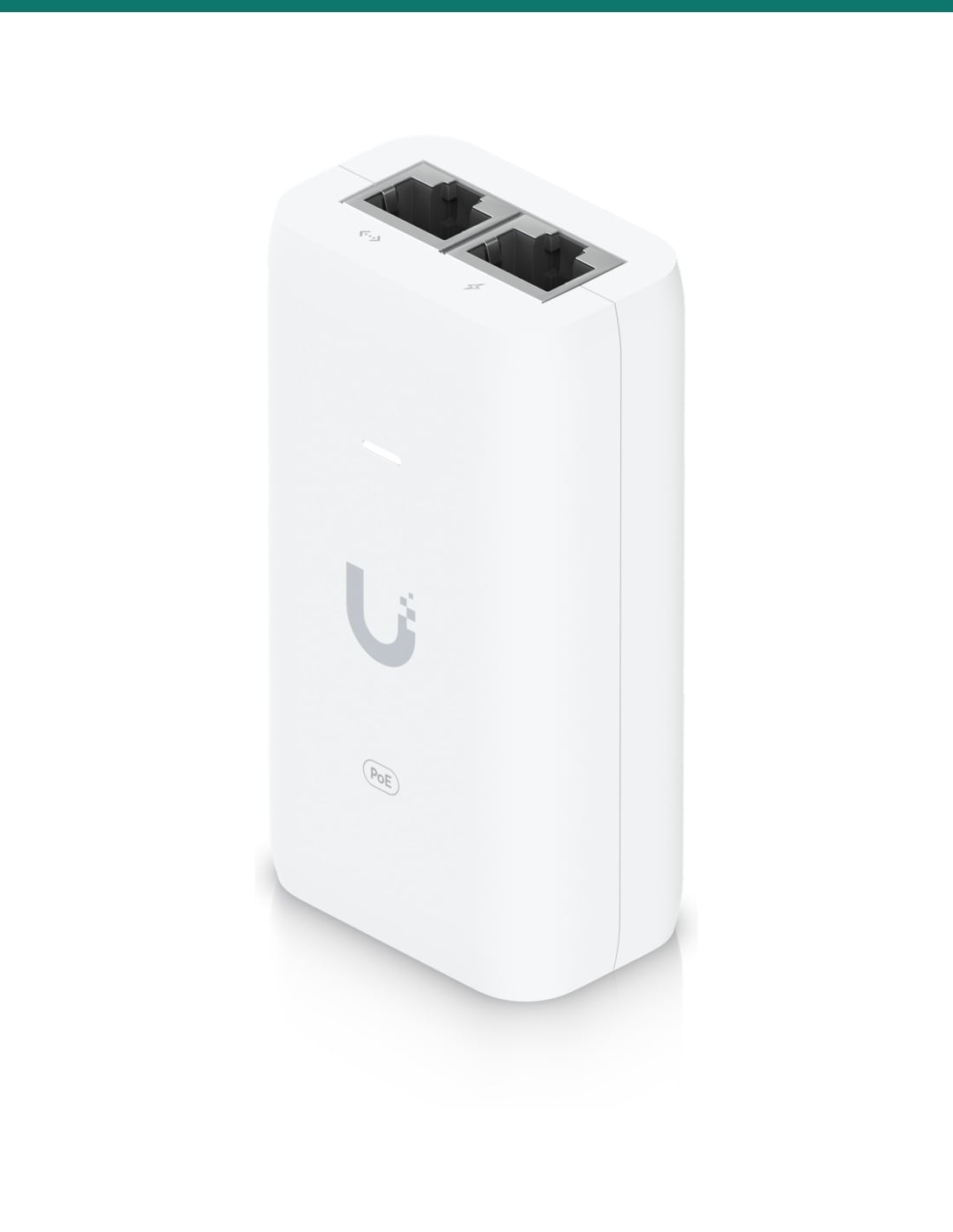
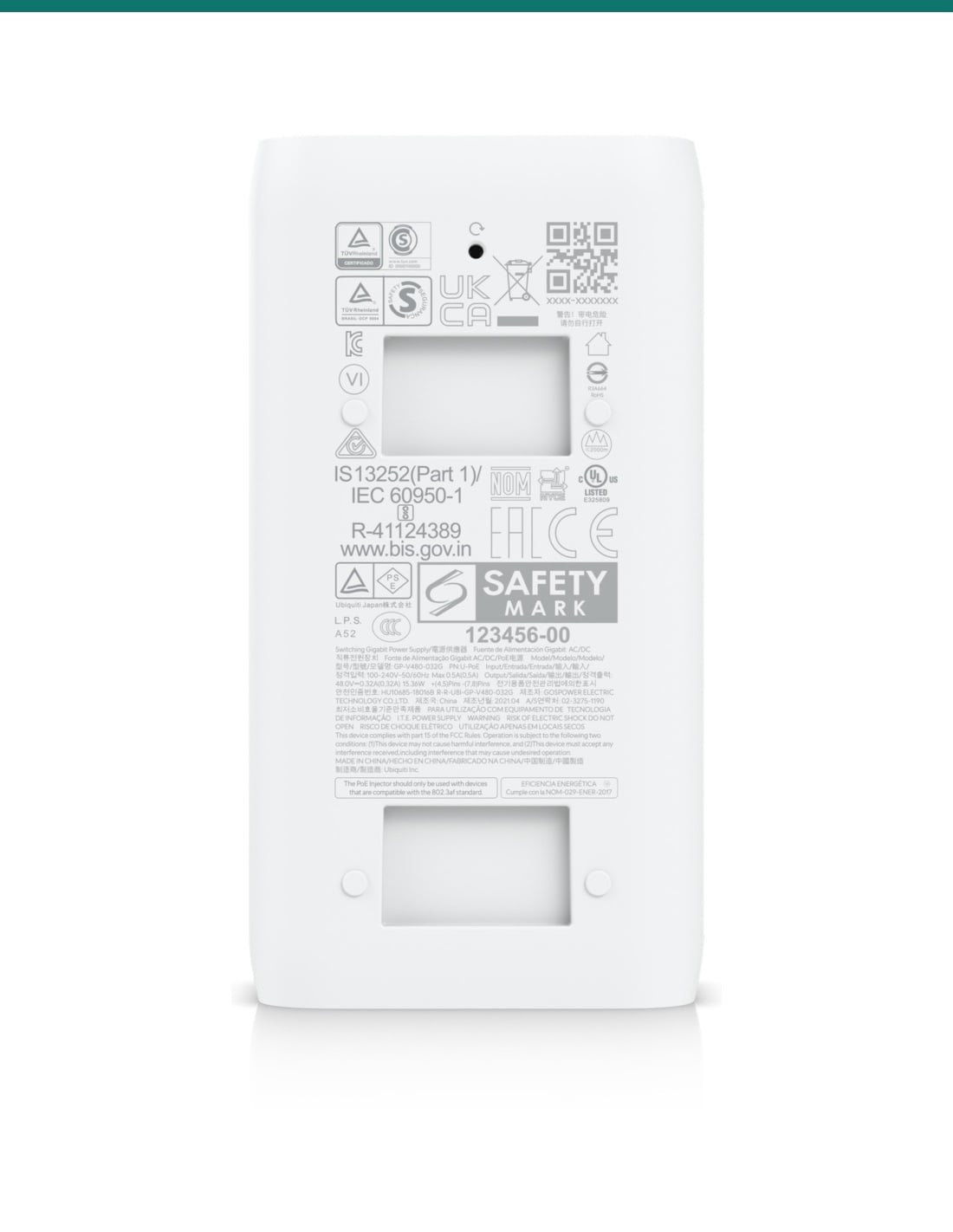
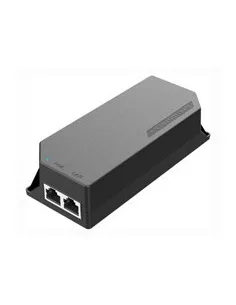
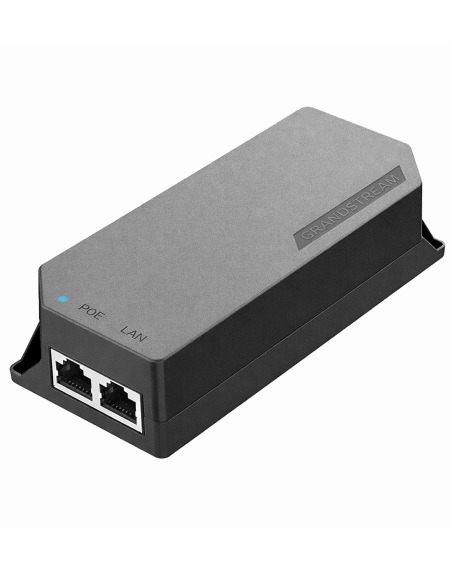
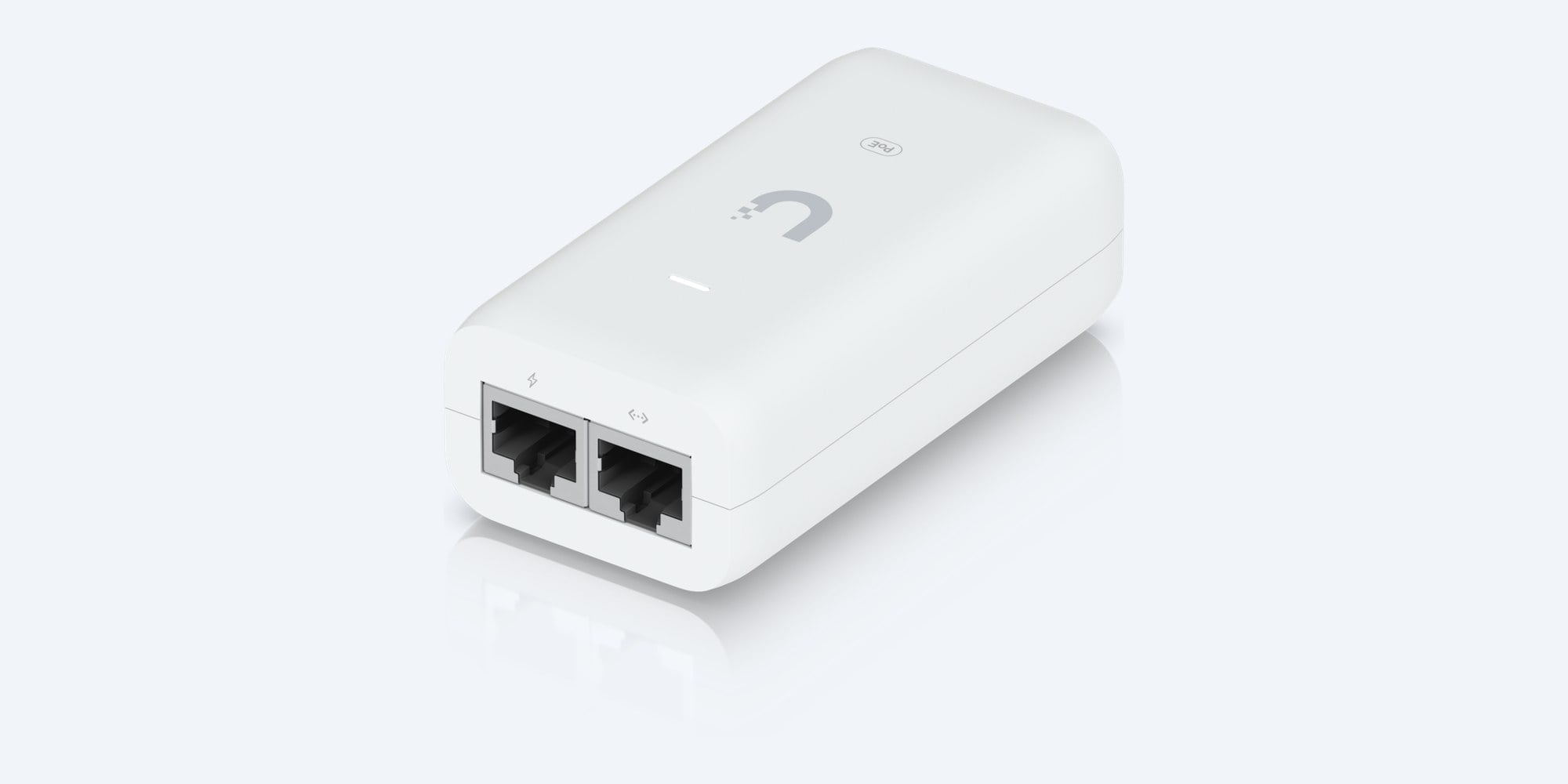
The Ubiquiti UniFi PoE Adapter (U-POE-af) puts 48 V DC power onto a network cable, so a UniFi access point or camera can run where there is no PoE switch port. Data goes in one RJ45 port and power plus data comes out the other.
In one sentence: the Ubiquiti U-POE-af is a single-port UniFi PoE adapter that delivers 48 V DC at 0.32 A (up to 15 W) on pins 4,5 (+) and 7,8 (−), passes Gigabit data, runs from 100–240 V AC through an IEC-320 C6 inlet and measures 86 × 46 × 33 mm.
One device, up to 15 W. Check your device's power draw.
This adapter powers one PoE device that needs 15 W or less. Ubiquiti lists the UniFi devices it suits (see Works with). Devices that need more, such as many Wi-Fi 7 access points and PTZ cameras, need a 30 W PoE+ adapter or a PoE+ switch port.
In the box- UniFi PoE Adapter (U-POE-af)
- AC power cable with earth (IEC C6 plug at the adapter end)
- Wall-mount plate
- 2 screws and 2 wall anchors
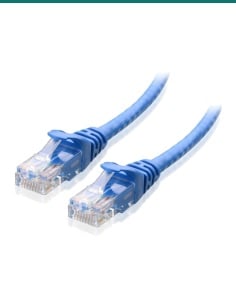
You also need- A network cable from your router or switch to the adapter
- A network cable from the adapter to the UniFi device
- A power point near the adapter
When the switch has no PoE, or the port is too far.
A UniFi access point or camera takes its power down the network cable. If your router or switch has no PoE ports, or you are adding one device to a site, this adapter does the job. It sits next to the switch, plugs into a power point and powers the device at the other end of the cable.
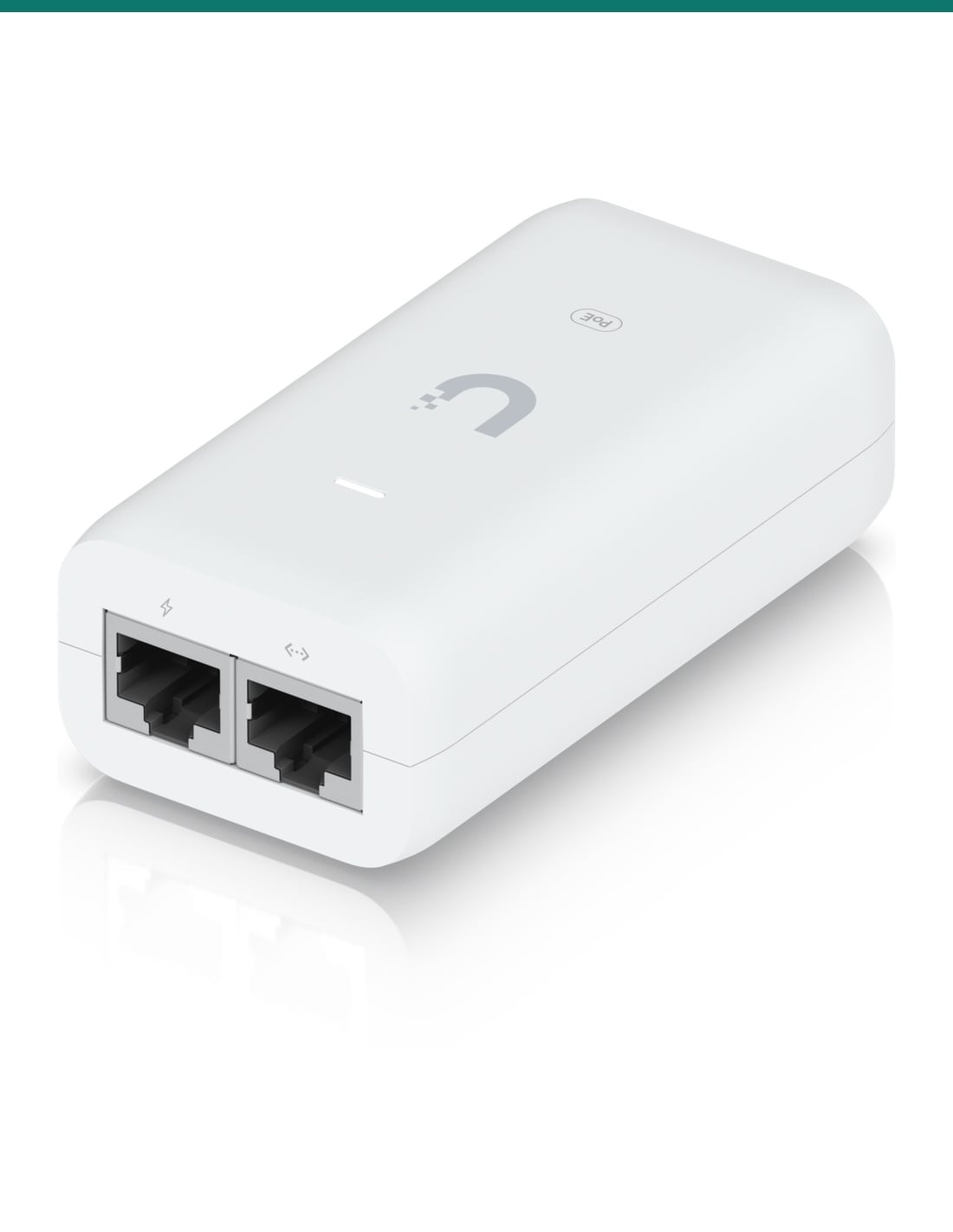
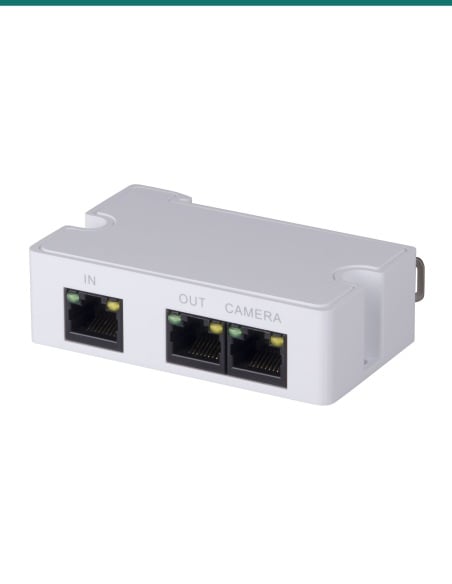
Two ports
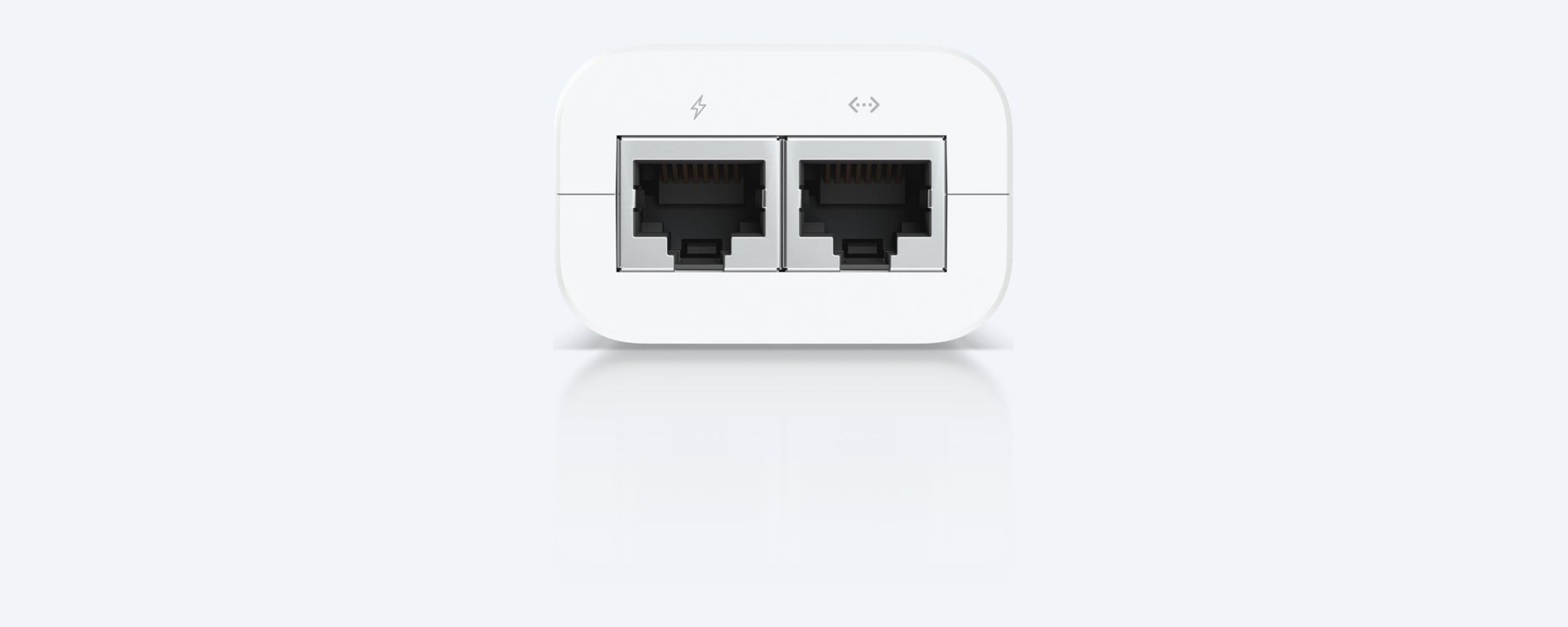
Data in, power and data out.
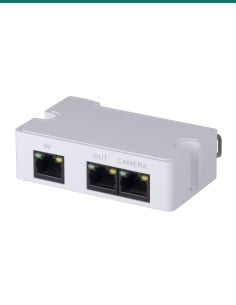
The port with the arrows symbol takes data from your switch or router. The port with the lightning symbol sends power and data to the UniFi device. Both are shielded RJ45 sockets and pass Gigabit data.

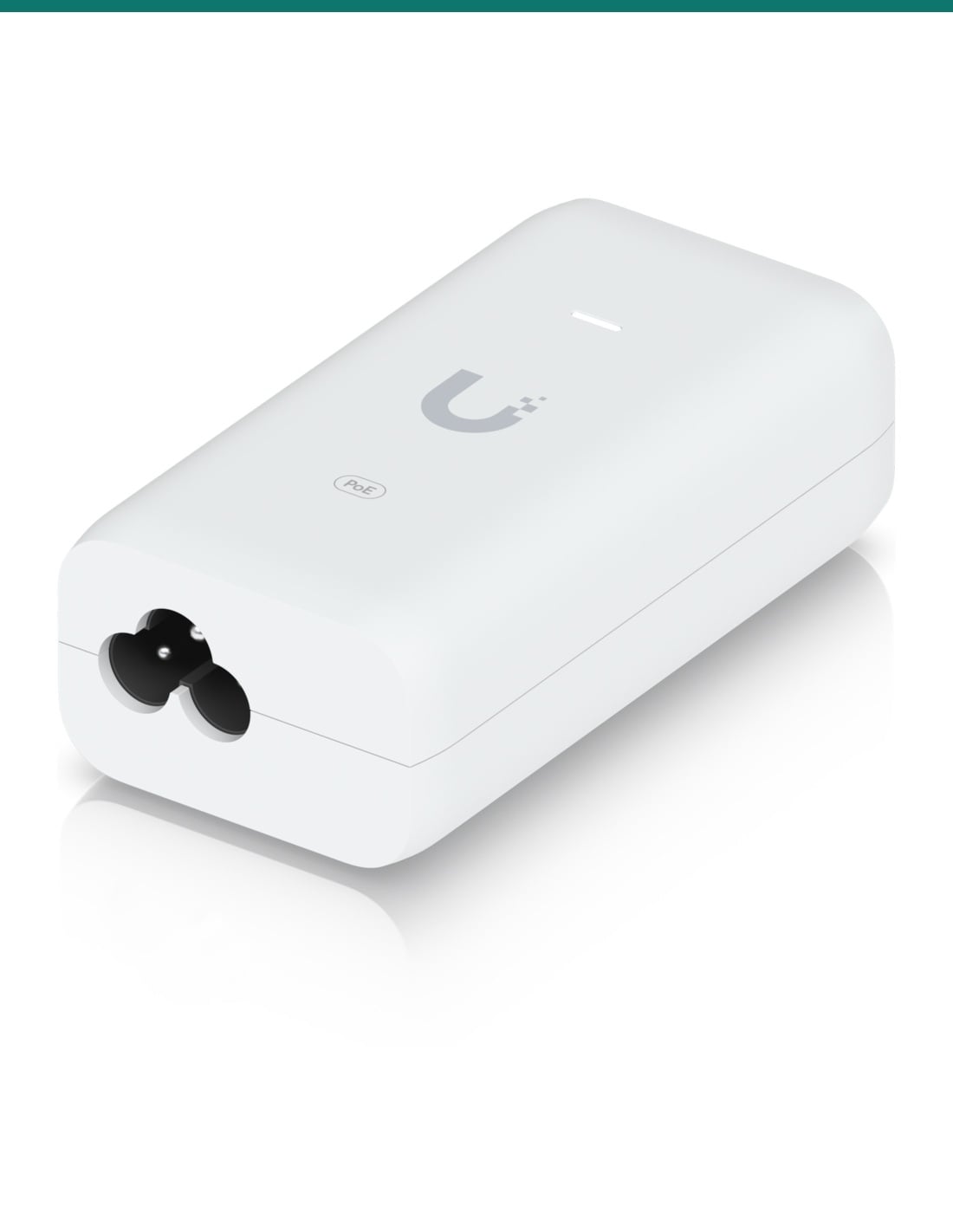
AC input
Earthed cloverleaf power inlet.
The adapter takes 100–240 V AC, 50/60 Hz, through an IEC-320 C6 inlet. The supplied cable carries an earth, which helps the surge protection do its job.

Mounting
Sits on a shelf or on the wall.
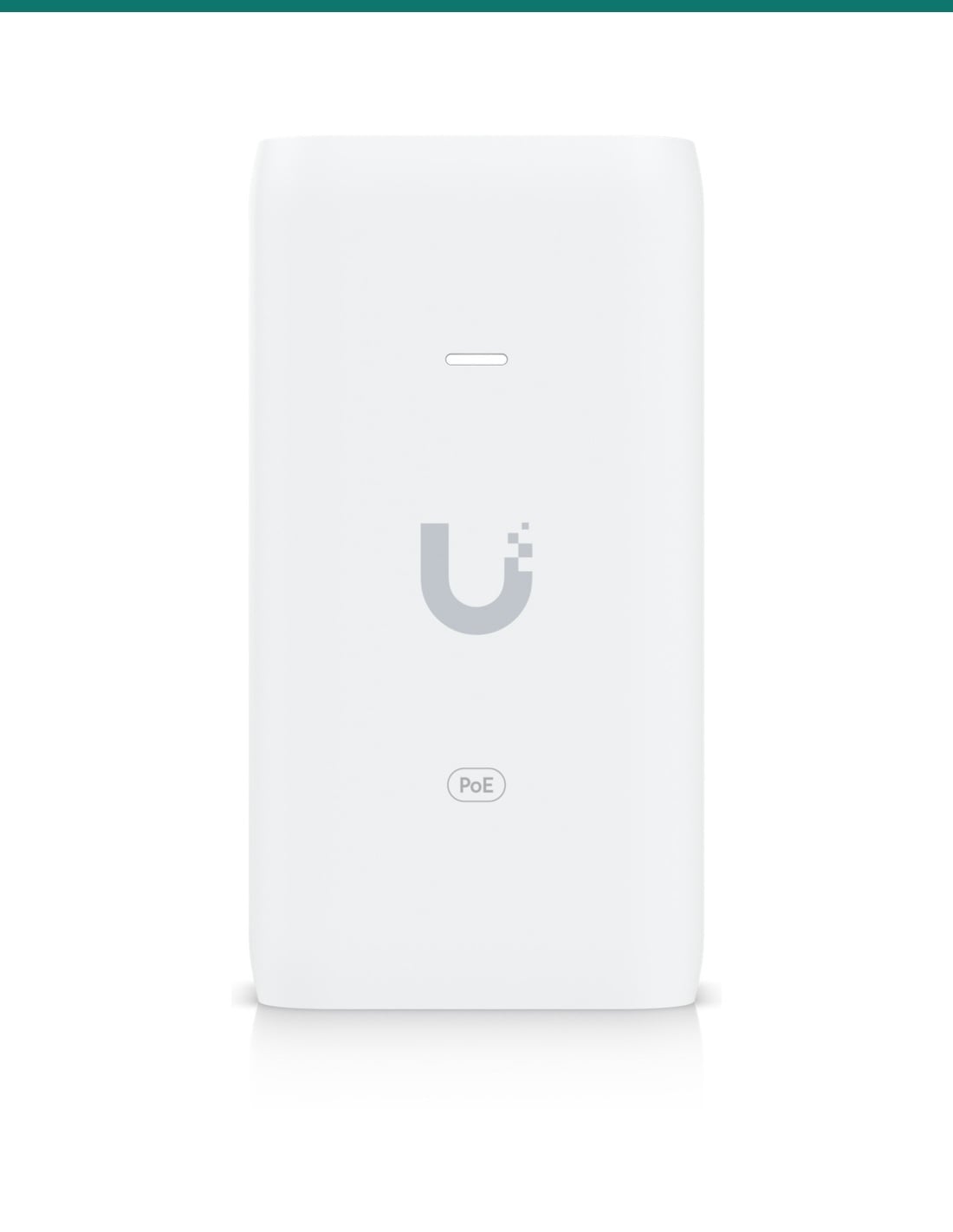
Two slots on the back clip onto the supplied wall-mount plate, which screws to the wall or the side of a cabinet. The LED on top shows the adapter has power.
How it goes in
Three cables and it's running.
01
Place it
Put the adapter near your switch or router and a power point, on a shelf or on the wall-mount plate.
02
Connect the data side
Run a network cable from a switch or router port to the adapter's data port (the arrows symbol).
03
Connect the device
Run a network cable from the adapter's PoE port (the lightning symbol) to the UniFi access point or camera.
04
Power up
Plug the AC cable into the adapter and the power point. The LED lights and the device starts and appears in UniFi.
At a glance
U-POE-af
Show specs
Output
48 V DC at 0.32 A (up to 15 W)
PoE pins
Pins 4,5 (+) and 7,8 (−), 2-pair
Data
Gigabit, shielded RJ45 in and out
Input
100–240 V AC, 50/60 Hz, 500 mA at 90 V AC
Efficiency
84.25% or better
Surge protection
Differential and common mode
Max. surge discharge
1500 A (8/20 μs), power
Peak pulse current
36 A (10/1000 μs), data
Size and weight
86 × 46 × 33 mm, 100 g
Operating temperature
0 to 40 °C, 5–90% humidity non-condensing
Certifications
CE, FCC, IC, UL
Works with
UniFi devices Ubiquiti lists for this adapter
From Ubiquiti's own compatibility list for the UniFi PoE Adapter (15W). If your device is not here, or it is another brand, check its power draw and ask us first.
Show the full list
UniFi U6+, U6 Mesh, U6 Pro, U6 In-Wall, AC In-Wall
Access points, listed by Ubiquiti
UniFi Swiss Army Knife Ultra (UK-Ultra)
Access point, listed by Ubiquiti
G6 Bullet, G6 Dome, G6 Turret
Cameras, listed by Ubiquiti
G5 Bullet, G5 Dome, G5 Dome Ultra, G5 Turret Ultra, G5 Pro, G5 Flex
Cameras, listed by Ubiquiti
G4 Bullet, G4 Dome, G4 Pro
Cameras, listed by Ubiquiti
G4 Doorbell Pro PoE Kit
Listed by Ubiquiti
G3 Flex
Camera, listed by Ubiquiti
AI Pro, AI DSLR, AI 360, AI Theta, AI Theta Pro, AI Theta Hub
Listed by Ubiquiti
Other brands' PoE devices
Not listed. Ubiquiti does not say whether the adapter checks the device before sending power, so ask us first
Compatibility is Ubiquiti's, checked on its UniFi PoE Adapter (15W) tech specs page in November 2026.
Pair it with
What goes with it
Access point
Ubiquiti UniFi U6+ (WT5-U6P)
A Wi-Fi 6 access point on Ubiquiti's list for this adapter. One adapter powers one access point.
Cable
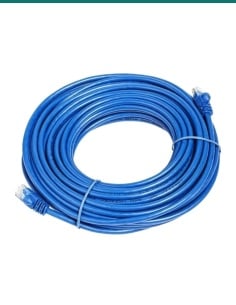
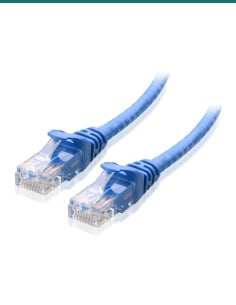
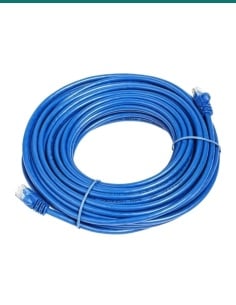
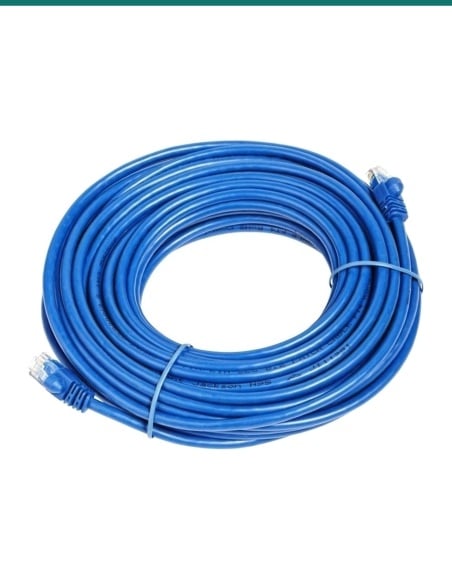
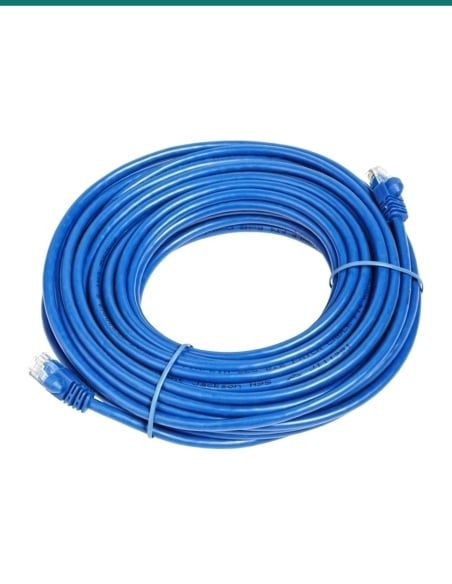
Cat6 network cable, 20 m
A ready-made cable from the adapter's PoE port up to the access point or camera.
More power
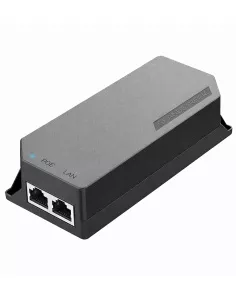
Grandstream 30 W PoE+ injector
For a device that needs more than 15 W, such as a PTZ camera or a high-power access point.
Where it is used
Where a single PoE adapter makes sense.
Homes with an ISP router
Most ISP routers have no PoE. The adapter powers a UniFi access point from the router's spare port.
Mesh access points
Power a U6 Mesh in a room, shed or garage where only a power point is close.
One more camera
Add a UniFi camera when every PoE port on the switch is already used.
Taking load off the switch
Move a device to its own adapter when a PoE switch is near its power budget.
Testing and set-up
Power a device on the bench to adopt and update it before it goes up.
Small offices
A single access point or doorbell without buying a PoE switch.
15 W adapter or 30 W PoE+ adapter
| U-POE-af (this adapter) | Ubiquiti U-PoE+ (30 W) |
|---|
| Output | 48 V DC at 0.32 A (up to 15 W) | 48 V DC at 0.65 A (up to 30 W) |
| Input current | 500 mA at 90 V AC | 0.75 A max |
| Efficiency | 84.25% or better | 87% |
| Size | 86 × 46 × 33 mm | 93 × 62 × 35 mm |
| Weight | 100 g | 156 g |
| Data | Gigabit | Gigabit |
| Pick it for | Devices Ubiquiti lists for 15 W | Devices that need more than 15 W |
Figures from Ubiquiti's datasheet and tech specs for each adapter. Both use pins 4,5 (+) and 7,8 (−) and the same IEC C6 AC inlet.
Common questions
What does this adapter do?
It adds 48 V DC power to a network cable so one UniFi access point or camera can run without a PoE switch. Data from your router or switch goes in one port and power plus data comes out the other.
How much power does it deliver?
48 V DC at 0.32 A, which is up to 15 W, according to Ubiquiti's datasheet.
Which devices does it suit?
Ubiquiti lists it for the U6+, U6 Mesh, U6 Pro, U6 In-Wall and AC In-Wall access points, G3 to G6 cameras such as the G4 Pro, G5 Bullet and G6 Turret, the G4 Doorbell Pro PoE Kit and the AI Pro, AI 360 and AI Theta cameras. The full list is in the Works with box.
Is it an 802.3af PoE injector?
It is Ubiquiti's 15 W UniFi PoE adapter, model U-POE-af. Ubiquiti publishes the output (48 V, 0.32 A, pins 4,5 positive and 7,8 negative) but does not say whether it checks the device before sending power, so use it with the UniFi devices on Ubiquiti's list and ask us before using it on anything else.
Does it pass Gigabit data?
Yes. Ubiquiti lists both ports as Gigabit, shielded RJ45 sockets.
Which port goes where?
The port with the arrows symbol connects to your switch or router. The port with the lightning symbol connects to the UniFi device.
What comes in the box?
The adapter, an earthed AC power cable, a wall-mount plate and two screws with wall anchors, as shown by Ubiquiti. Ask us which wall plug is fitted to the cable on current stock.
Will it run a Wi-Fi 7 access point or a PTZ camera?
Usually not. Many of those need more than 15 W. Check the device's power draw on its datasheet and choose a 30 W PoE+ adapter or switch port if it needs more.
How long can the cable to the device be?
Up to the normal Ethernet limit of 100 m of Cat5e or Cat6 between the adapter and the device, including patch leads.
Can it go outside?
No. It is rated for 0 to 40 °C and 5–90% humidity, non-condensing. Keep it indoors, in a cabinet or comms cupboard, and run the cable out to the device.
Does it protect against surges?
It has differential and common-mode surge protection, rated by Ubiquiti at 1500 A (8/20 μs) on the power side and 36 A (10/1000 μs) peak pulse on the data side. Use the earthed AC cable so this works as designed.
Does it have a reset button?
No. Ubiquiti lists no reset button and no remote reset on this adapter. Reset the UniFi device itself if you need to.
Supported by InFront Technologies.
Not sure this adapter has enough power for your device? Call 1300 736 970 or email [email protected] with the model and we will check. Ubiquiti's datasheet is on the Attachments tab.
Installation and safety
Mains powered. Plug the adapter into a standard power point with the supplied earthed cable. Do not open the case. A new power point needs a licensed electrician.
PoE devices only. The PoE port carries 48 V DC. Only connect a device that is made to be powered over the network cable.
Indoors. Rated for 0 to 40 °C, non-condensing. Keep it dry and away from heat sources.
Cabling. Concealed data cabling to the device is customer cabling under AS/CA S009 and needs an ACMA-registered cabler.
Figures. From Ubiquiti's U-POE-af datasheet (2022) and its UniFi PoE Adapter (15W) tech specs page, checked November 2026.