There are no more items in your cart
In Stock - Ready to Ship


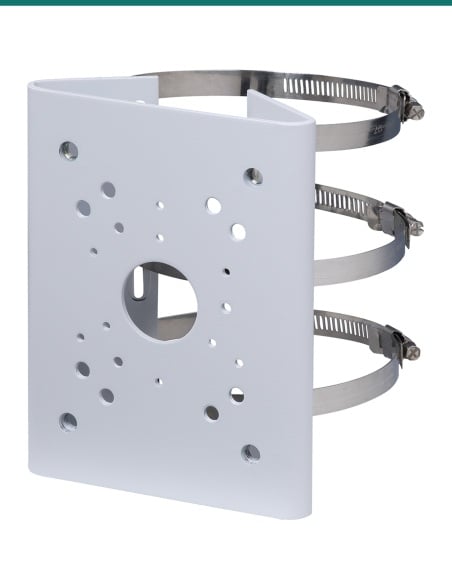
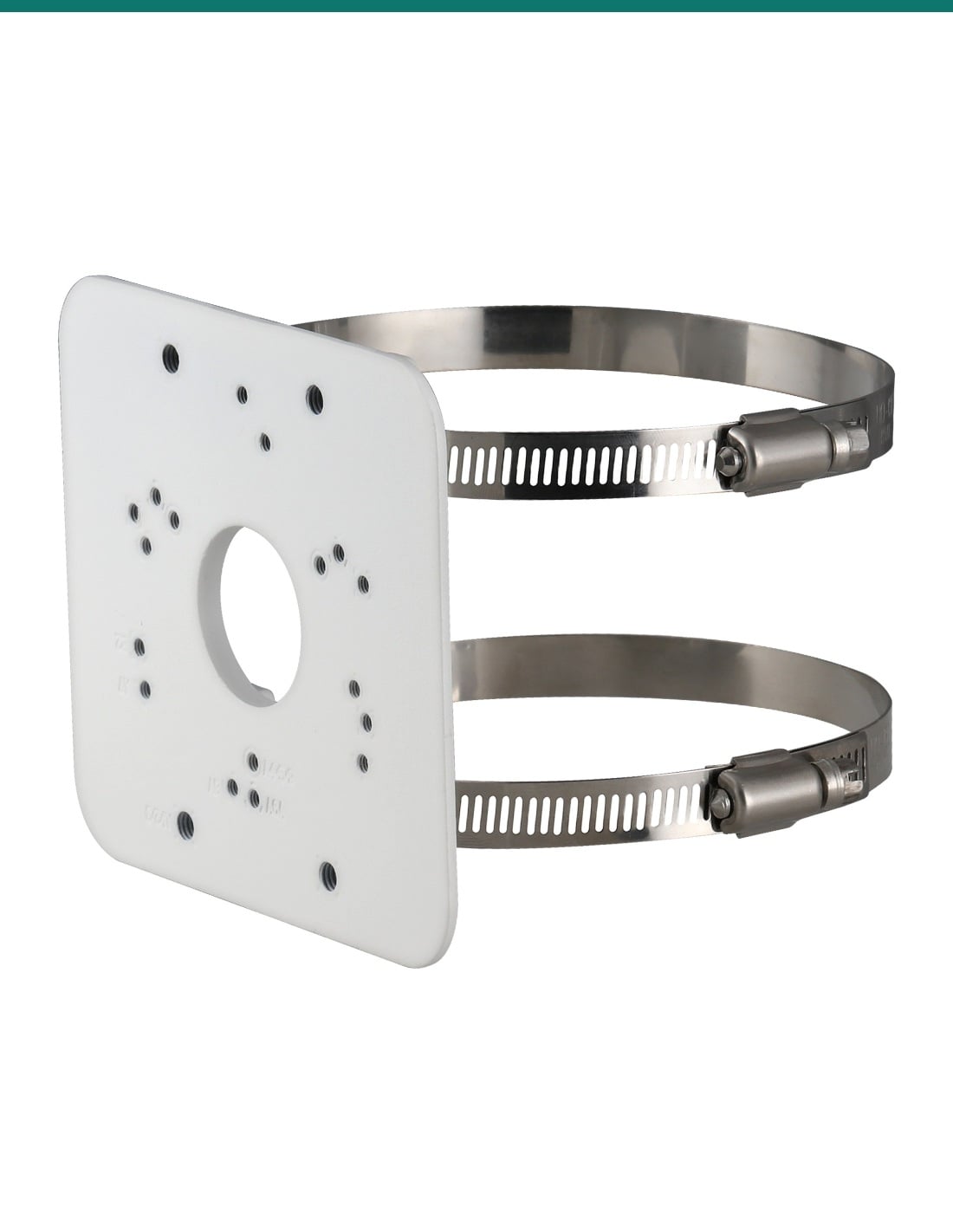
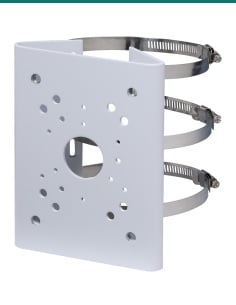
Dahua PFA152-E: a white aluminium pole mount plate with two stainless hoops that puts a Dahua junction box or wall bracket, and its camera, on a round pole.
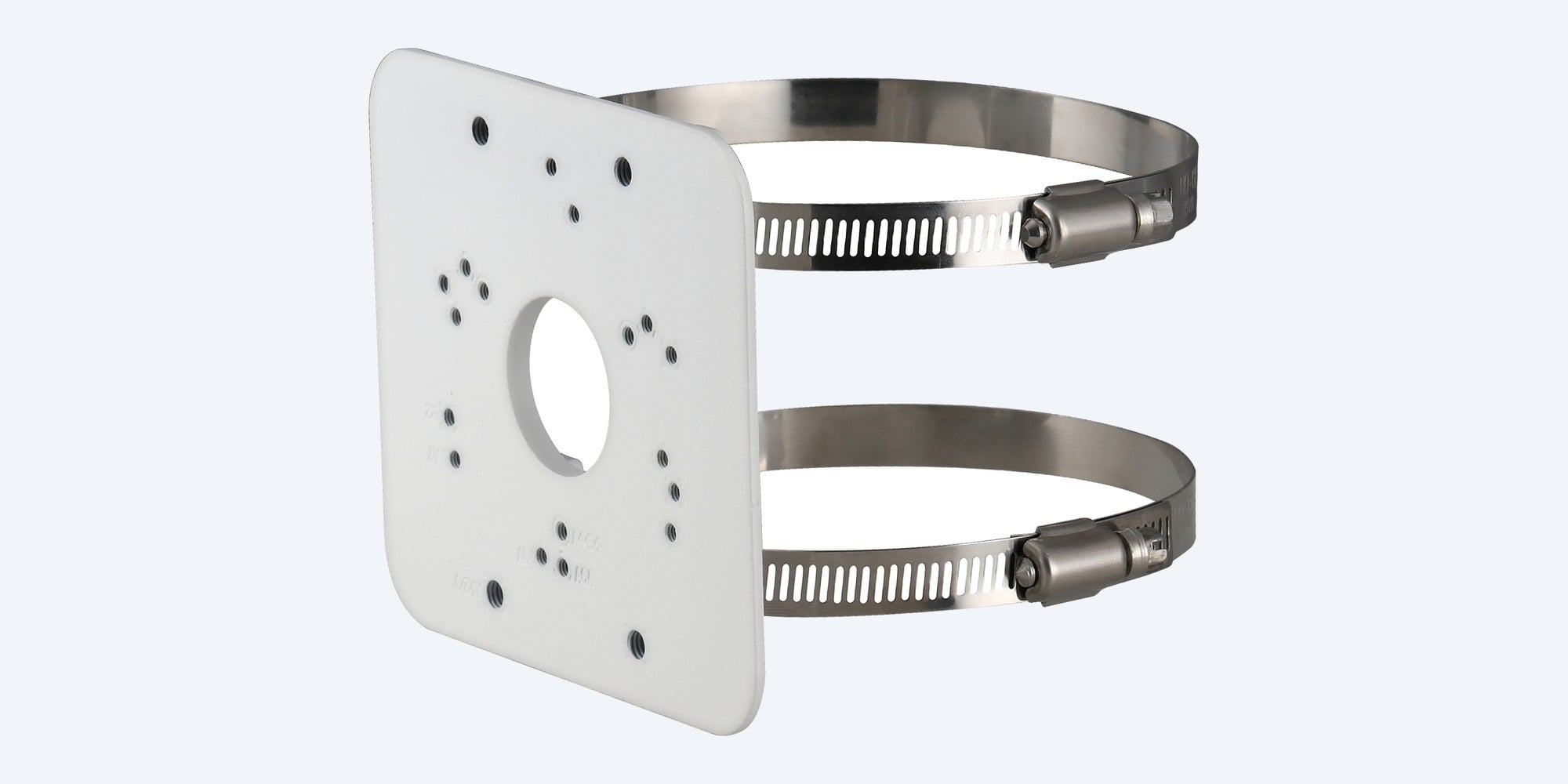
The Dahua PFA152-E is a white aluminium plate with two stainless steel hoops. It clamps to a round pole and takes a Dahua junction box or wall bracket, which then carries the camera.
In one sentence: the Dahua DH-AC-PFA152-E is a white aluminium pole mount plate, 125.6 × 114 × 20 mm and 0.26 kg, with two SUS304 stainless hoops for poles from 80 to 150 mm and a 3 kg load rating, listed on many Dahua camera datasheets.
Pole plate only. The camera and junction box are separate.
This listing is the PFA152-E plate, two hoops and screws. Most cameras fit it through a Dahua junction box or wall bracket, so check which one your camera uses before you order.
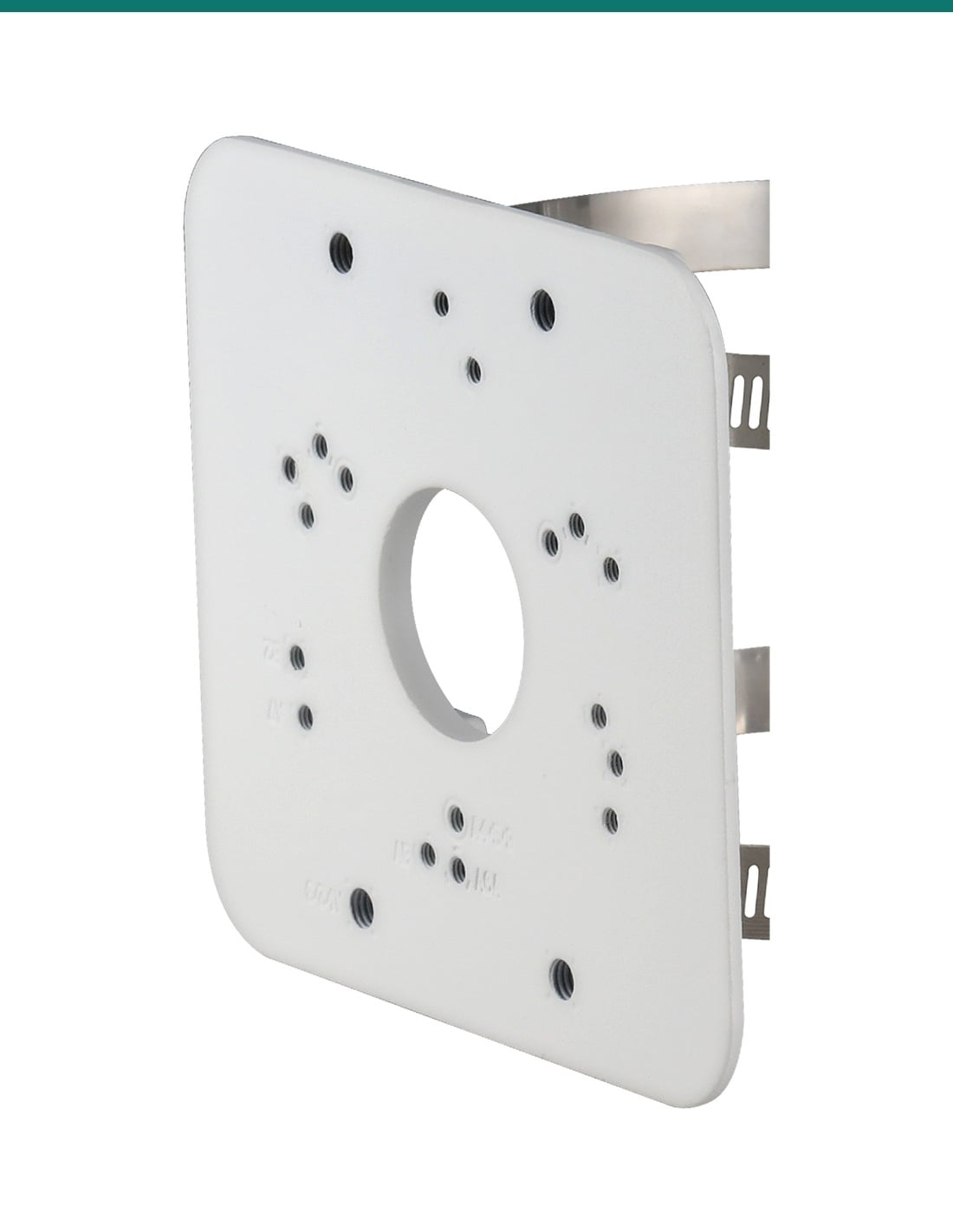
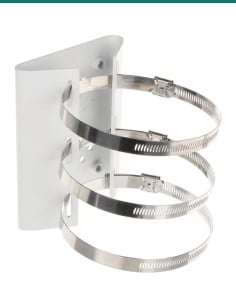
The two stainless hoops wrap round the pole and tighten with their worm-drive screws. The plate's tapped M4 and M6 holes line up with Dahua junction boxes and wall brackets, so the same mount you would use on a wall goes on the pole instead.

Mounting plate
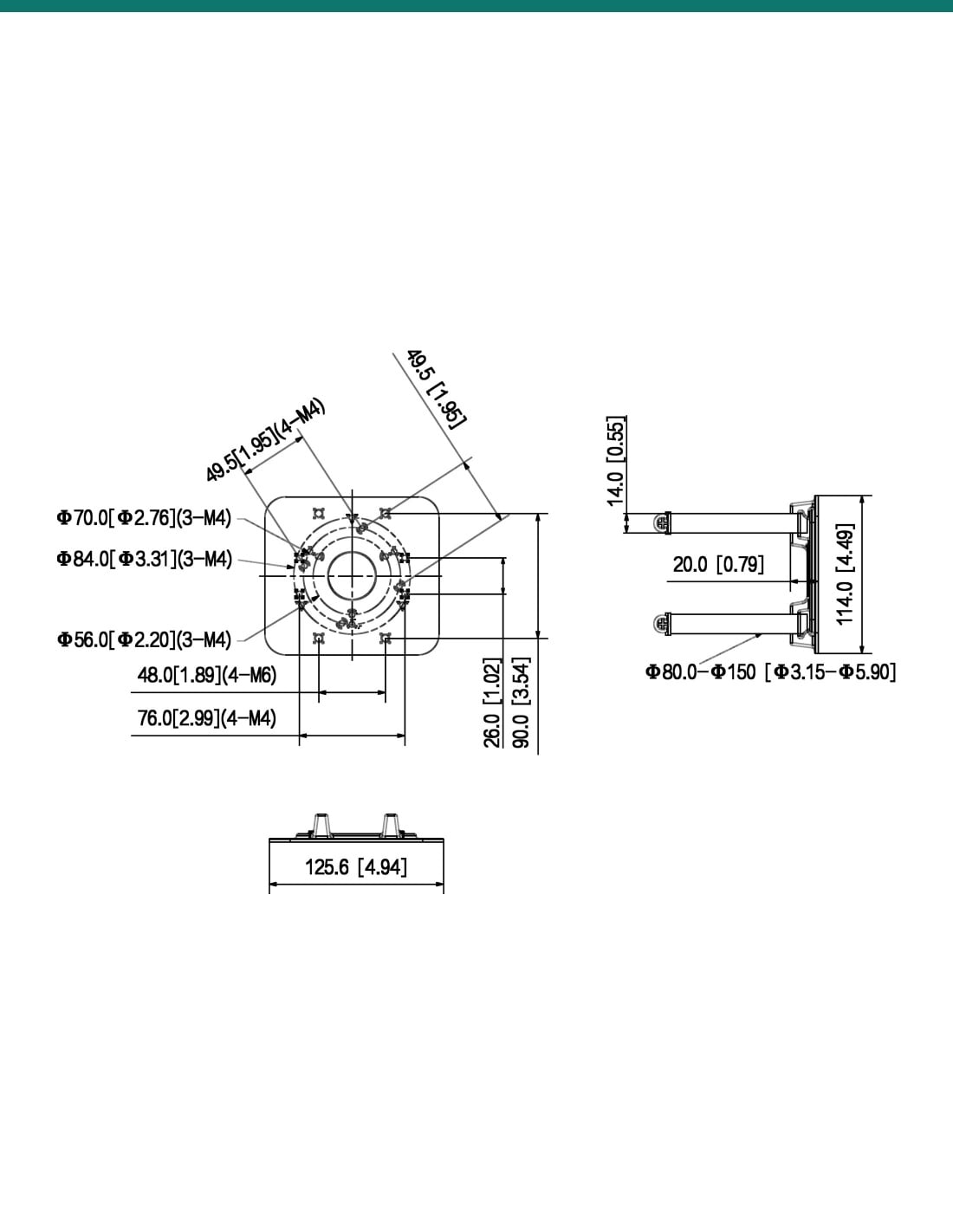
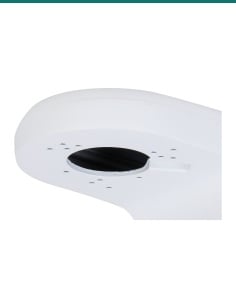
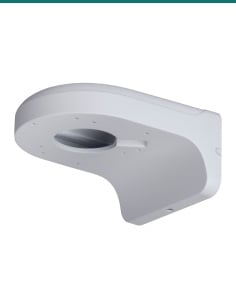
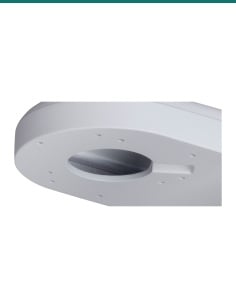
Dahua's drawing shows 3 × M4 holes on 56 mm, 70 mm and 84 mm circles, 4 × M4 holes at 76 mm and 49.5 mm spacing and 4 × M6 holes at 48 mm, around a centre opening for the cable. Close-up from Dahua's product photo.
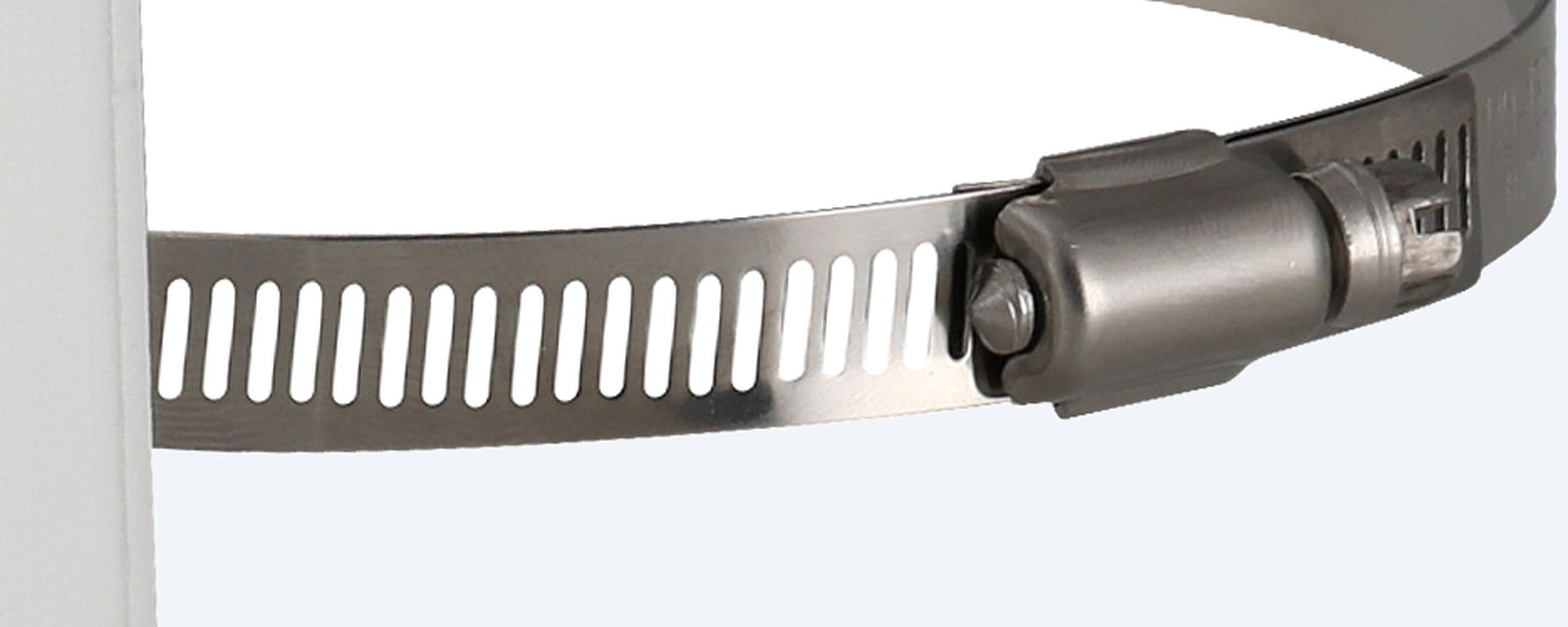
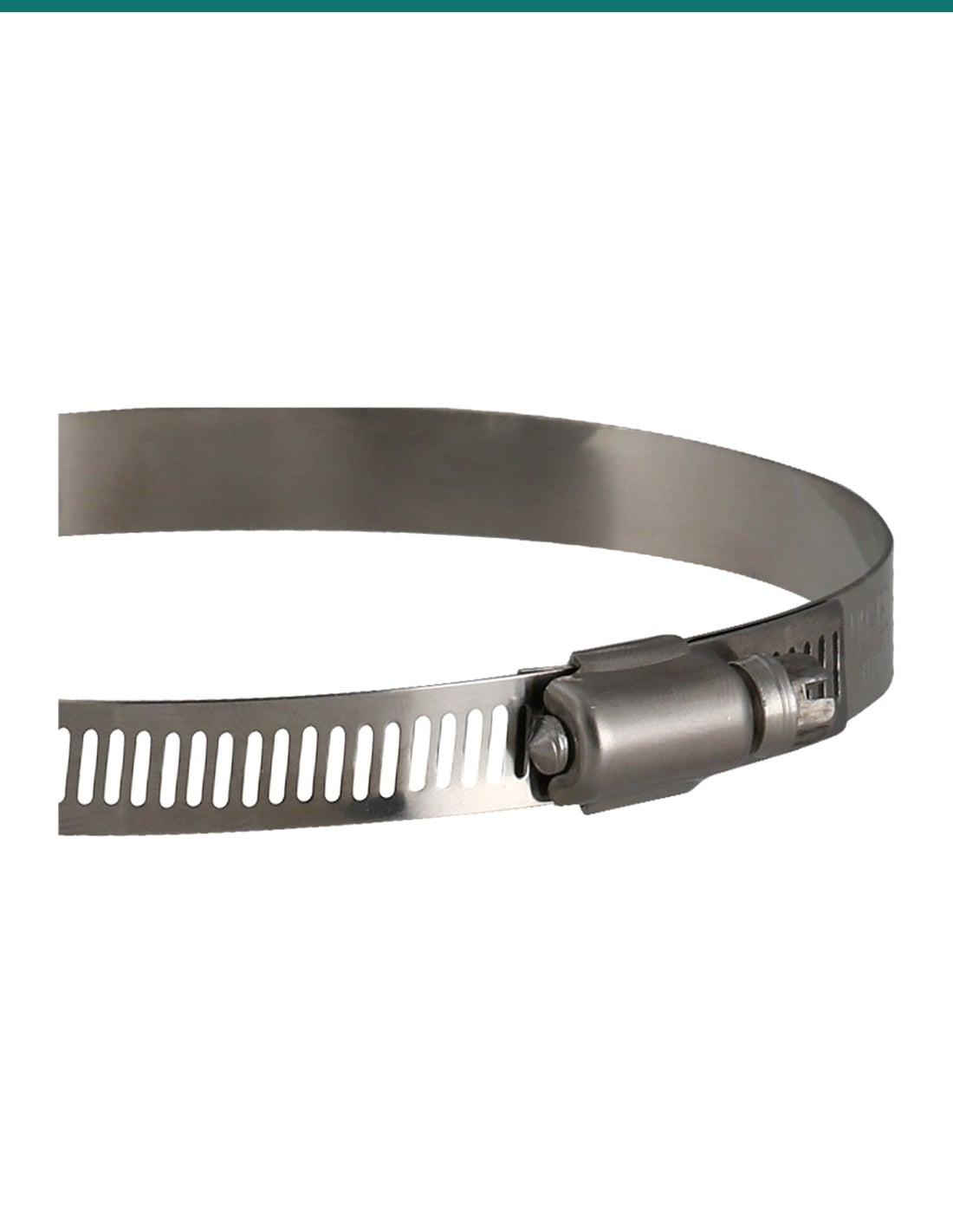
Hoops
The hoops fit poles from 80 mm to 150 mm across and tighten with a screwdriver or the supplied wrench. Close-up from Dahua's product photo.
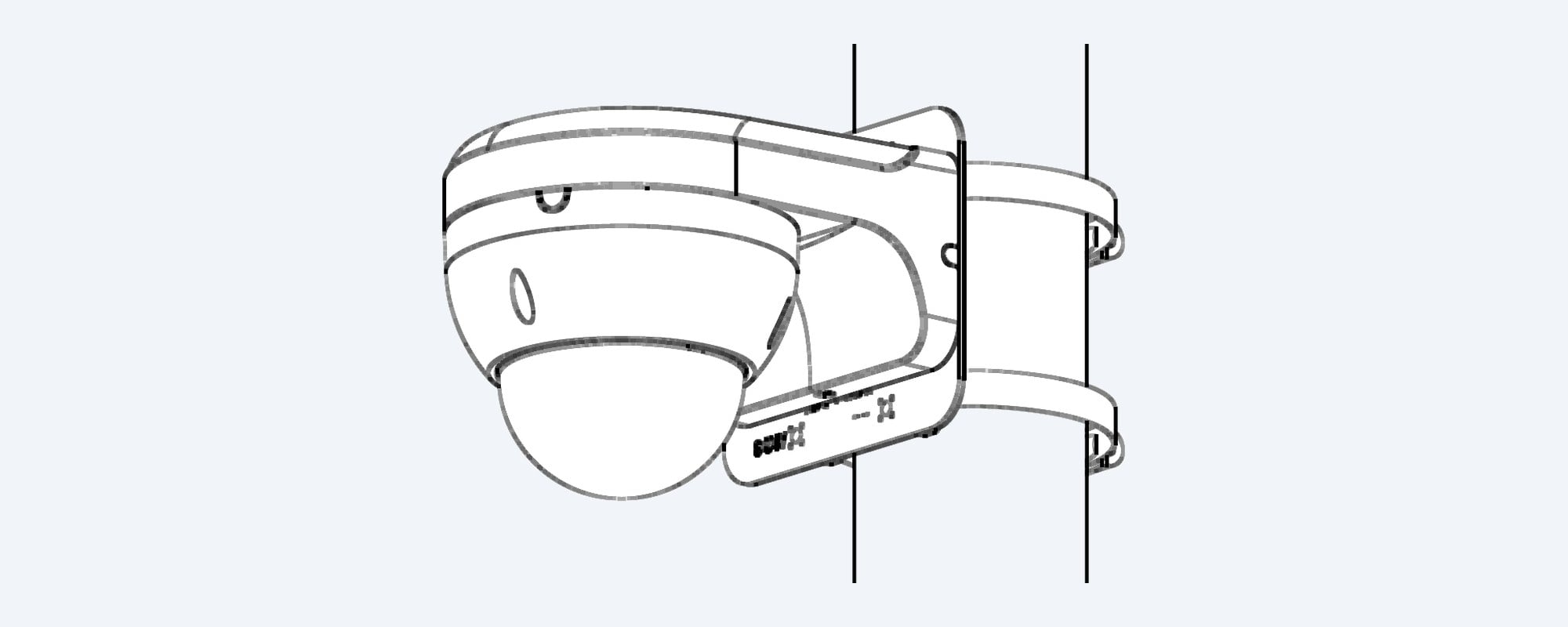
How it fits
Dahua's installation drawing for the PFA152-E: the plate clamps to the pole and a dome camera on its wall arm screws to the plate.
How it goes in
01
Confirm the junction box or wall bracket your camera uses, and that the pole is round and 80 to 150 mm across.
02
Feed the two stainless hoops through the plate, wrap them round the pole at the height you want and tighten the worm-drive screws.
03
Screw the junction box or wall bracket to the plate with the M4 or M6 screws, bringing the cable through the centre opening.
04
Connect the camera, fix it to the box or bracket, then aim it and recheck the hoops are tight.
At a glance
Show specs
Type
Pole mount bracket
Colour
White
Material
Aluminium alloy plate, SUS304 stainless hoops
Size
125.6 × 114.0 × 20.0 mm (L × W × H)
Net weight
0.26 kg
Load bearing
3.0 kg
Pole diameter
80 mm to 150 mm
Fixing holes
3 × M4 on 56, 70 and 84 mm circles; 4 × M4 at 76 mm and 49.5 mm; 4 × M6 at 48 mm (drawing)
Operating temperature
−40 °C to +60 °C
Operating humidity
Under 90% RH
Anti-corrosion level
Basic protection
In the box
Plate, 2 × hoops, 4 × M4×10 screws, 4 × M6×14 screws, S5.0 wrench
Packaging
146 × 65 × 147 mm, 0.36 kg
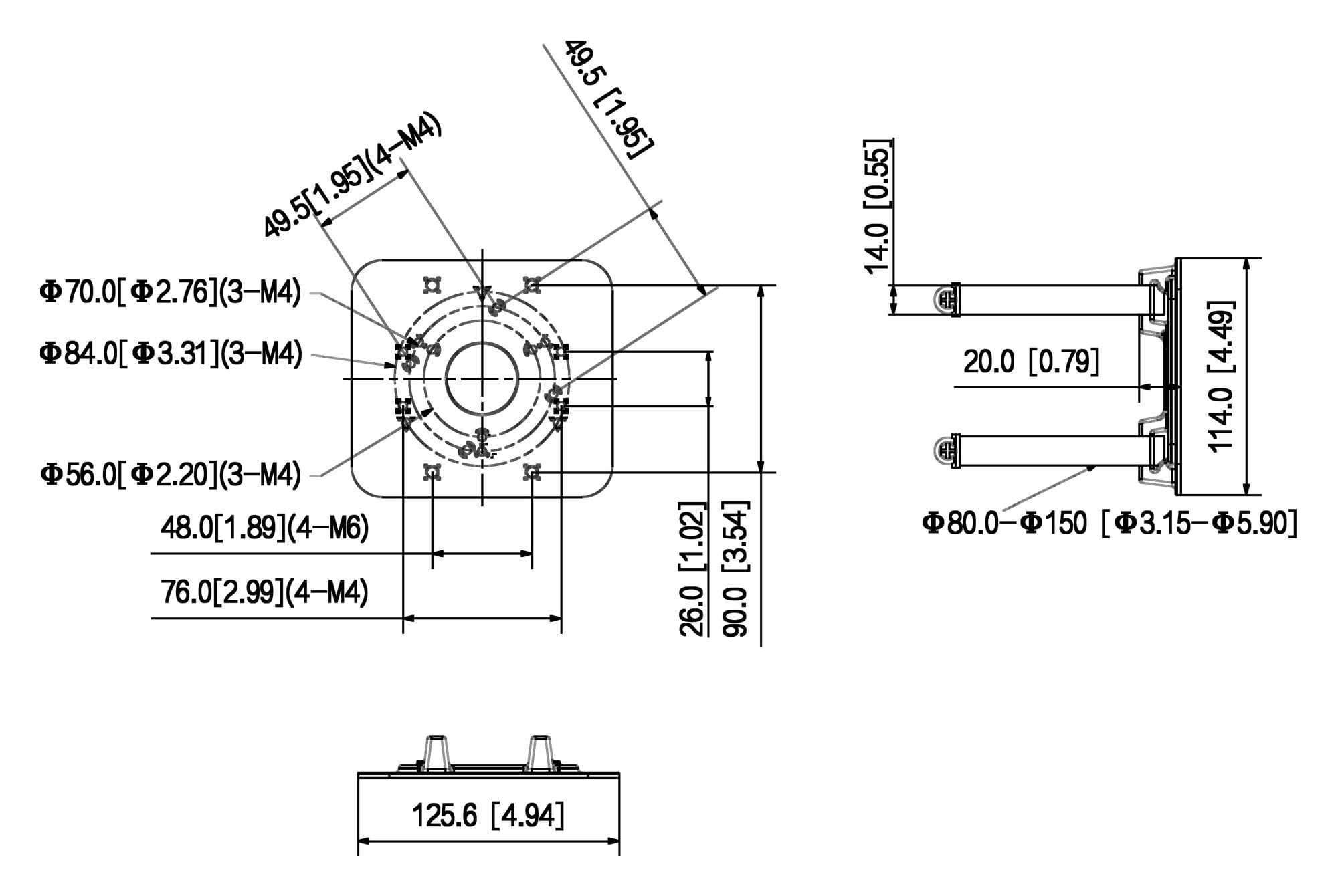
Dahua dimension drawing, measurements in mm [inch].
Works with
From Dahua's own camera datasheets and its Camera Accessories Selection guide (Oceania, December 2025). Most cameras need a junction box or wall bracket between the camera and this plate; the camera datasheet or the guide says which. If your model is not here, confirm fit with us.
Show the full list
IPC-HDW3849H-AS-PV, IPC-HDW3649H-AS-PV-PRO, IPC-HDW3849H-ZAS-PV, IPC-HDW3549H-AS-PV
Camera datasheets list PFA152-E as the pole mount
IPC-HFW3849T1-AS-PV, IPC-HFW3549T1-AS-PV, IPC-HFW3549T1-ZAS-PV
Camera datasheets list PFA152-E
IPC-HFW3867E-AS-IL, IPC-HDW3867EM-S-IL
Camera datasheets list PFA152-E
IPC-HFW3466E-AS, IPC-HFW3466T-AS-P, IPC-HFW3666T-ZAS, IPC-HFW3866T-ZAS, IPC-HFW3866E-AS
Camera datasheets list PFA152-E
IPC-HDBW3466F-AS, IPC-HDBW3666R-ZAS, IPC-HDBW3866R-ZAS, IPC-HDBW3866E-AS
Camera datasheets list PFA152-E
IPC-HDW3666T-ZS, IPC-HDW3866T-ZS, IPC-HDW2831TM-AS
Camera datasheets list PFA152-E
IPC-HFW5541T-AS-PV, IPC-HFW5442E-ZE, IPC-HDBW5541R-ASE, IPC-HDBW5631R-ZE
Camera datasheets list PFA152-E
HAC-HDBW2501R-Z, IPC-HFW2831S-S (with PFA134)
Camera datasheets list PFA152-E
SD3E405DB-GNY-A-PV1 mini PTZ (with PFA121)
Camera datasheet lists PFA152-E
Dahua junction boxes PFA121, PFA123, PFA130-E, PFA134, PFA136, PFA137, PFA139, PFA13A-E
Selection guide shows them on the PFA152-E
Dahua junction boxes PFA2310R, PFA3300R, PFA3310R
Selection guide shows them on the PFA152-E
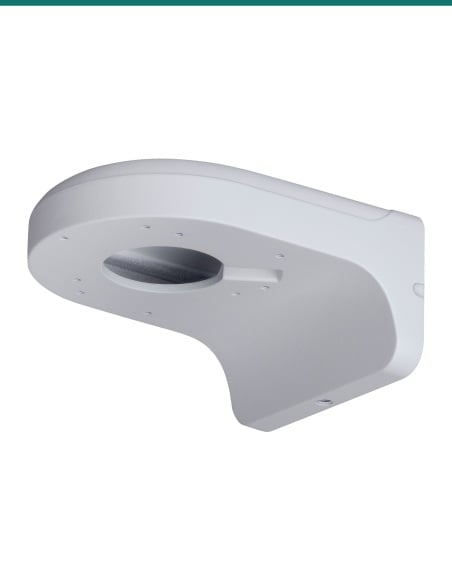
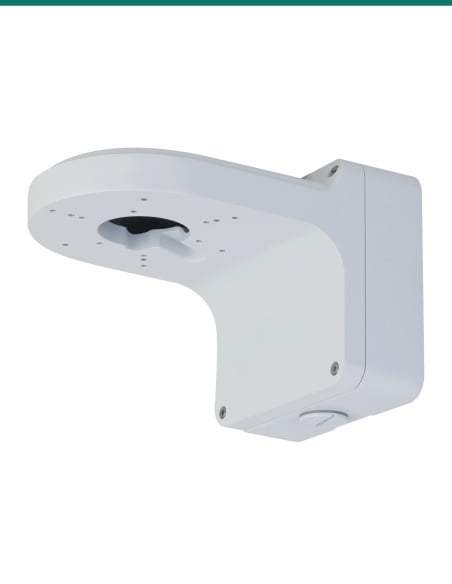
Dahua wall brackets PFB204W, PFB205W-E, PFB211W
Selection guide shows them on the PFA152-E
Pair it with
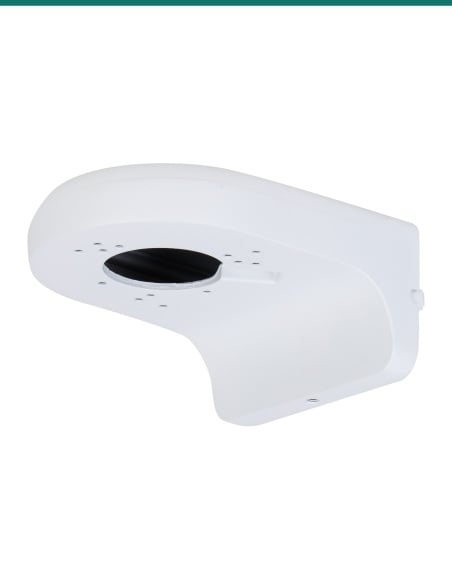
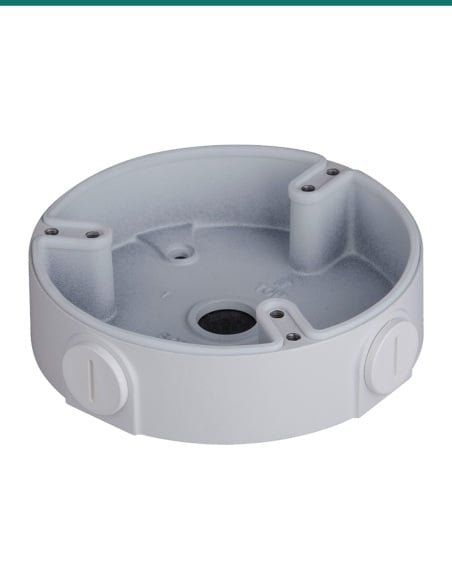
Junction box
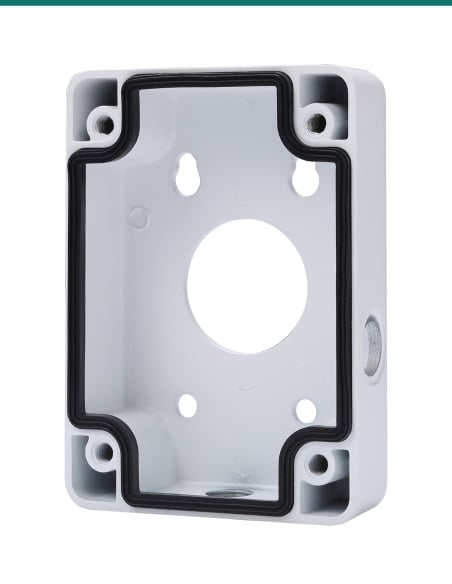
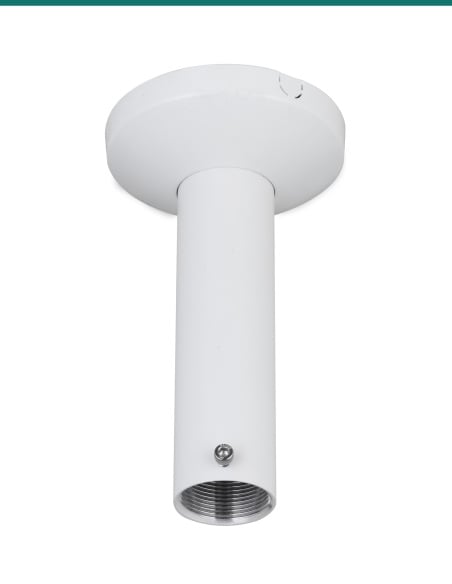
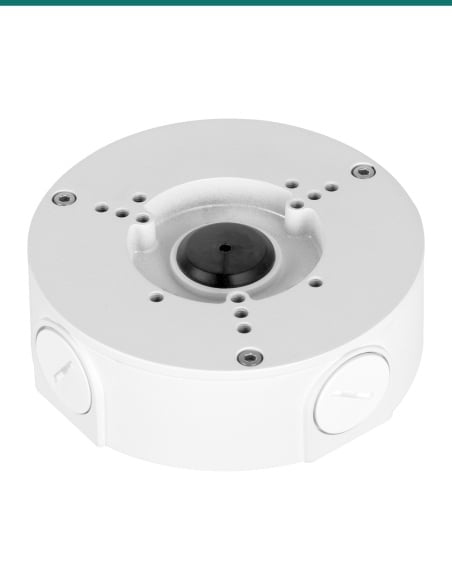
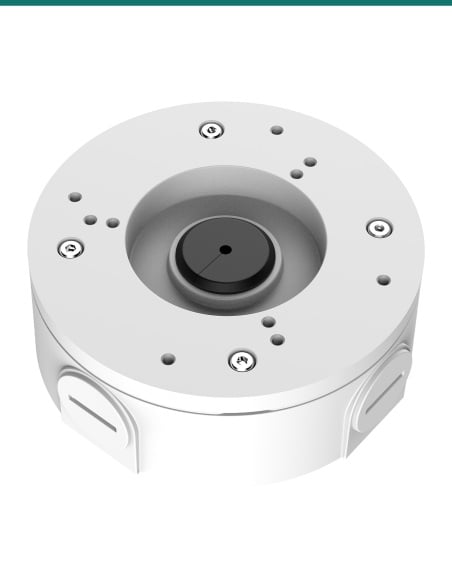
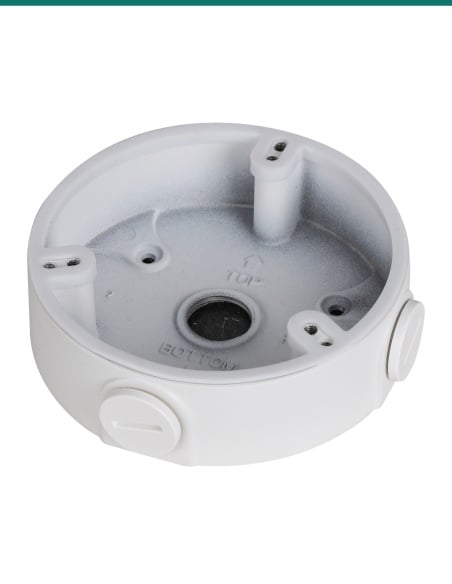
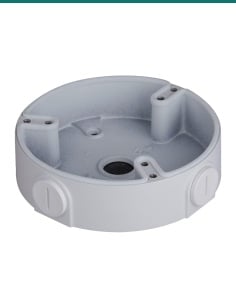
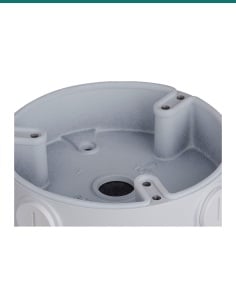
Dahua water-proof junction boxes that sit between the camera and this plate. Your camera's datasheet names the one it uses.
Bullet junction box
For the bullet cameras that Dahua lists with these boxes, such as the IPC-HFW3867E-AS-IL with the PFA134.
Wall arm
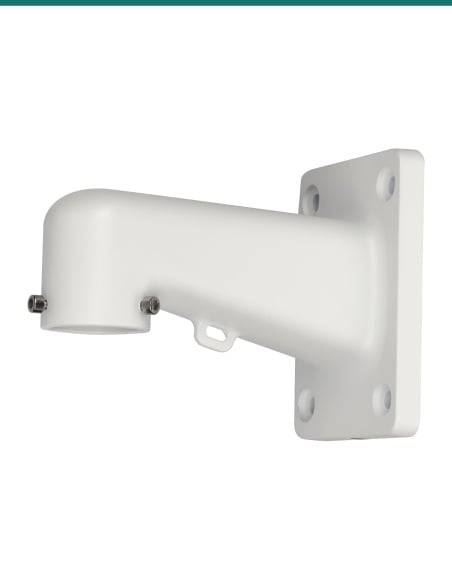
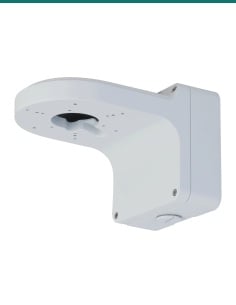
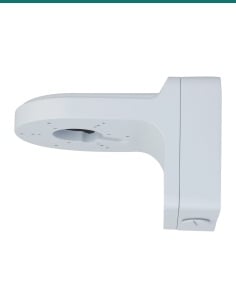
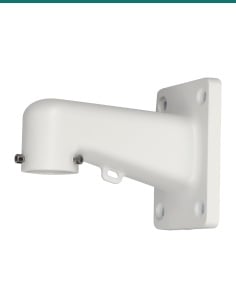
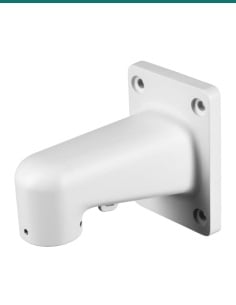
Dahua's guide shows the PFB204W eyeball bracket on this plate, for a camera that stands out from the pole.
Heavier cameras
Rated for 7 kg, for PTZ cameras on the PFB305W wall arm. The PFA152-E is rated for 3 kg.
Where it is used
Cameras on light poles over parking bays, entries and boom gates.
Posts at gates, sheds and driveways where there is no wall to fix to.
Cameras on site poles watching compounds, plant and materials.
Ovals, paths and play areas covered from existing poles.
Perimeter fences and yard poles around loading areas.
Awning posts and verandah columns in front of shops.
| PFA152-E (this mount) | PFA150 | |
|---|---|---|
| Load bearing | 3.0 kg | 7.0 kg |
| Pole diameter | 80 to 150 mm | 80 to 150 mm |
| Material | Aluminium alloy, SUS304 hoops | SECC, SUS304 |
| Size | 125.6 × 114.0 × 20.0 mm | 130.4 × 170 × 45 mm |
| Weight | 0.26 kg | 1.1 kg |
| Hoops in the box | 2 | 3 |
| Screws in the box | 4 × M4, 4 × M6 | 4 × M8 |
Figures from Dahua's PFA152-E datasheet (2025) and PFA150 datasheet.
Round poles from 80 mm to 150 mm in diameter, with the two stainless steel hoops supplied.
No. This listing is the plate, two hoops, 4 M4 screws, 4 M6 screws and a wrench. The camera and its junction box or wall bracket are sold separately.
Dahua lists the PFA152-E on many camera datasheets, including the IPC-HDW3849H-AS-PV, IPC-HFW3849T1-AS-PV, IPC-HFW3867E-AS-IL and IPC-HDW3867EM-S-IL. The full list is in the Works with box.
Usually not. Most Dahua cameras go on a junction box or wall bracket first, and that screws to the plate. The camera's datasheet names the box or bracket it uses.
3.0 kg, according to Dahua's datasheet. That covers the camera plus its junction box or bracket.
An aluminium alloy plate with SUS304 stainless steel hoops, finished in white.
125.6 × 114.0 × 20.0 mm and 0.26 kg.
Dahua specifies it for round poles from 80 to 150 mm. For a square post or a wall, ask us about a different mount.
Through the centre opening in the plate into the junction box or bracket, so it can run down inside a hollow pole or along it.
Dahua's selection guide shows the PFA121, PFA123, PFA130-E, PFA134, PFA136, PFA137, PFA139, PFA13A-E, PFA2310R, PFA3300R and PFA3310R on it, and the PFB204W, PFB205W-E and PFB211W wall brackets.
The PFA150 is a heavier steel pole mount rated for 7 kg, used with PTZ cameras on the PFB305W arm. The PFA152-E is lighter, rated for 3 kg, for fixed cameras on junction boxes and wall brackets.
Dahua rates it for −40 °C to +60 °C and humidity under 90% RH, with a basic anti-corrosion level.
Not sure which junction box or bracket goes between your camera and the pole? Call 1300 736 970 or email [email protected]. The Dahua datasheet is on the Attachments tab.
Mechanical part only. The PFA152-E holds the camera mount. It carries no power or data; follow the camera guide for its connections.
Load. Rated for 3.0 kg, including the junction box or bracket. Check both weights before you mount them.
Working at height. Pole installs are usually high. Use a rated ladder or elevated work platform, and check the pole is sound.
Cabling. Concealed data cabling to the camera is customer cabling under AS/CA S009 and needs an ACMA-registered cabler. Power at the pole needs a licensed electrician.
Corrosion. Dahua gives it a basic anti-corrosion level. Near the coast or chemicals, ask us about other options.
Figures. From Dahua's PFA152-E datasheet (Rev 002.000, 2025), its camera datasheets and its Camera Accessories Selection guide (Oceania, December 2025).


Need help choosing?
Tell us about your property and we'll recommend the right cameras and recorder.
07 5609 4910Sydney 02 8814 6008
[email protected]
Mon–Fri, 9am–5pm AEST
20 related items