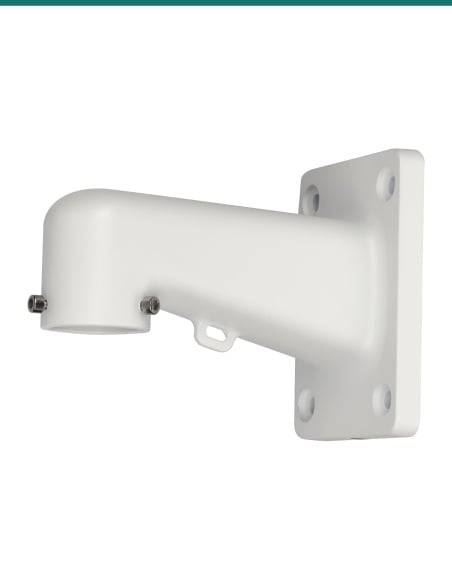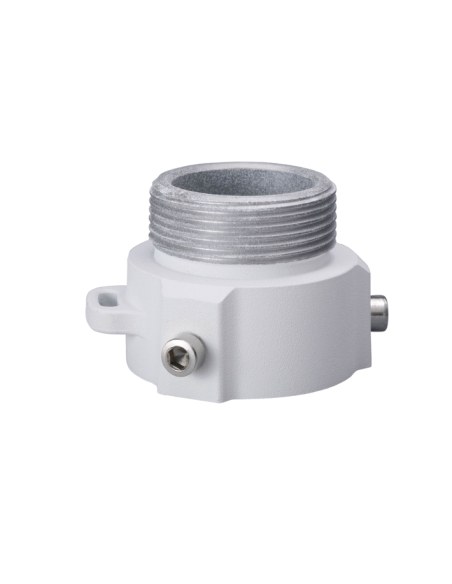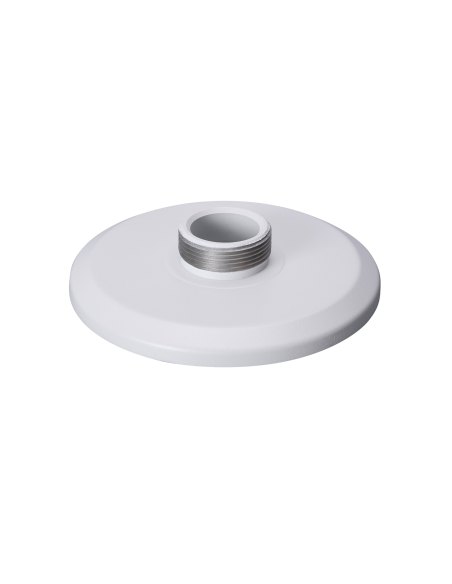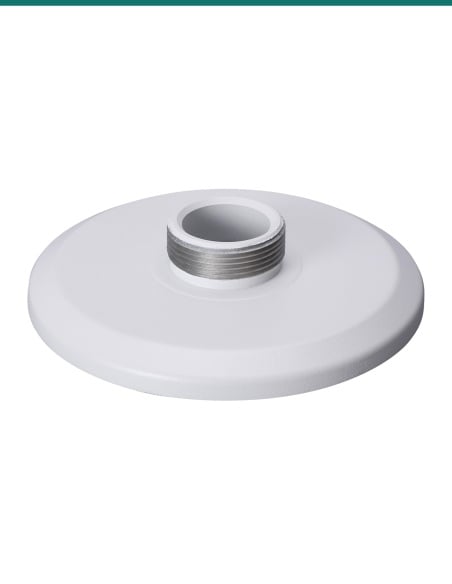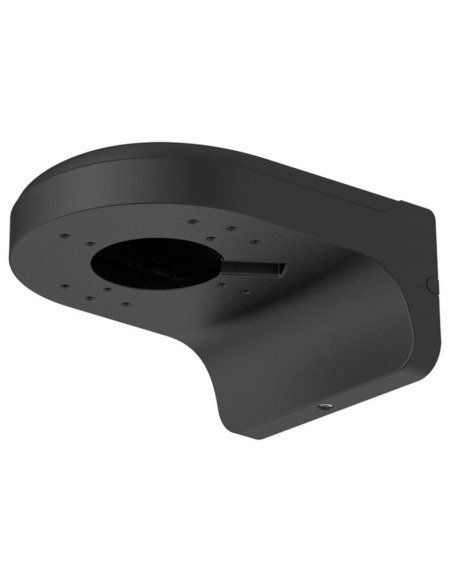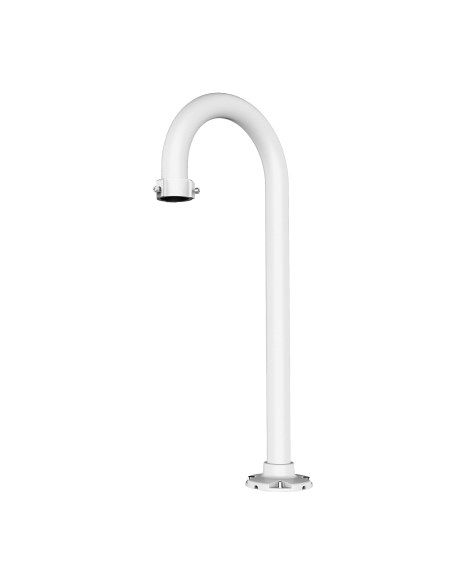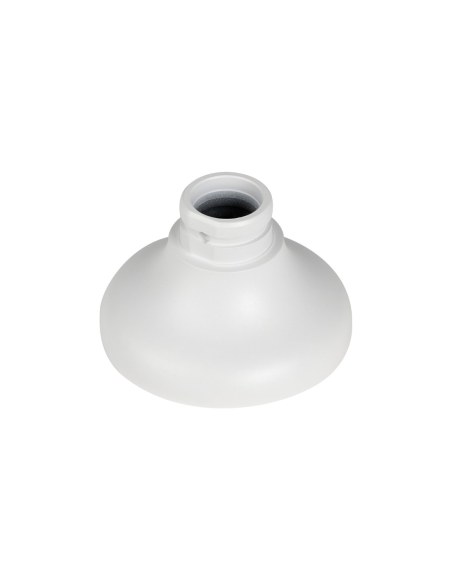
Dahua · Camera mounts · Junction box
A sealed box behind the camera.
IP66, G3/4 outlets, water joint included.
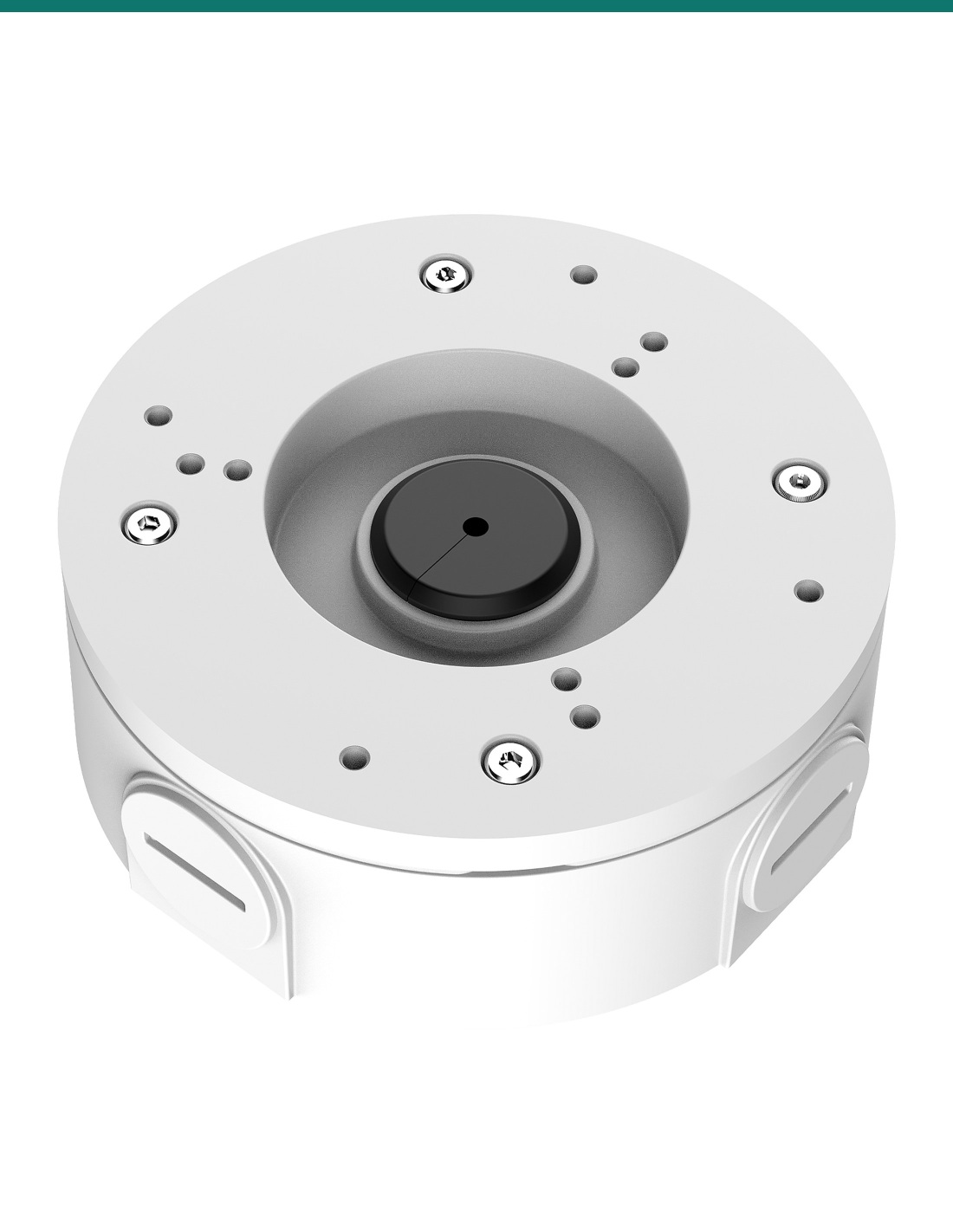
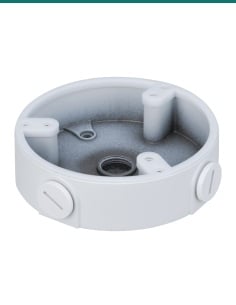
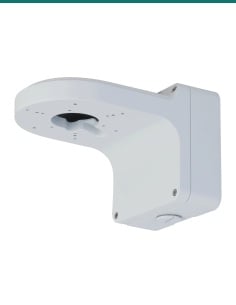
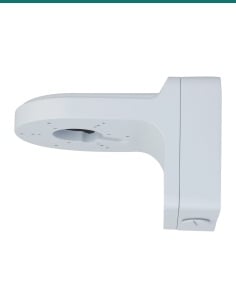
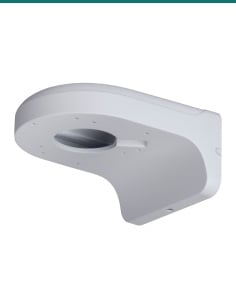
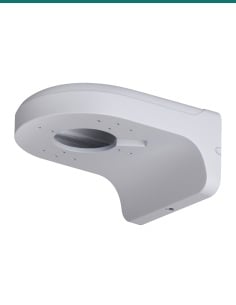
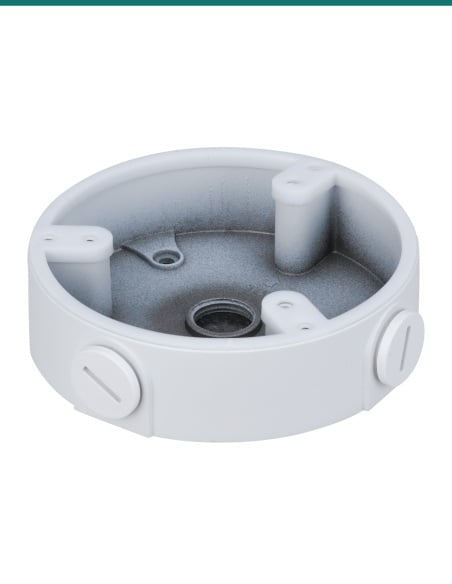
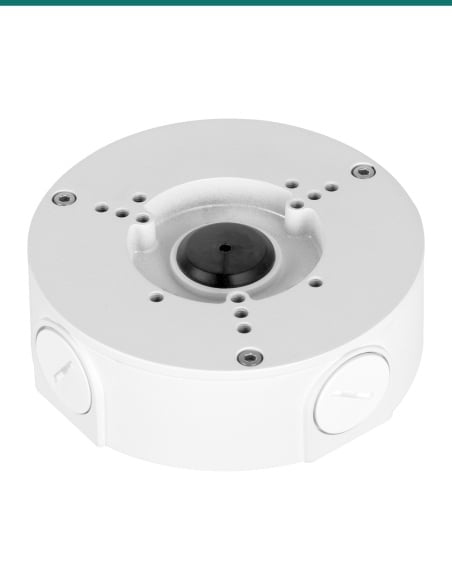
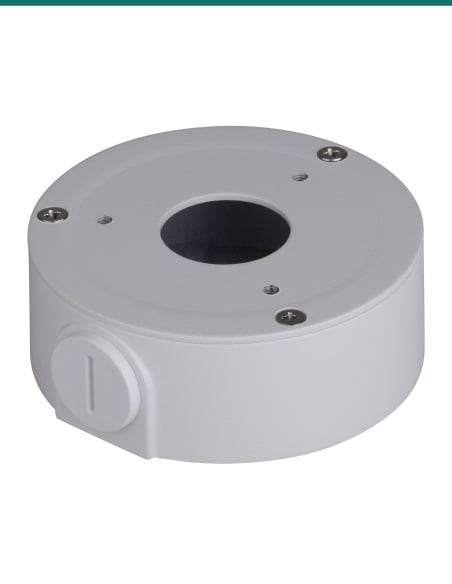
The Dahua PFA5300R sits between the wall or ceiling and the camera, giving the cable joins a weatherproof place to live, with G3/4 outlets in the side and the base. Dahua's accessory guide lists it for the IPC-PFW5849-A180-E2-ASTE multi-sensor camera.
In one sentence: the Dahua DH-AC-PFA5300R is a white IP66 aluminium alloy junction box, Φ123.4 × 44.9 mm and 0.39 kg, rated to carry 3.0 kg, with G3/4 side and base outlets and a water joint in the box, that Dahua lists for its IPC-PFW5849-A180-E2-ASTE camera.
Junction box only. The camera is sold separately.
This listing is the PFA5300R junction box with its fixings. Dahua lists it for one camera; for any other model, confirm fit with us before you order.
In the box- PFA5300R junction box
- 4 × M4×10 screws (camera to box)
- 3 × ST4×25 screws (box to wall or ceiling)
- 3 × expansion bolts
- S3.0 wrench
- Water joint
- Mounting sticker
You also need- A compatible Dahua camera
- Network cable to the camera
- Conduit, if the cable runs on the surface to the side outlet
The connectors go in the box, not in the weather.
Screw the box to the wall or ceiling, bring the cable in through the base or a side outlet, make the connections inside, then fix the camera base to the face of the box with the M4 screws. The camera's plug and spare cable sit in an IP66 enclosure instead of a hole in the wall.
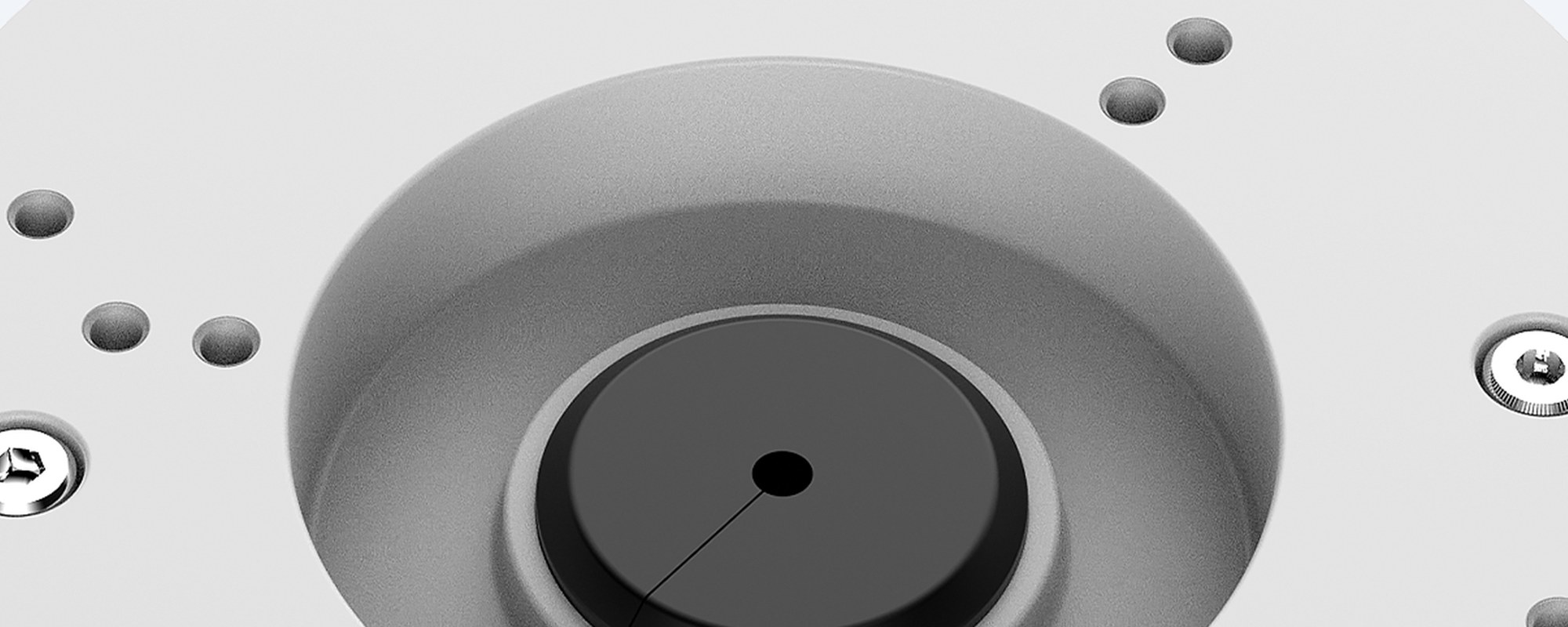
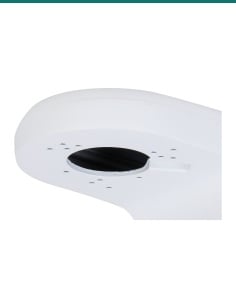
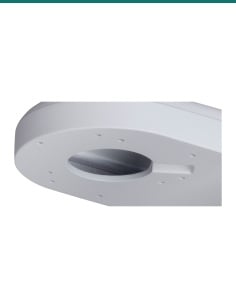
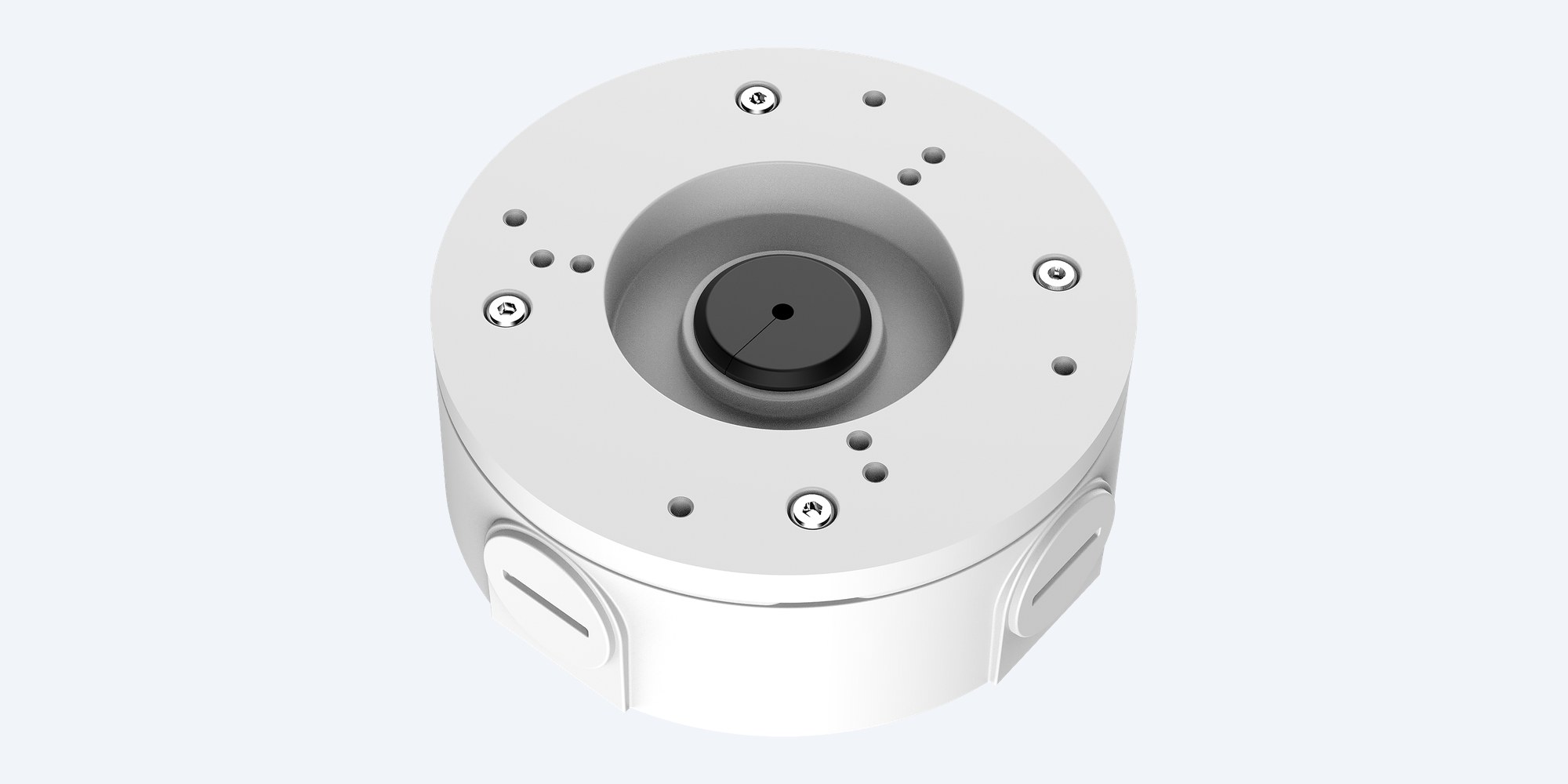
Camera face
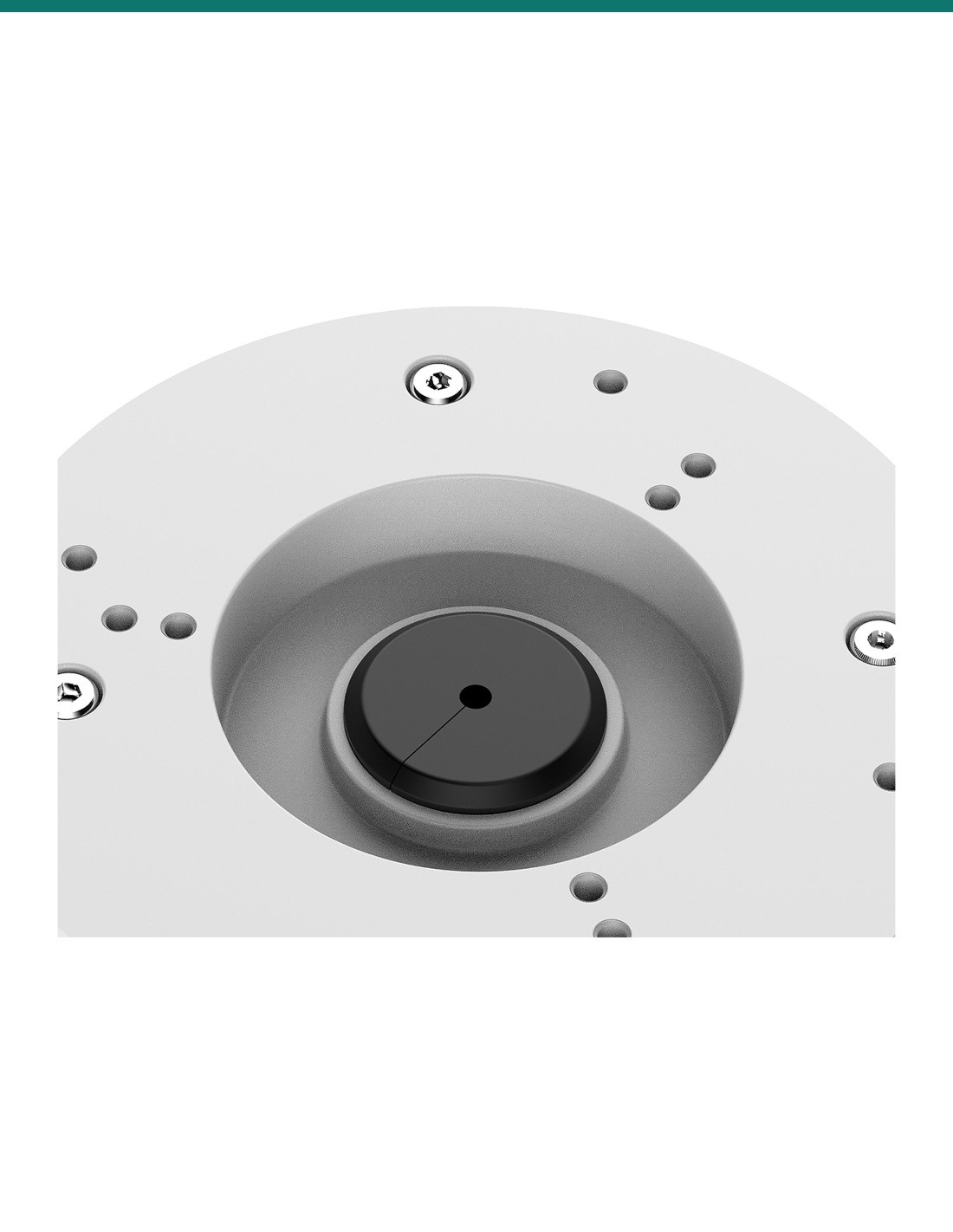
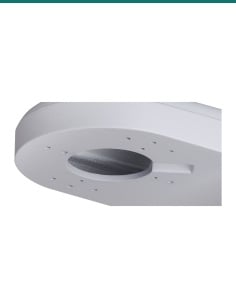
M4 holes around a sealed cable grommet.
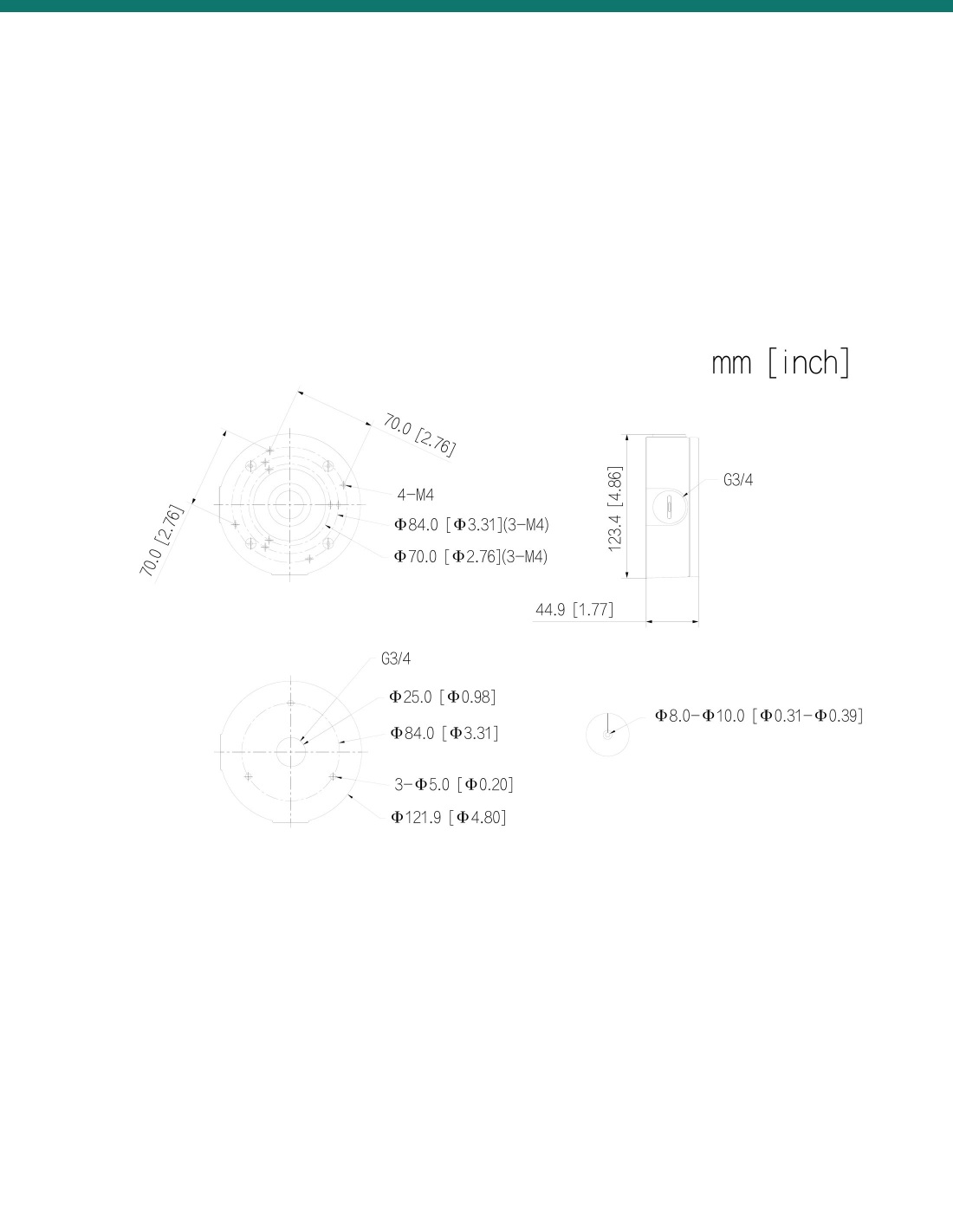
Dahua's drawing shows four M4 holes on a 70 mm square and three-hole M4 patterns on 70 and 84 mm circles, around a rubber grommet that the camera cable passes through. Close-up from Dahua's product photo.
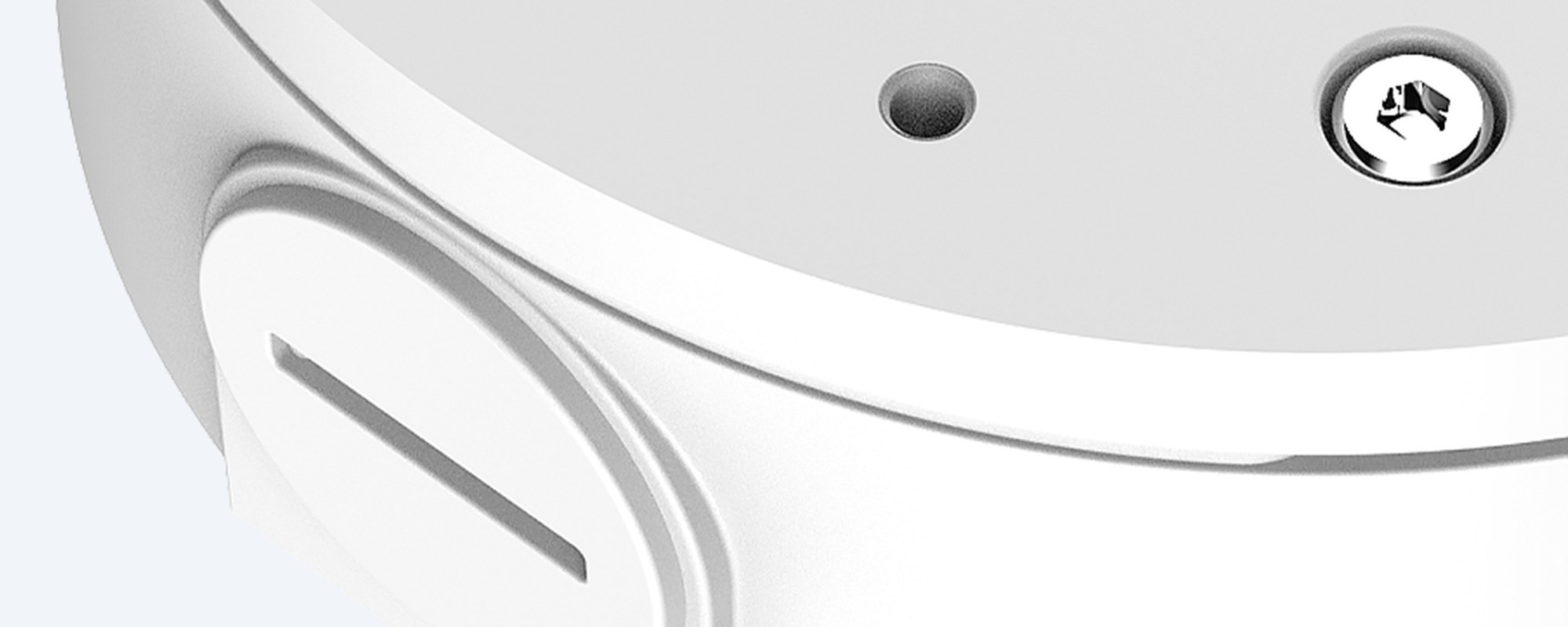
Side outlet
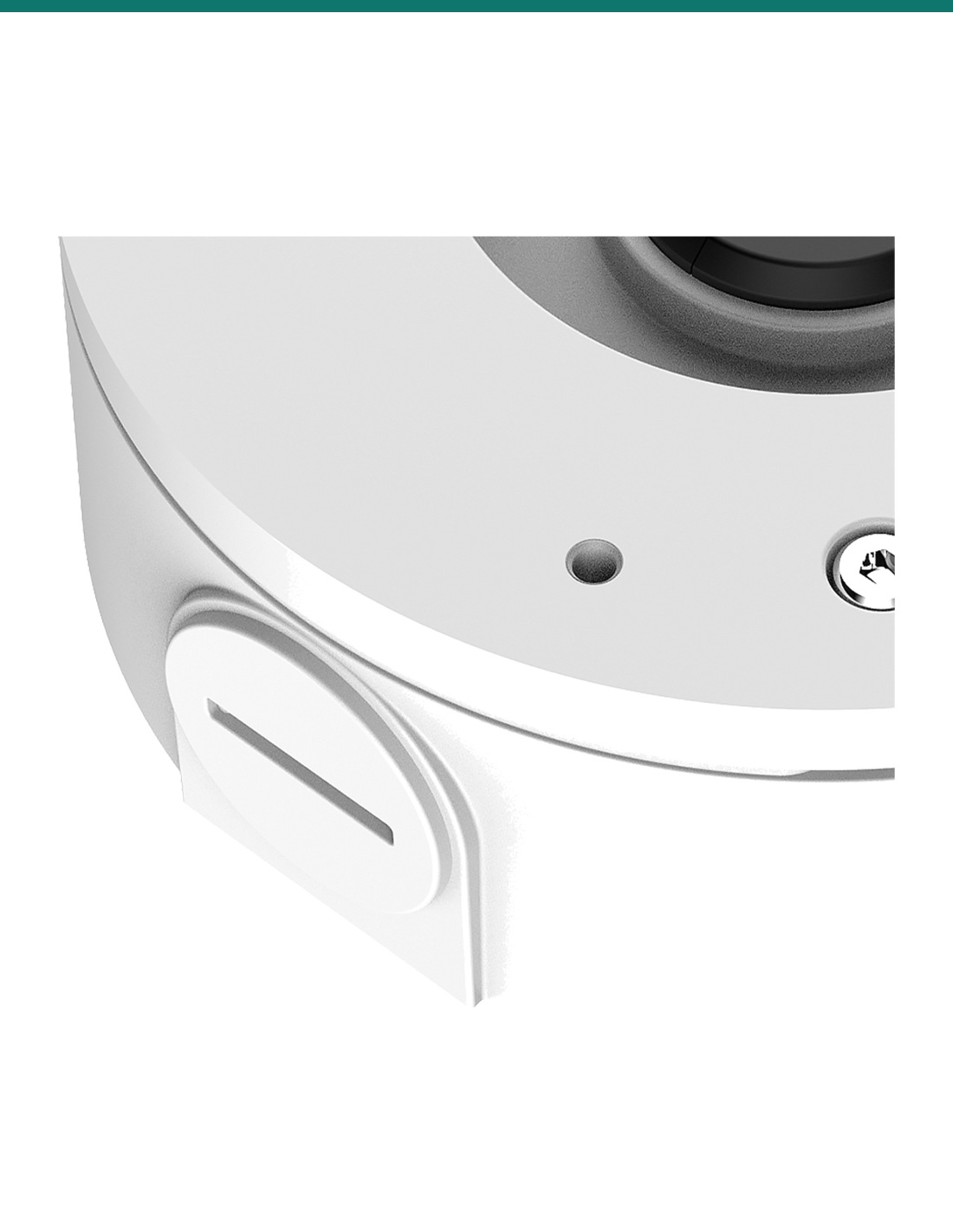
G3/4 in the side and the base.
The side outlet is G3/4 and closed with a screw cap until you need it; the base has a second G3/4 opening around a 25 mm centre hole. Fit the supplied water joint to whichever one the cable uses. Close-up from Dahua's product photo.
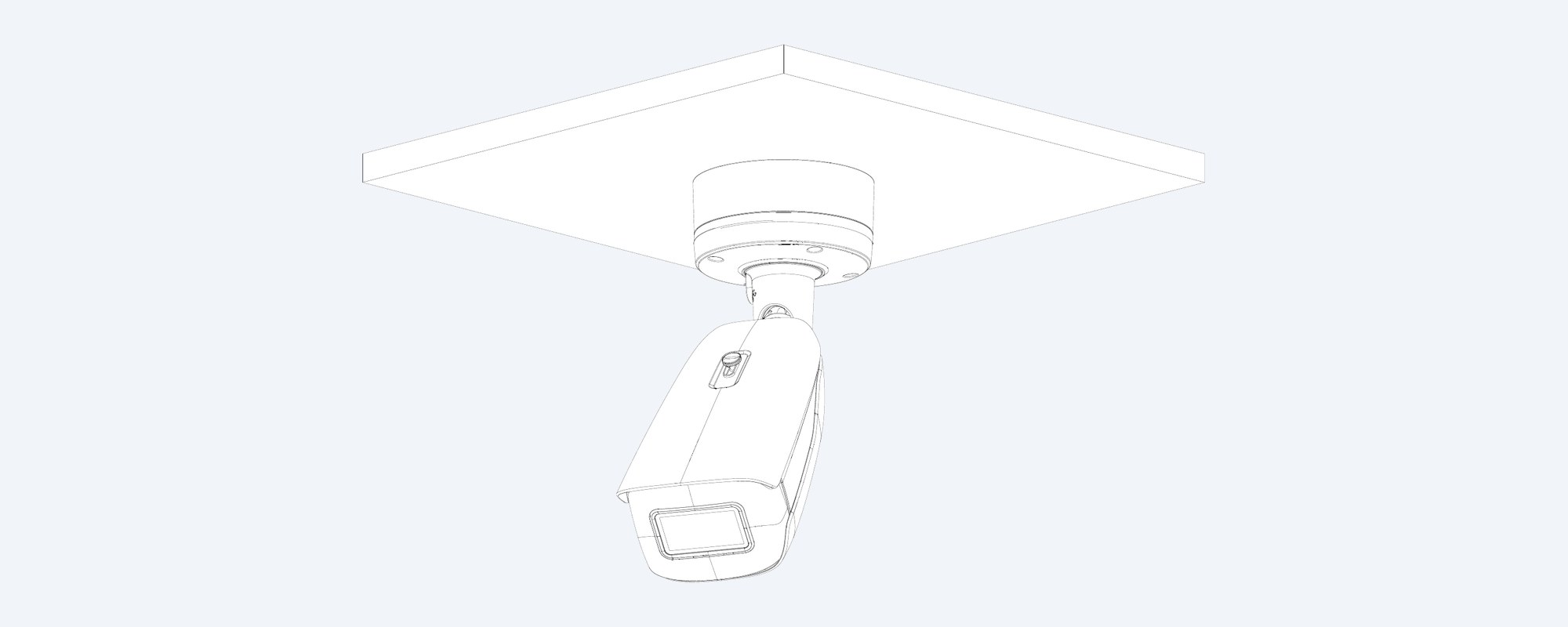
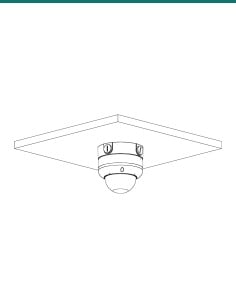
Junction mount
Box on the ceiling, camera on the box.
Dahua's installation drawing shows the PFA5300R fixed flat to a ceiling with the camera mounted straight onto its face. The same goes on a wall.
How it goes in
From bare surface to mounted camera.
01
Check the camera
Confirm with us that your camera fits the PFA5300R, and decide whether the cable comes through the base or along the surface to the side outlet.
02
Fix the box
Mark the three Φ5 mm holes (on an 84 mm circle), drill, then screw the box to the wall or ceiling with the ST4×25 screws and expansion bolts.
03
Bring in the cable
Fit the water joint to the base or side outlet you are using, feed the cable through it, then out through the centre grommet to the camera.
04
Mount the camera
Make the connections, tuck the spare cable into the box, fix the camera base to the box face with the M4×10 screws, then aim it.
At a glance
DH-AC-PFA5300R
Show specs
Type
Junction box (junction mount)
Net weight
0.39 kg (0.51 kg packed)
Thread
G3/4, in the side and the base (drawing)
Camera fixing
4 × M4 on a 70 × 70 mm square; 3 × M4 on 70 and 84 mm circles (drawing)
Surface fixing
3 × Φ5.0 mm holes on an 84.0 mm circle, Φ25 mm centre hole (drawing)
Operating temperature
−40 °C to +60 °C
Operating humidity
Under 90% RH
In the box
Junction box, 4 × M4×10 screws, 3 × ST4×25 screws, 3 expansion bolts, S3.0 wrench, water joint, mounting sticker
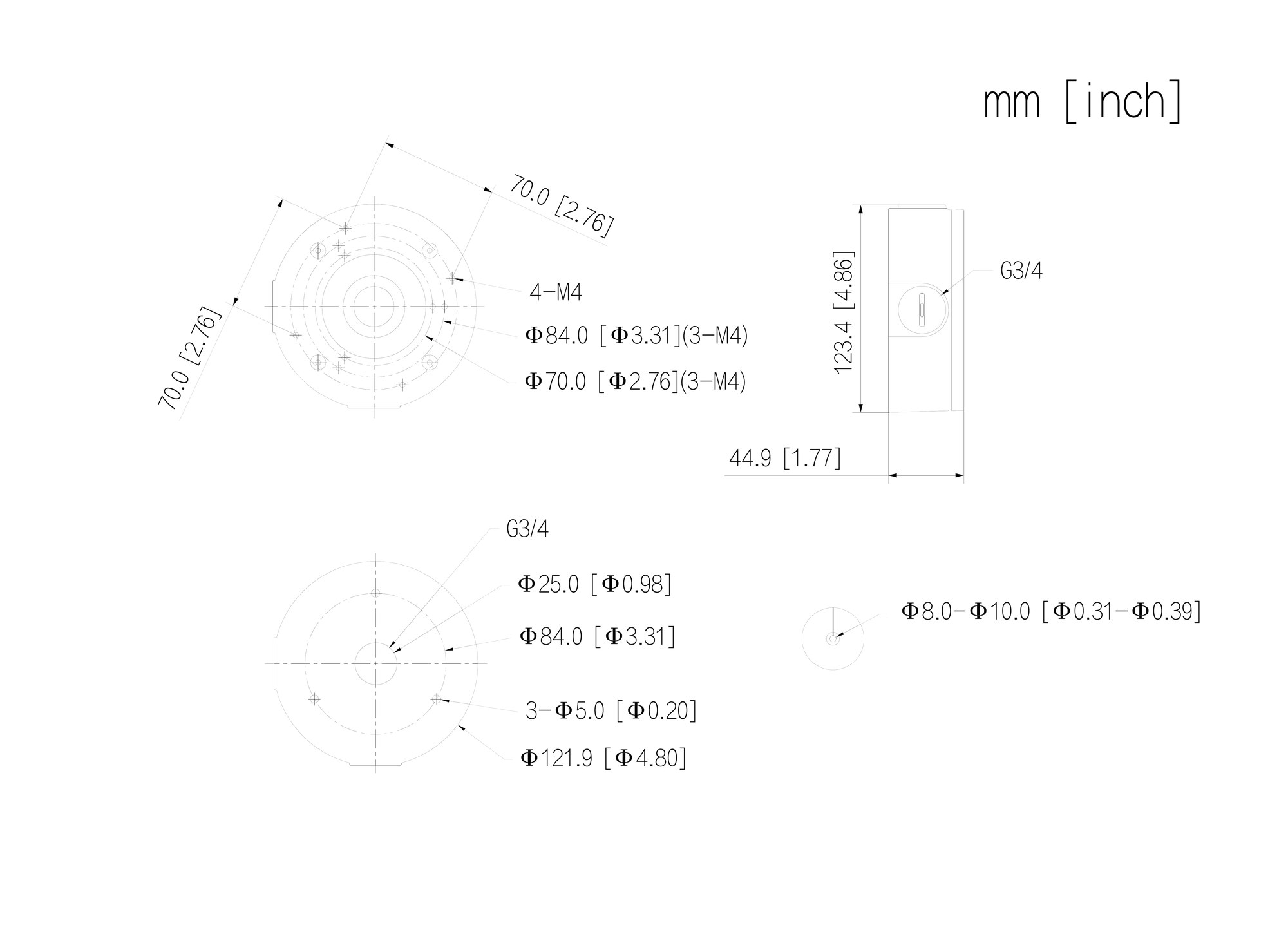
Dahua dimension drawing, measurements in mm [inch].
Works with
Dahua cameras listed for the PFA5300R
From Dahua's Camera Accessories Selection guide (Dec 2025 and May 2026). Dahua's datasheet for the box doesn't name cameras. If your model is not here, confirm fit with us before you order.
Show all listed cameras
IPC-PFW5849-A180-E2-ASTE multi-sensor camera
Selection guide, junction box; then the PFA157 pole mount (recommended) or PFA151 corner mount
Other Dahua cameras
Confirm fit with us
Pair it with
What goes with it
Corner
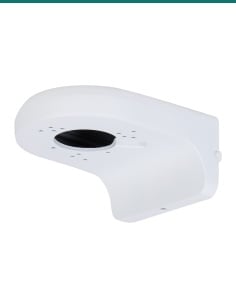
DH-AC-PFA151 corner mount
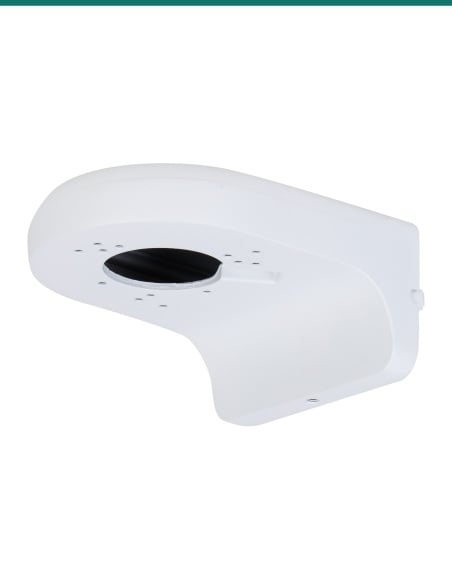
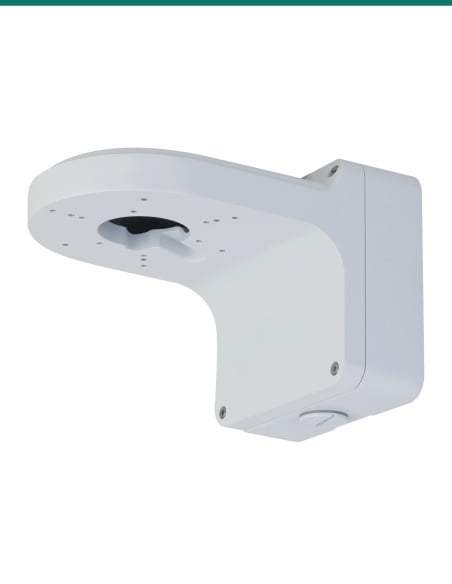
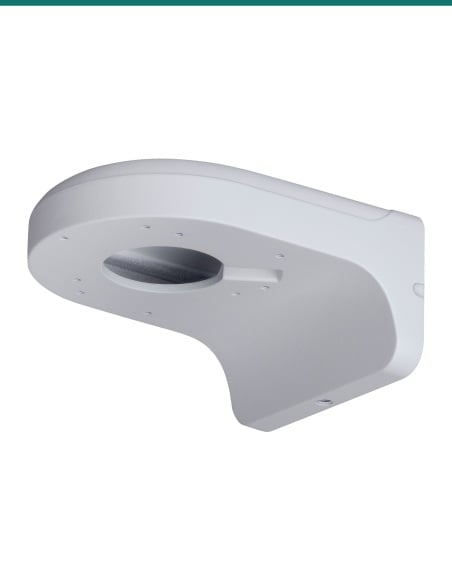
Dahua's selection guide shows the PFA5300R going onto the PFA151 for an outside corner. Its first choice for a post is the PFA157 pole mount; ask us about it.
Similar box
DH-AC-PFA130-E junction box
Also IP66, G3/4 and rated for 3 kg, slightly slimmer at 41.0 mm, and listed on the datasheets of many Dahua bullet cameras.
Where it is used
Where a junction box helps.
Eaves and soffits
Hold the camera under the eaves with the cable joins inside a sealed box, not loose in the roof space.
Brick and block walls
Where the cable can't be hidden in the wall, run conduit to the side outlet.
Car parks and yards
A weatherproof mount for a wide-view camera covering an open area.
Warehouses and loading docks
Wall or ceiling cameras on concrete and steel, with surface conduit to the box.
Driveways and entries
A tidy, sealed mount beside a gate, door or roller door.
Corners
With the PFA151 corner mount behind it, the box and camera go on an outside corner of the building.
PFA5300R or PFA130-E
| PFA5300R (this box) | PFA130-E |
|---|
| Size | Φ123.4 × 44.9 mm | Φ124.3 × 41.0 mm |
| Weight | 0.39 kg | 0.34 kg |
| Load bearing | 3.0 kg | 3.0 kg |
| Weather rating | IP66 | IP66 |
| Thread | G3/4 | G3/4 |
| Camera fixing | 4 × M4 on a 70 mm square; 3 × M4 on 70 and 84 mm circles | 4 × M4 on a 48.4 mm square; 3 × M4 on 56, 70 and 84 mm circles |
| Water joint in the box | Yes | No |
| Listed for | IPC-PFW5849-A180-E2-ASTE multi-sensor camera | Many Dahua bullets and the HDW2831TMP turret |
Figures from Dahua's PFA5300R and PFA130-E datasheets and drawings. Check which one your camera's datasheet or Dahua's guide names.
Common questions
Which cameras fit the PFA5300R?
Dahua's Camera Accessories Selection guide lists it for the IPC-PFW5849-A180-E2-ASTE multi-sensor camera. For any other camera, confirm fit with us before you order.
Is a camera included?
No. This listing is the junction box with 4 M4×10 screws, 3 ST4×25 screws, 3 expansion bolts, an S3.0 wrench, a water joint and a mounting sticker.
How big is it?
Φ123.4 × 44.9 mm and 0.39 kg, from Dahua's datasheet.
How much weight will it hold?
3.0 kg, according to Dahua's datasheet. Check your camera's weight on its own datasheet before you mount it.
Is it waterproof?
Dahua rates the PFA5300R IP66. Keep the unused outlet capped, use the supplied water joint on the one you open, and seal the wall entry.
What thread are the outlets?
G3/4, according to Dahua's datasheet and drawing. Some older listings said M20 (G1/2); that is wrong for this box.
Where does the cable come in?
Through the G3/4 opening in the base, from the wall or ceiling behind, or through the G3/4 side outlet. It then passes through the centre grommet to the camera.
How is it fixed?
Through three Φ5 mm holes on an 84 mm circle, with the ST4×25 screws and expansion bolts supplied, or fixings that suit your surface.
Can I put it on a pole or a corner?
Dahua's selection guide shows it going onto the PFA157 pole mount or the PFA151 corner mount for the PFW5849 camera. Ask us about the PFA157.
What temperatures can it handle?
Dahua rates it for −40 °C to +60 °C and humidity under 90% RH.
What is the difference from the PFA130-E?
Both are IP66, G3/4 and rated for 3 kg. The PFA5300R is 44.9 mm deep with a 70 mm square camera pattern and comes with a water joint. The PFA130-E is 41.0 mm deep with a 48.4 mm square pattern and is listed for many Dahua bullets.
Why do some older listings show 1 kg and 0.18 kg?
They don't match Dahua's PFA5300R datasheet, which gives a 3.0 kg load and 0.39 kg net weight, which is what this page uses.
Supported by InFront Technologies.
Not sure which junction box suits your camera? Call 1300 736 970 or email [email protected]. The Dahua datasheet is on the Attachments tab.
Installation and safety
Mechanical part only. The PFA5300R holds the camera and its connections. It carries no power or data of its own; follow the camera guide for wiring.
Load. Rated for 3.0 kg. Check the camera weight on its own datasheet before you mount it.
Working at height. Cameras usually go on eaves, high walls or ceilings. Use a stable ladder or platform and fixings that suit the surface.
Cabling. Concealed data cabling to the camera is customer cabling under AS/CA S009 and needs an ACMA-registered cabler. A new power point needs a licensed electrician.
What it does not do. It does not supply power, and the IP66 rating depends on the unused outlet staying capped and the open one being sealed with the water joint.
Figures. From Dahua's PFA5300R datasheet (Rev 002.000, 2022), drawing and installation guide, and its Camera Accessories Selection guide (Dec 2025 and May 2026).