There are no more items in your cart
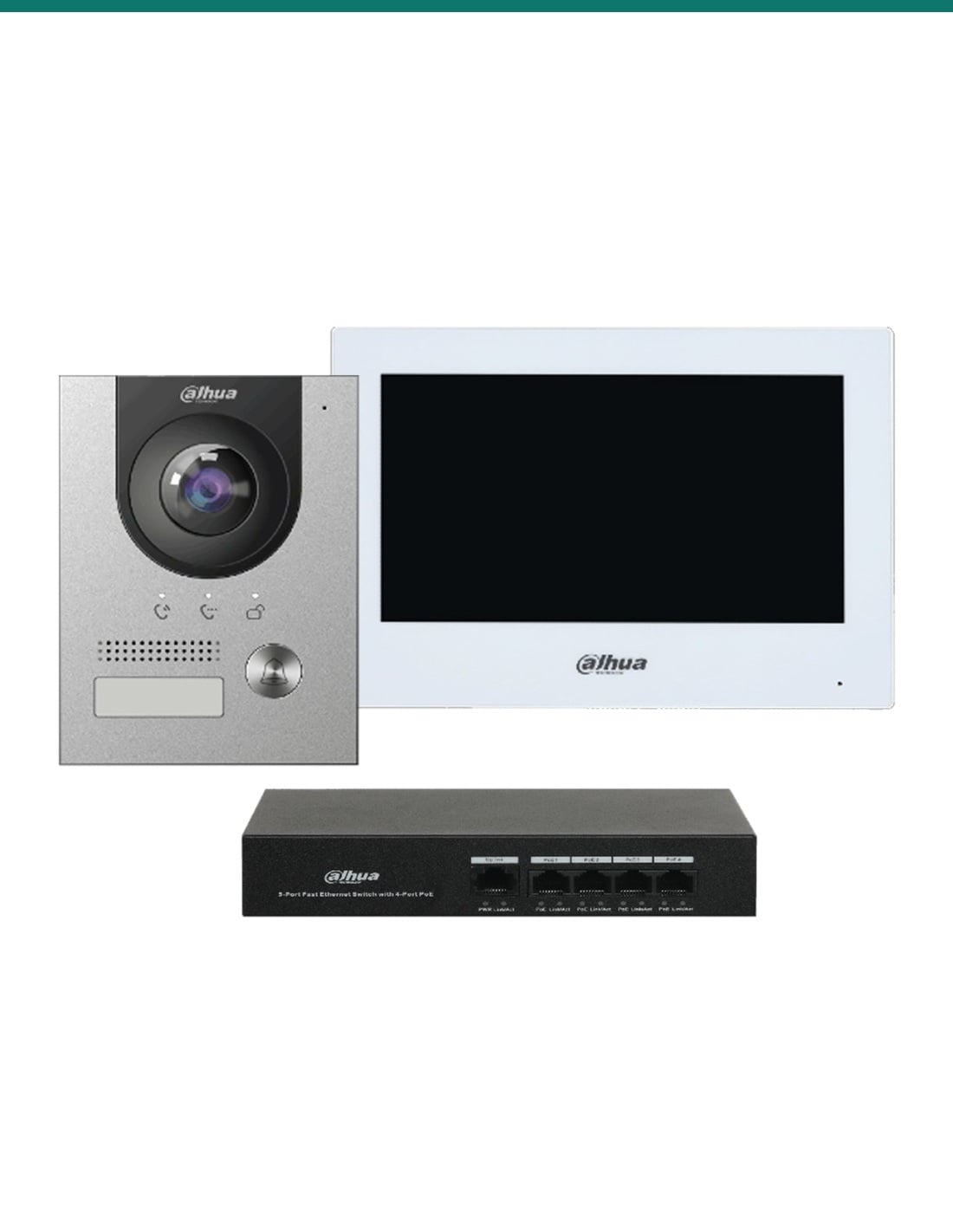
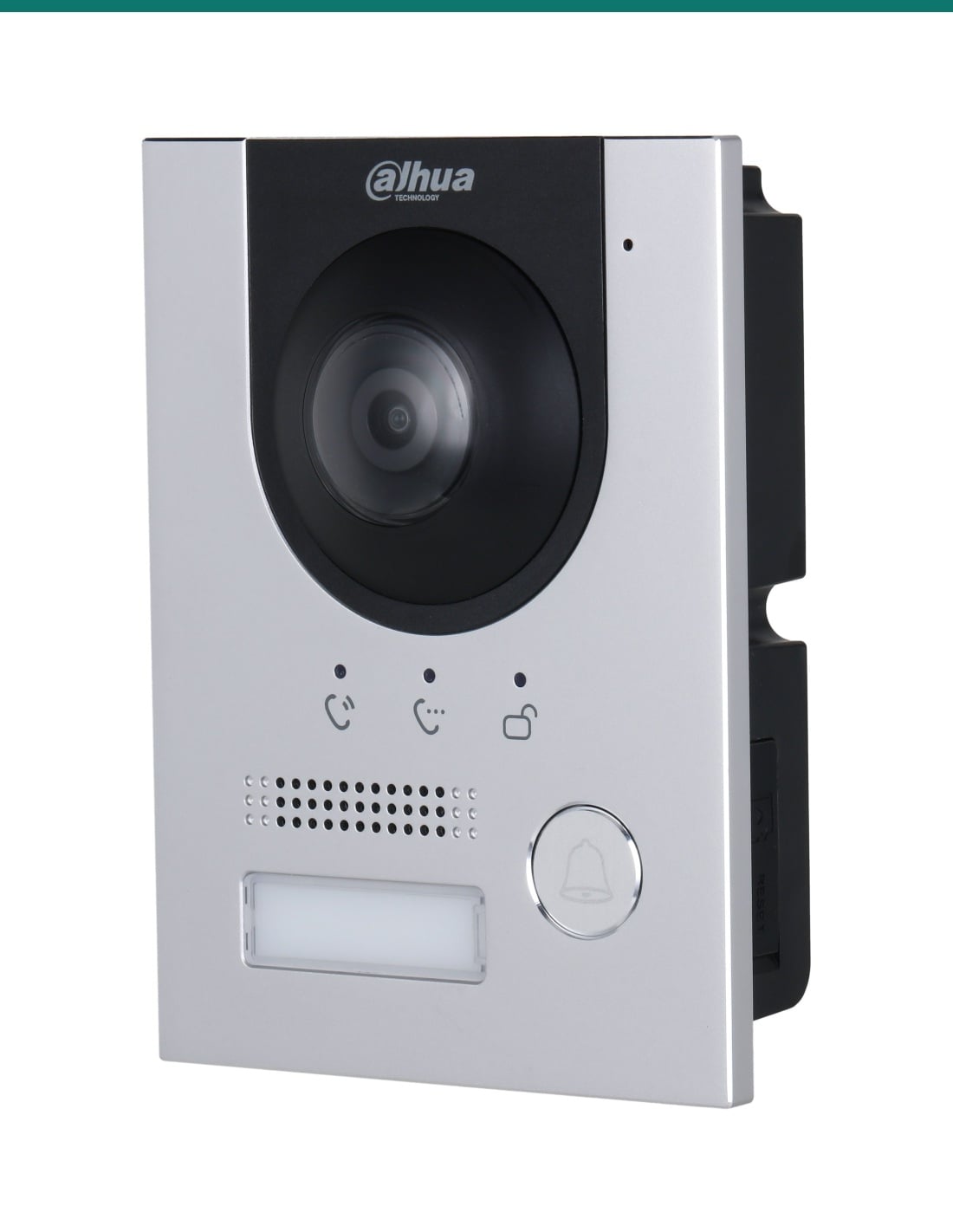
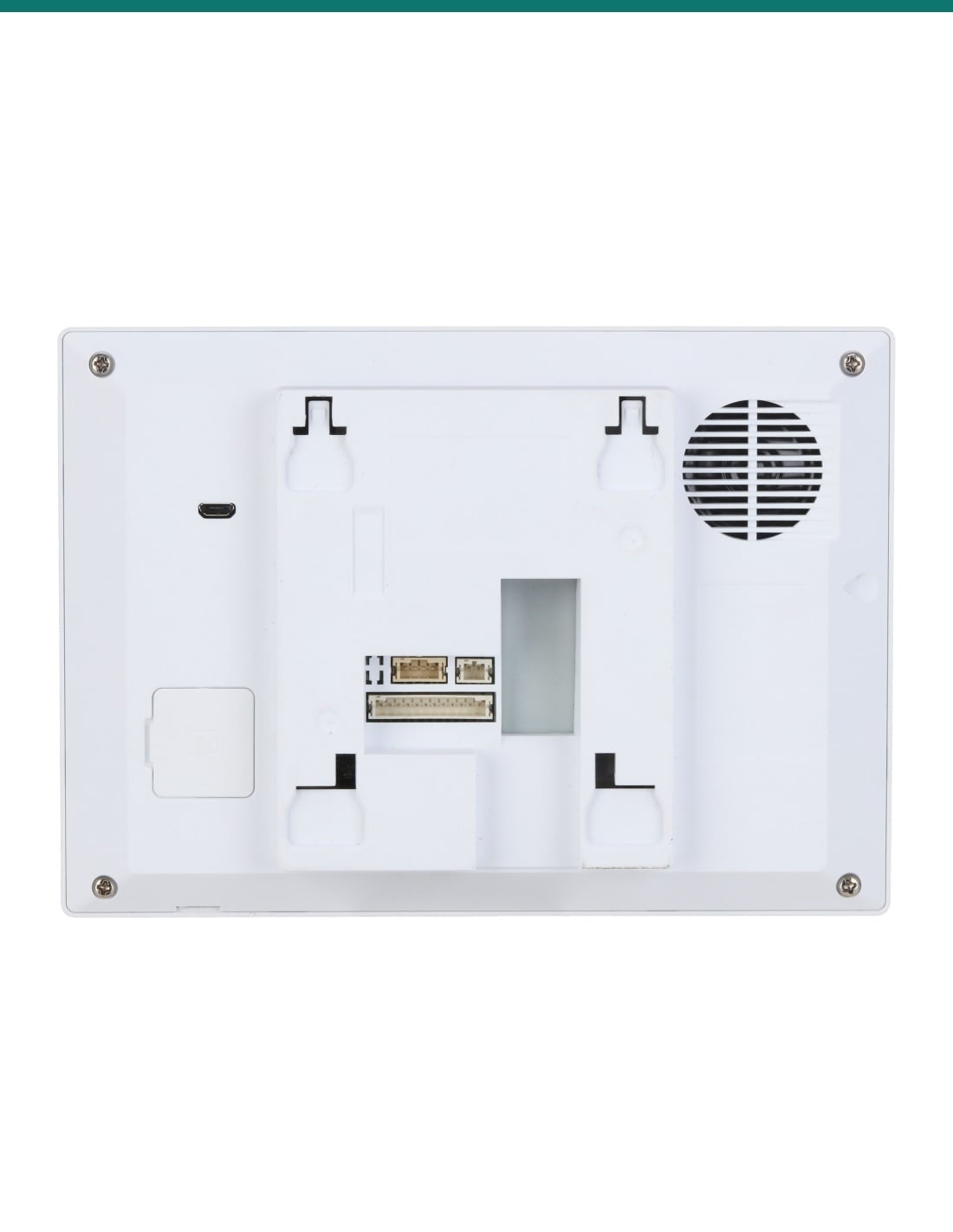
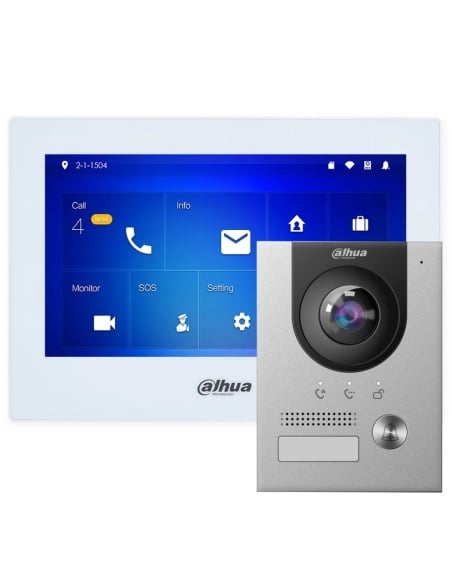


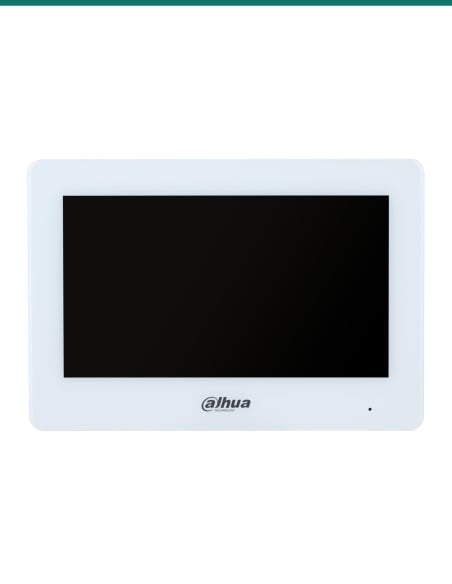
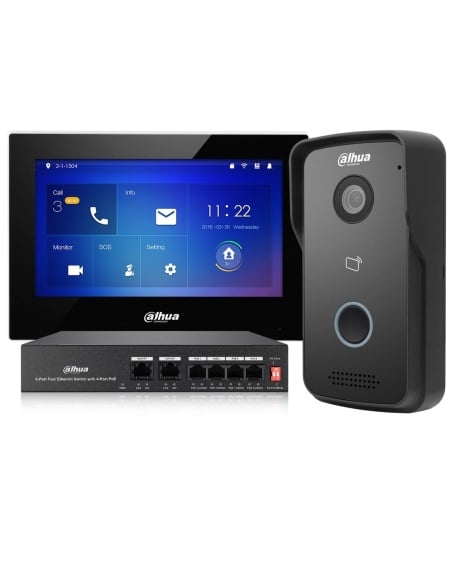
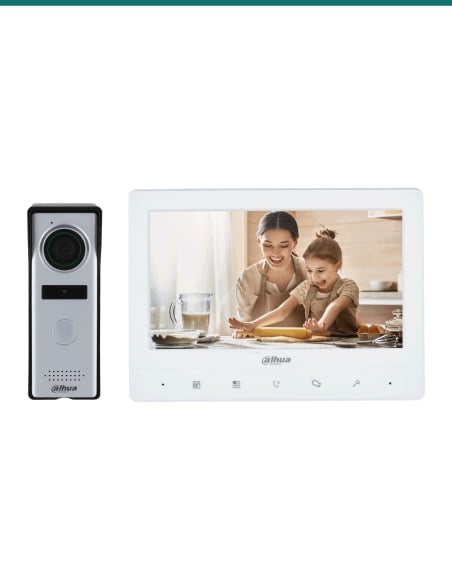
Dahua DHI-KTP01L(S)-AUS: a complete IP villa intercom with a 2 MP aluminium door station, a white 7 inch touchscreen monitor and a PoE switch to power both.
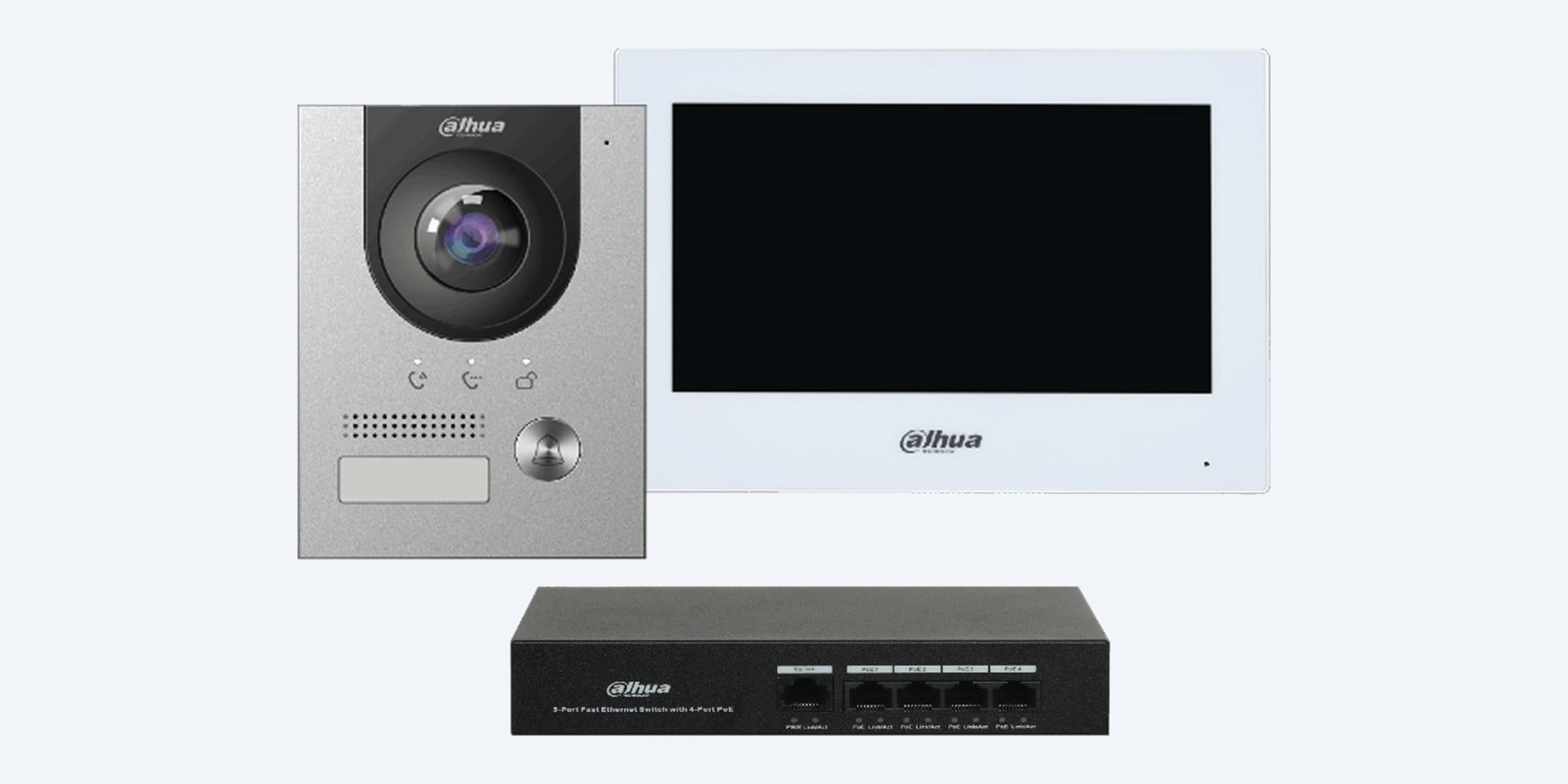
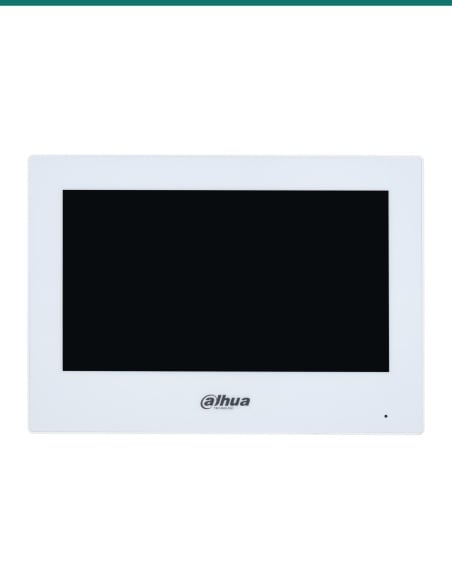
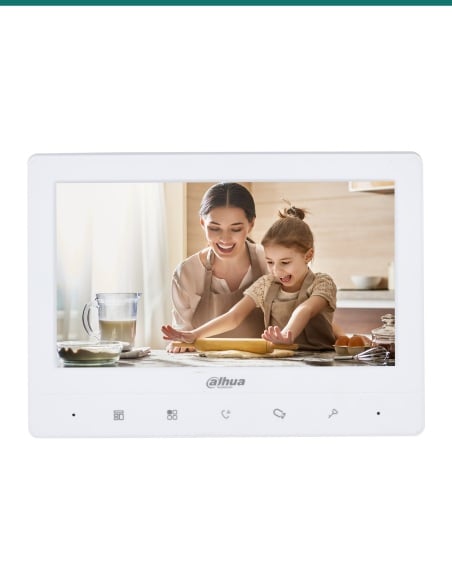
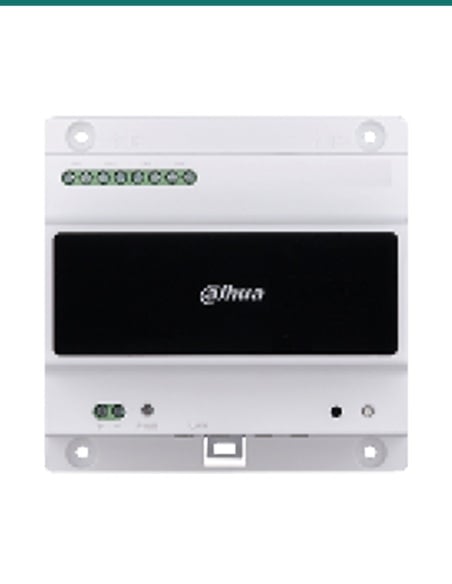
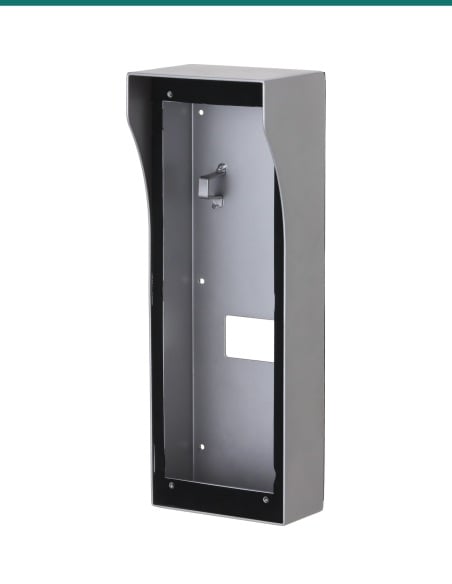
A complete single-door IP intercom for a house: a 2 MP aluminium door station, a white 7 inch touchscreen monitor, a PoE switch to power both, and a surface mount box for the door station.
In one sentence: The DHI-KTP01L(S)-AUS is a Dahua IP villa intercom kit with a 2 MP wide-angle VTO2201F-P door station, a white 7 inch VTH2621GW-P touchscreen monitor, a 4-port PoE switch and a VTM115 surface box, all powered over network cable.
Kit for one door and one monitor. Cabling and the lock are separate.
Everything in the kit runs over Cat5e or Cat6 cable from the included PoE switch. An electric strike or magnetic lock, and its power supply, are not included.
The door station and the monitor both take standard PoE, so one network cable to each powers it and carries the video and audio. Plug the switch uplink into your router and the Dahua app can answer calls and open the door when you are away.
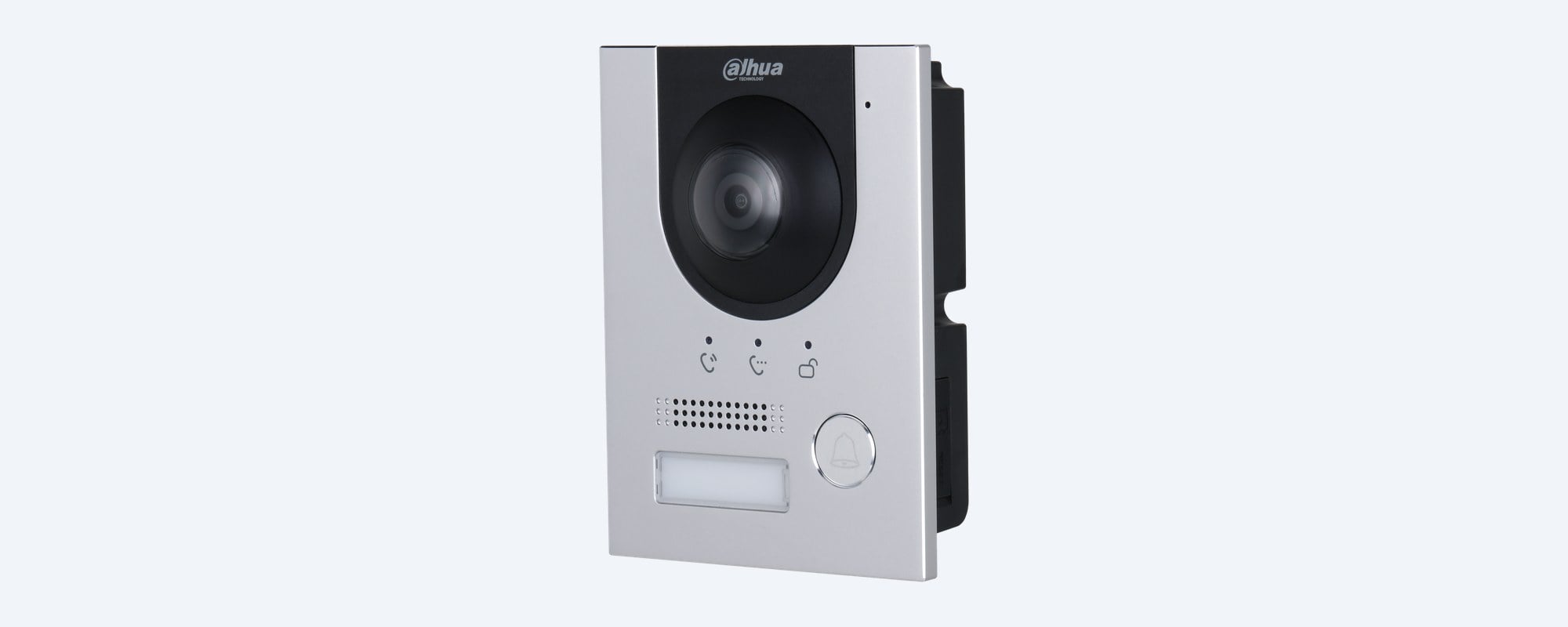
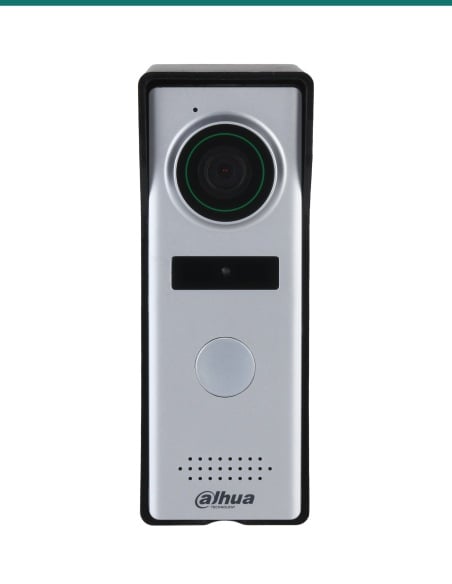
Door station
Anodised aluminium front panel, a 1/2.9 inch 2 MP camera with a 2 mm lens and auto IR for night, 120 dB WDR for bright backgrounds, and two-way audio with echo suppression. Rated IP65 and IK07, and runs from −30 °C to +60 °C.
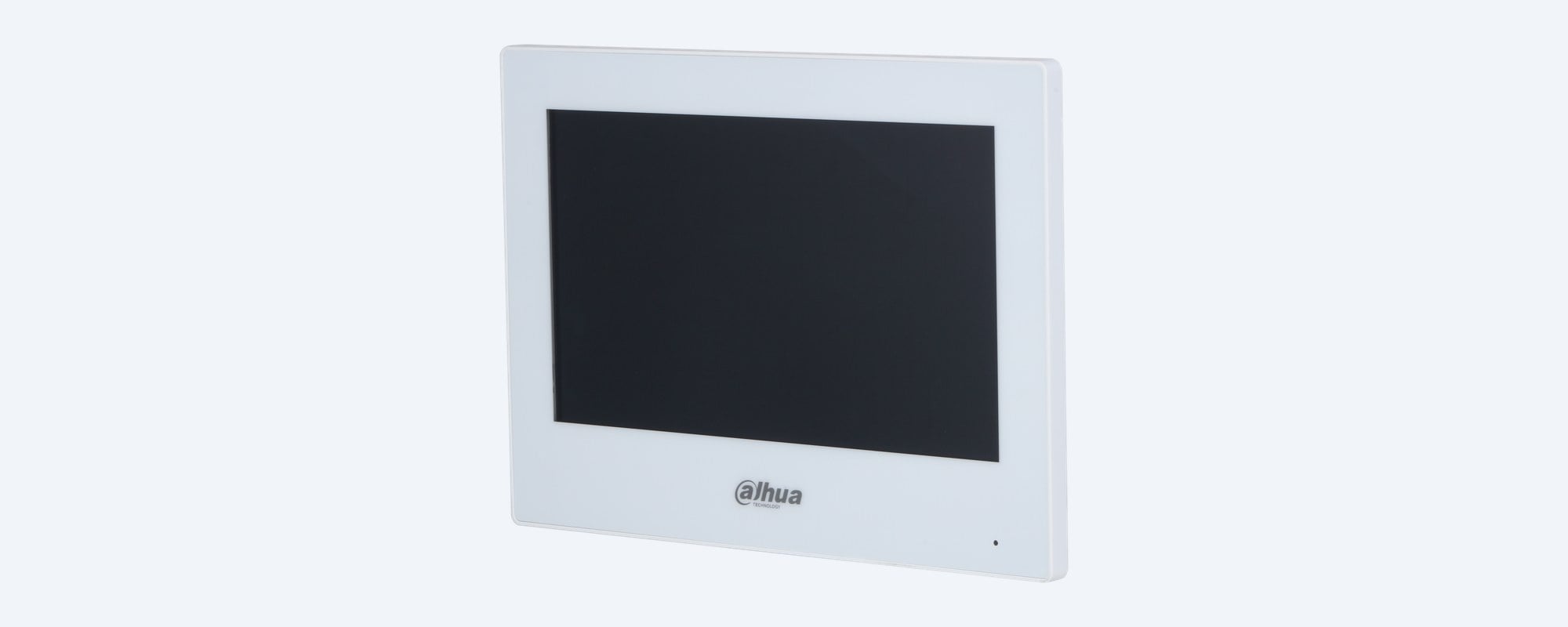
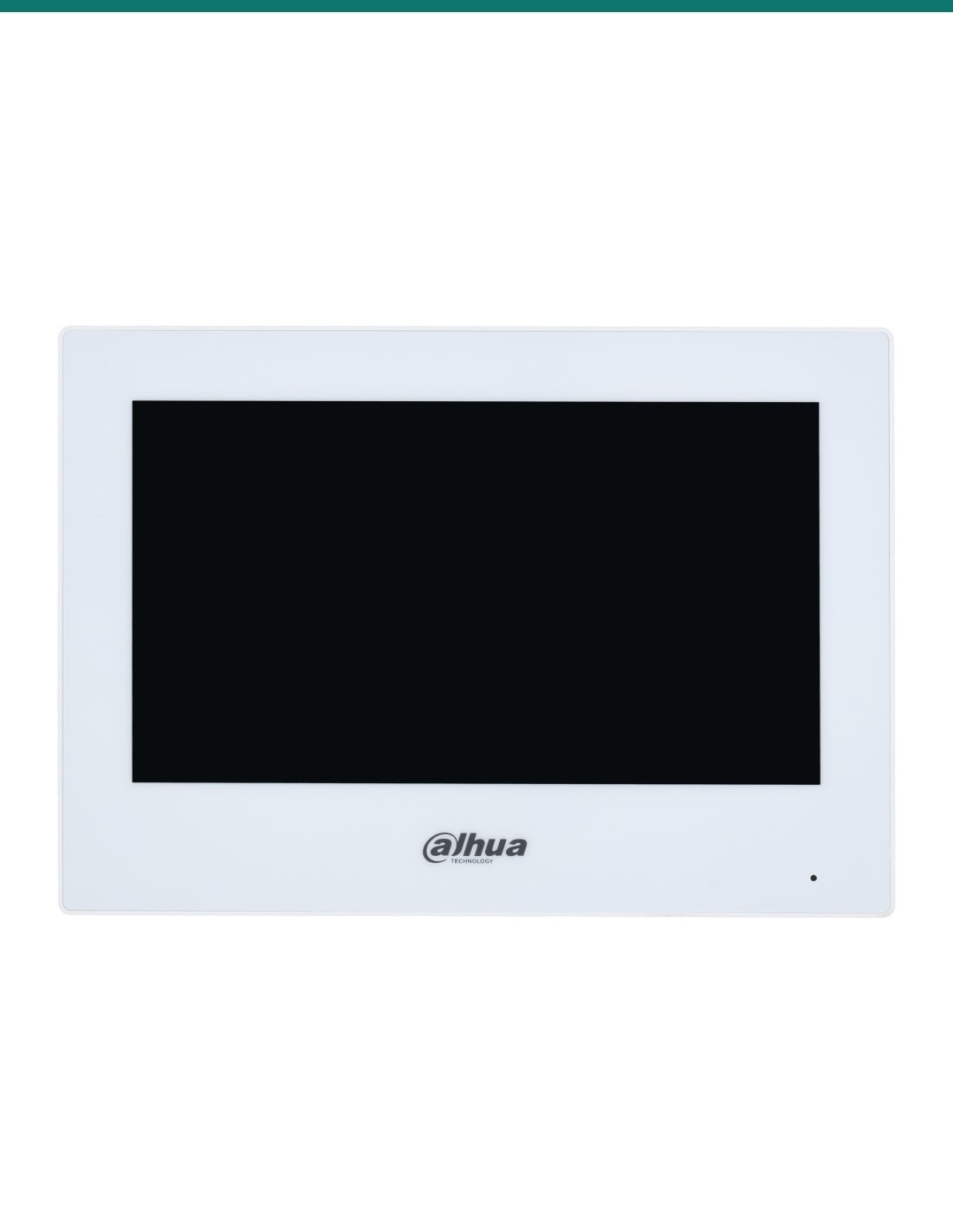
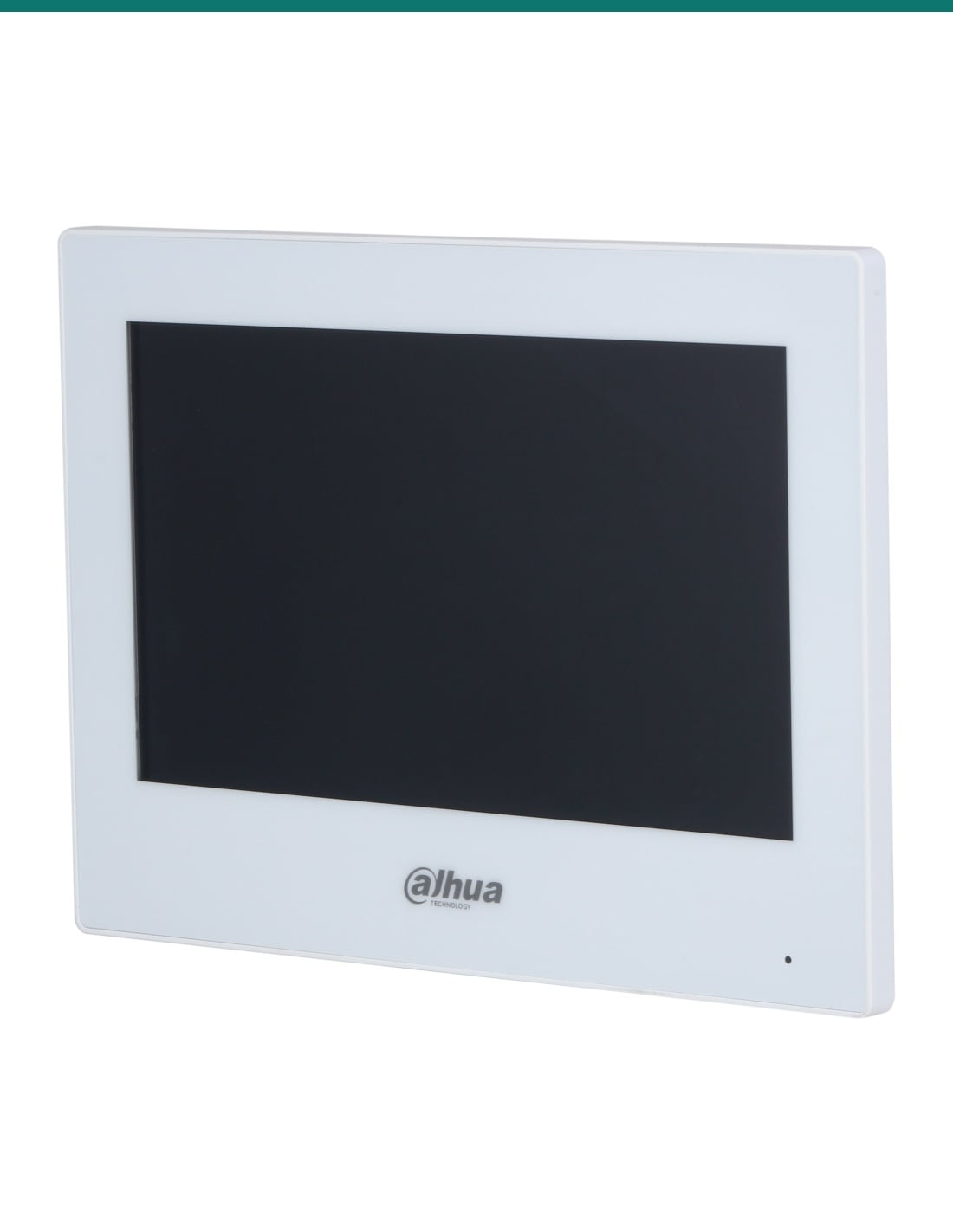
Indoor monitor
A capacitive touchscreen to answer the door, talk, unlock and view the door station camera. It can also show compatible IP cameras, and has a do-not-disturb mode with a set quiet period. Up to 9 extension monitors can be added in a villa system.
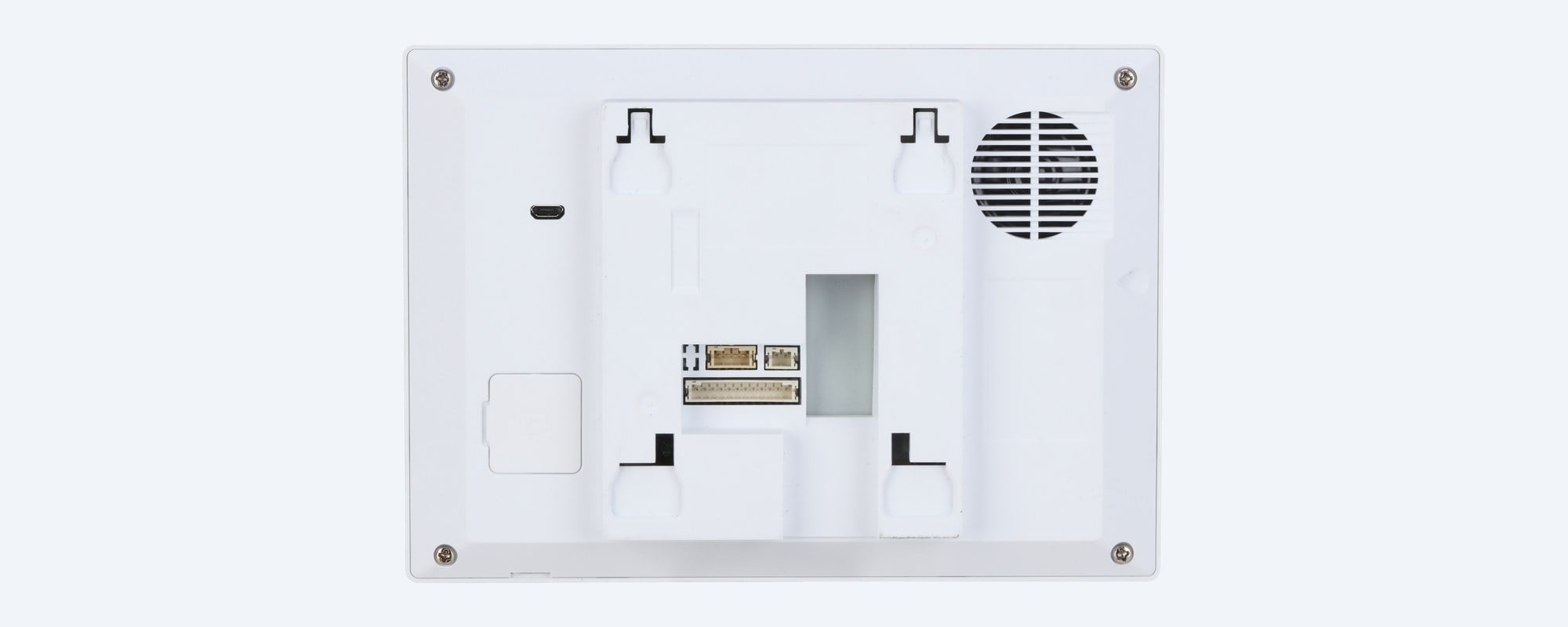
Behind the monitor
Connect door contacts or sensors to the 6 alarm inputs, and use the alarm output to trigger a siren or relay. Any alarm input can also act as a doorbell button. One 10/100 network port carries PoE, or use 12 VDC.
How it goes in
01
Cat5e or Cat6 from the PoE switch to the door station and to the monitor. Plug the switch uplink into your router for app access.
02
Fix the VTM115 surface box at the gate or door, seal it as the quick start guide shows to keep the IP65 rating, then fit the station.
03
Screw the monitor bracket to the wall at a comfortable height, connect the network cable and clip the monitor on.
04
Connect your lock to the door station lock output, set the unlock time, then add the station to the Dahua app to answer and unlock remotely.
At a glance
Show specs
Kit contents
VTO2201F-P door station, VTH2621GW-P monitor, PFS3005-4ET-36E switch, VTM115 surface box
Door station camera
1/2.9" 2 MP CMOS, 2 mm lens, auto IR, 120 dB WDR
Door station field of view
H 138.6°, V 79.6°, D 159° (VTO2201F-P datasheet)
Door station video
H.265, 25 fps, 256 Kbps to 8 Mbps
Door station ports
Lock control, exit button, door status, alarm output, RS-485, 12 VDC 100 mA output, 10/100 network
Door station power
Standard PoE, or 12 to 24 VDC 1 A; 6 W or less
Door station build
Anodised aluminium, IP65, IK07, 130 × 96 × 28.5 mm, 0.35 kg
Door station operating range
−30 °C to +60 °C, 10% to 90% RH
Monitor screen
7" TFT capacitive touchscreen, 1024 × 600
Monitor audio
Two-way audio, built-in speaker, echo suppression
Monitor alarm
6 alarm inputs, 1 alarm output; doorbell on any alarm input
Monitor power
Standard PoE (36 to 57 V, 0.35 A) or 12 VDC 1 A; standby 2 W, working 6 W or less
Monitor size and weight
189.6 × 134.6 × 26.0 mm, 0.34 kg, white PC + ABS, surface mount
Monitor operating range
Indoor, −10 °C to +55 °C, 10% to 95% RH
Extensions
Up to 9 extension monitors in a villa system
Video messages
Needs a microSD card in the door station (card size: confirm with us)
Switch
4 × 10/100 PoE ports plus 1 × 10/100 uplink, DIN rail mountable
Interoperability
ONVIF and SIP on the door station; ONVIF and SDK on the monitor
Pair it with
Lock
The door station has a lock control output and an exit button input. Choose a lock and lock power supply to suit the door or gate.
Cabling
One run from the switch to the door station and one to the monitor.
Storage
Optional, in the door station for visitor video messages. Dahua does not list the largest card for this station, so confirm the size with us.
More screens
Add more VTH monitors for other rooms: Dahua lists up to 9 extension monitors in a villa system. Ask us which models suit.
Where it is used
Front door or gate, with the monitor in the kitchen or hallway.
Talk to visitors at the gate and open it without walking down the drive.
One door station per dwelling, each with its own monitor.
A reception entry door with the monitor on the front desk.
A separate entry with its own screen and phone app.
Replace an old analogue intercom with one network cable to each end.
| DHI-KTP01L(S)-AUS (this kit) | DHI-KTP01L(F)-AUS | |
|---|---|---|
| Door station mounting | Surface, on the wall (VTM115 box) | Flush, recessed into the wall (VTM114 box) |
| Door station | VTO2201F-P | VTO2201F-P |
| Building work | None beyond the cable | Needs a cavity cut for the flush box |
| Indoor monitor | VTH2621GW-P, white | VTH2621GW-P, white |
Both kits are on Dahua's DHI-KTP01L-AUS datasheet. The door station is the same; the mounting box is the main difference.
A VTO2201F-P door station, a white VTH2621GW-P 7 inch monitor, a PFS3005-4ET-36E PoE switch and a VTM115 surface mount box for the door station.
No. Both run on standard PoE from the included switch. The door station can also run from 12 to 24 VDC and the monitor from 12 VDC if needed.
Yes. Connect the switch uplink to your router and add the door station to the Dahua app to talk to visitors and unlock remotely.
No. The door station has a lock control output, an exit button input and a door status input. The lock and its power supply are bought separately.
Dahua lists access control for two locks on the VTO2201F-P. The second lock needs extra hardware, so confirm with us what your doors need.
Yes. The door station is IP65 and IK07 rated and runs from −30 °C to +60 °C. The monitor is for indoor use only.
The VTO2201F-P datasheet lists 138.6° across, 79.6° high and 159° diagonal, from a 2 mm lens on a 2 MP sensor.
Yes. It has auto IR and day/night switching, so it shows visitors after dark.
Yes, if a microSD card is fitted in the door station. Dahua does not list the largest card it takes, so confirm the size with us.
Yes. Dahua lists up to 9 extension monitors in a villa system. Each needs its own network cable and PoE port.
The VTH2621GW-P can view the door station and compatible IP cameras. Ask us which of your cameras will work.
Concealed data cabling is customer cabling under AS/CA S009 and needs an ACMA-registered cabler. Lock wiring on mains power needs a licensed electrician.
Help choosing a lock, extra monitors or cabling: call 1300 736 970 or email [email protected]. The indoor monitor datasheet is on the Attachments tab.
Low-voltage kit. The door station and monitor are powered over PoE from the switch. The switch plugs into a standard power point. A new power point, or a mains-powered lock supply, needs a licensed electrician.
Cabling. Concealed data cabling is customer cabling under AS/CA S009 and needs an ACMA-registered cabler.
Privacy. The door station records video and audio of visitors. Check your state or territory surveillance laws if it covers a shared path or a neighbour's property.
What it does not do. No lock or lock power supply, no Wi-Fi on the monitor or door station, and no keypad or card reader on this door station.
Figures. From Dahua's VTO2201F-P and VTH2621G(W)-P datasheets and the DHI-KTP01L-AUS kit datasheet.


Need help choosing?
Tell us about your property and we'll recommend the right cameras and recorder.
07 5609 4910Sydney 02 8814 6008
[email protected]
Mon–Fri, 9am–5pm AEST
20 related items