There are no more items in your cart


In Stock - Ready to Ship


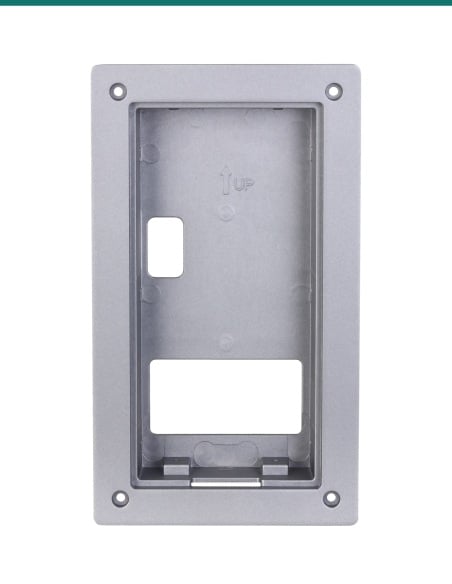
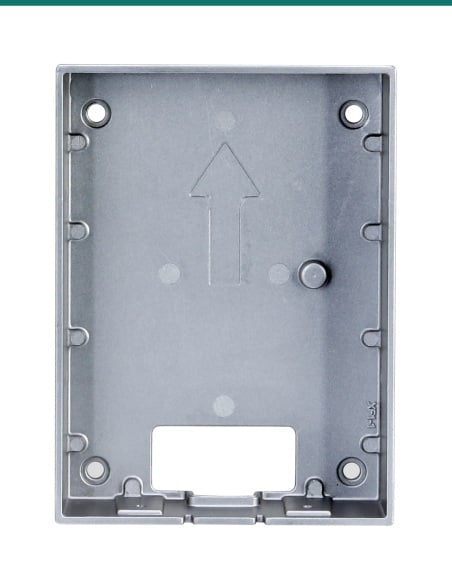
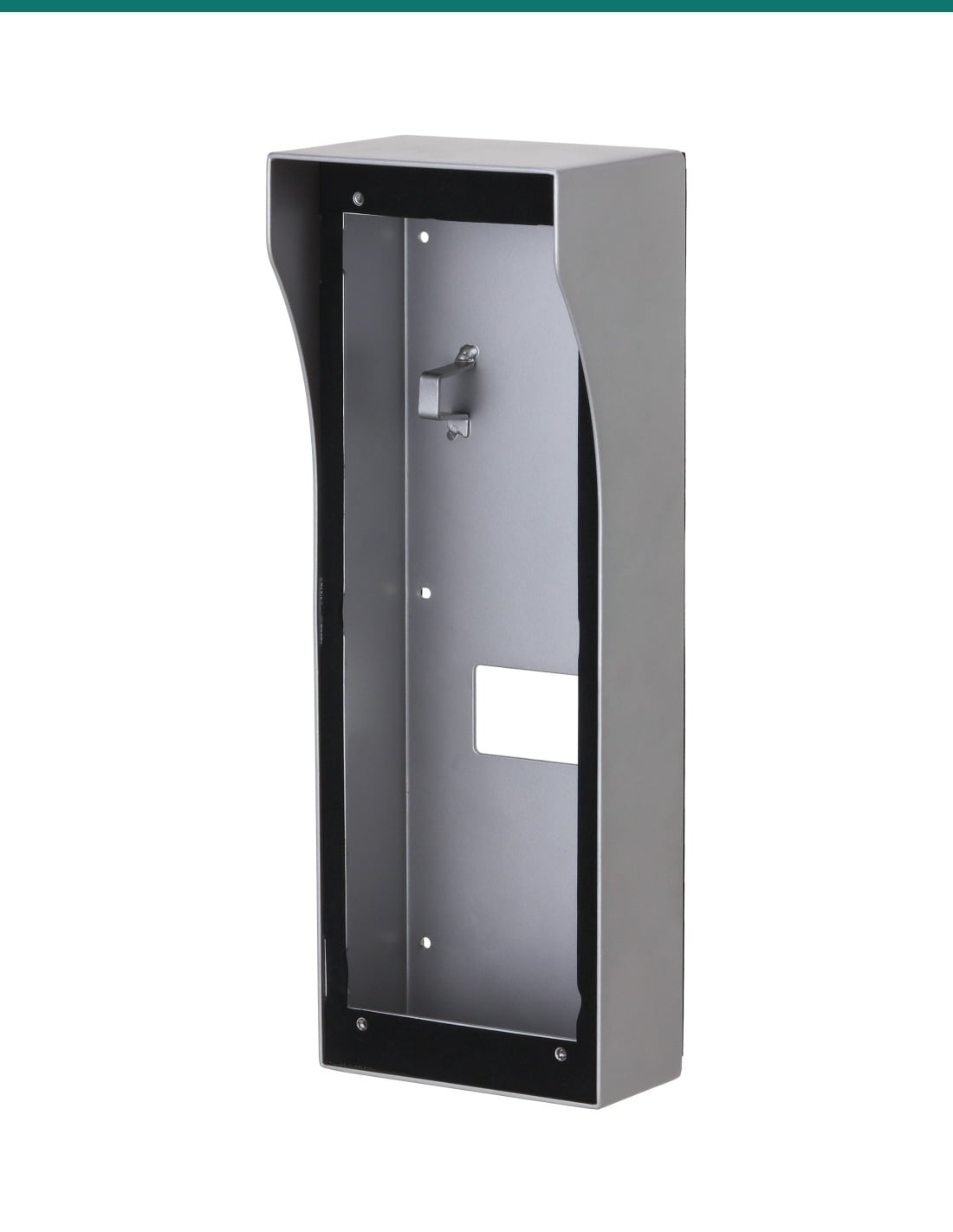
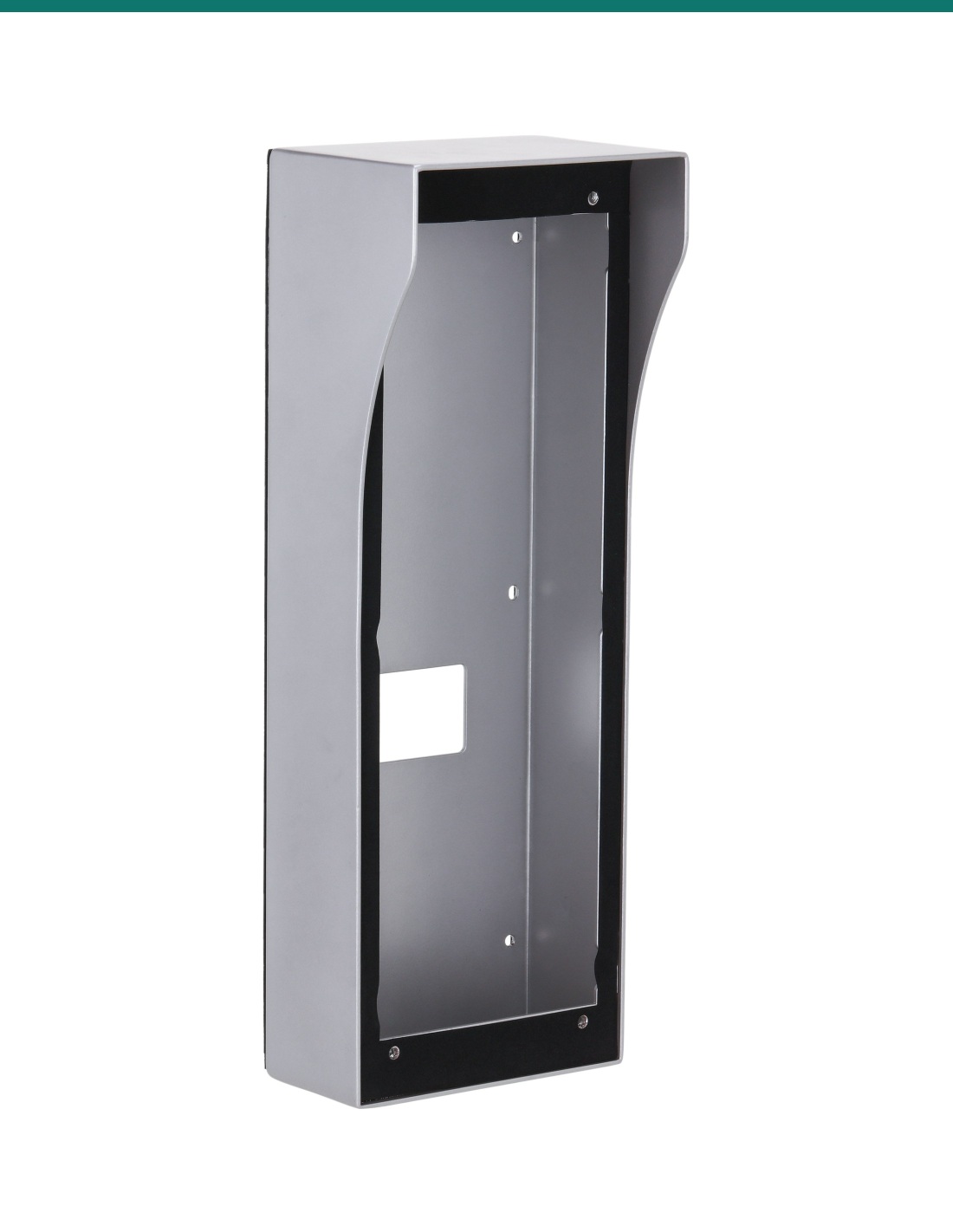
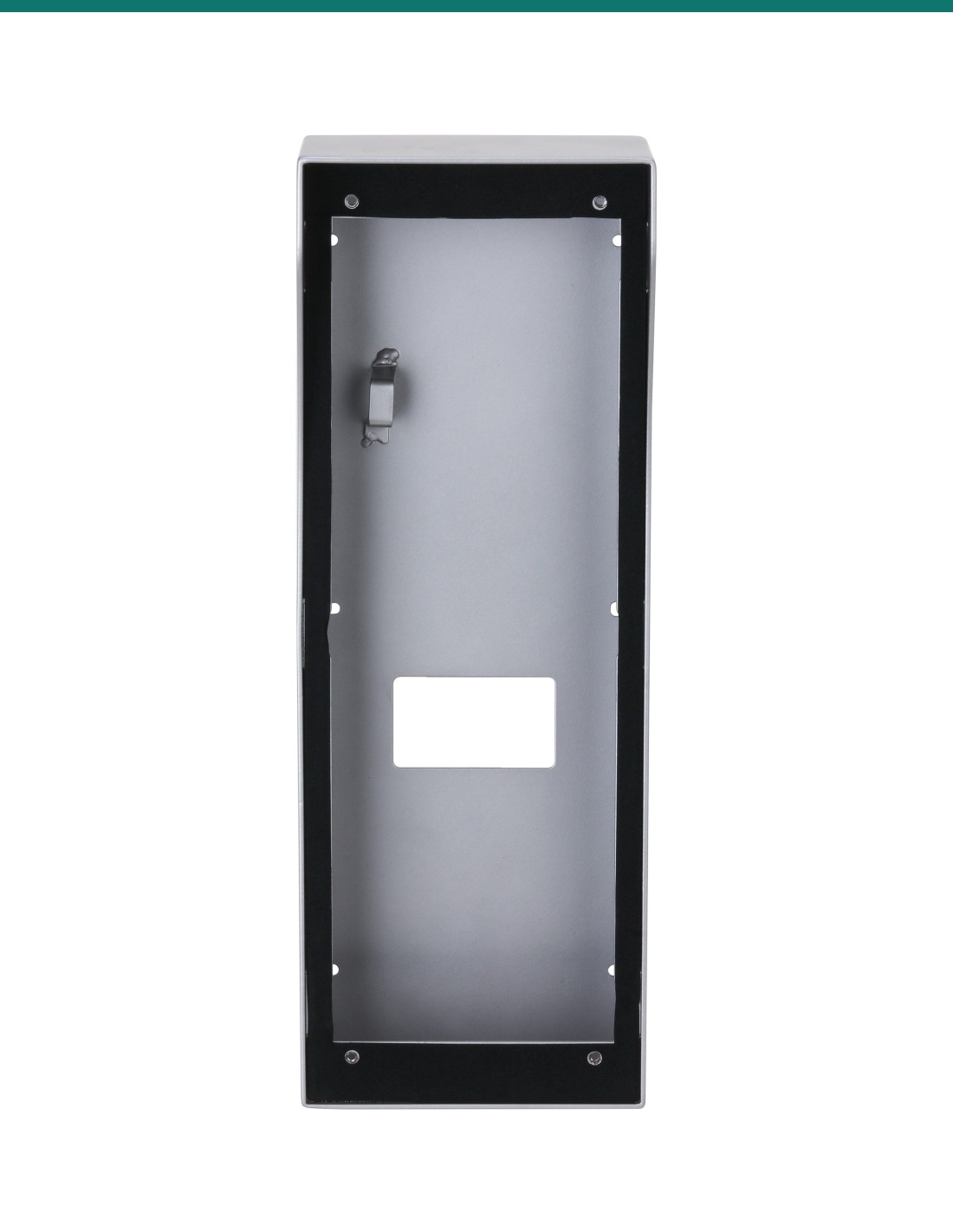
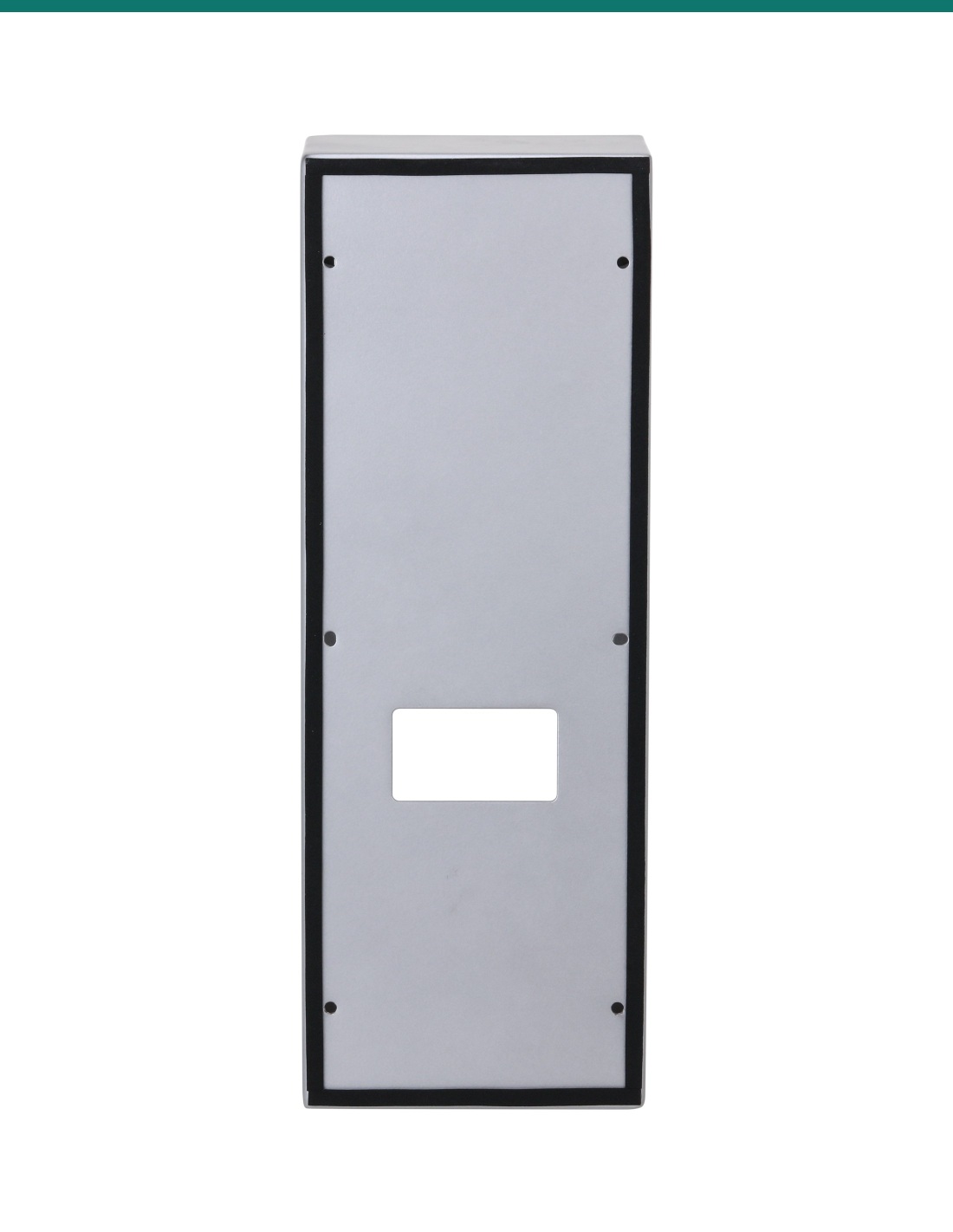
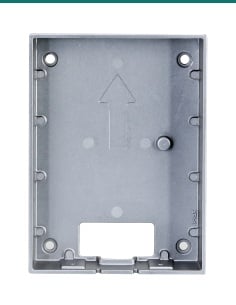
Dahua DH-AC-VTM57R: a silver aluminium surface mounted box with rain cover for Dahua's DHI-VTO6521K door station.
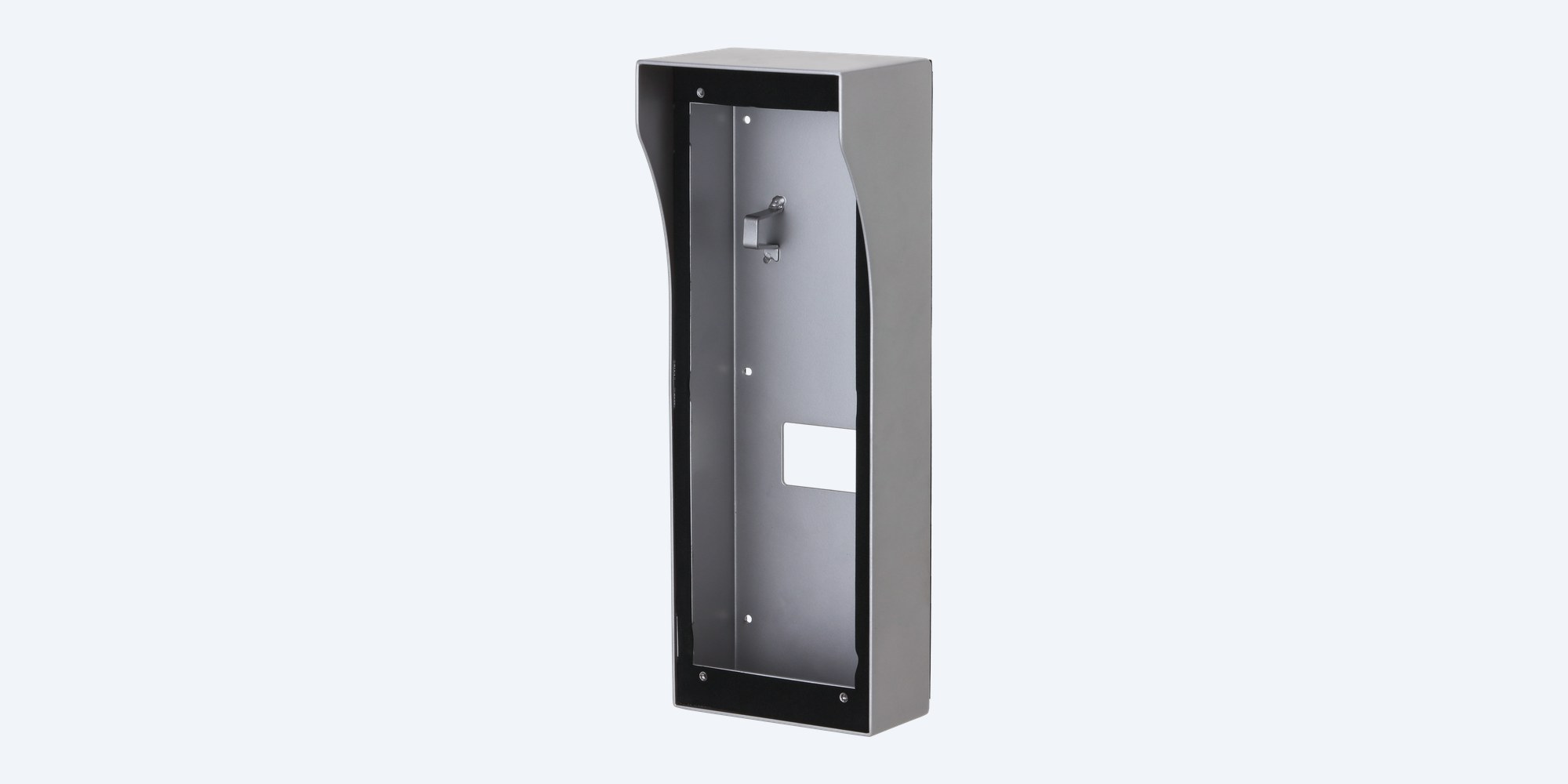
The DH-AC-VTM57R is Dahua's surface mounted box with rain cover for the DHI-VTO6521K apartment door station. It screws to the wall face, the door station sits inside it, and the hood over the top keeps rain off the front.
In one sentence: the DH-AC-VTM57R is a silver Dahua surface mounted box with rain cover in powder coated AL5052 aluminium, 410.4 × 147.4 × 107 mm, listed by Dahua for the DHI-VTO6521K door station.
Mounting box only. The door station is separate.
This listing is the VTM57R box with rain cover. It does not include a door station. Dahua's surface mount guide shows the fixings below in the package; confirm with us before you rely on them.
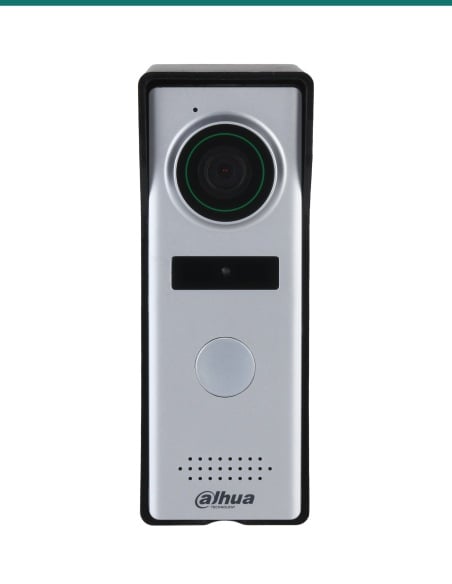
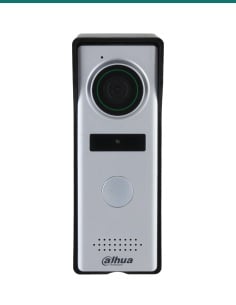
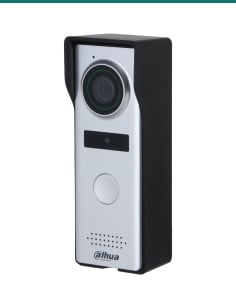
Dahua's datasheet lists one applicable model for the VTM57R: the VTO6521K (DHI-VTO6521K). It is a surface box, so the wall only needs four holes and a cable entry, and the rain hood protects the door station at an exposed entry.

Front
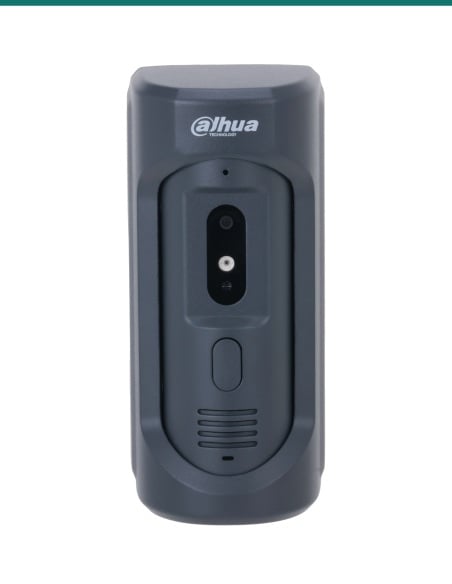
The VTO6521K fits into the open front of the box. Dahua's guide fixes it with M4×30 screws, tightened with the hex key.
Rain cover
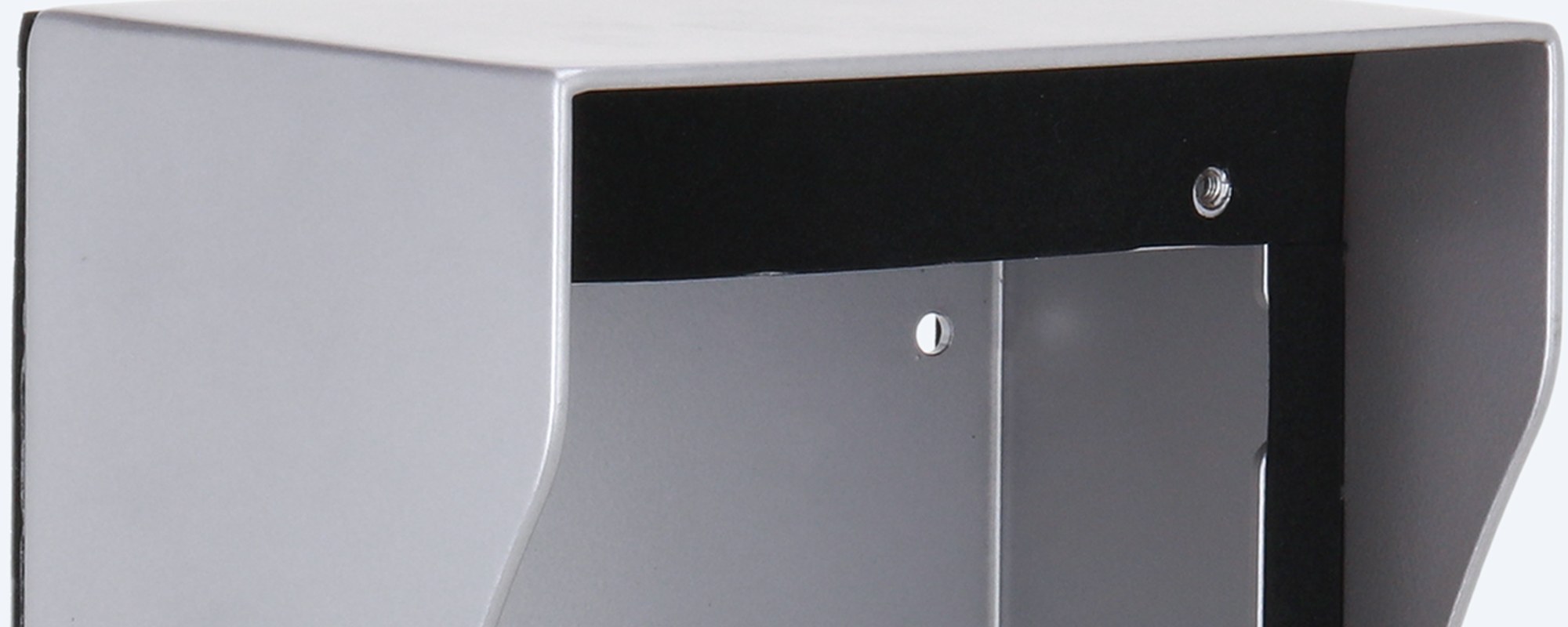
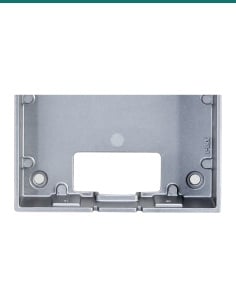
The top of the box extends forward as a rain cover, 107 mm deep at the top and 70.7 mm at the bottom per Dahua's drawing.

Finish
AL5052 aluminium with a silver powder coat. Dahua describes it as light and anti-rust, rated for outdoor use from -30 °C to +60 °C.
How it goes in
01
Mark the box position, drill four 5 mm holes and fit wall plugs, as Dahua's surface mount guide shows.
02
Run the network cable through the wall, or through a knock-out in the bottom of the box, then screw the box to the wall with the ST4×25 screws.
03
Connect the VTO6521K, fit its module screws (M2×4) as the guide shows, then fix the door station in the box with the M4×30 screws and the hex key.
04
Run a 7 to 8 mm bead of sealant where the box meets the wall, then peel off the protective film.
At a glance
Show specs
Type
Surface mounted box with rain cover
Applicable model
DHI-VTO6521K; VTO6521K (Dahua datasheet)
Material
AL5052 aluminium
Finish
Powder spraying, silver
Size
410.4 × 147.4 × 107 mm
Packaging
464 × 183 × 164 mm
Weight
0.95 kg net, 1.24 kg gross
Operating temperature
-30 °C to +60 °C
Environment
Outdoor
Installation
Surface mount
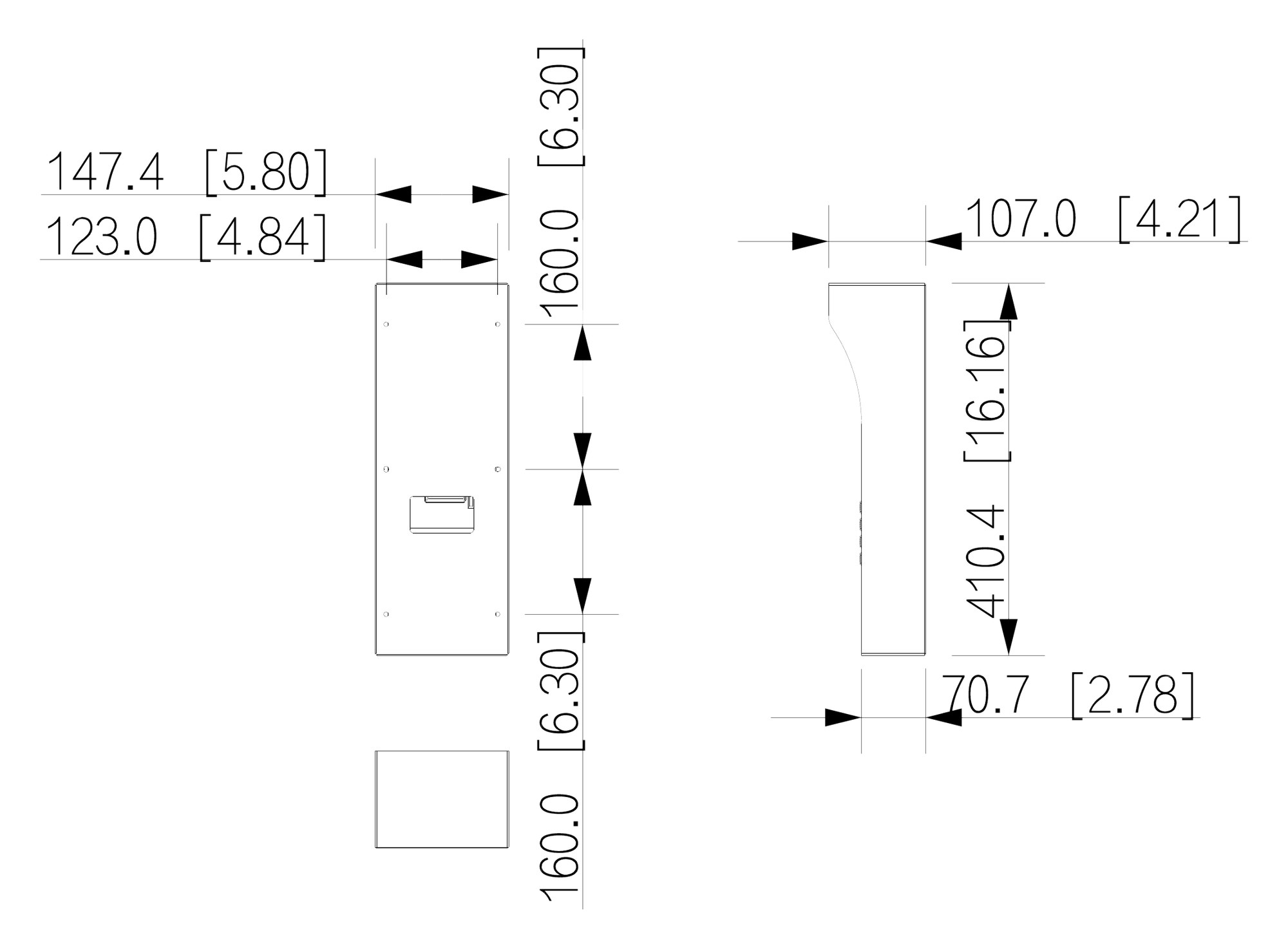
410.4 × 147.4 × 107.0 mm (70.7 mm deep at the bottom). Units mm (inch). From Dahua's VTM57R datasheet.
Pair it with
Door station
The only model Dahua lists for the VTM57R: an IP apartment door station that sits inside the box.
Sealing
Dahua's guide runs a 7 to 8 mm bead of sealant between the box and the wall to keep water out.
Where it is used
No porch or awning over the door station.
Outside entry doors on small blocks.
Brick or rendered posts with no cavity for a flush box.
Four holes and a cable entry, no recess.
Office and warehouse doors facing the weather.
A new VTO6521K where the wall can't be cut.
| On Dahua's VTM57R datasheet | Not on the datasheet | |
|---|---|---|
| Applicable model | DHI-VTO6521K; VTO6521K | Any other door station: ask us |
| Mounting | Surface mount, outdoor | Flush mounting |
| Material and finish | AL5052, powder spraying, silver | Other colours |
| Protection | Rain cover, anti-rust design | An IP rating for the box itself |
From Dahua's VTM57R datasheet (2021) and Dahua's surface mount guide for the VTO6521K with the VTM57R.
Dahua's datasheet lists one applicable model: the VTO6521K (DHI-VTO6521K). For any other door station, ask us before ordering.
No. This listing is the mounting box with rain cover only.
Dahua's surface mount guide shows the box, 2 bags of fixings with 4 screws and 4 caps, and 1 hex key. The datasheet does not list the contents, so confirm with us what is supplied.
410.4 × 147.4 × 107 mm, per Dahua's datasheet. The hood is 107 mm deep at the top and the box 70.7 mm deep at the bottom.
AL5052 aluminium with a silver powder coat. Dahua describes it as light and anti-rust.
Yes. Dahua lists the operating environment as outdoor, from -30 °C to +60 °C.
0.95 kg net and 1.24 kg packed. The packed size is 464 × 183 × 164 mm.
No. It is a surface mount box. Dahua's guide uses four 5 mm holes with wall plugs and brings the cable through the wall or a knock-out in the bottom of the box.
Dahua's guide fixes the VTO6521K into the box with M4×30 screws using the hex key, after fitting the module screws (M2×4).
Yes. Dahua's guide runs a 7 to 8 mm bead of sealant where the box meets the wall.
No. The door station sits square to the wall inside the box; the hood only covers the top.
Dahua's Australian warranty policy does not list intercom mounting boxes separately, so ask us about the warranty on this box.
Help choosing a mounting box for your Dahua door station: call 1300 736 970 or email [email protected]. The datasheet is on the Attachments tab.
Wall fixing. Use wall plugs and screws that suit the wall. Check for hidden cables and pipes before drilling.
Cabling. Concealed data cabling to the door station is customer cabling under AS/CA S009 and needs an ACMA-registered cabler.
Weather. Seal the gap between the box and the wall so water does not run behind the door station.
What it does not do. No door station in the box. Dahua lists it for the VTO6521K only.
Figures. From Dahua's VTM57R datasheet (2021) and Dahua's surface mount guide.




Need help choosing?
Tell us about your property and we'll recommend the right cameras and recorder.
07 5609 4910Sydney 02 8814 6008
[email protected]
Mon–Fri, 9am–5pm AEST
20 related items