Dahua · IP Intercom · Lite Series
See who is at the door.
A 7 inch touchscreen on one PoE cable.
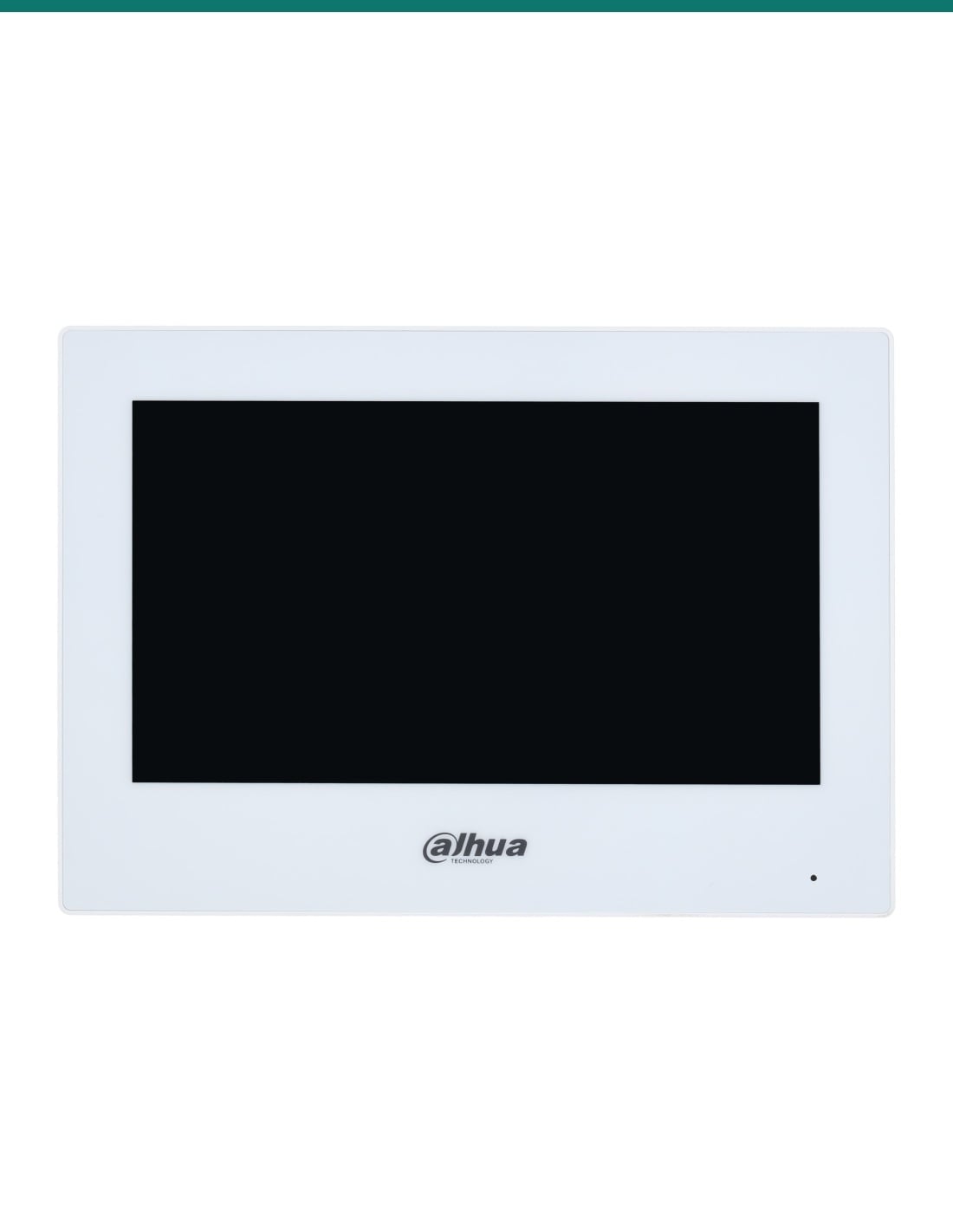
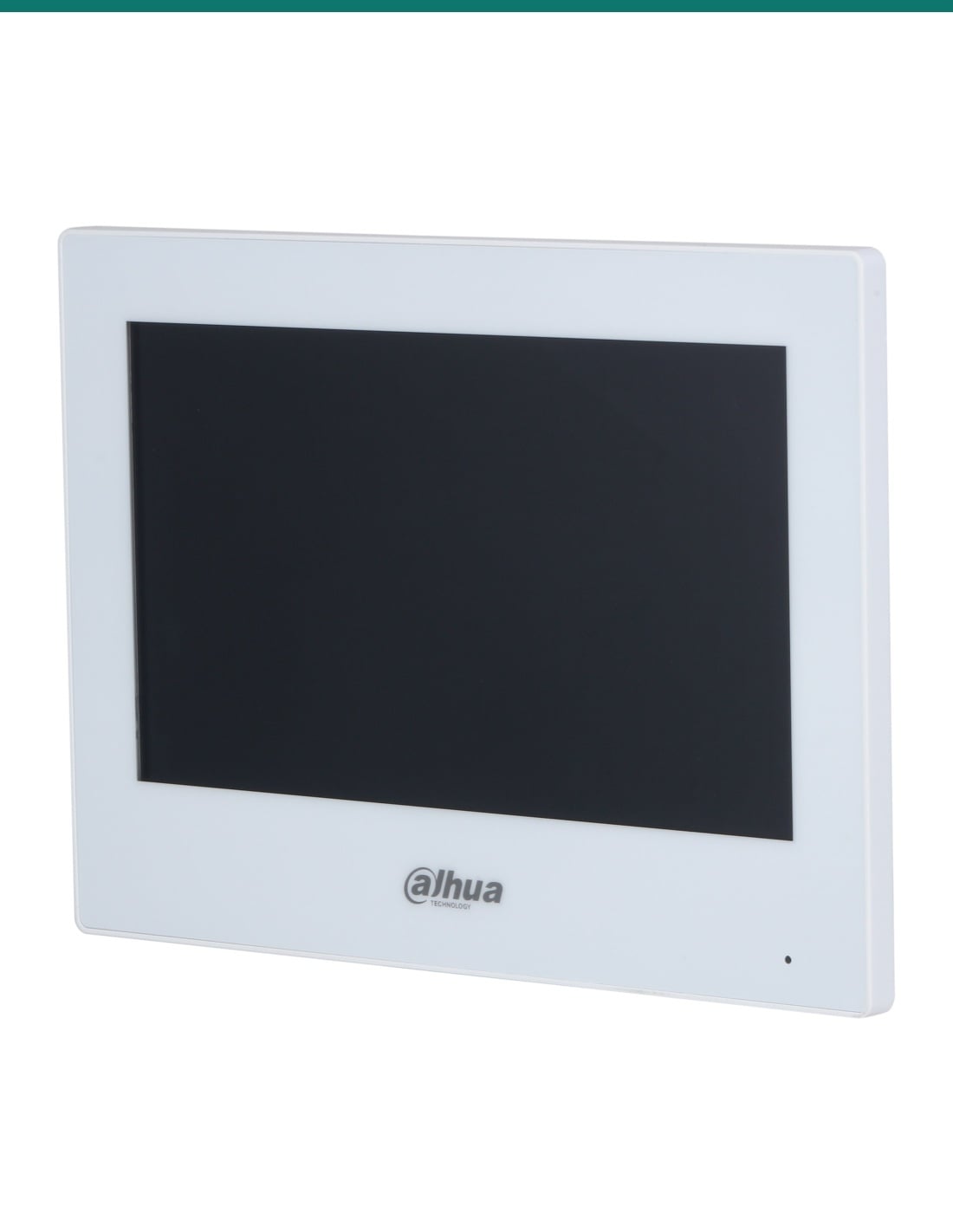
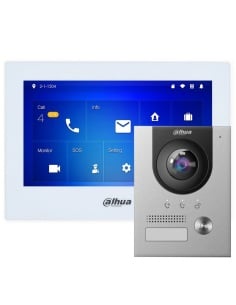
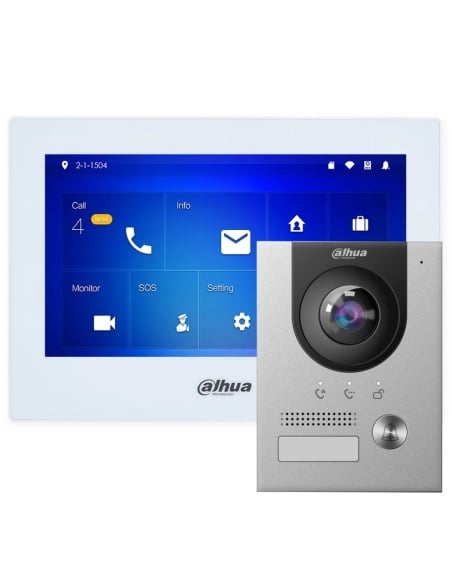
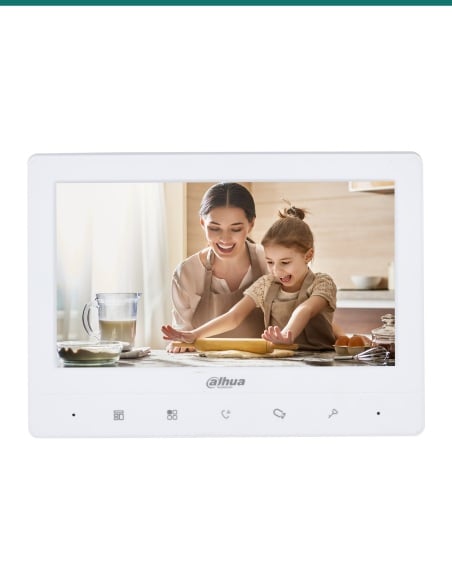
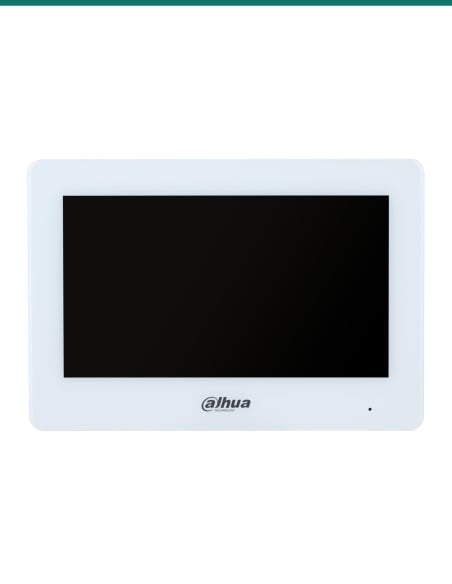
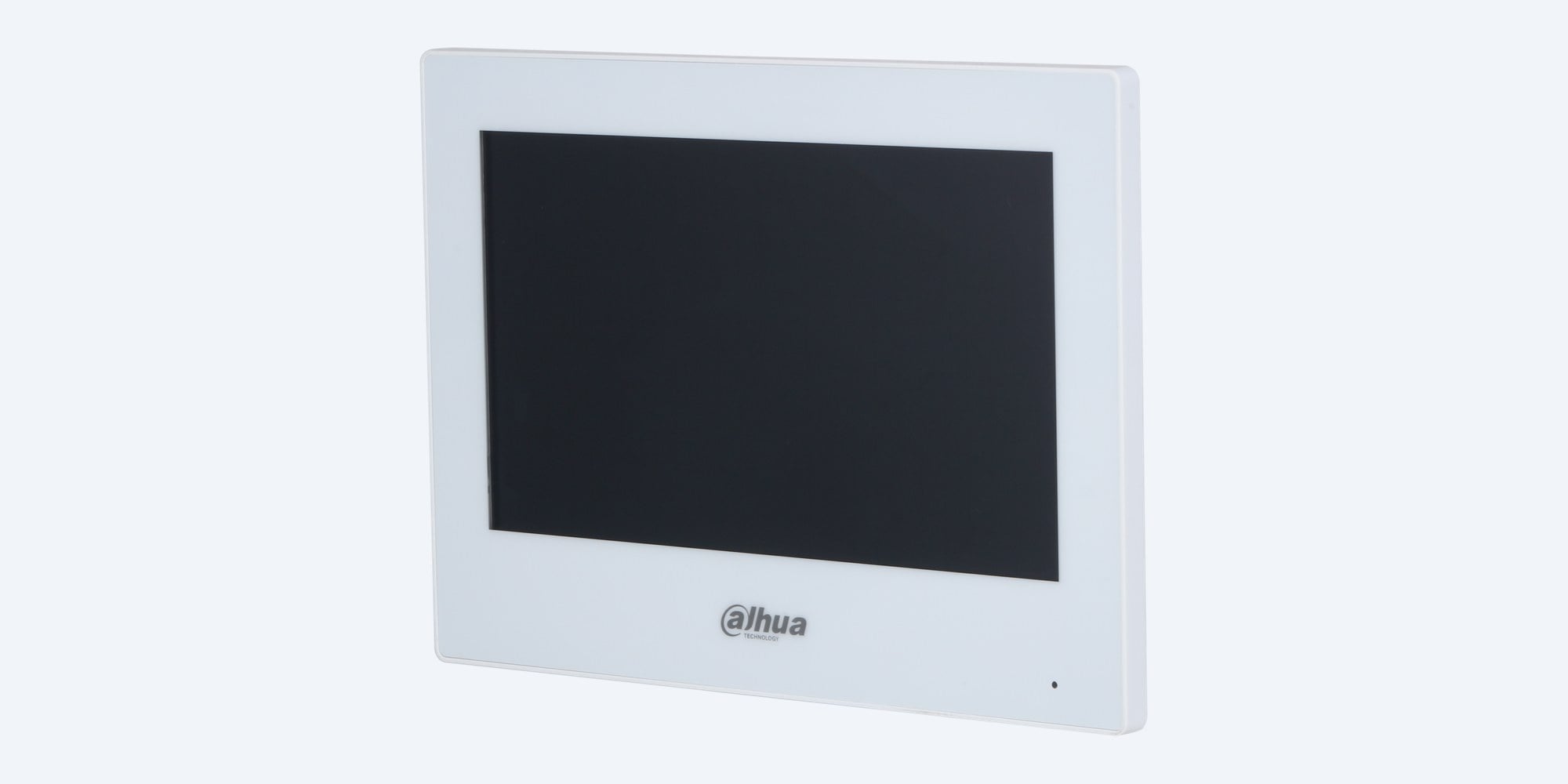
The DHI-VTH2621GW-P is Dahua's white 7 inch IP indoor monitor. It answers the door station, talks both ways, opens the door and shows IP cameras, powered by standard PoE or 12 VDC.
In one sentence: the DHI-VTH2621GW-P is a white Dahua 7 inch IP indoor monitor with a 1024 × 600 capacitive touchscreen, two-way audio, 6 alarm inputs and 1 alarm output, and standard PoE or 12 VDC power.
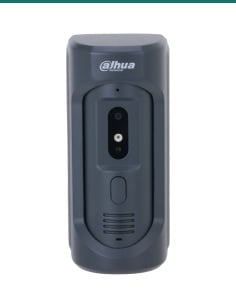
Indoor monitor only. The door station is separate.
This listing is one screen for inside the home or office. It needs a Dahua IP door station to answer, and a PoE port or 12 VDC supply for power.
In the box- DHI-VTH2621GW-P 7 inch indoor monitor (white)
- Wall bracket and alarm ribbon cable (listed as included on Dahua's datasheet)
You also need- A Dahua IP door station, or one of our Dahua IP intercom kits
- A standard PoE switch port, or a 12 VDC 1 A power supply
- Cat5e or Cat6 cable to the monitor
- A microSD card in the door station, if you want visitor video messages
One cable, one screen, the whole front door.
Standard PoE carries power, video and audio on one network cable. Tap to answer, talk to the visitor with echo suppression, and open the lock wired to the door station. Up to 9 monitors can share a villa system.
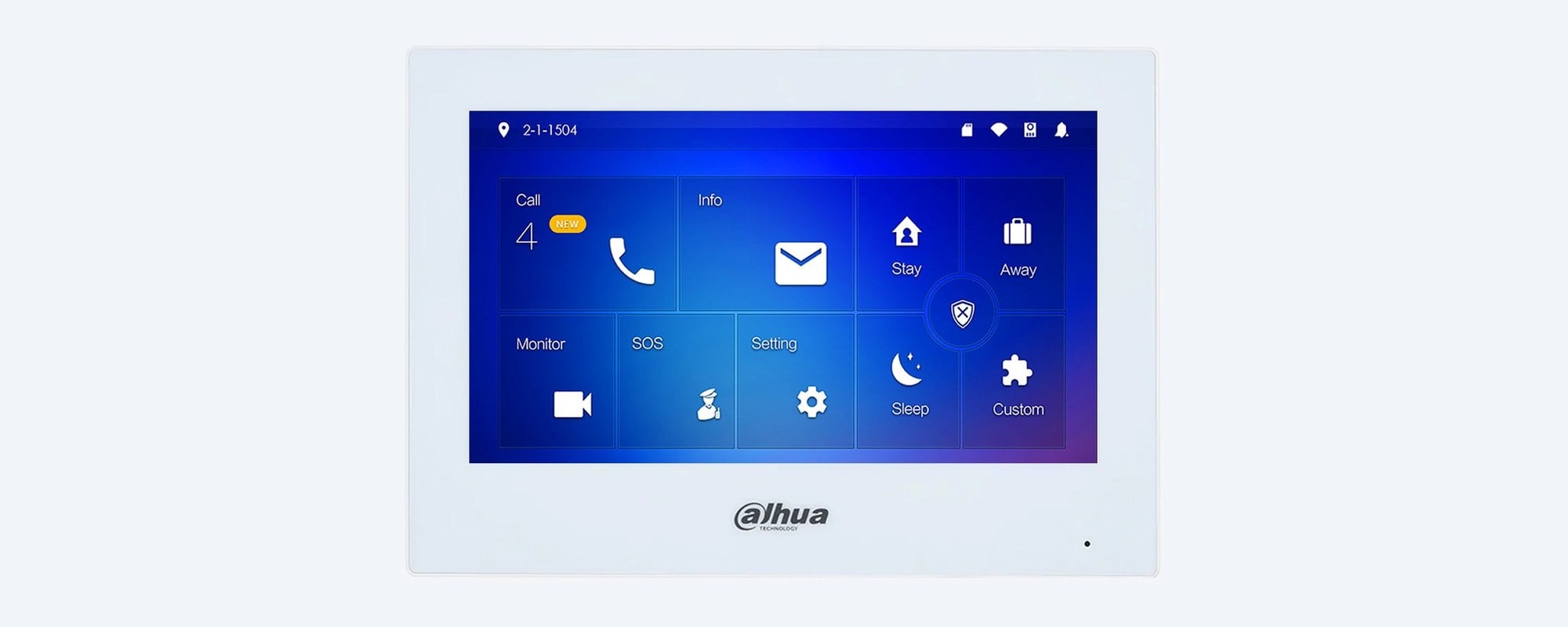
Touchscreen
7 inch, 1024 × 600, capacitive.
Answer calls, view the door station and IP cameras, read messages from the management centre and set a do-not-disturb period, all from the touchscreen. It decodes H.265 and H.264 video.
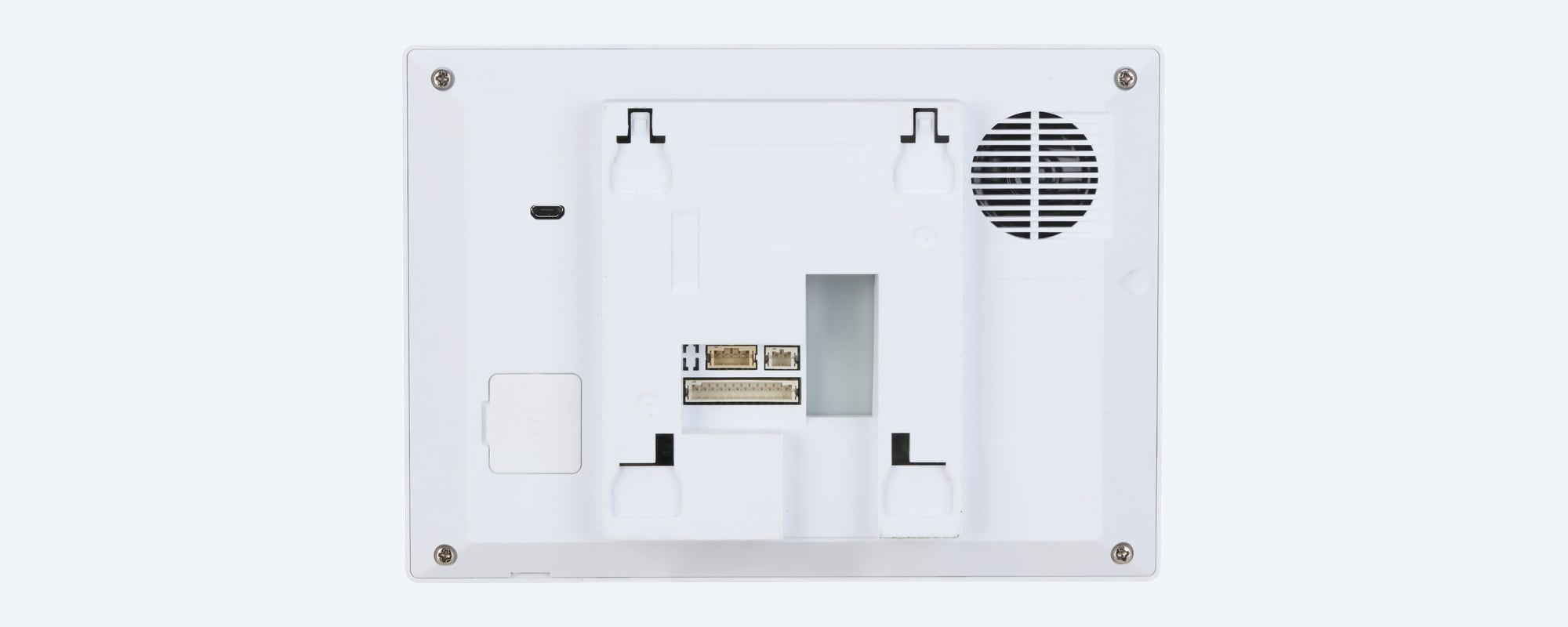
Rear
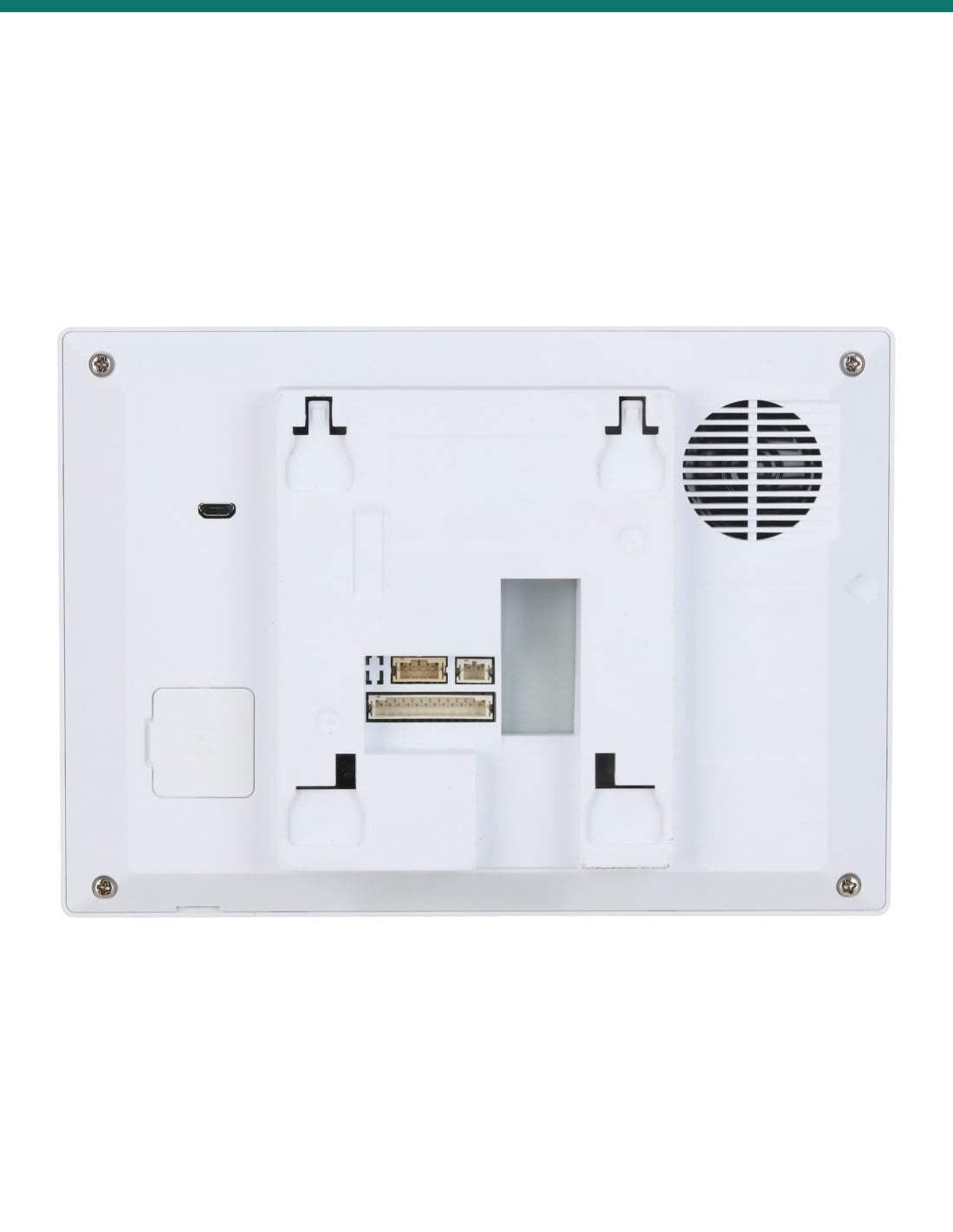
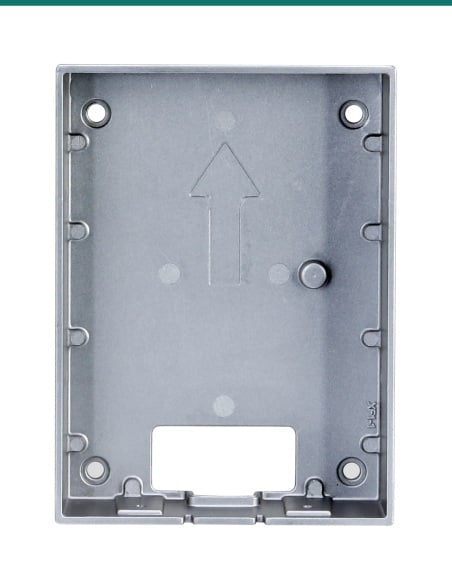
Hooks onto its wall bracket.
The back hooks onto the surface-mount bracket and the monitor is only 26 mm deep. The built-in speaker is behind the grille on the right. The casing is white PC and ABS, 189.6 × 134.6 mm and 0.34 kg.
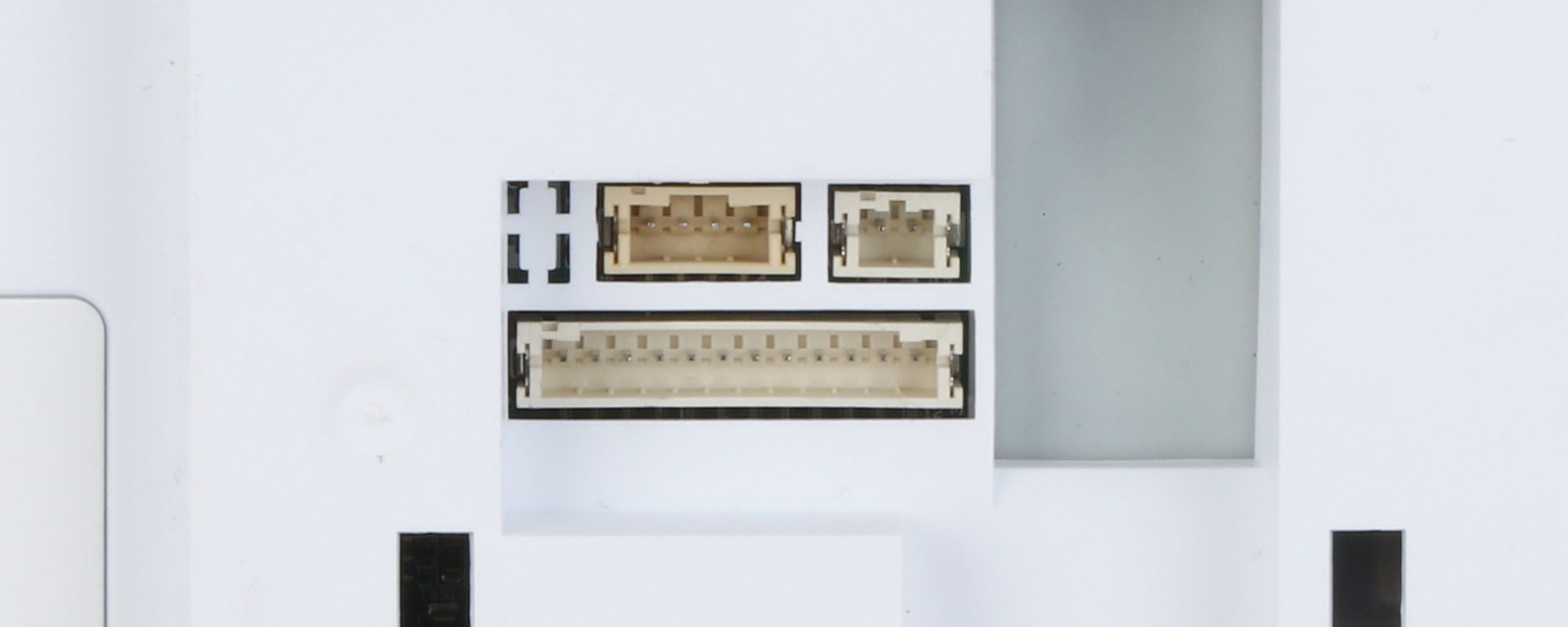
Alarm and power
6 alarm inputs, 1 alarm output.
Wire door contacts or sensors to the alarm inputs and a siren or relay to the output. Any alarm input can also act as a doorbell button. One 10/100 network port carries PoE, or use 12 VDC 1 A.
How it goes in
From cable to first call.
01
Run one cable
Cat5e or Cat6 from a standard PoE switch port to the monitor position. Without PoE, run 12 VDC 1 A to it instead.
02
Fix the bracket
Screw the wall bracket on at a comfortable height indoors, connect the network cable and any alarm wiring, then hang the monitor on it.
03
Link it to the door station
Run the setup on the touchscreen and add the monitor to your Dahua IP door station on the same network, as the main screen or an extension.
04
Set alarms and quiet hours
Assign the alarm inputs, pick one as a doorbell if needed, and set a do-not-disturb period so the screen stays quiet overnight.
At a glance
DHI-VTH2621GW-P
Show specs
Screen
7 inch TFT capacitive touchscreen, 1024 × 600
Communication
Full digital (IP), SIP
Interoperability
ONVIF; SDK
Network protocols
RTSP, RTP, SIP, DNS, SSH
Video
Door station and IP camera monitor, H.265 and H.264 decoding
Audio
1 audio input, built-in speaker, two-way audio, echo suppression
Audio compression
G.711a, G.711u, PCM; 16 kHz, 16 bit
Extensions
Villa: 9; apartment: 4
Functions
Visitor video messages (microSD card in the door station), messages from the management centre, do-not-disturb schedule
Alarm
6 inputs, 1 output; any input can be a doorbell
Network
1 × 10/100 Mbps Ethernet
Storage
microSD up to 64 GB, reserved for software
Processor
Dual-core 1.2 GHz, 128 MB RAM, 128 MB ROM, embedded Linux
Power
Standard PoE (36 to 57 V, 0.35 A) or 12 VDC 1 A
Power consumption
Standby 2 W or less; working 6 W or less
Casing and colour
PC and ABS, white
Installation
Surface mount, indoor
Size and weight
189.6 × 134.6 × 26.0 mm, 0.34 kg
Operating range
−10 °C to +55 °C, 10% to 95% RH non-condensing, below 3,000 m
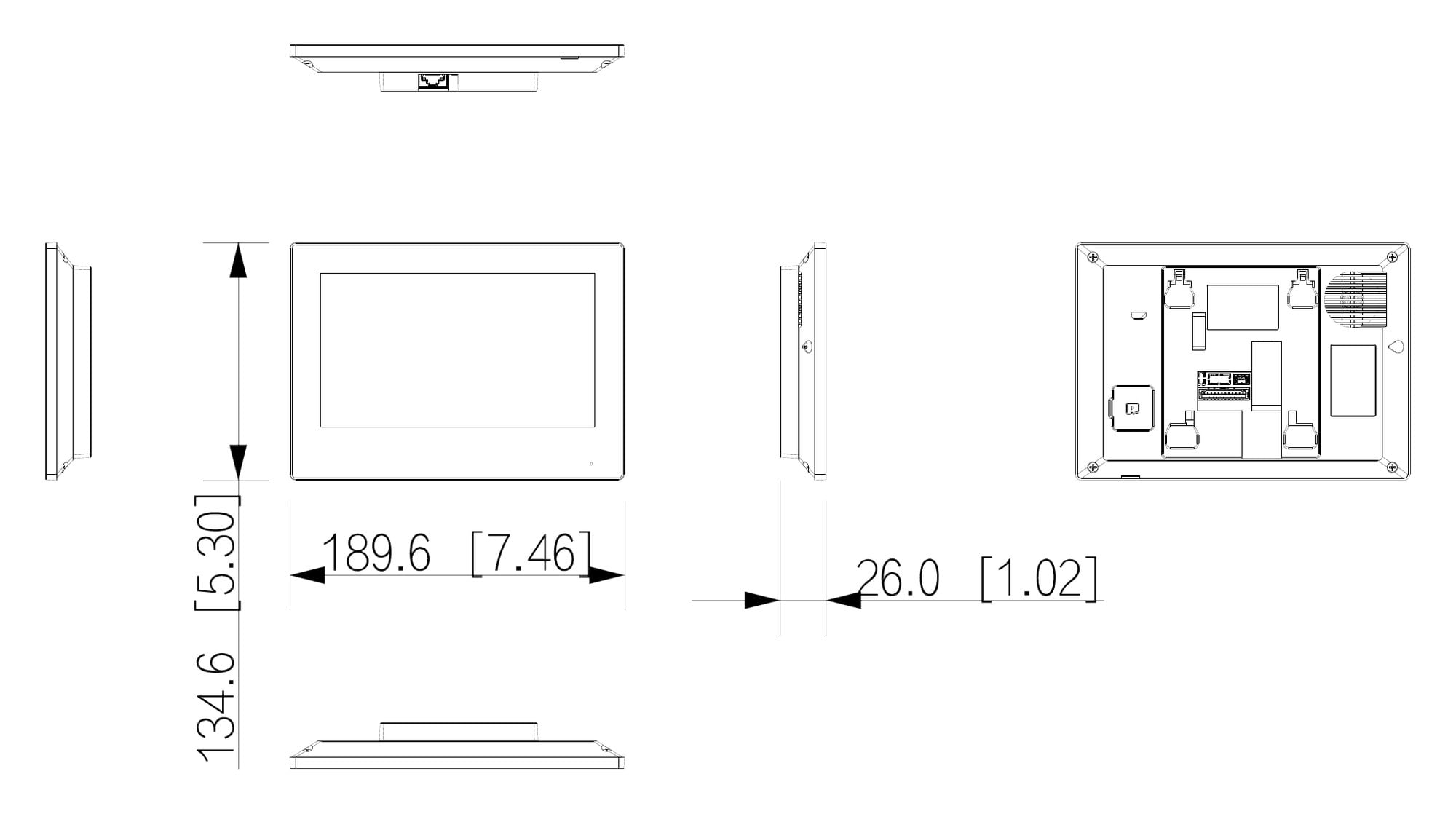
189.6 × 134.6 × 26.0 mm. Units mm (inch). From Dahua's VTH2621G(W)-P datasheet.
Pair it with
What this monitor does not include
Door station
A Dahua IP door station
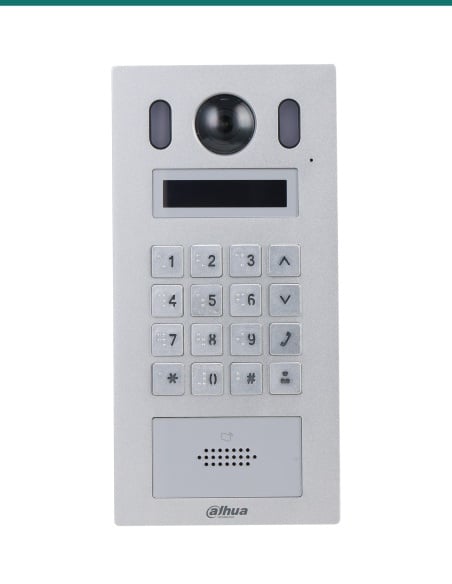
Dahua pairs this monitor with the VTO2201F-P in its KTP01L(S)-AUS villa kit and with the VTO2111D-P-S3 in its KTP03W-S2 kit. Ask us before using another model.
Power
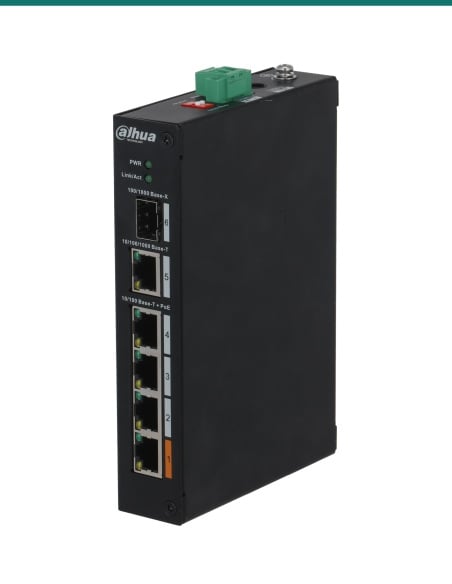
A PoE switch or 12 VDC supply
Standard PoE at 36 to 57 V powers it on the network cable. Allow up to 6 W per monitor.
Cabling
Cat5e or Cat6 cable
One run from the switch to each monitor and each door station.
Desk use
VTM59D desktop support
Dahua's listed desk stand for this monitor, for a bench or reception desk instead of the wall. Confirm stock with us.
Where it is used
Where a 7 inch IP monitor fits.
Family homes
Kitchen, hallway or upstairs landing, answering the front door or gate.
Extra screens
A second or third monitor in the bedroom or office, up to 9 in a villa system.
Townhouses and duplexes
One door station and monitor per dwelling, each on its own network cable.
Small offices
A reception desk screen to see and let in visitors.
Granny flats and studios
A separate entry with its own screen.
Upgrades
Replace an old analogue screen on a Dahua IP system with a touchscreen on PoE.
DHI-VTH2621GW-P or DHI-VTH2621G-P
| DHI-VTH2621GW-P (this monitor) | DHI-VTH2621G-P |
|---|
| Colour | White | Black |
| Screen | 7 inch capacitive, 1024 × 600 | 7 inch capacitive, 1024 × 600 |
| Power | Standard PoE or 12 VDC 1 A | Standard PoE or 12 VDC 1 A |
| Alarm | 6 inputs, 1 output | 6 inputs, 1 output |
| Size and weight | 189.6 × 134.6 × 26.0 mm, 0.34 kg | 189.6 × 134.6 × 26.0 mm, 0.34 kg |
Both models are on the same Dahua VTH2621G(W)-P datasheet. Only the colour differs.
Common questions
Does it run on PoE?
Yes. It takes standard PoE at 36 to 57 V, 0.35 A on its network port, or 12 VDC 1 A from a separate supply. It draws 6 W or less when working.
Is a door station included?
No. This listing is the indoor monitor only. Dahua lists a wall bracket and an alarm ribbon cable as included with it.
Which door stations does it work with?
Dahua pairs it with the VTO2201F-P door station in its KTP01L(S)-AUS kit and with the VTO2111D-P-S3 in its KTP03W-S2 kit. For any other Dahua IP door station, confirm with us first.
Can it show my CCTV cameras?
Dahua describes it as a door station and IP camera monitor with ONVIF support and H.265 and H.264 decoding. Ask us to check your camera model before you rely on it.
How many monitors can I have?
Dahua lists up to 9 extensions in a villa system and 4 in an apartment system. Each monitor needs its own network cable.
Can visitors leave a video message?
Yes, when a microSD card is fitted in the door station. The message is stored there, not in the monitor.
What is the microSD slot on the monitor for?
Dahua lists it as up to 64 GB and reserved for software. It is not for recording visitors.
What are the alarm inputs for?
Wire door contacts or sensors to the 6 alarm inputs and a siren or relay to the 1 alarm output. Any alarm input can also act as a doorbell button.
Is the screen a touchscreen?
Yes. It is a 7 inch TFT capacitive touchscreen at 1024 × 600, with two-way audio, echo suppression and a built-in speaker.
Can it sit on a desk?
Yes, with Dahua's VTM59D desktop support, which Dahua lists as the desk accessory for this monitor. Otherwise it surface mounts on the wall bracket.
What is the difference from the DHI-VTH2621G-P?
Only the colour. This GW model is white and the G model is black. Both are on the same Dahua datasheet with the same screen, ports and power.
Who can install the cable?
Concealed data cabling is customer cabling under AS/CA S009 and needs an ACMA-registered cabler. A new power point for a 12 V supply needs a licensed electrician.
Supported by InFront Technologies.
Help choosing the door station, switch or extra monitors: call 1300 736 970 or email [email protected]. The datasheet is on the Attachments tab.
Installation and safety
Low-voltage monitor. Standard PoE or 12 VDC 1 A, 6 W or less when working. There is no mains connection on the monitor. A new power point for a 12 V supply needs a licensed electrician.
Cabling. Concealed data cabling is customer cabling under AS/CA S009 and needs an ACMA-registered cabler.
Indoor use. Rated −10 °C to +55 °C and up to 95% humidity, non-condensing. Do not mount it outside or in a wet area.
What it does not do. No camera on the monitor, no Wi-Fi, and no door station or lock in the box. The lock is wired to the door station.
Figures. From Dahua's VTH2621G(W)-P datasheet (February 2023) and Dahua's product page. The kit pairings are from Dahua's KTP01L(S)-AUS and KTP03W-S2 kit datasheets.