1 / 4

Dahua 2 Wire Wi-Fi Indoor Intercom Monitor White - DHI-VTH5123H-W

SKU DHI-VTH5123H-W In Stock - Ready to Ship
$197.50 inc GST

Dahua DHI-VTH5123H-W: a white 2-wire Wi-Fi hybrid indoor monitor with a 7" touchscreen, powered by Dahua's 2-wire controller and paired with the VTO2003F door station.

  • ✓7" capacitive touchscreen, 1024 × 600
  • ✓2-wire hybrid, powered by Dahua's 2-wire controller
  • ✓2.4 GHz Wi-Fi, calls and unlock in the DMSS app
  • ✓microSD up to 64 GB for recordings
  • ✓6 alarm inputs, 1 alarm output
  • ✓Dahua 3-year warranty


Description

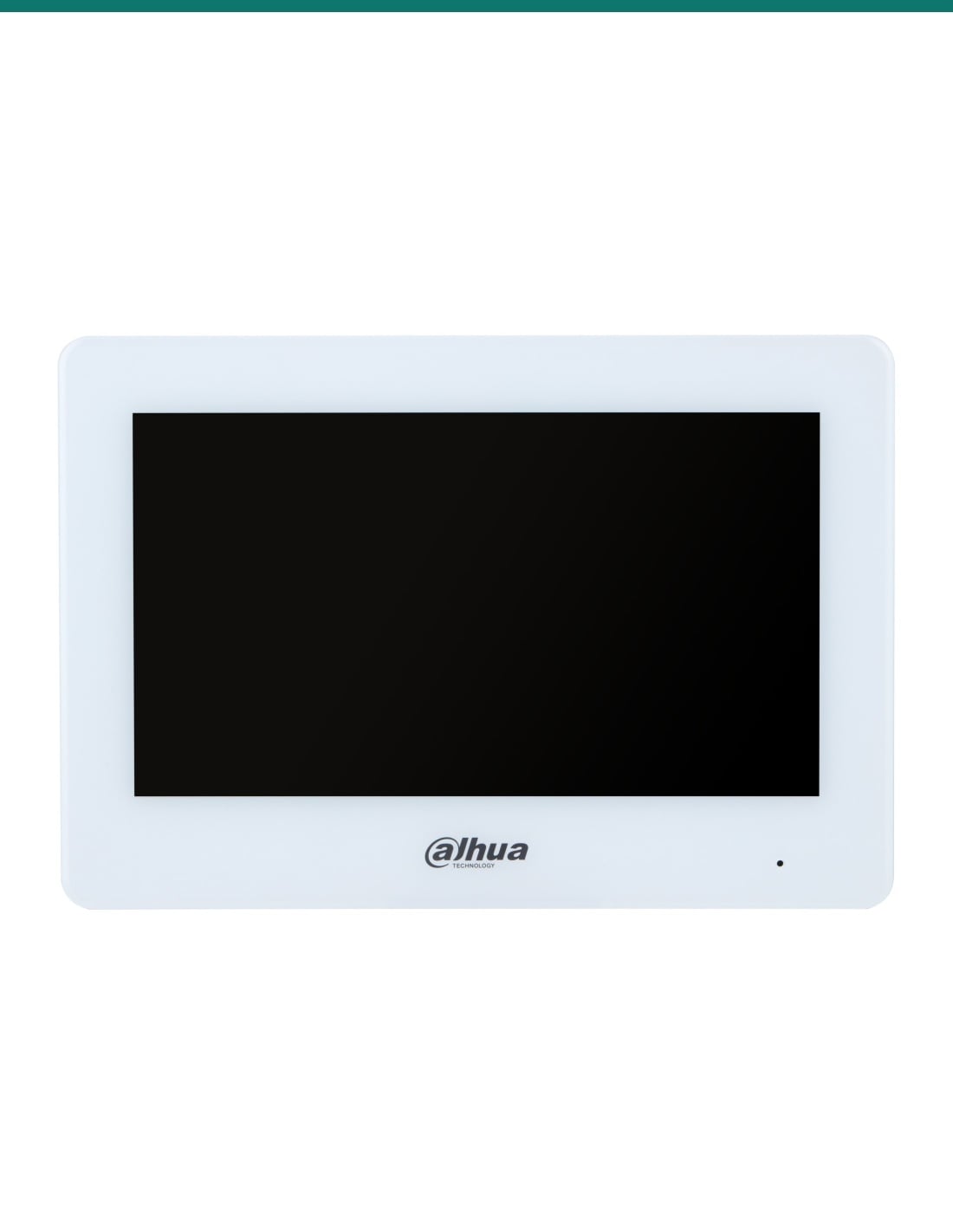
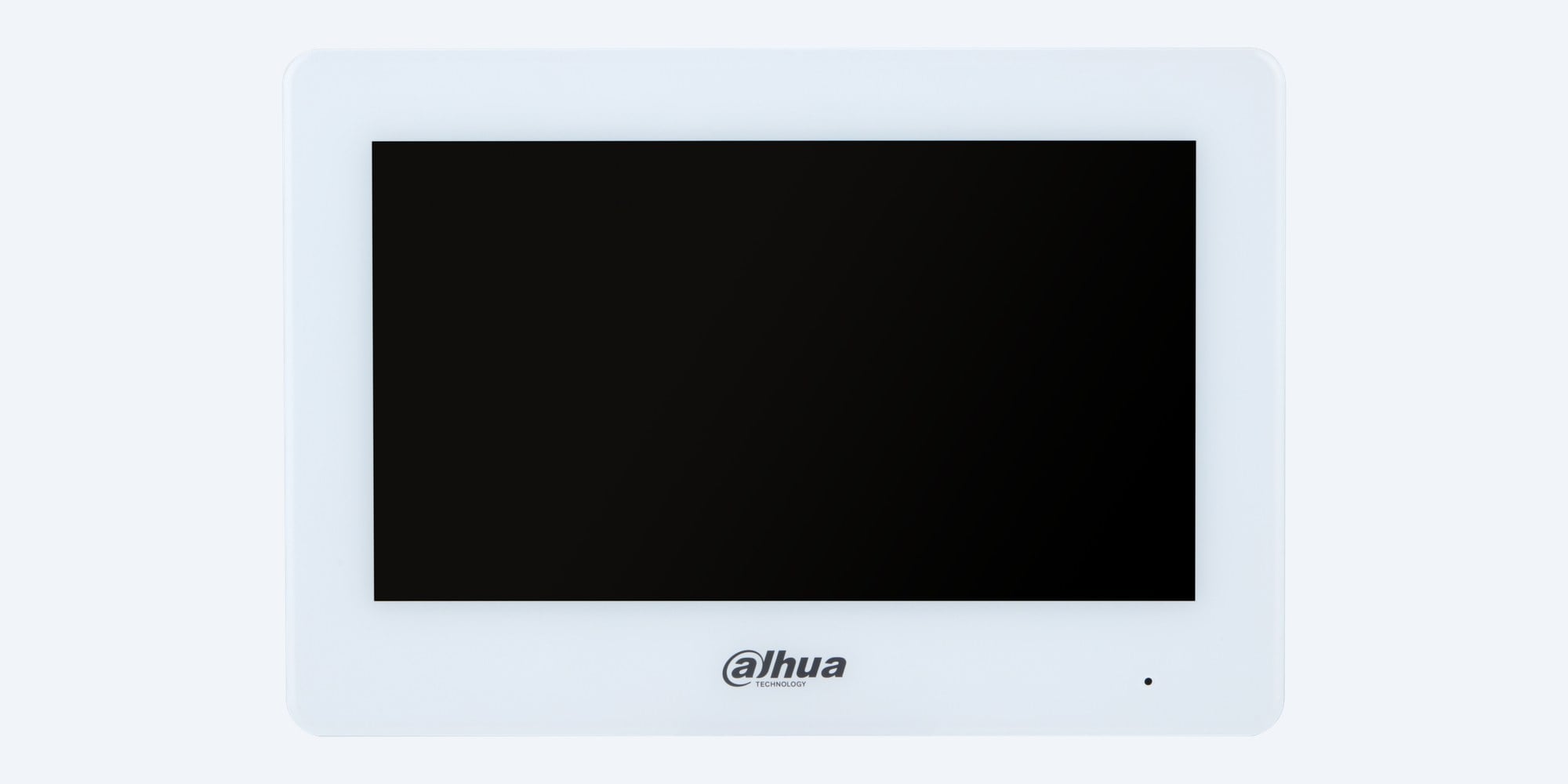
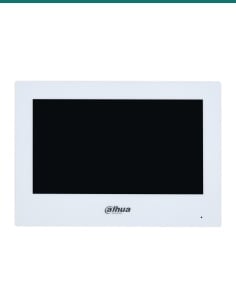
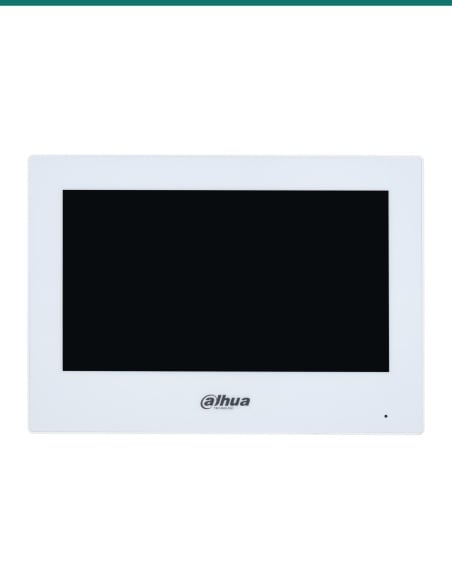
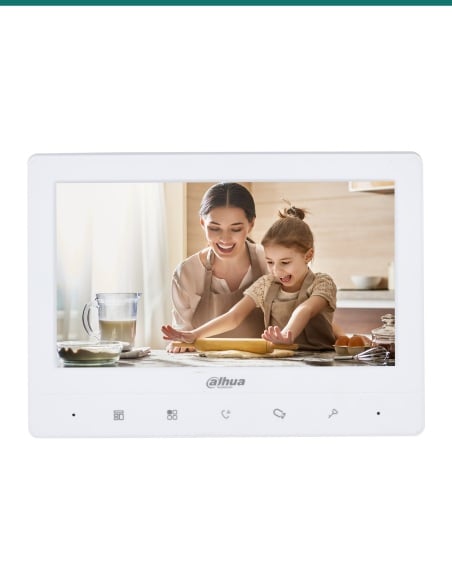
Dahua 2-wire Wi-Fi hybrid indoor monitor, white, front view of the 7 inch touchscreen (Dahua photo of the same housing, VTH5123H-W-S2)
Dahua · 2-Wire Indoor Monitor

A 7" touchscreen on two wires.
Calls on your phone over Wi-Fi.

The DHI-VTH5123H-W is the 2-wire Wi-Fi hybrid indoor monitor in Dahua's KTX01 intercom kit. It runs on the two wires from Dahua's 2-wire controller, talks to the VTO2003F door station, and passes calls to the app over 2.4 GHz Wi-Fi.

In one sentence: the DHI-VTH5123H-W is a white Dahua 2-wire Wi-Fi indoor monitor with a 7" 1024 × 600 capacitive touchscreen, 6 alarm inputs, a microSD slot up to 64 GB, and power from a Dahua 2-wire controller.

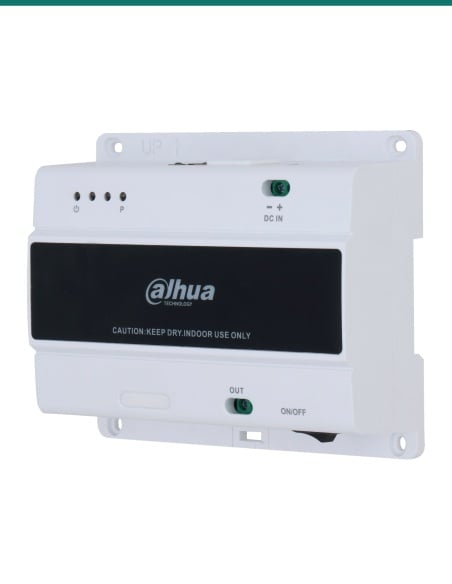
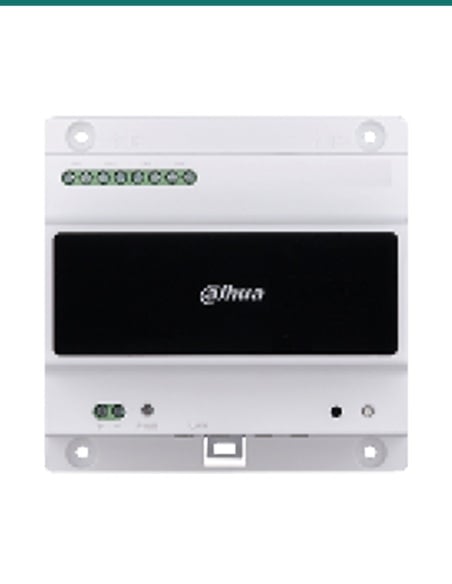
2-wire system: it needs Dahua's 2-wire controller.

This monitor is not PoE and not an IP monitor. Dahua lists its power supply as the 2-wire controller, which comes in the KTX01 kit with the VTO2003F door station. Dahua's datasheet does not list this model's box contents.

In the box
  • DHI-VTH5123H-W indoor monitor
  • Bracket and cables: not listed on Dahua's datasheet for this model, confirm with us
You also need
  • A Dahua 2-wire door station, such as the DHI-VTO2003F
  • Dahua's 2-wire controller (VTNC1003C in the KTX01 kit): ask us
  • A microSD card (up to 64 GB) for recordings, snapshots and video messages
  • A 2.4 GHz Wi-Fi network for the app

Two wires to each device.

In Dahua's 2-wire hybrid system the door station and monitors share a two-core cable from the 2-wire controller, which supplies power and carries the calls. Dahua's manual allows up to 180 m between monitor and door station on 2 × 0.5 mm² RVV cable, and up to 100 m between the controller and the monitor.

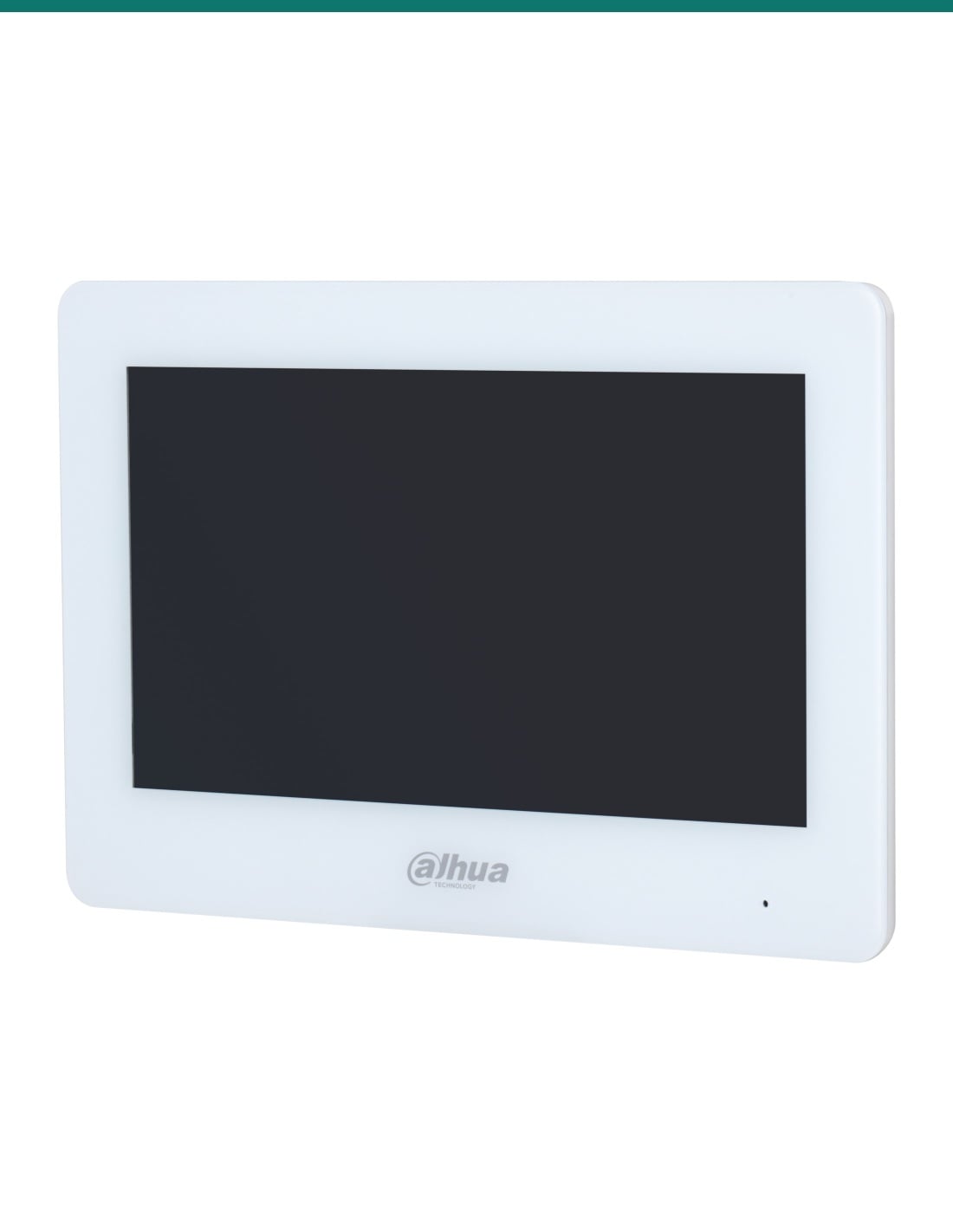
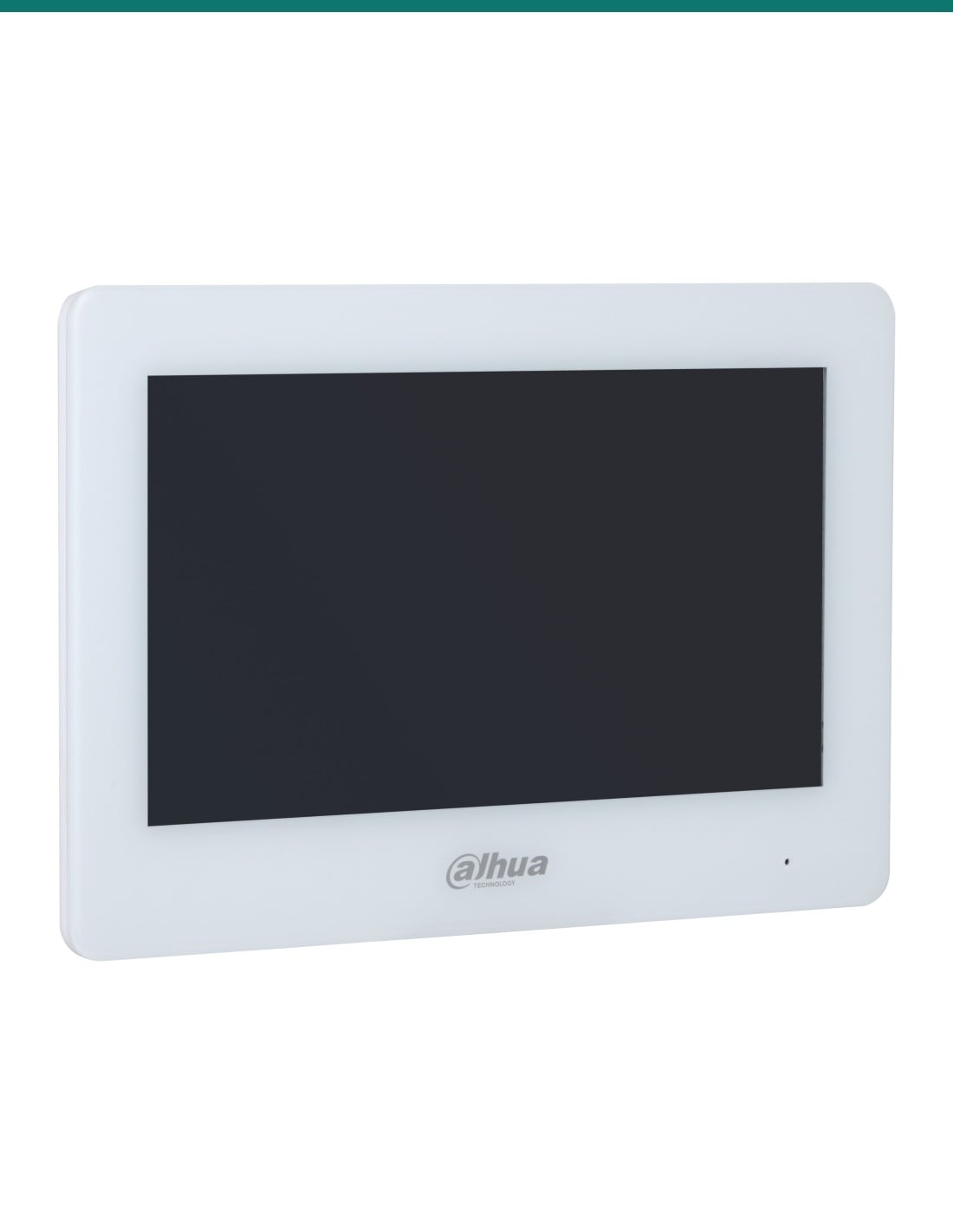
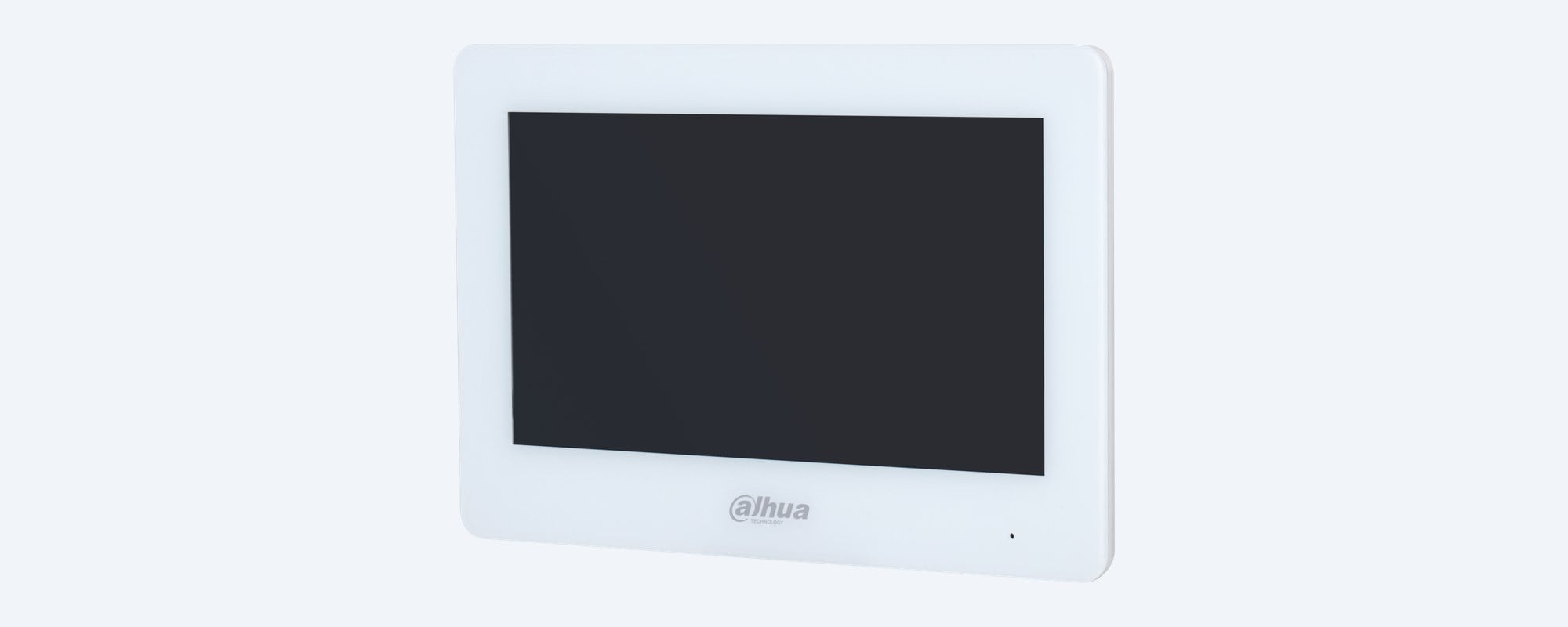
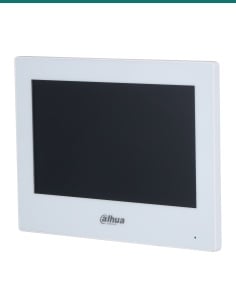
Dahua 2-wire hybrid indoor monitor, white, angled view of the 7 inch screen (Dahua photo of the same housing, VTH5123H-W-S2)

Screen

7" touchscreen, 1024 × 600.

A 7" TFT capacitive touchscreen for answering the door, watching the door station and HDCVI cameras, and playing back recordings from the SD card.

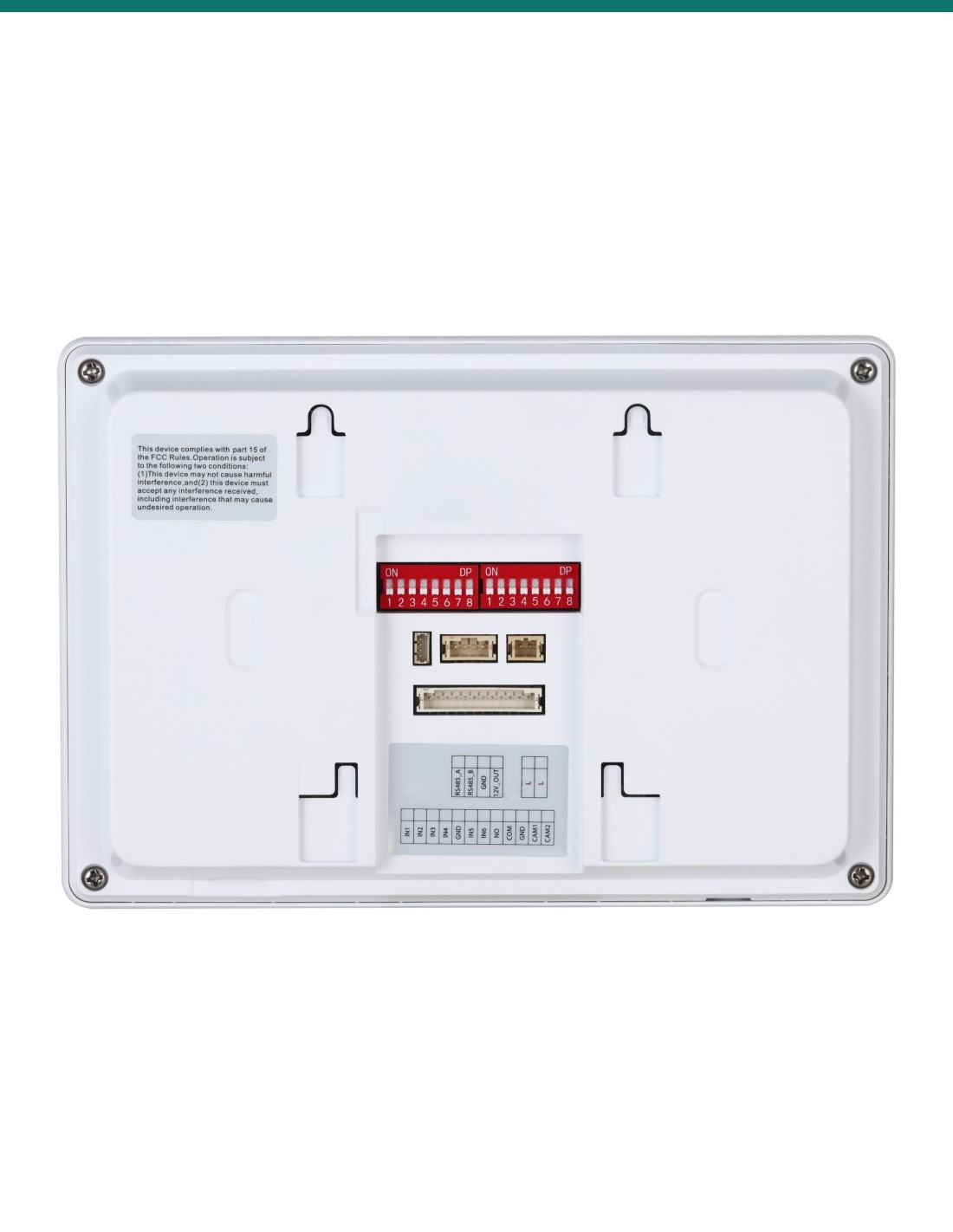
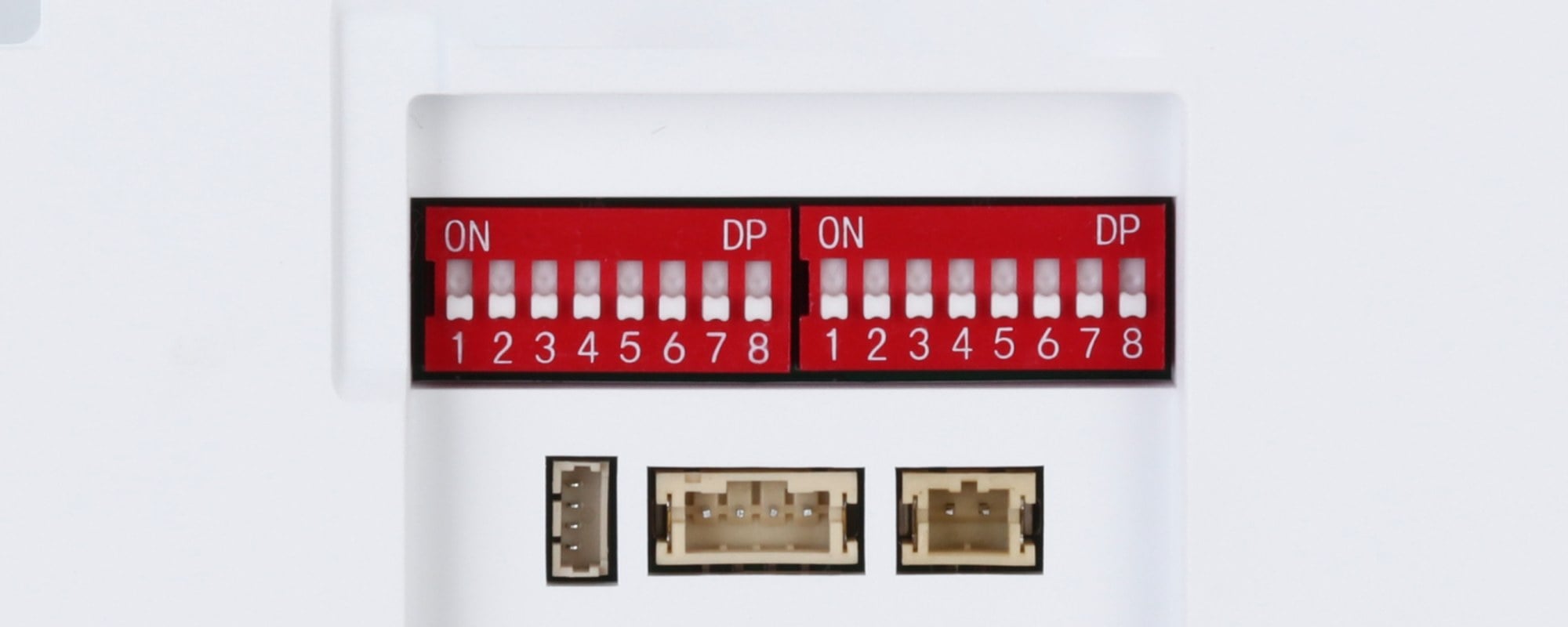
Close-up of the red DIP switches and terminal connectors on the back of the Dahua 2-wire hybrid indoor monitor

Rear

Address set with DIP switches.

Each monitor's address is set on the DIP switches on the back, per Dahua's manual. The terminals take the two bus wires, RS-485, alarms and the 12 V 200 mA power output.

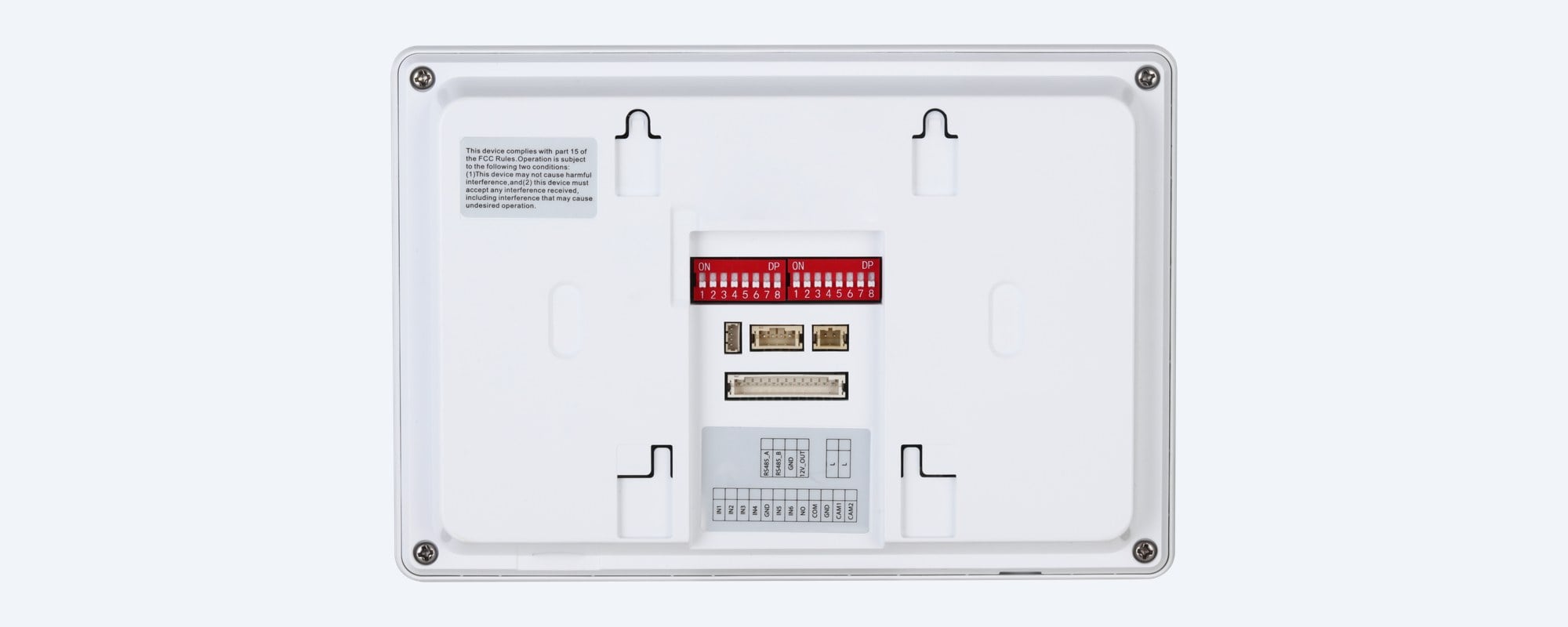
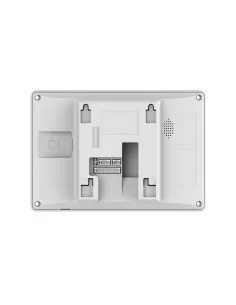
Back of the Dahua 2-wire hybrid indoor monitor with keyhole mounting slots and the terminal area

Mounting

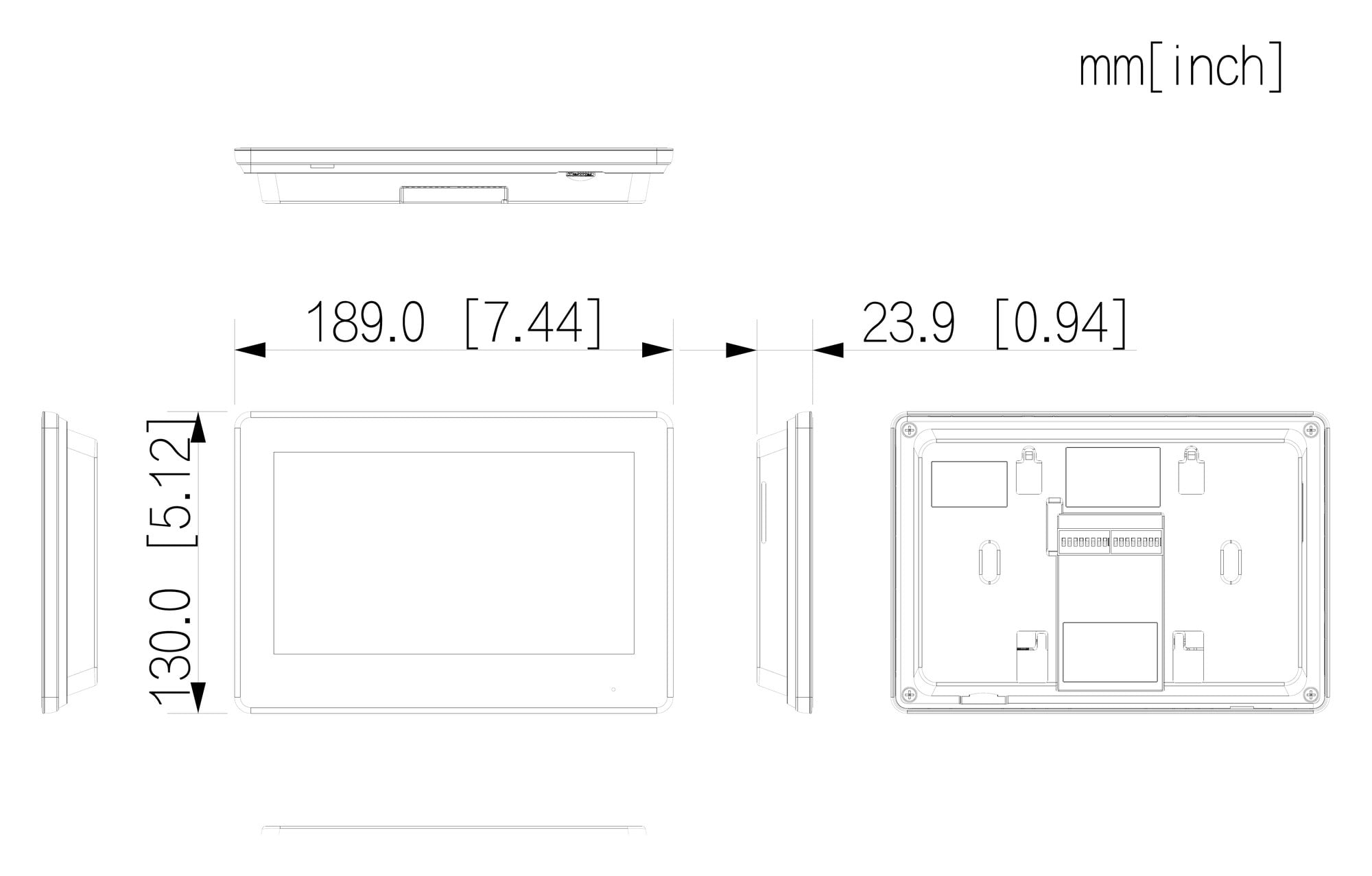
Surface mount, 23.9 mm thin.

The monitor surface mounts on the wall. It measures 189 × 130 × 23.9 mm and weighs 0.633 kg packed.

How it goes in

From cable to first call.

01

Run the two-wire cable

Run a two-core cable from the 2-wire controller to the monitor and the door station, within Dahua's distances (for example 2 × 0.5 mm² RVV: 180 m monitor to door station, 100 m controller to monitor).

02

Set the DIP address

Set the monitor's address on the DIP switches on the back, as Dahua's manual describes. Each door station also needs its own DIP number.

03

Mount and connect

Surface mount the monitor, connect the two bus wires, then any alarm inputs, the alarm output or HDCVI camera. Insert a microSD card.

04

Join Wi-Fi and the app

Connect the monitor to your 2.4 GHz Wi-Fi and add it to Dahua's DMSS app to answer calls and unlock the door from your phone.

Pair it with

What goes with it

Door station

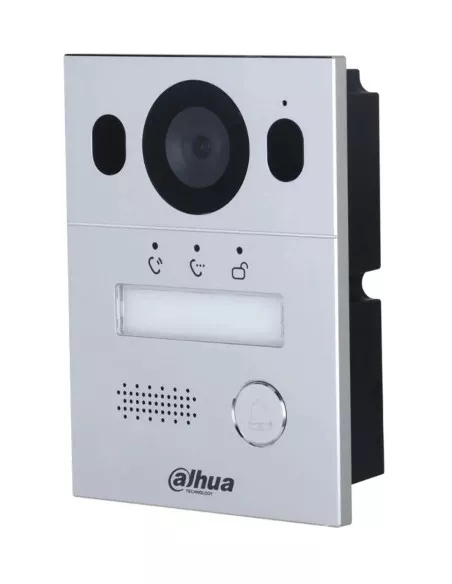
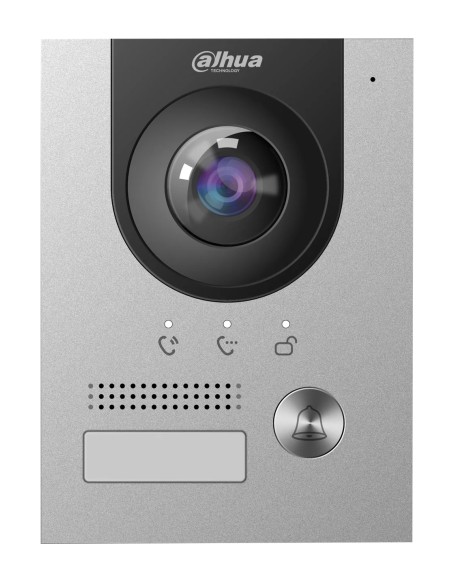
Dahua DHI-VTO2003F

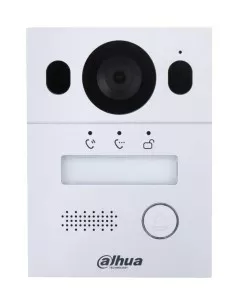
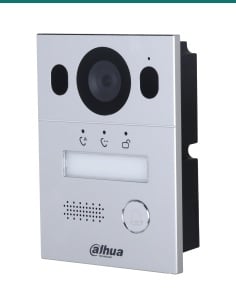
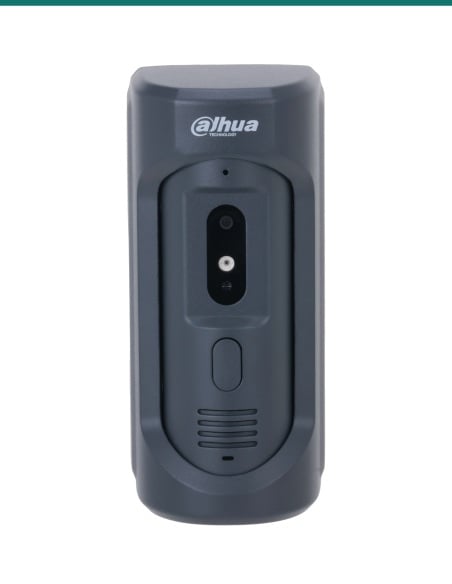
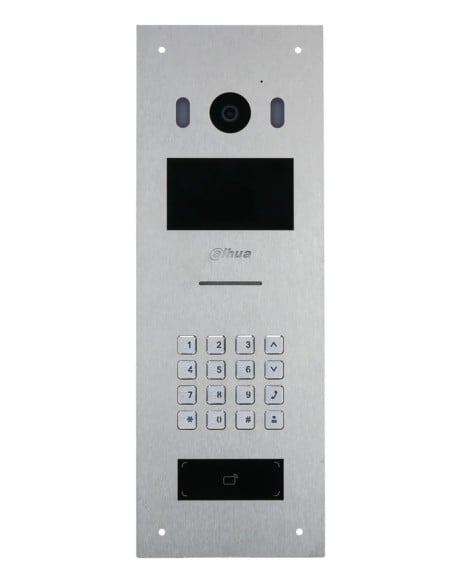
The 2-wire hybrid villa door station Dahua pairs with this monitor in the KTX01 kit: 2 MP camera, IP65, IK07.

Complete kit

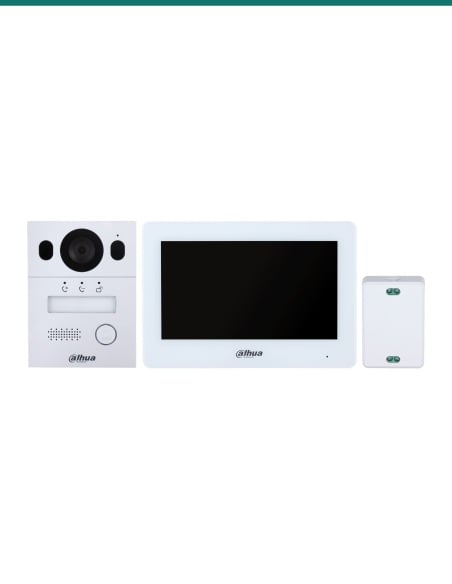
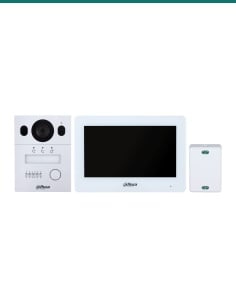
Dahua DHI-KTX01(S)

Dahua's kit with this monitor, the VTO2003F, the VTNC1003C 2-wire controller, a VTM115 surface box and a power adapter.

Door station box

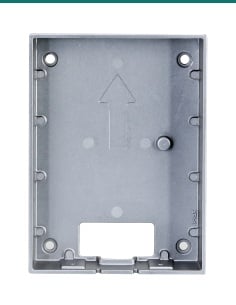
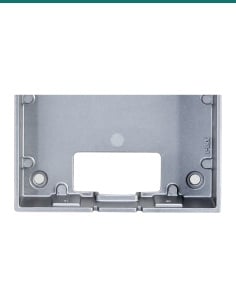
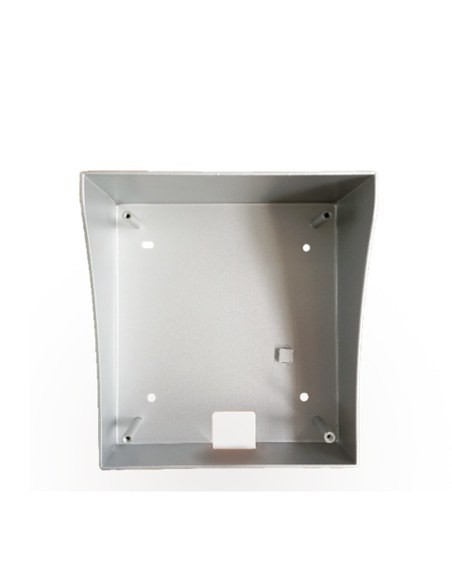
Dahua VTM115 surface box

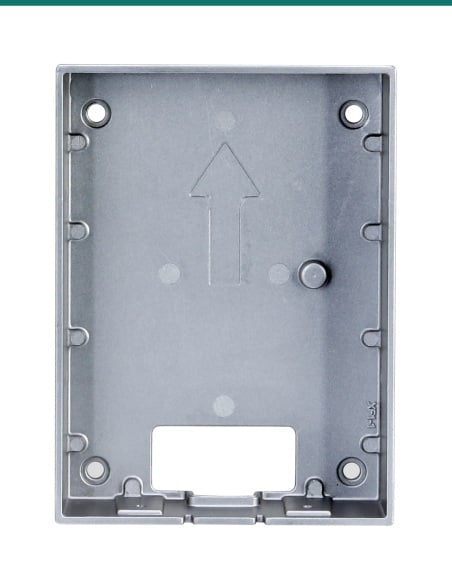
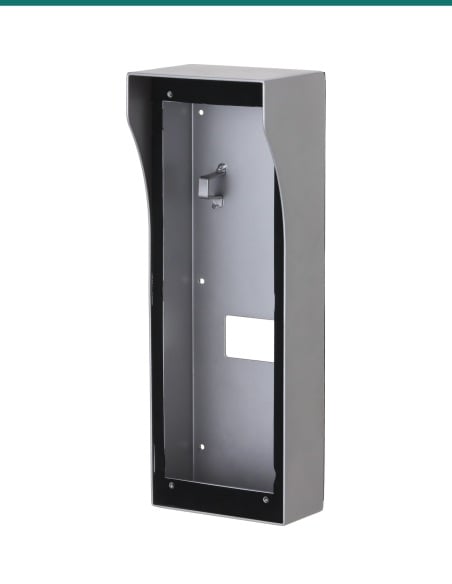
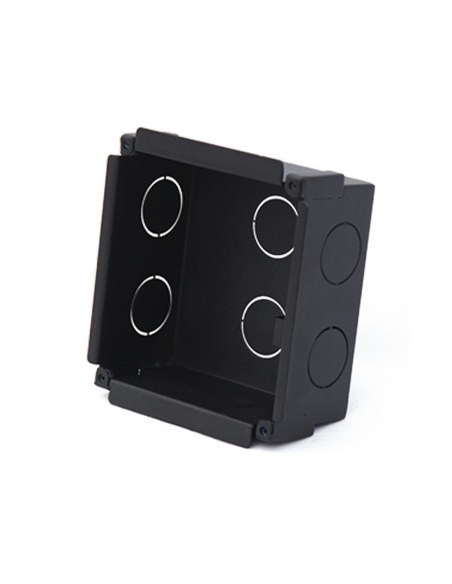
The surface mounted box Dahua supplies with the VTO2003F in the KTX01(S) kit.

Door station box

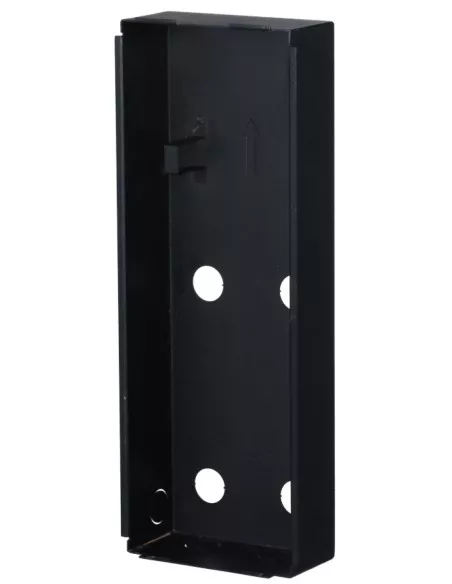
Dahua VTM114 flush box

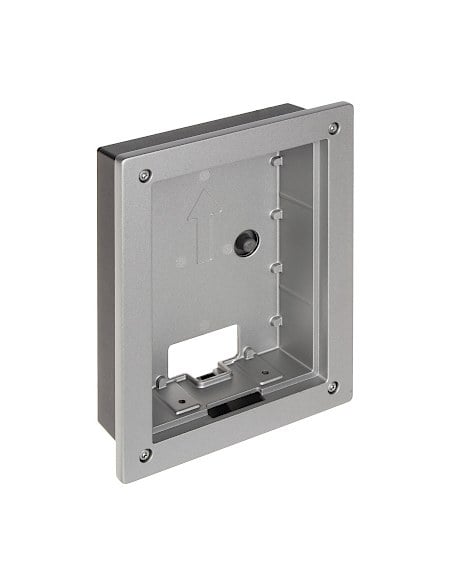
The flush mounted box Dahua supplies with the VTO2003F in the KTX01(F) kit, for recessing it into the wall.

Where it is used

Where a 2-wire monitor fits.

Replacing old intercoms

Re-use existing two-core intercom cable.

Houses and villas

One door station, monitors inside.

Long cable runs

Up to 180 m to the door station on RVV cable.

Phone answering

Calls to the app over 2.4 GHz Wi-Fi.

Alarm zones

6 alarm inputs for detectors or a doorbell.

Camera viewing

Watch HDCVI cameras on the monitor.

VTH5123H-W or the newer VTH5123H-W-S2

DHI-VTH5123H-W (this monitor)DHI-VTH5123H-W-S2
Screen7" touchscreen, 1024 × 6007" touchscreen, 1024 × 600
Power supply2-wire controller2-wire controller, power adapter optional
CamerasHDCVI camerasHDCVI or IP cameras
Extensions5Villa 4, apartment 2
Size130 × 189 × 23.9 mm130 × 189 × 23.9 mm
CertificationsCE, FCCCE

From Dahua's KTX01 datasheet (2024, DHI-VTH5123H-W column) and Dahua's VTH5123H-W-S2 datasheet (2024).

Common questions

Is it PoE or IP?

Neither. It is a 2-wire hybrid monitor. Dahua lists its power supply as the 2-wire controller, which powers it and carries the calls over two wires.

Which door station does it work with?

Dahua pairs it with the DHI-VTO2003F 2-wire hybrid villa door station in the KTX01 kit. It does not work with Dahua's IP door stations directly. For any other door station, ask us.

What powers it?

Dahua's 2-wire controller (the VTNC1003C in the KTX01 kit, 48 VDC). Dahua's manual says the power supply must be one Dahua has certified. Ask us about a controller if you are not buying the kit.

How big is the screen?

7" TFT capacitive touchscreen, 1024 × 600.

Does it have Wi-Fi?

Yes, IEEE 802.11b/g/n on 2.4 GHz. It connects to Dahua's DMSS app, where you can take calls, get alarm notifications and unlock the door.

Can I talk to visitors from my phone?

Yes. Dahua lists two-way audio with the app (full-duplex) and with the door station (half-duplex).

Does it take an SD card?

Yes, a microSD card up to 64 GB. It is needed for recordings, snapshots and video messages left by visitors.

How many alarm inputs?

6 alarm inputs and 1 alarm output, plus RS-485 and a 12 V 200 mA power output. A doorbell can connect to an alarm input.

Can it show security cameras?

Dahua's datasheet says it connects to HDCVI cameras. IP camera support is listed only on the newer VTH5123H-W-S2.

How far can the cable run?

Dahua's manual allows 180 m between monitor and door station on 2 × 0.5 mm² or 2 × 1.5 mm² RVV cable, and 100 m between the controller and the monitor. Shorter limits apply to other cable types.

What is the difference from the VTH5123H-W-S2?

Same screen and housing. The S2 adds IP camera viewing and an optional power adapter, and lists 4 villa or 2 apartment extensions; this model lists 5 extensions and HDCVI cameras.

What warranty does it have?

Dahua 3-year manufacturer warranty, handled in Australia through InFront. Dahua's Australian policy lists 36 months for video intercom on products delivered from 1 January 2026.

Supported by InFront Technologies.

Help planning a Dahua 2-wire intercom, or adding a monitor to one: call 1300 736 970 or email [email protected]. The datasheet is on the Attachments tab.

Installation and safety

Power. Use only Dahua's 2-wire controller. Dahua's manual says the power supply must be one Dahua has certified.

Cabling. Concealed intercom cabling is customer cabling under AS/CA S009 and needs an ACMA-registered cabler.

Indoors only. Rated -10 °C to +55 °C, 10–95% RH. Keep it out of direct sun and away from water.

What it does not do. No PoE and no IP door stations. It works on Dahua's 2-wire hybrid system.

Figures. From Dahua's KTX01 datasheet (2024) and Dahua's 2-wire hybrid indoor monitor user manual. Photos and drawing are of the same housing, the VTH5123H-W-S2.

Type
Video Intercom Screen
INFRONTTECH Promotional Banner INFRONTTECH Promotional Banner INFRONTTECH Promotional Banner

Need help choosing?

Tell us about your property and we'll recommend the right cameras and recorder.

07 5609 4910

Sydney 02 8814 6008
[email protected]

Mon–Fri, 9am–5pm AEST

Saved to your wishlist Find it any time in your account. View list