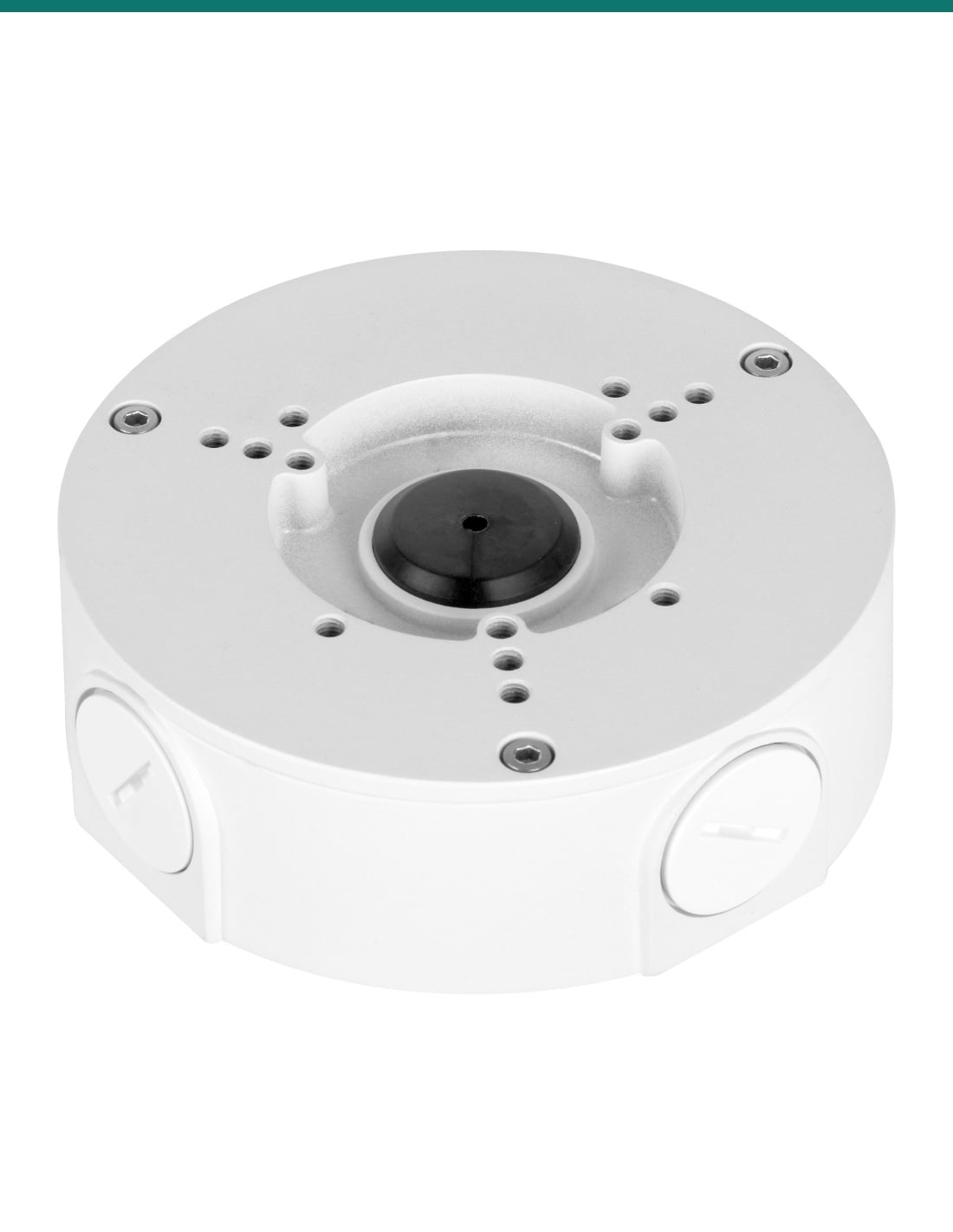
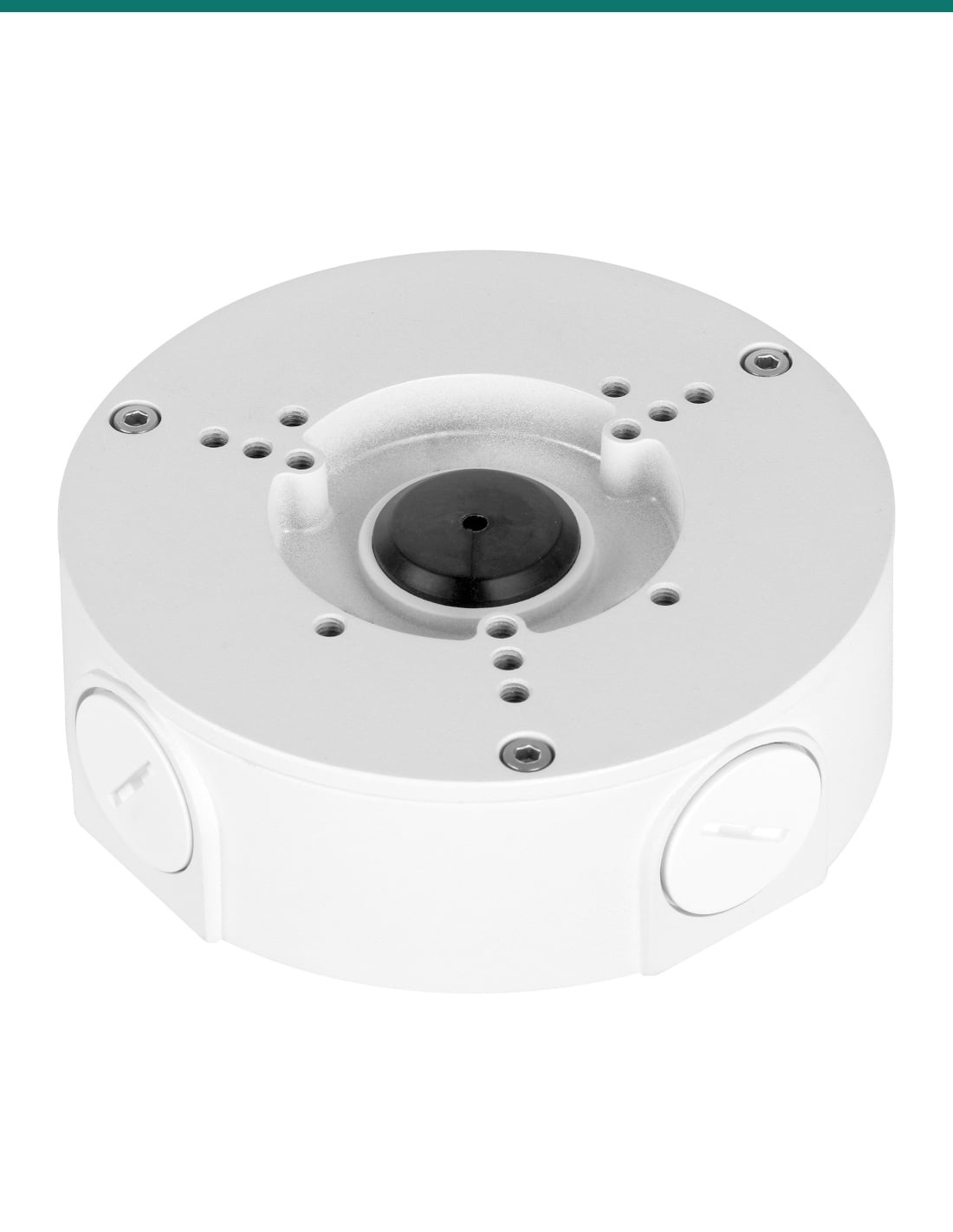
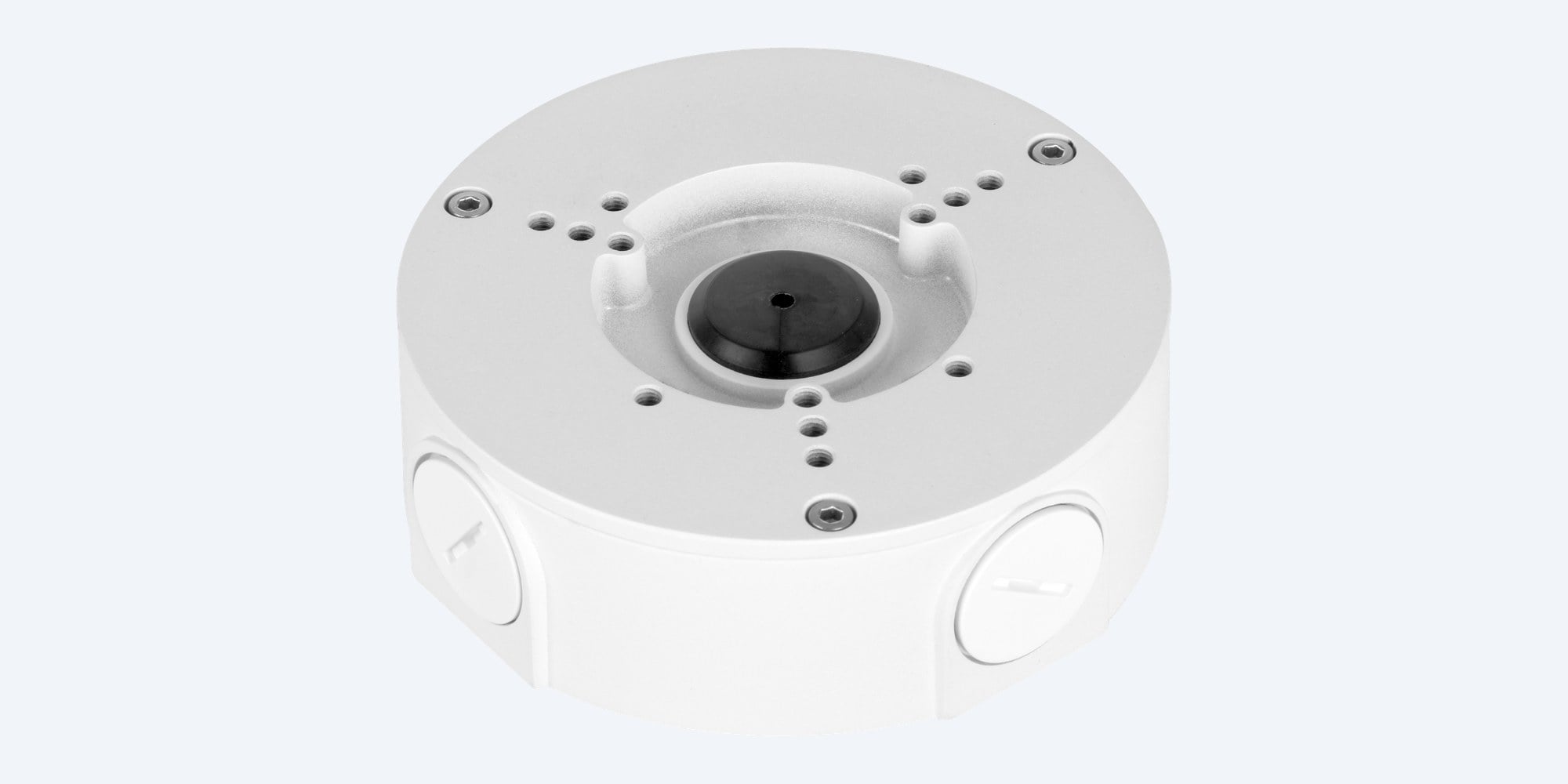
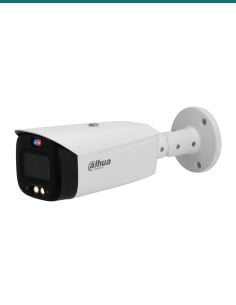
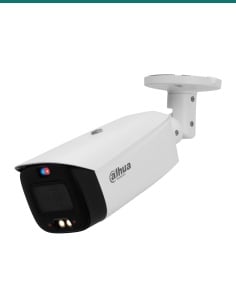
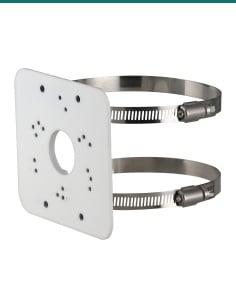
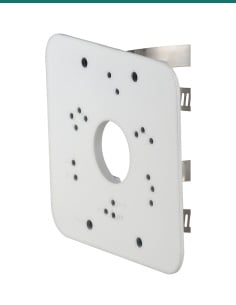
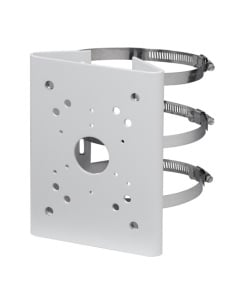
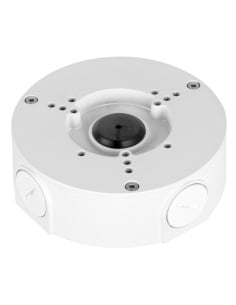
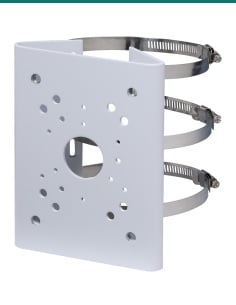
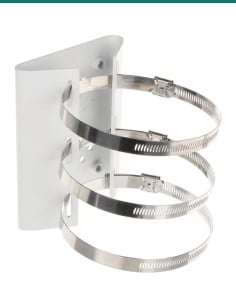
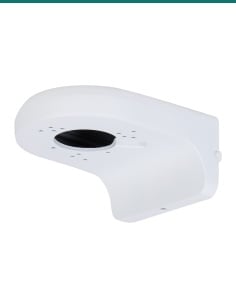
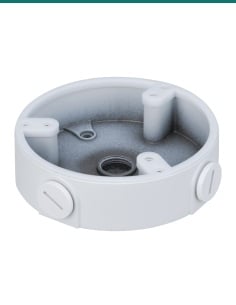
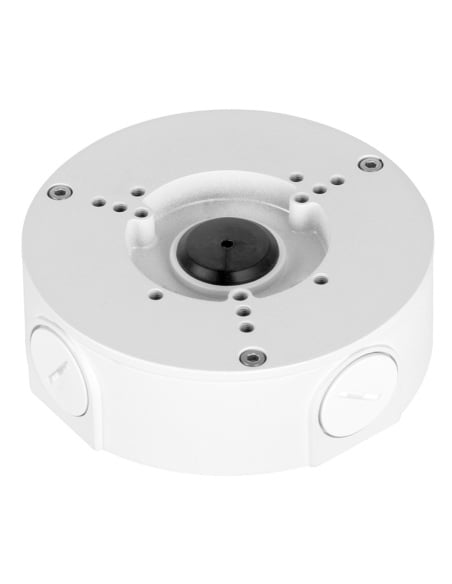
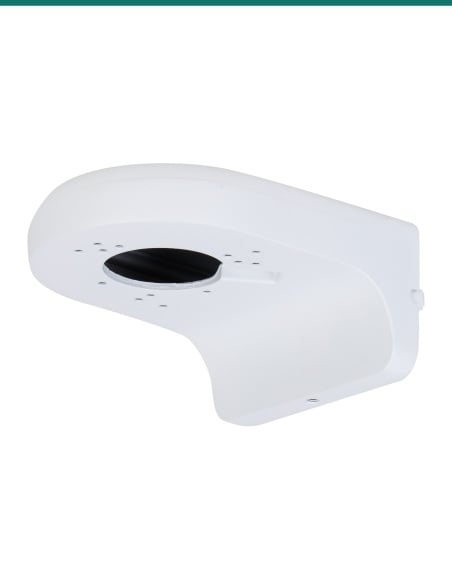
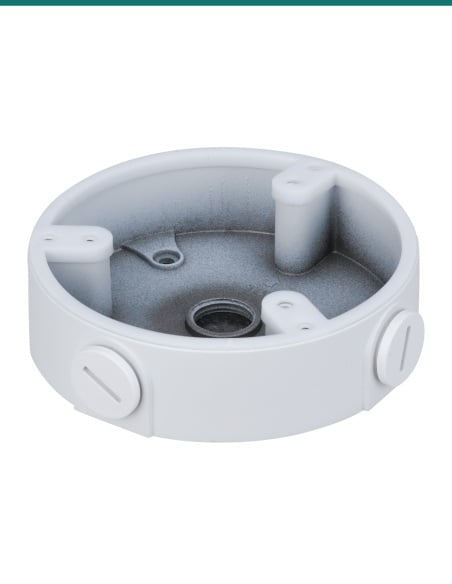
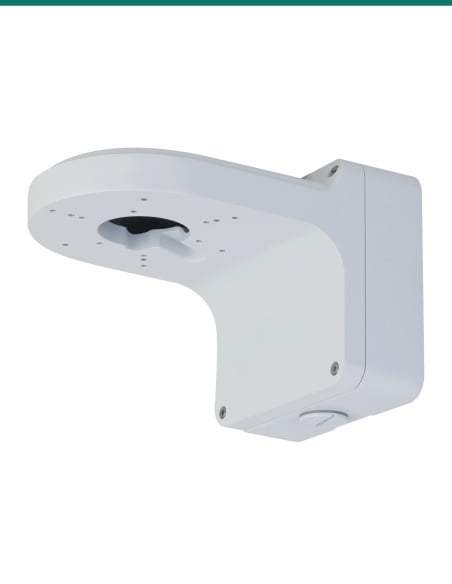
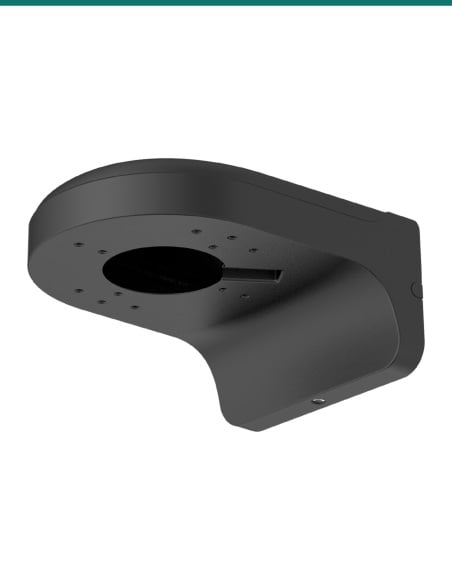
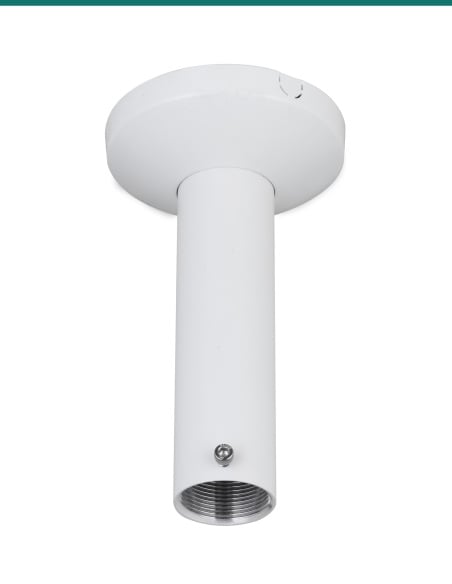
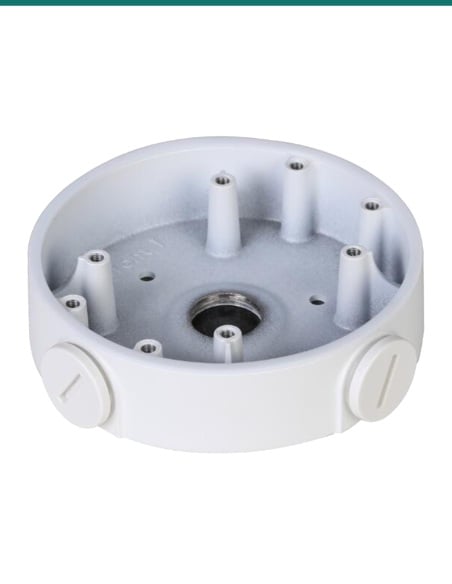
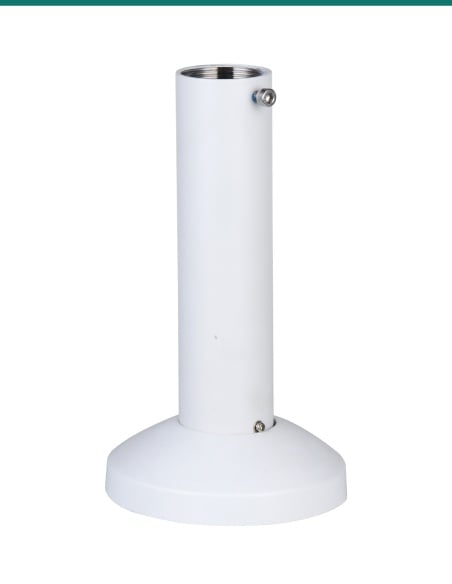
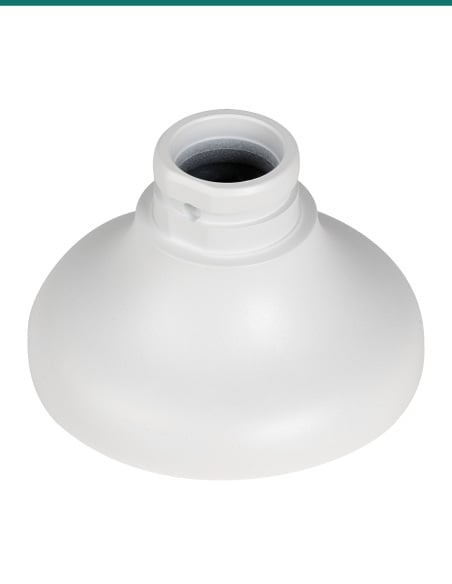
Dahua PFA130-E: a white IP66 aluminium junction box that sits behind a Dahua bullet or turret camera and keeps the cable joins out of the weather.
- ✓Φ124.3 × 41.0 mm, 0.34 kg, carries 3.0 kg
- ✓Aluminium alloy, white, IP66
- ✓G3/4 outlets, capped until needed
- ✓Listed by Dahua for many WizSense, TiOC and AcuPick bullets
- ✓Screws, anchors, wrench and mounting sticker included
- ✓−40 °C to +60 °C
Description

A sealed box behind the camera.
IP66, G3/4 outlets, rated for 3 kg.
The Dahua PFA130-E sits between the wall or ceiling and a bullet or turret camera, giving the cable joins a weatherproof place to live. Dahua lists it on the datasheets of many of its WizSense, TiOC and AcuPick bullet cameras.
In one sentence: the Dahua DH-AC-PFA130-E is a white IP66 aluminium alloy junction box, Φ124.3 × 41.0 mm and 0.34 kg, rated to carry 3.0 kg, with G3/4 cable outlets, that Dahua lists for bullet cameras such as the HFW3849T1-AS-PV and HFW3867E-AS-IL.
Junction box only. The camera is sold separately.
This listing is the PFA130-E junction box with its fixings. Check your camera against Dahua's list in the Works with box below, or ask us before you order.
- PFA130-E junction box
- 4 × M4×10 screws (camera to box)
- 3 × ST4×25 screws (box to wall or ceiling)
- 3 × plastic anchors
- S3.0 wrench
- Mounting sticker
- A compatible Dahua camera
- Network cable to the camera
- A G3/4 water joint or conduit fitting, if the cable comes in through a side outlet
The connectors go in the box, not in the weather.
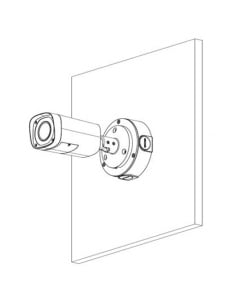
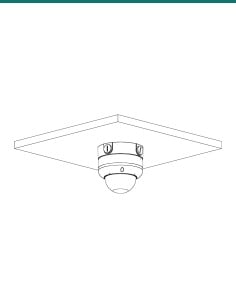
Screw the box to the wall or ceiling, bring the cable in, make the connections inside, then fix the camera base to the face of the box with the M4 screws. The camera's plug and spare cable sit in an IP66 enclosure instead of a hole in the wall.

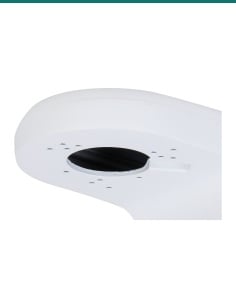
Camera face
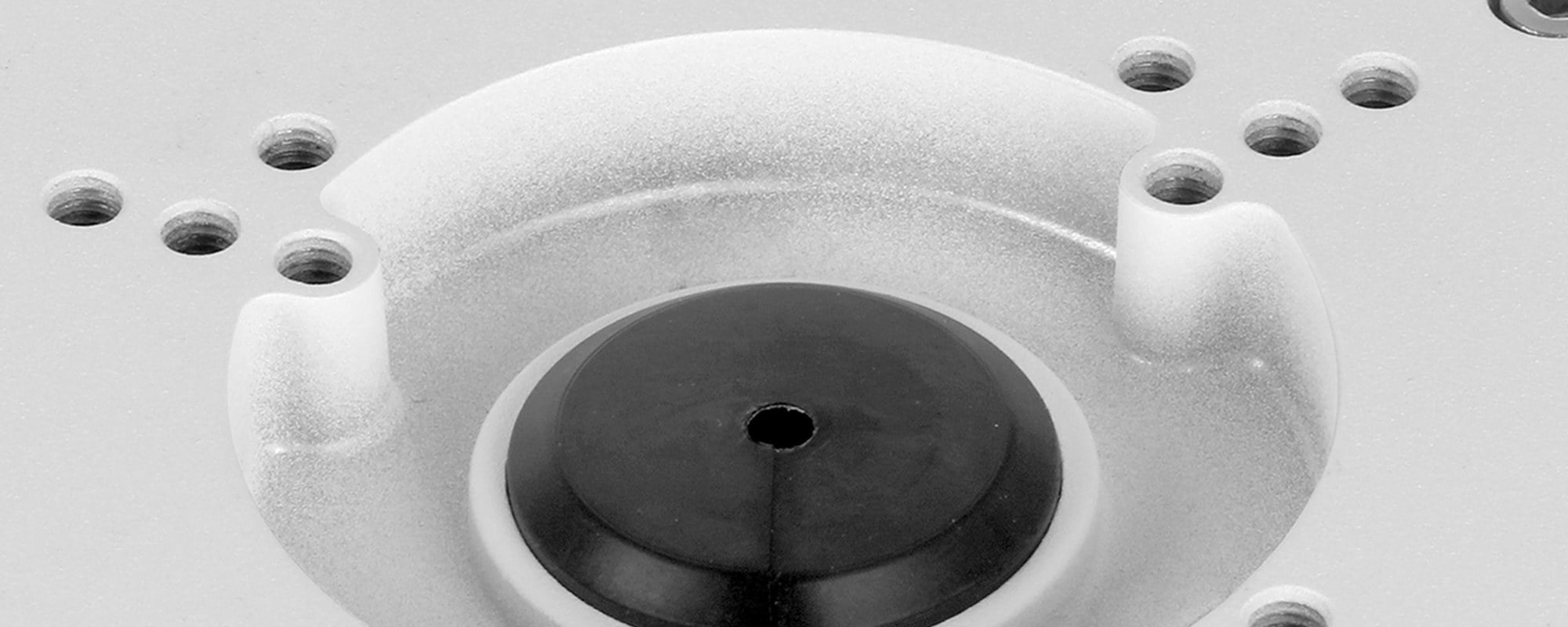
Screw holes for several camera bases.
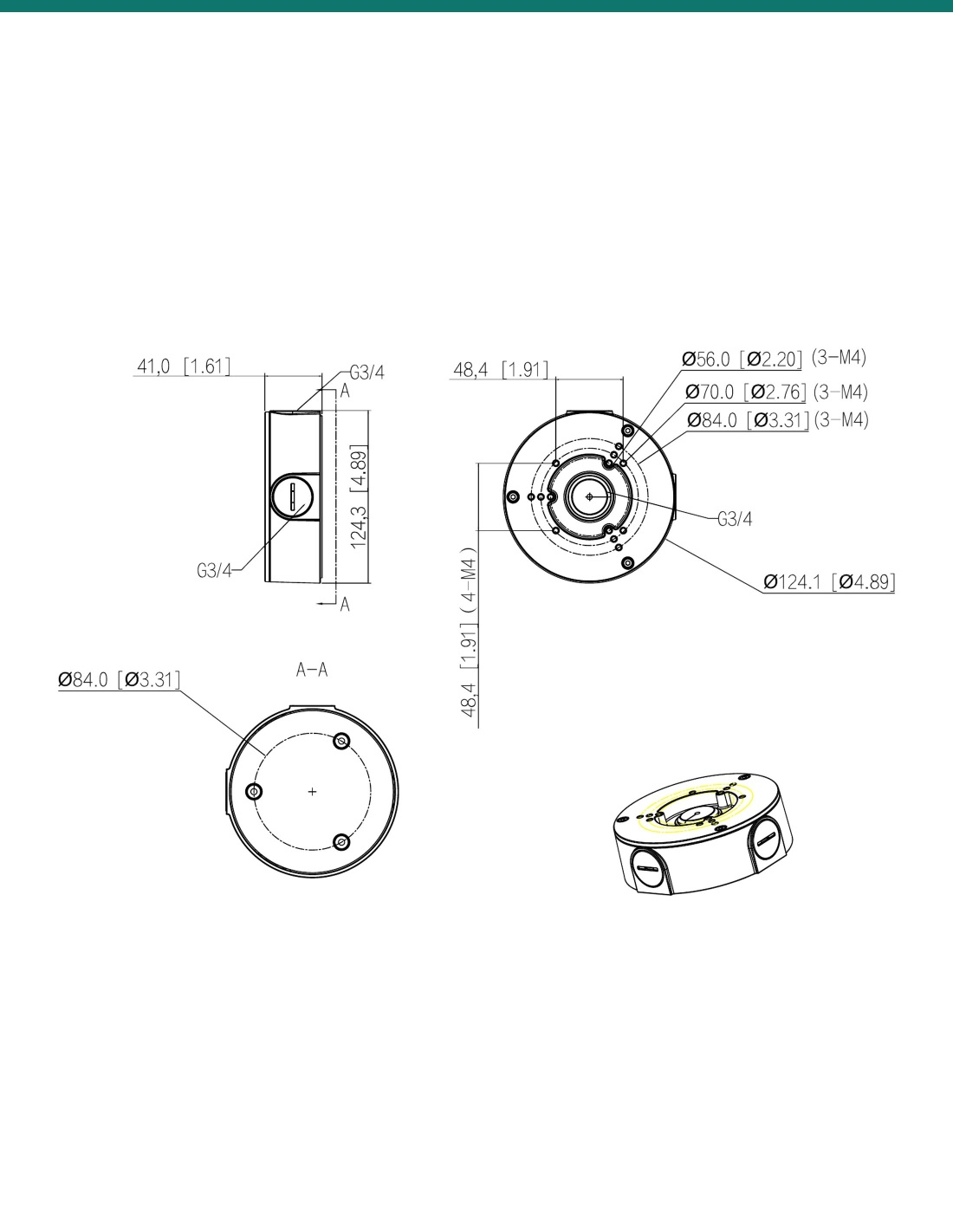
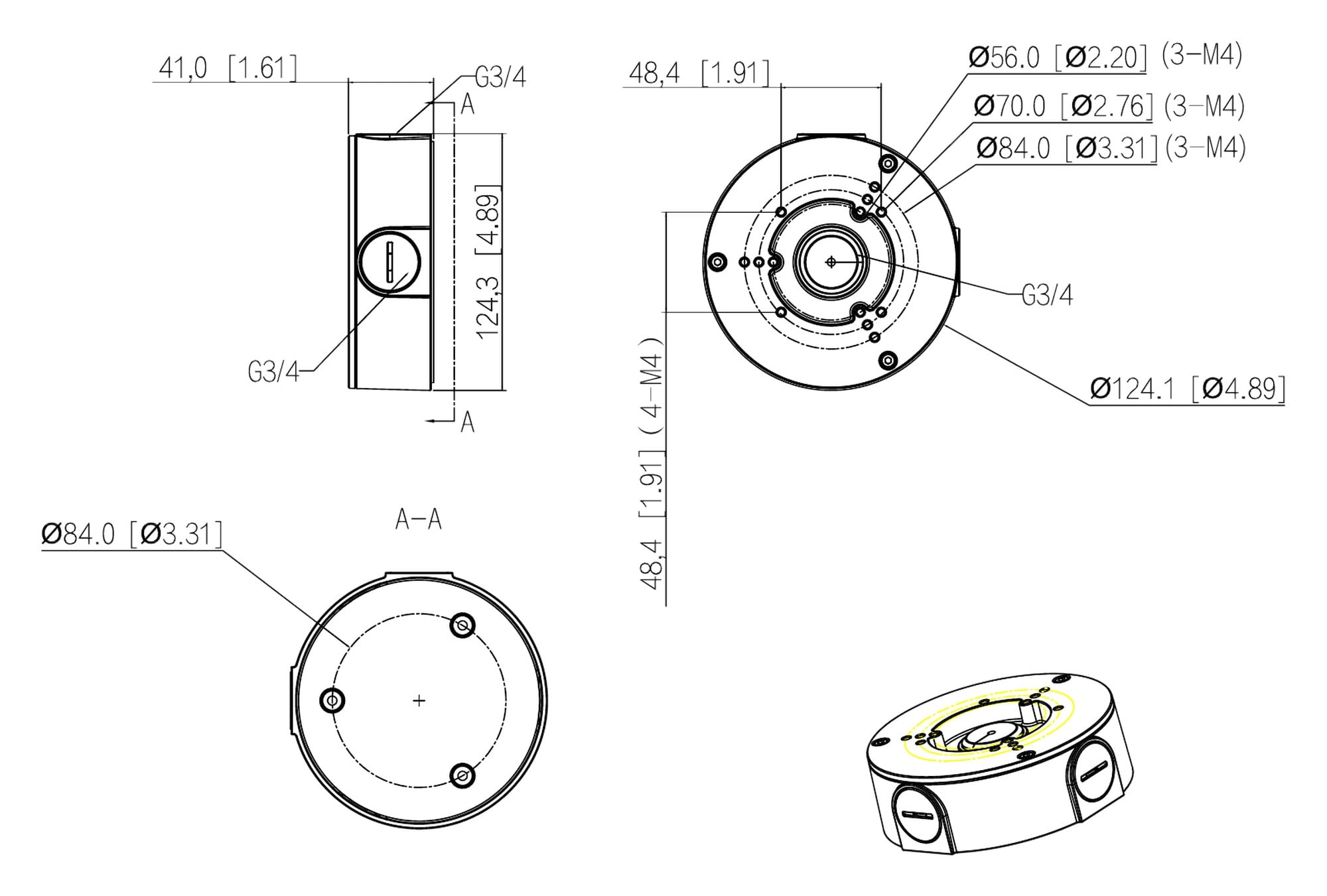
Dahua's drawing shows four M4 holes on a 48.4 mm square and three-hole M4 patterns on 56, 70 and 84 mm circles, around a G3/4 centre hole with a rubber grommet for the camera cable. Close-up from Dahua's product photo.

Side outlet
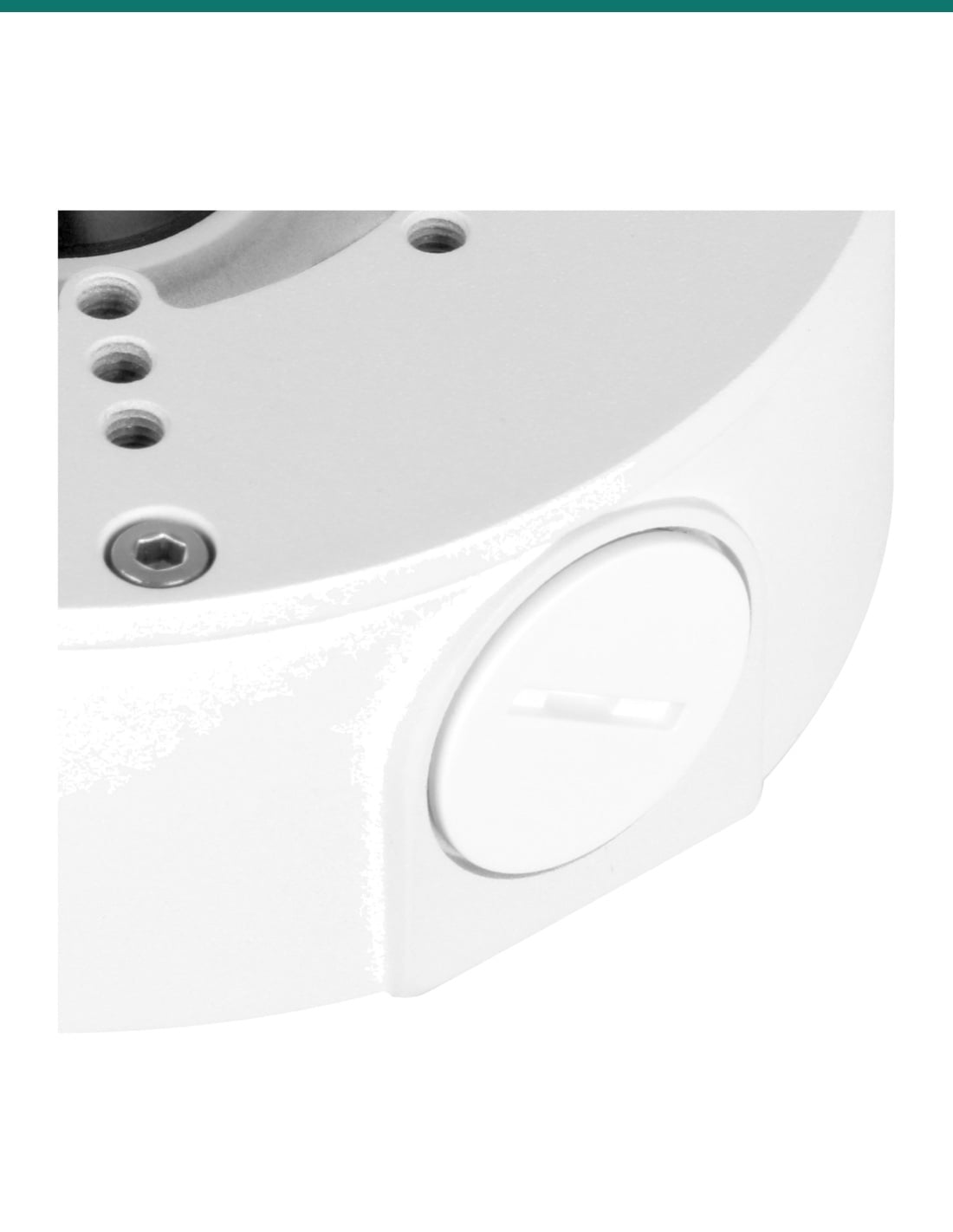
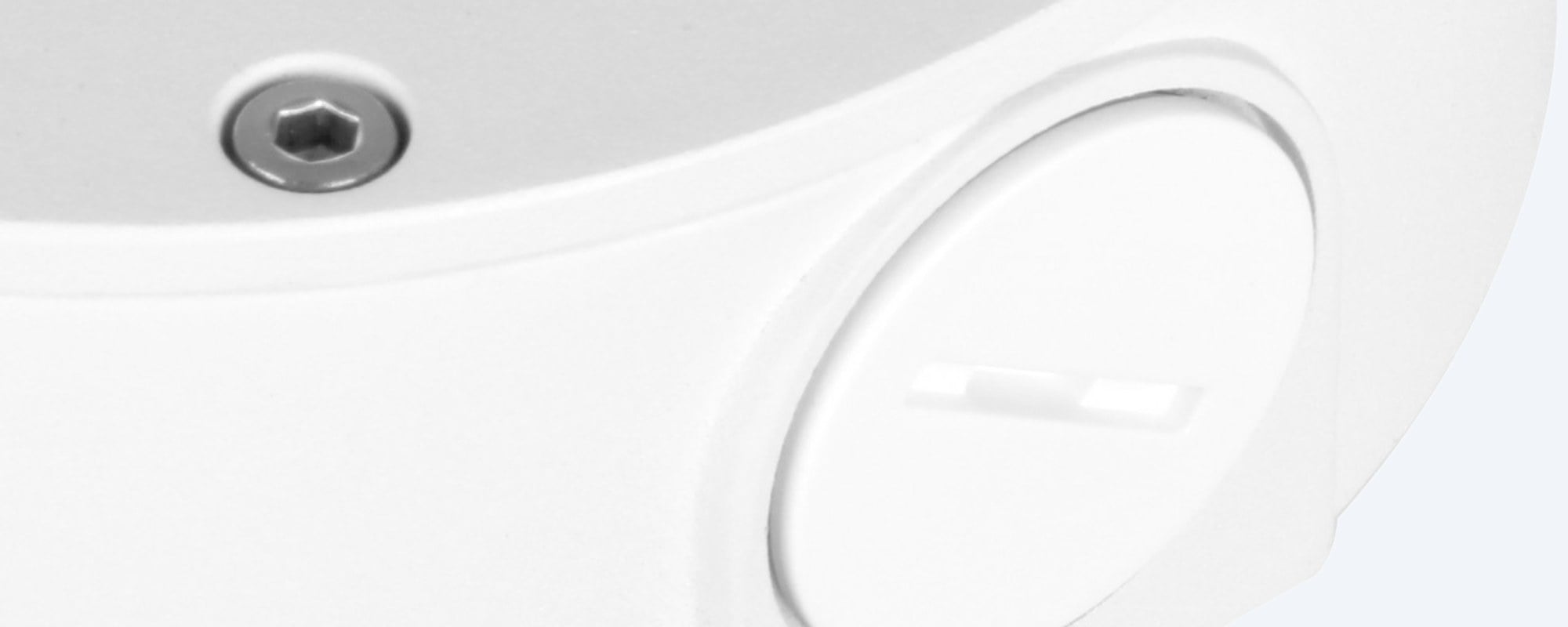
Capped G3/4 outlets.
Dahua's manual describes outlets in the side and the bottom of the box. The side outlets are G3/4 and closed with screw caps until you need one for surface conduit or a water joint. Close-up from Dahua's product photo.
How it goes in
From bare surface to mounted camera.
01
Check the camera
Confirm your camera model is on Dahua's PFA130-E list, and decide whether the cable comes through the surface behind the box or along it to a side outlet.
02
Fix the box
Mark the three fixing holes (on an 84 mm circle), drill, then screw the box to the wall or ceiling with the ST4×25 screws and plastic anchors.
03
Bring in the cable
Feed the cable in from behind, or open a side outlet and fit a G3/4 water joint or conduit, then pass it out through the centre grommet to the camera.
04
Mount the camera
Make the connections, tuck the spare cable into the box, fix the camera base to the box face with the M4×10 screws, then aim it.
At a glance
DH-AC-PFA130-E
Show specs
Type
Junction box (junction mount)
Colour
White
Material
Aluminium alloy
Size
Φ124.3 × 41.0 mm
Net weight
0.34 kg (0.40 kg packed)
Load bearing
3.0 kg
Weather rating
IP66
Thread
G3/4
Camera fixing
4 × M4 on a 48.4 × 48.4 mm square; 3 × M4 on 56, 70 and 84 mm circles (drawing)
Surface fixing
3 holes on an 84.0 mm circle (drawing)
Operating temperature
−40 °C to +60 °C
Operating humidity
Under 90% RH
Anti-corrosion level
Basic protection
In the box
Junction box, 4 × M4×10 screws, 3 × ST4×25 screws, 3 plastic anchors, S3.0 wrench, mounting sticker

Dahua dimension drawing, measurements in mm [inch].
Works with
Dahua cameras listed for the PFA130-E
From Dahua's own camera and kit datasheets. If your model is not here, confirm fit with us before you order.
Show all listed cameras
IPC-HFW3849T1-AS-PV-ANZ-S2 and HFW3849T1P-AS-PV-S3-BLK
Camera datasheets list PFA130-E
IPC-HFW3549T1-ZAS-PV and HFW3549T1P-AS-PV-S3-BLK
Camera datasheets list PFA130-E
IPC-HFW3867E-AS-IL-ANZ (white and black)
Camera datasheet lists PFA130-E, with a G3416GW G3/4 water joint
Dahua ACU8867 and ACU4867 B and BD kits (ACU8867-4B, -6B, -8B, ACU8867B-4B, ACU8867-4BD, ACU8867B-4BD, ACU4867-2B, ACU4867B-2B)
Kit datasheets (IPC-HFW3867E-AS-IL-ANZ) list PFA130-E for the bullet cameras
IPC-HFW3866TP-ZAS (white and black) and HFW3666TP-ZAS
Camera datasheets list PFA130-E
IPC-HFW3866EP-AS-BLK, HFW3466EP-AS and HFW3466T-AS-P
Camera datasheets list PFA130-E
IPC-HFW5442EP-ZE and HFW5541TP-AS-PV
Camera datasheets list PFA130-E
IPC-HDW2831TMP-AS-0280B-S2 turret
Camera datasheet lists PFA130-E
Other Dahua bullets and turrets
Confirm fit with us
Pair it with
What goes with it
Camera
Dahua IPC-HFW3849T1-AS-PV-ANZ-S2 bullet
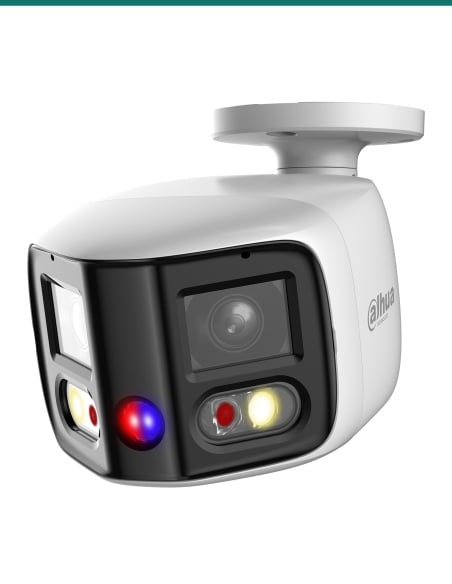
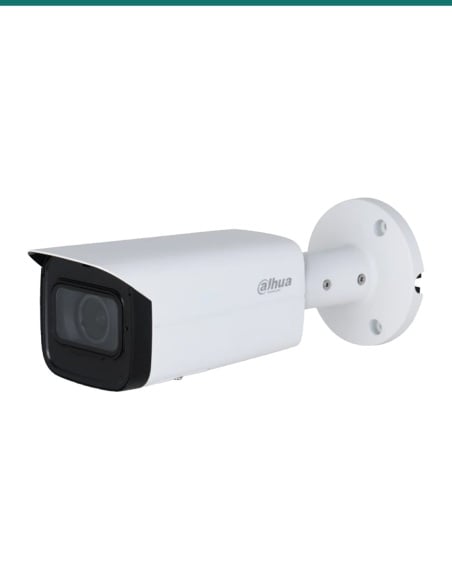
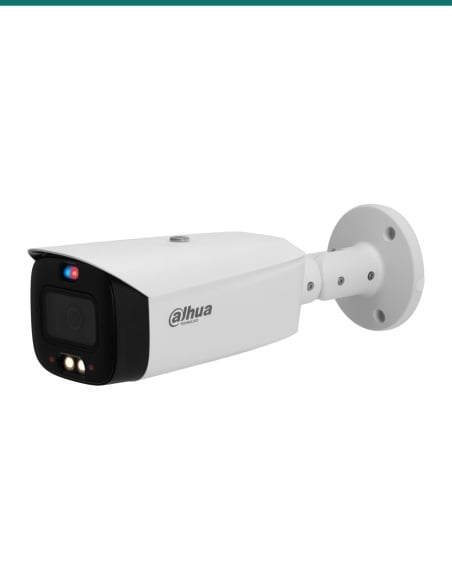
Its Dahua datasheet names the PFA130-E as its junction box. So do the HFW3867E-AS-IL and the AcuPick kits built on it.
Pole
DH-AC-PFA152-E pole mount
Dahua's camera datasheets list the PFA130-E together with the PFA152-E when the camera goes on a post.
Corner
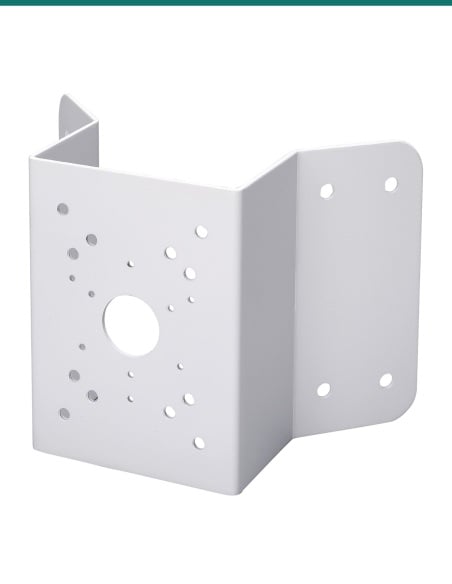
DH-AC-PFA151 corner mount
Listed with the PFA130-E on the HFW3867E-AS-IL and HFW5442EP-ZE datasheets for mounting on an outside corner.
Black version
DH-AC-PFA130-E-B junction box
The same box in black, for black cameras such as the HFW3849T1P-AS-PV-S3-BLK.
Where it is used
Where a junction box helps.
Eaves and soffits
Hold a bullet under the eaves with the cable joins inside a sealed box, not loose in the roof space.
Brick and block walls
Where the cable can't be hidden in the wall, run conduit to a side outlet.
Driveways and gates
A tidy, weatherproof mount for a camera covering the drive or front gate.
Warehouses and yards
Wall cameras on concrete and steel, with surface conduit to the box.
Shopfronts and car parks
Neat bullet mounts over entries and parking areas.
Posts and corners
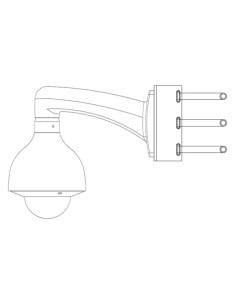
With the PFA152-E pole mount or PFA151 corner mount behind it, the box goes on a post or an outside corner.
PFA130-E or PFA5300R
| PFA130-E (this box) | PFA5300R | |
|---|---|---|
| Size | Φ124.3 × 41.0 mm | Φ123.4 × 44.9 mm |
| Weight | 0.34 kg | 0.39 kg |
| Load bearing | 3.0 kg | 3.0 kg |
| Weather rating | IP66 | IP66 |
| Thread | G3/4 | G3/4 |
| Camera fixing | 4 × M4 on a 48.4 mm square; 3 × M4 on 56, 70 and 84 mm circles | 4 × M4 on a 70 mm square; 3 × M4 on 70 and 84 mm circles |
| Water joint in the box | No | Yes |
| Listed for | Many Dahua bullets and the HDW2831TMP turret | IPC-PFW5849-A180-E2-ASTE multi-sensor camera |
Figures from Dahua's PFA130-E and PFA5300R datasheets and drawings. Check which one your camera's datasheet names.
Common questions
Which cameras fit the PFA130-E?
Dahua's datasheets list it for many of its bullets, including the HFW3849T1-AS-PV, HFW3549T1, HFW3866TP-ZAS, HFW3867E-AS-IL and HFW5442EP-ZE, the HDW2831TMP turret, and the AcuPick B and BD kits. The full list is in the Works with box.
Is a camera included?
No. This listing is the junction box with 4 M4×10 screws, 3 ST4×25 screws, 3 plastic anchors, an S3.0 wrench and a mounting sticker. The camera is sold separately.
How big is it?
Φ124.3 × 41.0 mm and 0.34 kg, from Dahua's 2025 datasheet.
How much weight will it hold?
3.0 kg, according to Dahua's datasheet. Check your camera's weight on its own datasheet before you mount it.
Is it waterproof?
Dahua rates the PFA130-E IP66. Keep unused outlets capped, use a G3/4 water joint on any outlet you open, and seal the wall entry.
Is a water joint included?
No, Dahua's packing list for the PFA130-E has no water joint. The HFW3867E-AS-IL datasheet lists the G3416GW G3/4 water joint as a separate accessory.
What thread are the outlets?
G3/4, according to Dahua's datasheet and drawing. Check that your conduit fitting or gland matches before you buy it.
How is it fixed?
Through three holes on an 84 mm circle, with the ST4×25 screws and plastic anchors supplied, or fixings that suit your surface.
Can I put it on a pole or a corner?
Yes, with a pole or corner mount behind it. Dahua's camera datasheets list the PFA130-E with the PFA152-E pole mount and the PFA151 corner mount.
Is there a black version?
Yes, the DH-AC-PFA130-E-B is the same box in black, for black cameras.
What temperatures can it handle?
Dahua rates it for −40 °C to +60 °C and humidity under 90% RH.
What is the difference from the PFA5300R?
Both are IP66, G3/4 and rated for 3 kg. The PFA130-E is 41.0 mm deep with a 48.4 mm square and 56, 70 and 84 mm camera hole patterns for Dahua bullets. The PFA5300R is 44.9 mm deep, comes with a water joint and is listed for a multi-sensor camera. Use the one your camera's datasheet names.
Supported by InFront Technologies.
Not sure which junction box suits your camera? Call 1300 736 970 or email [email protected]. The Dahua datasheet is on the Attachments tab.
Installation and safety
Mechanical part only. The PFA130-E holds the camera and its connections. It carries no power or data of its own; follow the camera guide for wiring.
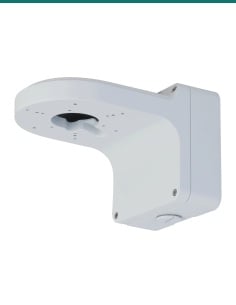
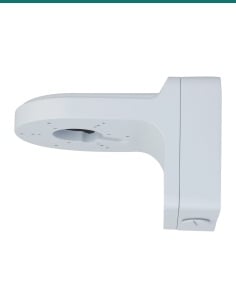
Load. Rated for 3.0 kg. Check the camera weight on its own datasheet before you mount it.
Working at height. Cameras usually go on eaves, high walls or ceilings. Use a stable ladder or platform and fixings that suit the surface.
Cabling. Concealed data cabling to the camera is customer cabling under AS/CA S009 and needs an ACMA-registered cabler. A new power point needs a licensed electrician.
What it does not do. It does not supply power, and the IP66 rating depends on unused outlets staying capped and any open outlet being sealed with a matching fitting.
Figures. From Dahua's PFA130-E datasheet (Rev 002.000, 2025), drawing and manual, and its camera and kit datasheets.