There are no more items in your cart
In Stock - Ready to Ship


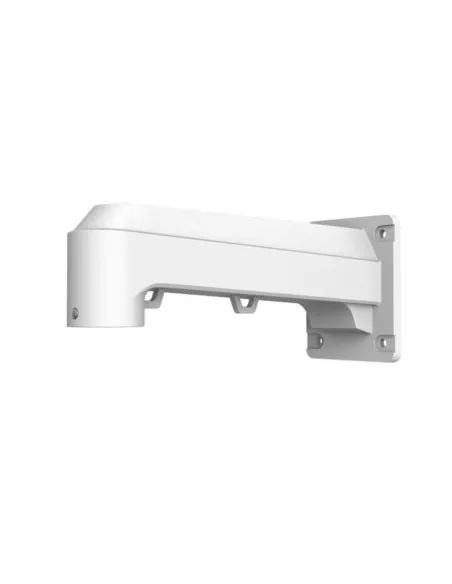
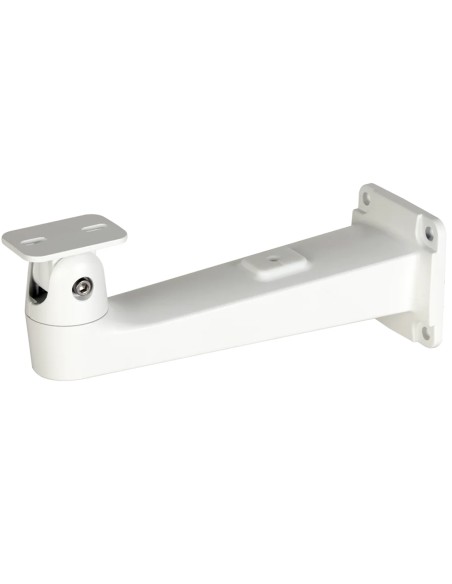
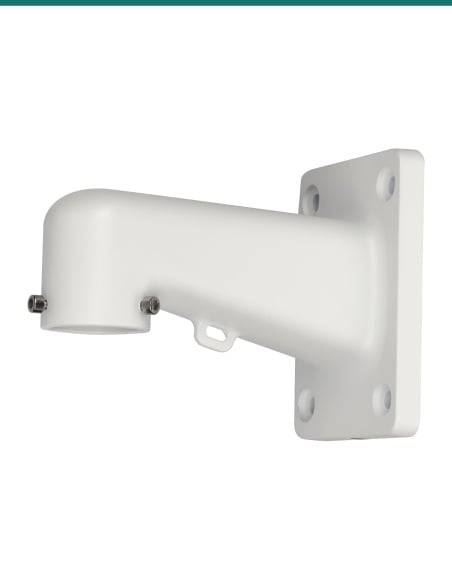
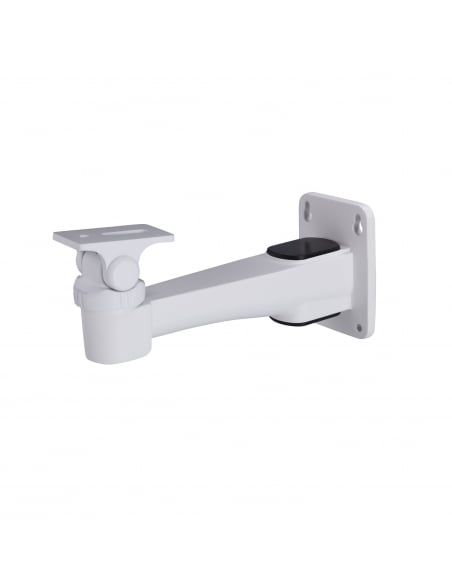
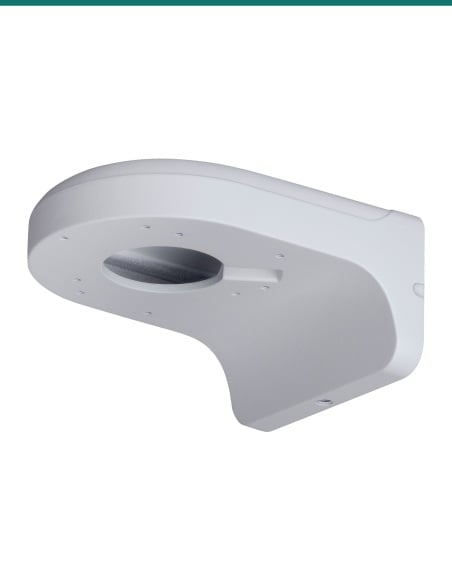
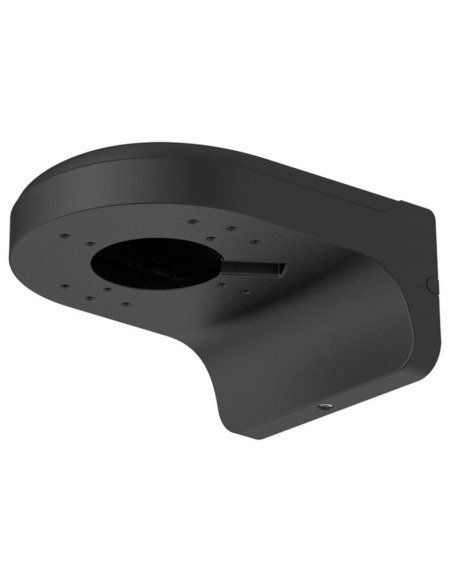
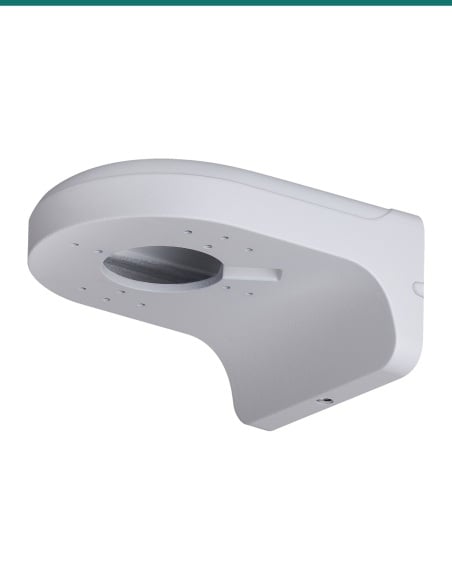
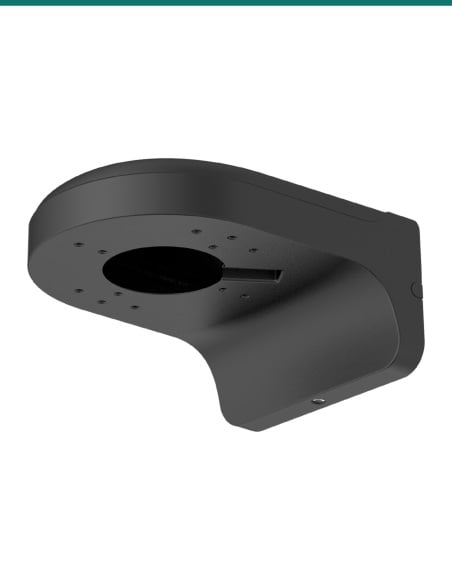
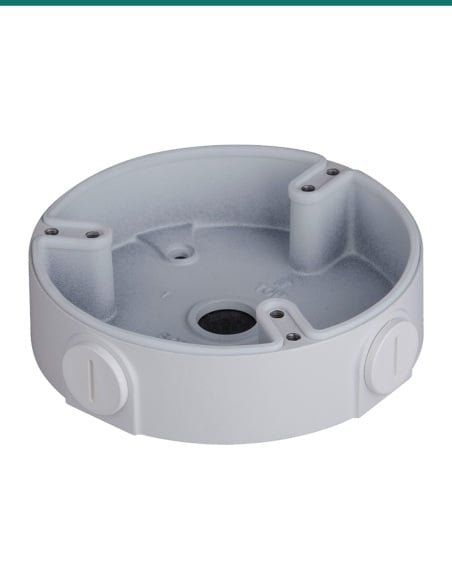
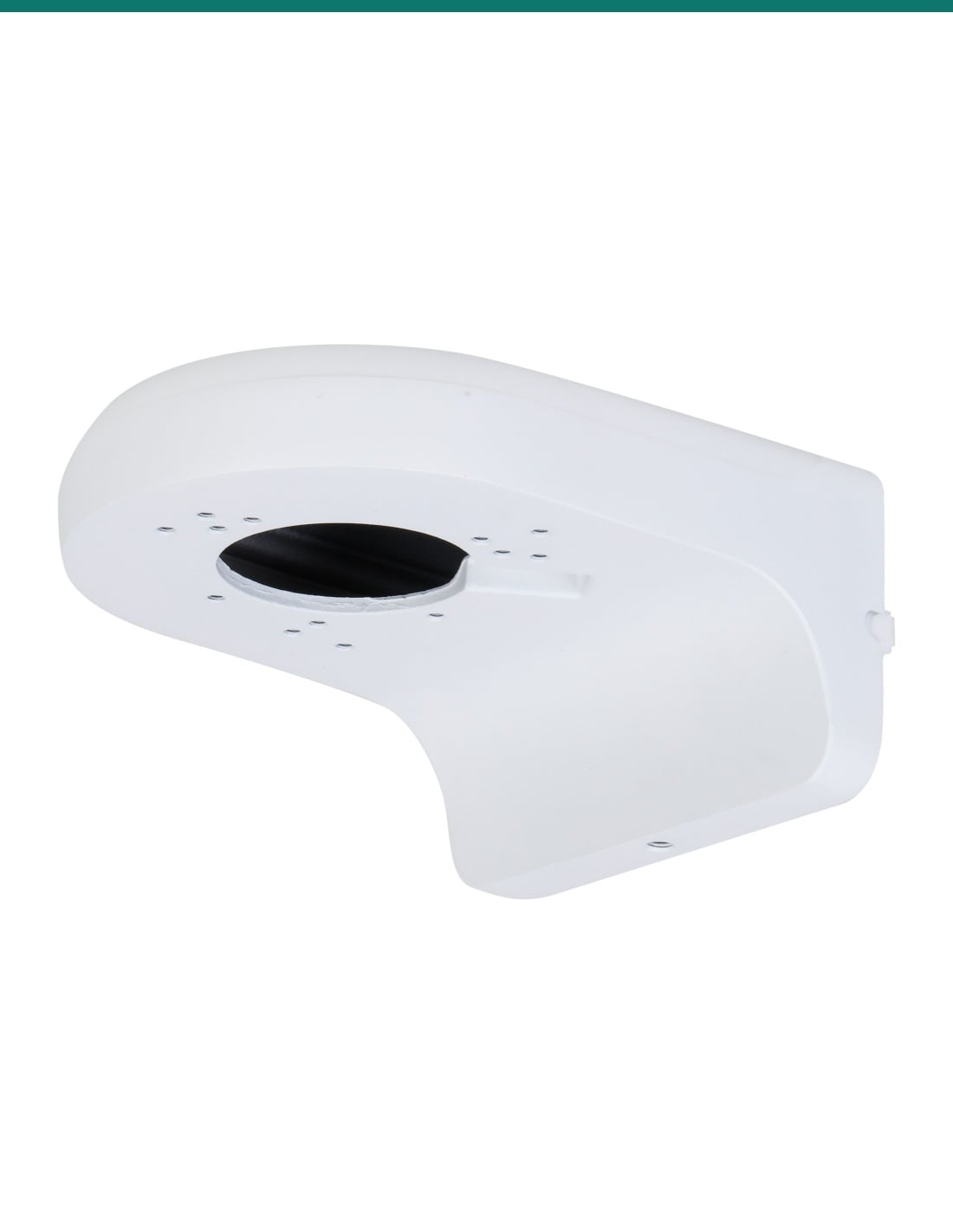
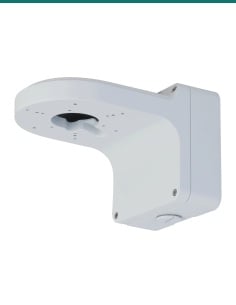
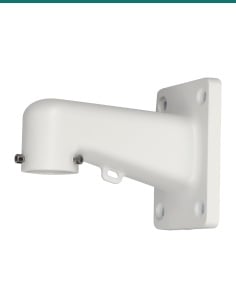
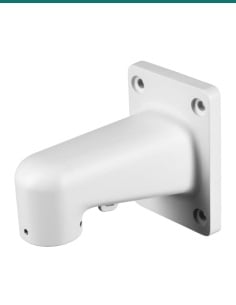
Dahua PFB205W-E: a white aluminium wall mount bracket that holds a Dahua turret or eyeball camera out from the wall, with the cable running through the arm.
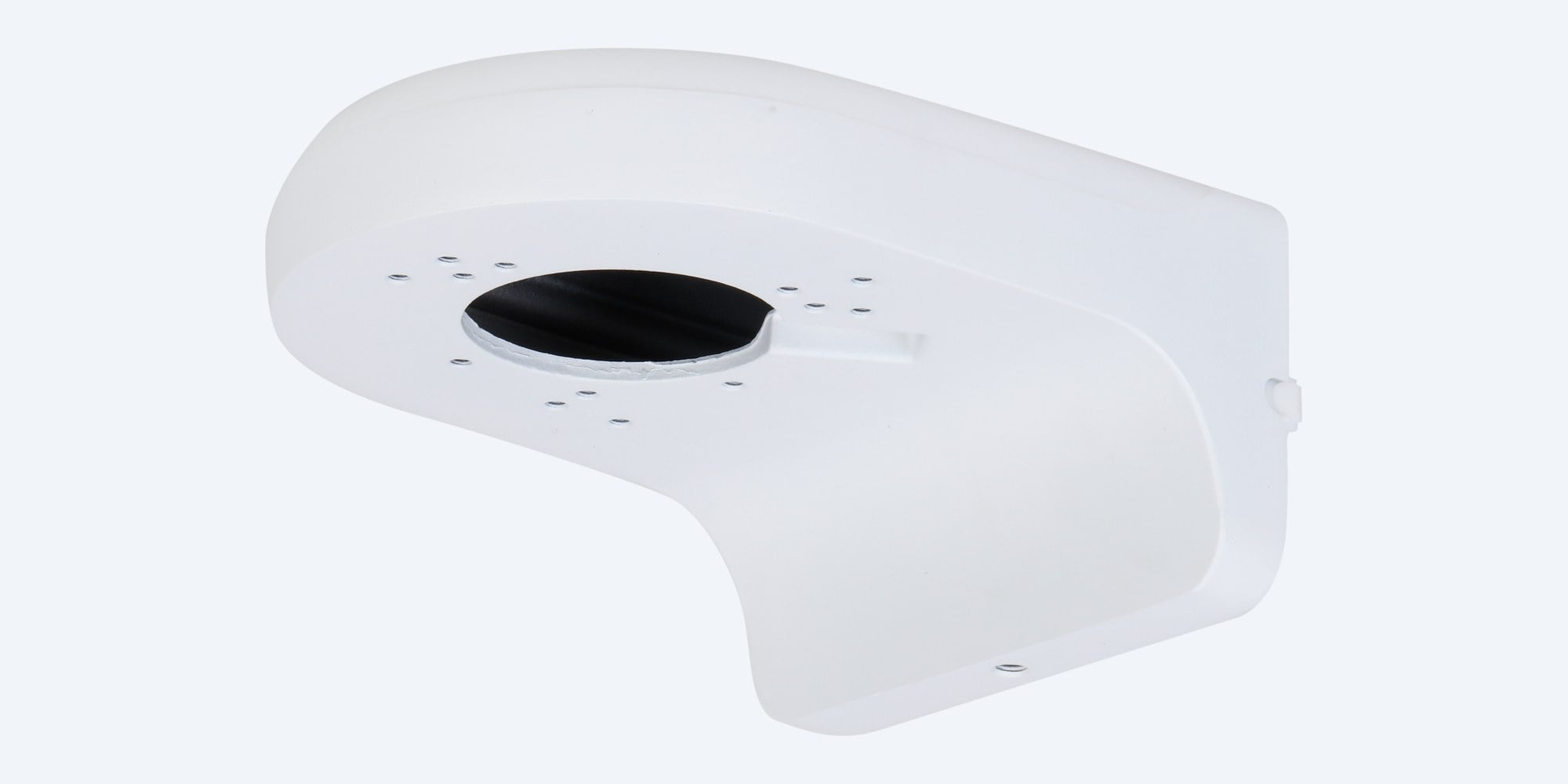
The Dahua PFB205W-E holds a turret, eyeball or small dome camera out from a wall, with the camera hanging under the arm and its cable going up through the centre hole. Dahua lists it on the datasheets of several of its WizSense turrets and TiOC kits.
In one sentence: the Dahua DH-AC-PFB205W-E is a white aluminium alloy wall mount bracket, 161.6 × 125.6 × 76.0 mm and 0.49 kg, rated to carry 2.0 kg, that Dahua lists for its HDW3866TP-ZS, HDW3849H-ZAS-PV and TiOC turret cameras.
Bracket only. The camera is sold separately.
This listing is the PFB205W-E wall bracket with its fixings. Check your camera against Dahua's list in the Works with box below, or ask us before you order.
Screw the bracket to the wall with four screws, pass the camera cable through the centre hole, and fix the camera base to the face of the arm with the M4 screws. The camera ends up clear of the wall, looking down and out over the area you want to watch.
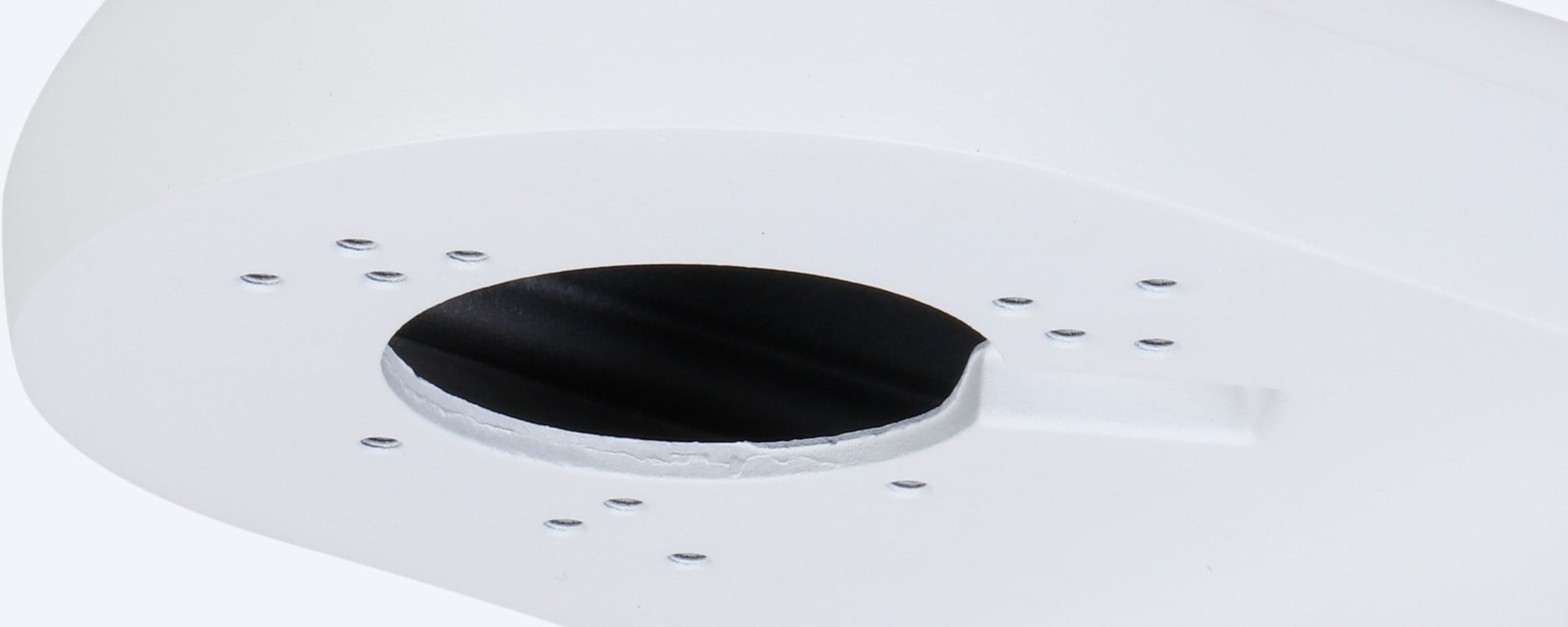
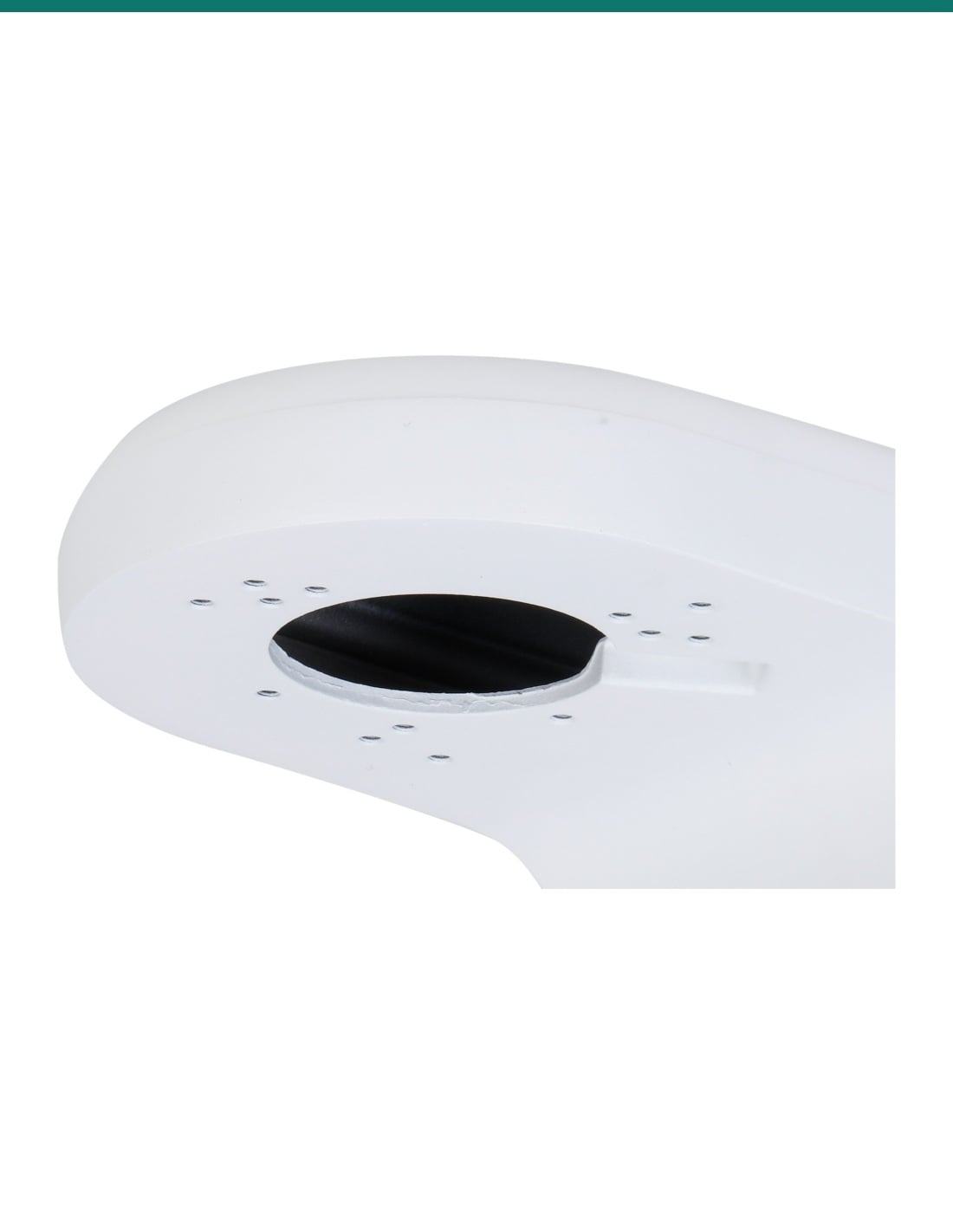
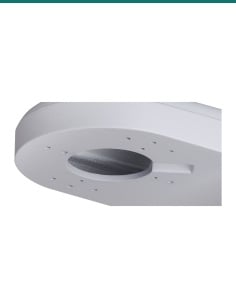
Camera face
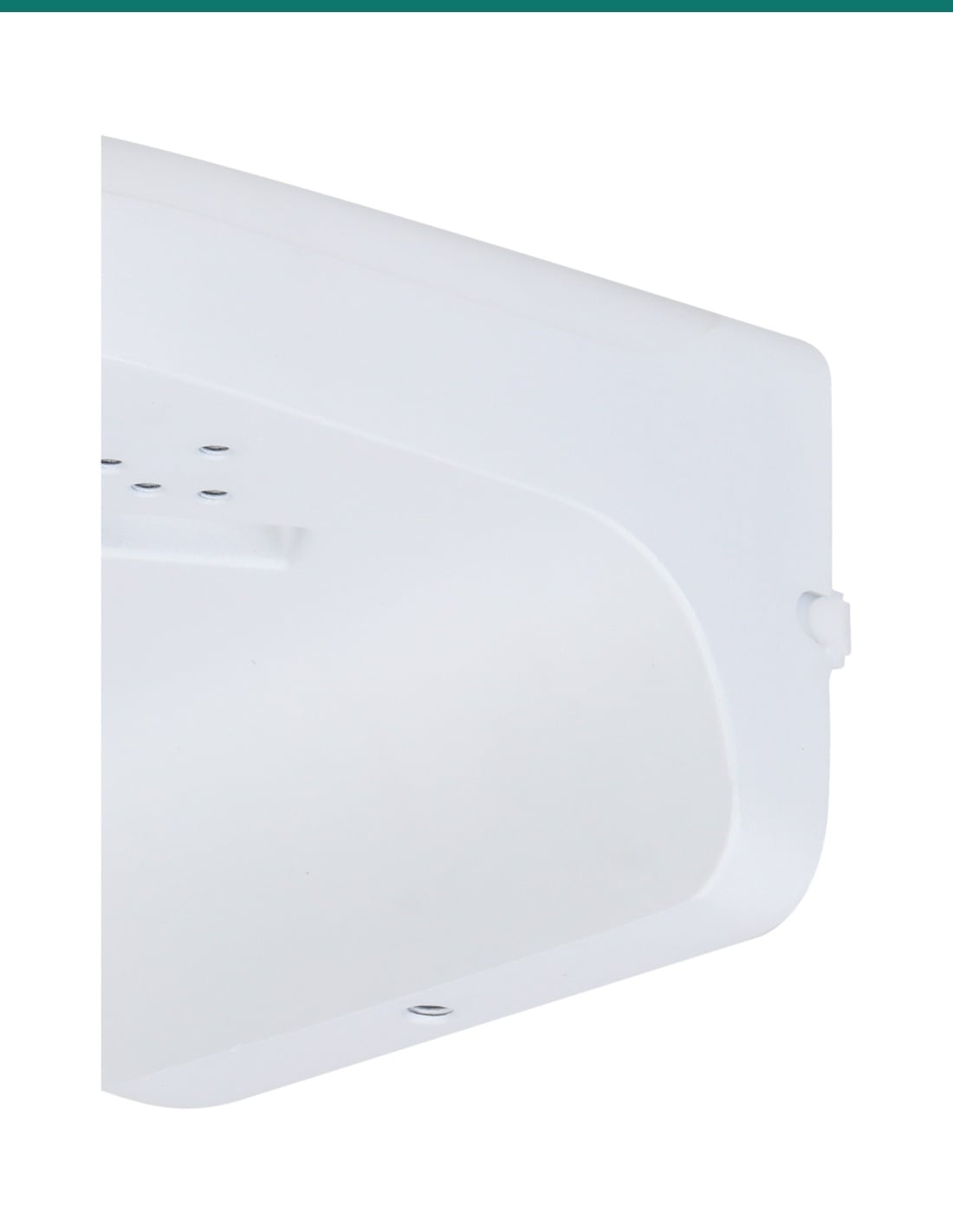
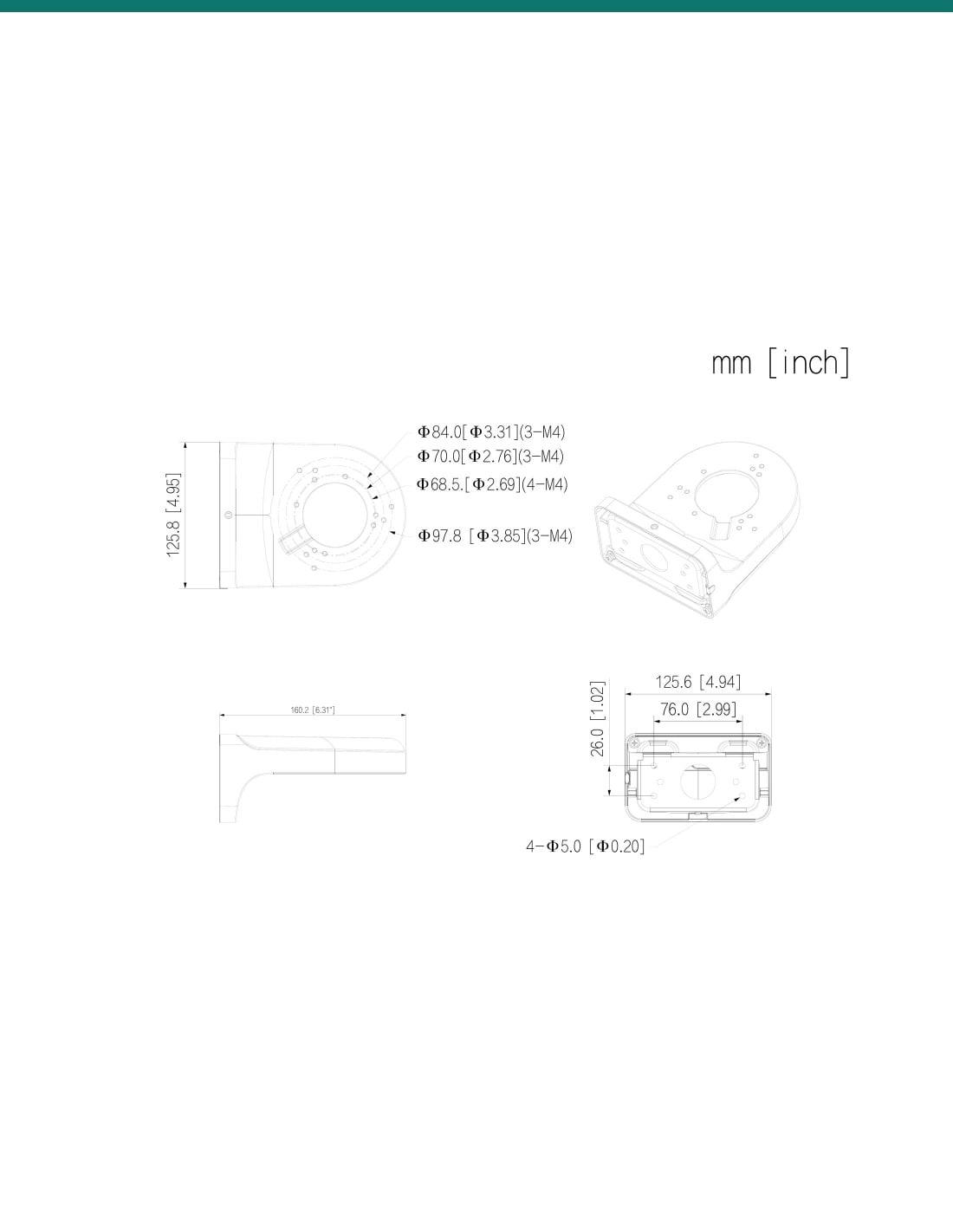
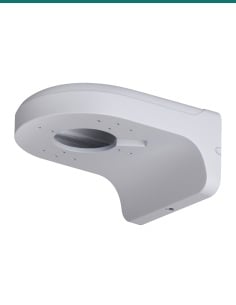
Dahua's drawing shows 3 × M4 holes on 70.0 mm, 84.0 mm and 97.8 mm circles and 4 × M4 holes on a 68.5 mm circle, around a large centre hole for the cable and connectors. Close-up from Dahua's product photo.
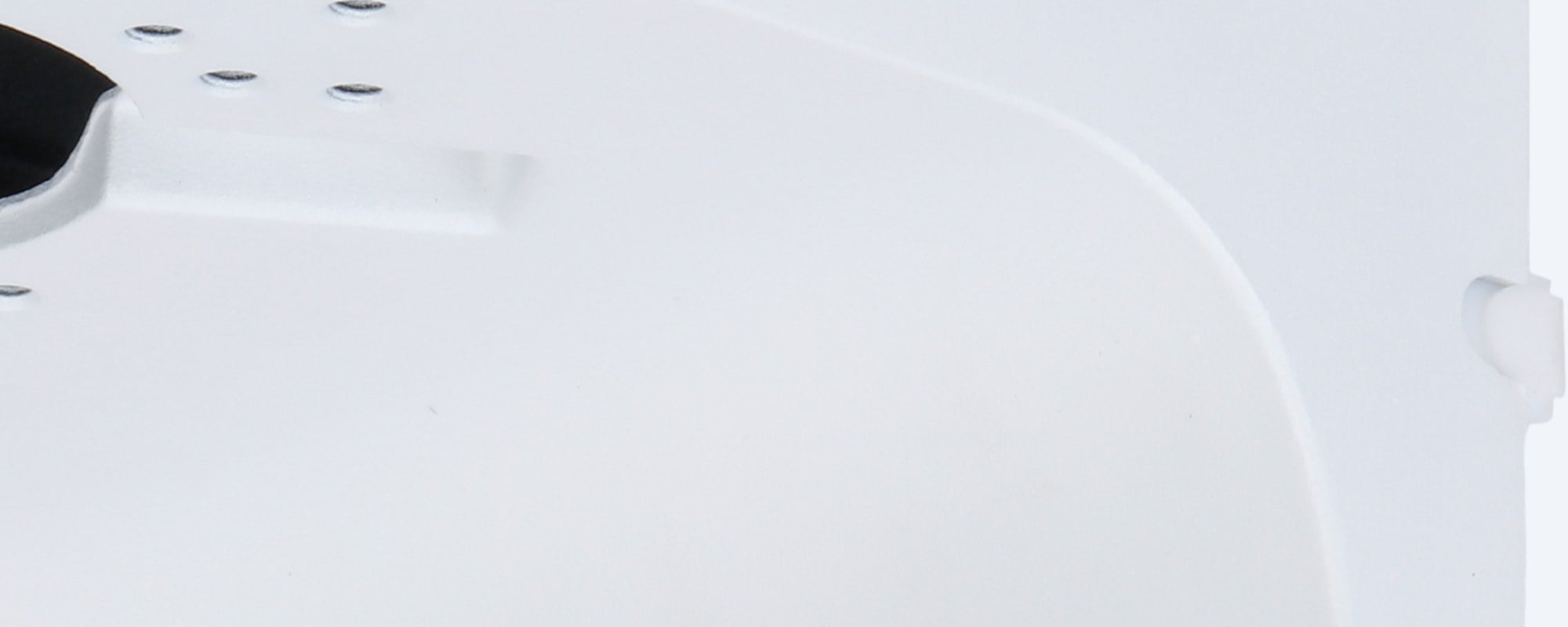
Arm and wall plate
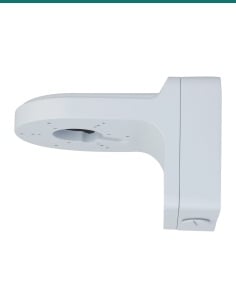
The arm is a single aluminium alloy piece in white. The wall end has four 5 mm holes at 76.0 × 26.0 mm spacing, and the bracket is rated to carry 2.0 kg. Close-up from Dahua's product photo.
How it goes in
01
Confirm your camera model is on Dahua's PFB205W-E list, and pick a spot with a clear view and a cable path back to the recorder.
02
Mark the four holes (76 × 26 mm), drill, and screw the bracket to the wall with the ST4×25 screws and plastic expansion bolts, or fixings that suit your wall.
03
Bring the network or coax cable out of the wall behind the bracket and through the centre hole, leaving enough slack to connect the camera.
04
Connect the camera, tuck the connectors into the arm, fix the camera base with the M4×10 screws, then aim it.
At a glance
Show specs
Type
Wall mount bracket
Colour
White
Material
Aluminium alloy
Size
161.6 × 125.6 × 76.0 mm (datasheet L × W × H)
Net weight
0.49 kg (0.56 kg packed)
Load bearing
2.0 kg
Camera fixing
3 × M4 on 70.0, 84.0 and 97.8 mm circles; 4 × M4 on a 68.5 mm circle (drawing)
Wall fixing
4 × 5.0 mm holes, 76.0 × 26.0 mm spacing (drawing)
Cable entry
Large centre hole in the camera face
Operating temperature
−40 °C to +60 °C
Operating humidity
Under 90% RH
In the box
Bracket, 4 × M4×10 screws, 4 × ST4×25 screws, 4 plastic expansion bolts, S3.0 wrench
Weather rating
Dahua's product page calls it waterproof; no IP rating published
Newer Dahua model
PFB2203W (marked New in Dahua's selection guide)
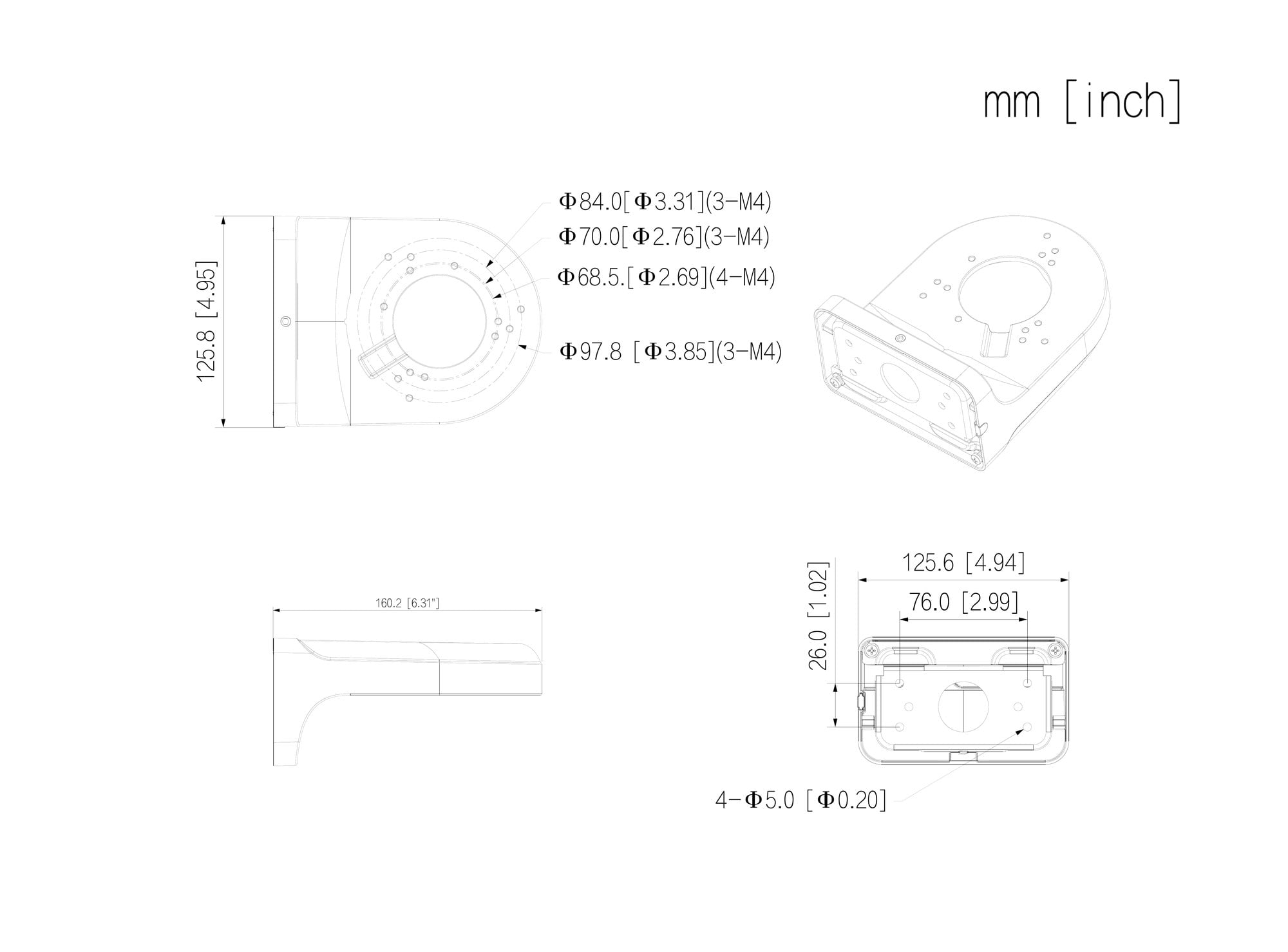
Dahua dimension drawing, measurements in mm [inch].
Works with
From Dahua's own camera and kit datasheets and its Camera Accessories Selection guide (Oceania, December 2025). If your model is not here, confirm fit with us before you order.
Show all listed cameras
IPC-HDW3866TP-ZS-AUS (white and black)
Camera datasheet lists PFB205W-E as the wall mount
IPC-HDW3666TP-ZS-AUS
Camera datasheet lists PFB205W-E
IPC-HDW3849H-ZAS-PV-ANZ-S2
Camera datasheet lists PFB205W-E
IPC-HDW3649H-AS-PV-PRO-ANZ
Camera datasheet lists PFB205W-E
IPC-HDW3549HP-AS-PV-S3-BLK
Camera datasheet lists PFB205W, and PFB205W + PFA152-E for a pole
Dahua K8044TIOC, K8084TIOC, K8086TIOC, K8088TIOC, K81610TIOC, K81616TIOC kits
Kit datasheets list PFB205W-E
IPC-HDBW3466F-AS
Selection guide, recommended
HAC-HDW TLMQ eyeballs (1500TLMQ-A-S2, 1500TLMQ-S2, 1231TLMQ-A, 1231TLMQ, 1200TLMQ-A-S6, 2501TLMQ-A-S2, 2241TLMQ-A-S2)
Selection guide, recommended
HAC-HDW TQ eyeballs (1801TQ-A-S2, 1500TQ-A-S2, 1500TQ-S2, 1231TQ-A, 1200TQ-A-S6, 2501TQ-A-S2, 1209TQ-A-LED-S3, 1209TQ-LED-S3)
Selection guide, recommended
HAC-ME eyeballs (ME1809TQ-A-PV-S2, ME1509TQ-A-PV-S2, ME1239TQ-A-PV, ME1800EQ-L, ME1500EQ-L-S2, ME1200EQ-L-S5, ME1800EQ-LS, ME1500EQ-LS-S2, ME1200EQ-LS-S5)
Selection guide, recommended
Pair it with
Camera
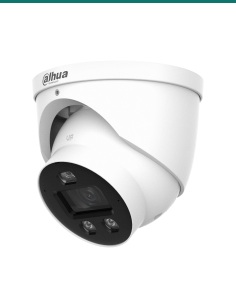
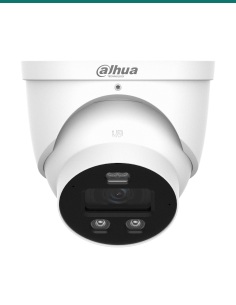
Its Dahua datasheet names the PFB205W-E as its wall mount. The HDW3866TP-ZS and HDW3649H-AS-PV-PRO turrets are listed too.
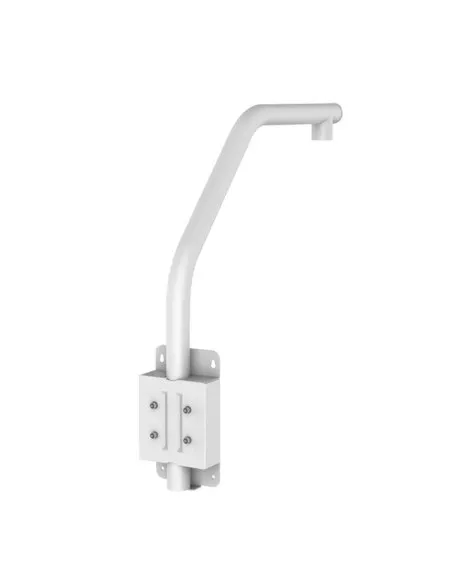
Pole
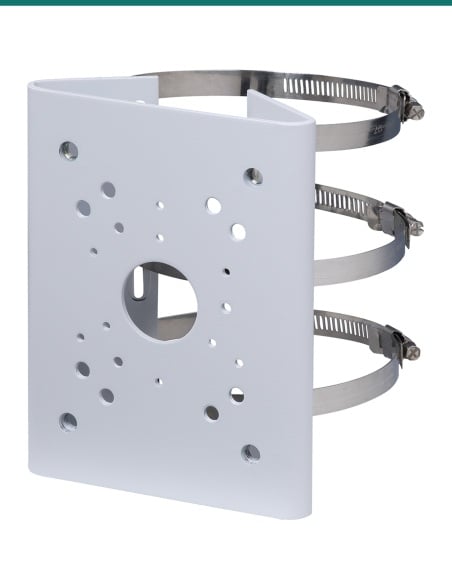
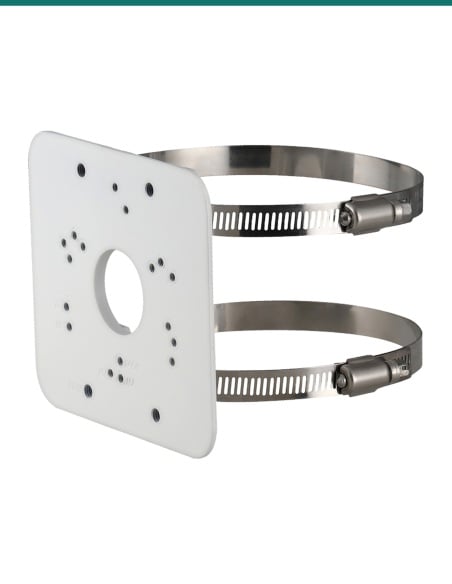
Dahua's HDW3549HP-AS-PV datasheet shows the PFB205W bracket on the PFA152-E for pole mounting.
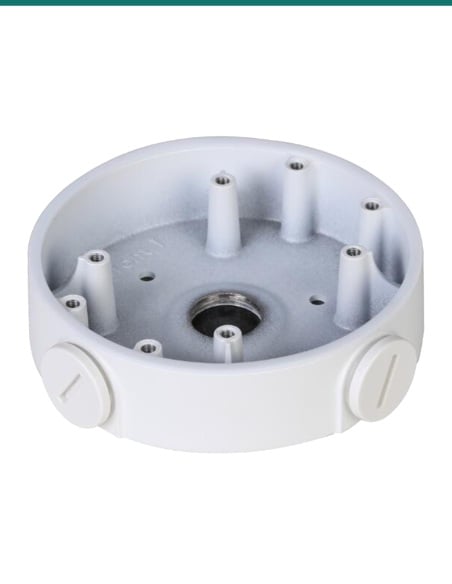
Junction box
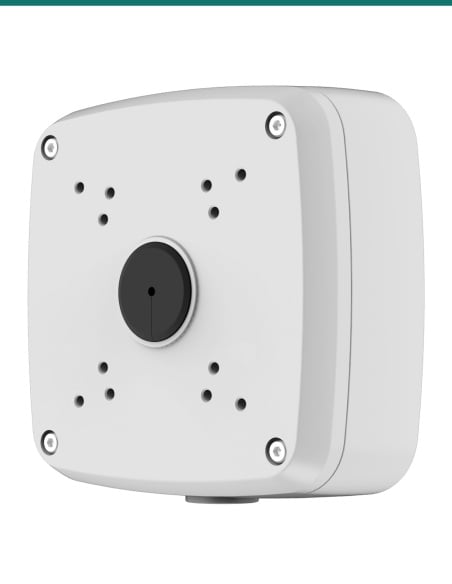
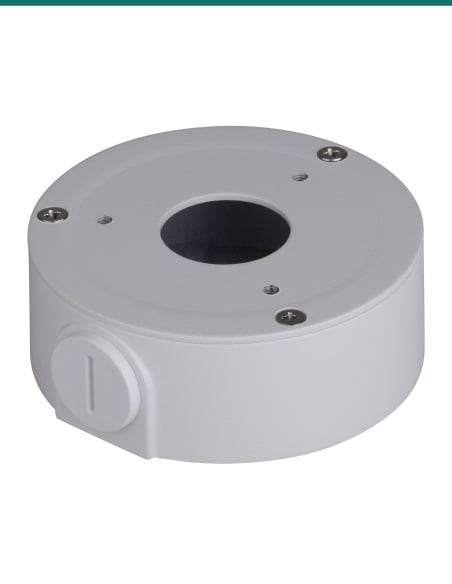
The same turret datasheets list the PFA137 for a flush junction mount when you don't need the camera out from the wall.
Where it is used
Hold a turret out from brick or cladding so it looks along the house and down the driveway.
Mount a camera beside the entry where there is no ceiling or soffit to fix to.
Fix cameras to walls and columns to watch roller doors, racking aisles and loading docks.
Wall-mounted cameras over parking bays, ramps and paths.
Corridors, stairwells and reception areas where the camera needs to stand off the wall.
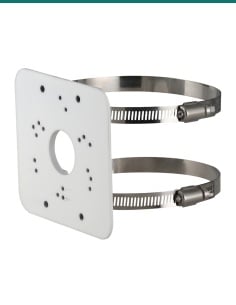
With the PFA152-E pole mount behind it, the same arm goes on a post.
| PFB205W-E (this bracket) | PFB203W | |
|---|---|---|
| Camera fixing | 3 × M4 on 70, 84 and 97.8 mm circles; 4 × M4 on 68.5 mm | 3 × M4 at 120° on 84, 98 and 110 mm circles |
| Size | 161.6 × 125.6 × 76.0 mm | 160 × 122 × 76 mm |
| Weight | 0.49 kg | 0.5 kg |
| Load bearing | 2.0 kg | 1 kg |
| Material | Aluminium alloy | Aluminium and SECC |
| Wall fixing | 4 × 5 mm holes, 76 × 26 mm | 4 × 5 mm holes, 76 × 26 mm |
| Screws in the box | 4 × M4, 4 × ST4, 4 expansion bolts | 3 × M4, 4 × ST4, 4 anchors |
Figures from Dahua's PFB205W-E and PFB203W datasheets and drawings. Check which one your camera's datasheet names.
Dahua's datasheets list it for the IPC-HDW3866TP-ZS-AUS, HDW3666TP-ZS-AUS, HDW3849H-ZAS-PV-ANZ-S2, HDW3649H-AS-PV-PRO-ANZ and HDW3549HP-AS-PV turrets and its K80 TiOC kits. Its selection guide adds the IPC-HDBW3466F-AS and HDCVI TQ, TLMQ and ME eyeballs. The full list is in the Works with box.
No. This listing is the bracket with 4 M4×10 screws, 4 ST4×25 screws, 4 plastic expansion bolts and an S3.0 wrench. The camera is sold separately.
2.0 kg, according to Dahua's datasheet. Check your camera's weight on its own datasheet before you mount it.
161.6 × 125.6 × 76.0 mm and 0.49 kg, from Dahua's datasheet.
Dahua's product page calls the PFB205W-E a waterproof wall mount bracket, but its datasheet gives no IP rating. Keep the cable joins inside the arm and seal the wall entry.
Through the large centre hole on the camera face, into the arm, then out of the wall behind the bracket.
M4 screws, four supplied. Dahua's drawing shows 3 × M4 patterns on 70.0, 84.0 and 97.8 mm circles and a 4 × M4 pattern on a 68.5 mm circle.
Through four 5 mm holes at 76.0 × 26.0 mm spacing, with the ST4×25 screws and plastic expansion bolts supplied, or fixings that suit your wall.
Yes, with a pole mount behind it. Dahua's HDW3549HP-AS-PV datasheet shows the PFB205W bracket on the PFA152-E pole mount.
Dahua rates it for −40 °C to +60 °C and humidity under 90% RH.
The PFB205W-E is all aluminium alloy, carries 2.0 kg and has 3-hole and 4-hole M4 patterns. The PFB203W carries 1 kg and has a 3-hole M4 pattern on 84, 98 and 110 mm circles. Use the one your camera's datasheet names.
Dahua's selection guide shows the PFB2203W as the new model beside the PFB205W-E. This listing is the PFB205W-E.
Not sure which bracket suits your camera or wall? Call 1300 736 970 or email [email protected]. The Dahua datasheet is on the Attachments tab.
Mechanical part only. The PFB205W-E holds the camera. It carries no power or data; follow the camera guide for its connections.
Load. Rated for 2.0 kg. Check the camera weight on its own datasheet before you mount it.
Working at height. Cameras usually go on eaves, high walls or posts. Use a stable ladder or platform and fixings that suit the surface.
Cabling. Concealed data cabling to the camera is customer cabling under AS/CA S009 and needs an ACMA-registered cabler. A new power point needs a licensed electrician.
What it does not do. Dahua publishes no IP rating for this bracket, and it is not a junction box: there is no space for spare cable or connectors beyond what fits in the arm.
Figures. From Dahua's PFB205W-E datasheet (Rev 002.000) and drawing, its camera and kit datasheets and its Camera Accessories Selection guide (Oceania, December 2025).


Need help choosing?
Tell us about your property and we'll recommend the right cameras and recorder.
07 5609 4910Sydney 02 8814 6008
[email protected]
Mon–Fri, 9am–5pm AEST
20 related items