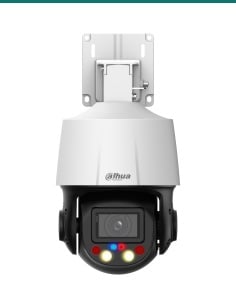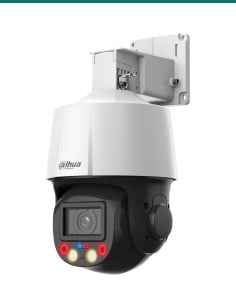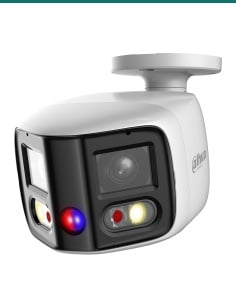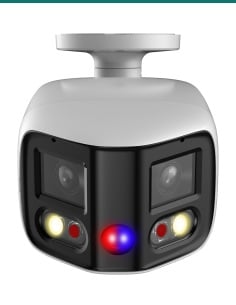
Dahua · Camera mounts · Pole mount
Mount a Dahua camera on a pole.
Hoops for 80 to 150 mm poles, rated for 7 kg.
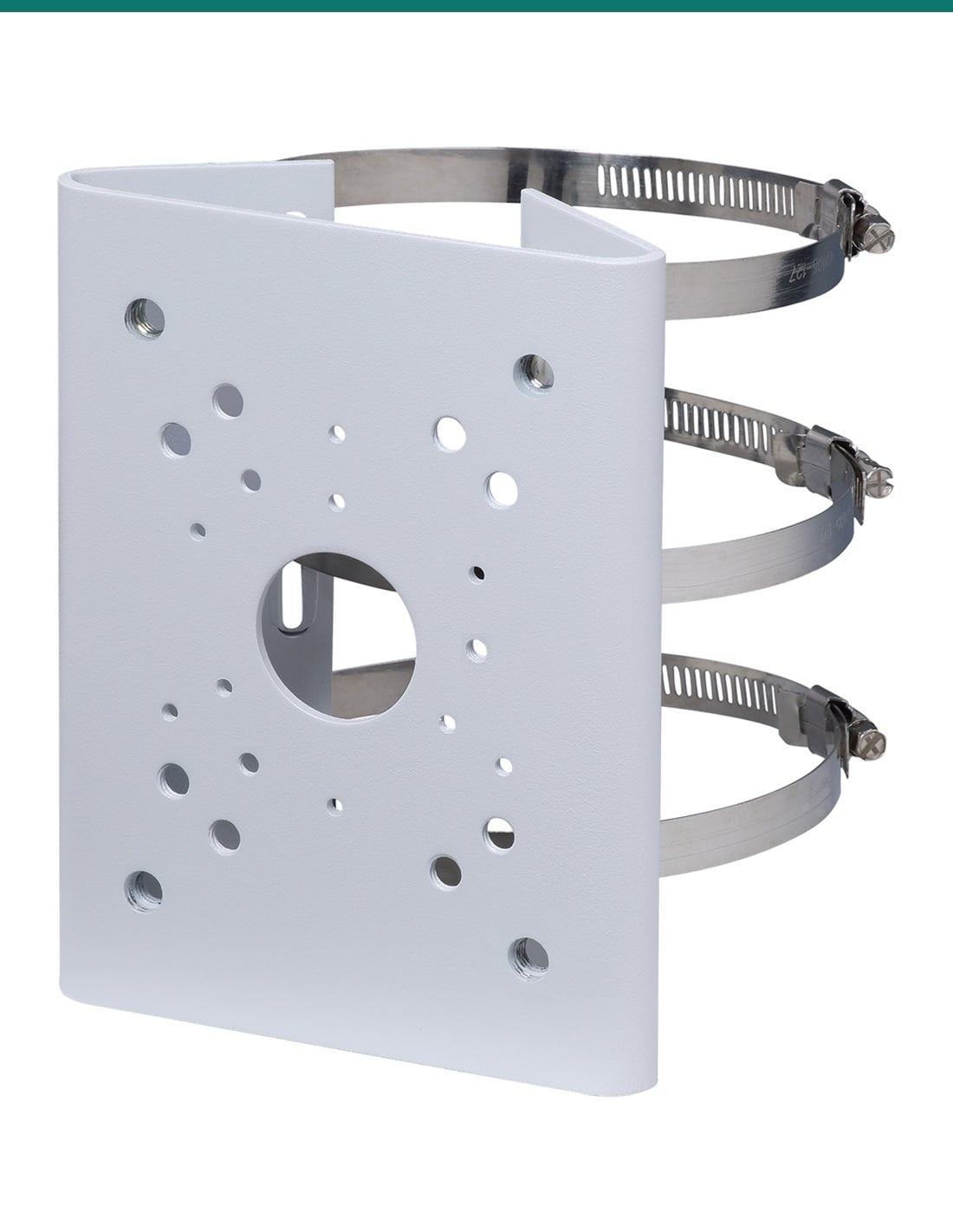
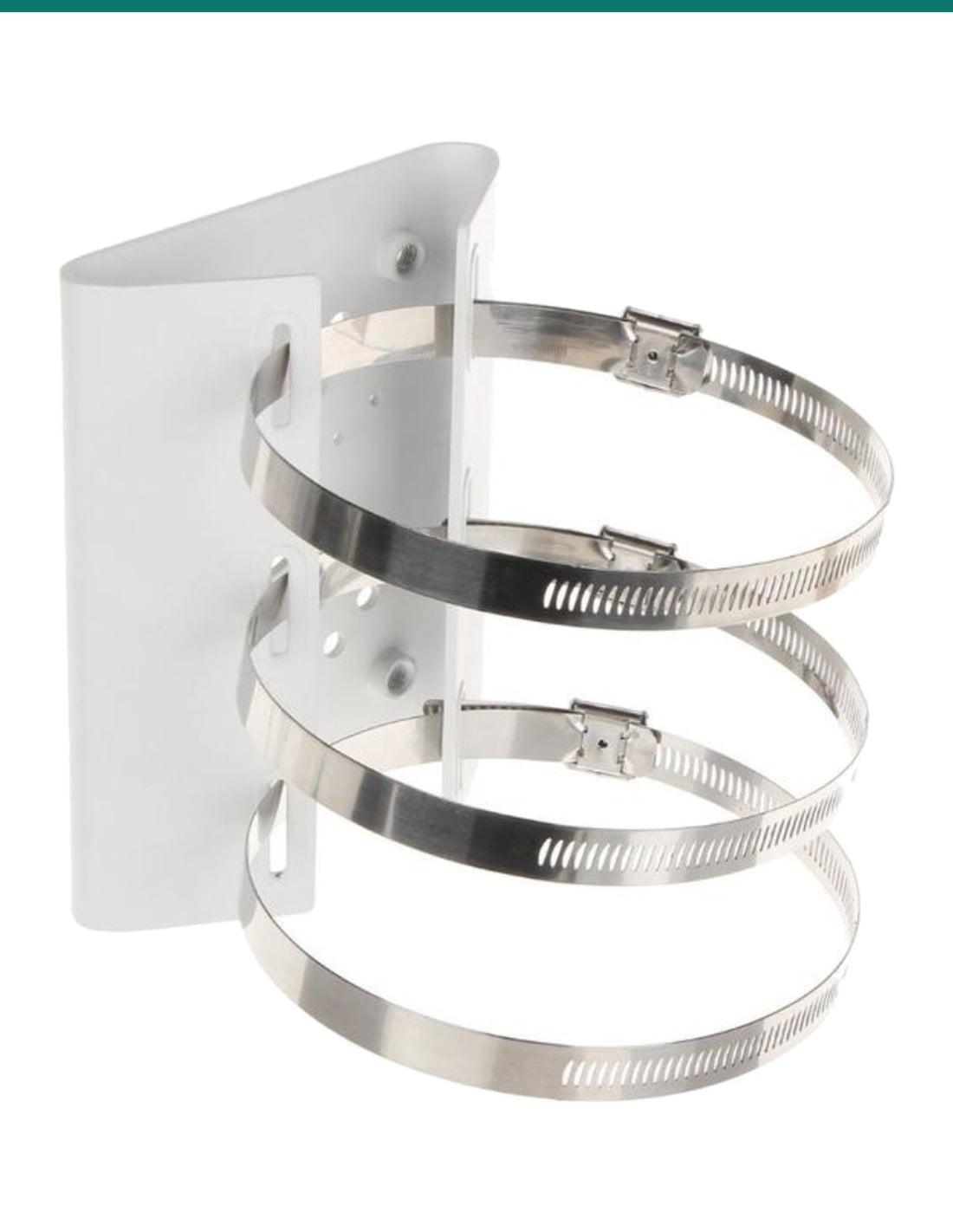
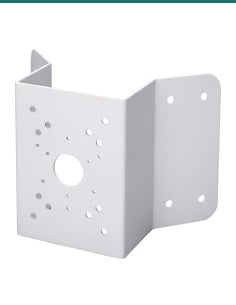
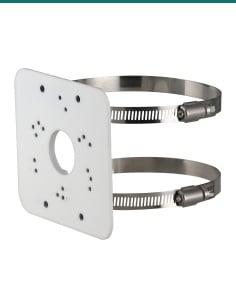
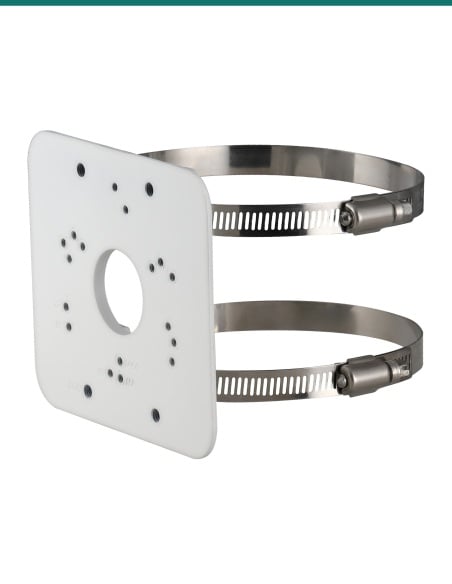
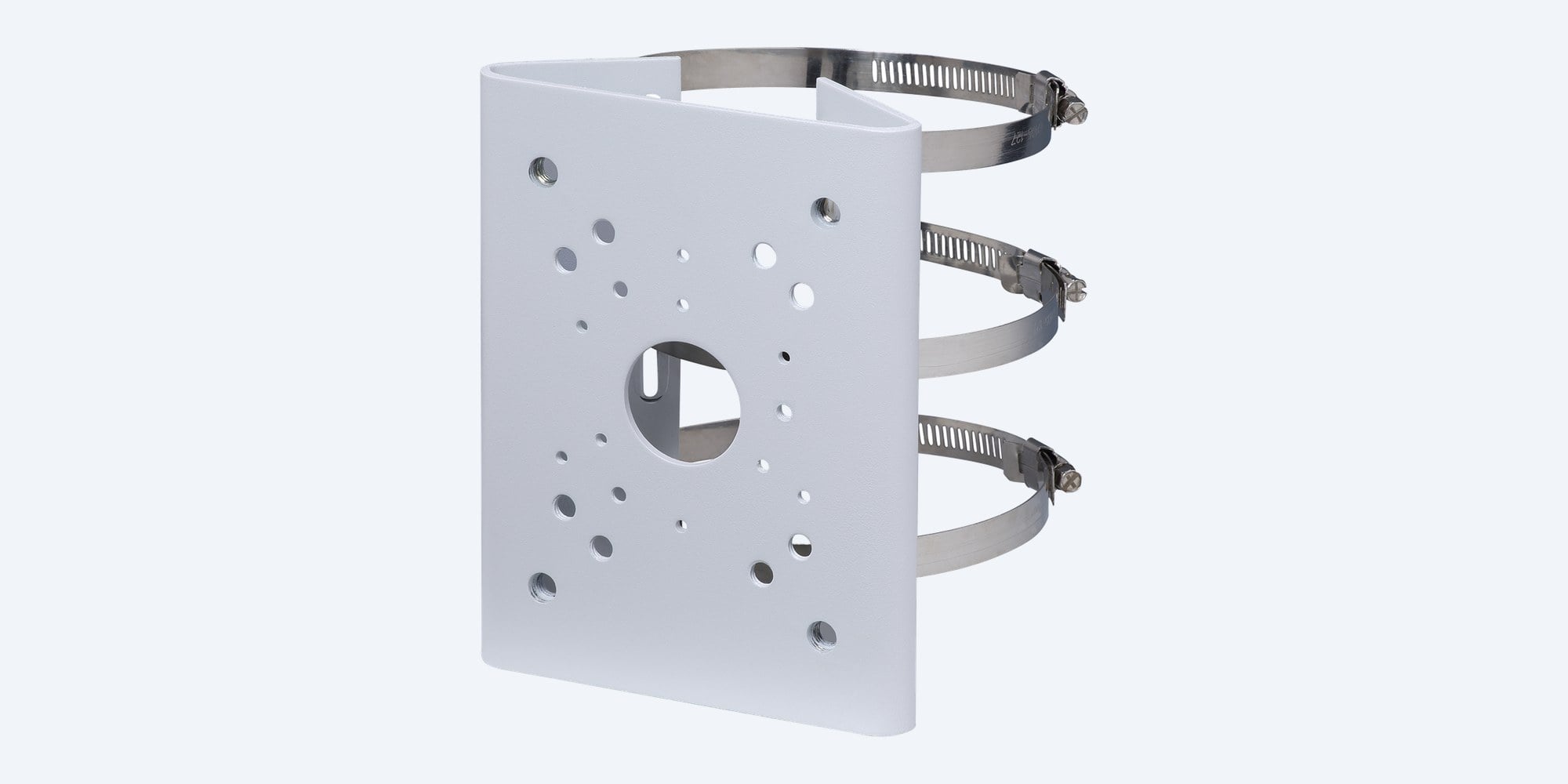
The Dahua PFA150 is a white steel pole mount plate with three stainless steel hoops. It clamps to a round pole 80 to 150 mm across and takes a Dahua wall mount bracket, junction box or PTZ arm on its face.
In one sentence: the Dahua DH-AC-PFA150 is a white SECC steel pole mount bracket with SUS304 stainless hoops for poles Φ80–150 mm, 130.4 × 45.0 × 170.0 mm and 1.09 kg, rated by Dahua to carry 7.0 kg, for Dahua wall mount brackets, junction boxes and PTZ arms.
Hoops, screws and wrenches included. The bracket or junction box goes on separately.
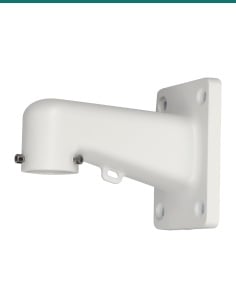
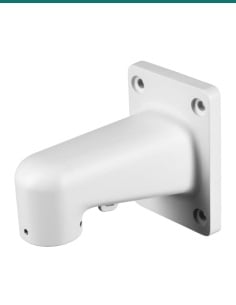
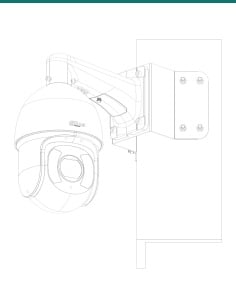
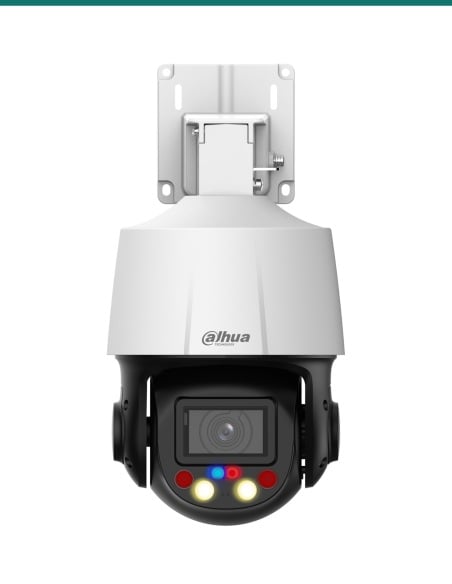
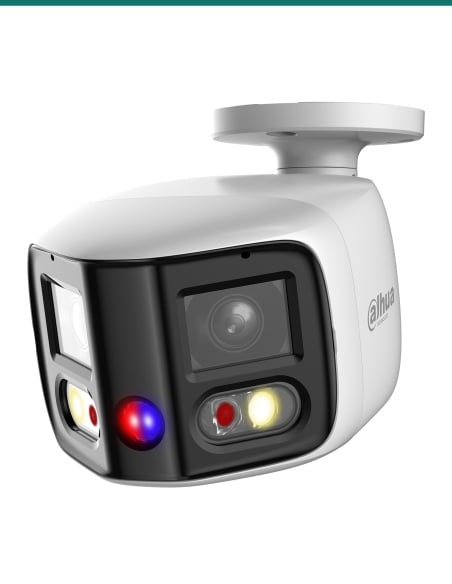
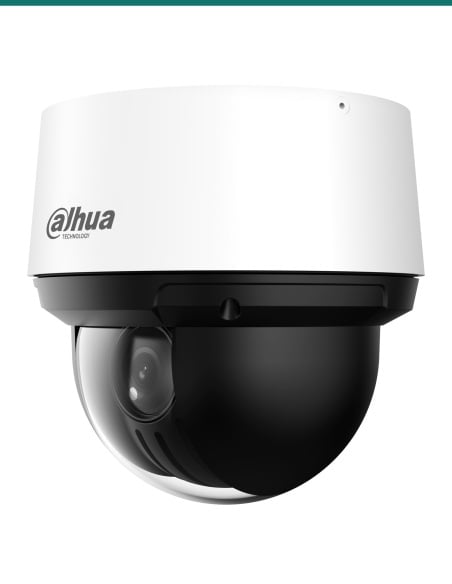
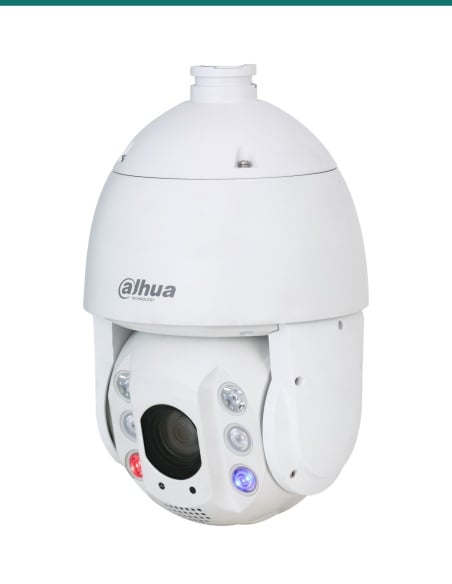
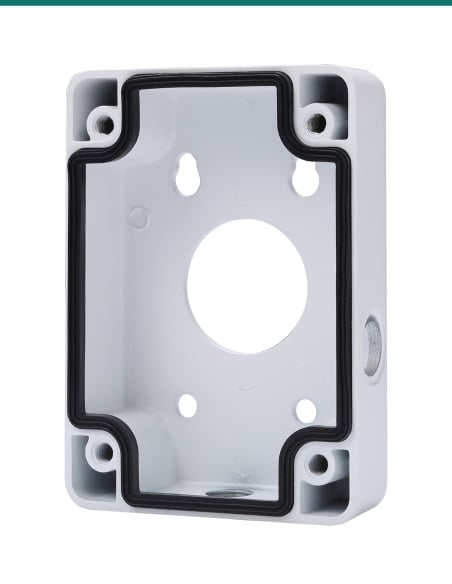
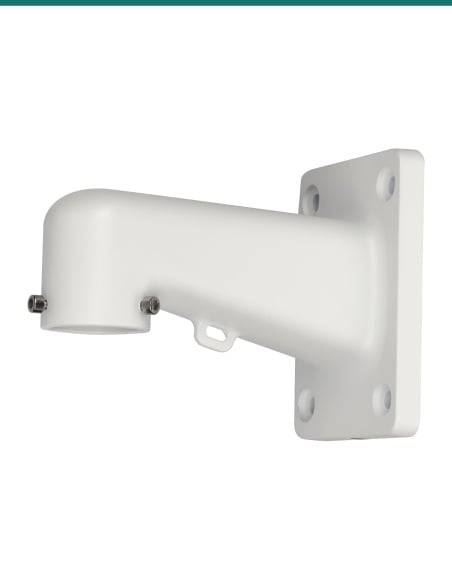
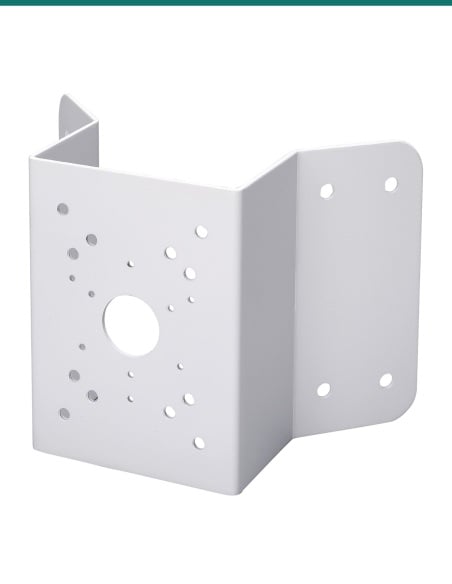
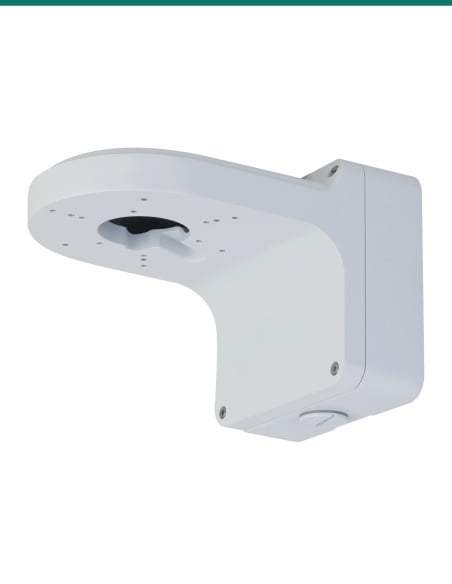
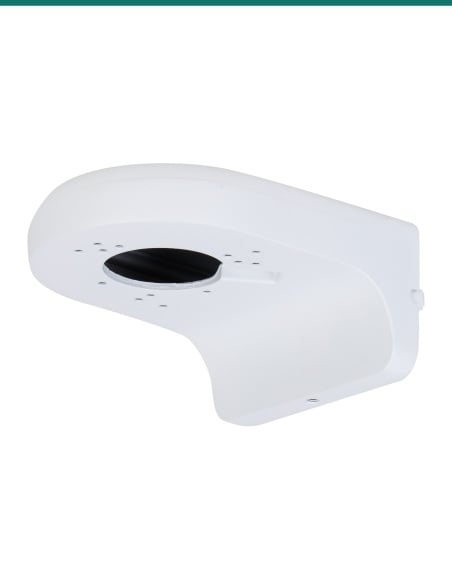
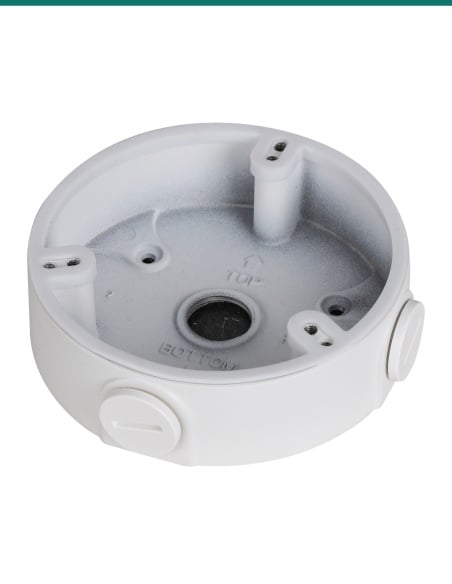
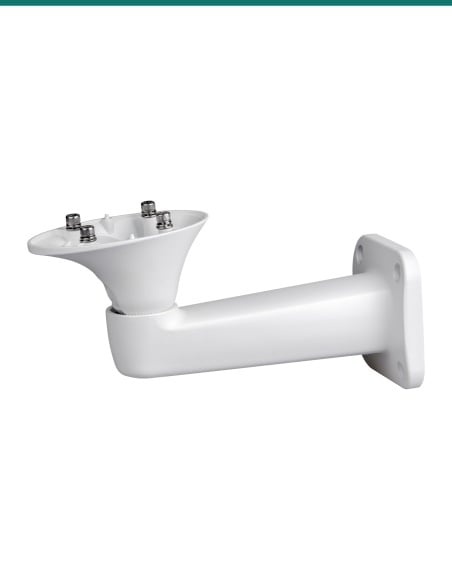
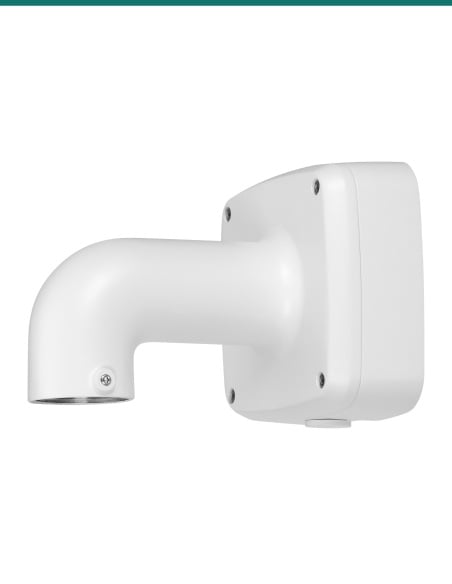
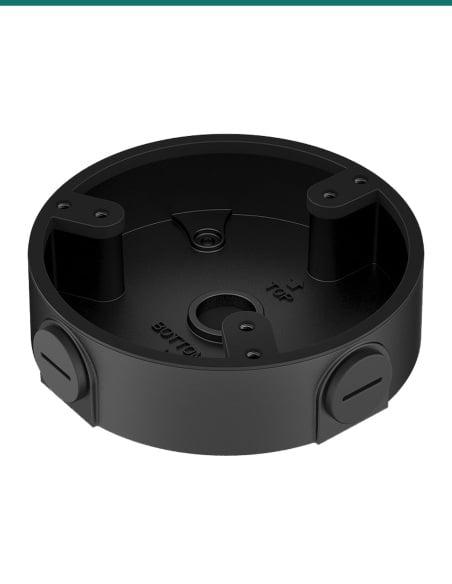
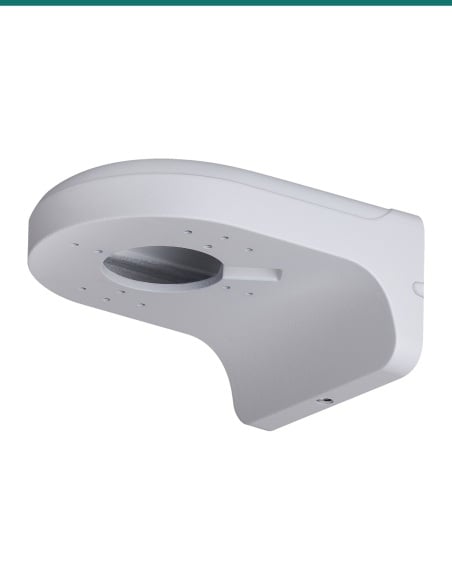
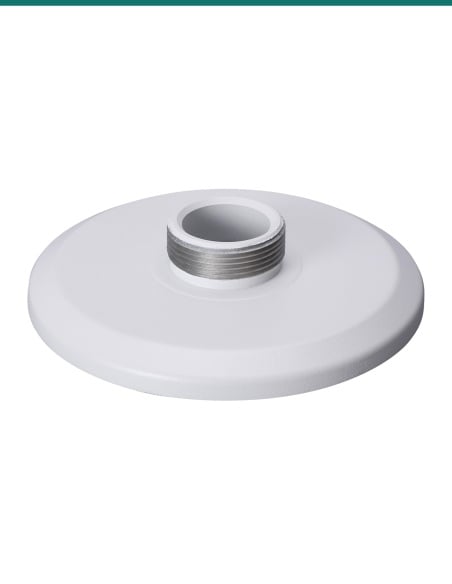
The PFA150 adapts a pole to take a Dahua wall mount bracket, junction box, power box or universal joint. Those are sold separately. Dahua's camera datasheets and selection guide list which ones fit, shown below.
In the box- PFA150 pole mount bracket
- 80–150 mm stainless steel hoops × 3
- M6×14 screws × 3
- M8×25 screws × 4
- S5.0 and S6.0 wrenches
You also need- A round pole 80 to 150 mm across
- The Dahua wall arm, junction box or camera listed for it
- Outdoor-rated network cable to the camera
One plate, many Dahua mounts.
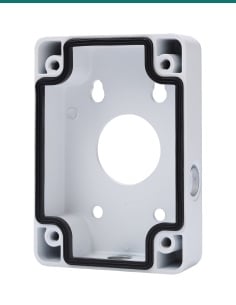
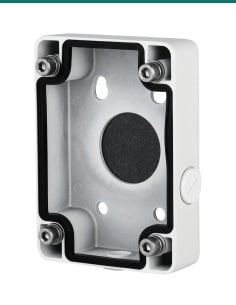
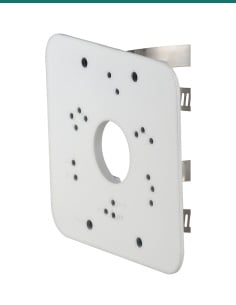
The plate is drilled for Dahua's wall arms, junction boxes and power boxes, with a Φ35.0 mm cable hole in the centre. Three stainless steel hoops tighten around the pole, and Dahua rates the bracket for 7.0 kg.
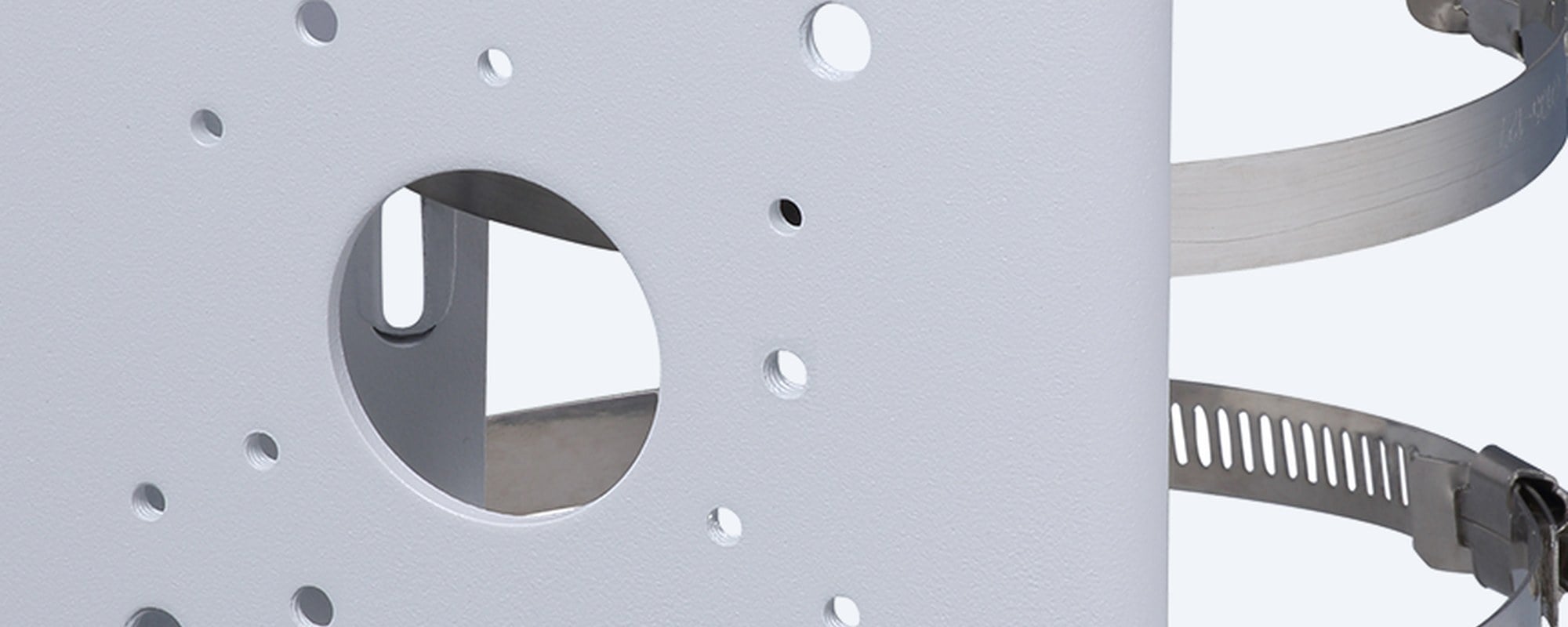
Mounting plate
Drilled for Dahua's mounts.
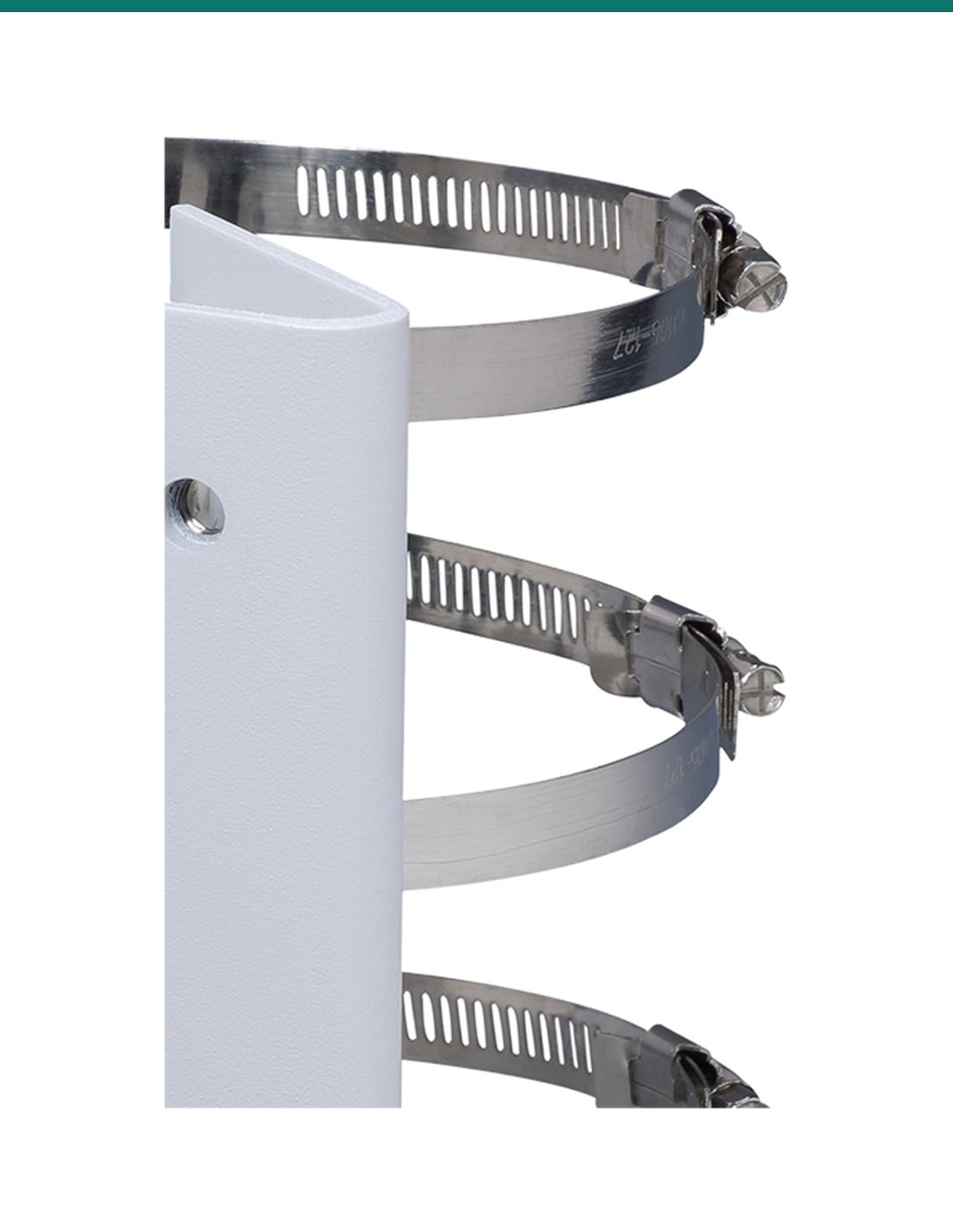
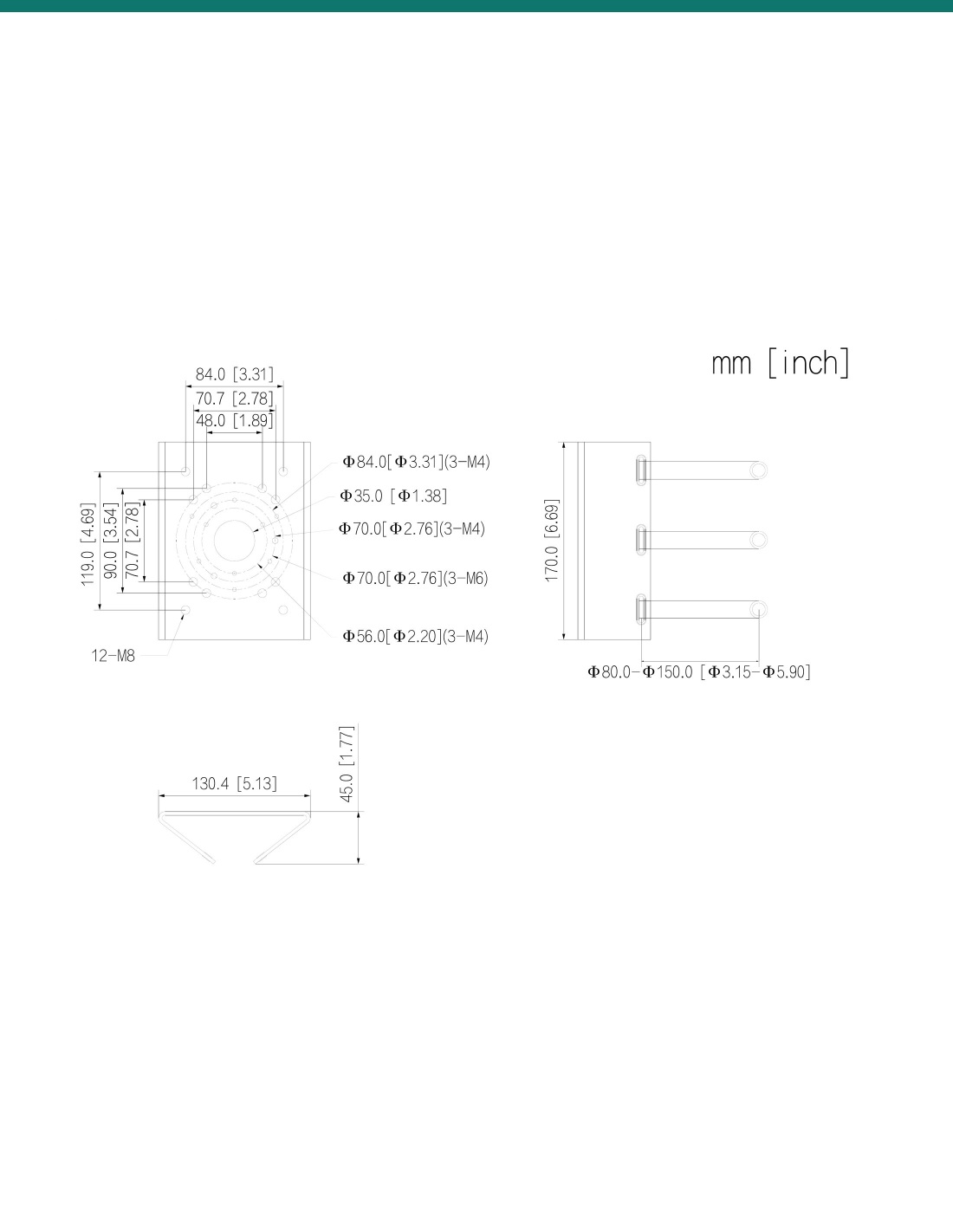
Dahua's drawing shows twelve M8 holes for wall arms, rings of M4 and M6 holes on 56.0, 70.0 and 84.0 mm circles for junction boxes, and a Φ35.0 mm cable hole. Close-up from Dahua's product photo.
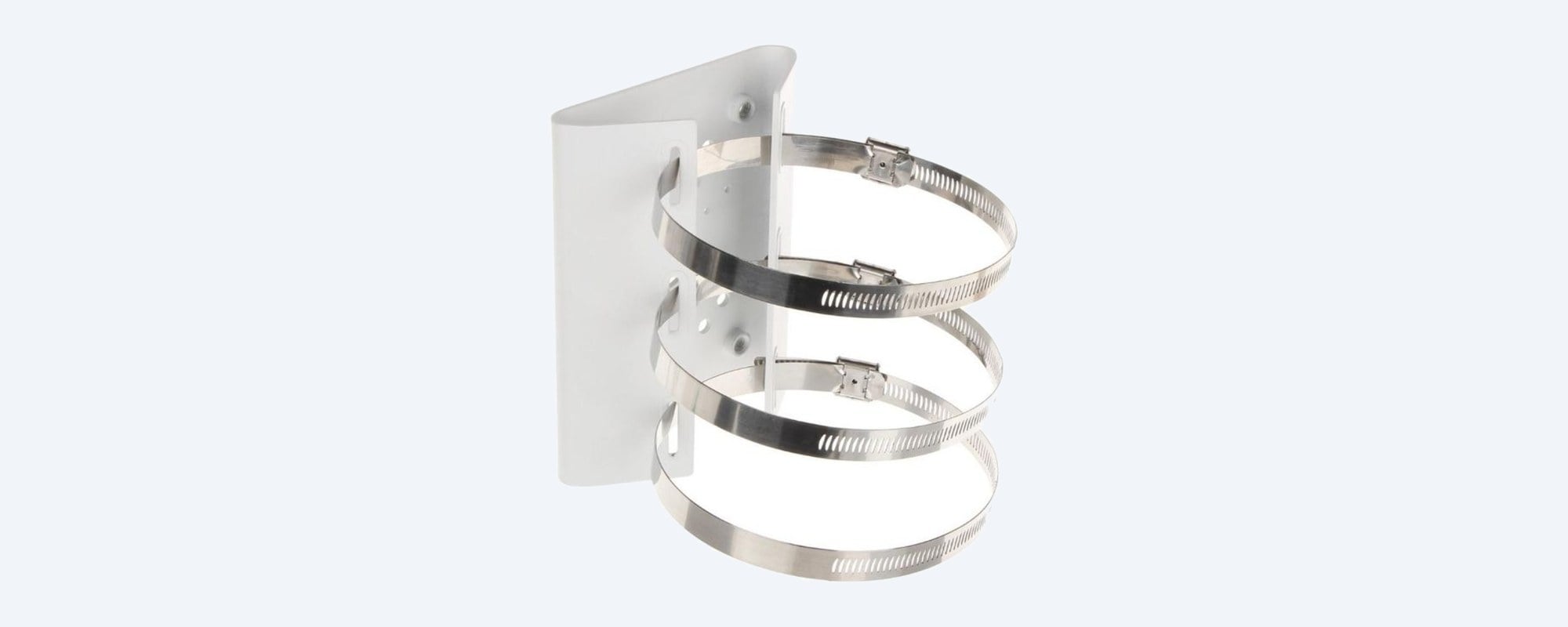
Hoops
Three stainless hoops.
The three SUS304 stainless steel hoops in the box fit round poles from 80 to 150 mm across.
How it goes in
From bare pole to mounted camera.
01
Check the pole
Measure the pole: the hoops fit round poles from 80 to 150 mm across. Choose the height and direction the camera should face.
02
Fix the bracket
Thread the hoops through the plate, wrap them around the pole and tighten them evenly until the plate cannot turn or slip.
03
Fit the mount
Bolt the Dahua wall arm, junction box or power box to the plate with the screws in the box, feeding the cable through the centre hole.
04
Fit the camera
Mount the camera, connect it and aim it, then check every screw and hoop is tight.
At a glance
DH-AC-PFA150
Show specs
Material
SECC steel plate, SUS304 stainless steel hoops
Size (L × W × H)
130.4 × 45.0 × 170.0 mm
Weight
1.09 kg (1.28 kg packed)
Cable hole
Φ35.0 mm (drawing)
Operating temperature
−40 °C to +60 °C
Anti-corrosion level
Basic protection
Packed size
177 × 177 × 52 mm
Takes
Dahua junction boxes, wall mount brackets, power boxes and universal joints
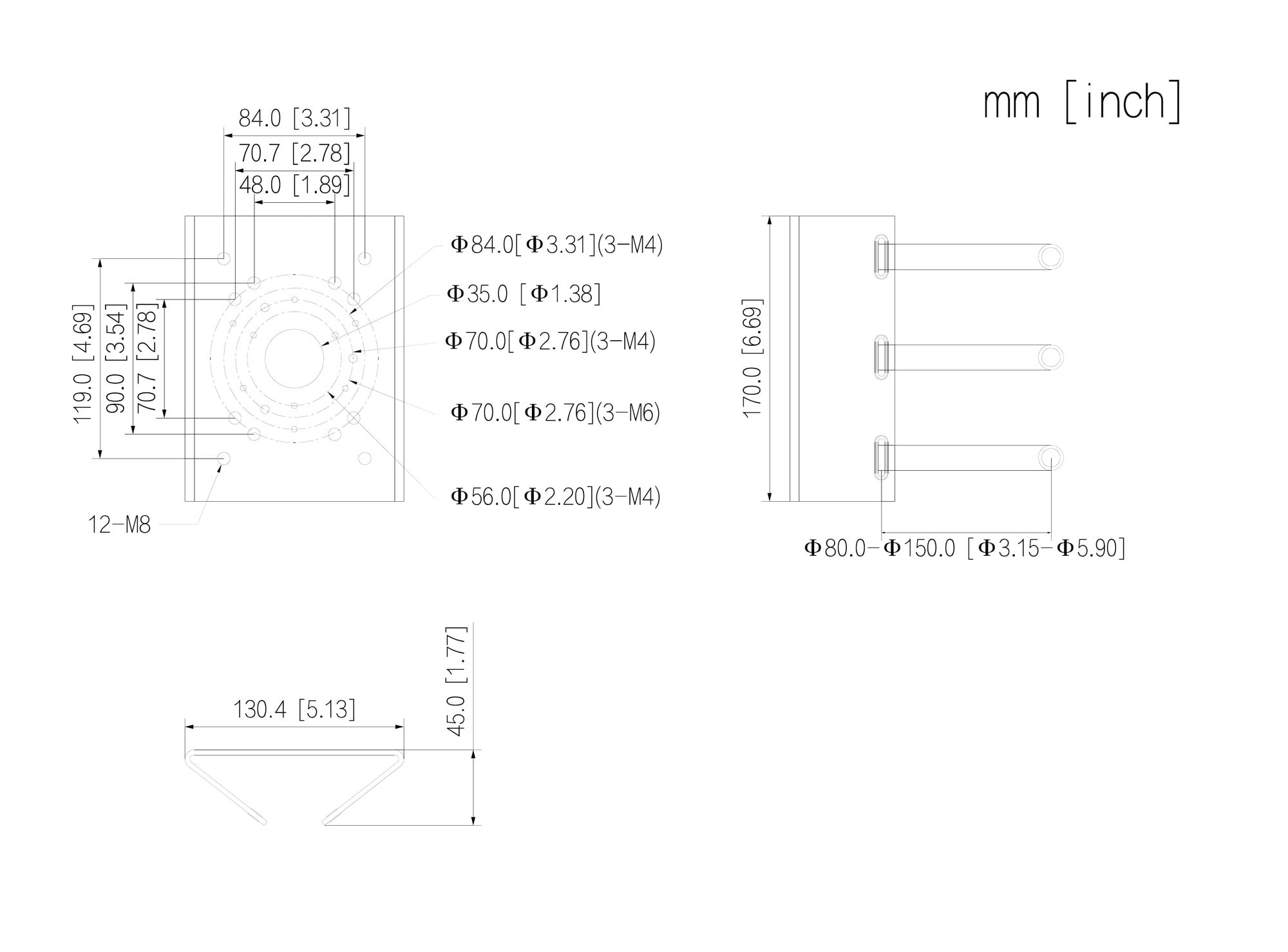
Dahua dimension drawing for the PFA150, measurements in mm [inch].
Works with
Dahua cameras and mounts listed with the PFA150
From Dahua camera datasheets and Dahua's Camera Accessories Selection guide (Oceania, December 2025). If your model is not here, confirm fit with us.
Show the full list
DHI-ITC413-PW4D-IZ3 4MP ANPR camera
Camera datasheet lists the PFA150
DH-IPC-HFW3441DG-AS-4G-EAU-B 4G bullet (DHI-SOLAR4G-KIT)
Camera datasheet: PFA150 with the PFA121 junction box and PFA162 adapter
IPC-PDBW8802P-H-A180 panoramic dome
Camera datasheet lists the PFA150 pole mount
Dahua PTZ cameras on the PFB303W, PFB305W or PFB306W wall arm
Guide: the wall arm goes on to the PFA150
Dahua PTZ cameras on the PFB300C ceiling pendant
Guide: the PFB300C goes on to the PFA150
PFA120, PFA126 and PFA6400S junction boxes
Guide: the junction box goes on to the PFA150
Dahua domes on the PFB305W or PFB220C bracket
Guide: routes through to the PFA150
PFH610 camera housings on the PFB604W, PFB605W or PFA162
Guide: routes through to the PFA150
Pair it with
What goes with it
ANPR camera
Dahua DHI-ITC413-PW4D-IZ3
4MP number plate camera. Its Dahua datasheet lists the PFA150 pole mount.
4G camera
Dahua DH-IPC-HFW3441DG-AS-4G-EAU-B
4G bullet camera. Dahua lists it on the PFA150 with the PFA121 junction box and PFA162 adapter.
PTZ wall arm
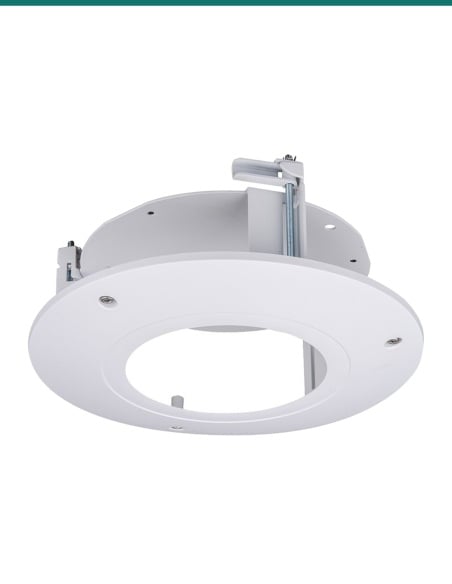
DH-AC-PFB305W wall mount bracket
Dahua's PTZ wall arm. The selection guide shows it bolted to the PFA150 for pole installs.
Junction box
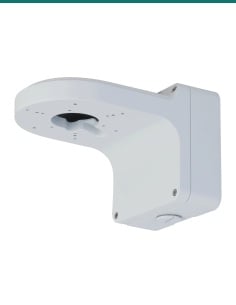
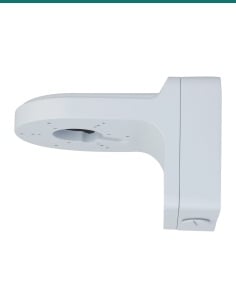
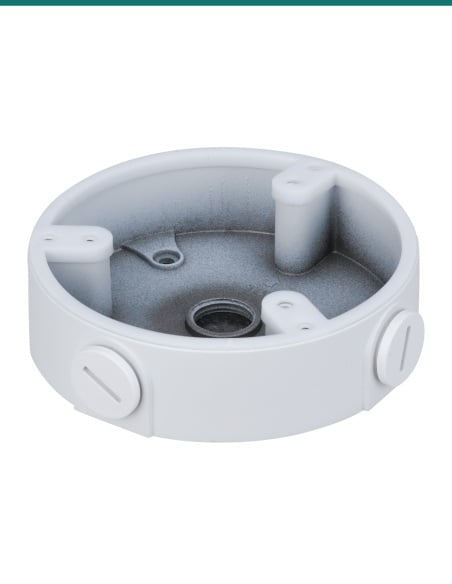
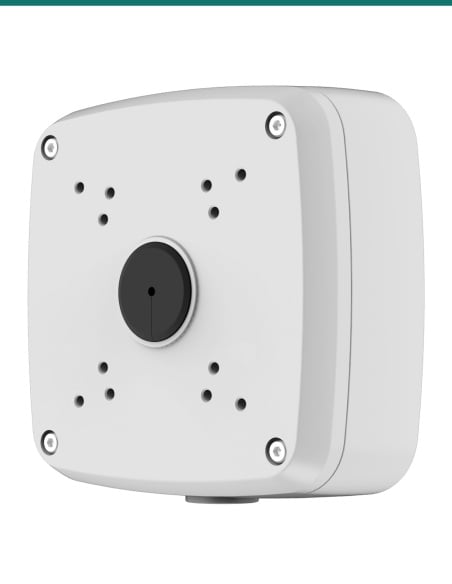
DH-AC-PFA121 junction box
The junction box Dahua lists between its 4G bullet camera and this pole mount.
Where it is used
Where a pole mount earns its place.
Car parks
Put a camera on a light pole to cover rows of parked cars.
Driveways and gates
Watch the entry from a pole set back from the gate.
Number plate capture
Mount an ANPR camera on a pole at the right angle to the lane.
Farms and yards
Cover sheds, gates and yards from a pole where there is no wall.
Building sites
Pair with a 4G or solar camera on a temporary pole.
Streets and parks
Mount a PTZ on a council or estate pole to see along the street.
PFA150 or PFA152-E
| PFA150 (this bracket) | PFA152-E |
|---|
| Load bearing | 7.0 kg | 3.0 kg |
| Pole diameter | Φ80–150 mm | Φ80–150 mm |
| Material | SECC steel, SUS304 hoops | Aluminium alloy, SUS304 hoops |
| Size | 130.4 × 45.0 × 170.0 mm | 125.6 × 114.0 × 20.0 mm |
| Weight | 1.09 kg | 0.26 kg |
| Hoops in the box | 3 | 2 |
Figures from Dahua's PFA150 datasheet (Rev 002.000, 2024) and PFA152-E datasheet (2025). The PFA150 suits PTZ arms and heavier loads; the PFA152-E suits domes and small bullets.
Common questions
What size pole does it fit?
Round poles from 80 to 150 mm across, using the three stainless steel hoops in the box.
How much weight will it hold?
Dahua's current datasheet rates it for 7.0 kg. Check the weight of the camera and its bracket on their own datasheets.
Can a camera bolt straight on to it?
It is designed to take a Dahua junction box, wall mount bracket, power box or universal joint, which then holds the camera. Check your camera's datasheet or ask us.
Which cameras is it listed for?
Dahua's datasheets list it for the ITC413-PW4D-IZ3 ANPR camera, the HFW3441DG-AS-4G 4G bullet and the PDBW8802P-H-A180. Its selection guide also routes PTZ wall arms and junction boxes on to it.
Will it take a PTZ camera?
Yes, through a Dahua PTZ wall arm such as the PFB305W, which Dahua's guide shows bolted to the PFA150. Check the camera plus arm stays within 7.0 kg.
What is in the box?
The bracket, three 80–150 mm stainless steel hoops, three M6×14 screws, four M8×25 screws, and S5.0 and S6.0 wrenches.
What is it made of?
SECC steel for the plate and SUS304 stainless steel for the hoops, in white. Dahua lists it for −40 °C to +60 °C with basic anti-corrosion protection.
How does the cable get to the camera?
The plate has a Φ35.0 mm hole in the centre in Dahua's drawing, so the cable can pass from the pole into the junction box or arm.
How big is it?
130.4 × 45.0 × 170.0 mm and 1.09 kg.
Can I use it on a square pole?
Dahua lists it for round poles 80 to 150 mm across. For a square or larger pole, confirm fit with us.
What is the difference from the PFA152-E?
Both fit 80–150 mm poles. The PFA150 is steel and rated for 7.0 kg; the PFA152-E is lighter aluminium alloy and rated for 3.0 kg.
Who should install it?
Use an elevated work platform or a stable ladder on a level base. Concealed data cabling to the camera needs an ACMA-registered cabler under AS/CA S009.
Supported by InFront Technologies.
Not sure which arm or junction box your camera needs on a pole? Call 1300 736 970 or email [email protected]. The Dahua datasheet is on the Attachments tab.
Installation and safety
Mechanical part only. The PFA150 holds the camera mount. It carries no power or data itself.
Load. Rated by Dahua for 7.0 kg. Check the camera plus its bracket or junction box stays within that.
Pole. Fit only to a sound, fixed round pole 80 to 150 mm across, and tighten all three hoops evenly.
Working at height. Use an elevated work platform or a stable ladder on a level base, and keep clear of overhead power lines.
Cabling. Concealed data cabling to the camera is customer cabling under AS/CA S009 and needs an ACMA-registered cabler. Any mains power work needs a licensed electrician.
Figures. From Dahua's PFA150 datasheet (Rev 002.000, 2024), its dimension drawing, Dahua camera datasheets and its Camera Accessories Selection guide (Oceania, December 2025).