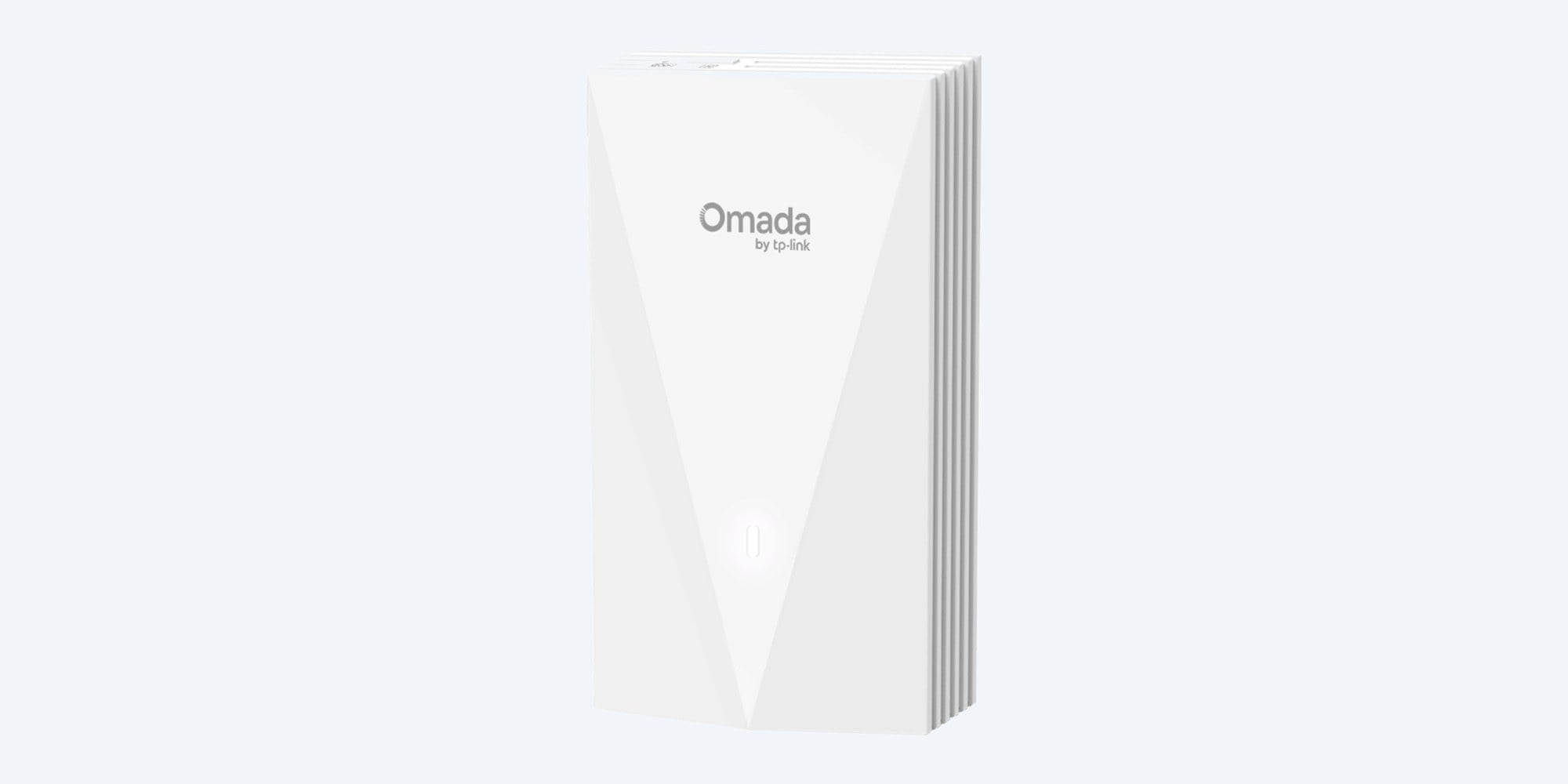
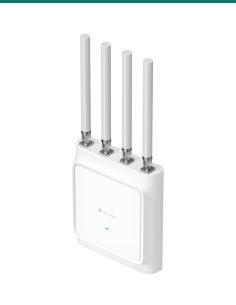
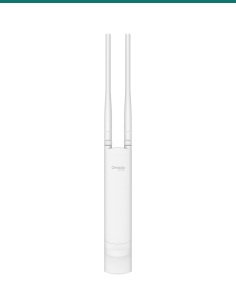
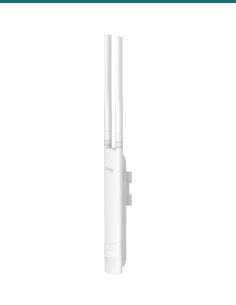
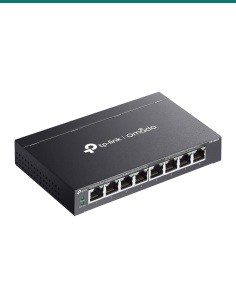
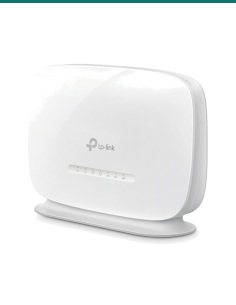
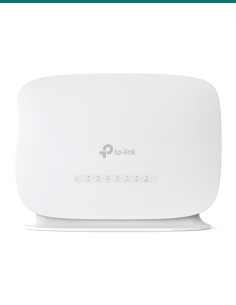
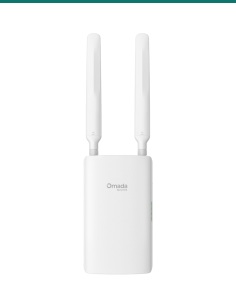
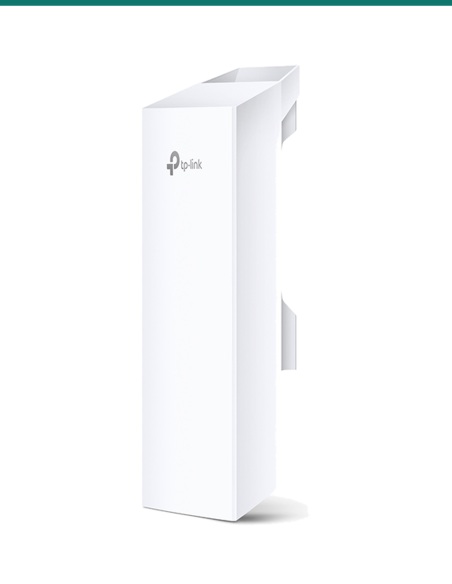
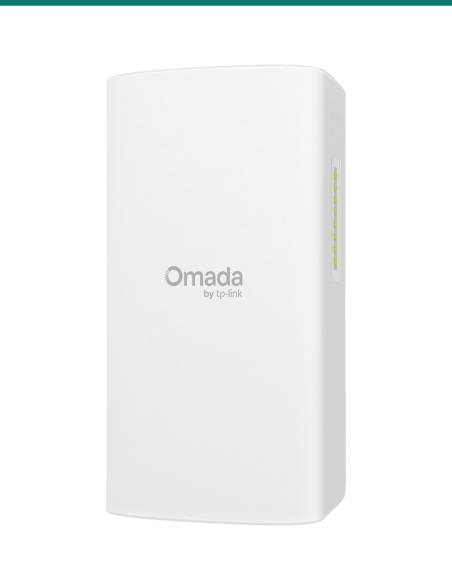
TP-Link Omada EAP655-Wall: an AX3000 Wi-Fi 6 wall-plate access point with three Gigabit ports underneath, powered by one PoE cable from the wall.
- ✓AX3000 Wi-Fi 6: 2402 Mbps on 5 GHz + 574 Mbps on 2.4 GHz
- ✓1 PoE uplink + 3 Gigabit downlink ports, one with PoE out
- ✓802.3af or 802.3at PoE powered
- ✓120+ clients, up to 50 m² per room
- ✓WPA3, 16 SSIDs, mesh and seamless roaming
- ✓143 × 86 × 42.6 mm wall plate
Description

Wi-Fi 6 and three network ports.
On the wall of every room.
The EAP655-Wall is an Omada wall-plate access point for hotel rooms, dorms and offices: AX3000 Wi-Fi 6 with 2402 Mbps on 5 GHz plus 574 Mbps on 2.4 GHz, and three Gigabit ports underneath for a TV, phone or desk.
In one sentence: the TP-Link Omada EAP655-Wall is a wall-plate AX3000 dual-band Wi-Fi 6 access point powered by 802.3af/at PoE, with 2x2 MU-MIMO, 160 MHz channels and three Gigabit downlink ports, one with PoE pass-through.
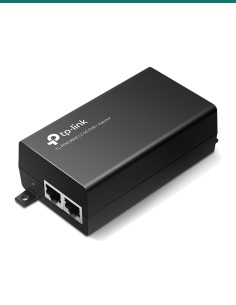
Access point only. It is powered by PoE from the wall cable.
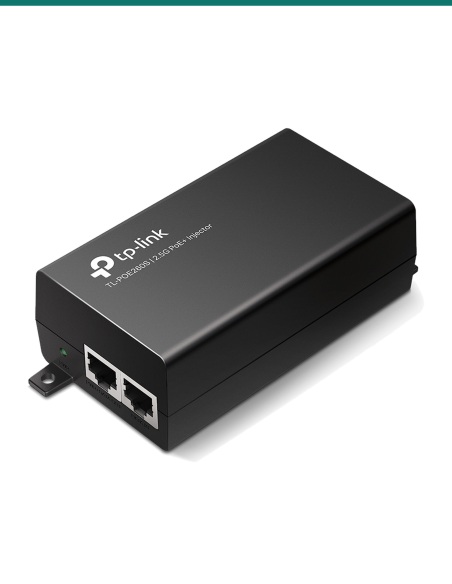
This listing is one EAP655-Wall. It takes 802.3af or 802.3at PoE through the uplink port on the back. There is no DC socket and no power adapter.
- EAP655-Wall access point
- 4 mounting screws
- Installation guide
- An 802.3af or 802.3at PoE switch port or injector
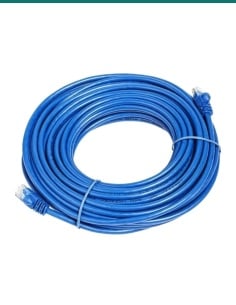
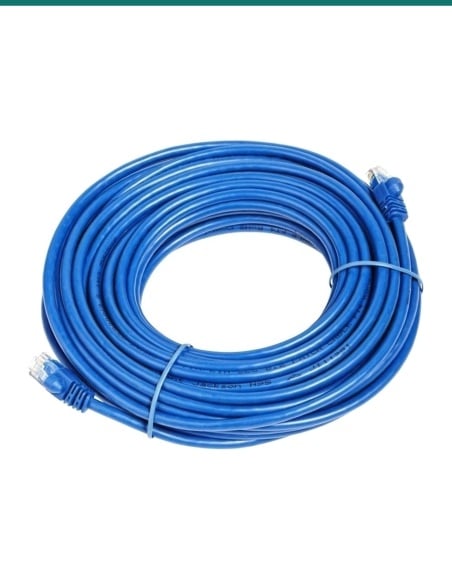
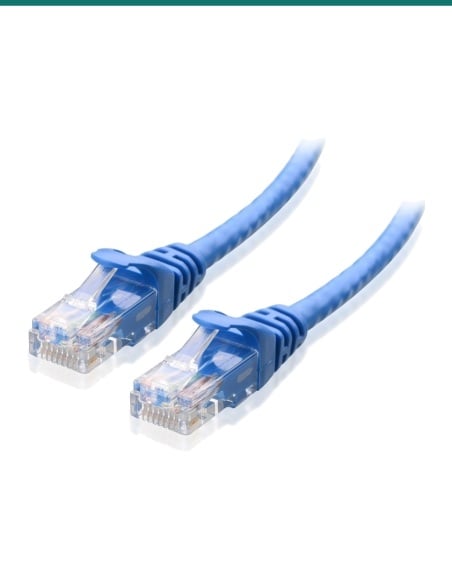
- A Cat5e or Cat6 cable to the wall box
- A wall box that suits the plate (check with us)
- An Omada controller or the Omada app to manage it
Every room gets its own Wi-Fi.
One EAP655-Wall per room gives each guest or tenant a strong, private signal: TP-Link rates it for about 50 m² and 120+ clients. The three ports underneath connect a smart TV, IP phone or set-top box over cable, and one of them passes PoE on.

Ports
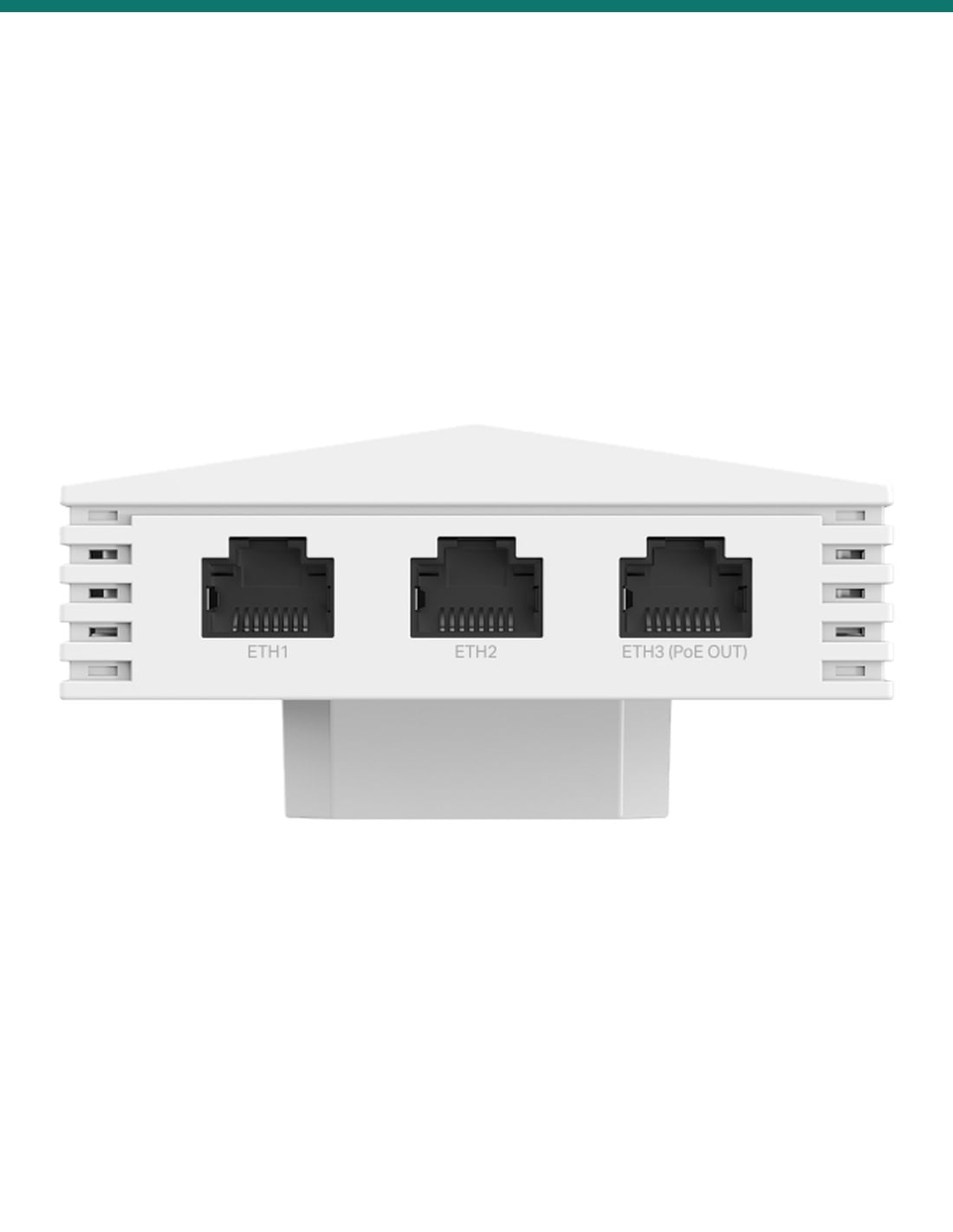
Three Gigabit ports for the room.
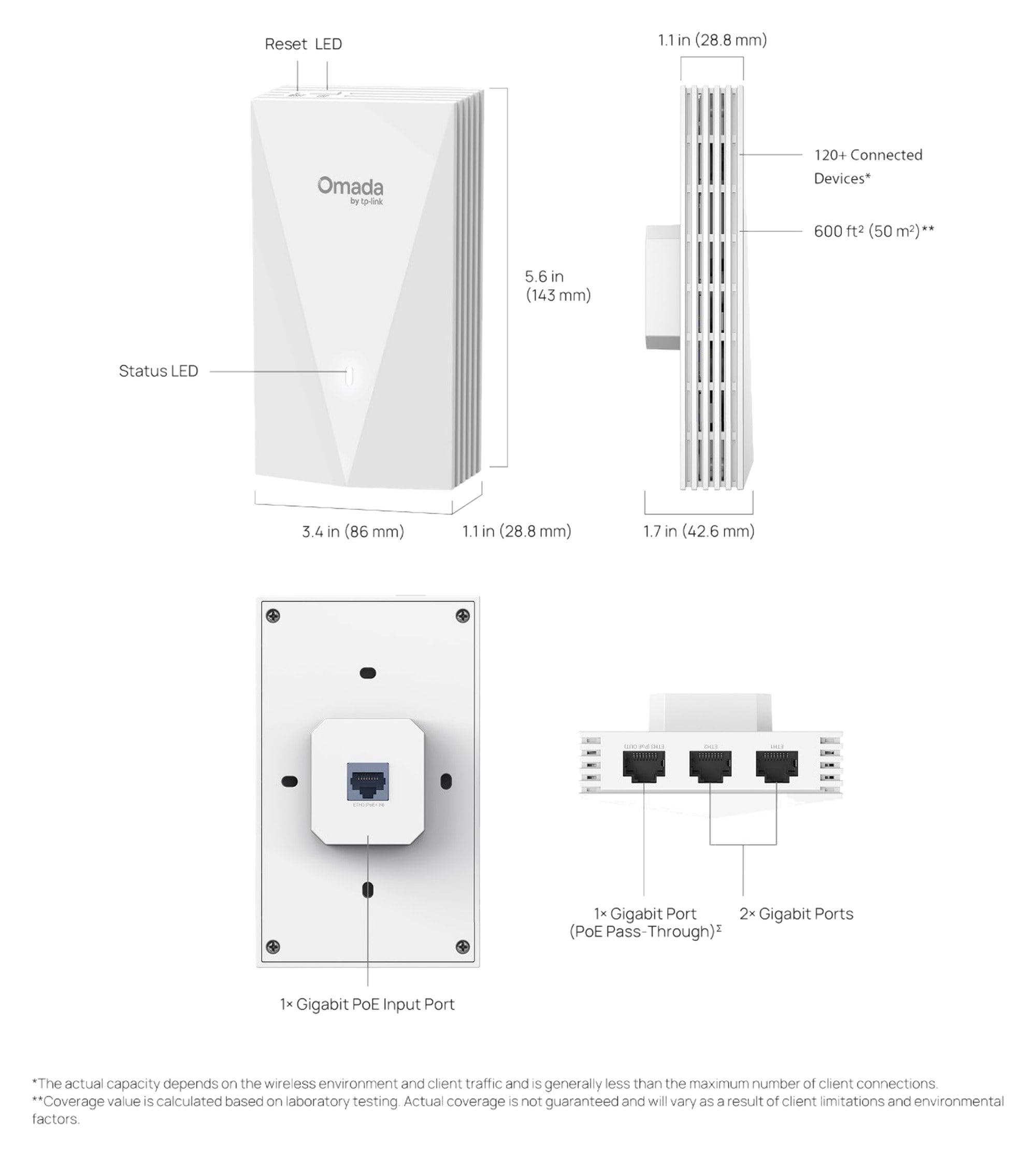
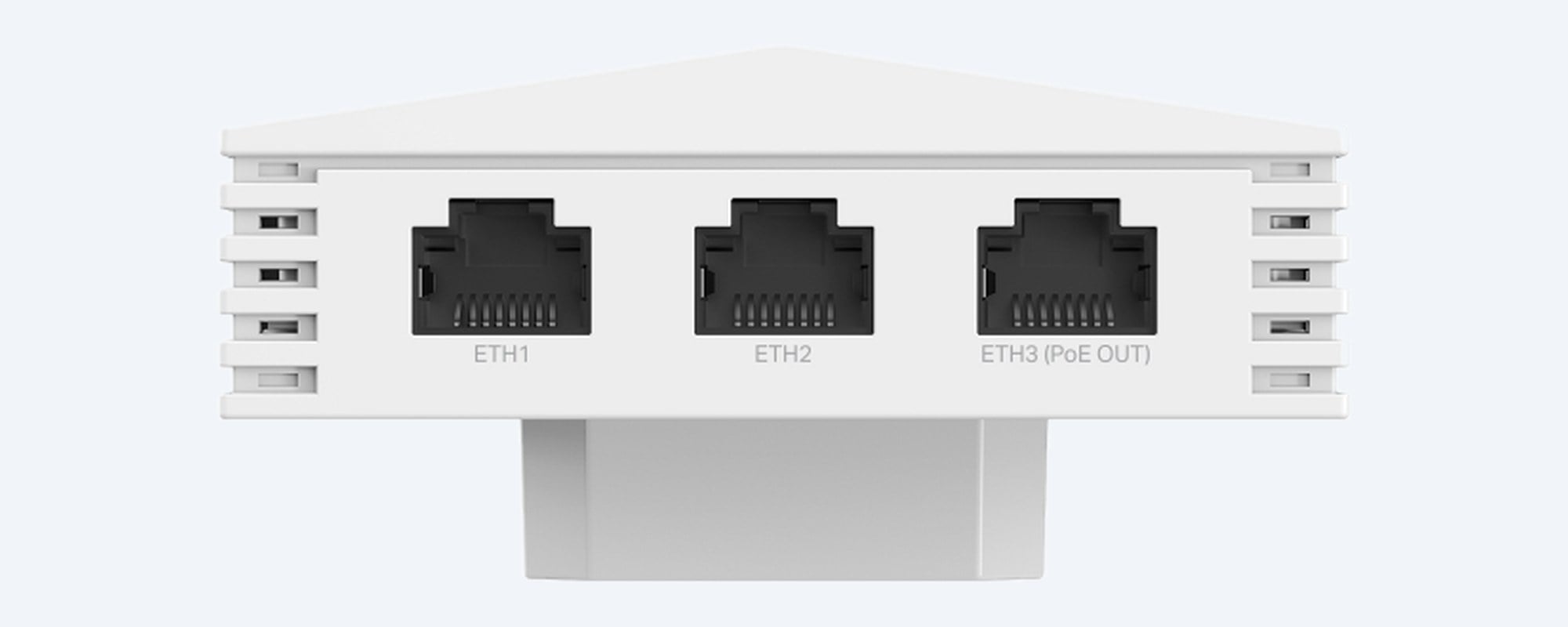
ETH1, ETH2 and ETH3 sit on the underside. ETH3 passes PoE through, so it can power a small device such as an IP phone. TP-Link lists the PoE output as passive PoE, 42–57 V at 0.24 A.

Back
Power and data from the wall.
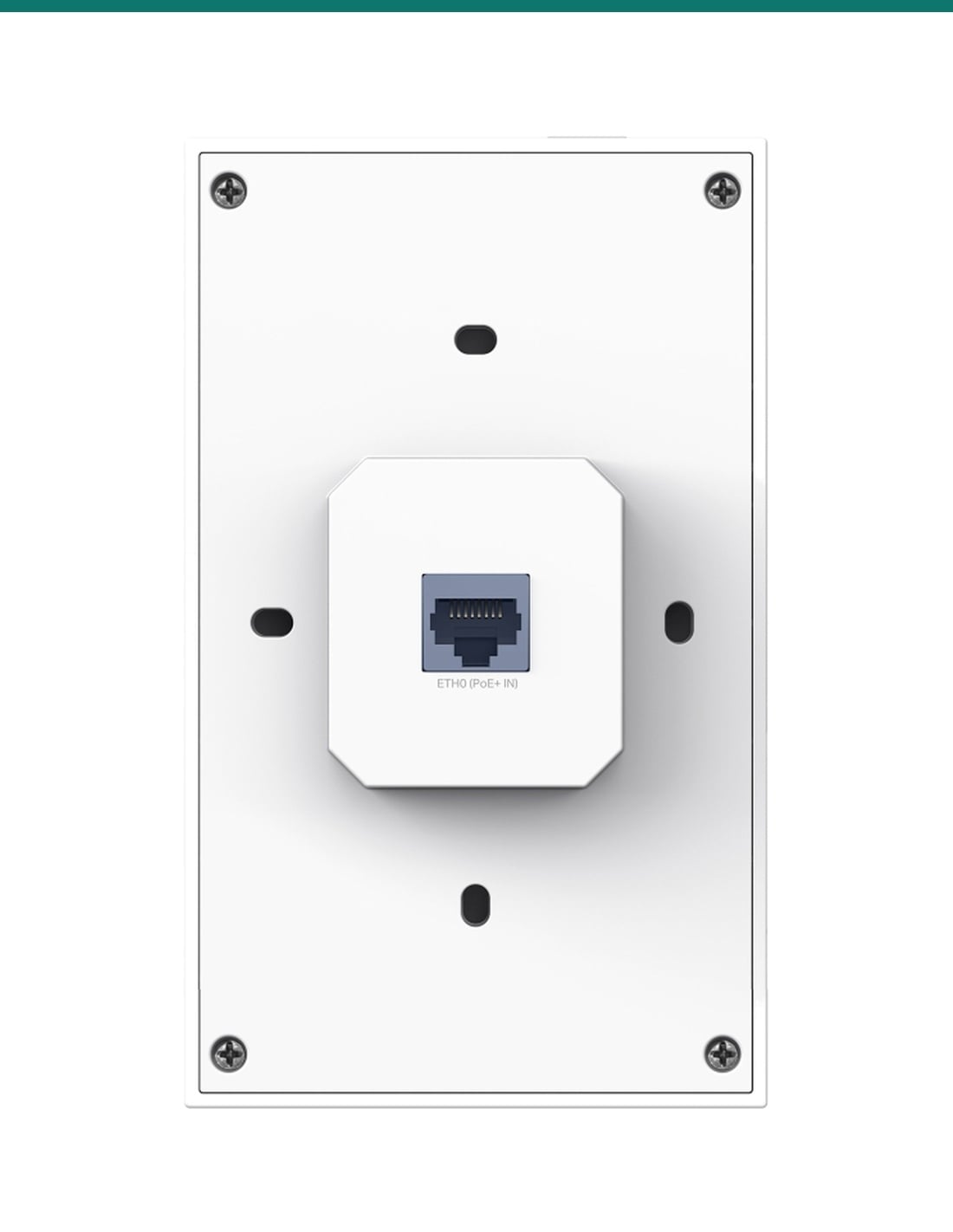
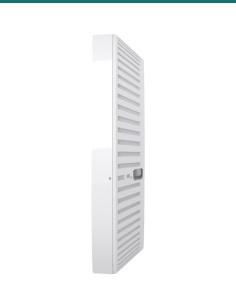
The PoE uplink port is on the back, so the cable from the switch comes straight out of the wall box. TP-Link lists fitting to standard EU, standard US and 86 mm wall junction boxes.

Side
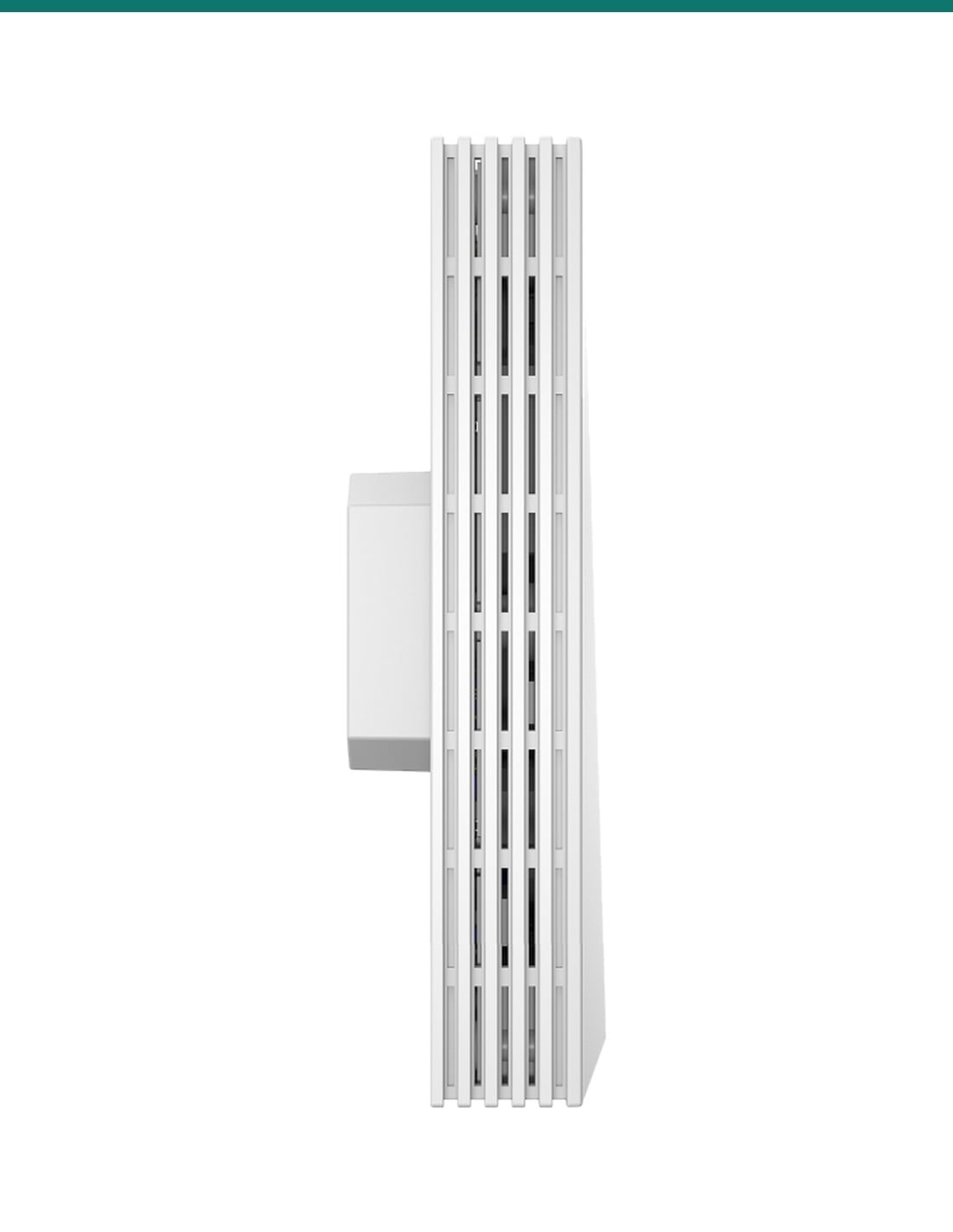
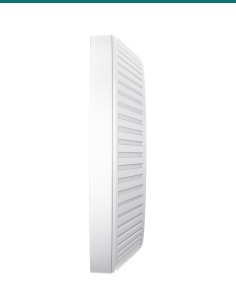
42.6 mm deep, 143 mm tall.
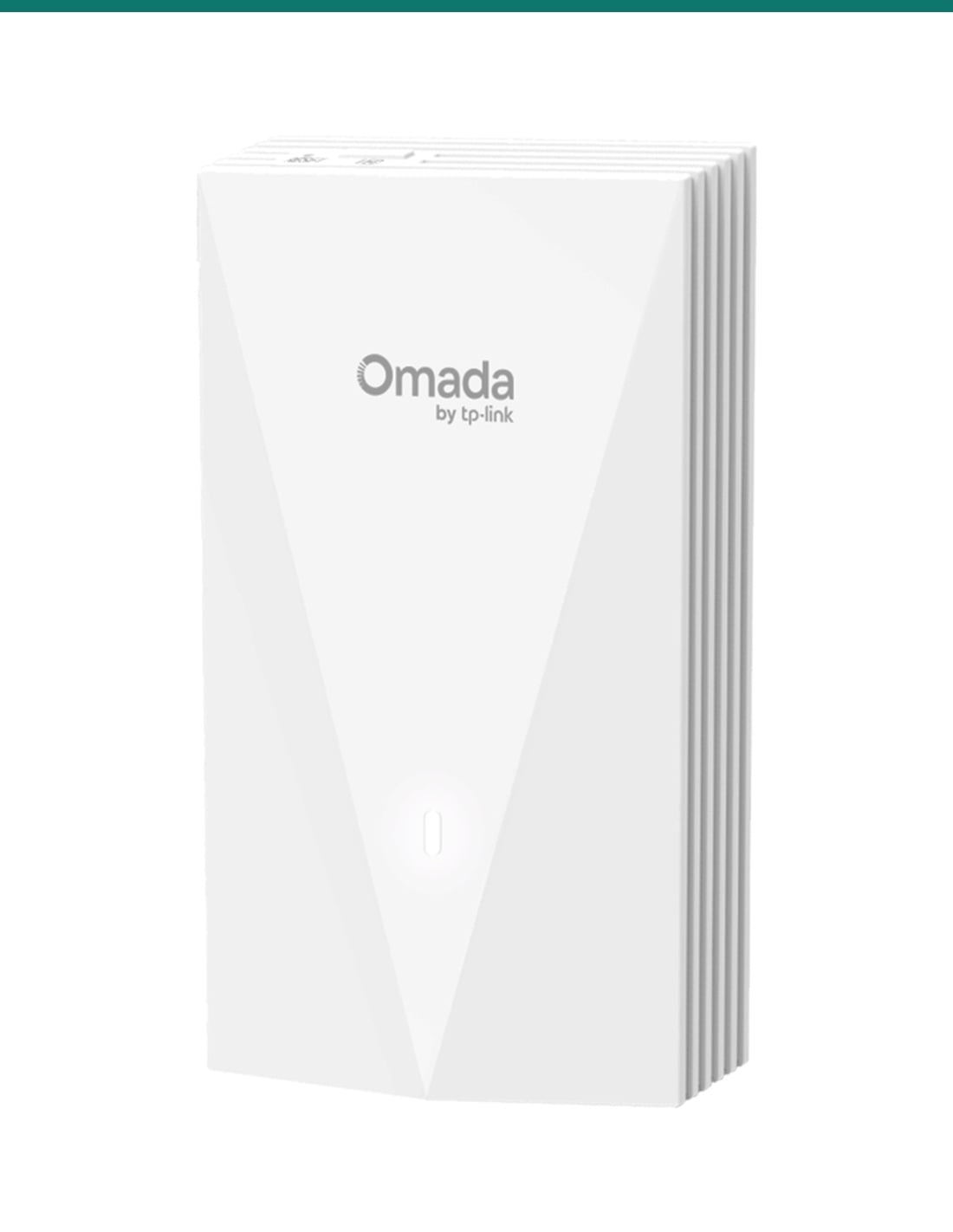
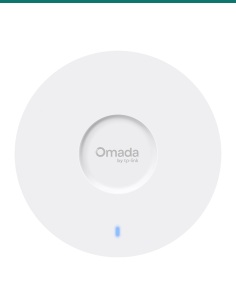
It is 143 × 86 × 42.6 mm and weighs 0.29 kg. A white status LED shows on the front, and an LED button lets you turn it off in a bedroom.
How it goes in
From wall box to Wi-Fi.
01
Check the wall box
Make sure the wall box suits the plate. TP-Link lists standard EU, standard US and 86 mm junction boxes.
02
Terminate the cable
Bring a Cat5e or Cat6 cable from an 802.3af or 802.3at PoE switch port into the wall box and terminate it.
03
Plug in and screw on
Plug the cable into the uplink port on the back and fix the access point with the four screws supplied.
04
Adopt it in Omada
Adopt it in an Omada controller or the Omada app, or set it up on its own, then create the room's Wi-Fi.
At a glance
EAP655-Wall
Show specs
Wi-Fi standard
Wi-Fi 6, AX3000: IEEE 802.11a/n/ac/ax on 5 GHz, 802.11b/g/n/ax on 2.4 GHz
Wireless speed
5 GHz up to 2402 Mbps; 2.4 GHz up to 574 Mbps
Streams
2×2 uplink/downlink MU-MIMO on each band; OFDMA, 1024-QAM, TWT
Channel width
2.4 GHz: 20 and 40 MHz; 5 GHz: 20, 40, 80 and 160 MHz
Antennas
Internal omni; 2.4 GHz 2 × 3 dBi, 5 GHz 2 × 5 dBi
Coverage
Up to 50 m² (600 ft²), lab figure
Clients and SSIDs
120+ clients (128 associated); 16 SSIDs, 8 per band
Uplink port
1 × 10/100/1000 Mbps RJ45 on the back, PoE in
Downlink ports
3 × 10/100/1000 Mbps RJ45 underneath; one with PoE out
Power in
802.3at PoE+ (42.5–57 V, 0.6 A) or 802.3af PoE (36–57 V, 0.35 A)
PoE out
Passive PoE, 42–57 V, 0.24 A
Max power draw
12 W (EU) / 12.6 W (US) on 802.3at, PoE out off
Security
WPA/WPA2/WPA3-Personal and Enterprise, Enhanced Open, PPSK, 802.1X, captive portal, rogue AP detection
Roaming and mesh
802.11k/v/r, AI Roaming, non-stick roaming; Omada Mesh
Management
Omada Controller or Omada Essential V5.15.24 and above, Omada app V4.24 and above, standalone web, SSH, SNMP v1/v2c/v3
LED and buttons
1 white status LED; reset button and LED button
Mounting
Wall plate; standard EU, standard US and 86 mm junction boxes (screws included)
Size and weight
143 × 86 × 42.6 mm; 0.29 kg
Operating range
0 °C to 40 °C; humidity 10% to 90% non-condensing
Certifications
FCC, CE
Warranty
3 years, TP-Link Australia

TP-Link's drawing: 143 mm tall, 86 mm wide and 42.6 mm deep, with the PoE input on the back and three Gigabit ports underneath.
Pair it with
What this access point does not include
Power
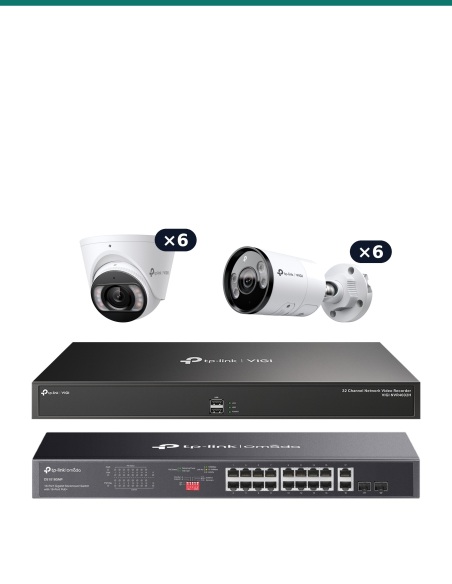
A PoE switch
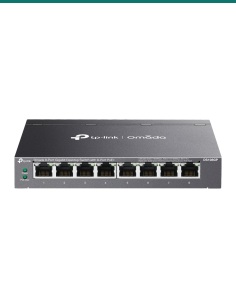
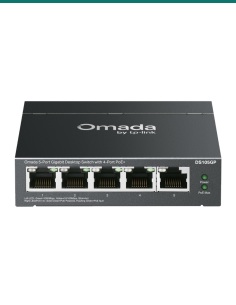
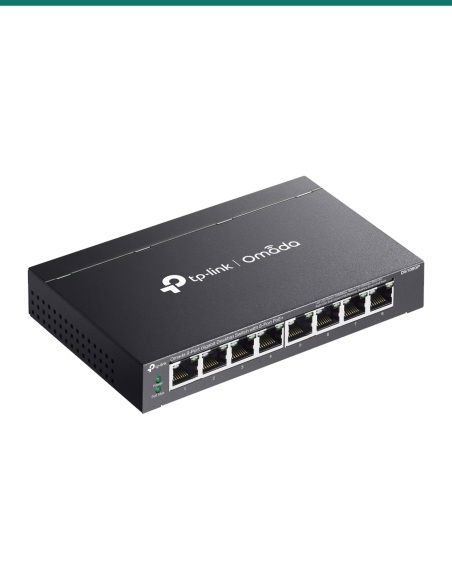
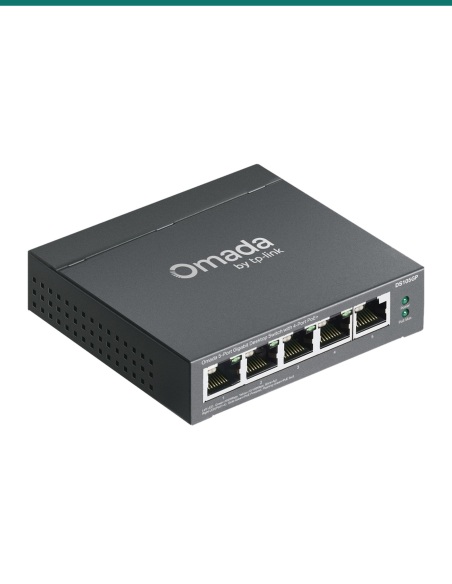
Each room's access point needs a PoE port. The TP-Link DS105GP (4 PoE+ ports) or DS108GP (8 PoE+ ports) suits a few rooms; larger sites need a bigger Omada PoE switch.
Cabling
Cat5e or Cat6 to each room
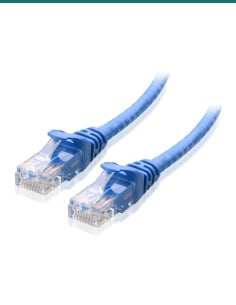
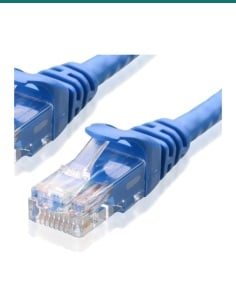
One cable per wall plate carries data and power, up to the usual 100 m Ethernet limit. Short Cat6 leads connect the TV or phone below.
Bigger spaces
Ceiling access points
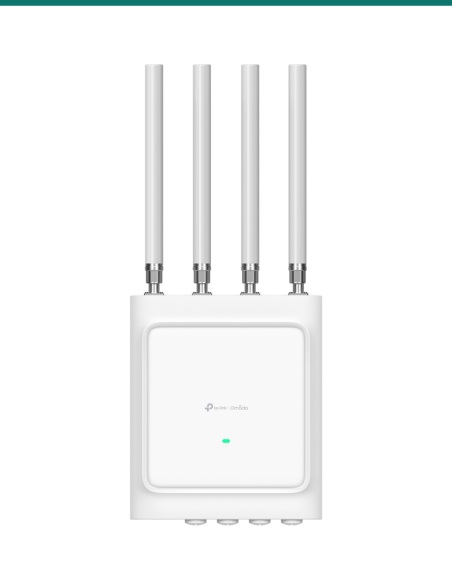
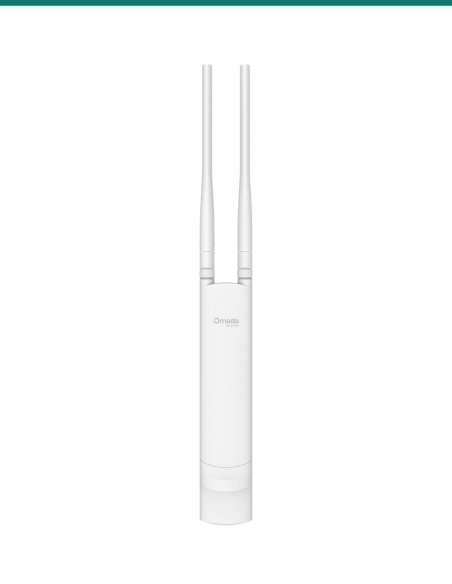
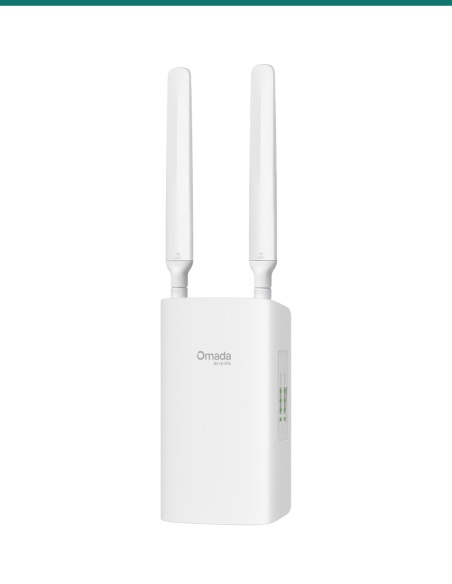
Use the EAP653 UR or EAP613 V2 in corridors, lobbies and open areas, so guests roam between rooms and common areas.
Management
An Omada controller
Run all the rooms as one network with an Omada controller: cloud, software or hardware. Mesh, roaming and captive portal need one.
Where it is used
Where a wall-plate AP fits.
Hotel and motel rooms
Private Wi-Fi in each room plus a wired port for the TV.
Student and staff housing
One per room, managed centrally.
Aged care rooms
Wi-Fi and wired ports for residents' devices.
Offices
Wi-Fi plus wired ports for a desk phone and PC.
Apartments and rentals
Strong signal room by room without ceiling work.
Clinics and consulting rooms
Wi-Fi and a wired port where the desk sits.
EAP655-Wall or EAP653 UR V2
| EAP655-Wall (this access point) | EAP653 UR V2 | |
|---|---|---|
| Form | Wall plate | Ceiling mount, 160 mm round |
| Wireless speed | 2402 + 574 Mbps | 2402 + 574 Mbps |
| Coverage (lab) | Up to 50 m² | Up to 185 m² |
| Clients | 120+ | 250+ |
| Network ports | 1 uplink + 3 downlink Gigabit, one with PoE out | 1 Gigabit |
| Power | 802.3af or 802.3at PoE | 802.3at PoE+, 48 V passive PoE or 12 V DC |
| Max power draw (EU) | 12 W | 14.8 W |
| Size | 143 × 86 × 42.6 mm | 160 × 160 × 33.6 mm |
Figures from TP-Link's EAP655-Wall V1.20 and EAP653 UR V2 datasheets.
Common questions
Is the EAP655-Wall Wi-Fi 6?
Yes. It is an AX3000 dual-band Wi-Fi 6 (802.11ax) access point with 160 MHz channels, OFDMA and MU-MIMO.
How fast is it?
Up to 2402 Mbps on 5 GHz and 574 Mbps on 2.4 GHz. Real throughput is lower and depends on the room and the devices.
How is it powered?
By PoE over the uplink cable: 802.3af or 802.3at. It has no DC socket and no adapter, and draws up to 12.6 W.
What are the ports underneath for?
Three Gigabit downlink ports for wired devices in the room, such as a smart TV, set-top box, IP phone or PC.
Can one port power a device?
Yes. ETH3 passes PoE through. TP-Link lists it as passive PoE, 42–57 V at 0.24 A, so check the device's power needs with us first.
Will it fit an Australian wall box?
TP-Link lists standard EU, standard US and 86 mm wall junction boxes. Call us with your wall box type before ordering a large job.
How much area does it cover?
TP-Link quotes up to 50 m² (600 ft²): about one room. Use ceiling access points for open areas and corridors.
How many devices can connect?
TP-Link lists 120+ clients, up to 128 associated, across up to 16 SSIDs.
Can I turn the light off?
Yes. It has an LED button on the unit, and LED control in Omada.
Do I need an Omada controller?
Not to get it running: it can be set up on its own or with the Omada app. Mesh, seamless roaming and captive portal need an Omada controller.
Does it support WPA3?
Yes. WPA3-Personal and WPA3-Enterprise are listed, along with WPA2 and Enhanced Open.
Who can install it?
Concealed data cabling and wall boxes are customer cabling under AS/CA S009 and need an ACMA-registered cabler.
Supported by InFront Technologies.
Help planning room-by-room Wi-Fi, PoE switches or an Omada network: call 1300 736 970 or email [email protected]. The TP-Link datasheet is on the Attachments tab. 3-year TP-Link Australia warranty: contact us first and we will look after the claim.
Installation and safety
Low-voltage device. Powered by 802.3af or 802.3at PoE over the data cable, up to 12.6 W. There is no mains connection on the access point.
Cabling. Concealed data cabling and wall boxes are customer cabling under AS/CA S009 and need an ACMA-registered cabler.
PoE out. ETH3 supplies passive PoE (42–57 V, 0.24 A). Only connect a device rated for it.
What it does not do. No DC power input, no outdoor rating, no 2.5G port, and no 6 GHz (Wi-Fi 6E) radio.
Figures. From TP-Link's EAP655-Wall V1.20 datasheet. Coverage and speed depend on the room.