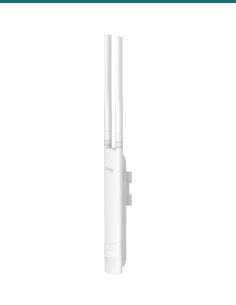
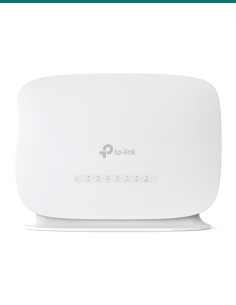
TP-Link Omada EAP653-UR AX3000 Ceiling WiFi 6 Access Point – TL-EAP653-UR

SKU TL-EAP653-UR In Stock - Ready to Ship
$178.00 inc GST

TP-Link Omada EAP653 UR: an AX3000 Wi-Fi 6 ceiling access point with 160 MHz channels and wide coverage, powered by one PoE+ cable.

  • ✓AX3000 Wi-Fi 6: 2402 Mbps on 5 GHz + 574 Mbps on 2.4 GHz
  • ✓160 MHz channels, 2x2 MU-MIMO and OFDMA
  • ✓250+ clients, up to 185 m² coverage
  • ✓1 × Gigabit port, 802.3at PoE+ or 12 V DC
  • ✓WPA3, 16 SSIDs, mesh and seamless roaming
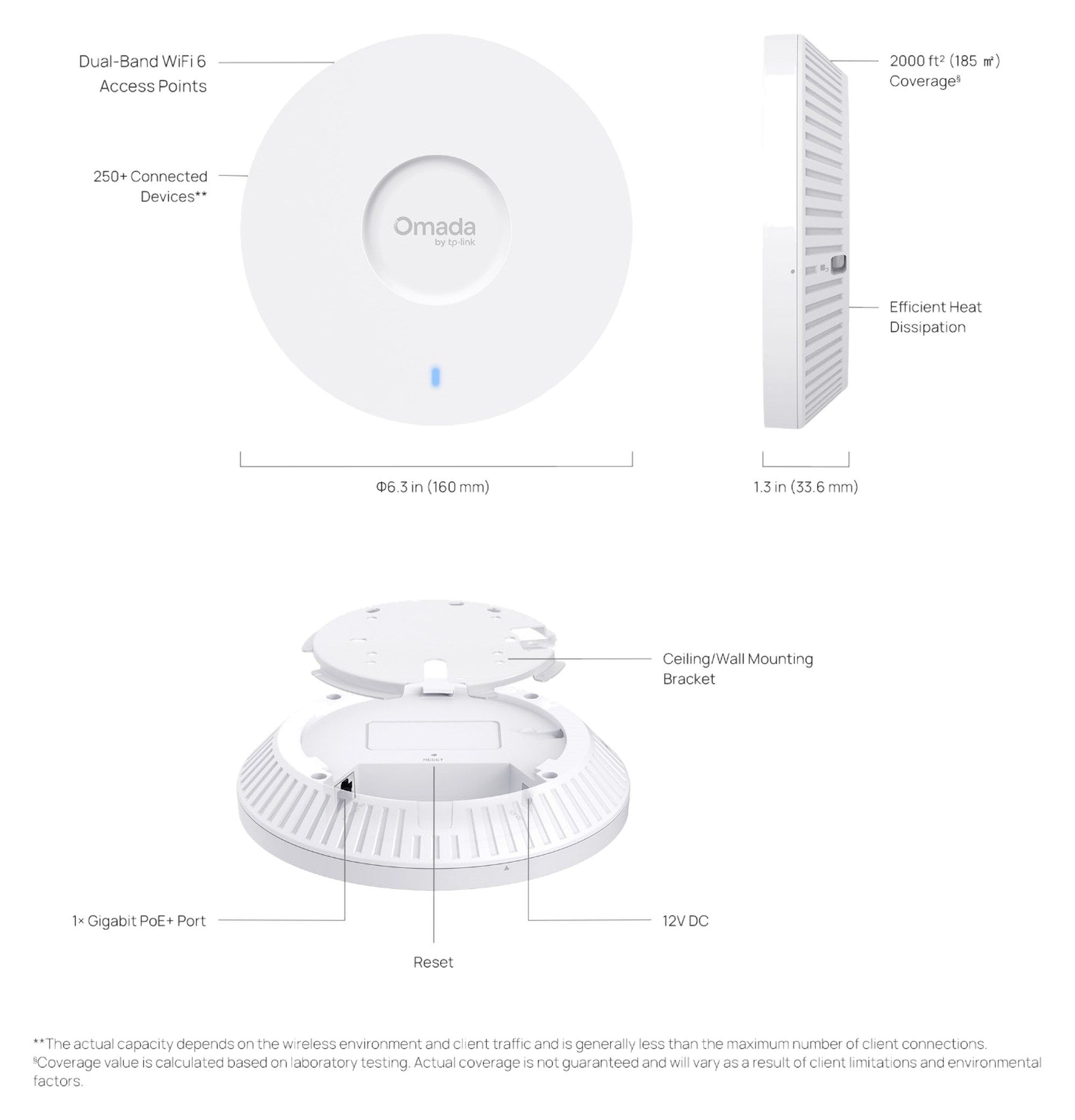
  • ✓160 × 160 × 33.6 mm, ceiling or wall mount


Description

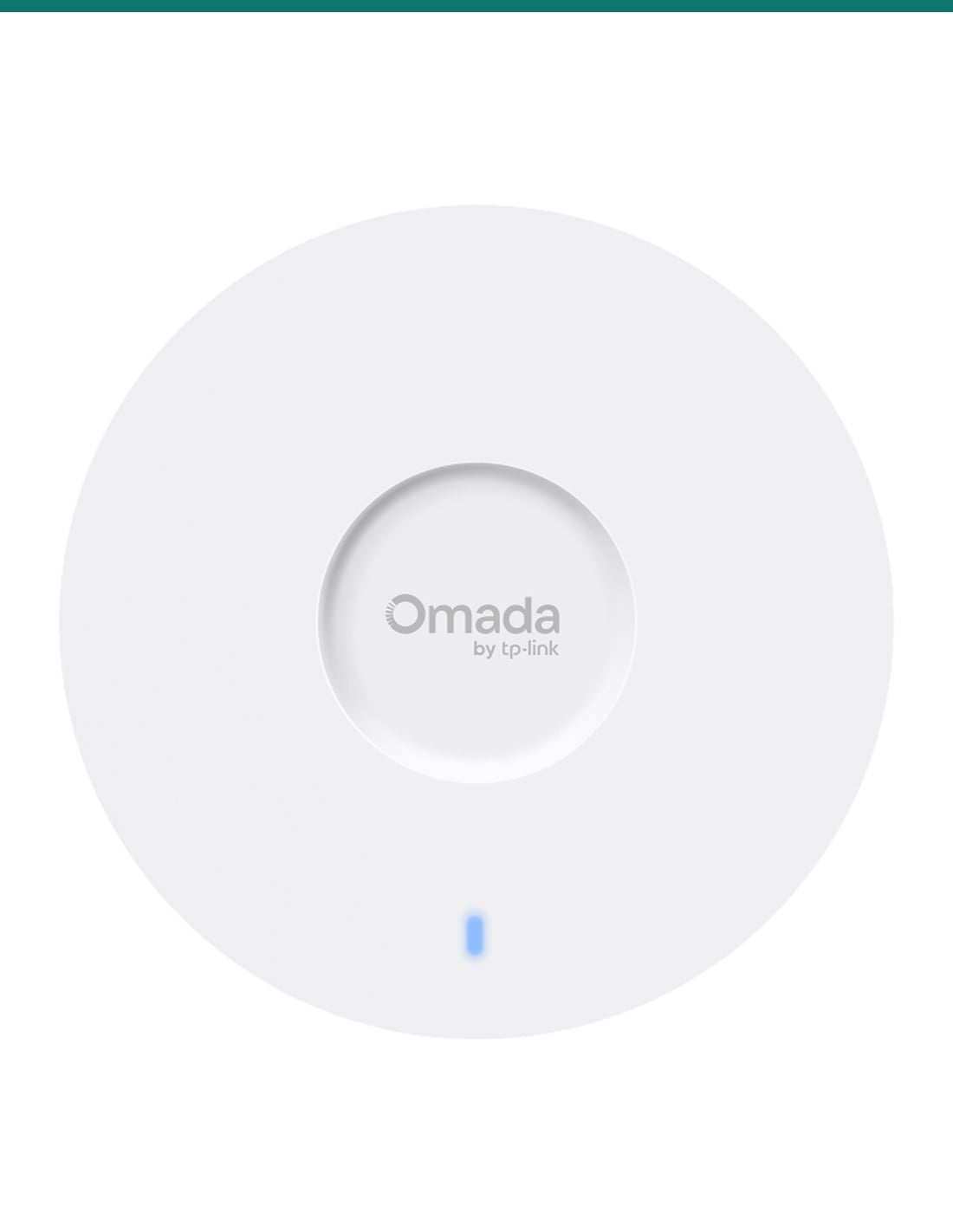
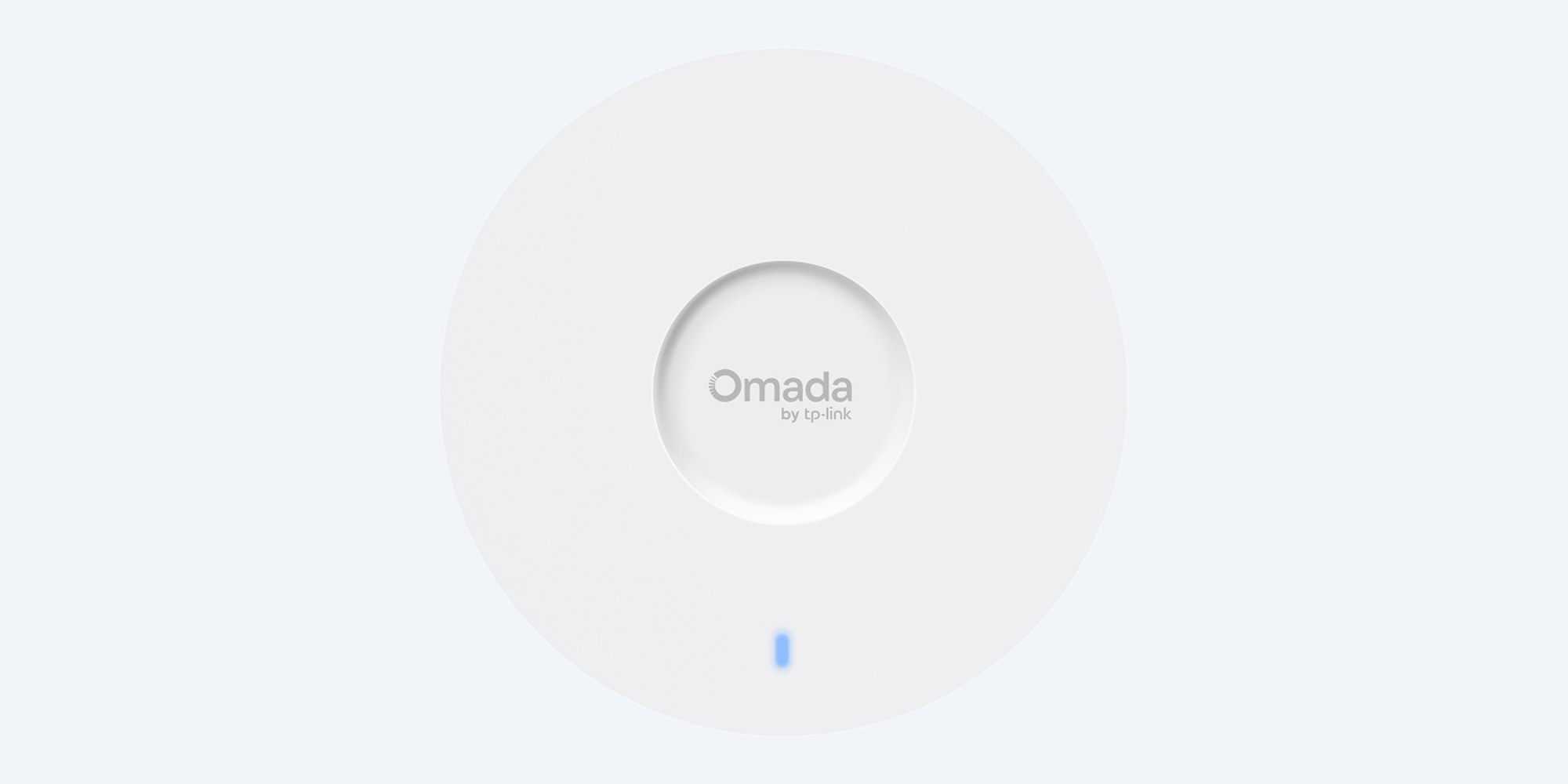
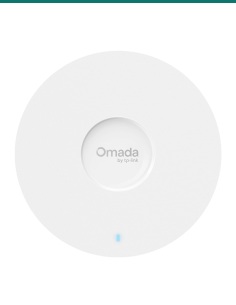
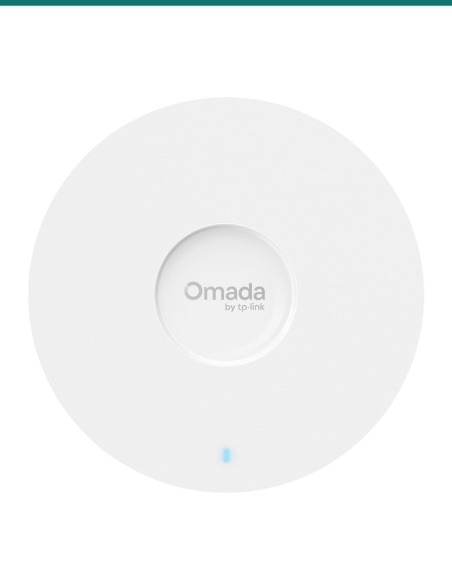
TP-Link Omada EAP653 UR white round ceiling access point, front view with the Omada logo
TP-Link · Omada · Ceiling Wi-Fi 6

AX3000 Wi-Fi 6 for bigger rooms.
160 MHz, up to 185 m².

The EAP653 UR is a 160 mm Omada ceiling access point with 2402 Mbps on 5 GHz using 160 MHz channels, plus 574 Mbps on 2.4 GHz, and high-power internal antennas for wider coverage.

In one sentence: the TP-Link Omada EAP653 UR is a ceiling-mount AX3000 dual-band Wi-Fi 6 access point with 160 MHz channels, 2x2 MU-MIMO on each band, up to 185 m² coverage and one Gigabit port powered by 802.3at PoE or 12 V DC.

Access point only. It needs PoE+ (802.3at) or a 12 V DC adapter.

This listing is one EAP653 UR. TP-Link lists 802.3at PoE+, 48 V passive PoE or 12 V 1.5 A DC as its power input, and no adapter is included.

In the box
  • EAP653 UR access point
  • Mounting kit
  • Installation guide
You also need
  • An 802.3at PoE+ switch port or injector (or a 12 V 1.5 A DC adapter)
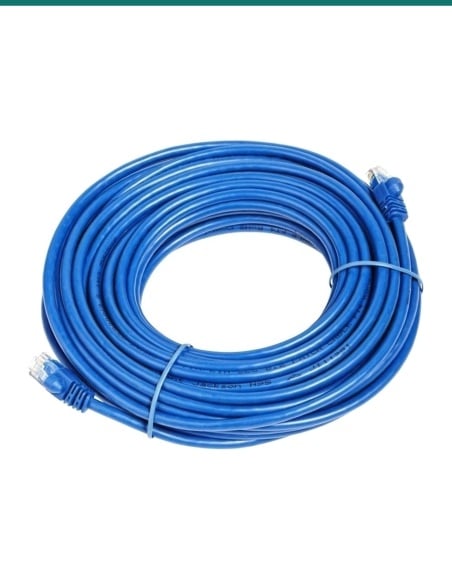
  • Cat5e or Cat6 cable to the ceiling
  • An Omada controller or the Omada app to manage it

Wider coverage from one ceiling point.

TP-Link rates the EAP653 UR for about 185 m² and 250+ clients. 160 MHz channels on 5 GHz, OFDMA and 1024-QAM give modern laptops and phones more speed than an AX1800 access point, with WPA3 and up to 16 SSIDs.

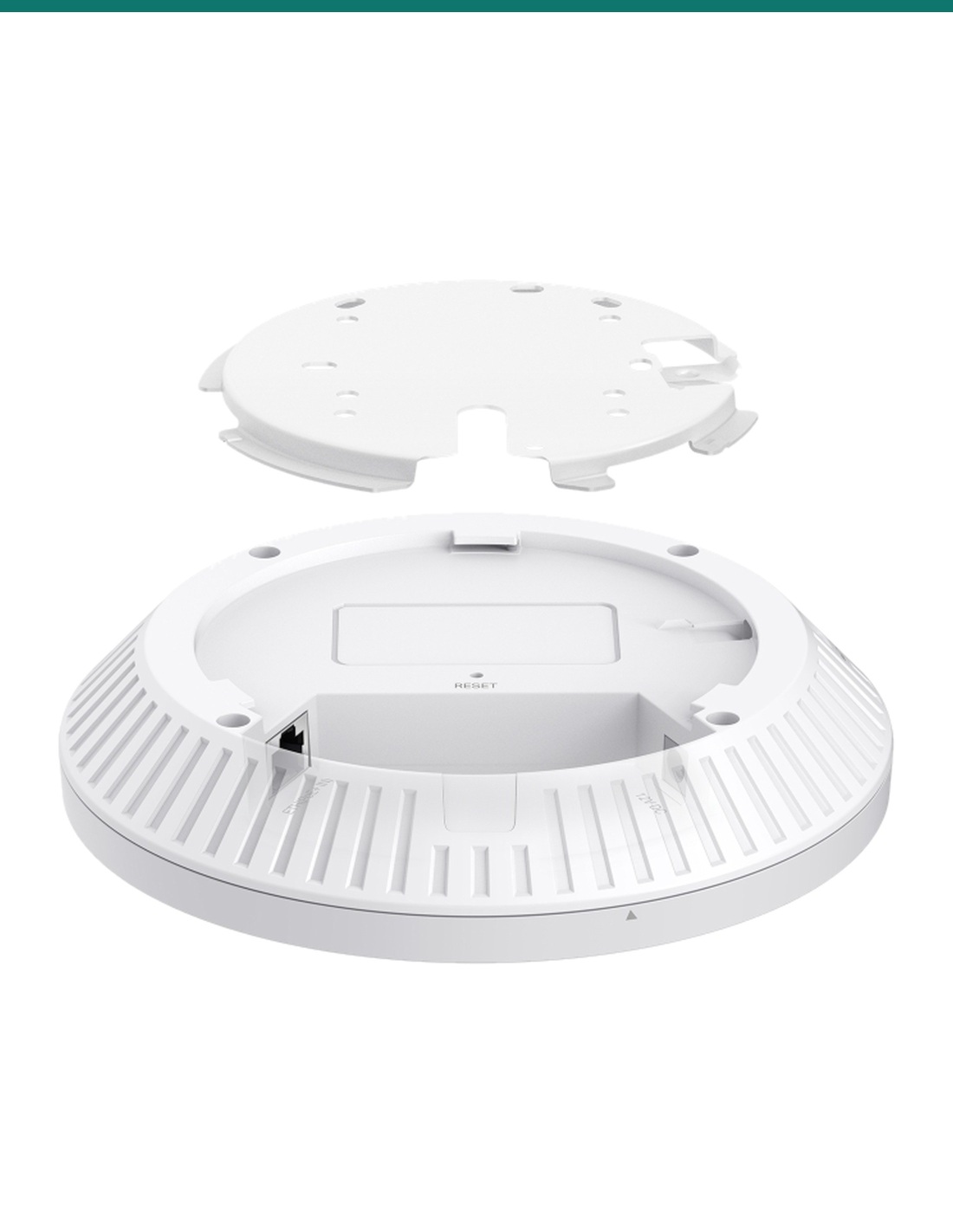
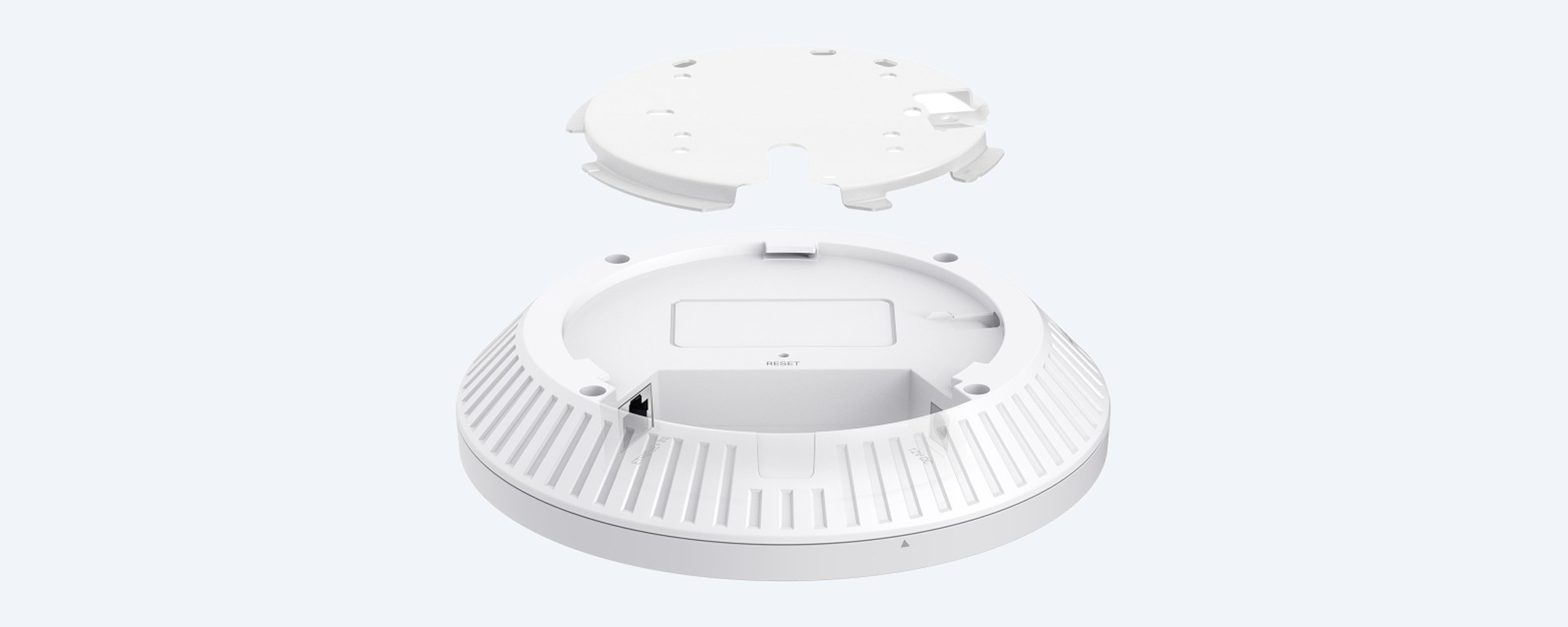
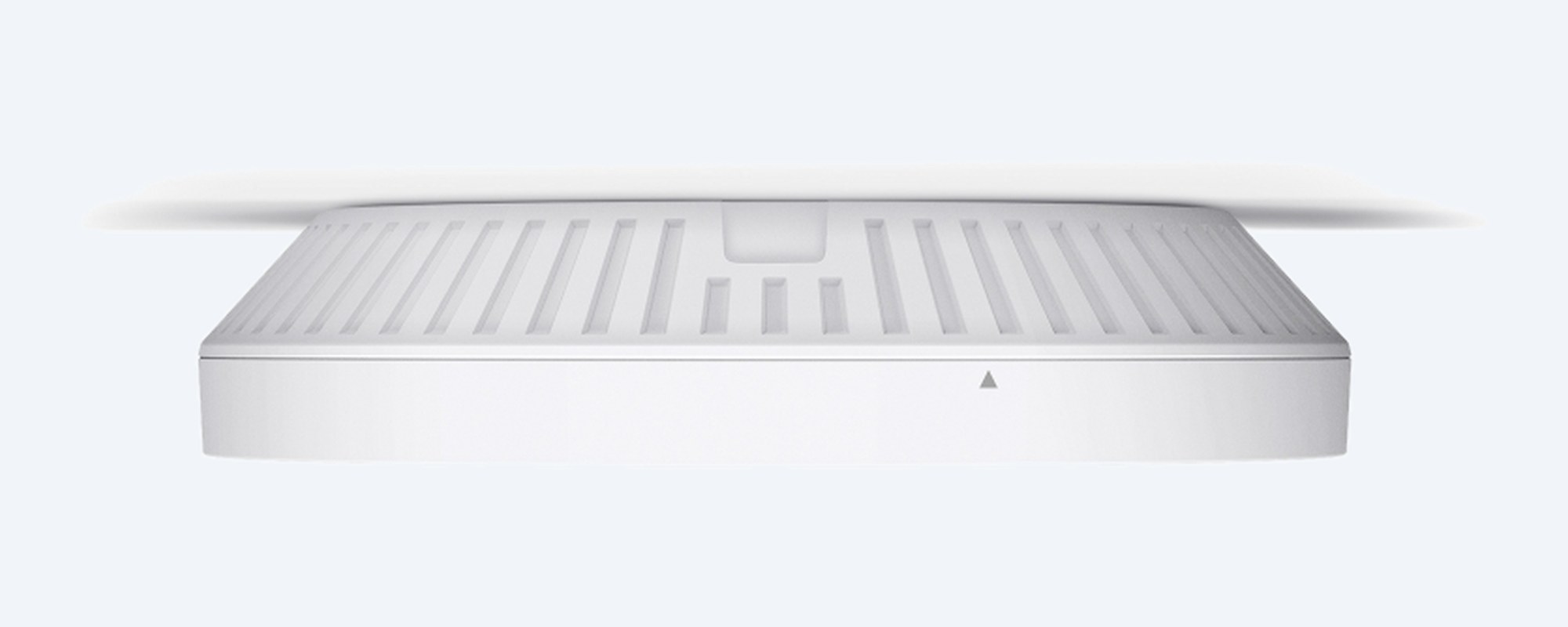
TP-Link EAP653 UR underside with the ceiling bracket lifted off, showing the cable recess

Bracket

Bracket first, then twist to lock.

The bracket screws to the ceiling, wall or junction box. The Gigabit PoE+ port, reset button and 12 V DC socket sit in the recess under it, so the cable is hidden once the access point is locked on.

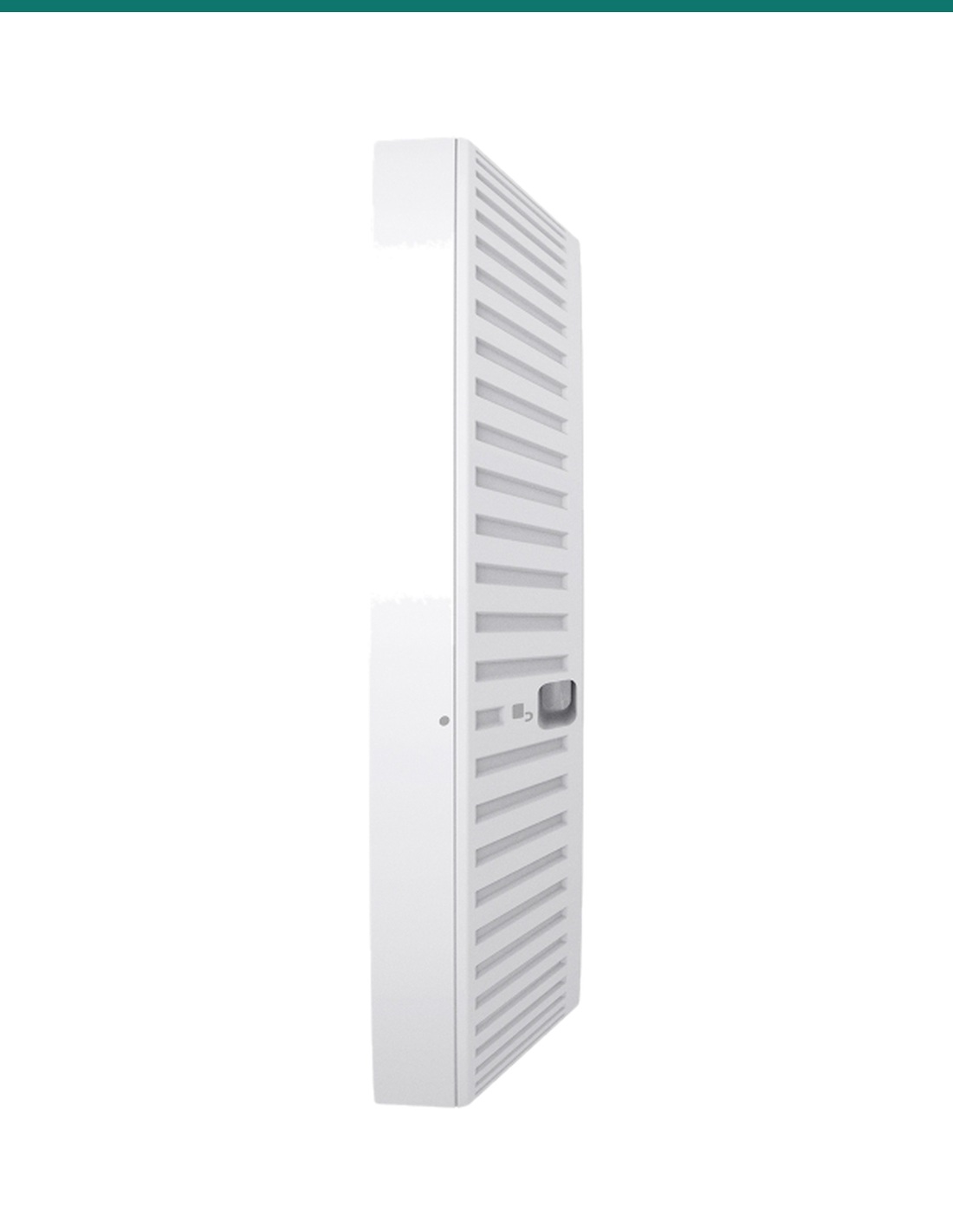
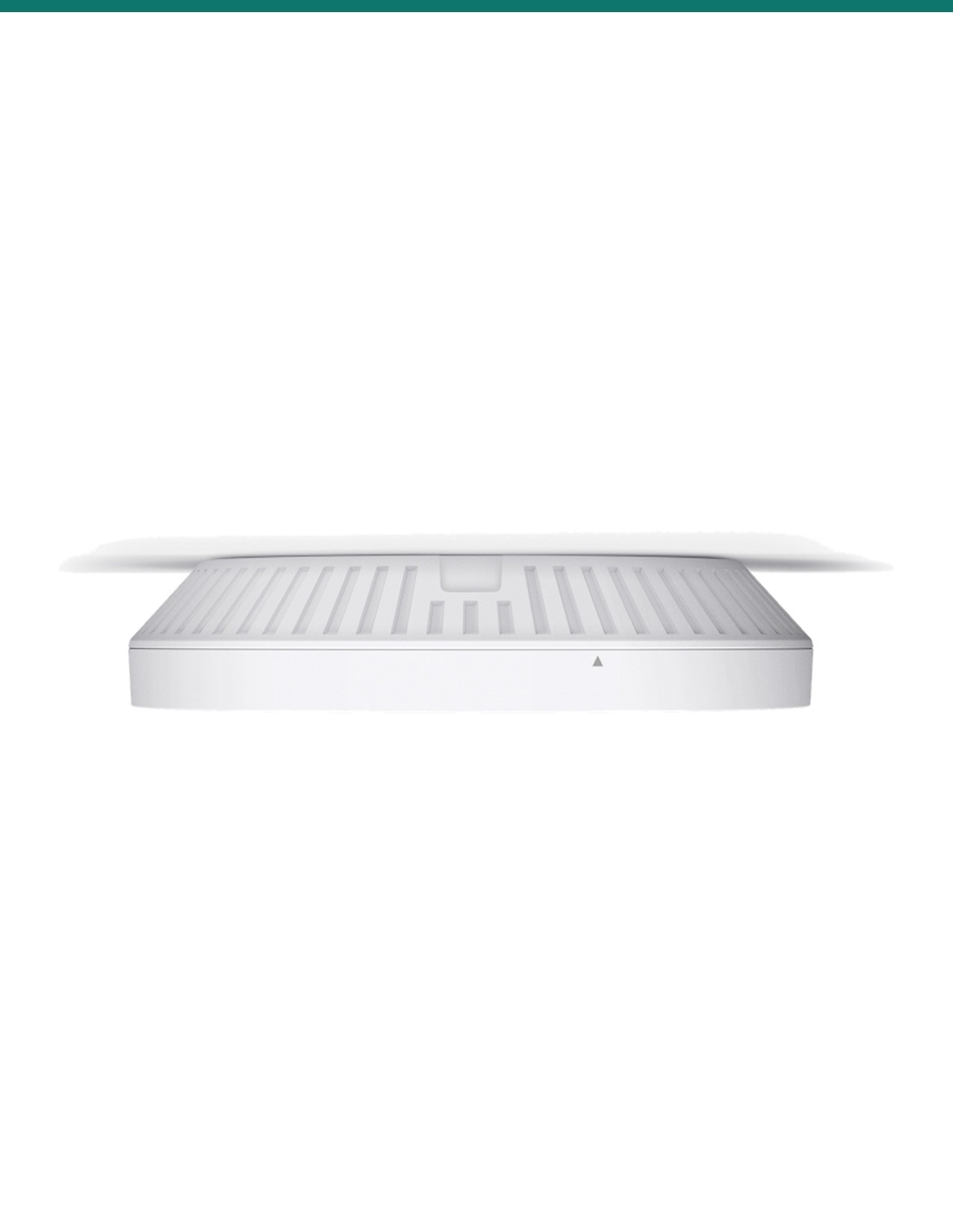
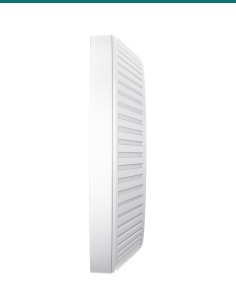
TP-Link EAP653 UR side profile against the ceiling, 33.6 mm thick

Profile

33.6 mm thin, 160 mm across.

It sits close to the ceiling and weighs 0.41 kg. Inside are 2 × 5 dBi antennas for 2.4 GHz and 3 × 5 dBi for 5 GHz.

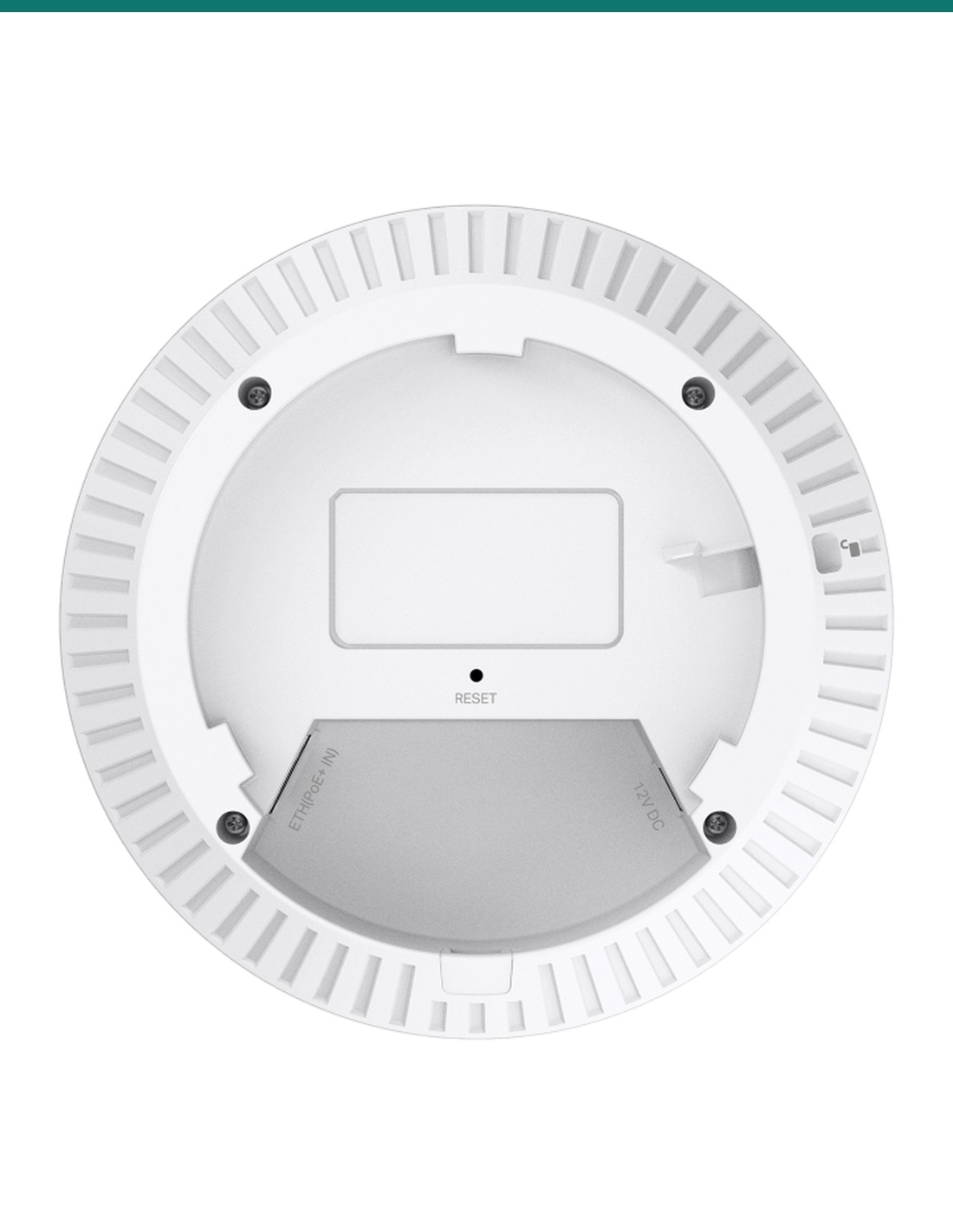
TP-Link EAP653 UR back view showing the bracket locking points and label area

Back

Ceiling, wall, junction box or T-bar.

The back carries the locking points for the bracket. TP-Link lists ceiling, wall, junction box and T-bar mounting with the included kit.
How it goes in

From ceiling to Wi-Fi.

01

Pick the spot

Choose a central ceiling spot in the area to cover, away from metal ducts and thick walls.

02

Run the cable

Run Cat5e or Cat6 from an 802.3at PoE+ switch port or injector to the ceiling.

03

Fit the bracket

Screw the bracket to the ceiling or junction box, plug in the cable, then push the access point up and twist to lock.

04

Adopt it in Omada

Adopt it in an Omada controller or the Omada app, or set it up on its own, then create your Wi-Fi networks.

Pair it with

What this access point does not include

Power

A PoE+ switch or injector

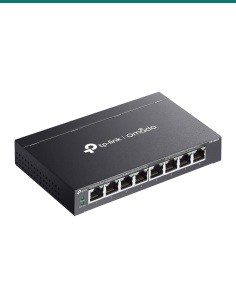
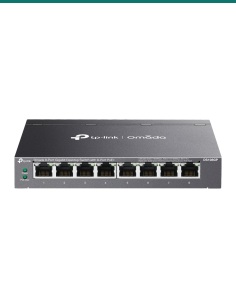
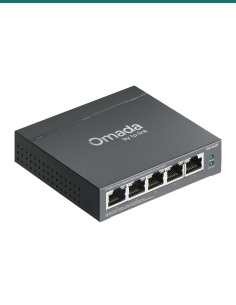
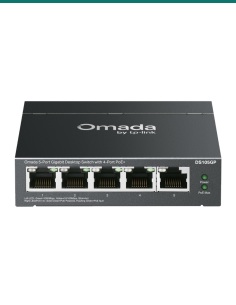
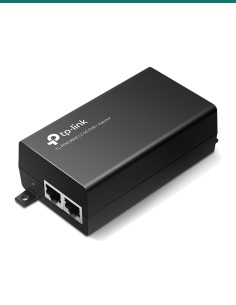
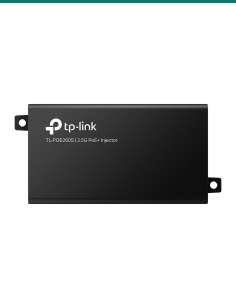
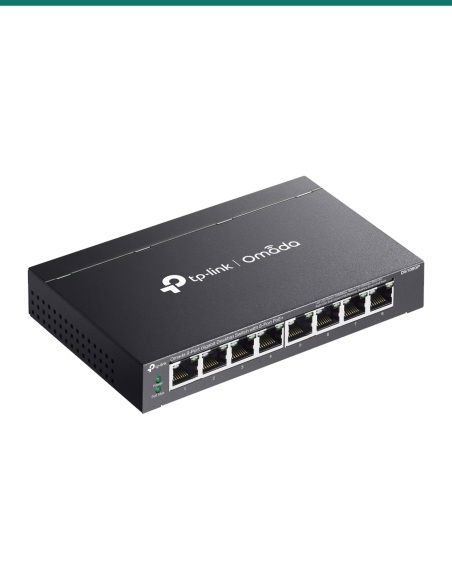
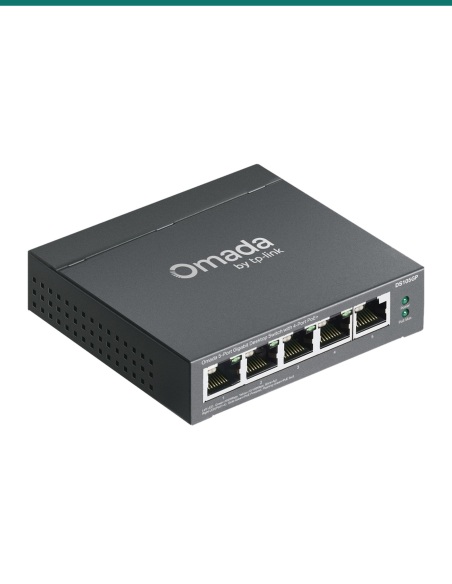
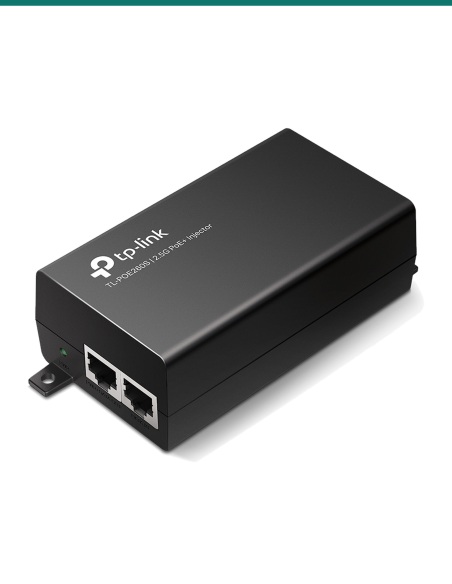
It needs 802.3at PoE+ (or a 12 V DC adapter). The TP-Link DS105GP (4 PoE+ ports) or DS108GP (8 PoE+ ports) powers several access points; the TL-POE260S PoE+ injector suits a single one.

Cabling

Cat5e or Cat6 to the ceiling

One cable carries data and power, up to the usual 100 m Ethernet limit.

More coverage

More Omada access points

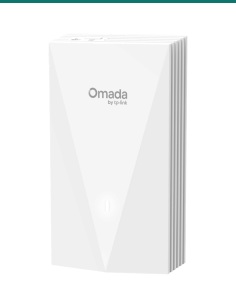
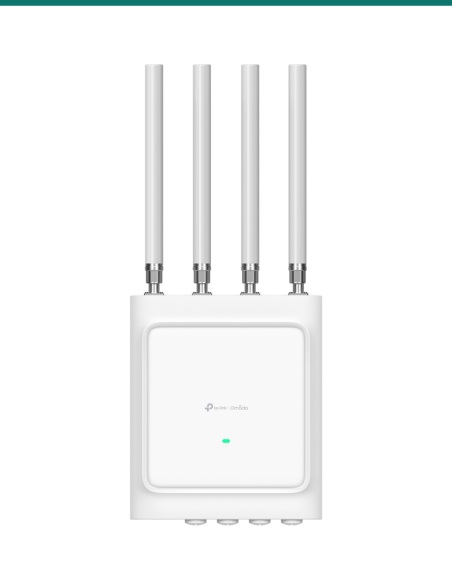
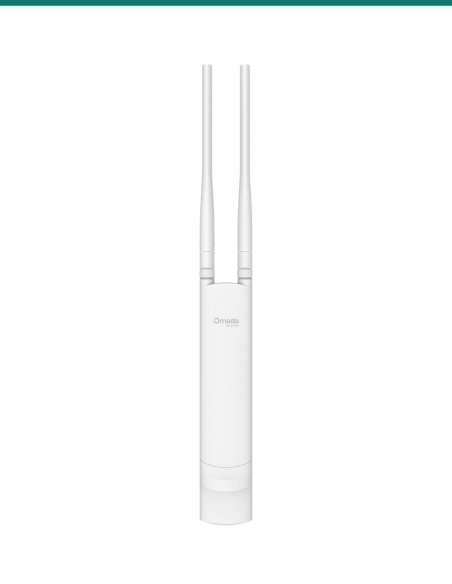
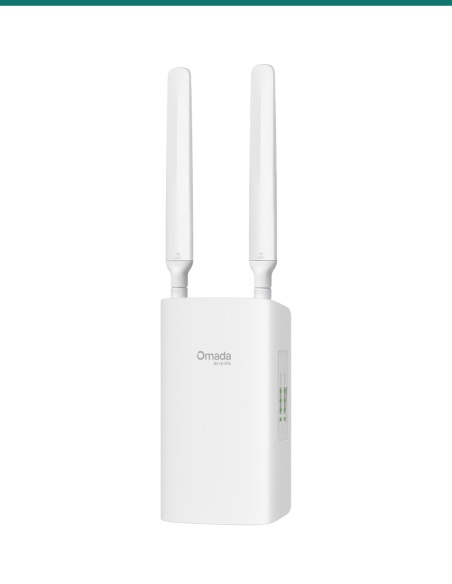
Add the EAP613 V2 for small rooms, the EAP655-Wall for hotel and dorm rooms, or an outdoor EAP for the yard. Phones roam between them.

Management

An Omada controller

Mesh, seamless roaming and captive portal need an Omada controller. The Omada app works for small sites.

Where it is used

Where an AX3000 ceiling AP fits.

Open-plan offices

Fewer access points for a large floor.

Larger homes

Ceiling Wi-Fi for big living areas and upstairs, wired to one switch.

Retail and showrooms

Staff devices and a separate guest network.

Hospitality

Restaurants, function rooms and hotel common areas.

Schools and training rooms

Coverage for a room full of laptops.

Medical and dental practices

Reception, treatment rooms and staff areas on a managed network.

EAP653 UR V2 or EAP613 V2

EAP653 UR V2 (this access point)EAP613 V2
ClassAX3000AX1800
5 GHz speedUp to 2402 Mbps (160 MHz)Up to 1201 Mbps (80 MHz)
2.4 GHz speedUp to 574 MbpsUp to 574 Mbps
Coverage (lab)Up to 185 m²Up to 115 m²
PoE input802.3at PoE+ or 48 V passive PoE802.3af PoE
DC input12 V 1.5 A12 V 1 A
Max power draw14.8 W (EU) / 16.4 W (US)10.9 W
BluetoothBLE 5.2Not listed
Size160 × 160 × 33.6 mm160 × 160 × 33.6 mm

Figures from TP-Link's EAP653 UR V2 and EAP613 V2 datasheets.

Common questions

Is the EAP653 UR Wi-Fi 6?

Yes. It is an AX3000 dual-band Wi-Fi 6 (802.11ax) access point with 160 MHz channels, OFDMA, MU-MIMO and 1024-QAM.

How fast is it?

Up to 2402 Mbps on 5 GHz and 574 Mbps on 2.4 GHz. Real throughput is lower and depends on the site and the devices.

Is a power supply included?

No. It runs from 802.3at PoE+ over the network cable, or from a 12 V 1.5 A DC adapter bought separately.

Will a normal 802.3af PoE port run it?

TP-Link lists 802.3at PoE+ or 48 V passive PoE for this model, not 802.3af. Use a PoE+ port or injector. It draws up to 16.4 W.

How much area does it cover?

TP-Link quotes up to 185 m² (2,000 ft²) in lab testing. Walls and building materials reduce that.

How many devices can connect?

TP-Link lists 250+ clients across up to 16 SSIDs, 8 per band.

What does the UR in the name mean?

TP-Link calls it ultra-range: high-power internal antennas for wider coverage than its standard ceiling models.

Do I need an Omada controller?

Not to get it running: it can be set up on its own or with the Omada app. Mesh, seamless roaming and captive portal need an Omada controller.

Does it support WPA3?

Yes. WPA3-Personal and WPA3-Enterprise are listed, along with WPA2 and Enhanced Open.

Which hardware version is this?

The figures on this page are from TP-Link's EAP653 UR V2 datasheet, the version TP-Link Australia currently lists. Call us if you need to match an existing V1 site.

Can it be used outdoors?

No. It is an indoor access point rated for 0 °C to 40 °C. For outdoor use, look at the EAP225-Outdoor or EAP668-Outdoor HD.

Who can install the cable?

Concealed data cabling in ceilings and walls is customer cabling under AS/CA S009 and needs an ACMA-registered cabler.

Supported by InFront Technologies.

Help planning access point positions, PoE+ power or an Omada network: call 1300 736 970 or email [email protected]. The TP-Link datasheet is on the Attachments tab. 3-year TP-Link Australia warranty: contact us first and we will look after the claim.

Installation and safety

Low-voltage device. Powered by 802.3at PoE+ over the data cable or a 12 V DC adapter, up to 16.4 W. There is no mains connection on the access point.

Cabling. Concealed data cabling in ceilings and walls is customer cabling under AS/CA S009 and needs an ACMA-registered cabler.

Working at height. Use a safe ladder or platform for ceiling mounting. The unit weighs 0.41 kg.

What it does not do. No outdoor rating, no 2.5G port, no 6 GHz (Wi-Fi 6E) radio, and no power adapter in the box.

Figures. From TP-Link's EAP653 UR V2 datasheet. Coverage and speed depend on the site.

INFRONTTECH Promotional Banner INFRONTTECH Promotional Banner INFRONTTECH Promotional Banner

Need help choosing?

Tell us about your property and we'll recommend the right cameras and recorder.

07 5609 4910

Sydney 02 8814 6008
[email protected]

Mon–Fri, 9am–5pm AEST

Saved to your wishlist Find it any time in your account. View list