There are no more items in your cart
In Stock - Ready to Ship
TP-Link Wireless Bridges & Access Points


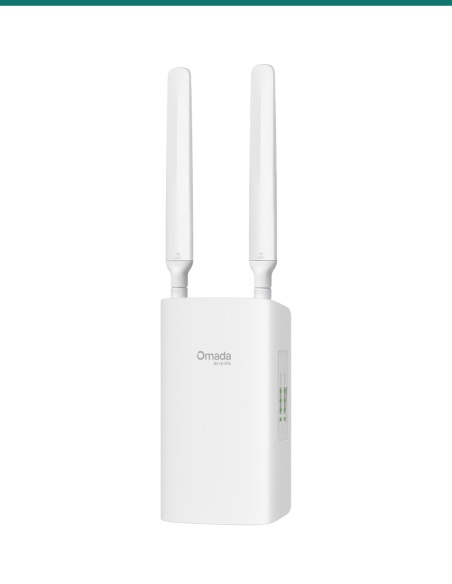
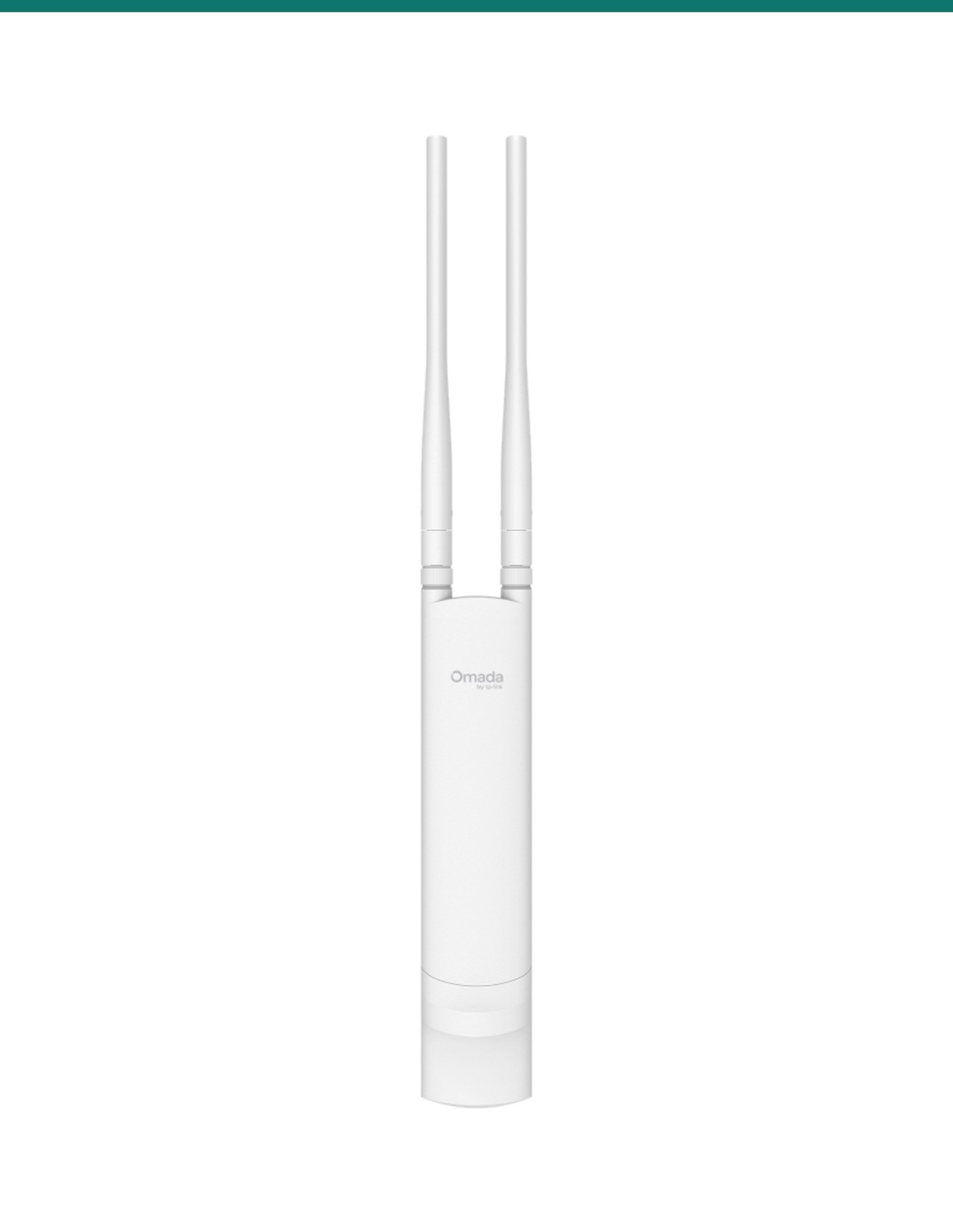
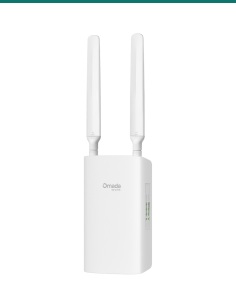
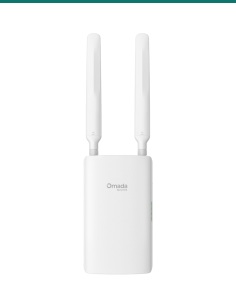
TP-Link Omada EAP225-Outdoor: an IP65 AC1200 Wi-Fi 5 access point for yards, pools and car parks, with two detachable antennas and one Gigabit PoE port.
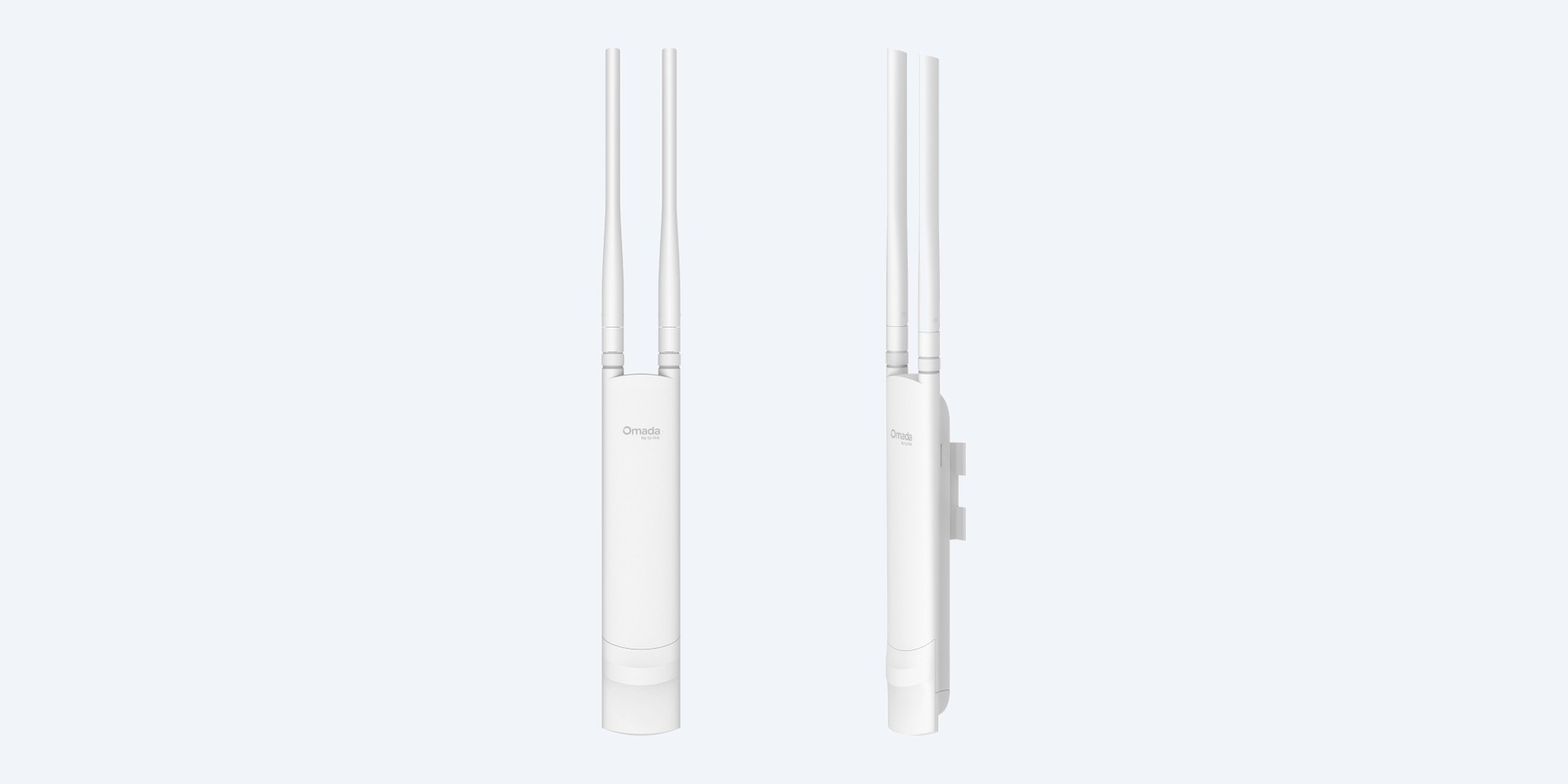
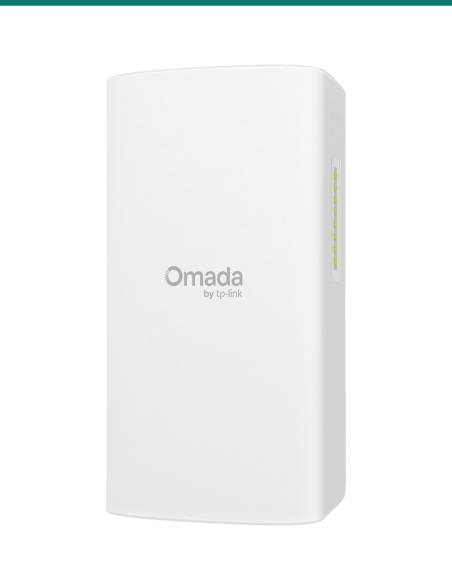
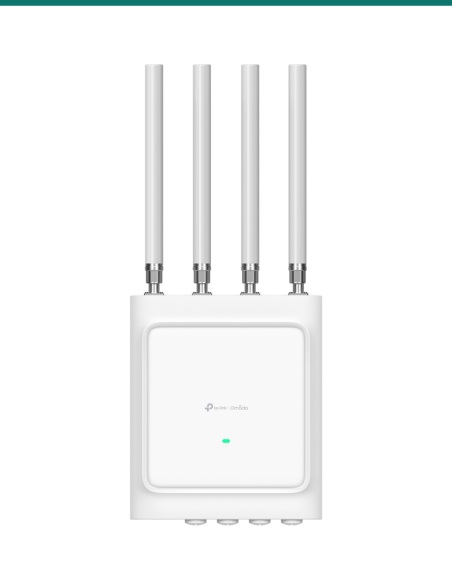
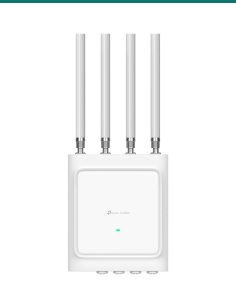
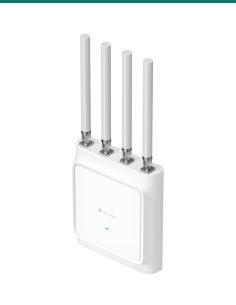
The EAP225-Outdoor is a slim dual-band Omada access point for outside areas: 867 Mbps on 5 GHz plus 300 Mbps on 2.4 GHz, two detachable omni antennas, and an IP65 housing that mounts on a wall or pole.
In one sentence: the TP-Link Omada EAP225-Outdoor is an IP65 indoor/outdoor AC1200 Wi-Fi 5 access point with 2x2 MU-MIMO, two detachable omni antennas, one Gigabit port powered by 802.3af or 24 V passive PoE, and wall or pole mounting.
Access point with its own PoE adapter. Cable and switch are separate.
This listing is one EAP225-Outdoor. TP-Link includes a 24 V passive PoE adapter, which is for dry indoor use only. You can power it from an 802.3af PoE switch port instead.
TP-Link quotes up to 200 m on 2.4 GHz and 300 m on 5 GHz in lab testing. The IP65 housing is dust-tight and handles rain, it runs from −30 °C to 70 °C, and it has ±6 kV surge protection on the network side. Real range depends on trees, walls and the devices connecting.

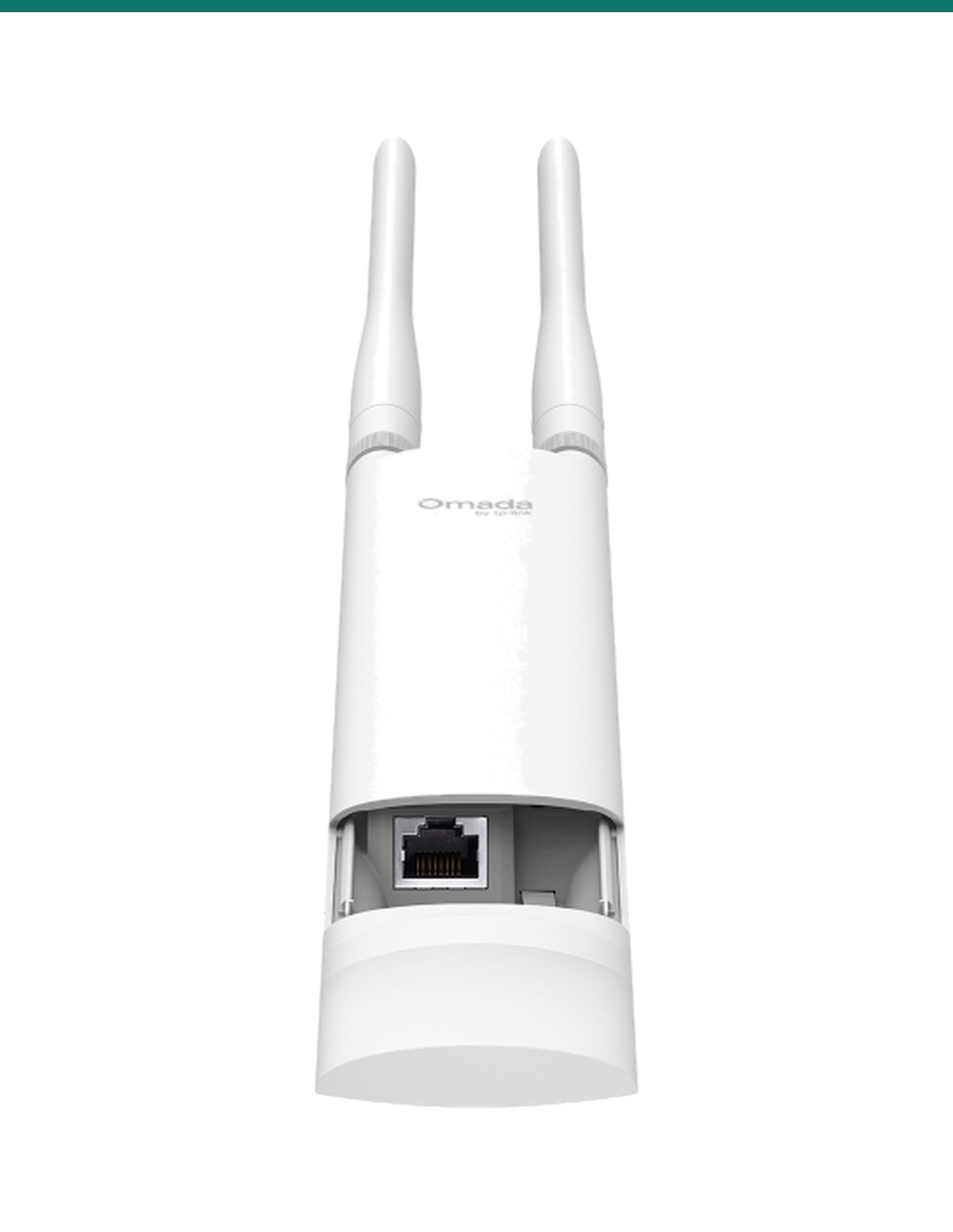
Port bay
The single Gigabit port sits under a cover at the bottom, with the reset button beside it. The waterproof rubber insert seals the cable entry once the cover goes back on.

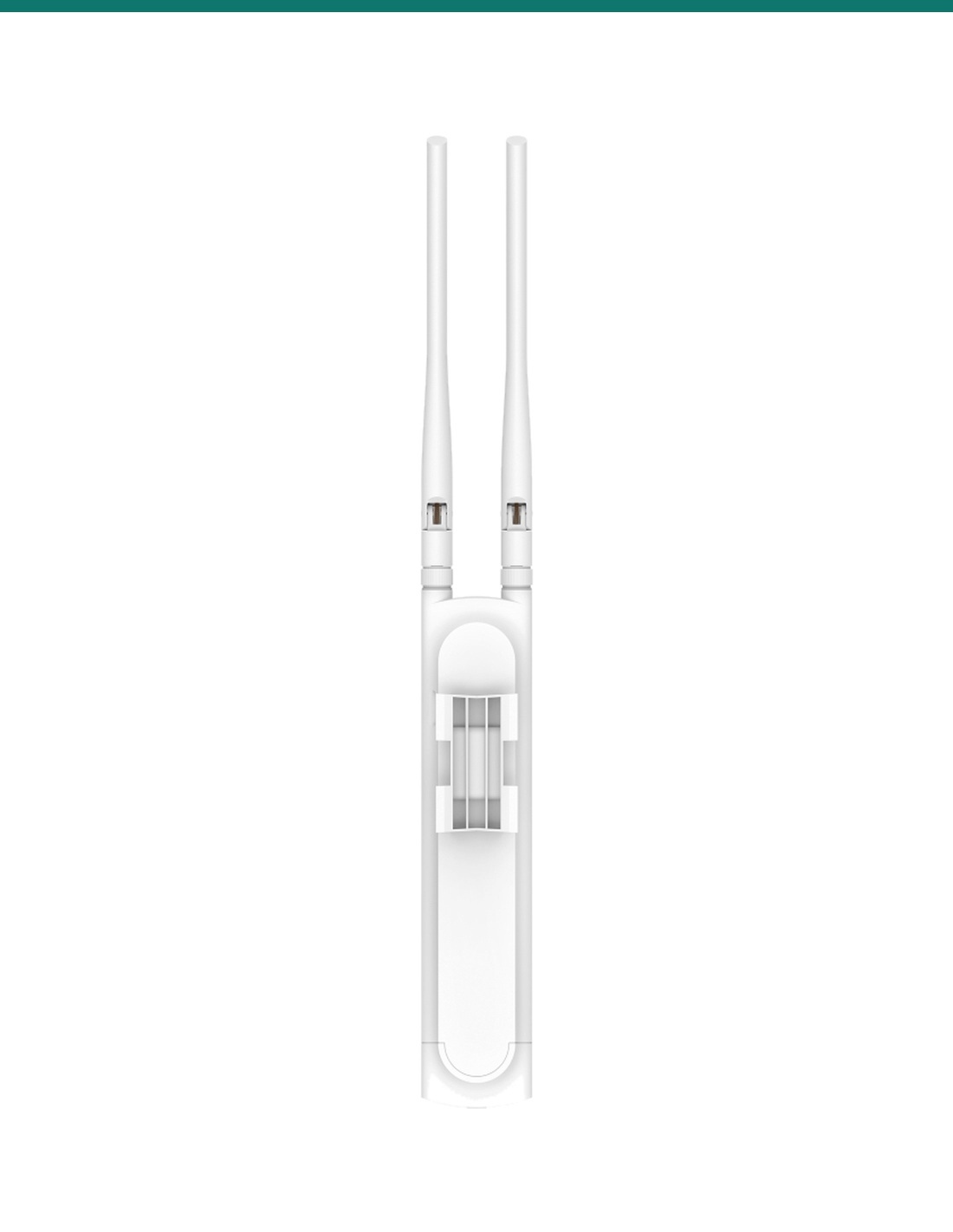
Back
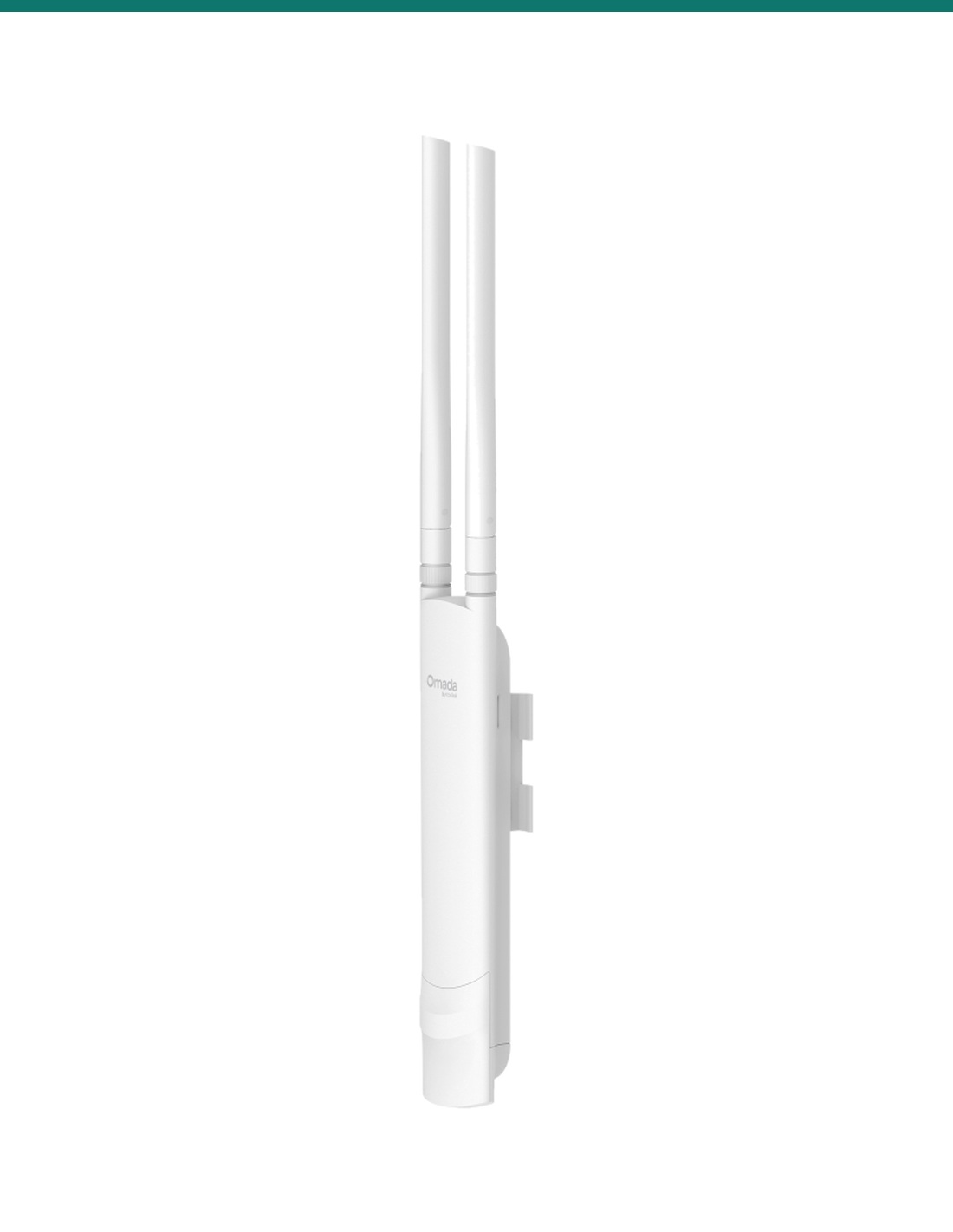
The back carries the mounting slot for the included wall and pole kit. The body is 214.9 × 46 × 26.7 mm without antennas and weighs 0.17 kg, so it suits a fascia, post or mast.
How it goes in
01
Choose a wall or pole with a clear view of the area to cover, with the antennas pointing up.
02
Run outdoor-rated Cat5e or Cat6 from an 802.3af PoE switch port, or from the included passive PoE adapter kept indoors.
03
Fit the wall or pole kit, screw on both antennas, plug in the cable and refit the cover with the rubber insert.
04
Adopt it in an Omada controller or the Omada app, or set it up on its own, then create your Wi-Fi networks.
At a glance
Show specs
Wi-Fi standard
Wi-Fi 5, AC1200: IEEE 802.11a/n/ac on 5 GHz, 802.11b/g/n on 2.4 GHz
Wireless speed
5 GHz up to 867 Mbps; 2.4 GHz up to 300 Mbps
Streams
2×2 on each band; 2×2 downlink MU-MIMO on 5 GHz
Channel width
2.4 GHz: 20 and 40 MHz; 5 GHz: 20, 40 and 80 MHz
Antennas
2 external detachable dual-band omni; 2.4 GHz 3 dBi, 5 GHz 5 dBi
Coverage (lab)
Up to 200 m on 2.4 GHz and 300 m on 5 GHz
Network port
1 × 10/100/1000 Mbps RJ45, PoE in
Power
802.3af PoE, or 24 V 0.5 A passive PoE (adapter included, dry indoor use only)
Max power draw
10.5 W
Clients and SSIDs
Up to 228 associated clients; 16 SSIDs, 8 per band
Security
WPA/WPA2-Personal, Enhanced Open, 802.1X, PPSK, MAC filter, rogue AP detection
Roaming and mesh
802.11k/v/r and AI Roaming; Omada Mesh; band steering and airtime fairness
Management
Omada Controller or Omada Essential V6.2 and above, Omada app V5.1 and above, standalone web, SSH, SNMP v1/v2c/v3
Modes
Access point, repeater, mesh
Weatherproofing
IP65; ±6 kV surge protection
Operating range
−30 °C to 70 °C; humidity 10% to 90% non-condensing
Mounting
Wall or pole (kits included)
Size and weight
214.9 × 46 × 26.7 mm without antennas and kit; 0.17 kg
Certifications
FCC, CE, ISED
Warranty
3 years, TP-Link Australia
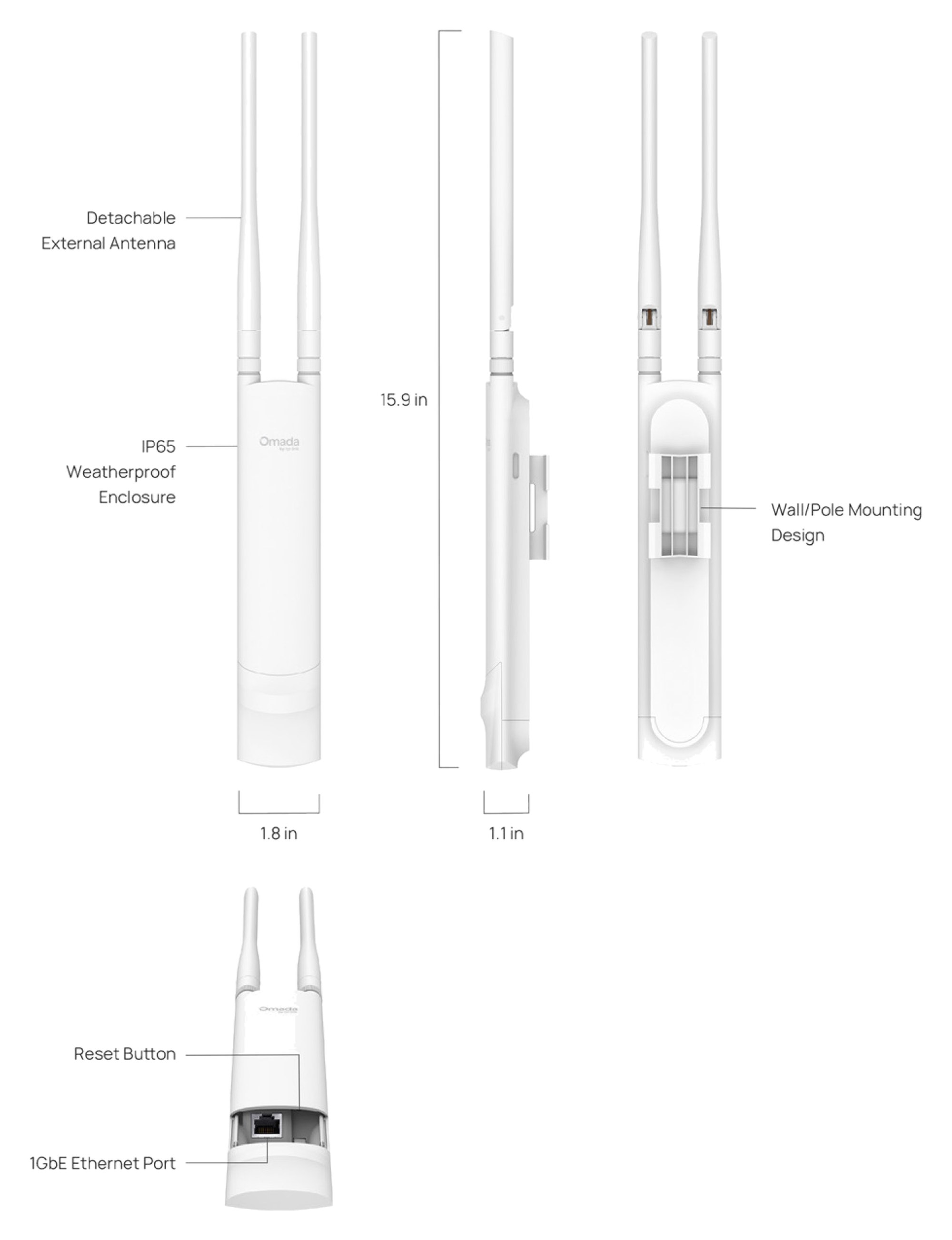
TP-Link's drawing: 15.9 in (about 404 mm) tall with antennas, body 46 mm wide and 26.7 mm deep.
Pair it with
Power
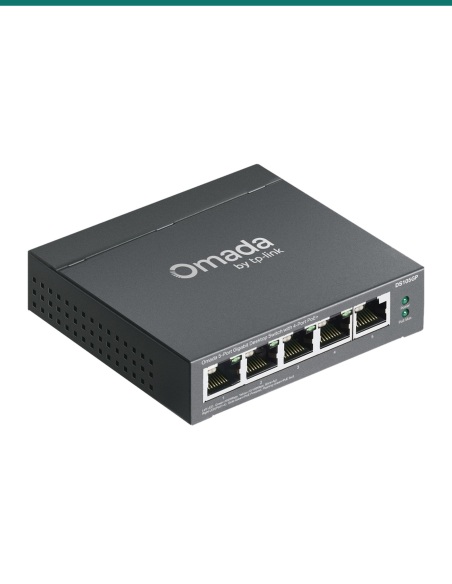
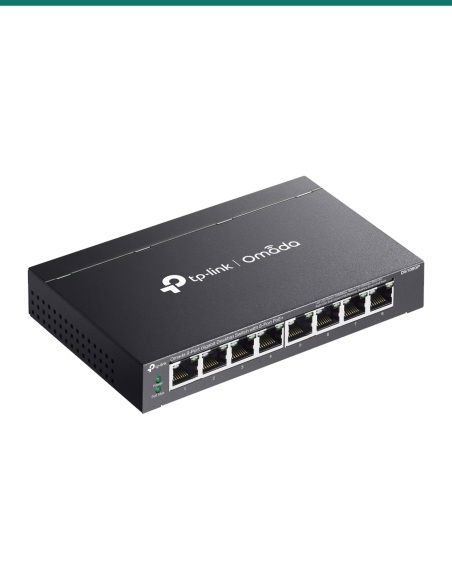
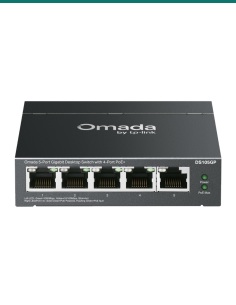
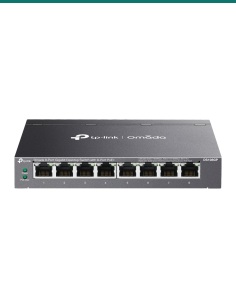
The included adapter powers one unit. For several Omada access points, the TP-Link DS105GP (4 PoE+ ports) or DS108GP (8 PoE+ ports) runs them all from one box.
Cabling
UV-stable Cat5e or Cat6 for the run outside, within the usual 100 m Ethernet limit. Pre-made Cat6 leads suit short indoor runs.
Indoors
Pair it with an Omada ceiling access point such as the EAP613 or EAP653 UR so phones roam between inside and outside.
Management
Mesh, seamless roaming and captive portal need an Omada controller: cloud, software or hardware. The Omada app works for small sites.
Where it is used
Wi-Fi out to the pool, deck and back fence of a house.
Guest Wi-Fi across sites and amenities blocks.
Coverage around sheds and yards near the homestead.
Courtyards, ovals and walkways between buildings.
Outdoor dining with a separate guest network.
Tablets and scanners in the yard outside the workshop.
| EAP225-Outdoor (this access point) | EAP113-Outdoor | |
|---|---|---|
| Wi-Fi | Wi-Fi 5, dual-band 2.4 and 5 GHz | Wi-Fi 4, 2.4 GHz only |
| Speed | 300 Mbps + 867 Mbps | 300 Mbps |
| Network port | 1 × Gigabit | 1 × 10/100 Mbps |
| Client capacity | 220+ | 100+ |
| SSIDs | 16 (8 per band) | 8 |
| MU-MIMO, mesh, seamless roaming | Yes | No |
| Power | 802.3af PoE or 24 V passive PoE | 802.3af PoE or 48 V passive PoE |
| Max power draw | 10.5 W | 3.1 W |
| Operating temperature | −30 °C to 70 °C | −30 °C to 65 °C |
Figures from TP-Link's Omada Wi-Fi 4 and Wi-Fi 5 outdoor access point datasheet. The EAP225-Outdoor V3.20 datasheet lists up to 228 associated clients.
Yes. It has an IP65 weatherproof housing, ±6 kV surge protection and runs from −30 °C to 70 °C.
Up to 867 Mbps on 5 GHz and 300 Mbps on 2.4 GHz (AC1200 Wi-Fi 5). Real throughput is lower and depends on the site and the devices.
TP-Link quotes up to 200 m on 2.4 GHz and 300 m on 5 GHz in lab testing. Trees, walls and interference shorten that.
Over the network cable: 802.3af PoE from a switch, or 24 V passive PoE from the adapter in the box. It draws up to 10.5 W.
No. TP-Link says the passive PoE adapter is for dry indoor use only. Keep it inside and run the cable out to the access point.
No. It is Wi-Fi 5 (802.11ac). For Wi-Fi 6 outdoors, look at the EAP668-Outdoor HD.
Yes. The mounting kit in the box suits a wall or a pole.
Yes. It has two external detachable dual-band omni antennas: 3 dBi on 2.4 GHz and 5 dBi on 5 GHz.
Not to get it running: it can be set up on its own or with the Omada app. Mesh, seamless roaming and captive portal need an Omada controller (V6.2 and above).
TP-Link lists up to 228 associated clients across up to 16 SSIDs, 8 per band.
WPA3 is not listed on the EAP225-Outdoor V3.20 datasheet. It supports WPA/WPA2-Personal, Enhanced Open and 802.1X.
Concealed and outdoor data cabling is customer cabling under AS/CA S009 and needs an ACMA-registered cabler.
Help planning outdoor coverage, PoE power or an Omada network: call 1300 736 970 or email [email protected]. The TP-Link datasheet is on the Attachments tab. 3-year TP-Link Australia warranty: contact us first and we will look after the claim.
Low-voltage device. Powered over the data cable by 802.3af PoE or 24 V passive PoE, up to 10.5 W. The included adapter plugs into mains power and must stay indoors and dry.
Cabling. Outdoor and concealed data cabling is customer cabling under AS/CA S009 and needs an ACMA-registered cabler. Use outdoor-rated cable and the rubber insert to seal the entry.
Lightning and earthing. The ±6 kV surge rating depends on a proper install with earthing and shielded cabling. Ask us about exposed masts.
What it does not do. No Wi-Fi 6, no WPA3 listed, no 2.5G port, and the passive PoE adapter is not weatherproof.
Figures. From TP-Link's EAP225-Outdoor V3.20 datasheet and TP-Link's outdoor access point datasheet. Range and speed depend on the site.


Need help choosing?
Tell us about your property and we'll recommend the right cameras and recorder.
07 5609 4910Sydney 02 8814 6008
[email protected]
Mon–Fri, 9am–5pm AEST
20 related items