There are no more items in your cart
In Stock - Ready to Ship


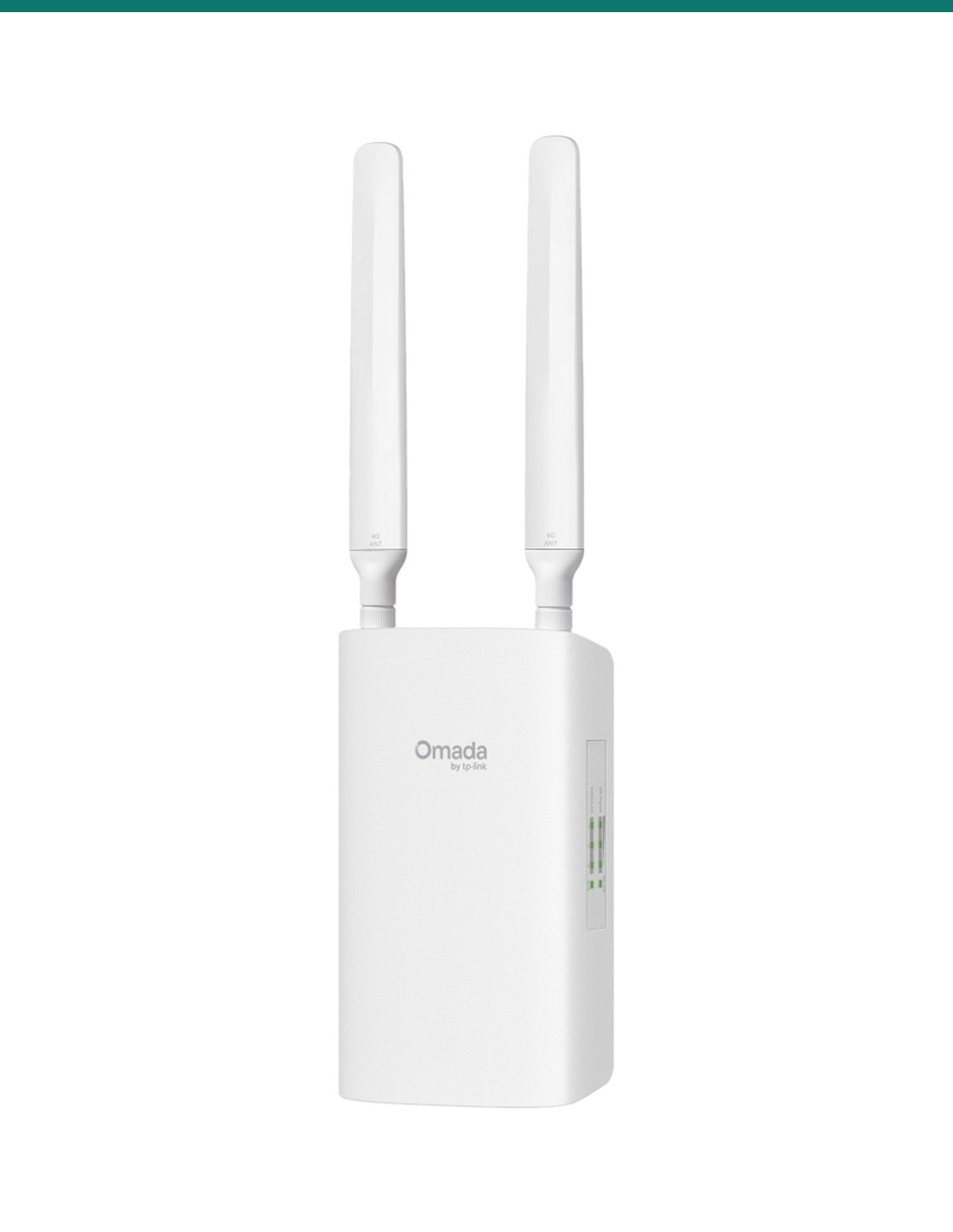
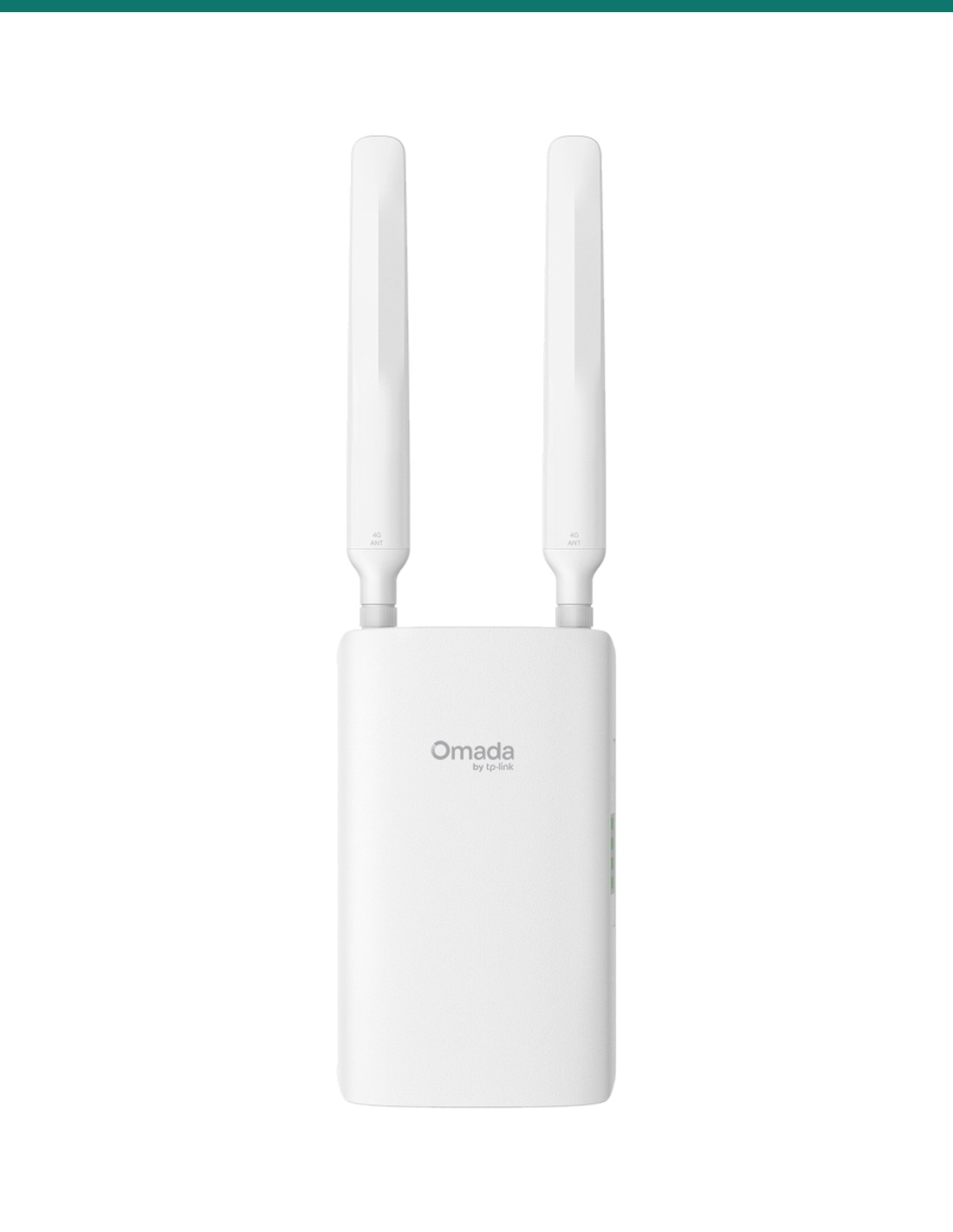
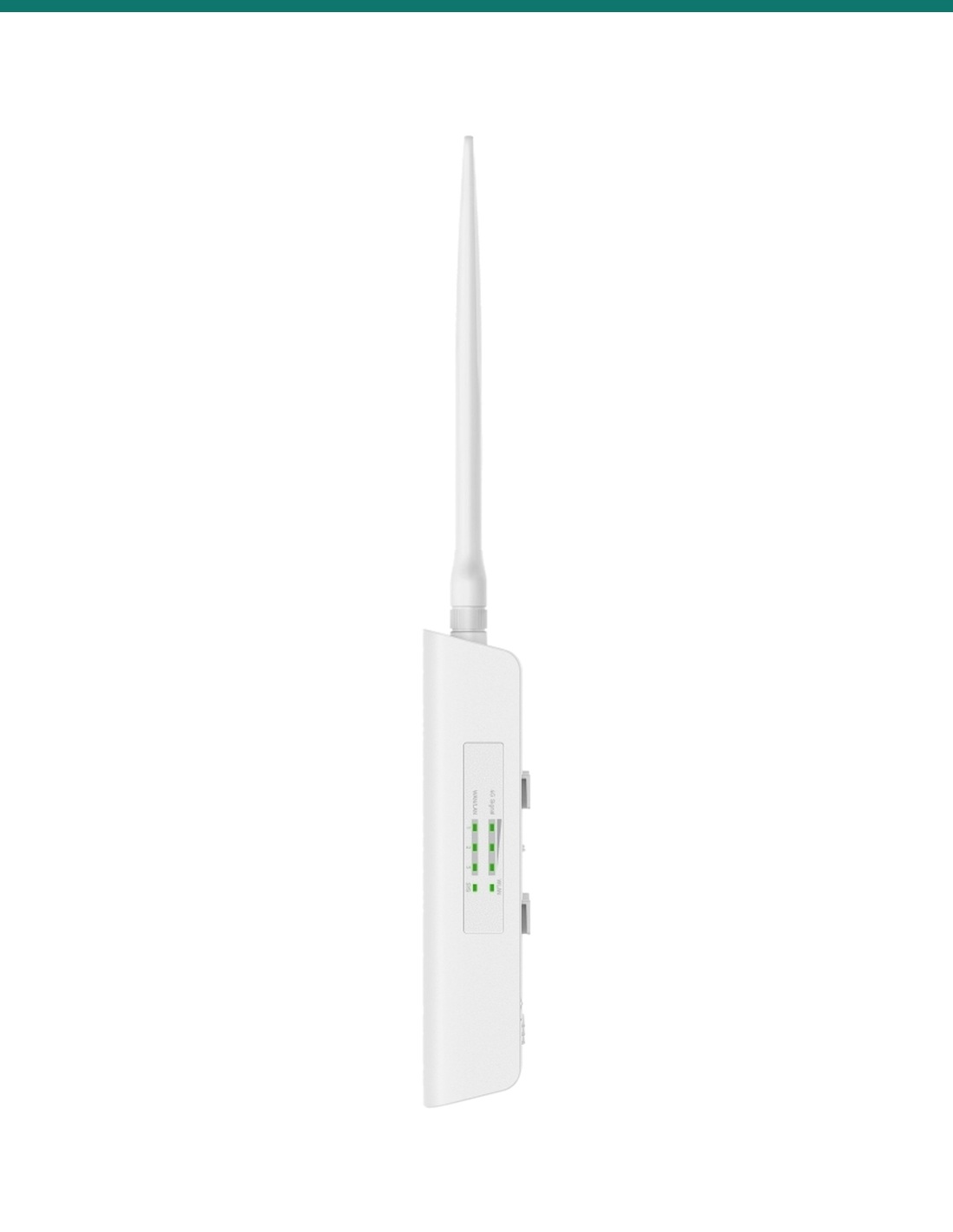
TP-Link Omada ER703WP-4G-Outdoor: a 4G+ router, Wi-Fi 6 access point and PoE switch in one IP55 box for farms, building sites and remote cameras.
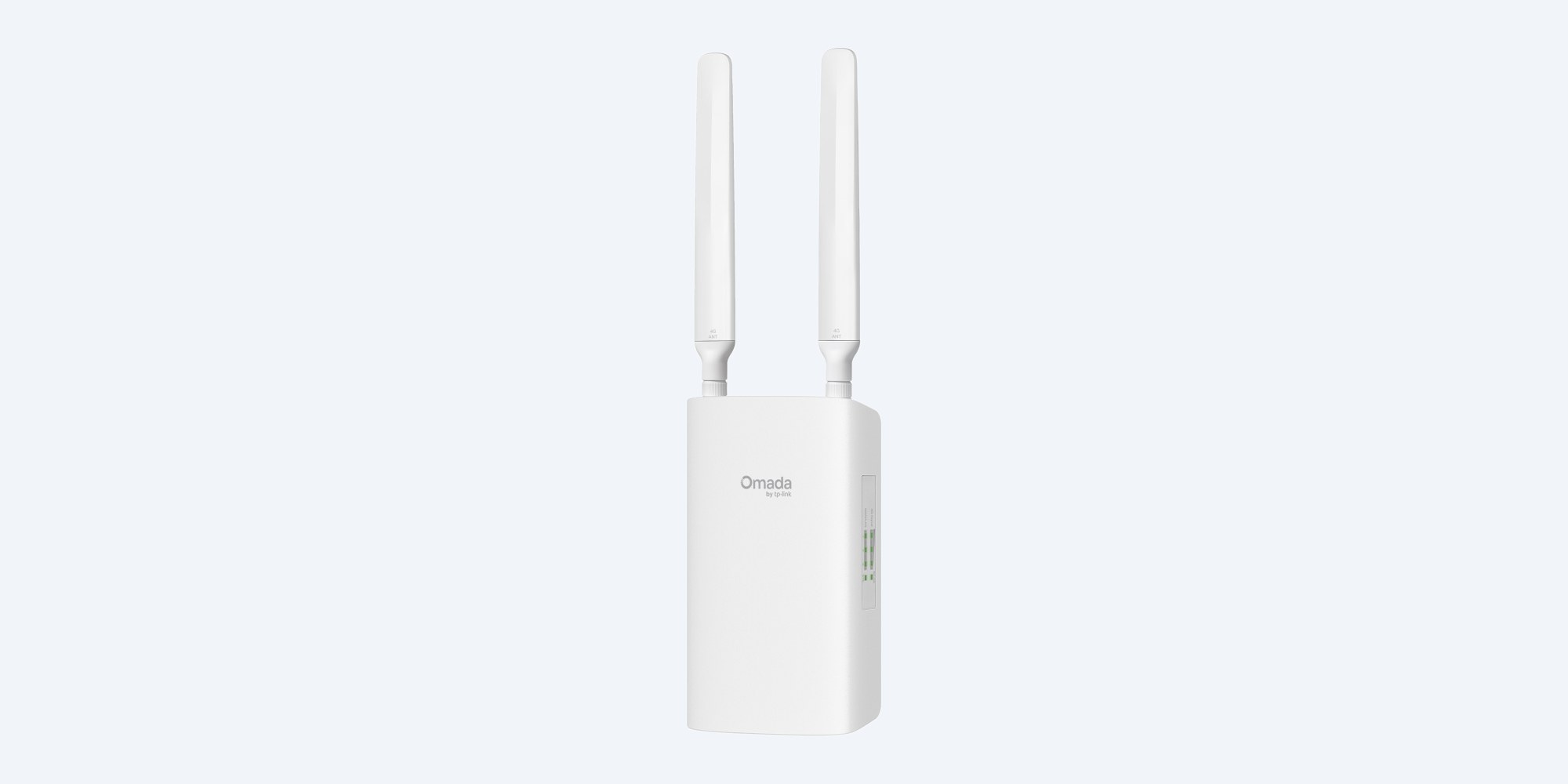
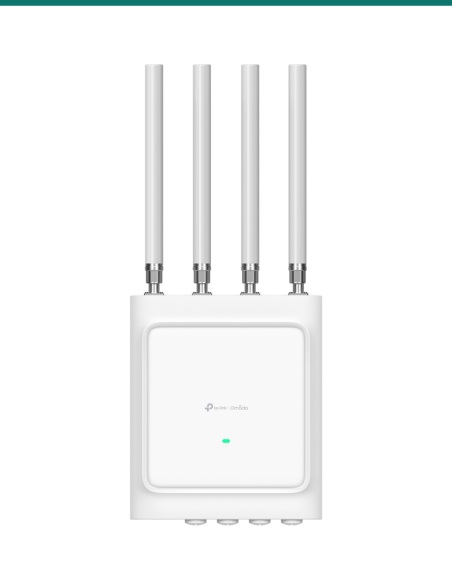
The ER703WP-4G-Outdoor is an Omada router, Wi-Fi 6 access point and 4G modem in one IP55 box. Mount it on a wall or pole where the mobile signal is best, run one cable to it, and it can power two cameras or access points from its own PoE ports.
In one sentence: the TP-Link Omada ER703WP-4G-Outdoor is an IP55 outdoor/indoor gateway with a 4G+ Cat6 modem (300/50 Mbps), AX3000 Wi-Fi 6, three Gigabit ports with PoE in and two PoE out, VPN, and 802.3at/bt PoE, passive PoE or 12 V DC power.
Passive PoE adapter included. PoE out needs an 802.3bt source.
TP-Link includes a passive PoE adapter, which is for dry indoor use only. A 12 V DC adapter is not included. Ports 2 and 3 only supply PoE when port 1 is powered by an 802.3bt PoE source. The SIM card is not included.
The 4G+ Cat6 modem reaches up to 300 Mbps down and 50 Mbps up on the AU bands, and can also fail over or load-balance with a wired WAN. Wi-Fi 6 runs at up to 2402 Mbps on 5 GHz and 574 Mbps on 2.4 GHz. Real 4G speed depends on your carrier and the signal at the site.
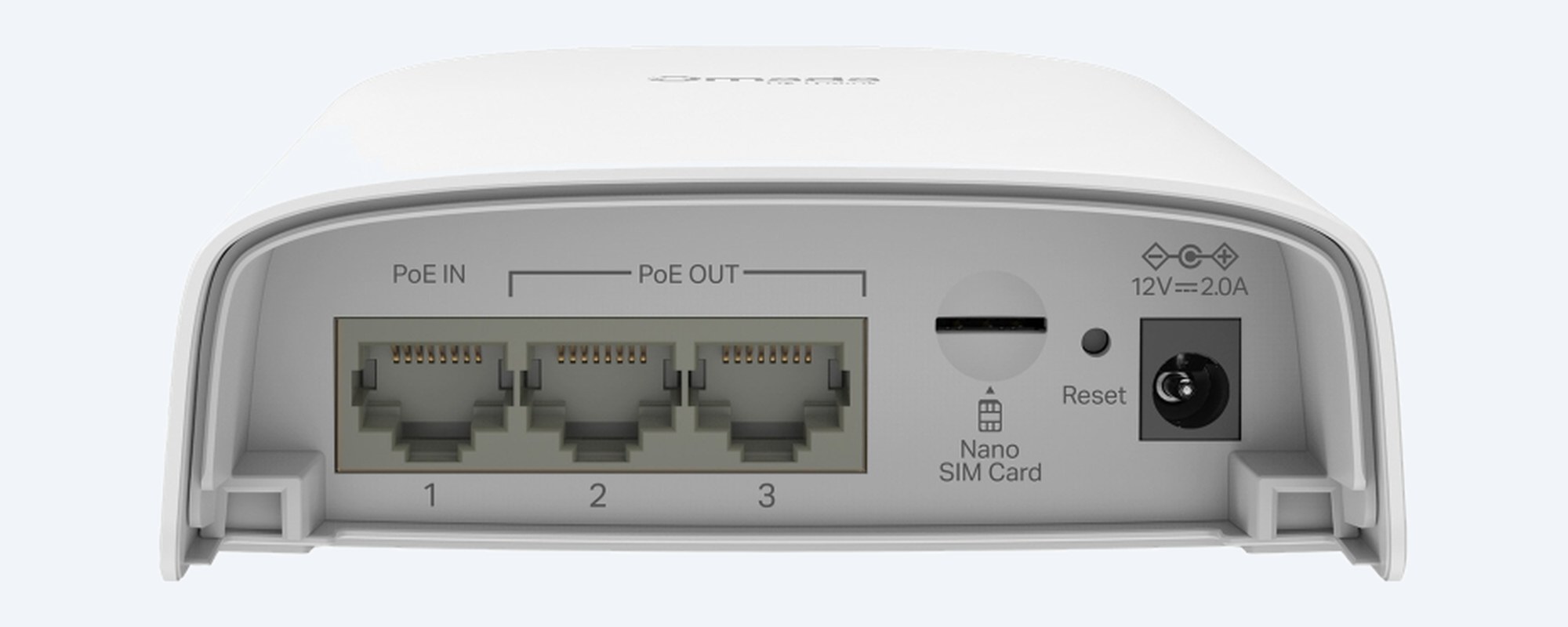
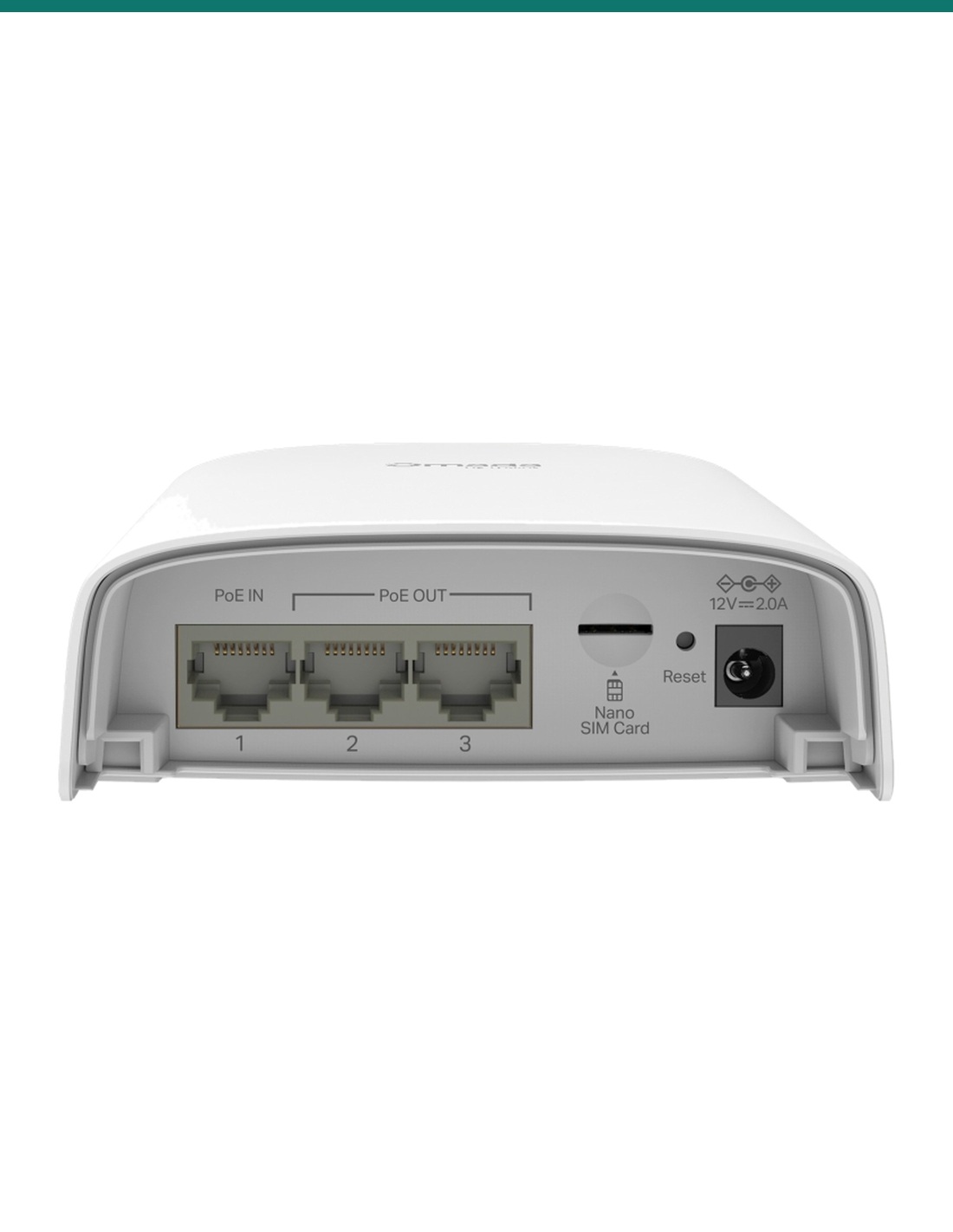
Port bay
Port 1 takes 802.3at/bt or passive PoE. Ports 2 and 3 supply 802.3af/at PoE: up to 45 W in total from an 802.3bt Type 4 (90 W) source, or 27 W from Type 3 (60 W). The nano SIM slot, reset button and 12 V DC socket sit beside them.

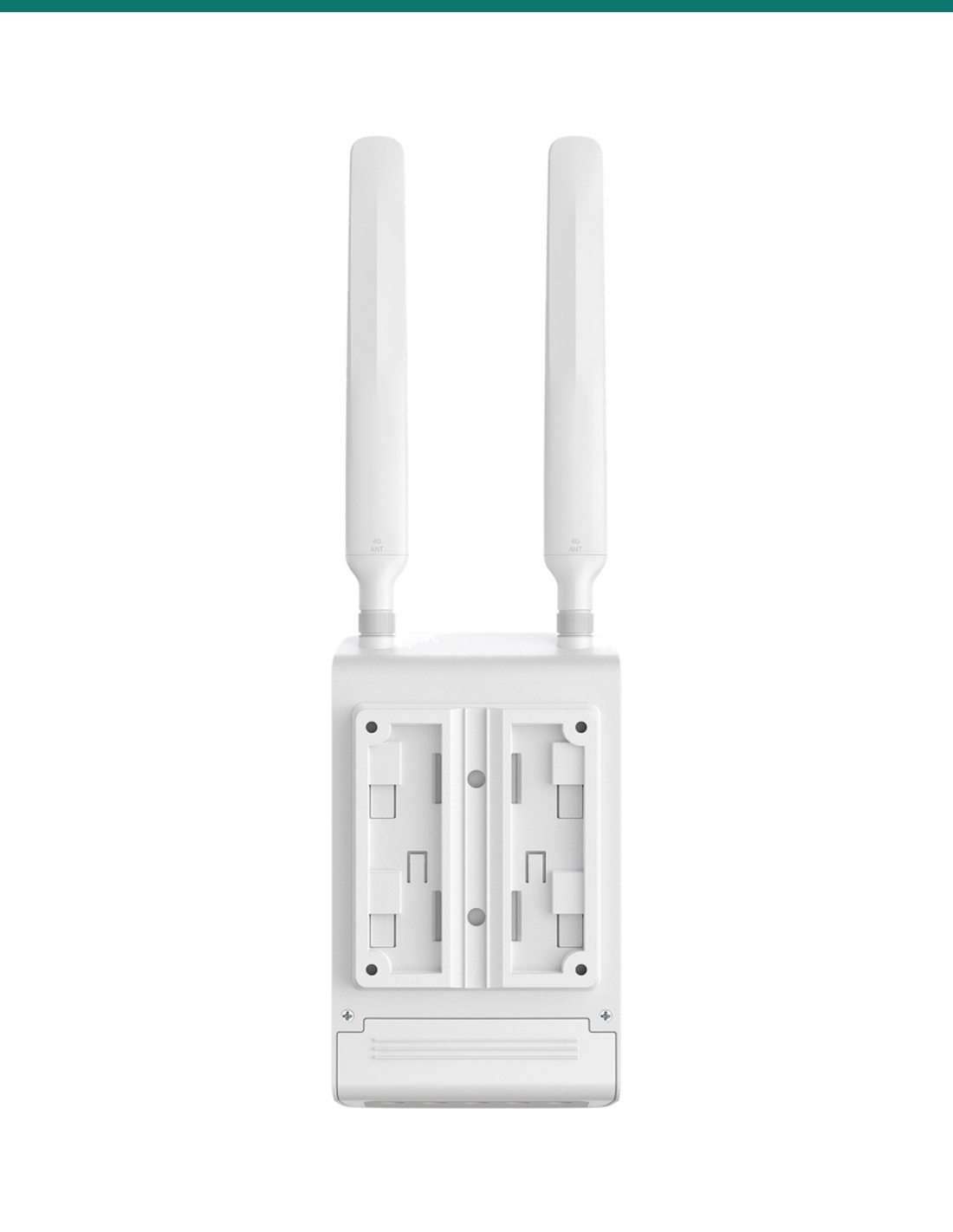
Back
The back takes the wall and pole mounting kits. The body is 100.4 × 38.7 × 174.8 mm without antennas and weighs 0.43 kg with them.
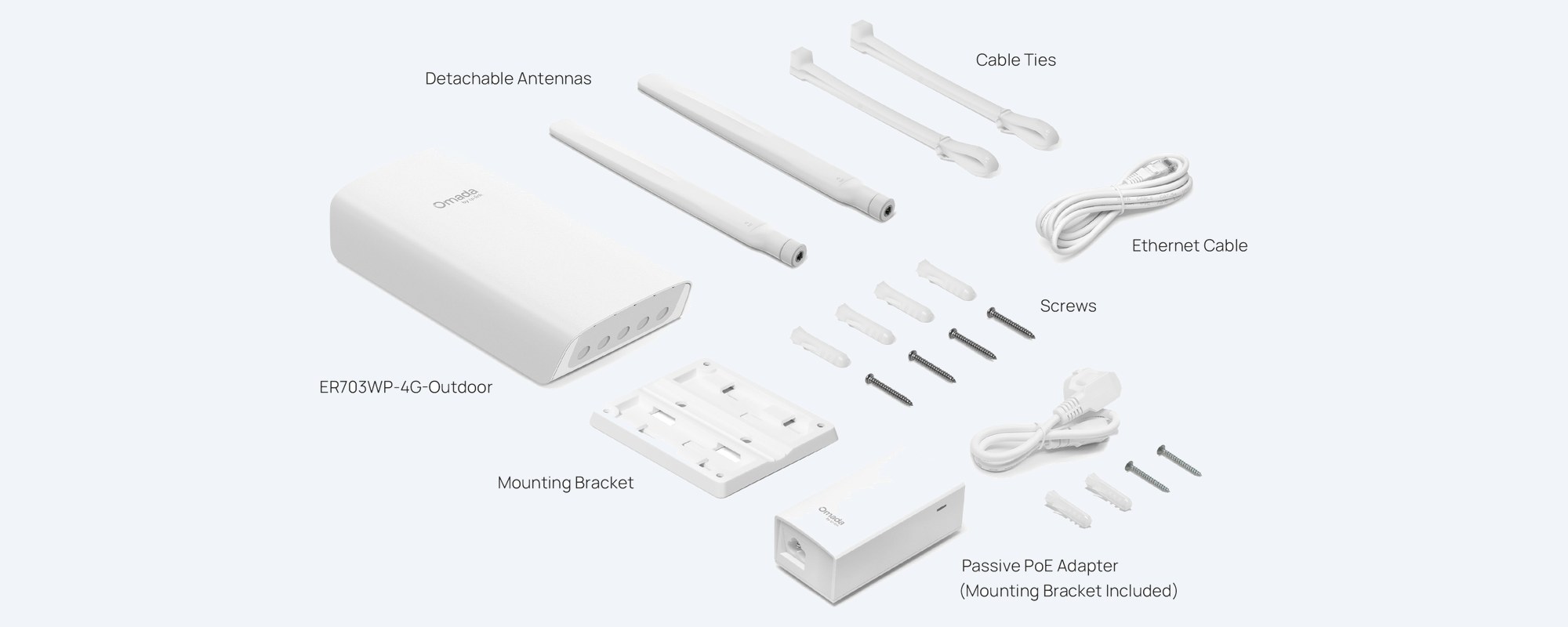
In the box
TP-Link's photo of the kit: gateway, two detachable antennas, mounting bracket, screws and cable ties, an Ethernet cable and the passive PoE adapter with its own bracket.
How it goes in
01
Check 4G signal on a phone with the same carrier at the planned spot. Higher and clear of metal roofs is usually better.
02
Insert the nano SIM in the port bay, screw on both LTE antennas and fit the wall or pole kit.
03
Run outdoor Cat5e or Cat6 to port 1 from the passive PoE adapter (indoors, dry) or an 802.3at/bt PoE source.
04
Set it up in the Omada app or web page, standalone or under an Omada controller, then name the Wi-Fi and plug devices into ports 2 and 3.
At a glance
Show specs
4G modem
4G+ Cat6, 1 nano SIM slot; up to 300 Mbps down, 50 Mbps up
4G bands (AU)
LTE FDD B1/B3/B5/B7/B8/B20/B28/B32; TDD B38/B40/B41; carrier aggregation
Wi-Fi
AX3000 Wi-Fi 6: 2402 Mbps on 5 GHz (160 MHz), 574 Mbps on 2.4 GHz
Wi-Fi features
16 SSIDs (8 per radio), WPA3, OFDMA, MU-MIMO, seamless roaming, mesh with Omada EAPs
Antennas
2 external detachable LTE; 2 internal Wi-Fi
Network ports
3 × Gigabit WAN/LAN
PoE in
Port 1: 802.3at/bt PoE or passive PoE
PoE out
Ports 2 and 3: 802.3af/at; budget 45 W on 802.3bt Type 4 input, 27 W on Type 3. Needs 802.3bt input
Other power
12 V 2 A DC (adapter not included; suits solar systems)
Max power draw
14.5 W without PoE out; 63 W with PoE out
VPN
IPsec (100 tunnels), WireGuard, OpenVPN, SSL VPN, L2TP, PPTP; GRE in standalone mode
WAN
4G and Ethernet WAN with failover and load balancing
Management
Omada app, web, Omada cloud or controller, SNMP; send and receive SMS
Weatherproofing
IP55; 4 kV surge protection
Operating range
−30 °C to 60 °C; humidity 5% to 95% non-condensing
Size and weight
100.4 × 38.7 × 174.8 mm without antennas; 0.43 kg with antennas
Mounting
Wall or pole (kits included)
Warranty
3 years, TP-Link Australia
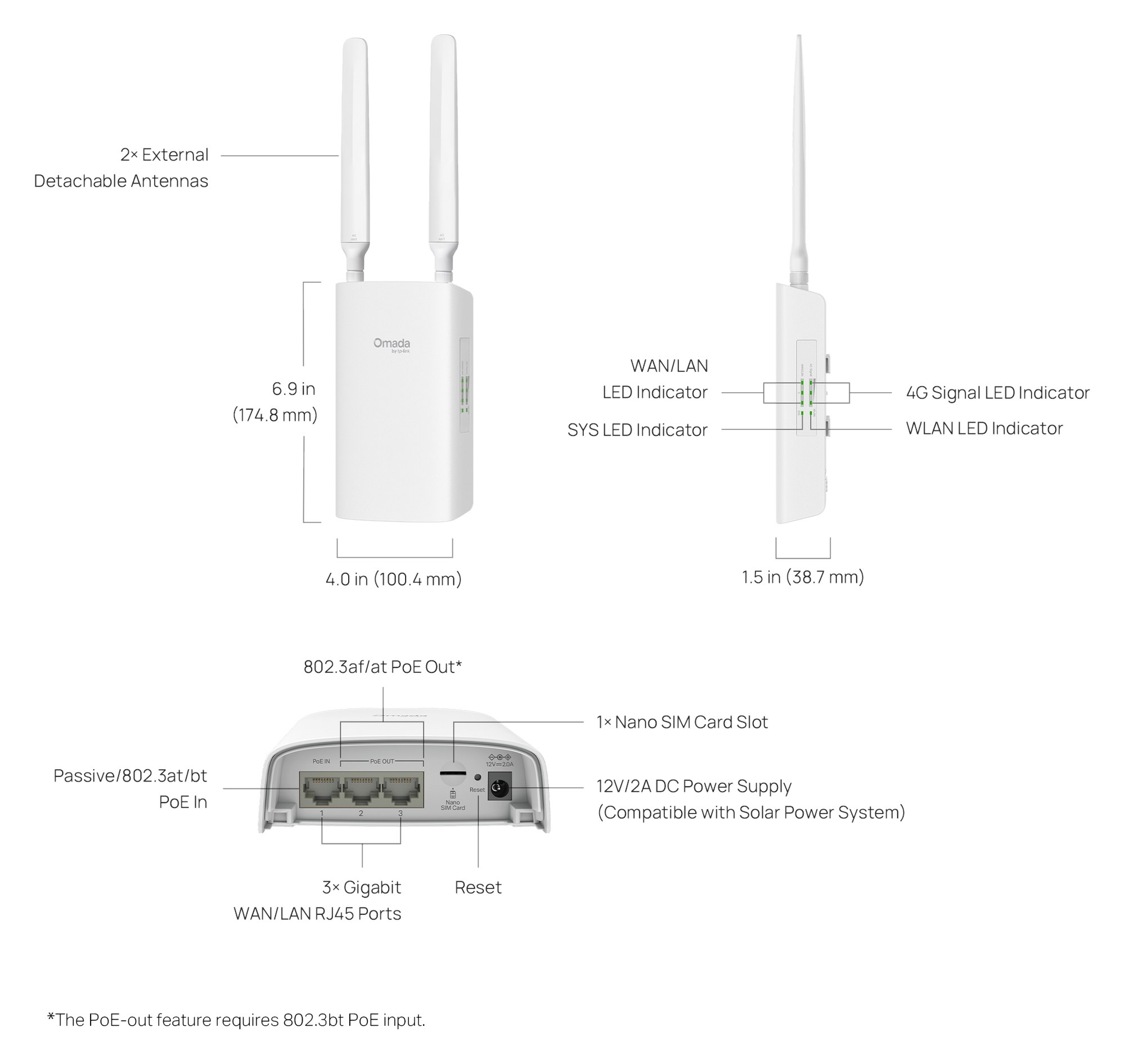
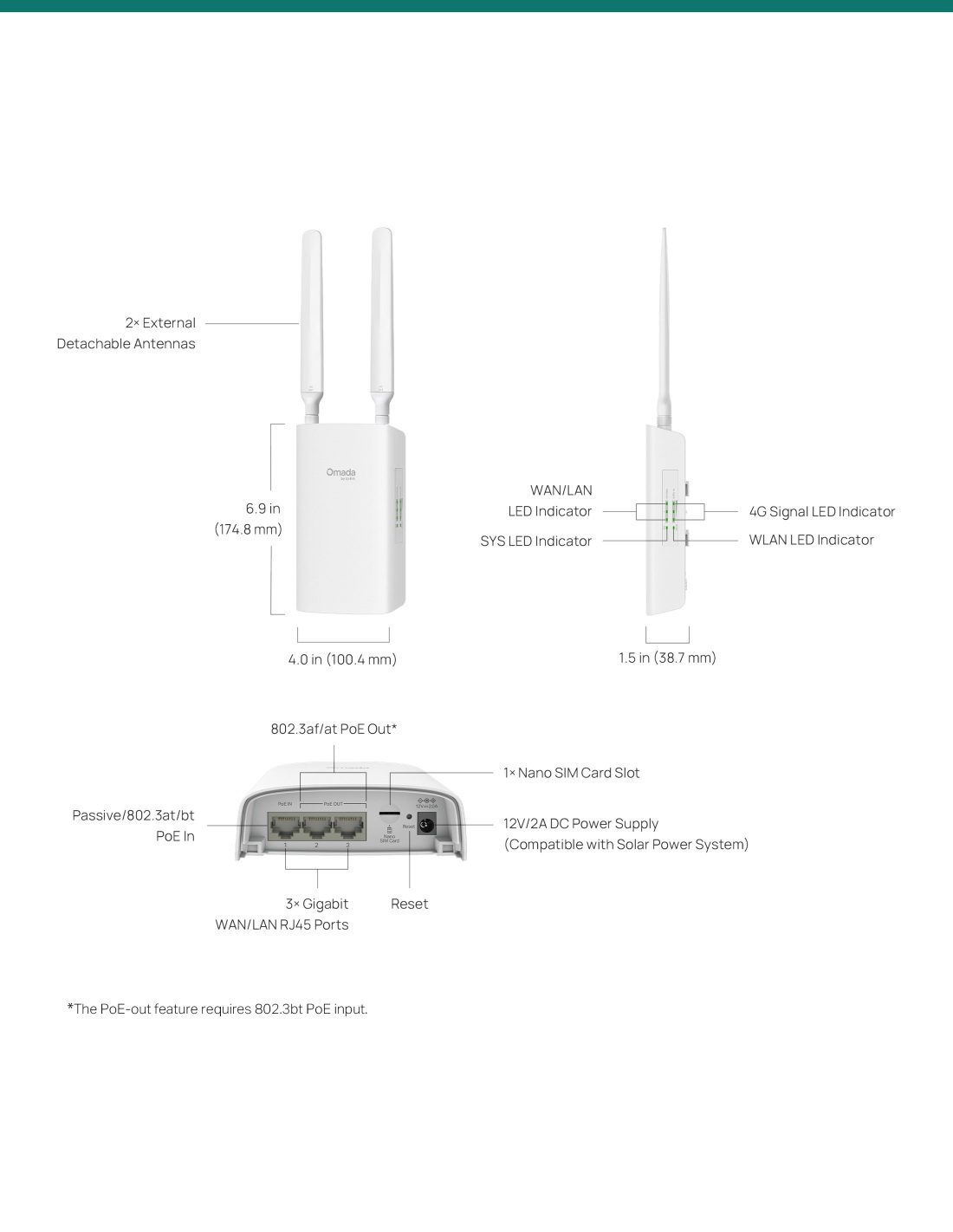
TP-Link's drawing: 174.8 mm tall, 100.4 mm wide and 38.7 mm deep without antennas, with the port bay underneath.
Pair it with
Service
Any carrier that covers the site on the bands listed. Check signal on a phone at the mounting spot first.
Power
To power cameras or access points from ports 2 and 3, feed port 1 from an 802.3bt injector or switch. The passive adapter in the box runs the gateway only.
Coverage
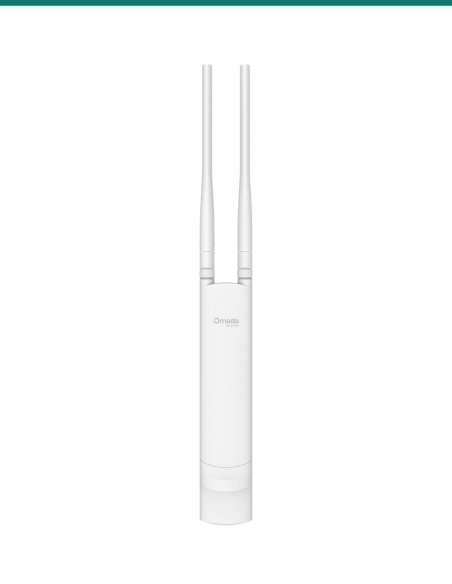
Add an Omada outdoor access point such as the EAP225-Outdoor to spread Wi-Fi further, with seamless roaming.
Distance
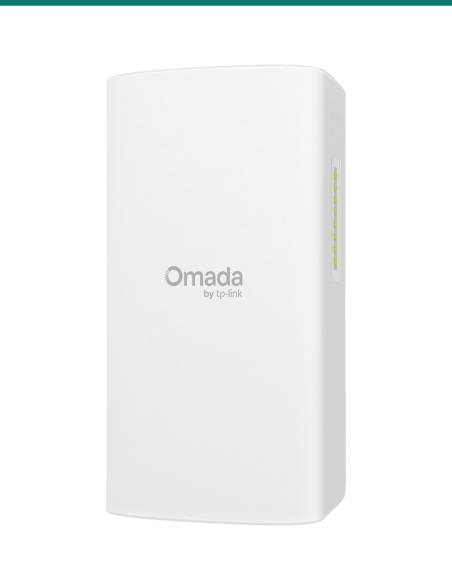
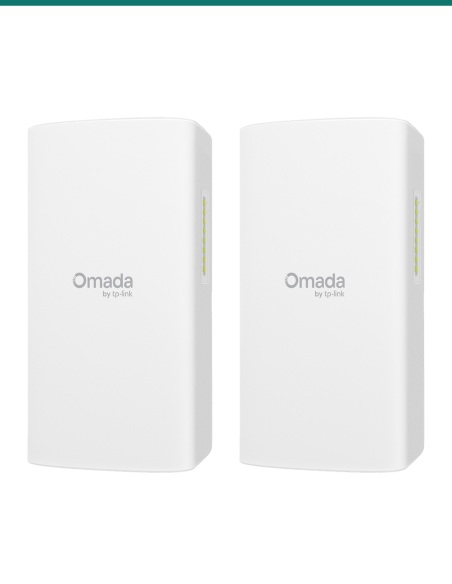
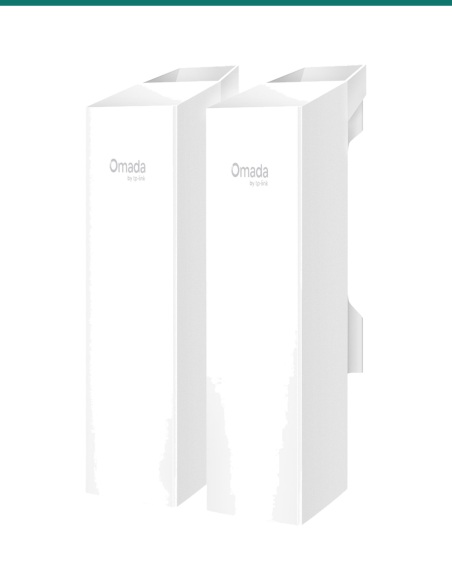
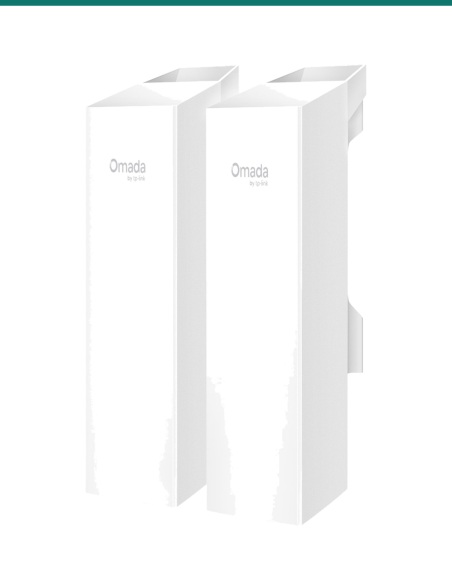
Carry the connection to a shed or second site with an Omada EAP211-Bridge KIT (1 km) or EAP215-Bridge KIT (5 km).
Where it is used
Internet and Wi-Fi around the house and sheds where there is no NBN.
Site office internet and camera upload until the fixed line is in.
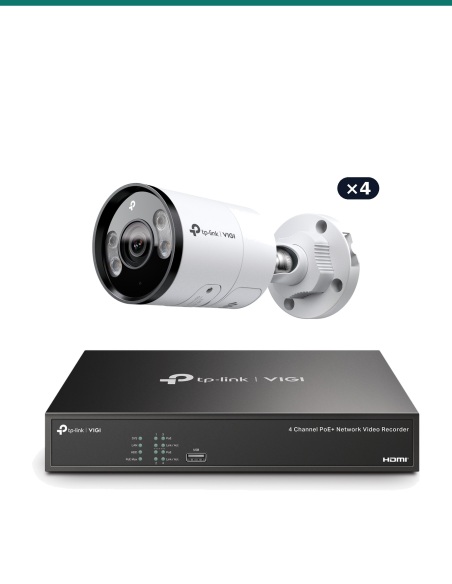
Power two PoE cameras and send their footage over 4G.
Pumps, gates and monitoring on a 12 V solar system.
Temporary Wi-Fi and payment terminals outdoors.
4G failover behind a business's wired connection.
| ER703WP-4G-Outdoor (this gateway) | TL-MR105 | |
|---|---|---|
| Where it goes | Outdoors or indoors, IP55 | Indoors only |
| 4G | Cat6, up to 300 Mbps down / 50 up | Up to 150 Mbps down / 50 up |
| Wi-Fi | AX3000 Wi-Fi 6, 2.4 and 5 GHz | N300, 2.4 GHz only |
| Ports | 3 × Gigabit, PoE in and 2 × PoE out | 2 × 10/100 |
| Power | 802.3at/bt PoE, passive PoE or 12 V DC | 9 V DC adapter |
| Management | Omada app, cloud or controller; VPN | Tether app and web page |
Figures from TP-Link's ER703WP-4G-Outdoor (1.20) and TL-MR105 datasheets.
Yes. It is rated IP55, runs from −30 °C to 60 °C and has 4 kV surge protection. It mounts on a wall or pole.
Up to 300 Mbps down and 50 Mbps up (4G+ Cat6). Real speed depends on your carrier, the signal and how busy the tower is.
No. It is 4G+ (LTE Cat6). The 3G bands are listed on the datasheet, but Australian 3G networks have closed.
LTE FDD bands 1, 3, 5, 7, 8, 20, 28 and 32, and TDD bands 38, 40 and 41. Check your carrier's coverage at the site.
No. Use a nano SIM with a 4G data plan from your carrier.
From the passive PoE adapter in the box, from an 802.3at or 802.3bt PoE source on port 1, or from 12 V 2 A DC (adapter not included).
Yes, ports 2 and 3 supply 802.3af/at PoE, but only when port 1 is fed by 802.3bt PoE. The budget is 45 W from a Type 4 (90 W) source or 27 W from Type 3 (60 W).
No. Keep it indoors and dry and run the cable out to the gateway.
Yes. It supports 4G and Ethernet WAN together, with failover and load balancing.
No. It runs standalone with the Omada app or web page. An Omada cloud or hardware controller adds central management with other Omada gear.
Yes: IPsec (up to 100 tunnels), WireGuard, OpenVPN, SSL VPN, L2TP and PPTP. GRE works in standalone mode only.
Outdoor and concealed data cabling is customer cabling under AS/CA S009 and needs an ACMA-registered cabler.
Help with 4G signal, PoE power or setting up an Omada site: call 1300 736 970 or email [email protected]. The TP-Link datasheet is on the Attachments tab. 3-year TP-Link Australia warranty: contact us first and we will look after the claim.
Low-voltage device. Runs on PoE, passive PoE or 12 V DC, up to 63 W with PoE out. The included adapter plugs into mains power and must stay indoors and dry.
Cabling. Outdoor and concealed data cabling is customer cabling under AS/CA S009 and needs an ACMA-registered cabler. Seal the cable entries.
Lightning and earthing. The 4 kV surge rating depends on a proper install. Ask us about exposed poles and long cable runs.
Working at height. Mounting on a mast or roof is work at height. Use the right access equipment or a licensed installer.
What it does not do. No 5G, no PoE out from the passive adapter or DC, and no SIM or 12 V DC adapter in the box.
Figures. From TP-Link's ER703WP-4G-Outdoor datasheet (hardware 1.20) and product page. Real 4G and Wi-Fi speeds depend on the site.


Need help choosing?
Tell us about your property and we'll recommend the right cameras and recorder.
07 5609 4910Sydney 02 8814 6008
[email protected]
Mon–Fri, 9am–5pm AEST
20 related items