There are no more items in your cart
- On sale!
- -$ 76.50
In Stock - Ready to Ship
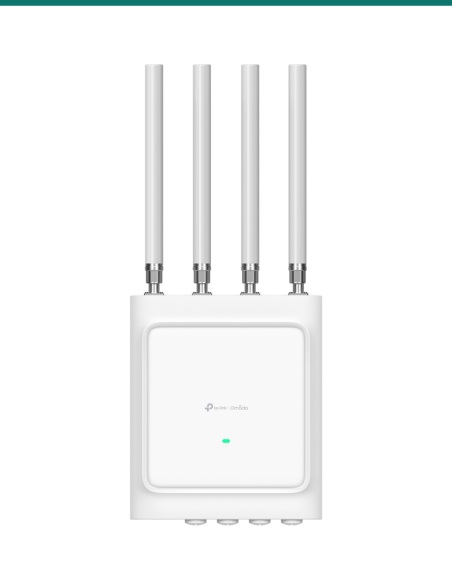
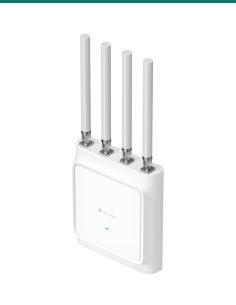
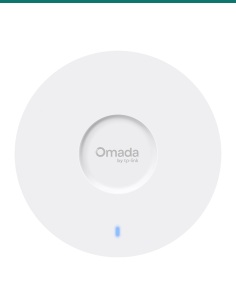
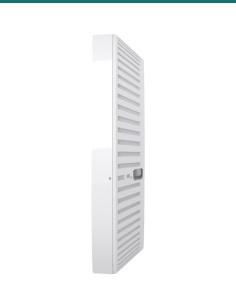
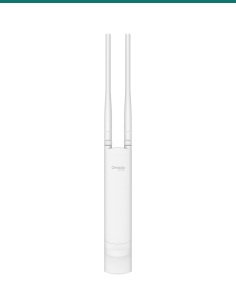
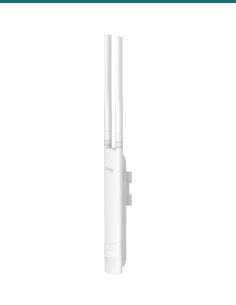
TP-Link AX3600 Indoor/Outdoor Wi-Fi 6 Access Point - EAP668-Outdoor-HD
$ 768.50 $ 845.00
Sale ends Tue 8 Dec


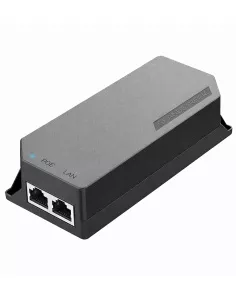
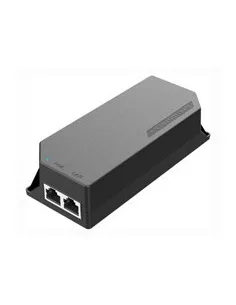
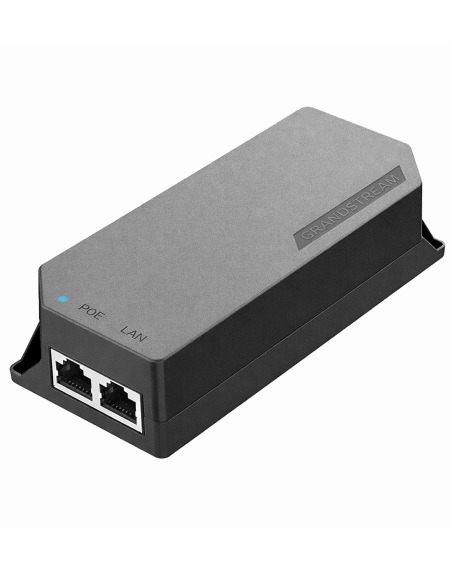
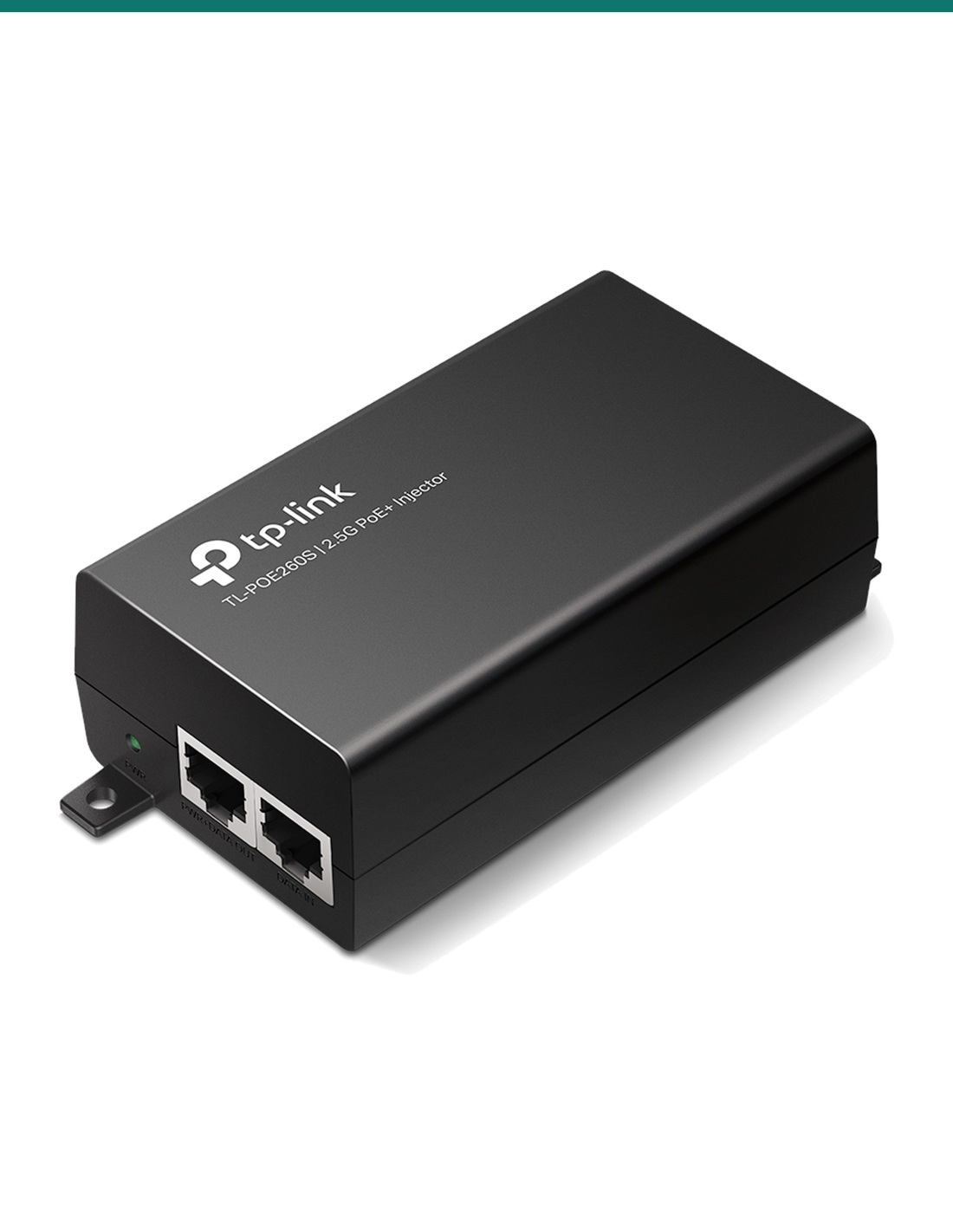
TP-Link TL-POE260S: a 2.5G PoE+ injector that adds up to 30 W of 802.3af/at power to one network link, with a built-in power supply.
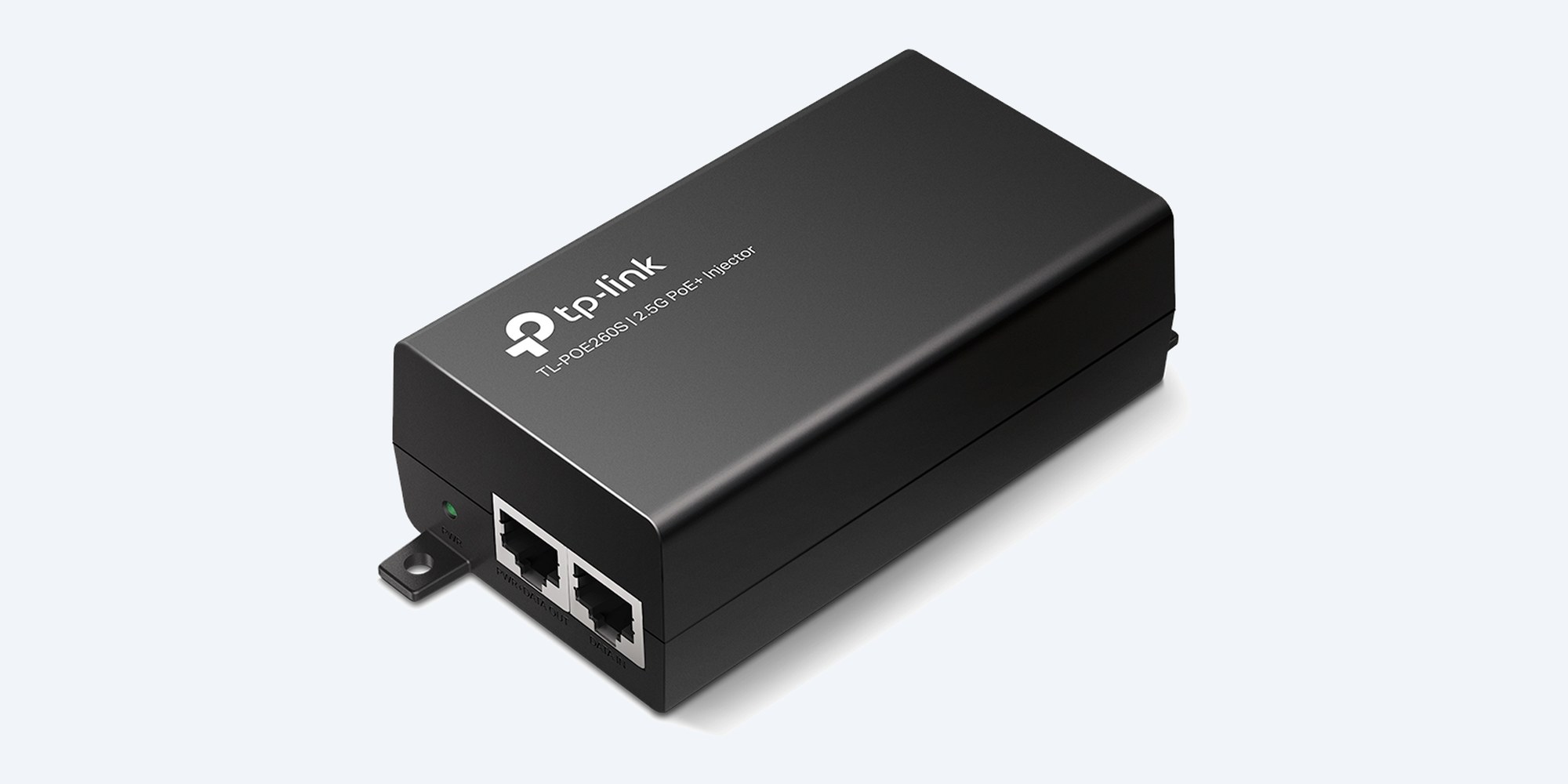
The TL-POE260S sits between a normal switch or router and one PoE device, adding up to 30 W of 802.3af/at power on the same cable without slowing a 2.5 Gbps link.
In one sentence: the TP-Link TL-POE260S is a single-port 2.5G PoE+ injector with a built-in 100–240 V AC power supply that adds up to 30 W of IEEE 802.3af/at power to one 10/100/1000/2500 Mbps Ethernet link.
Injector only. The powered device and the network switch are separate.
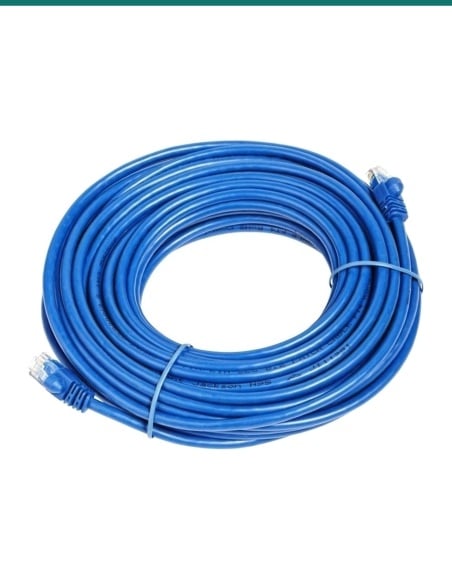
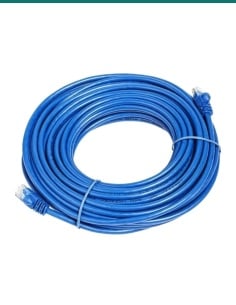
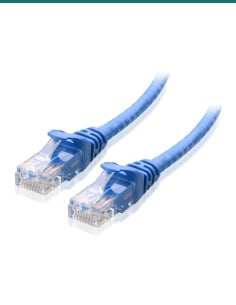
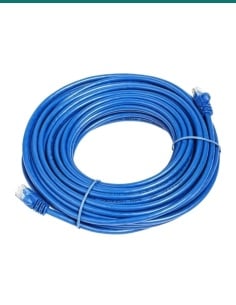
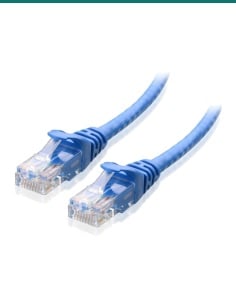
The power supply is built in and runs from a mains power cord. TP-Link packs an RJ45 patch lead with the TL-POE260S; the newer POE260S (V3) version leaves it out, so confirm with us if you need the lead.
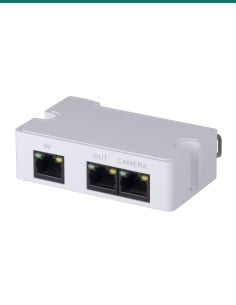
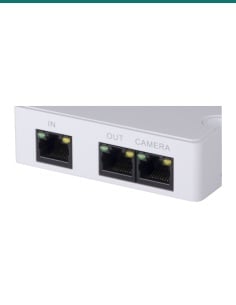
Plug your switch into Data In and the device into PWR+DATA OUT. The injector checks what the device needs and supplies just that, up to 30 W, while passing data at 10 Mbps to 2.5 Gbps. That suits a Wi-Fi 6 or Wi-Fi 7 access point with a 2.5G port, a PTZ camera or an IP phone on a non-PoE network.
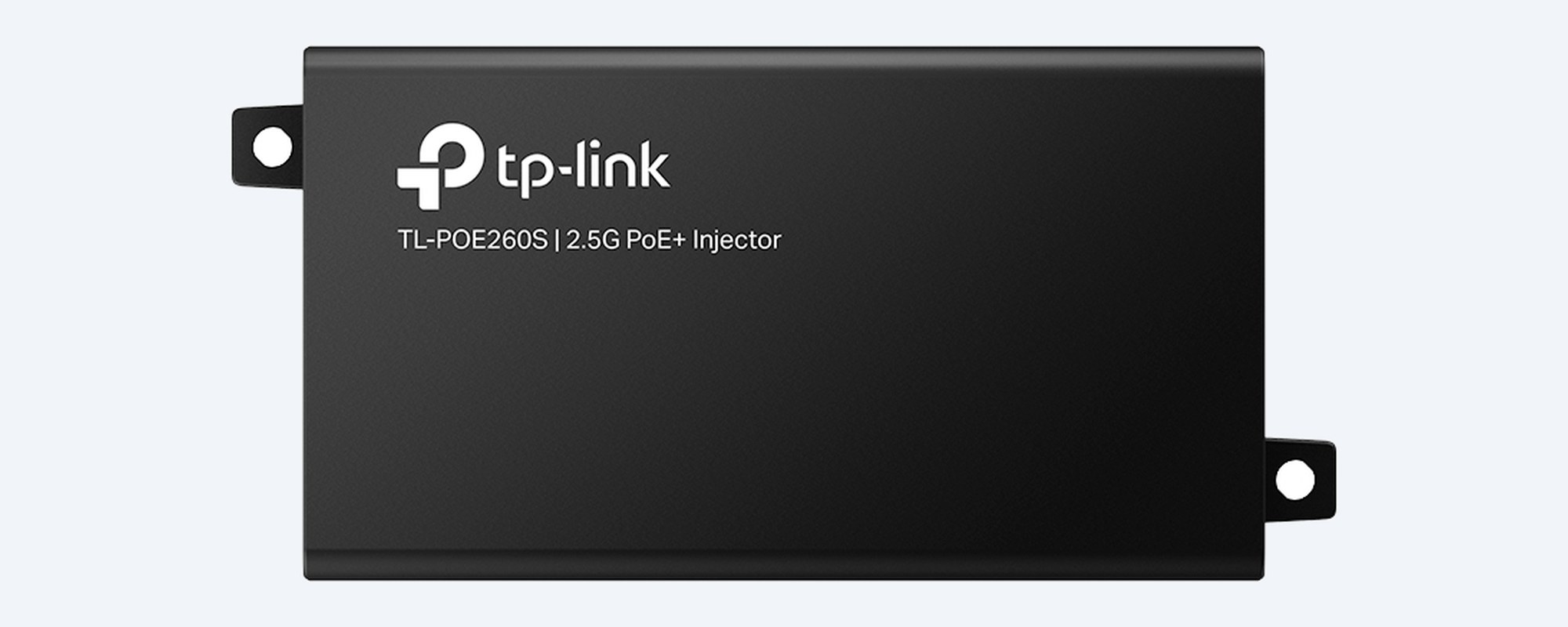
Mounting
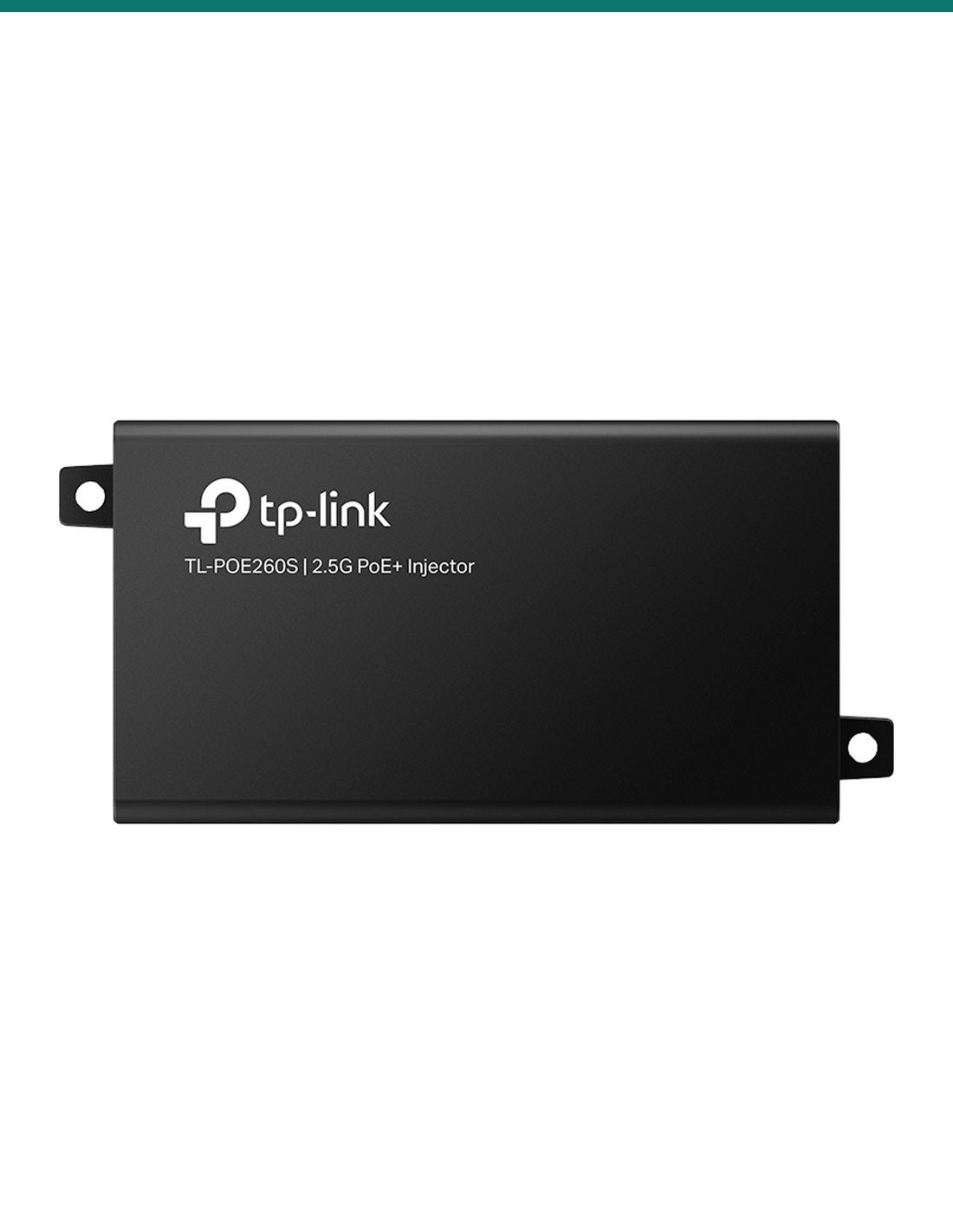
The case is 125 × 59.4 × 36.8 mm. Two tabs at opposite corners take the wall mounting kit, with the holes 115.7 mm apart one way and 37.7 mm the other.
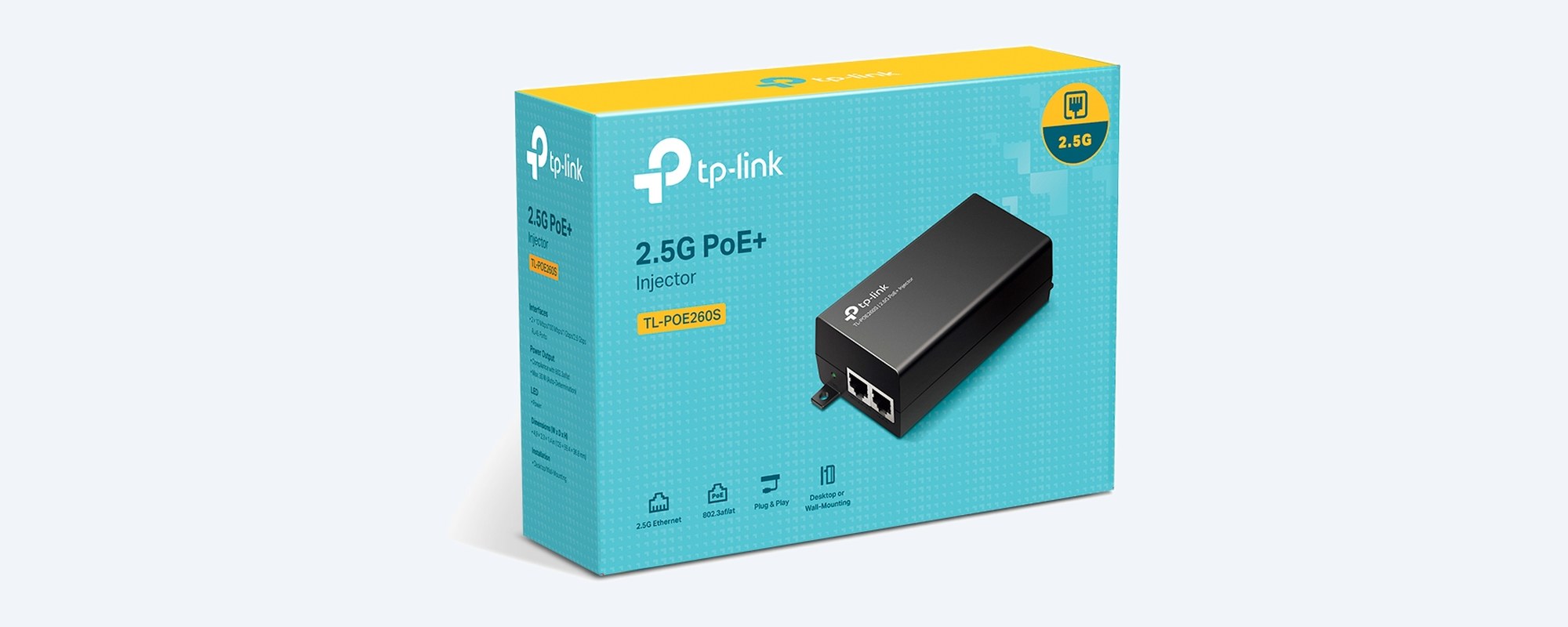
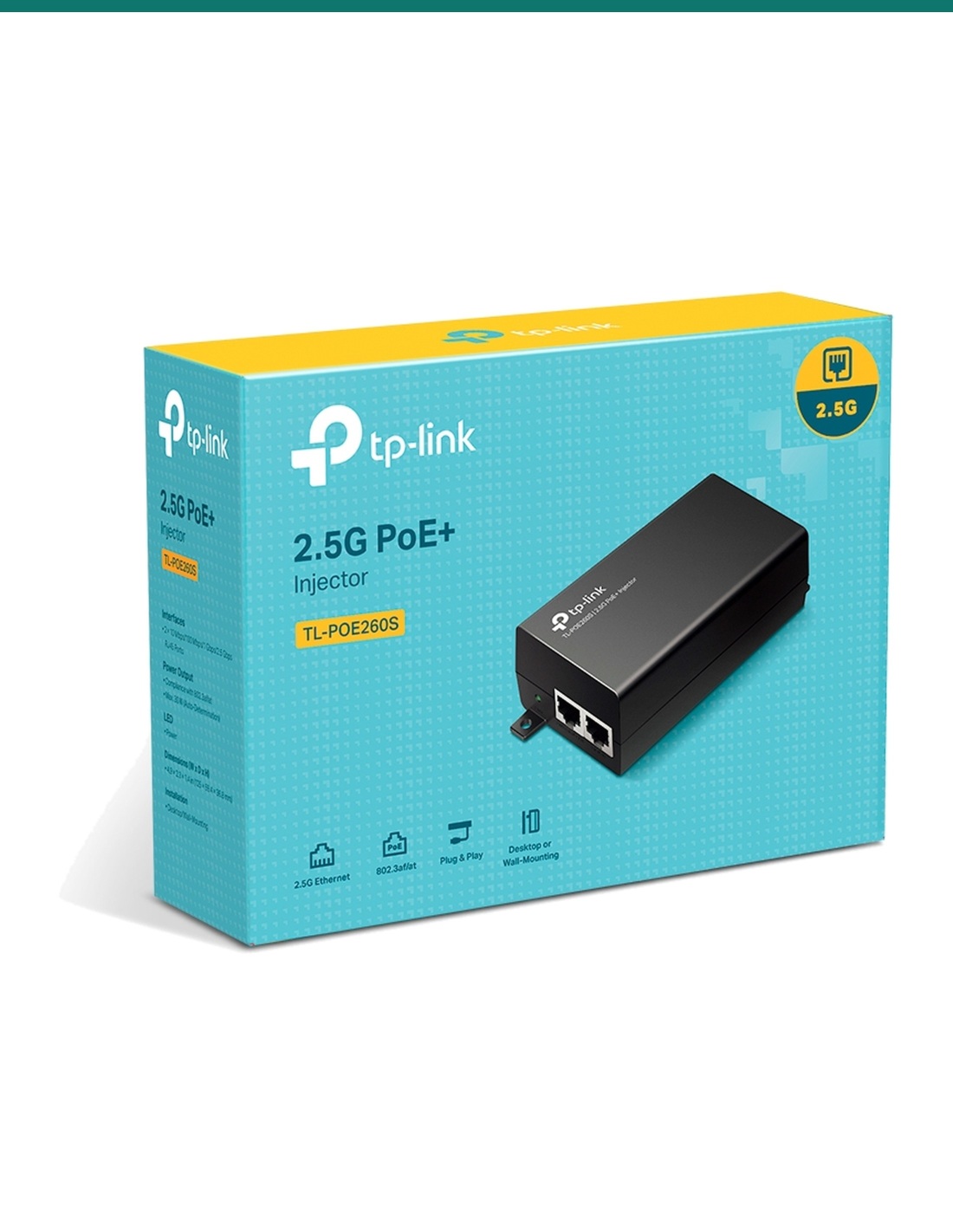
Retail box
No software or settings. A single Power light shows the injector is supplying power normally. It powers 802.3af/at devices only, so passive PoE gear is not damaged by it.
How it goes in
01
Put it on a shelf or screw it to the wall with the mounting kit, near a power point and between 0 °C and 40 °C.
02
Run a patch lead from your switch or router to the DATA IN port.
03
Run the cable from PWR+DATA OUT to the access point, camera or phone, up to 100 m.
04
Plug in the power cord. The Power light comes on and the device powers up with the power it asks for, up to 30 W.
At a glance
Show specs
Ports
1 × RJ45 Data In, 1 × RJ45 Power + Data Out, both 10/100/1000/2500 Mbps
PoE output
IEEE 802.3af/at; auto-detects the device's needs, up to 30 W
Standards
IEEE 802.3i, 802.3u, 802.3ab, 802.3bz, 802.3af, 802.3at
Cable
2.5GBASE-T: Cat5e or better, up to 100 m; 1000BASE-T: Cat5, 5e or 6, up to 100 m
Power input
Built in, 100–240 V AC, 50/60 Hz, AC socket
LED
Power: on when supplying power normally
Installation
Desktop or wall mount; plug and play
Size
125 × 59.4 × 36.8 mm
Wall-mount holes
115.7 mm vertical, 37.7 mm horizontal
Operating range
0 °C to 40 °C; 10% to 90% RH non-condensing
Storage
−40 °C to 70 °C; 5% to 90% RH non-condensing
Certification
FCC, CE
Warranty
3 years, TP-Link Australia
Pair it with
Wi-Fi
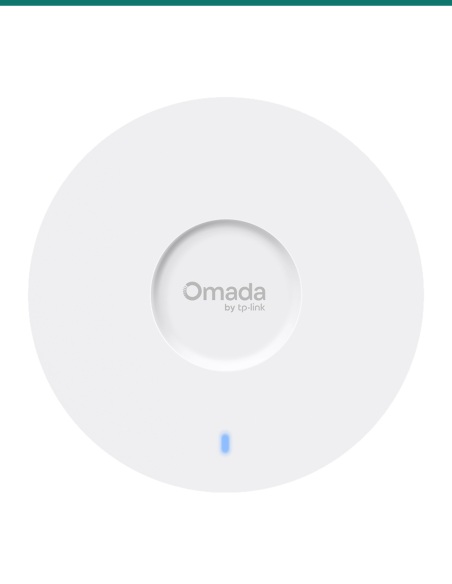
Omada Wi-Fi 6 and Wi-Fi 7 access points with a 2.5G port that draw 30 W or less.
Network
To get the full 2.5 Gbps, the Data In side needs a 2.5G port. A gigabit port still works at 1 Gbps.
Cameras and phones
IP cameras, PTZ cameras and IP phones up to 30 W, one device per injector.
More devices
For four or more PoE devices, a PoE+ switch such as the DS110GMP is usually tidier.
Where it is used
Power a new 2.5G access point from an existing non-PoE switch.
Add one PoE camera without replacing the switch or router.
A ceiling access point powered from the router cupboard.
Power one desk phone where there is no PoE switch.
Bench-power an access point or camera while you set it up.
Replace a 100 Mbps or gigabit injector that is holding back a 2.5G device.
| TL-POE260S (this listing) | POE260S (V3) | |
|---|---|---|
| Ports | 2.5G Data In, 2.5G PoE Out | 2.5G Data In, 2.5G PoE Out |
| PoE output | 802.3af/at, up to 30 W | 802.3af/at, up to 30 W |
| RJ45 patch lead in the box | Yes | No |
| Wall mounting kit | Yes | Yes |
| Power | Built in, 100–240 V AC | Built in, 100–240 V AC |
TP-Link's Australian product page lists both versions with the same specifications. The V3 datasheet on the Attachments tab is the one TP-Link publishes for both.
Up to 30 W to one device, using IEEE 802.3af or 802.3at PoE+. It checks what the device needs and supplies only that.
No. Both ports run at 10 Mbps up to 2.5 Gbps, so a 2.5G access point keeps its full link speed.
Only for 2.5 Gbps. Plugged into a gigabit port, it still powers the device and the link runs at 1 Gbps.
No. It supplies up to 30 W of 802.3af/at. Devices that need 802.3bt power need a different injector.
No. It only powers devices that ask for 802.3af/at power. Passive 24 V or 48 V gear will not power up from it.
Up to 100 m of cable from the PWR+DATA OUT port. Use Cat5e or better for 2.5 Gbps.
No. The power supply is built in. A power cord plugs into the AC socket on the end of the injector.
TP-Link packs an RJ45 lead with the TL-POE260S. The newer POE260S (V3) leaves it out, so confirm with us if you need it.
Yes. A wall mounting kit is in the box, and the holes are 115.7 mm apart one way and 37.7 mm the other.
No. It is plug and play. The Power light shows it is supplying power normally.
No. Mount it indoors between 0 °C and 40 °C and run outdoor-rated cable to the device.
Concealed data cabling to access points, cameras and outlets is customer cabling under AS/CA S009 and needs an ACMA-registered cabler.
Not sure whether your access point or camera needs more than 30 W? Call 1300 736 970 or email [email protected]. The datasheet is on the Attachments tab. 3-year TP-Link Australia warranty: contact us first and we will look after the claim.
Mains powered. The injector plugs into a 100–240 V AC power point with its cord. A new power point needs a licensed electrician.
Cabling. Concealed data cabling is customer cabling under AS/CA S009 and needs an ACMA-registered cabler. Outdoor runs need outdoor-rated cable.
Indoor only. Keep it dry and between 0 °C and 40 °C.
What it does not do. No 802.3bt PoE++, no passive PoE, no more than 30 W and only one powered device per injector.
Figures. From TP-Link's POE260S datasheet (V3) and TP-Link's Australian product page, which covers the TL-POE260S.
Sale ends Tue 8 Dec
Sale ends Tue 8 Dec


Need help choosing?
Tell us about your property and we'll recommend the right cameras and recorder.
07 5609 4910Sydney 02 8814 6008
[email protected]
Mon–Fri, 9am–5pm AEST
20 related items