There are no more items in your cart
In stock


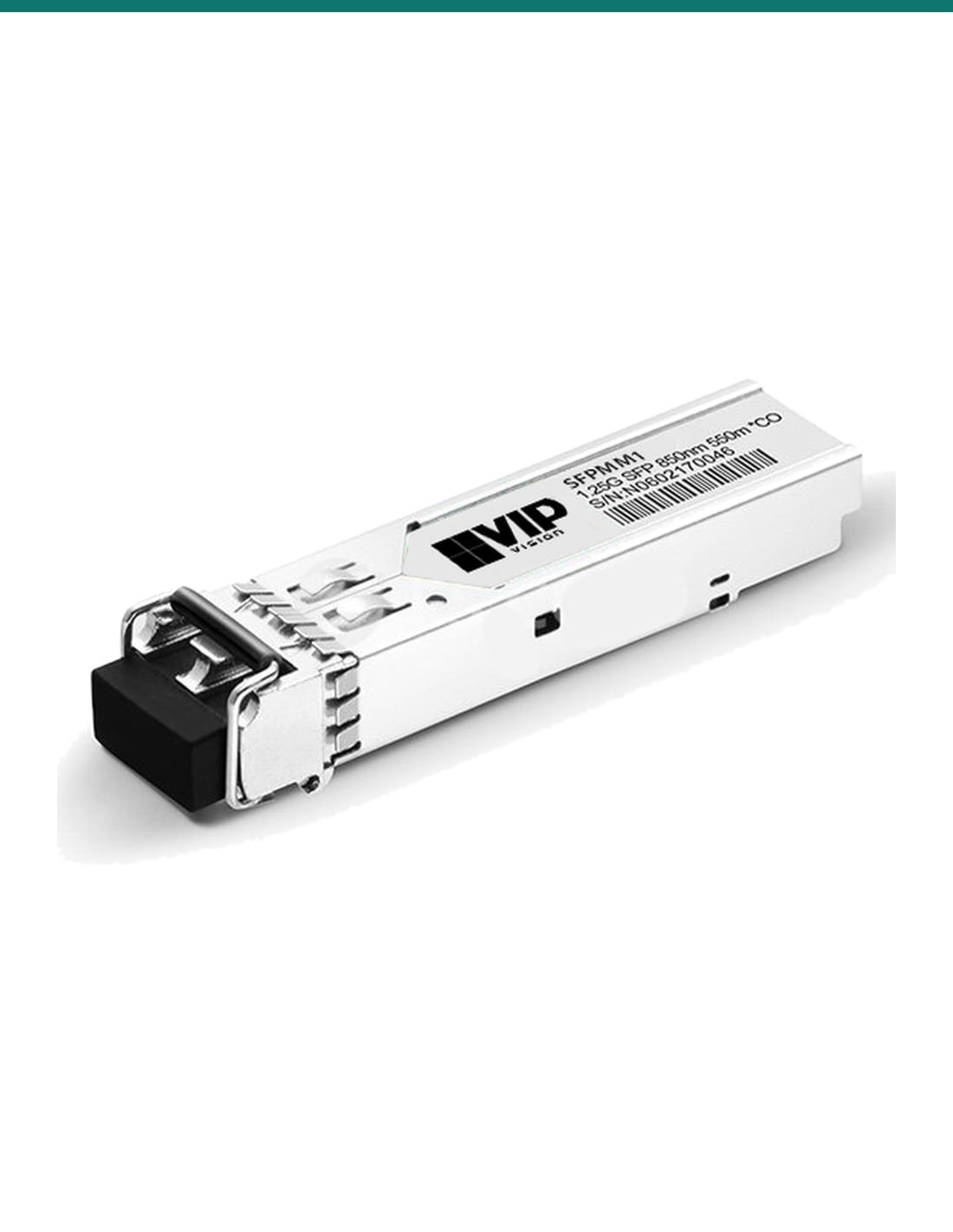
VIP Vision SFPMM1: a 1.25 Gb/s multi-mode SFP module that links two switches over fibre, up to 550 m apart on OM2.
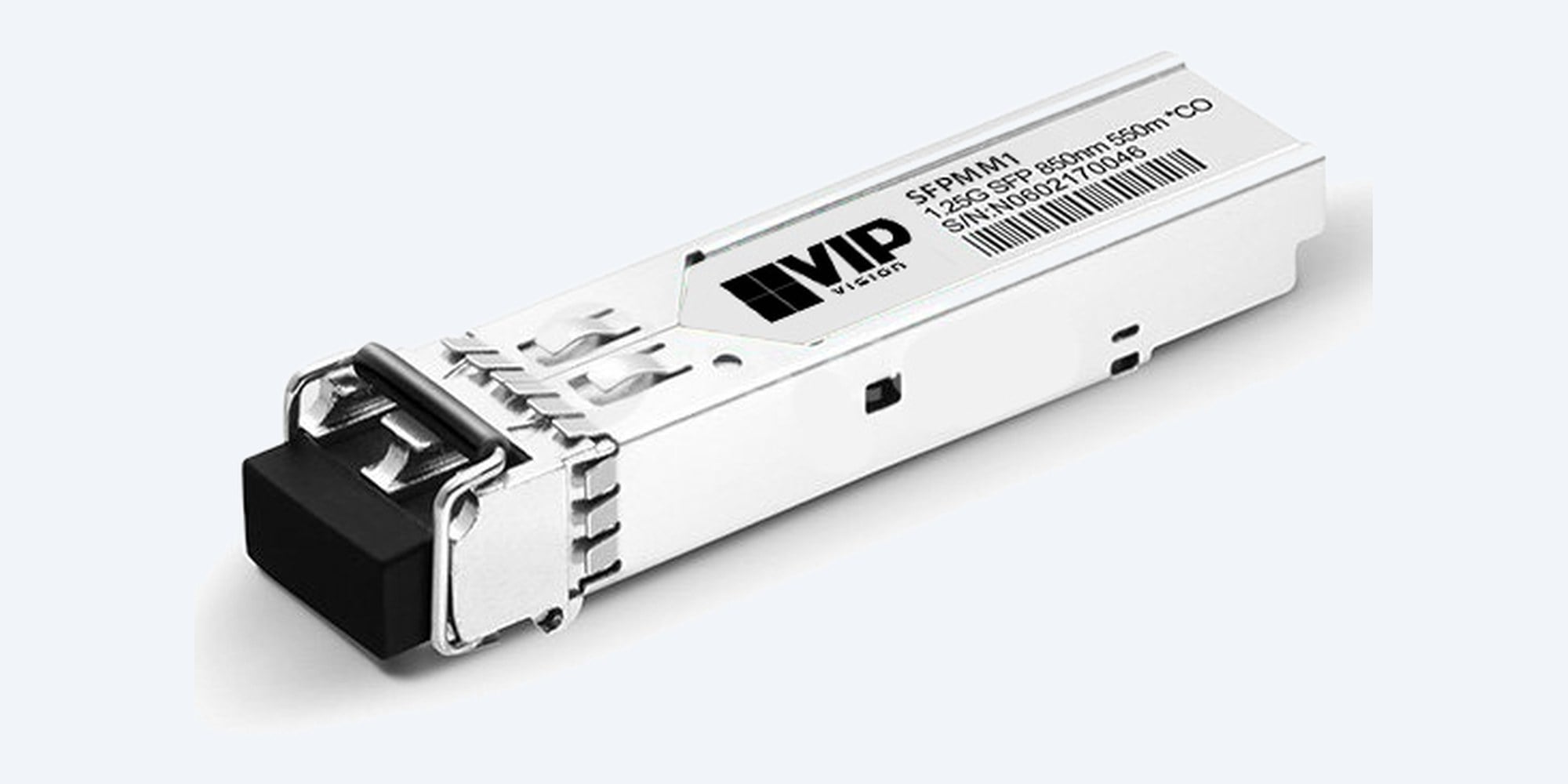
The VIP Vision SFPMM1 is a 1.25 Gb/s multi-mode SFP module with an LC duplex port and an 850 nm laser. It plugs into a switch's SFP port and reaches 550 m over OM2 fibre or 300 m over OM1.
In one sentence: the VIP Vision SFPMM1 is a hot-pluggable 1.25 Gb/s SFP (mini GBIC) module for multi-mode fibre, with an LC duplex interface, an 850 nm VCSEL laser, digital diagnostics (DOM) and a reach of 550 m over OM2 or 300 m over OM1.
One module per end. Fibre and switches are separate.
A fibre link needs a module at each end: an SFPMM1 in each switch, joined by multi-mode fibre with LC connectors. For runs over 550 m, or single-mode fibre, use the SFPSM1 instead.
A network cable is good for 100 m. Between buildings, across a yard or along a long warehouse, multi-mode fibre carries the link further and isn't affected by electrical noise. Fit an SFPMM1 in the SFP port of the switch at each end and the two switches are linked at gigabit speed.
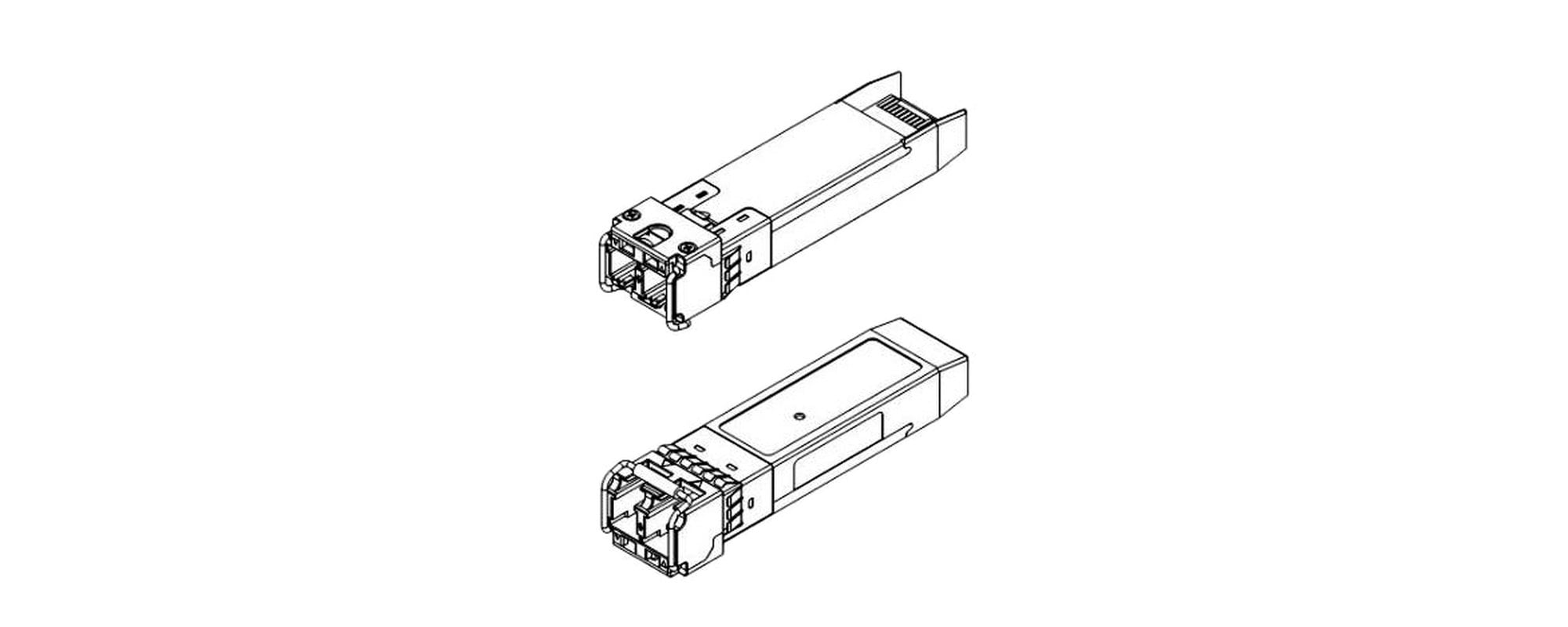
Interface
The front takes a duplex LC fibre lead, one fibre to send and one to receive. The module is hot-pluggable, so it can go in or come out while the switch is running.
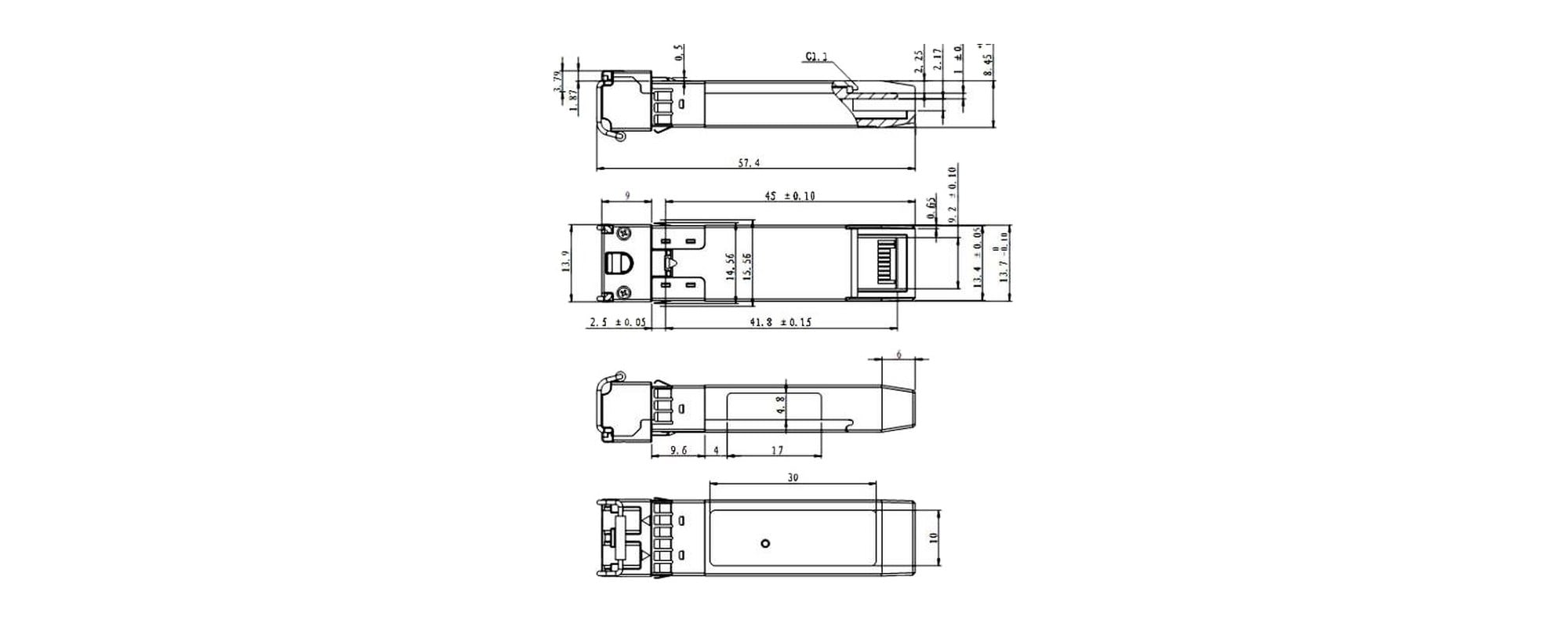
Size
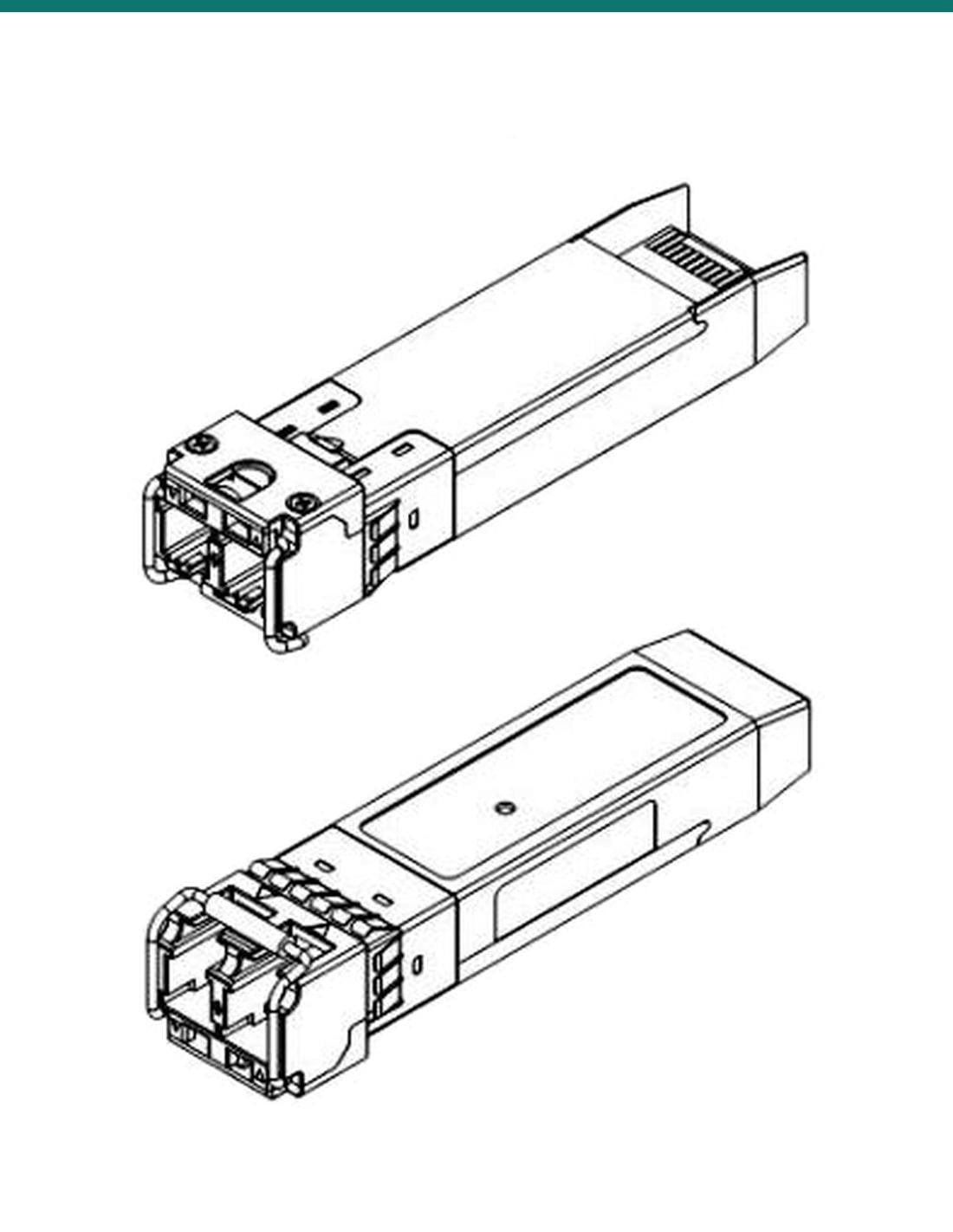
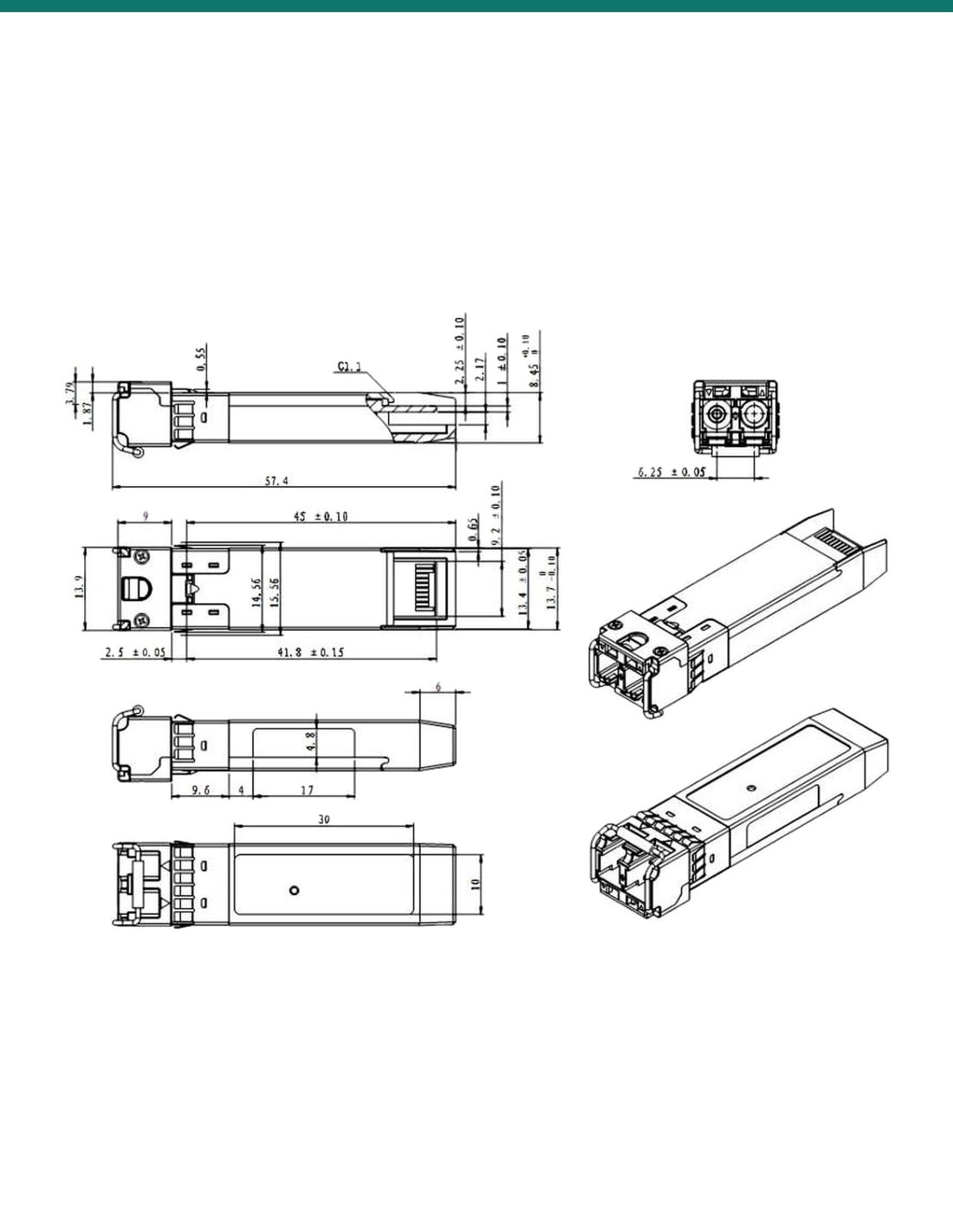
VIP Vision's drawing shows a module 57.4 mm long, 13.7 mm wide and 8.45 mm high, the SFP (small form-factor pluggable) format.
How it goes in
01
Confirm the run is multi-mode fibre with LC connectors: up to 550 m on OM2, or 300 m on OM1.
02
Push an SFPMM1 into the SFP (1000 Base-X) port of the switch at each end until it clicks. The switch can stay on.
03
Remove the dust caps and plug in the LC duplex leads. If the link doesn't come up, swap the two fibres at one end.
04
Look for the link light on both switches, then check the optical power reading on switches that show DOM.
At a glance
Show specs
Type
SFP (small form-factor pluggable) mini GBIC fibre module
Fibre
Multi-mode (MMF)
Interface
LC duplex
Max bit rate
1.25 Gb/s
Max distance
550 m over OM2 (50/125 µm); 300 m over OM1 (62.5/125 µm)
Wavelength
850 nm
Laser
850 nm VCSEL (vertical cavity surface emitting laser)
TX power
−9.5 to −3 dBm
Receiver sensitivity
< −17 dBm
Digital diagnostics (DOM)
Yes
Standards
MSA compliant (SFF-8472), IEEE 802.3z
Power
From the SFP port, < 3.5 V / 300 mA
Operating conditions
−40 °C to 85 °C, 95% RH max
Hot-pluggable
Yes
Size
57.4 × 13.7 × 8.45 mm (VIP Vision drawing)
Warranty
1 year (VIP Vision)
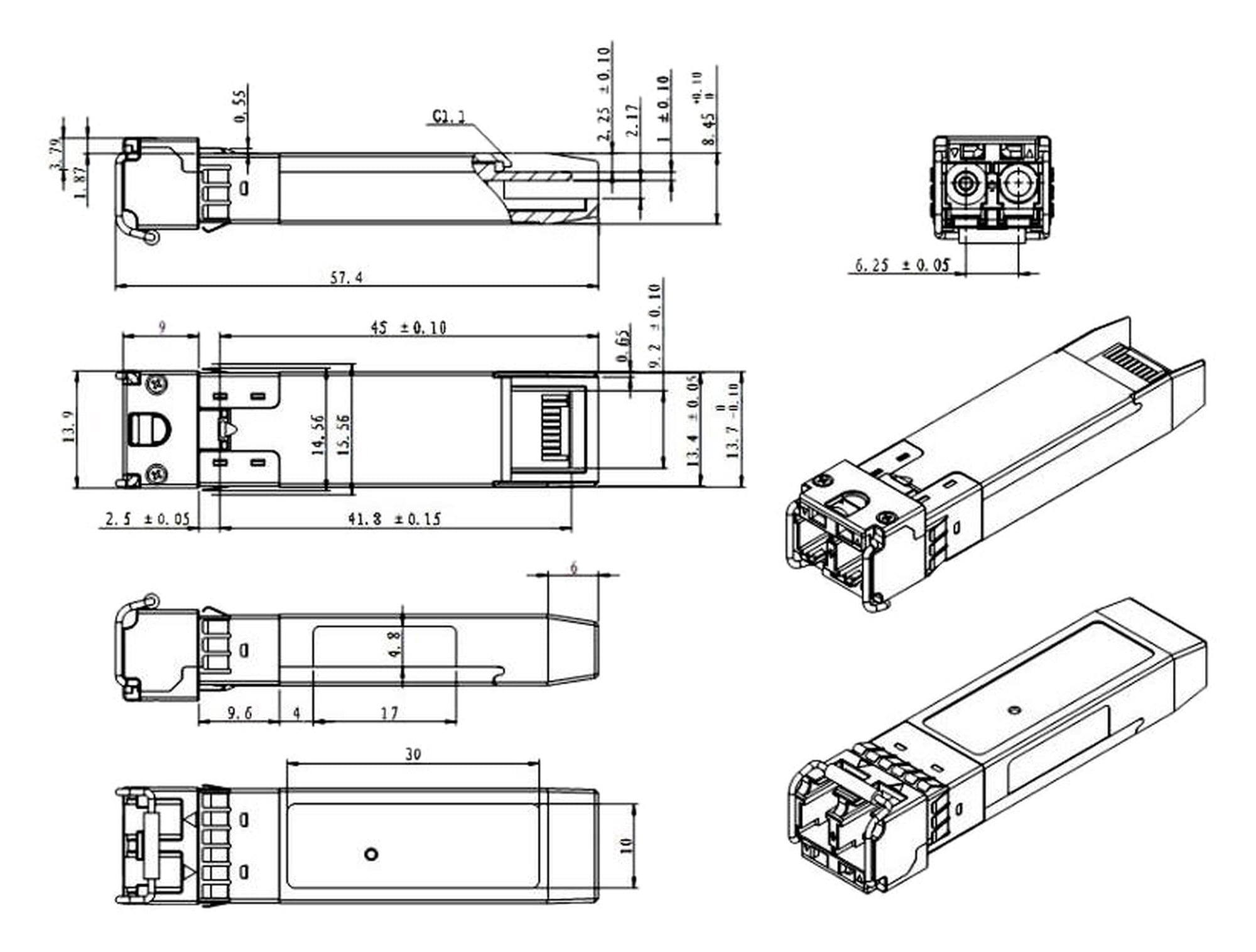
VIP Vision dimension drawing, mm.
Pair it with
Fibre switch
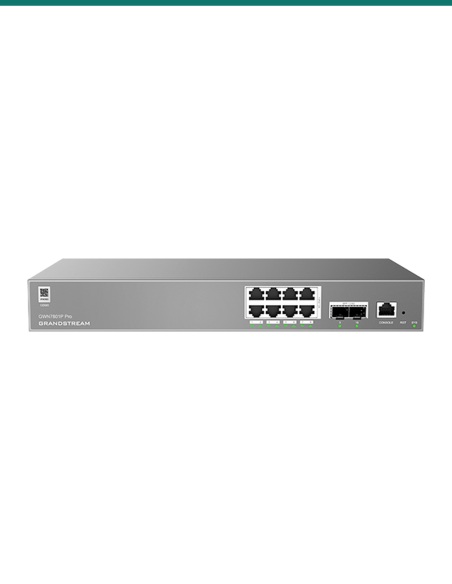
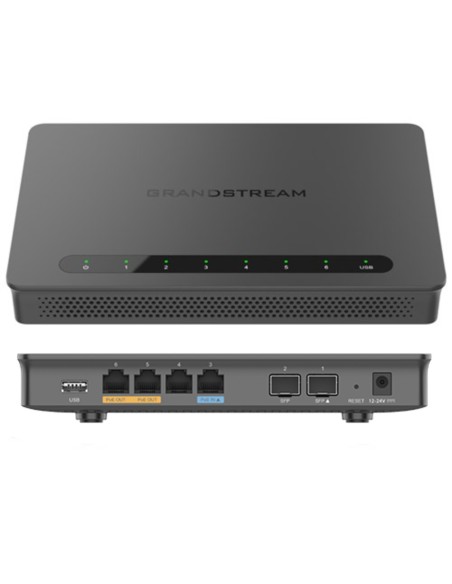
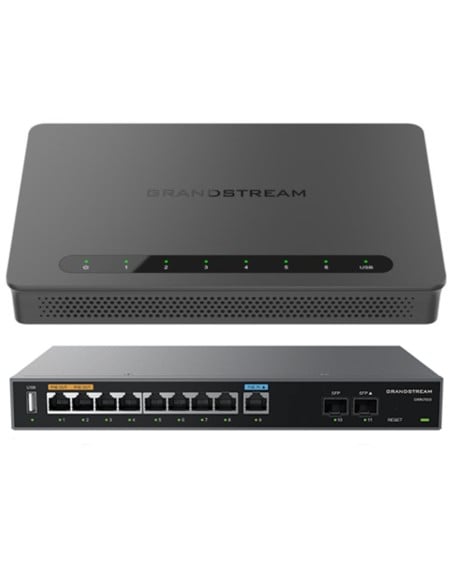
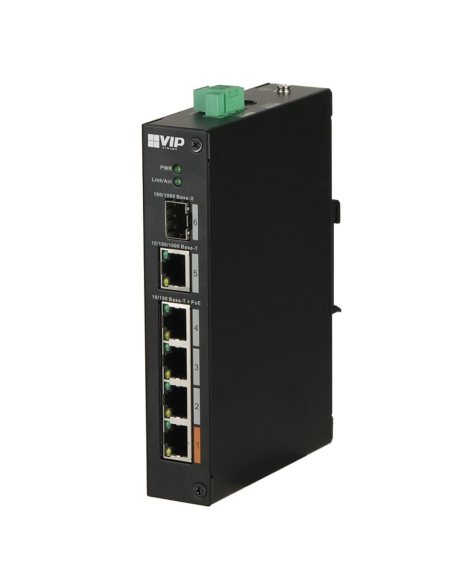
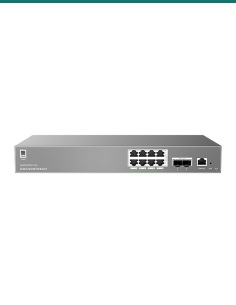
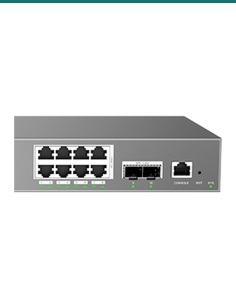
VIP Vision's 9-port gigabit switch with 4 SFP fibre ports and 4 PoE ports.
PoE switch
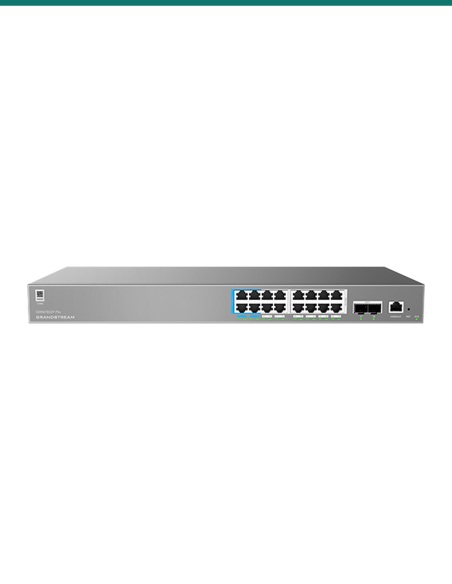
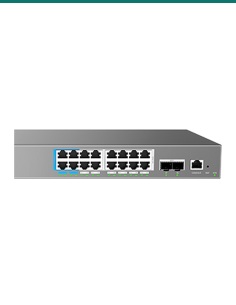
VIP Vision's 16-port gigabit PoE+ switch with 2 × 1000M Base-X SFP combo uplinks.
PoE switch
VIP Vision's 16-port PoE switch with 2 × 1000 Base-X uplinks.
Longer runs
VIP Vision's single-mode module, 1310 nm, for runs up to 10 km.
Where it is used
Linking a gatehouse, shed or second building back to the main switch.
Camera switches at the far end of a big floor.
Schools and business parks with buildings a few hundred metres apart.
Sheds and yards beyond the 100 m reach of copper.
Factories with motors and power cabling near the run.
Camera switches at the edge of a large car park.
| SFPMM1 (this module) | SFPSM1 | |
|---|---|---|
| Fibre | Multi-mode | Single-mode |
| Max distance | 550 m (OM2), 300 m (OM1) | 10 km |
| Wavelength | 850 nm | 1310 nm |
| Receiver sensitivity | < −17 dBm | < −21 dBm |
| Interface | LC duplex | LC duplex |
| Max bit rate | 1.25 Gb/s | 1.25 Gb/s |
| Standards | SFF-8472 MSA, IEEE 802.3z | SFF-8472 MSA, IEEE 802.3ah-2004 |
| Warranty | 1 year | 1 year |
Match the module to the fibre that is in the ground: multi-mode with the SFPMM1, single-mode with the SFPSM1, and the same type at both ends. Figures from VIP Vision's SFPMM1 datasheet and its SFPMM1 and SFPSM1 product pages.
A VIP Vision SFP (mini GBIC) module that connects a switch's SFP port to multi-mode fibre at up to 1.25 Gb/s.
550 m over OM2 multi-mode fibre (50/125 µm) and 300 m over OM1 (62.5/125 µm), according to VIP Vision's datasheet.
VIP Vision's product page lists OM1, OM2, OM3 and OM4 as compatible. Its datasheet only gives distances for OM2 and OM1, so we quote those.
LC duplex: one fibre for sending and one for receiving.
Yes. Each end of the fibre needs a module in a switch. Use an SFPMM1, or another 850 nm multi-mode module, at the far end.
VIP Vision says it is installed in the 1000 Base-X (combo) SFP ports of its PoE switches, such as the VSETH-SW9GF2, VSPOE-SWB16C and VSPOE-SWA16C. For other brands, ask us and we'll check the switch.
Up to 1.25 Gb/s, which is the line rate for gigabit Ethernet over fibre (IEEE 802.3z).
850 nm, from a VCSEL laser.
Yes. VIP Vision describes it as hot-pluggable.
Yes. It has digital diagnostics, including optical power monitoring, which switches that support DOM can display.
No. It is a multi-mode module. For single-mode fibre or runs up to 10 km, use VIP Vision's SFPSM1.
VIP Vision lists a 1 year warranty for the SFPMM1.
Not sure what fibre you have or which module your switch takes? Call 1300 736 970 or email [email protected] with the switch model and run length. VIP Vision's SFPMM1 datasheet is on the Attachments tab.
Laser light. The module sends invisible 850 nm laser light. Never look into the port or the end of a connected fibre.
Keep it clean. Keep the dust caps on until you connect the fibre, and clean LC connectors before plugging them in.
Cabling. Fibre installed in walls or between buildings is customer cabling under AS/CA S009 and needs an ACMA-registered cabler.
What it does not do. It does not convert between multi-mode and single-mode fibre, and both ends of a link need the same fibre type and wavelength.
Figures. From VIP Vision's SFPMM1 datasheet and drawing, and its SFPMM1 and SFPSM1 product pages.






Need help choosing?
Tell us about your property and we'll recommend the right cameras and recorder.
07 5609 4910Sydney 02 8814 6008
[email protected]
Mon–Fri, 9am–5pm AEST
20 related items