There are no more items in your cart
In Stock - Ready to Ship
VIP Vision IP Cameras - 8MP


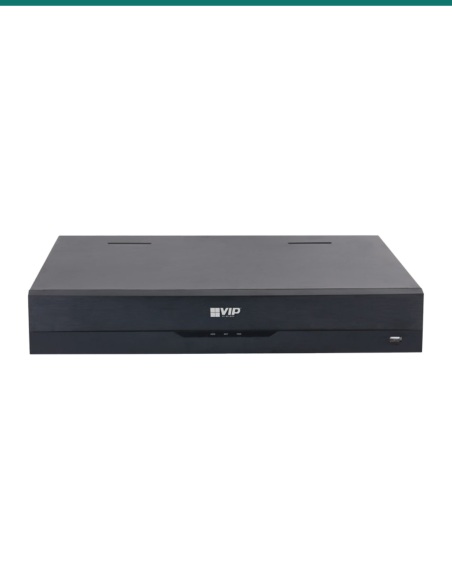
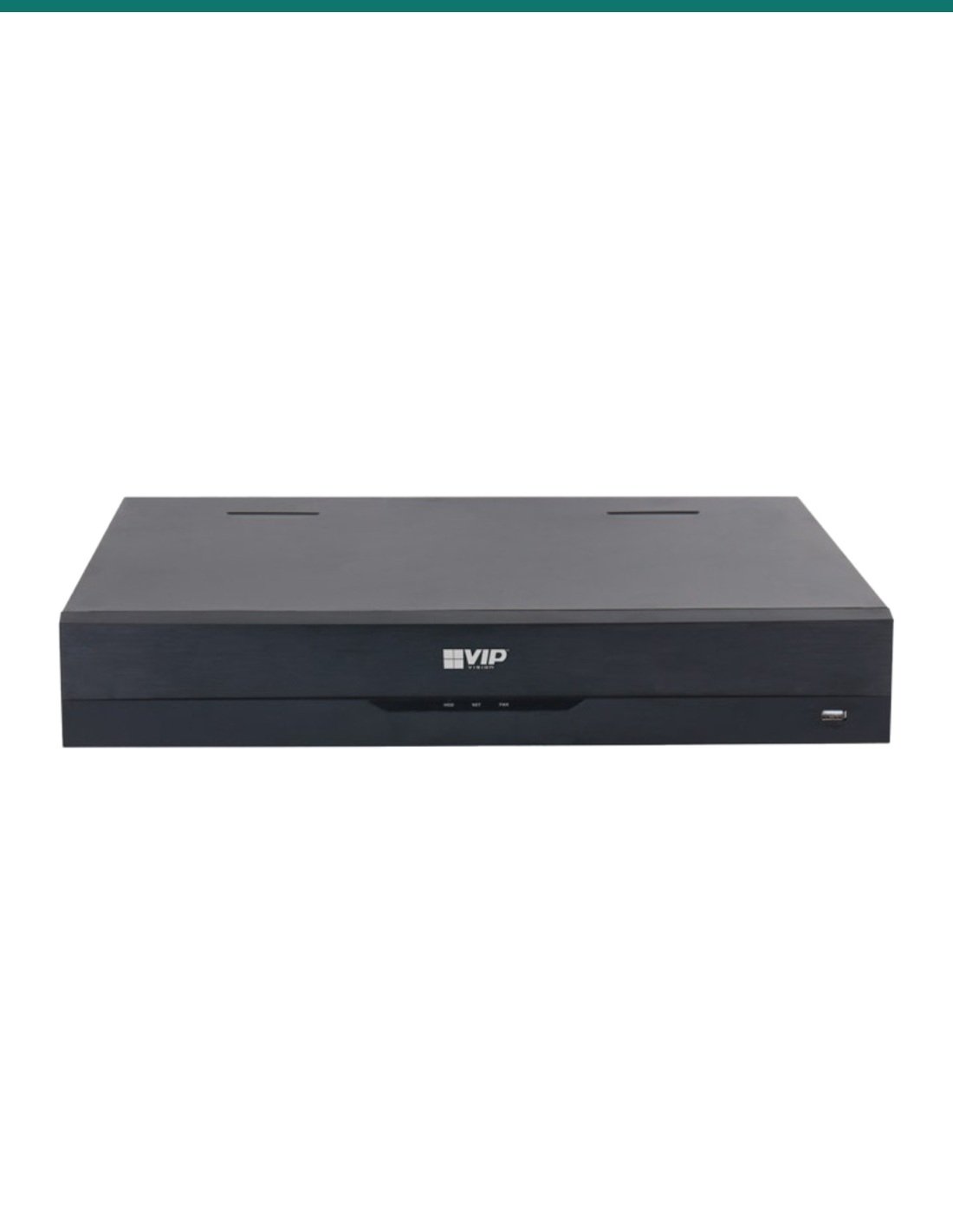
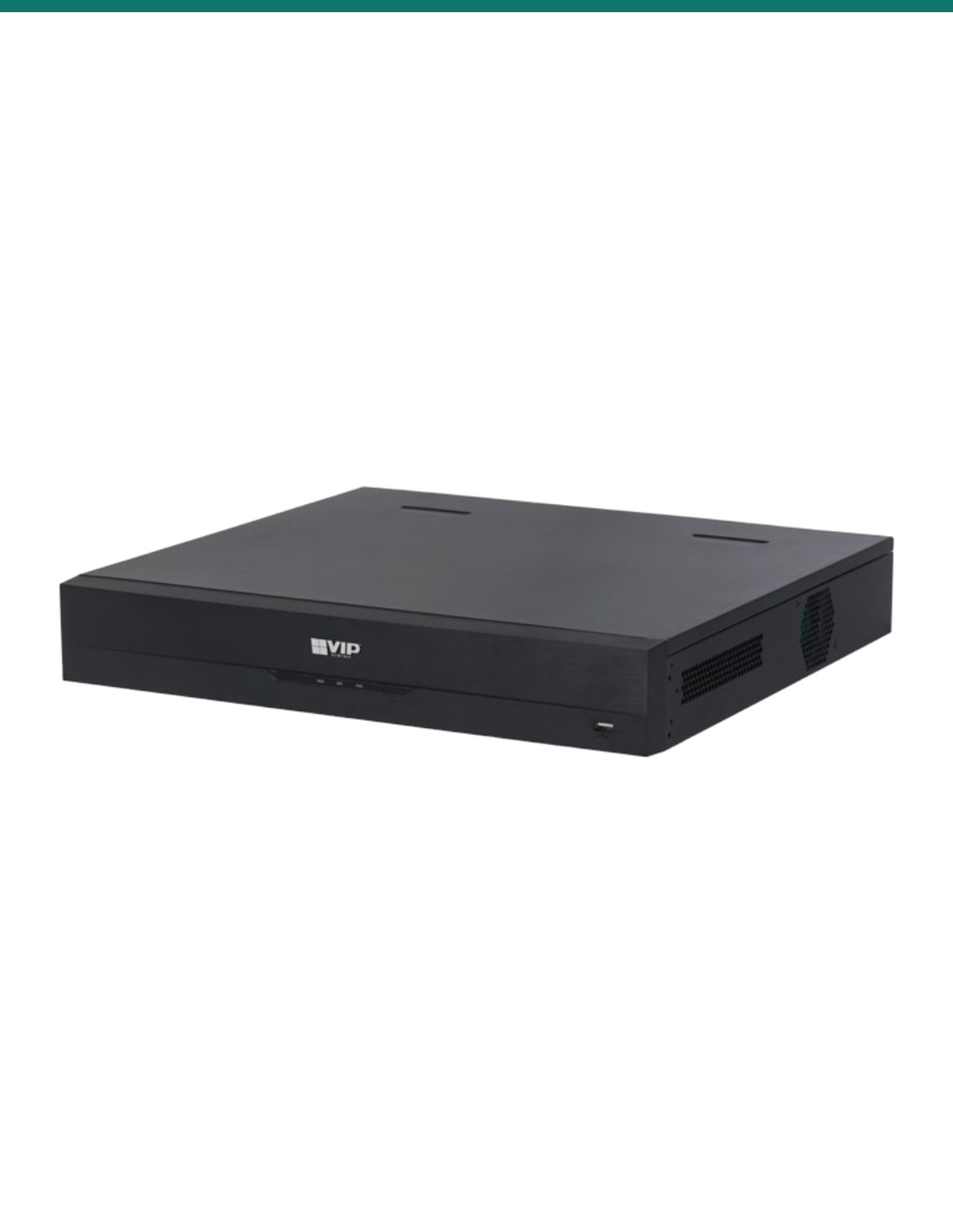
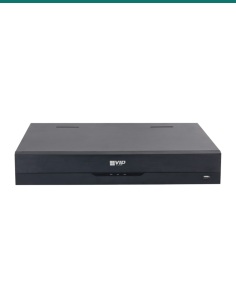
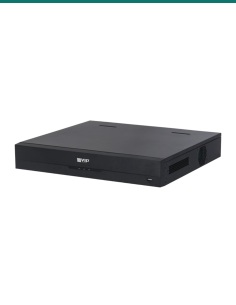
VIP Vision NVR32PRO-I3 is the 1.5U, 32-channel Professional AI recorder. Four drive bays and no PoE.
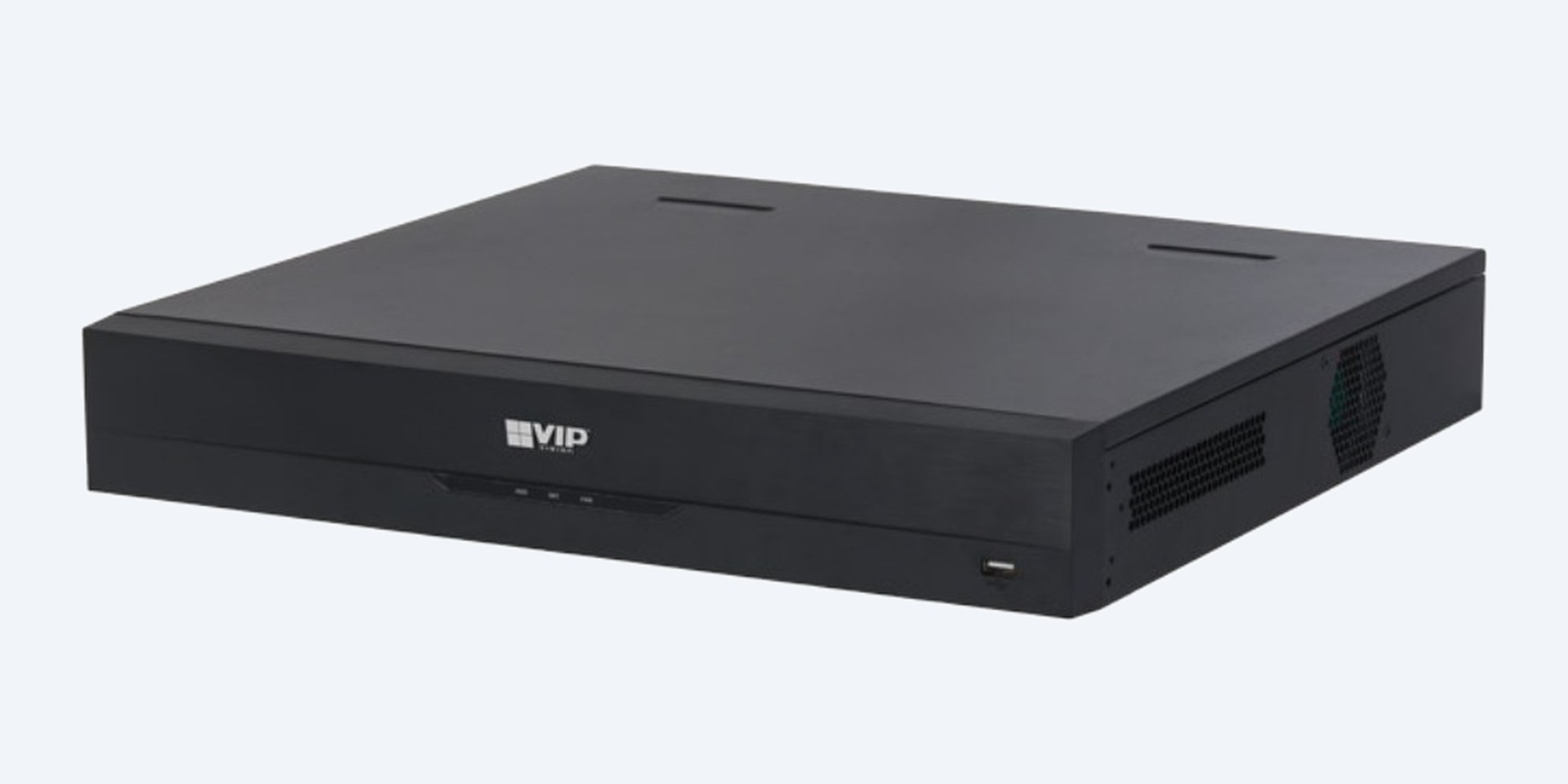
This is the NVR32PRO-I3: a 1.5U recorder for up to 32 IP cameras, with four drive bays of up to 16TB each and two Gigabit network ports. The cameras are powered by a separate PoE switch.
In one sentence: the NVR32PRO-I3 is a VIP Vision Professional AI 32-channel network video recorder in a 1.5U chassis, recording up to 32MP with 384 Mbps of bandwidth, four SATA bays of up to 16TB each and no built-in PoE.
Recorder only. Drives and camera power are separate.
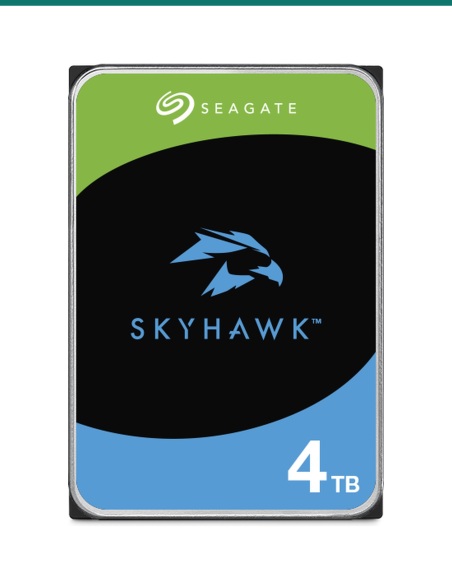
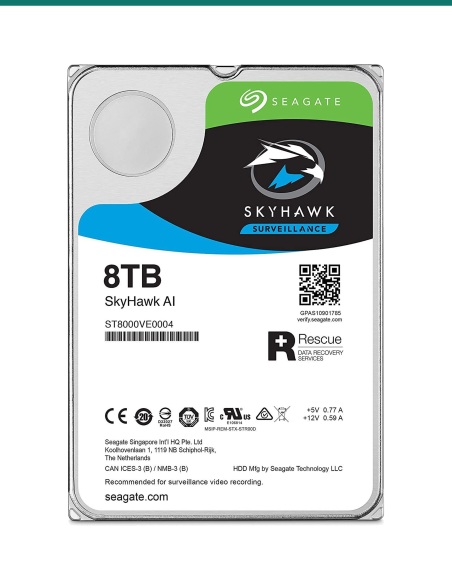
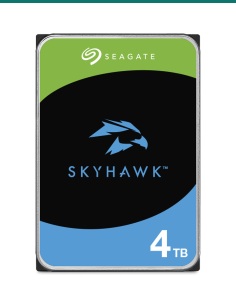
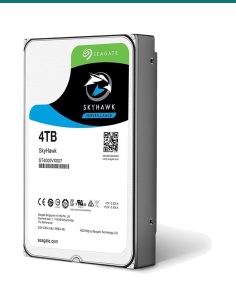
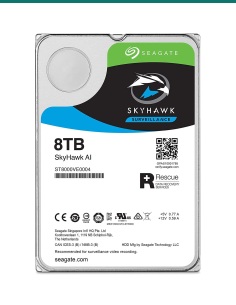
Hard drives, cameras and a PoE switch are not in this box. The four bays ship empty.
Thirty-two channels on two Gigabit ports, recording up to 32MP within 384 Mbps, or 200 Mbps with AI on. On the recorder itself: face detection and recognition on 2 channels, AI tripwire and intrusion (IVS) on 4 and AI motion detection (SMD) on 8. The 64-channel model is a 2U chassis with eight bays.
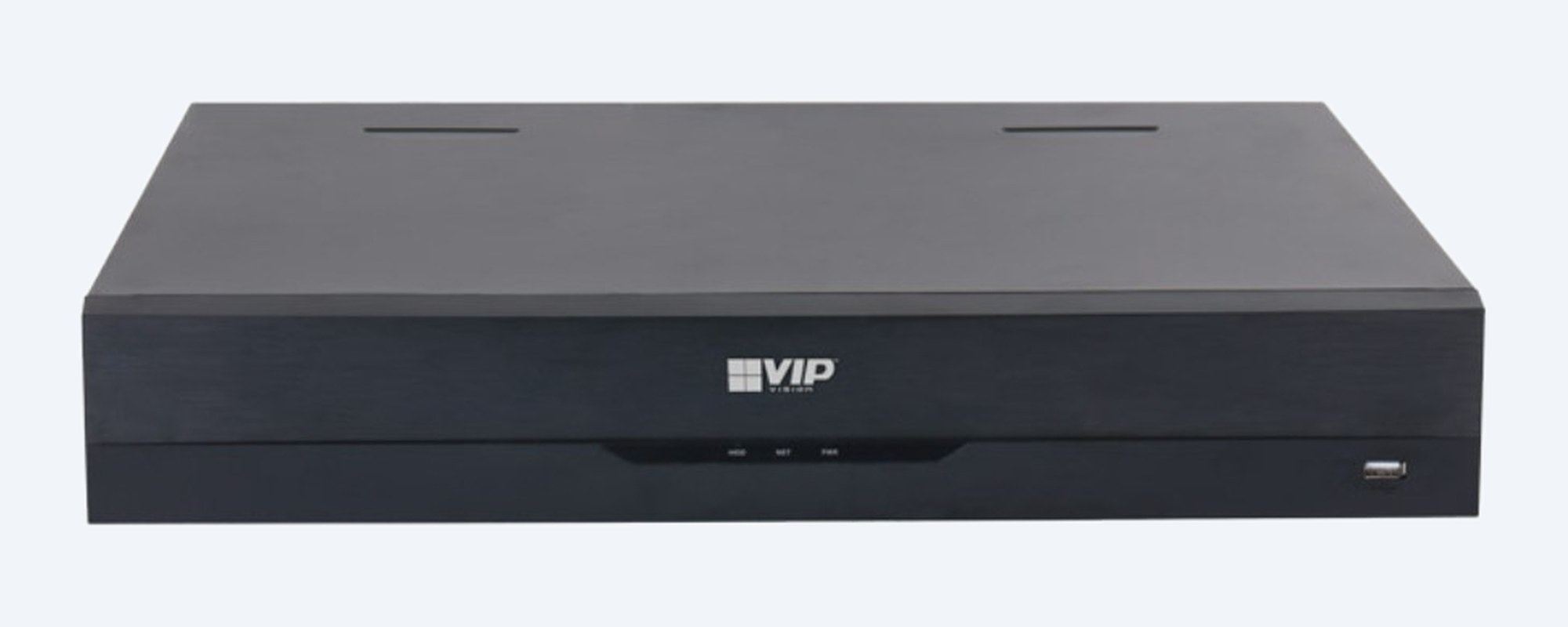
Front
Four SATA bays take up to 16TB each, 64TB in total, plus eSATA on the back. Recording runs from 32MP (6528 × 4896) down to QCIF. One USB 2.0 port on the front.
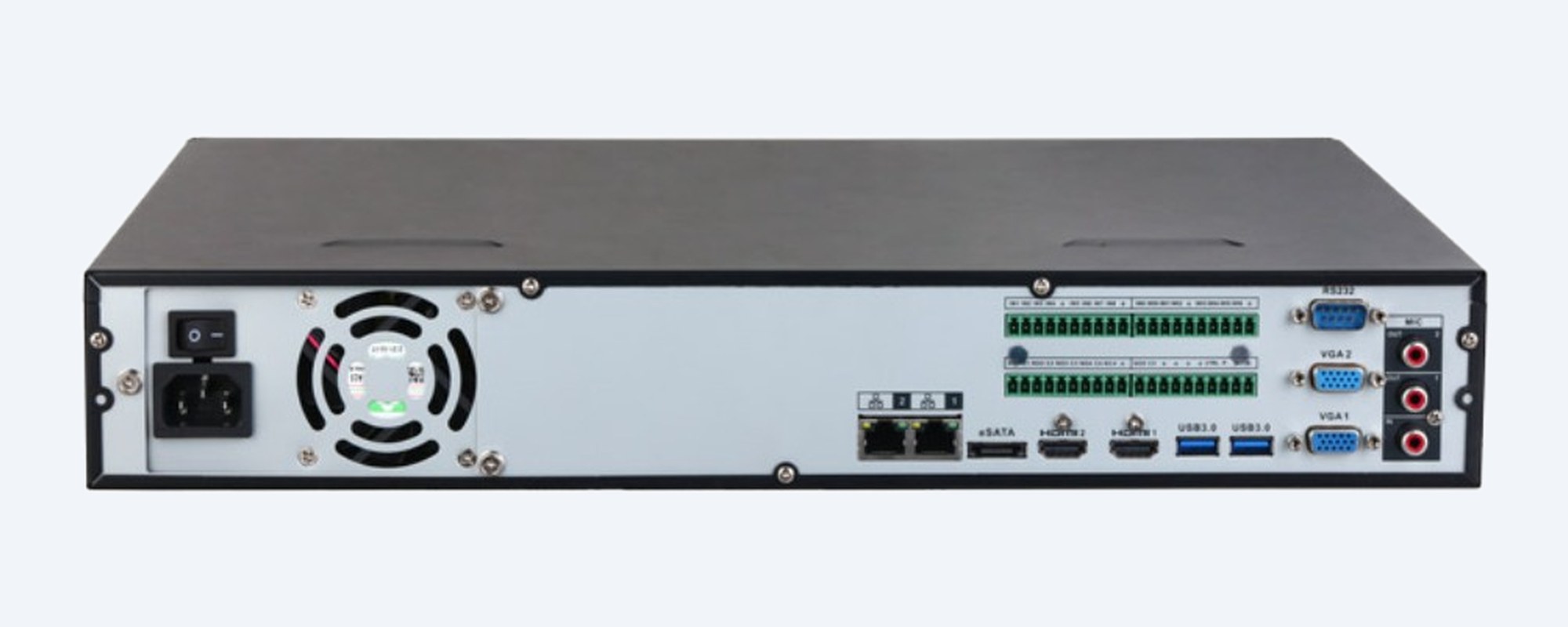
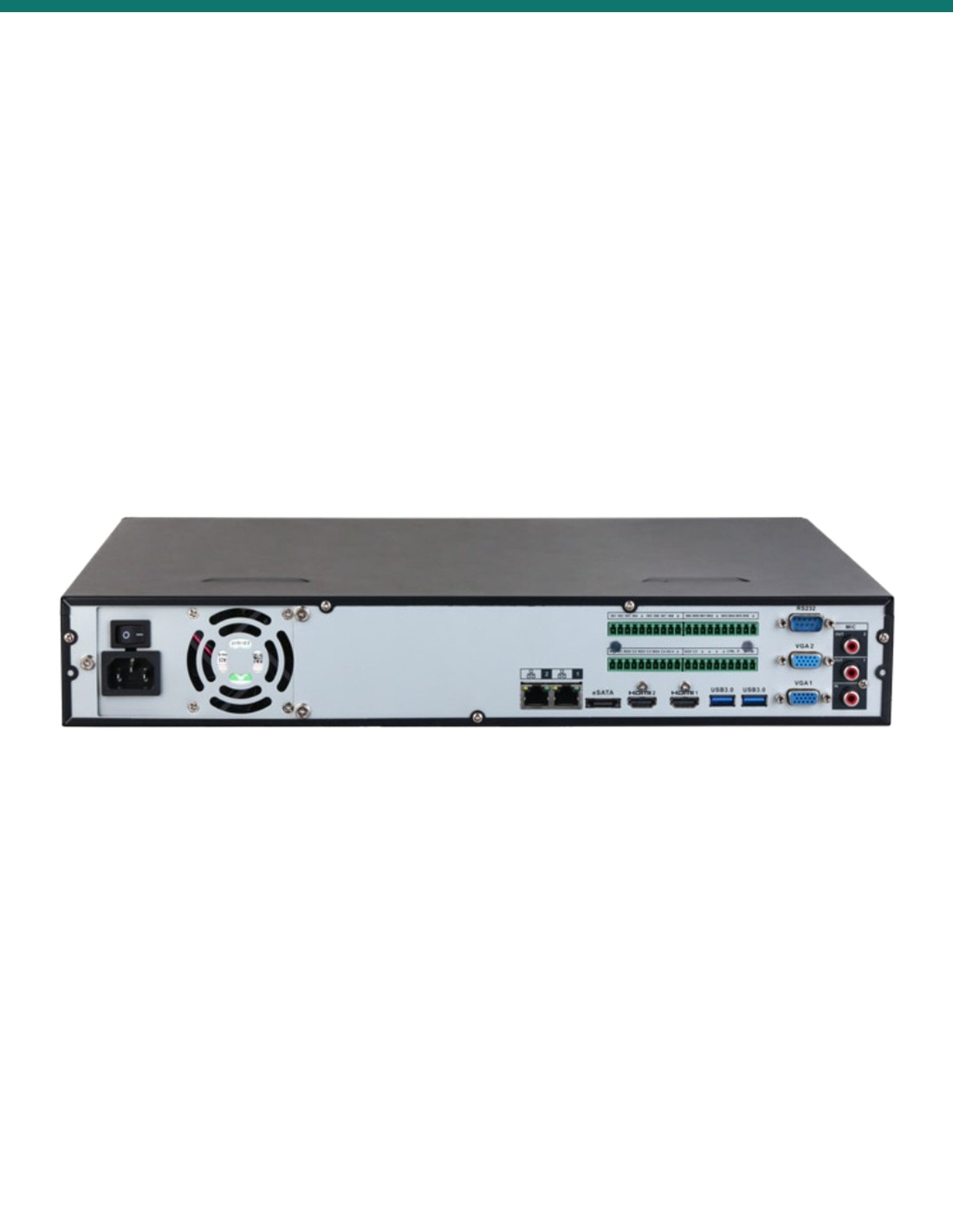
Rear
Two Gigabit network ports, eSATA, two HDMI, two USB 3.0 and two VGA. Mains is 100–240 VAC with a power switch. The draw without drives is 13 W or less.
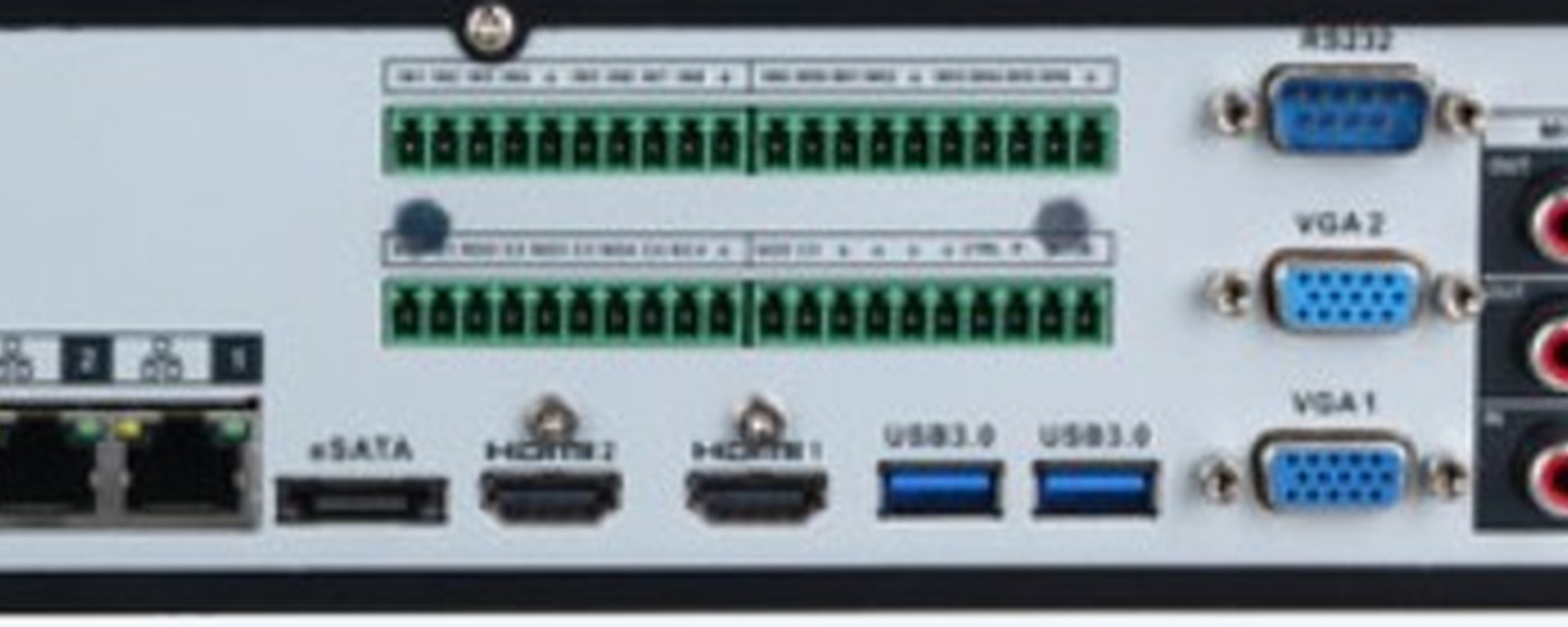
Connections
HDMI up to 3840 × 2160 and VGA up to 1920 × 1080, two of each. Alarm terminals take 16 inputs and 6 outputs. RS-232, RS-485, one RCA audio input and two RCA outputs.
How it goes in
01
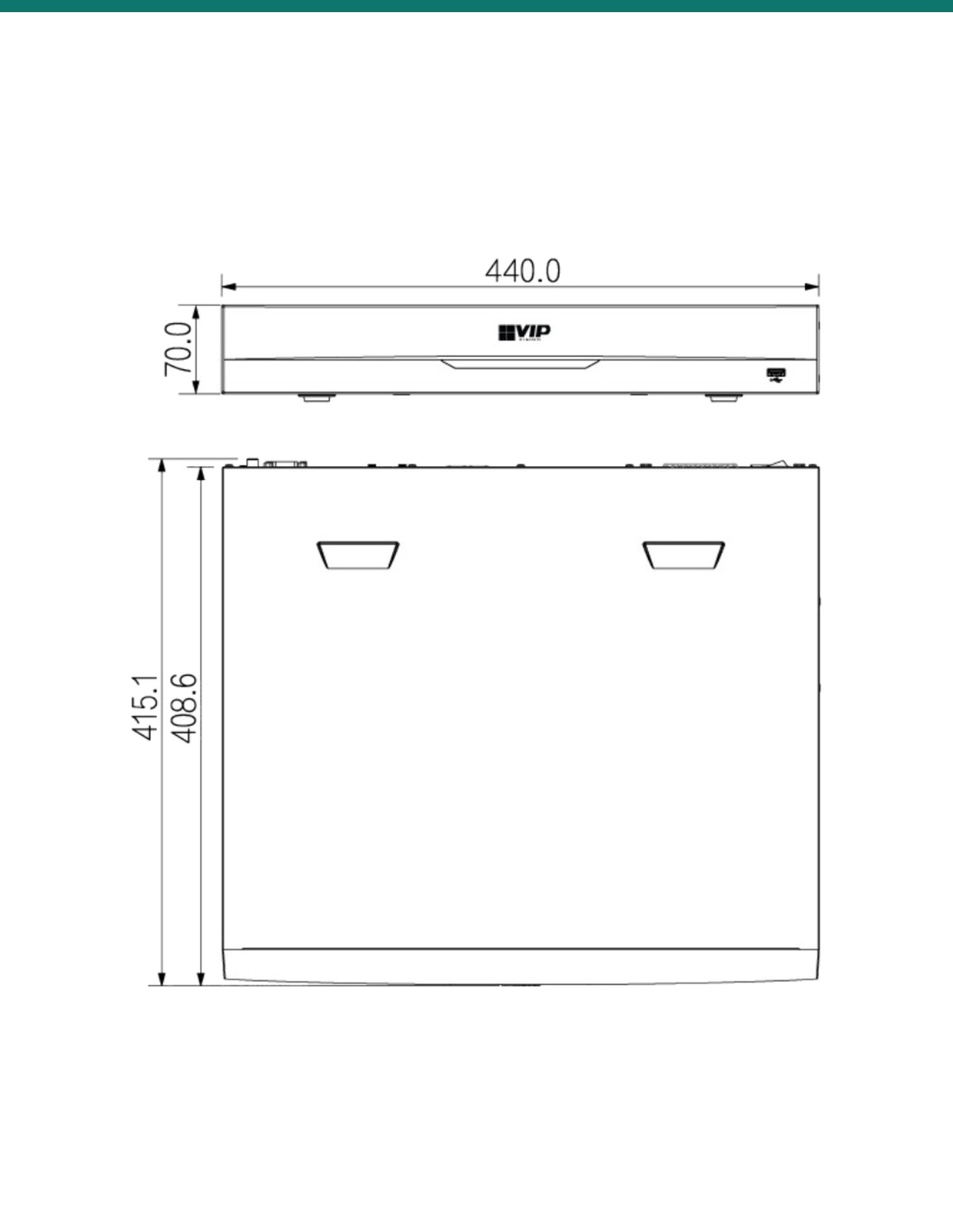
440 mm wide and 415 mm deep. 100–240 VAC. Connect one or both Gigabit ports to your network switch.
02
Up to four SATA drives of up to 16TB each, 64TB in total. eSATA on the back for backup.
03
Use a PoE switch, not this chassis. Stay inside 384 Mbps, or 200 Mbps with AI on.
04
Face detection and recognition run on 2 channels of the NVR, IVS on 4 and SMD on 8. Cameras can run their own AI on more.
At a glance
Show specs
Model
NVR32PRO-I3
Channels
32 IP
PoE
None. Cameras need their own switch
Recording
32MP (6528 × 4896) down to QCIF
Compression
Smart H.265+ / H.265 / H.264 / H.264+ / MJPEG
Bandwidth, AI off
384 Mbps
Bandwidth, AI on
200 Mbps
Decode, AI off
8 ch @ 8MP/25 fps, 32 ch @ 1080p/25 fps
Decode, AI on
24 ch @ 1080p/25 fps
Playback
Up to 16 channels
Live view
Main screen up to 36-way, second screen up to 16-way
Face detection on the NVR
2 channels, up to 12 face images/s per channel
Face recognition on the NVR
2 channels if the NVR detects; 16 channels with face capture cameras
Face library
20 databases, 20,000 images
Human and vehicle on the NVR
IVS 4 channels (10 rules each), SMD 8 channels
ANPR
On the cameras: 8 channels in the spec table (4 in the feature list), 20,000 plates
Video metadata
On the cameras, 8 channels
Drives
4 × SATA, up to 16TB each, plus eSATA
Network
2 × Gigabit, no PoE
Display
2 × HDMI (up to 3840 × 2160), 2 × VGA (up to 1920 × 1080)
USB and serial
1 front USB 2.0, 2 rear USB 3.0, RS-485, RS-232
Audio
1 RCA input, 2 RCA outputs
Alarm
16 inputs, 6 outputs
Interoperability
ONVIF 21.12 (Profile T, S, G); iOS and Android app
Power
100–240 VAC, 50/60 Hz; 13 W or less without drives
Chassis
440 × 415 × 70 mm, 1.5U, 4.74 kg without drives
Environment
−10 °C to +55 °C, 10–93% RH
Warranty
4 years
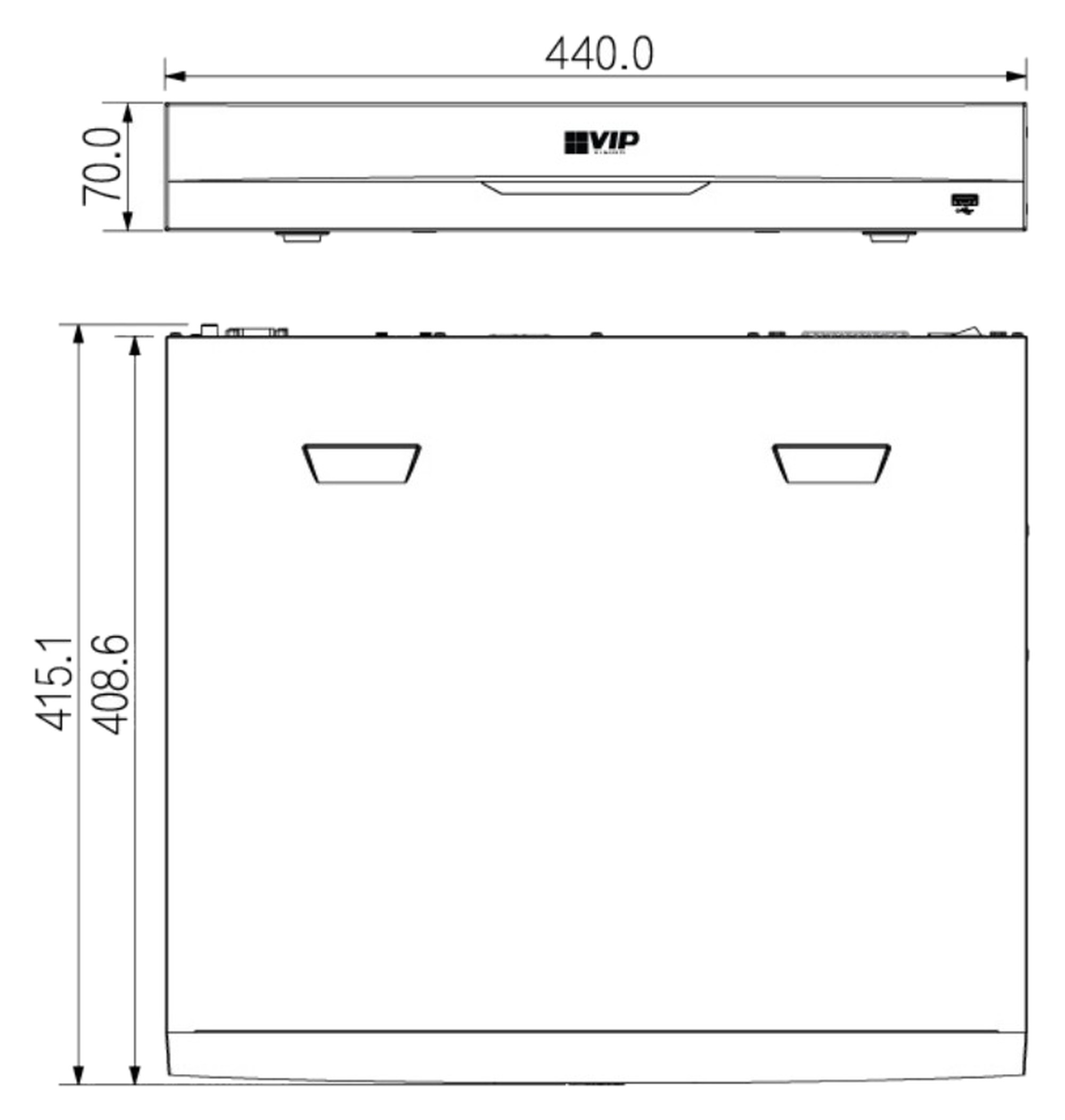
440 × 415 × 70 mm, 1.5U, 4.74 kg without drives. Units mm.
Pair it with
Storage
Up to four, 16TB each. Bays ship empty.
Power
No PoE on this chassis. Size the switch for the cameras and their total power.
Cameras
Camera AI, including ANPR and video metadata, adds to what the NVR runs itself.
Security
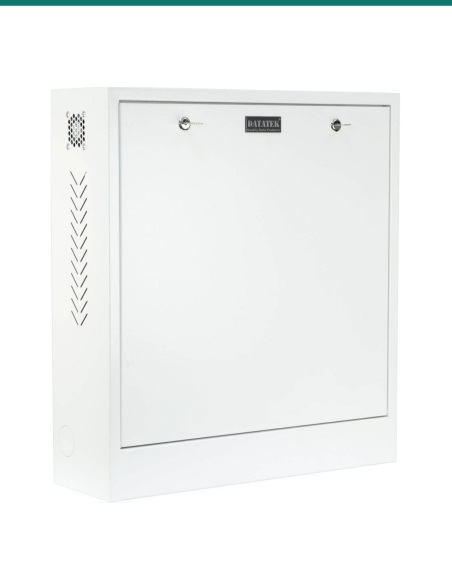
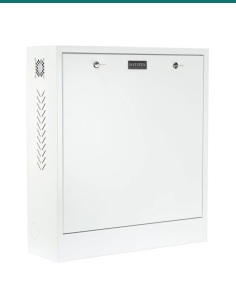
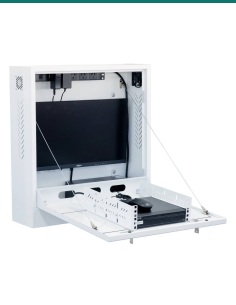
Keep the recorder out of reach so a thief can't take the footage with it. Ask us about the 24SECCAB security cabinet.
Where it is used
One head end for a floor that has outgrown 16 channels.
Four bays for sites that keep footage for longer.
Entries, floors and car parks on two Gigabit ports.
AI tripwire on 4 channels of the NVR, ANPR on the cameras.
Cameras powered from PoE switches across the site, recorded in one place.
Common-area recording in a 1.5U chassis, 440 mm wide.
| NVR32PRO-I3 (this recorder) | NVR64PRO-I3 | |
|---|---|---|
| Channels | 32 IP | 64 IP |
| Bays | 4, up to 16TB each | 8, up to 16TB each |
| Alarm in / out | 16 / 6 | 16 / 8 |
| Main screen split | Up to 36 | Up to 64 |
| Chassis | 1.5U, 440 × 415 × 70 mm, 4.74 kg | 2U, 440 × 458 × 89 mm, 6.4 kg |
| PoE | None | None |
Both columns come from the same VIP Vision Professional AI NVRxxPRO-I3 datasheet. Bandwidth (384 Mbps, 200 Mbps with AI) and the NVR's AI channels are the same on both.
No. It has two Gigabit LAN ports and no PoE. The cameras need a separate PoE switch.
No. Four empty SATA bays take up to 16TB each, 64TB in total, plus eSATA on the rear.
Up to 32MP (6528 × 4896) per camera, within 384 Mbps in total.
Bandwidth drops from 384 Mbps to 200 Mbps, and decoding drops from 32 channels at 1080p to 24.
Face detection and recognition on 2 channels, AI tripwire and intrusion (IVS) on 4 channels with 10 rules each, and AI motion detection (SMD) on 8 channels.
Yes, 16 channels when face capture cameras detect the face and the NVR does the recognition. The library holds 20 databases and 20,000 images.
Yes, on the cameras. The spec table lists 8 channels and the feature list says 4, so confirm with us if you need more than 4. It stores up to 20,000 plates.
Two HDMI and two VGA. Live view is up to 36-way on the main screen and 16-way on the second. Playback is up to 16 channels.
440 × 415 × 70 mm, 1.5U, 4.74 kg without drives. The 64-channel model is 2U and 458 mm deep.
Yes, ONVIF cameras (Profile T, S and G). AI features depend on the camera; VIP Vision Professional AI cameras support them all.
4 years from VIP Vision, supported by InFront Technologies. The datasheet is on the Attachments tab.
Concealed cabling between the cameras and the PoE switch is customer cabling under AS/CA S009 and needs an ACMA-registered cabler. Plugging this recorder into an existing outlet is normal use.
Planning a 32-camera site? Send us the camera list and how long you need to keep footage, and we will size the drives and PoE switch: call 1300 736 970 or email [email protected].
Mains recorder. 100–240 VAC into an existing outlet is normal use. A new circuit or any switchboard work needs a licensed electrician. Power off before fitting or removing a drive.
Camera cabling. Concealed cabling between the cameras and the PoE switch is customer cabling under AS/CA S009 and needs an ACMA-registered cabler. This recorder does not supply PoE.
Privacy and audio. Recording people and conversations is covered by state and territory surveillance laws. Point cameras at your own property and check the rules before you record audio.
What it does not do. No PoE, no analogue (coax) inputs and no RAID; each drive records on its own.
Figures. From the NVR32PRO-I3 column of the VIP Vision Professional AI NVRxxPRO-I3 datasheet. The 64-channel column is a different chassis.




Sale ends Fri 20 Nov




Need help choosing?
Tell us about your property and we'll recommend the right cameras and recorder.
07 5609 4910Sydney 02 8814 6008
[email protected]
Mon–Fri, 9am–5pm AEST
20 related items