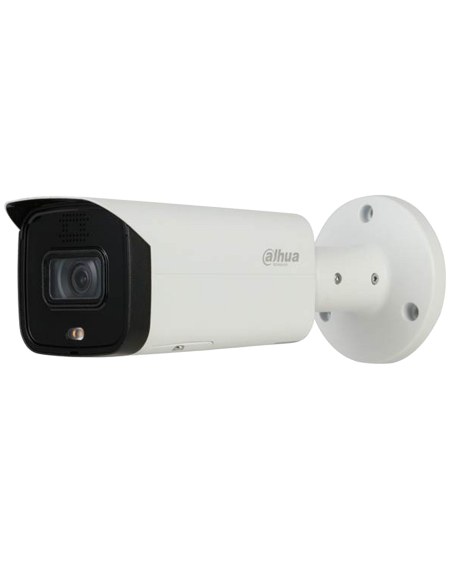
1 / 4

Dahua Acupick 8MP 4K-UHD IP PoE Dome Fixed Lens Camera - DH-IPC-HDBW3867E-AS-IL-ANZ

SKU DH-IPC-HDBW3867E-AS-IL-ANZ In Stock - Ready to Ship
$287.50 inc GST

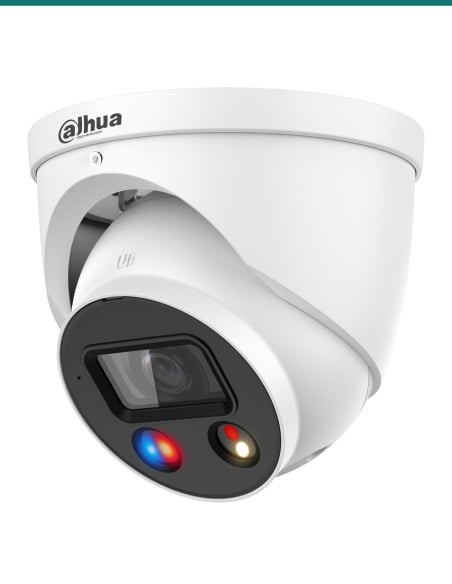
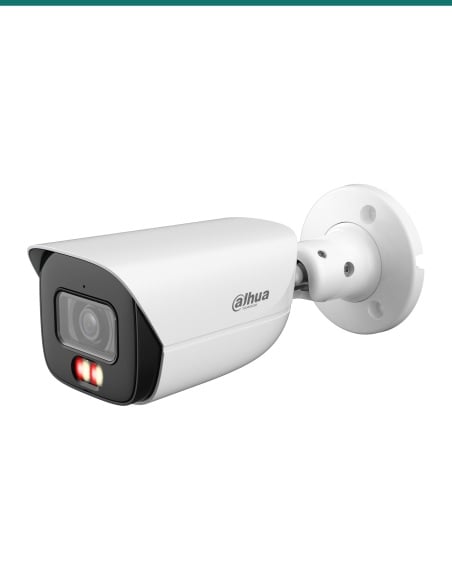
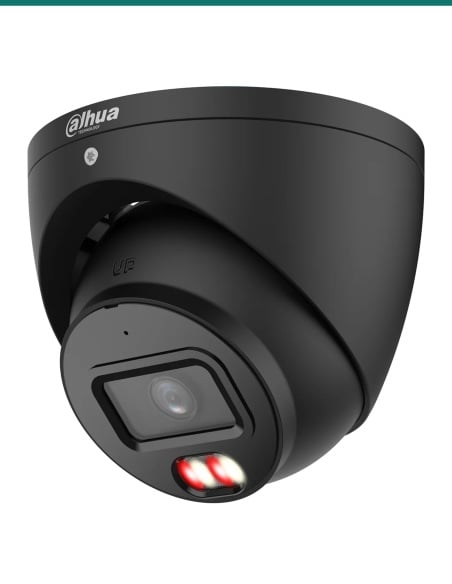
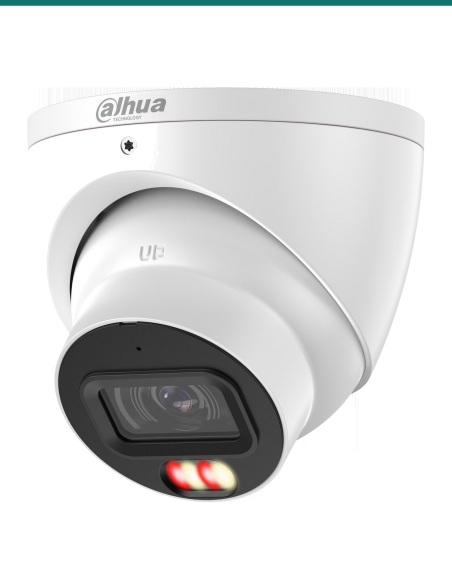
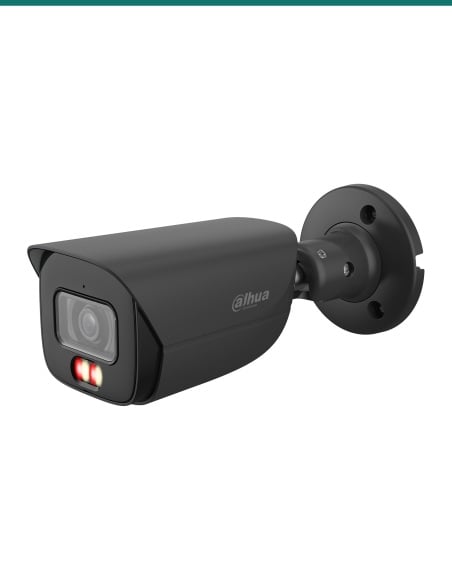
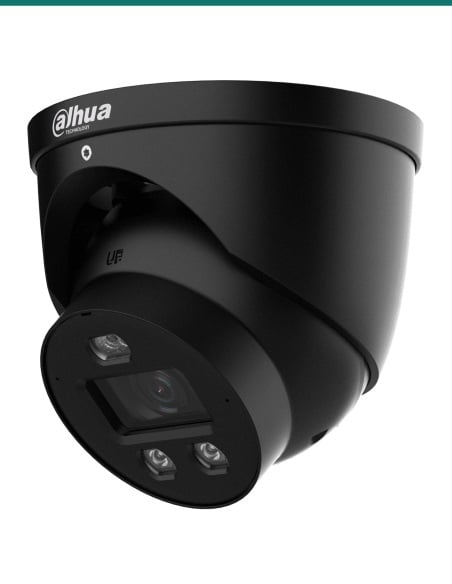
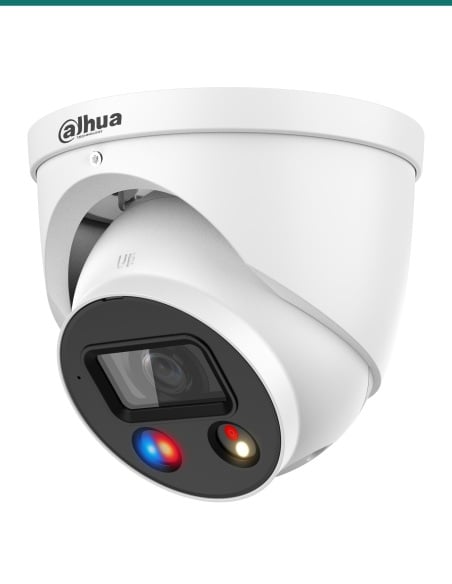
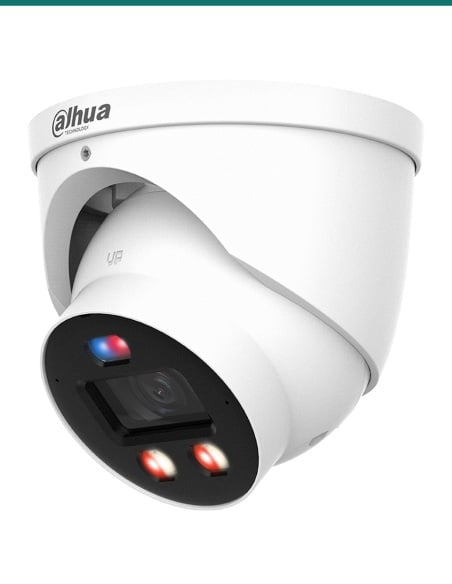
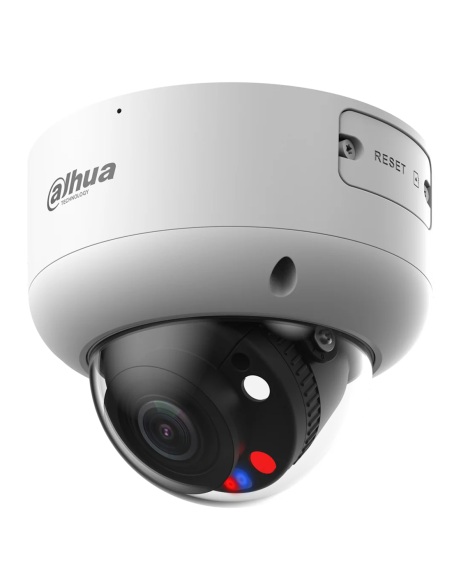
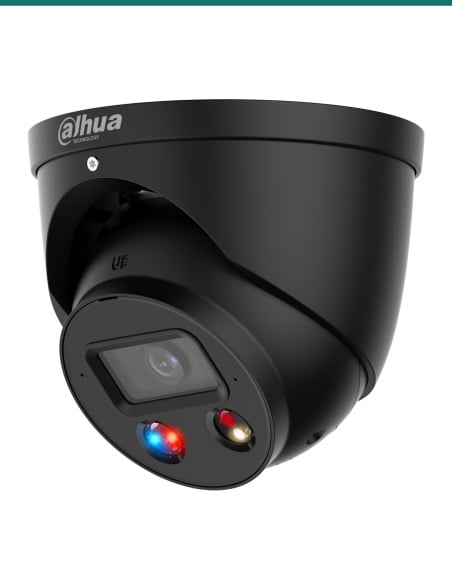
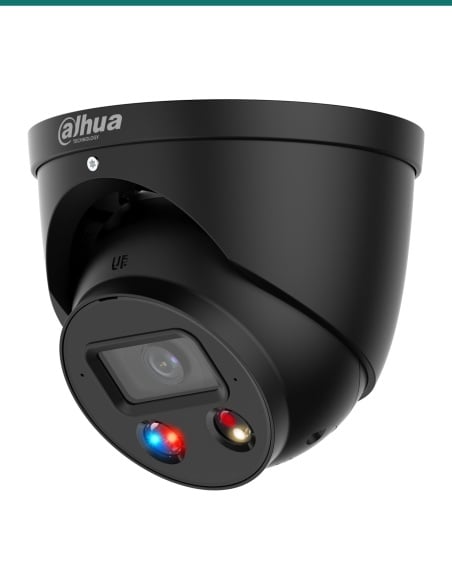
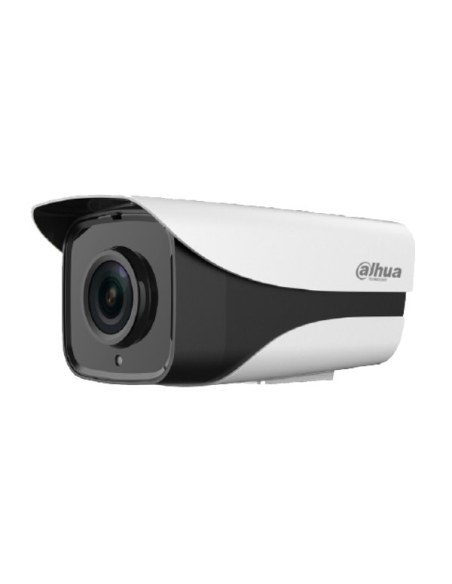
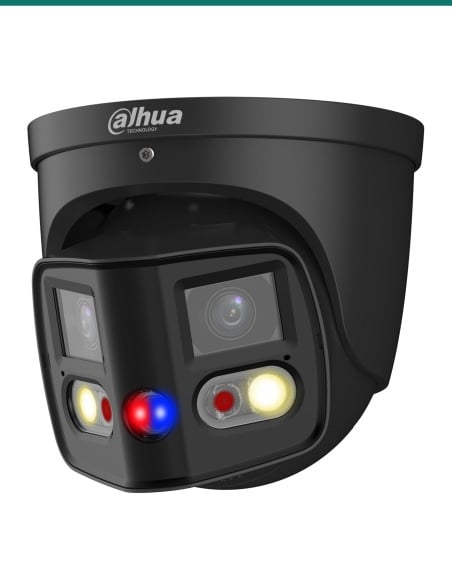
Dahua DH-IPC-HDBW3867E-AS-IL-ANZ: a white 8MP WizSense metal vandal dome with Smart Dual Light, IR and warm light to 30 m, SMD 4.0 people and vehicle detection, AcuPick and a built-in mic.

  • ✓8MP, 3840 × 2160 at 25/30 fps, F1.4 lens (2.8 or 3.6 mm)
  • ✓Smart Dual Light: IR and warm light to 30 m
  • ✓SMD 4.0, tripwire and intrusion, AcuPick
  • ✓Built-in mic, 1 alarm and 1 audio in and out
  • ✓microSD up to 512 GB
  • ✓IP67 and IK10 metal housing, PoE or 12 VDC


Description

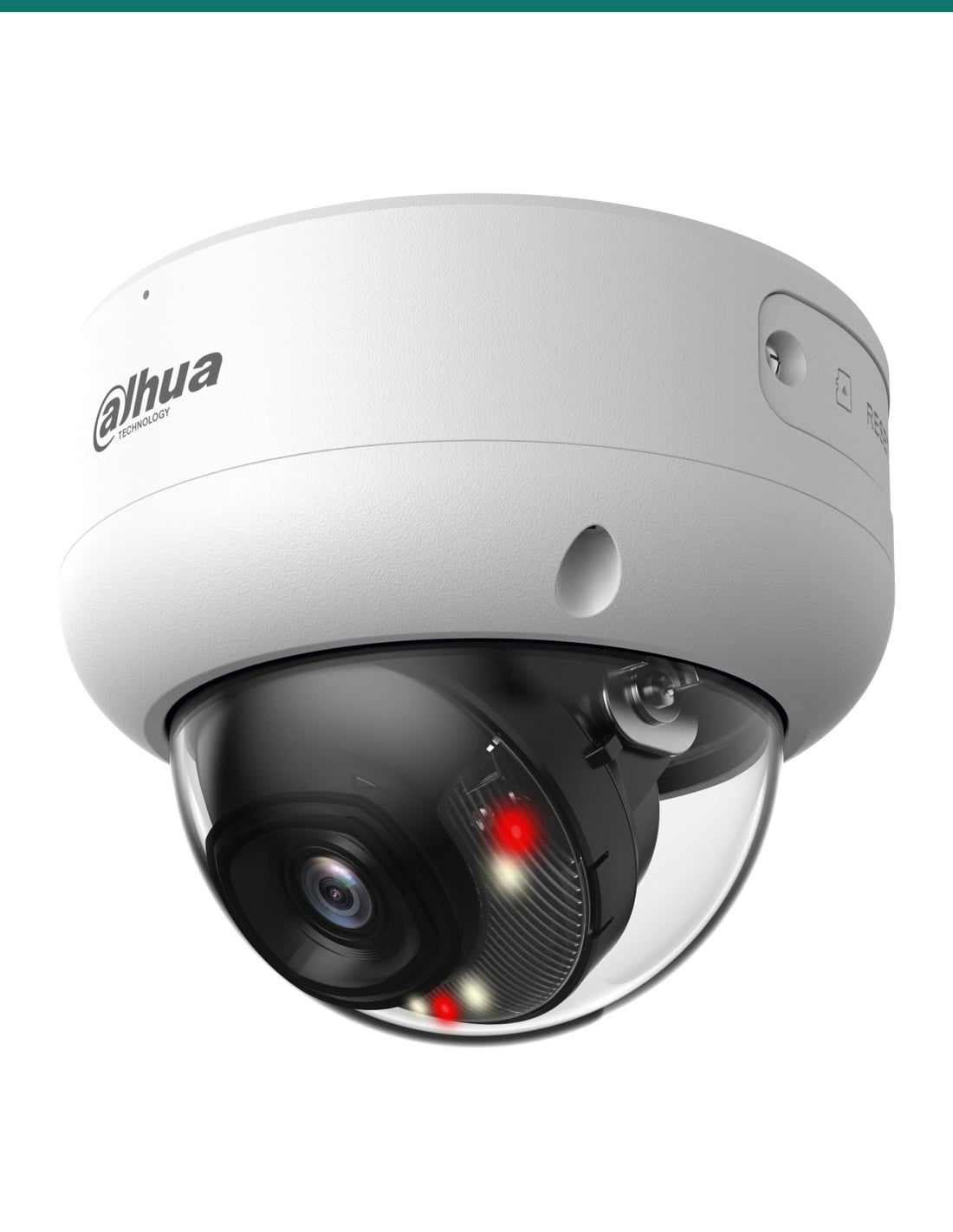
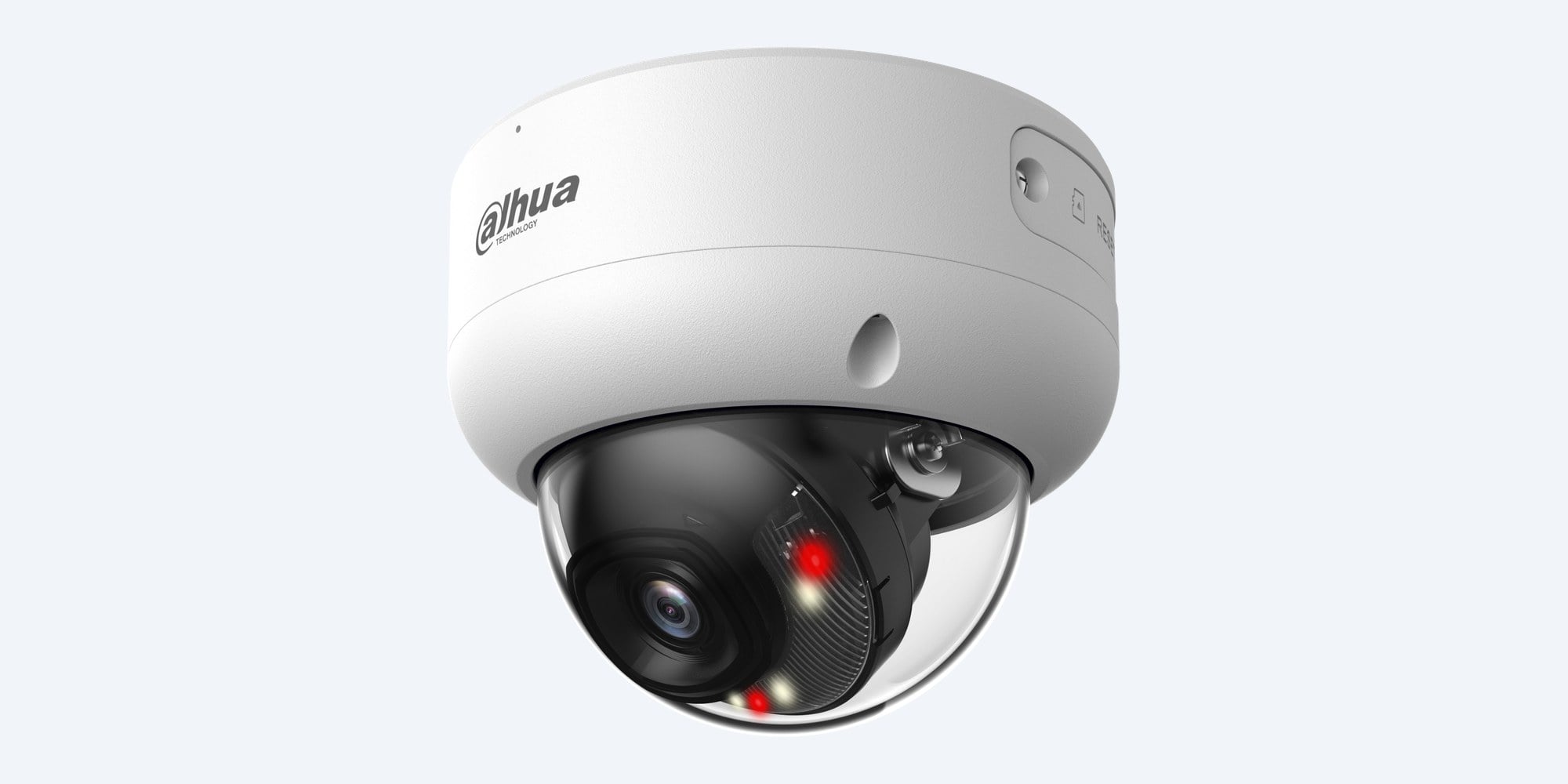
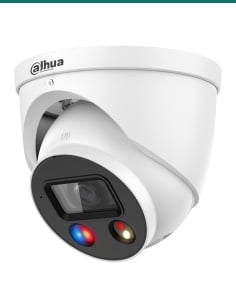
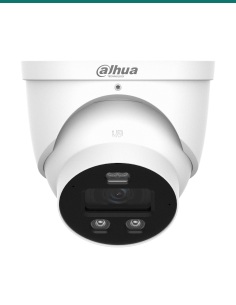
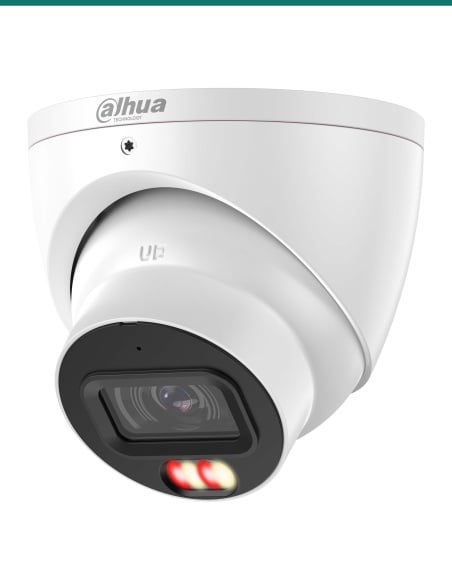
Dahua DH-IPC-HDBW3867E-AS-IL-ANZ white 8MP Smart Dual Light vandal dome camera, three-quarter view
Dahua · WizSense 3 Series · Smart Dual Light

8MP dome, built to take a knock.
IK10, IR to 30 m, colour on cue.

This is the DH-IPC-HDBW3867E-AS-IL-ANZ: a white metal 8MP dome rated IP67 and IK10, with IR and warm light to 30 m, a built-in mic, and alarm and audio ports for a siren or speaker.

In one sentence: the DH-IPC-HDBW3867E-AS-IL-ANZ is a Dahua WizSense 3 Series 8MP (3840 × 2160) fixed vandal dome with an F1.4 lens, Smart Dual Light IR and warm light to 30 m, SMD 4.0, tripwire and intrusion for people and vehicles, AcuPick, a built-in mic and an IP67, IK10 metal housing.

Camera only. Recorder and cabling are separate.

This listing is one dome camera. It needs PoE or a 12 V supply for power and somewhere to store the footage. Dahua makes it with a 2.8 mm or a 3.6 mm lens: confirm with us which lens is in stock when you order.

In the box
  • DH-IPC-HDBW3867E-AS-IL-ANZ dome camera
You also need
  • A PoE NVR or 802.3af PoE switch, or a 12 VDC supply
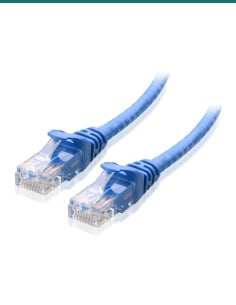
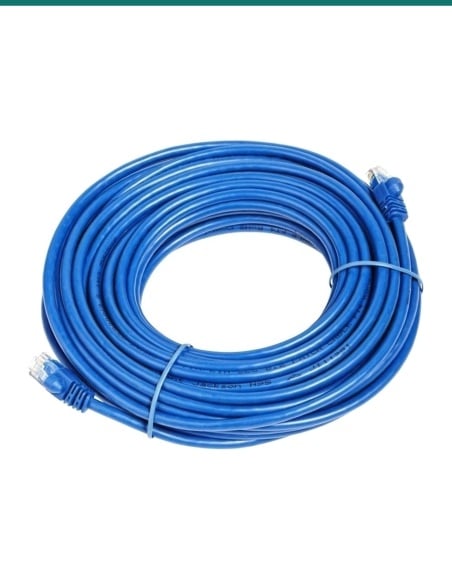
  • Cat5e or Cat6 cable to the camera
  • A recorder, NAS or microSD card (up to 512 GB) for the footage

Quiet IR, then colour on cue.

Most nights the dome runs on IR, so there is no white light shining at the neighbours. When a person or vehicle enters the area, Smart Dual Light turns the warm light on and the clip is recorded in full colour. When they leave, it goes back to IR. SMD 4.0 keeps animals and moving leaves from setting it off.

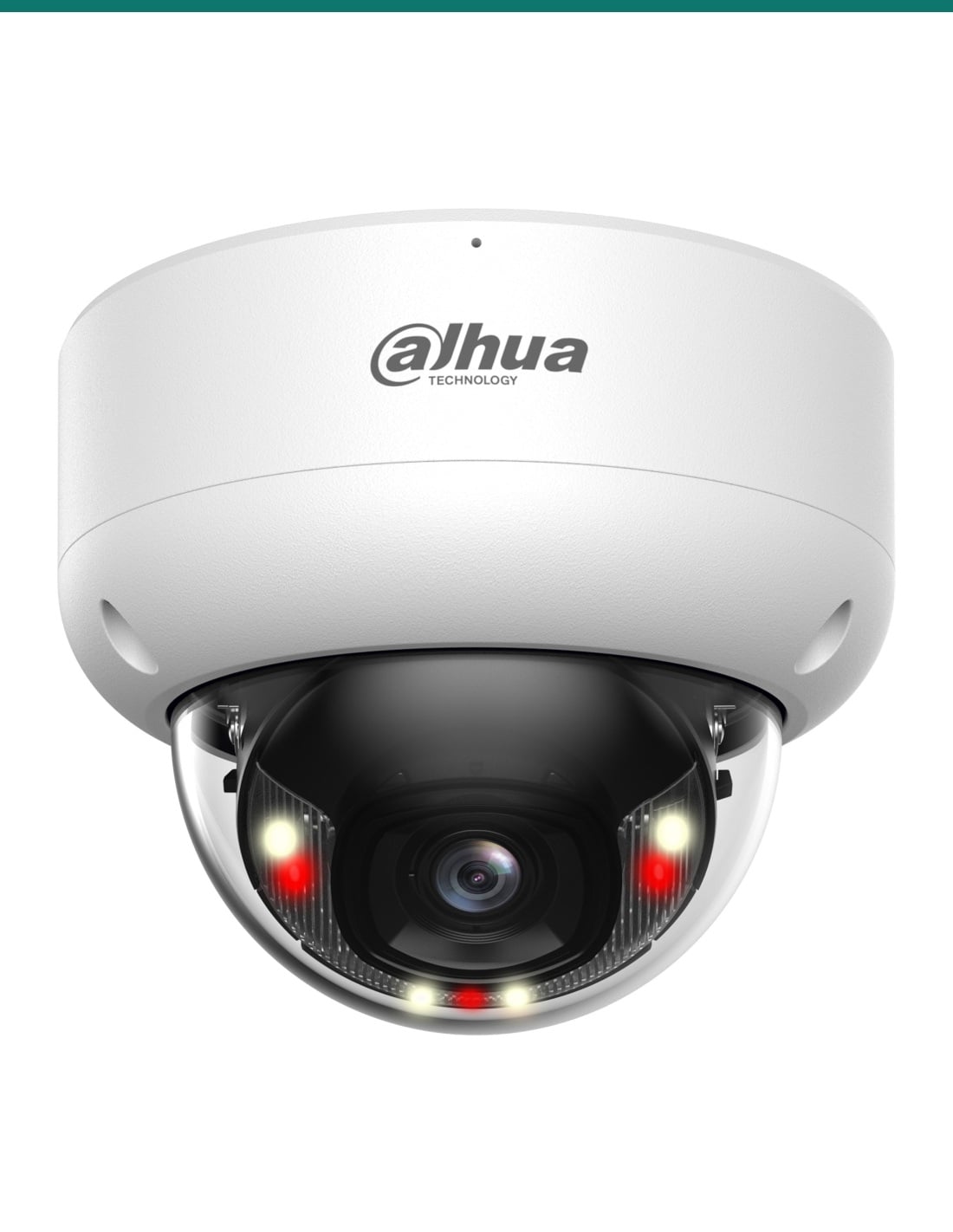
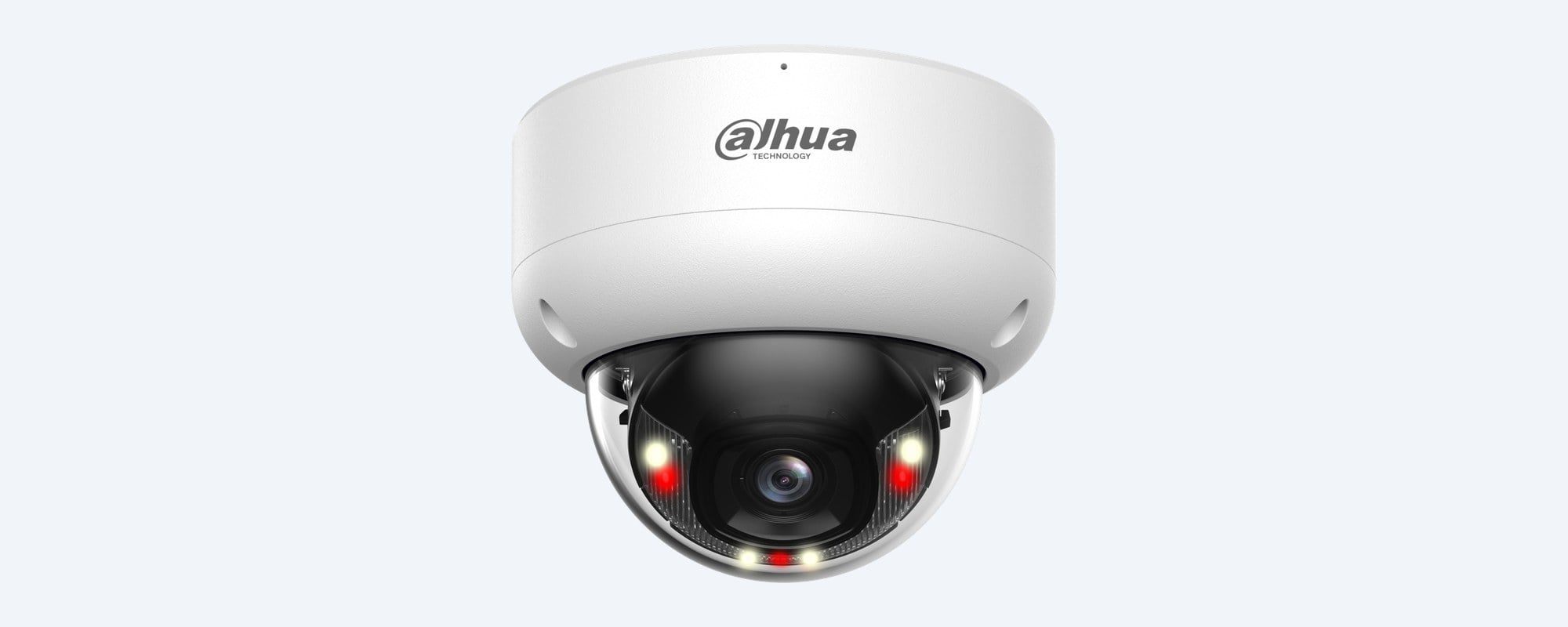
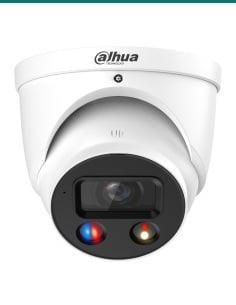
DH-IPC-HDBW3867E-AS-IL-ANZ front view of the white metal dome, lens behind the clear bubble

Front

8MP through an F1.4 lens.

A 1/2.7" sensor records 3840 × 2160 at up to 25/30 fps. Colour holds down to 0.007 lux, and 120 dB WDR keeps detail against bright doorways. The metal housing is rated IK10 against impact and IP67 against dust and water.

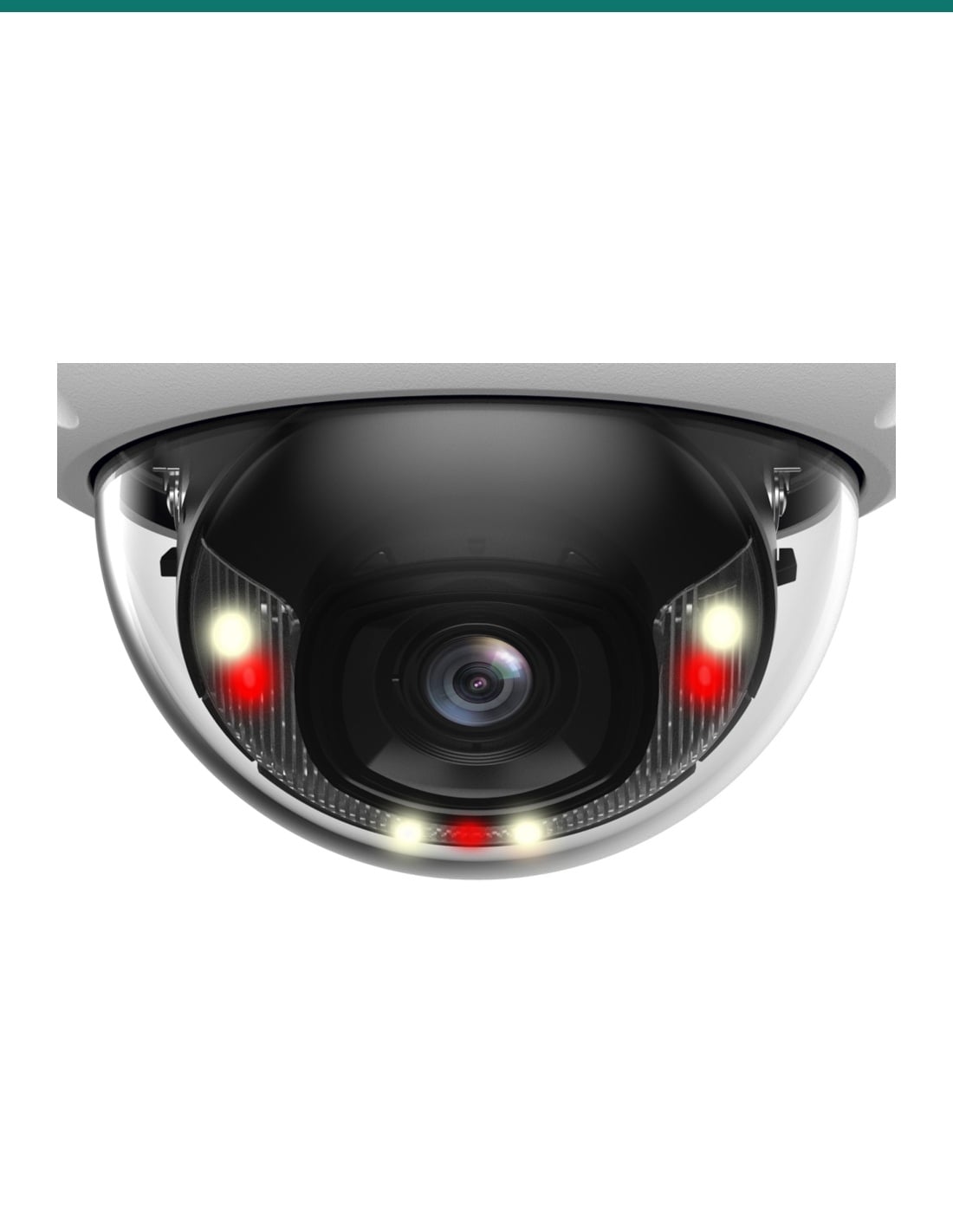
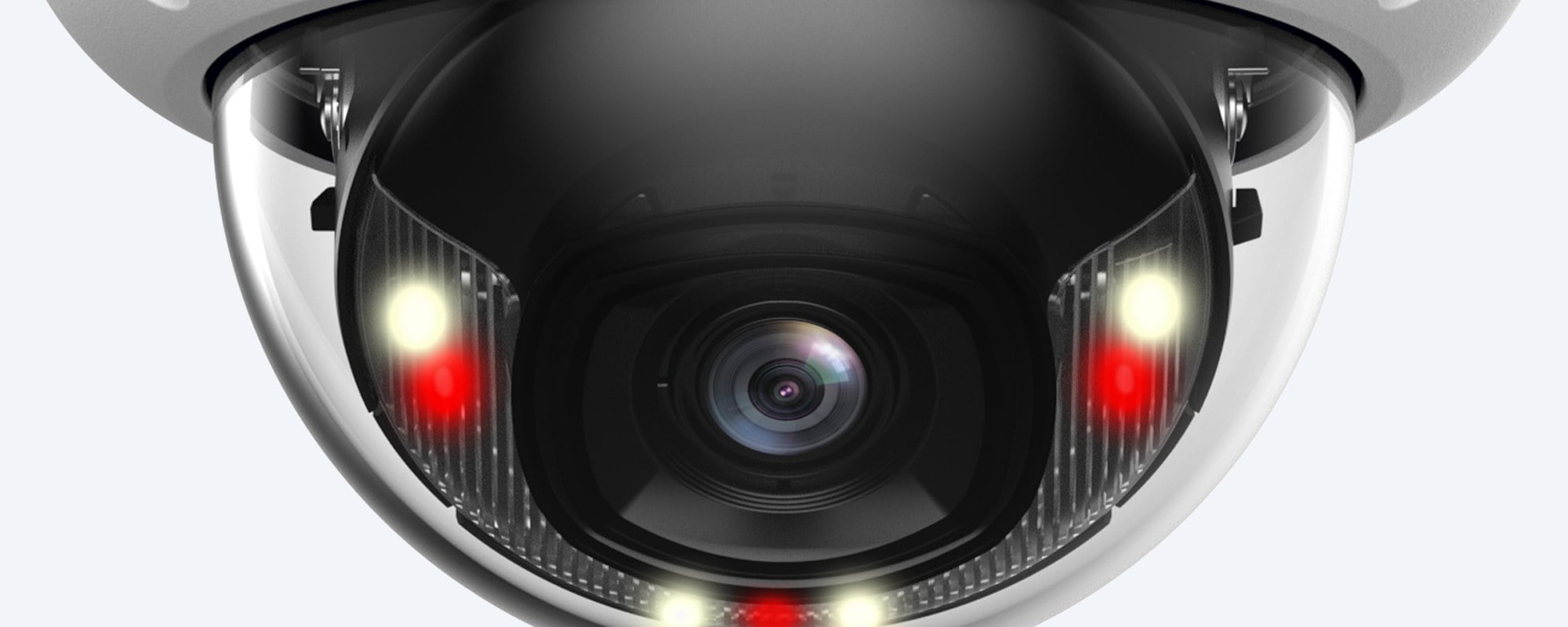
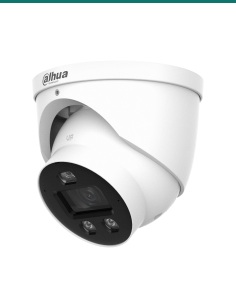
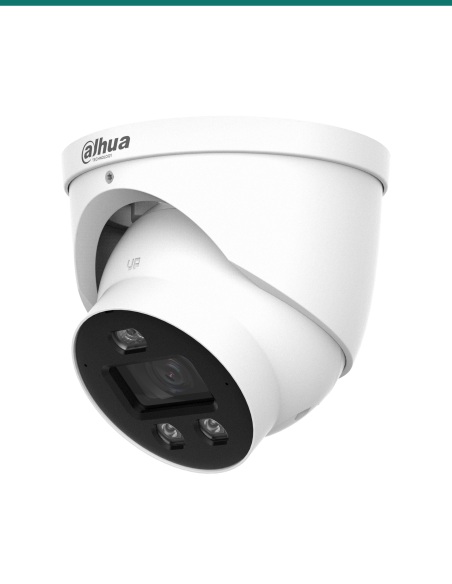
DH-IPC-HDBW3867E-AS-IL-ANZ close-up of the lens with the three IR LEDs and four warm lights around it

Lights

3 IR LEDs and 4 warm lights.

IR reaches 30 m and warm light 30 m. The red points in Dahua's photo are the IR LEDs, the white ones the warm lights. Smart Dual Light chooses between them, and the SMD area can be set in the warm light area to trigger alarms.

How it goes in

From cable to first alert.

01

Run one cable

Cat5e or Cat6 to a PoE NVR or an 802.3af PoE switch. The camera draws up to 8.2 W on PoE. A 12 VDC supply also works.

02

Fix the base

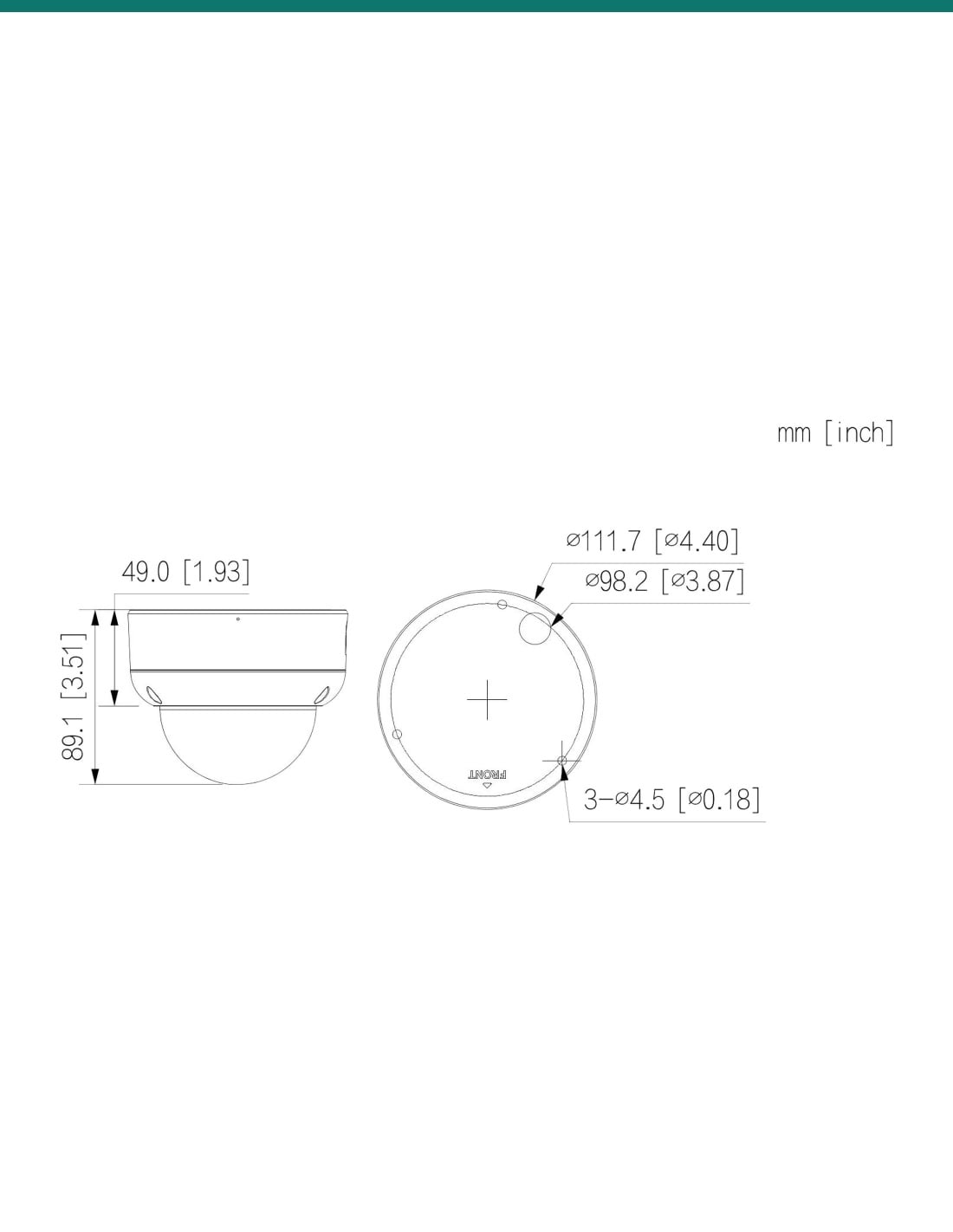
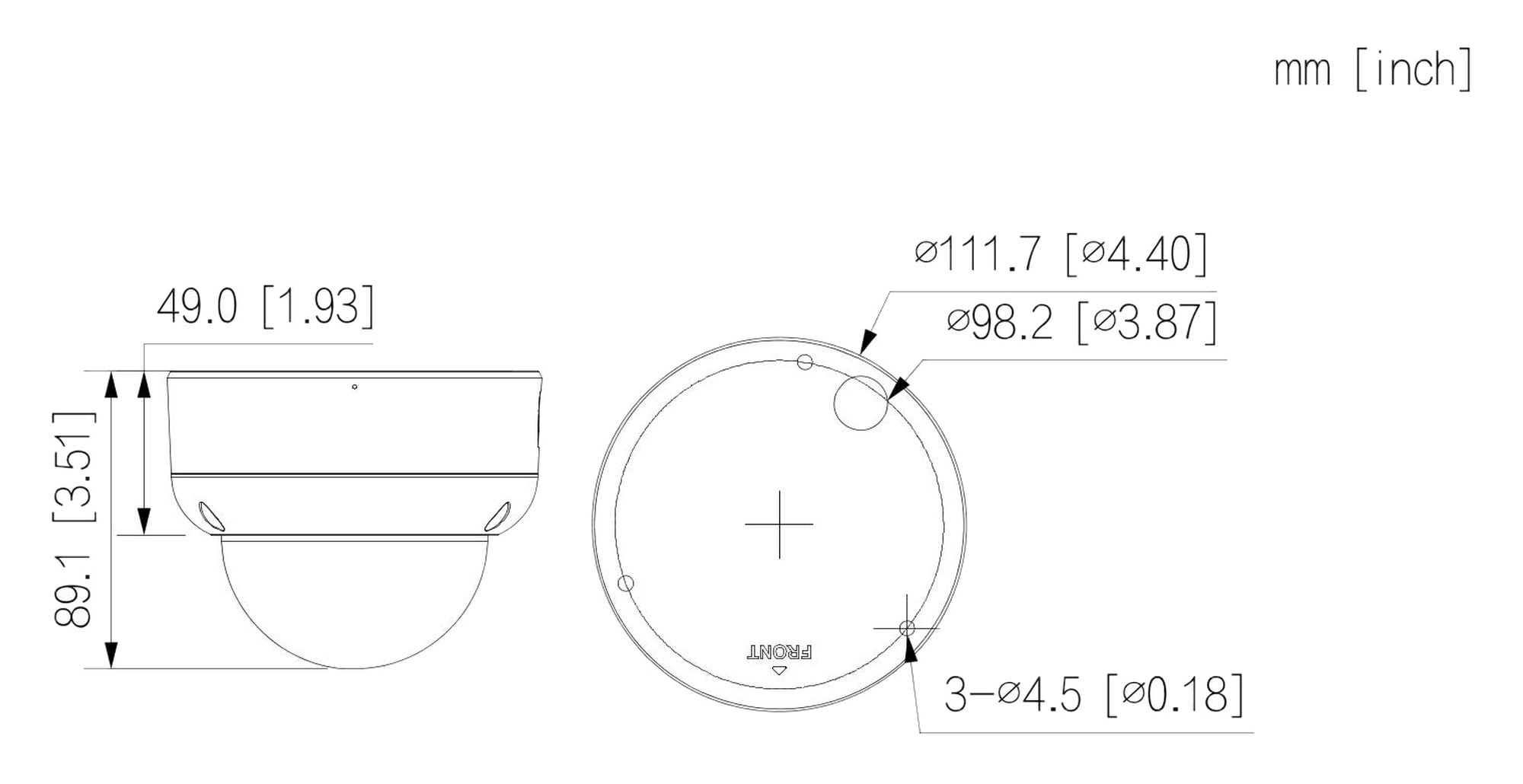
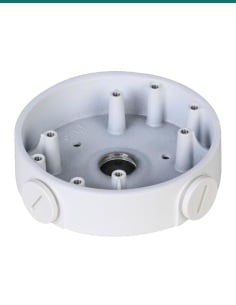
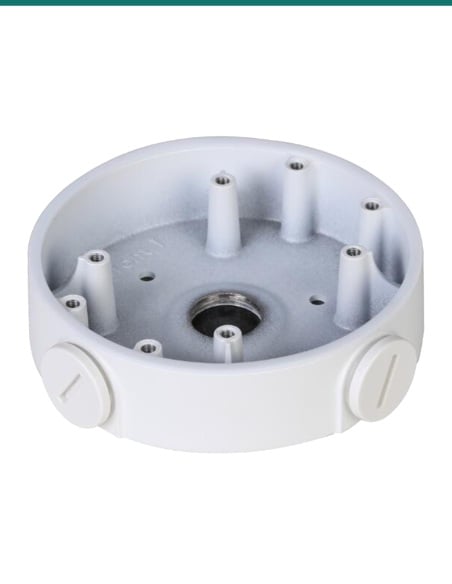
Three Ø 4.5 mm holes, or Dahua's PFA136 junction box. Pan, tilt and rotate the module inside the dome to frame the scene, then close the cover.

03

Add it to the recorder

Set the password on first login, then add the camera to a Dahua NVR, DSS or Smart PSS Lite, and to the DMSS app.

04

Set the light and the rules

Choose how Smart Dual Light behaves, then draw SMD 4.0, tripwire or intrusion zones for people, vehicles or both.

Pair it with

What this camera does not include

Recorder

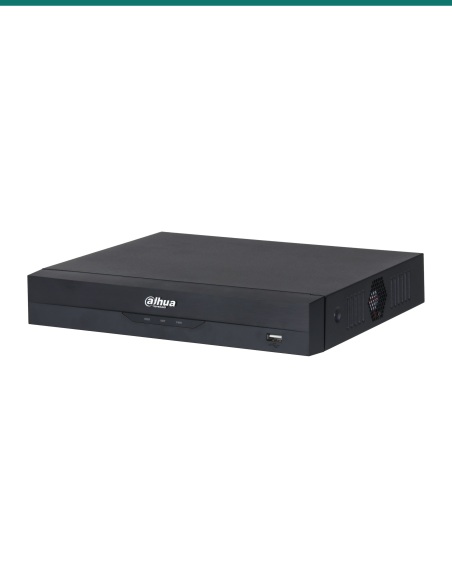
A Dahua WizSense PoE NVR

Powers and records the camera on one cable, and adds Quick Pick and AcuPick searches for people and vehicles.

Power

An 802.3af PoE switch

If the recorder has no free PoE ports. Allow 8.2 W for this camera with the warm light on.

Cabling

Cat5e or Cat6 cable

One run per camera, up to the usual 100 m Ethernet limit.

Mounting

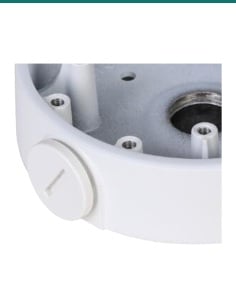
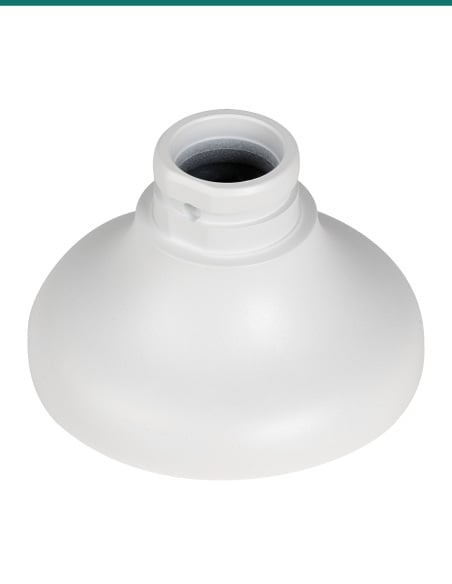
Dahua PFA136 junction box

Dahua's optional box for this dome. It hides the cable joint under the base on walls and ceilings.

Where it is used

Where a tough 8MP dome fits.

Shops and counters

A low-profile dome over the counter or entry, rated IK10 against a knock.

Schools and public buildings

Corridors, entries and play areas where a camera may be hit or tampered with.

Strata and car parks

Lift lobbies, bin rooms and car park entries, colour clips at night with low light spill.

Offices and receptions

A neat white dome on ceilings and walls, with a mic to record the reception desk.

Warehouses and loading docks

Vehicle and human sorting at the dock door, 30 m of light at night.

Homes

Under eaves and porches, with the alarm output ready for a siren or light.

2.8 mm or 3.6 mm lens

2.8 mm lens3.6 mm lens
Horizontal view110°86°
Diagonal view132°100°
Detect (DORI)84.8 m98.7 m
Recognise (DORI)17.0 m19.7 m
Identify (DORI)8.5 m9.9 m
Close focus1.4 m1.9 m

Both lenses are columns of the same Dahua DH-IPC-HDBW3867E-AS-IL-ANZ datasheet. Everything else is the same. Confirm with us which lens is in stock.

Common questions

Is a recorder included?

No. This listing is the camera only. It records to a Dahua NVR, a NAS or a microSD card of up to 512 GB.

How is it powered?

By IEEE 802.3af PoE or by 12 VDC. It draws up to 8.2 W on PoE or 6.2 W on 12 VDC with the warm light and analytics running.

What frame rate does it record at 8MP?

Up to 25/30 fps at the full 3840 × 2160 on the main stream, with two more streams at up to 1920 × 1080.

How far does it see at night?

Up to 30 m with IR and up to 30 m with warm light. In colour it works down to 0.007 lux at F1.4, and with its lights on it records at 0 lux.

What does Smart Dual Light do?

It keeps the IR on at night, then switches the warm light on when a target enters the scene so the event is recorded in colour. When the target leaves, it goes back to IR.

Which lens should I choose, 2.8 mm or 3.6 mm?

2.8 mm covers 110° across and detects out to 84.8 m. 3.6 mm covers 86° and detects out to 98.7 m. Dahua makes both, so confirm with us which lens is in stock when you order.

What does IK10 mean?

It is the highest rating for impact on the IK scale, so the housing is built to withstand a strong knock. Together with IP67 it suits public areas and places within reach.

What does SMD 4.0 filter?

It classifies what set off motion detection and filters out non-targets such as small and large animals. Tripwire and intrusion rules can be set for people, vehicles or both.

Does it record sound?

Yes. It has a built-in microphone, and an RCA audio input and output. There is no built-in speaker, but a powered speaker can be connected to the audio output.

What are the alarm ports for?

One wet-contact input (5 mA, 3–5 VDC) for a sensor or switch, and one wet-contact output (300 mA, 12 VDC) that can trigger a siren, light or relay when a rule fires.

Will it work with a non-Dahua recorder?

It supports ONVIF Profile S, G, T and M, so most ONVIF recorders can record it. AcuPick and Quick Pick need a Dahua back-end device.

What warranty does it have?

Dahua gives its 3 Series network cameras a 3-year (36-month) manufacturer warranty under Dahua Australia's warranty policy. Claims are handled in Australia through InFront Technologies: call 1300 736 970 or email [email protected].

Supported by InFront Technologies.
Help choosing the lens, recorder or switch: call 1300 736 970 or email [email protected]. The datasheet is on the Attachments tab.

Installation and safety

Low-voltage camera. PoE 802.3af (up to 8.2 W) or 12 VDC (up to 6.2 W). There is no mains connection on the camera. A new power point for a 12 V supply needs a licensed electrician.
Cabling. Concealed data cabling is customer cabling under AS/CA S009 and needs an ACMA-registered cabler.

Audio. Recording conversations is covered by state and territory surveillance laws. Check them, and use signage, before you switch the microphone on.

What it does not do. No built-in siren, strobe or speaker, no optical zoom and no Wi-Fi. The lens is fixed at the size you order.
Figures. From Dahua's DH-IPC-HDBW3867E-AS-IL-ANZ datasheet (Rev 002) on the Dahua Australia website.

INFRONTTECH Promotional Banner INFRONTTECH Promotional Banner INFRONTTECH Promotional Banner

Need help choosing?

Tell us about your property and we'll recommend the right cameras and recorder.

07 5609 4910

Sydney 02 8814 6008
[email protected]

Mon–Fri, 9am–5pm AEST

Saved to your wishlist Find it any time in your account. View list