1 / 4

Dahua Junction Box - DH-AC-PFA120

SKU DH-AC-PFA120 In Stock - Ready to Ship
$38.40 inc GST

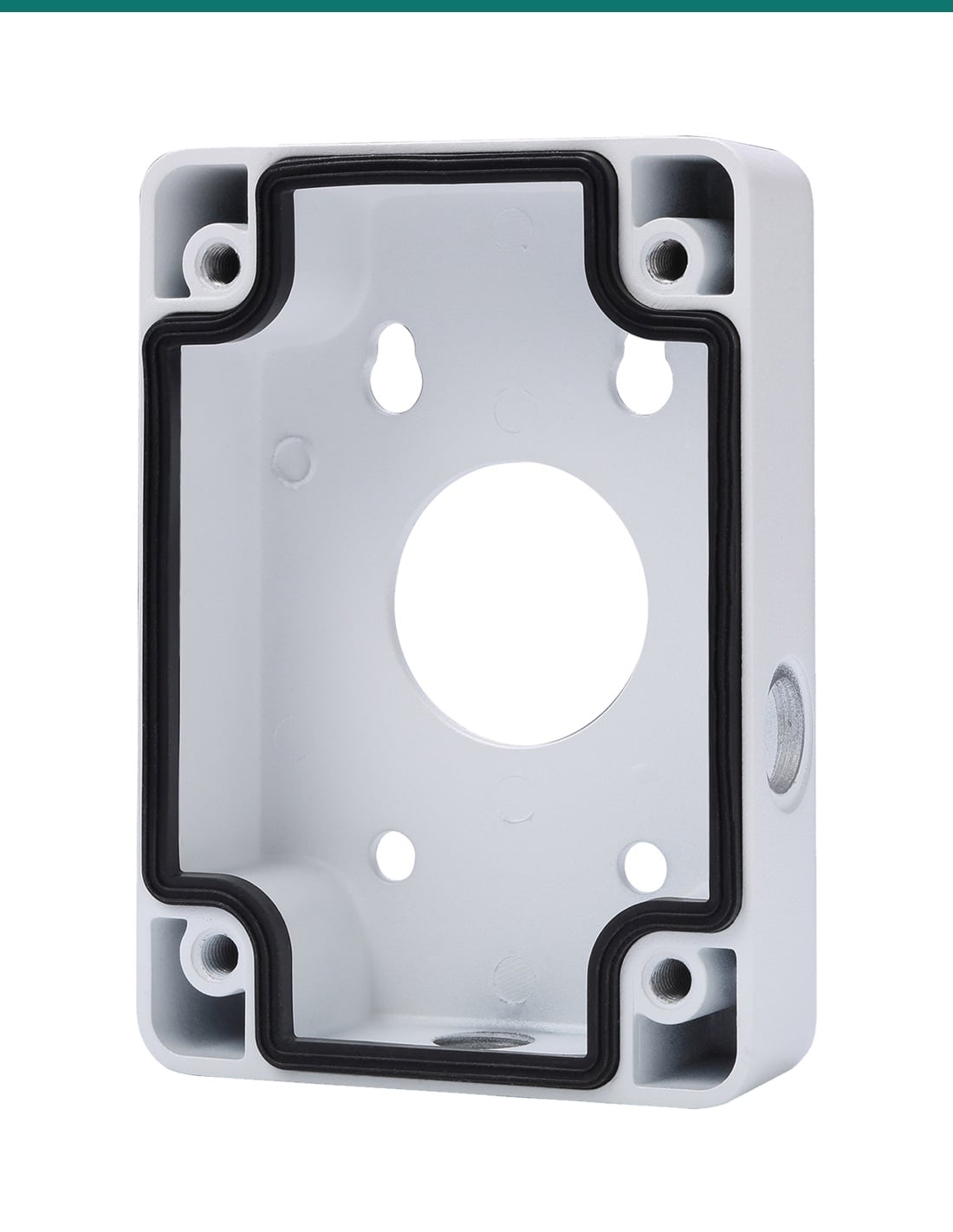
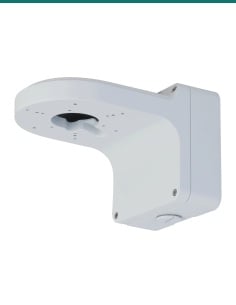
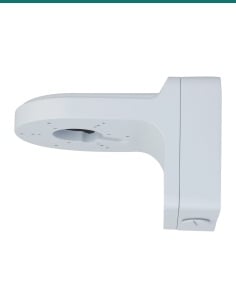
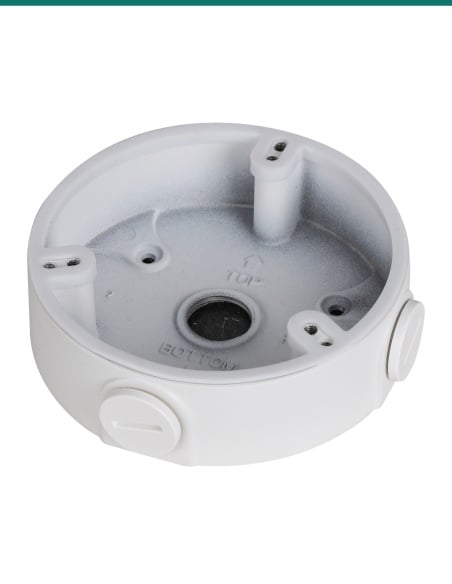
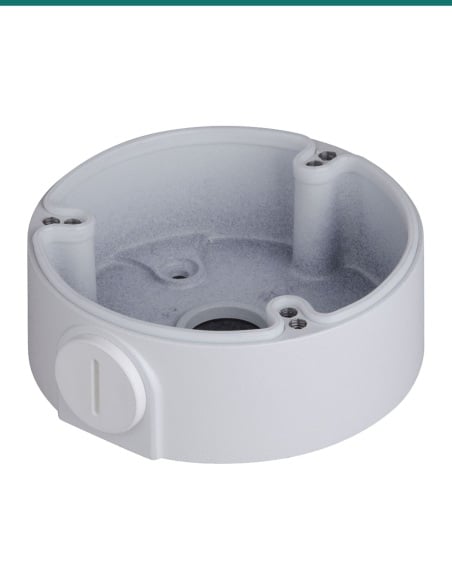
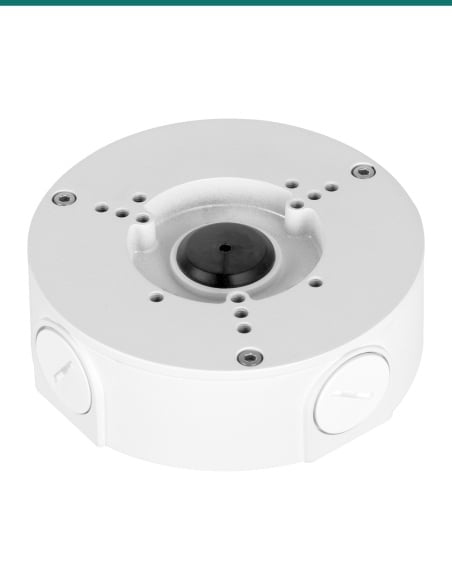
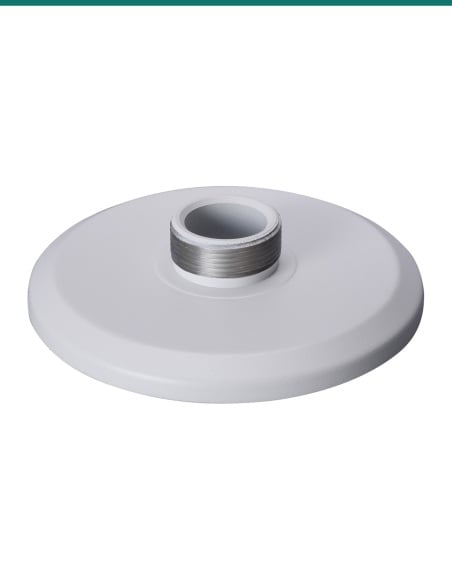
Dahua PFA120: a white aluminium junction box that goes behind a Dahua PTZ wall mount, with room for the cable joins and G1/2 outlets in the bottom and side.

  • ✓115.0 × 160.0 × 38.8 mm, 0.53 kg, carries 12.0 kg
  • ✓Aluminium alloy, white
  • ✓Four M8 points for the PFB303W, PFB305W or PFB306W wall mount
  • ✓2 × G1/2 outlets and a Φ50 mm cable hole
  • ✓Listed in Dahua's SD5A432GB-HNR and SD8A840-HNF-PA datasheets
  • ✓Dahua 3-year camera mount warranty


Description

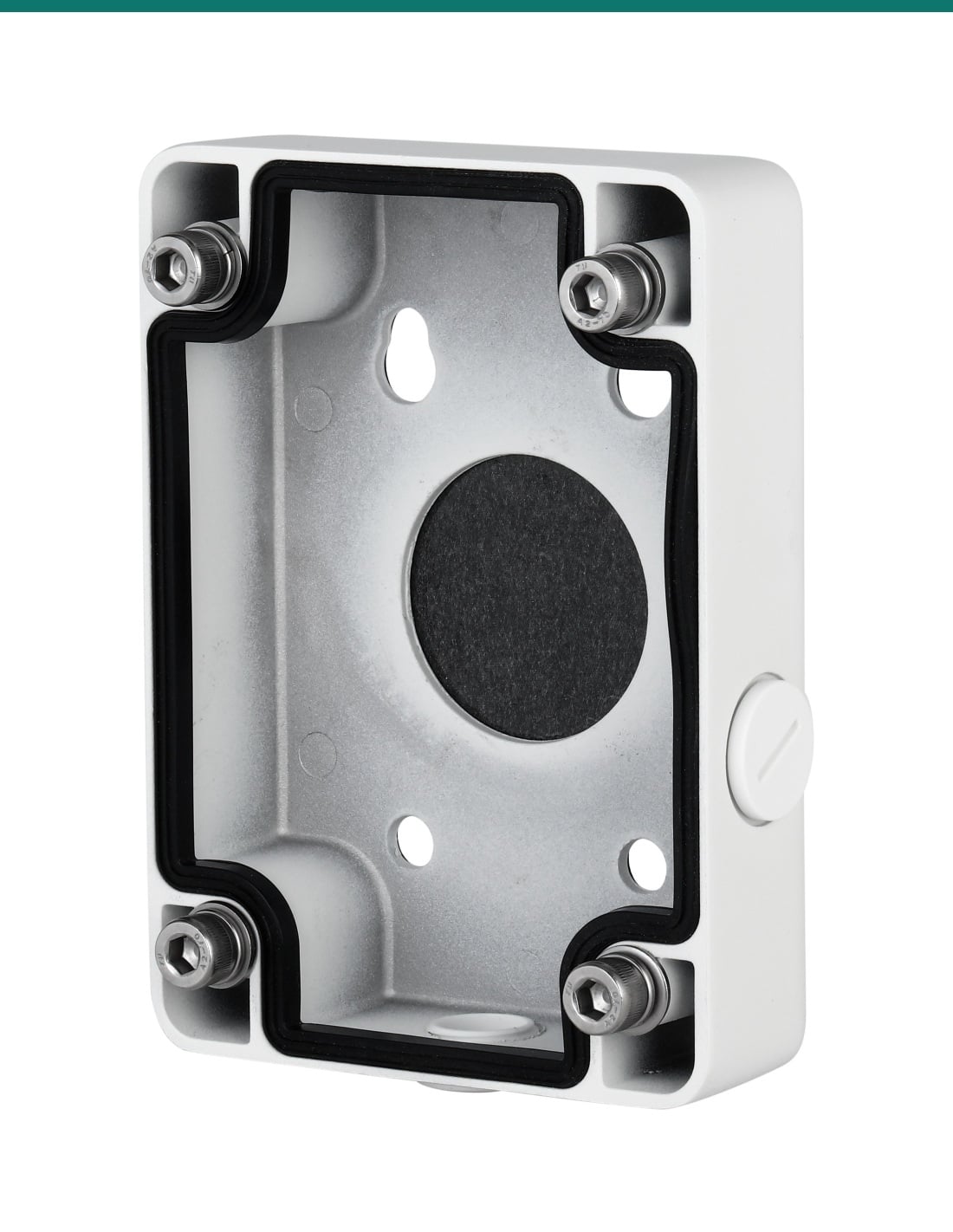
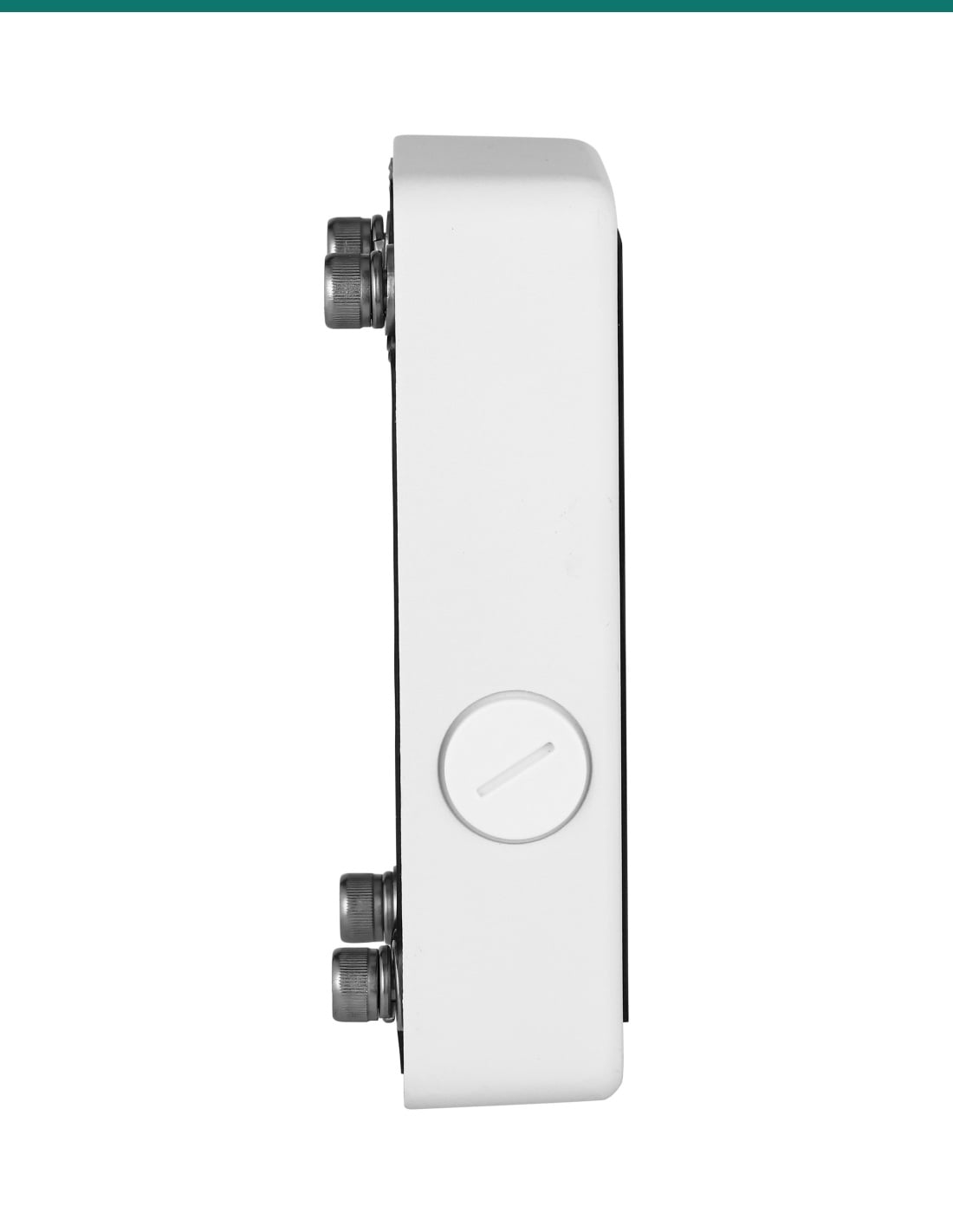
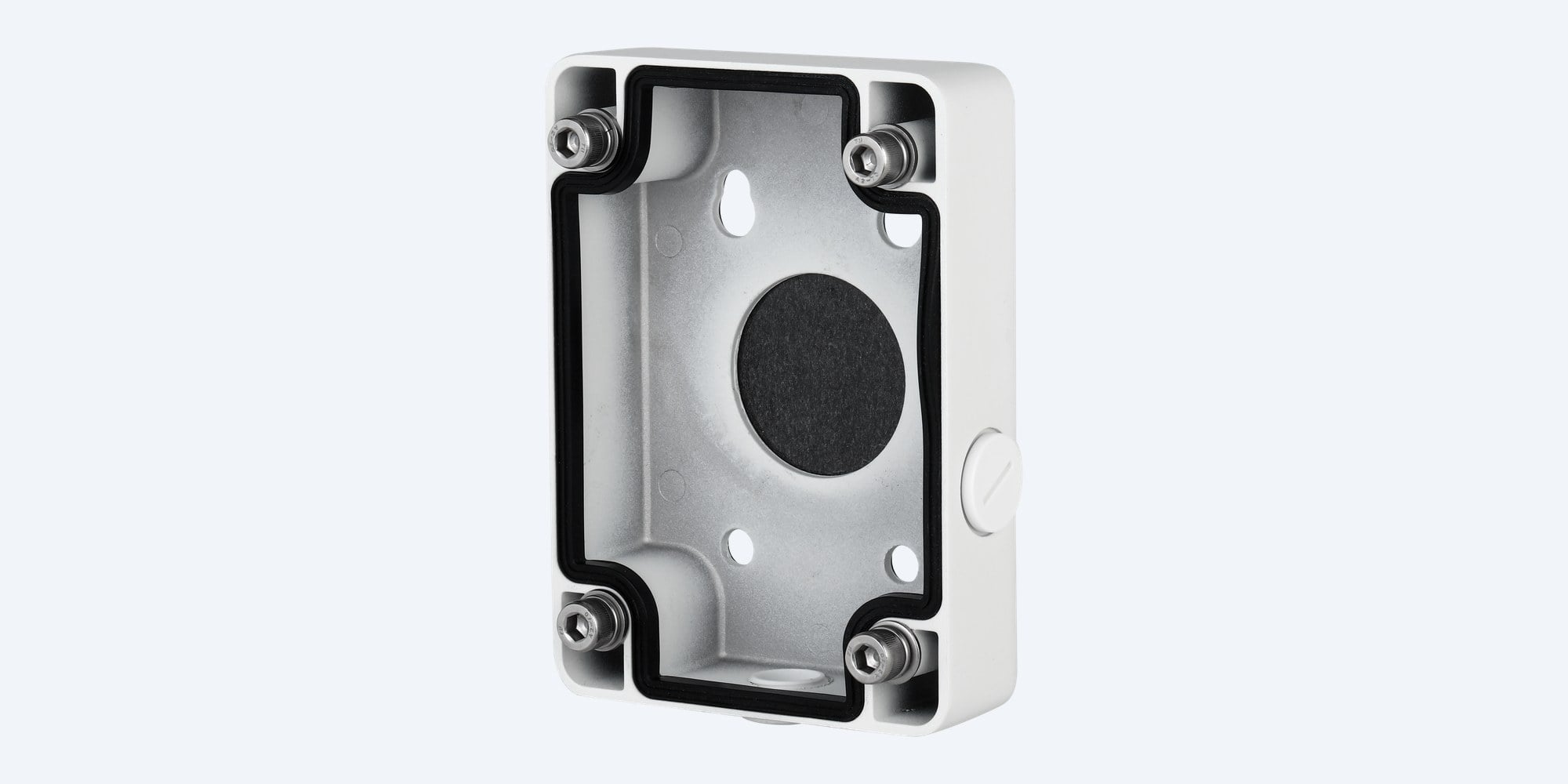
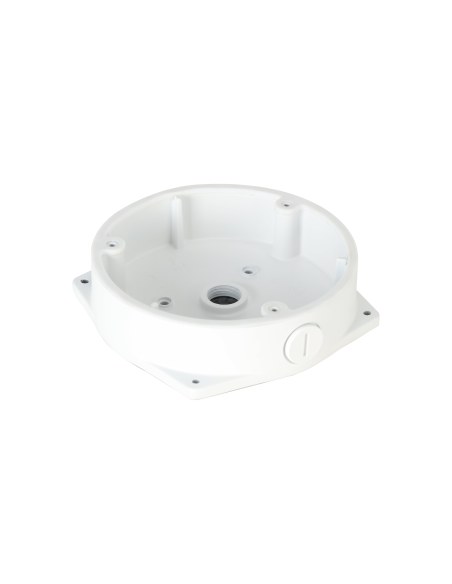
Dahua PFA120 white rectangular aluminium junction box, open, with M8 screws in the four corners and the capped G1/2 side outlet
Dahua · Camera mounts · PTZ junction box

A wall box behind a Dahua PTZ arm.
Room for the joins, four M8 points for the wall mount.

The Dahua PFA120 is a white aluminium junction box, 115.0 × 160.0 × 38.8 mm. It fixes to the wall, a Dahua PTZ wall mount such as the PFB305W bolts onto its four M8 points, and the cable joins sit inside the box instead of in the wall cavity.

In one sentence: the Dahua DH-AC-PFA120 is a white aluminium alloy junction box, 115.0 × 160.0 × 38.8 mm and 0.53 kg, rated to carry 12.0 kg, with two G1/2 outlets and four M8 points, listed by Dahua for its PTZ cameras on the PFB303W, PFB305W and PFB306W wall mounts.

Junction box only. The wall mount and camera are sold separately.

This listing is the PFA120 box with its M8 screws and wrench. Dahua publishes no IP rating for the PFA120; its guides mark the PFA126 box as IP66 and recommend it for most PTZ wall installs. Check your camera against Dahua's list below, or ask us before you order.

In the box
  • PFA120 junction box
  • 4 × M8×25 screws
  • S6.0 wrench
You also need
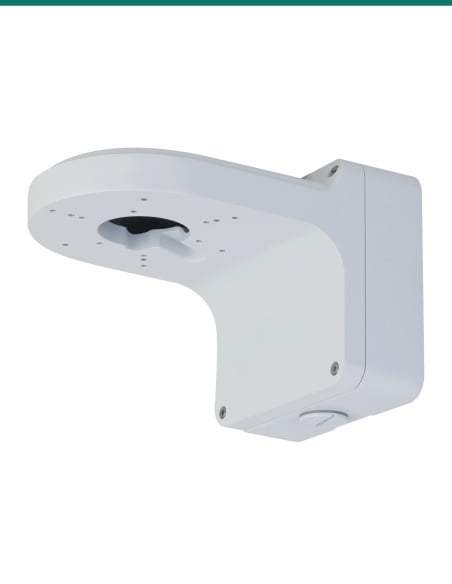
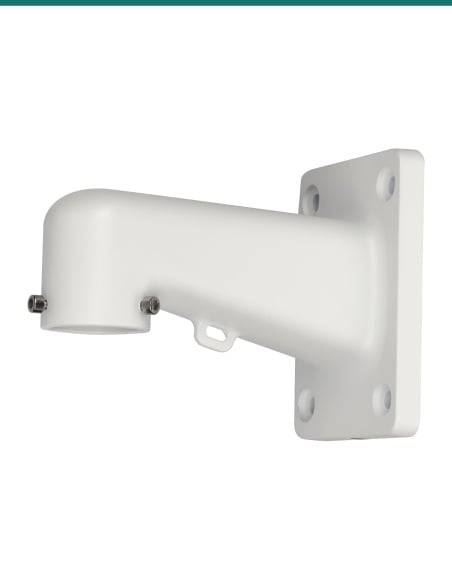
  • A Dahua PTZ wall mount, such as the PFB305W
  • The adapter Dahua lists for your camera, if any (for example the PFA111)
  • Wall fixings to suit the surface
  • A G1/2 conduit fitting if you use an outlet

Cable joins out of the wall, a solid base for the arm.

PTZ cameras carry a network lead plus, on many models, alarm, audio or power tails. At 38.8 mm deep the PFA120 gives those joins a home behind the wall mount. Cable comes in through the Φ50 mm hole in the back, or through the G1/2 outlets in the bottom and side when it runs along the wall in conduit. Dahua's datasheets for the SD5A432GB-HNR and SD8A840-HNF-PA PTZ cameras list it.

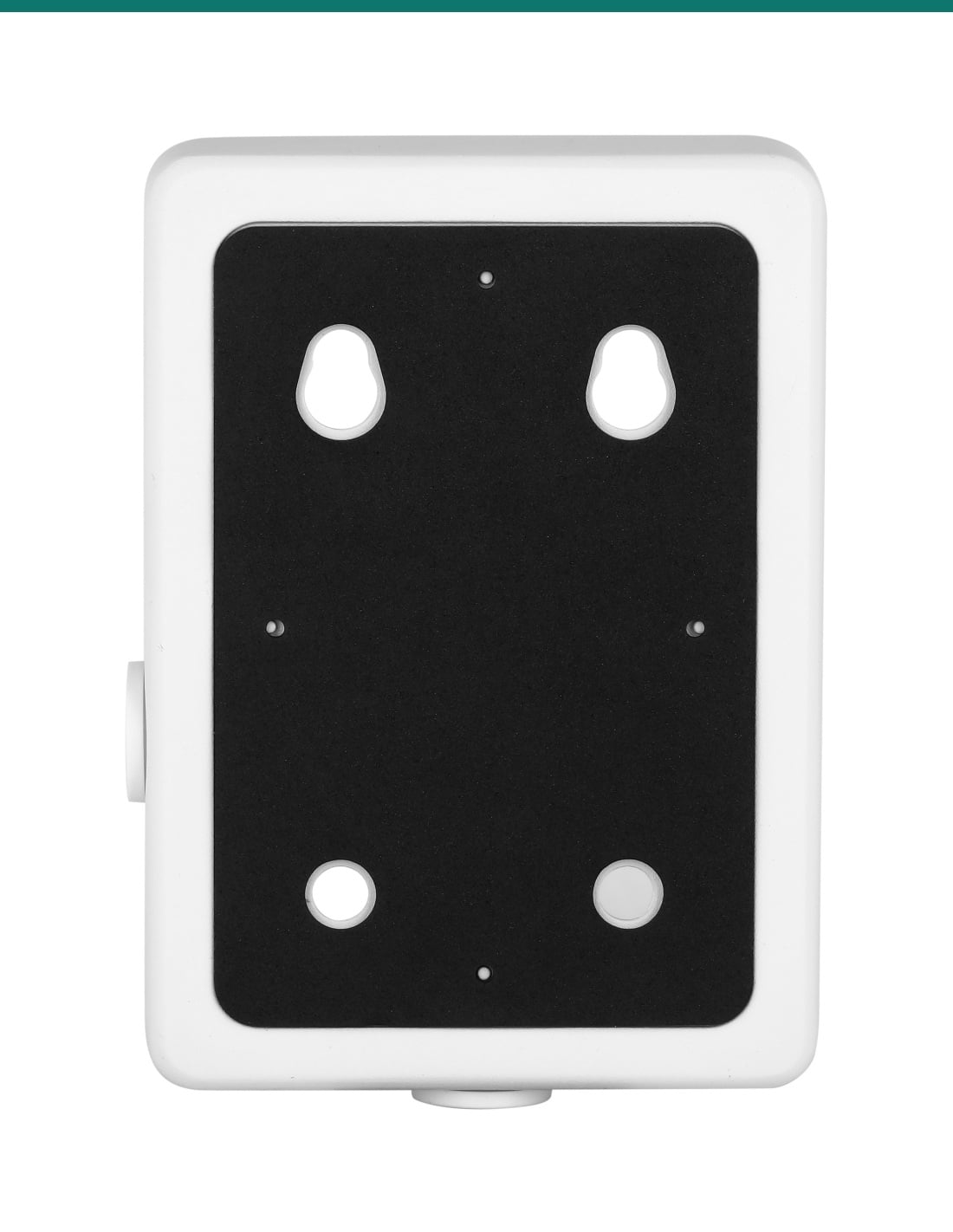
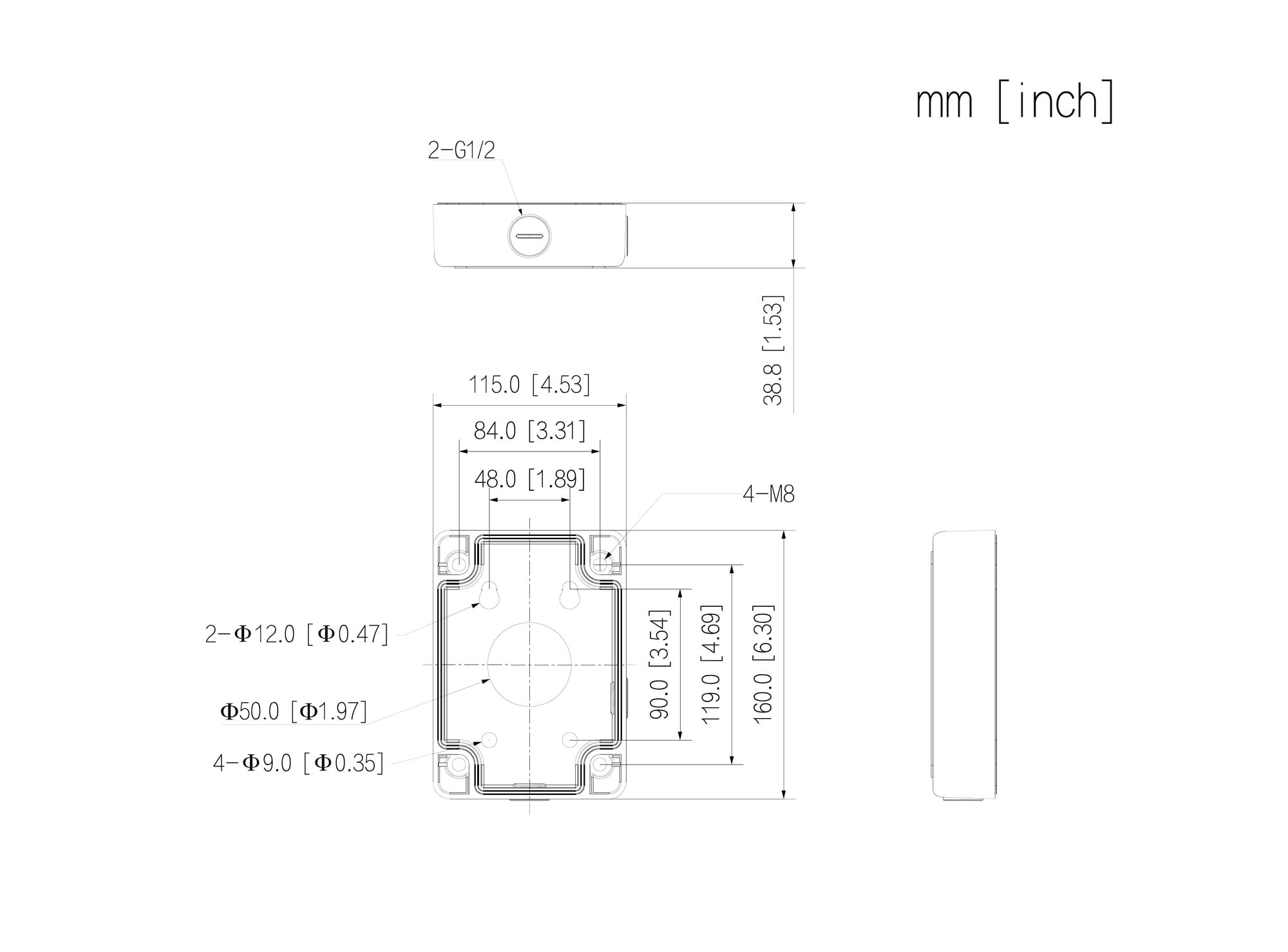
Back of the Dahua PFA120 junction box with its black gasket, two keyhole slots and four fixing holes

The wall side

Keyholes and fixing holes on a gasket.

Dahua's drawing shows 2 × Φ12.0 mm keyhole slots and 4 × Φ9.0 mm fixing holes in the back, with a Φ50.0 mm hole for cable coming straight out of the wall. Dahua's product photo.

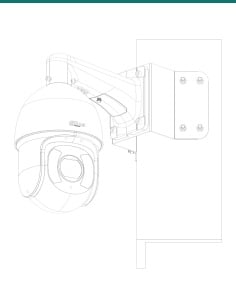
Dahua drawing of a PTZ camera on a wall mount fixed to the PFA120 junction box

Junction mount

The wall mount bolts to the box.

Dahua's installation drawing: the box goes on the wall, the PTZ wall mount bolts to its four M8 corners with the M8×25 screws, and the camera hangs from the arm.

How it goes in

From bare wall to mounted PTZ.

01

Mark and drill

Hold the box in place to mark the fixing holes and the cable hole. Drill and fit fixings that suit the wall and the camera's weight.

02

Fix the box

Feed the cable through the Φ50 mm hole or a G1/2 outlet and fix the box to the wall.

03

Bolt on the wall mount

Pass the cable through the wall mount and bolt the mount to the box's four M8 points with the M8×25 screws and the S6.0 wrench.

04

Hang the camera

Make the joins inside the box, then fit the camera (and adapter, if Dahua lists one) to the arm as its manual describes.

Pair it with

What goes with it

Wall mount

DH-AC-PFB305W wall mount

The PTZ wall arm Dahua pairs with the PFA120 in the SD5A432GB-HNR datasheet.

Adapter

DH-AC-PFA111 mount adapter
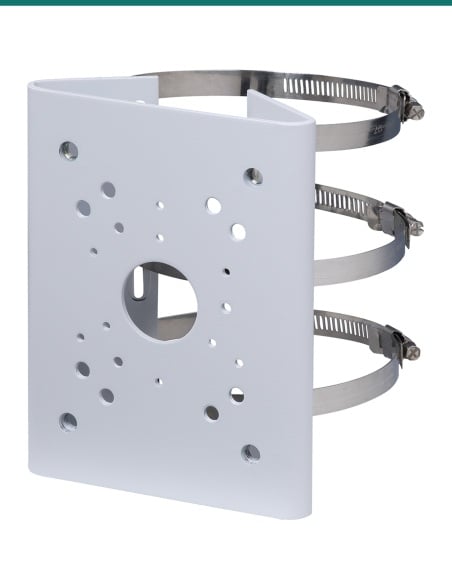
The adapter Dahua lists between many of its PTZ cameras and the wall mount.
Camera

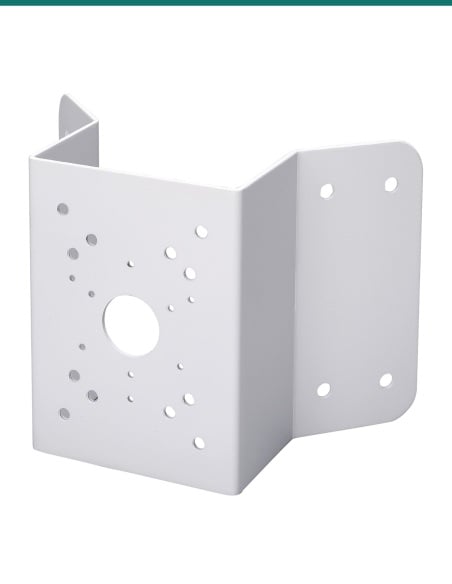
Dahua DH-SD5A432GB-HNR

A 4MP 32x PTZ whose Dahua datasheet lists the PFB305W and PFA120.

Pole

DH-AC-PFA150 pole mount

Dahua's guide routes the box on to its PFA150 pole mount for a PTZ on a pole.

Where it is used

Where a PTZ junction box earns its place.

Car parks

A PTZ high on a wall, with its joins in the box rather than in the masonry.

Warehouses and yards

Solid base for a long-zoom PTZ watching a loading area.

Surface conduit

Run conduit along the wall into a G1/2 outlet.

Poles and corners

Fit the box to a Dahua pole or corner mount behind the wall arm.

Retrofits

Cover old fixings and give a new PTZ a tidy base.

Schools and councils

A neat white finish on a building face.

PFA120 or PFA126

PFA120 (this box)PFA126
Dahua's guides show it asAn option behind PTZ wall mountsThe recommended PTZ wall box
Size115.0 × 160.0 × 38.8 mm228.4 × 160.4 × 84.7 mm
Weight0.53 kg1.56 kg
Load bearing12.0 kg18 kg
Weather ratingNo IP rating publishedIP66
Material and colourAluminium alloy, whiteAluminium, white

Figures from Dahua's PFA120 datasheet (Rev 002.000, 2025) and PFA126 datasheet (September 2026). Both go behind the PFB303W, PFB305W and PFB306W wall mounts; choose the PFA126 when you need an IP66 box or more room for joins.

Common questions

What is the PFA120 for?

It sits between the wall and a Dahua PTZ wall mount, so the cable joins have a space inside the box instead of sitting in the wall cavity.

Which cameras is it for?

Dahua PTZ cameras. The SD5A432GB-HNR and SD8A840-HNF-PA datasheets list it, and Dahua's selection guides show it for the SD6C3, SD5A, SD4A, SD8A and other PTZ series. The full list is in the Works with box.

Is it for dome or eyeball cameras?

No. Older listings said mini-dome and eyeball cameras, but Dahua lists the PFA120 behind its PTZ wall mounts. For turret and dome cameras ask us which box Dahua lists.

Is the wall mount included?

No. This listing is the box with 4 × M8×25 screws and an S6.0 wrench. The wall mount, adapter and camera are separate.
Is it waterproof?

Dahua publishes no IP rating for the PFA120, and its guides do not mark it IP66. They recommend the IP66 PFA126 for most PTZ wall installs, so choose that box when you need a rated seal.

How big is it?

115.0 × 160.0 × 38.8 mm and 0.53 kg, according to Dahua's 2025 datasheet.

How much weight will it hold?

12.0 kg according to Dahua's 2025 datasheet. Older listings quoted 7.0 kg from a 2018 sheet. Allow for the wall mount and camera together, and use wall fixings rated for the load.
What thread are the outlets?

G1/2, one in the bottom and one in the side. Older listings said M20; Dahua's current sheet and drawing say G1/2.

Which wall mounts bolt to it?

Dahua's guides show the PFB303W, PFB305W and PFB306W PTZ wall mounts on the PFA120, fixed to its four M8 points.

Can it go on a pole or corner?

Dahua's guides route the PTZ junction boxes on to the PFA150 pole mount and PFA151 corner mount. Ask us to confirm the fit for your site.

What warranty does it have?

Dahua Australia's warranty policy (August 2026) gives camera mounts 36 months. Claims are handled in Australia through InFront Technologies: call 1300 736 970 or email [email protected].

Who can install the cabling?

Concealed data cabling to the camera is customer cabling under AS/CA S009 and needs an ACMA-registered cabler. A new power point needs a licensed electrician.

Supported by InFront Technologies.

Not sure which box and wall mount suit your PTZ? Call 1300 736 970 or email [email protected]. The Dahua datasheet is on the Attachments tab.

Installation and safety

Mechanical part only. The PFA120 holds the wall mount and covers the camera's joins. It carries no power or data itself.

Load. Rated for 12.0 kg. A PTZ on an arm puts leverage on the wall fixings: use anchors rated for the surface and the load.

Height. PTZ cameras usually go high on a wall. Work from a suitable platform and follow working-at-heights rules.

Weather. Dahua gives no IP rating for this box. Where joins must be sealed against driving rain, choose the IP66 PFA126.

Cabling. Concealed data cabling to the camera is customer cabling under AS/CA S009 and needs an ACMA-registered cabler. A new power point needs a licensed electrician.

Figures. From Dahua's PFA120 datasheet (Rev 002.000, 2025), manual and drawing, its camera datasheets, its Camera Accessories Selection guides (December 2025 and May 2026) and Dahua Australia's warranty policy (5 August 2026).

INFRONTTECH Promotional Banner INFRONTTECH Promotional Banner INFRONTTECH Promotional Banner

Need help choosing?

Tell us about your property and we'll recommend the right cameras and recorder.

07 5609 4910

Sydney 02 8814 6008
[email protected]

Mon–Fri, 9am–5pm AEST

Saved to your wishlist Find it any time in your account. View list