Dahua · Camera mounts · Junction box
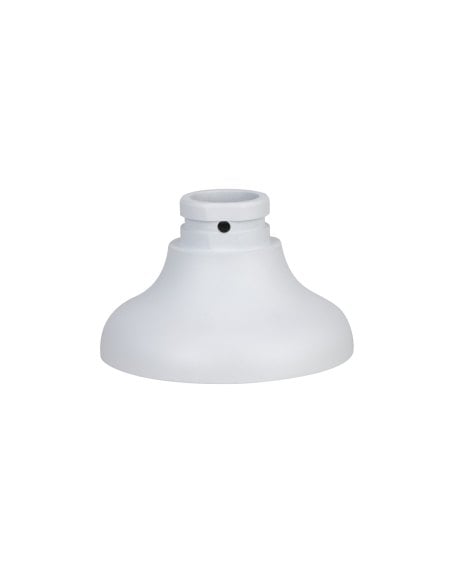
A neat round base for a Dahua dome.
Room for the cable joints, outlets in the base and sides.
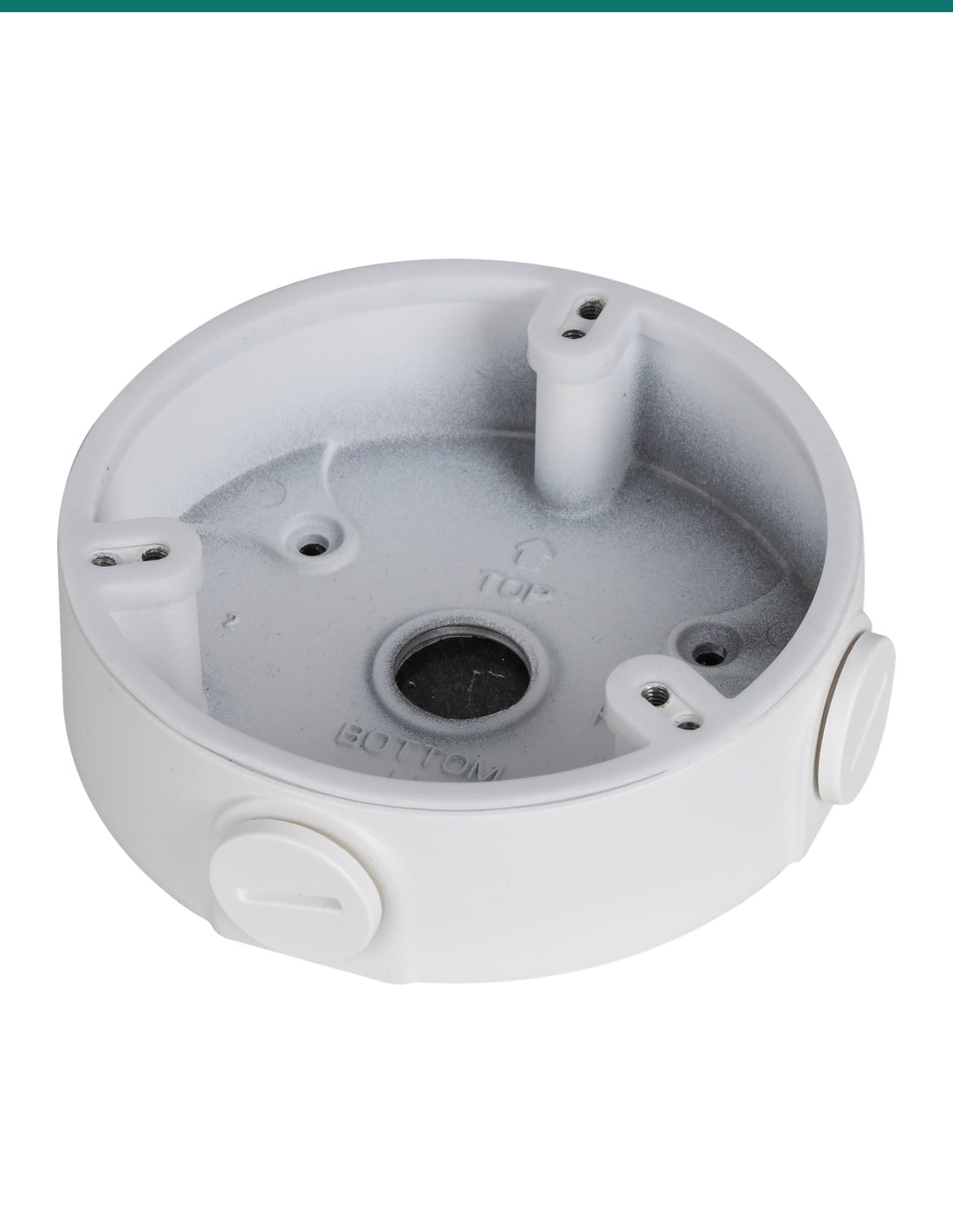
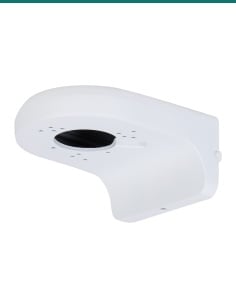
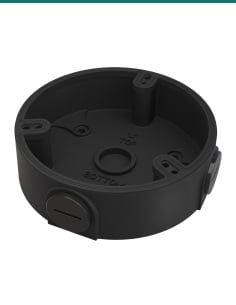
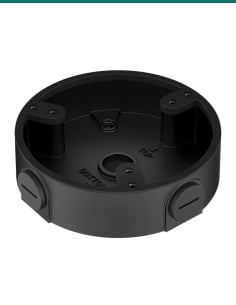
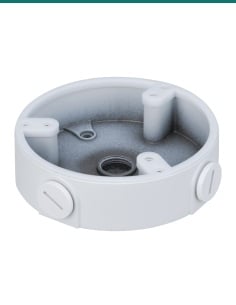
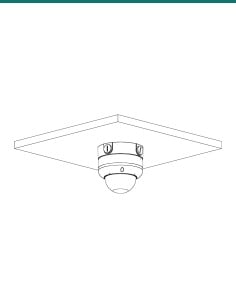
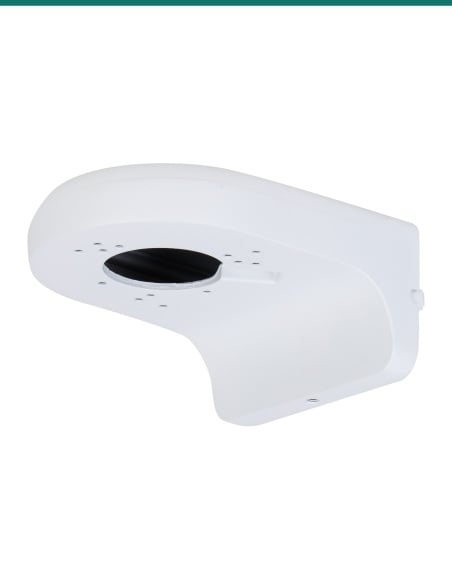
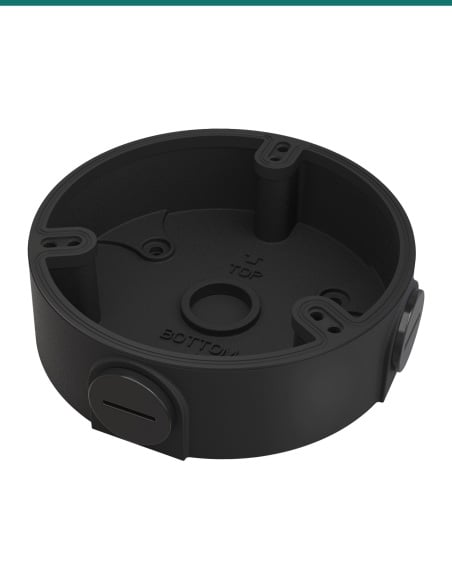
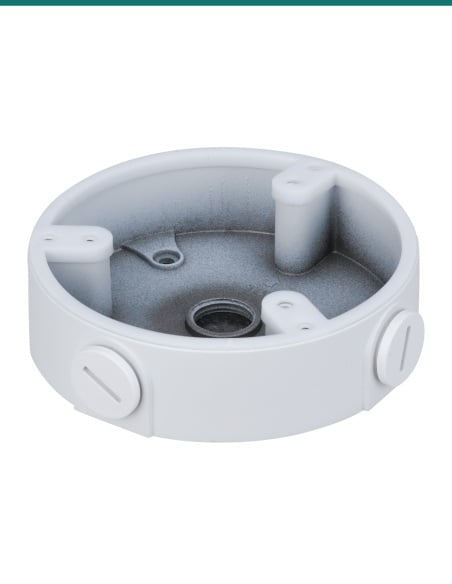
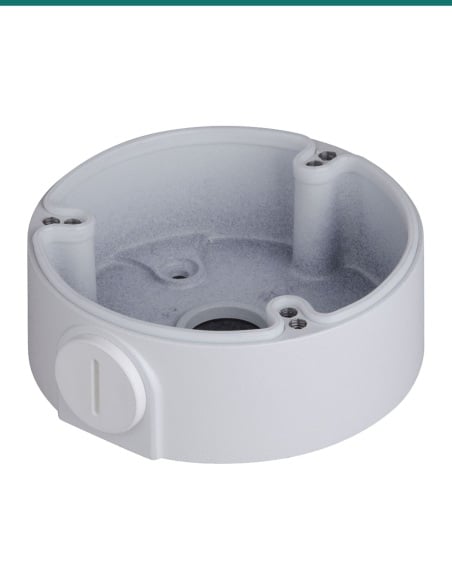
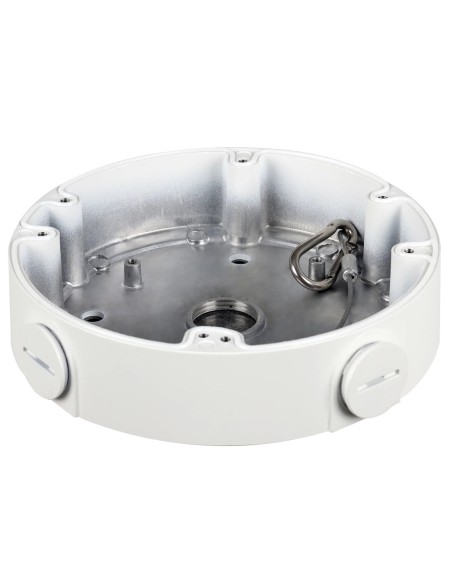
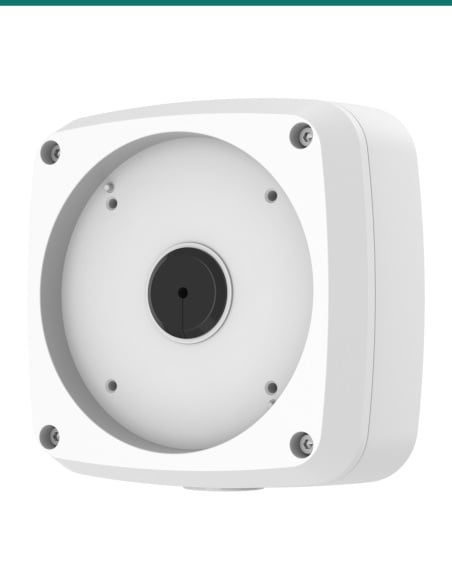
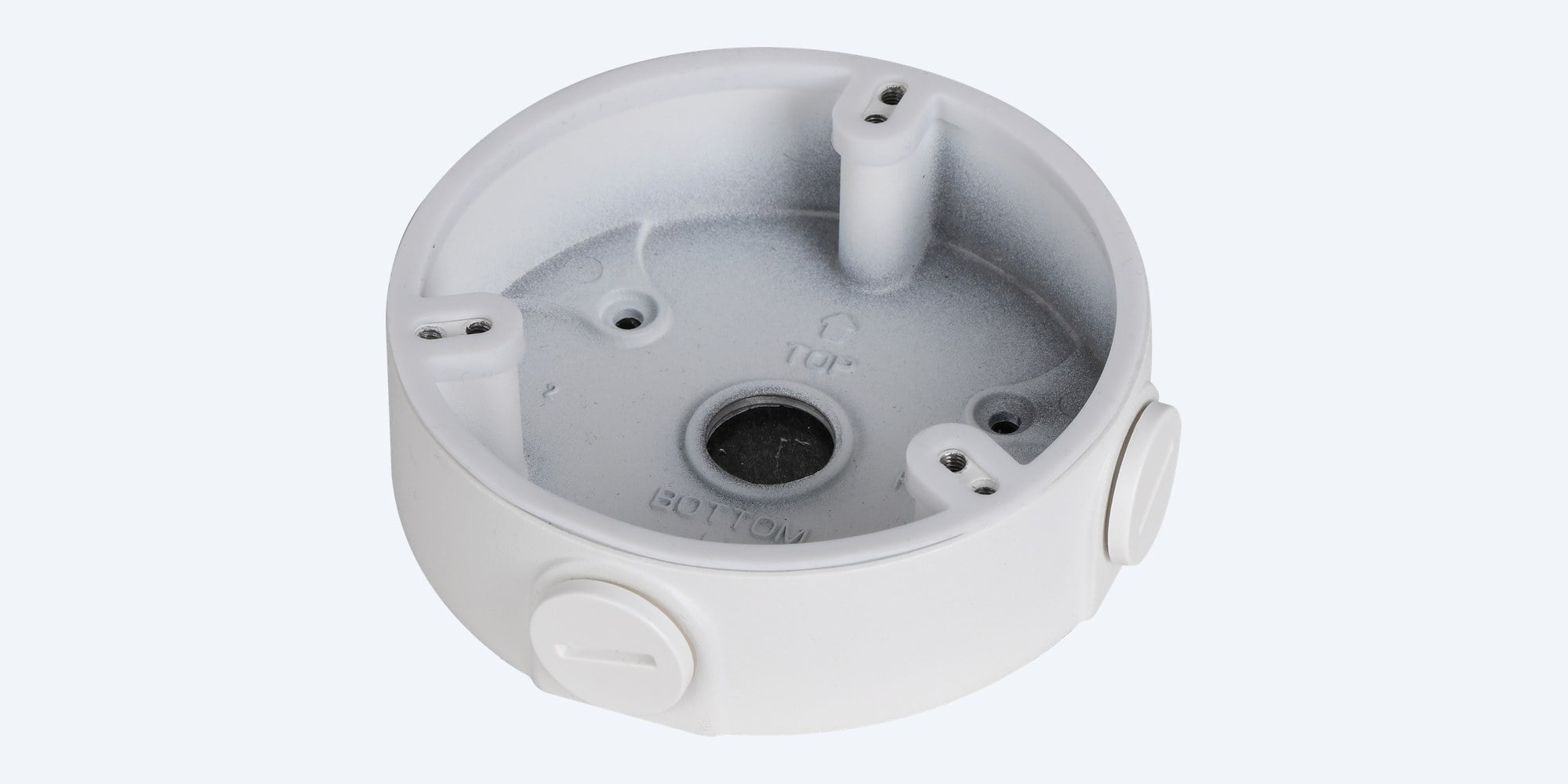
The Dahua PFA136 is a white aluminium alloy junction box, 114.8 mm across and 32.0 mm deep. It goes on the wall or ceiling, holds the cable joints and spare cable, and the camera fixes to its face.
In one sentence: the Dahua DH-AC-PFA136 is a white aluminium alloy round junction box, Φ114.8 × 32.0 mm and 0.19 kg, rated to carry 1.0 kg, with a G1/2 outlet in the base and two G1/2 outlets in the side, for Dahua's smaller domes and fisheye cameras.
Junction box with wall fixings. Check your camera is listed for it.
Dahua matches the PFA136 to particular cameras, listed below from its datasheets and selection guide. For a black camera there is a black version, the PFA136-B.
In the box- Junction box × 1
- M4×10 screws × 3
- S3.0 wrench × 1
- ST4×25 screws × 3
- Plastic expansion bolts × 3
- Water joint × 1
You also need- A Dahua camera listed for the PFA136
- Outdoor-rated network cable
- A G1/2 conduit fitting if you run conduit to a side outlet
Cable joints out of sight, behind the camera.
The PFA136 gives the camera's cable joint a home behind the camera instead of a hole in the wall. Cable comes in through the base from the wall or through a G1/2 side outlet when it runs on the surface. Dahua rates it for −40 °C to +60 °C and up to 1.0 kg.
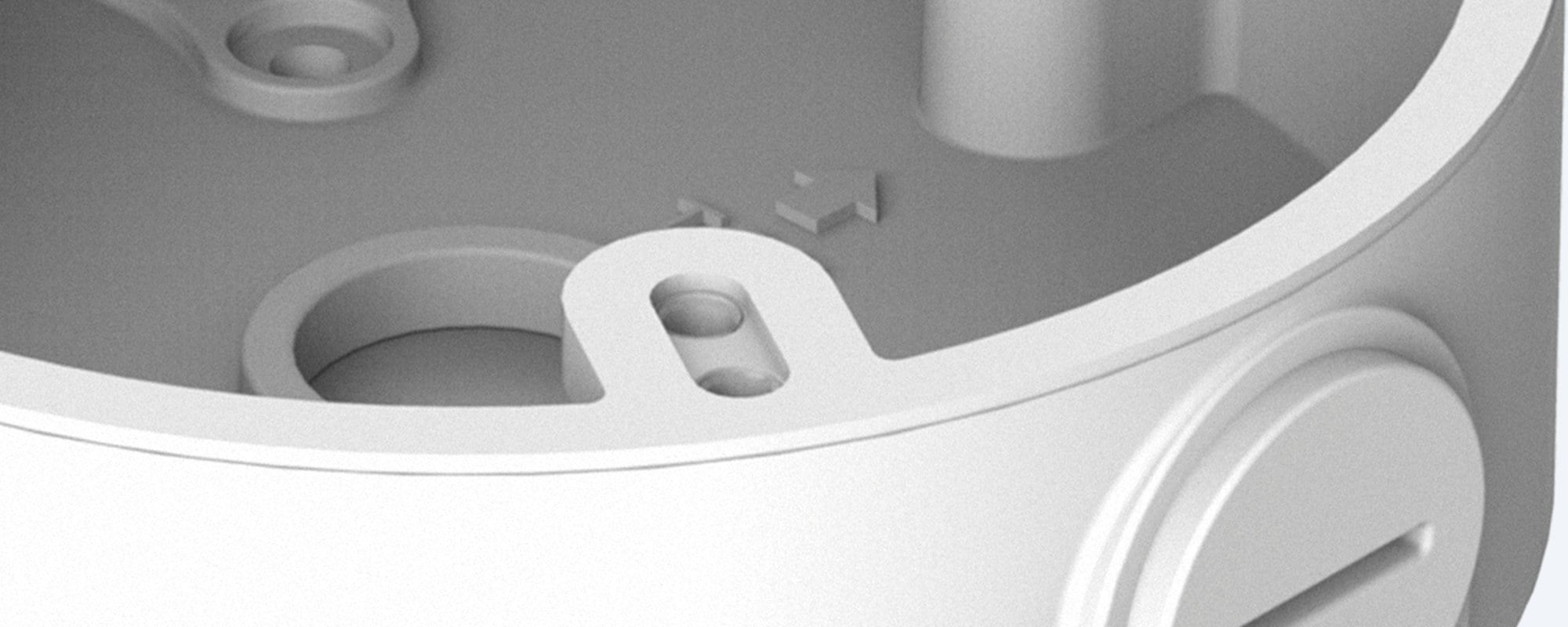
Cable entry
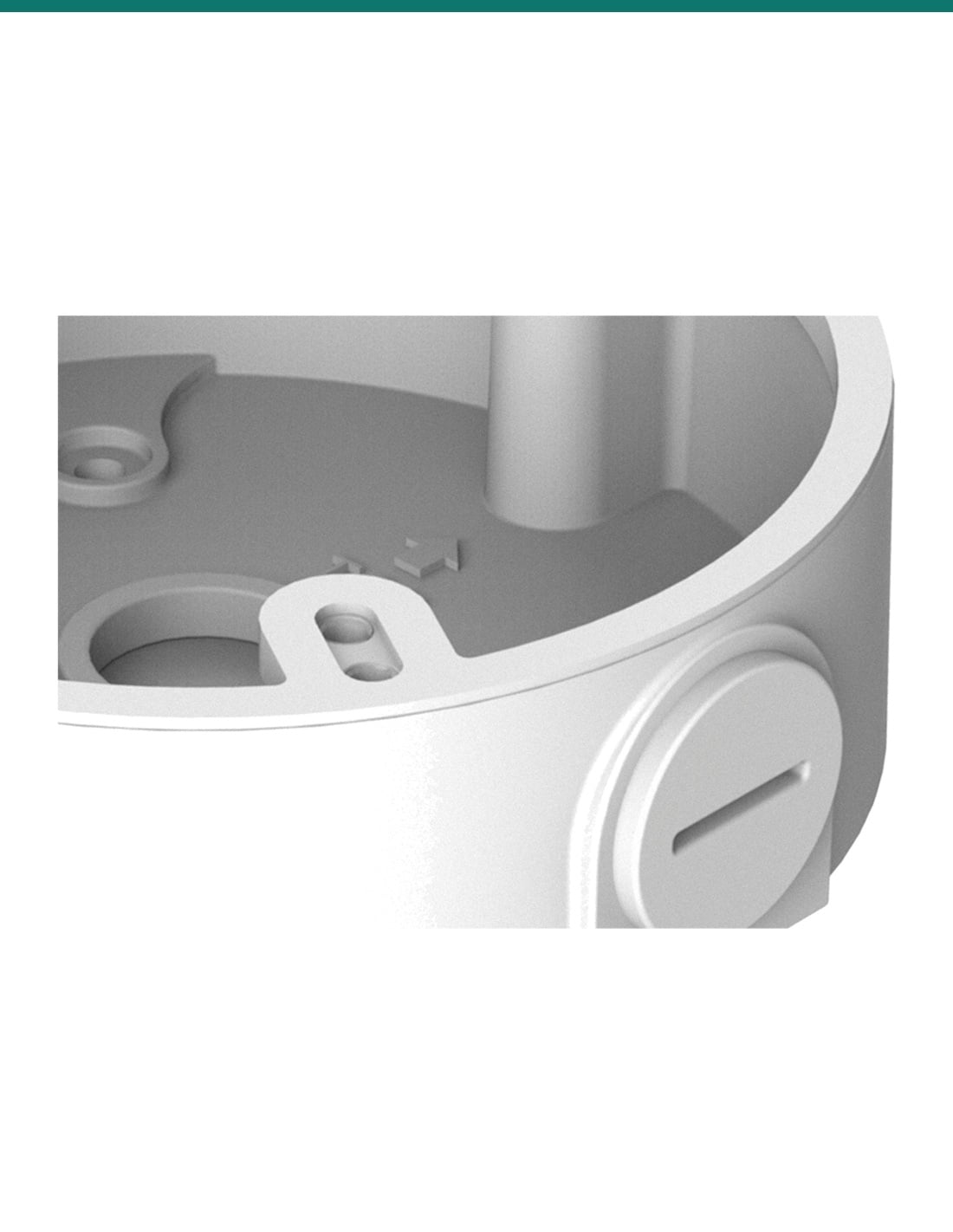
G1/2 outlets in the base and the sides.
Cable can come straight from the wall through the base outlet or along the surface into one of the two G1/2 side outlets, shown closed in Dahua's photo. A water joint is in the box. Close-up from Dahua's product photo.
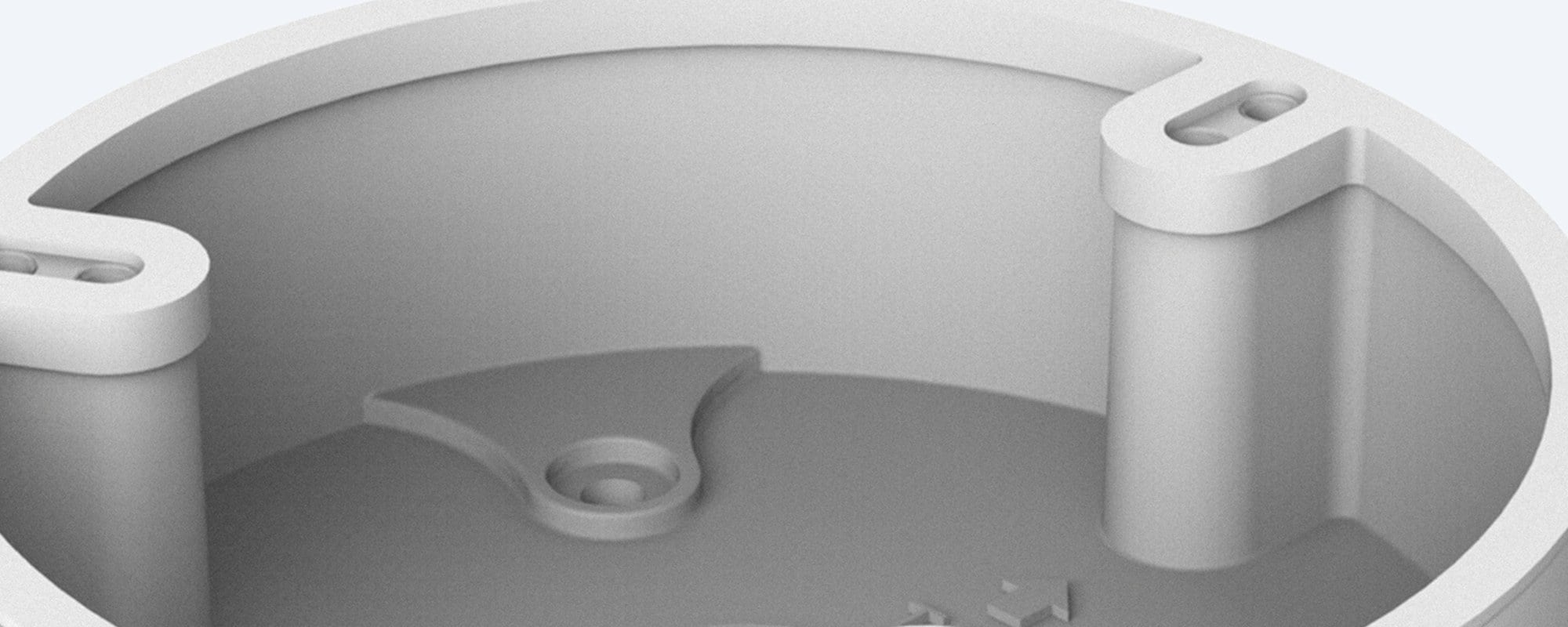
Inside
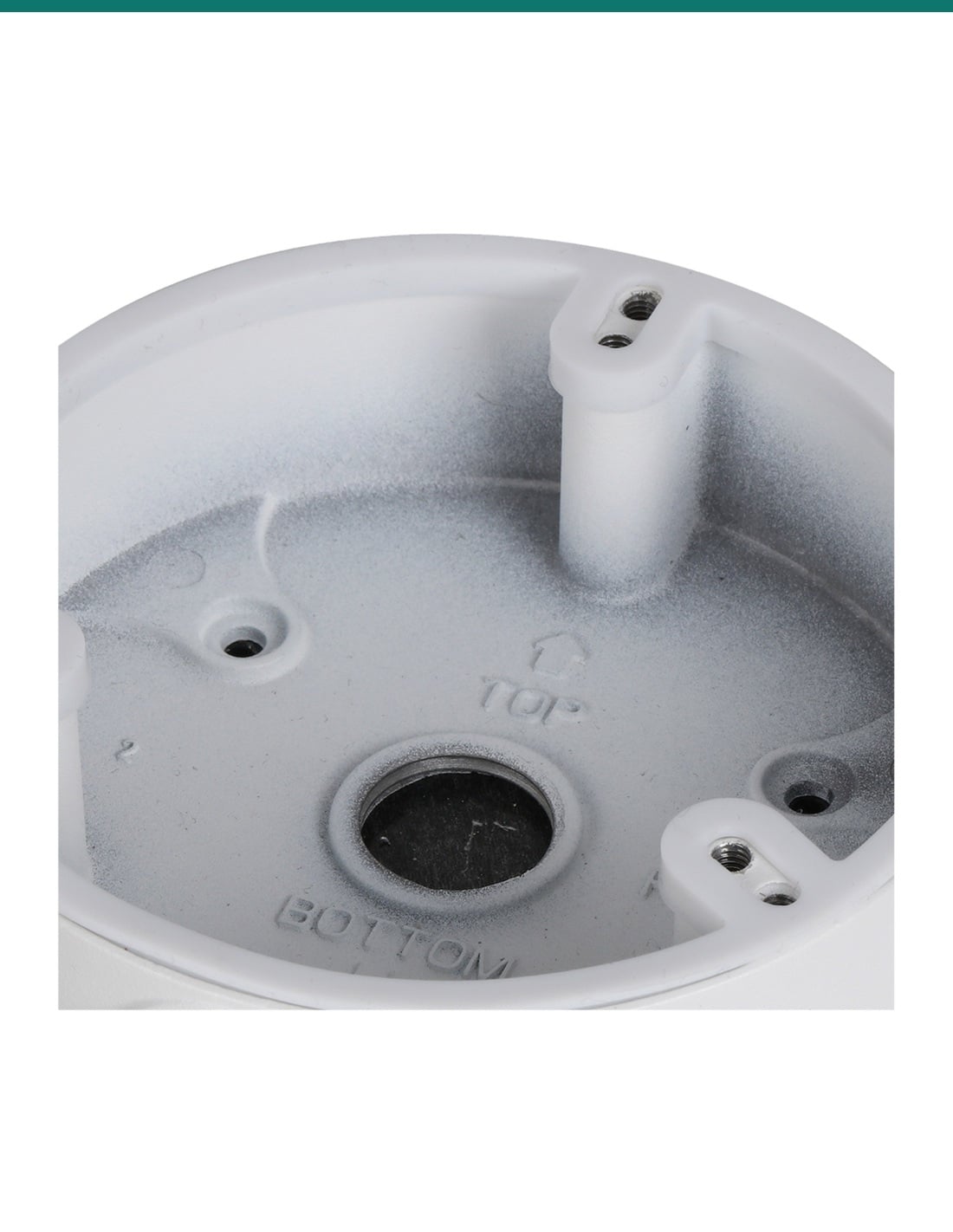
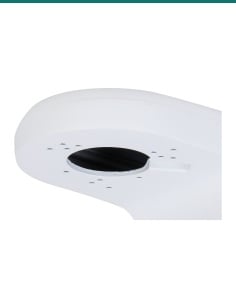
Posts for the camera screws.
Raised posts take the camera's M4 screws; Dahua's drawing shows them on 70.0 mm and 84.0 mm circles. The box fixes to the wall through three Φ4.5 mm holes. Close-up from Dahua's product photo.
How it goes in
From bare wall to mounted dome.
01
Check the camera
Make sure your camera is listed for the PFA136 below or on its datasheet, or ask us to confirm fit.
02
Fix the box
Mark the three Φ4.5 mm fixing holes, then fix the box with the expansion bolts and ST4×25 screws in the box.
03
Bring in the cable
Feed the cable through the base outlet or a G1/2 side outlet, make the joint inside the box and coil the spare cable.
04
Fit the camera
Fix the camera to the posts with the M4×10 screws, check every screw is tight, then aim the camera.
At a glance
DH-AC-PFA136
Show specs
Type
Junction box (junction mount)
Weight
0.19 kg (0.26 kg packed)
Outlets
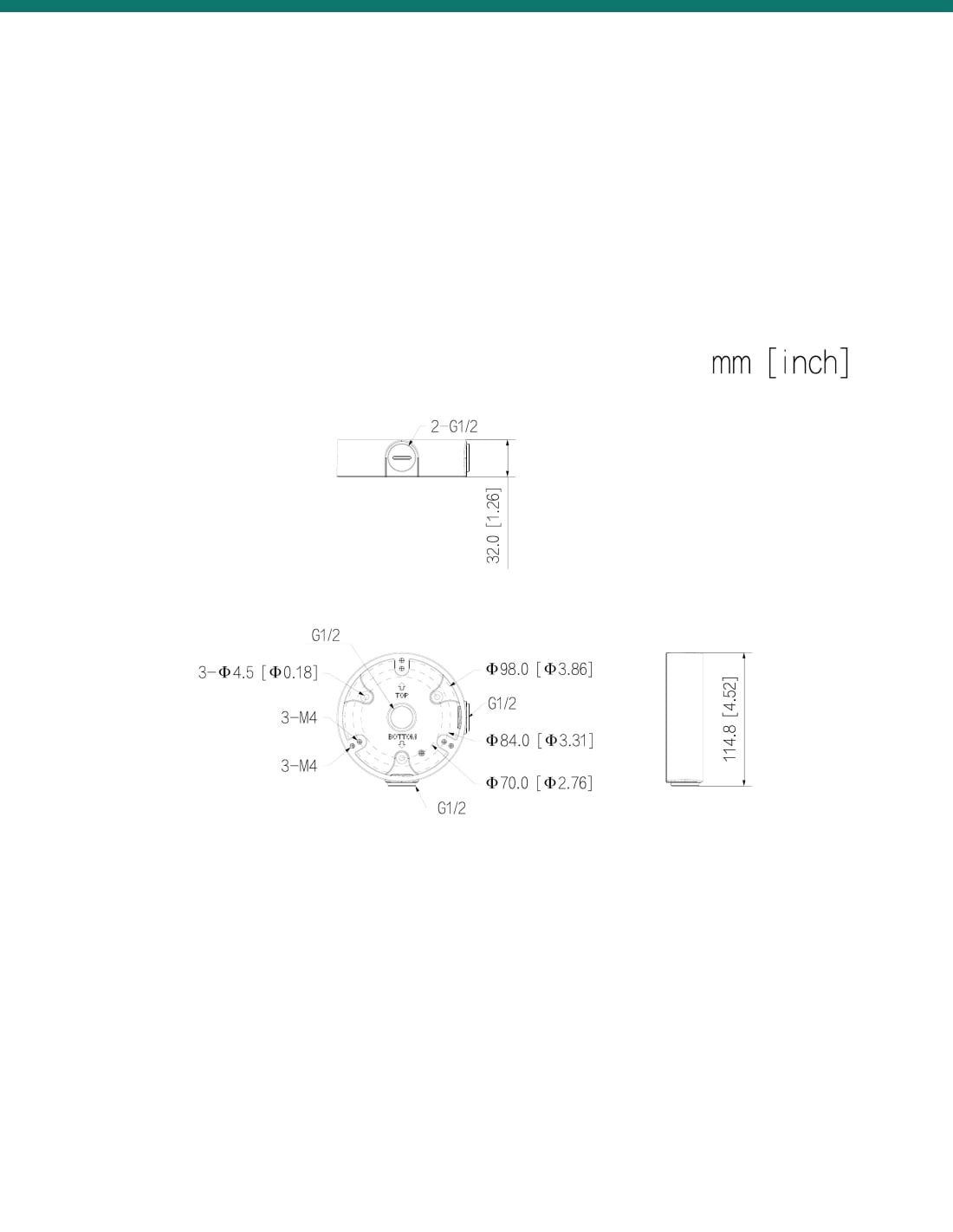
G1/2 in the base, 2 × G1/2 in the side (drawing)
Camera fixing
M4 screws on 70.0 mm and 84.0 mm circles (drawing)
Wall fixing
3 × Φ4.5 mm holes (drawing)
Operating temperature
−40 °C to +60 °C
Anti-corrosion level
Basic protection
IP rating
Not published by Dahua
Packed size
146 × 65 × 147 mm
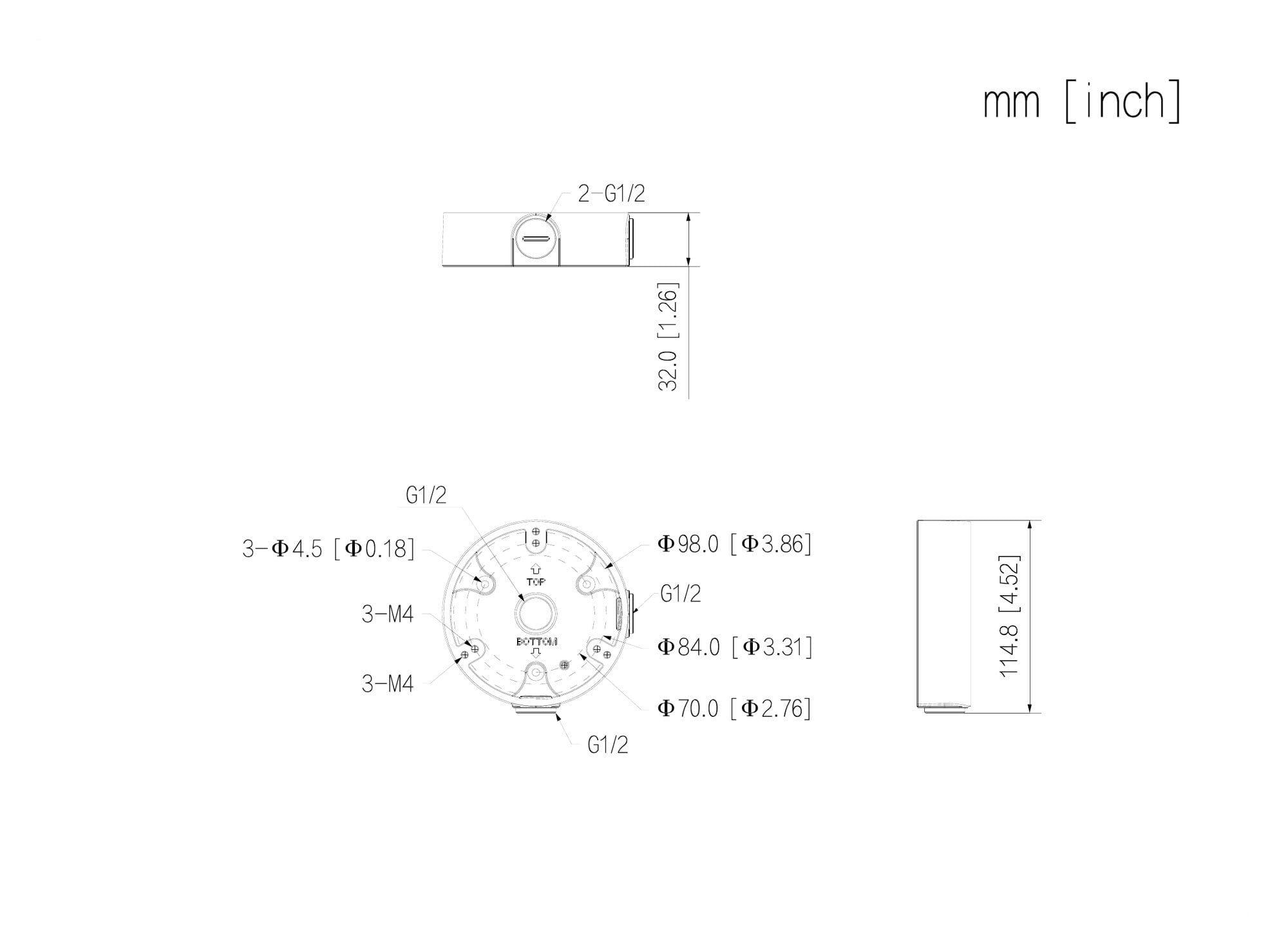
Dahua dimension drawing for the PFA136, measurements in mm [inch].
Works with
Dahua cameras listed with the PFA136
From Dahua camera datasheets and Dahua's Camera Accessories Selection guide (Oceania, December 2025 and May 2026). The guide lists these cameras with the PFA136 but recommends the PFA2310R box for most of them. If your model is not here, confirm fit with us.
Show the full list
DH-IPC-HDBW3866EP-AS-AUS (white and black)
Camera datasheet lists the PFA136 junction box
IPC-HDBW3466E-AS, IPC-HDBW3666E-AS, IPC-HDBW3866E-AS domes
Guide lists it, not as the recommended box
IPC-HDBW3467E-AS-IL, 3667E-AS-IL, 3867E-AS-IL domes
Guide lists it, not as the recommended box
IPC-HDBW3466F-AS dome
Guide lists it, not as the recommended box
IPC-HDBW1230DE-SW dome
Guide lists it, not as the recommended box
HAC-HDBW2802EA-A and similar HDCVI domes
Guide lists it, not as the recommended box
IPC-EB5541-M12-SA, IPC-EB5541-M-AS, IPC-EB5541-AS fisheyes
Guide lists it, not as the recommended box
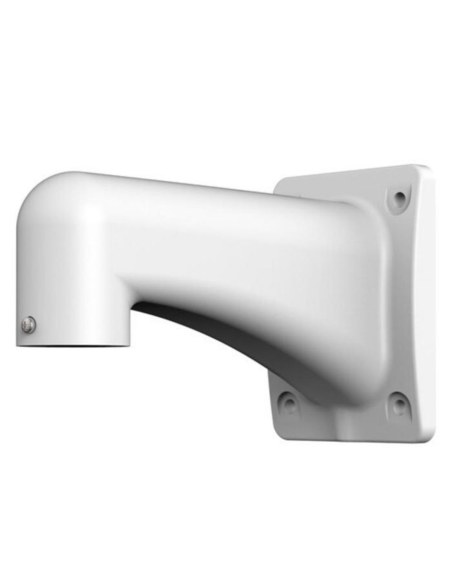
PFA152-E and PFA157 pole mounts
Guide: the PFA136 goes on to these for pole installs
Pair it with
What goes with it
Dome camera
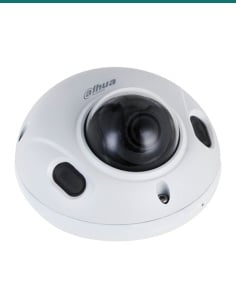
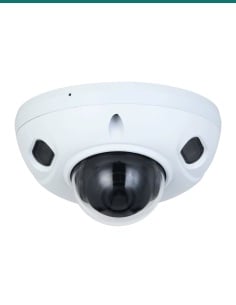
Dahua DH-IPC-HDBW3866EP-AS-AUS-BLK
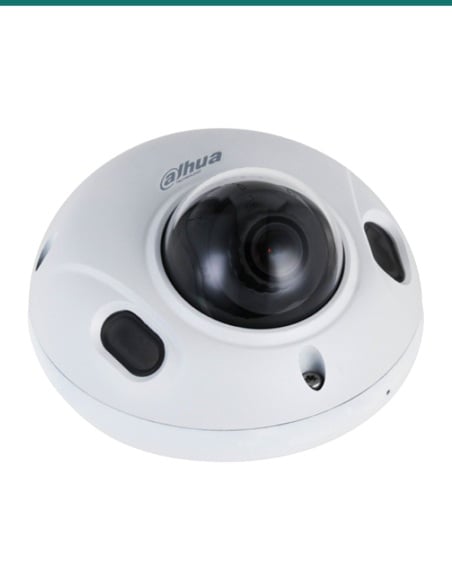
8MP WizSense dome. Its Dahua datasheet lists the PFA136 junction box and the PFA152-E pole mount.
Black version
DH-AC-PFA136-B junction box
The same junction box in black, to match a black camera.
Pole mount
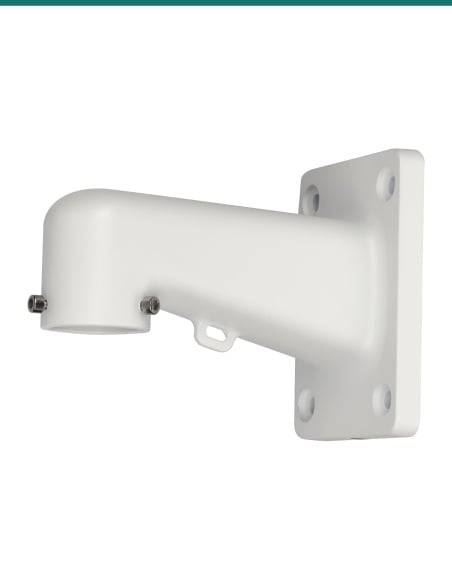
DH-AC-PFA152-E pole mount
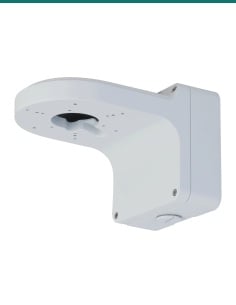
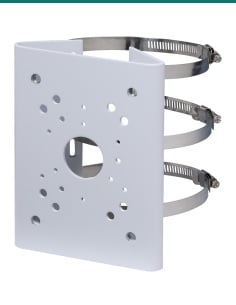
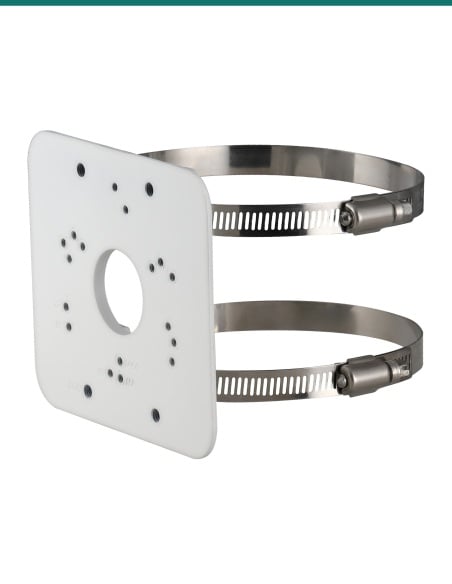
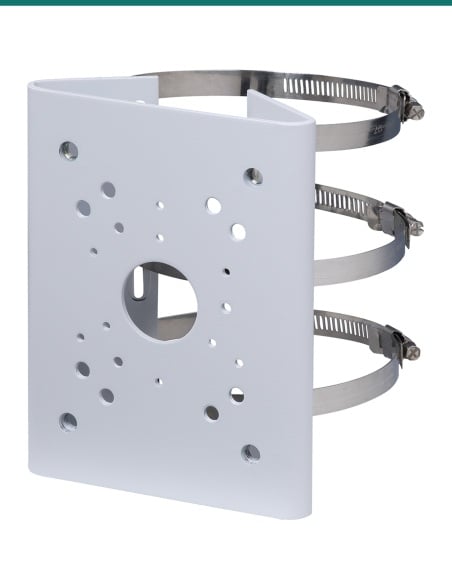
Dahua's pole mount for 80–150 mm poles. Its guide shows the PFA136 going on to it.
Junction box
DH-AC-PFA137 junction box
A slightly larger Dahua round box with the same G1/2 outlets and box contents.
Where it is used
Where a junction box earns its place.
Brick and block walls
Hide the cable joint in the box instead of a hole behind the camera.
Eaves and soffits
Give a dome a solid base under the eave with room for spare cable.
Surface cable runs
Bring conduit into a G1/2 side outlet where cable cannot go in the wall.
Shops and offices
Keep a ceiling or wall dome tidy with no visible cable joint.
Clad or rendered walls
Give the camera a flat face to fix to on an uneven surface.
Pole installs
Combine with the PFA152-E pole mount, as Dahua's guide shows.
PFA136 or PFA137
| PFA136 (this box) | PFA137 |
|---|
| Size | Φ114.8 × 32.0 mm | Φ123.6 × 34.2 mm |
| Weight | 0.19 kg | 0.23 kg |
| Load bearing | 1.0 kg | 1.0 kg |
| Thread | G1/2 | G1/2 |
| IP rating published | None | None |
| In the box | Box, screws, wrench, expansion bolts, water joint | Same list |
Figures from Dahua's PFA136 datasheet (Rev 002.000, 2025) and PFA137 datasheet (2025). Choose the box Dahua lists for your camera.
Common questions
Which cameras fit the PFA136?
Dahua's HDBW3866EP-AS-AUS datasheet lists it, and its selection guide lists it for the HDBW3466E/3666E/3866E-AS, HDBW3467E/3667E/3867E-AS-IL and HDBW1230DE-SW domes and the EB5541 fisheyes. The full list is in the Works with box.
Is it the box Dahua recommends for those cameras?
For most of the cameras in the guide, Dahua's first choice is its PFA2310R box, with the PFA136 listed as an option. The HDBW3866EP-AS-AUS datasheet names the PFA136.
Is it waterproof?
Dahua publishes no IP rating for the PFA136, and lists it for −40 °C to +60 °C with basic anti-corrosion protection. A water joint is in the box. If you need a rated box, ask us.
What is in the box?
The junction box, three M4×10 screws, an S3.0 wrench, three ST4×25 screws, three plastic expansion bolts and a water joint.
How much weight will it hold?
1.0 kg, according to Dahua's datasheet.
How big is it?
114.8 mm across and 32.0 mm deep, and it weighs 0.19 kg.
Where does the cable go in?
Through the G1/2 outlet in the base, straight from the wall, or through one of the two G1/2 outlets in the side for surface cable or conduit.
How is it fixed to the wall?
With three screws through Φ4.5 mm holes, using the expansion bolts and ST4×25 screws in the box.
Is there a black version?
Yes, the PFA136-B, for black cameras such as the HDBW3866EP-AS-AUS-BLK.
Can it go on a pole?
Dahua's guide shows the PFA136 going on to the PFA152-E and PFA157 pole mounts.
What is the difference from the PFA137?
The PFA137 is a little larger at Φ123.6 × 34.2 mm. Both have G1/2 outlets, carry 1.0 kg and come with the same parts. Use the one Dahua lists for your camera.
Who should install it?
Concealed data cabling to the camera is customer cabling under AS/CA S009 and needs an ACMA-registered cabler. Use a stable ladder when working at height.
Supported by InFront Technologies.
Not sure which junction box your Dahua camera needs? Call 1300 736 970 or email [email protected]. The Dahua datasheet is on the Attachments tab.
Installation and safety
Mechanical part only. The PFA136 holds the camera and its cable joints. It carries no power itself.
Load. Rated for 1.0 kg. Check the camera's weight on its own datasheet.
Weather. Dahua publishes no IP rating for the box. Seal unused outlets and cable entries.
Working at height. Use a stable ladder or work platform, and keep clear of overhead power lines.
Cabling. Concealed data cabling to the camera is customer cabling under AS/CA S009 and needs an ACMA-registered cabler. Any mains power work needs a licensed electrician.
Figures. From Dahua's DH-PFA136 datasheet (Rev 002.000, 2025), its dimension drawing, Dahua camera datasheets and its Camera Accessories Selection guide (Oceania, December 2025 and May 2026).