1 / 4

Dahua 26-Port Managed 24 Port POE Switch - DH-PFS4226-24ET-360

SKU DH-PFS4226-24ET-360 In Stock - Ready to Ship
$432.50 inc GST

Dahua DH-PFS4226-24ET-360: a Layer 2 managed switch with 24 PoE ports, two gigabit combo uplinks and 360 W of PoE, with two 90 W ports for PTZ cameras.

  • ✓24 × 10/100 Mbps PoE ports + 2 × gigabit RJ45/SFP combo uplinks
  • ✓360 W total PoE; ports 1–2 up to 90 W, ports 3–24 up to 30 W
  • ✓Managed by web, CLI, SNMP and iLinksView
  • ✓250 m long-distance PoE (10 Mbps) and PoE watchdog
  • ✓Built-in 100–240 V AC supply, desktop or rack mount


Description

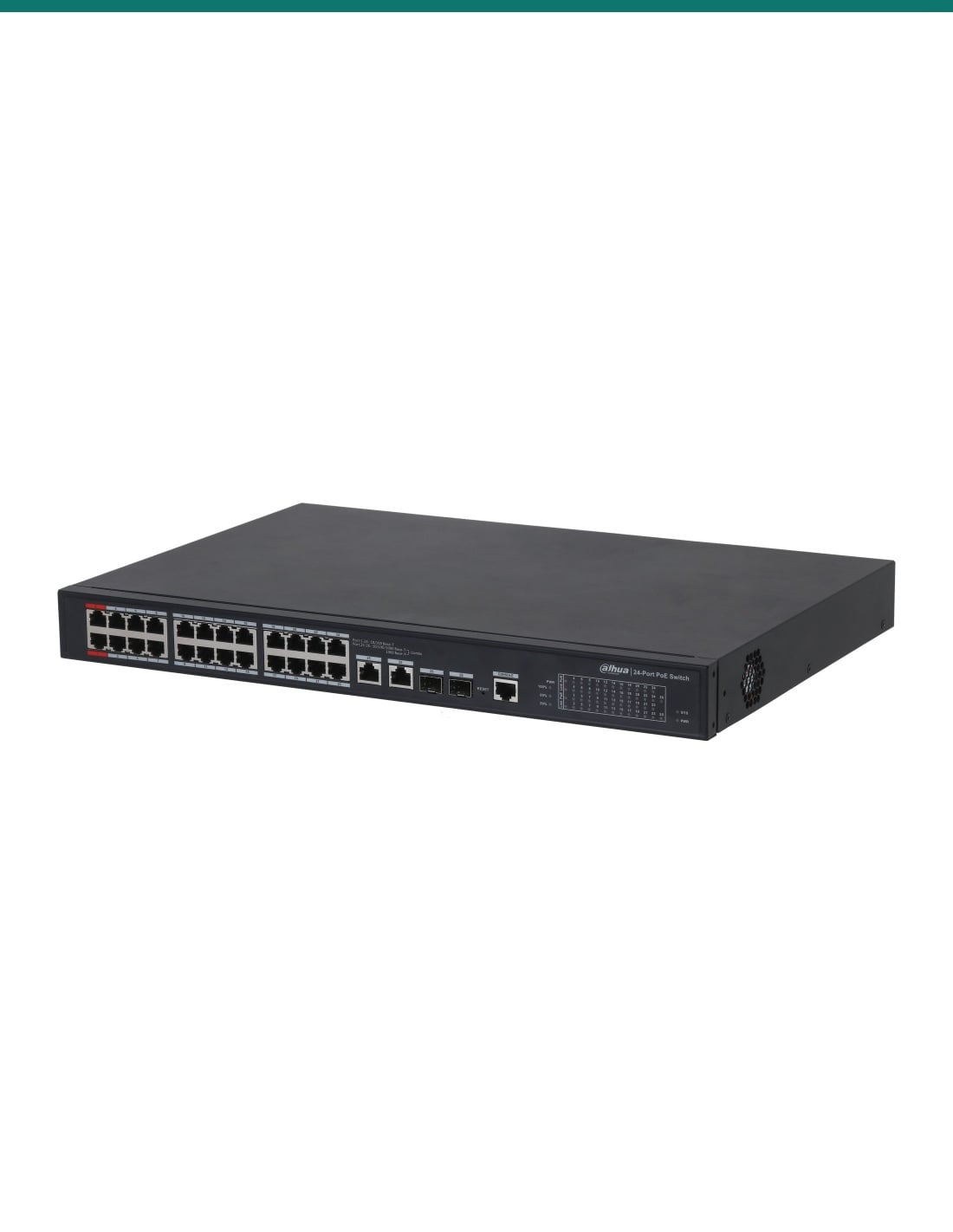
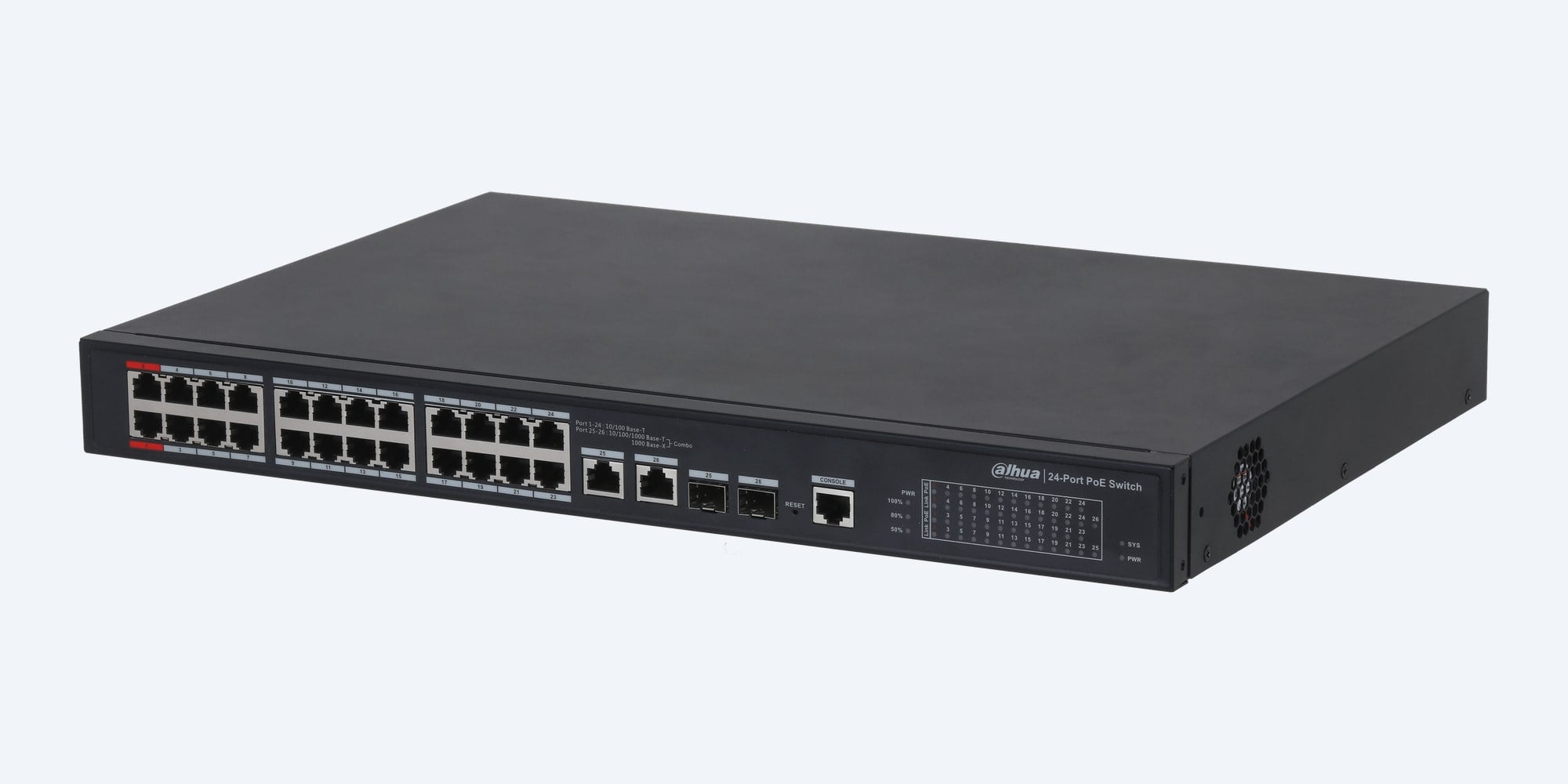
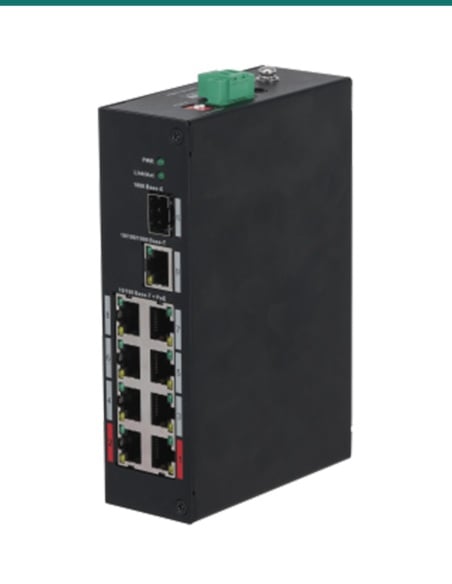
Dahua DH-PFS4226-24ET-360 black 24-port PoE switch with two red 90 W ports and two gigabit combo uplinks
Dahua · Network switch · Layer 2 managed PoE

24 PoE cameras, 360 W, one managed switch.
Two 90 W ports for the PTZs.

The DH-PFS4226-24ET-360 is a Layer 2 managed PoE switch with 24 PoE ports for cameras and two gigabit combo uplinks to the recorder or network. It shares 360 W of PoE across the ports, and the two red ports deliver up to 90 W each.

In one sentence: the DH-PFS4226-24ET-360 is a Dahua Layer 2 managed switch with 24 10/100 Mbps PoE ports, two gigabit RJ45/SFP combo uplinks and a 360 W PoE budget, with ports 1 and 2 giving up to 90 W each.

360 W is shared by all 24 ports.

Each port gives up to 30 W (ports 1 and 2 up to 90 W), but the total for the switch is 360 W. Add up your cameras' maximum PoE draw before you plan the job. The PoE ports run at 10/100 Mbps; the two uplinks are gigabit.

In the box
  • DH-PFS4226-24ET-360 PoE switch
You also need
  • A power point for the built-in 100–240 V AC supply, and an earth connection
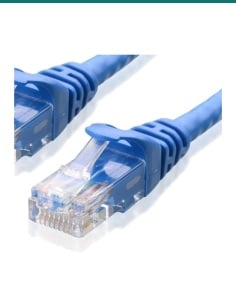
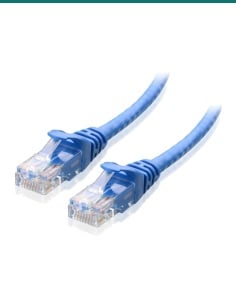
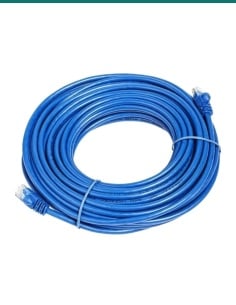
  • Cat5e or Cat6 cable, up to 100 m to each camera
  • An uplink to your recorder or network: a gigabit RJ45 cable, or a 1.25G SFP module and fibre
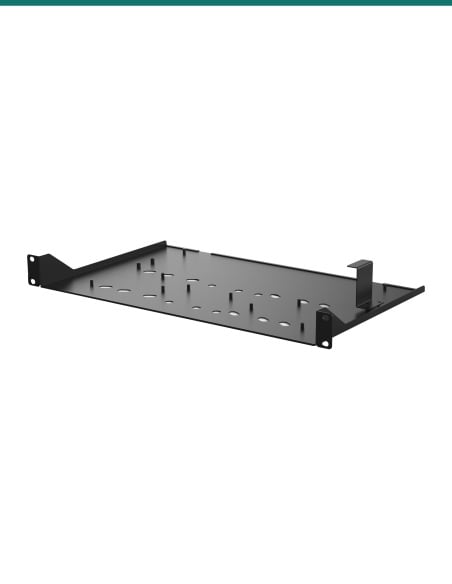
  • A shelf, or a 19-inch rack and mounting brackets

Managed, not just plug and play.

Out of the box it switches and powers cameras like an unmanaged switch. Log in to its web page and you can set VLANs, link aggregation, port mirroring, spanning tree, QoS and port security, check each port's PoE draw, schedule PoE on and off, and turn on 250 m long-distance PoE or the PoE watchdog for each port. It is managed locally through the web page, the console port (CLI), SNMP and Dahua's iLinksView software; Dahua does not list cloud management for it.

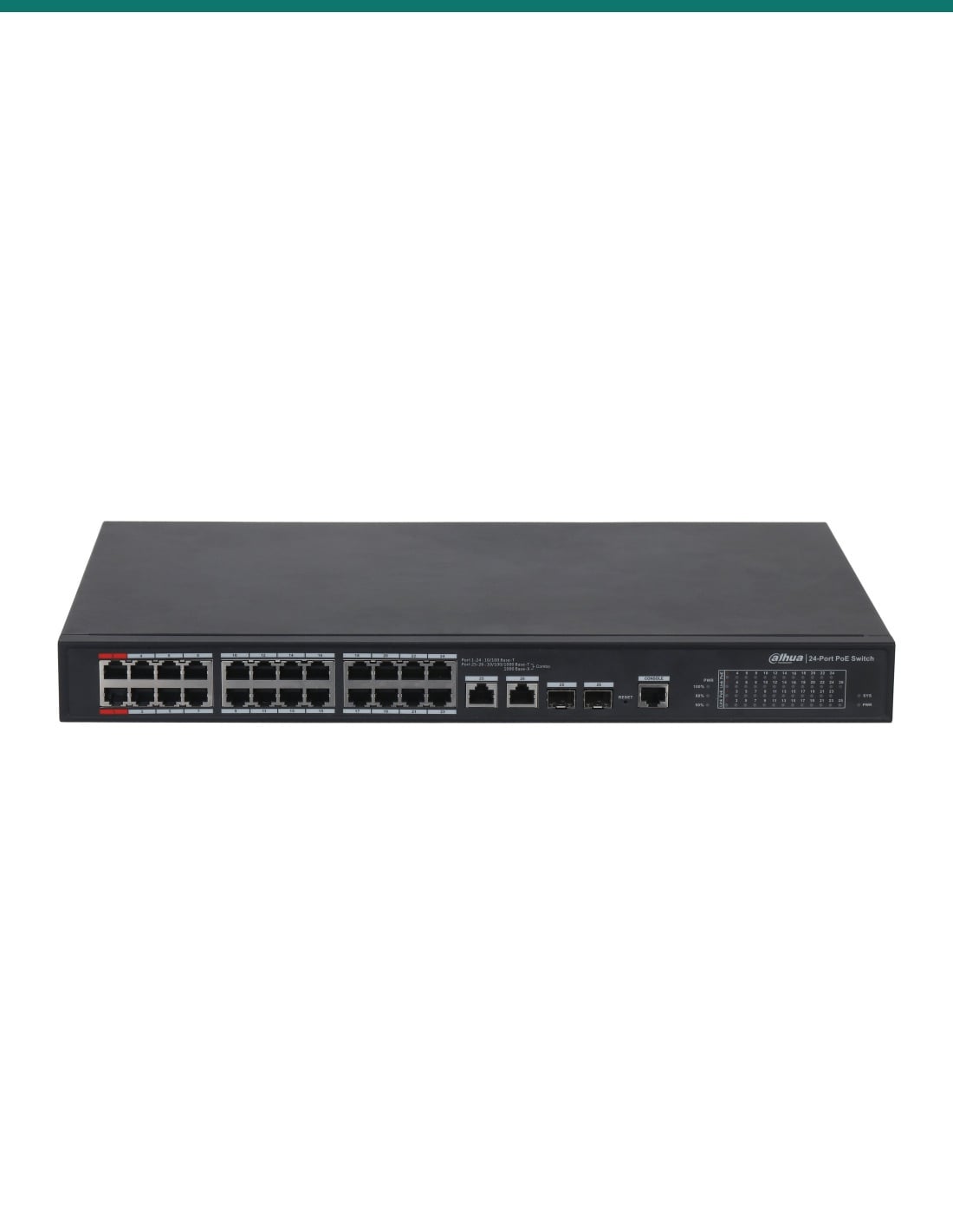
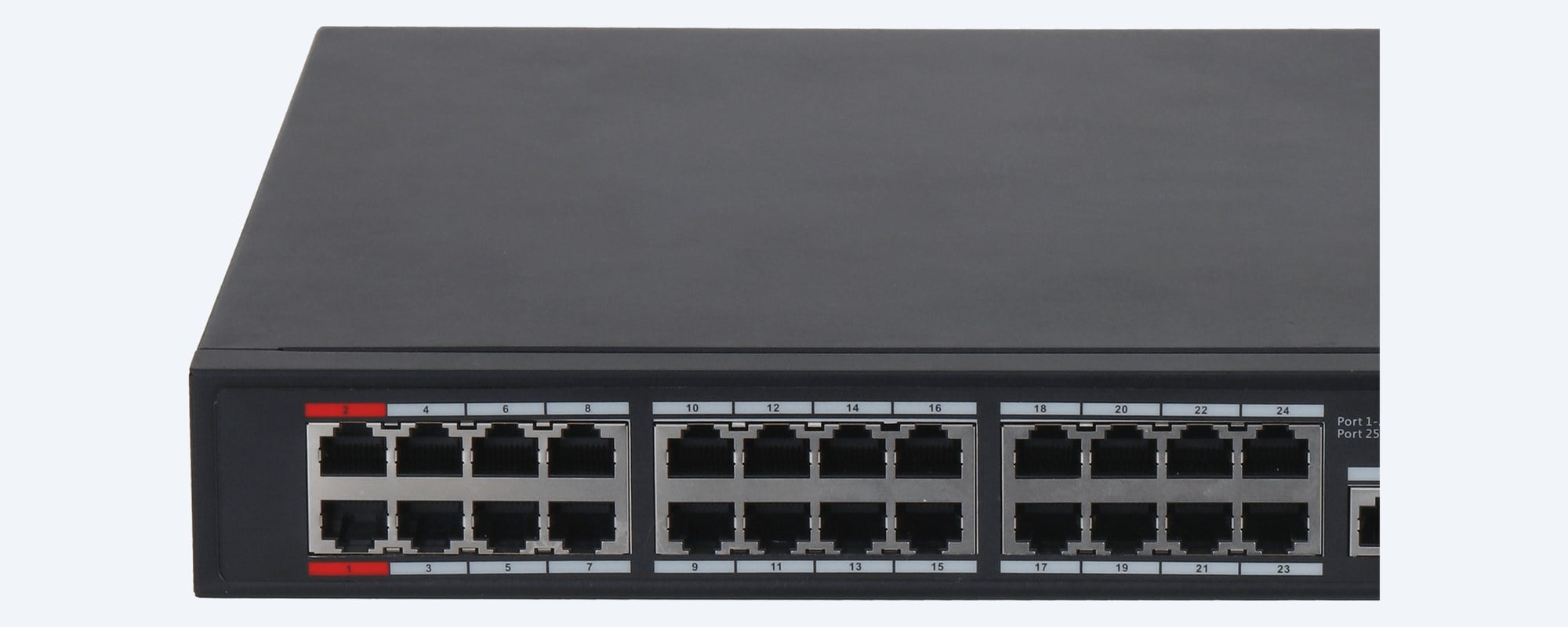
DH-PFS4226-24ET-360 close-up of PoE ports 1 to 24 with ports 1 and 2 marked in red

PoE ports

24 PoE ports, two of them 90 W.

Ports 1 to 24 are 10/100 Mbps with IEEE 802.3af/at PoE, up to 30 W each. Ports 1 and 2, marked red, also support IEEE 802.3bt and Hi-PoE at up to 90 W, for PTZ cameras with heaters or IR. Total PoE for the switch is 360 W.

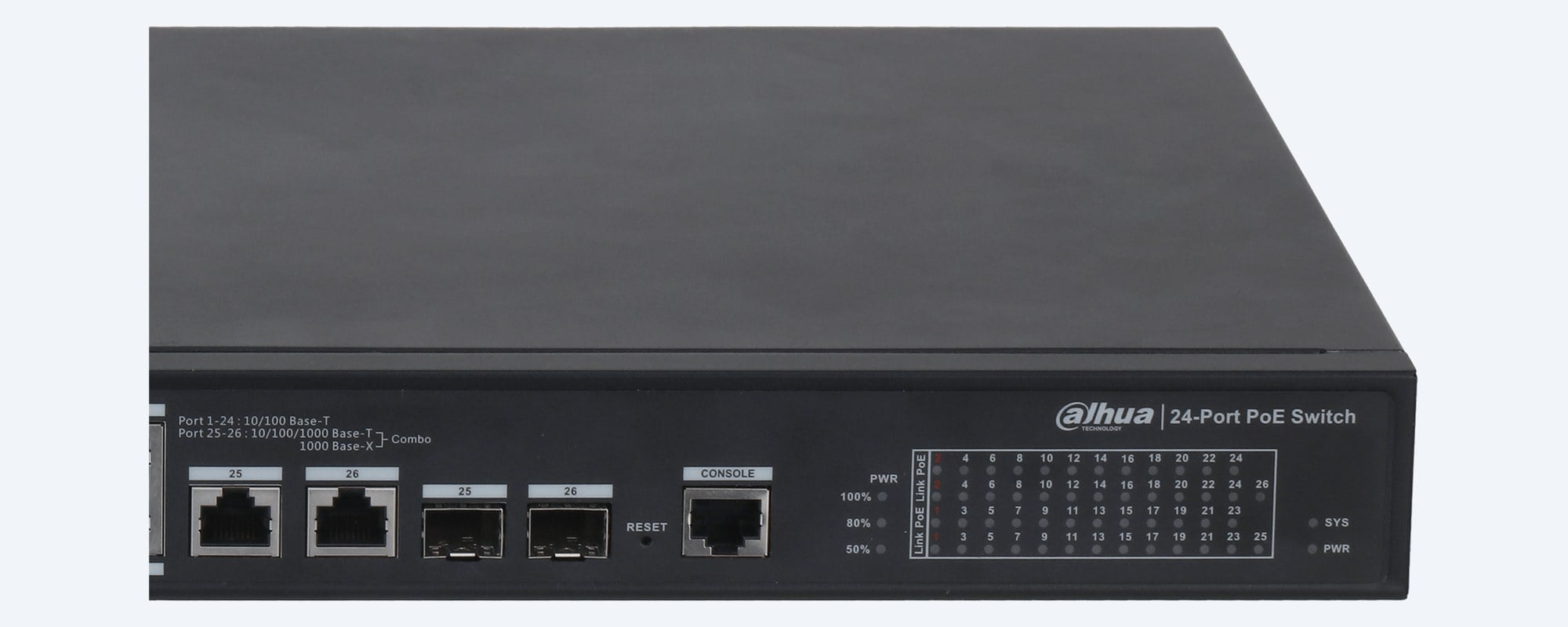
DH-PFS4226-24ET-360 close-up of uplink ports 25 and 26, the two SFP slots, reset, console port and status LEDs

Uplinks and status

Two gigabit combo uplinks.

Ports 25 and 26 are combo uplinks: each is a 10/100/1000 Mbps RJ45 port or a 1000 Mbps SFP slot. Beside them are the reset button, the console port, and LEDs for total PoE load (50%, 80%, 100%), each port's link and PoE, system and power.

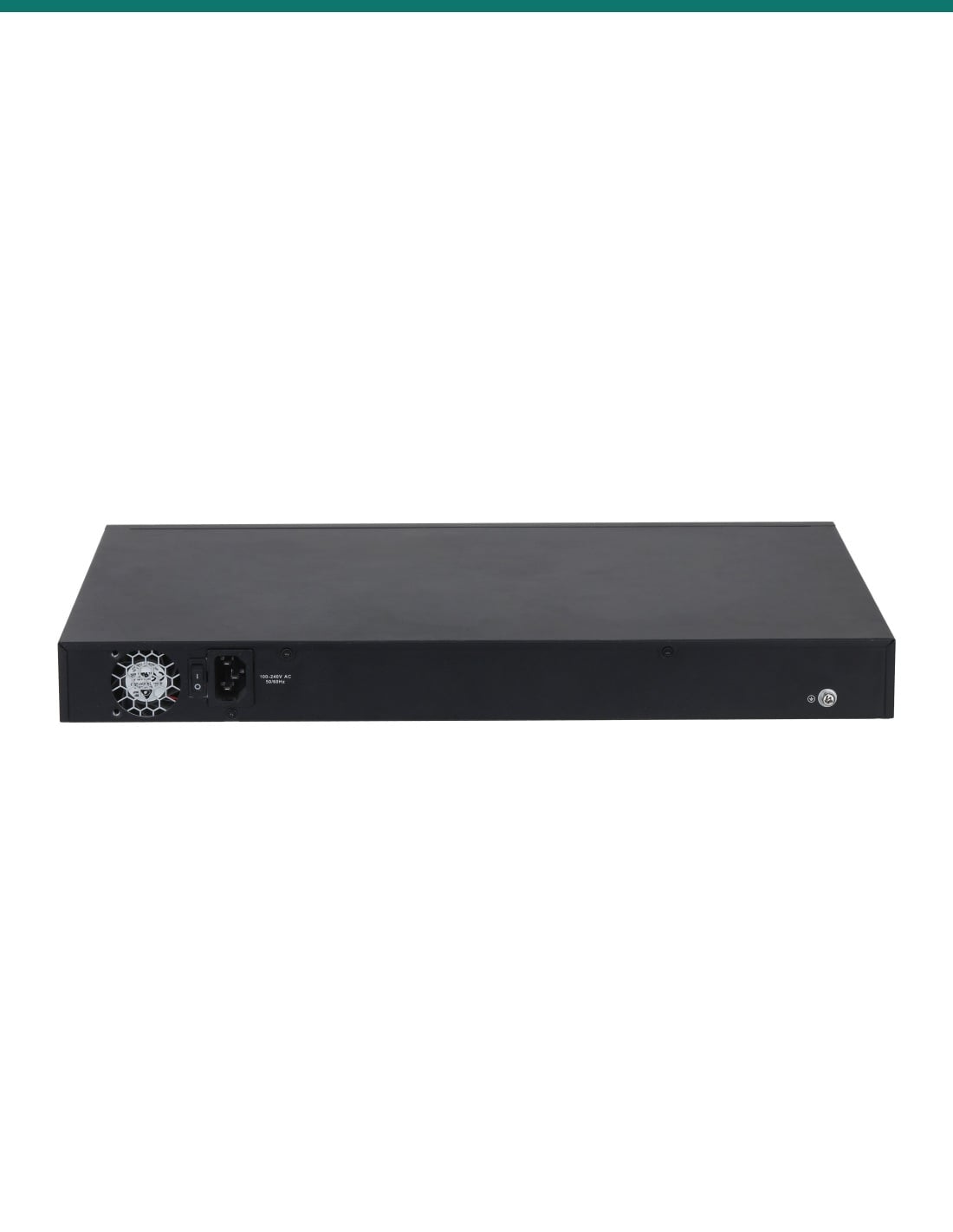
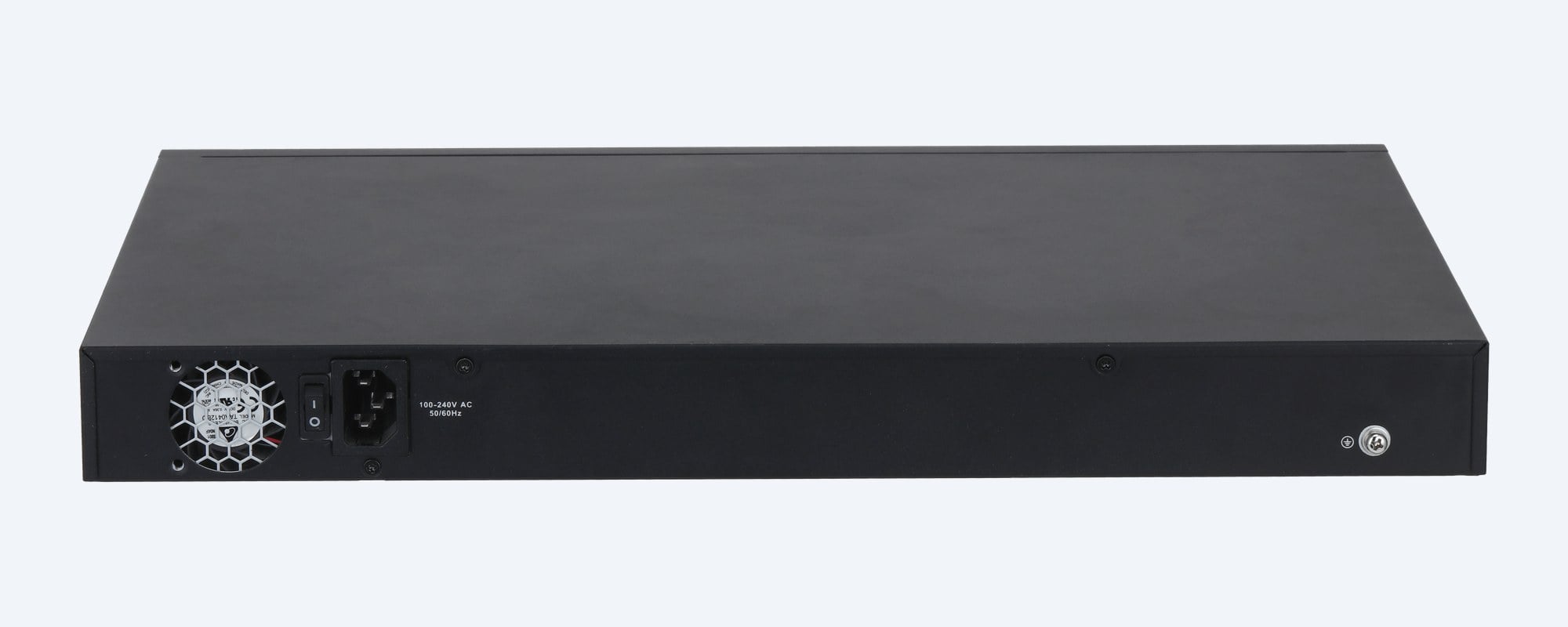
DH-PFS4226-24ET-360 rear panel with cooling fan, AC power inlet and earth terminal

Rear panel

Mains power in, earth terminal.

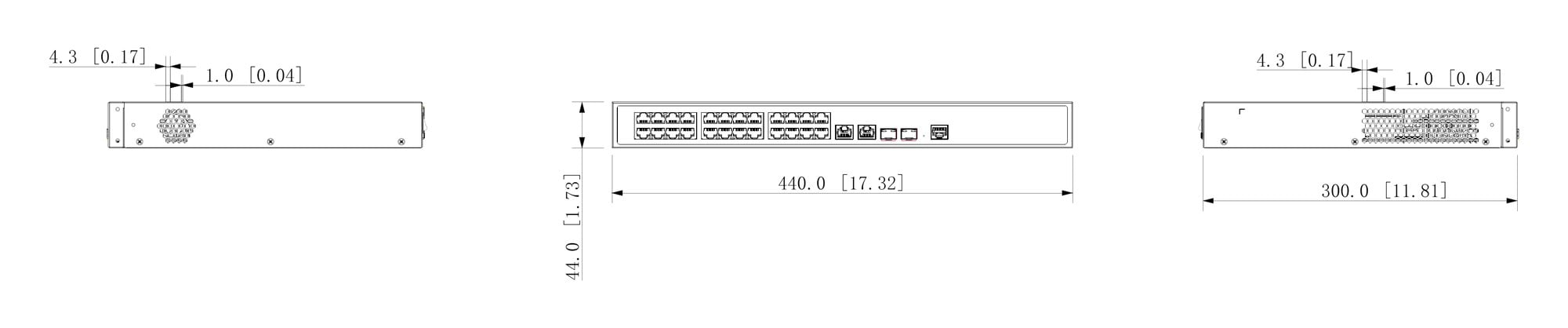
The power supply is built in: a standard AC inlet takes 100–240 V AC. Dahua asks for the switch to be earthed through the ground terminal before power-on, for lightning and interference protection. The all-metal case is 440 × 300 × 44 mm, a 1U width.

How it goes in

Place, earth, connect, configure.

01

Place or rack it

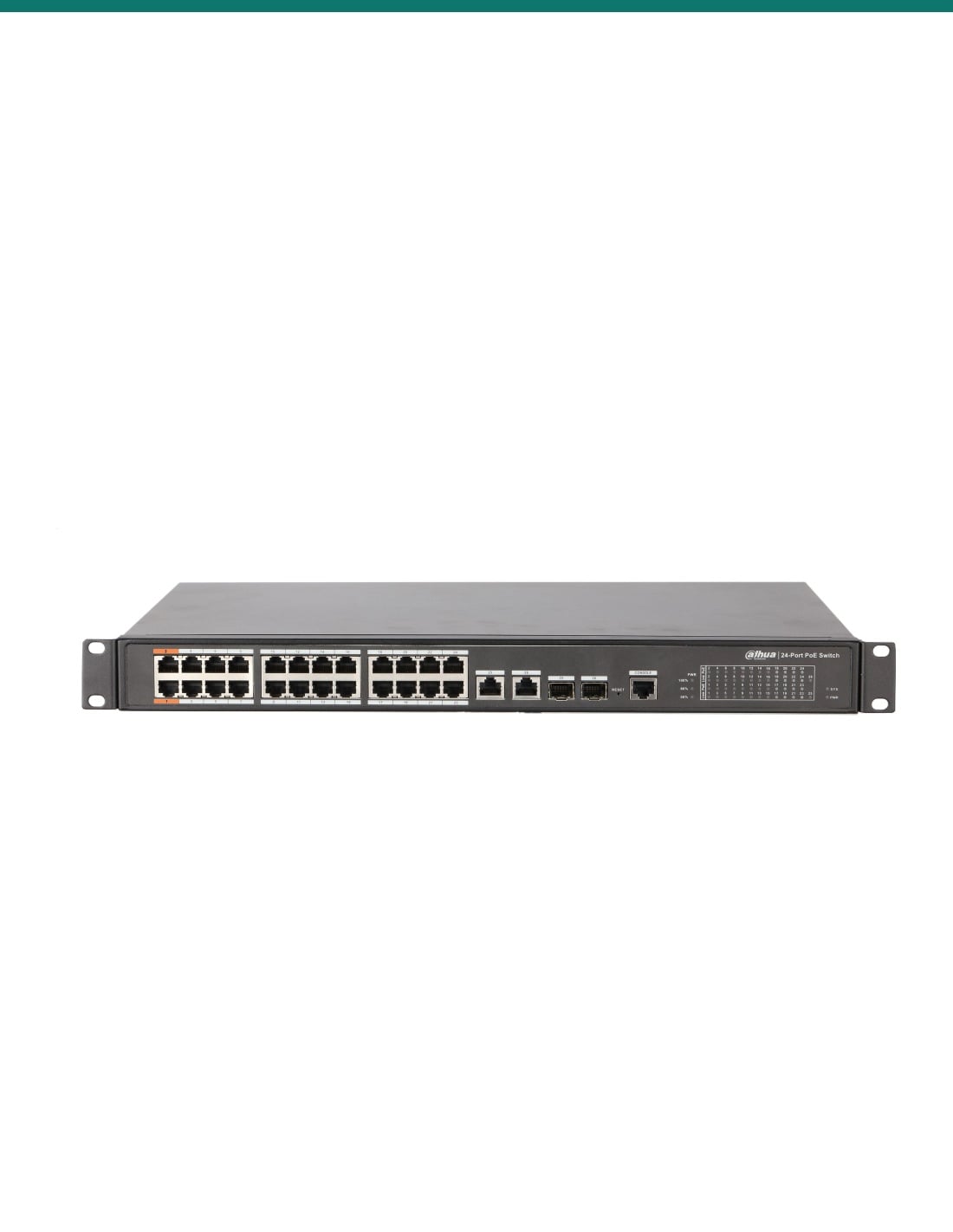
Stand it on a shelf, or fit mounting brackets to each side and screw it into a 19-inch rack. Leave the vents clear.

02

Earth and power

Connect the ground terminal to earth, then plug the power cord into a mains outlet and switch it on. The PWR LED lights and SYS flashes when it is running.

03

Connect cameras and uplink

Plug cameras into ports 1 to 24 (PTZs that need more than 30 W go on red ports 1 and 2). Connect port 25 or 26 to the recorder or network, by RJ45 or an SFP module.

04

Log in and set it up

Browse to 192.168.1.110 and set the admin password on first login. Then set up VLANs, long-distance PoE or the PoE watchdog if you need them.

Pair it with

What it works with

Recorder

Dahua DHI-NVR5864-AI/ANZ

A 64-channel Dahua AI NVR with no PoE ports of its own. This switch powers up to 24 of its cameras and uplinks to it over gigabit.

PTZ camera

Dahua DH-SD5A432GB-HNR

4MP 32x WizSense PTZ, PoE+ at 22 W maximum. Fits any port, leaving the red 90 W ports free for bigger PTZs.

PTZ camera

Dahua DH-SDT4E425-8P-GB-A-PV1

8MP + 4MP dual-lens auto-tracking PTZ that draws up to 25 W on PoE+. Each camera needs a 30 W port.

Fibre uplink

Dahua 1.25G SFP module

Dahua lists its GSFP modules for the SFP uplinks: single-mode to 20 km or multimode to 550 m. Ask us which one suits your run.

Where it is used

Where a 24-port PoE switch is used.

Warehouses

Dozens of cameras across a building, back to one rack.

Schools

Corridor, playground and car park cameras on one managed switch.

Shopping centres

Shopfront and walkway cameras with PTZs on the 90 W ports.

Hotels

Lobby, lift and car park cameras, with VLANs to keep CCTV separate.

Hospitals and clinics

Large camera counts where port status and PoE draw are watched.

Office buildings

Cameras, access control readers and IP phones on PoE from one rack.

PFS4226-24ET-360 and PFS3110-8ET-96

DH-PFS4226-24ET-360 (this switch)DH-PFS3110-8ET-96 (8-port)
ManagementLayer 2 managed (web, CLI, SNMP, iLinksView)Unmanaged
PoE ports24 × 10/100 Mbps8 × 10/100 Mbps
Uplinks2 × gigabit combo (RJ45 or SFP)1 × gigabit RJ45 + 1 × gigabit SFP
PoE budget360 W total; ports 1–2 up to 90 W, ports 3–24 up to 30 W96 W total; ports 1–2 up to 90 W, ports 3–8 up to 30 W
Long-distance PoE250 m at 10 Mbps250 m at 10 Mbps
Power supplyBuilt in, 100–240 V ACExternal 48–57 V DC
MountingDesktop or 19-inch rackDesktop or DIN rail
Size440 × 300 × 44 mm150 × 100 × 42 mm

From Dahua's DH-PFS4226-24ET-360 (Rev 002, 2023) and DH-PFS3110-8ET-96 (Rev 002, 2024) datasheets.

Common questions

Is it a managed switch?

Yes, Layer 2 managed. You set it up through its web page, the console port (CLI), SNMP or Dahua's iLinksView software. Dahua doesn't list cloud management for this model.

How many ports does it have?

26: 24 PoE ports at 10/100 Mbps, plus two gigabit combo uplinks that each take an RJ45 cable or an SFP module. There is also a console port.

What is the PoE budget?

360 W in total. Ports 1 and 2 give up to 90 W each and ports 3 to 24 up to 30 W each, as long as the total stays within 360 W.

Which ports are the 90 W ones?

Ports 1 and 2, marked red. They support IEEE 802.3bt and Hi-PoE as well as 802.3af/at, for PTZ cameras and other high-power devices.

Can it run cameras past 100 m?

Yes, up to 250 m with long-distance PoE turned on for that port in the web page. The link drops to 10 Mbps. Dahua's lab figures at 250 m are 25.5 W for 802.3at, 37 W for Hi-PoE and 40 W for 802.3bt.

Are the camera ports gigabit?

No. Ports 1 to 24 are 10/100 Mbps, plenty for one IP camera each. Only the two uplinks, 25 and 26, are gigabit.

What does the PoE watchdog do?

When it is turned on for a port, the switch watches the device on that port and restarts the port if the device stops responding, so a frozen camera comes back without a site visit.

What happens if the cameras draw too much?

Dahua lists power consumption management and power-down for overload among its PoE features. The PoE load LEDs show when the total passes 50% and 80% of the budget, so keep the total within 360 W.

Can I rack mount it?

Yes. Dahua's quick start guide covers desktop and rack mounting: brackets screw to each side and it sits in a 19-inch rack. Check with us that brackets are included with your unit.

What is the default login?

IP address 192.168.1.110, username admin. There is no initial web password: you set one on first login. Hold the reset button for 5 seconds to restore factory settings.

What SFP modules does it take?

1000 Mbps (1.25G) SFP modules. Dahua lists its GSFP range: single-mode 1310/1550 nm to 20 km and multimode 850 nm to 550 m.

Who can install it?

The switch plugs into a standard power point and must be earthed. A new power point needs a licensed electrician, and concealed data cabling needs an ACMA-registered cabler.

Supported by InFront Technologies.

Send us your camera list and we'll check the PoE budget and which ports to use. Call 1300 736 970 or email [email protected]. The datasheet, web configuration manual, dimension drawing and port layout are on the Attachments tab.

Installation and safety

Mains powered. The switch has a built-in 100–240 V AC supply. It is a Class I appliance: use an earthed outlet and connect the ground terminal before power-on.

PoE budget. Keep the total draw of all PoE devices within 360 W, and anything over 30 W on ports 1 and 2 only.

Ventilation. Keep the vents and fan clear, out of direct sun and away from damp and dust. It works from −10 °C to 55 °C.

Cabling. Concealed data cabling is customer cabling under AS/CA S009 and needs an ACMA-registered cabler. Keep runs to 100 m unless long-distance PoE is turned on.

Figures. From Dahua's DH-PFS4226-24ET-360 datasheet (Rev 002, 2023, V2.0) and the 16/24-port managed desktop switch quick start guide V1.1.0.

INFRONTTECH Promotional Banner INFRONTTECH Promotional Banner INFRONTTECH Promotional Banner

Need help choosing?

Tell us about your property and we'll recommend the right cameras and recorder.

07 5609 4910

Sydney 02 8814 6008
[email protected]

Mon–Fri, 9am–5pm AEST

Saved to your wishlist Find it any time in your account. View list