There are no more items in your cart
In Stock - Ready to Ship


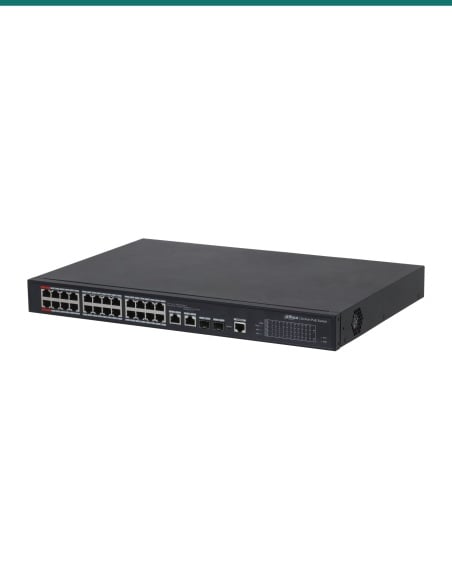
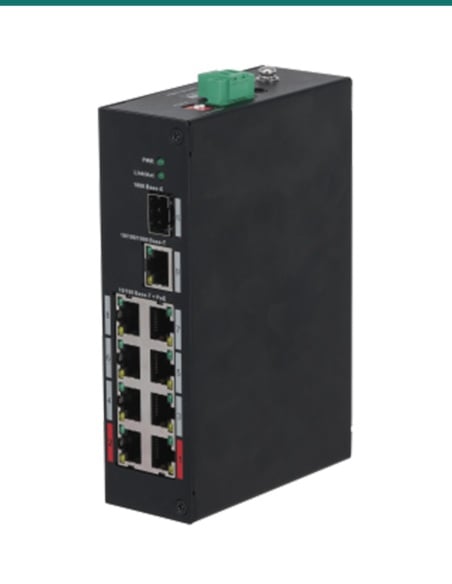
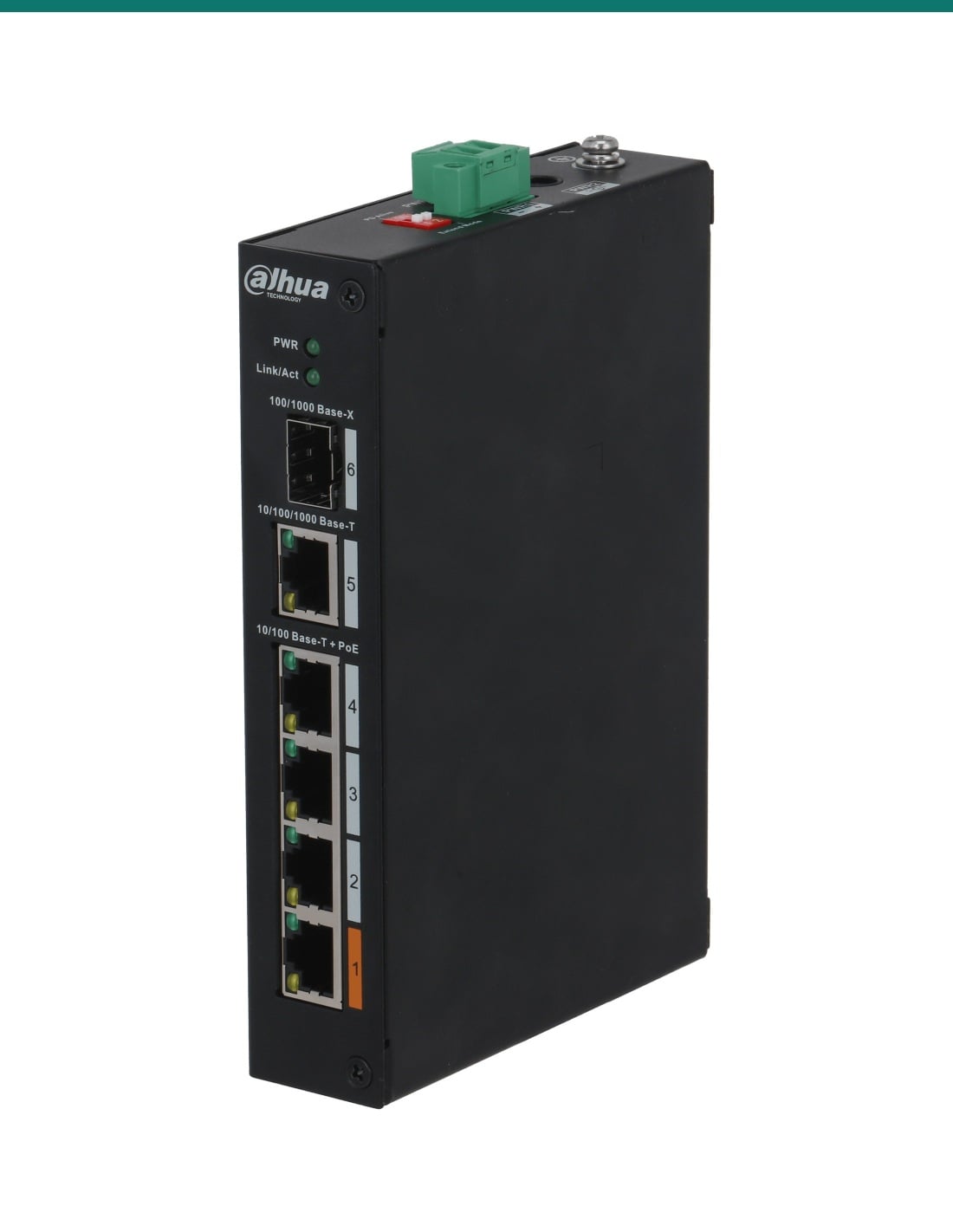
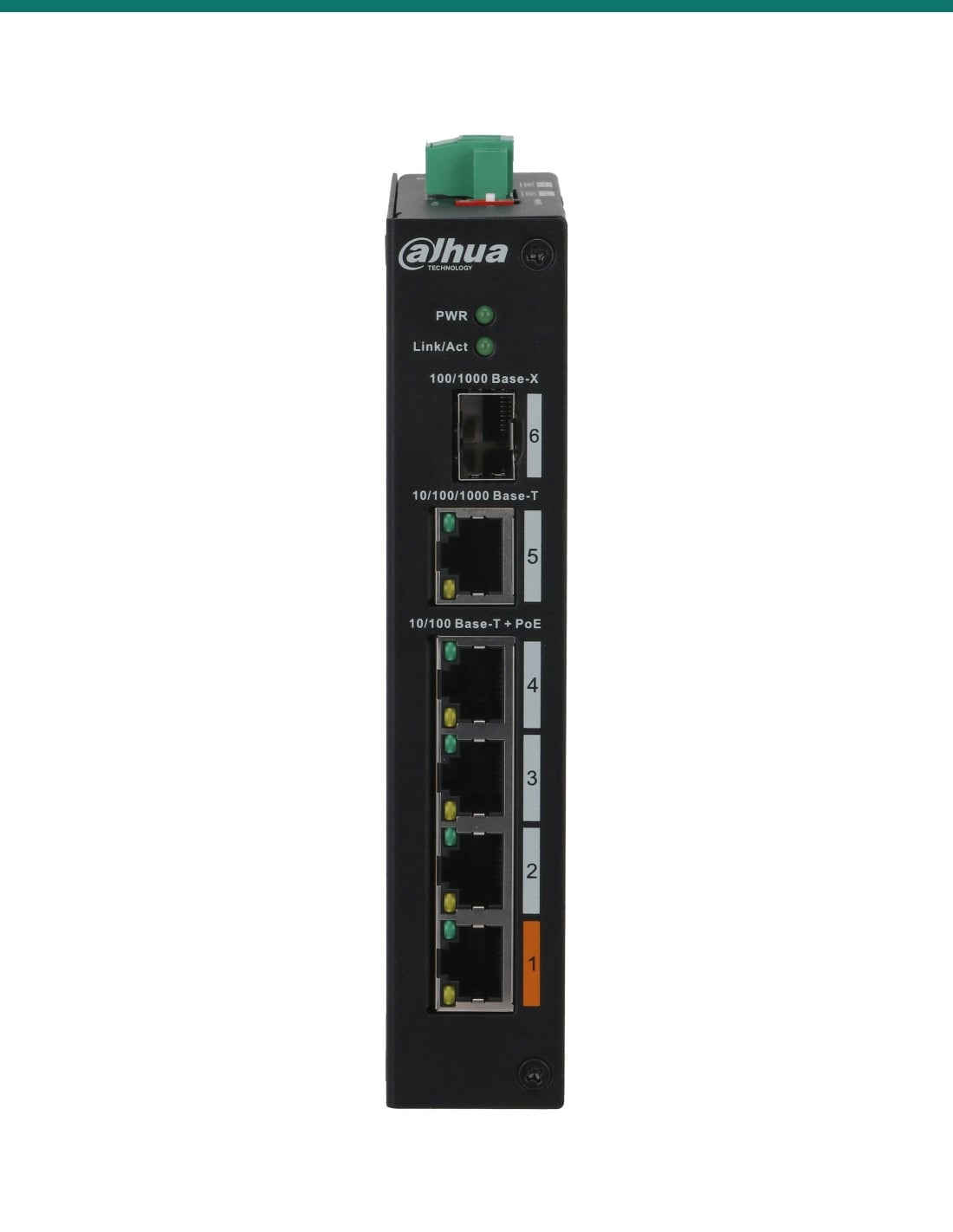
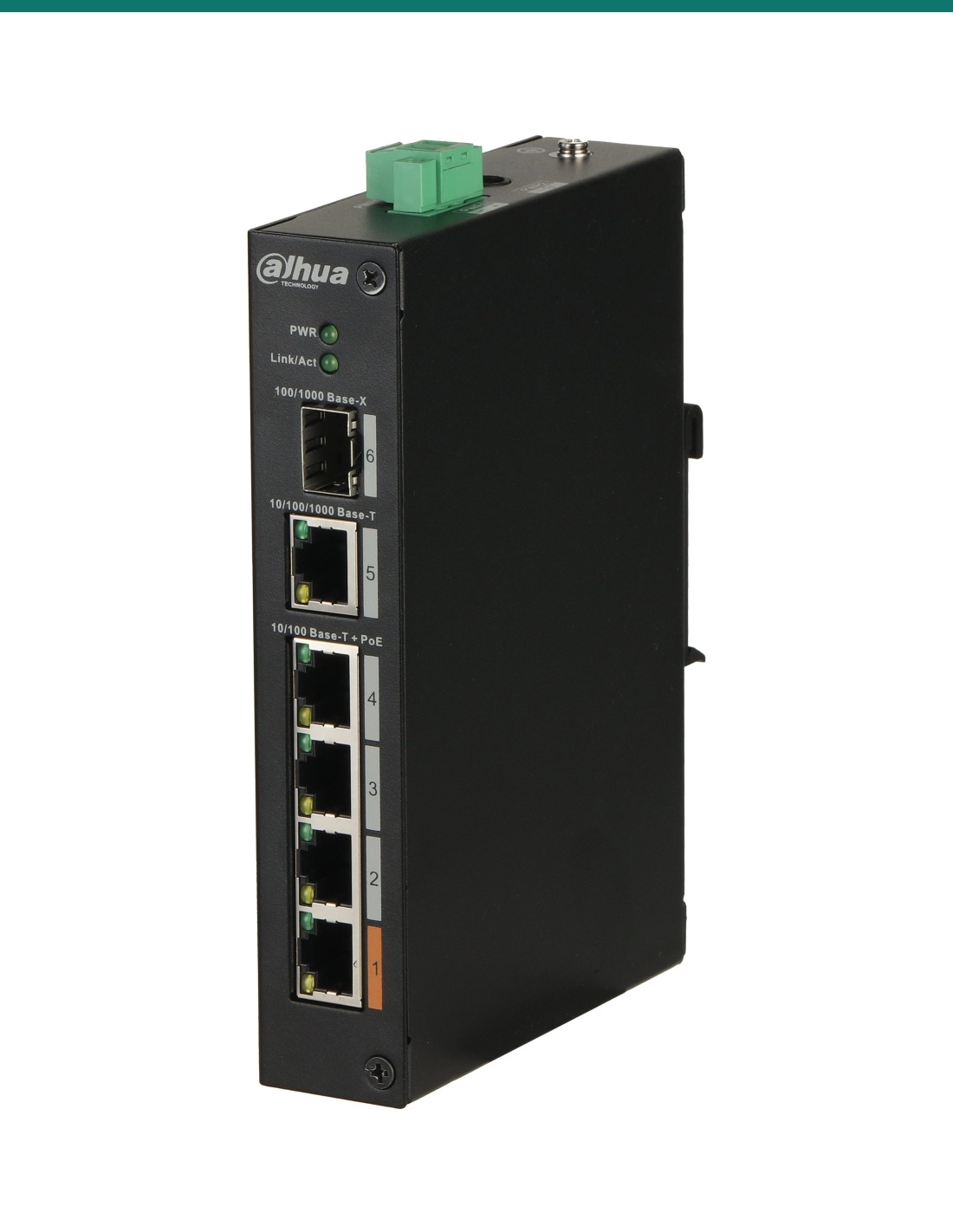
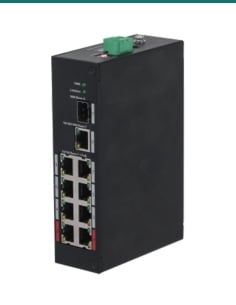
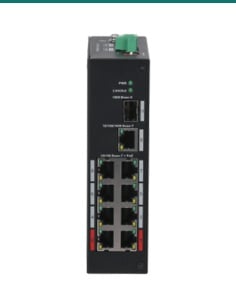
Dahua DH-PFS3106-4ET-60-V2: an unmanaged hardened switch with four 10/100 Mbps PoE ports, a 60 W Hi-PoE port and gigabit RJ45 plus SFP uplinks, 60 W in total.
The DH-PFS3106-4ET-60-V2 is a small hardened metal switch with four 10/100 Mbps PoE ports, a gigabit RJ45 uplink and an SFP fibre uplink. Nothing to set up: cameras plug in and power up.
In one sentence: the DH-PFS3106-4ET-60-V2 is a Dahua unmanaged hardened switch with four 10/100 Mbps PoE ports (port 1 Hi-PoE up to 60 W, 60 W in total), one gigabit RJ45 uplink and one 100/1000 Mbps SFP uplink, rated −30 °C to +65 °C.
60 W of PoE in total, shared by all four ports.
Port 1 (orange) can give up to 60 W and ports 2 to 4 follow 802.3af/at, but the whole switch delivers 60 W at most. Add up your cameras before you plug them in. The switch runs on 48–57 V DC; Dahua's datasheet does not list the box contents, so confirm with us whether a power adapter is included.
The PFS3106 is a hardened switch for small camera runs in sheds, plant rooms, pole cabinets and comms cupboards. It works from −30 °C to +65 °C, has 4 kV surge protection on its ports, mounts on a DIN rail or sits on a shelf, and takes two power inputs so a second supply can back up the first.
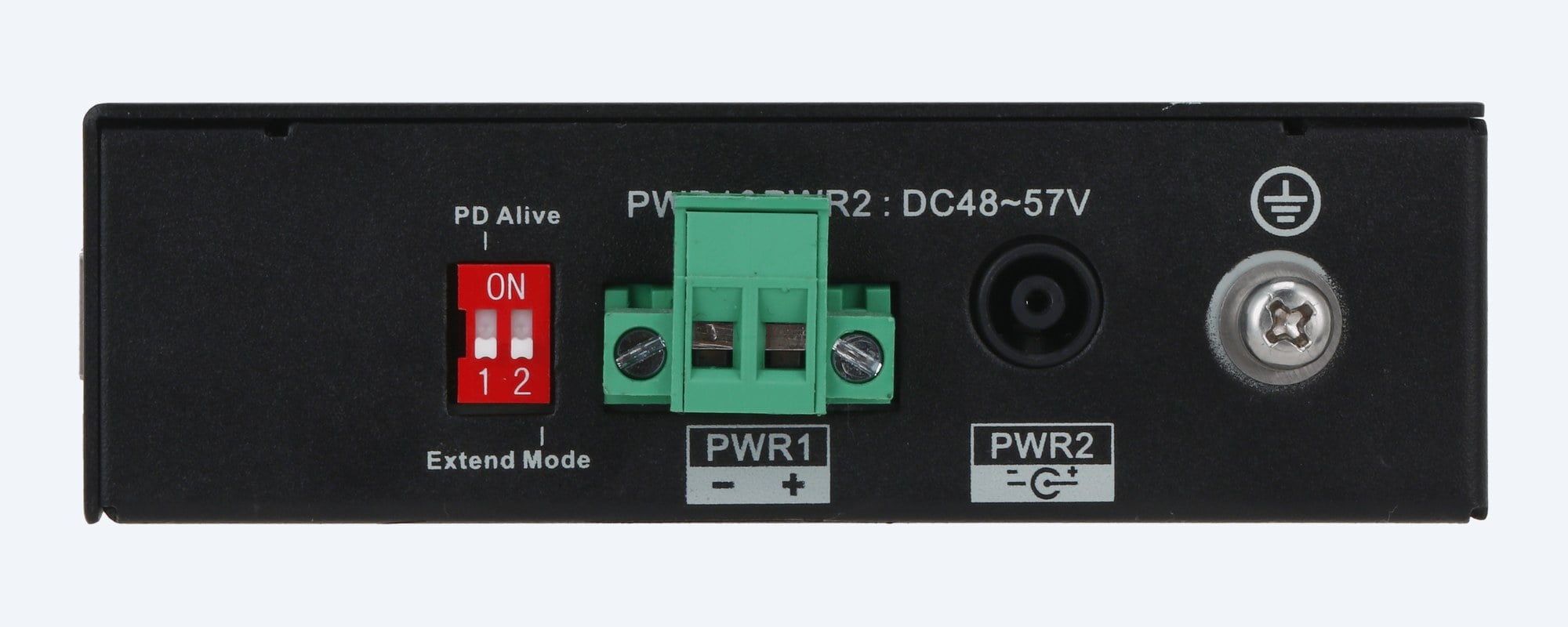
Power side
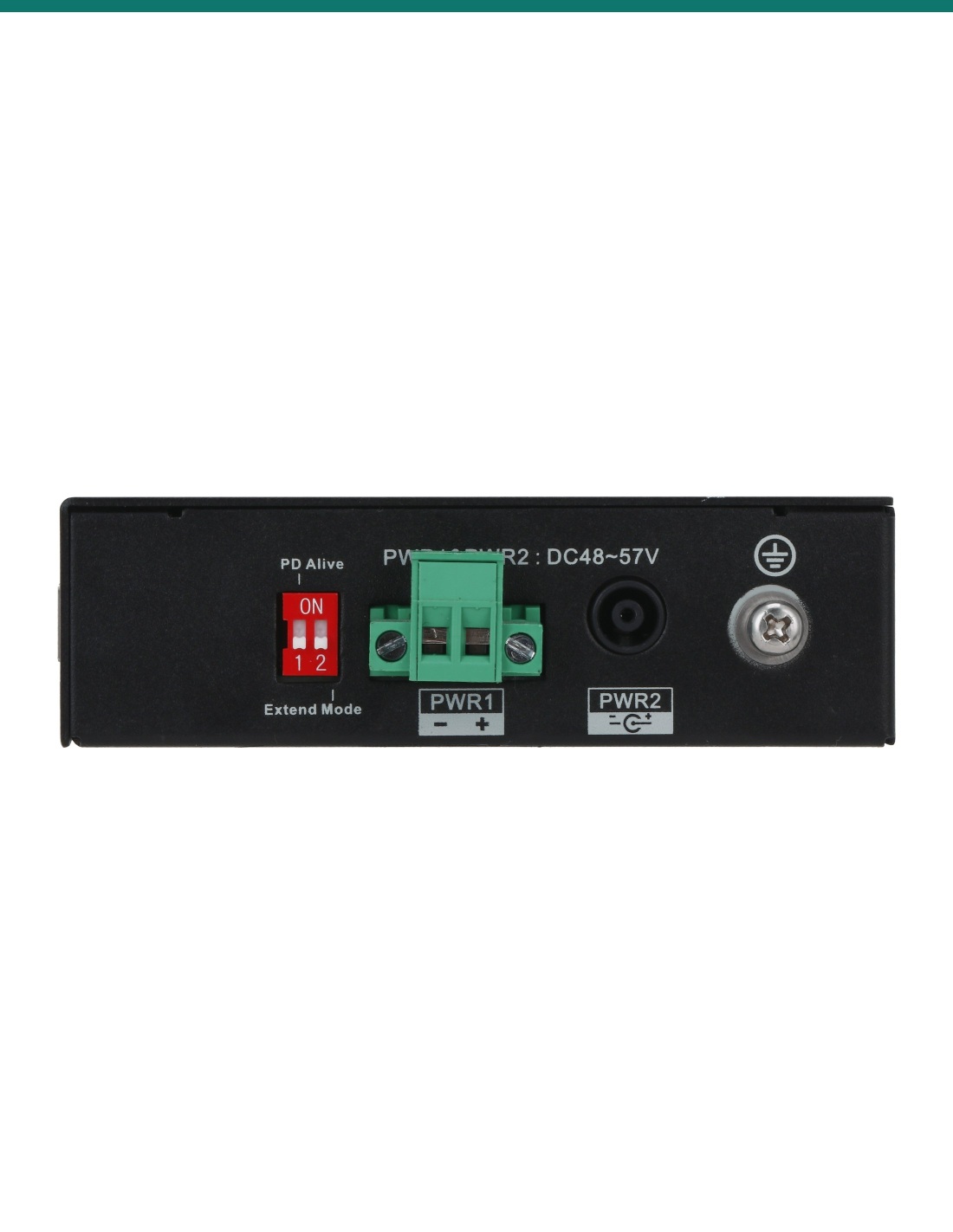
PWR1 is a screw terminal and PWR2 a DC socket, both marked DC 48–57 V, for dual-power backup. DIP switch 1 (PD Alive) turns on the PoE watchdog, which restarts a camera that stops responding. DIP switch 2 (Extend Mode) sets the PoE ports to 250 m at 10 Mbps. The earth screw bonds the case to protective earth.
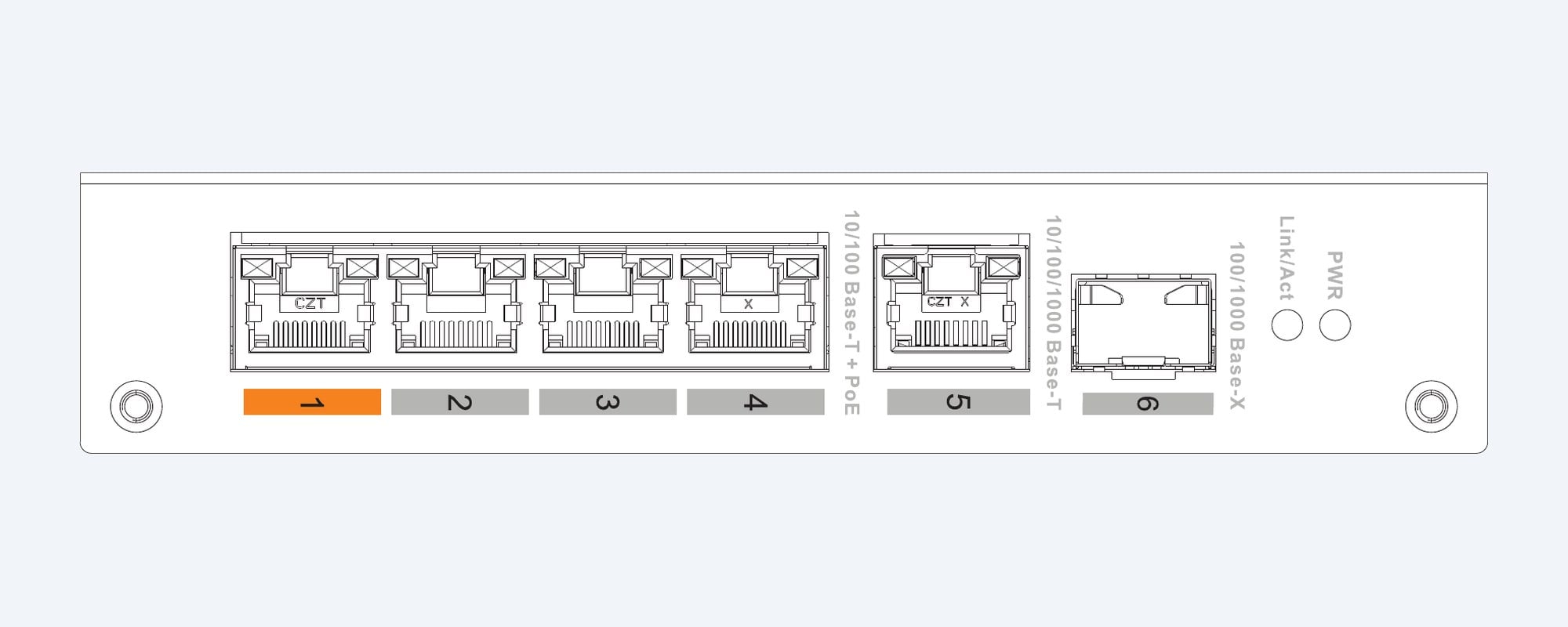
Port layout (Dahua drawing)
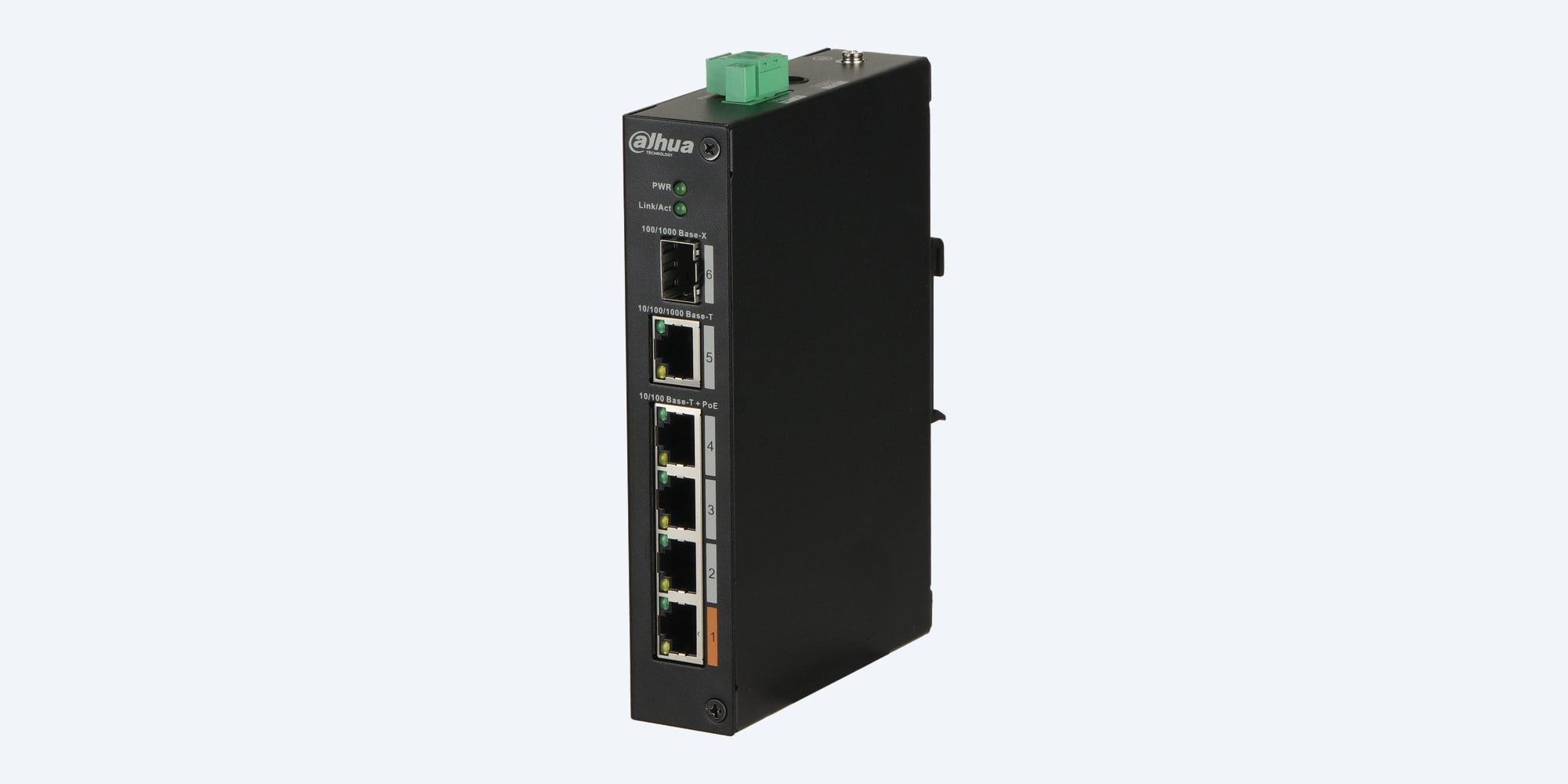
Ports 1 to 4 are 10/100 Mbps PoE. Port 1, marked orange, adds Hi-PoE up to 60 W for a PTZ camera or other high-power device. Port 5 is a 10/100/1000 Mbps RJ45 uplink and port 6 a 100/1000 Mbps SFP uplink for fibre.
How it goes in
01
Clip it onto a DIN rail or stand it on a flat shelf. Leave about 10 cm free on each side for cooling and connect the earth screw.
02
Wire a 48–57 V DC supply to PWR1 or PWR2. Use both inputs if you want a backup supply. The PWR light comes on.
03
Run port 5 (gigabit RJ45) or port 6 (SFP fibre) to the NVR or the main network.
04
One Cat5e or Cat6 run per camera. Use port 1 for anything over 30 W, and keep the total under 60 W. Set Extend Mode only for runs over 100 m.
At a glance
Show specs
Type
Unmanaged hardened PoE switch
PoE ports
Ports 1–4: 4 × RJ45 10/100 Mbps PoE
Uplinks
Port 5: 1 × RJ45 10/100/1000 Mbps; port 6: 1 × SFP 100/1000 Mbps
PoE budget
60 W in total; port 1 Hi-PoE up to 60 W
PoE standards
IEEE 802.3af, 802.3at and Hi-PoE (port 1)
PoE pins
1, 2, 4, 5 (V+); 3, 6, 7, 8 (V−), all 8 pins
Long-distance PoE
Extend Mode: up to 250 m at 10 Mbps (100 m at 100 Mbps when off)
Power at distance
Dahua lab figures at 53 V: Hi-PoE 53 W at 100 m, 47 W at 200 m, 37 W at 250 m; 802.3at 25.5 W to 250 m
Intelligent PoE
Over budget, it switches off the highest-numbered port first, one at a time
PoE watchdog
PD Alive DIP switch: restarts a device that stops responding
Switching
6.8 Gbps capacity, 3.57 Mpps forwarding, 1 Mbit buffer, 8K MAC table
Standards
IEEE 802.3, 802.3u, 802.3x, 802.3ab, 802.3z
Power input
53 V DC (side label DC 48–57 V), two inputs: PWR1 terminal block, PWR2 DC socket
Power consumption
Idle 2.5 W, full load 60 W
Protection
Surge 4 kV common mode, 2 kV differential; ESD 15 kV air, 8 kV contact
Operating range
−30 °C to +65 °C, 5% to 95% RH
Mounting
Desktop or DIN rail
Size and weight
150 × 100 × 30 mm (154.3 × 110.4 mm with the DIN clip and terminal), 0.45 kg (1.10 kg packed)
Warranty
Dahua 5-year (60-month) manufacturer warranty for PoE switches, handled in Australia through InFront
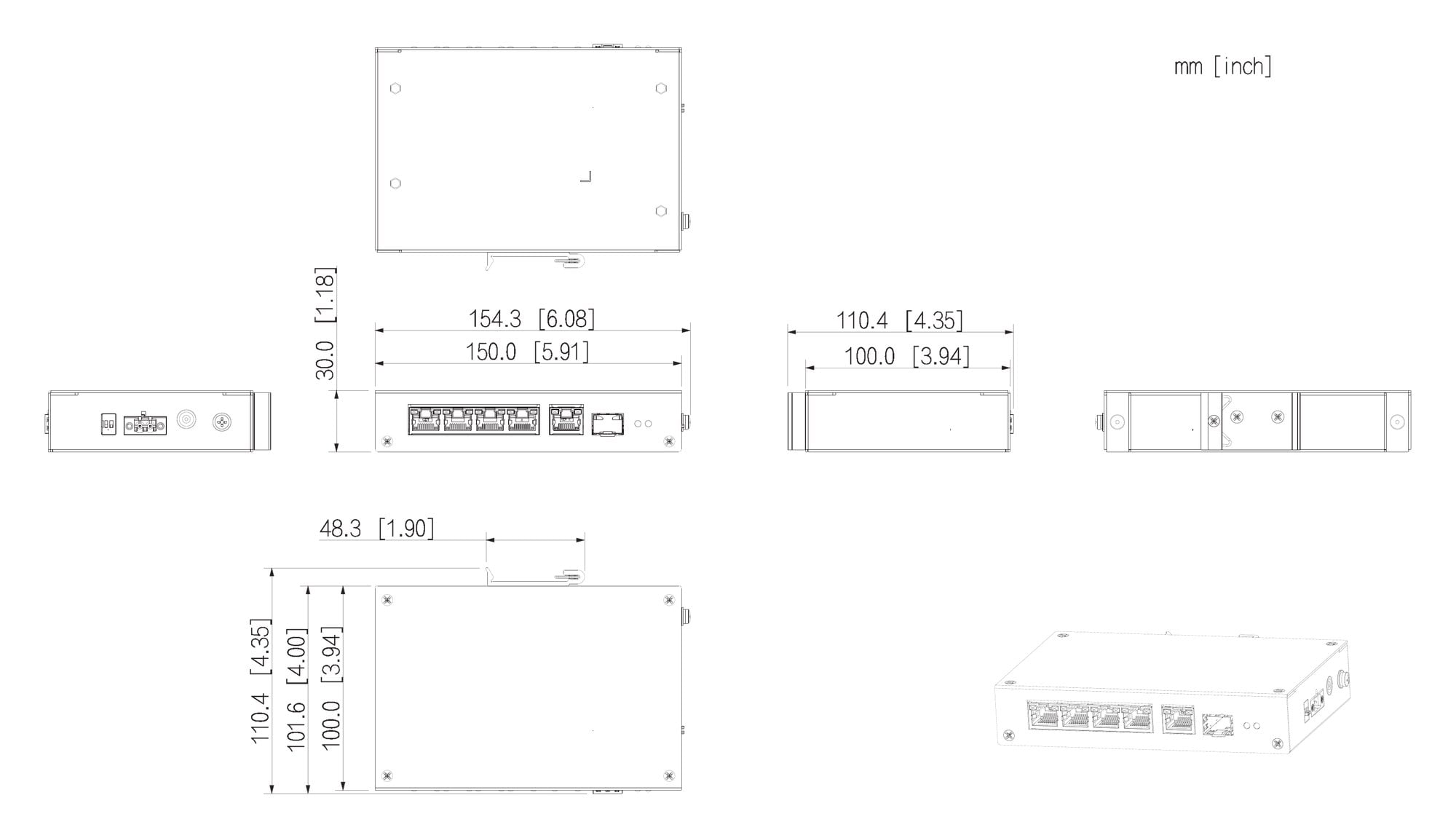
150 × 100 × 30 mm body; 154.3 × 110.4 mm over the power terminal and DIN clip. Units mm [inch]. Dahua drawing.
Pair it with
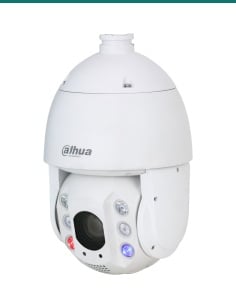
PTZ on port 1
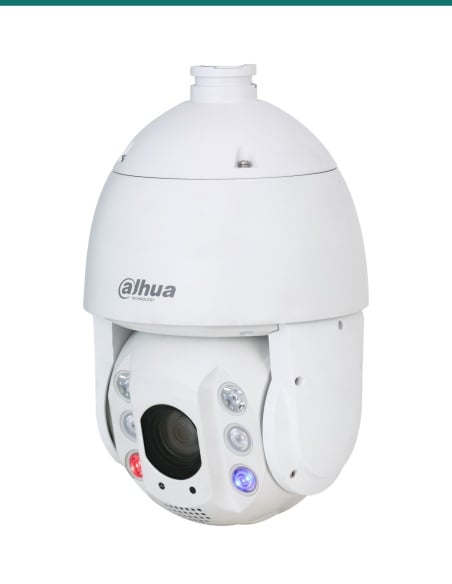
Draws up to 25 W on PoE+. It runs from any port, which still leaves about 35 W of the 60 W for the other three cameras.
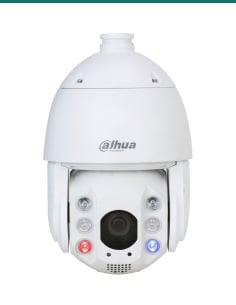
Small PTZ
A 4MP 5x PTZ that draws up to 15 W on PoE+, so several fit within the 60 W budget.
Need more ports
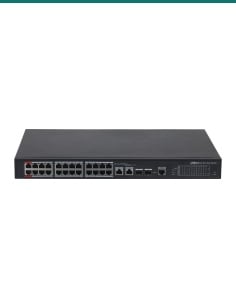
The same hardened design with eight PoE ports, two 90 W ports, 96 W in total and gigabit RJ45 and SFP uplinks.
Where it is used
Hot sheds and cold mornings, from −30 °C to +65 °C.
DIN rail mounting, with fibre back to the main building.
Long runs with Extend Mode, and a PTZ on the 60 W port.
Up to four cameras on one switch, uplinked to the NVR.
Four cameras at a far corner of the site, one uplink back.
Dual power inputs and surge protection on every port.
| DH-PFS3106-4ET-60-V2 (this switch) | DH-PFS3110-8ET-96-V2 | |
|---|---|---|
| PoE ports | 4 × 10/100 Mbps | 8 × 10/100 Mbps |
| High-power ports | Port 1, Hi-PoE up to 60 W | Ports 1–2, up to 90 W (802.3bt, Hi-PoE) |
| Total PoE budget | 60 W | 96 W |
| Uplinks | 1 × gigabit RJ45 + 1 × 100/1000 Mbps SFP | 1 × gigabit RJ45 + 1 × gigabit SFP |
| Power input | 53 V DC (48–57 V), two inputs | 48–57 V DC, two inputs |
| Full-load power | 60 W | 96 W |
| Size and weight | 150 × 100 × 30 mm, 0.45 kg | 150 × 100 × 42 mm, 0.54 kg |
| Operating temperature | −30 °C to +65 °C | −30 °C to +65 °C |
From Dahua's DH-PFS3106-4ET-60 datasheet (Rev 002.000, 2023) and DH-PFS3110-8ET-96 datasheet (Rev 002.000, 2024).
No. It is unmanaged. There is no web page or app; the only settings are two DIP switches on the side, PD Alive and Extend Mode.
60 W in total. Port 1 can give up to 60 W on Hi-PoE and ports 2 to 4 follow 802.3af/at, but all four share the 60 W.
Up to four, as long as their PoE draw adds up to 60 W or less. Four cameras at 12 W each, for example, use 48 W.
Port 1 supports Hi-PoE up to 60 W as well as 802.3af and 802.3at, for a PTZ camera or other high-power device. The 60 W total still applies.
100 m at 100 Mbps as normal. With Extend Mode on, up to 250 m, but the port speed drops to 10 Mbps. Dahua's lab gives 25.5 W for an 802.3at device and 37 W on Hi-PoE at 250 m.
Port 5 is a 10/100/1000 Mbps RJ45 and port 6 is a 100/1000 Mbps SFP slot for fibre. Use either one to reach the recorder or the main network.
Dahua's datasheet gives 53 V DC and the side label reads DC 48–57 V, on the PWR1 terminal block or the PWR2 socket. Confirm with us whether an adapter is in the box.
It has two power inputs. Connect a supply to each and the switch keeps running if one fails.
It is Dahua's PoE watchdog. When a camera stops responding, the switch restarts communication on that port, so nobody has to power-cycle it by hand.
Only inside a weatherproof cabinet. It runs from −30 °C to +65 °C and 5% to 95% humidity, but Dahua gives it no IP rating.
Dahua Australia's warranty policy (August 2026) gives PoE switches 60 months. Claims are handled in Australia through InFront Technologies: call 1300 736 970 or email [email protected].
Concealed data cabling is customer cabling under AS/CA S009 and needs an ACMA-registered cabler. Any new power point needs a licensed electrician.
Not sure the 60 W covers your cameras? Send us the models and we will add it up. Call 1300 736 970 or email [email protected]. The datasheet, quick start guide and installation drawing are on the Attachments tab.
Power. 48–57 V DC input. Dahua calls for a supply that meets SELV and LPS requirements, and for the case to be earthed through its ground screw. A new power point needs a licensed electrician.
Cabling. Concealed data cabling is customer cabling under AS/CA S009 and needs an ACMA-registered cabler. Keep runs to 100 m unless Extend Mode is on.
Ventilation. Leave about 10 cm each side and keep it out of direct sun, damp and dust.
Fibre. Use Class 1 laser SFP modules only.
What it does not do. No web management, VLANs or app; no gigabit on the PoE ports; no more than 60 W in total; no weatherproof housing.
Figures. From Dahua's DH-PFS3106-4ET-60 datasheet (Rev 002.000, 2023), its port and dimension drawings, the unmanaged hardened switch quick start guide, and Dahua Australia's warranty policy (5 August 2026).


Need help choosing?
Tell us about your property and we'll recommend the right cameras and recorder.
07 5609 4910Sydney 02 8814 6008
[email protected]
Mon–Fri, 9am–5pm AEST
20 related items