There are no more items in your cart


- On sale!
- -$ 130.50
In Stock - Ready to Ship
TP-Link Security Cameras
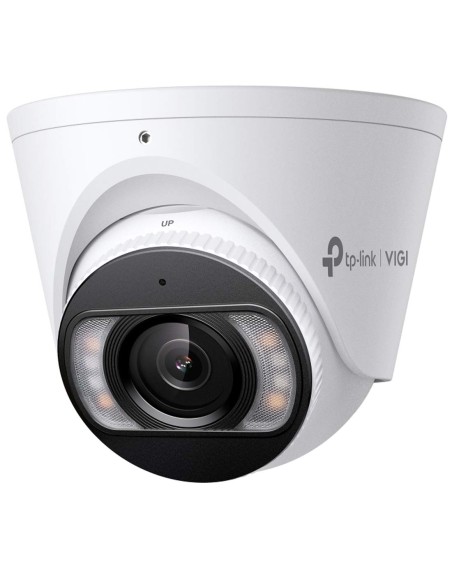
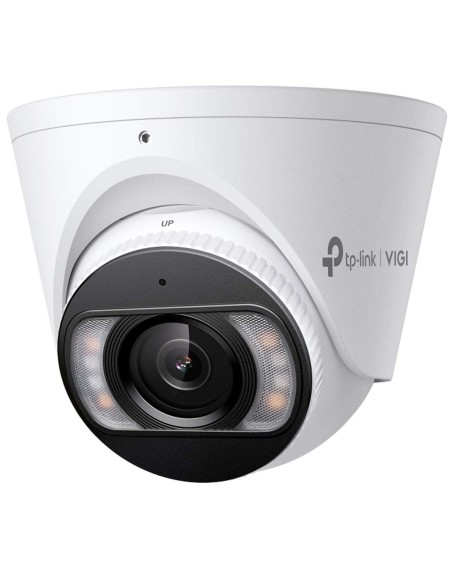
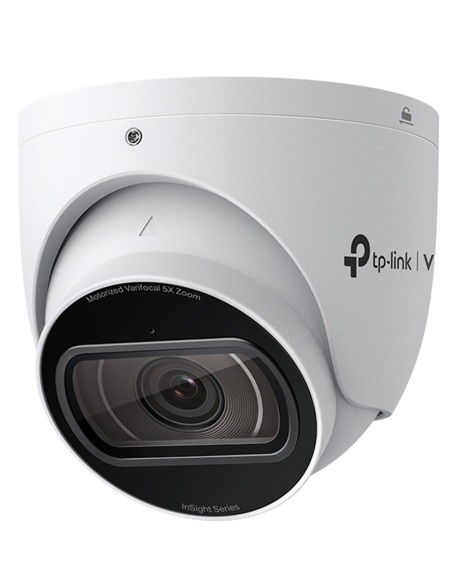
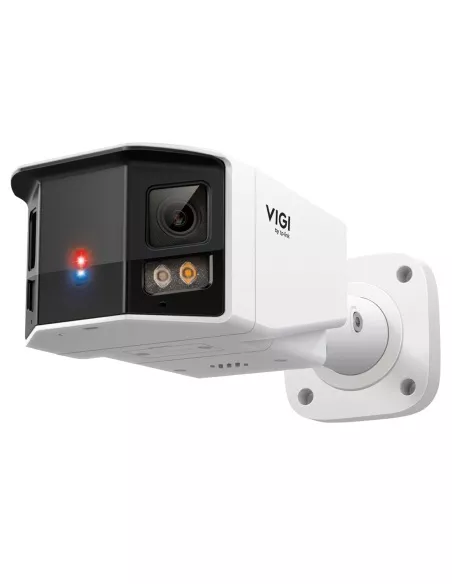
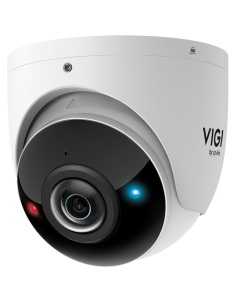
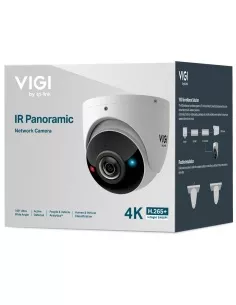
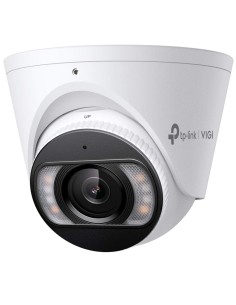
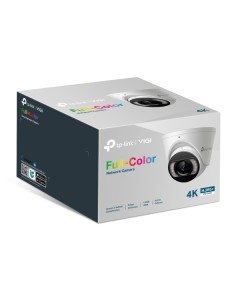
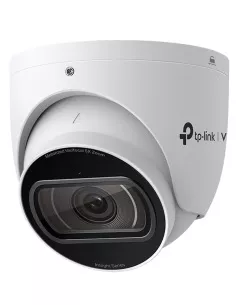
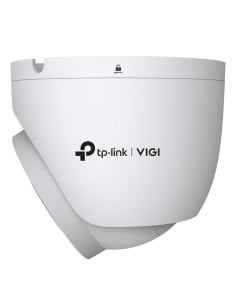
VIGI 8MP 4K (8MP) UHD Outdoor IR 180° Panoramic Turret IP Network Camera - InSight-S485PI
$ 268.50 $ 399.00
Sale ends Wed 11 Nov


Wall junction box for VIGI domes, turrets and fisheye.
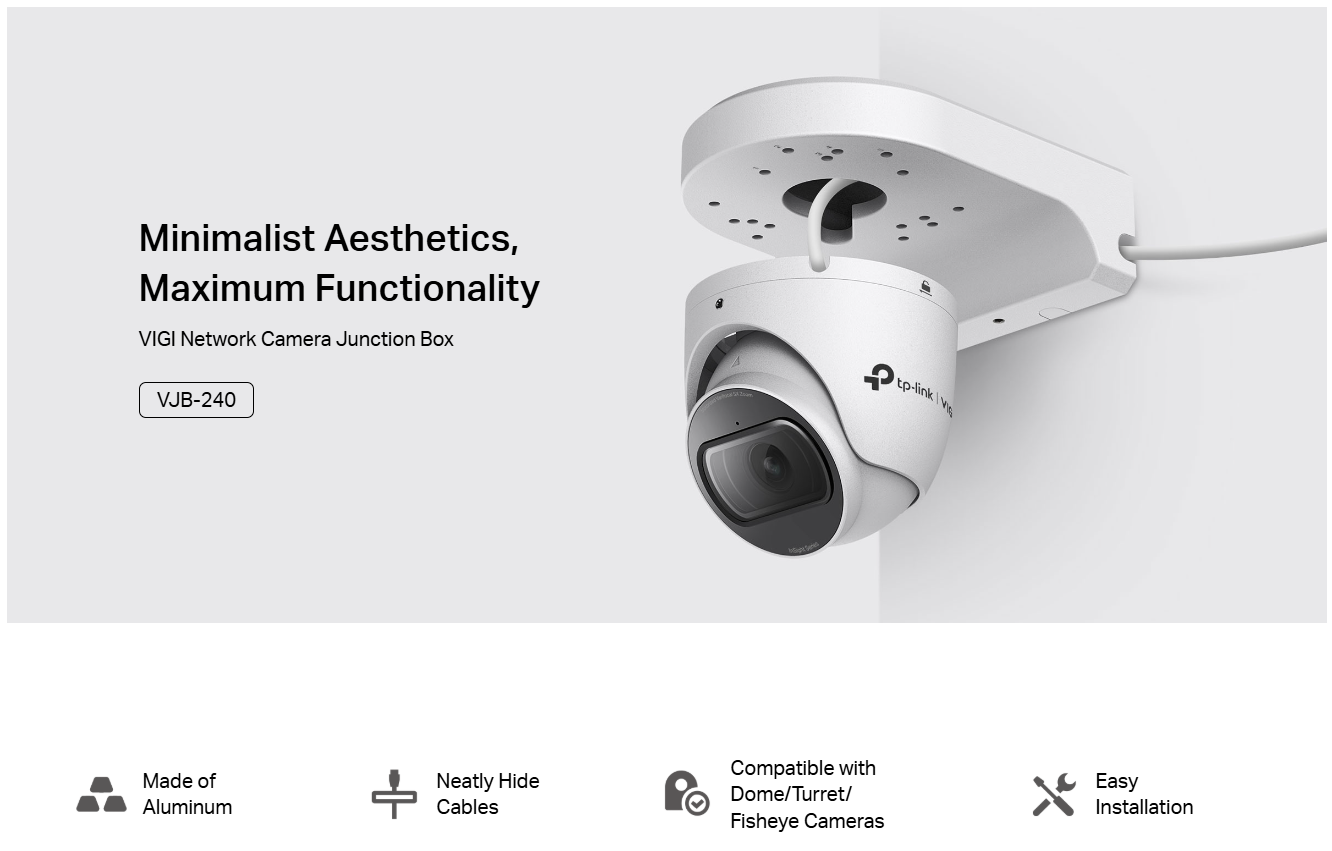

Aluminium alloy / SGCC wall junction box — 181 × 134 × 59 mm, 533 g — for listed VIGI dome, turret and fisheye cameras. Hide the join, protect the cable, finish the wall clean.
Mounting accessory only. Not for bullet or pan-tilt cameras — those use VJB-300 / VMB-350.
181 × 134 × 59 mm · 533 g. Rigid housing matched to dome and turret bases — not bullet / PT footprints.
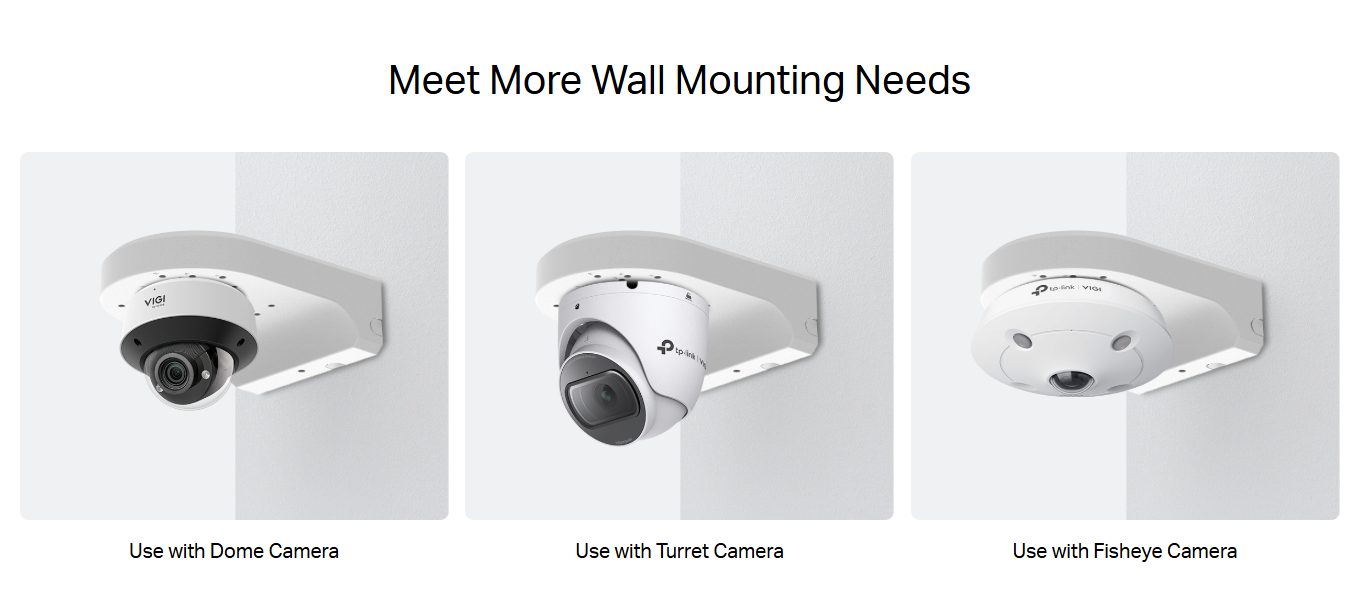
Land Ethernet inside the box, close the cover — no dangling RJ45 on soffits or shopfront walls.

Listed InSight + VIGI C2xx / C4xx. Bullets and PT → VJB-300 / VMB-350. Some InSight bullets → VJB-305.
From TP-Link Australia’s VIGI accessory matrix. Listed models and higher hardware versions are supported.
InSight S245ZI · InSight S285 · InSight S445ZI · InSight S455 · InSight S485 · InSight S485PI · InSight S655I
VIGI C420I · VIGI C430 · VIGI C430I · VIGI C440 · VIGI C440-W · VIGI C440I · VIGI C445 · VIGI C450 · VIGI C455 · VIGI C485
VIGI C220I · VIGI C230 · VIGI C230I · VIGI C230I MINI · VIGI C240 · VIGI C240I · VIGI C250
Source: tp-link.com/au/vigi-accessories/product-list/ (VJB-240 filter).
| Specification | Detail |
|---|---|
| Product type | VIGI Network Camera Junction Box |
| Model | VJB-240 |
| Material | Aluminium alloy, SGCC |
| Appearance | VIGI White |
| Mounting | Wall mounting |
| Product dimensions | 181 × 134 × 59 mm (7.1 × 5.3 × 2.3 in) |
| Weight | 533 g |
| Compatibility | 24 listed dome / turret / fisheye models |
| Package contents | Junction box, mounting accessories, installation guide |
| Warranty | Australian warranty via Infront Technologies |
No. C355 / C385 bullets use VJB-300 (and VMB-350 for poles). VJB-240 is for listed dome, turret and fisheye models only.
TP-Link publishes material and waterproof design guidance for VIGI junction boxes but does not list an IP rating on the VJB-240 datasheet. Do not invent an IP figure for compliance documents.
Official AU copy specifies wall mounting. Use the published mounting guidance and confirm structural capacity (≥3× combined weight).
No — accessory only. Order the compatible camera (and NVR / cable) separately.
Ready to finish a VIGI dome or turret wall mount?
Infront Technologies stocks and supports TP-Link VIGI across Australia — call 1300 736 970 or email [email protected] for a compatibility check before you order.
Installation note. The VJB-240 is a passive mounting accessory. Confirm the wall or pole can support at least three times the combined camera + mount weight. Concealed customer cabling must be installed by an ACMA-registered cabler (AS/CA S009). Verify your camera against the current AU matrix before ordering.
Sale ends Wed 11 Nov
Sale ends Wed 11 Nov
Sale ends Wed 11 Nov

Sale ends Wed 11 Nov
Sale ends Wed 11 Nov


Need help choosing?
Tell us about your property and we'll recommend the right cameras and recorder.
07 5609 4910Sydney 02 8814 6008
[email protected]
Mon–Fri, 9am–5pm AEST