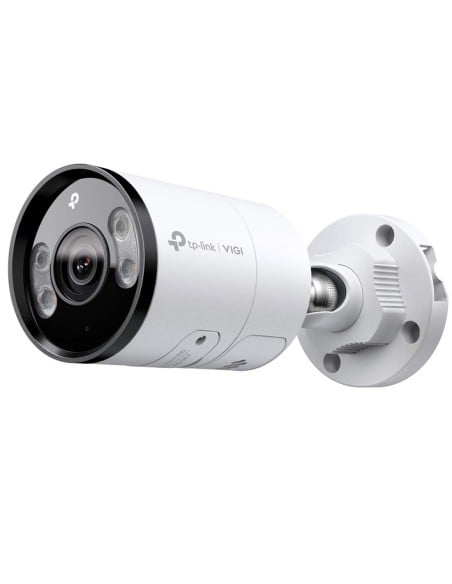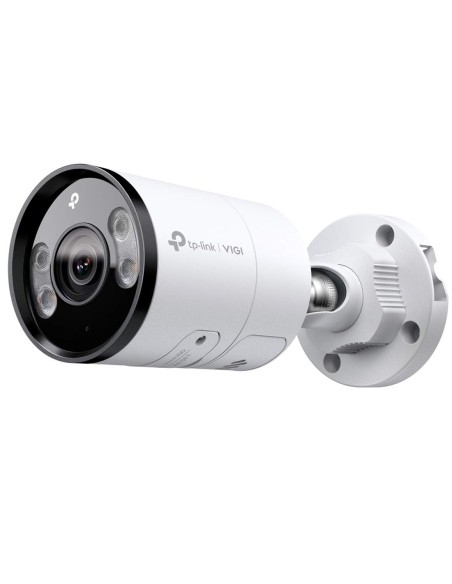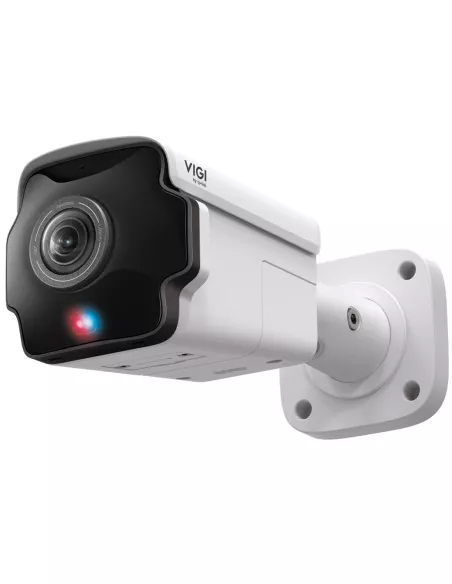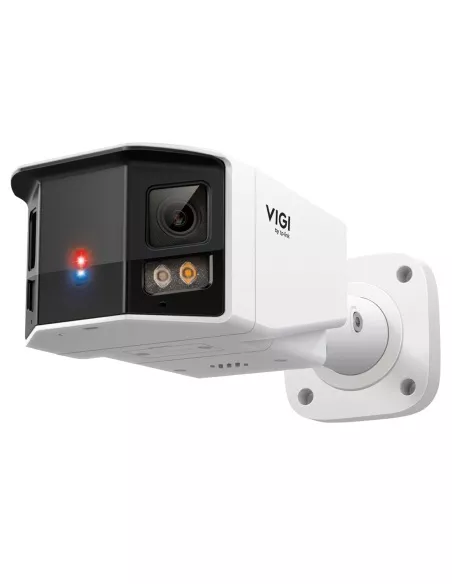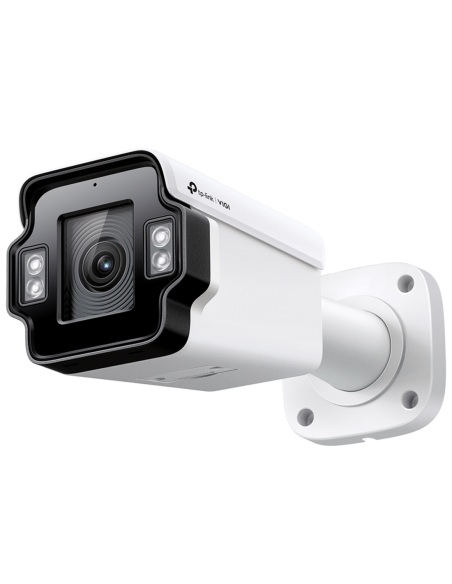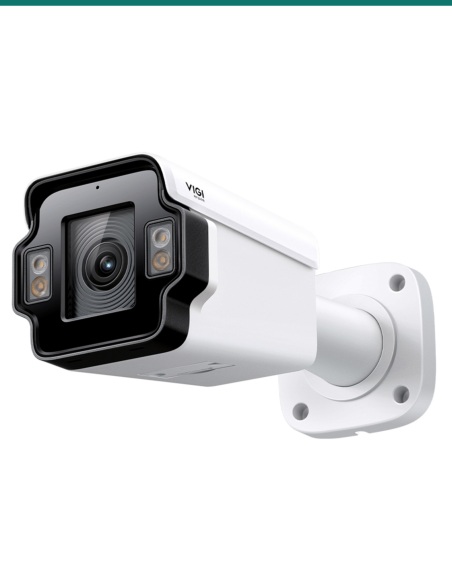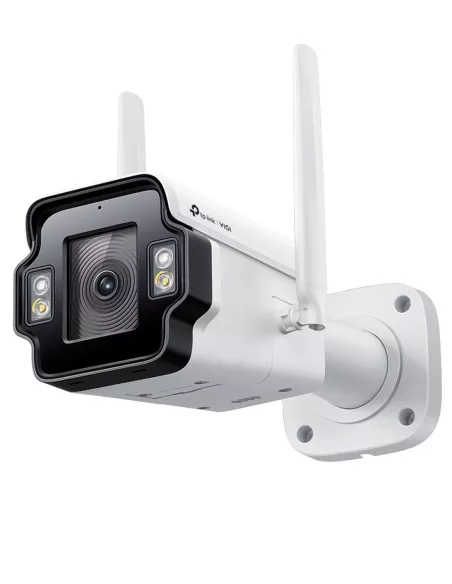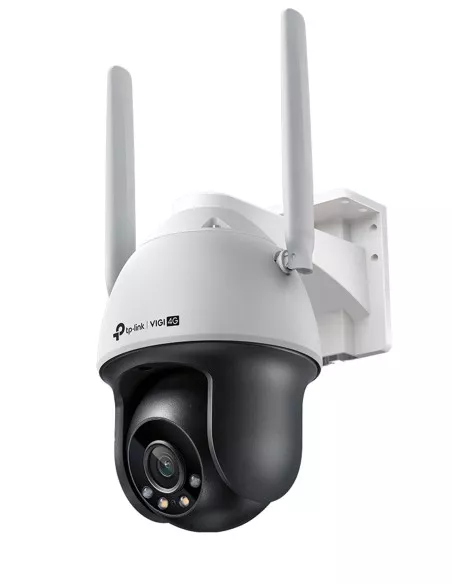
TP-Link VIGI · Mounting accessory · Pole mount
Put a VIGI bullet on a pole.
Fits poles 70 to 130 mm across.
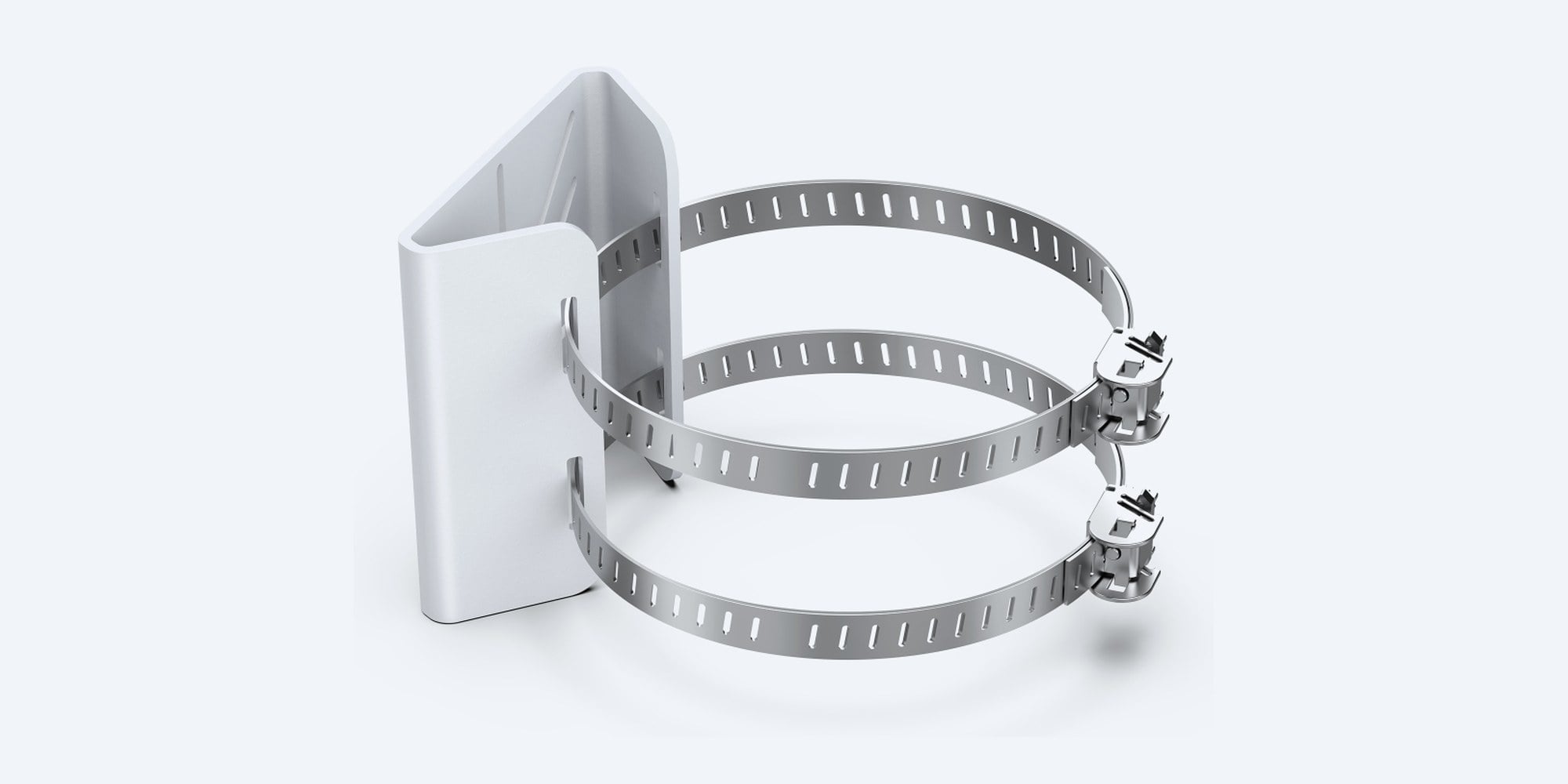
The TP-Link VIGI VMB-350 is a galvanised steel pole mount plate with hose clamps. A VIGI bullet or pan-tilt camera bolts to the plate, and the clamps wrap around a round pole 70 to 130 mm in diameter.
In one sentence: the TP-Link VIGI VMB-350 is a white galvanised steel pole mounting bracket, 105 × 100 × 39 mm and 392 g, that clamps a VIGI bullet or pan-tilt camera from TP-Link's list to a pole 70 to 130 mm across.
Pole bracket only. The camera is separate.
This listing is the VMB-350 pole mounting bracket. The camera and network cable are sold separately.
In the box- VMB-350 mounting bracket
- Mounting accessories (long and short screws, nuts, washers and hose clamps)
- Installation guide
You also need- A VIGI bullet or pan-tilt camera from TP-Link's list below
- A round pole 70 to 130 mm in diameter
- Network cable, and a way to run it up the pole
When the best spot is a pole, not a wall.
Driveways, car parks, gates and yards often have a pole right where the camera needs to be. The VMB-350 gives a VIGI bullet or pan-tilt camera a flat plate to bolt to, and the hose clamps hold the plate to the pole.
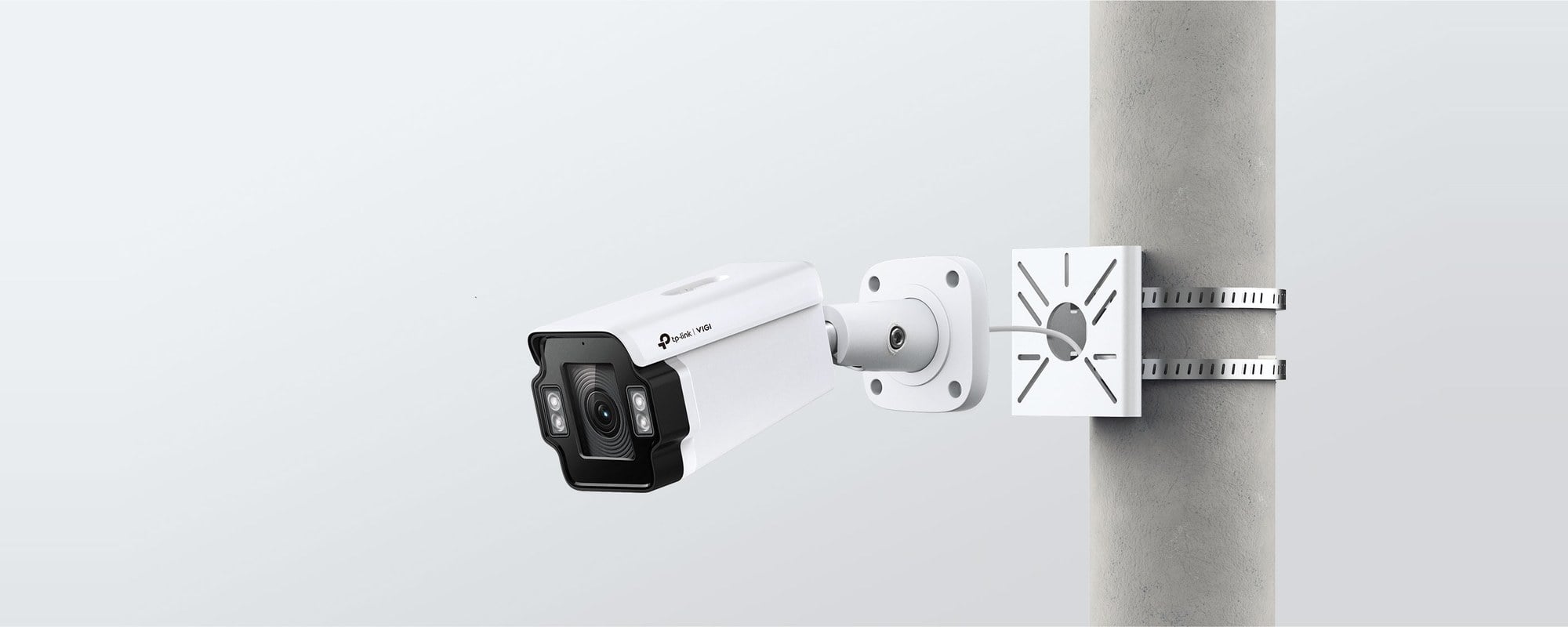
Installed
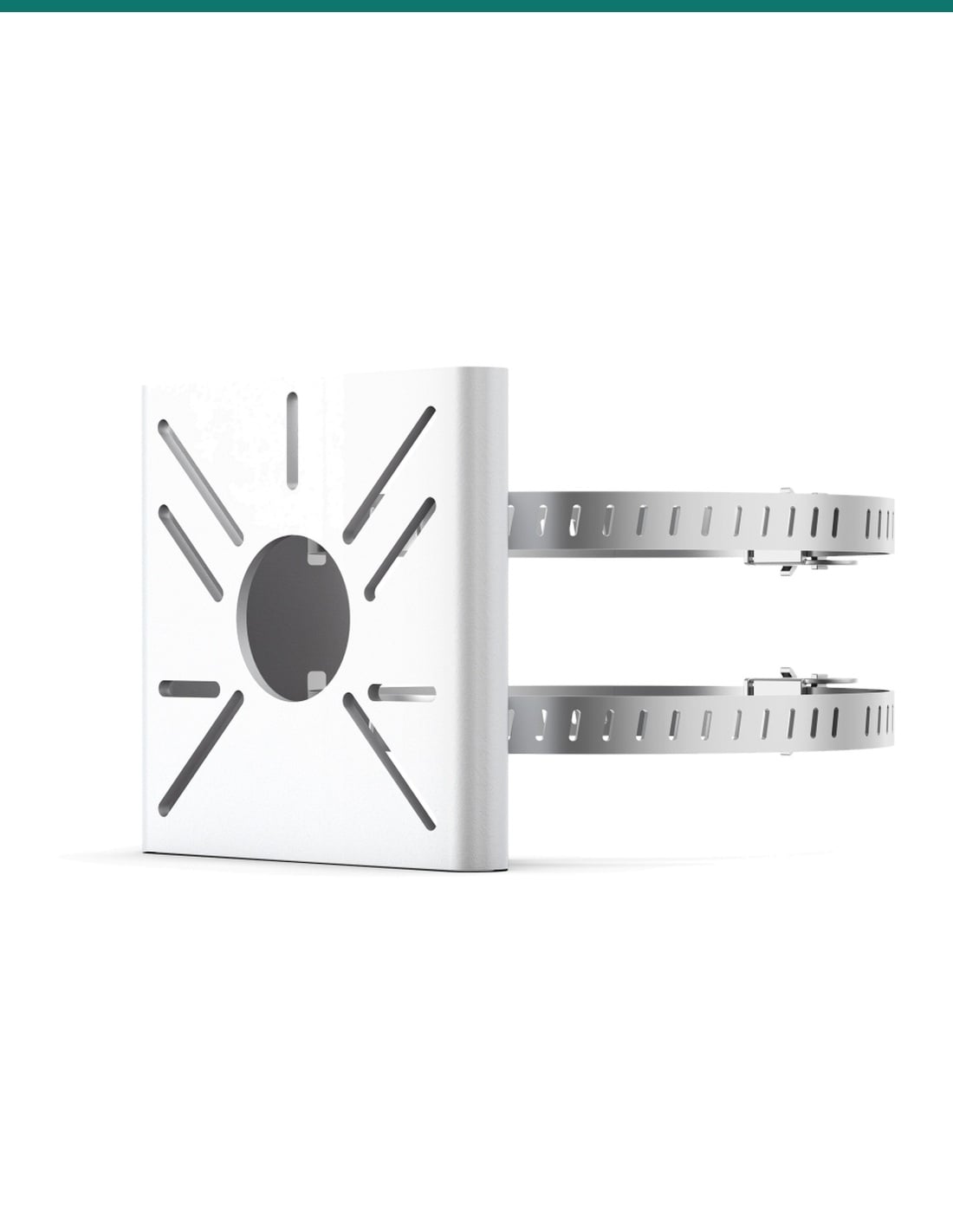
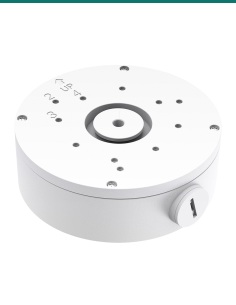
A VIGI bullet on the VMB-350.
TP-Link's photo shows a VIGI bullet bolted straight to the plate, with the hose clamps around the pole.
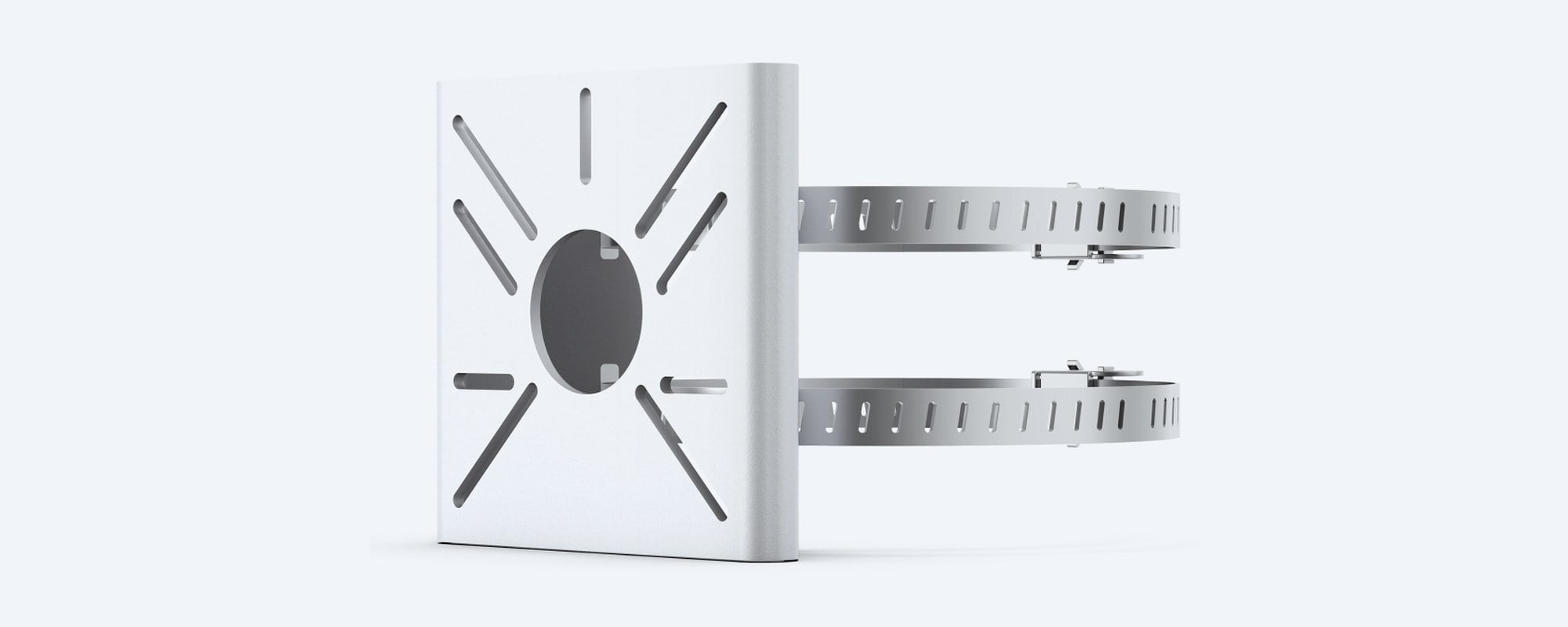
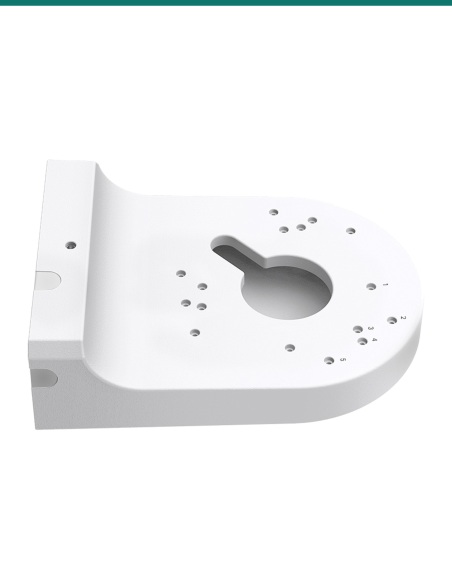
Plate
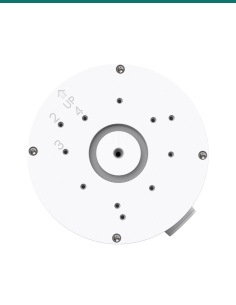
Slotted holes for different camera bases.
The slots run out from a large centre opening, so the camera's base can be lined up and kept in the middle of the plate. It is fixed with the supplied screws, washers and nuts.
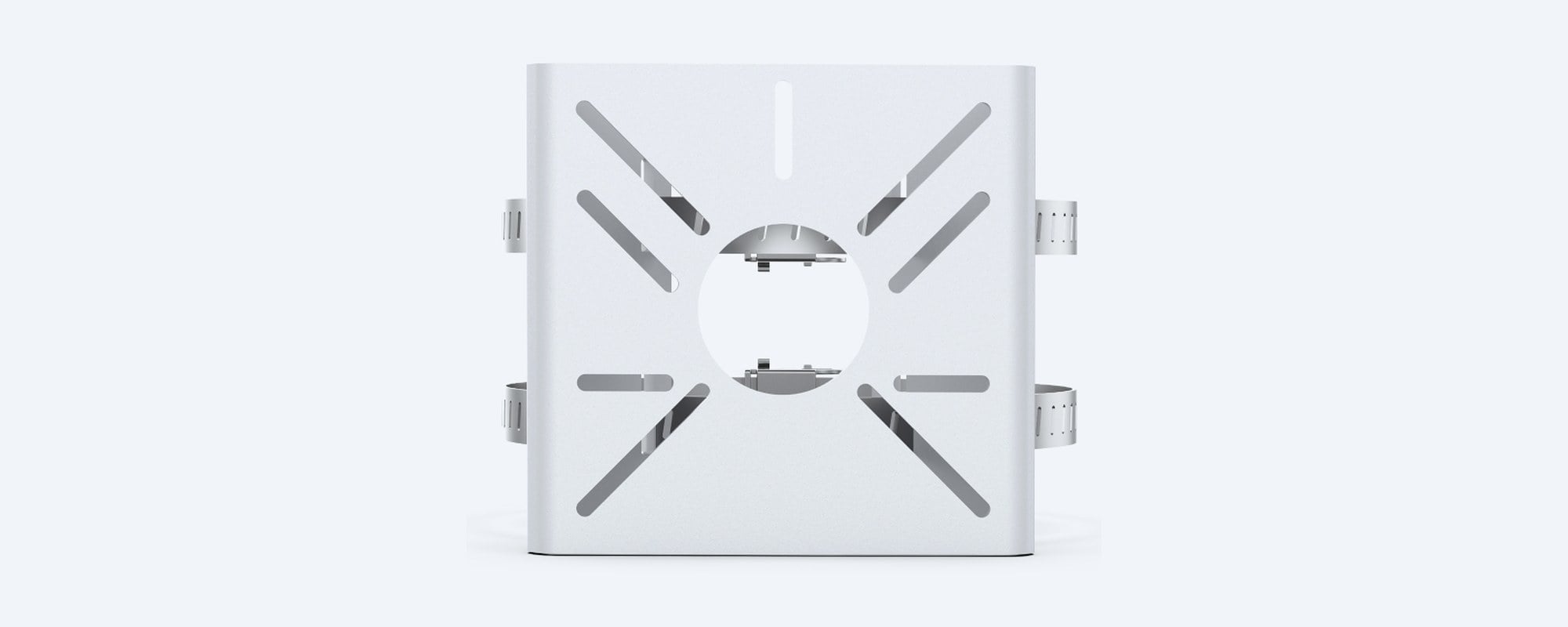
Straight on
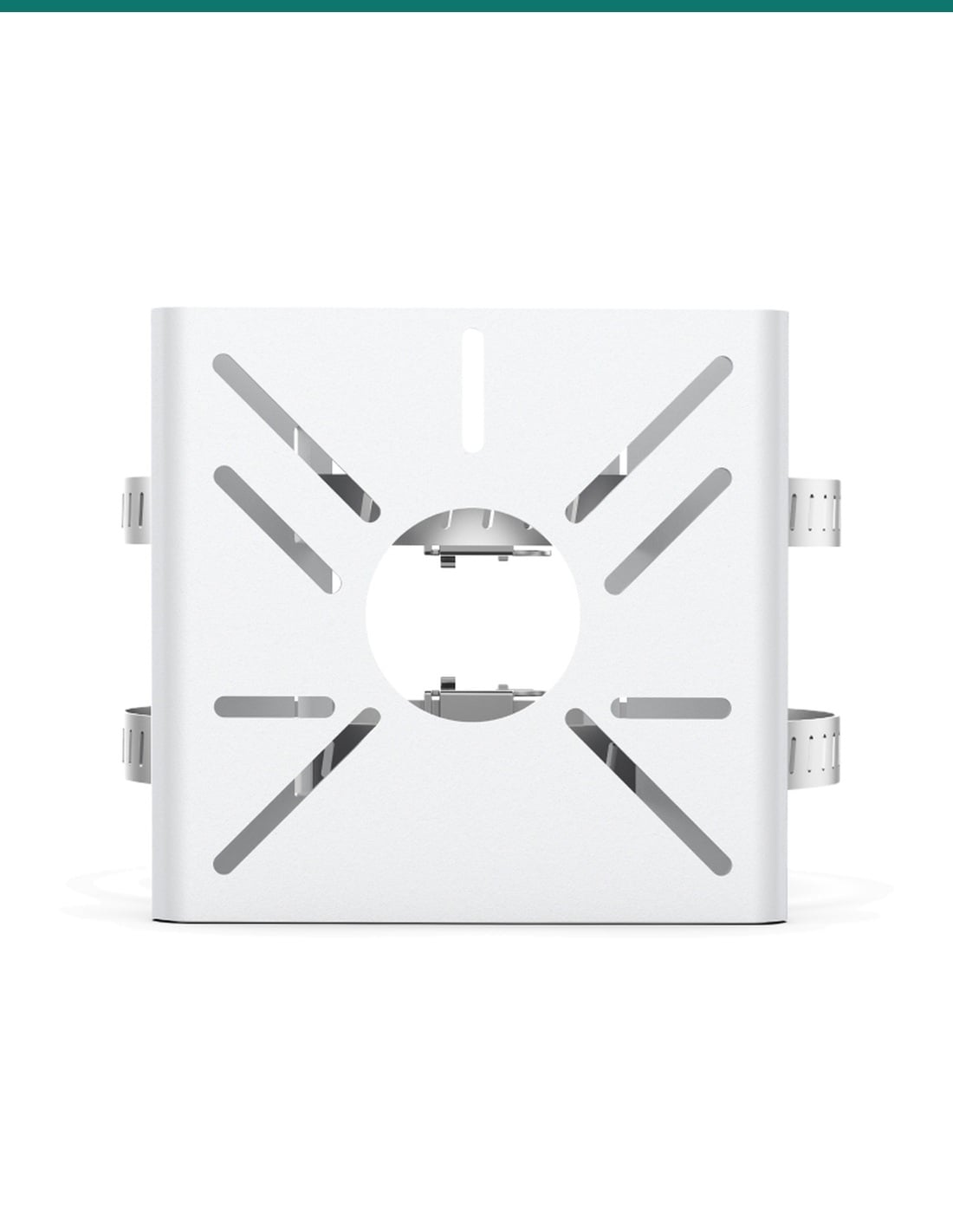
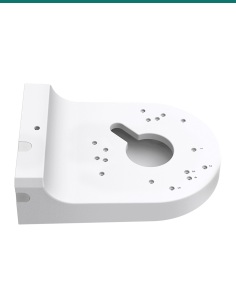
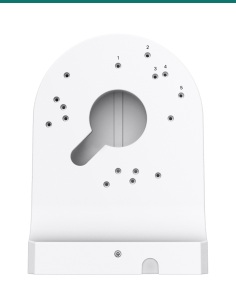
The clamps run behind the plate.
Seen face on, the hose clamps pass behind the plate and out at both sides, so the camera sits flat on the front. The plate is 105 mm wide and 100 mm tall.
How it goes in
Camera, plate, clamps, aim.
01
Check the pole
Make sure the pole is round, sound and 70 to 130 mm in diameter at the mounting height.
02
Fix the camera
Line up the camera base's holes with the bracket slots, keep the camera in the middle of the plate and fix it with the washers and nuts.
03
Clamp it on
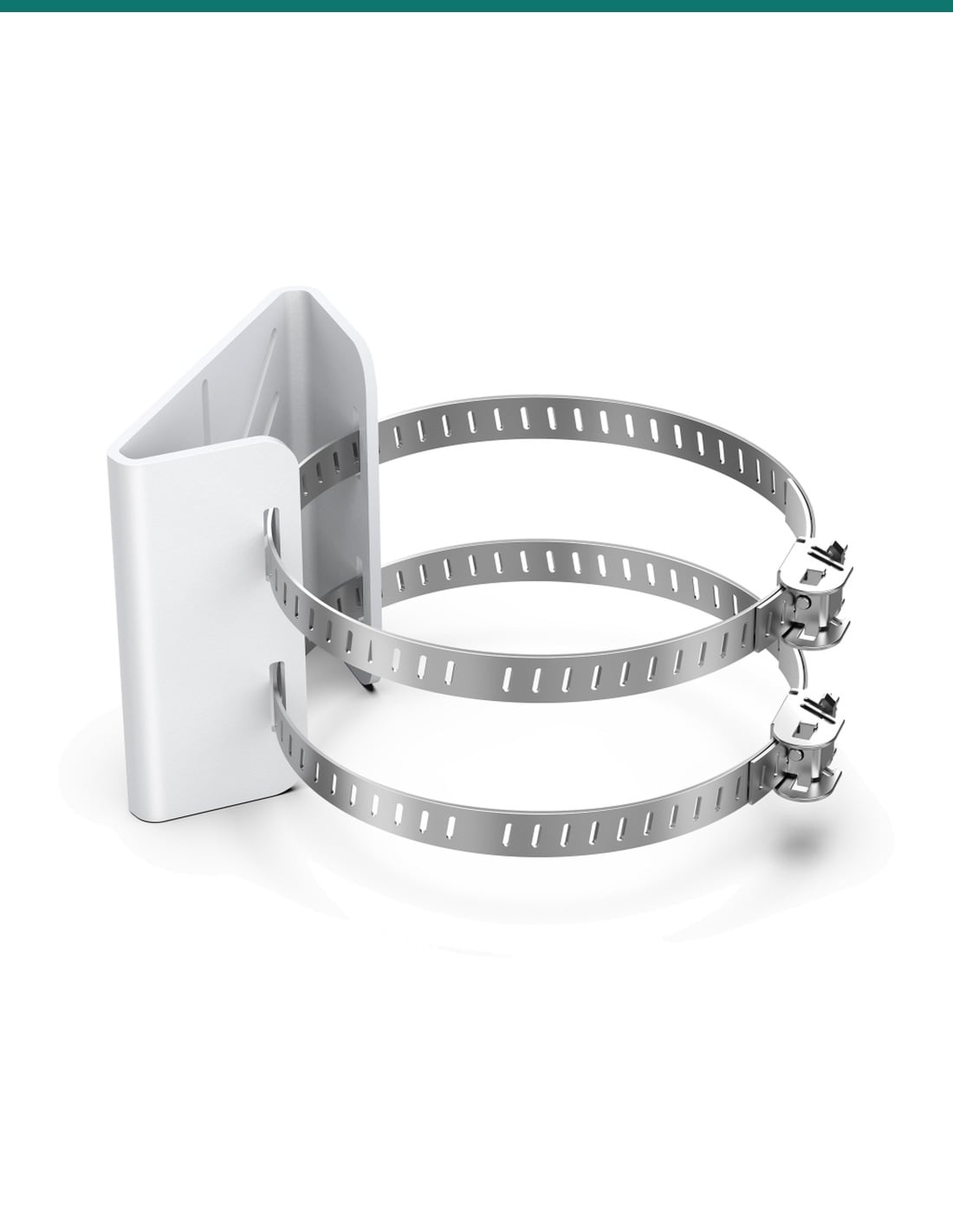
Feed the hose clamps through the back of the bracket, wrap them around the pole and tighten them with a screwdriver until the camera is secure.
04
Cable and aim
Connect and seal the camera cable, then aim the camera.
At a glance
VMB-350
Show specs
Type
Pole mounting bracket
Pole diameter
70 to 130 mm
Compatible cameras
24 VIGI and InSight bullet and pan-tilt models on TP-Link's list (below)
Material
SGCC galvanised steel and stainless steel
Size
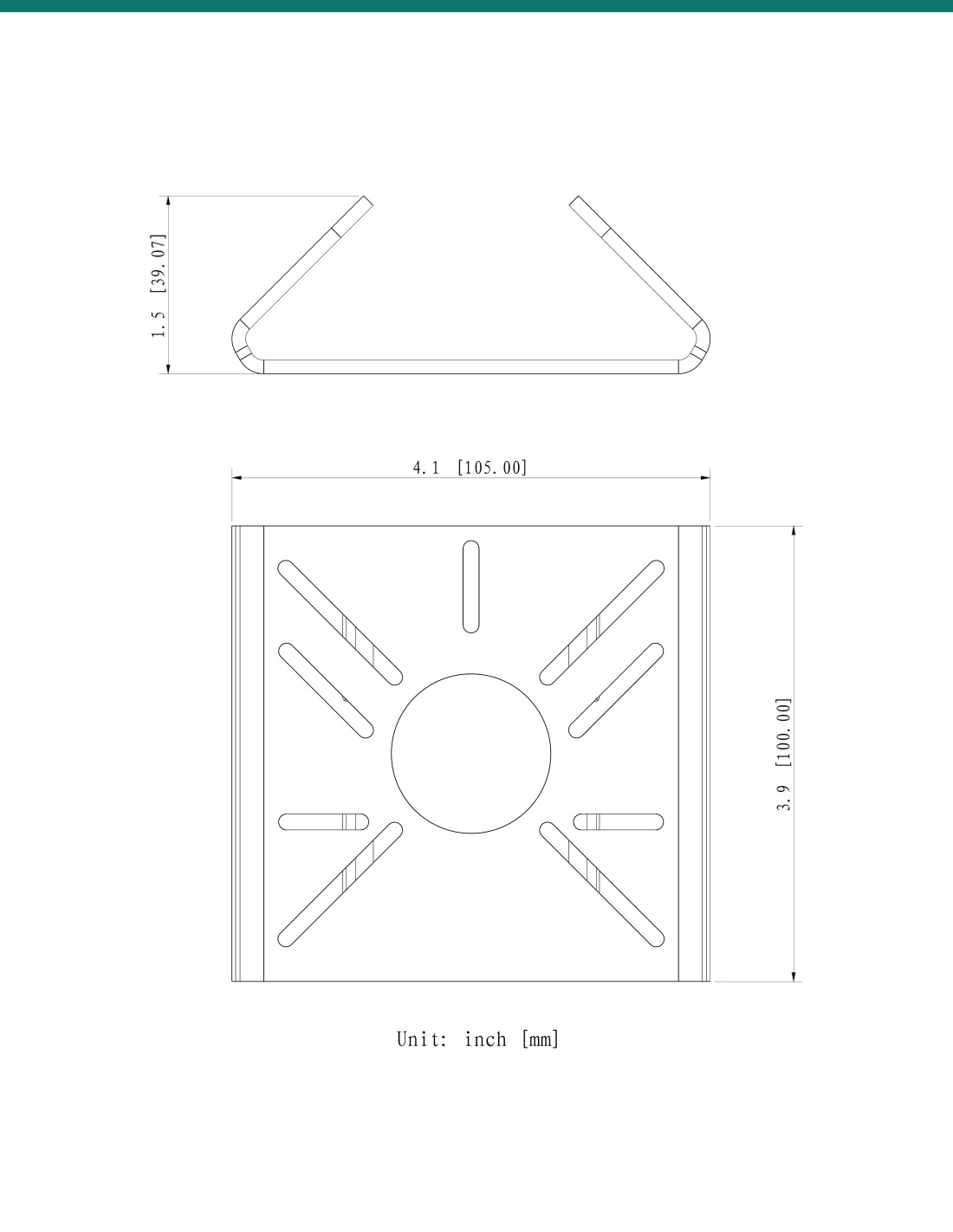
105 × 100 × 39 mm (4.1 × 3.9 × 1.5 in)
Camera fixing
Slotted mounting holes; screws, washers and nuts supplied
Pole fixing
Hose clamps, tightened with a screwdriver
In the box
Mounting bracket, mounting accessories, installation guide
Warranty
3 years, TP-Link Australia
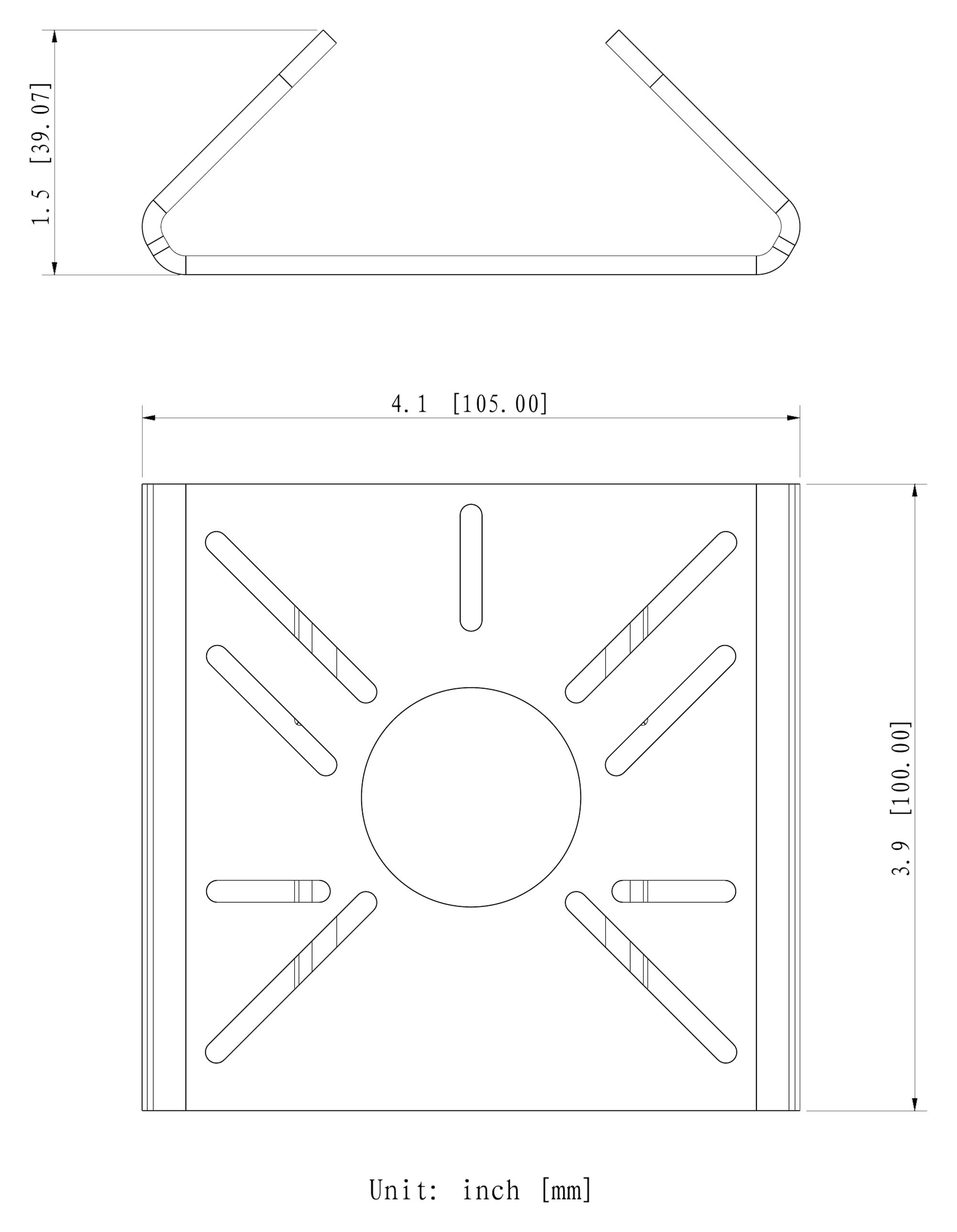
TP-Link's VMB-350 drawing: plate 105 × 100 mm, folded profile 39.07 mm deep.
Works with
Cameras TP-Link lists for the VMB-350
From TP-Link's VIGI accessory compatibility list, checked 12 Nov 2026. TP-Link says the listed models and later hardware versions fit. Not on the list? Ask us before you order.
Show all 24 models
InSight S385PI (EU)
VIGI 8MP outdoor IR panoramic bullet
InSight S385
VIGI 8MP outdoor full-colour bullet
InSight S355
VIGI 5MP outdoor full-colour bullet
InSight S345ZI
VIGI 4MP outdoor IR motorised varifocal bullet
InSight S345S
VIGI 4MP outdoor ColourPro 2.0 bullet
InSight S345-4G
VIGI 4MP outdoor full-colour 4G bullet
VIGI C540S
VIGI 4MP outdoor ColourPro pan-tilt
VIGI C540-W
VIGI 4MP outdoor full-colour Wi-Fi pan-tilt
VIGI C540-4G (EU)
VIGI 4MP outdoor full-colour 4G pan-tilt
VIGI C540
VIGI 4MP outdoor full-colour pan-tilt
VIGI C540V
VIGI 4MP outdoor dual-lens varifocal pan-tilt
VIGI C385
VIGI 8MP outdoor full-colour bullet
VIGI C350
VIGI 5MP full-colour bullet
VIGI C355
VIGI 5MP outdoor full-colour bullet
VIGI C345
VIGI 4MP outdoor full-colour bullet
VIGI C340S
VIGI 4MP outdoor ColourPro bullet
VIGI C340I
VIGI 4MP outdoor IR bullet
InSight S385DPS
VIGI 8MP outdoor ColourPro panoramic bullet
InSight LPR345Z
VIGI 4MP outdoor licence plate recognition bullet
VIGI C340-W
VIGI 4MP outdoor full-colour Wi-Fi bullet
VIGI C340
VIGI 4MP outdoor full-colour bullet
VIGI C330I
VIGI 3MP outdoor IR bullet
VIGI C320I
VIGI 2MP outdoor IR bullet
VIGI C330
VIGI 3MP outdoor full-colour bullet
Pair it with
What goes on this pole bracket
Bullet
VIGI C355 or C385
Full-colour VIGI bullets on TP-Link's VMB-350 list.
InSight bullet
InSight S345ZI, S385 or S385PI
Zoom, full-colour and panoramic InSight bullets on the same list.
Plates and 4G
InSight LPR345Z or S345-4G
The licence plate camera for a gate and the 4G bullet for sites without network cable.
Pan-tilt
VIGI C540 range
The C540, C540S, C540V, C540-W and C540-4G are on the list.
Where it is used
Where a pole mount earns its keep.
Car parks
Use light poles to cover rows of parking bays.
Driveways and gates
Watch the entry from a post beside the gate.
Boom gates
An LPR345Z on a pole reading plates at the gate.
Yards and depots
Cover open storage away from the buildings.
Farms
A 4G bullet on a post near sheds, tanks and gateways.
Construction sites
Mount on a site pole where there is no finished wall yet.
VMB-350 or VJB-300
| VMB-350 pole bracket (this item) | VJB-300 junction box |
|---|
| Fixes to | A round pole 70 to 130 mm across | A wall or ceiling |
| Cameras on the list | 24 bullet and pan-tilt models | 43 VIGI and InSight models |
| Size | 105 × 100 × 39 mm | Ø125 × 45.85 mm |
| Weight | 392.25 g | 0.37 kg |
| Material | SGCC galvanised steel and stainless steel | Aluminium alloy |
| Hides the cable joints | No | Yes |
Figures from TP-Link's VMB-350 and VJB-300 datasheets and its VIGI accessory compatibility list.
Common questions
What size pole does it fit?
Round poles 70 to 130 mm in diameter, per TP-Link's datasheet.
Which cameras fit the VMB-350?
TP-Link lists 24 bullet and pan-tilt models, including the VIGI C3 bullets, the C540 range and the InSight S345ZI, S345S, S345-4G, S355, S385, S385PI, S385DPS and LPR345Z. The full list is above.
Is the camera included?
No. This listing is the bracket with its screws, nuts, washers, hose clamps and guide.
Does it fit a dome or turret?
No domes or turrets are on TP-Link's VMB-350 list. They go on the VJB-240 or VJB-300 junction box.
How does the camera fix to it?
Line up the camera base's holes with the slots in the plate, keep the camera in the middle and fix it with the supplied washers and nuts.
How does it fix to the pole?
Hose clamps pass through the back of the bracket, wrap around the pole and are tightened with a screwdriver.
How big is it?
105 × 100 × 39 mm, and it weighs 392.25 g.
What is it made of?
SGCC galvanised steel and stainless steel, finished in VIGI White.
Will it fit a square post?
TP-Link specifies round poles 70 to 130 mm across. For square posts or other sizes, ask us first.
Does it hide the cable joints?
No. It is a bracket only. Seal the camera connectors with the waterproof parts that came with the camera.
Can I use it on a council or power pole?
Only with the pole owner's permission. Light and power poles belong to the council or the network operator.
Will it fit a camera from another brand?
TP-Link recommends VIGI cameras to avoid fit and overload problems. Other brands are not on its list.
Supported by InFront Technologies.
Not sure your pole or camera suits? Call 1300 736 970 or email [email protected]. The datasheet is on the Attachments tab. 3-year TP-Link Australia warranty: contact us first and we will look after the claim.
Installation and safety
Working at height. Pole mounts are usually high. Use an elevated work platform or safe access equipment, and check the pole is sound.
Poles you do not own. Council, power and lighting poles need the owner's permission before anything is attached.
Cabling. Concealed data cabling to the camera is customer cabling under AS/CA S009 and needs an ACMA-registered cabler. Underground runs to a pole need the right conduit and depth.
What it does not do. It is a bracket only; it has no junction box, power or network parts.
Figures. From TP-Link's VMB-350 datasheet, quick installation guide and VIGI accessory compatibility list (checked 12 Nov 2026).