There are no more items in your cart
In stock


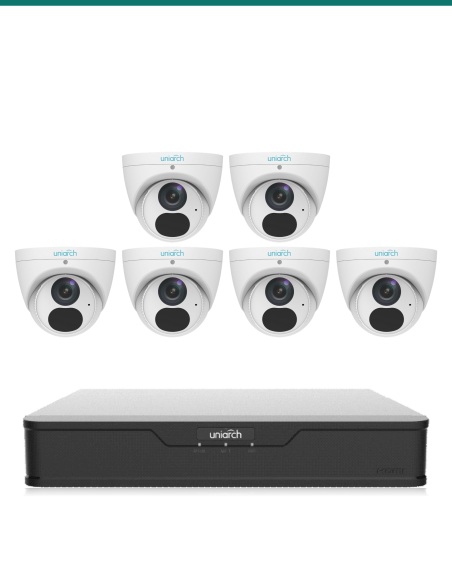
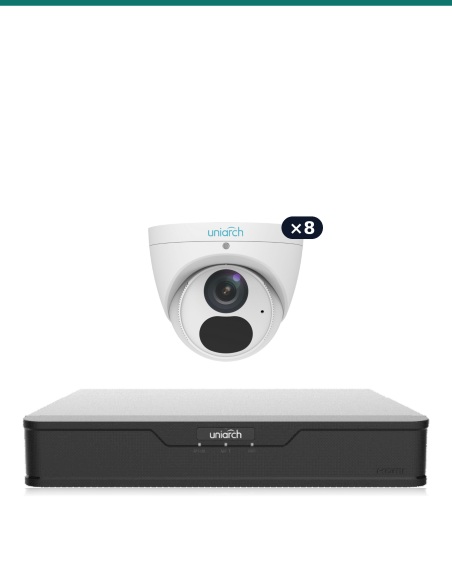
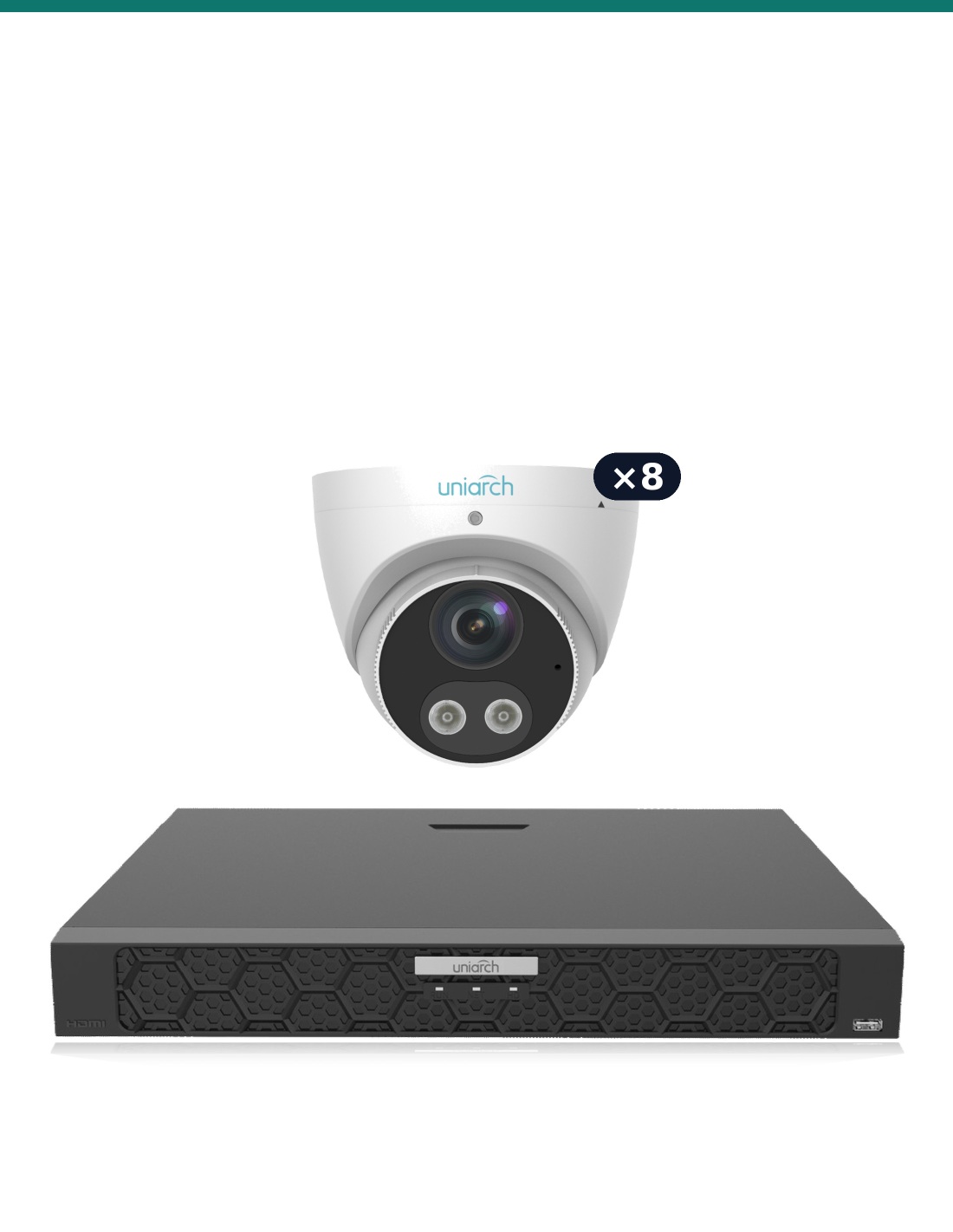
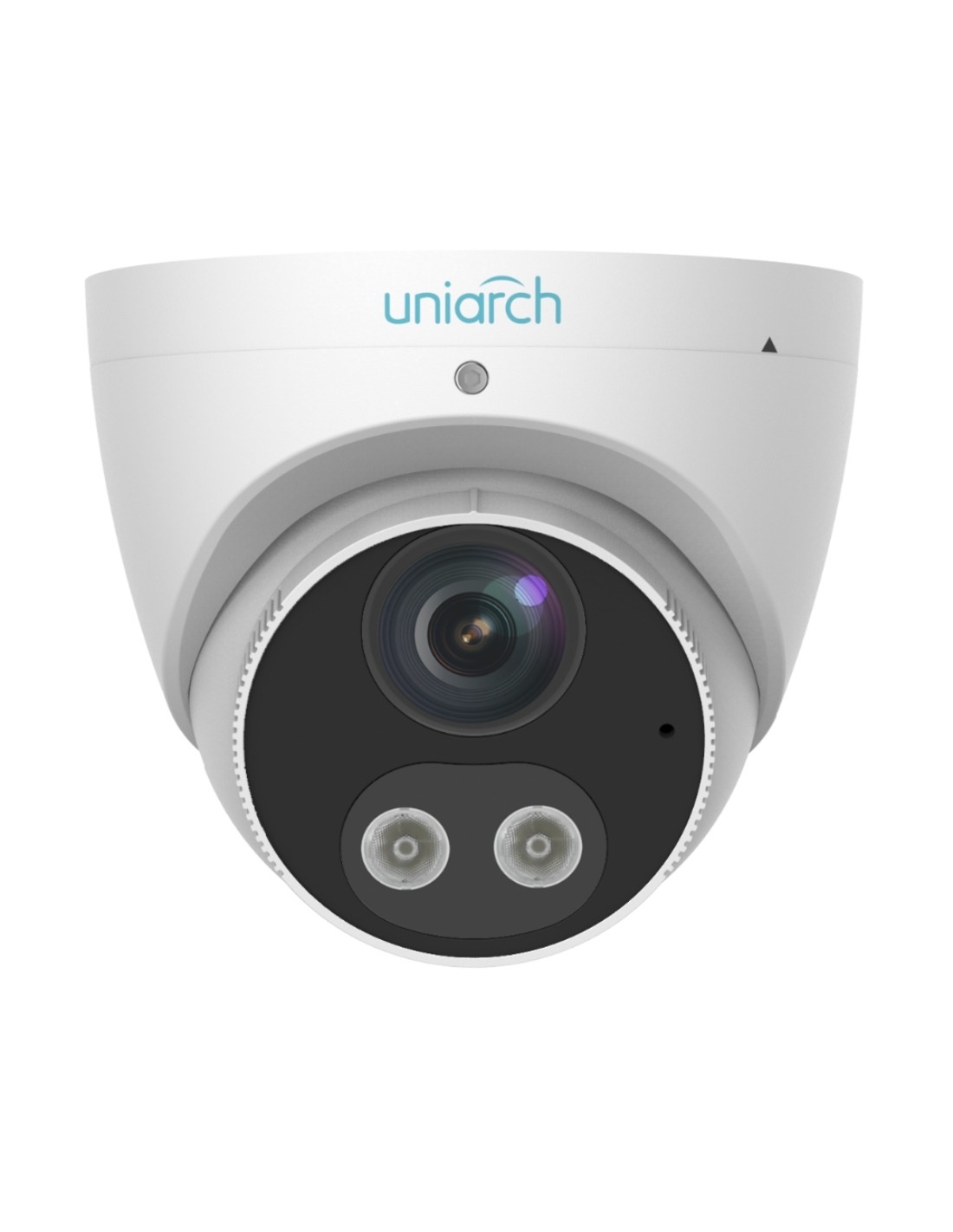
Eight Uniarch Tri-Guard 8MP 4K turrets with warning light and speaker, plus a 16-channel PoE recorder with 240 W PoE.
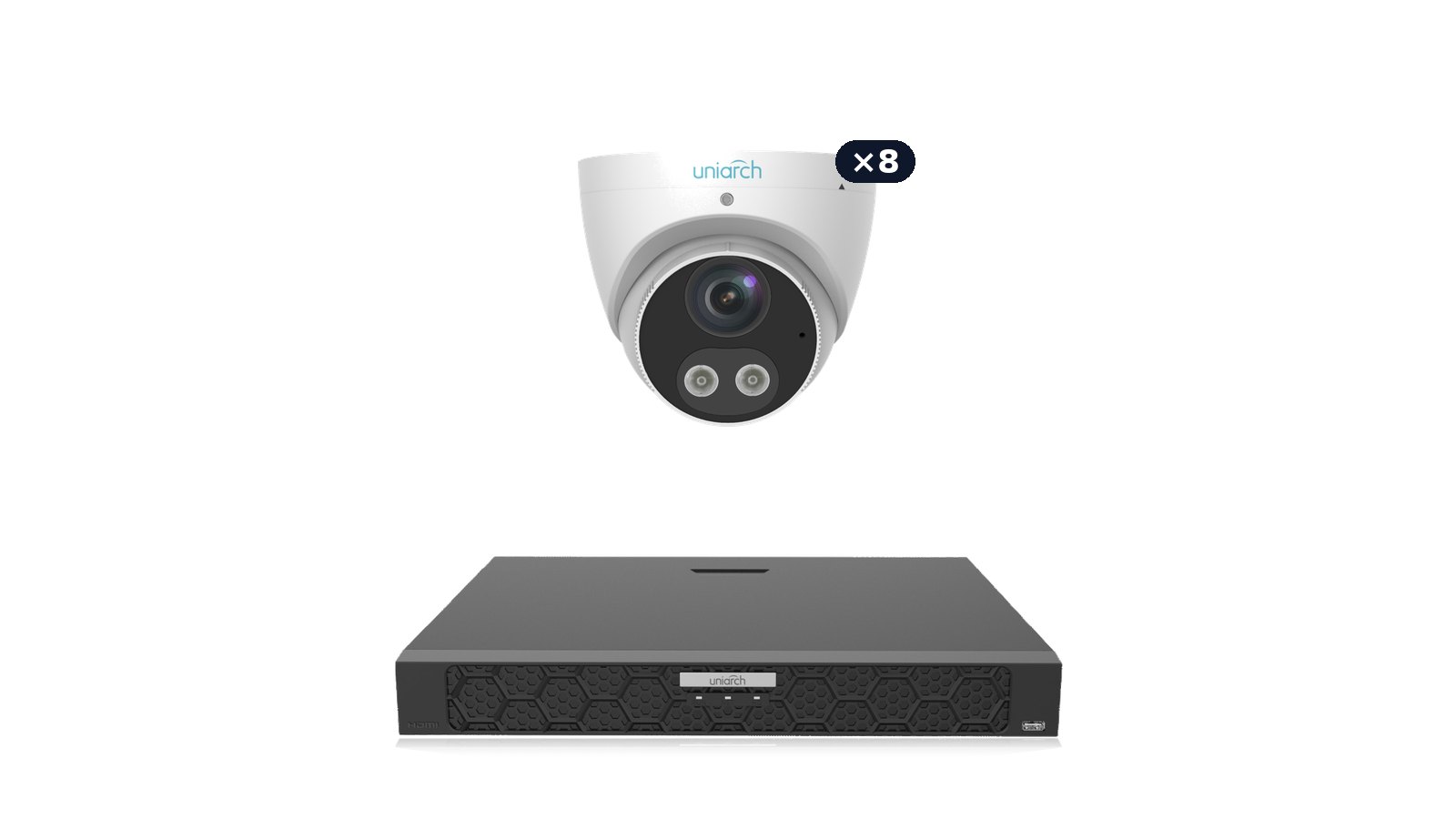
Uniarch Tri-Guard Fortress Kit. Eight Uniarch Tri-Guard 8MP turrets on the 16-channel NVR-216B-P16. Every camera has smart detection, a warning light and a speaker, and there are eight ports left for more.
In one sentence: the UA-K1608-TG8 is eight Tri-Guard 8MP 4K turrets with the Uniarch NVR-216B-P16 16-channel PoE NVR, with the hard drive as an option.
Order it without a drive, or with a 2, 4, 6 or 8TB drive fitted.
Everything in the kit is matched: every camera plugs into the recorder’s PoE ports and appears automatically. Add the Cat6 cable and a screen and you are recording.
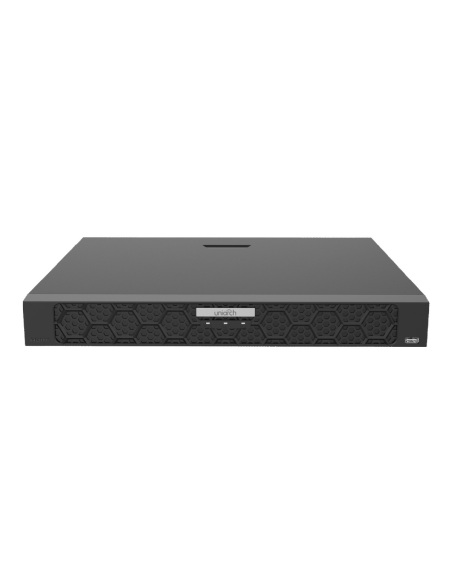
Eight Tri-Guards can draw up to 84 W, more than an 8-port recorder supplies. The NVR-216B-P16 has 240 W of PoE, two drive bays with RAID 1, gigabit networking and alarm inputs, so it handles all eight with room to grow.
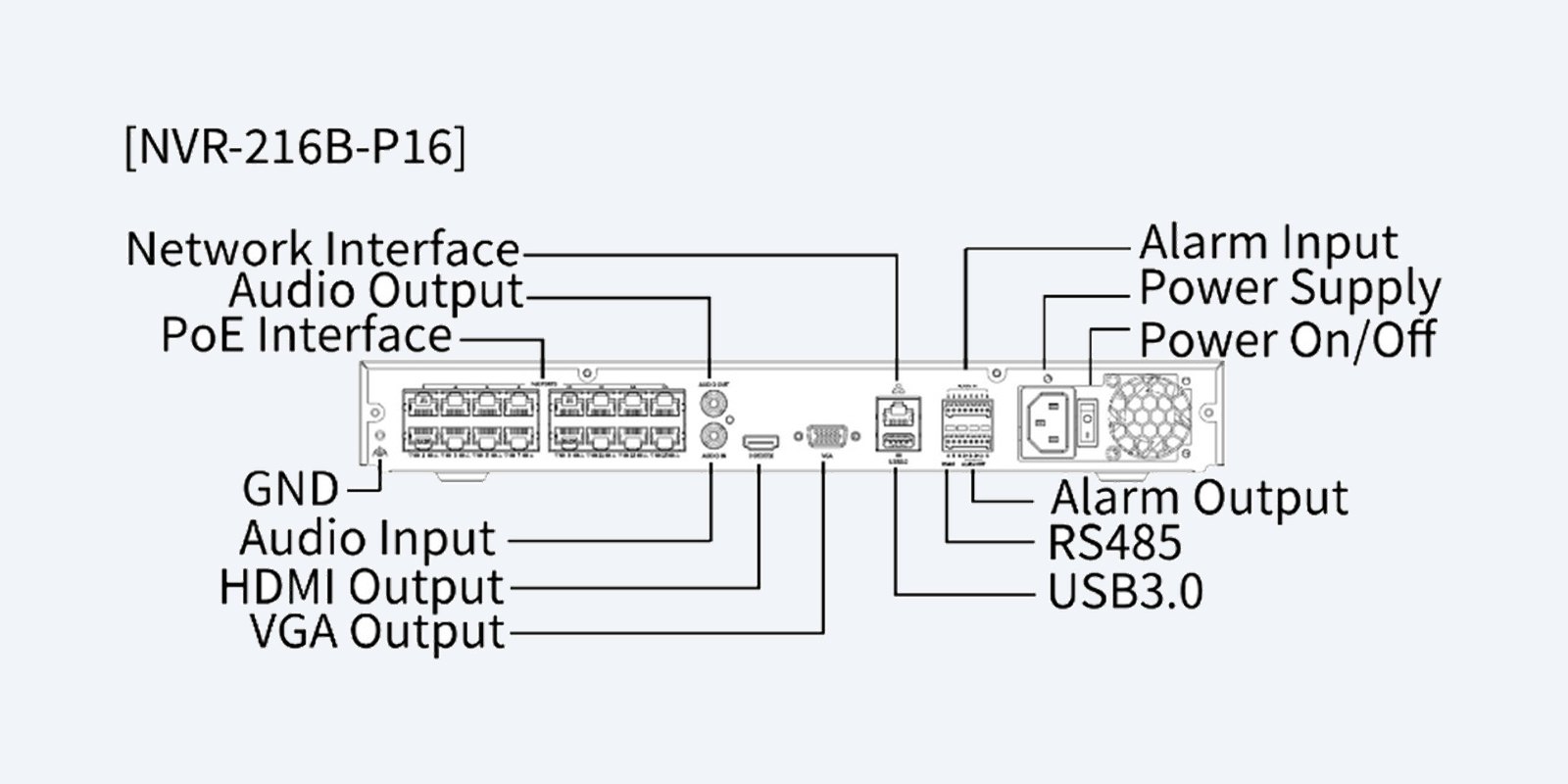
The recorder
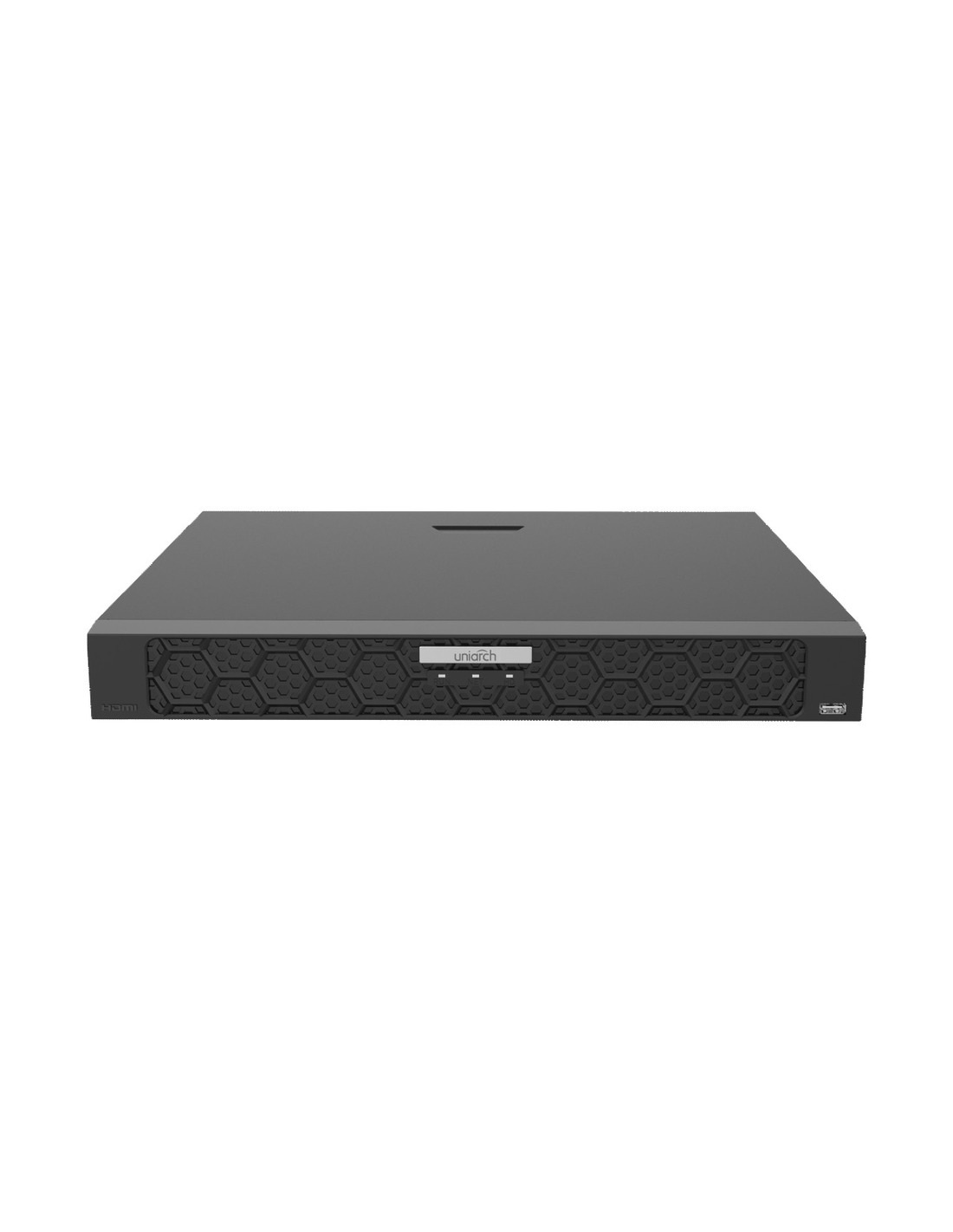
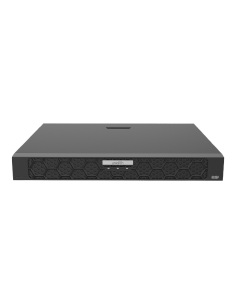
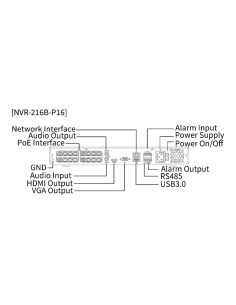
Every camera in the kit plugs into its own PoE port, which carries power and video on one Cat6 cable. The kit draws at most about 84 W of the 240 W budget, and 8 channels are left for more cameras. It records up to 16MP, outputs 4K on HDMI and takes 2 drives of up to 16TB each.
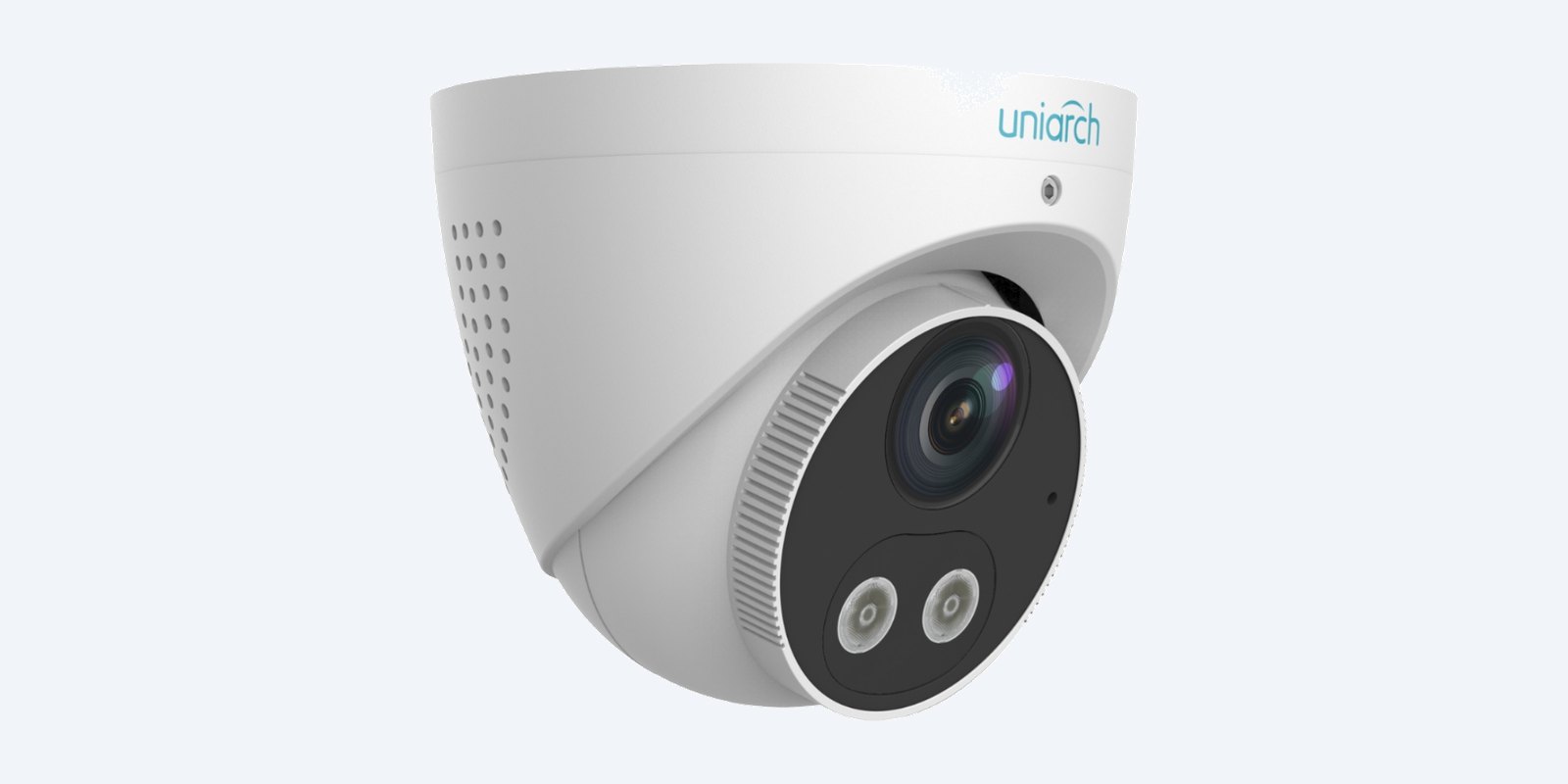
Eight in the kit
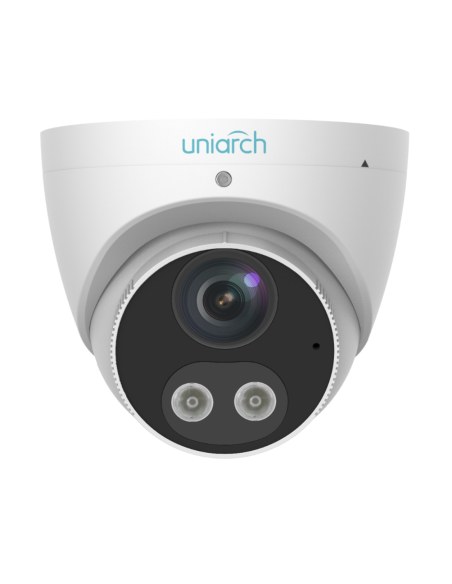
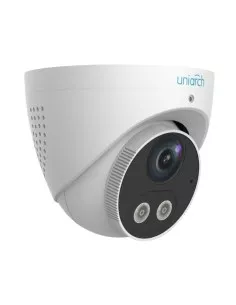
An eyeball turret that is easy to aim, with no dome cover to catch infrared glare. 8MP 4K with 30 m Smart IR and IP67 weather rating. Smart detection triggers its warning light and warning sound, and the built-in speaker and mic give two-way talk from the app.
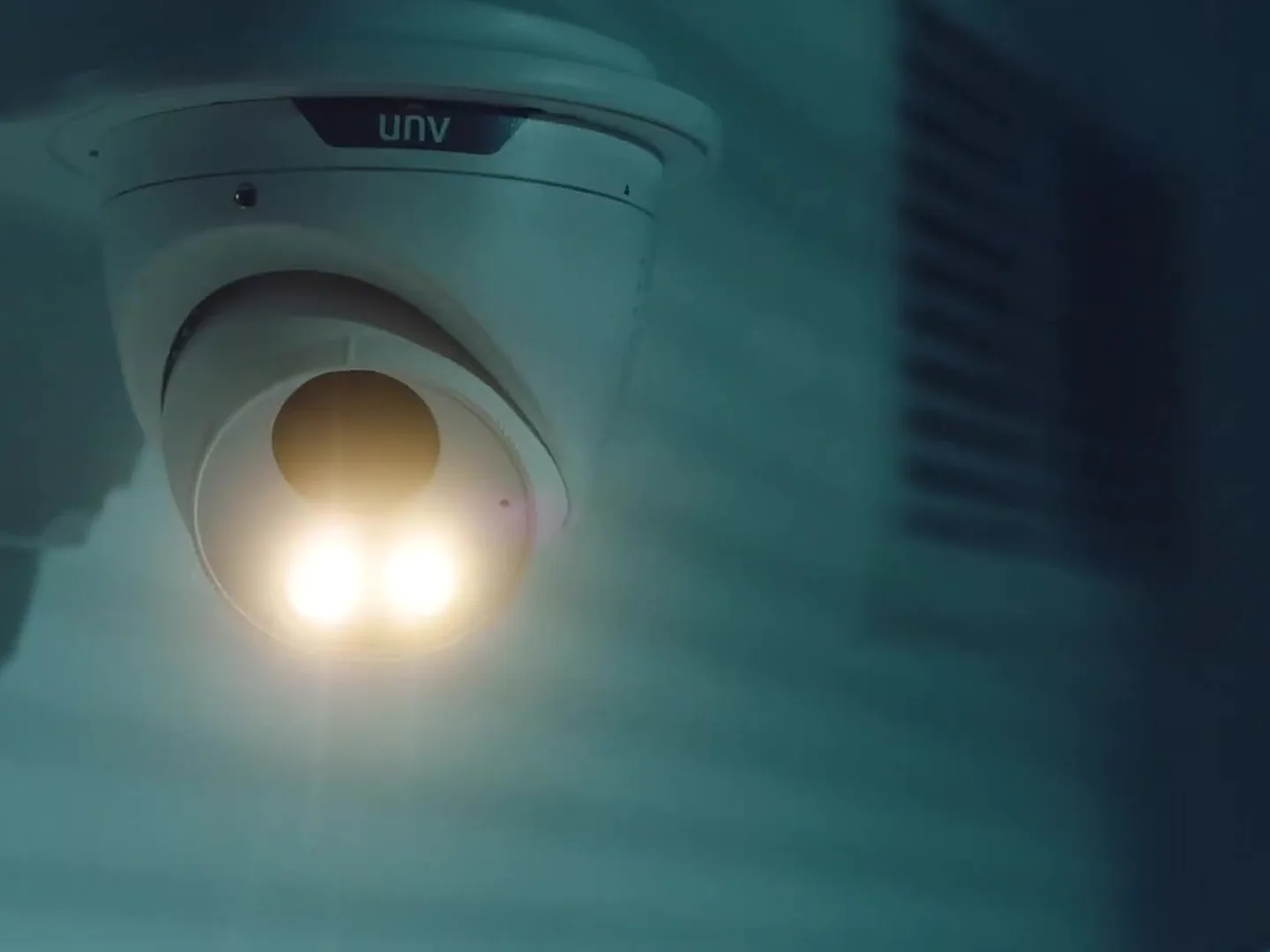
Active deterrence
Draw a line or zone in the app. When a person or vehicle crosses it, the Tri-Guard flashes its warning light and plays a warning sound, on a schedule you choose.

On your phone
Scan the recorder’s QR code with the Uniarch app on iPhone or Android for live view, playback and alerts. No subscription and no monthly fee.
How it goes in
01
Mount cameras about 2.4–3 m high, under eaves where possible, aimed at doors, gates and paths rather than open sky.
02
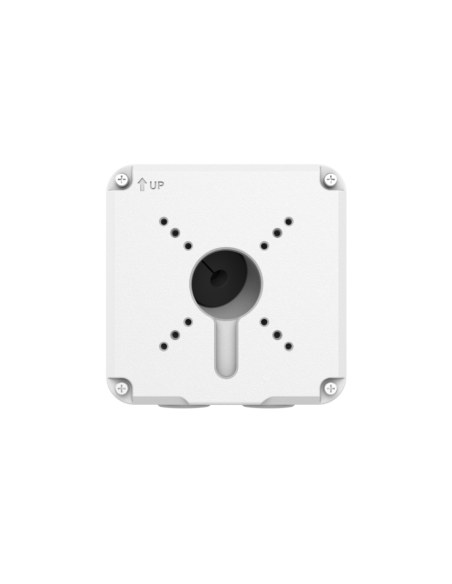
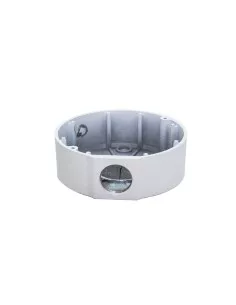
One cable from each camera back to the recorder, up to 100 m. Fit a junction box behind each camera for a neat, sealed join.
03
Plug the cameras into the PoE ports, the screen into HDMI and the network port into your router, then power on and follow the wizard.
04
Scan the QR code in the Uniarch app, then draw detection lines and zones so alerts and warnings only fire for people and vehicles.
At a glance
Show specs
Kit code
UA-K1608-TG8
Recorder
Uniarch NVR-216B-P16, 16 channels, 16 PoE ports (240 W)
Cameras
8 × Uniarch IPC-T1P8-AF28KC Tri-Guard 8MP 4K turret
Spare channels
8 for more cameras
Camera resolution
8MP 4K
Night vision
Smart IR up to 30 m
Deterrence
Warning light, warning sound and two-way talk on the Tri-Guard cameras
PoE power used
About 84 W of 240 W at most
Storage
No HDD standard; 2, 4, 6 or 8TB option. 2 bays, up to 16TB each
Compression
Ultra 265, H.265, H.264
Display
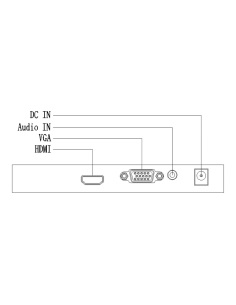
HDMI up to 4K, VGA up to 1080p
Network
Gigabit
Phone app
Uniarch app, iOS and Android, no fees
Warranty
3 years
Pair it with
Cabling
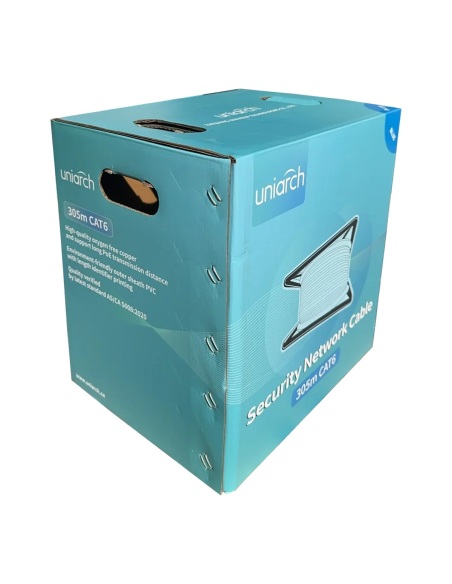
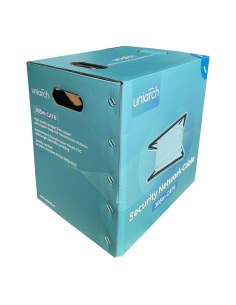
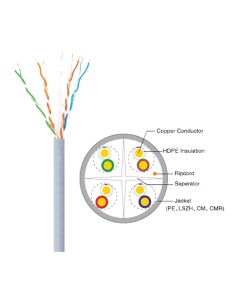
Solid-copper Cat6 for PoE runs of up to 100 m to each camera.
Mounting
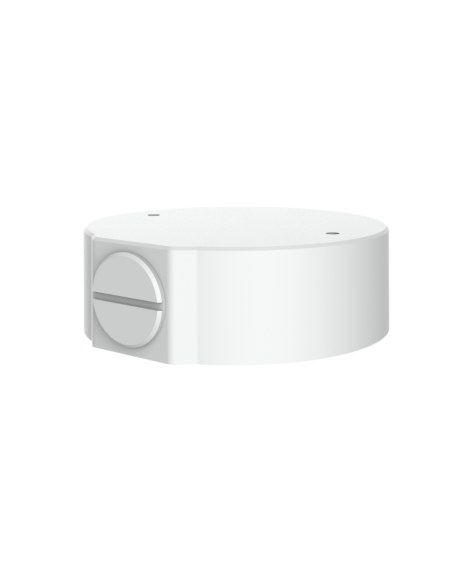
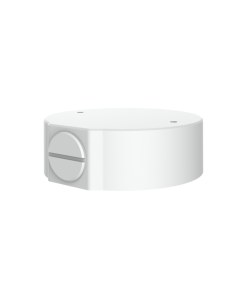
TR-JB03-G-IN for the turrets and domes: hides the cable join and seals it from the weather.
Mounting
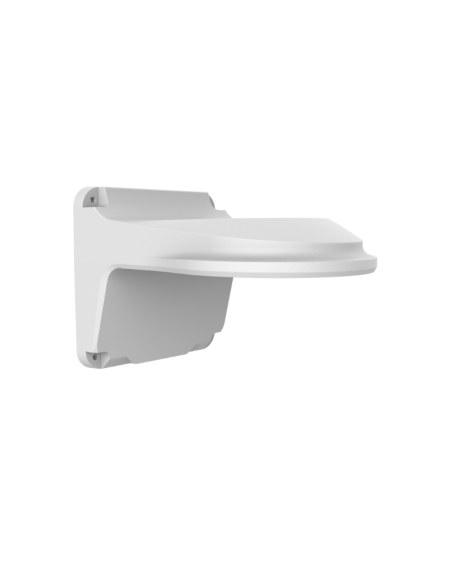
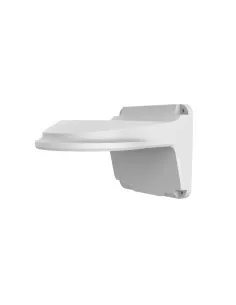
Brings a turret or dome 183 mm off the wall where there is no eave.
Viewing
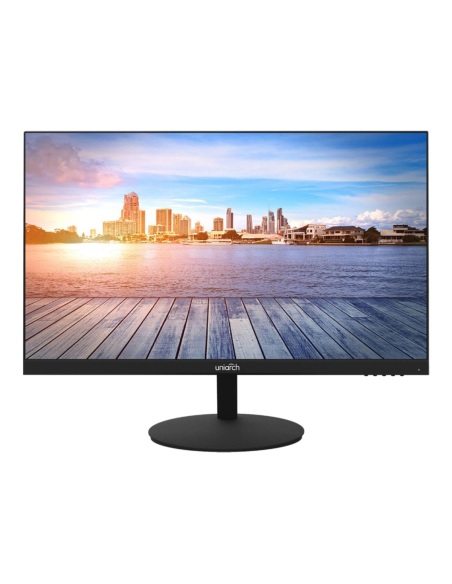
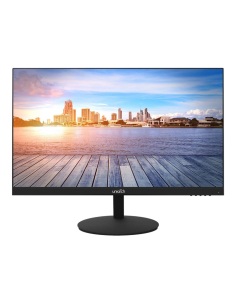
A Full HD screen with HDMI and speakers, rated for 24/7 viewing.
Where it is used
Warning light and sound on every approach.
Roller doors, yard, gate and office.
Deter after-hours visitors across the lot.
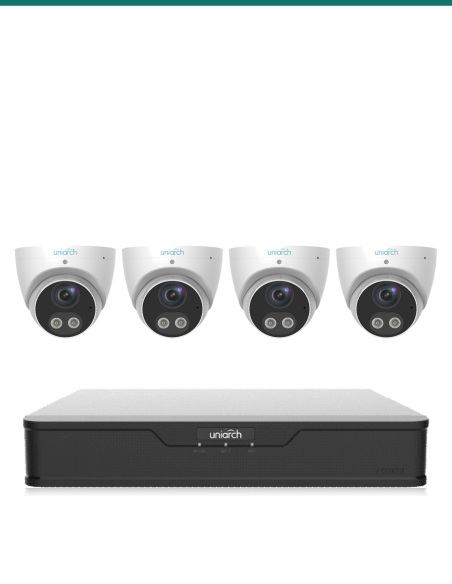
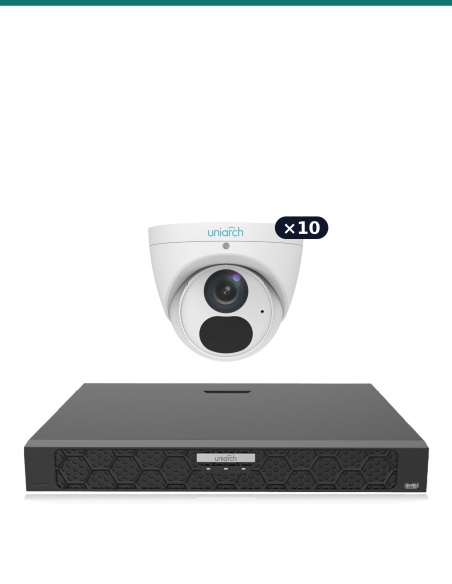
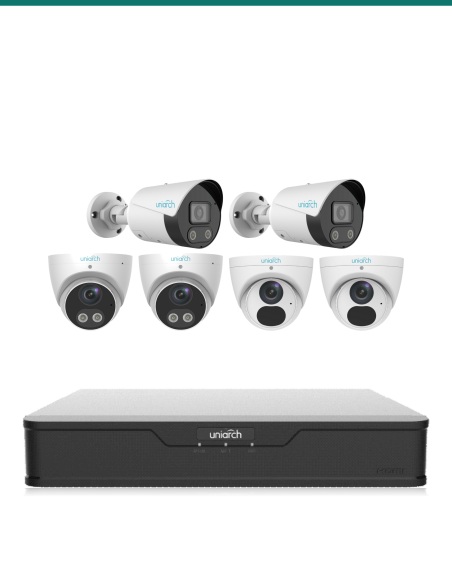
| Tri-Guard Fortress | Tri-Guard 4K | Business Pro | |
|---|---|---|---|
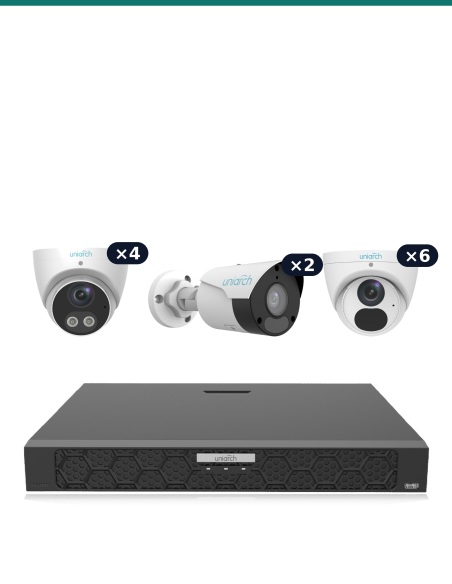
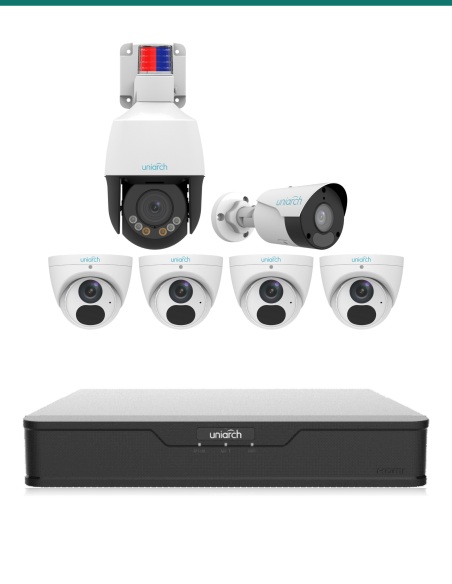
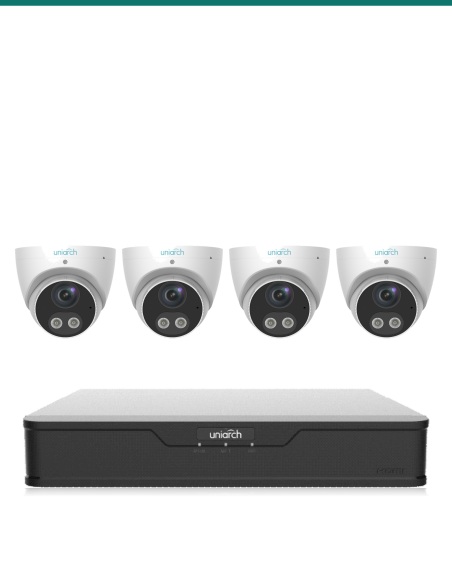
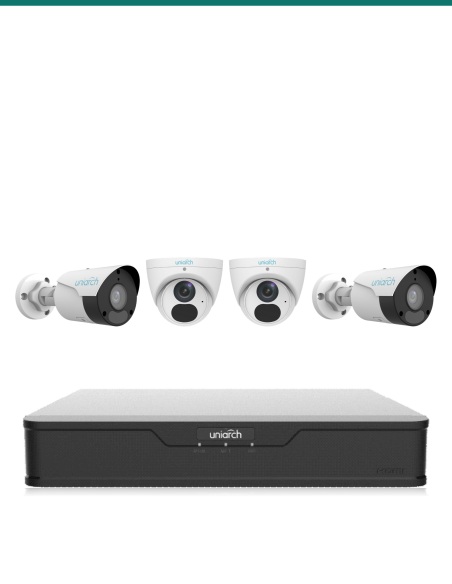
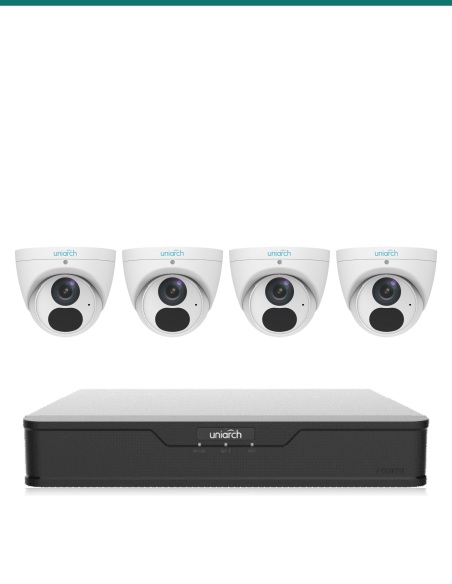
| Cameras | 8 × Tri-Guard 8MP 4K turret | 4 × Tri-Guard 8MP 4K turret | 2 × 8MP 4K bullet, 4 × Tri-Guard 8MP 4K turret, 6 × 8MP 4K turret |
| Recorder | NVR-216B-P16 | NVR-108B-P8 | NVR-216B-P16 |
| Spare channels | 8 | 4 | 4 |
| Light and sound deterrence | Yes | Yes | Yes |
| Longest infrared | 30 m | 30 m | 30–50 m |
Every Uniarch kit records Ultra 265, works with the Uniarch app and carries a 3-year warranty. Camera figures from the Uniarch datasheets.
Each 8MP Tri-Guard can draw 10.5 W, so eight need up to 84 W, beyond the 75 W budget of the NVR-108B-P8. The NVR-216B-P16 supplies 240 W.
Choose it in the options: No HDD, or a 2, 4, 6 or 8TB surveillance drive fitted and formatted. The standard option is No HDD, for people who already have a drive.
As a rough guide, each 4K camera recording around the clock with Ultra 265 uses about 25–40GB a day, so 8 cameras keep roughly 12–20 days on 4TB. Recording on motion, or at a lower bitrate on quiet cameras, stretches that a long way.
No, because every site needs a different length. Each camera needs its own Cat6 run of up to 100 m back to the recorder; the Uniarch 305 m Cat6 box covers most homes.
No. The recorder powers every camera through the Cat6 cable (PoE), so the only power point needed is at the recorder.
Yes. There are 8 spare channels on the NVR-216B-P16, and any Uniarch camera plugs straight in.
Yes. Connect the recorder to your router and scan its QR code in the free Uniarch app for live view, playback and alerts on iPhone and Android. There are no monthly fees.
Many customers do: each camera needs one cable and the recorder finds the cameras automatically. In Australia, Cat6 run inside walls and ceilings should be installed by a registered cabler.
Usually. ONVIF (Profile S, G or T) and RTSP cameras record on the NVR-216B-P16, with basic motion events; smart events come from Uniarch cameras.
Uniarch 3-year manufacturer warranty, handled in Australia through us. Contact us first and we will organise any claim.
Want to change a camera or add more? Call 1300 736 970 or email [email protected] with your layout and we will put together the right mix.
Power. Use only the power supply supplied with the recorder. Power off before fitting or removing a hard drive.
Placement. Keep the recorder indoors between −10 °C and 55 °C with space around its vents, somewhere secure so a thief cannot take the footage with it. Cameras are rated IP67 for outdoor use.
Privacy. Aim cameras at your own property. Recording audio and filming neighbours or public areas are covered by state surveillance laws.
Figures. From the Uniarch datasheets for each component. Uniarch 3-year manufacturer warranty, handled in Australia through us.



Need help choosing?
Tell us about your property and we'll recommend the right cameras and recorder.
07 5609 4910Sydney 02 8814 6008
[email protected]
Mon–Fri, 9am–5pm AEST
20 related items