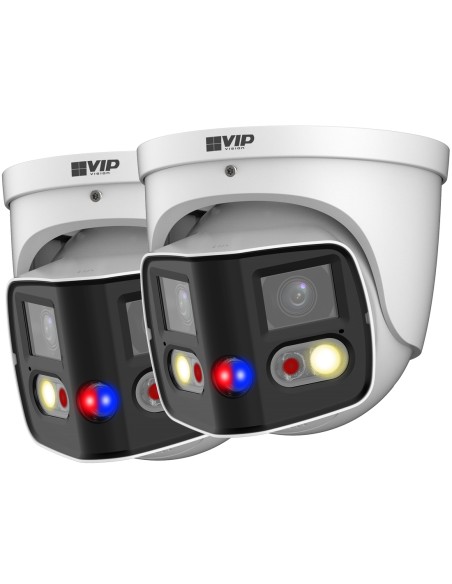
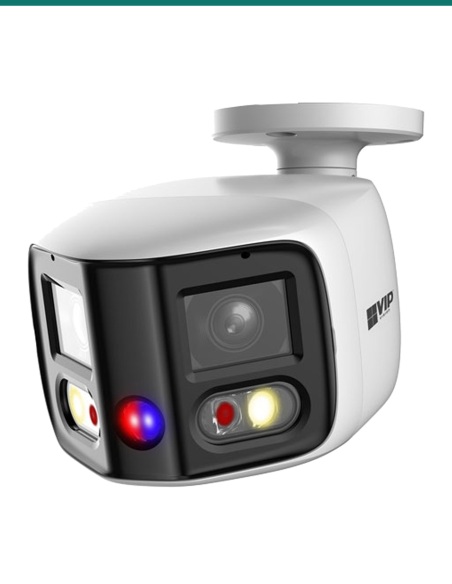
VIP Vision Professional AI Series 8MP 4K-UHD Motorised Turret - VSIPP-8DIRMG-I3

SKU VSIPP-8DIRMG-I3 In Stock - Ready to Ship
$368.00 inc GST

VIP Vision VSIPP-8DIRMG-I3: a white 8MP metal turret with a 2.7–13.5 mm motorised zoom, AI people and vehicle detection, four warm white LEDs and two IR LEDs.

  • ✓8MP at 25 fps, 2.7–13.5 mm motorised zoom, 114° to 32°
  • ✓SMD 4.0 and perimeter protection for people and vehicles
  • ✓4 warm white LEDs (40 m) + 2 IR LEDs (50 m)
  • ✓Built-in microphone, microSD up to 512 GB
  • ✓IP67 metal housing, PoE 802.3af up to 9.8 W
  • ✓4-year VIP Vision warranty


Description

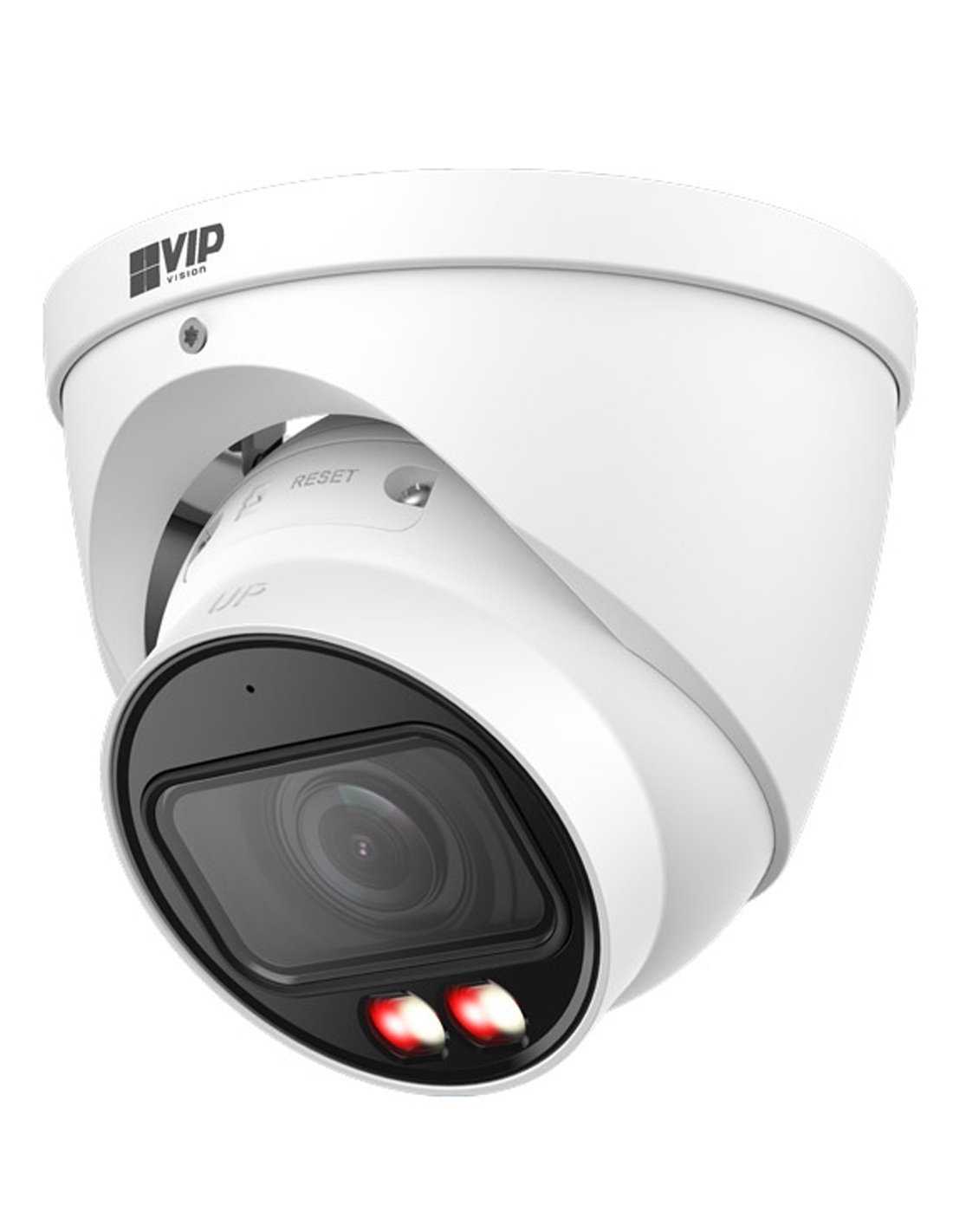
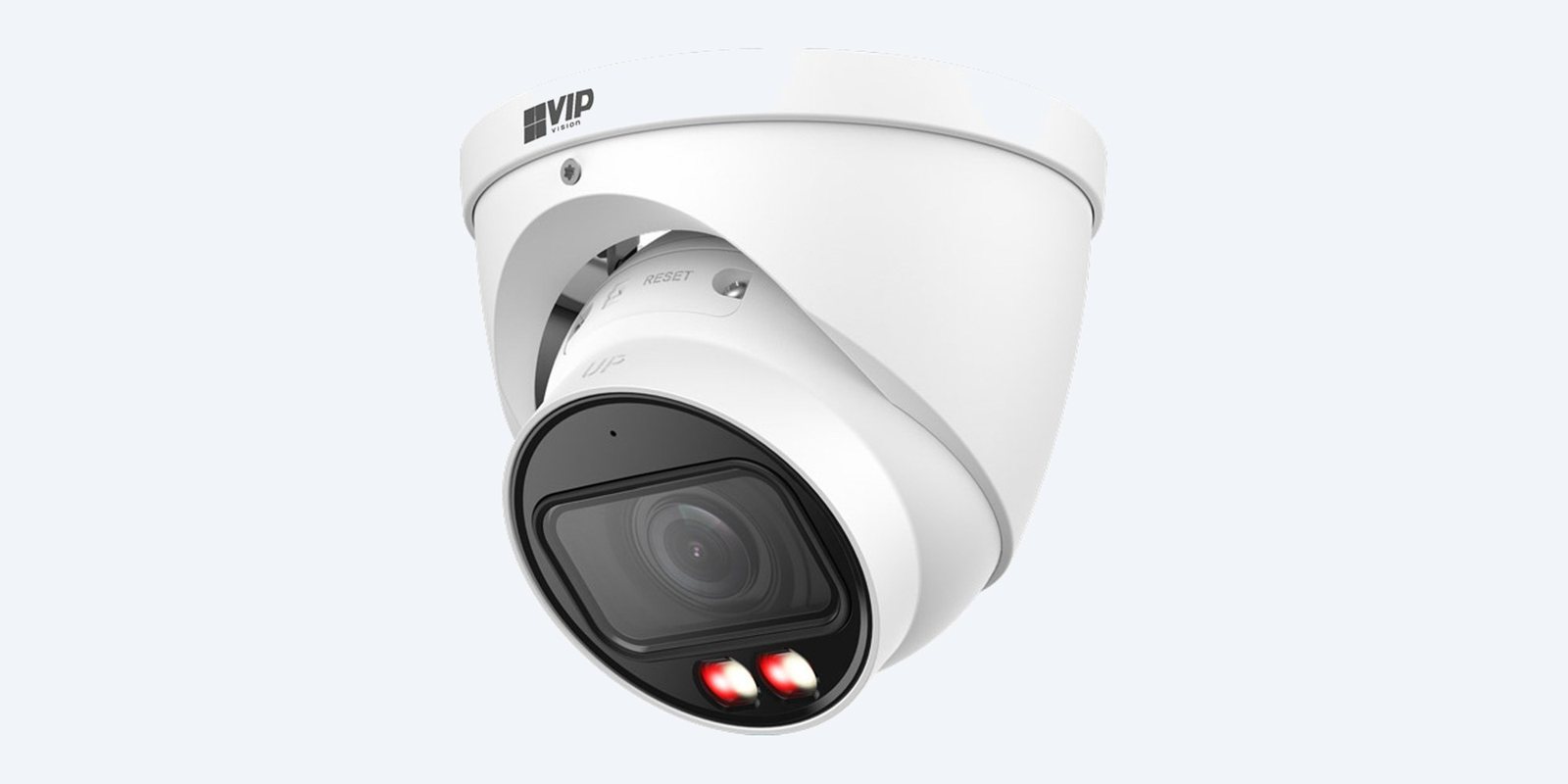
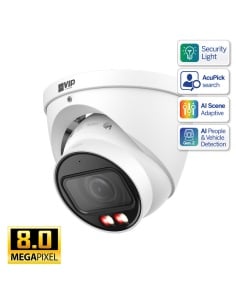
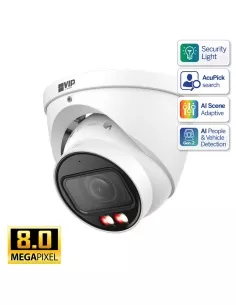
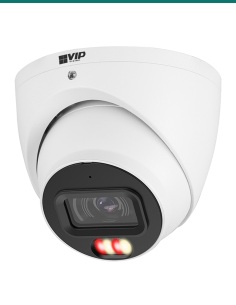
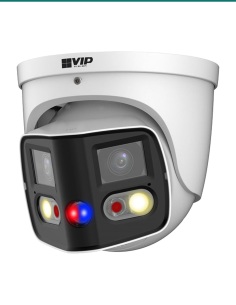
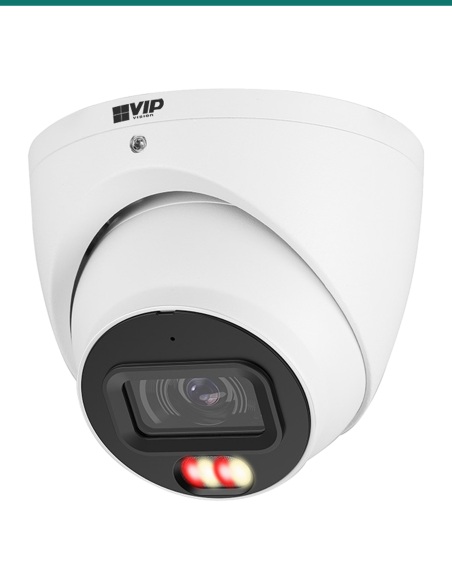
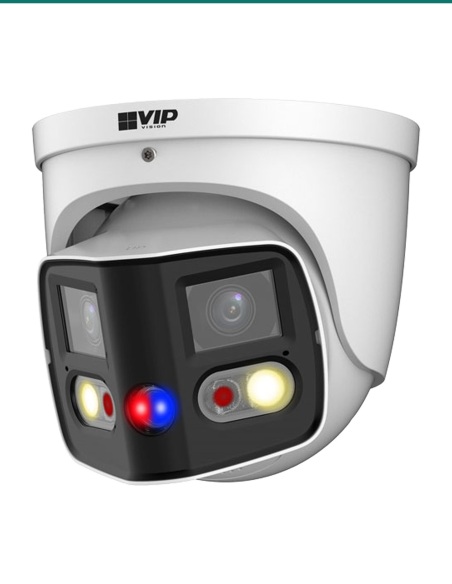
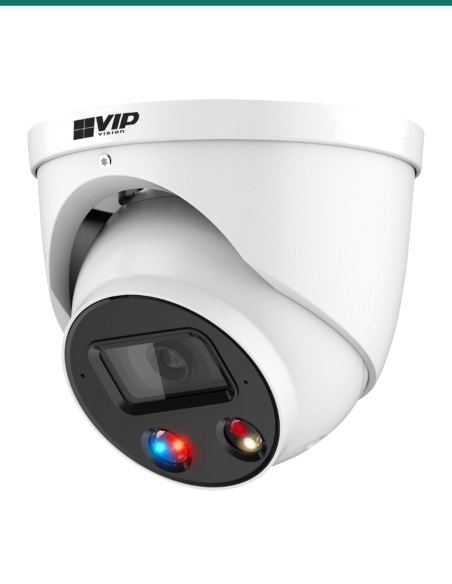
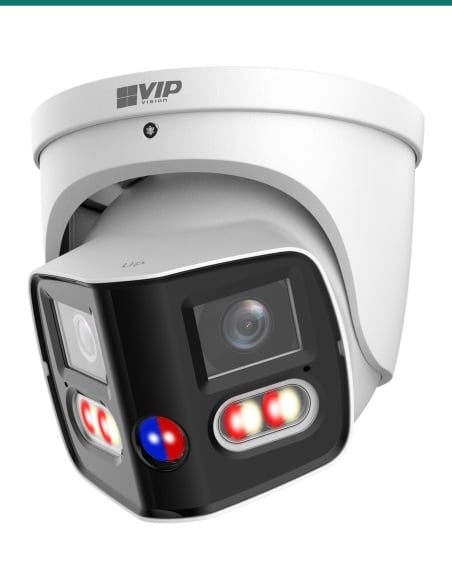
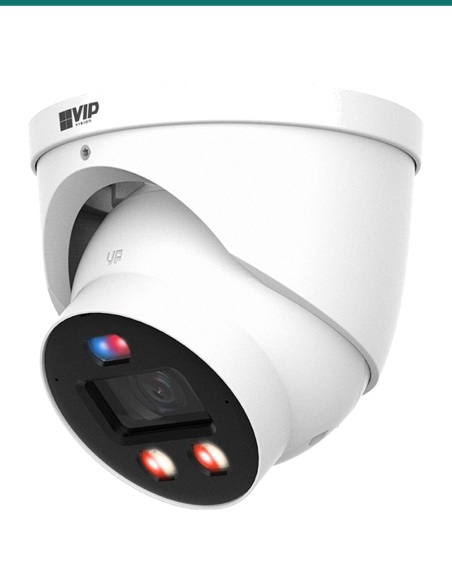
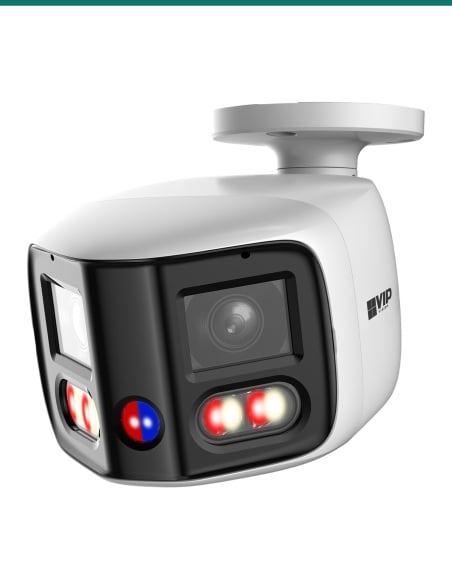
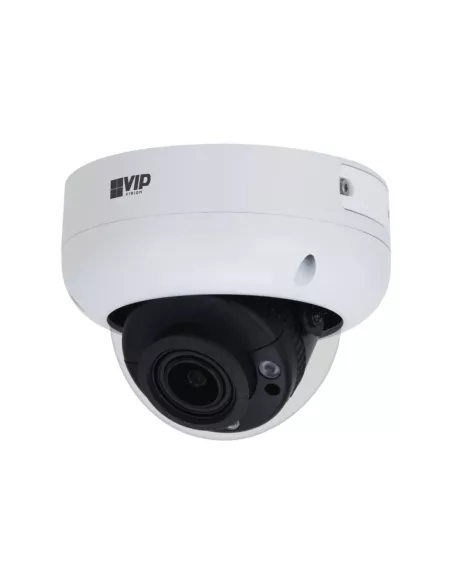
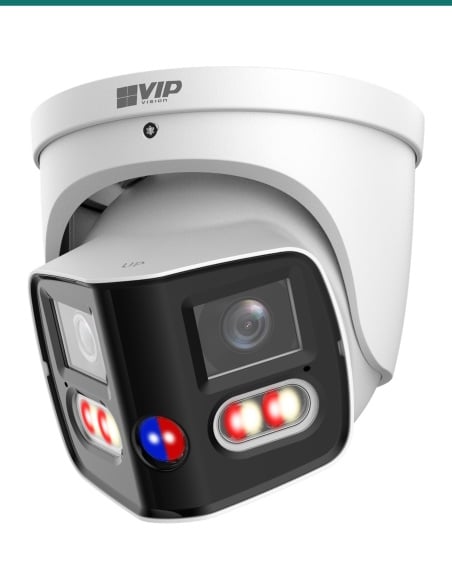
VIP Vision VSIPP-8DIRMG-I3 white 8MP motorised turret camera with its LED lights under the lens
VIP Vision · Professional AI · I3 motorised turret

8MP motorised turret with its own light.
Zoom from the recorder. Light up people and vehicles.

This is the VSIPP-8DIRMG-I3: a white metal 4K turret with a 2.7–13.5 mm motorised zoom lens, AI people and vehicle detection, a built-in microphone, four warm white LEDs and two IR LEDs.

In one sentence: the VSIPP-8DIRMG-I3 is a VIP Vision Professional AI 8MP (3840 × 2160) turret with a 2.7–13.5 mm motorised auto-focus lens (114° to 32°), AI people and vehicle detection, 4 warm white LEDs (40 m) and 2 IR LEDs (50 m), a built-in mic and an IP67 metal housing.

Camera only. Recorder and cabling are separate.

This listing is one turret camera. It needs a PoE port or a 12 VDC supply for power, and a recorder, NAS or microSD card for the footage.

In the box
  • VSIPP-8DIRMG-I3 turret camera
You also need
  • A PoE NVR, or an 802.3af PoE switch
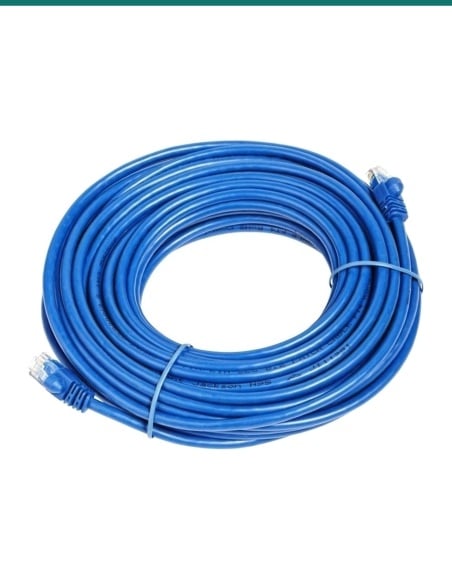
  • Cat5e or Cat6 cable to the camera
  • A recorder, NAS or microSD card (up to 512 GB) for the footage
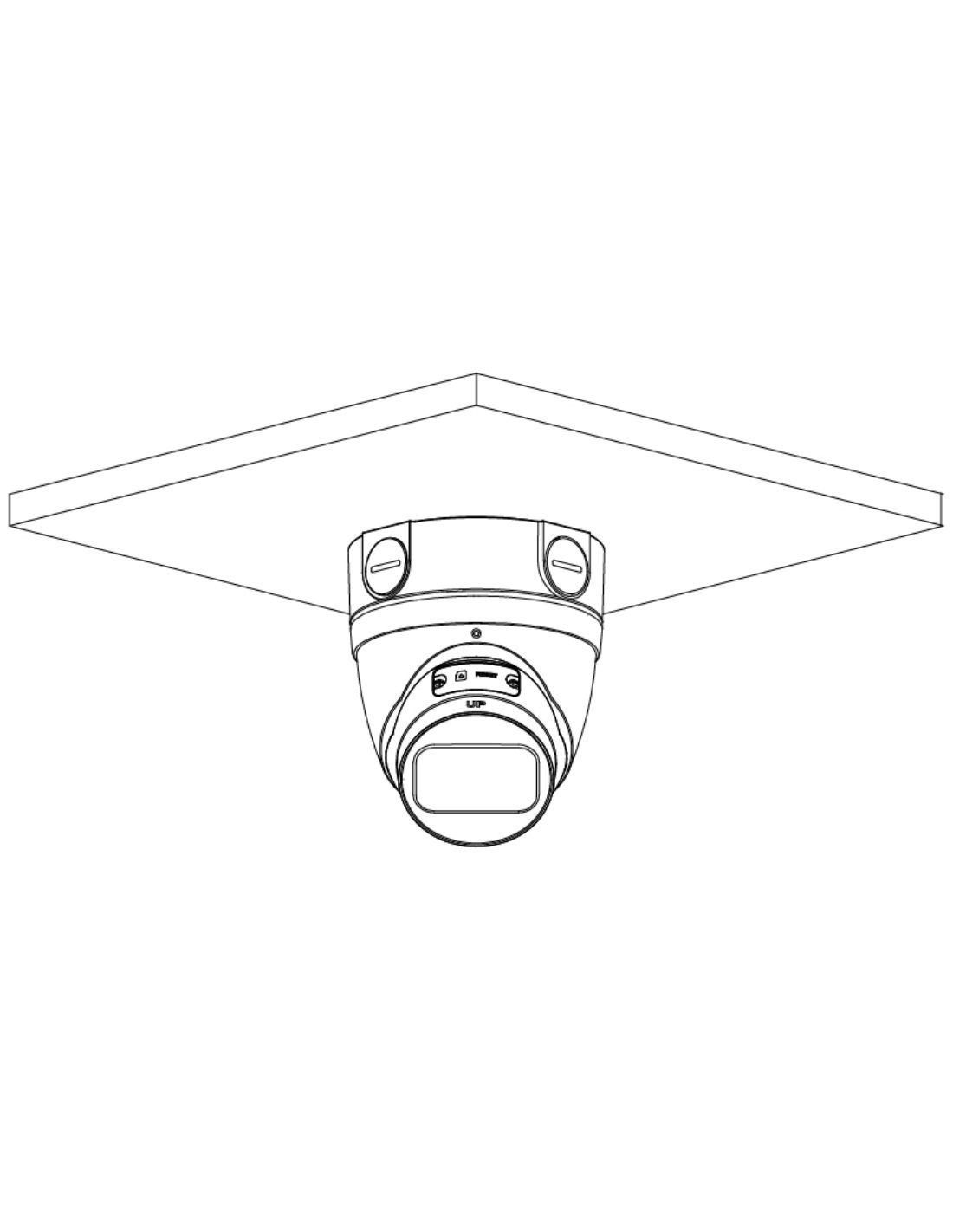
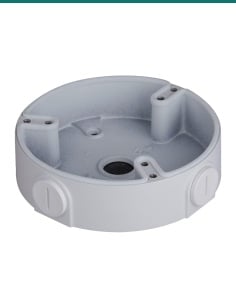
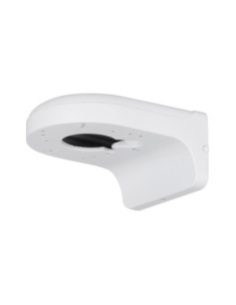
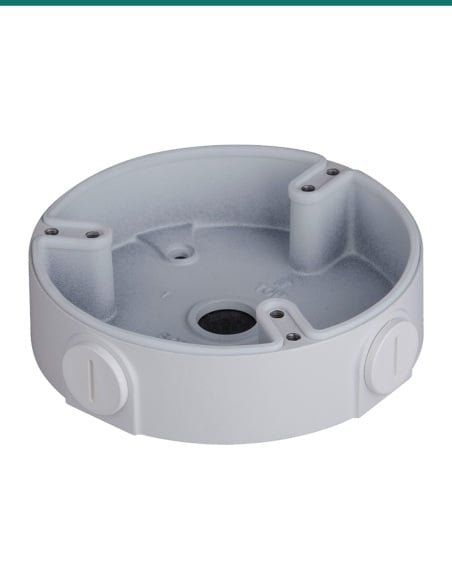
  • The VSBKTA137 junction box if the cable can't go straight into the wall or ceiling

A security light and a zoom camera in one.

When the camera picks up a person or a vehicle, its warm white LEDs switch on. The intruder knows they have been seen, and the footage turns to full colour out to 40 m. The rest of the night, two IR LEDs cover up to 50 m in black and white. The motorised lens zooms from 2.7 to 13.5 mm and focuses itself, so you frame the shot from the recorder or a phone instead of a ladder.

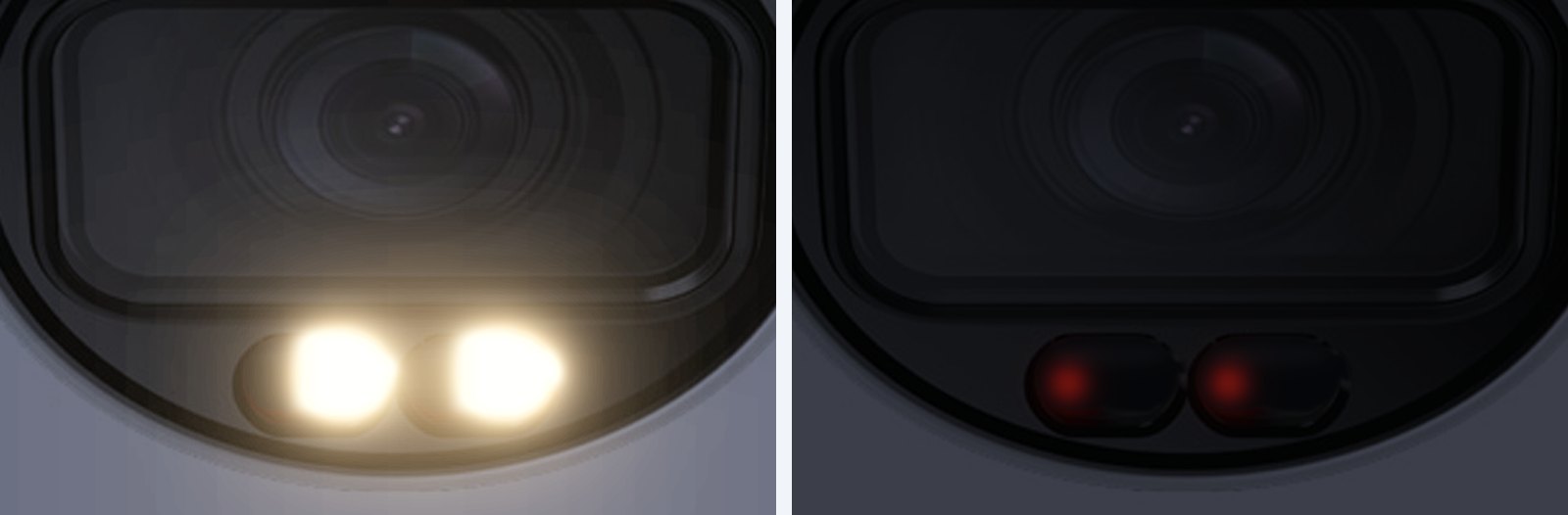
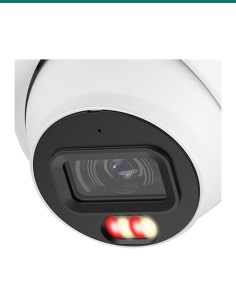
VSIPP-8DIRMG-I3 at night: left, the warm white LEDs switched on; right, the IR LEDs on with a faint red glow

White lights and IR LEDs

Two kinds of light under the lens.

Left: the warm white LEDs on. The two windows under the lens hold four of them, lighting the scene to 40 m so the camera records in colour and anyone in front of it can see they have been noticed. They come on for people and vehicles, or you switch them on and off yourself. Right: the two IR LEDs on. To the eye they show only a faint red glow, and they give black-and-white footage to 50 m when the white lights are off. There is no siren and no flashing strobe.

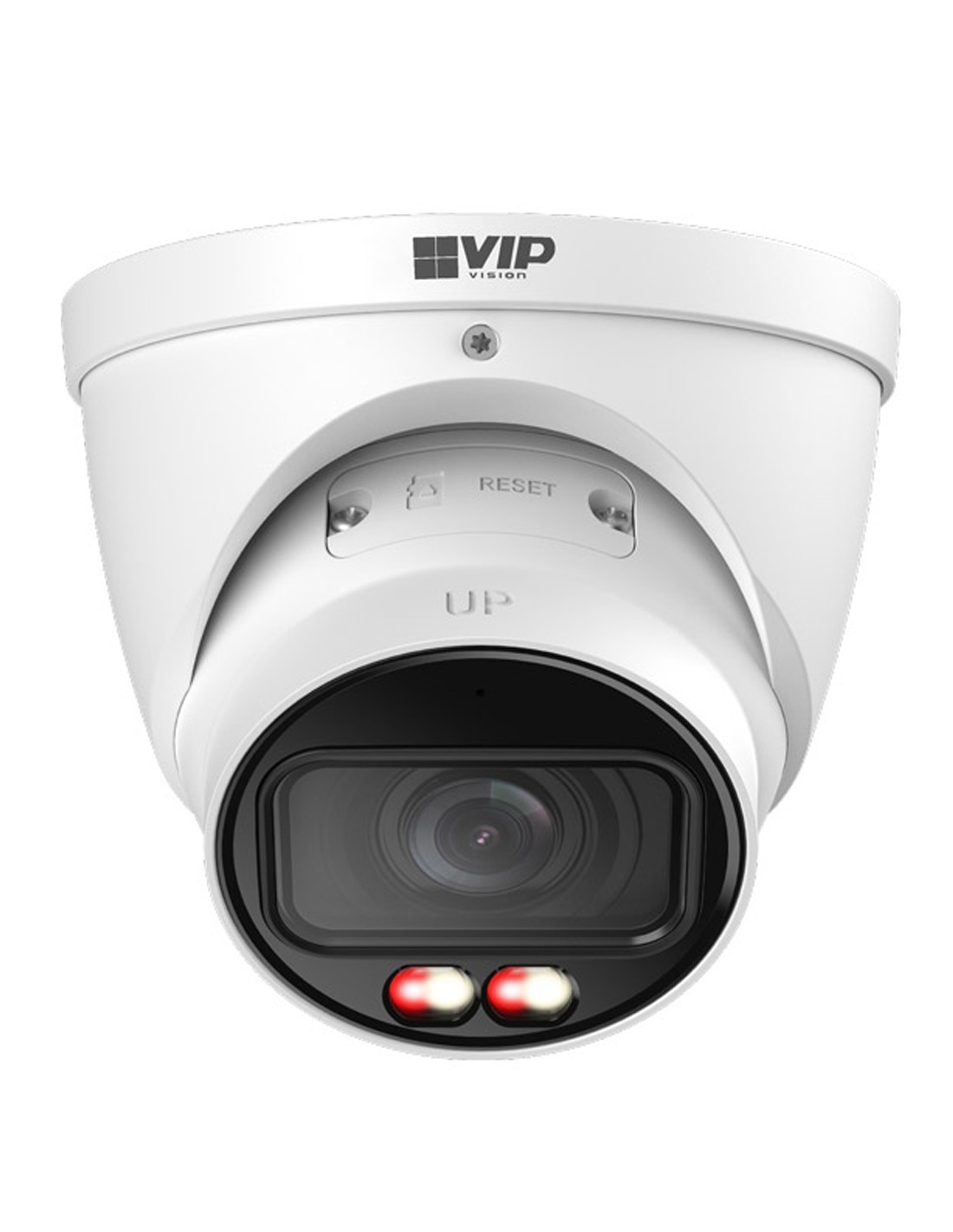
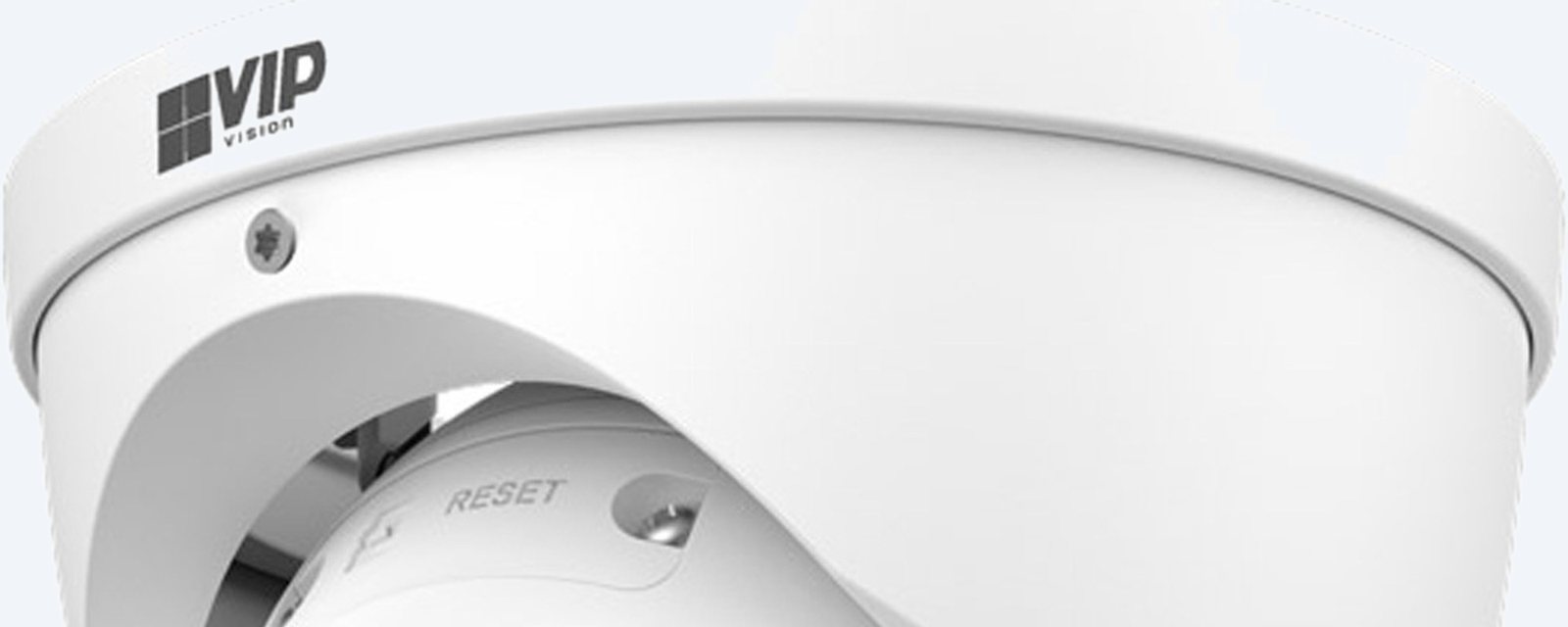
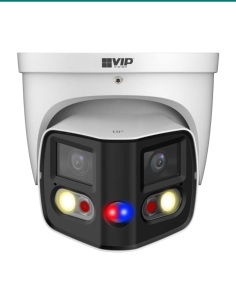
VSIPP-8DIRMG-I3 close-up of the white metal turret housing with the VIP Vision logo

Lens and housing

2.7–13.5 mm motorised, IP67 metal.

3840 × 2160 at up to 25 fps from a 1/2.7" 8MP sensor. The F1.4 lens goes from 114° wide to 32° tele and focuses automatically. The 0.69 kg metal housing is rated IP67, and the ball pans 0–360°, tilts 0–78° and rotates 0–360°. 120 dB true WDR, BLC and HLC keep detail against bright doorways and headlights.

How it goes in

From cable to first alert.

01

Run one cable

Cat5e or Cat6 to a PoE NVR or an 802.3af switch. The camera draws up to 9.8 W on PoE, or up to 8.2 W from 12 VDC.

02

Fix the base

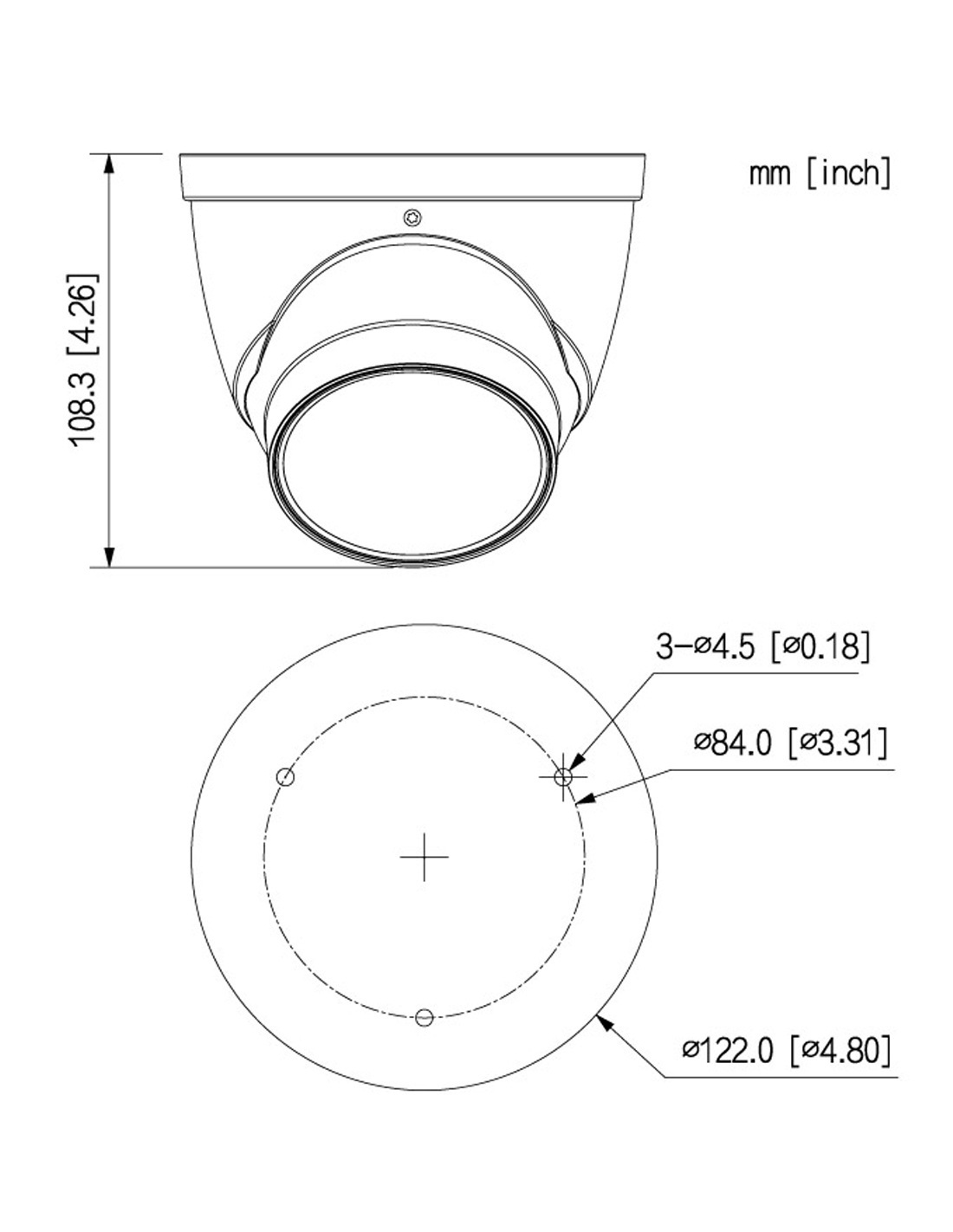
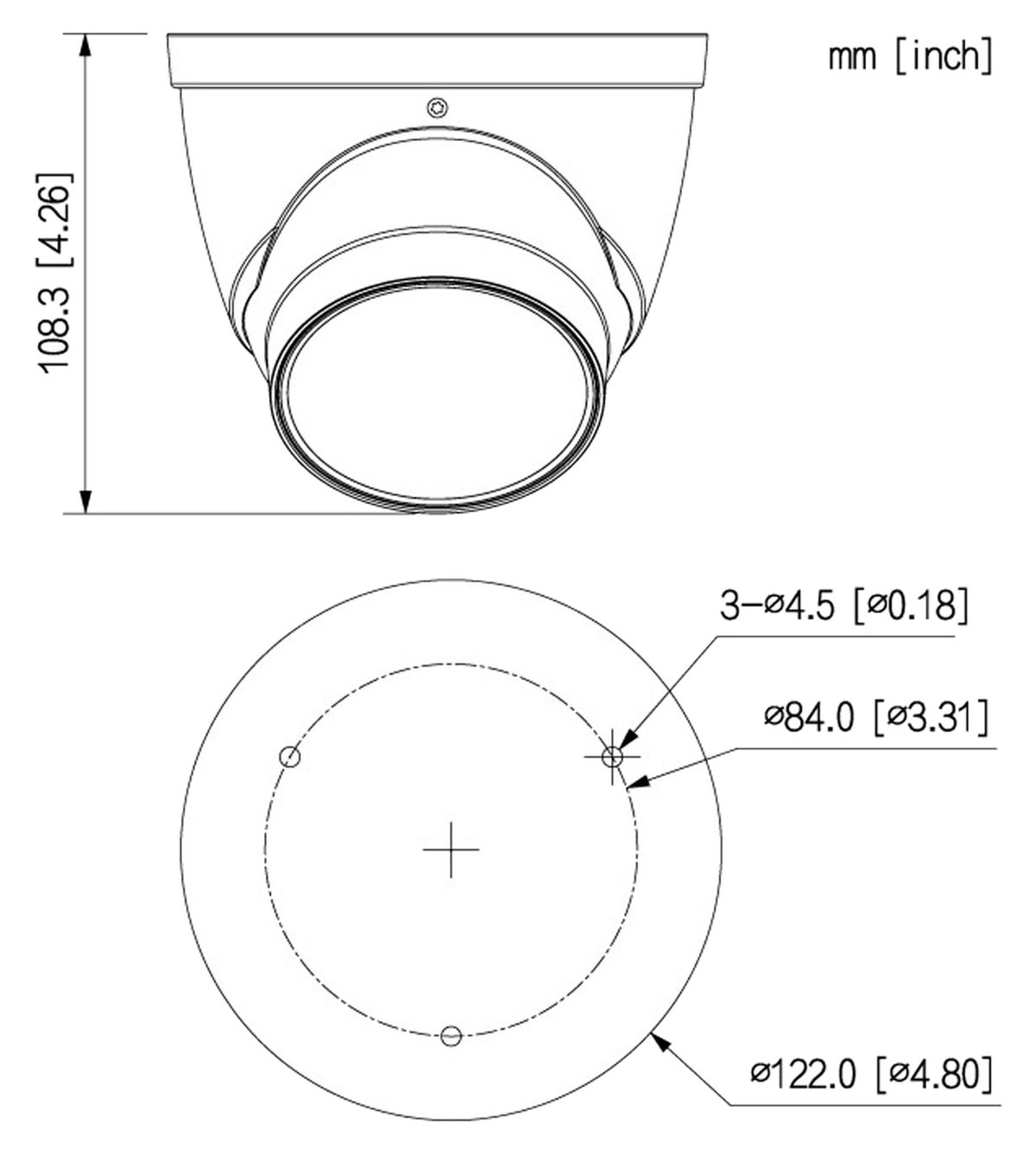
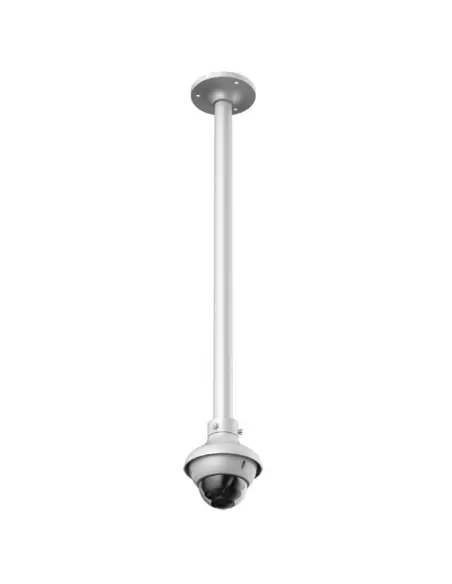
Three Ø4.5 mm holes on a Ø84 mm circle. Use the VSBKTA137 junction box where the cable needs cover, or the VSBKTA106 adaptor with the VSBKTB220C pendant for a ceiling drop.

03

Add it and set the zoom

Add it to a VIP Vision NVR or an ONVIF recorder, set a strong password, then zoom between 114° and 32° and let the lens focus itself.

04

Set the AI rules

Turn on SMD 4.0, or draw tripwire and intrusion zones, tick people, vehicles or both, and choose when the white LEDs come on.

Pair it with

What this camera does not include

Recorder

A VIP Vision Professional AI NVR

Powers and records the camera on one cable, and drives the zoom. VIP Vision lists SMD 4.0, perimeter protection and AcuPick search with its own NVRs.

Power

An 802.3af PoE switch

If the recorder has no PoE ports. Allow 9.8 W for this camera.

Mounting

VSBKTA137 junction box

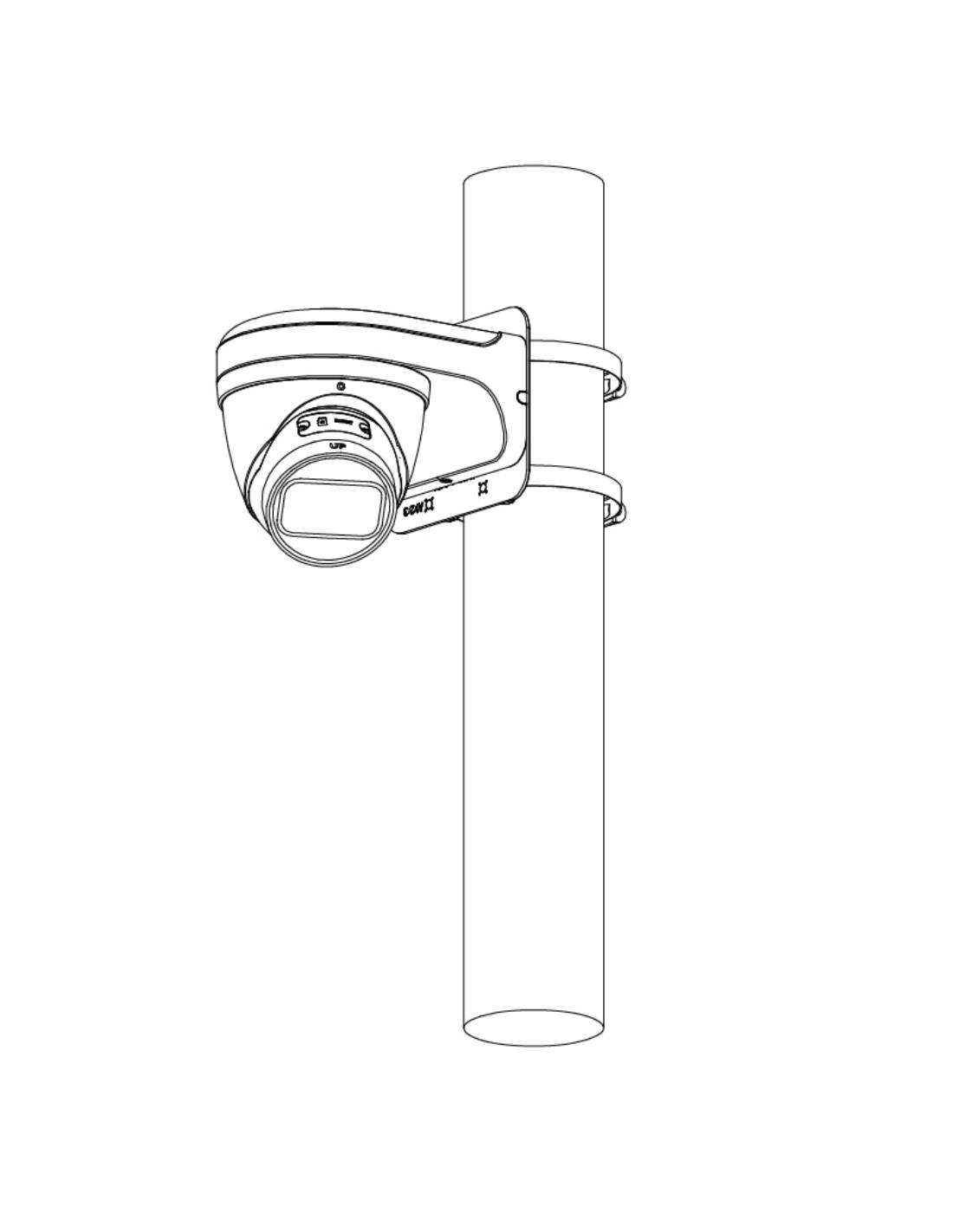
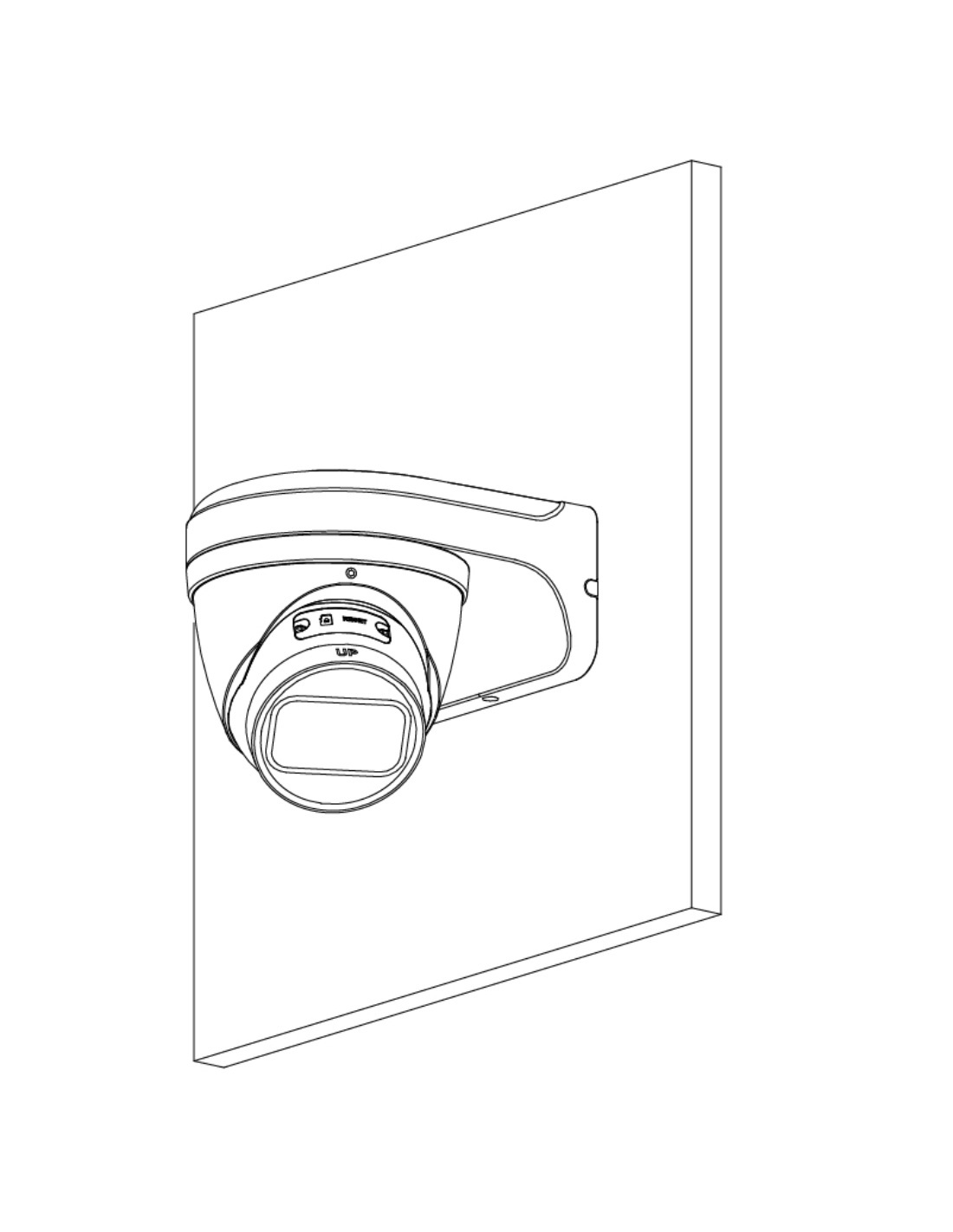
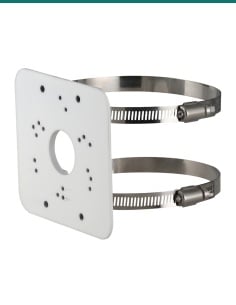
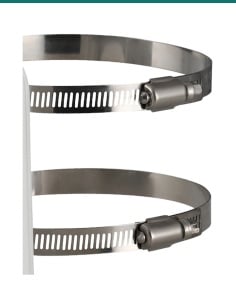
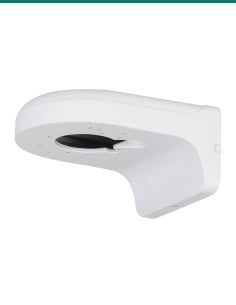
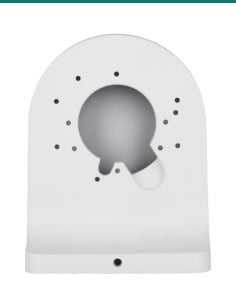
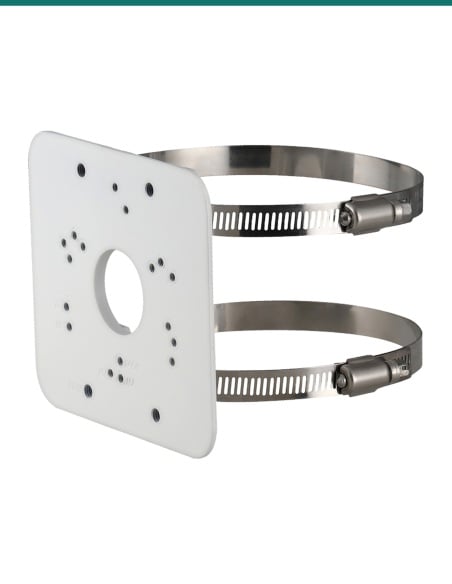
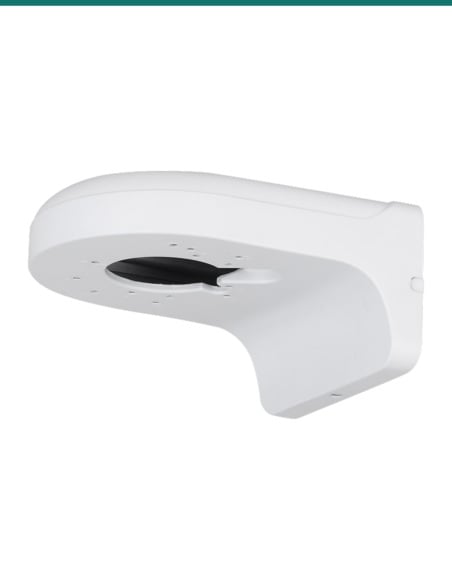
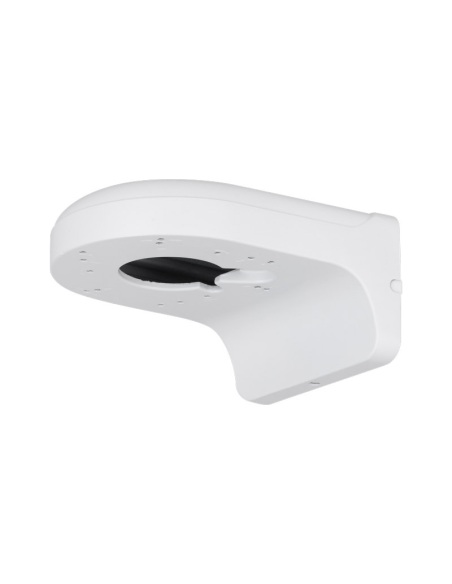
VIP Vision's listed junction box for this turret. For a ceiling drop, the VSBKTA106 adaptor with the VSBKTB220C pendant. Wall, pole and corner kits are on the datasheet; ask us which fits your site.

Storage

A microSD card

Optional, up to 512 GB, for recording in the camera or as a backup.

Where it is used

Where a zoom turret with its own light fits.

Long driveways

Zoom to the gate or the street, with white light that switches on for people and cars.

Shopfronts and entries

Colour footage of faces and clothing at the door, day and night, framed tight from the recorder.

Car parks

People and vehicle detection on the bays, 120 dB WDR for headlights, and up to 280 m detection at tele.

Warehouses and yards

Roller doors and gates, with tripwire and intrusion rules for after hours.

Strata and apartments

Common areas, bin rooms and garage entries, recording to the building NVR.

Farms and sheds

Machinery sheds and fuel tanks, with IP67 protection and a −30 °C to 60 °C range.

VSIPP-8DIRMG-I3 or VSIPP-6DIRMG-I3

VSIPP-8DIRMG-I3 (this camera)VSIPP-6DIRMG-I3
Resolution8MP, 3840 × 21606MP, 3288 × 1850
Image sensor1/2.7" 8MP1/2.7" 6MP
Lens and view2.7–13.5 mm motorised, 114°–32°2.7–13.5 mm motorised, 114°–32°
Lights4 warm white (40 m) + 2 IR (50 m)4 warm white (40 m) + 2 IR (50 m)
DORI identify, wide / tele8 m / 28 m8 m / 28 m
Power, max8.2 W 12 VDC, 9.8 W PoE8.2 W 12 VDC, 9.8 W PoE

Both columns come from VIP Vision's Professional AI Series Motorised Turret Dome datasheet. The 4MP VSIPP-4DIRMG-I3 on the same sheet has a 104°–29° view and draws up to 10.3 W on PoE.

Common questions

Does it have a siren or a flashing strobe?

No. Its lights are four warm white LEDs and two IR LEDs. The white LEDs come on steady when a person or vehicle is detected, or when you switch them on.

What are the white lights and the IR LEDs for?

The warm white LEDs light the scene to 40 m so the camera records in colour and the person knows they have been seen. The IR LEDs are invisible to the eye and give black-and-white footage to 50 m when the white lights are off.

What does motorised mean?

The 2.7–13.5 mm lens zooms and focuses by motor. You set the view from the recorder, the web page or the app, between 114° wide and 32° tele, without opening the camera.

Is a recorder included?

No. This listing is the camera only. It records to a PoE NVR, a NAS or FTP server, or a microSD card of up to 512 GB.

How is it powered?

By PoE (IEEE 802.3af), drawing up to 9.8 W. It can also run from 12 VDC at up to 8.2 W, using a supply bought separately.

How far does it see?

VIP Vision rates it to identify a person at 8 m wide and 28 m fully zoomed in, recognise at 17 / 56 m, and detect at 85 / 280 m. The white lights reach 40 m and the IR 50 m.

What does the AI detection do?

Smart Motion Detection 4.0 and perimeter protection (tripwire and intrusion) tell people and vehicles apart from other movement, so you get fewer false alarms. VIP Vision lists these with its own NVRs.

What is AcuPick?

A search on a VIP Vision NVR that finds people or vehicles by attributes such as colour and follows their movements across all AcuPick cameras on the system.

Does it record sound?

Yes. It has a built-in microphone. There is no speaker and no audio input or output connector.

Will it work with a non-VIP Vision recorder?

VIP Vision lists ONVIF, so most ONVIF recorders can record its video. SMD 4.0 and AcuPick searches are listed for VIP Vision NVRs, and zoom control depends on the recorder.

Can it be mounted outside?

Yes. It has a metal housing rated IP67 and runs from −30 °C to 60 °C at up to 95% humidity.

What is the difference from the VSIPP-8DIRG-I3?

The lens and lights. The VSIPP-8DIRG-I3 has a fixed 2.8 mm lens (110°) with two warm LEDs and 30 m IR. This camera zooms from 2.7 to 13.5 mm and has four warm white LEDs (40 m) and 50 m IR.

Supported by InFront Technologies.

Help choosing the recorder, switch or bracket: call 1300 736 970 or email [email protected]. The datasheet is on the Attachments tab.

Installation and safety

Low-voltage camera. PoE (802.3af, up to 9.8 W) or 12 VDC (up to 8.2 W). There is no mains connection on the camera. A new power point for a 12 V supply needs a licensed electrician.

Cabling. Concealed data cabling is customer cabling under AS/CA S009 and needs an ACMA-registered cabler.

Lights and neighbours. Aim the camera so the white LEDs don't shine into a neighbour's windows or onto the road.

Audio and privacy. Recording conversations is covered by state and territory surveillance laws. Check them, and use signage, before you switch the microphone on.

What it does not do. No siren, no strobe, no speaker, no alarm inputs or outputs, and no Wi-Fi.

Figures. From VIP Vision's Professional AI Series Motorised Turret Dome datasheet.

Dimensions
Ø108mm x 122mm
Ethernet
RJ-45 (10/100Base-T)
Housing
Metal
Net Weight
0.69kg
Operating Conditions
-30°C ~ +60°C / ?95% RH
Power Supply
12VDC / PoE (802.3af)
Ingress Protection
IP67
Vandal Resistance
N/A
Bit Rate
H.265: 3 ~ 16384Kbps / H.264: 3 ~ 16384Kbps
Frame Rate (Main)
8.0MP (1 ~ 25fps)
Frame Rate (Sub)
1080p (1 ~ 25fps)
Frame Rate (Third)
1080p (1 ~ 25fps)
Max. User Access
20 Users (Total bandwidth: 64MB)
Power Consumption
Max:
Video Compression
H.265; H.264; H.264H; H.264B; MJPEG; Smart H.265+; Smart H.264+; AI H.265; AI H.264
Resolution
8.0MP (3840 x 2160) to CIF (352 x 288)
Series
Professional AI Series
Focus
Auto Focus / 0.1m Min. Focus Distance
Interoperability
ONVIF / P2P / CGI
Effective Pixels
3840 (H) x 2160 (V)
Image Sensor
1/2.7’’ 8.0MP Progressive Scan CMOS
RS485
N/A
Alarm Interface
N/A
Camera Type
Turret
Max. Resolution
8.0 Megapixel
Field of View
Horizontal: 114°~32°, Vertical: 58°~17°
Lighting Compensation
BLC / HLC / WDR (120dB) / AI SSA
Day/Night
Auto (ICR) / Color / B&W
Detect (25px/m)
85m (wide) / 280m (tele)
Gain Control
Auto
Identify (250px/m)
8m (wide) / 28m (tele)
Lens Type
Motorised Varifocal
Noise Reduction
3D DNR
Observe (63px/m)
34m (wide) / 112m (tele)
Recognise (125px/m)
17m (wide) / 56m (tele)
White Balance
Auto / Natural / Street Lamp / Outdoor / Manual / Regional Custom
Audio Interface
Built-in Mic / Audio Compression - G.711a; G.711Mu; PCM; G.726; G.723
Bit Rate Control
Constant bit rate (CBR) / Variable bit rate (VBR)
Edge Storage
MicroSD Card (up to 512GB) / NAS
ePoE
No
Infrared System
4x warm LED light (40m range), 2 x Infrared LED (50m range), Auto/manual on/off control
Intelligent Functions
Motion Detection (4 zones), Region of Interest (4 zones), Privacy Masking (8 zones), Smart Infrared
Lens / Iris
2.7 ~ 13.5mm F1.4 Motorised Varifocal Lens with Fixed Iris
Min Illumination
0.007 Lux/F1.4 (Color), 0.0007 lux/F1.4 (B/W, 30 IRE), 0 lux (Illuminator on)
Pan/Tilt/Rotation
Pan: 0° ~ 360°, Tilt: 0° ~ 78°, Rotation: 0° ~ 360°
Picture Control
Mirror / Flip (0°, 90°, 180°, 270°)
Protocol
IPv4; IPv6; HTTP;TCP; UDP; ARP; RTP; RTSP; RTCP; RTMP; SMTP; FTP; SFTP; DHCP; DNS; DDNS; QoS; UPnP; NTP; Multicast; ICMP; IGMP; NFS; SAMBA; PPPoE; SNMP
RAM / ROM
1GB / 256MB
S/N Ratio
> 56dB
Smart Scene Adaptive (SSA)
Yes
Streaming Method
Multicast
Video Interface
N/A
Event Trigger
Motion Detection, Video Tampering, Scene Changing, Network Disconnection, IP Address Conflict, Illegal Access, Storage Anomaly
Face Attributes
N/A
Face Detection
N/A
Heat Map
N/A
Intelligent Search
Search for people/vehicles across all Acupick cameras, via NVR Smart Search, Search tripwire/ intrusion events by people or vehicle
People Counting
N/A
Perimeter Protection
Tripwire & Intrusion (Add recognition of humans & vehicles)
INFRONTTECH Promotional Banner INFRONTTECH Promotional Banner INFRONTTECH Promotional Banner

Need help choosing?

Tell us about your property and we'll recommend the right cameras and recorder.

07 5609 4910

Sydney 02 8814 6008
[email protected]

Mon–Fri, 9am–5pm AEST

Saved to your wishlist Find it any time in your account. View list