There are no more items in your cart
In Stock - Ready to Ship


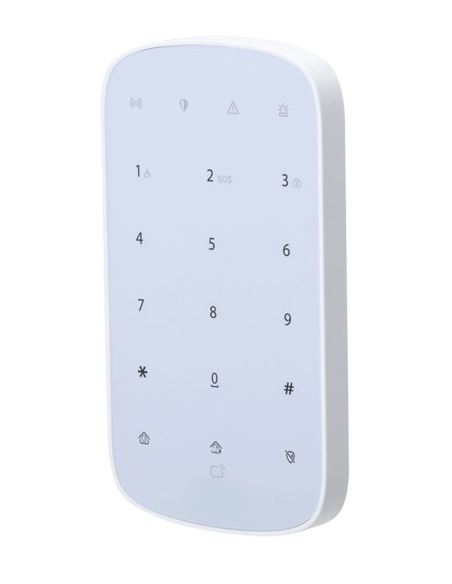
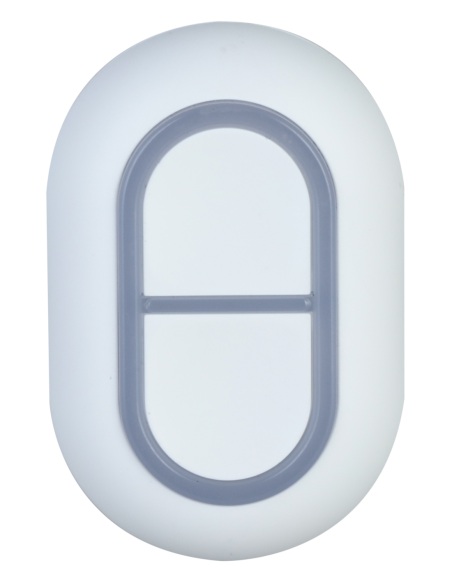
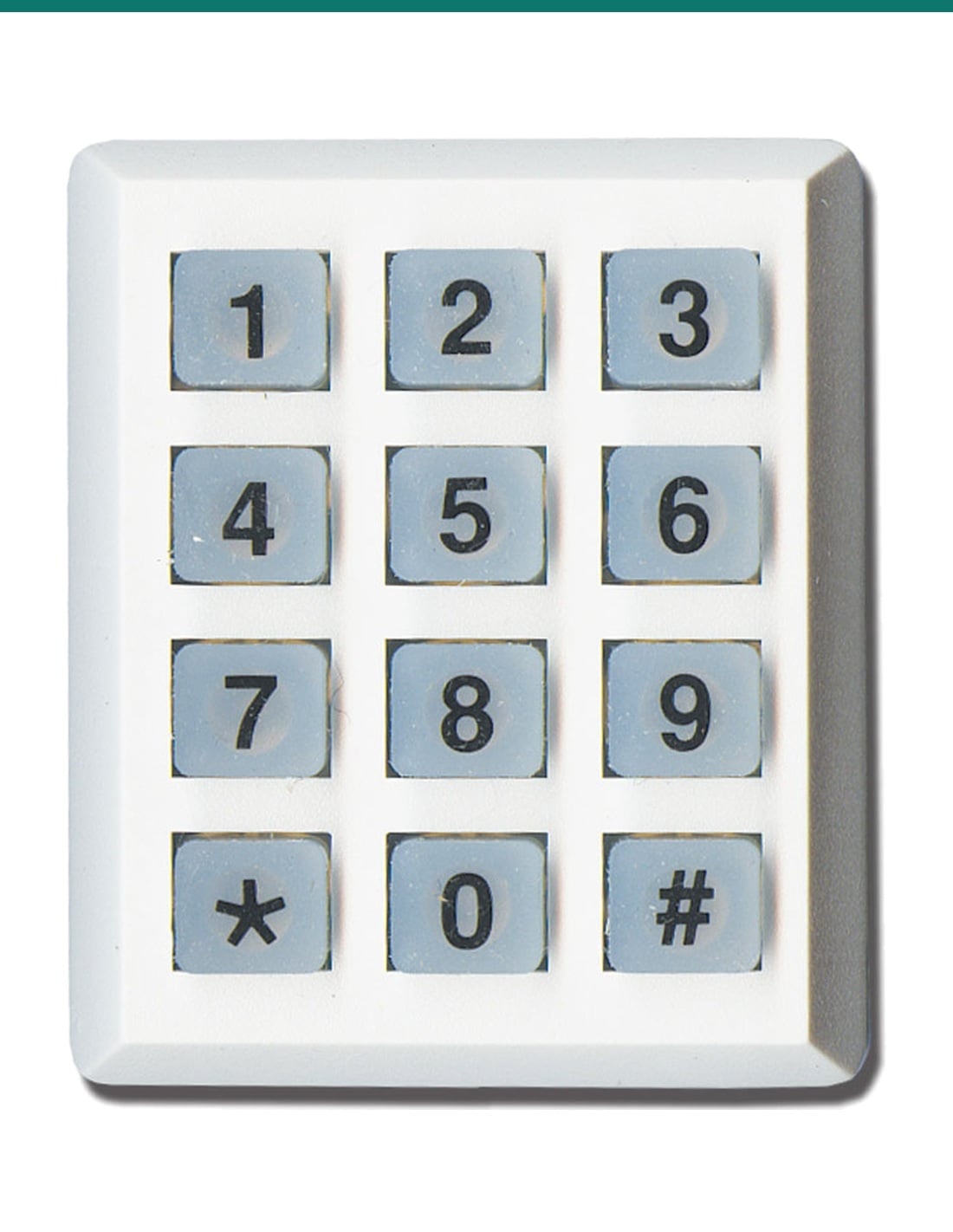
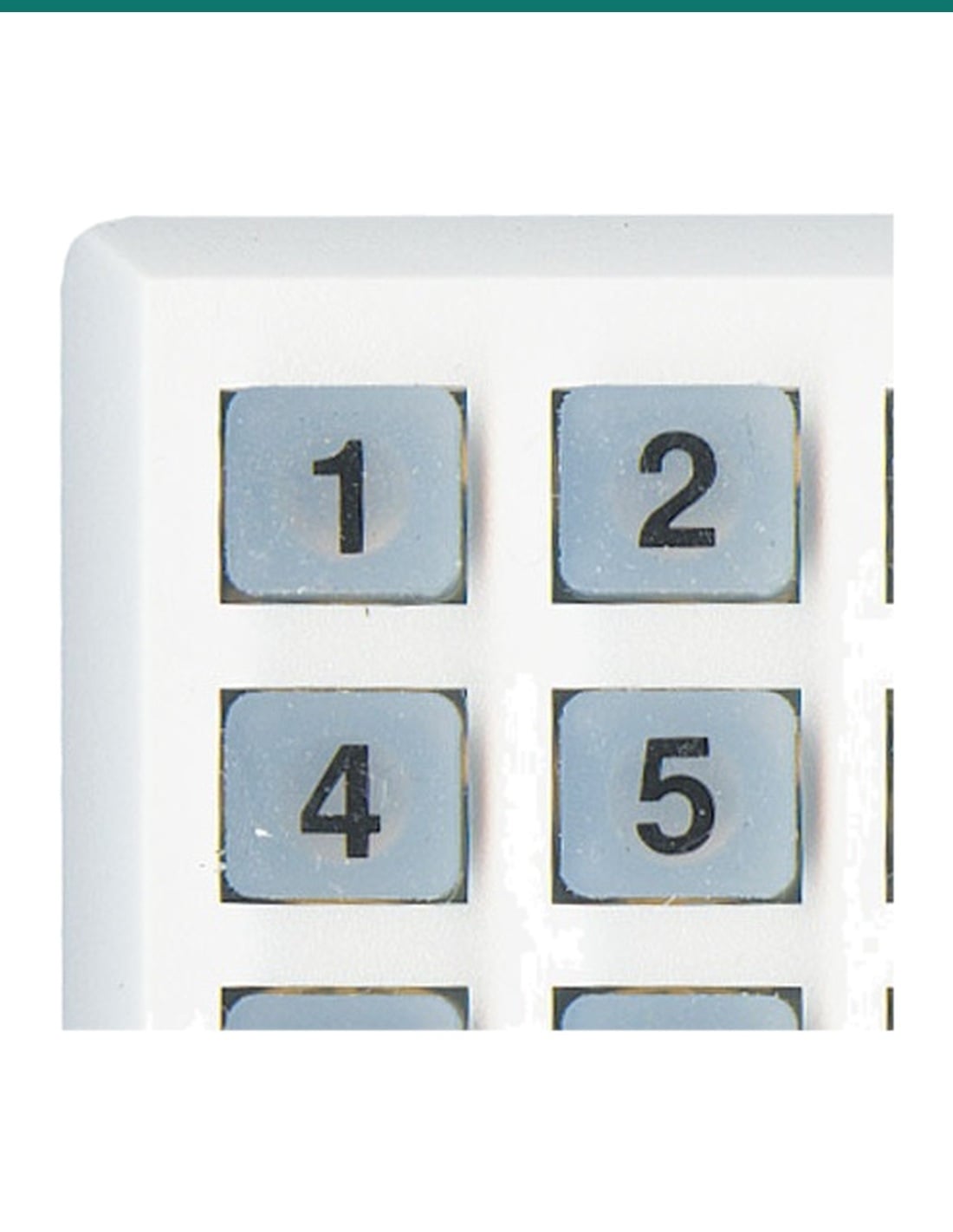
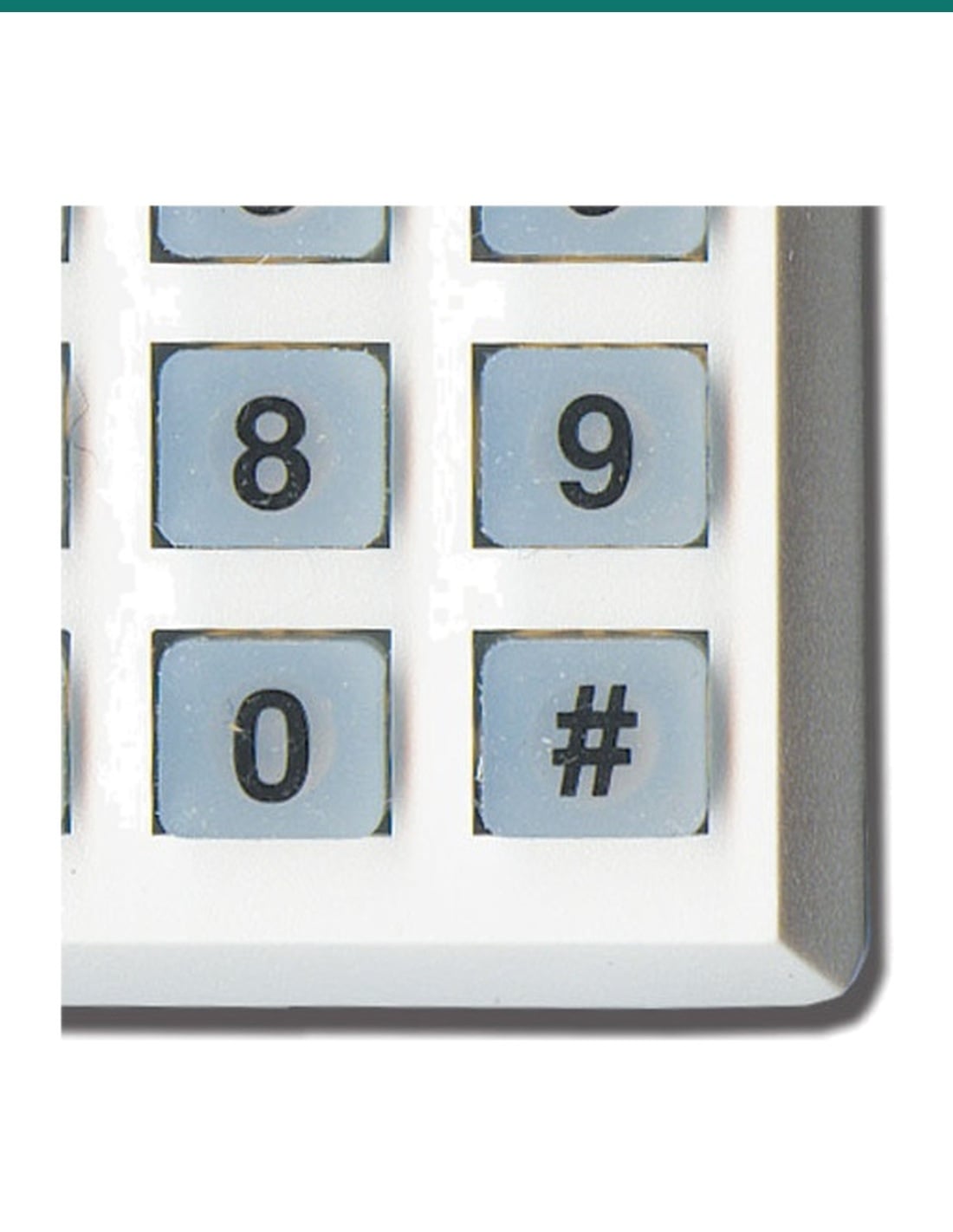
Watchguard WKP: a white 45 × 55 mm wireless keypad that sends Watchguard code-hopping remote signals after a 4-digit PIN, for compatible Watchguard alarms and receivers.
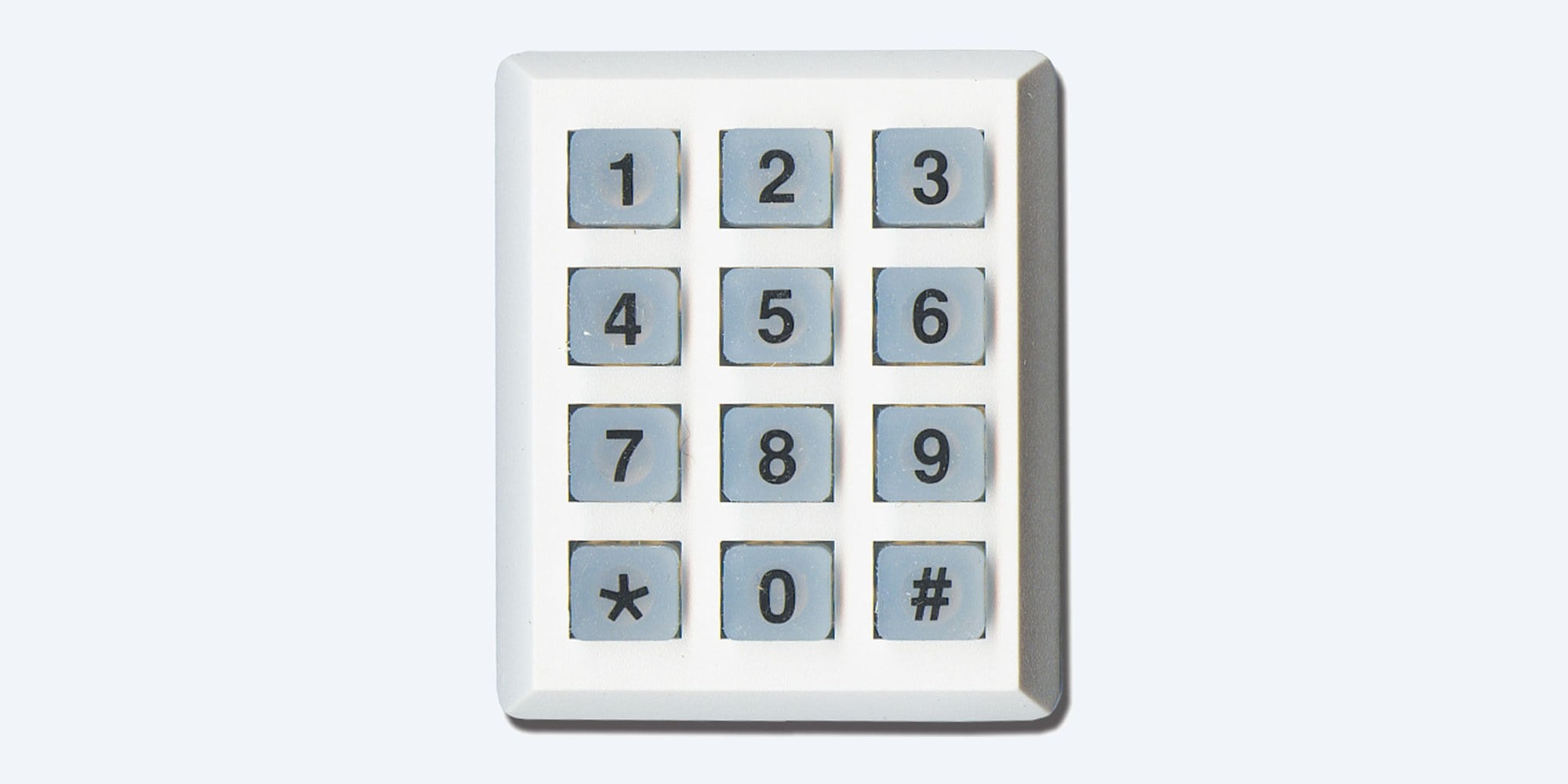
The Watchguard WKP is a wireless mini keypad that sends the same code-hopping signals as a Watchguard remote control, but only after the right 4-digit PIN. It arms, disarms, sets home mode or raises a panic on a compatible Watchguard receiver.
In one sentence: the Watchguard WKP is a white 45 × 55 mm wireless mini keypad with backlit rubber keys, a programmable 4-digit PIN and up to 7 code-hopping channels, powered by two CR2025 lithium cells, for compatible Watchguard alarms and receivers.
Keypad only. It needs a compatible Watchguard receiver.
The WKP copies the buttons of Watchguard's code-hopping remotes, so it only works with a receiver or alarm that already takes those remotes, such as the WGUARD wireless home alarm or the RCX and RXPROR receivers. Watchguard doesn't list it for the WGAP864 panel or the ALM-series kits. Confirm with us before you order.
A lost remote arms and disarms the alarm for whoever finds it. The WKP needs a PIN first, and you can change the PIN at any time, for example when a staff member leaves. It also suits hardwired alarms where running a keypad cable to the door you want is too hard: a compatible receiver wired into the panel and a WKP at the door does the job.
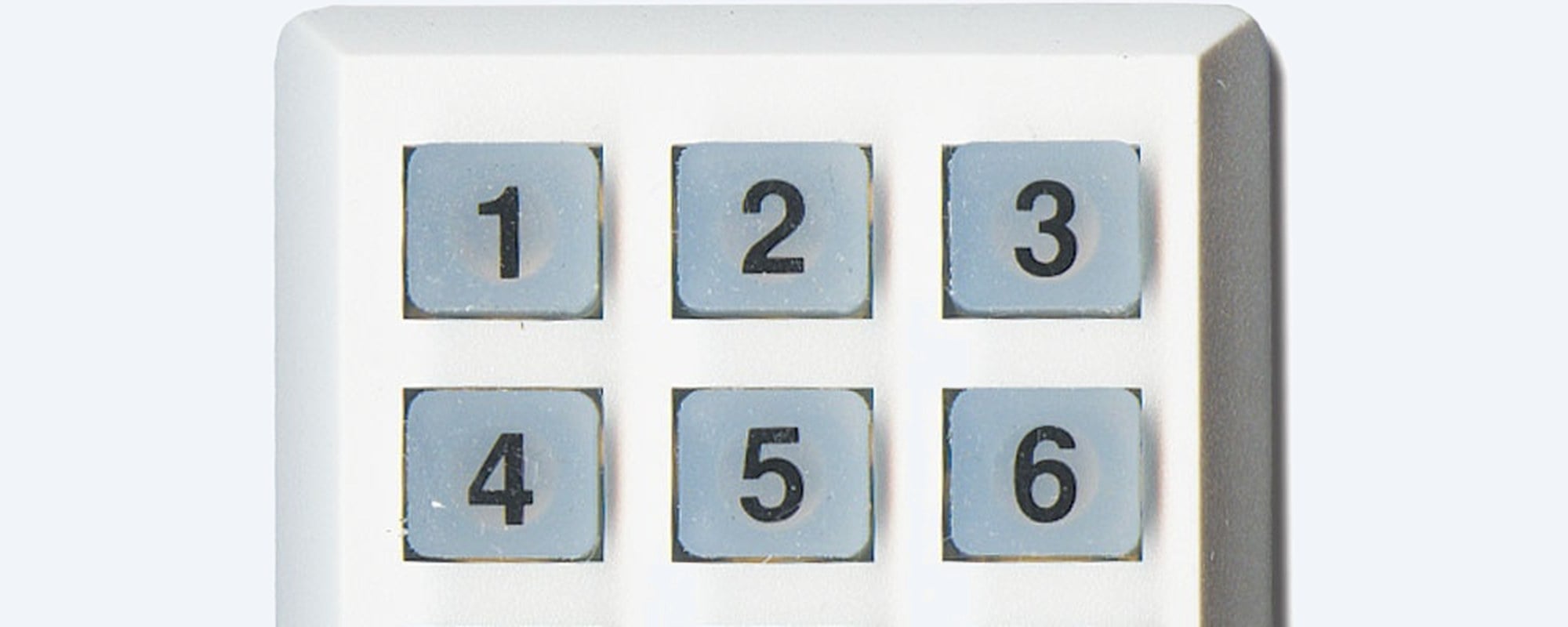
The keys
Press the # key and the keys light up for use in the dark. Each key press beeps, and a correct PIN gets its own confirmation tone.
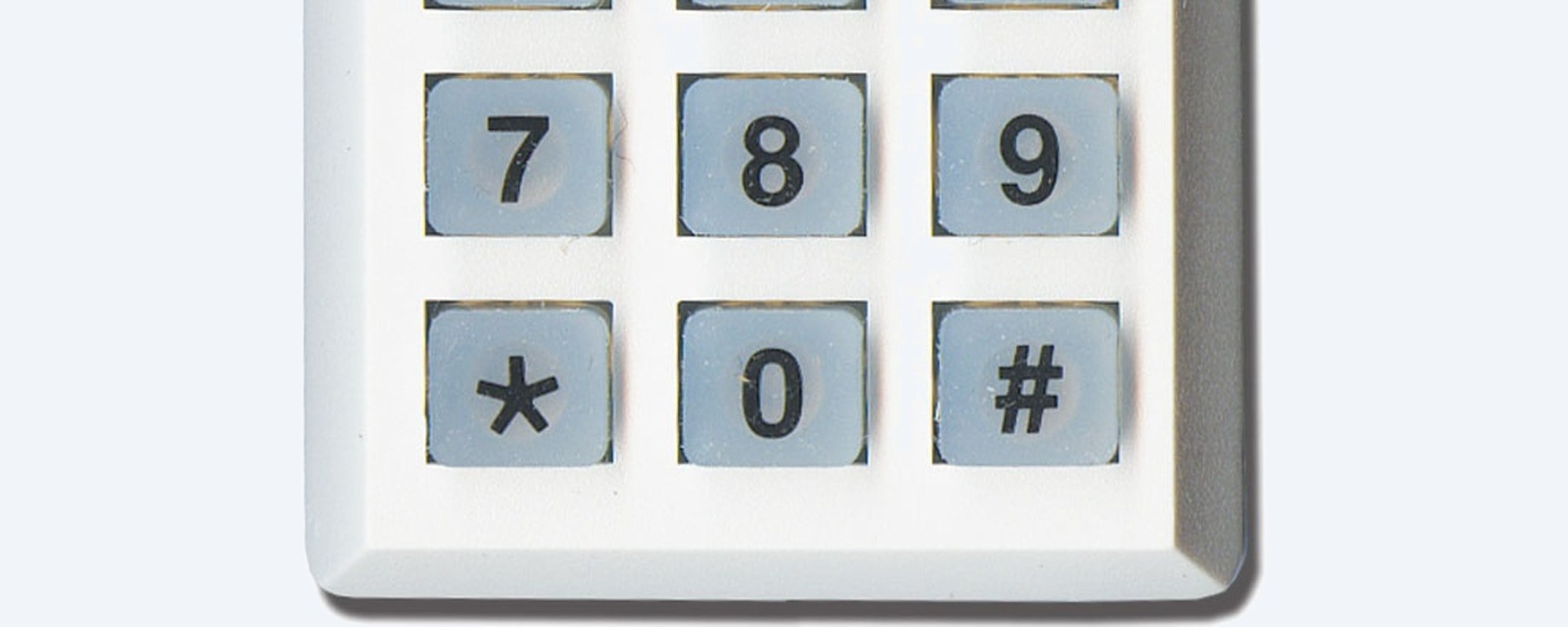
Channels
Keys 1 to 7 pick one of seven channels, each matching a button or button combination on a Watchguard code-hopping remote. A long beep and the backlight going off confirm it has sent.
How it goes in
01
Press #, enter the master code from the manual cover, press #, then enter your new 4-digit PIN twice. A long beep confirms it.
02
Put the receiver or alarm into remote learning mode as its manual describes, then send a channel from the keypad (#, PIN, channel number).
03
Send channel 1 and the others you use, and check the alarm arms, disarms or switches as expected.
04
Fix it beside the door or keep it in a pocket or bag. Remove the master code sticker from the back once your PIN works.
At a glance
Show specs
Type
Wireless mini numeric keypad, white
Size
45 × 55 mm
Access
User-programmable 4-digit PIN, plus a factory master code
Channels
Up to 7, matching Watchguard code-hopping remote buttons
Functions
Arm, disarm, home mode and panic, on alarms that support them
Transmission
Code hopping, over 4 billion combinations; SAW-locked transmitter
Works with
Watchguard WGUARD wireless home alarm; RCX, RXPRO and RXPROR receivers
Keys
Backlit rubber buttons, beep on each press
Battery
2 × CR2025 lithium cells, up to about 1 year in an average home
Low battery
Two low beeps instead of one when woken
Mounting
Wall mounted or portable; concealed antenna
Limits
Can't copy functions that need a remote button held down
Other colour
Black (WKPB)
Warranty
1 year
Pair it with
Receiver
Watchguard's manual lists the WGUARD wireless home alarm and the RCX, RXPRO and RXPROR receivers. None is listed live with us right now, so confirm with us first.
ALMKIT-D2 owners
The WKP is not listed for the ALM-series WiFi and 4G kit. The ALM-D1-KPD arms and disarms that hub by code or IC card.
WGAP864 owners
Watchguard doesn't list the WKP for the WGAP864 panel. Its own LCD touch keypads are the white WGAP864KPW and black WGAP864KPB.
Spare
They last up to about a year in an average home. Replace both at the same time.
Where it is used
Arm and disarm at the door without carrying a remote.
Staff use a PIN you can change when someone leaves.
Add keypad control where running a keypad cable is not practical.
Watchguard lists vehicle use with compatible receivers.
Marine use is also on Watchguard's list of suitable places.
Trigger a receiver channel that opens a gate or door, PIN first.
| WKP (this keypad) | ALM-D1-KPD | |
|---|---|---|
| Pairs with | WGUARD alarm, RCX, RXPRO and RXPROR receivers | ALM-series wireless alarm hub (ALMKIT-D2) |
| Size | 45 × 55 mm | 146 × 82 × 22.6 mm |
| Access | 4-digit PIN | Code or IC card (2 cards included) |
| Battery | 2 × CR2025, up to about 1 year | 4 × AA (included), up to 3 years |
| Feedback | Backlit keys and beeps | Four indicator lights |
| Use | Wall mounted or portable | Indoor control keypad |
From Watchguard's WKP brochure and owner's manual, and its ALM-D1-KPD product page. They belong to different Watchguard systems and are not interchangeable.
It is a PIN-protected wireless keypad. After your PIN it sends the same signal as a button on a Watchguard code-hopping remote, so it can arm, disarm, set home mode or raise a panic.
Watchguard's manual lists the WGUARD wireless home alarm and its RCX, RXPRO and RXPROR receivers. Confirm with us before you order, as none is listed live with us right now.
Watchguard doesn't list it for either. Use the WGAP864KPW or KPB keypad on a WGAP864, or the ALM-D1-KPD on the ALMKIT-D2.
Press #, enter the master code or current PIN, press #, then enter the new 4-digit PIN twice. A long beep confirms it.
The factory master code still works after you set a PIN. It is printed on the manual cover and on a sticker on the back, so keep the manual somewhere safe.
Up to 7 channels, each matching a button or button combination on a Watchguard code-hopping remote. Functions that need a button held down can't be copied.
Two CR2025 lithium cells, stacked with the positive sides up. Watchguard expects them to last up to about a year in an average home.
When you press # to wake it, it gives two low beeps instead of one high beep. Replace both cells soon.
Watchguard doesn't publish a range for the WKP. Test it from where you will use it; if the receiver doesn't respond, move closer and check it is learned in.
Yes. It can be wall mounted beside a door or carried in a pocket or bag.
It uses code-hopping transmission with over 4 billion combinations to resist scanning and code grabbing, and needs a PIN before it sends anything.
Yes, Watchguard makes the same keypad in black as the WKPB. This listing is the white WKP.
Not sure your alarm or receiver will take it? Call 1300 736 970 or email [email protected] before you order. The brochure is on the Attachments tab.
Coin cells. Uses two CR2025 lithium coin cells. Keep spare and used cells away from children; a swallowed coin cell can cause serious injury.
Licensing. Installing alarm systems for others needs a security licence in most Australian states. Check your state's rules.
Keep it dry. Keep the keypad free of grease and liquid, and clean it with a soft cloth only.
What it does not do. It is not an alarm panel, has no display, can't copy held-button functions, and does not pair with the WGAP864 or ALM-series kits.
Figures. From Watchguard's WKP brochure and the WKP owner's manual (rev 2.1).






Need help choosing?
Tell us about your property and we'll recommend the right cameras and recorder.
07 5609 4910Sydney 02 8814 6008
[email protected]
Mon–Fri, 9am–5pm AEST
20 related items