1 / 3

Watchguard Personal Emergency/Panic Pendant - WPANIC

SKU WPANIC In Stock - Ready to Ship
$36.19 inc GST

Watchguard WPANIC: a splashproof wireless panic pendant with one large rubber button and a lanyard, for Watchguard's 433.92 MHz receivers such as the RXPROR4.

  • ✓Large rubber button with indicator LED
  • ✓Nylon lanyard included, splashproof case
  • ✓Dipswitch fixed code, clone as many as you need
  • ✓Approx. 200 m line-of-sight range
  • ✓12 V type 23A battery
  • ✓Needs a compatible Watchguard receiver; confirm with us


Description

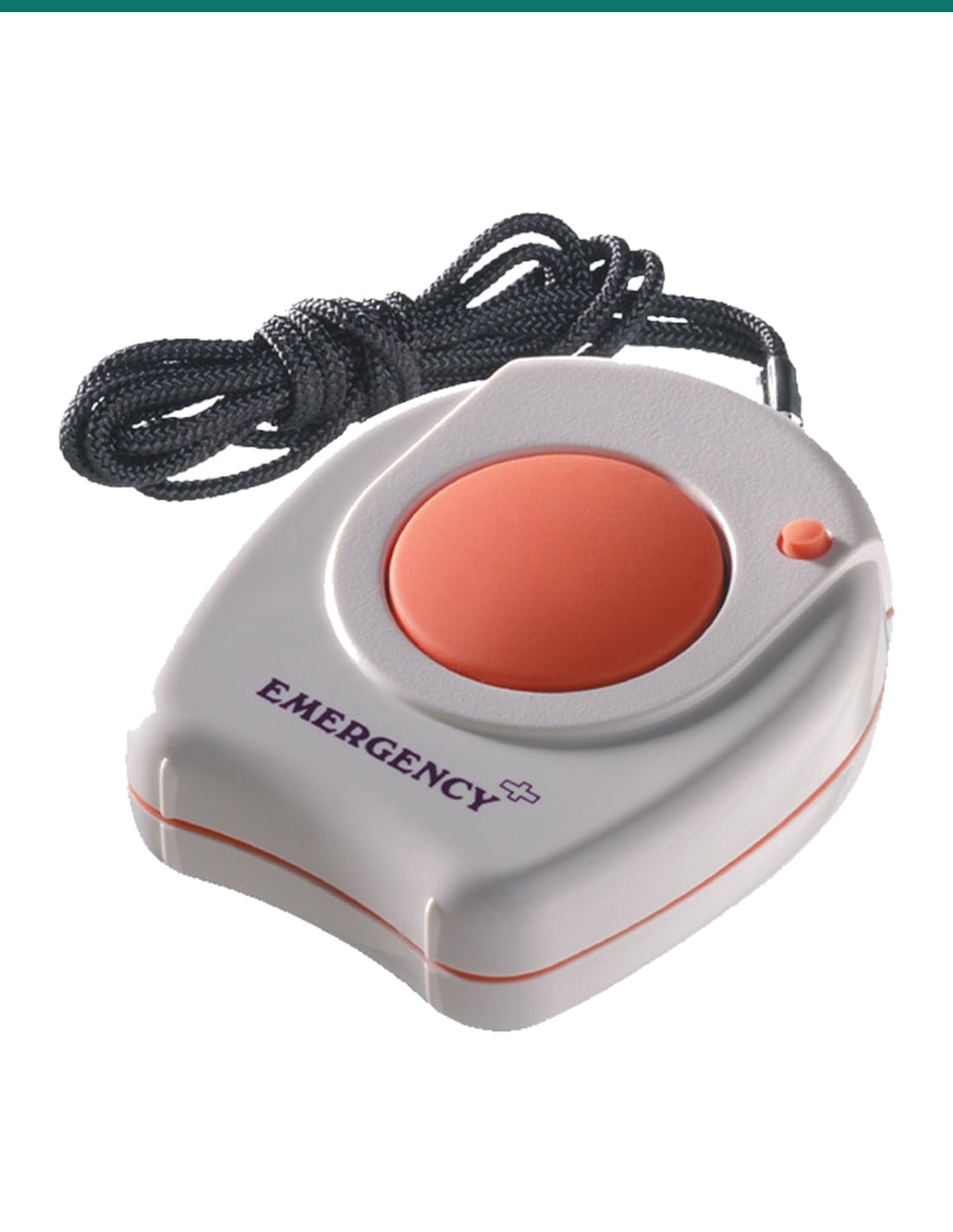
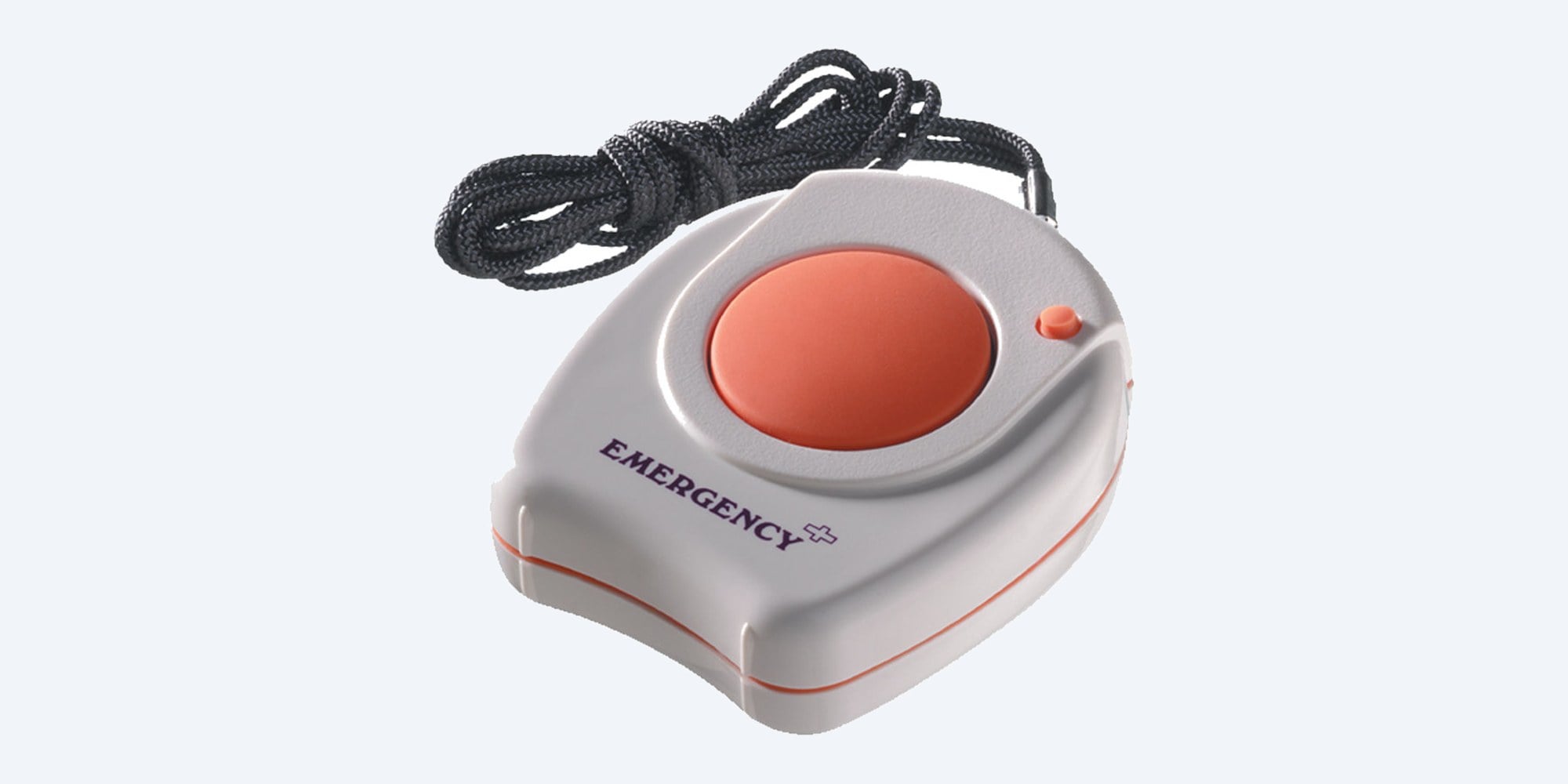
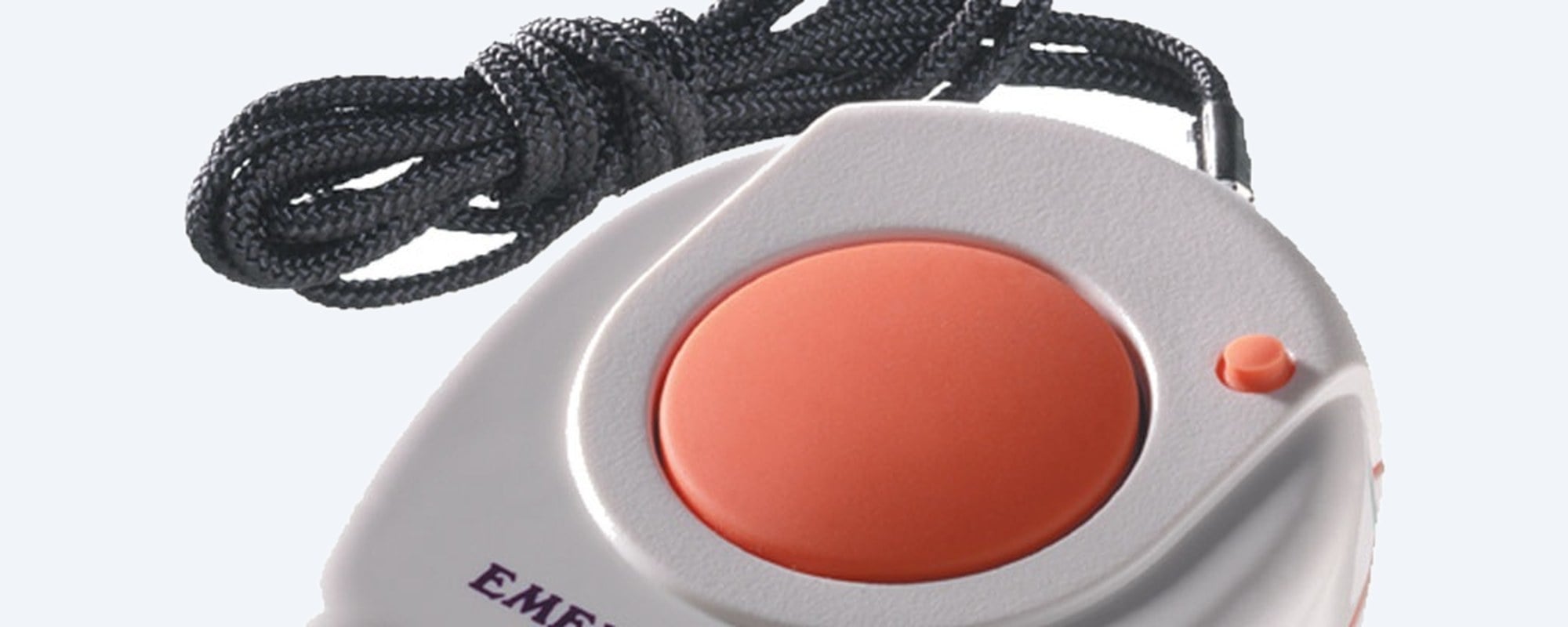
Watchguard WPANIC personal panic pendant, grey case with a large orange button and black nylon lanyard
Watchguard · Wireless alarm · Panic pendant

One big button for help.
Worn on a lanyard, coded by dipswitch.

The Watchguard WPANIC is a battery-powered wireless panic pendant with a large rubber button. Press it and it sends a fixed-code radio signal to a compatible Watchguard receiver, which raises the alarm.

In one sentence: the Watchguard WPANIC is a splashproof wireless panic and emergency pendant with one large rubber button, a nylon lanyard, dipswitch fixed coding, a 12 V 23A battery and about 200 m line-of-sight range to a compatible Watchguard receiver.

Pendant only. It needs a compatible Watchguard receiver.

The WPANIC talks only to Watchguard's 433.92 MHz receivers, such as the RXPROR4 set, and the older WGUARD wireless home alarm. Watchguard doesn't list it for the WGAP864 panel or the ALM-series WiFi and 4G kits. Confirm with us what you will pair it with before you order.

In the box
  • WPANIC panic pendant
  • Nylon lanyard
You also need
  • A compatible Watchguard receiver (RXPROR4) or WGUARD alarm; confirm with us
  • A 12 V type 23A alkaline battery when it needs replacing
  • A small screwdriver to open the case and set the code

Made for people who may need help fast.
Watchguard designed the WPANIC with older and less mobile people in mind, and for shop owners who need a hold-up button. The button is large and soft to press, the case is splashproof, and the lanyard lets it hang around the neck. When it is learned into a monitored alarm, every press reaches the people who need to know.

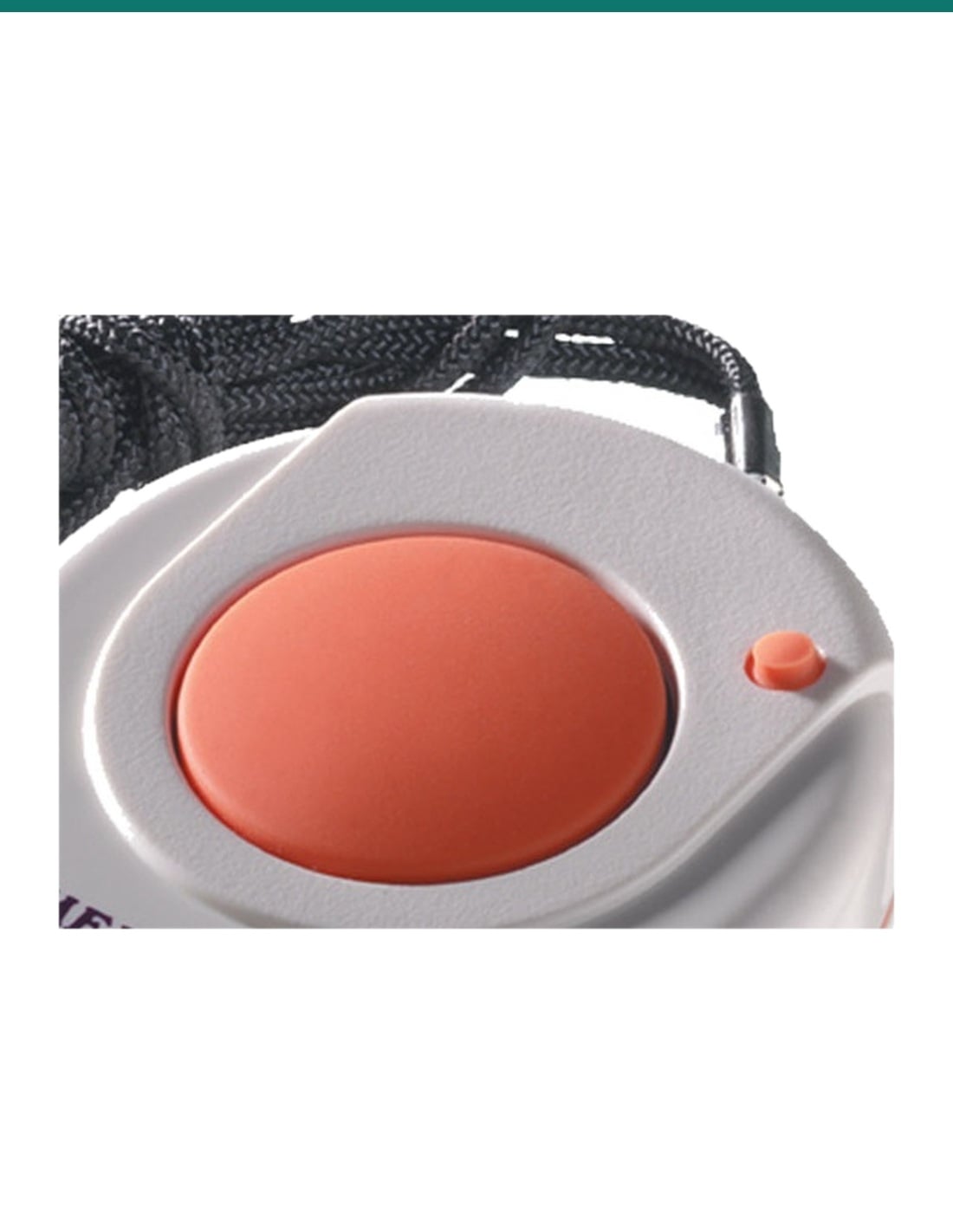
Close-up of the Watchguard WPANIC large orange rubber button and small indicator light, lanyard behind

The button

Large, soft and easy to find.

A firm press on the rubber button lights the small LED and sends the signal to the receiver. Inside, Watchguard uses two switches, which it says meets the compliance standard for hold-up buttons.

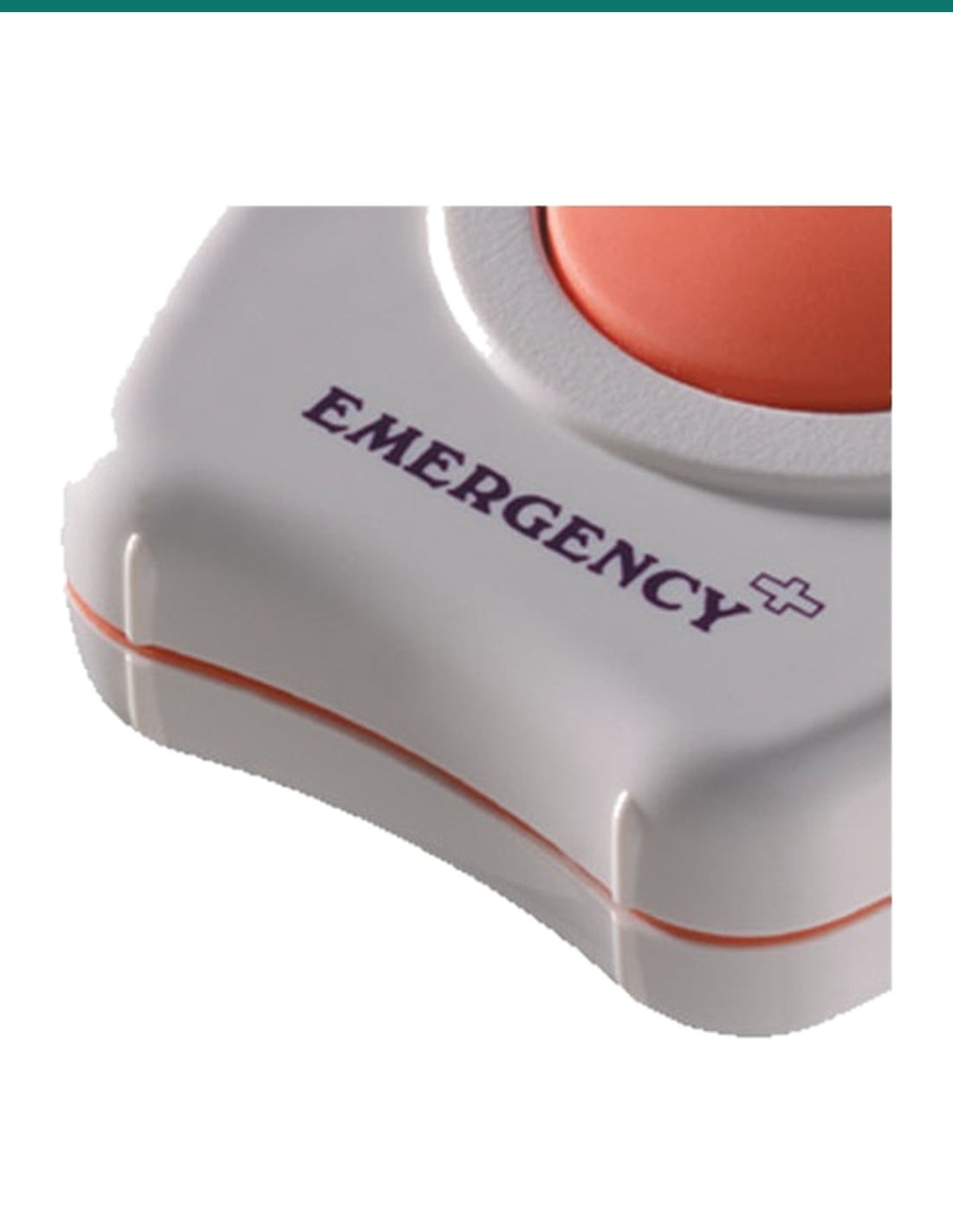
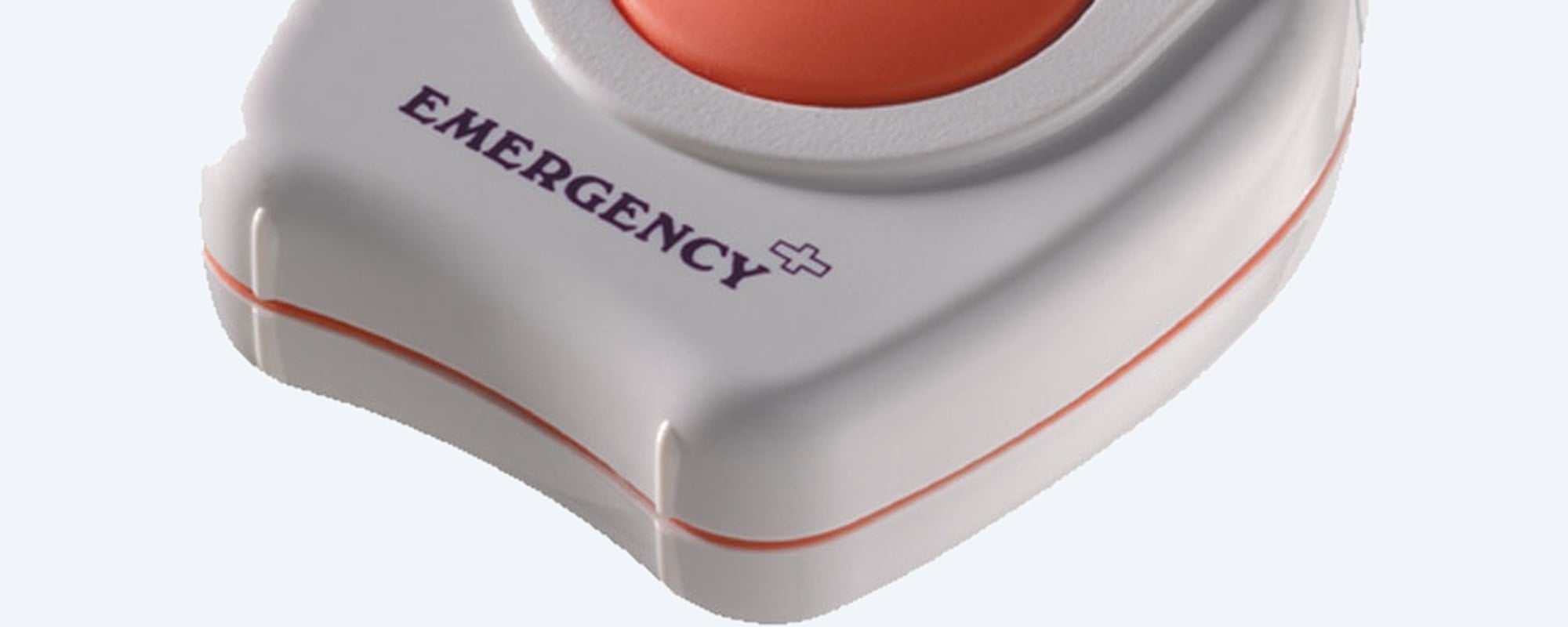
Close-up of the Watchguard WPANIC case with the EMERGENCY label and orange trim line

The case

Splashproof, with a lanyard.

The rounded case is splashproof and carries the EMERGENCY label. Three screws hold the back on; inside are the coding dipswitches and the 12 V type 23A battery.

How it goes in

From box to first test.

01

Open the case

Remove the three screws on the back cover. Check the 12 V type 23A battery is in place and the right way round.

02

Set the code

Move dipswitches 2 to 8 to any mix of up, middle and down. Leave switch 1 in the middle. Give extra pendants the same code or a different one.

03

Learn it to the receiver

Put the receiver into learning mode as its manual describes, then press the pendant button firmly. The LED lights as it transmits.

04

Test it

Close the case, press the button from where it will be used and check the receiver or alarm responds every time.

Pair it with

What it works with

Receiver

A compatible Watchguard receiver

Watchguard lists its RXPROR4 433.92 MHz receiver set and the WGUARD wireless home alarm. Neither is listed live with us right now, so confirm with us before you order.

ALMKIT-D2 owners

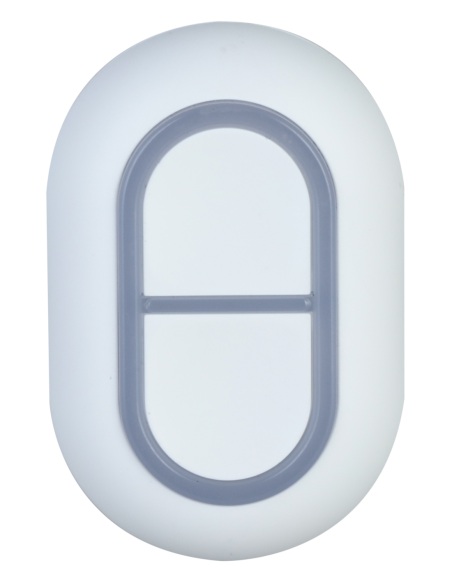
ALM-D1-PNB panic button

The WPANIC is not listed for the ALM-series WiFi and 4G kit. Watchguard's ALM-D1-PNB is the panic button made for that hub.

More than one person

Extra WPANIC pendants

Set the same dipswitch code and they all trigger the same receiver channel, or code them differently to tell them apart.

Spare

A 12 V type 23A battery

Watchguard doesn't publish a battery life, so keep a spare and test the pendant regularly.

Where it is used

Where it is used

Older people living alone

A call for help after a fall, worn around the neck.

Carers and families

A help button for a less mobile family member in another room.

Shop counters

A hold-up button the shop owner can press without being seen.

Reception desks

Staff can raise an alarm quietly if a visitor turns aggressive.

Consult rooms

A duress button for practitioners working one on one.

Bedside

Kept within reach overnight for anyone who may need help.

WPANIC or ALM-D1-PNB

WPANIC (this pendant)ALM-D1-PNB
Pairs withWatchguard 433.92 MHz receivers (RXPROR4), WGUARD alarmALM-series wireless alarm hub (ALMKIT-D2)
ButtonsOne large rubber buttonTwo buttons, to stop accidental presses
Battery12 V type 23A alkalineCR2032 coin cell, up to 5 years
RangeApprox. 200 m line of sightUnder 1300 m in open space
WeatherSplashproofIP54
FeedbackLED lights when sendingGreen or red LED for success or failure
LanyardIncludedIncluded

From Watchguard's WPANIC brochure and instruction manual, and its ALM-D1-PNB product page. They belong to different Watchguard systems and are not interchangeable.

Common questions

What does the WPANIC do?

It is a wireless panic button. Press it and it sends a radio signal to a compatible Watchguard receiver or alarm, which then sounds or reports the alarm.

Which systems does it work with?

Watchguard lists its 433.92 MHz RXPROR4 receiver set and the WGUARD wireless home alarm. Confirm with us before you order, as neither is listed live with us right now.

Will it work with the WGAP864 or the ALMKIT-D2 kit?

Watchguard doesn't list it for either. For the ALMKIT-D2 WiFi and 4G kit, use the ALM-D1-PNB panic button instead.

How far does it reach?

About 200 m line of sight, according to Watchguard. Walls and metal shorten that, so test it from every spot it will be used.

What battery does it use?

One 12 V DC alkaline battery, type 23A. It draws 10 µA on standby and 5 mA while sending.

How long does the battery last?

Watchguard doesn't publish a battery life. Test the pendant regularly and change the battery when the LED dims or the receiver stops responding.

Can I use more than one pendant?

Yes. Set the dipswitches the same and every pendant triggers the same channel, or set them differently to trigger different channels.

How do I set the code?

Open the back, then move dipswitches 2 to 8 to any mix of up, middle and down. Leave switch 1 in the middle position.

Is it waterproof?

It is splashproof, not waterproof. Watchguard doesn't give it an IP rating, so don't wear it in the shower or bath.

Does the receiver know if the battery is flat?

Watchguard doesn't list supervision or low battery reporting for the WPANIC, so test it regularly.

Can it call an ambulance?

Not on its own. It only triggers the receiver or alarm it is learned to; a monitored alarm or monitoring service decides who is called.

What comes in the box?

The WPANIC pendant and a nylon lanyard. The receiver or alarm it works with is sold separately.

Supported by InFront Technologies.

Not sure your receiver or alarm will take it? Call 1300 736 970 or email [email protected] before you order. The brochure is on the Attachments tab.

Installation and safety

Not a medical alert service. The WPANIC only triggers the receiver or alarm it is learned to. It has no fall detection and no phone line of its own.

Battery. Uses one 12 V type 23A alkaline battery. Keep spare batteries away from children.

Licensing. Installing alarm systems for others needs a security licence in most Australian states. Check your state's rules.

What it does not do. No supervision or low battery reporting is listed, no IP rating, and it does not pair with the WGAP864 or ALM-series kits.

Figures. From Watchguard's WPANIC brochure, its instruction manual and its RXPROR4 product page.

INFRONTTECH Promotional Banner INFRONTTECH Promotional Banner INFRONTTECH Promotional Banner

Need help choosing?

Tell us about your property and we'll recommend the right cameras and recorder.

07 5609 4910

Sydney 02 8814 6008
[email protected]

Mon–Fri, 9am–5pm AEST

Saved to your wishlist Find it any time in your account. View list