There are no more items in your cart
In Stock - Ready to Ship


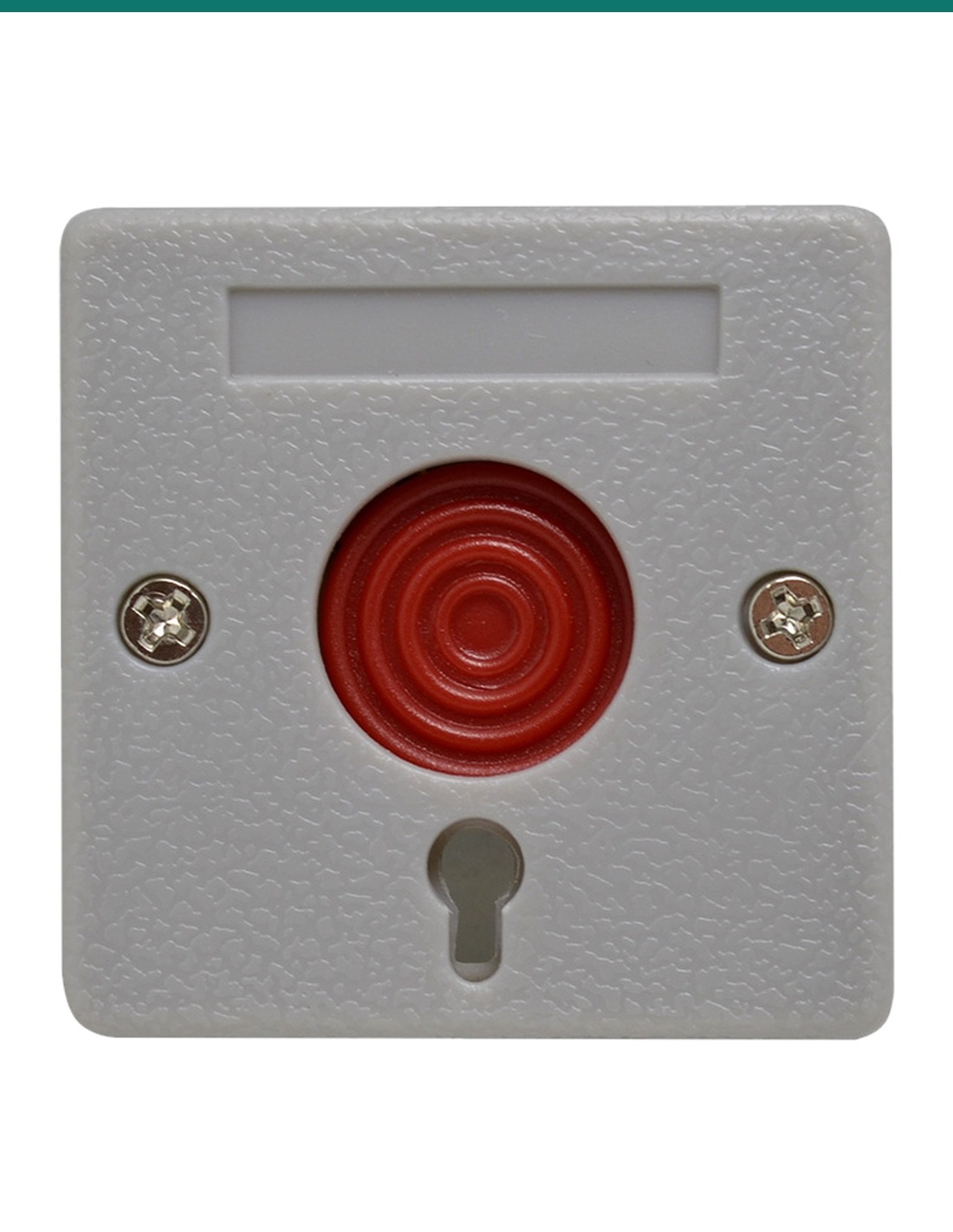
Watchguard ALE-PNB: a hardwired panic button switch with key, for wired alarm panels.
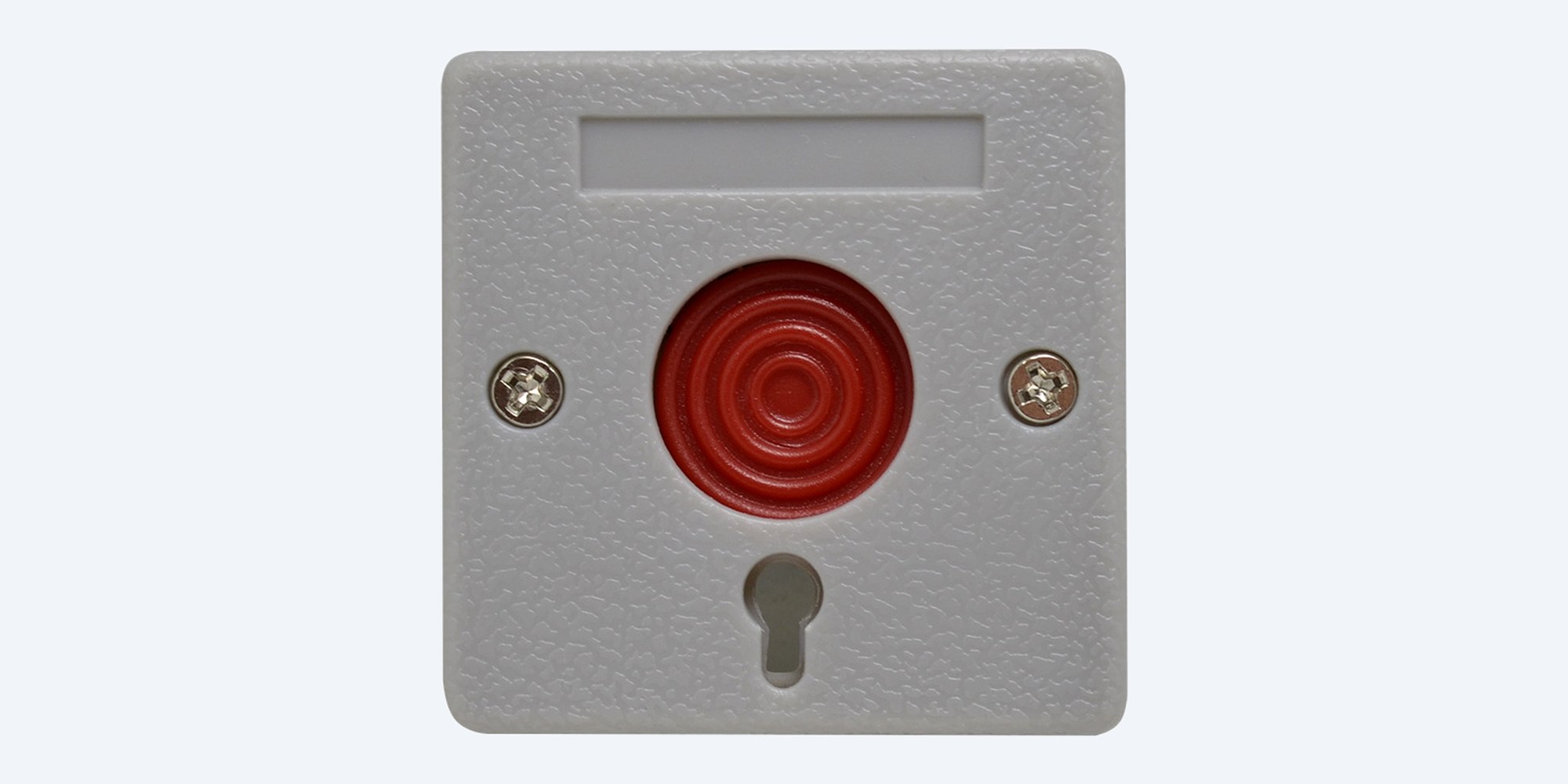
The Watchguard ALE-PNB is a hardwired panic button switch with key, made for wired alarm panels. Fit it under a counter, at a reception desk or beside a bed and wire it to a panel zone.
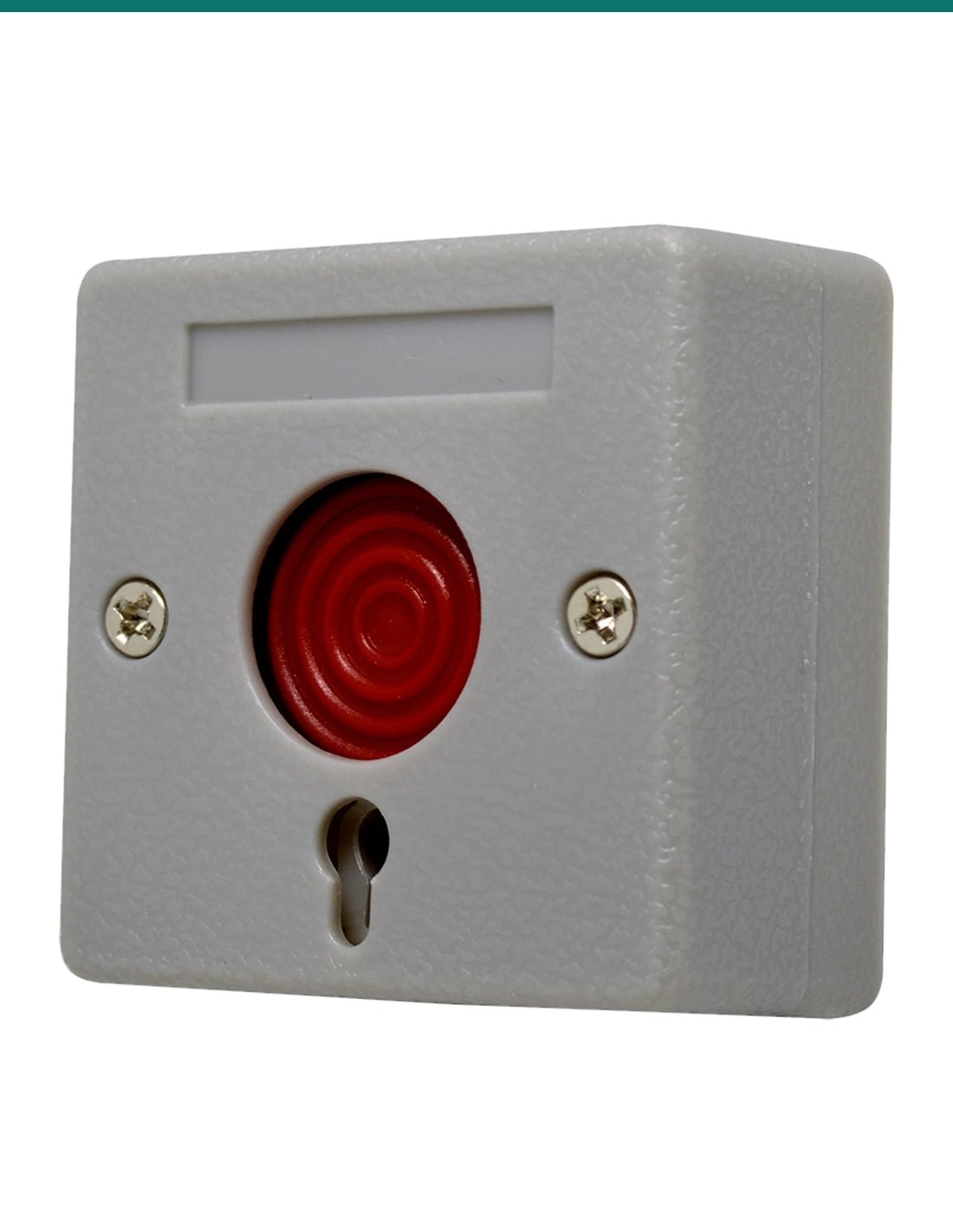
In one sentence: the Watchguard ALE-PNB is a hardwired panic button switch with key for wired alarm panels, in a compact grey case with a large red push button, two front screws and a keyhole below the button.
Panic button only. The alarm panel and cable are separate.
This listing is one ALE-PNB with its key. Watchguard doesn't publish its contact type (N.O. or N.C.), contact rating or whether it latches, so ask us to confirm them before you wire it.
In a hold-up or a medical scare, getting to the keypad isn't always possible. A panic button in a fixed spot lets someone raise the alarm with one press, and the panel does the rest.
Case
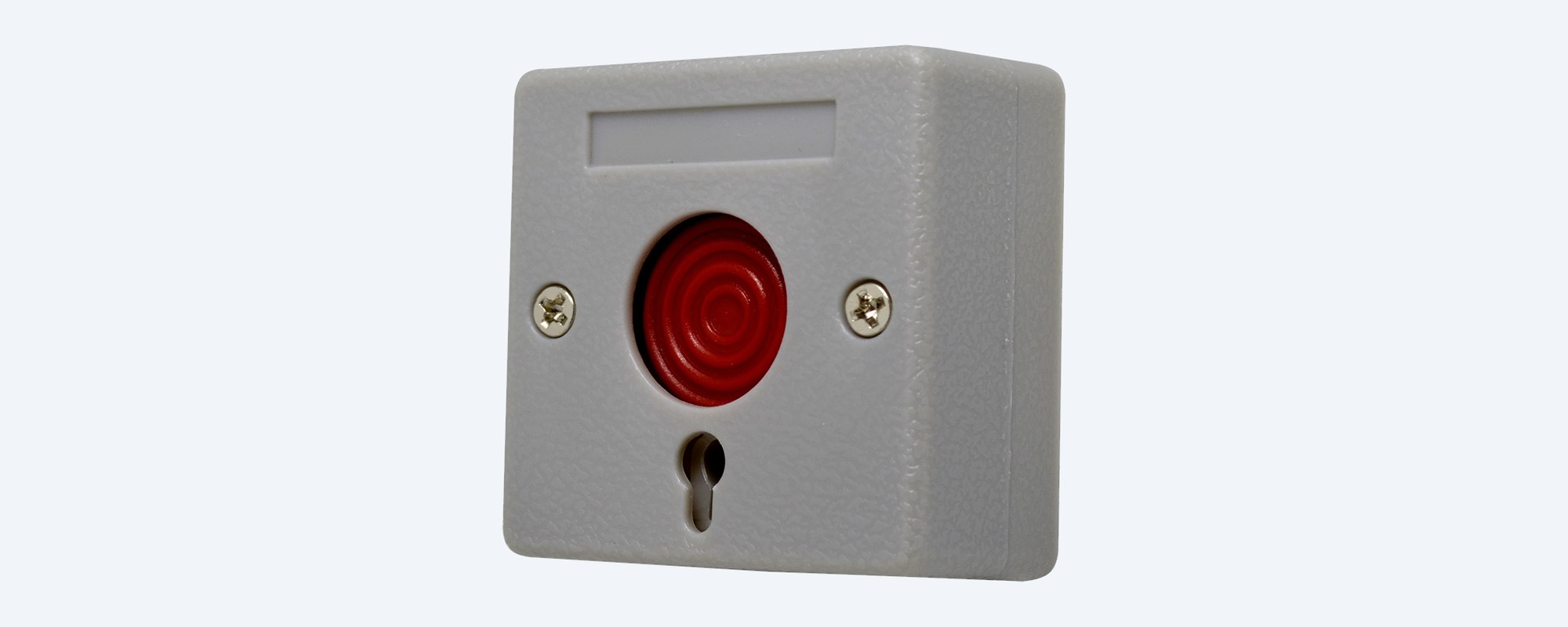
A square grey case with a label strip across the top and two screws on the front. Packed, it measures 57 × 57 × 28 mm.
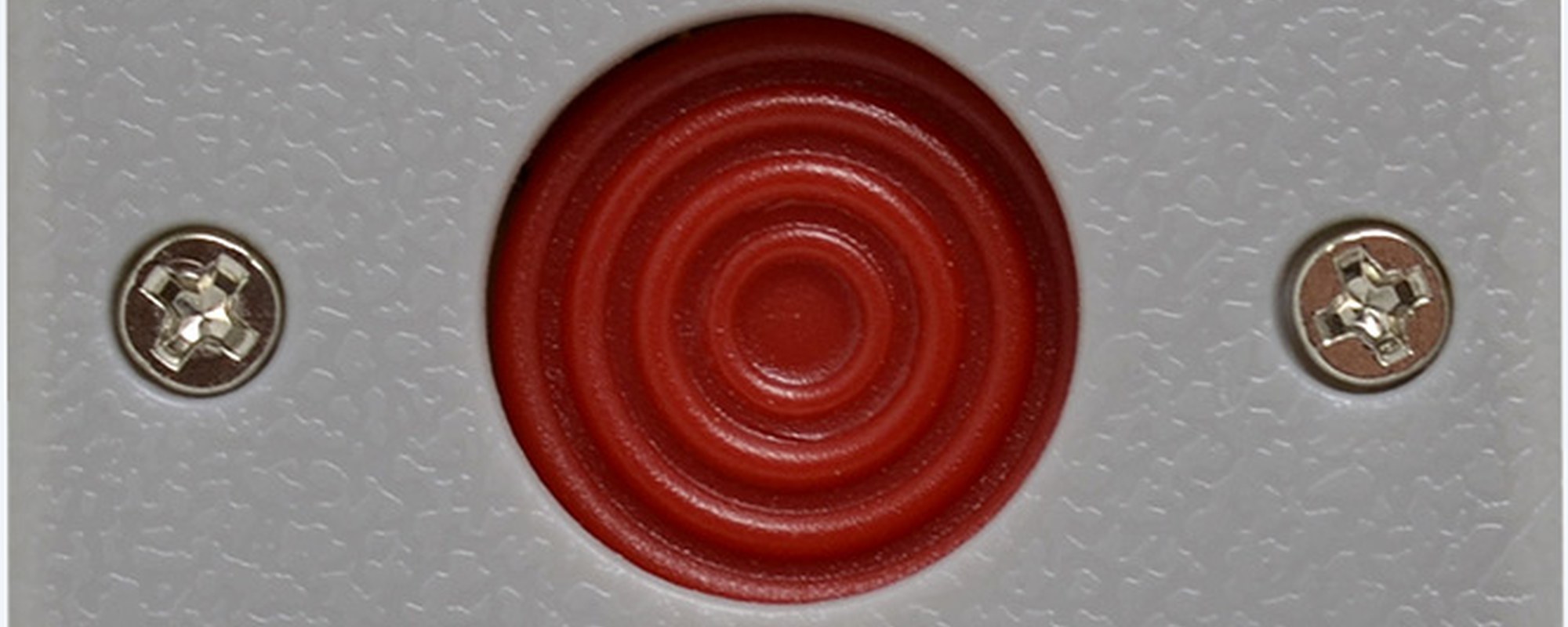
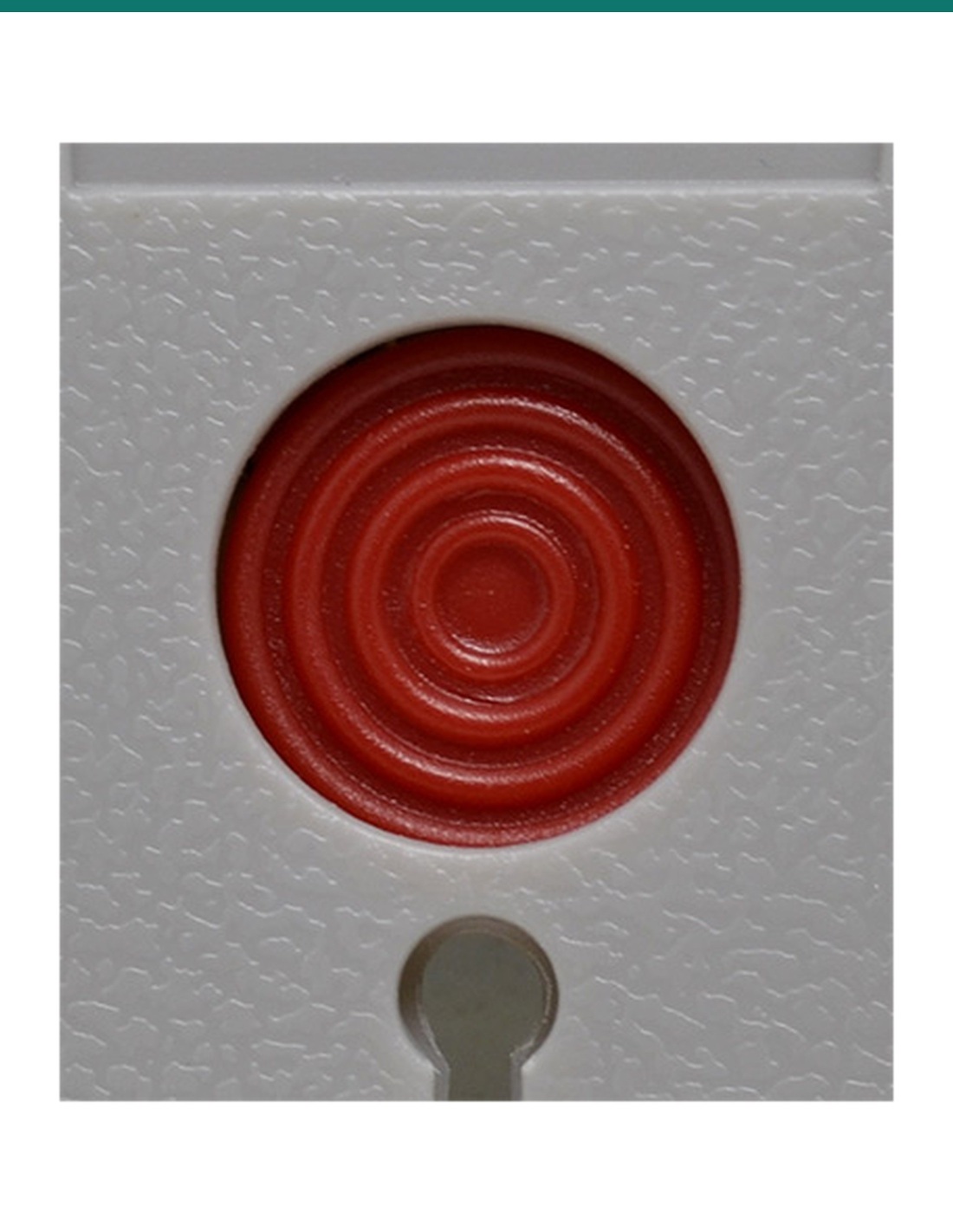
Button
The ribbed red button sits in the middle of the case, easy to find by touch, with the keyhole below it. Close-up from Watchguard's product photo.
How it goes in
01
Somewhere the person who needs it can reach quickly but visitors can't see: under a counter, at a reception desk or beside a bed. Keep it clear of knees and bags.
02
Ask us whether the stock we hold is N.O. or N.C., then program the panel zone to match as a panic zone.
03
Run alarm cable to the panel zone, connect the button and fix the case to the surface.
04
Tell your monitoring company first, press the button and check the panel raises the alarm. Then restore the button as we advise and reset the panel.
At a glance
Show specs
Type
Hardwired panic button switch with key
For
Wired alarm panels
Button
Large red ribbed push button
Key
Keyhole below the button; key included, per Watchguard's product name
Case
Grey, square, label strip at the top
Contact type
Not published; confirm with us
Contact rating
Not published; confirm with us
Latching
Not published; confirm with us
Packed size
57 × 57 × 28 mm, 0.04 kg
Warranty
2 years
Pair it with
Alarm panel
Any wired alarm panel with a spare zone you can program as a panic zone. The panel and its monitoring send the alert.
Two-button option
Watchguard's dual button switch needs both buttons pressed, which cuts accidental presses. Momentary N.O. contact, rated 1 A at 25 V DC.
Where it is used
Under the register, out of a customer's sight.
Dispensary benches where staff work alone at night.
Front desks in offices, clinics and hotels.
Night shift counters with one person on duty.
Doctors, counsellors and lawyers seeing clients one on one.
Beside the bed or at the front door for help at night.
| ALE-PNB (this button) | DEBSDUAL | |
|---|---|---|
| Buttons | One red push button | Two buttons, pressed together |
| Key | Yes, keyhole below the button | Not listed |
| Contact | Not published | N.O., push to close, momentary |
| Rating | Not published | 1 A at 25 V DC |
| Case | Grey | Metal |
| Wiring | Not published | Pre-wired |
| Warranty | 2 years | 1 year |
Both are Watchguard hardwired emergency buttons. Figures from Watchguard's product information for each model.
A hardwired panic button switch with key, made by Watchguard for wired alarm panels.
Yes, if your panel is hardwired and has a spare zone you can program as a panic zone. The button only switches the zone; the panel raises the alarm.
Watchguard doesn't publish it. We'll check the stock we hold and tell you before you wire it.
Watchguard doesn't publish that. Ask us before ordering if you need a button that latches until reset.
Watchguard names it a panic button switch with key, and the keyhole sits below the button, but it doesn't publish what the key does. Ask us and we'll confirm.
No. It's hardwired, connected by cable to a zone on the panel.
Where the person who needs it can reach it quickly but visitors can't see it: under a counter, at a reception desk or beside a bed.
Mount it where it won't be knocked and show everyone where it is and what happens when it's pressed. For fewer accidental presses, the two-button DEBSDUAL needs both buttons pressed.
Not by itself. The panel and its monitoring service or app send the alert, so check how your panel reports a panic zone.
Packed, it measures 57 × 57 × 28 mm and weighs 40 g. Watchguard doesn't publish the unit's own size.
The ALE-PNB panic button with its key. The panel, cable and screws are separate.
2 years, according to Watchguard's product information.
Confirm the contact type or get help setting up a panic zone: call 1300 736 970 or email [email protected].
Low voltage only. Connect it to an alarm panel zone only, never to mains.
Licensing. Installing alarm systems for others needs a security licence in most Australian states. Check your state's rules.
Testing. Tell your monitoring company before you test a panic zone, so they don't send a patrol or call the police.
What it does not do. It doesn't call anyone or sound anything on its own. Watchguard publishes no contact type, rating or latching behaviour for it.
Figures. From Watchguard's product information for the ALE-PNB. Watchguard publishes no datasheet for it.







Need help choosing?
Tell us about your property and we'll recommend the right cameras and recorder.
07 5609 4910Sydney 02 8814 6008
[email protected]
Mon–Fri, 9am–5pm AEST
20 related items