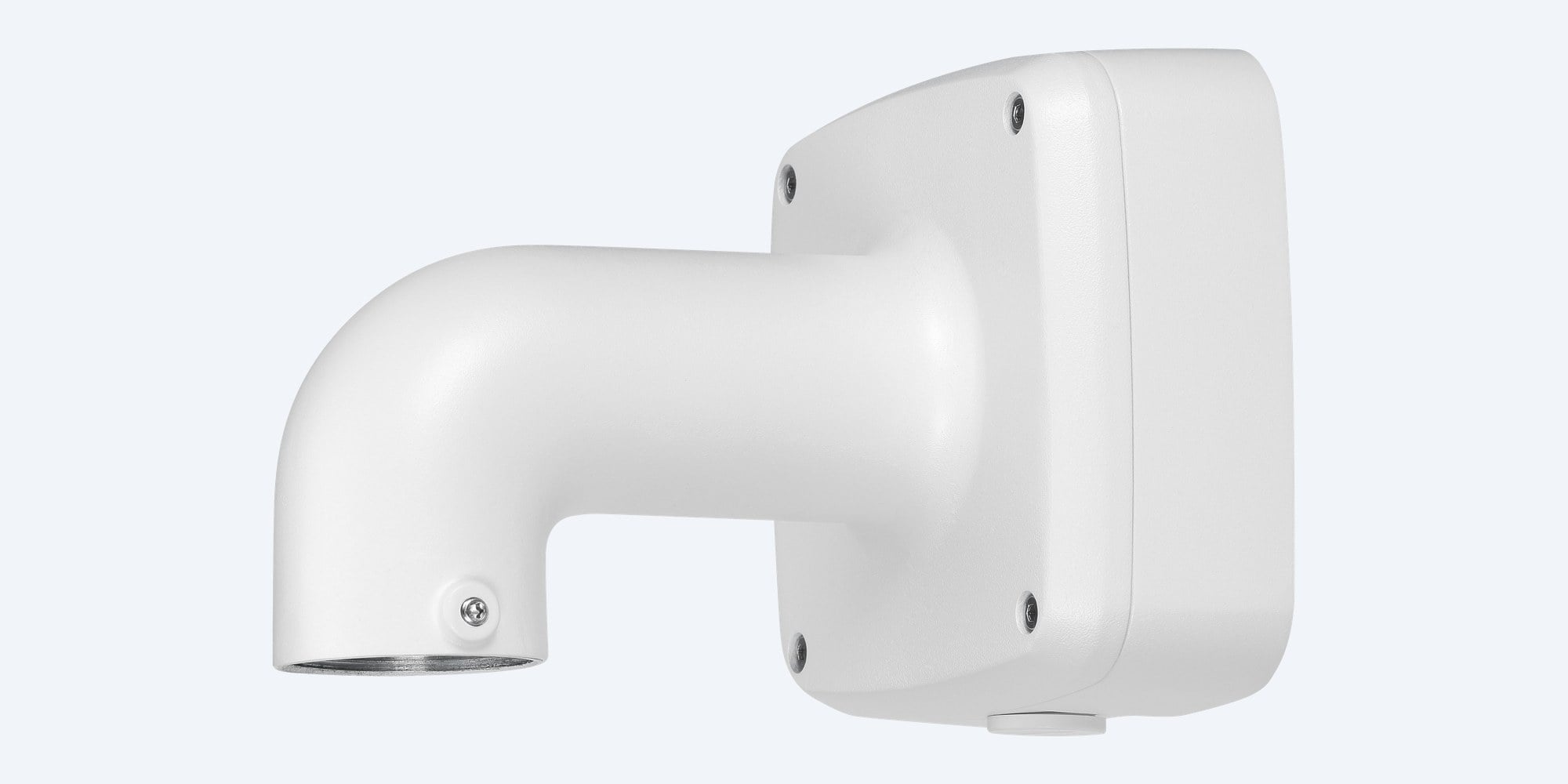
Dahua · Camera mounts · Wall mount
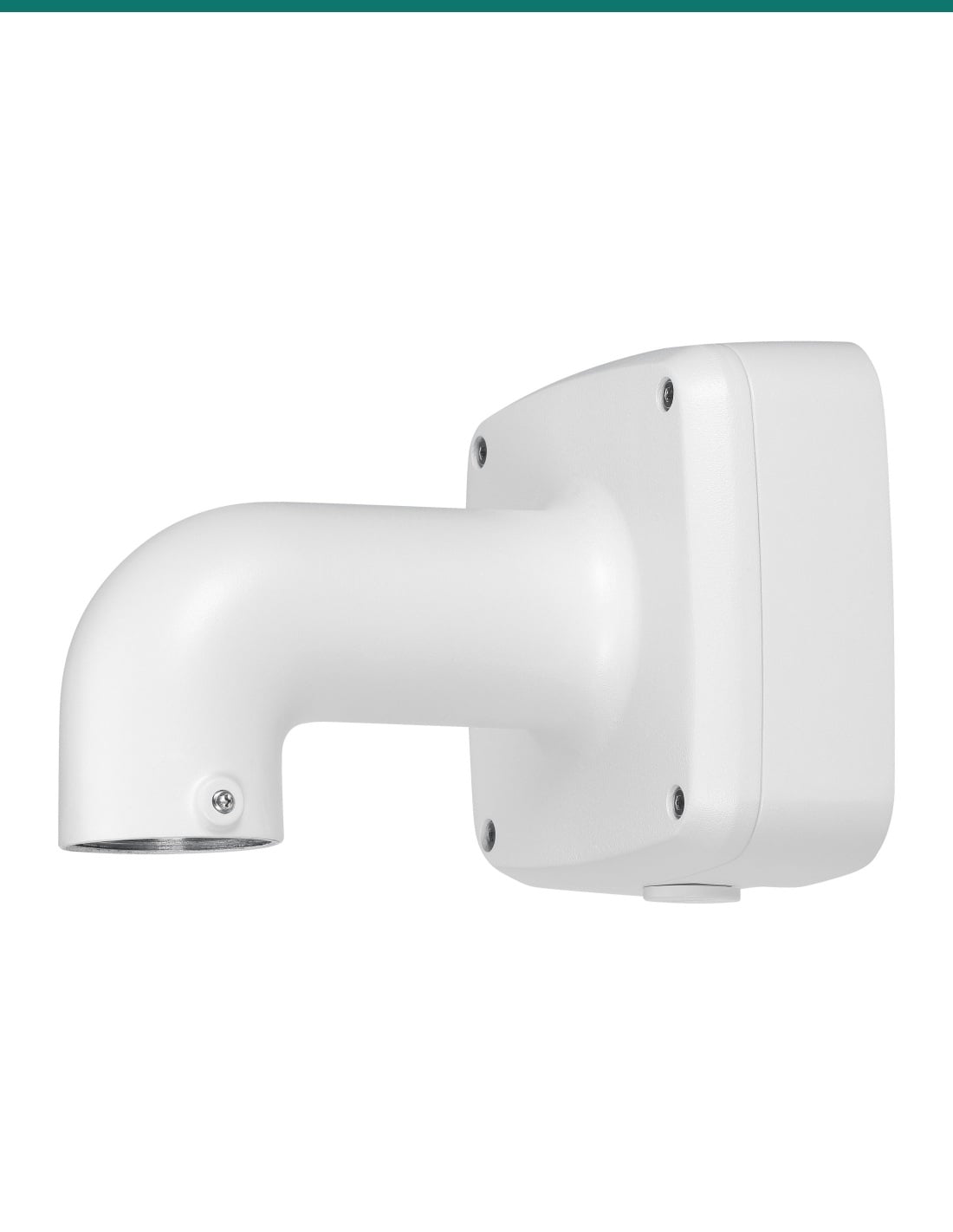
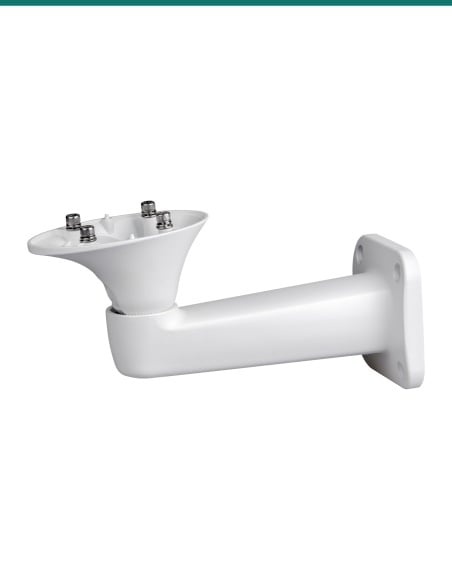
A wall arm with the junction box built in.
IP66, aluminium, room for the joins behind the arm.
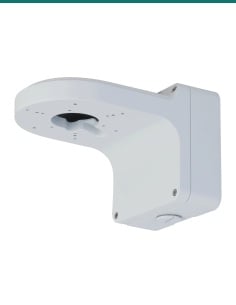
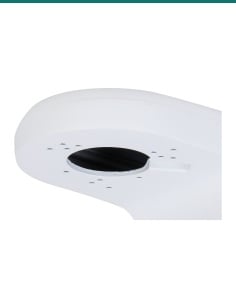
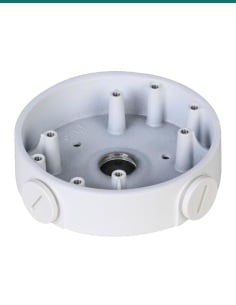
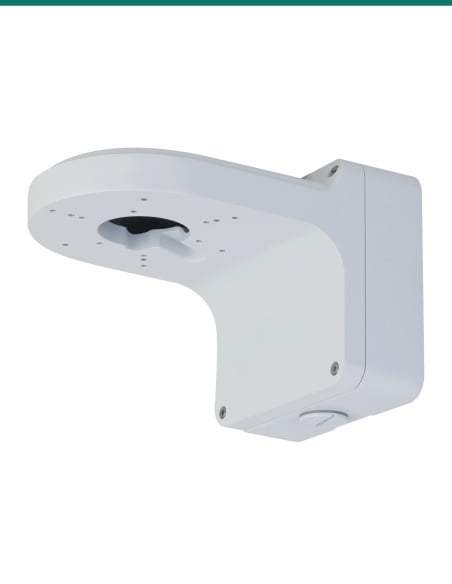
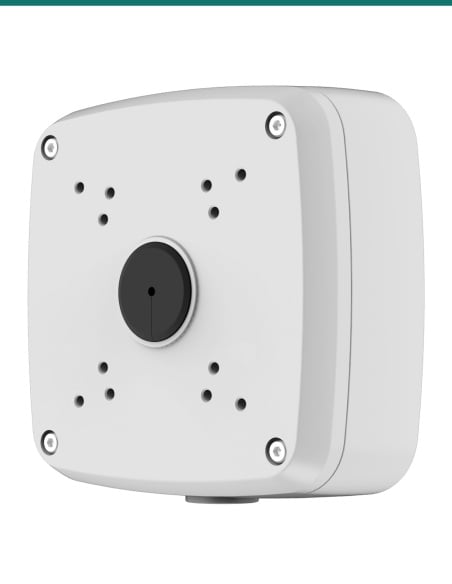
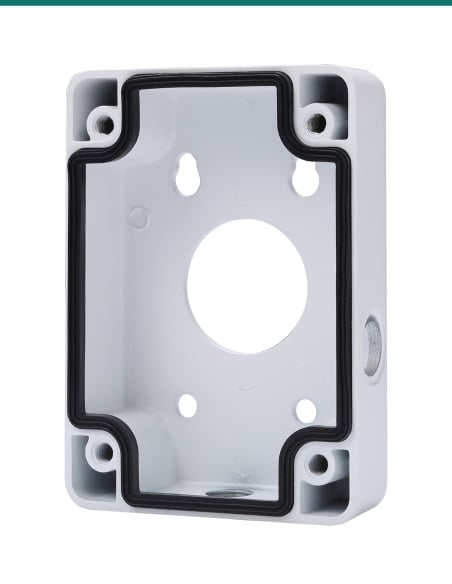
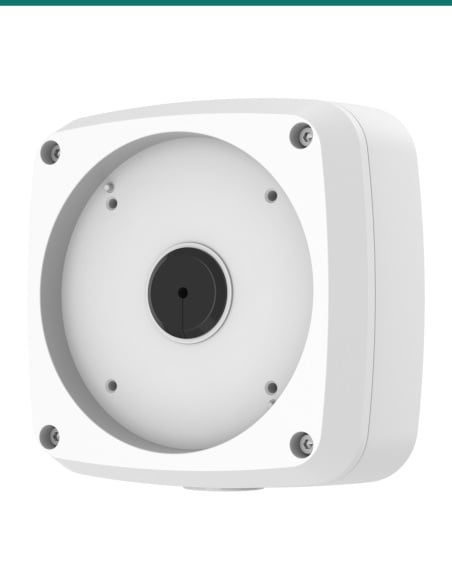
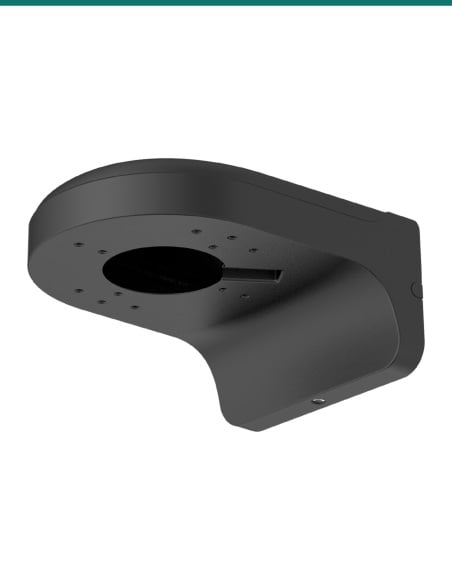
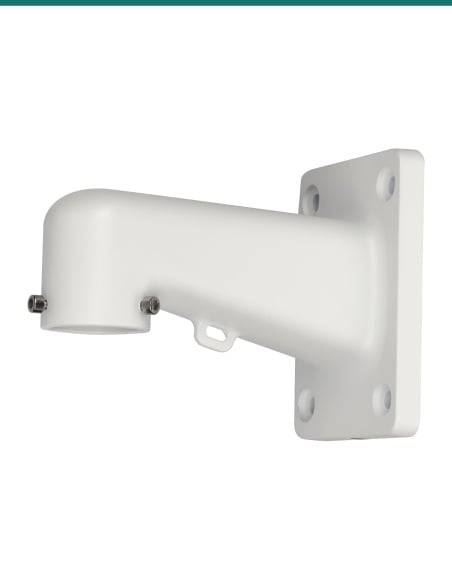
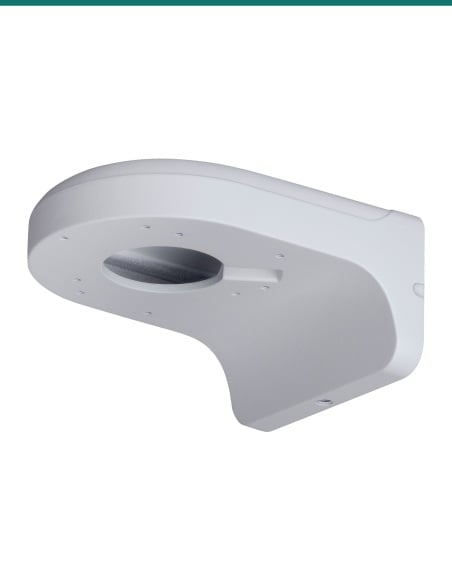
The Dahua PFB302S is a white aluminium wall mount bracket, 187.5 × 134.0 × 133.4 mm, with an embedded IP66 junction box at the wall end. The camera, or the adapter Dahua lists for it, screws onto the G1 1/2 thread at the end of the arm, and the cable joins sit in the box.
In one sentence: the Dahua DH-AC-PFB302S is a white aluminium alloy wall mount bracket with an embedded junction box, IP66 rated, 187.5 × 134.0 × 133.4 mm and 0.71 kg, carrying 4.0 kg on a G1 1/2 arm thread, with a G3/4 outlet under the box.
Wall mount only. The camera and any adapter are sold separately.
This listing is the PFB302S bracket with its screws, wall plugs and wrench. Most Dahua cameras need an adapter between the camera and the arm (for example the PFA100, PFA101 or PFA102). Check your camera against Dahua's list below, or ask us before you order.
In the box- PFB302S wall mount bracket with embedded junction box
- 4 × ST6×45 screws
- 4 × plastic expansion bolts (wall plugs)
- S3.0 wrench
You also need- A compatible Dahua camera
- The adapter Dahua lists for your camera
- Network or coax cable to the camera
- A G3/4 conduit fitting if you use the bottom outlet
No separate junction box to buy.
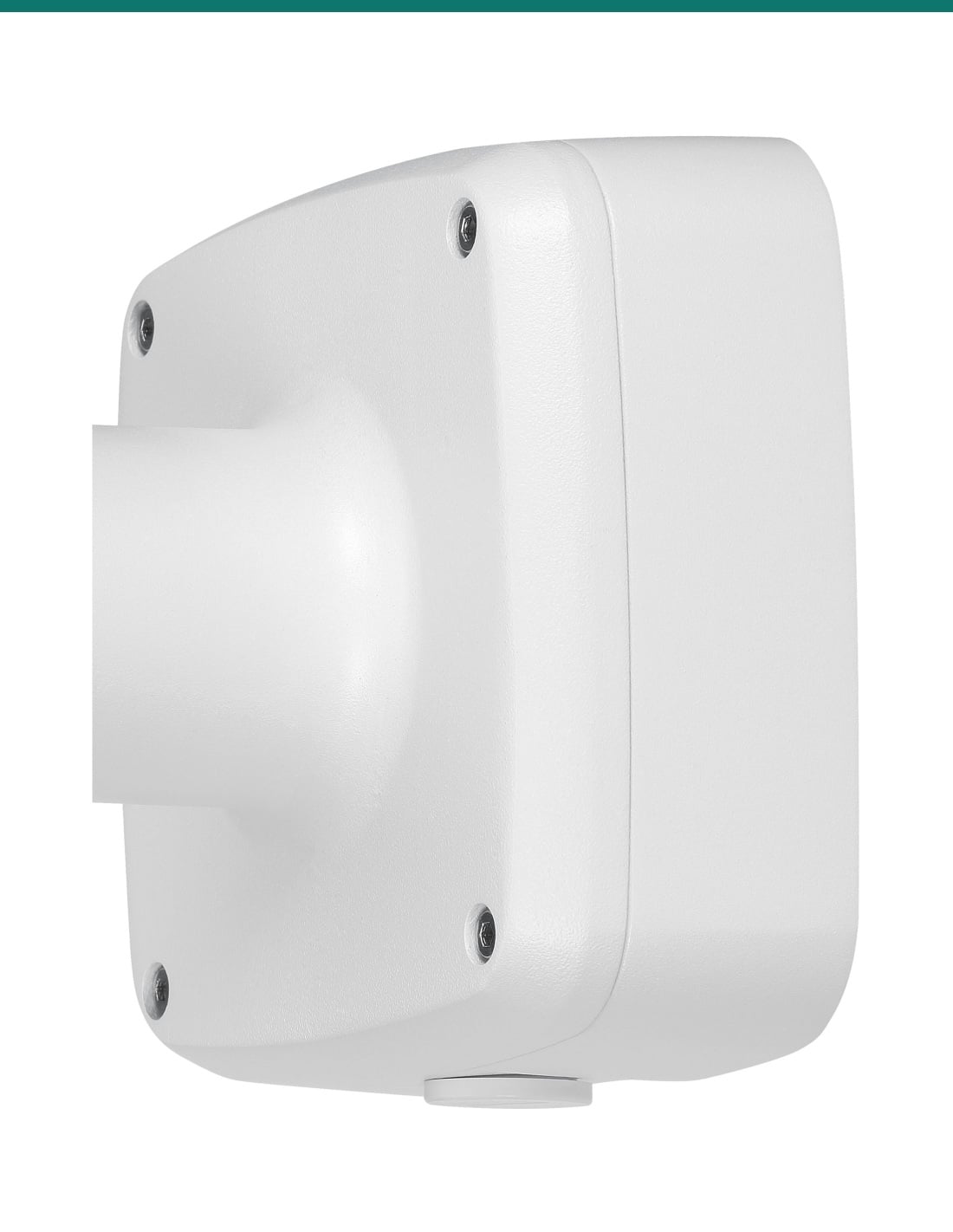
The square box at the wall end of the PFB302S holds the RJ45 or coax joins, and Dahua rates it IP66. Cable comes in through the Φ30 mm hole in the back plate, or through the G3/4 outlet underneath when it runs along the wall in conduit, then down the hollow arm to the camera. Dahua's selection guides recommend it for its EBW8 fisheye cameras (with the PFA100 adapter) and the SD42216DB-HC HDCVI PTZ (with the PFA102 adapter).
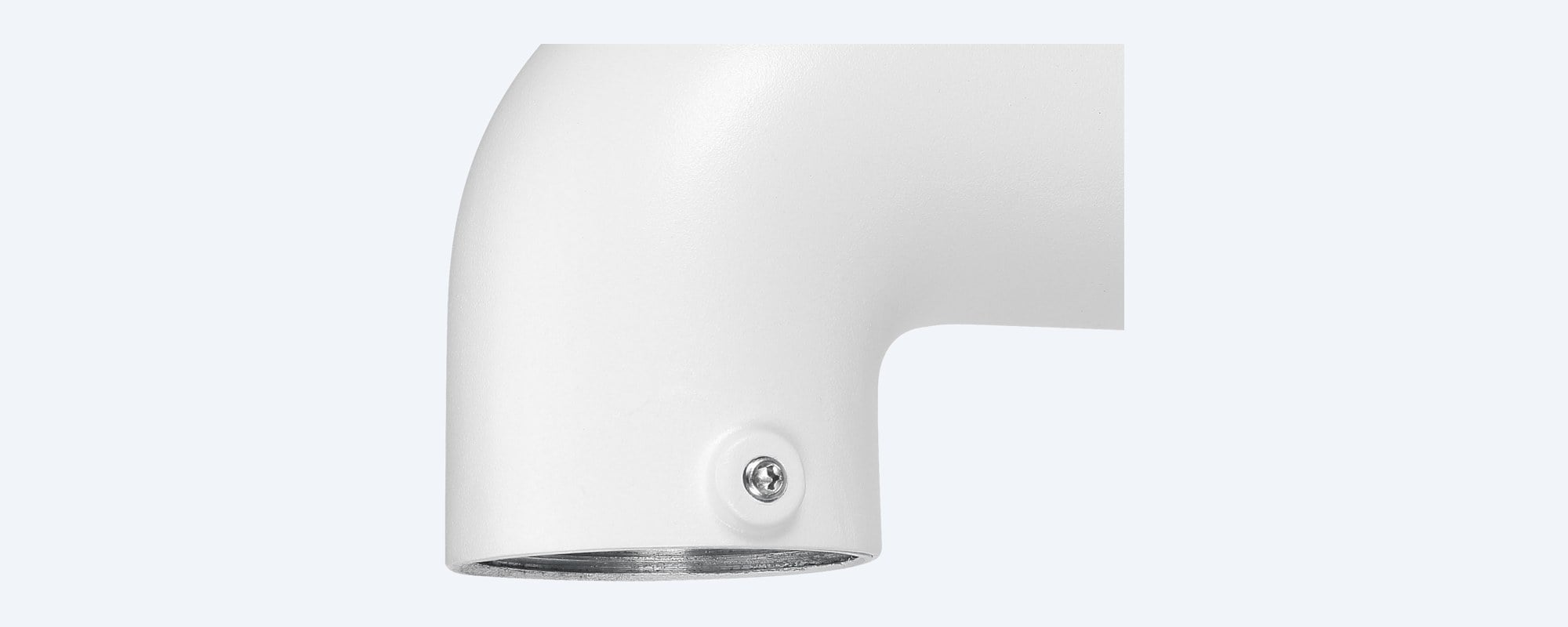
Arm end
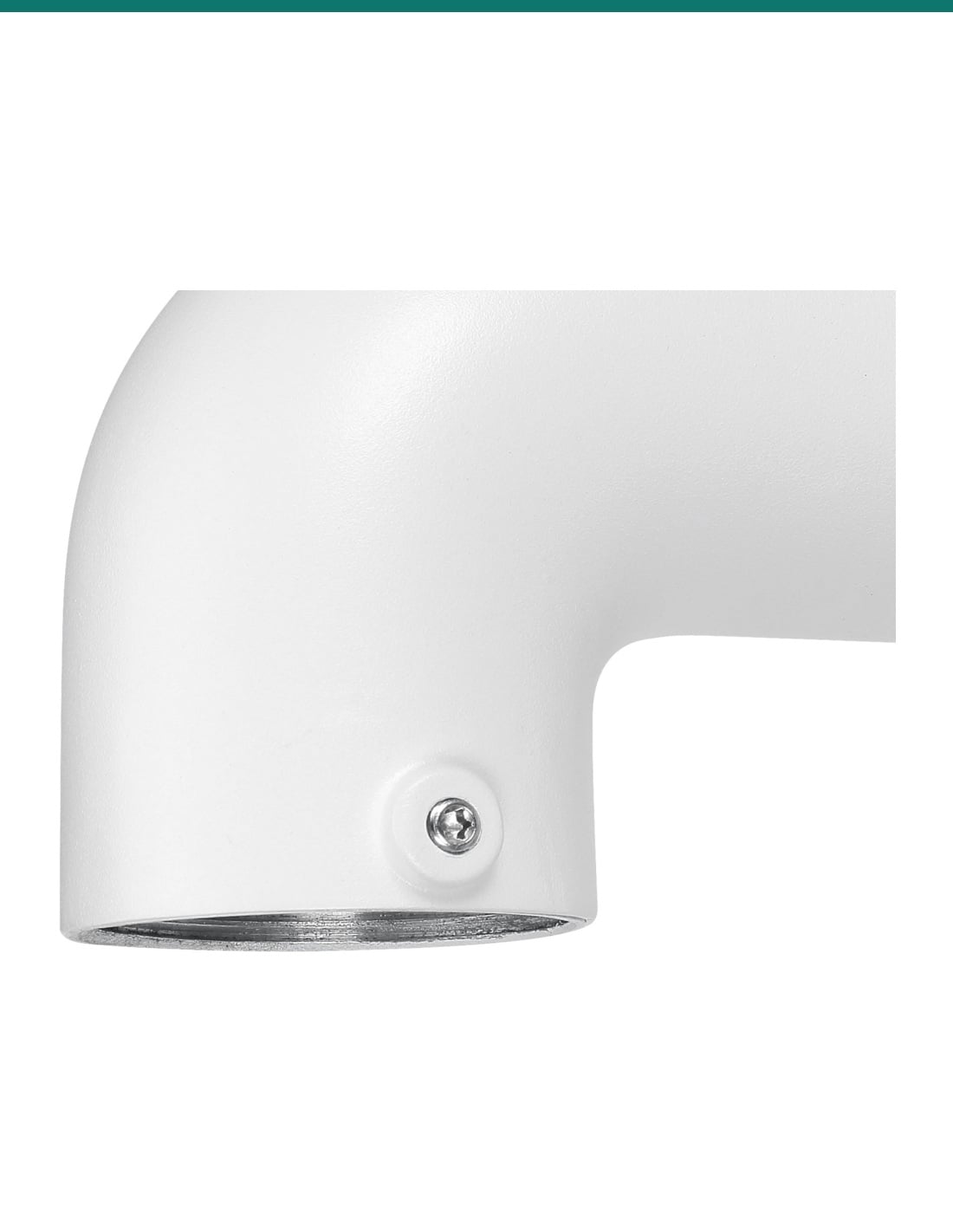
G1 1/2 thread with a locking screw.
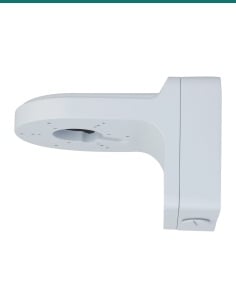
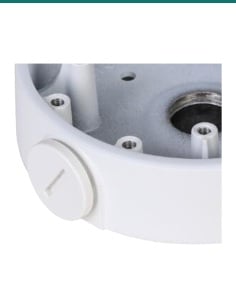
The camera or adapter screws onto the G1 1/2 thread at the end of the arm, and the side screw locks it in place. Close-up from Dahua's product photo.
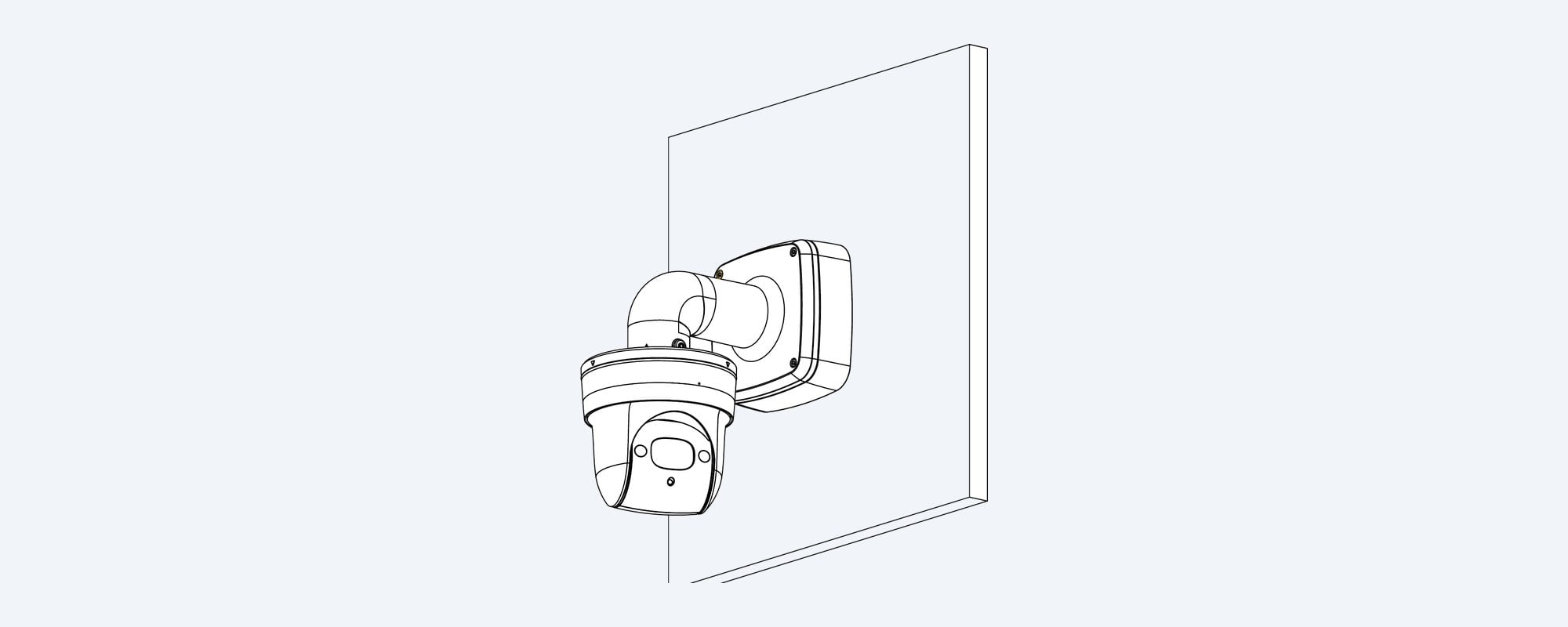
Wall mount
The camera hangs from the arm.
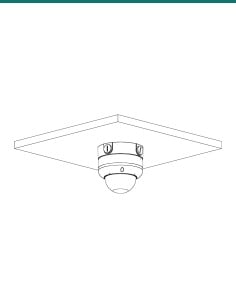
Dahua's installation drawing: the bracket fixes to the wall through its back plate, and the camera hangs below the arm, 187.5 mm out from the wall.
How it goes in
From bare wall to mounted camera.
01
Mark and drill
Mark the four fixing holes (48.0 × 90.0 mm) and the cable hole, drill, and fit the wall plugs.
02
Feed the cable
Open the box, bring the cable in through the back or the G3/4 outlet, and pass it down the arm.
03
Fix the bracket
Screw the bracket to the wall with the ST6×45 screws, then make the joins inside the box and close the cover.
04
Fit the camera
Screw the adapter (if Dahua lists one) and the camera onto the G1 1/2 thread, tighten the locking screw and aim the camera.
At a glance
DH-AC-PFB302S
Show specs
Type
Wall mount bracket with embedded junction box
Size
187.5 × 134.0 × 133.4 mm
Weight
0.71 kg (0.85 kg packed)
Outlet thread
G3/4, under the box
Wall fixing
4 × Φ8.5 mm holes on 48.0 × 90.0 mm, Φ30.0 mm cable hole (drawing)
Operating temperature
−40 °C to +60 °C
Anti-corrosion level
Basic protection
In the box
Bracket, 4 × ST6×45 screws, 4 plastic expansion bolts, S3.0 wrench
Warranty
Dahua 3-year (36-month) camera mount warranty, handled in Australia through InFront
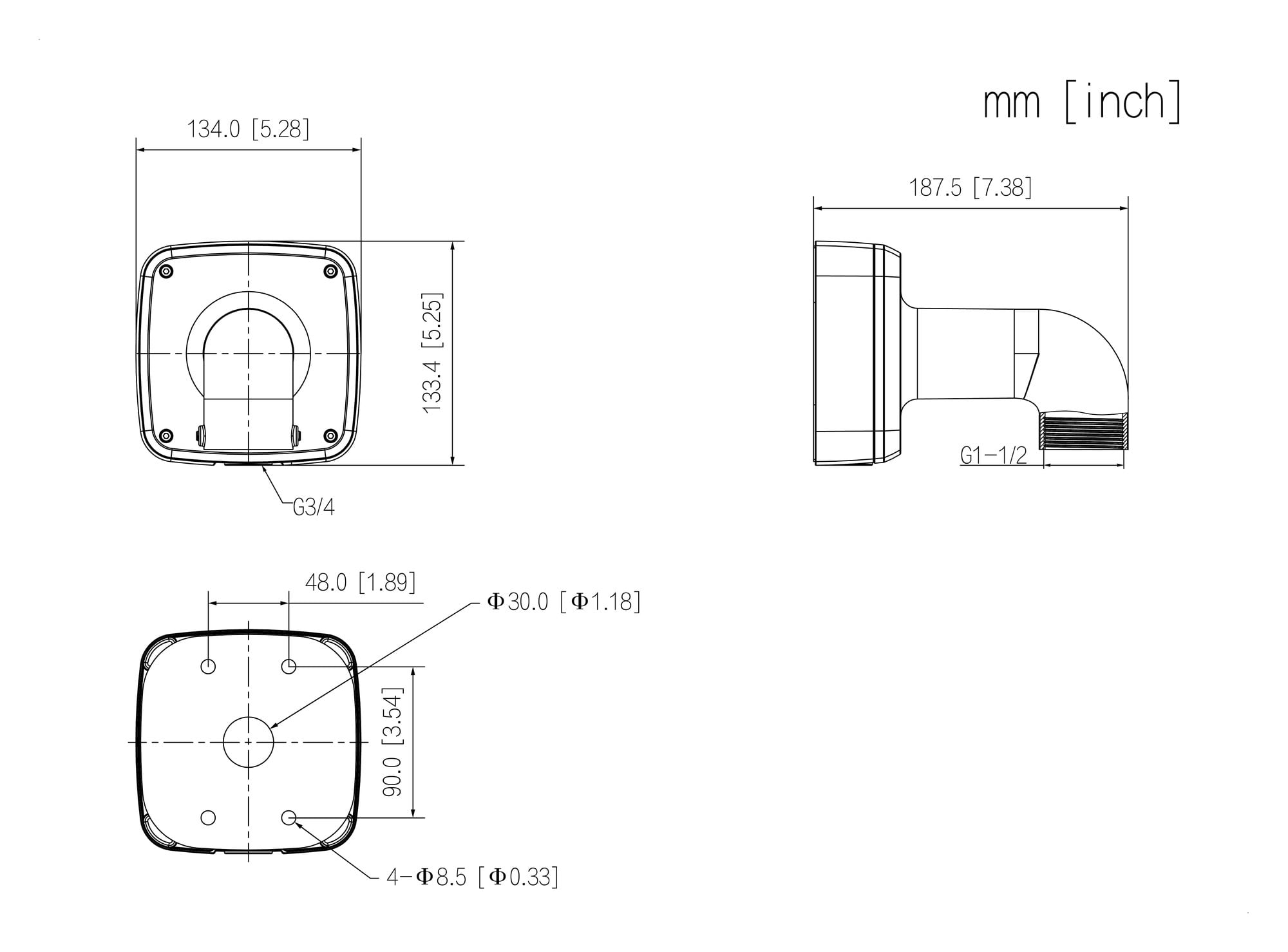
Dahua dimension drawing for the PFB302S, measurements in mm [inch].
Works with
Dahua cameras listed for the PFB302S
From Dahua's Camera Accessories Selection guides (Oceania, December 2025, and May 2026). Dahua marks the first two rows as recommended; the others as can be used, with another mount recommended. If your model is not here, confirm fit with us.
Show all listed cameras
IPC-EBW81242-AS-S2, IPC-EBW8842-AS, IPC-EBW81230 (and -IVC versions) fisheye cameras
Recommended, with the PFA100 adapter
SD42216DB-HC HDCVI PTZ camera
Recommended, with the PFA102 adapter
IPC-HDBW5459Z, HDBW5659Z, HDBW5859Z-ZHE-PV-PRO and -Z4HE-PV-PRO domes
Can be used, with the PFA101 adapter (May 2026)
IPC-HDBW7459Z and HDBW7859Z-Z-PV-X and -Z4-PV-X domes
Can be used, with the PFA101 adapter (May 2026)
IPC-HDBW7442E1, HDBW7842E1 and HDBW71242E1-Z-X domes
Can be used, with the PFA101 adapter
IPC-HDBW5842E, HDBW5442E and HDBW5541E (-ZE, -Z4E, -ZHE), HDBW5241E, HDBW5831E, HDBW5231E/5441E-ZE-HDMI domes
Can be used, with the PFA101 adapter
IPC-HDBW5259E1, 5459E1, 5559E1 and 5859E1-ZE-IL domes (and -ZHE, -Z4E, -Z5E versions)
Can be used, with the PFA101 adapter (May 2026)
SD50432GB-HNR, SD50232GB-HNR, SD50225DB-HNY PTZs; SD59232DB-HC, SD59225DB-HC, SD50225DB-HC, SD40216DB-HC
Can be used, with the PFA110 adapter
Pair it with
What goes with it
Adapter
DH-AC-PFA100 mount adapter
The adapter Dahua recommends between its EBW8 fisheye cameras and the PFB302S.
Adapter
DH-AC-PFA101 mount adapter
The adapter Dahua lists between many of its larger dome cameras and this arm.
Adapter
DH-AC-PFA102 mount adapter
Dahua's recommended adapter for the SD42216DB-HC PTZ on the PFB302S.
Pole
DH-AC-PFA150 pole mount
Dahua's guides route the PFB302S on to its PFA150 pole and PFA151 corner mounts.
Where it is used
Where an arm with a built-in box earns its place.
Shopfronts and foyers
A fisheye or dome on the wall, with the joins hidden in the box.
Exposed walls
IP66 box for sites where rain blows onto the wall.
Surface conduit
Run conduit along the wall into the G3/4 outlet underneath.
Poles and corners
Fit the bracket to a Dahua pole or corner mount.
Car parks and driveways
Brings a dome out from the wall for a clear view down the wall line.
Retrofits
Cover old fixings and give a new camera a neat wall arm.
PFB302S or PFB303W
| PFB302S (this bracket) | PFB303W |
|---|
| Junction box | Embedded, IP66 | None built in (pairs with the PFA120 box) |
| Size | 187.5 × 134.0 × 133.4 mm | 257.2 × 115.0 × 160.0 mm |
| Weight | 0.71 kg | 0.67 kg |
| Load bearing | 4.0 kg | 7.0 kg |
| Arm thread | G1 1/2 | G1 1/2 |
| Material and colour | Aluminium alloy, white | Aluminium alloy, white |
Figures from Dahua's PFB302S and PFB303W datasheets (Rev 002.000, 2025). Dahua's guides list both arms for its EBW8 fisheyes and larger domes; the PFB303W, with a separate box, also suits heavier PTZ cameras.
Common questions
What is the PFB302S for?
It mounts a Dahua camera on a wall, with an IP66 junction box built into the wall end of the arm for the cable joins.
Which cameras fit it?
Dahua's guides recommend it for its EBW8 fisheye cameras (with the PFA100 adapter) and the SD42216DB-HC PTZ (with the PFA102 adapter), and list it for larger HDBW5 and HDBW7 domes and the SD50 PTZs. The full list is in the Works with box.
Is the camera included?
No. This listing is the bracket with its screws, wall plugs and wrench.
Do I need an adapter?
For most cameras, yes. Dahua's guides show the PFA100, PFA101, PFA102 or PFA110 between the camera and the arm, depending on the model.
Is it waterproof?
Dahua rates the PFB302S IP66, which covers dust and powerful water jets.
Do I need a separate junction box?
No. The junction box is part of the bracket.
How big is it?
187.5 × 134.0 × 133.4 mm and 0.71 kg, according to Dahua's 2025 datasheet. Older listings quoted 133.5 mm and 0.7 kg.
How much weight will it hold?
4.0 kg, according to Dahua's datasheet. Allow for the camera and adapter together.
What threads does it have?
G1 1/2 at the end of the arm for the camera or adapter, and a G3/4 outlet under the box for conduit. Older listings gave only the G3/4.
Can it go on a pole or corner?
Dahua's guides route it on to the PFA150 and PFA156 pole mounts and the PFA151 corner mount. Ask us to confirm the fit for your site.
What warranty does it have?
Dahua Australia's warranty policy (August 2026) gives camera mounts 36 months. Claims are handled in Australia through InFront Technologies: call 1300 736 970 or email [email protected].
Who can install the cabling?
Concealed data cabling to the camera is customer cabling under AS/CA S009 and needs an ACMA-registered cabler. A new power point needs a licensed electrician.
Supported by InFront Technologies.
Not sure which adapter your camera needs? Call 1300 736 970 or email [email protected]. The Dahua datasheet is on the Attachments tab.
Installation and safety
Mechanical part only. The PFB302S holds the camera and covers its joins. It carries no power or data itself.
Load. Rated for 4.0 kg. Check the camera's and adapter's weight on their datasheets.
Seal. The IP66 rating relies on the box cover being closed properly and unused holes being sealed.
Surface. The supplied plastic wall plugs are for masonry. Use fixings rated for timber, cladding or metal where needed.
Cabling. Concealed data cabling to the camera is customer cabling under AS/CA S009 and needs an ACMA-registered cabler. A new power point needs a licensed electrician.
Figures. From Dahua's PFB302S datasheet (Rev 002.000, 2025), manual and drawing, its Camera Accessories Selection guides (December 2025 and May 2026) and Dahua Australia's warranty policy (5 August 2026).