There are no more items in your cart
In Stock - Ready to Ship


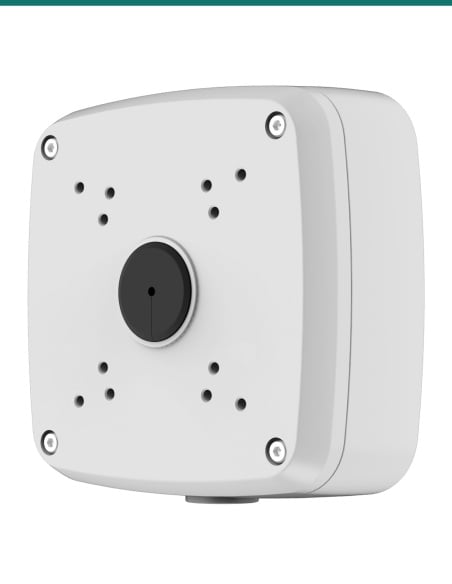
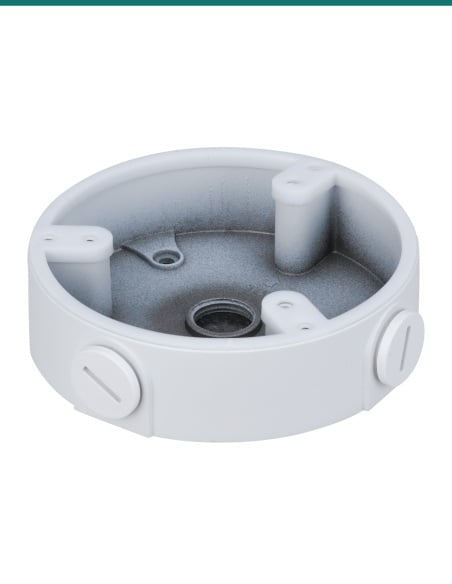
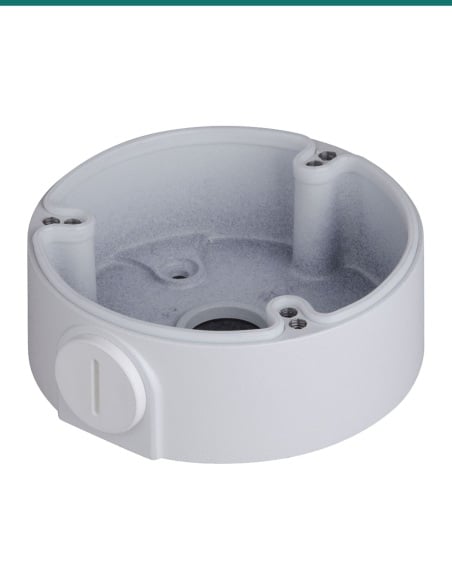
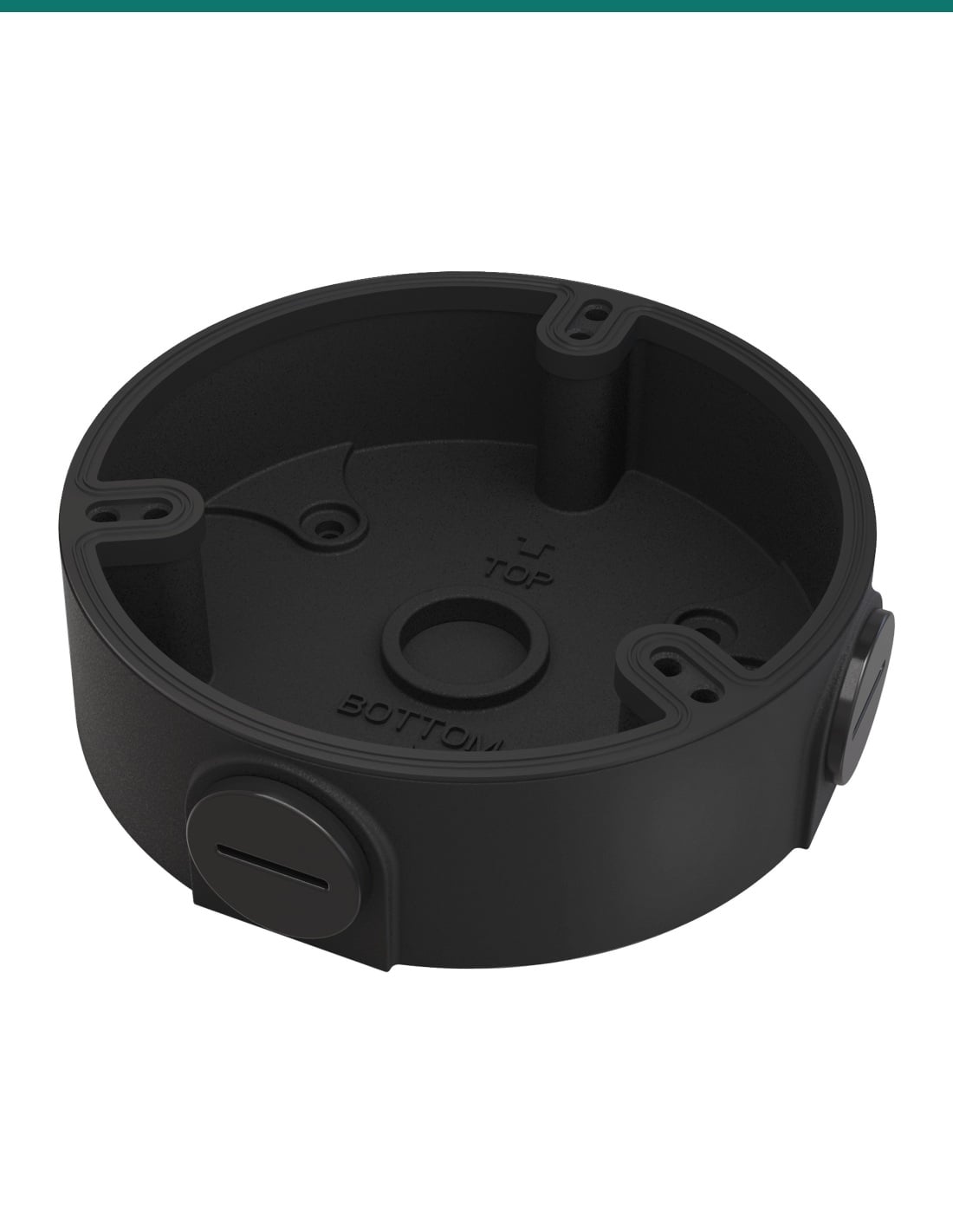
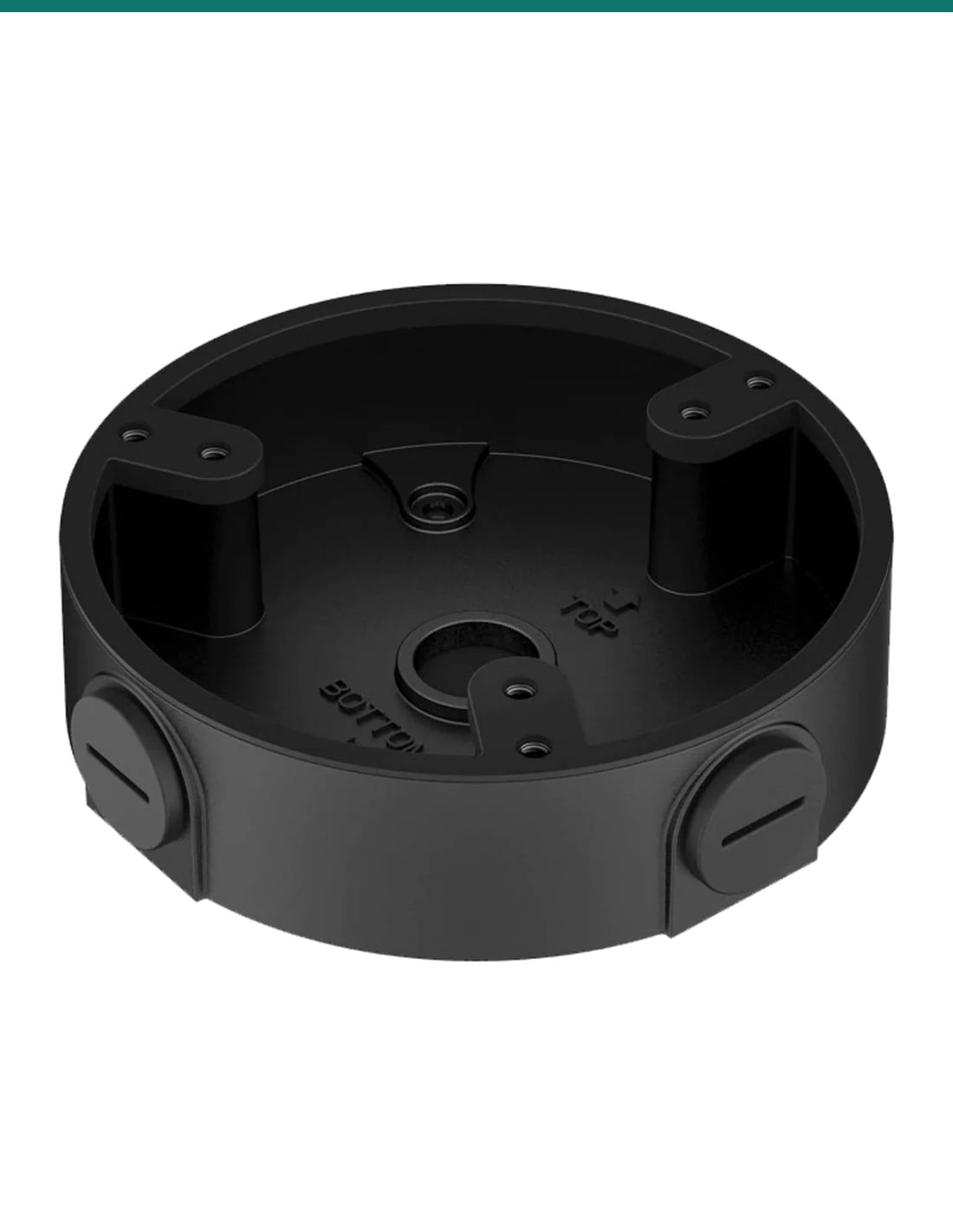
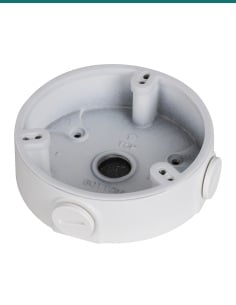
Dahua PFA136-B: a black aluminium alloy round junction box for Dahua's smaller domes and fisheyes, with G1/2 outlets in the base and sides.
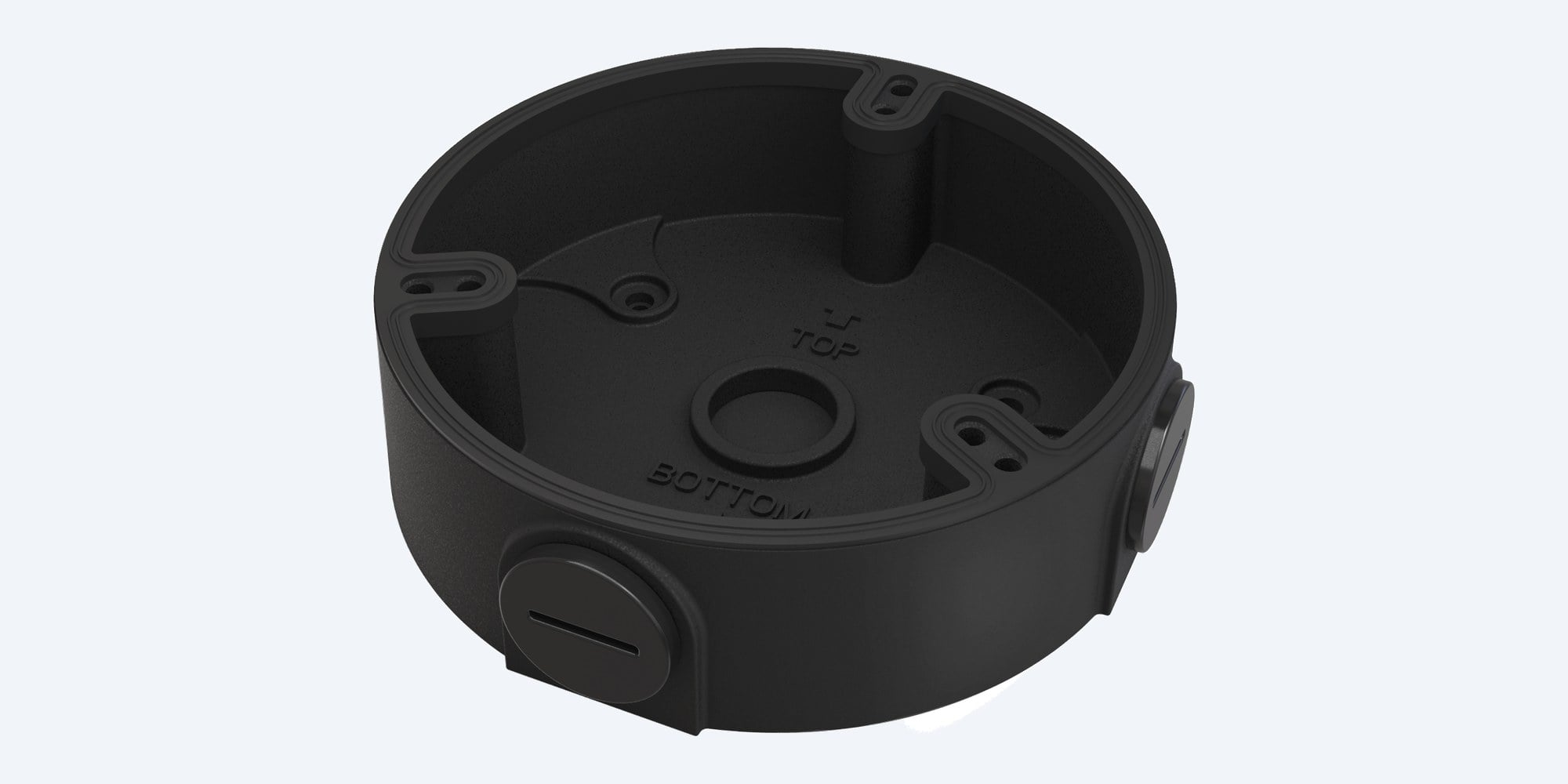
The Dahua PFA136-B is the black version of the PFA136: an aluminium alloy junction box, 114.8 mm across and 32.0 mm deep. It goes on the wall or ceiling, holds the cable joints and spare cable, and the camera fixes to its face.
In one sentence: the Dahua DH-AC-PFA136-B is a black aluminium alloy round junction box, Φ114.8 × 32.0 mm and 0.19 kg, rated to carry 1.0 kg, with a G1/2 outlet in the base and two G1/2 outlets in the side, for Dahua's smaller domes and fisheye cameras.
Junction box with wall fixings. Check your camera is listed for it.
Dahua matches the PFA136-B to particular cameras, listed below from its datasheets and selection guides. Dahua publishes no IP rating for it, despite the 'water-proof' in our product name. For a white camera there is the white PFA136.
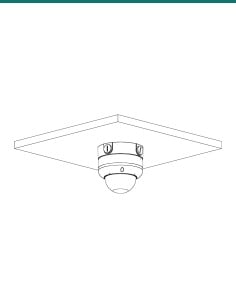
The PFA136-B gives the camera's cable joint a home behind the camera instead of a hole in the wall. Cable comes in through the base from the wall or through a G1/2 side outlet when it runs on the surface. Dahua rates it for −40 °C to +60 °C and up to 1.0 kg.
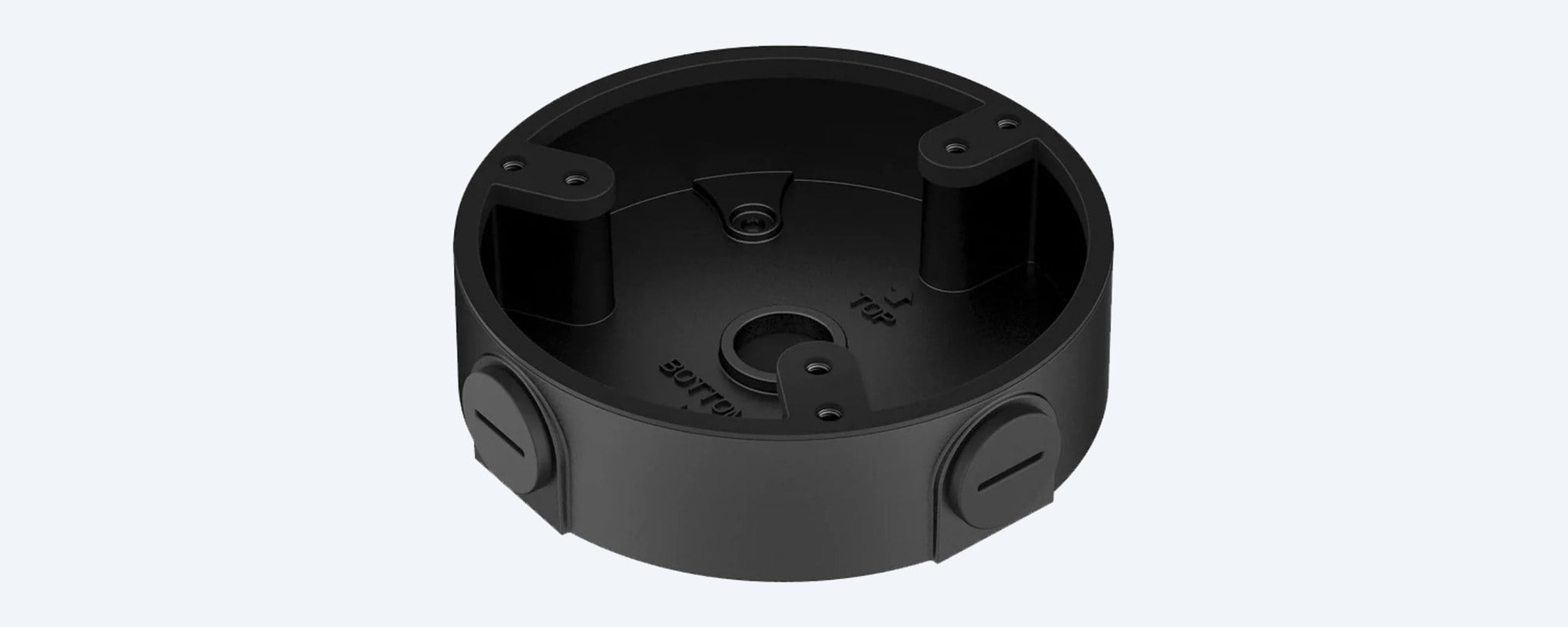
From above
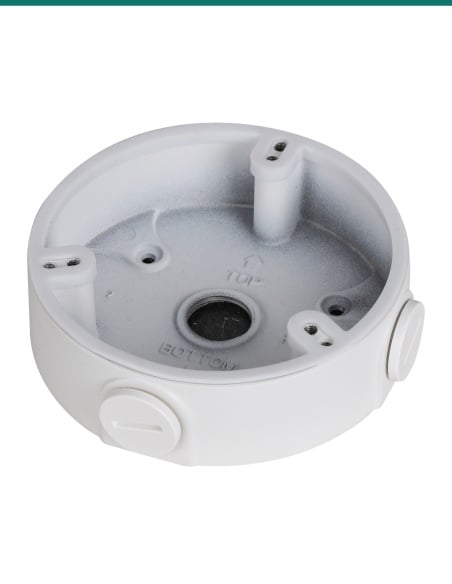
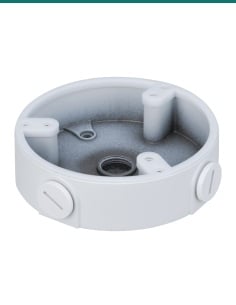
Two G1/2 side outlets, shown capped, take surface cable or conduit. The G1/2 outlet in the base takes cable straight from the wall. A water joint is in the box.
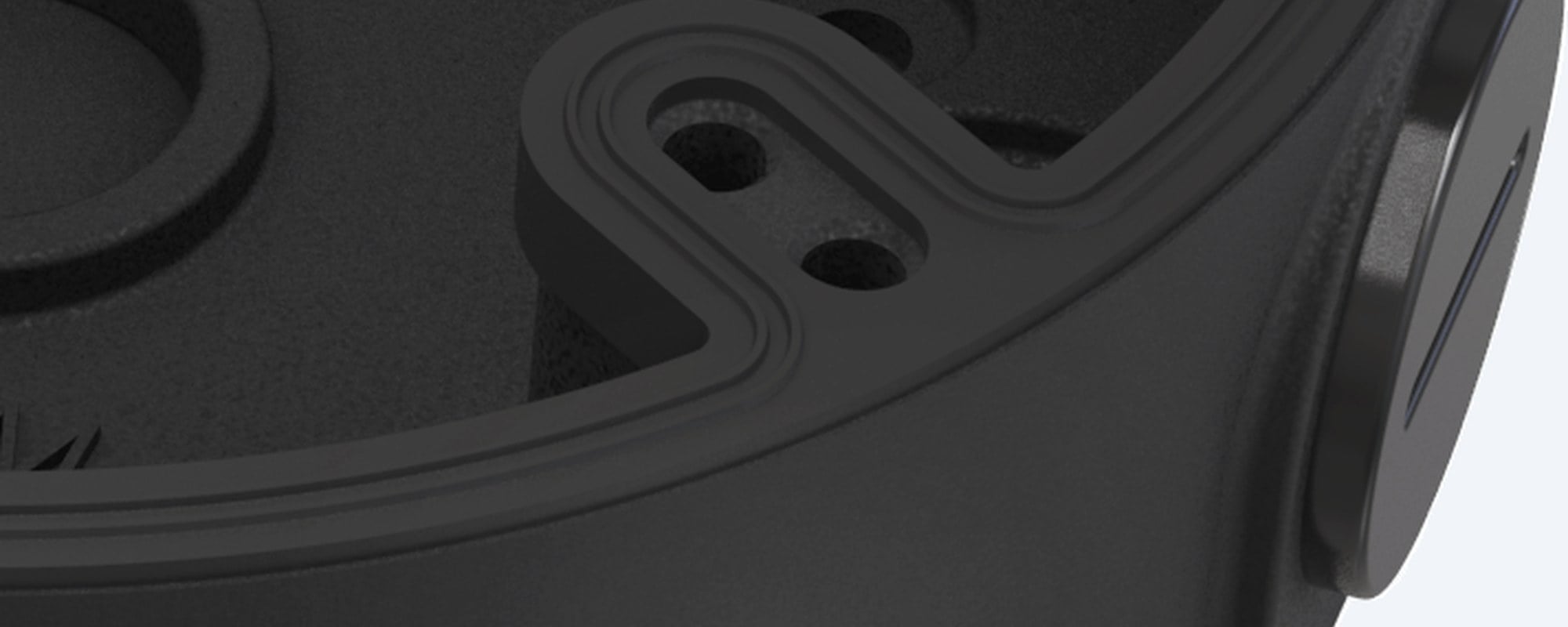
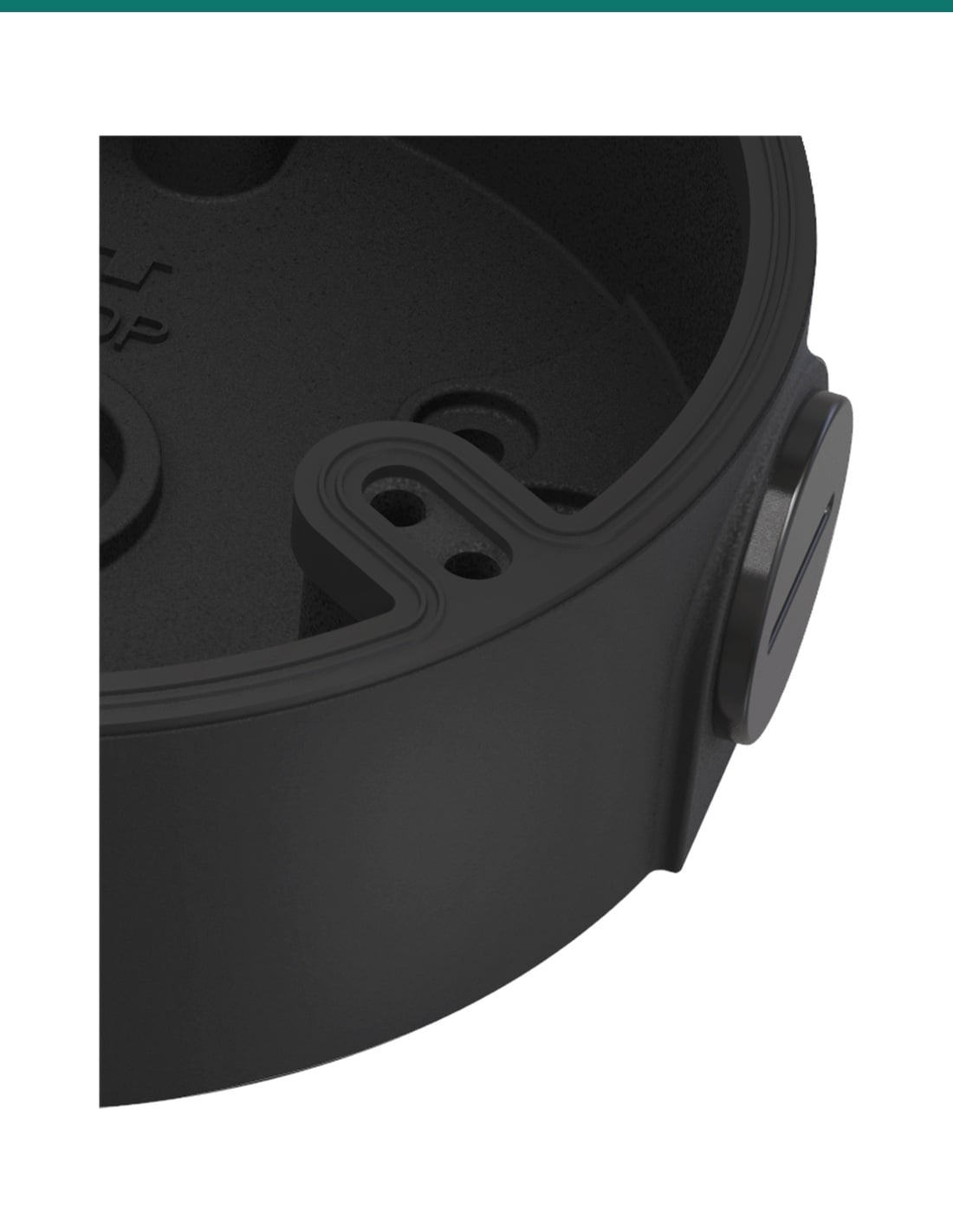
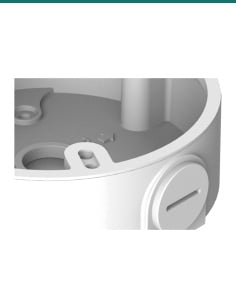
Side outlet
Each side outlet is a G1/2 thread with a cap. Seal any outlet you do not use. Close-up from Dahua's product photo.
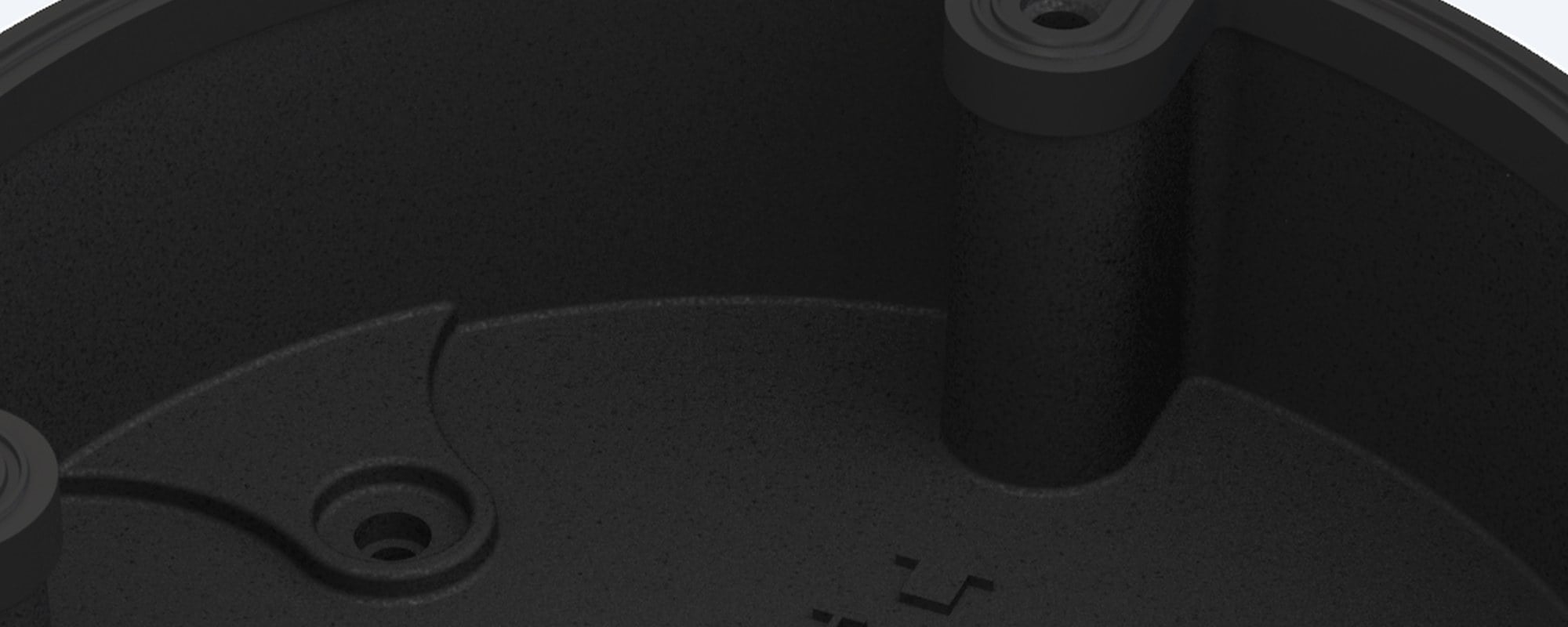
Inside
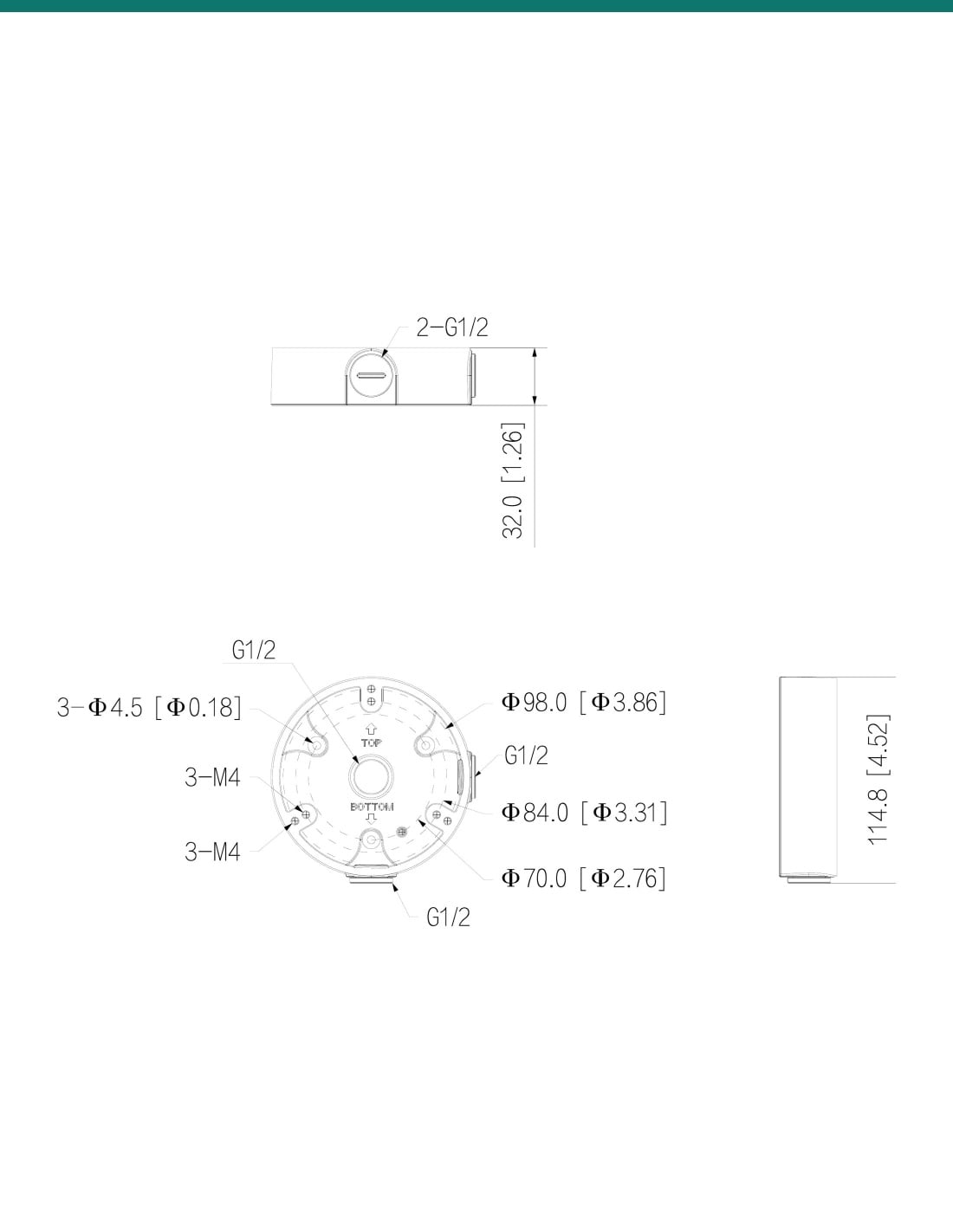
Raised posts take the camera's M4 screws; Dahua's drawing shows them on 70.0 mm and 84.0 mm circles. The box fixes to the wall through three Φ4.5 mm holes. Close-up from Dahua's product photo.
How it goes in
01
Make sure your camera is listed for the PFA136 or PFA136-B below or on its datasheet, or ask us to confirm fit.
02
Mark the three Φ4.5 mm fixing holes, then fix the box with the expansion bolts and ST4×25 screws in the box.
03
Feed the cable through the base outlet or a G1/2 side outlet, make the joint inside the box and coil the spare cable.
04
Fix the camera to the posts with the M4×10 screws, check every screw is tight, then aim the camera.
At a glance
Show specs
Type
Junction box (junction mount)
Material
Aluminium alloy
Colour
Black
Size
Φ114.8 × 32.0 mm
Weight
0.19 kg (0.26 kg packed)
Load bearing
1.0 kg
Outlets
G1/2 in the base, 2 × G1/2 in the side (drawing)
Camera fixing
M4 screws on 70.0 mm and 84.0 mm circles (drawing)
Wall fixing
3 × Φ4.5 mm holes (drawing)
Operating temperature
−40 °C to +60 °C
Humidity
Under 90% RH
Anti-corrosion level
Basic protection
IP rating
Not published by Dahua
Packed size
146 × 65 × 147 mm
Warranty
Dahua 3-year manufacturer warranty (camera mounts), handled in Australia through InFront
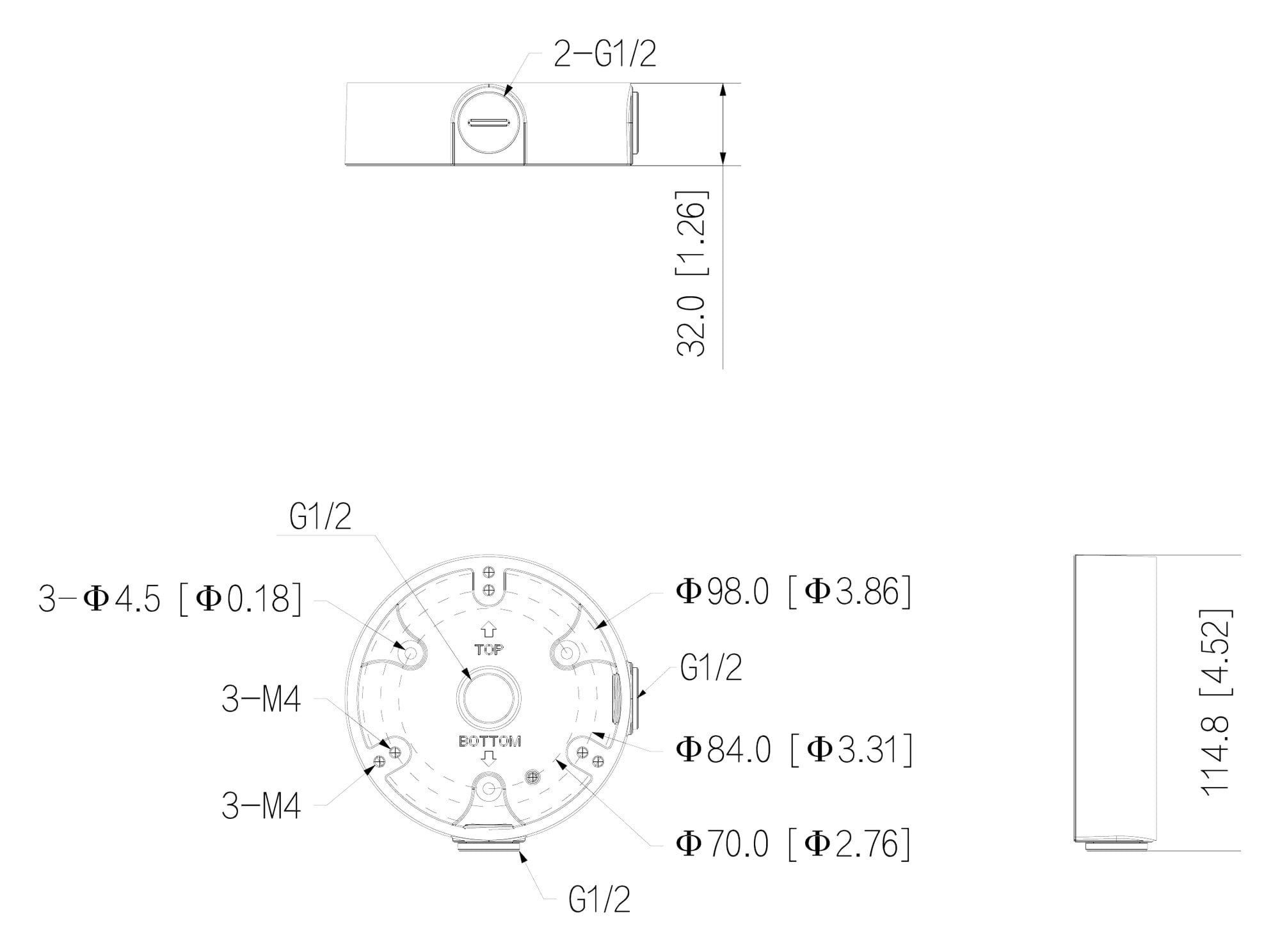
Dahua dimension drawing for the PFA136-B, measurements in mm [inch].
Works with
From Dahua camera datasheets and Dahua's Camera Accessories Selection guides (Oceania, December 2025, and May 2026). The guides list these cameras with the PFA136 box, in white or black (-B), but recommend the PFA2310R box for most of them. If your model is not here, confirm fit with us.
Show the full list
DH-IPC-HDBW3866EP-AS-AUS (white and black)
Camera datasheet lists the PFA136 junction box
IPC-HDBW3241E, 3441E, 3541E, 3841E -AS-S2 and -S-S2; HDBW4241E to 4841E-AS domes
May 2026 guide lists PFA136(-B), not as the recommended box
IPC-HDBW3466E-AS, IPC-HDBW3666E-AS, IPC-HDBW3866E-AS domes
Guide lists it, not as the recommended box
IPC-HDBW3467E-AS-IL, 3667E-AS-IL, 3867E-AS-IL domes
Guide lists it, not as the recommended box
IPC-HDBW3466F-AS dome
Guide lists it, not as the recommended box
IPC-HDBW1230DE-SW dome
Guide lists it, not as the recommended box
HAC-HDBW2802EA-A and similar HDCVI domes
Guide lists it, not as the recommended box
IPC-EB5541-M12-SA, IPC-EB5541-M-AS, IPC-EB5541-AS fisheyes
Guide lists it, not as the recommended box
PFA152-E and PFA157 pole mounts
Guide: the PFA136 goes on to these for pole installs
Pair it with
Dome camera
Black 8MP WizSense dome. Its Dahua datasheet lists the PFA136 junction box and the PFA152-E pole mount.
White version
The same junction box in white, to match a white camera.
Pole mount
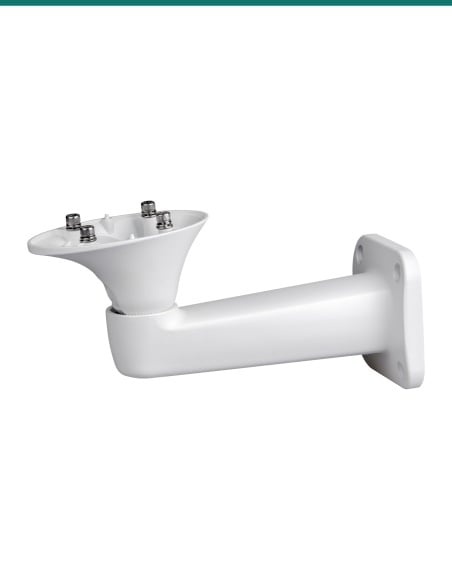
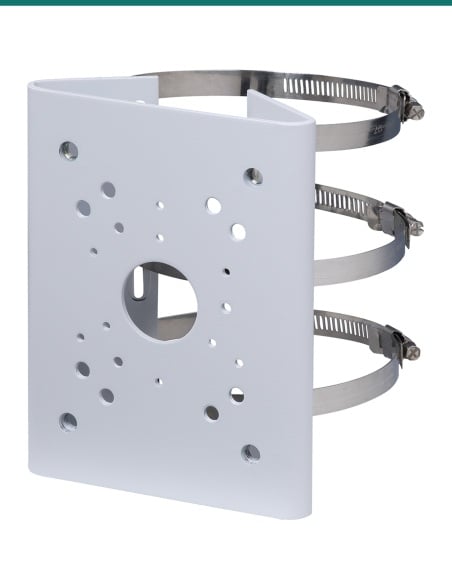
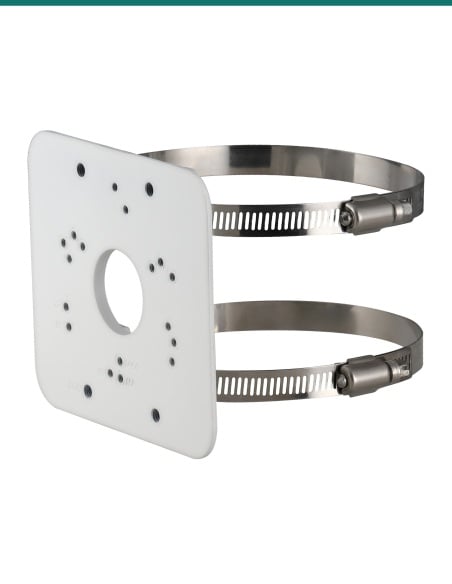
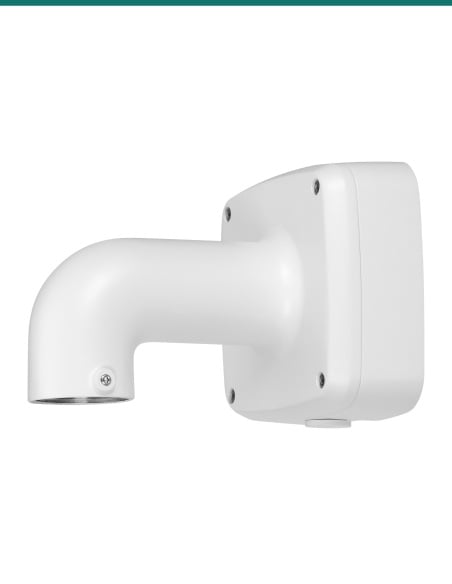
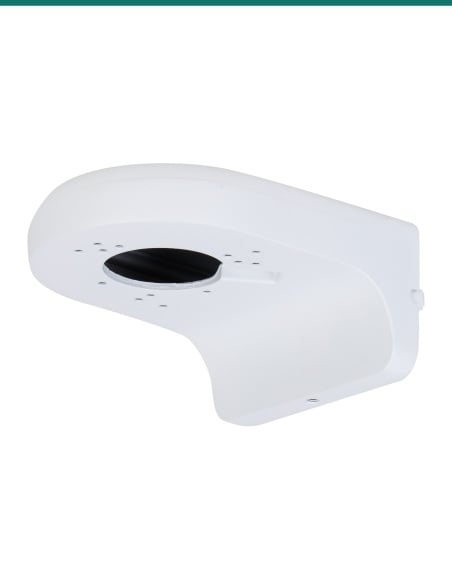
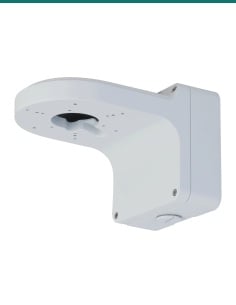
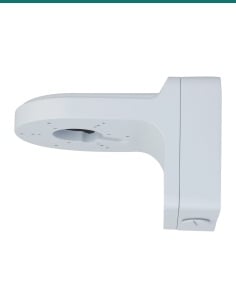
Dahua's pole mount. Its guide shows the PFA136 going on to it.
Junction box
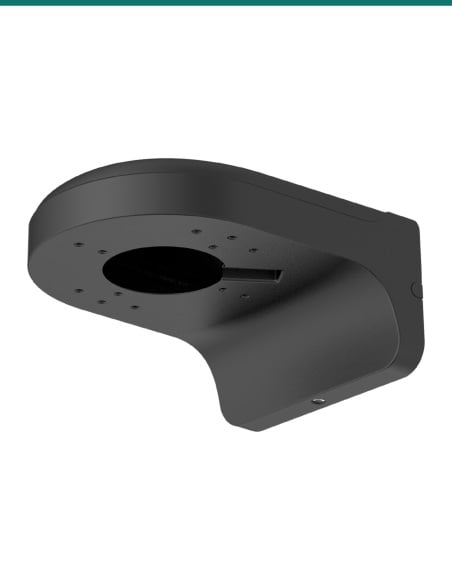
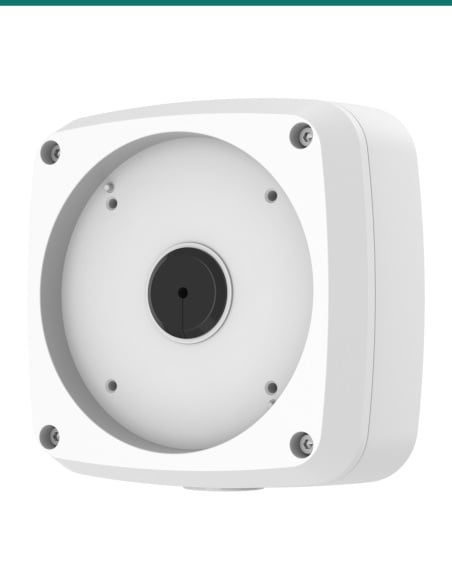
A slightly larger Dahua round box in black, with G1/2 outlets.
Where it is used
A black box under a black camera on dark brick, render or cladding.
Give a dome a solid base under the eave with room for spare cable.
Bring conduit into a G1/2 side outlet where cable cannot go in the wall.
Keep a black ceiling or wall dome tidy with no visible cable joint.
Give the camera a flat face to fix to on an uneven surface.
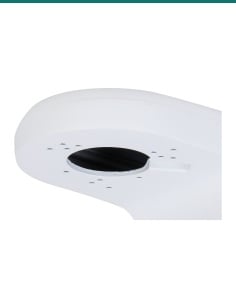
Combine with the PFA152-E pole mount, as Dahua's guide shows.
| PFA136-B (this box) | PFA136 | |
|---|---|---|
| Colour | Black | White |
| Size | Φ114.8 × 32.0 mm | Φ114.8 × 32.0 mm |
| Weight | 0.19 kg | 0.19 kg |
| Load bearing | 1.0 kg | 1.0 kg |
| Thread | G1/2 | G1/2 |
| IP rating published | None | None |
| In the box | Box, screws, wrench, expansion bolts, water joint | Same list |
Figures from Dahua's PFA136-B and PFA136 datasheets (both Rev 002.000, 2025). Only the colour differs: match the box to the camera.
Dahua's HDBW3866EP-AS-AUS datasheet lists the PFA136, and its selection guides list the PFA136 (white or black) for several WizSense domes and the EB5541 fisheyes. The full list is in the Works with box.
For most of the cameras in the guides, Dahua's first choice is its PFA2310R box, with the PFA136 listed as an option. The HDBW3866EP-AS-AUS datasheet names the PFA136.
Dahua publishes no IP rating for the PFA136-B, even though our product name says water-proof. Dahua lists it for −40 °C to +60 °C with basic anti-corrosion protection, and a water joint is in the box. If you need a rated box, ask us.
The junction box, three M4×10 screws, an S3.0 wrench, three ST4×25 screws, three plastic expansion bolts and a water joint.
1.0 kg, according to Dahua's datasheet.
114.8 mm across and 32.0 mm deep, and it weighs 0.19 kg.
Through the G1/2 outlet in the base, straight from the wall, or through one of the two G1/2 outlets in the side for surface cable or conduit.
With three screws through Φ4.5 mm holes, using the expansion bolts and ST4×25 screws in the box.
Yes, the PFA136, with the same size, load rating and box contents.
Dahua's guide shows the PFA136 going on to the PFA152-E and PFA157 pole mounts.
Dahua 3-year manufacturer warranty for camera mounts, handled in Australia through InFront.
Concealed data cabling to the camera is customer cabling under AS/CA S009 and needs an ACMA-registered cabler. Use a stable ladder when working at height.
Not sure which junction box your Dahua camera needs? Call 1300 736 970 or email [email protected]. The Dahua datasheet is on the Attachments tab.
Mechanical part only. The PFA136-B holds the camera and its cable joints. It carries no power itself.
Load. Rated for 1.0 kg. Check the camera's weight on its own datasheet.
Weather. Dahua publishes no IP rating for the box. Seal unused outlets and cable entries.
Working at height. Use a stable ladder or work platform, and keep clear of overhead power lines.
Cabling. Concealed data cabling to the camera is customer cabling under AS/CA S009 and needs an ACMA-registered cabler. Any mains power work needs a licensed electrician.
Figures. From Dahua's DH-PFA136-B datasheet (Rev 002.000, 2025), its dimension drawing, Dahua camera datasheets and its Camera Accessories Selection guides (Oceania, December 2025, and May 2026).


Need help choosing?
Tell us about your property and we'll recommend the right cameras and recorder.
07 5609 4910Sydney 02 8814 6008
[email protected]
Mon–Fri, 9am–5pm AEST
20 related items