Dahua · HDCVI accessory · UTC controller
Switch an HDCVI camera's video format on site.
CVI, AHD, TVI or CVBS, from a button.
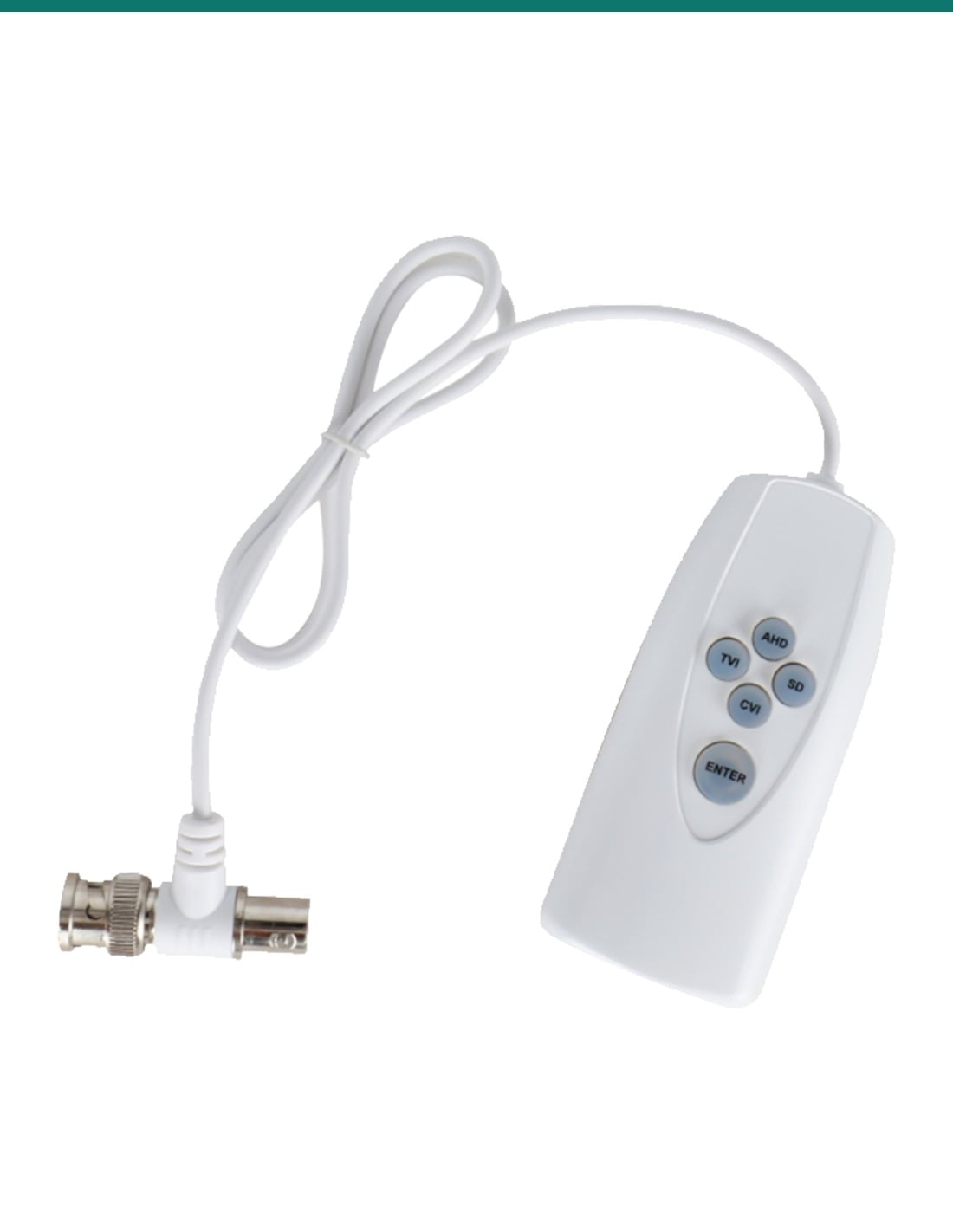
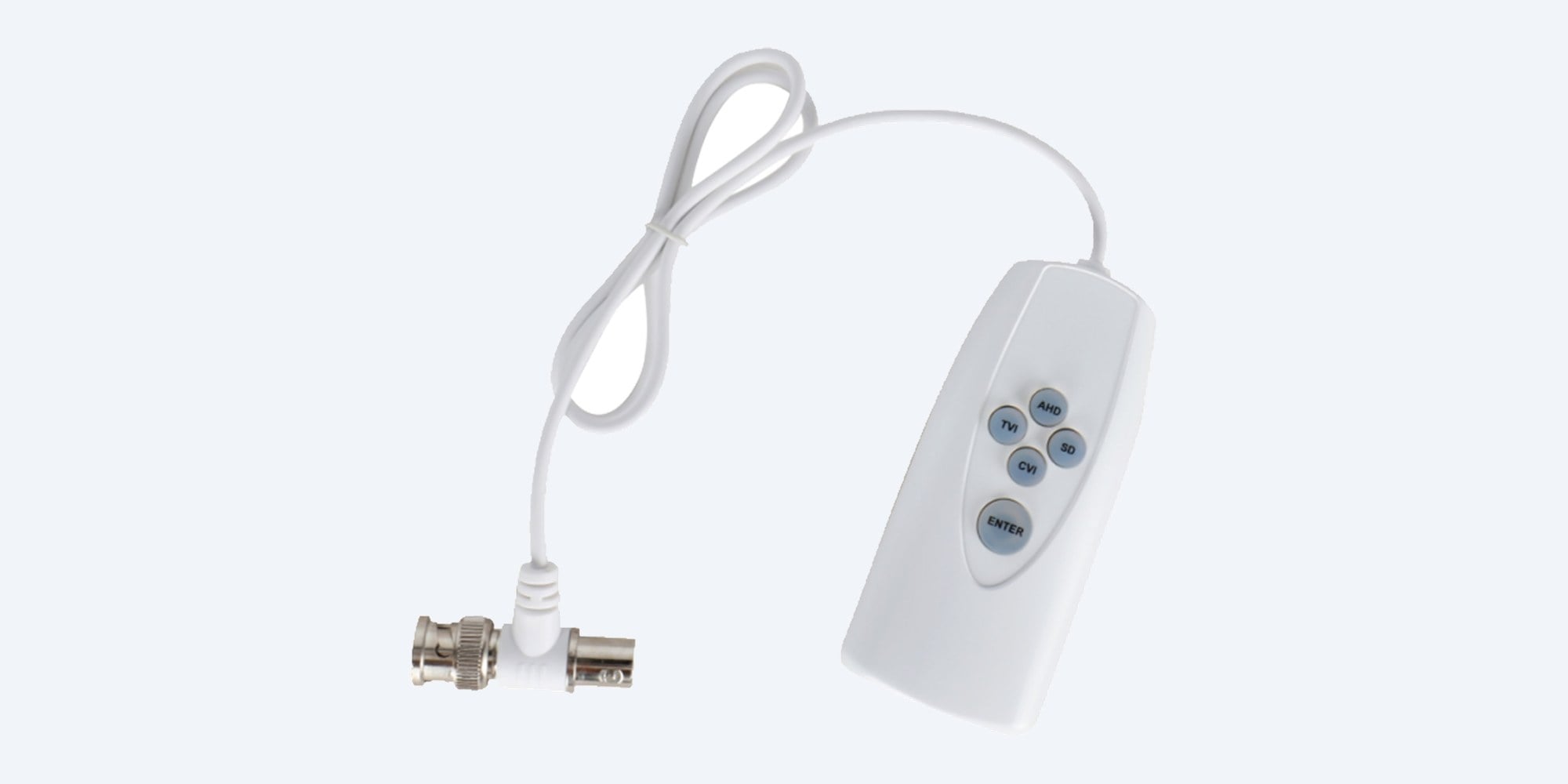
The DH-AC-PFM820 is a small battery-powered controller that clips into the coax between an HDCVI camera and the recorder. Press a button and the camera changes its output to CVI, AHD, TVI or CVBS, so it matches the recorder it is plugged into.
In one sentence: the DH-AC-PFM820 is a Dahua handheld up-the-coax (UTC) controller that connects inline between a multi-format HDCVI camera of 1080p or less and the recorder, switches the camera between HDCVI, AHD, HDTVI and CVBS output, and runs its OSD menu and zoom in CVBS mode.
For multi-format HDCVI cameras of 2 MP (1080p) and below.
Dahua rates it only for HDCVI cameras that support several video formats, at 1080p or lower resolution. It is a set-up tool: it changes the camera's settings, and does not convert or carry video itself. Batteries are not included.
In the box- DH-AC-PFM820 UTC controller with 560 mm lead and BNC T-connector
- Application manual
You also need- Two new AAA alkaline batteries
- A multi-format Dahua HDCVI camera of 2 MP (1080p) or less
- A recorder or monitor on the same coax to see the result
When the camera and recorder don't speak the same format.
Multi-format HDCVI cameras can send HDCVI, AHD, HDTVI or analog CVBS video, but they leave the factory on one. If the recorder expects another format you get no picture or a rolling one. The PFM820 tells the camera to change format from the coax, without opening the camera or reaching it on a ladder. In CVBS mode it also opens the camera's on-screen menu and drives a motorised zoom.

Buttons
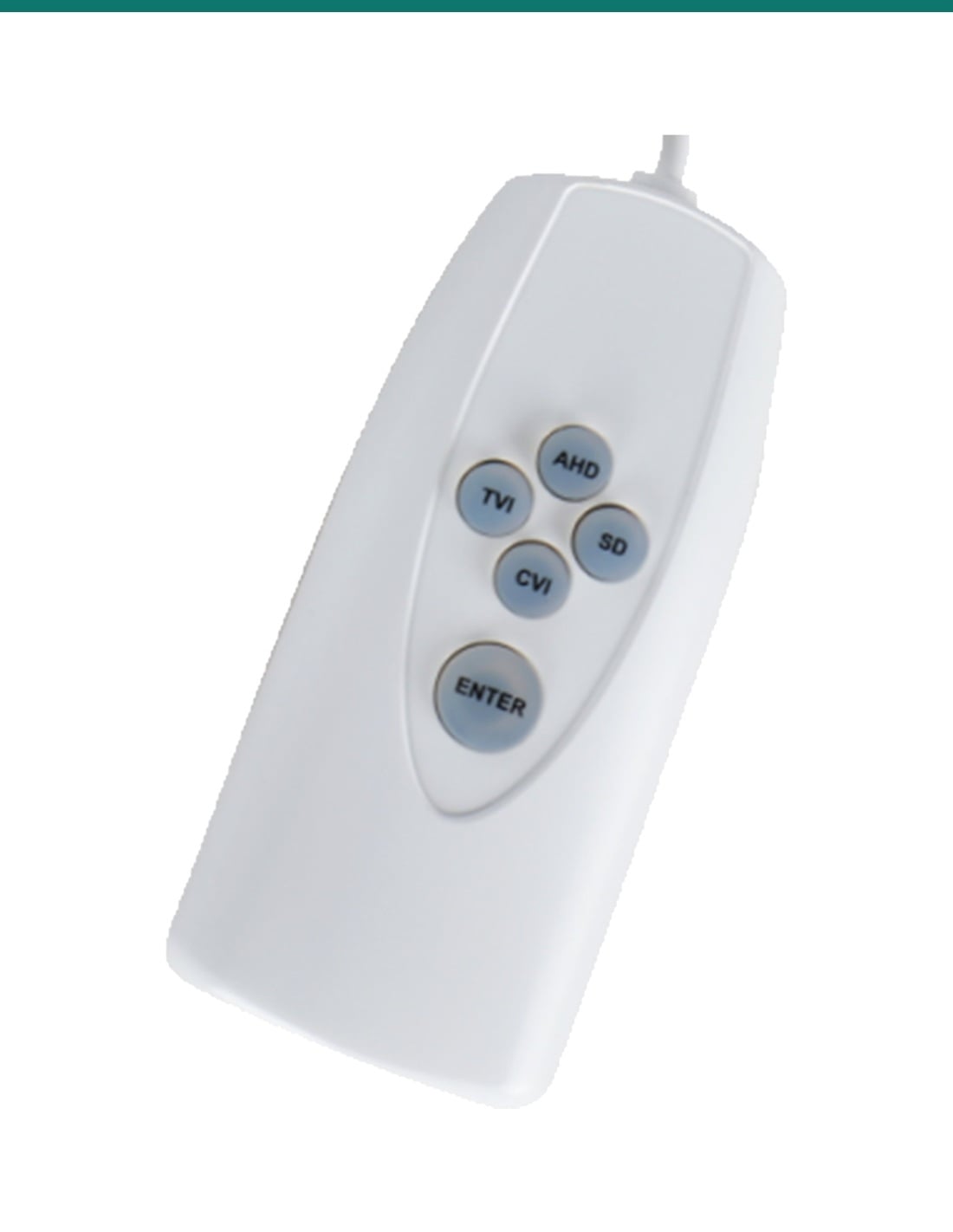
One button per format.
AHD, SD (CVBS), TVI and CVI each have their own coloured indicator: blue for AHD, red for CVBS, green for TVI and orange for CVI. ENTER wakes the controller, and the indicator for the camera's current format lights up.
Connection
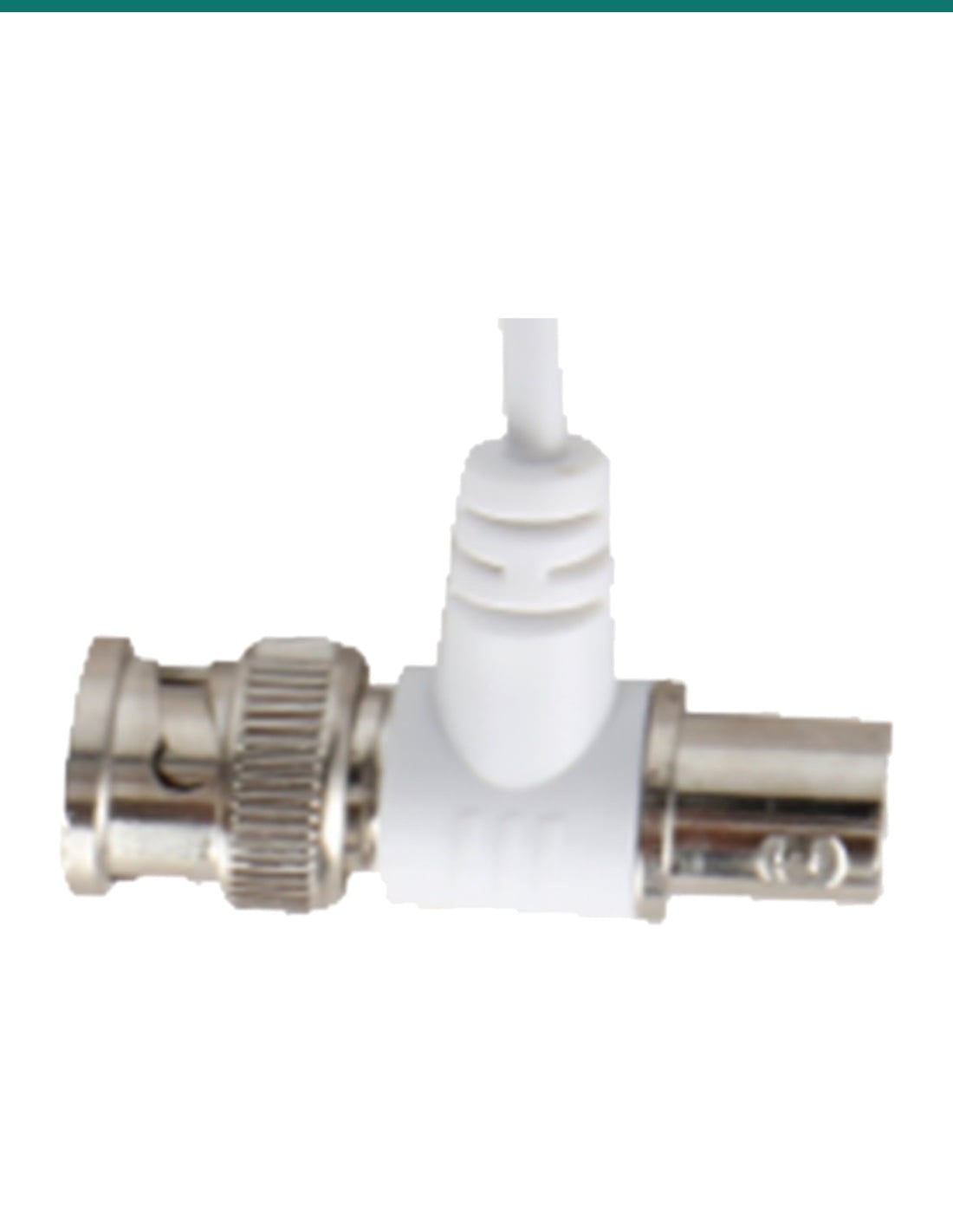
BNC T-connector on a 560 mm lead.
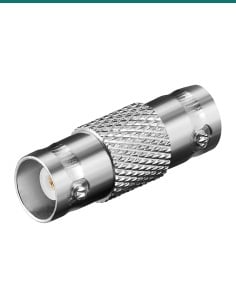
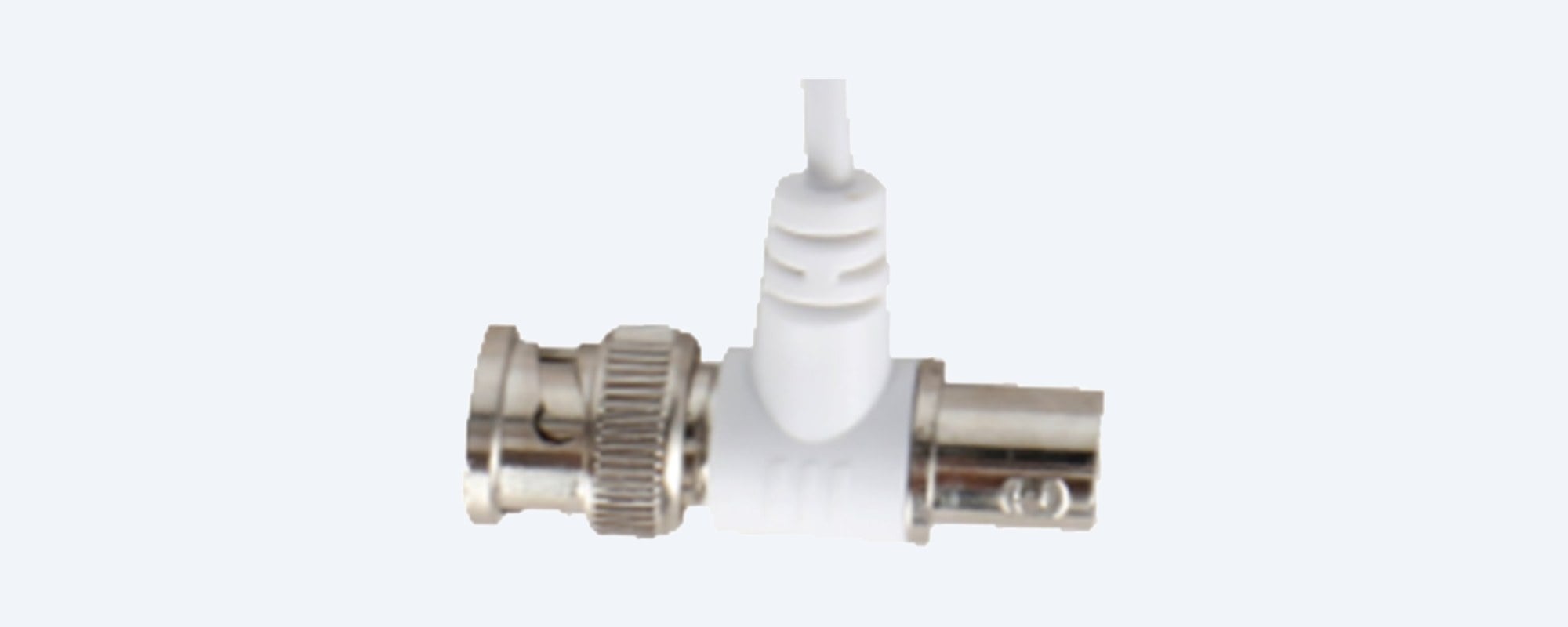
The lead ends in a BNC T: male on one side, female on the other. Plug it in line between the camera's coax and the recorder's video input, so the controller sits on the same cable as the picture.
In use
In line on the camera cable.
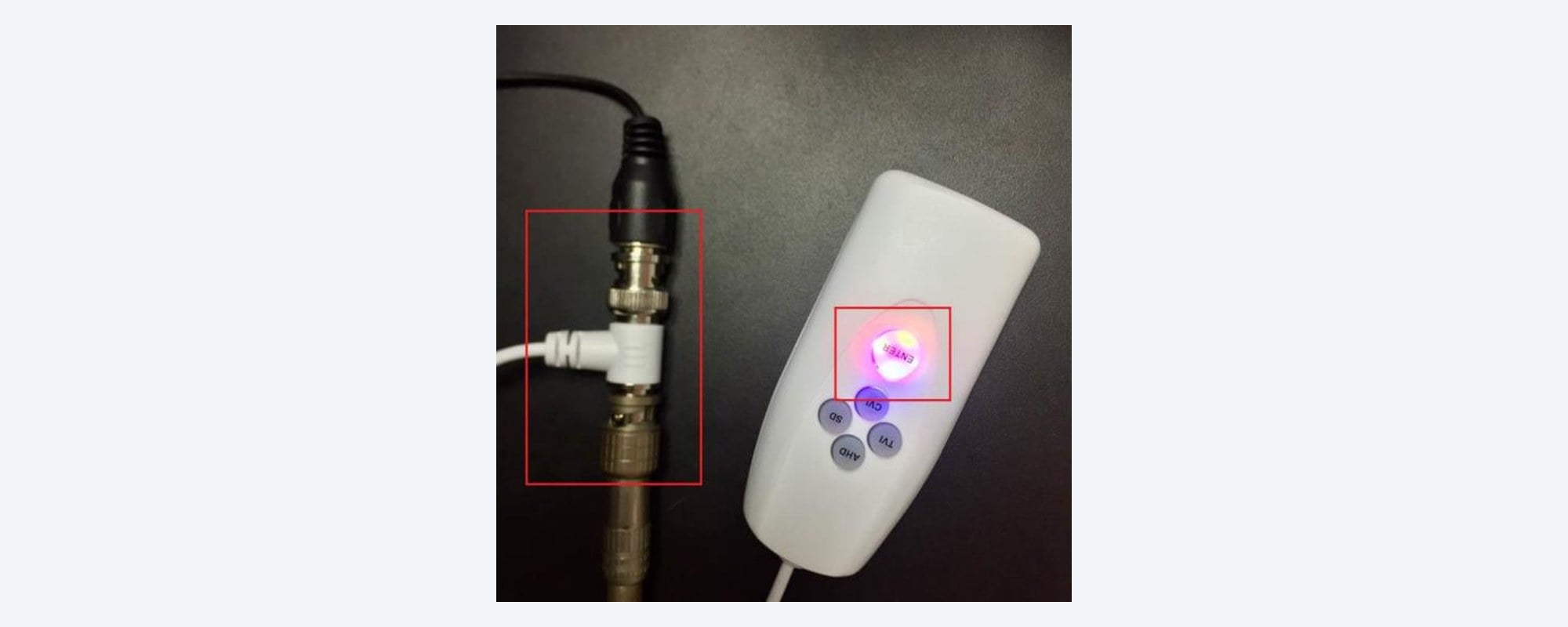
Dahua's application photo: the T-connector joins the camera's coax and the recorder lead, and the lit indicator under ENTER shows the controller is awake. After 30 seconds without a press it goes to sleep to save the batteries.
How it is used
Connect, wake, hold, check.
01
Fit the batteries
Slide off the battery cover and fit two new AAA alkaline batteries, + to +. Don't mix old and new batteries.
02
Connect in line
Plug the BNC T-connector between the camera's coax and the recorder's video input, with the camera powered.
03
Wake it and read the format
Press ENTER. All four indicators light for a second, then only the camera's current format stays lit.
04
Hold the new format
Hold the button for the format you want for 8 seconds until the current indicator goes out. After about 3 seconds the new format's indicator lights: the switch is done.
At a glance
DH-AC-PFM820
Show specs
Type
Handheld up-the-coax (UTC) controller for HDCVI cameras
Video formats
HDCVI, AHD, HDTVI, CVBS
Suits
Multi-format HDCVI cameras of 2 MP (1080p) and below
Mode A
Switch the camera between CVI, AHD, TVI and CVBS output
Mode B
CVBS only: OSD menu control and motorised zoom in/out
Connector
BNC T-connector (male and female) on a 560 mm lead
Indicators
Current format: AHD blue, CVBS red, TVI green, CVI orange
Power
2 × AAA batteries (not included), 0.3 W; sleeps after 30 s
Size
Body 90 × 41 × 21 mm, lead 560 mm
Operating conditions
0 °C to 40 °C, 0% to 95% RH non-condensing
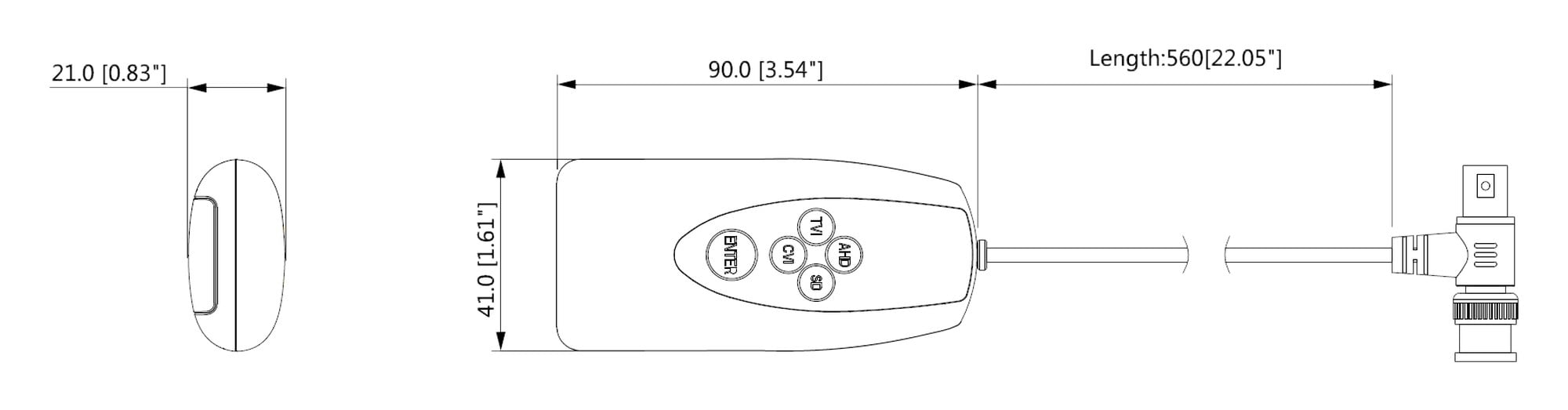
Body 90 × 41 × 21 mm, lead 560 mm. Units mm [inch]. Drawing from Dahua's PFM820 datasheet.
Pair it with
What it works with
Recorder
Dahua DH-XVR5104HS-4KL-I3-S2
4-channel Penta-brid DVR that takes HDCVI, AHD, HDTVI and CVBS cameras, so it can display whichever format you switch the camera to.
Recorder
Dahua DH-XVR5108HS-4KL-I3-S2
The 8-channel version, with the same mix of analog formats on every channel.
Cameras
2 MP (1080p) multi-format HDCVI cameras
Dahua rates the PFM820 for HDCVI cameras of 1080p and below only. Our current Dahua HDCVI cameras are 5 MP, so check with us before using it on one.
Batteries
Two AAA alkaline batteries
Not included. Use two new alkaline AAA cells, and take them out if the controller will sit unused.
Where it is used
When installers reach for it.
Replacing a recorder
Existing 1080p cameras on a new DVR that wants a different format.
Mixed-brand sites
A Dahua 1080p camera on another brand's AHD or TVI recorder.
Analog monitors
Switch a camera to CVBS to show it on an older monitor.
Setting the zoom
Frame a motorised-zoom 1080p camera from the ground in CVBS mode.
Service calls
Check which format a camera is sending when there's no picture.
Installer toolkit
Small, battery powered, and lives in the tool bag.
Mode A and Mode B
| Mode A (format switching) | Mode B (CVBS menu and zoom) |
|---|
| What it does | Switches the camera between CVI, AHD, TVI and CVBS | Opens the camera's OSD menu and drives the zoom |
| Video format | Any of the four | CVBS only |
| How to get there | Default each time you press ENTER | Switch to CVBS, then hold ENTER + CVI until the red light flashes |
| Indicator | Red stays on | Red flashes |
| Buttons | AHD, SD, TVI, CVI pick the format (hold 8 s) | Navigate the menu; hold TVI or SD to zoom; hold ENTER 5 s for the menu |
From Dahua's UTC Controller user's manual V1.0.3. After 30 s idle in Mode B it sleeps, and wakes in Mode A.
Common questions
What does the PFM820 do?
It switches a multi-format HDCVI camera between HDCVI, AHD, HDTVI and CVBS output over the coax, and in CVBS mode it controls the camera's OSD menu and motorised zoom.
Which cameras does it work with?
Dahua HDCVI cameras that support more than one video format, at 1080p (2 MP) or lower. It is not rated for 4 MP, 5 MP or 4K cameras.
Is it a PTZ controller?
No. Its zoom control works in CVBS mode on cameras with a motorised lens. Dahua describes it as a format switching and OSD tool, not a PTZ keyboard.
How do I connect it?
Plug its BNC T-connector in line between the camera's coax and the recorder's video input. The controller sits on the same cable as the video.
Does it come with batteries?
No. It needs two AAA alkaline batteries, which Dahua says are not provided.
How do I change the format?
Press ENTER to wake it, then hold the button for the new format for 8 seconds. The old format's light goes out and, about 3 seconds later, the new one lights.
How do I open the camera's menu?
Switch the camera to CVBS first, then hold ENTER + CVI until the red light flashes (Dahua's manual gives 5 to 8 seconds): that is Mode B. Then hold ENTER for 5 seconds to show the OSD menu.
How do I zoom the lens?
In Mode B, with the OSD menu closed, hold TVI or SD to zoom in or out.
What do the lights mean?
Each format has its own colour: AHD blue, CVBS red, TVI green and CVI orange. The lit one is the camera's current format.
Does it stay on?
No. After 30 seconds without a press it sleeps to save power, and wakes in Mode A when you press ENTER.
How big is it?
The handset is 90 × 41 × 21 mm on a 560 mm lead and weighs 48 g.
Can I leave it connected?
It is a set-up tool for use from 0 °C to 40 °C. Disconnect it when you're finished, and remove the batteries if it will not be used for a while.
Supported by InFront Technologies.
Not sure if your camera is multi-format or which format your recorder needs? Send us both model numbers. Call 1300 736 970 or email [email protected]. The datasheet and user's manual are on the Attachments tab.
Installation and safety
Batteries. Two AAA alkaline cells, fitted + to +. Don't mix old and new or different types, and dispose of used batteries properly.
Camera support. It only works with HDCVI cameras that support several formats at 1080p or below.
Indoor use. Use it from 0 °C to 40 °C, non-condensing. It is not weatherproof.
What it does not do. It does not carry or convert video, power a camera, or control PTZ pan and tilt.
Figures. From Dahua's PFM820 datasheet (Rev 001.001, 2018) and UTC Controller user's manual V1.0.3.