There are no more items in your cart

In Stock - Ready to Ship


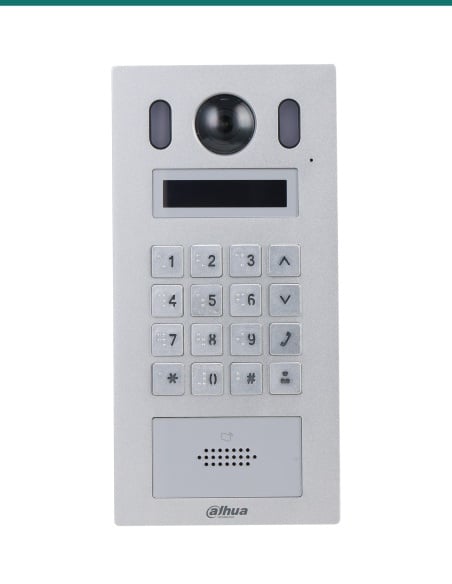
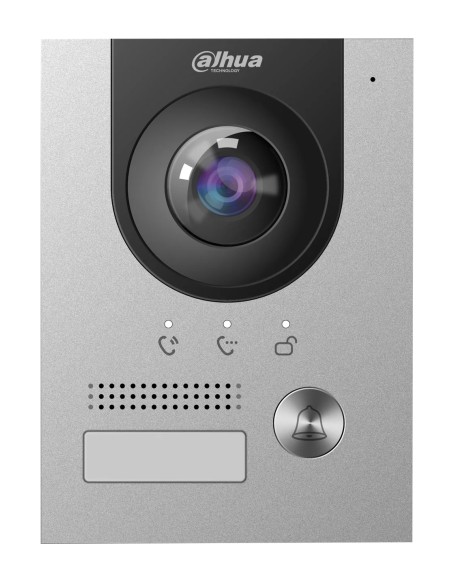
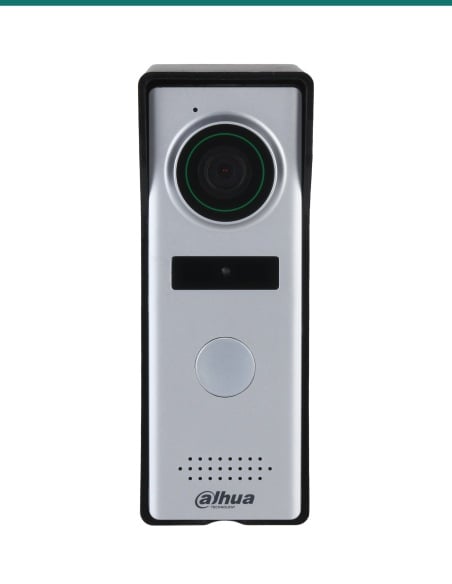
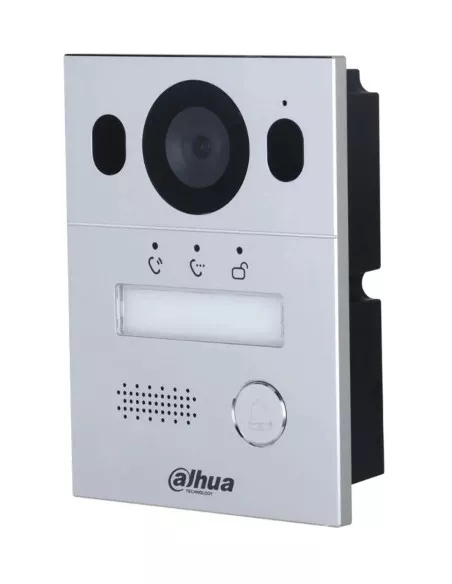
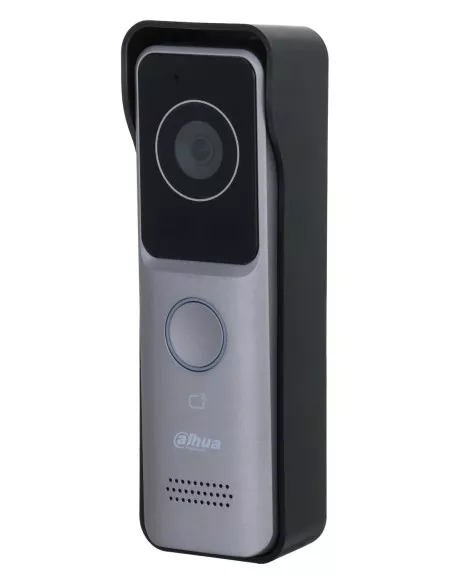
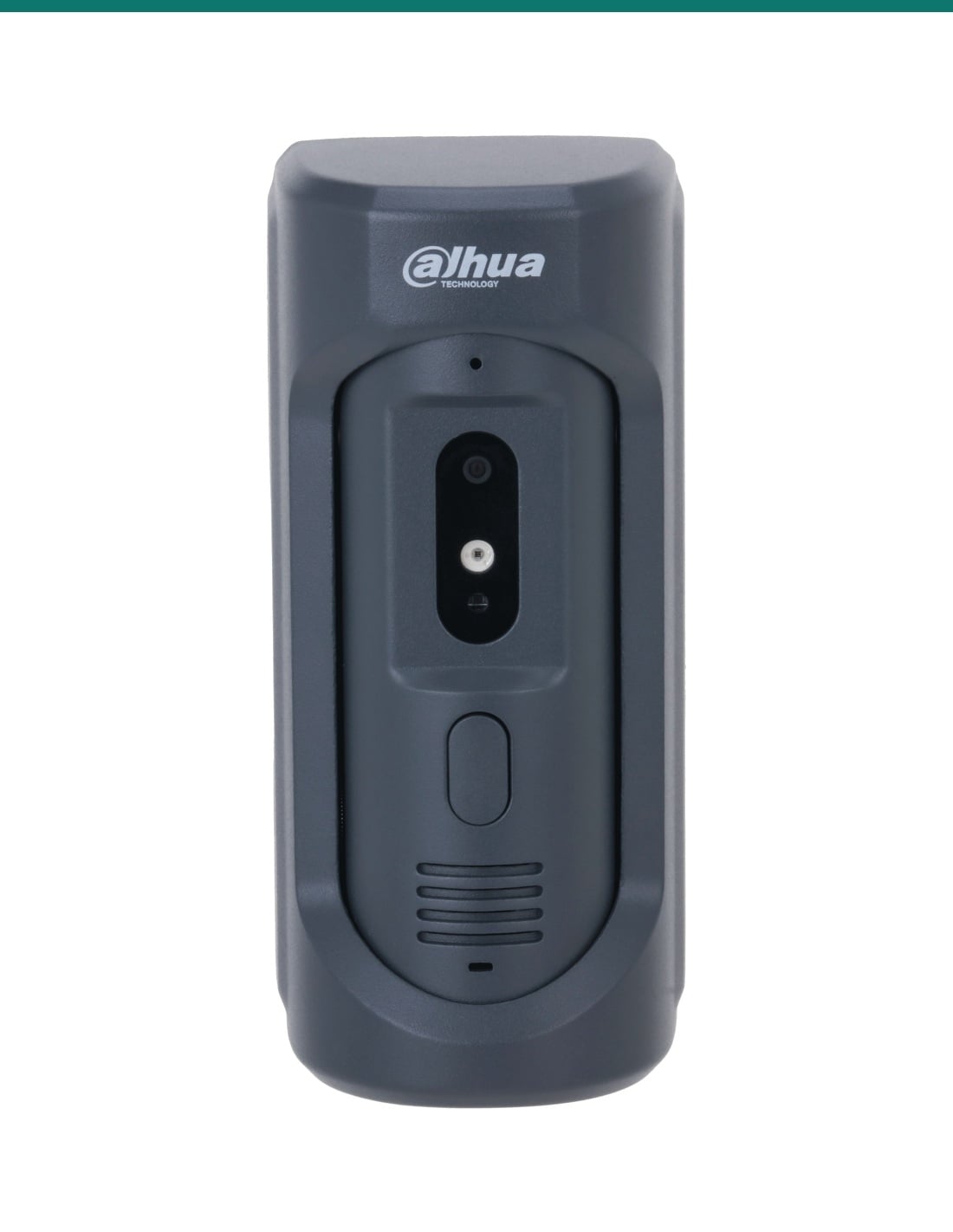
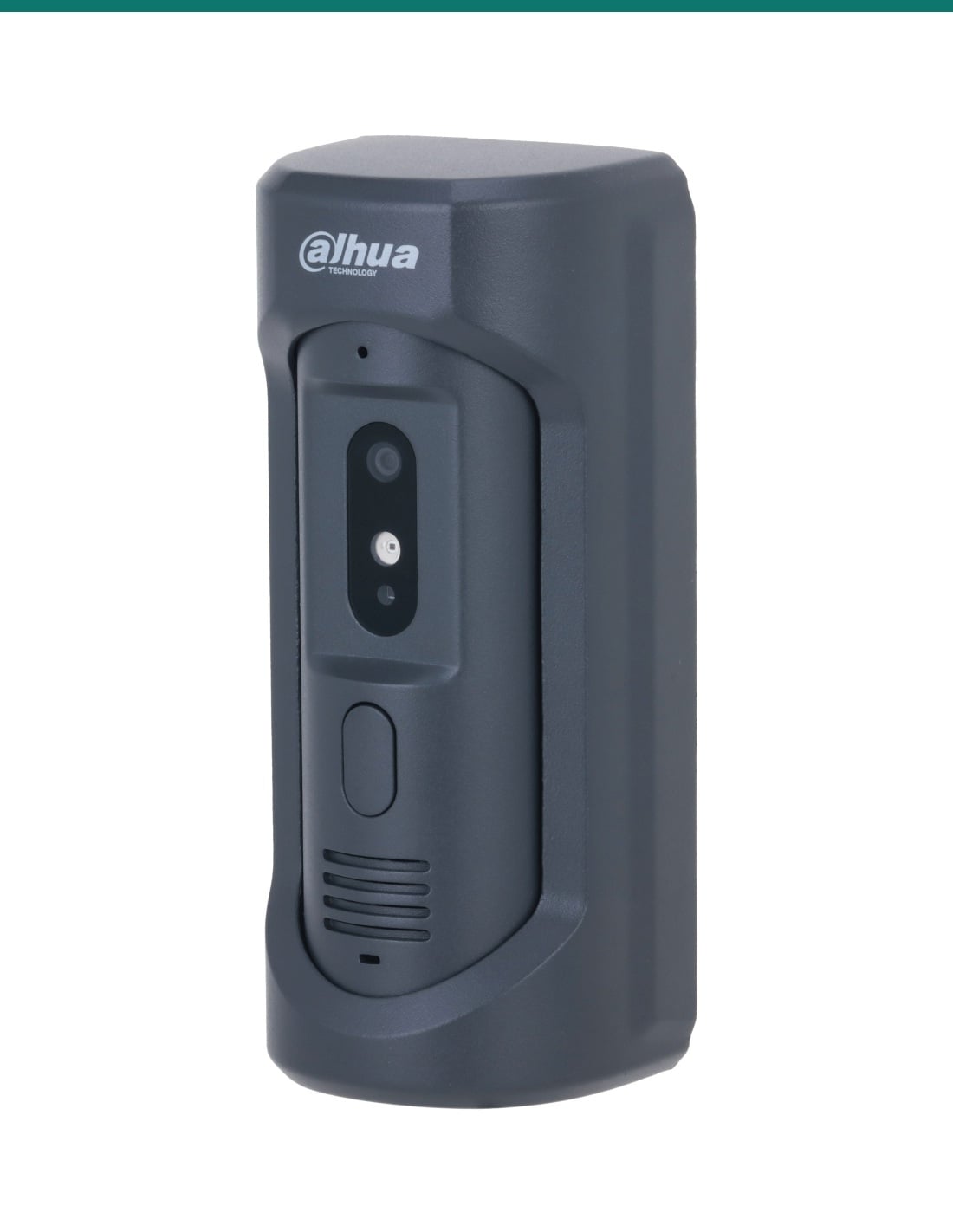
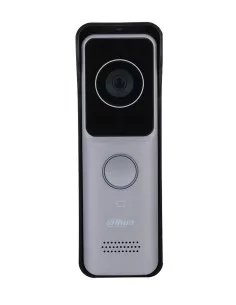
Dahua DHI-VTO2101E-P-S2: a one-button IP villa door station with a 2 MP camera, standard PoE and an IP65, IK10 zinc alloy body.
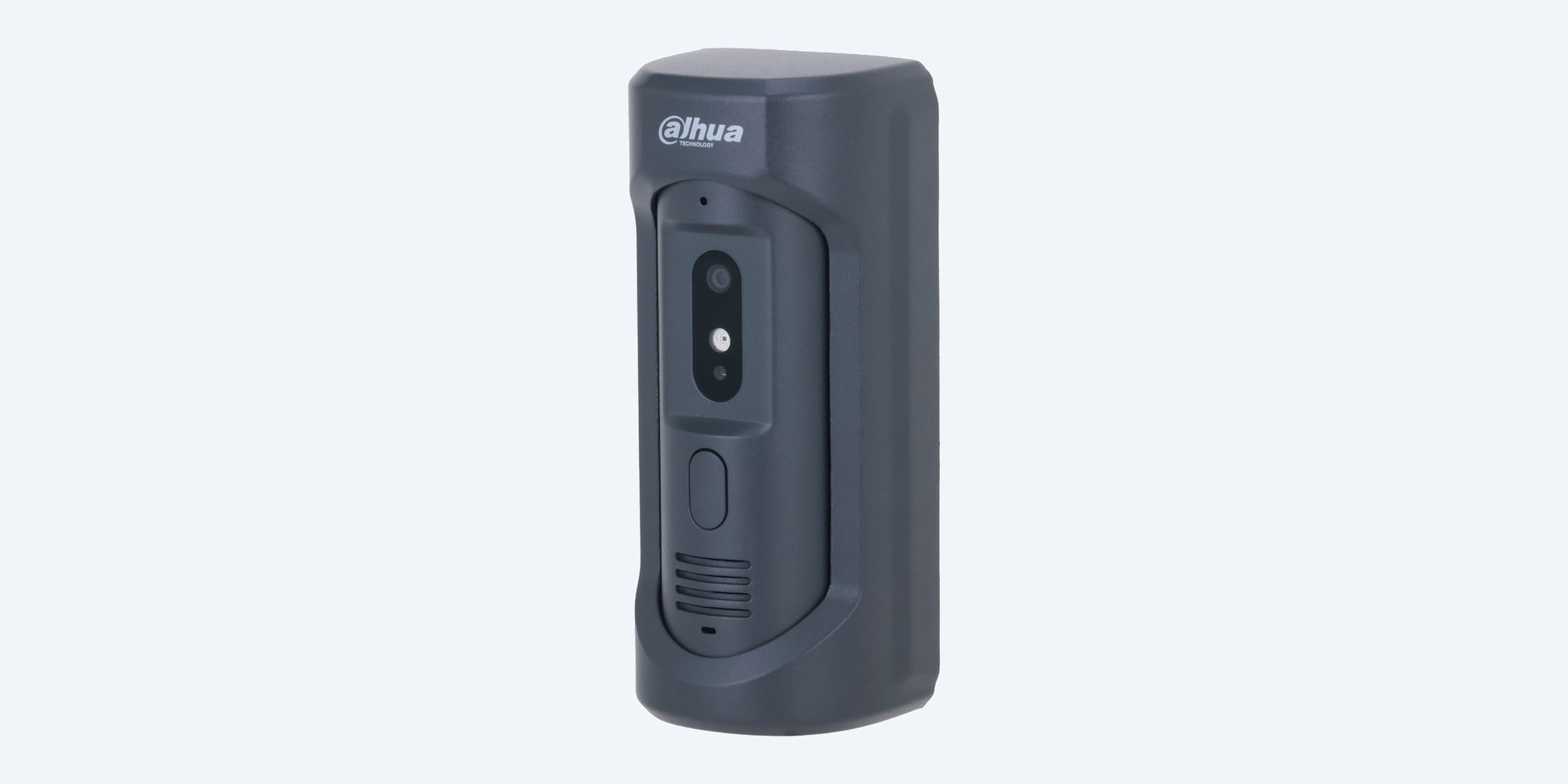
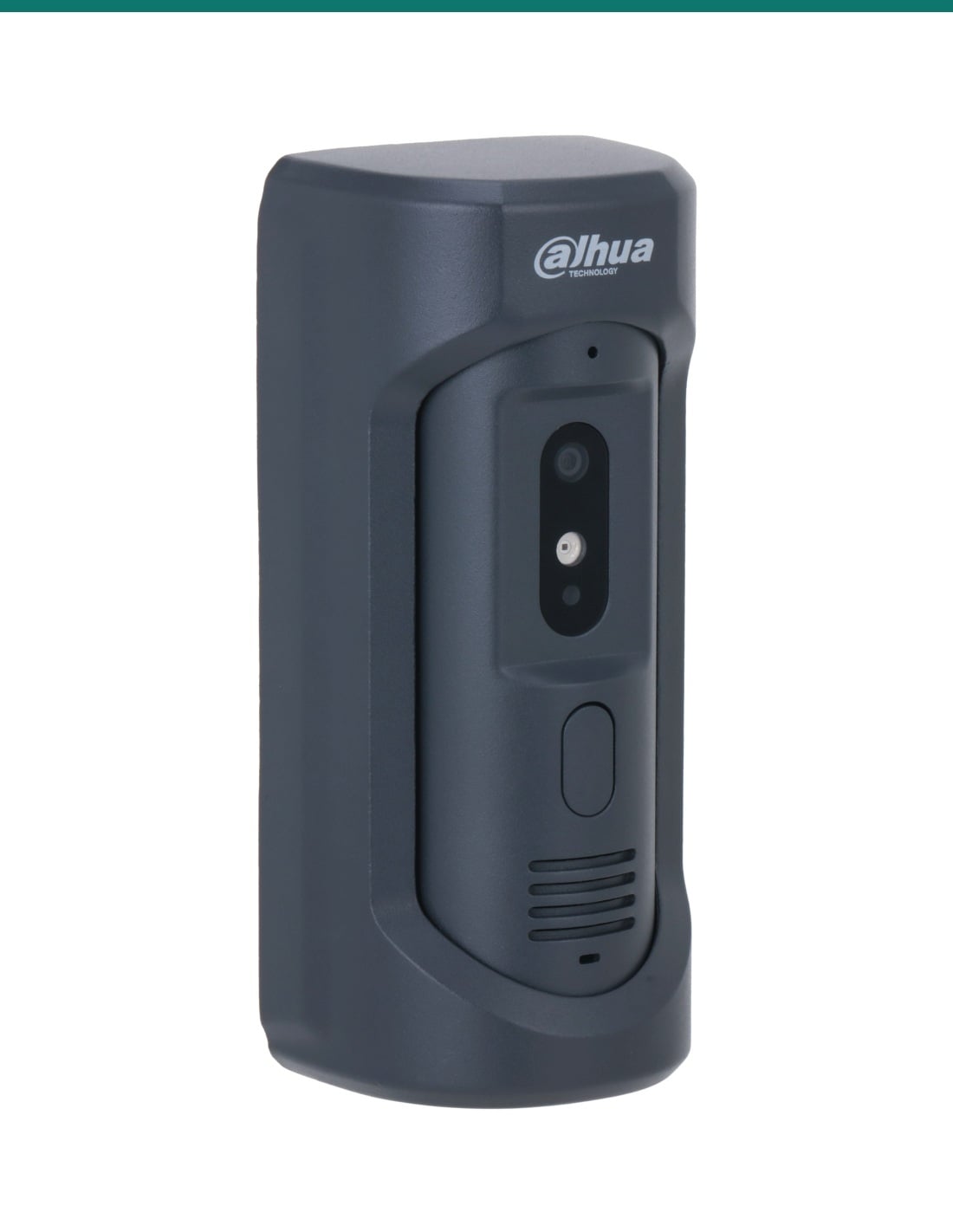
The DHI-VTO2101E-P-S2 is Dahua's one-button IP villa door station. It runs on one network cable with standard PoE, has a 2 MP camera with auto IR, and comes with a rain cover over its grey zinc alloy body.
In one sentence: the DHI-VTO2101E-P-S2 is a Dahua IP villa door station with a 1/2.8" 2 MP camera, 120 dB WDR, auto IR, one call button, lock and exit button control, standard PoE or 12 VDC, and an IP65, IK10 zinc alloy body.
Door station only. The indoor monitor is separate.
This is the outdoor door station. Video messages need an SD card in the indoor monitor (VTH). Dahua's datasheet lists the included accessories below.
The VTO2101E-P-S2 is an IP door station: video, audio and power travel on one network cable from a standard PoE switch. It calls Dahua IP indoor monitors, controls one lock, and takes an exit button and an alarm input.
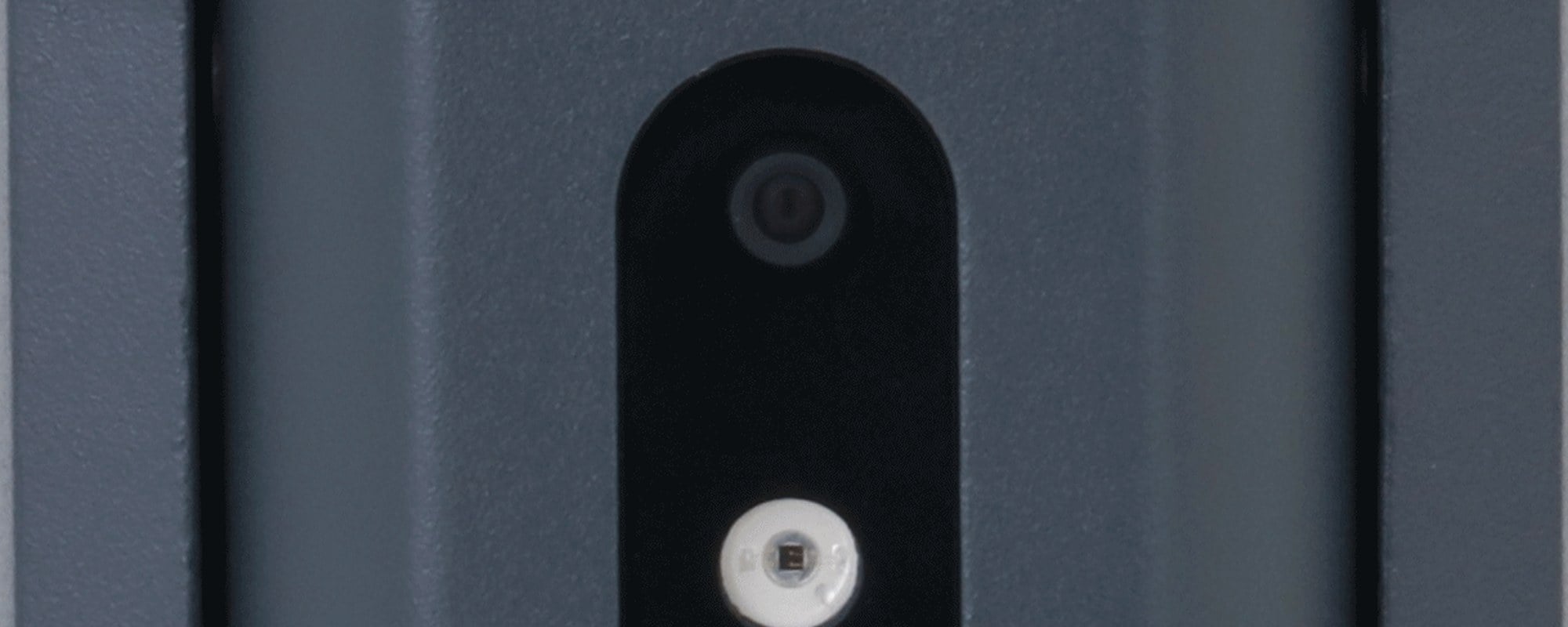
Camera
A 1/2.8" 2 MP CMOS camera with a 90° diagonal view (80° horizontal, 40° vertical), 120 dB WDR, 3D and 2D noise reduction, and auto IR with ICR for night.

Ports
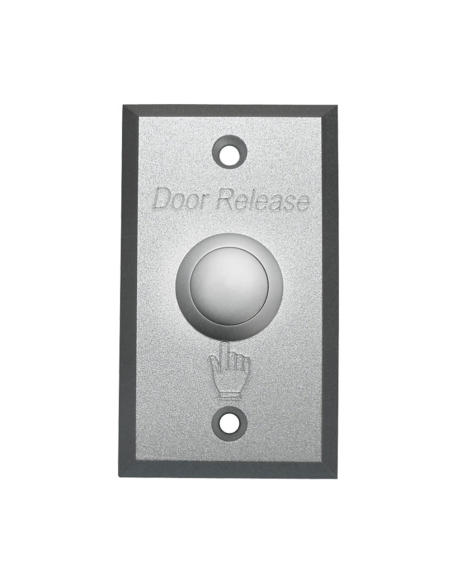
One lock control, one exit button input, one alarm input, RS-485 and a 10/100 Mbps RJ-45 port. A tamper alarm warns if it is taken off the wall.

Housing
Zinc alloy in grey, rated IP65 and IK10, and working from -40 °C to +60 °C. The rain cover is included.
How it goes in
01
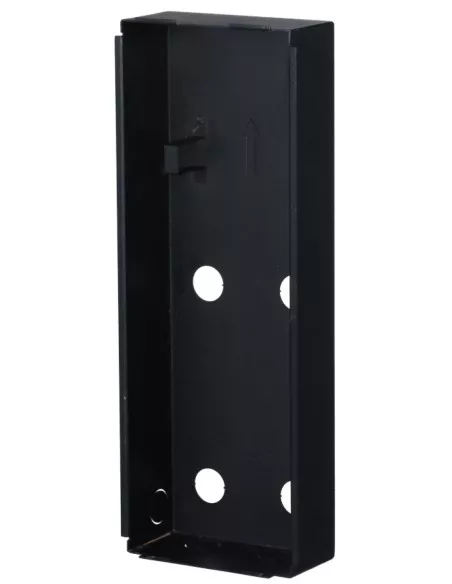
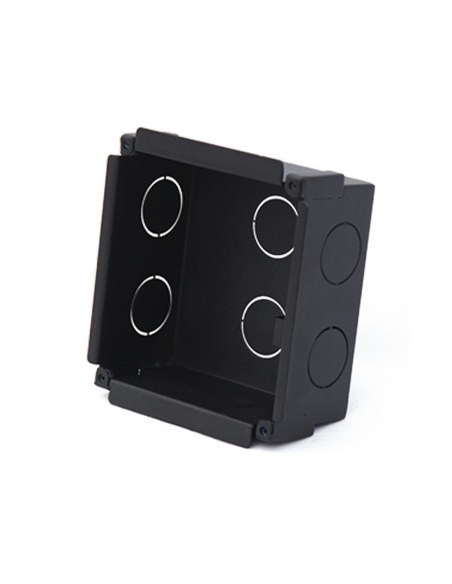
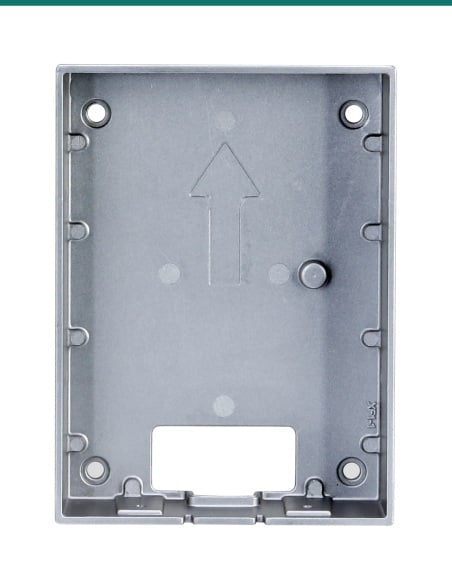
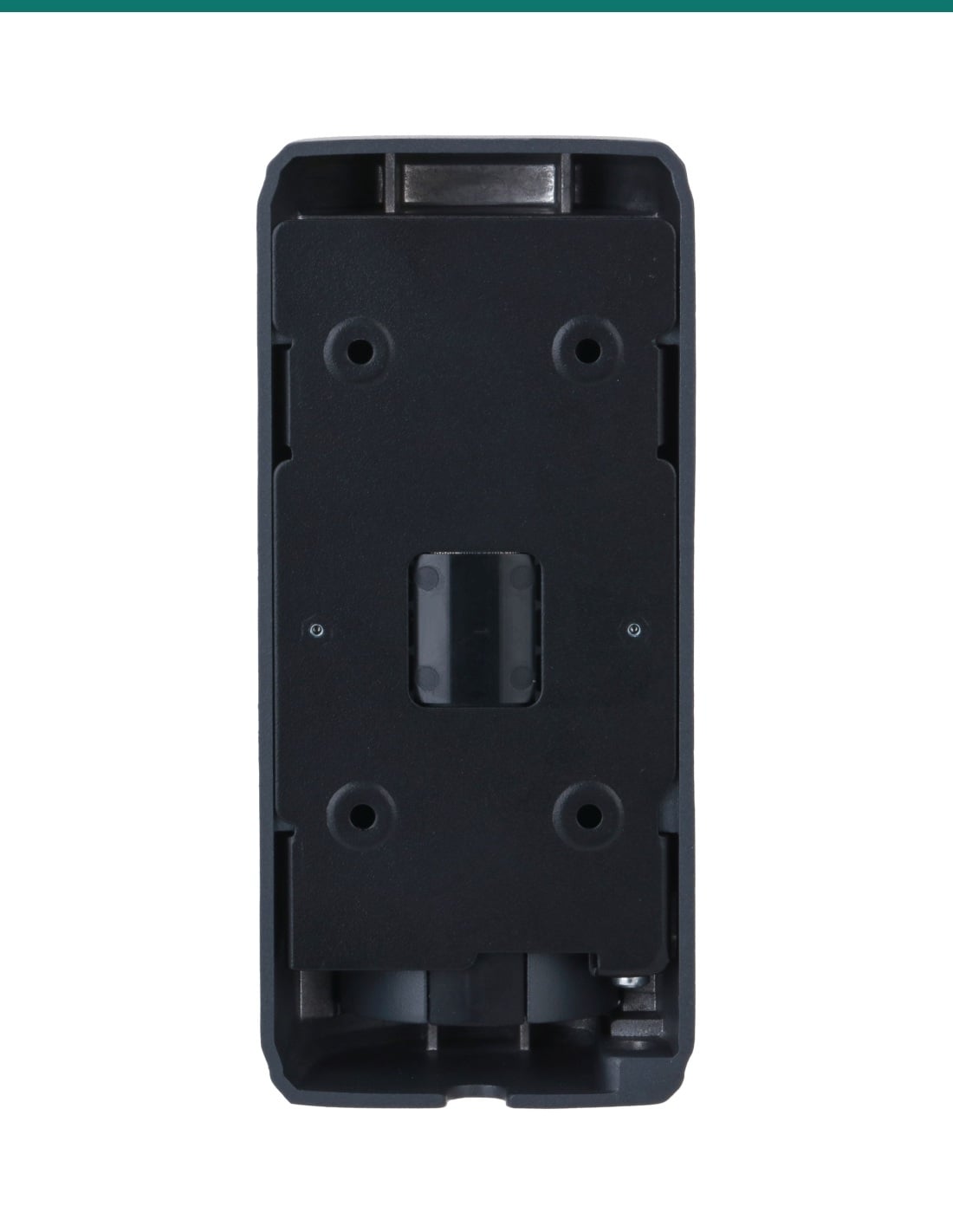
Bring the cables through the wall, then screw the mounting plate to the wall with four screws and wall plugs. Dahua's drawing shows the holes 38.0 mm across and 78.0 mm apart.
02
Plug in the network cable from the PoE switch, and wire the lock, exit button and alarm with the alarm power ribbon cable.
03
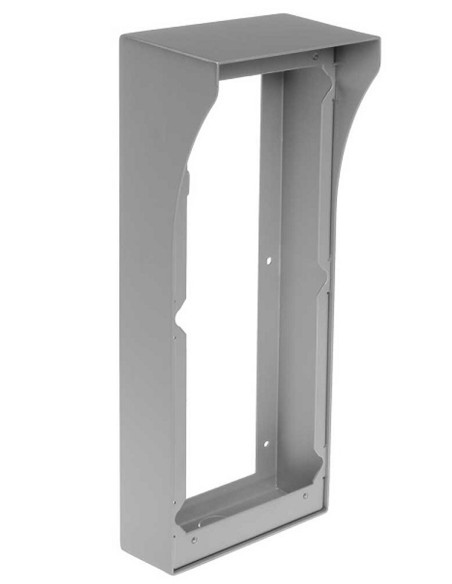
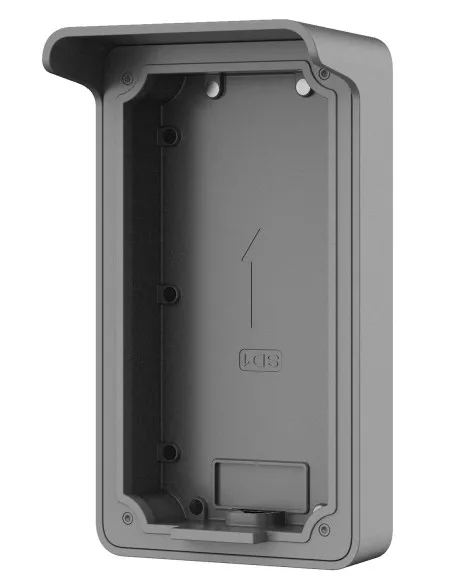
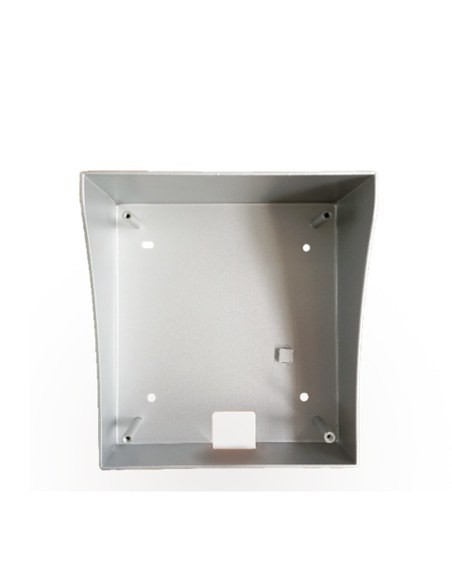
Hook the door station onto the plate, put the rain cover over it and fix it with the screw from below, as Dahua's installation drawing shows.
04
Configure it in its web page and add it to the indoor monitor, then test a call, the lock and the exit button.
At a glance
Show specs
Type
IP villa door station, 1 mechanical call button
Camera
1/2.8" 2 MP CMOS
Field of view
H 80°, V 40°, D 90°
Image
120 dB WDR, 3D NR and 2D NR, auto IR, Auto (ICR)/Colour/B/W
Video
H.264, H.265; 25 fps (PAL), 30 fps (NTSC); 768 kbps to 8 Mbps
Audio
Two-way, echo suppression and noise reduction; G.711a/u, PCM
Network
1 × RJ-45 10/100 Mbps; TCP/IP, SIP, RTSP, ONVIF, CGI
Ports
Lock control 1, exit button 1, alarm input 1, RS-485 1
Tamper alarm
Yes
Power
Standard PoE or 12 VDC 1 A (adapter optional)
Power consumption
≤2.5 W standby, ≤5 W working
Protection
IP65, IK10
Housing
Zinc alloy, grey, surface mount
Operating conditions
-40 °C to +60 °C, 10–90% RH
Size and weight
163.0 × 73.0 × 55.0 mm; 0.3 kg net, 0.8 kg gross
Included
Alarm power ribbon cable, rain cover
Card reader
No
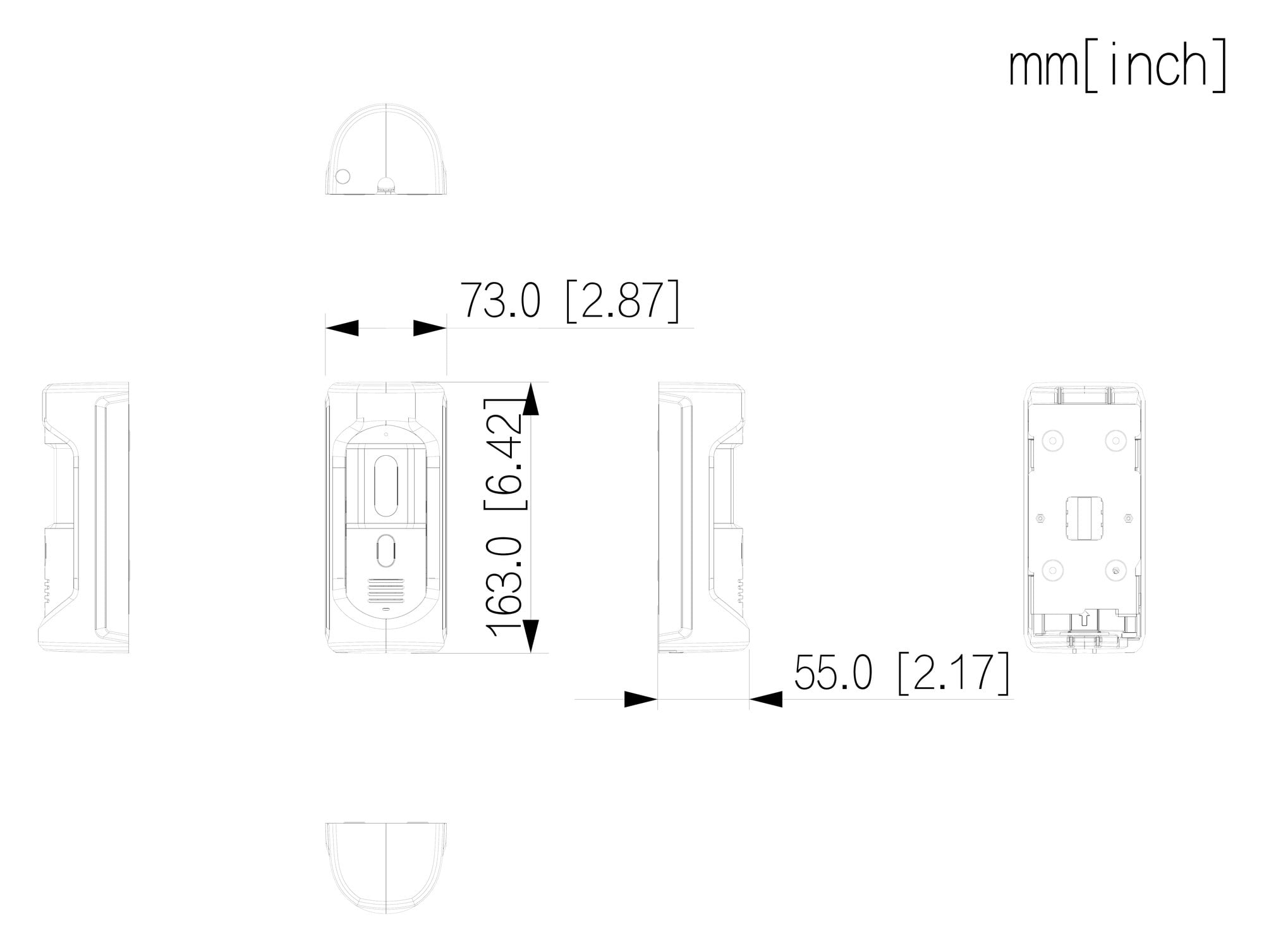
163.0 × 73.0 × 55.0 mm. Units mm (inch). From Dahua's VTO2101E-P-S2 dimension drawing.
Pair it with
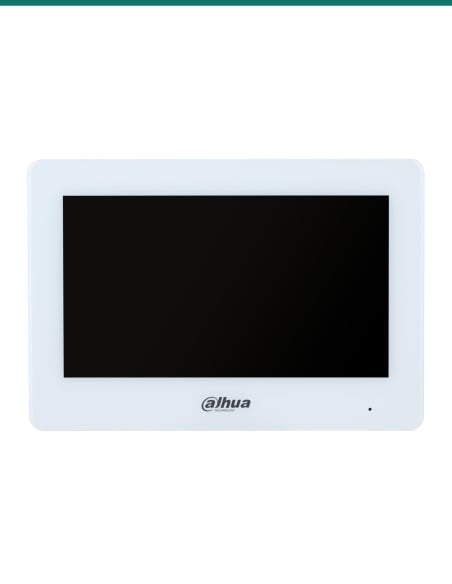
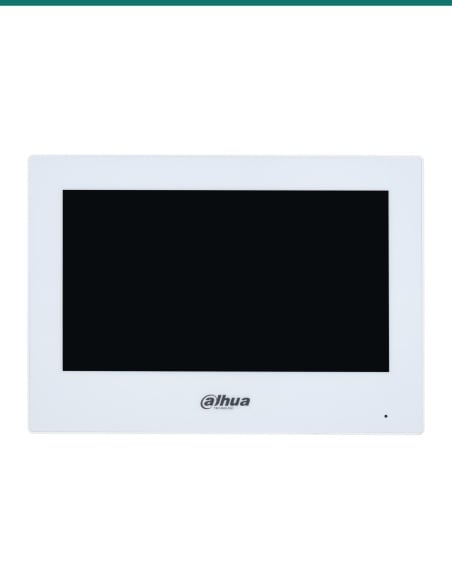
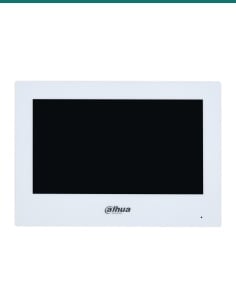
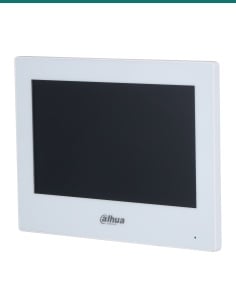
Indoor monitor
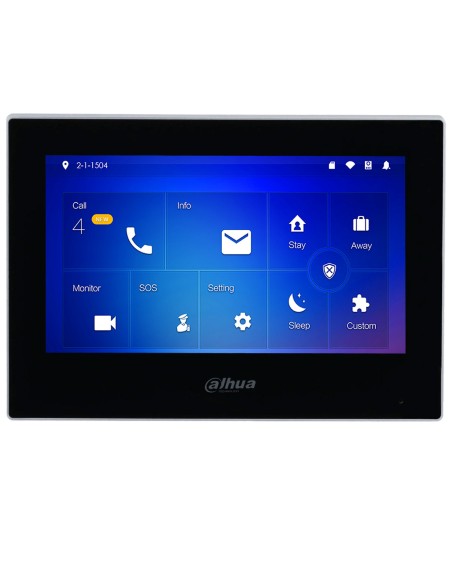
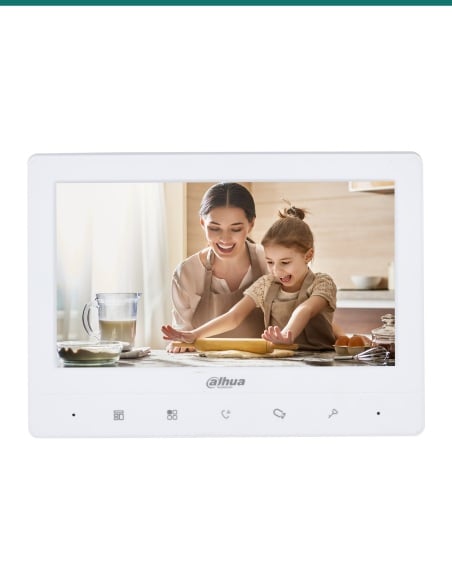
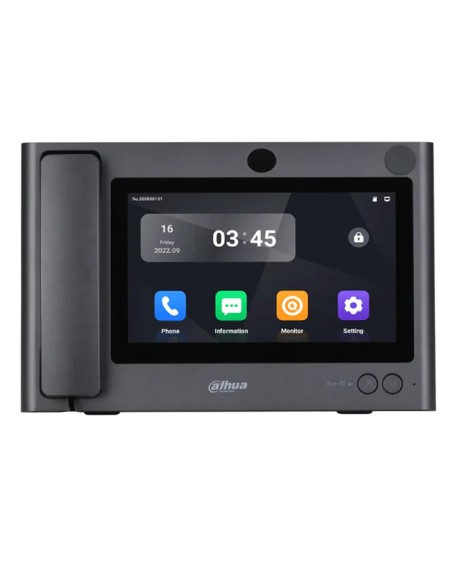
Dahua's datasheet shows a main and a sub indoor monitor (VTH) but does not name a model. Ask us which current Dahua IP monitor suits.
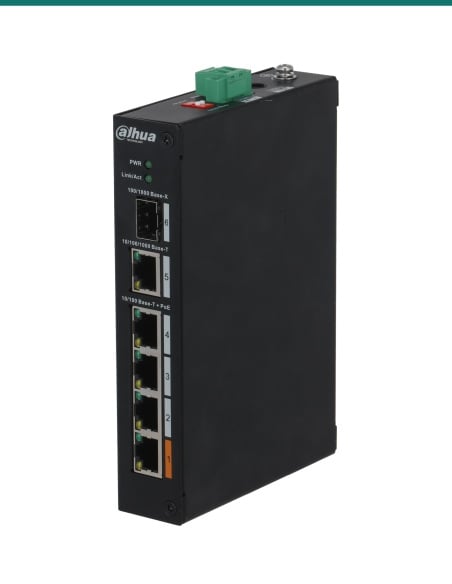
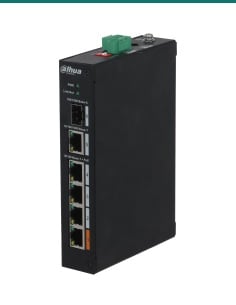
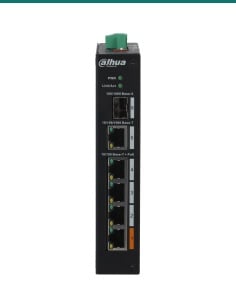
PoE
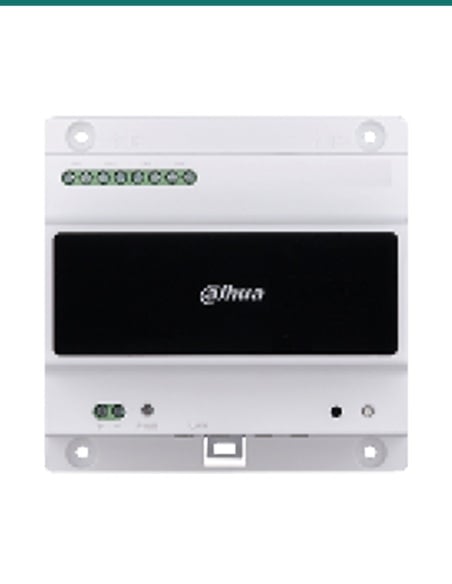
A 4-port Dahua PoE switch to power the door station over its network cable.
Storage
Video messages left at the door are stored on an SD card in the indoor monitor.
Where it is used
The front door or the side gate.
One call button per entry.
Narrow 73 mm body for posts.
IP65 with a rain cover over it.
IK10 zinc alloy body.
A lock and exit button on one door.
| DHI-VTO2101E-P-S2 (this model) | VTO2101E-P-S1 (earlier) | |
|---|---|---|
| Camera | 1/2.8" 2 MP, H 80° D 90° | 1/2.7" 2 MP, H 77° D 100°, ±45° adjust |
| WDR | 120 dB | WDR (no figure given) |
| Video compression | H.264, H.265 | H.264 |
| Power | Standard PoE or 12 VDC 1 A | PoE (802.3af) or 12 VDC |
| Power consumption | ≤5 W working | ≤7 W working |
| Operating temperature | -40 °C to +60 °C | -30 °C to +60 °C |
| Protection | IP65, IK10 | IP65, IK10 |
From Dahua's VTO2101E-P-S2 datasheet (2021) and Dahua's VTO2101E-P-S1 datasheet (2019).
IP. It connects with one network cable and runs on standard PoE or a 12 VDC 1 A supply. It is not for Dahua's 2-wire system.
A 1/2.8" 2 MP CMOS camera with 120 dB WDR, auto IR and ICR, and an 80° horizontal, 40° vertical and 90° diagonal view.
Yes, standard PoE. It can also run from 12 VDC 1 A; Dahua lists the power adapter as optional.
IP65 and IK10, in a zinc alloy body.
No. It has one mechanical call button. Dahua lists remote unlock only.
Yes. It has one lock control output and one exit button input. The door is unlocked remotely from the indoor monitor.
Dahua IP indoor monitors (VTH). Dahua's datasheet does not name a model, so ask us which current Dahua IP monitor suits. It does not work with 2-wire monitors.
Yes, if an SD card is in the indoor monitor.
Dahua's application diagram shows the DMSS mobile app alongside the indoor monitors. Ask us how to set it up for your system.
Dahua's datasheet lists TCP/IP and SIP, plus ONVIF and CGI. Dahua does not list any third-party systems, so ask us before connecting it to one.
Dahua lists an alarm power ribbon cable and a rain cover as included. The power adapter is optional and not included.
Dahua 3-year manufacturer warranty, handled in Australia through InFront. Dahua's Australian policy lists 36 months for video intercom on products delivered from 1 January 2026.
Help matching an indoor monitor, lock or PoE switch: call 1300 736 970 or email [email protected]. The datasheet is on the Attachments tab.
Cabling. Concealed network cabling is customer cabling under AS/CA S009 and needs an ACMA-registered cabler.
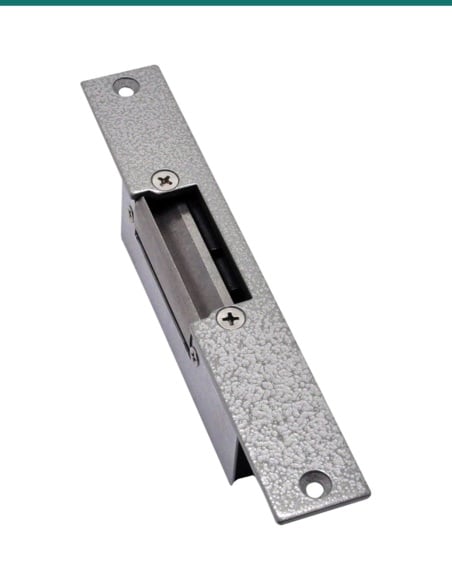
Locks. A door lock or strike must be fitted and wired by a qualified installer, with an exit that works in a power failure where required.
Weather. Fit the rain cover and seal the cable entry so water does not run into the wall.
What it does not do. No card reader, no keypad and no 2-wire support. It works with Dahua IP indoor monitors.
Figures. From Dahua's VTO2101E-P-S2 datasheet (2021) and Dahua's dimension and installation drawings.






Need help choosing?
Tell us about your property and we'll recommend the right cameras and recorder.
07 5609 4910Sydney 02 8814 6008
[email protected]
Mon–Fri, 9am–5pm AEST
20 related items