There are no more items in your cart
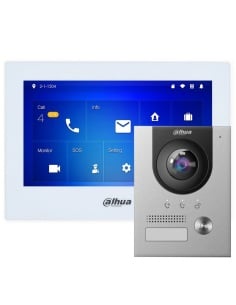
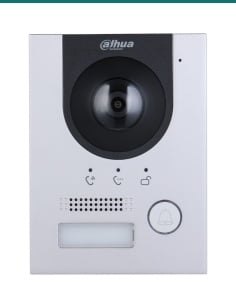
In Stock - Ready to Ship


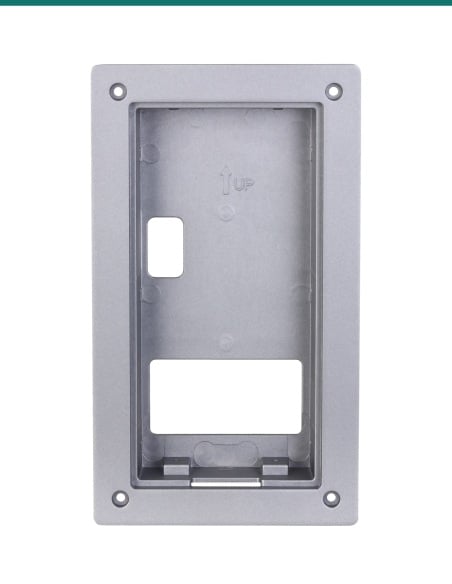
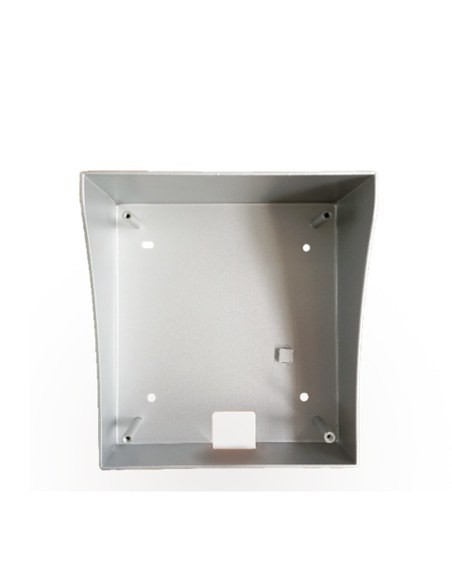
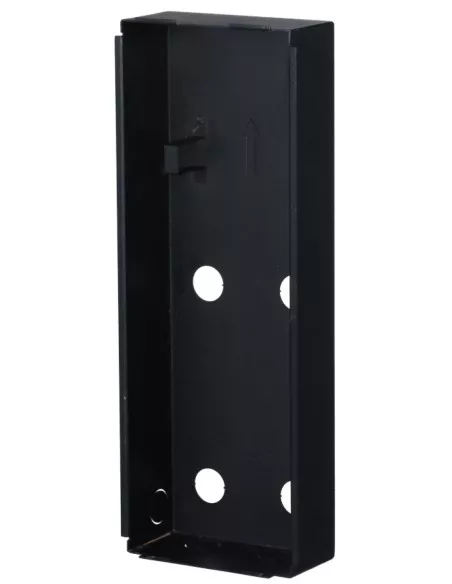
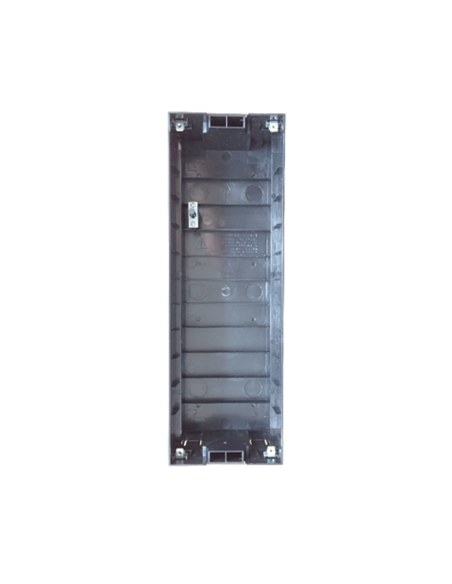
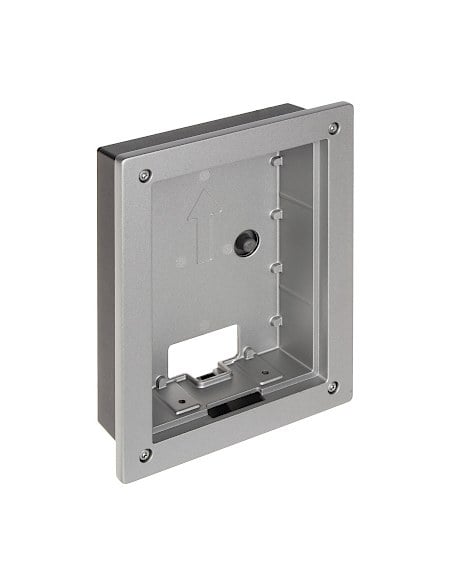
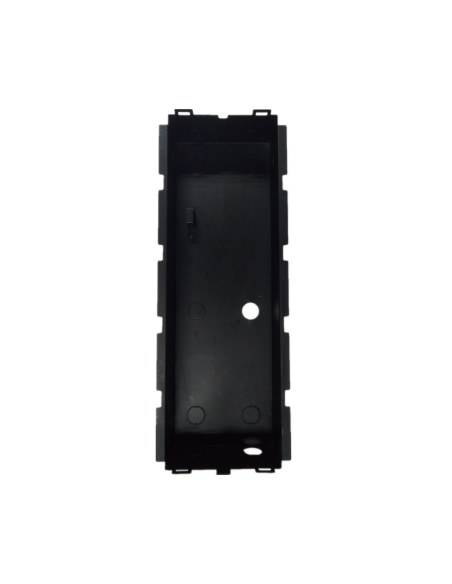
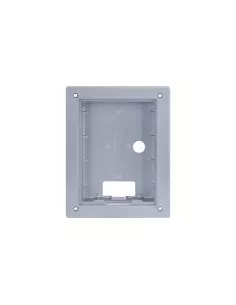
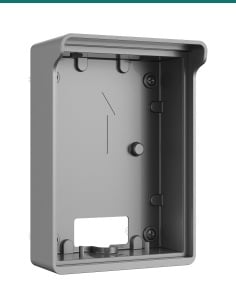
Dahua DHI-AC-VTM115: a 2.0 mm aluminium surface mounted box that mounts Dahua's VTO2202F-P series, VTO2201F-P-S2 and VTO2003F door stations on a wall without a cut-out.
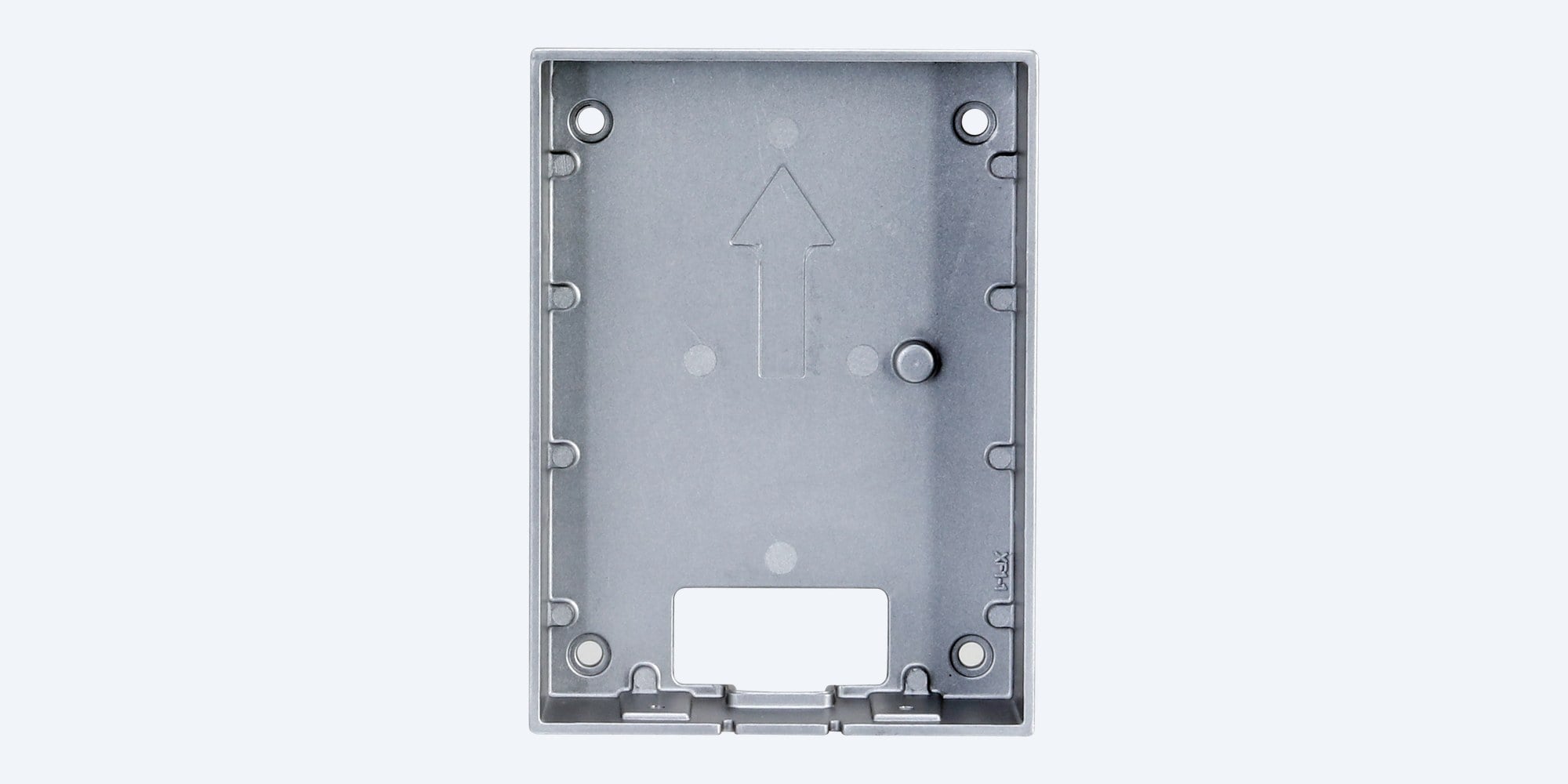
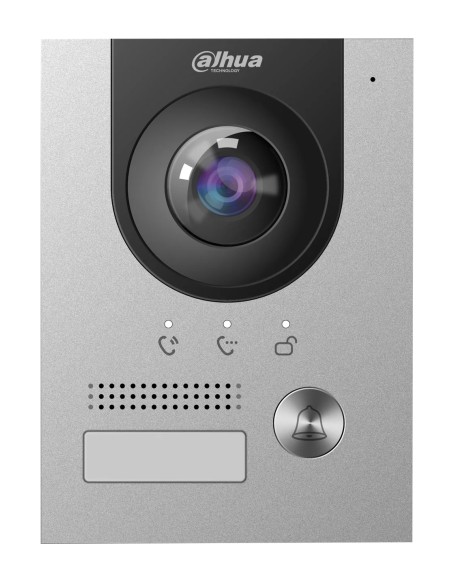
The DHI-AC-VTM115 is Dahua's surface mounted box for its VTO2202F and VTO2201F villa door stations and the VTO2003F. It screws to the wall face and the door station sits inside it, held by two screws from below.
In one sentence: the DHI-AC-VTM115 is a Dahua surface mounted box in 2.0 mm AL5052 aluminium, 129.0 × 95.0 × 28.5 mm, that mounts Dahua's VTO2202F-P series, VTO2201F-P-S2 and VTO2003F door stations on a wall without a cut-out.
Mounting box only. The door station is separate.
This listing is the surface mounted box. It does not include a door station. Dahua's datasheet shows wall plugs, screws, waterproof rings and a silicone pad in the steps but does not list the box contents.
Dahua's door station datasheets list two boxes: this VTM115 for surface mounting on the wall face, and the VTM114 for flush mounting recessed into the wall. Use the VTM115 where you cannot cut into the wall, such as brick, rendered walls or a gate post.
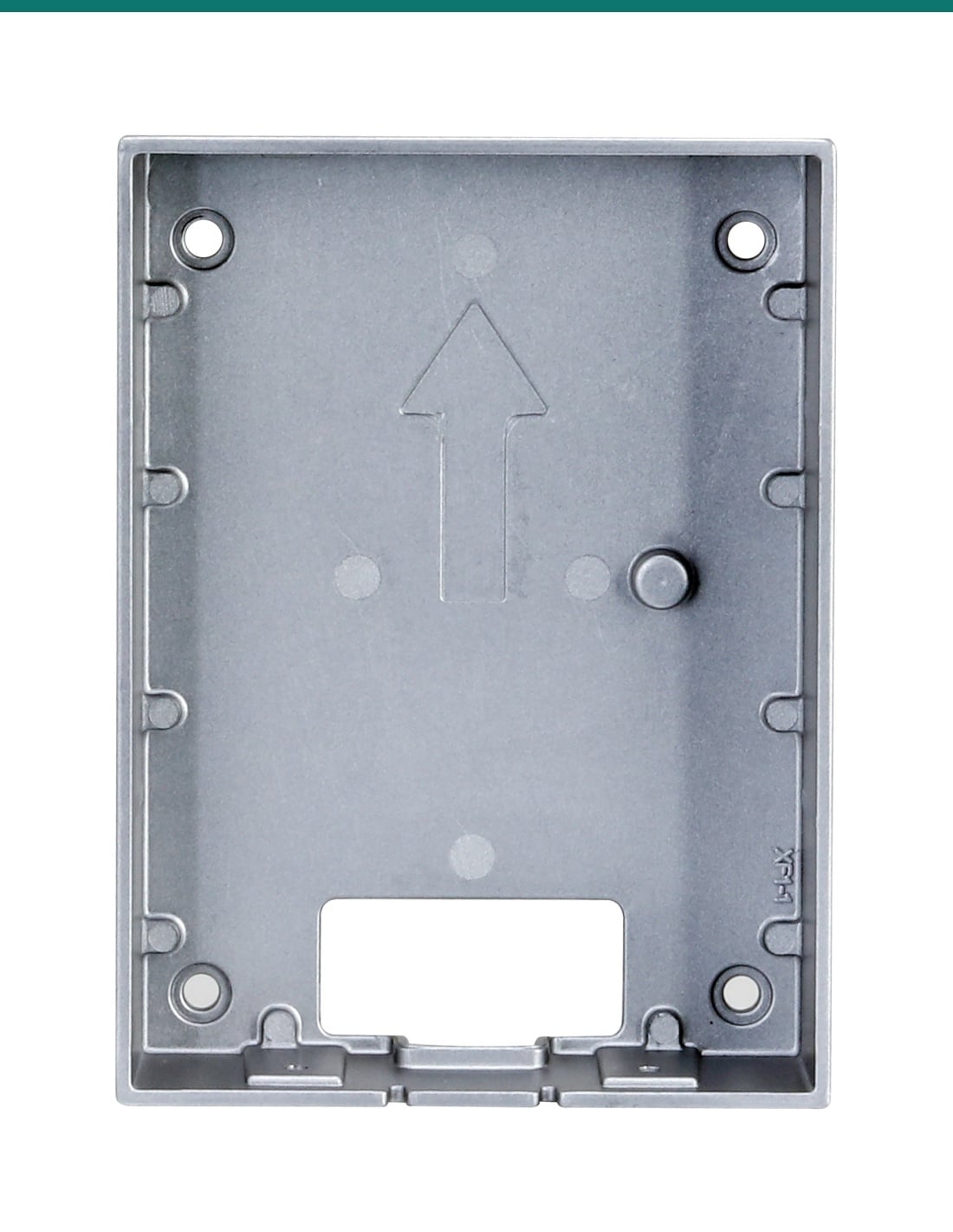
Mounting holes
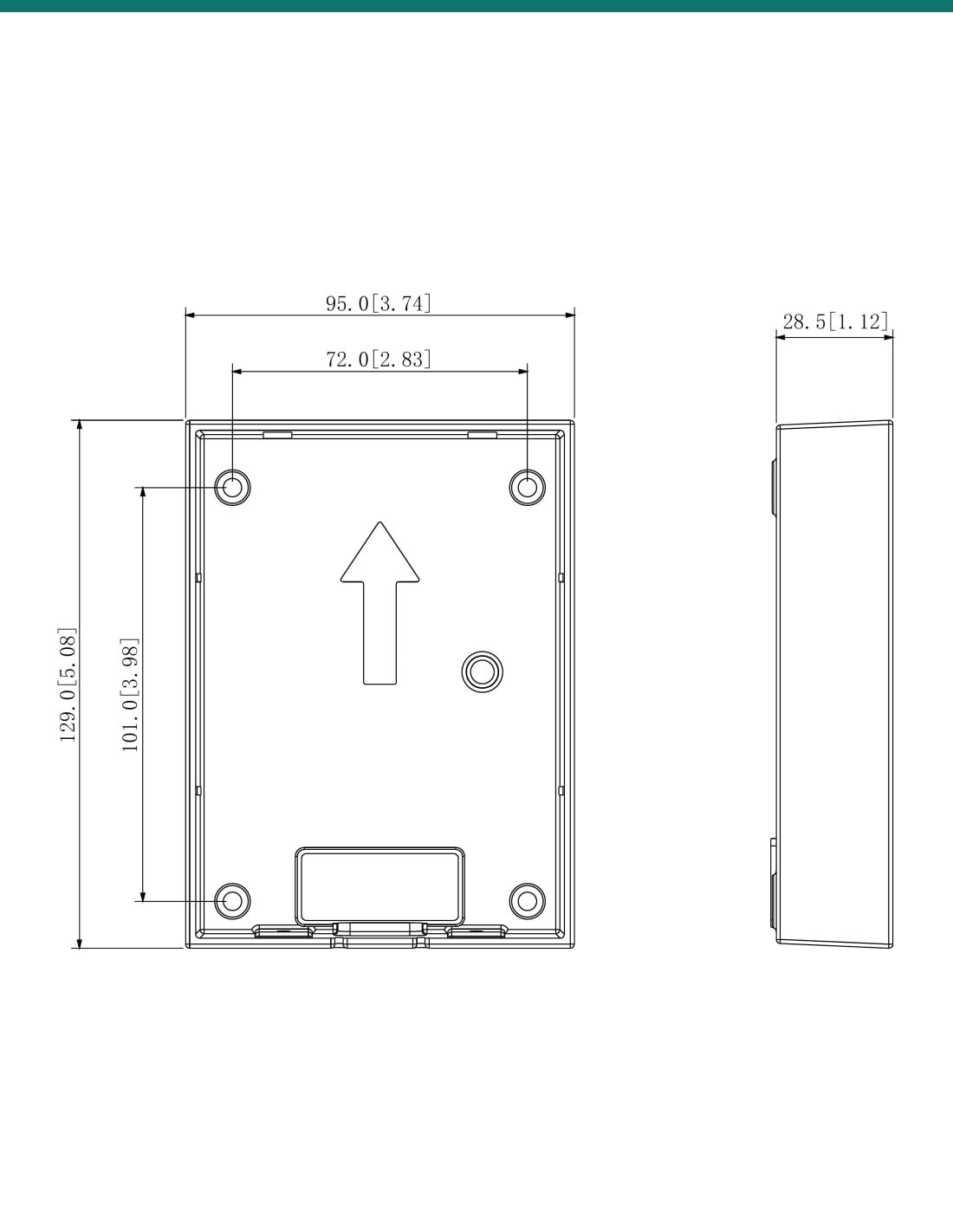
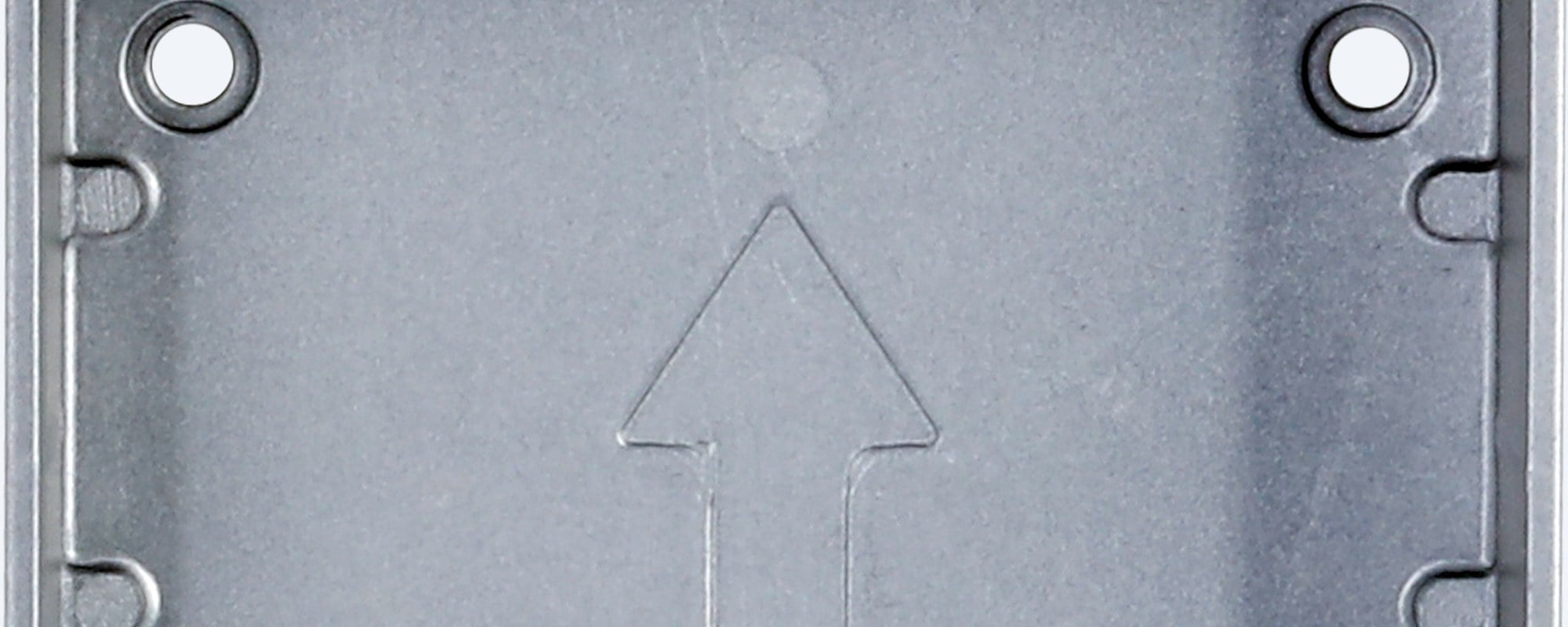
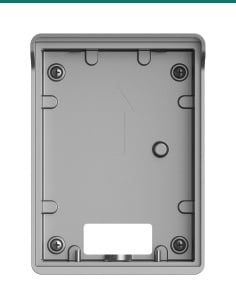
Four screw holes sit 72.0 mm apart across and 101.0 mm apart up and down. The arrow inside shows which way is up.
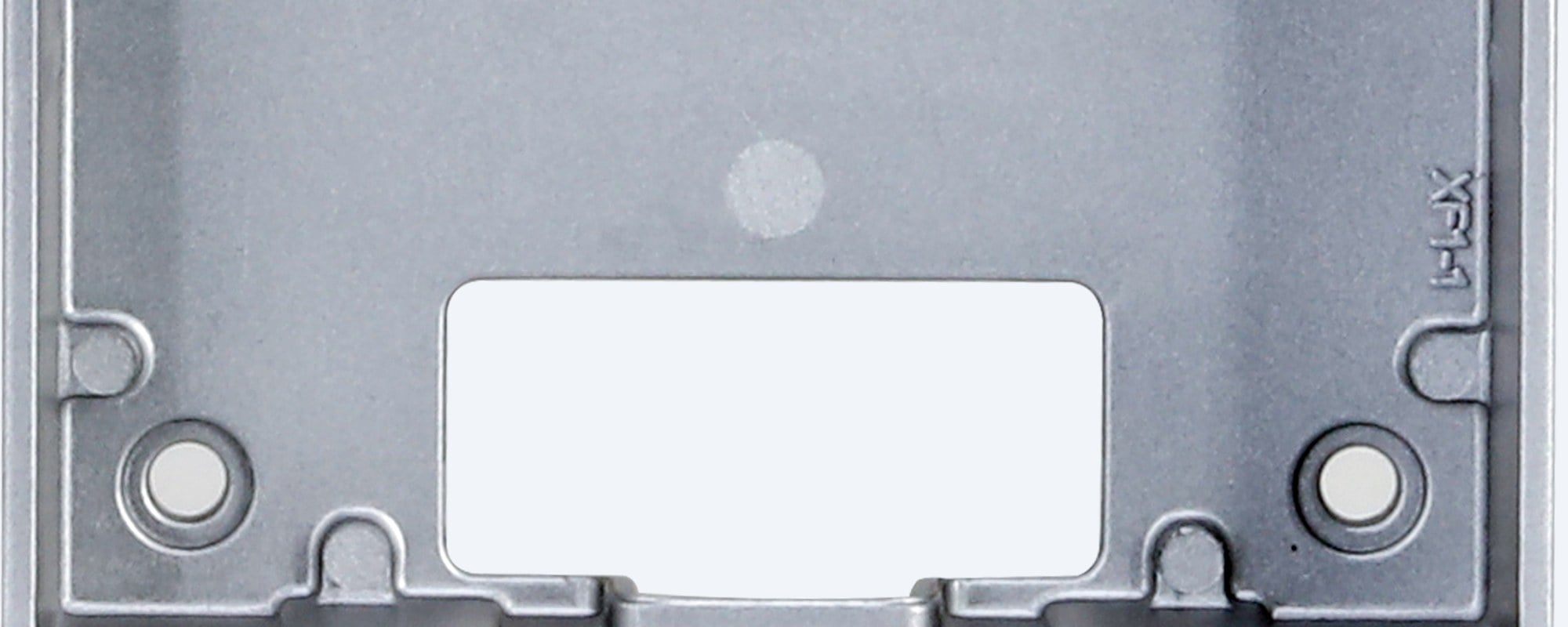
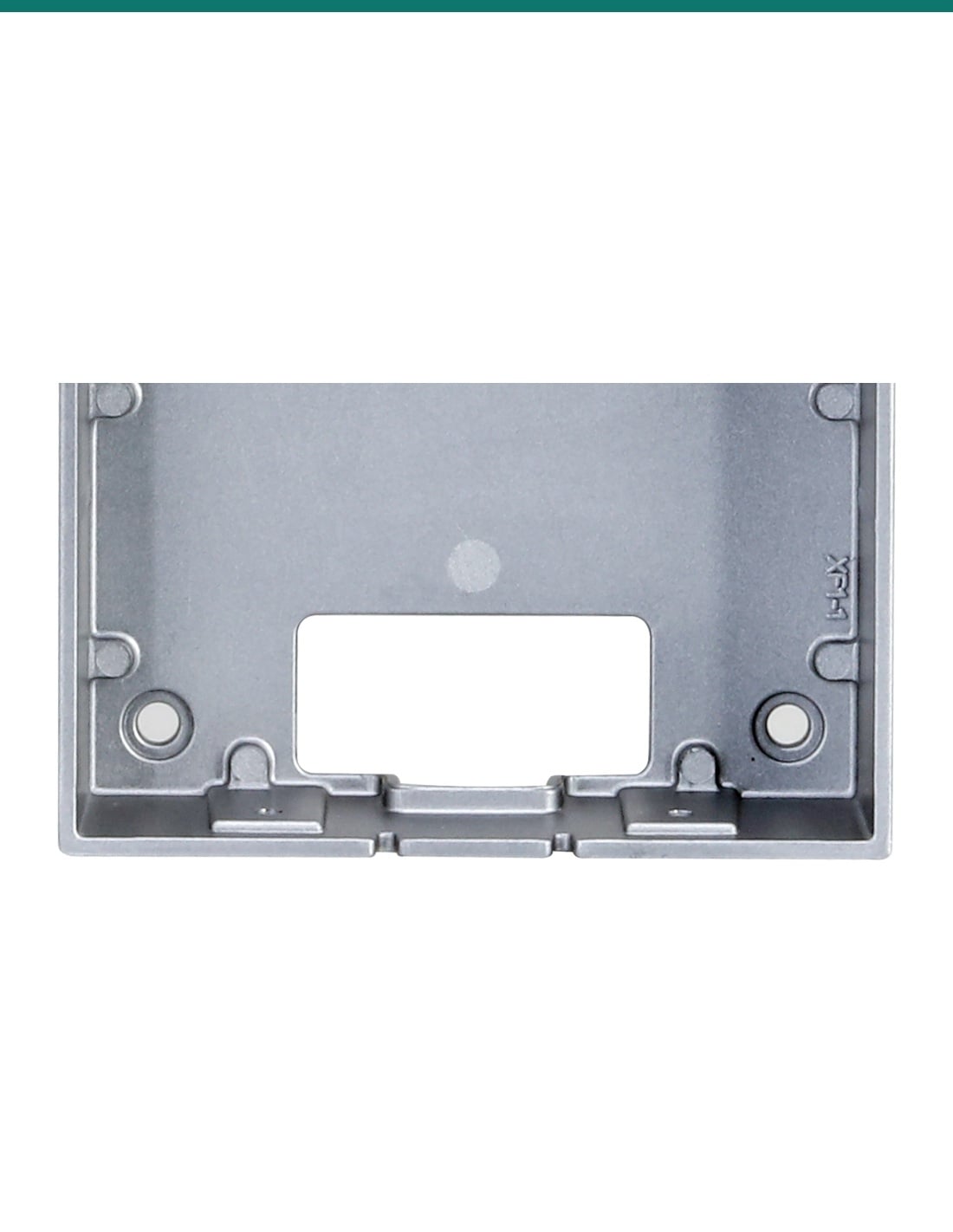
Cable opening
A cut-out near the bottom of the back plate lets the network cable and lock wiring come through the wall into the door station.
How it goes in
01
Use Dahua's installation diagram to mark the four holes, 72.0 × 101.0 mm apart, then fit four wall plugs.
02
Put the waterproof silicone pad on the back of the box, and fit a waterproof ring on each of the four ST4×25 screws.
03
Bring the cable through the opening, then screw the box to the wall with the four ST4×25 screws into the wall plugs.
04
Put the door station into the box and fix it with two M3×8 screws from the bottom of the box.
At a glance
Show specs
Type
Surface mounted box for door stations
Listed for
VTO2202F-P series, VTO2201F-P-S2, VTO2003F (Dahua datasheets)
Material
AL5052 aluminium, 2.0 mm thick
Size
129.0 × 95.0 × 28.5 mm
Hole spacing
72.0 mm across, 101.0 mm up and down
Wall fixing
4 ST4×25 self-tapping screws with waterproof rings into wall plugs
Sealing
Waterproof silicone pad on the back of the box
Door station fixing
2 M3×8 screws from the bottom
Cable entry
Opening near the bottom of the back plate
Alternative
VTM114 flush mounted box
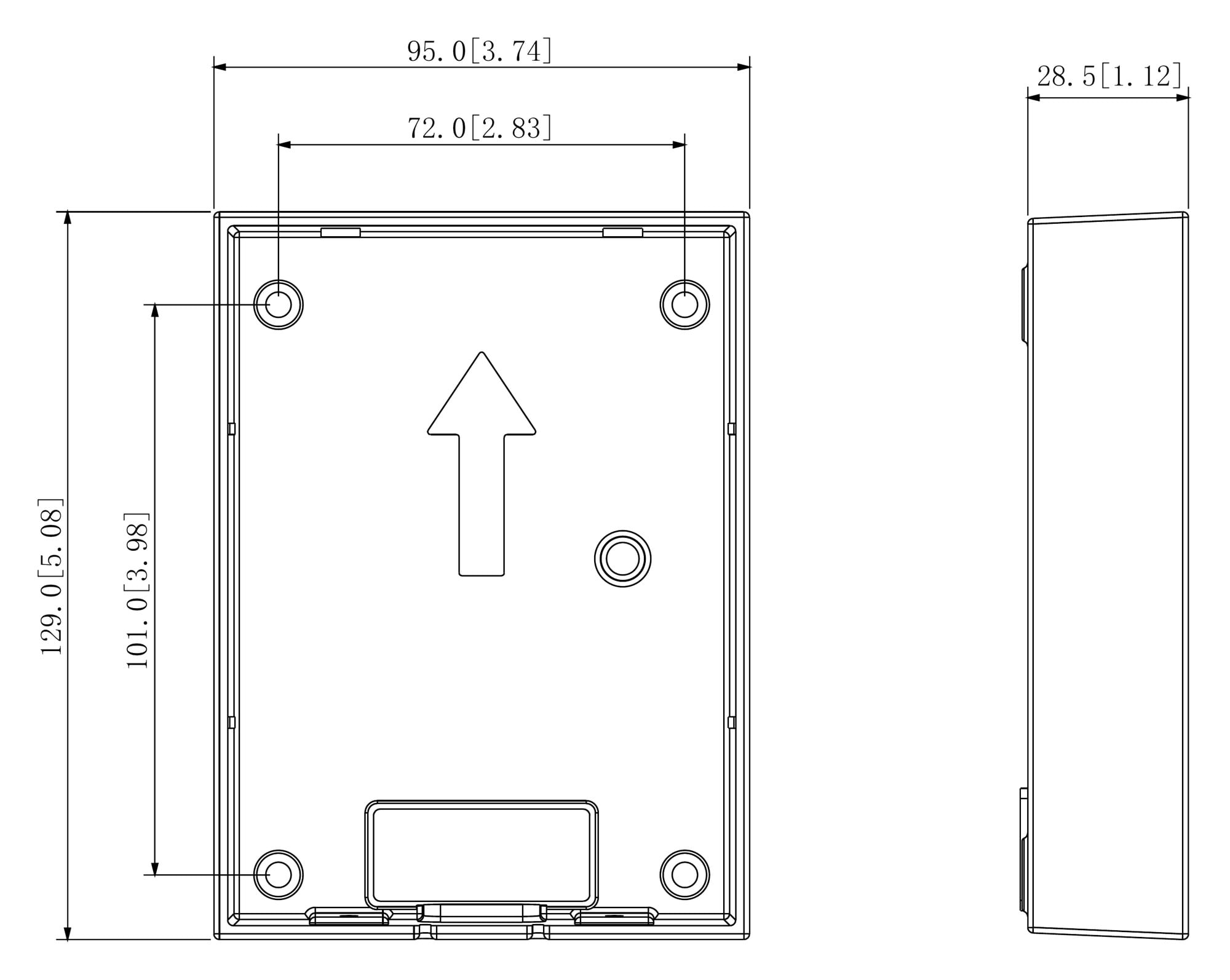
129.0 × 95.0 × 28.5 mm, holes 72.0 × 101.0 mm. Units mm (inch). From Dahua's VTM115 datasheet.
Pair it with
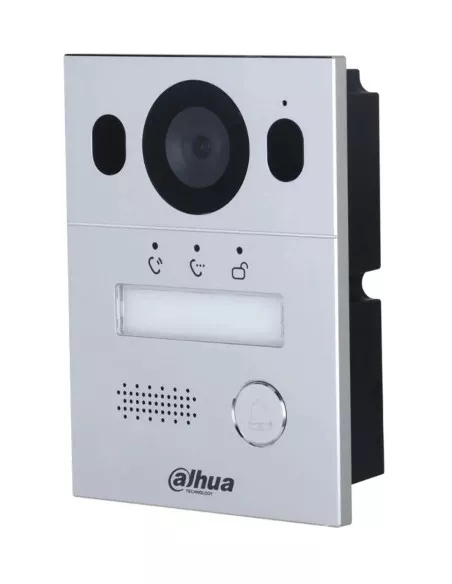
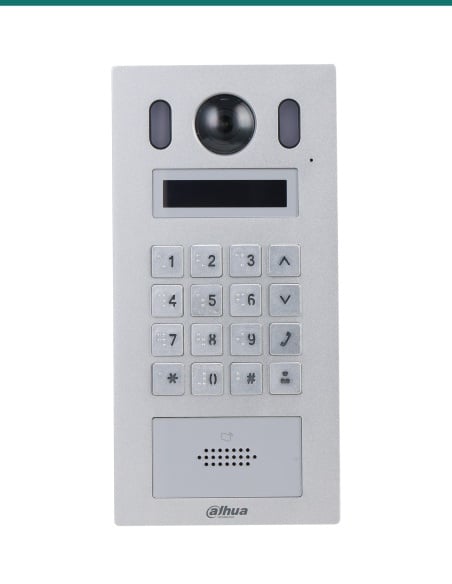
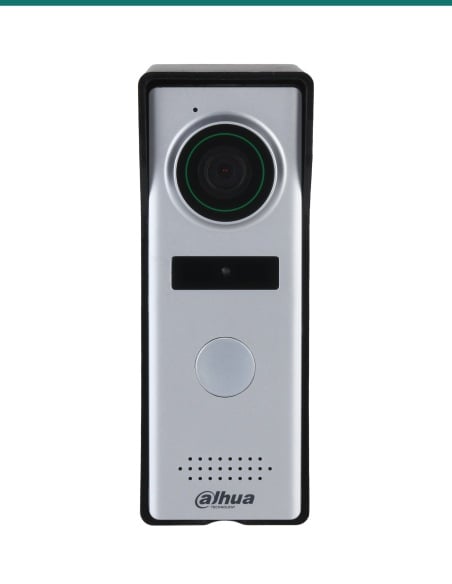
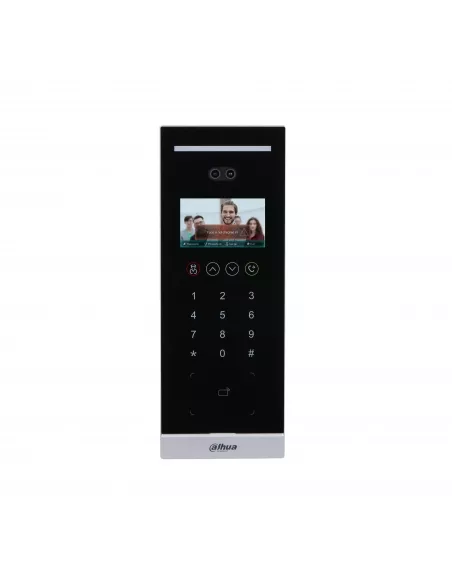
Door station
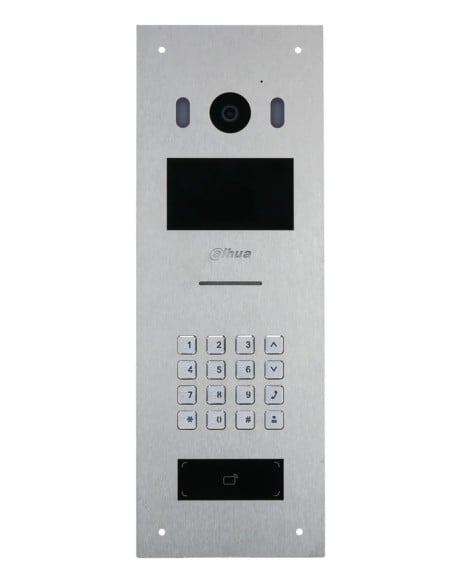
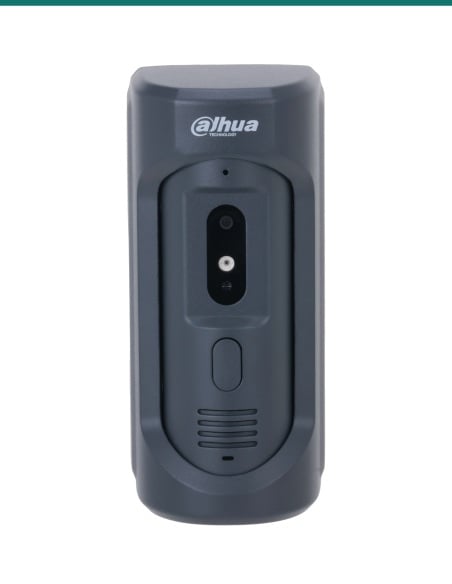
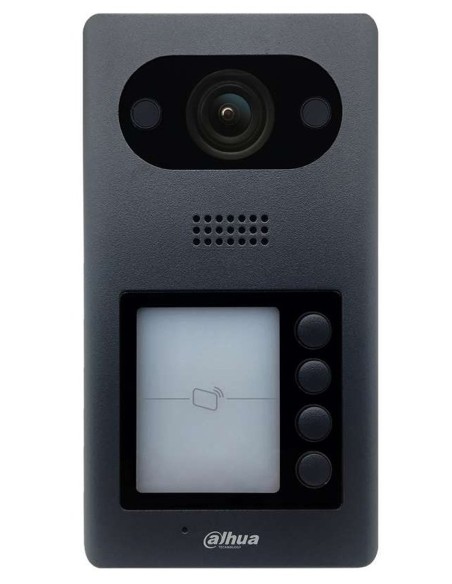
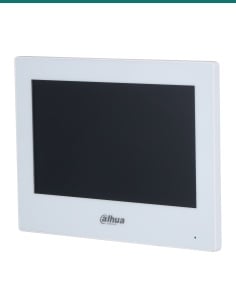
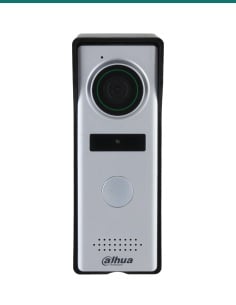
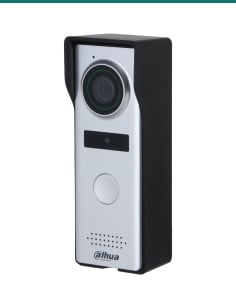
Dahua lists the VTM115 as the surface mounted box for the VTO2202F-P-S3, VTO2201F-P-S2 and VTO2003F door stations.
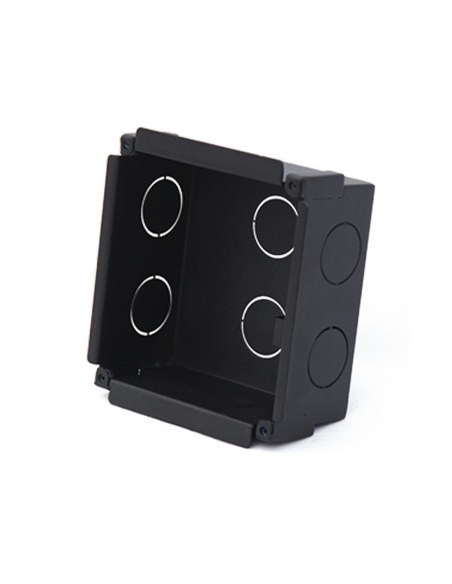
Flush mount
The other option on the same datasheets, for recessing the door station into the wall instead.
Rain cover
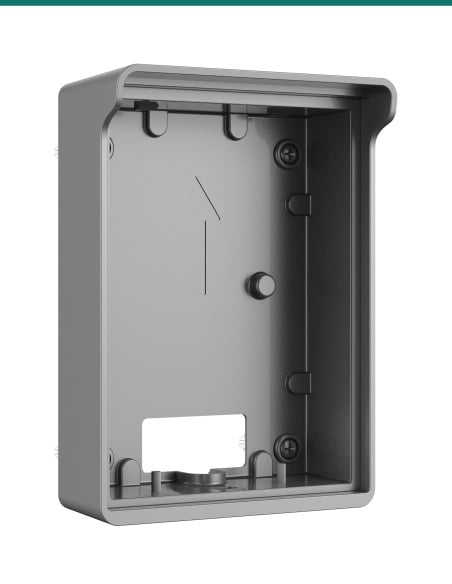
Dahua's surface-mounted box with rain cover for the VTO2202F, for an entry with no roof over it.
Sealing
Dahua's door station sheets call for silicone sealant to keep their weather rating. Seal the gap between the box and the wall.
Where it is used
Mount on the face without cutting a recess.
Only four holes and a cable entry to drill.
Where there is no cavity for a flush box.
Cover the old position with a new box on the wall face.
Less wall damage than a recessed box.
Four screws for the box, two for the door station.
| DHI-AC-VTM115 (this box) | VTM114 | |
|---|---|---|
| Mounting | Surface, on the wall face | Flush, recessed into the wall |
| Wall cut-out | No, four holes and a cable entry | Yes, a recess for the box |
| Listed for | VTO2202F-P-S3, VTO2201F-P-S2, VTO2003F | VTO2202F-P-S3, VTO2201F-P-S2, VTO2003F |
| Size | 129.0 × 95.0 × 28.5 mm | See its datasheet, ask us |
From Dahua's VTM115 datasheet (2019) and the accessory lists on Dahua's VTO2202F-P-S3, VTO2201F-P-S2 and VTO2003F datasheets.
Dahua lists the VTM115 as the surface mounted box for the VTO2202F-P-S3, VTO2201F-P-S2 and VTO2003F door stations, and earlier for the VTO2202F-P and VTO2202F-P-S2. For any other model, confirm with us.
No. This listing is the mounting box only.
Dahua's datasheet does not list the contents. Its steps use 4 wall plugs, 4 ST4×25 screws with waterproof rings, a silicone pad and 2 M3×8 screws. Confirm with us what is supplied.
129.0 × 95.0 × 28.5 mm, in 2.0 mm AL5052 aluminium.
72.0 mm across and 101.0 mm up and down, per Dahua's drawing.
This VTM115 is for surface mounting on the wall face. Dahua's VTM114 is the flush box for recessing the door station into the wall.
It sits inside the box and is fixed with two M3×8 screws from the bottom.
Through the opening near the bottom of the back plate, from inside the wall into the door station.
Dahua's steps use a waterproof silicone pad on the back of the box and waterproof rings on the wall screws. Seal the gap to the wall with silicone as the door station sheets advise.
Dahua lists the VTM05R as a surface-mounted box with rain cover for the VTO2202F, so it is an alternative to this box rather than an add-on. Choose it for an entry with no roof over it, and confirm with us.
Yes, if the post is wide enough for the 95.0 mm box and you can get the cable through the back. Ask us if you are unsure.
No. Dahua shows it as a flat surface box. It holds the door station square to the wall.
Help choosing a surface box, flush box or rain cover: call 1300 736 970 or email [email protected]. The datasheet is on the Attachments tab.
Wall fixing. Use wall plugs and screws that suit the wall. Check for hidden cables and pipes before drilling.
Cabling. Concealed data cabling to the door station is customer cabling under AS/CA S009 and needs an ACMA-registered cabler.
Weather. Fit the silicone pad and waterproof rings, and seal the gap to the wall, so water does not get behind the door station.
What it does not do. No door station, rain cover or angle in the box. It is a flat surface mounting box.
Figures. From Dahua's VTM115 datasheet (2019) and the accessory lists on Dahua's VTO2202F-P-S3, VTO2201F-P-S2 and VTO2003F datasheets.



Need help choosing?
Tell us about your property and we'll recommend the right cameras and recorder.
07 5609 4910Sydney 02 8814 6008
[email protected]
Mon–Fri, 9am–5pm AEST
20 related items