There are no more items in your cart


Call for stock
Hikvision Intercoms


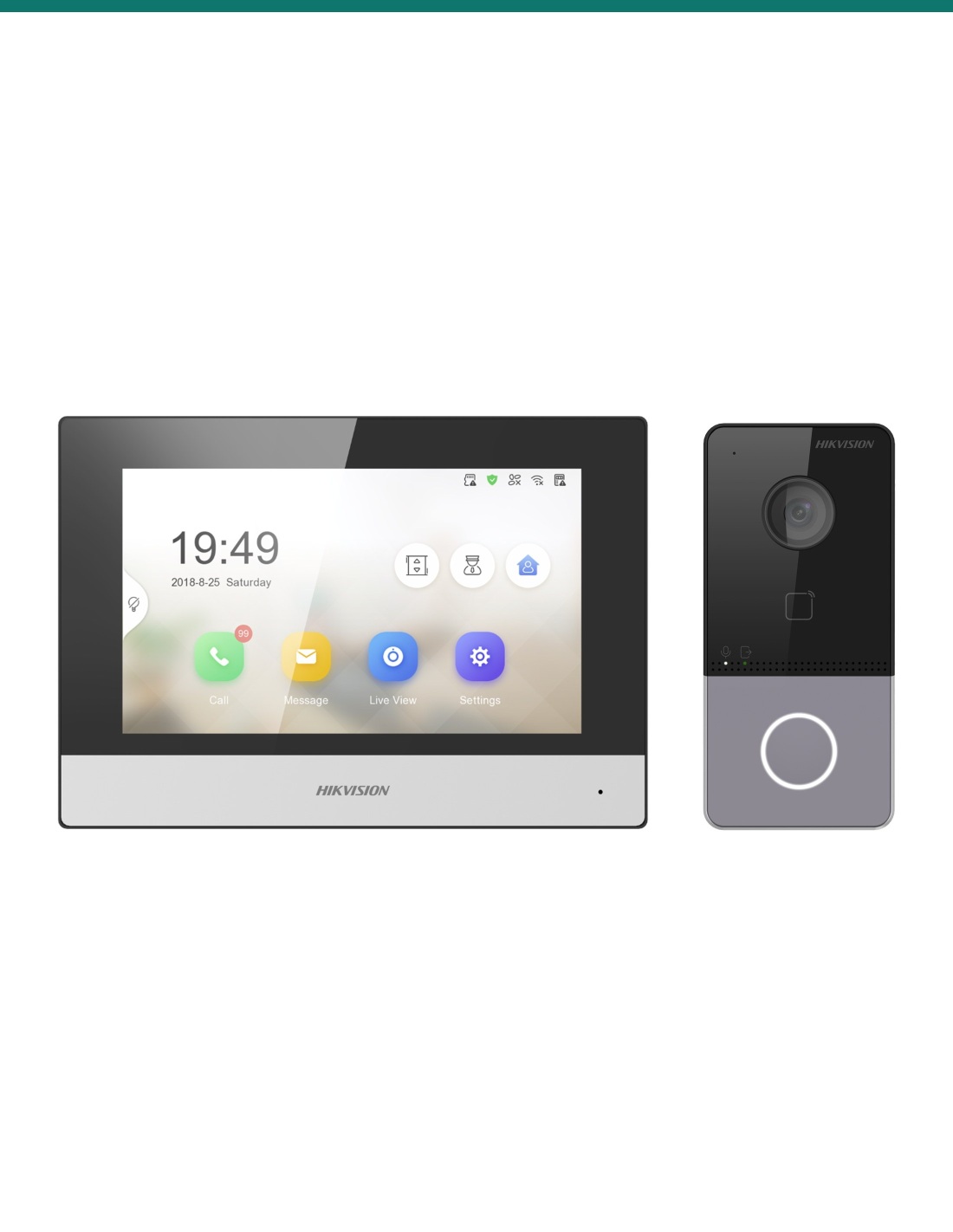
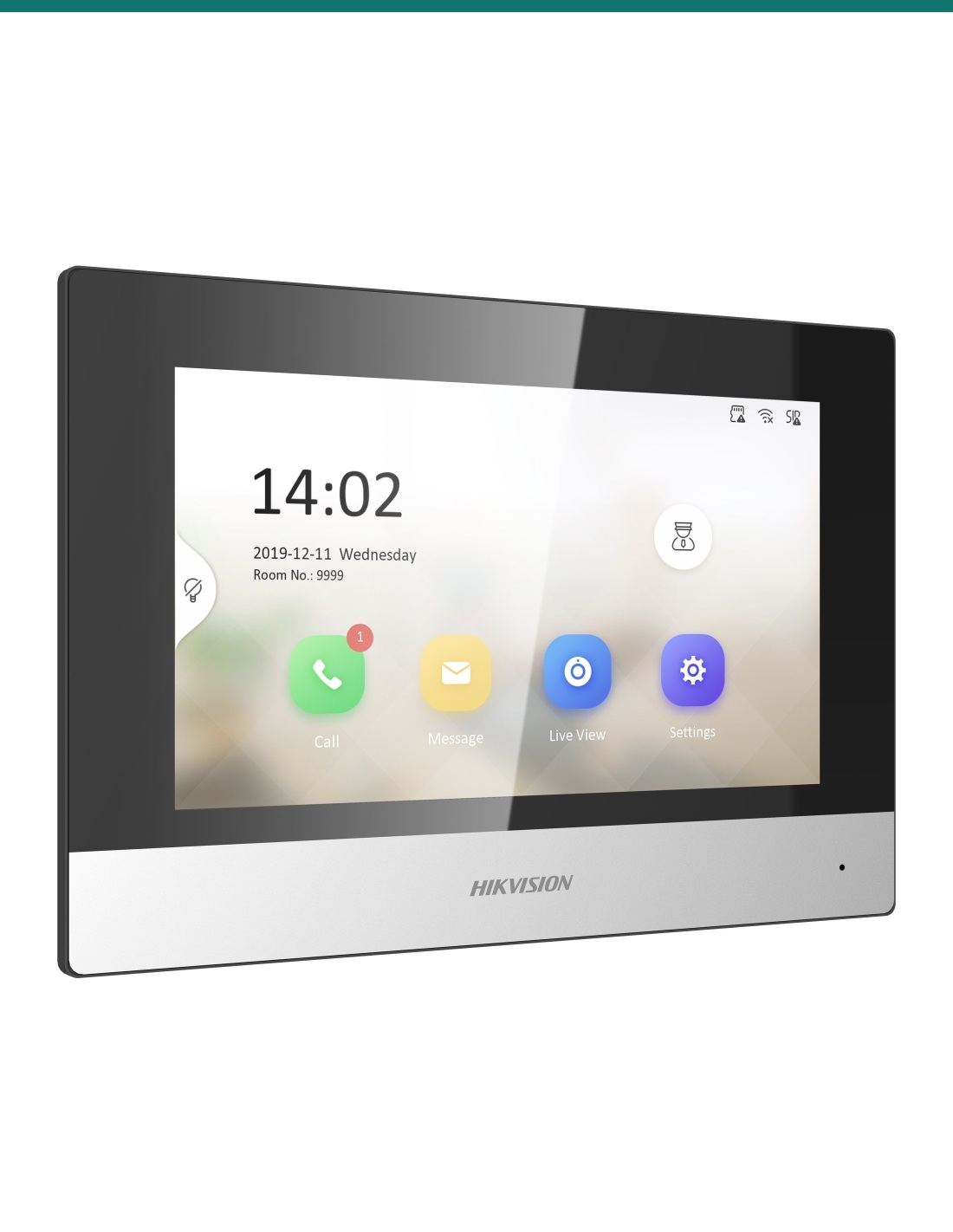
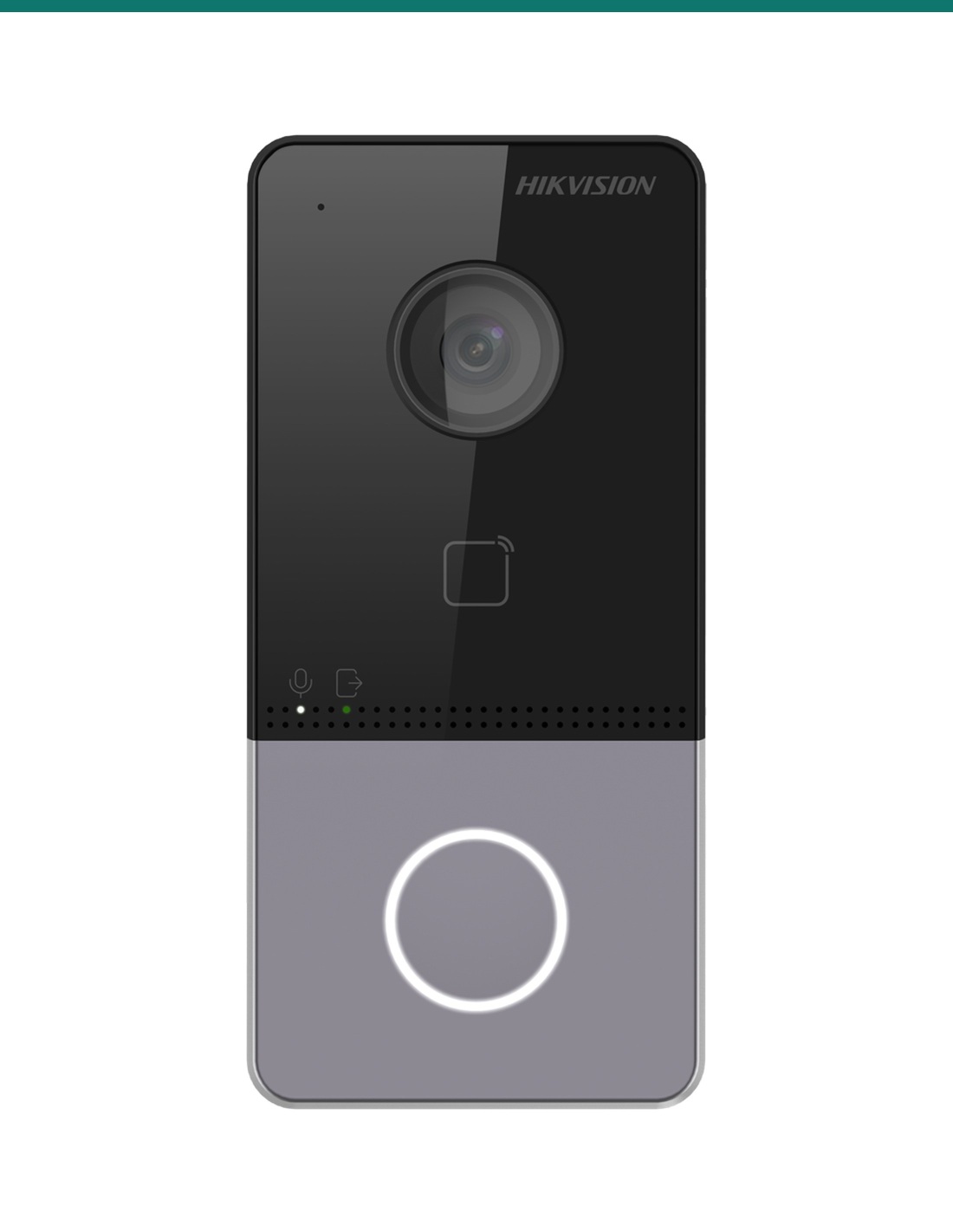
Hikvision DS-KIS603-P IP video intercom kit: a DS-KV6113-WPE1 2MP villa door station with card reader and lock relay, and a DS-KH6320-WTE1 7-inch touchscreen indoor station with Wi-Fi. Answer at home or in the Hik-Connect app.


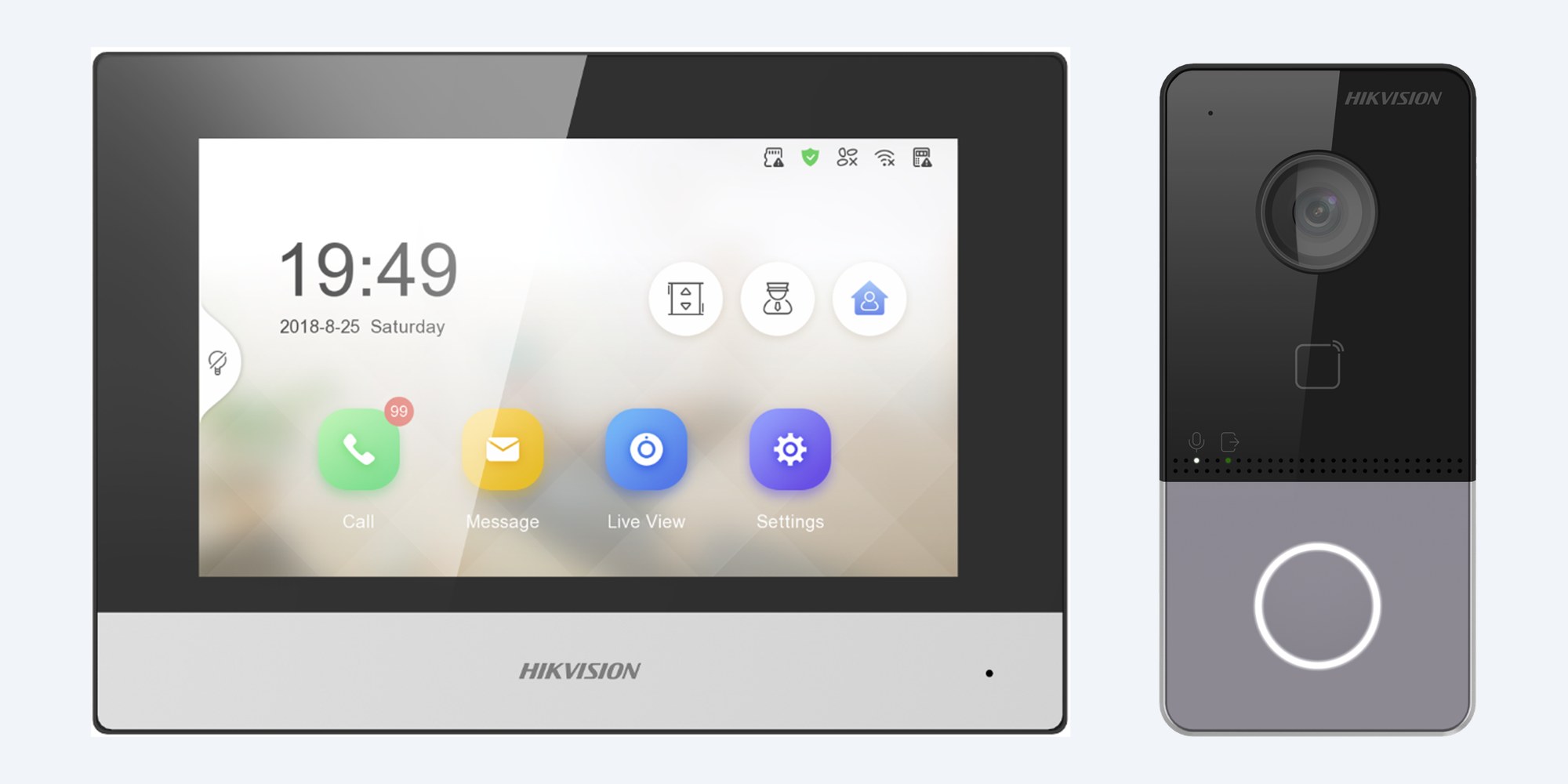
This is the Hikvision DS-KIS603-P: a DS-KV6113-WPE1 villa door station with a 2MP camera, call button and card reader, and a DS-KH6320-WTE1 indoor station with a 7-inch touchscreen. Both join your home network, so you can answer, talk and open the door from the screen or from the Hik-Connect app.
In one sentence: the DS-KIS603-P is a Hikvision IP video intercom kit of one DS-KV6113-WPE1 2MP villa door station (PoE, card reader, door lock relay) and one DS-KH6320-WTE1 7-inch 1024 × 600 touchscreen indoor station (PoE or 2.4 GHz Wi-Fi), answered at home or in the Hik-Connect app.
A door station and an indoor screen. Network, power and lock are separate.
Both units connect through your router: the door station by network cable, the indoor station by cable or 2.4 GHz Wi-Fi. Each needs power, from a PoE switch or its own supply. A door lock or strike is only needed if you want to open the door from the intercom. Ask us which power supplies and accessories come in the carton before you plan the install.
Press the button at the door and the indoor station rings with live video. Talk through the built-in microphone and speaker, then open the door with one tap. The same call reaches the Hik-Connect app on your phone, so you can see and speak to the visitor and unlock the door when you are not home.

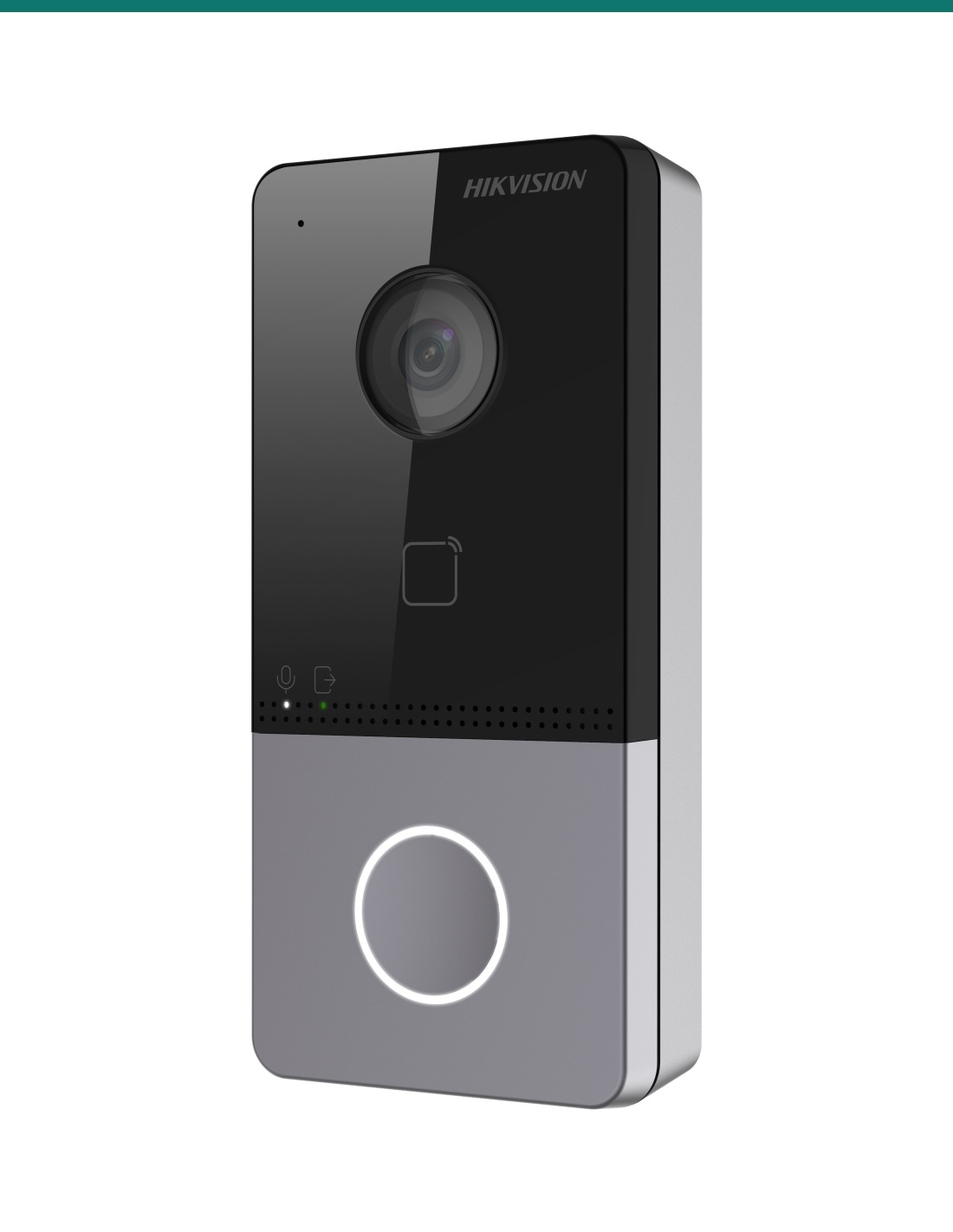
The door station
The DS-KV6113-WPE1 has a 2MP HD camera for low light, a microphone and loudspeaker with noise suppression and echo cancellation, a card reading area for keyless entry, and a tamper switch. At 138 × 65 × 27 mm it surface-mounts beside a front door or gate.
The indoor station
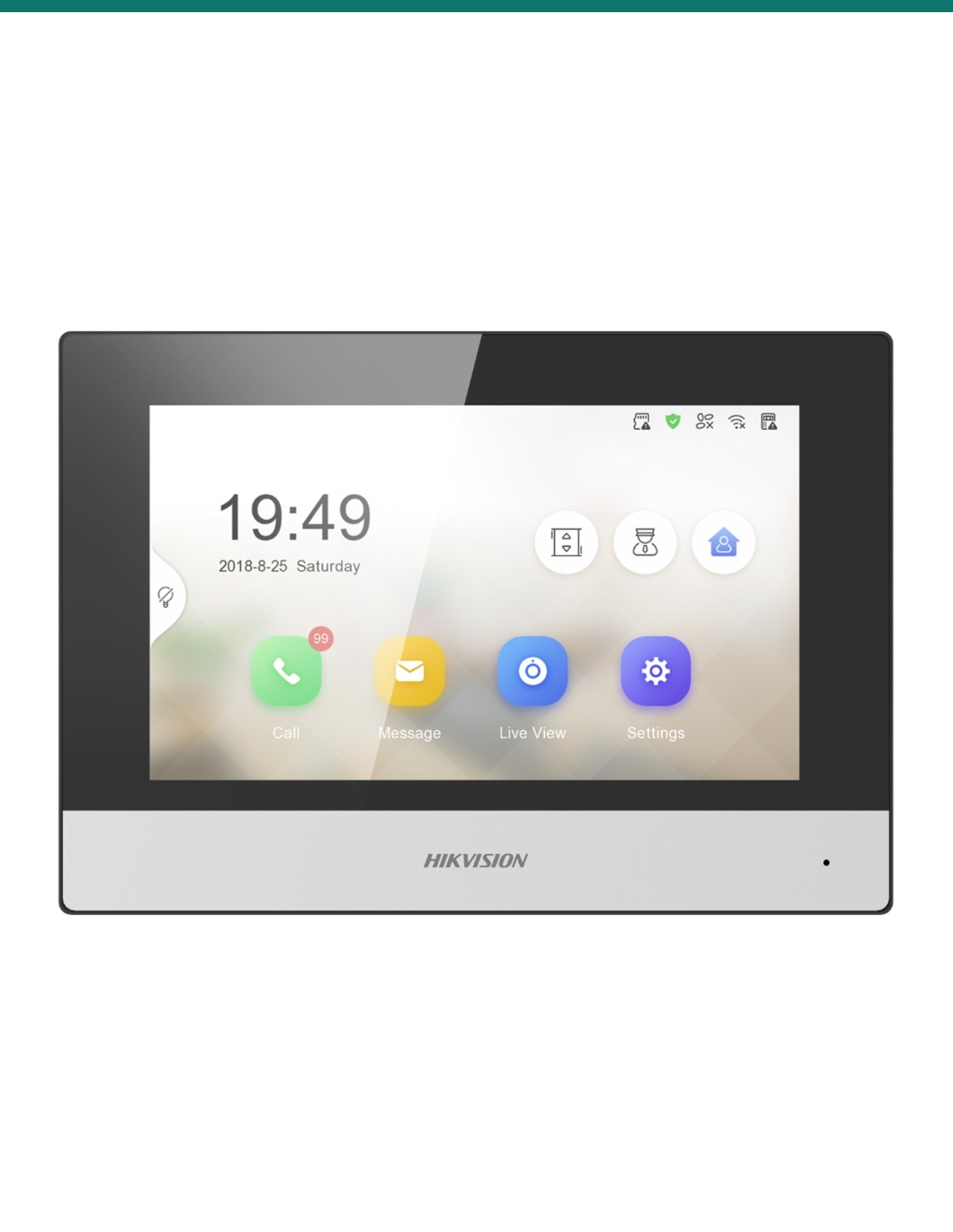
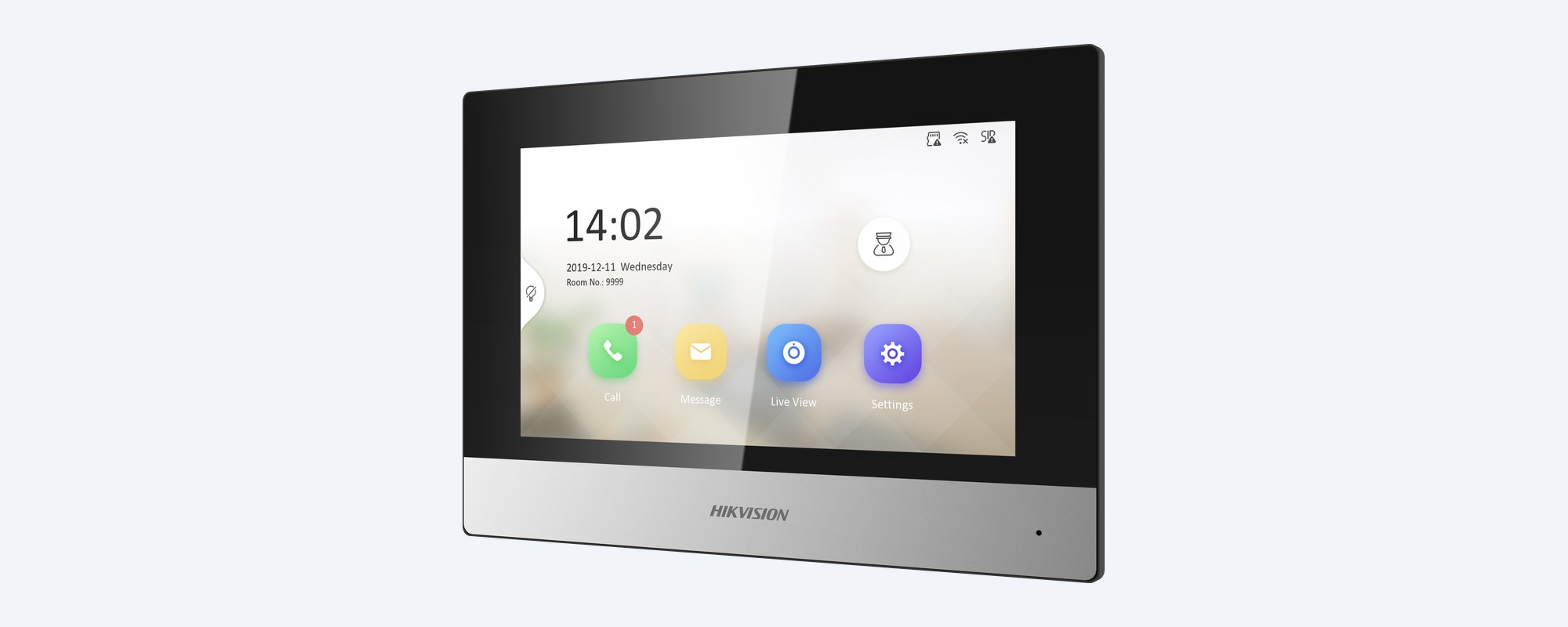
The DS-KH6320-WTE1 has a 1024 × 600 capacitive touchscreen, its own microphone and speaker, and 2.4 GHz Wi-Fi as well as a network port. It shows live video from the door station and up to 16 linked network cameras, and stores captured pictures and messages on a TF card of up to 128 GB.
How it goes in
01
Fix the mounting plate with the template beside the door, connect the network cable and any lock, exit button or door contact wires, then fit the door station and its set screw.
02
Surface-mount the 7-inch screen indoors at a convenient height, near a network outlet or within good 2.4 GHz Wi-Fi.
03
Power each unit from a PoE switch port or its own supply, and connect both to the same router, the door station by cable.
04
Follow the setup wizard on the indoor station to link the door station, then add the kit to the Hik-Connect app on your phone.
At a glance
Show specs
In the kit
1 × DS-KV6113-WPE1 villa door station, 1 × DS-KH6320-WTE1 indoor station
Door station camera
2MP HD, low illumination
Door station audio
Microphone and loudspeaker, noise suppression and echo cancellation
Keyless entry
Card reading area on the door station
Door station terminals
12 VDC in, 4 alarm inputs (exit button, door contact), lock relay NO/NC/COM
Door station network
RJ45 network port, standard PoE
Door station security
Tamper switch; configuration through its web page
Door station size
138 × 65 × 27 mm, surface mount
Indoor screen
7-inch colour TFT, 1024 × 600, capacitive touch
Indoor network
RJ45 10/100 and 2.4 GHz Wi-Fi (802.11b/g/n), standard PoE
Indoor storage
TF card up to 128 GB: 200 captured pictures, 200 alarm records
Indoor capacity
Up to 17 door stations, 16 indoor extensions and 16 network cameras
Indoor alarm and relay
8 alarm inputs, 2 relays (30 VDC 0.3 A), RS-485
Indoor power
5 W or less
Indoor size
200 × 140 mm, 355 g, surface mount
Indoor operating range
Indoor use, −10 °C to +50 °C, 10–90% humidity
App
Hik-Connect: answer calls, unlock and live view remotely
Door station weather rating
Confirm with us
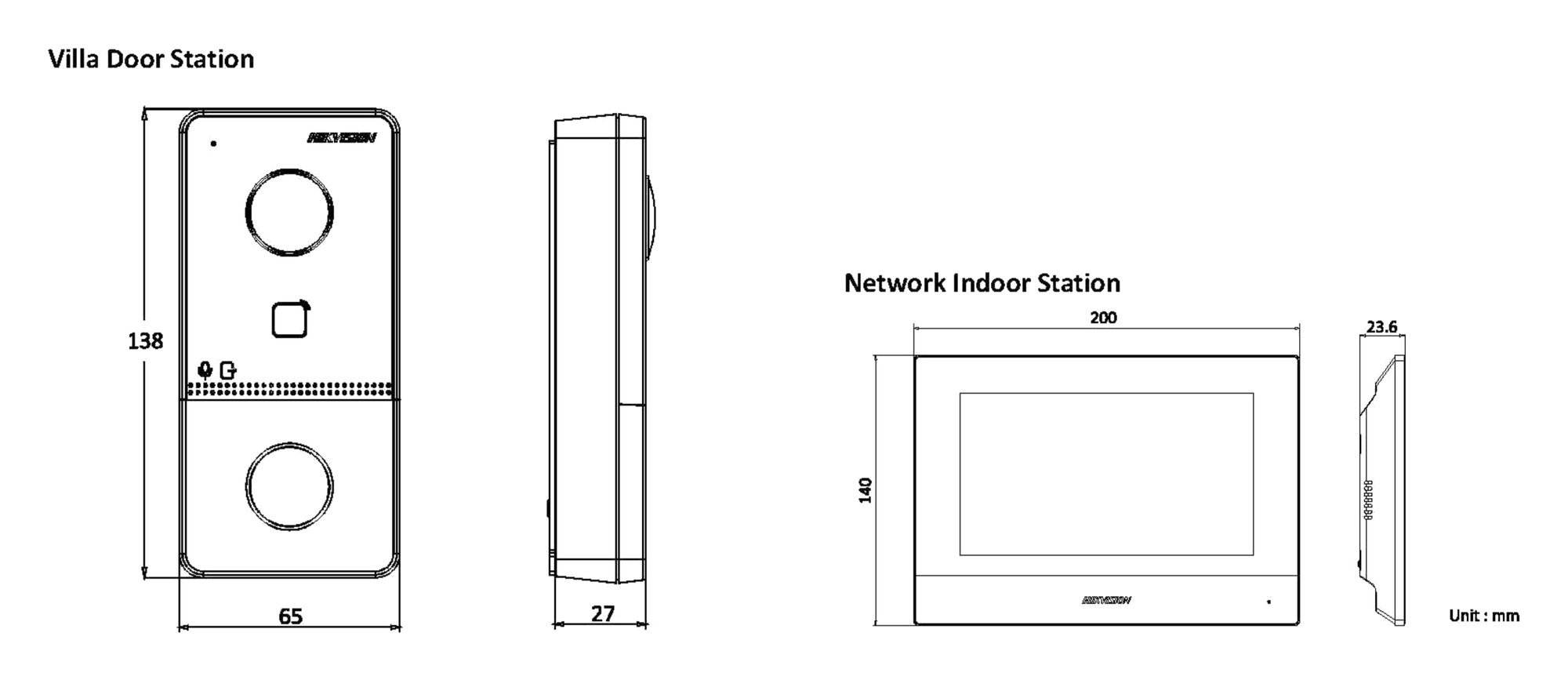
Door station 138 × 65 × 27 mm. Indoor station 200 × 140 × 23.6 mm as drawn in the kit datasheet. Units mm.
Pair it with
Power
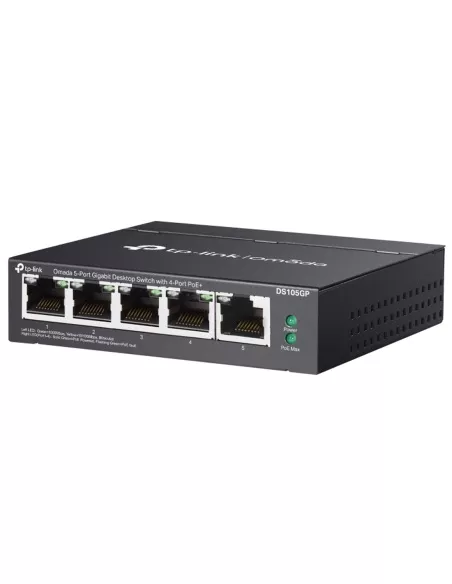
Four PoE ports to power the door station and indoor station over their network cables.
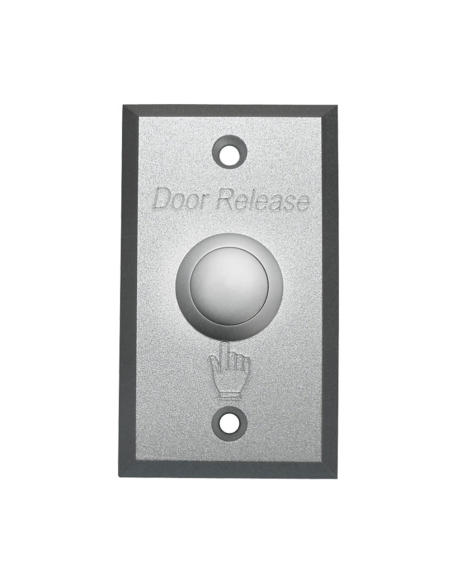
Door release
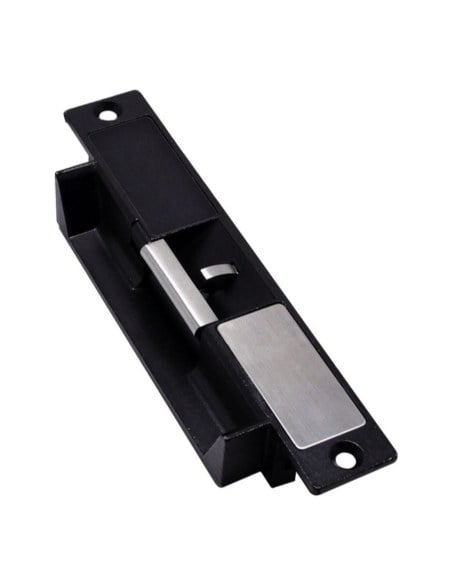
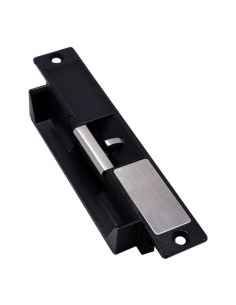
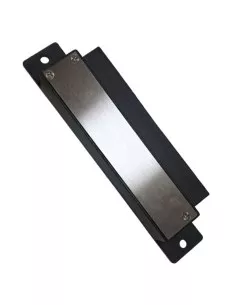
Wired to the door station's lock relay so the door opens from the screen or the app. Use its own lock power supply.
Exit
Wires to the door station's exit button input, so people inside can open the door without a card.
Second screen
The same 7-inch screen for another room. The indoor station links up to 16 indoor extensions.
Where it is used
See and talk to visitors before you open up, and answer from the couch or the kitchen.
Open the gate lock for a delivery or a guest with one tap on the screen or the phone.
A separate entry with its own door station, answered from the main house.
A single-entry office or studio where staff answer the door from the desk.
Check who is at the door through Hik-Connect while you are away.
A tidy, wired-in intercom for tenants, with keyless entry by card.
| DS-KV6113-WPE1 door station | DS-KH6320-WTE1 indoor station | |
|---|---|---|
| Where it goes | Outside, at the door or gate | Inside, indoor use only |
| Video | 2MP HD camera | 7-inch 1024 × 600 touchscreen |
| Audio | Microphone and loudspeaker | Microphone and loudspeaker |
| Network | Network cable, standard PoE | Network cable or 2.4 GHz Wi-Fi, standard PoE |
| Inputs and outputs | 4 alarm inputs, 1 lock relay | 8 alarm inputs, 2 relays |
| Size | 138 × 65 × 27 mm | 200 × 140 mm |
Both from the Hikvision DS-KIS603-P kit datasheet, with indoor station detail from the DS-KH6320-WTE1 datasheet.
One DS-KV6113-WPE1 villa door station and one DS-KH6320-WTE1 7-inch indoor station. Ask us which power supplies, cards and accessories are in the current carton before you plan the install.
Yes. Add the kit to Hikvision's Hik-Connect app and you can receive calls, see live video from the door station, talk to the visitor and open the door from your phone.
The indoor station has 2.4 GHz Wi-Fi as well as a network port. The door station connects by network cable. Both need to reach the same router.
Not always. Both units take standard PoE, so a PoE switch powers each one over its network cable. Without PoE, each unit needs its own power supply (the door station takes 12 VDC) and a network connection.
Yes, with an electric lock fitted. The door station has a lock relay: NO/COM is set for a magnetic lock or electric bolt, and NC/COM for an electric strike. The lock needs its own power supply.
Yes. The door station's alarm inputs take an exit button and a door contact, as shown in the Hikvision user manual on the Attachments tab.
The door station has a card reading area for keyless entry. Ask us which card type to order for it.
With a TF card of up to 128 GB fitted, the indoor station stores up to 200 captured pictures and 200 alarm records, and visitors can leave a message when nobody answers. For continuous video recording, add the door station to a recorder.
Yes. The indoor station links up to 16 indoor extensions, 17 door stations and 16 network cameras, so you can add another screen in a bedroom or show your CCTV cameras on it.
It is built as an outdoor villa door station for surface mounting beside a door or gate. Hikvision's user manual describes mounting with or without a protective shield; confirm the weather rating with us for very exposed spots.
No. The indoor station has a setup wizard on its touchscreen. The door station can also be configured through its web page.
Concealed data cabling is customer cabling under AS/CA S009 and needs an ACMA-registered cabler. New power points for supplies or locks need a licensed electrician.
Help with locks, PoE and a second screen: call 1300 736 970 or email [email protected]. The datasheet, quick start guide and door station user manual are on the Attachments tab.
Low voltage. Both units run on standard PoE, and the door station also takes 12 VDC. A new power point for a supply or a door lock needs a licensed electrician.
Cabling. Concealed data cabling is customer cabling under AS/CA S009 and needs an ACMA-registered cabler.
Door locks. A lock that holds a fire exit or a common-property door must meet the building's egress rules. Fit an exit button on doors people leave through.
Recording. Audio and video at a door are covered by state and territory surveillance laws. Point the camera at your own entry and use signage where needed.
Figures. From the Hikvision DS-KIS603-P datasheet, the DS-KH6320-WTE1 datasheet and the villa door station user manual.






Click on a thumbnail to load the video


Need help choosing?
Tell us about your property and we'll recommend the right cameras and recorder.
07 5609 4910Sydney 02 8814 6008
[email protected]
Mon–Fri, 9am–5pm AEST
20 related items