1 / 4

CCTV Female DC Socket with Screw Terminals

SKU IFT-DCF-S Call for stock
$2.85 inc GST

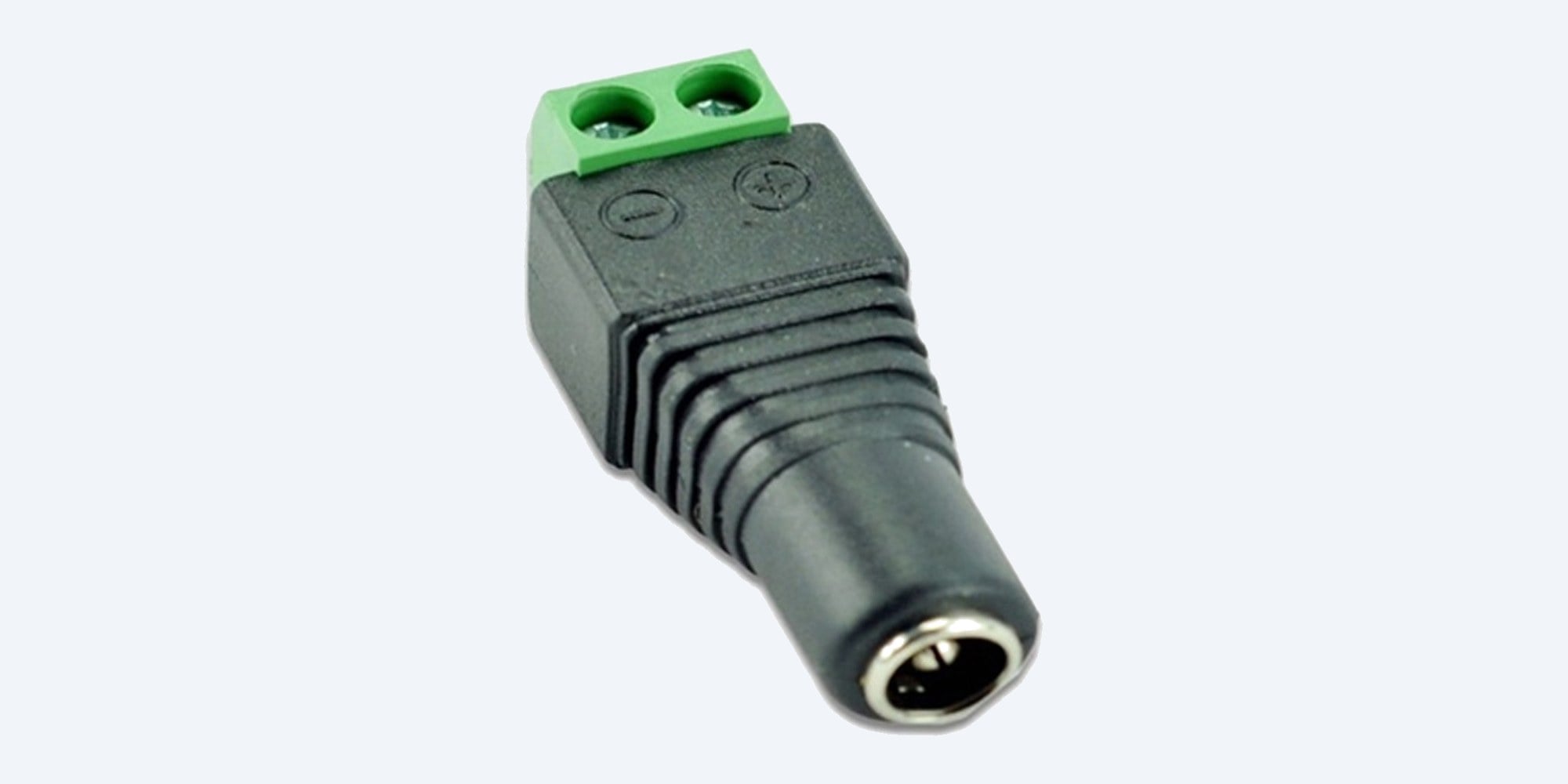
Female 2.1 mm DC socket with screw terminals: plug a supply in and take its power onto bare wire, without soldering. Suits Swann and other 12V CCTV power runs with 2.1 mm plugs.

  • ✓2.1 mm female DC socket
  • ✓2 screw terminals, marked + and -
  • ✓Up to about 5 A at 12V
  • ✓No soldering needed
  • ✓Pairs with the IFT-DCM-P plug


Description

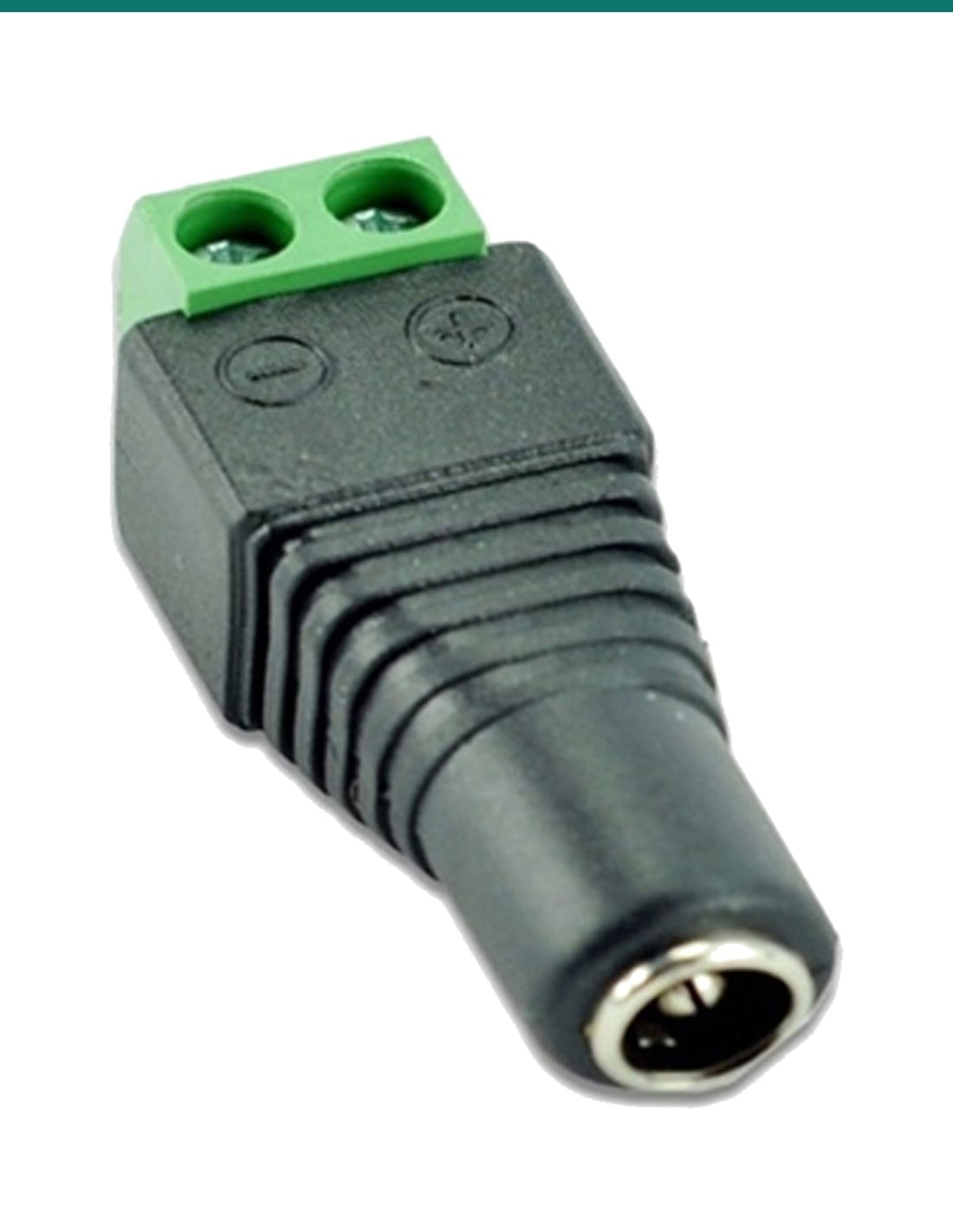
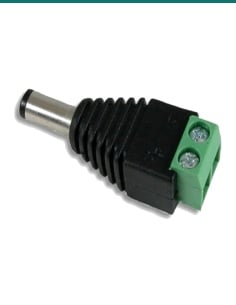
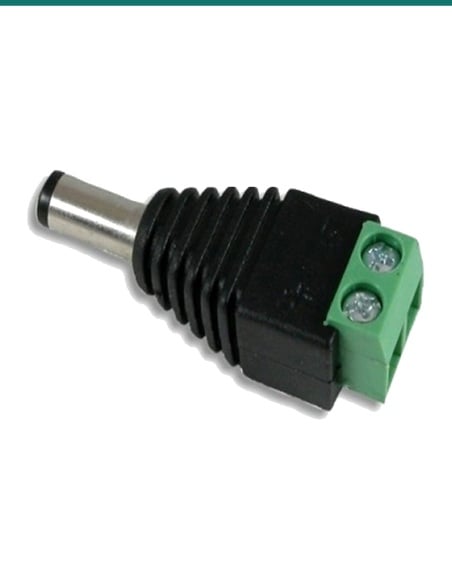
IFT-DCF-S female 2.1 mm DC socket with a green two-way screw terminal block marked positive and negative
CCTV power · 2.1 mm female · Screw terminals

Bare wire to a DC socket.
No soldering. Two screws.

The IFT-DCF-S turns two bare power wires into a 2.1 mm female DC socket. Screw the wires into the marked terminals, then plug a power supply or a camera lead into it. It suits Swann and other 12V CCTV power runs with 2.1 mm plugs.

In one sentence: the IFT-DCF-S is a 2.1 mm female DC socket with a two-way screw terminal block marked positive and negative, rated up to about 5 A at 12V, for putting a socket on bare CCTV power wire without soldering.

One socket. Check the polarity before you power a camera.

This listing is one female DC socket with screw terminals. The terminals are marked + and -. Most 12V CCTV supplies and cameras are centre positive, so check the wiring with a multimeter before a camera goes on the far end: reversed polarity can damage it.

In the box
  • 1 x 2.1 mm female DC socket with screw terminals
You also need
  • Two-core power cable (red and black, or figure-8)
  • A small screwdriver and wire strippers
  • A multimeter to check polarity

Take a plug-pack onto any cable.

Plug a 12V supply into the IFT-DCF-S and its two screw terminals hand the power to whatever cable you choose: figure-8 to a camera, a video balun, or a terminal strip. It also fixes a broken socket on a camera lead without soldering.

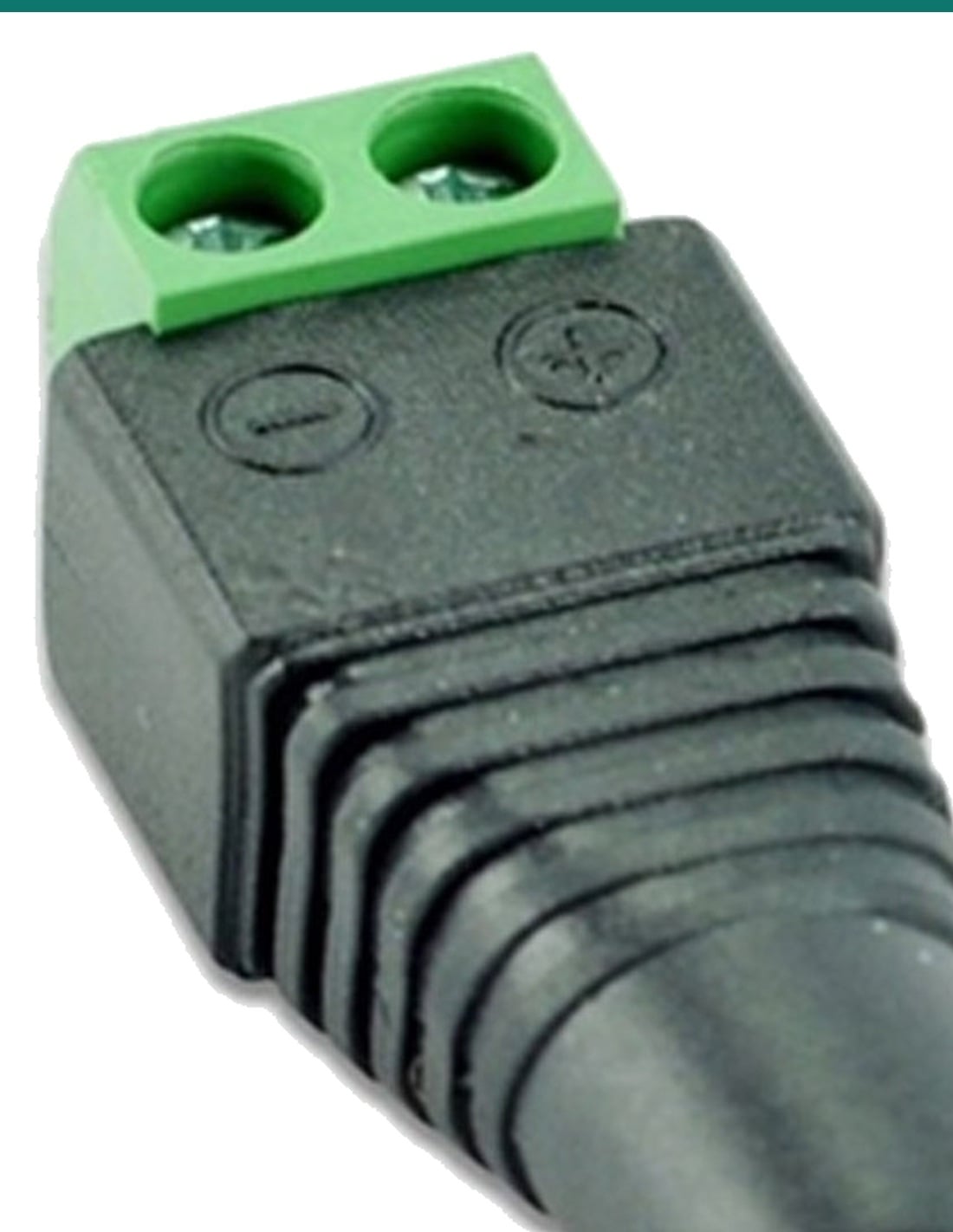
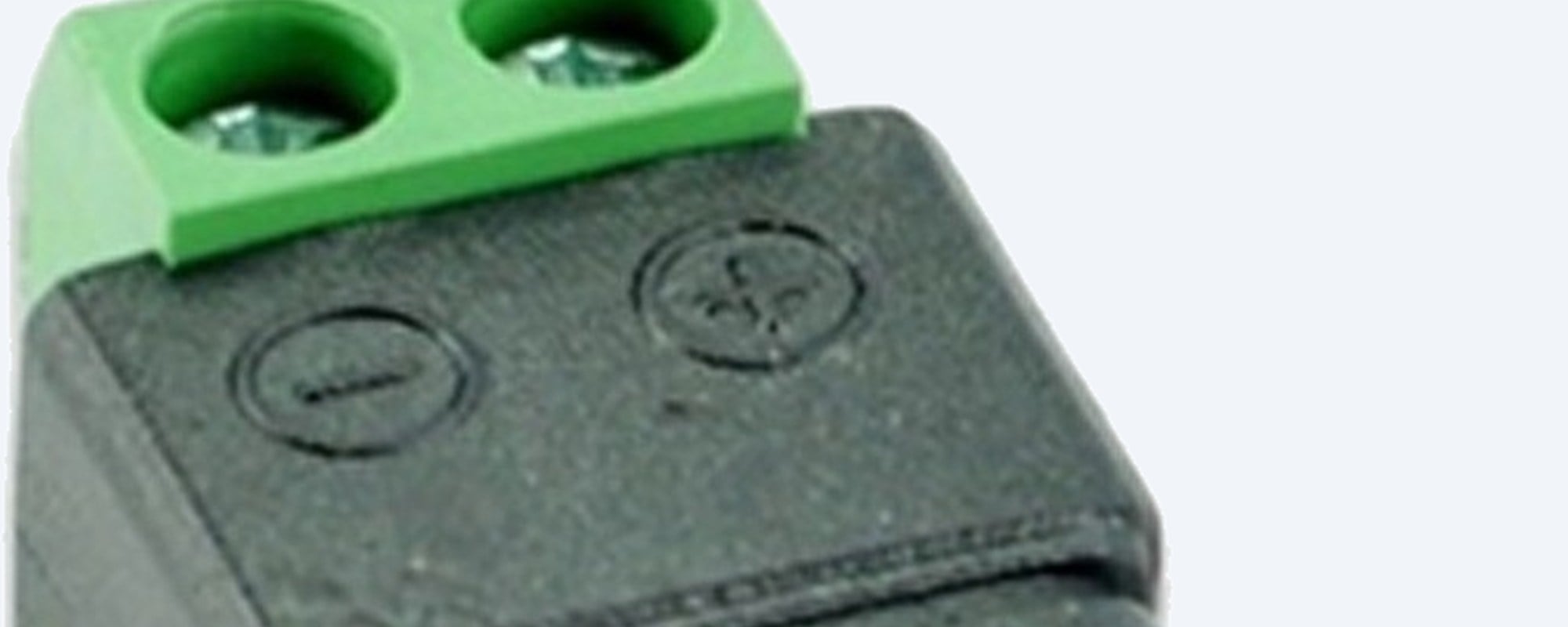
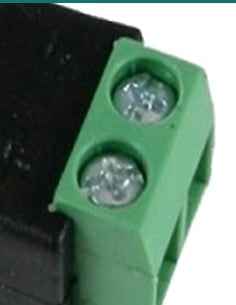
IFT-DCF-S close-up of the green screw terminal block and the negative and positive markings moulded into the body

Terminals

Two screws, marked + and -.

The wires go into the green terminal block and are held by the screws. The negative and positive symbols are moulded into the body beside each terminal.

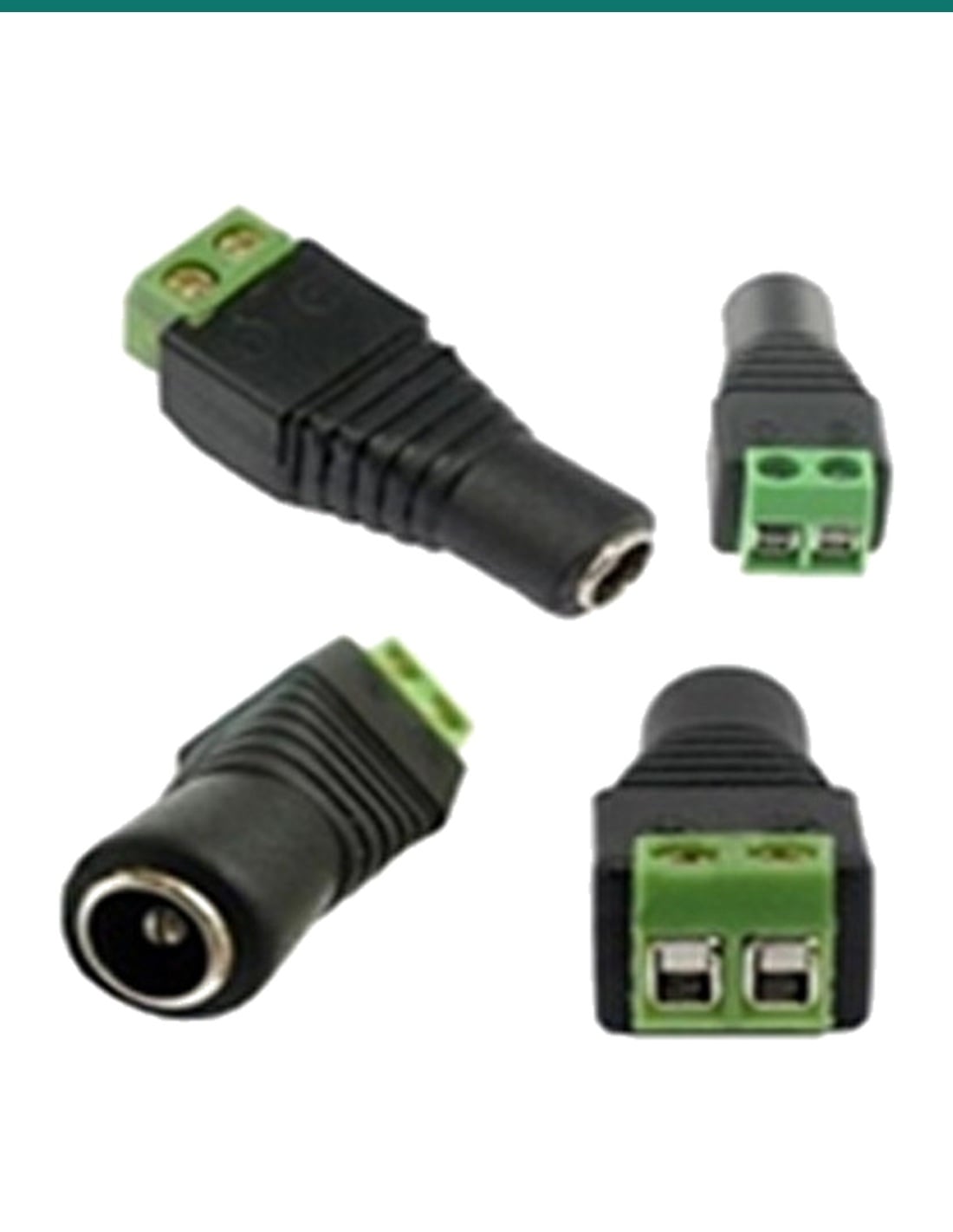
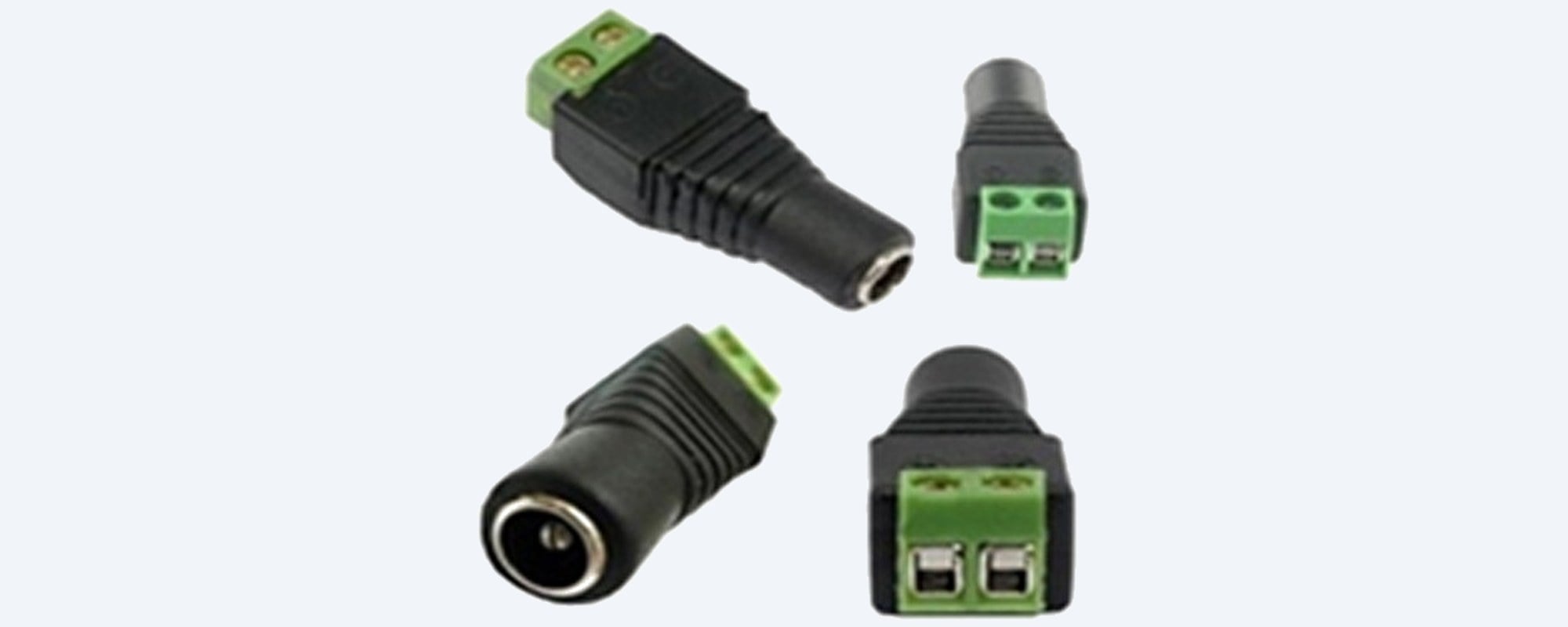
IFT-DCF-S shown from four sides: angled, socket end, terminal end and side

Every side

2.1 mm socket on one end, terminals on the other.

The socket end takes a 2.1 mm DC plug from a supply or splitter. The terminal end takes the bare wires. Pair it with the IFT-DCM-P plug to make a custom-length cable.

How it goes in

Wired in a few minutes.

01

Switch off the power

Unplug the supply so nothing is live while you work.

02

Strip the wires
Strip a short length of insulation from each core and twist the strands so none are loose.
03

Screw them in

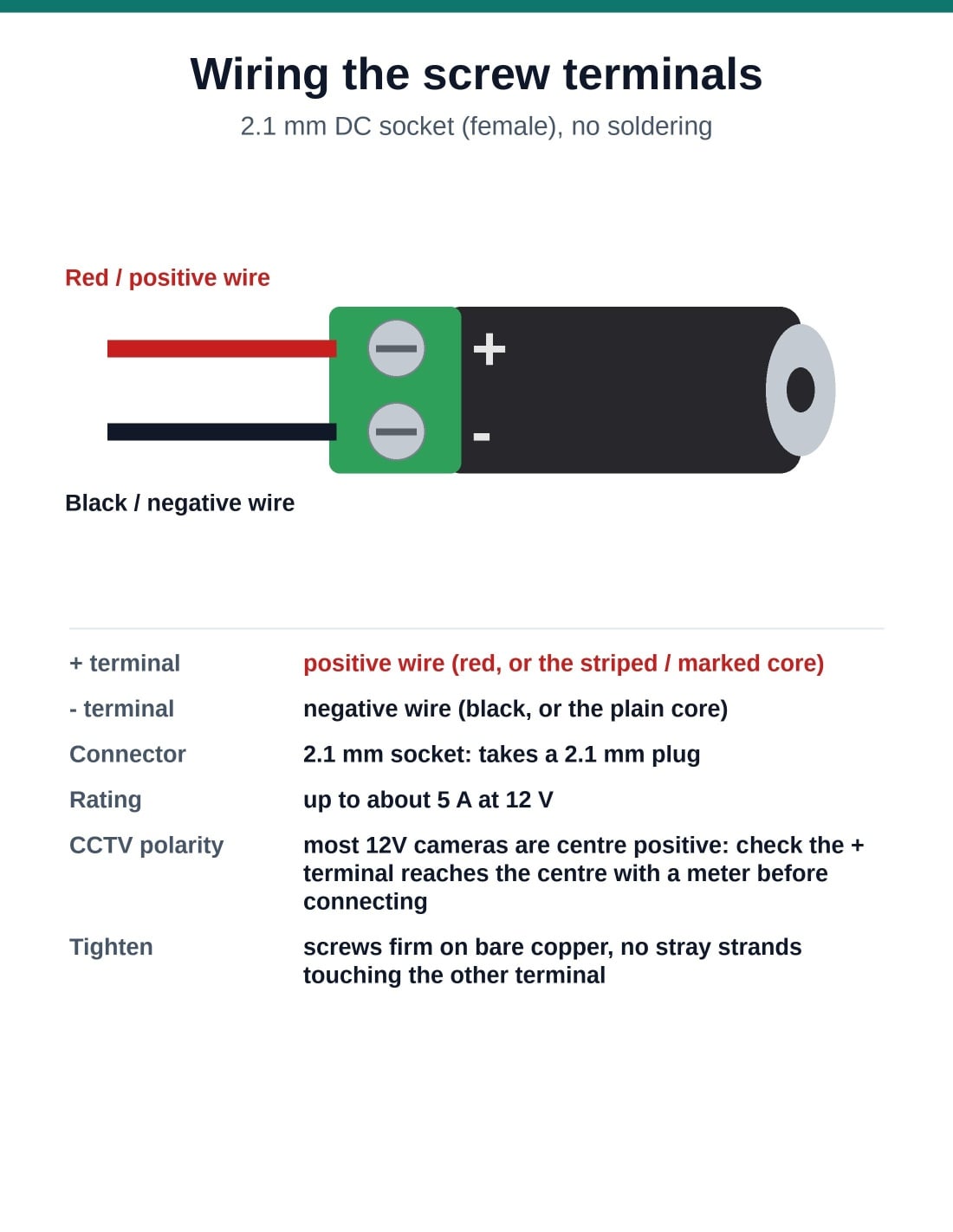
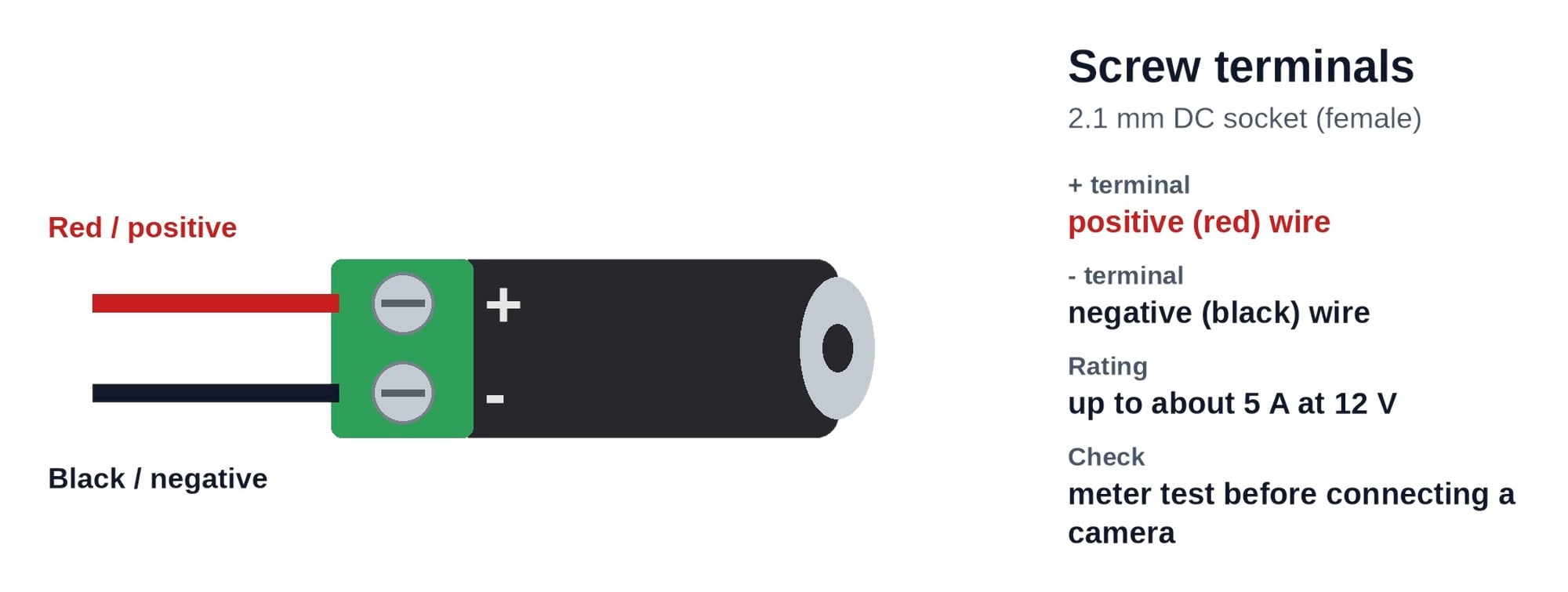
Positive (red or marked) wire into the + terminal, negative into the - terminal. Tighten firmly and give each wire a gentle tug.

04

Check, then connect

Plug in the supply and check the far end of the cable with a multimeter: about +12V on the positive wire. Then connect the camera.

Pair it with

The rest of the power run

Other end

Male plug to match

The IFT-DCM-P plug with screw terminals goes on the camera end of the same cable.

Power supply

12V 2A plug-pack

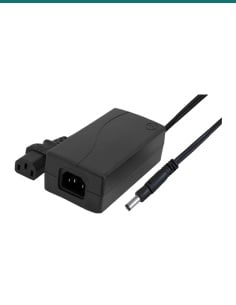
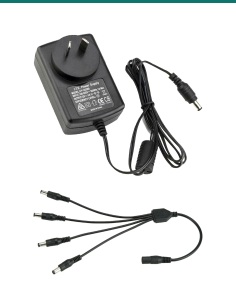
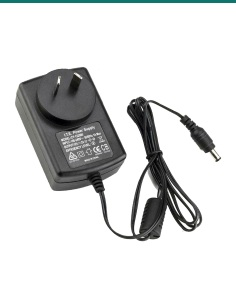
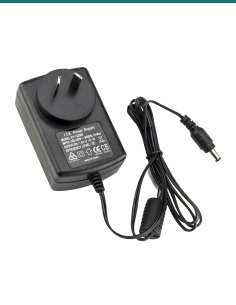
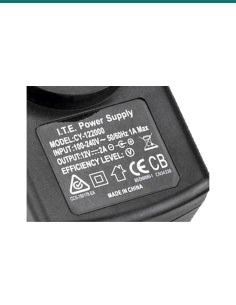
Our SR-PSU-12v2A 12V 2A supply has a 2.1 mm centre-positive plug that fits this socket.

More cameras

Split one supply

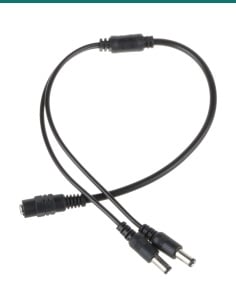
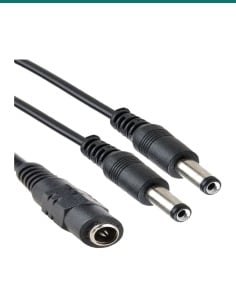
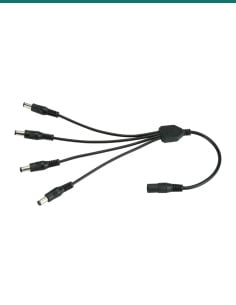
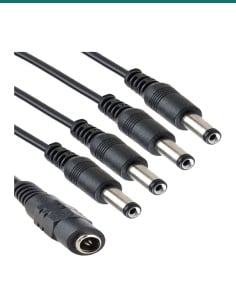
The SR-DCSP-1F2M and SR-DCSP-1F4M splitters run two or four cameras from one 2.1 mm supply.

Where it is used

Where a screw-terminal socket saves the day.

Supply to bare cable

Plug a 12V supply in and run figure-8 or two-core cable from the terminals to the camera.

Video baluns

Feed the power wires of a balun or power-and-video cable from a plug-pack.

Broken sockets

Replace a damaged socket on a camera or extension lead without soldering.

Power boxes

Bring a plug-pack's output into a terminal strip or distribution box.

Other low-voltage devices

Small 12V gear wired with bare cable, within the socket's rating.

Installer's kit

A handful in the van for quick repairs on site.

Female socket or male plug

IFT-DCF-S (this socket)IFT-DCM-P
Connector2.1 mm female socket2.1 mm male plug
Connects toTakes the supply's 2.1 mm plugGoes into the camera's 2.1 mm socket
Terminals2 screw terminals, + and -2 screw terminals, + and -
CurrentUp to about 5 A at 12VUp to about 5 A at 12V
Typical endSupply end of the runCamera end of the run

Use both to make a custom-length cable: this socket at the supply end, the plug at the camera end.

Common questions

What does this socket do?

It turns two bare power wires into a 2.1 mm female DC socket, using screw terminals instead of solder.

Will it suit my Swann system?

Yes, if the supply or lead you are plugging in has a 2.1 mm DC plug and the camera runs on 12V DC. This is a generic part, not made by Swann. Send us the model if you are not sure.

Which wire goes where?

The positive wire (usually red, or the striped or marked core) goes into the + terminal, the negative wire into the - terminal. The symbols are moulded into the body.

How much current can it carry?

Up to about 5 A at 12V, far more than a typical CCTV camera draws.

How do I check the polarity?

Plug in the supply, set a multimeter to DC volts and measure across the two wires at the far end. Red probe on the positive wire should read about +12V. A minus reading means the wires are swapped.

Do I need to solder anything?

No. Strip the wires, push them into the green terminals and tighten the screws.

Can I use it with a video balun?

Yes. Plug the supply into this socket and wire the terminals to the balun's power wires or the power pair of the cable.

What is the difference from the IFT-DCM-P?

The IFT-DCM-P is the male plug that goes into a camera. This IFT-DCF-S is the female socket that takes a supply's plug.

Can I power several cameras from it?

Yes, through a splitter or a terminal strip, as long as the supply covers all the cameras together and the total stays within about 5 A.

Can it go outdoors?

No weatherproof rating is given. Keep the connection inside a junction box or another dry place.

Does it work with PoE cameras?

No. PoE cameras take their power through the network cable, not a 2.1 mm plug.

How fast can I get it?

Choose Express Post at checkout for priority handling. Orders are tracked and dispatched the same business day when placed before the cutoff.

Supported by InFront Technologies.

Not sure which end you need? Call 1300 736 970 or email a photo of your cable and camera to [email protected] and we will help.

Installation and safety

Extra-low voltage only. For low-voltage camera supplies such as 12V DC plug-packs. Never connect it to mains.

Polarity. Reversed polarity can damage a camera. Check with a multimeter before you connect one.

Tight, clean terminals. Tighten the screws firmly on bare copper, with no stray strands touching the other terminal. A loose terminal runs hot and drops the camera out.

Keep it dry. No weatherproof rating is given. Keep the connection inside a junction box or another dry place.

Cabling. Cable run inside walls or ceilings alongside data cabling should follow AS/CA S009. A new power point needs a licensed electrician.

What it does not do. It does not make power or change the voltage, and it does not suit PoE network cameras.

Figures. From our listing for this part. It is a generic part with no manufacturer datasheet.

INFRONTTECH Promotional Banner INFRONTTECH Promotional Banner INFRONTTECH Promotional Banner

Need help choosing?

Tell us about your property and we'll recommend the right cameras and recorder.

07 5609 4910

Sydney 02 8814 6008
[email protected]

Mon–Fri, 9am–5pm AEST

Saved to your wishlist Find it any time in your account. View list